
Futuristic Audi Tron Concept Coupe
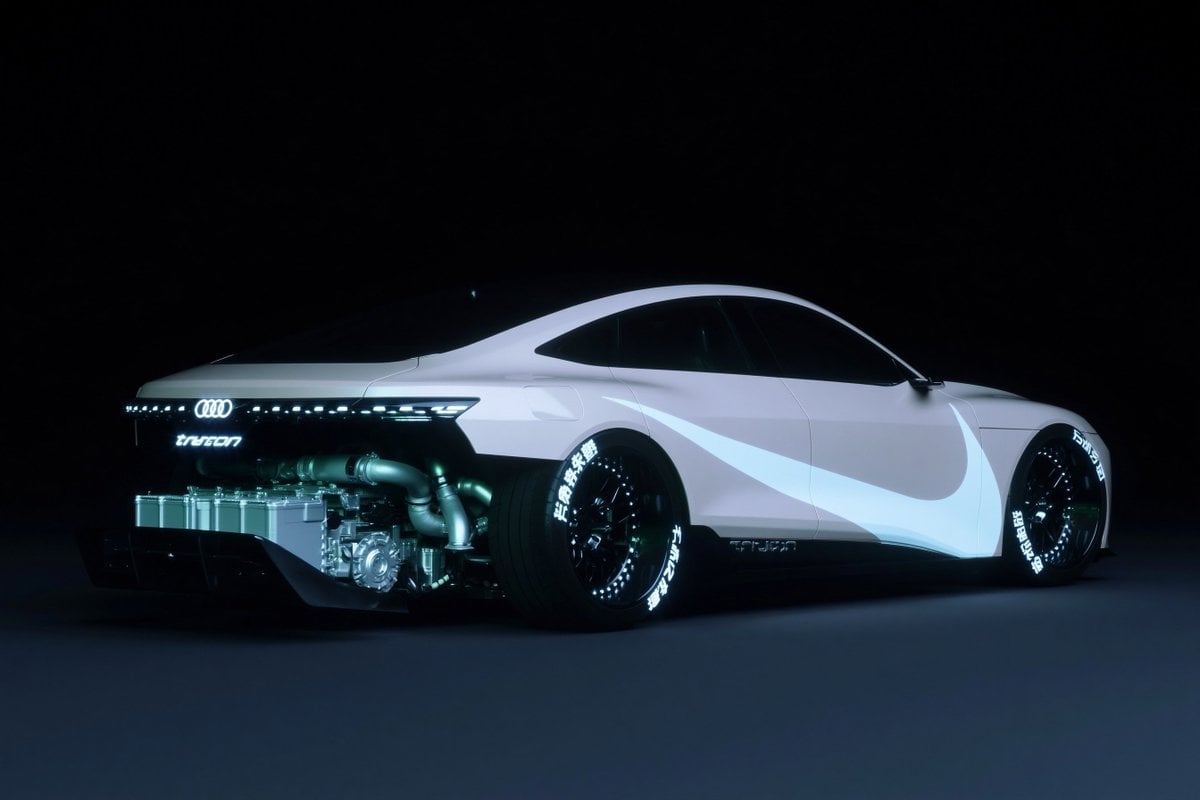
This prompt generates a dramatic studio render of a white futuristic Audi-like electric concept car with exposed rear mechanical components, ideal for sci-fi automotive concept art and premium vehicle visualization.
- Prompt included
- Model and format preset
- Free template
The prompt behind this image
Copy the exact prompt behind Futuristic Audi Tron Concept Coupe, or open it in the studio and make it yours.
A futuristic concept coupe based on an {argument name="car brand" default="Audi"}, shown in a low rear three-quarter side view facing right, isolated in a vast black studio with a dark matte floor and almost no background detail. The car has a sleek white body with a long fastback roofline, blacked-out windows, an ultra-low stance, wide body proportions, and smooth minimalist surfacing. The side features 1 large pale gray swoosh graphic across the door and rear quarter panel, resembling a sporty decal. The rear is partially transparent or cut away to expose the performance drivetrain: 1 visible battery pack mounted low behind the cabin, 1 exposed metallic motor or transmission assembly, and 3 thick silver exhaust or intake pipes curving through the rear mechanical bay. The tail includes a continuous thin LED light bar spanning the width, the Audi rings glowing at center, and the word “tron” illuminated beneath. The wheels are deep black multi-spoke performance rims with low-profile tires; both visible tires have glowing white sidewall lettering, with stylized Japanese characters and racing text. Add subtle illuminated branding near the side skirt and front wheel arch. Lighting is cinematic and moody with cool blue rim light, glossy reflections, soft bloom, and a faint cyberpunk halo around the illuminated elements. Hyper-detailed automotive render, premium concept-car design visualization, photorealistic materials, dramatic contrast, clean composition, no people.
How to use Futuristic Audi Tron Concept Coupe in 3 steps
- 1Upload ImagePNG, JPG or paste
Add your photo
Upload the photo the template builds on. The prompt, model and format are already set.
- 2…a portrait of your subject in softgolden-hour light, 85mm…
Personalize
Edit the subject and creative details for your destination.
- 3Generate
Generate
Press Generate — your image is created in PicX Studio, so you can compare it with the original and refine one variable at a time.
More like this
Templates with the same subject, style or setup. Open one to see its prompt.

Glass Brand Logo Volcanic Landscape

Futuristic Chrome Helmet Fashion Portrait

Futuristic Studio Neon Ring Minimalist Portrait

Blueprint Split Reality Archetype Prompt
Futuristic Chrome Helmet Fashion Portrait

Real Illustration Split Portrait Transition
Futuristic Studio Neon Ring Minimalist Portrait

Black Liquid Cyberpunk Portrait Poster

Cyberpunk Neon Brazil World Cup Poster

Playful Futuristic Brand Kit Board

Futuristic Anime Tactical Concept Sheet
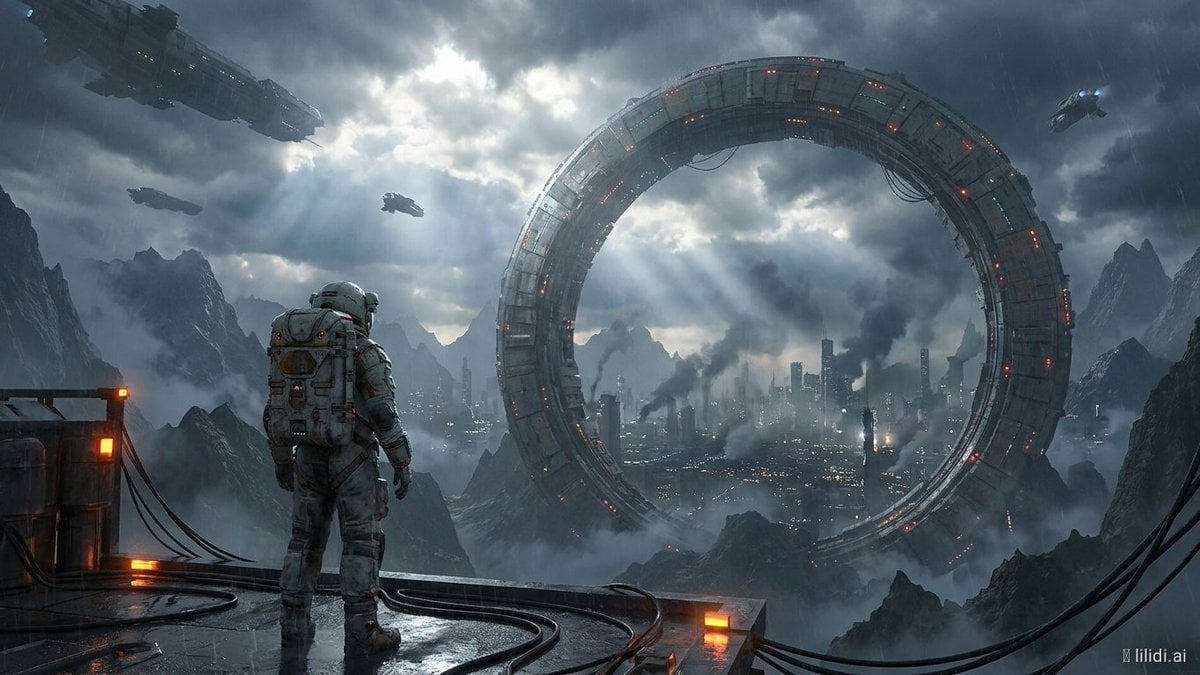
Futuristic Ring Megacity Concept Art
Make it yours
Futuristic Audi Tron Concept Coupe works as-is. These are the safest ways to change it without losing the look.
Change one field
Copy a single group, rewrite it, and generate again so you can see what that field is doing.
Keep the frame, change the subject
Hold the composition and light of Futuristic Audi Tron Concept Coupe, then swap wardrobe, props or the person for a new take.
| If the result… | Why | Fix |
|---|---|---|
| The result drifts from the preview | Too many fields changed at once. | Reuse Futuristic Audi Tron Concept Coupe as-is first, then change one group — subject, light, or setting. |
| The model over-stylizes the scene | The prose prompt leaves finish and camera underspecified. | Add one camera or lighting sentence and stay on GPT Image 2. |
More GPT Image 2 templates
Other prompts made for GPT Image 2.

Six VTuber Japanese Logo Sheet

Realistic Portrait of Woman and Deer

The Vista Modular Condo Poster

AI Model Routing Comparison Infographic

2.5D Anime Art Board

Isometric Productivity Desk Scene

New York Double Exposure Poster

Four-Panel AI Landscape Comparison

Japanese Tatami Lifestyle Magazine Cover

NESCAFÉ Coffee Map Poster
More image prompts
Fresh picks from across the catalog.
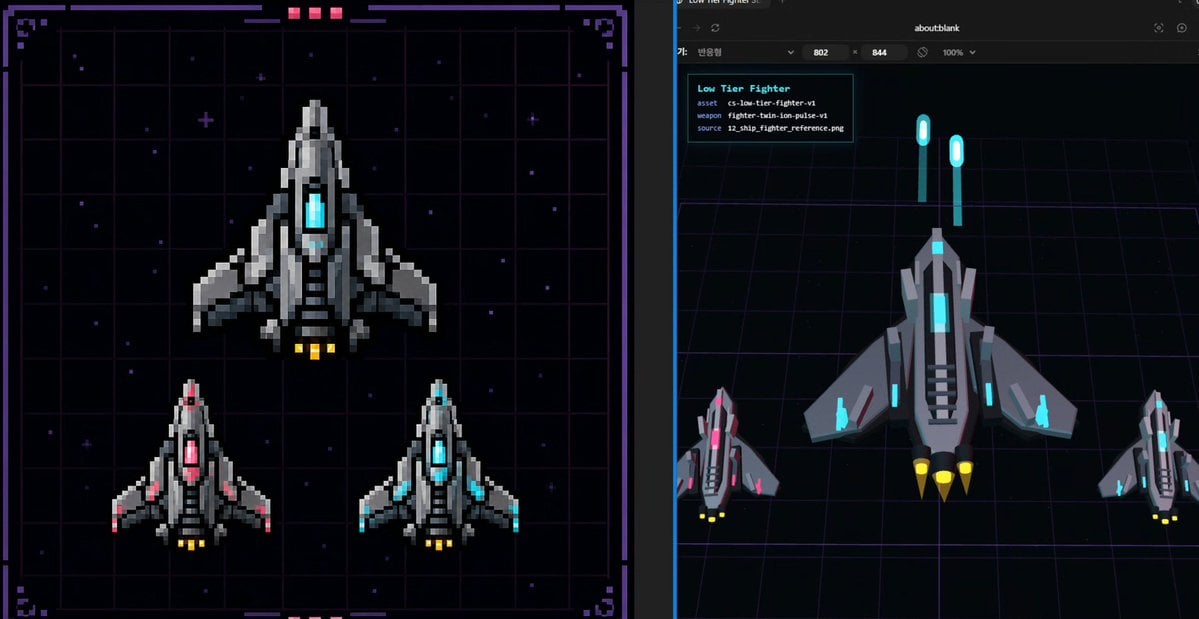
Pixel Fighter to 3D Asset Sheet
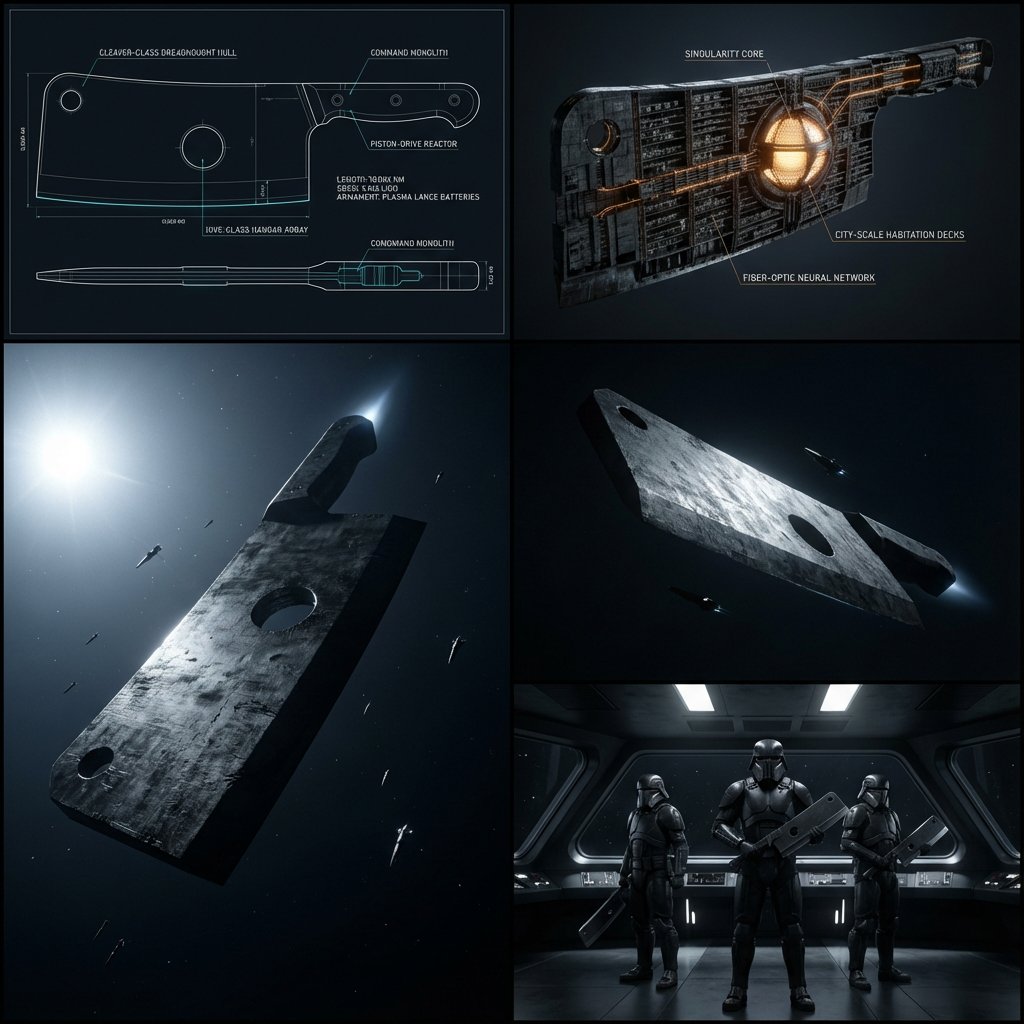
Kitchen Utensil to Interstellar Warship Transformation

Hyper Realistic Cinematic Street

Luxury Chronograph Macro Design
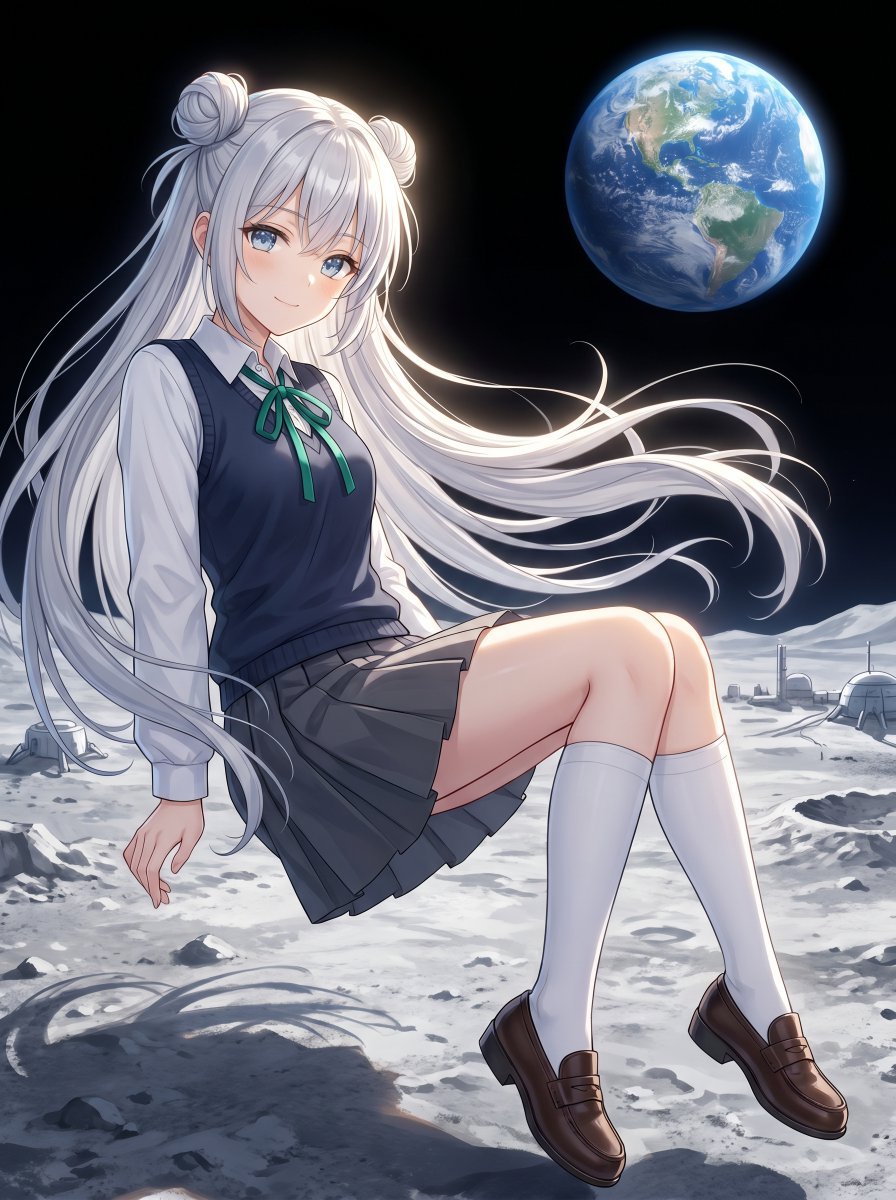
Anime Schoolgirl Floating on the Moon

Cinematic Pink Blossom Couture Portrait

Doodle Couple Diary Illustration

Retro Futurism smart watch prompt

Cubist Chinese Membership Promo Poster
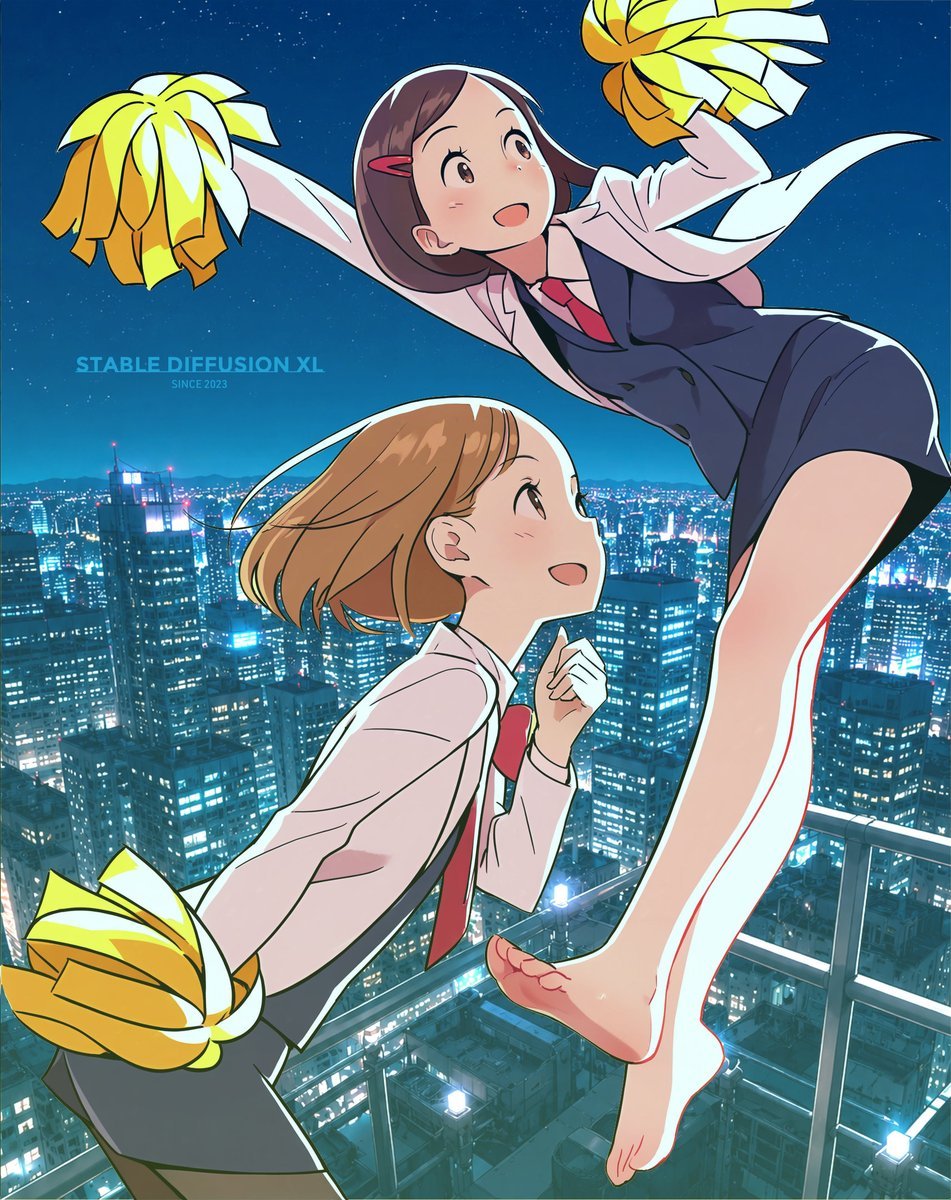
Anime Rooftop Cheerleaders at Night
Browse template categories
Futuristic Audi Tron Concept Coupe questions
How do I use the Futuristic Audi Tron Concept Coupe template?
Add your photo if the template asks for one, edit the prompt if you like — the template's model and format are already selected — and press Generate. Your version opens in PicX Studio.
Can I customize the Futuristic Audi Tron Concept Coupe template?
Yes. You can change the subject, setting, lighting, mood, format, and available model controls before creating your image.
Is the Futuristic Audi Tron Concept Coupe template free?
Opening and editing this template is free. Generating uses credits, shown on the Generate button when you are signed in.
Which AI model should I use?
Start with GPT Image 2, which is the model associated with this template. You can compare another compatible model for a different finish.
Looking for something else? Browse all templates.

Your photo, any look
Thousands of ready templates for every top image and video model, from one credit balance.