
Doodle Couple Diary Illustration
Generates a cozy 2.5D hand-drawn couple illustration with playful neighborhood doodles for romantic lifestyle memories.
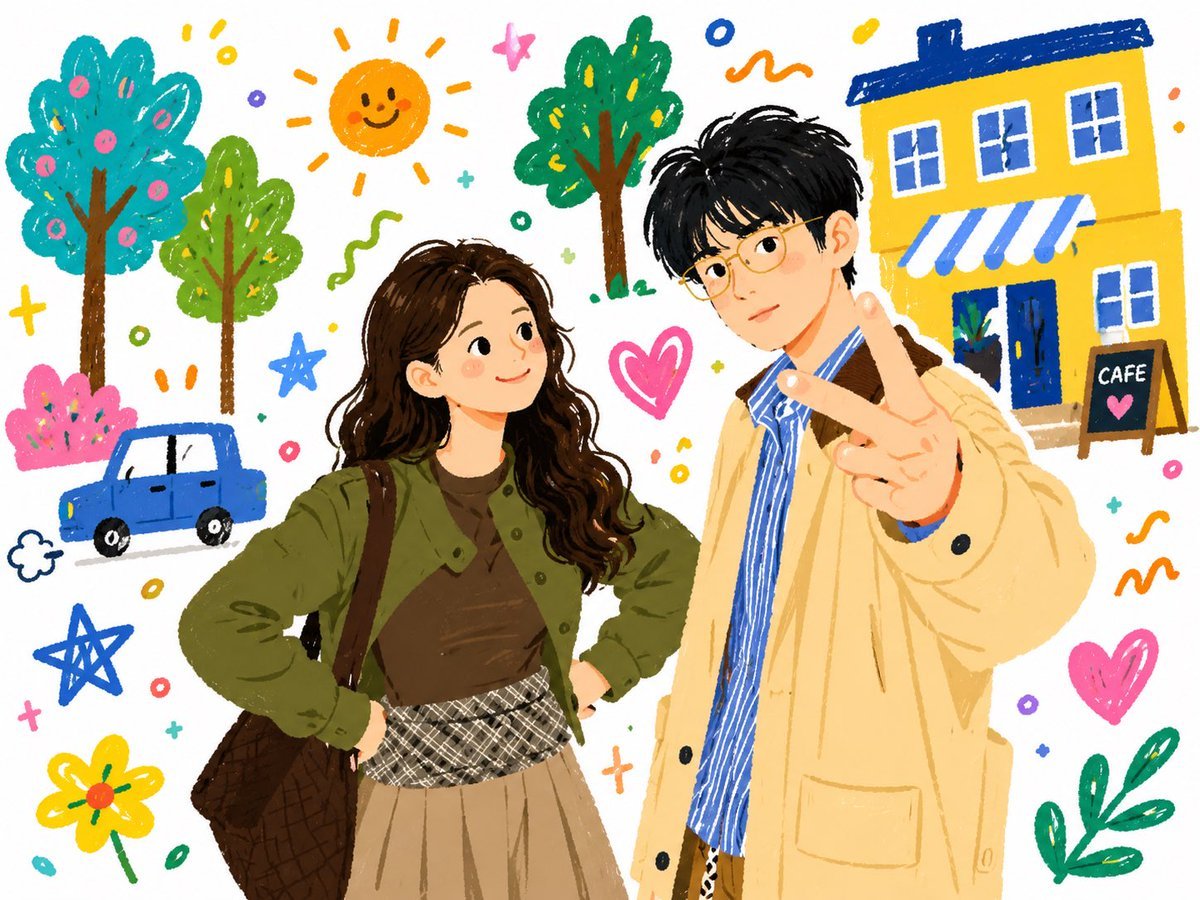
- Prompt included
- Model and format preset
- Free template
The prompt behind this image
Copy the exact prompt behind Doodle Couple Diary Illustration, or open it in the studio and make it yours.
Create a warm 2.5D flat hand-drawn doodle illustration like a gentle fairy-tale diary entry, on a clean white background with colorful crayon and marker textures. Show {argument name="couple description" default="a young couple taking a casual daytime selfie-style pose"}: exactly 2 faceless people in the foreground, with softly blurred blank facial areas and expressive body language. The woman stands on the left with long wavy {argument name="woman hair color" default="dark brown"} hair, wearing an olive-green jacket over a brown top, a beige pleated skirt with a black-and-white plaid waistband, and a dark brown quilted shoulder bag; her hands rest confidently on her hips. The man stands on the right, slightly taller, with short black tousled hair, wearing a pale yellow trench coat over a blue-and-white striped shirt, holding one hand close to the viewer in a playful peace sign. Surround them with a cheerful everyday neighborhood doodle scene: exactly 3 rounded trees, 1 smiling orange sun with rays, 1 small blue car, 1 bright yellow cafe building with blue roof trim, blue-and-white striped awning, blue door, white windows, and 1 sidewalk chalkboard sign reading {argument name="sign text" default="CAFE"} with a pink heart. Add exactly 3 pink hearts, exactly 3 star doodles, exactly 1 yellow flower, plus scattered tiny circles, crosses, squiggles, dots, and confetti marks in blue, pink, yellow, orange, green, and purple. Use thick imperfect outlines, visible scribble strokes, soft painterly shading on the people, playful proportions, cozy romantic mood, and a nostalgic scrapbook-photo feeling, as if a real daily snapshot was transformed into a tender children’s picture-book memory. Use a bright palette dominated by {argument name="main palette" default="sunny yellow, olive green, sky blue, pink, and warm brown"}, with no photorealism and no hard shadows.
How to use Doodle Couple Diary Illustration in 3 steps
- 1Upload ImagePNG, JPG or paste
Add your photo
Upload the photo the template builds on. The prompt, model and format are already set.
- 2…a portrait of your subject in softgolden-hour light, 85mm…
Personalize
Edit the subject and creative details for your destination.
- 3Generate
Generate
Press Generate — your image is created in PicX Studio, so you can compare it with the original and refine one variable at a time.
More like this
Templates with the same subject, style or setup. Open one to see its prompt.












Make it yours
Doodle Couple Diary Illustration works as-is. These are the safest ways to change it without losing the look.
Change one field
Copy a single group, rewrite it, and generate again so you can see what that field is doing.
Keep the frame, change the subject
Hold the composition and light of Doodle Couple Diary Illustration, then swap wardrobe, props or the person for a new take.
| If the result… | Why | Fix |
|---|---|---|
| The result drifts from the preview | Too many fields changed at once. | Reuse Doodle Couple Diary Illustration as-is first, then change one group — subject, light, or setting. |
| The model over-stylizes the scene | The prose prompt leaves finish and camera underspecified. | Add one camera or lighting sentence and stay on GPT Image 2. |
More GPT Image 2 templates
Other prompts made for GPT Image 2.

Six VTuber Japanese Logo Sheet

Realistic Portrait of Woman and Deer

The Vista Modular Condo Poster

AI Model Routing Comparison Infographic

2.5D Anime Art Board

Isometric Productivity Desk Scene

New York Double Exposure Poster

Four-Panel AI Landscape Comparison

Japanese Tatami Lifestyle Magazine Cover

NESCAFÉ Coffee Map Poster
More image prompts
Fresh picks from across the catalog.

Ultra-Realistic Portrait with Pose Variations

Ultra-Realistic Man in Angry Birds World
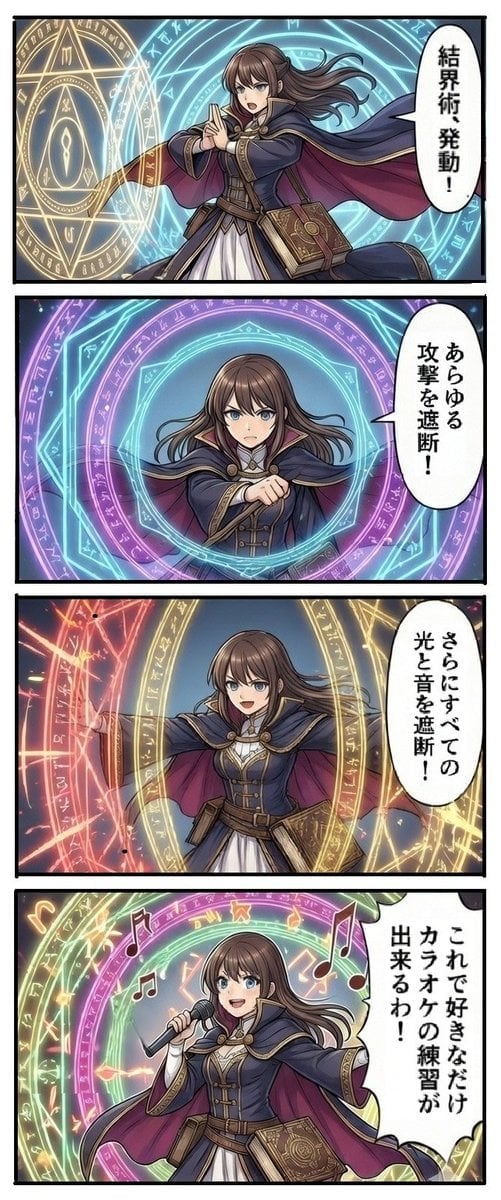
Magic Barrier Technique Drawing Test
Seamless Pattern of Cartoonish Fancy Goldfish
Dark Fantasy Knight Wallpaper Generation with Nano Banana 2
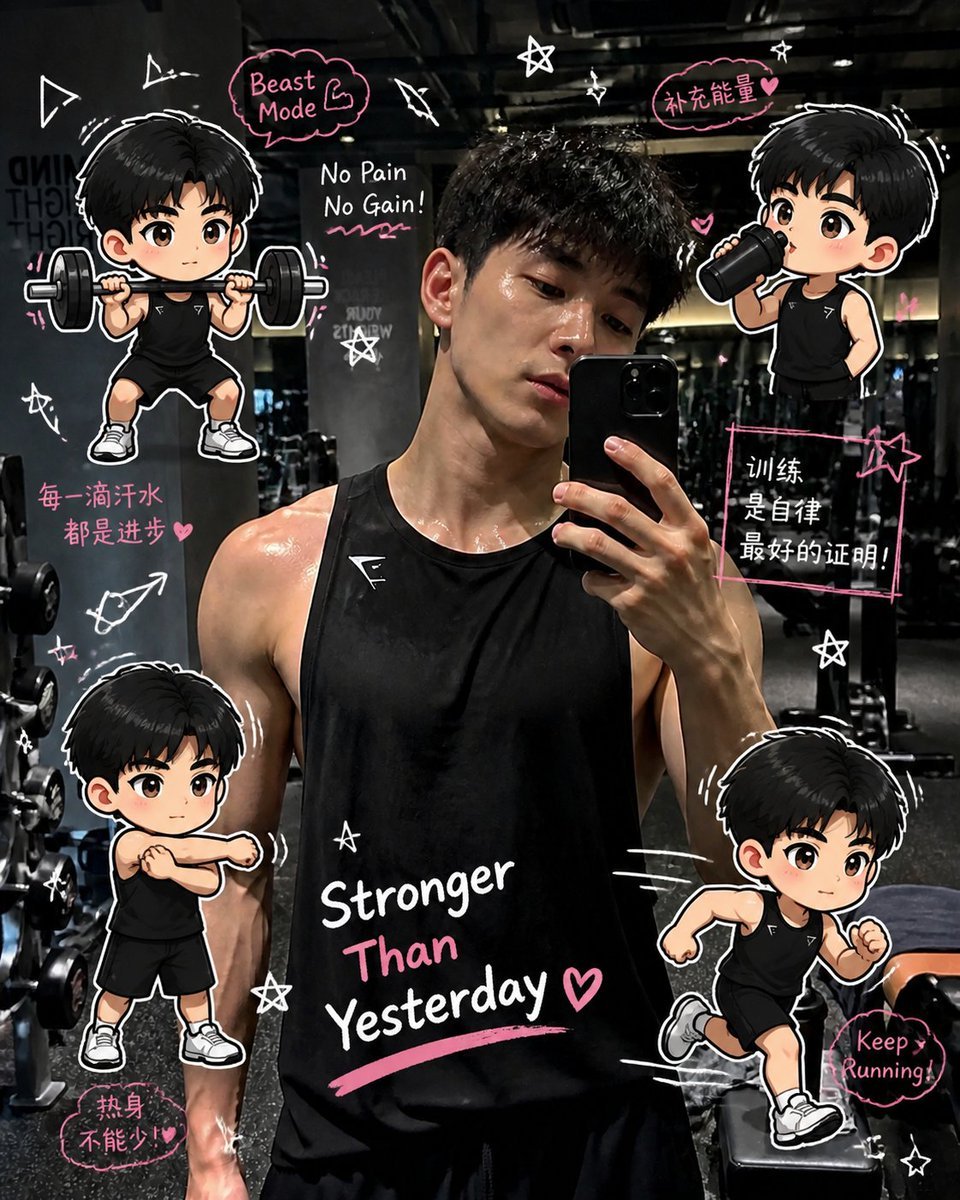
Gym Photo Chibi Transformation
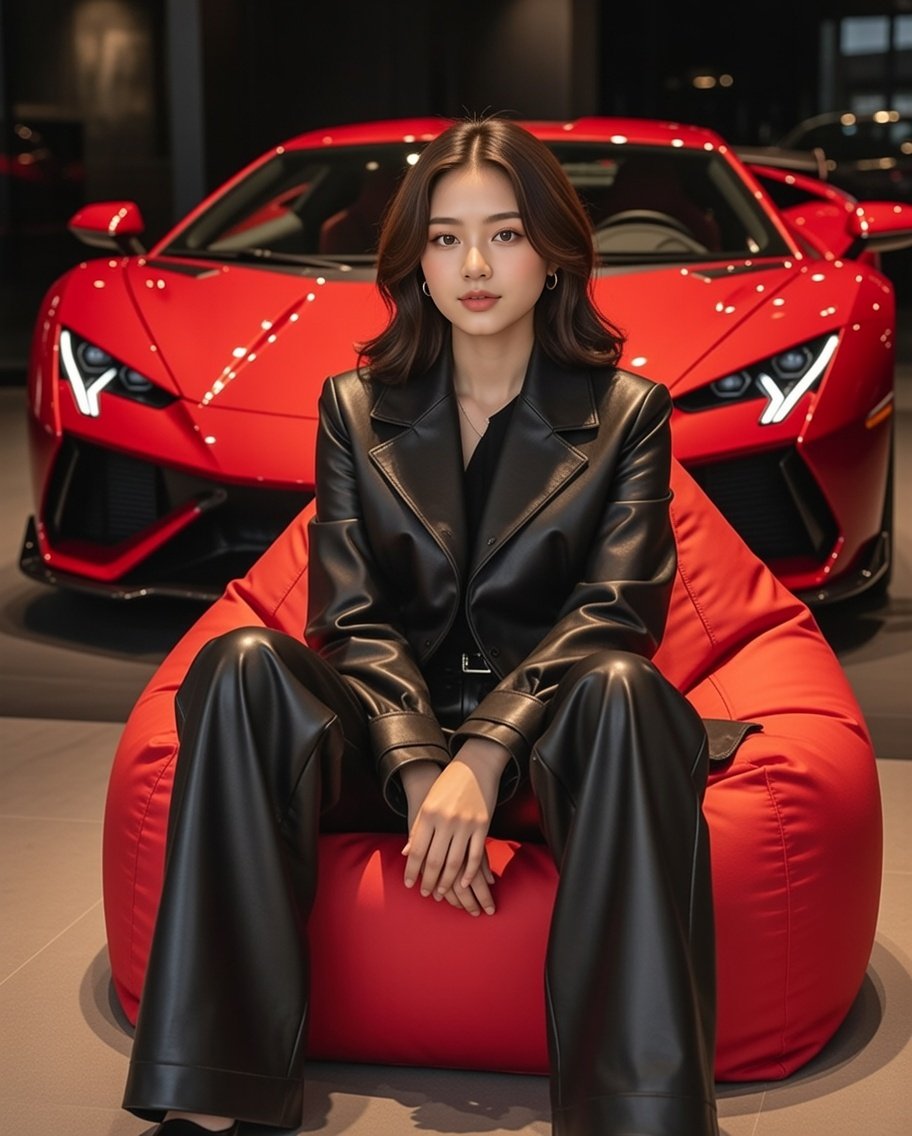
Luxury Showroom Scene with Red Supercar and All-Black Outfit
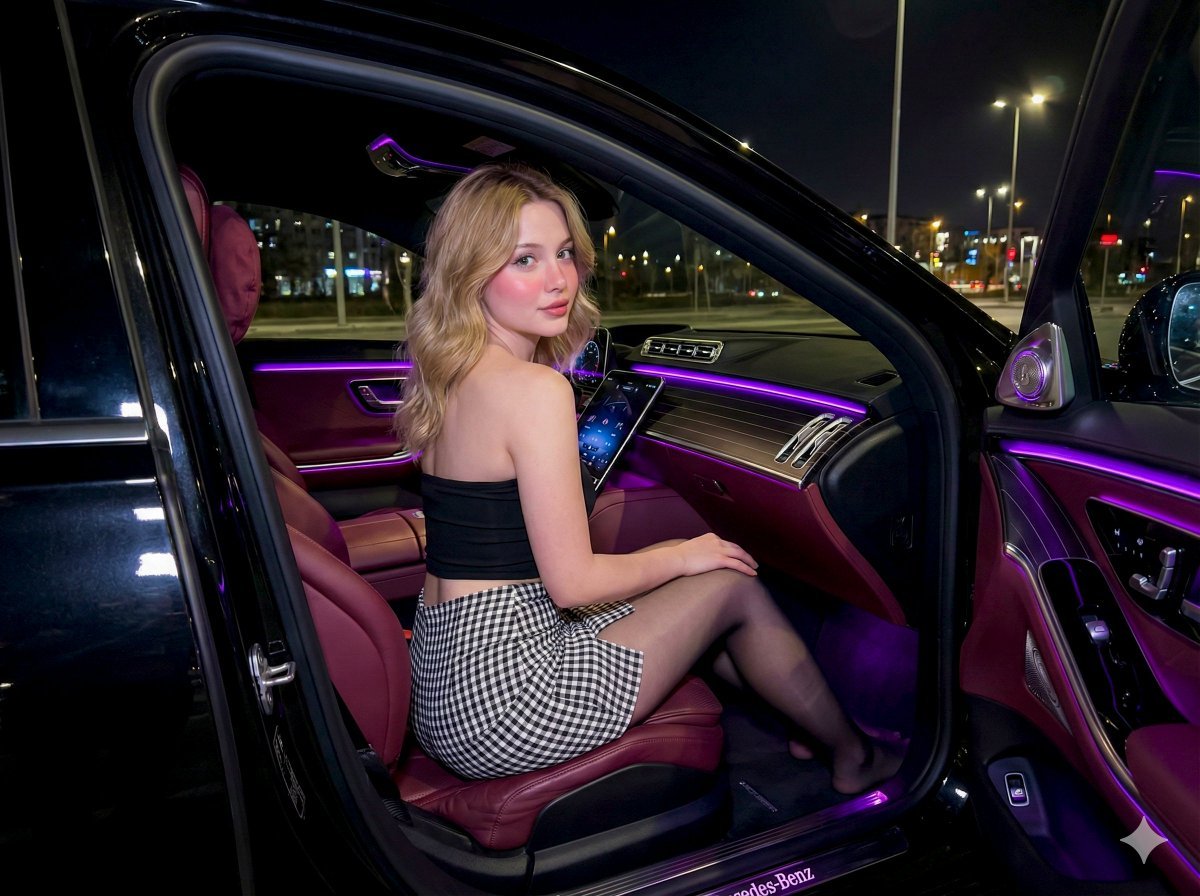
Nighttime Mercedes S-Class Interior Portrait with Purple Ambient Light
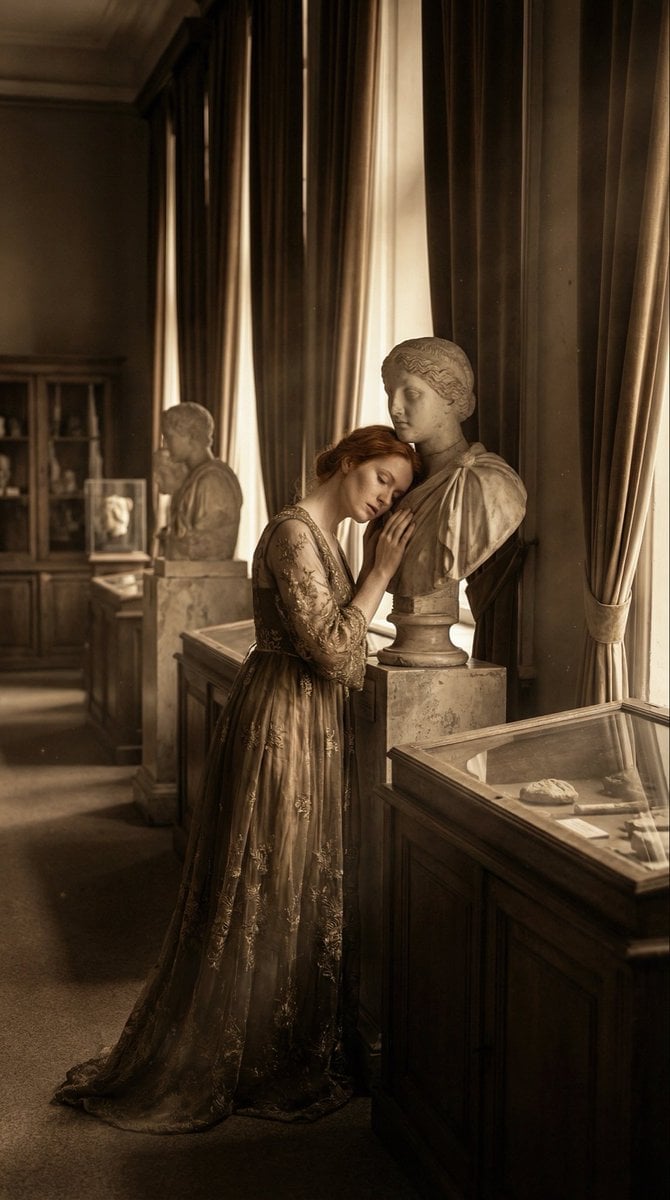
Melancholic Marble Bust Portrait
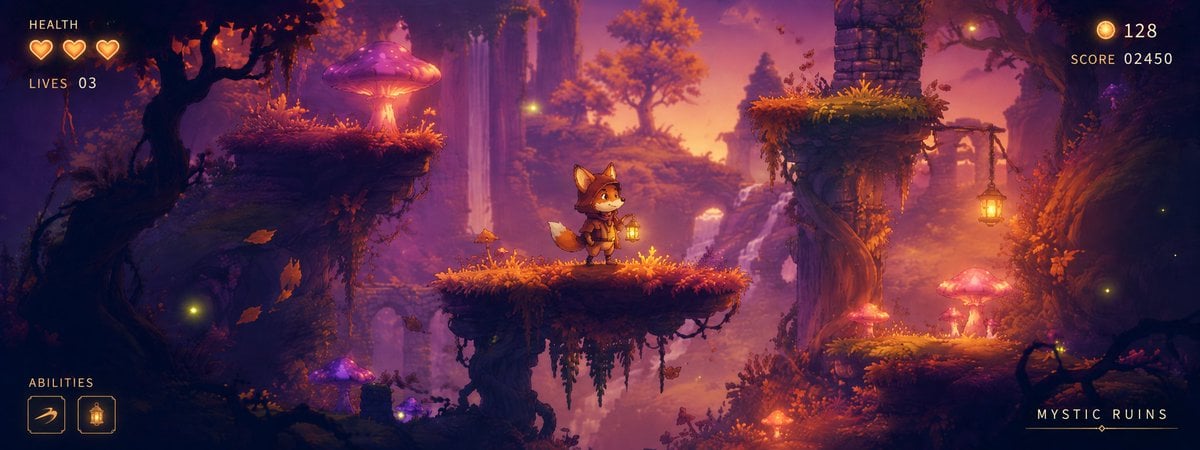
Mystic Ruins Platformer Screenshot
Browse template categories
Doodle Couple Diary Illustration questions
How do I use the Doodle Couple Diary Illustration template?
Add your photo if the template asks for one, edit the prompt if you like — the template's model and format are already selected — and press Generate. Your version opens in PicX Studio.
Can I customize the Doodle Couple Diary Illustration template?
Yes. You can change the subject, setting, lighting, mood, format, and available model controls before creating your image.
Is the Doodle Couple Diary Illustration template free?
Opening and editing this template is free. Generating uses credits, shown on the Generate button when you are signed in.
Which AI model should I use?
Start with GPT Image 2, which is the model associated with this template. You can compare another compatible model for a different finish.
Looking for something else? Browse all templates.

Your photo, any look
Thousands of ready templates for every top image and video model, from one credit balance.