
Mystic Ruins Platformer Screenshot
A polished fantasy 2D platformer gameplay mockup with a fox hero, magical ruin platforms, glowing mushrooms, and a complete HUD overlay.
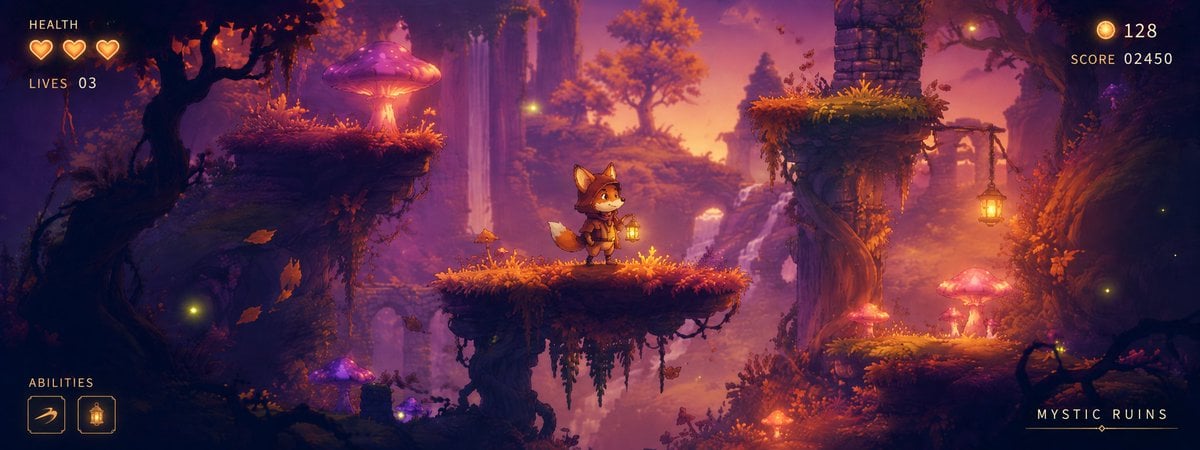
- Prompt included
- Model and format preset
- Free template
The prompt behind this image
Copy the exact prompt behind Mystic Ruins Platformer Screenshot, or open it in the studio and make it yours.
Goal: Create a polished 2D side-scrolling platformer concept screenshot for a fantasy game level called {argument name="level title" default="MYSTIC RUINS"}, showing a playable prototype scene with HUD elements overlaid. Canvas: Wide cinematic 24:9 game screenshot, approximately 1200×450 px. Use a layered parallax composition with strong depth: dark foreground silhouettes, midground playable platforms, and a misty glowing background. No borders or watermark. Scene: A magical ancient forest ruin at sunset/night, with warm orange, magenta, purple, and deep navy lighting. The environment is dense with gnarled trees, hanging vines, moss, floating dust/fireflies, crumbling stone arches, waterfalls in the distance, and oversized bioluminescent mushrooms glowing pink, violet, and amber. The mood is cozy, mysterious, adventurous, and high-fantasy. Layout and counted scene elements: Include exactly 4 main walkable platforms: 1 large dark mossy ledge on the upper left with a giant glowing purple-pink mushroom on it, 1 central moss-covered platform where the hero stands, 1 elevated upper-right ruined stone platform with a broken stone column and hanging lantern, and 1 lower-right mossy platform with glowing mushrooms. Add distant ruined arches and cliffs in the background, but keep them non-playable and atmospheric. Place the hero slightly left of center on the central platform. Hero character: A small cute anthropomorphic fox adventurer, chibi proportions, orange fur, cream muzzle and tail tip, wearing a small brown adventurer outfit with boots, belt, scarf or capelet, and holding a warm glowing lantern. The character should face right in an idle pose, readable as a playable sprite against the environment. HUD and text content: Top left HUD has the label “HEALTH” in small pale-gold pixel/fantasy UI text, with exactly 3 glowing heart icons underneath. Below that show “LIVES 03”. Bottom left HUD has the label “ABILITIES” and exactly 2 square ability icons: one dash/slash icon and one lantern/light icon. Top right HUD shows a small gold coin icon followed by “128”, and below it “SCORE 02450”. Bottom right shows the level title “{argument name="level title" default="MYSTIC RUINS"}” in widely spaced white-gold capitals with a thin decorative line beneath it. Visual style: High-quality painterly 2D game art, whimsical platformer concept art, soft bloom, volumetric mist, cinematic rim lighting, sharp readable silhouettes, detailed foliage and moss, glowing particles, warm lantern light, vibrant fantasy color grading, suitable for a playable 2D platformer prototype. Constraints: Keep the image as a single gameplay screenshot, not a menu or poster. Make all HUD text clean and legible. Do not add extra hearts, ability icons, characters, enemies, dialogue boxes, logos, or watermarks.
How to use Mystic Ruins Platformer Screenshot in 3 steps
- 1Upload ImagePNG, JPG or paste
Add your photo
Upload the photo the template builds on. The prompt, model and format are already set.
- 2…a portrait of your subject in softgolden-hour light, 85mm…
Personalize
Edit the subject and creative details for your destination.
- 3Generate
Generate
Press Generate — your image is created in PicX Studio, so you can compare it with the original and refine one variable at a time.
More like this
Templates with the same subject, style or setup. Open one to see its prompt.

Minecraft Next-Gen Voxel World Screenshot

Ancient Temple Portrait — White Dress Nano Banana
Mystical Ancient Guardian Portrait
Mystic Woman Extraordinary Cinematic Portrait
Mystical Sailing Ship at Sea
Astronaut Tending Bonsai in Space Ruins
Mystical Waterfall Fantasy Portrait
Mystical Woman by Cascading Waterfall
Censored Goth Portrait in Graffiti Ruins
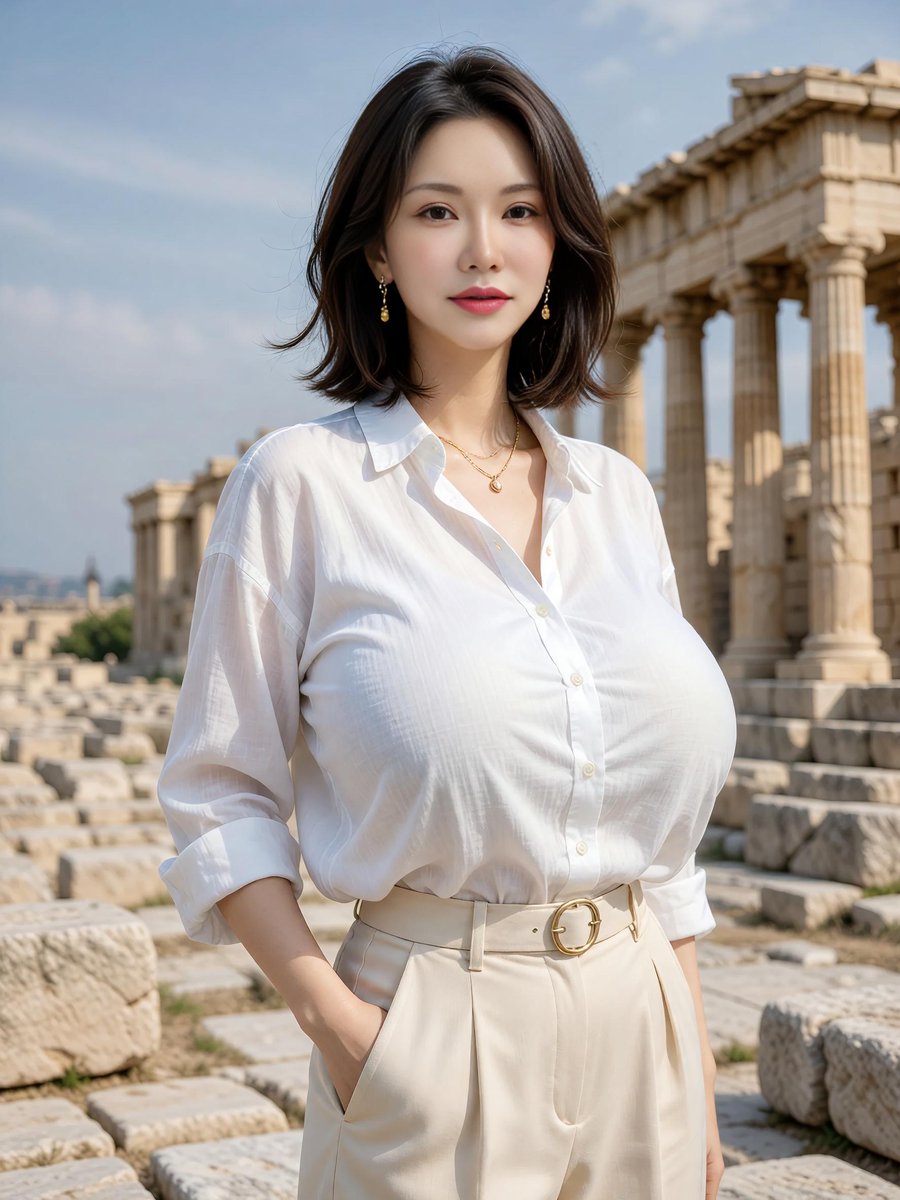
Elegant Portrait at Greek Temple Ruins
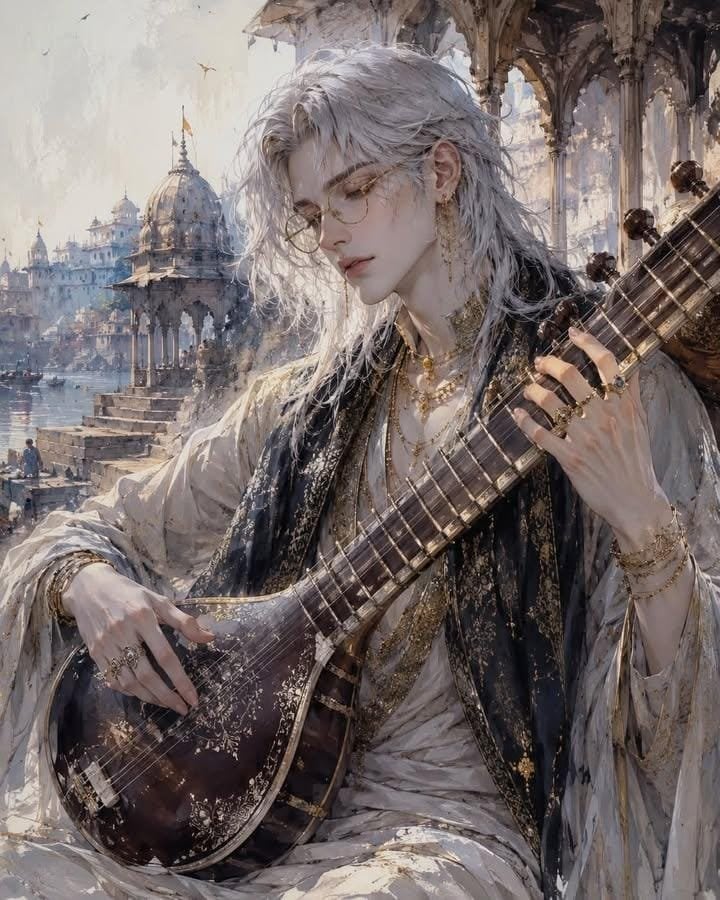
Ethereal Androgynous Musician in Ancient Ruins
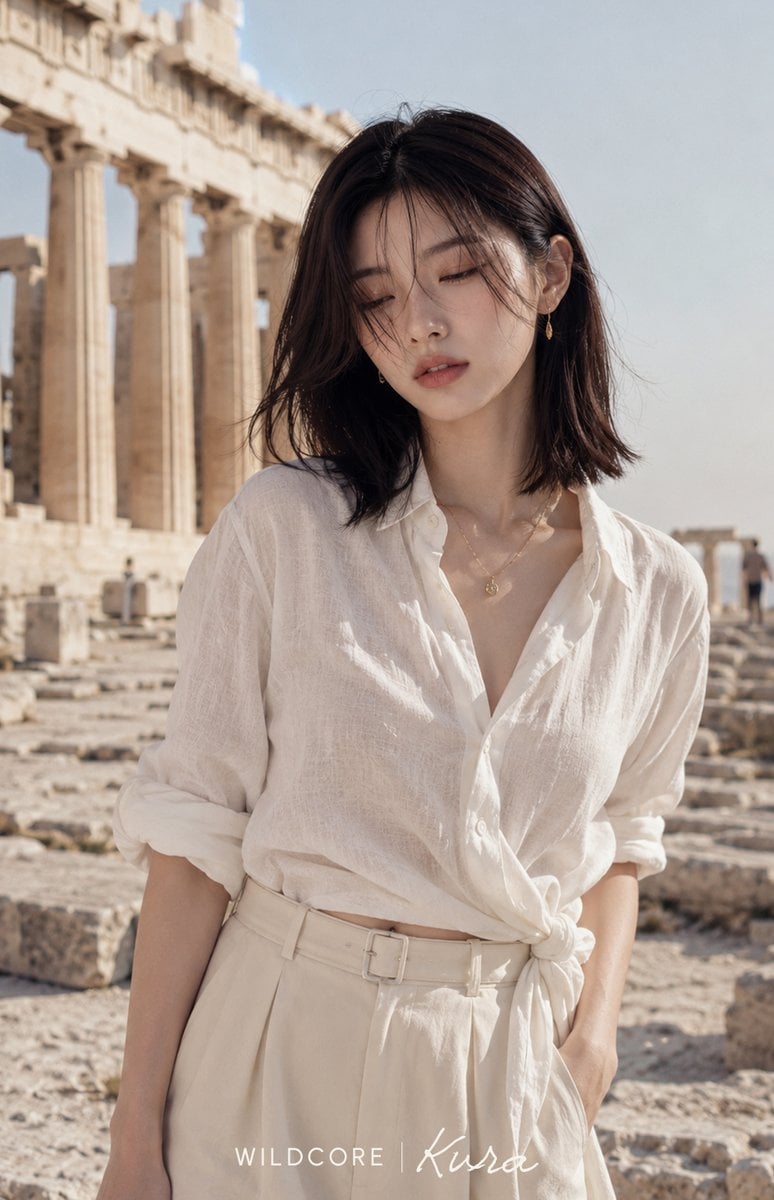
Linen Fashion Portrait at Greek Ruins
Make it yours
Mystic Ruins Platformer Screenshot works as-is. These are the safest ways to change it without losing the look.
Change one field
Copy a single group, rewrite it, and generate again so you can see what that field is doing.
Keep the frame, change the subject
Hold the composition and light of Mystic Ruins Platformer Screenshot, then swap wardrobe, props or the person for a new take.
| If the result… | Why | Fix |
|---|---|---|
| The result drifts from the preview | Too many fields changed at once. | Reuse Mystic Ruins Platformer Screenshot as-is first, then change one group — subject, light, or setting. |
| The model over-stylizes the scene | The prose prompt leaves finish and camera underspecified. | Add one camera or lighting sentence and stay on GPT Image 2. |
More GPT Image 2 templates
Other prompts made for GPT Image 2.

Six VTuber Japanese Logo Sheet

Realistic Portrait of Woman and Deer

The Vista Modular Condo Poster

AI Model Routing Comparison Infographic

2.5D Anime Art Board

Isometric Productivity Desk Scene

New York Double Exposure Poster

Four-Panel AI Landscape Comparison

Japanese Tatami Lifestyle Magazine Cover

NESCAFÉ Coffee Map Poster
More image prompts
Fresh picks from across the catalog.
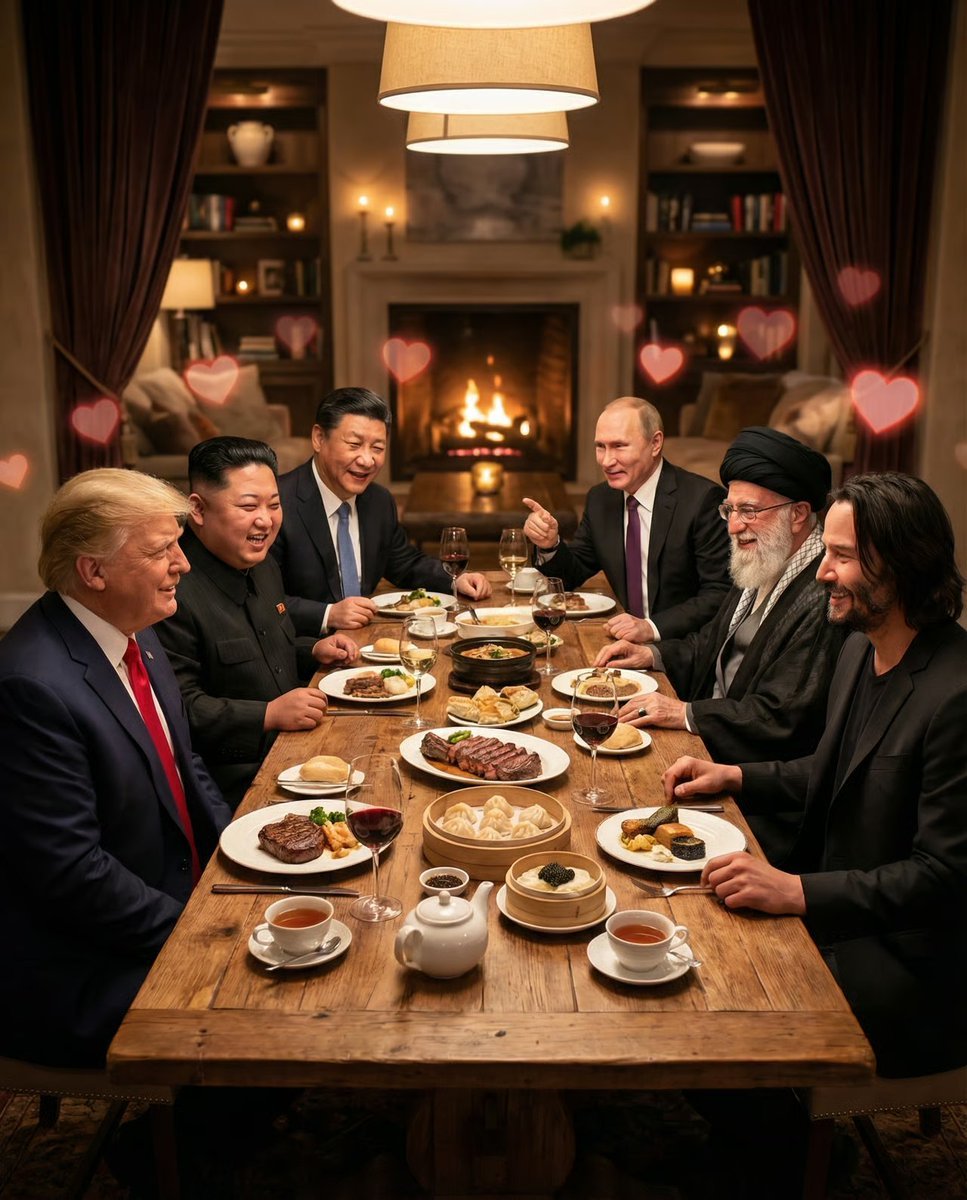
Intimate Date Scene Generator for Multiple Characters
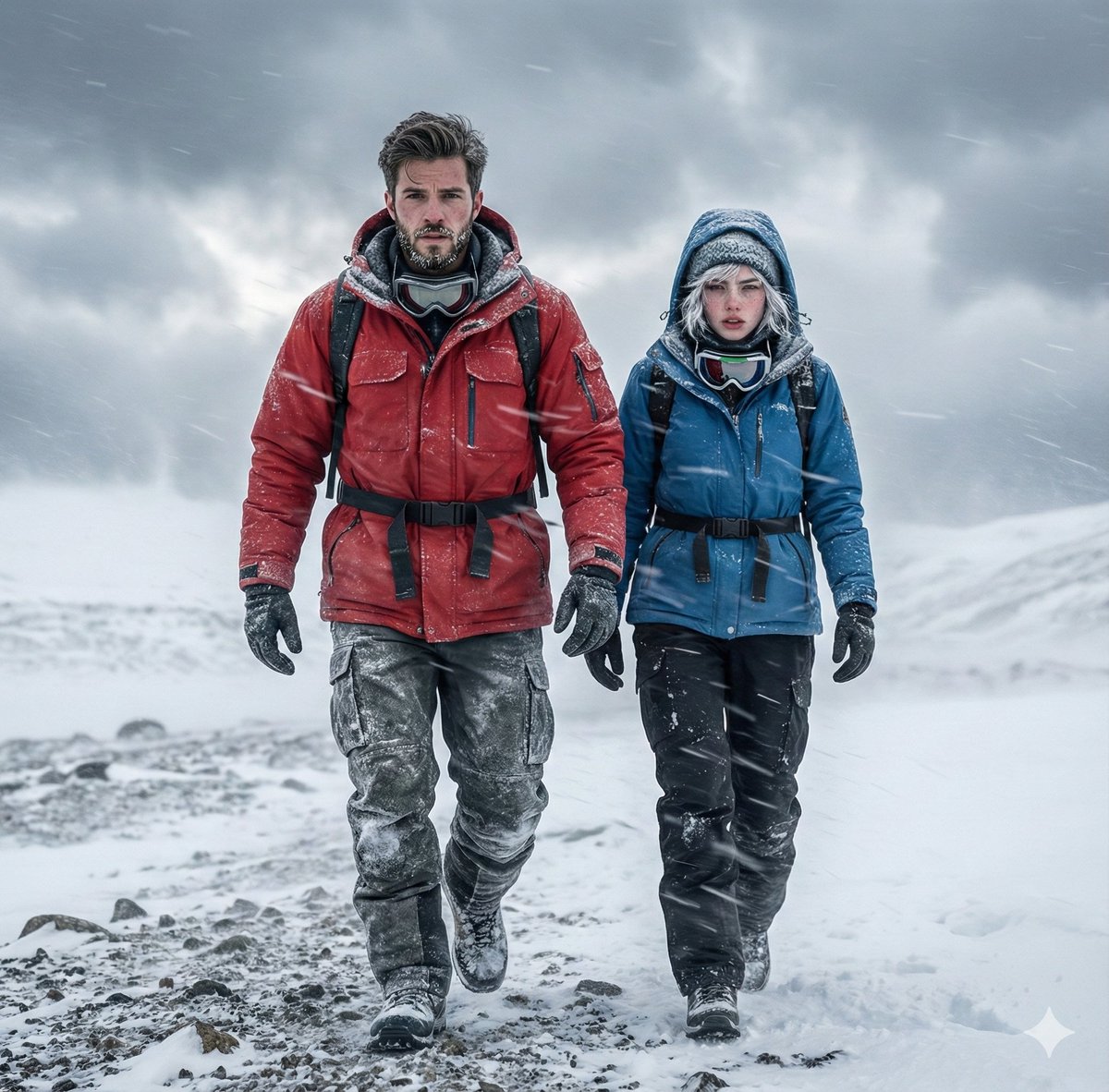
Alaskan Snowstorm Couple Prompt (Reference Based)
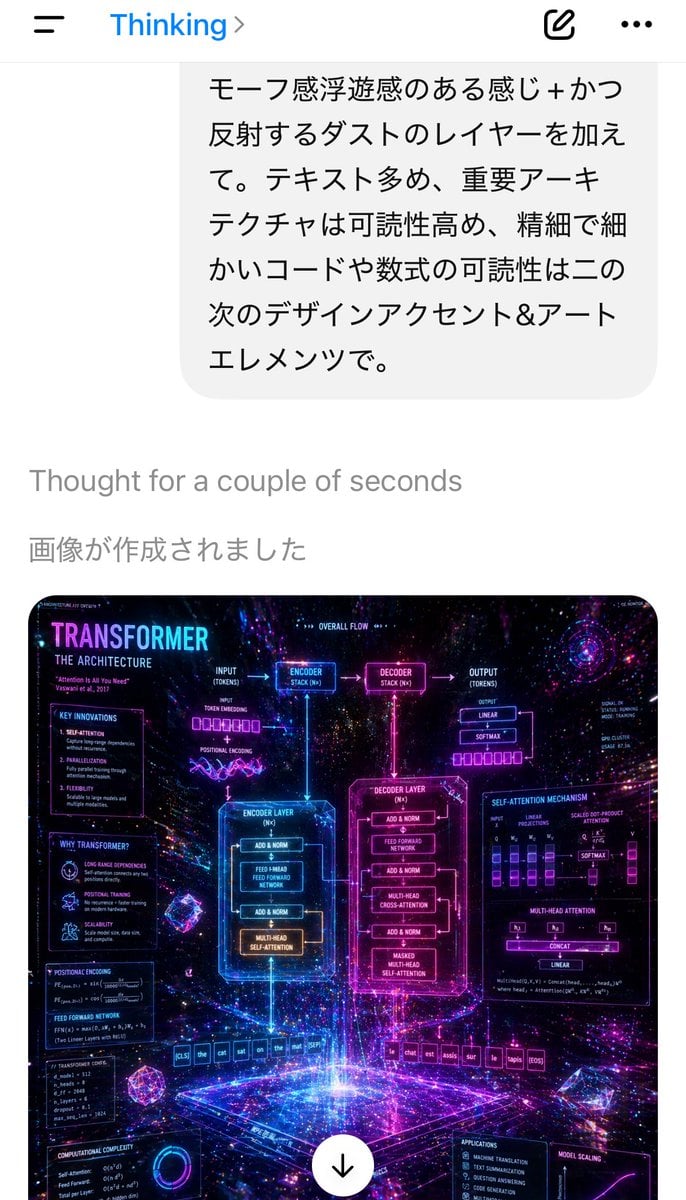
Mobile AI Chat Screenshot with Transformer Poster
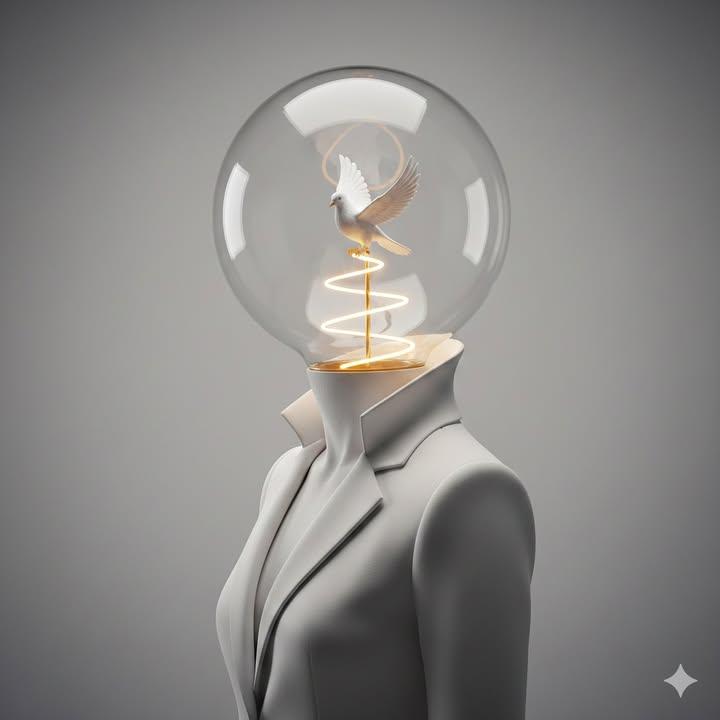
Surreal Minimalist Conceptual Artwork Prompt
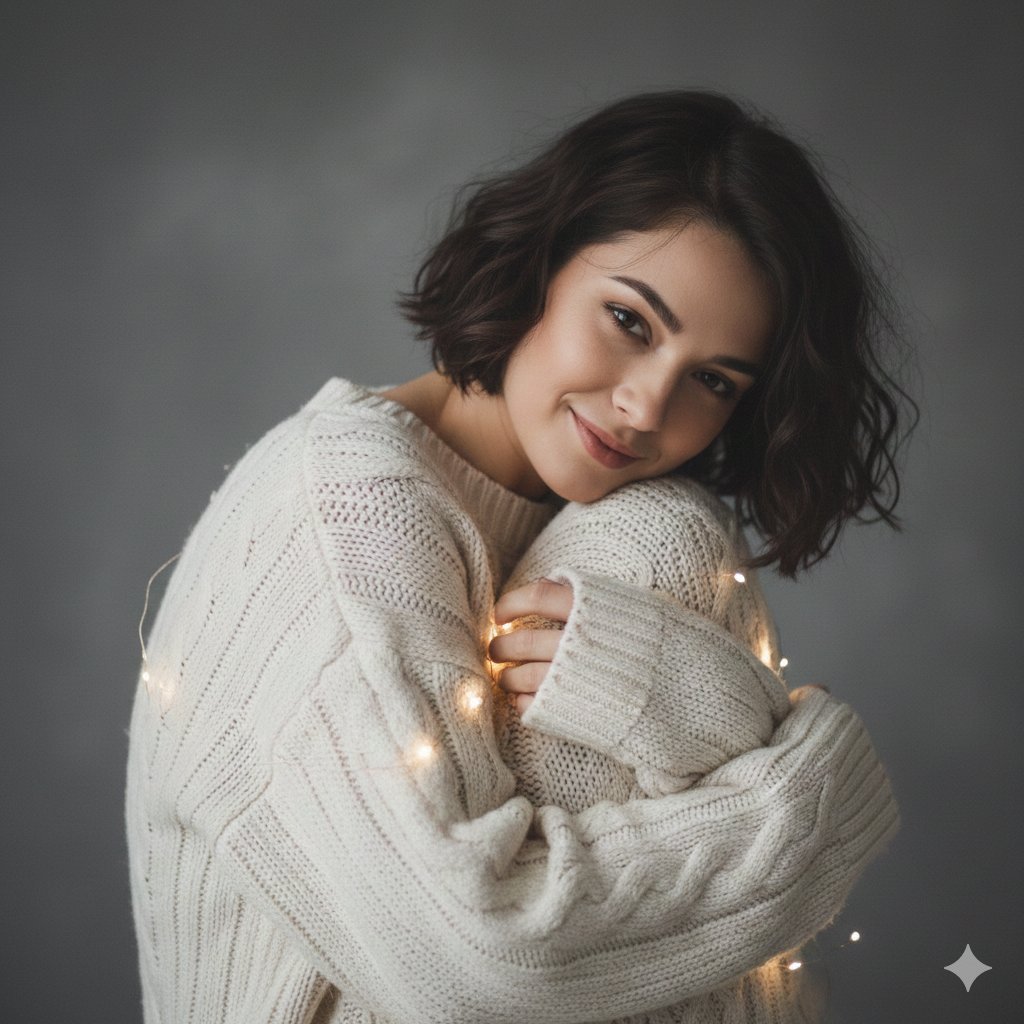
Intimate Studio Portrait with Fairy Lights Prompt
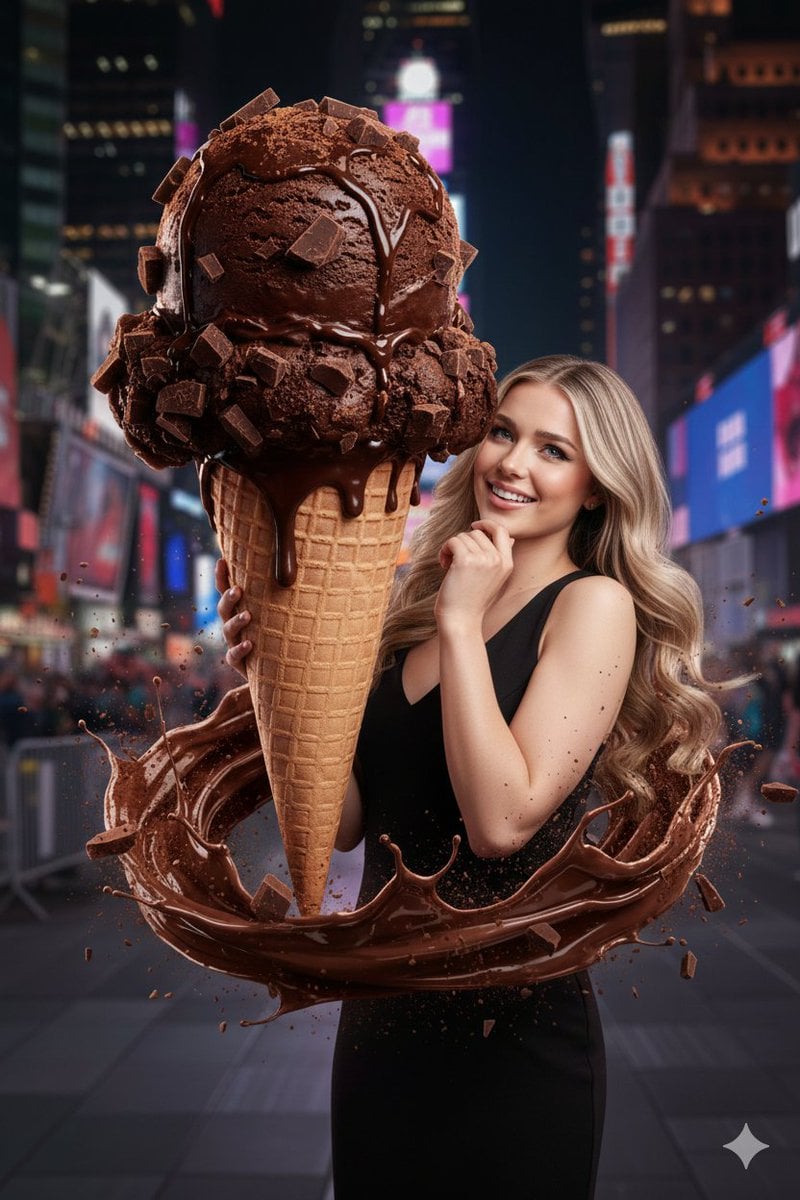
Hyperrealistic Chocolate Ice Cream Commercial Prompt
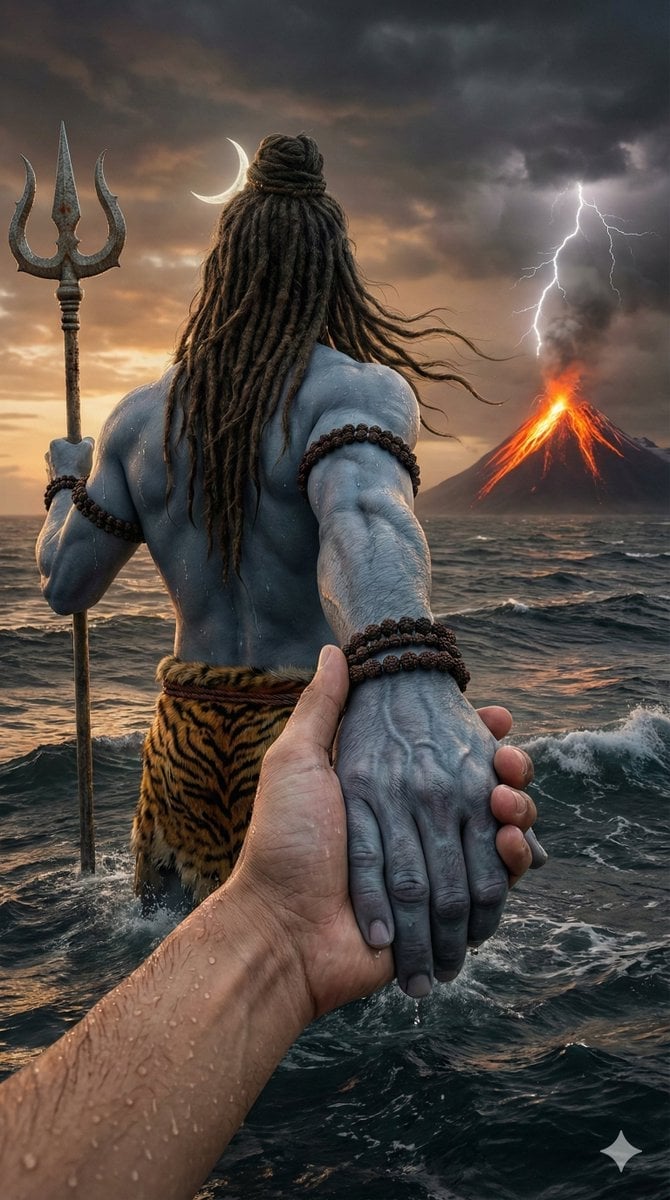
Lord Shiva Hand-Holding Cinematic Scene Prompt
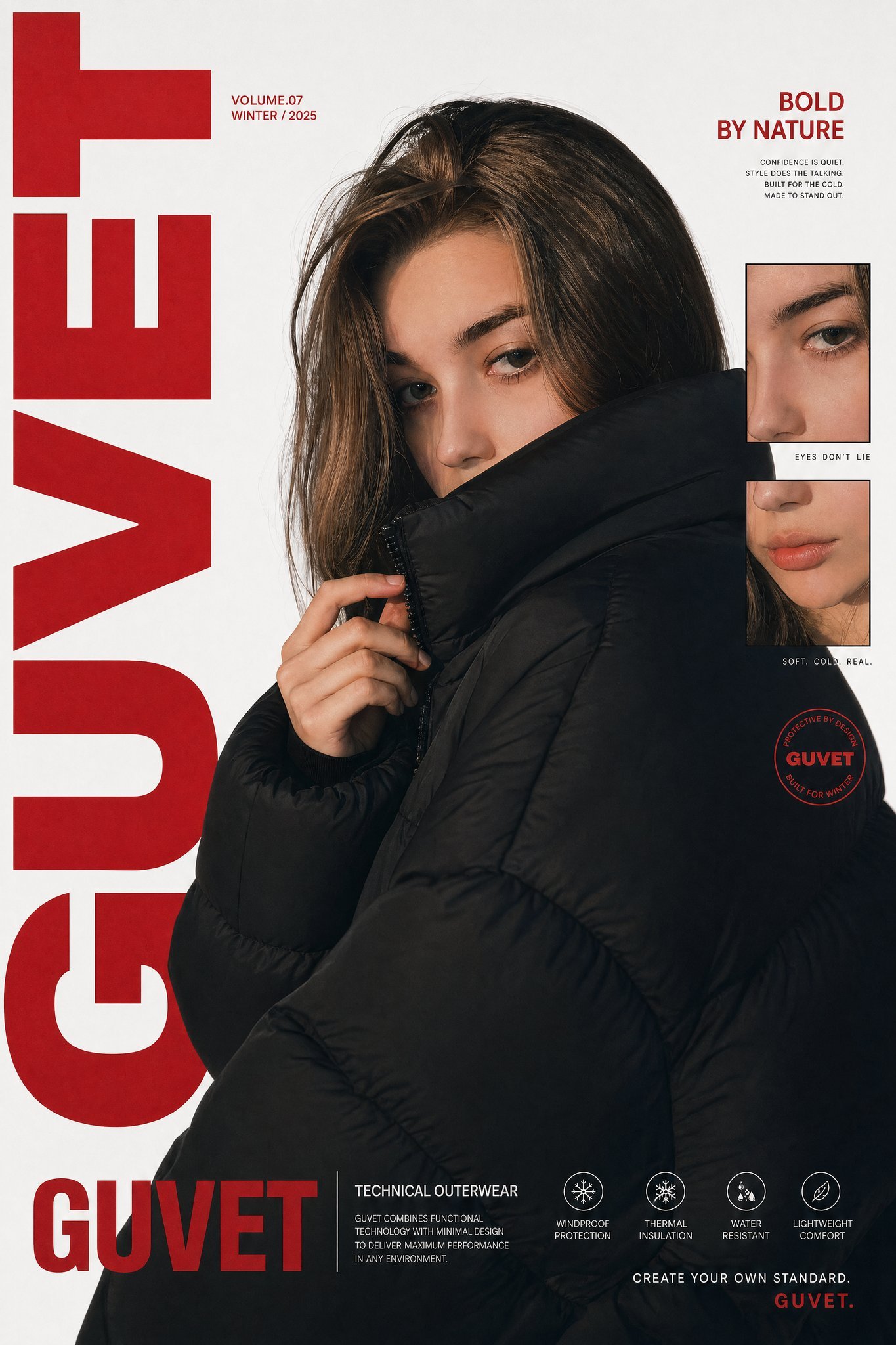
X Saniaspeaks Created with Gpt Image 2 on Chatgpt

Audi S4 Promotional Poster

Luxury Sunglasses Summer Sale Ad
Browse template categories
Mystic Ruins Platformer Screenshot questions
How do I use the Mystic Ruins Platformer Screenshot template?
Add your photo if the template asks for one, edit the prompt if you like — the template's model and format are already selected — and press Generate. Your version opens in PicX Studio.
Can I customize the Mystic Ruins Platformer Screenshot template?
Yes. You can change the subject, setting, lighting, mood, format, and available model controls before creating your image.
Is the Mystic Ruins Platformer Screenshot template free?
Opening and editing this template is free. Generating uses credits, shown on the Generate button when you are signed in.
Which AI model should I use?
Start with GPT Image 2, which is the model associated with this template. You can compare another compatible model for a different finish.
Looking for something else? Browse all templates.

Your photo, any look
Thousands of ready templates for every top image and video model, from one credit balance.