
Ethereal Androgynous Musician in Ancient Ruins
A detailed prompt for an ethereal fantasy illustration of a musician with silver hair playing a traditional instrument in ancient architectural settings.
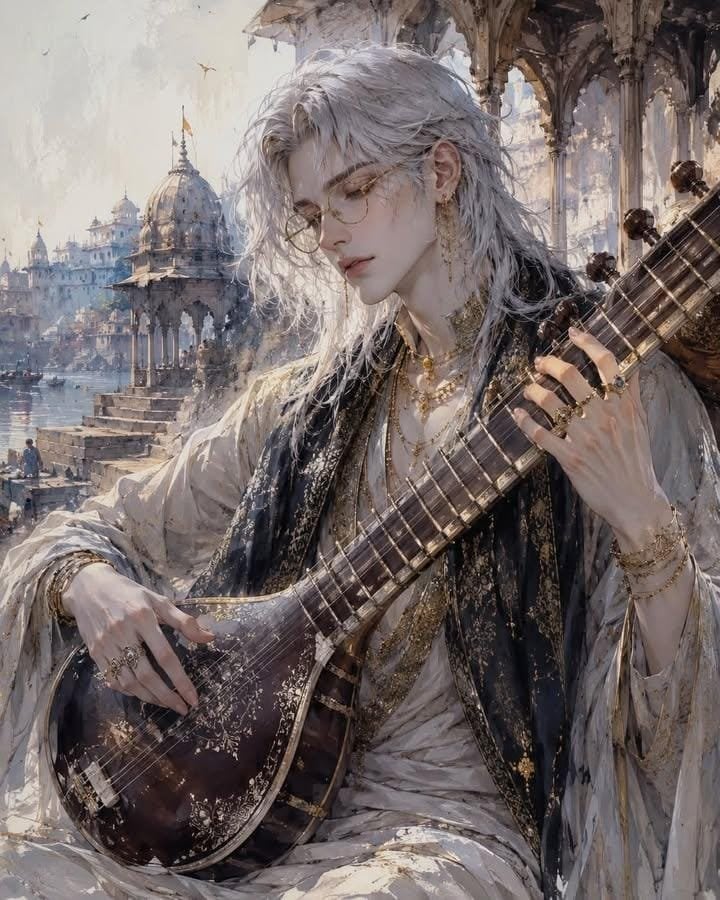
- Prompt included
- Model and format preset
- Free template
The prompt behind this image
Copy the exact prompt behind Ethereal Androgynous Musician in Ancient Ruins, or open it in the studio and make it yours.
A breathtaking ethereal fantasy portrait of an androgynous young wandering musician with {argument name="hair" default="voluminous tousled white-silver hair"}, delicate porcelain skin, soft youthful facial features, round vintage gold-rim glasses, elegant dangling earrings, layered rings and fine jewelry, wrapped in flowing oversized robes, embroidered fabrics, weathered cloaks and long scarves with intricate textures. The character gently plays a {argument name="instrument" default="traditional string instrument (lute, sitar, or mandolin)"}, standing or sitting in a {argument name="location" default="majestic ancient historical location inspired by Petra, Rajasthan, forgotten temples, sandstone ruins, and desert architecture"}. Wind sweeps through the clothing and hair, creating dynamic motion. Warm peach, ivory, sandstone, blush pink, dusty beige, muted gray and gold color palette, dreamy cinematic sunlight, soft atmospheric haze, watercolor and ink wash textures, painterly concept art, highly detailed brushwork, delicate line art, elegant composition, ornate costume design, fantasy travel illustration, East-meets-Middle-Eastern aesthetics, Art Nouveau influences, ultra-detailed illustration, premium artbook quality, trending on ArtStation, CGSociety masterpiece, 8K, HDR, intricate textures, expressive lighting, subtle splatter effects, minimal background distractions, magical realism, emotionally serene, whimsical fantasy illustration.
How to use Ethereal Androgynous Musician in Ancient Ruins in 3 steps
- 1
Open
The prompt is already in the box next to the preview, with the template's model and format selected.
- 2…a portrait of your subject in softgolden-hour light, 85mm…
Personalize
Edit the subject and creative details for your destination.
- 3Generate
Generate
Press Generate — your image is created in PicX Studio, so you can compare it with the original and refine one variable at a time.
More like this
Templates with the same subject, style or setup. Open one to see its prompt.

Ancient Temple Portrait — White Dress Nano Banana
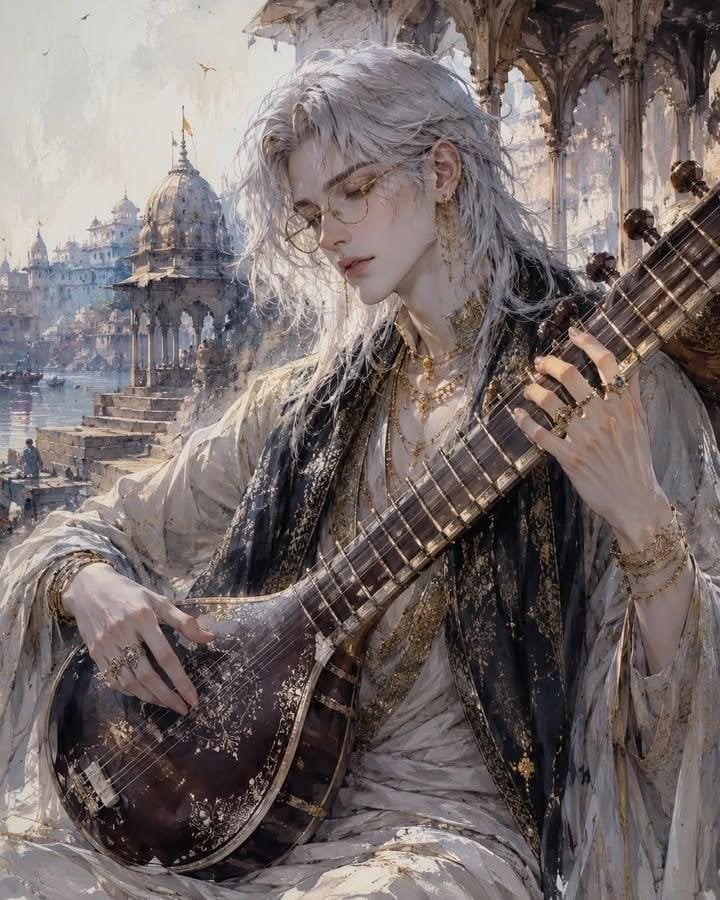
Ethereal Androgynous Musician Portrait
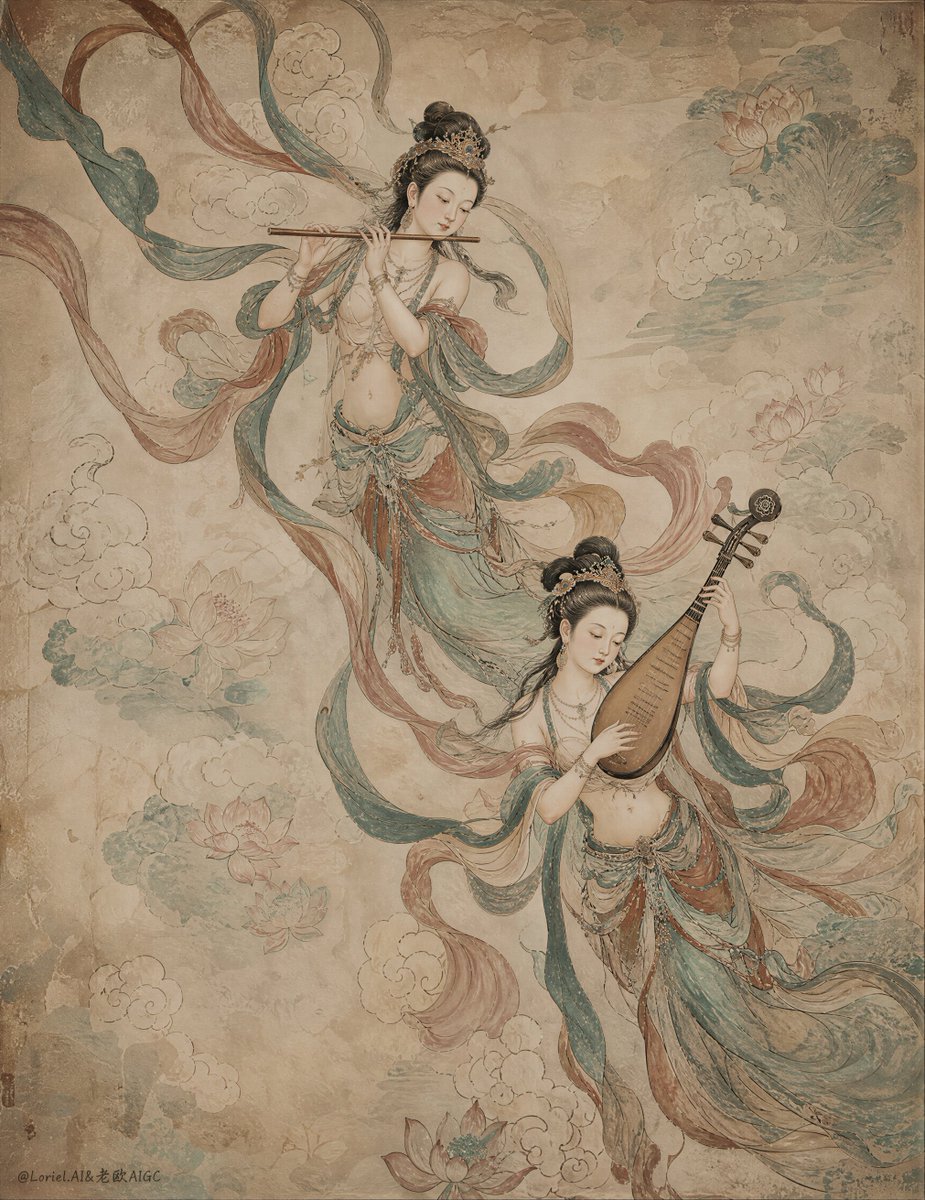
Ancient Chinese Mural of Celestial Musicians
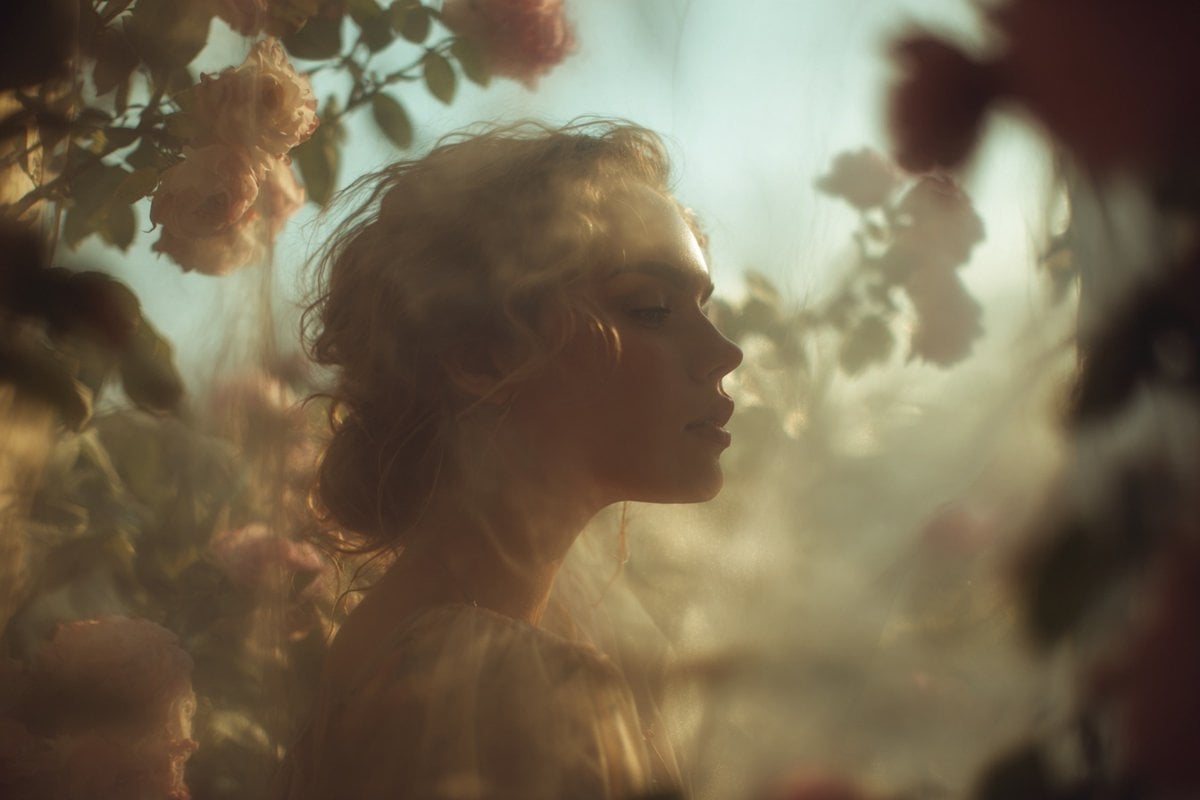
Ethereal Dream Editorial Through Fabric Portrait
Sci-Fi Ancient Ruins in the Desert
Ancient Ruins Desert Warrior
Impasto Oil Painting Street Musician
Astronaut Tending Bonsai in Space Ruins
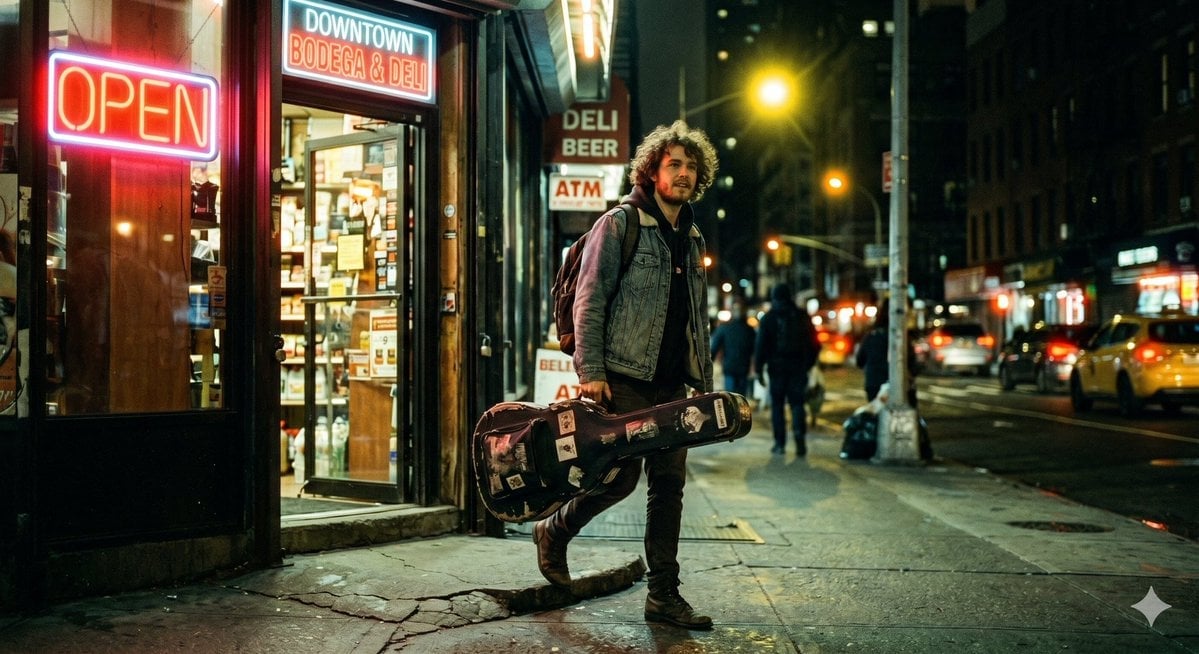
Night Bodega Musician Photography
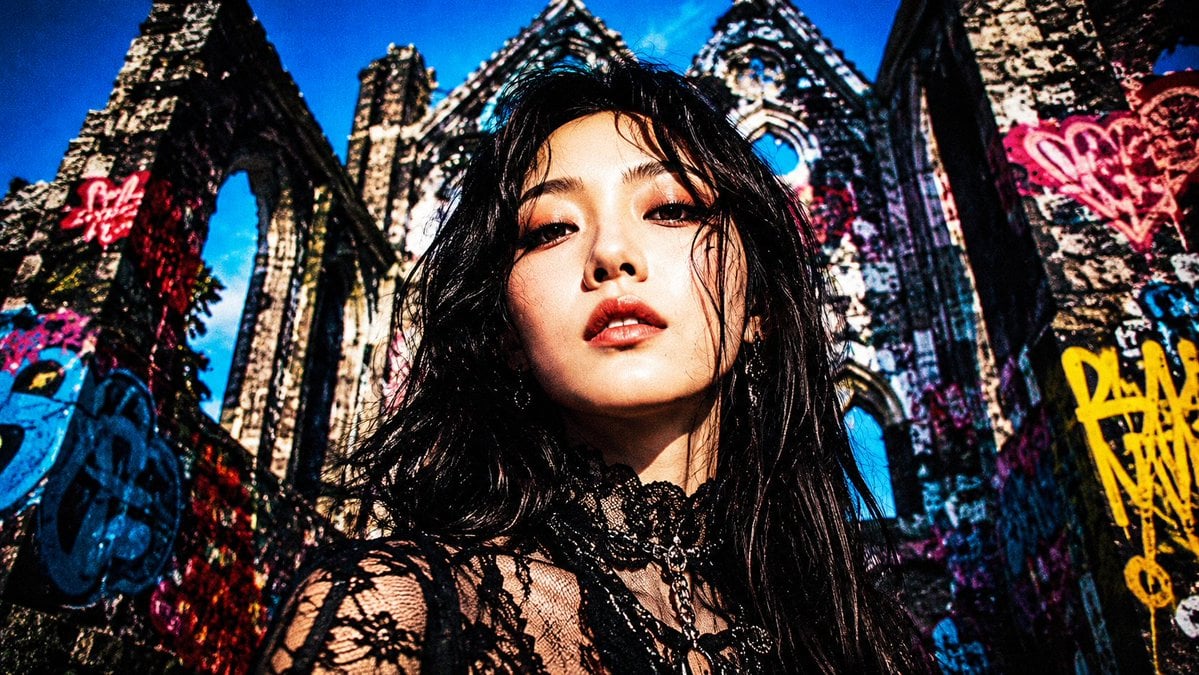
Censored Goth Portrait in Graffiti Ruins
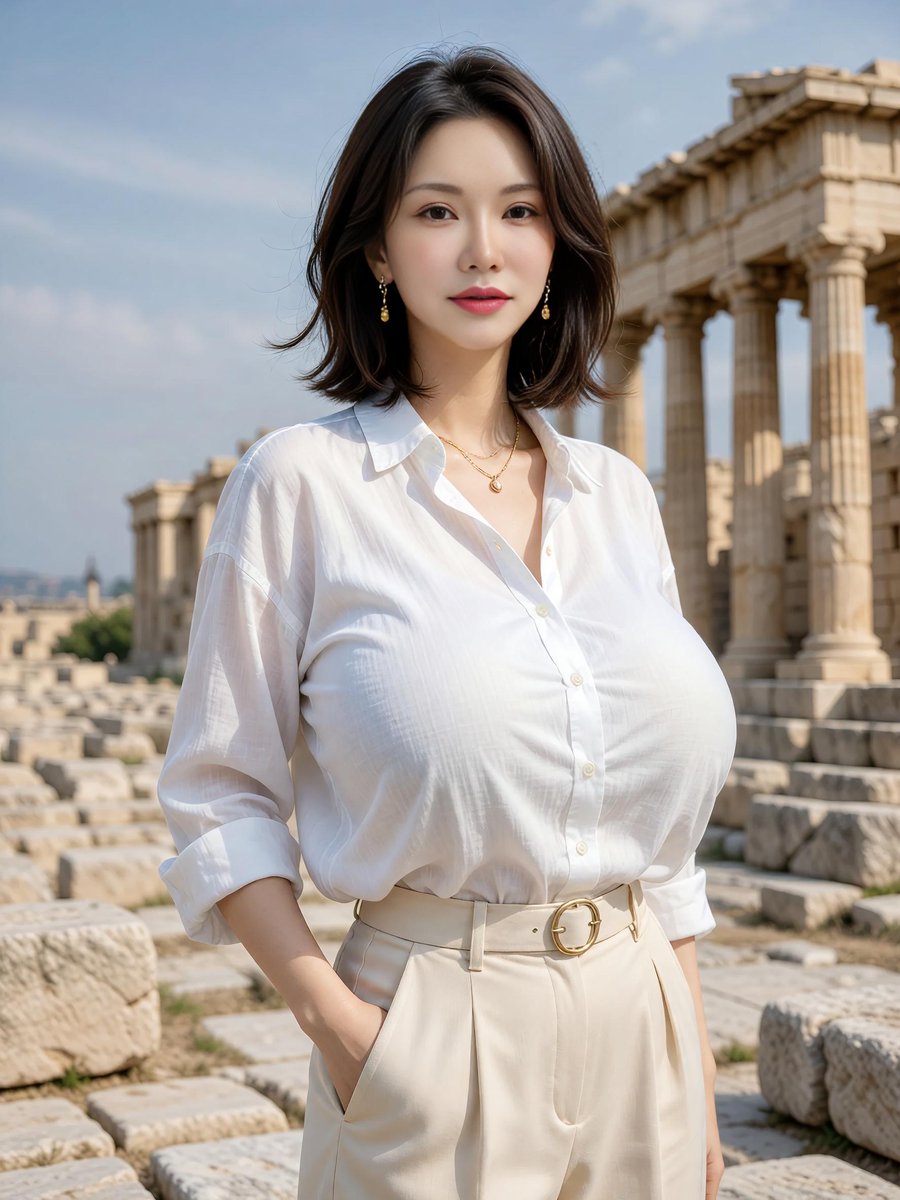
Elegant Portrait at Greek Temple Ruins
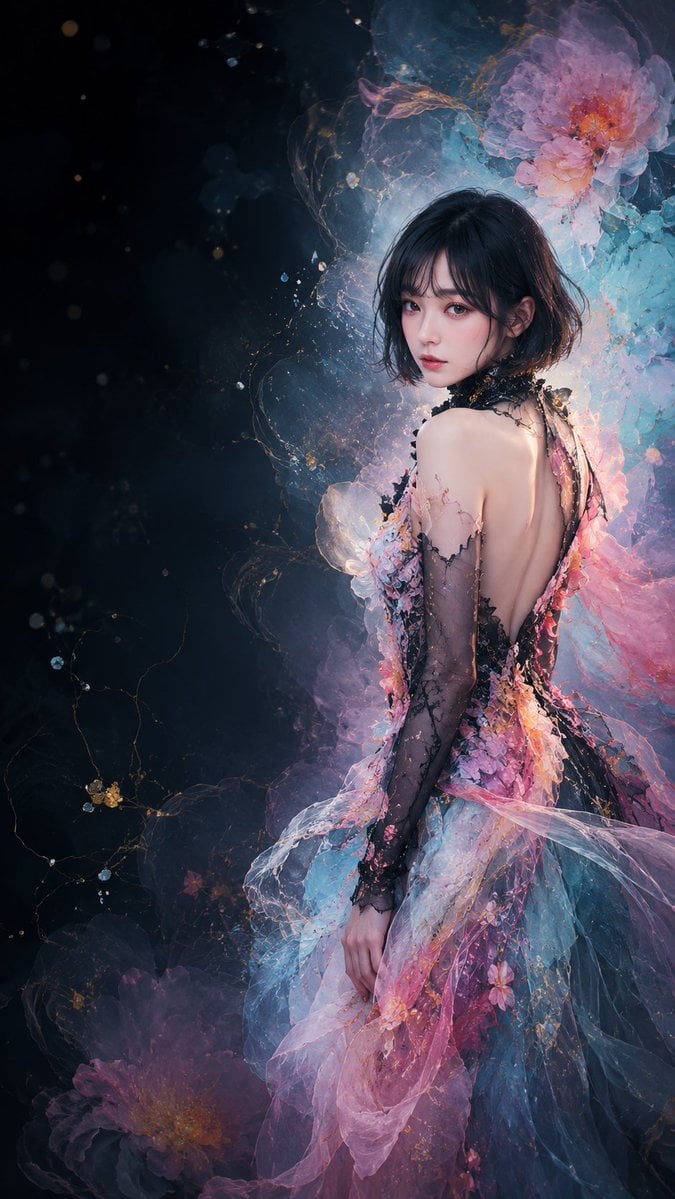
Ethereal Floral Couture Portrait
Make it yours
Ethereal Androgynous Musician in Ancient Ruins works as-is. These are the safest ways to change it without losing the look.
Change one field
Copy a single group, rewrite it, and generate again so you can see what that field is doing.
Keep the frame, change the subject
Hold the composition and light of Ethereal Androgynous Musician in Ancient Ruins, then swap wardrobe, props or the person for a new take.
| If the result… | Why | Fix |
|---|---|---|
| The result drifts from the preview | Too many fields changed at once. | Reuse Ethereal Androgynous Musician in Ancient Ruins as-is first, then change one group — subject, light, or setting. |
| The model over-stylizes the scene | The prose prompt leaves finish and camera underspecified. | Add one camera or lighting sentence and stay on GPT Image 2. |
More GPT Image 2 templates
Other prompts made for GPT Image 2.

Six VTuber Japanese Logo Sheet

Realistic Portrait of Woman and Deer

The Vista Modular Condo Poster

AI Model Routing Comparison Infographic

2.5D Anime Art Board

Isometric Productivity Desk Scene

New York Double Exposure Poster

Four-Panel AI Landscape Comparison

Japanese Tatami Lifestyle Magazine Cover

NESCAFÉ Coffee Map Poster
More image prompts
Fresh picks from across the catalog.
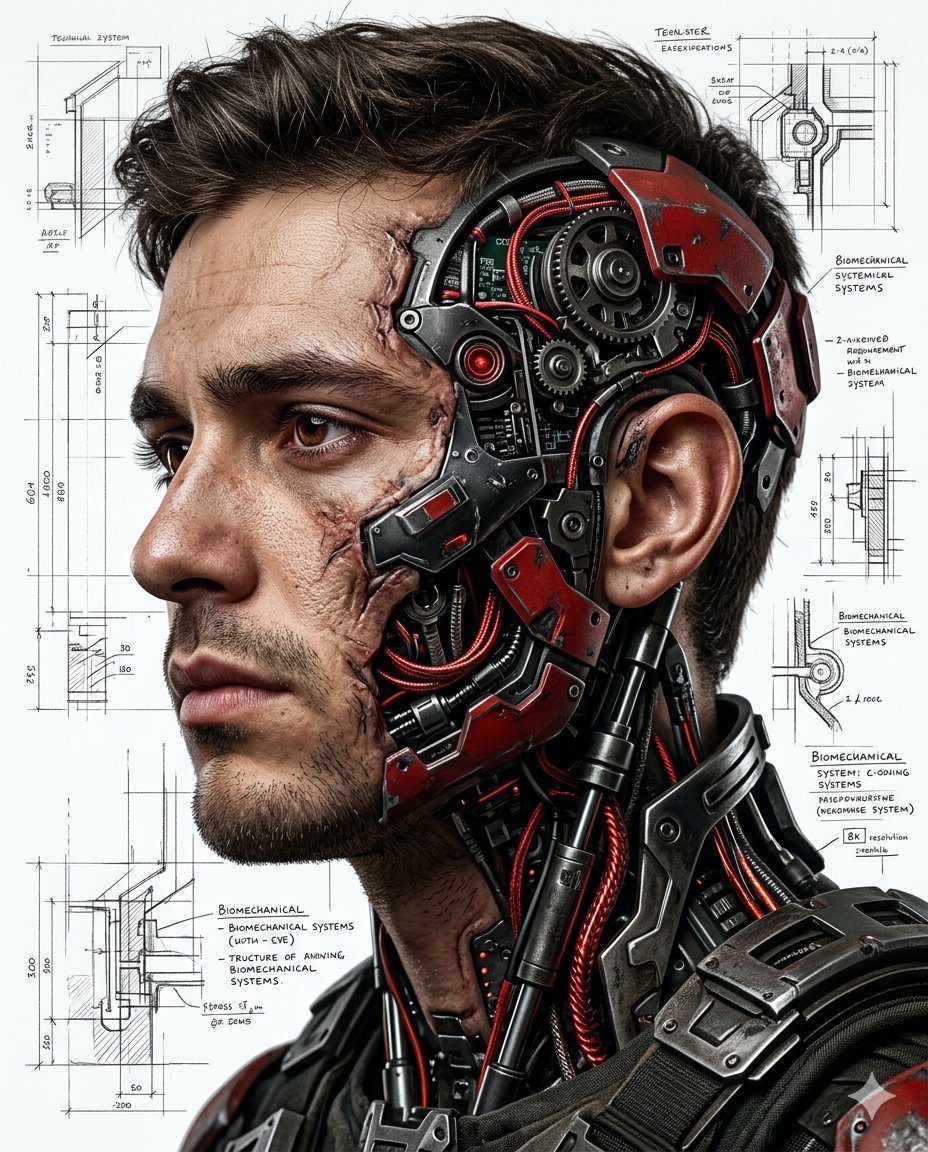
Hyper-realistic Cyborg Side Profile
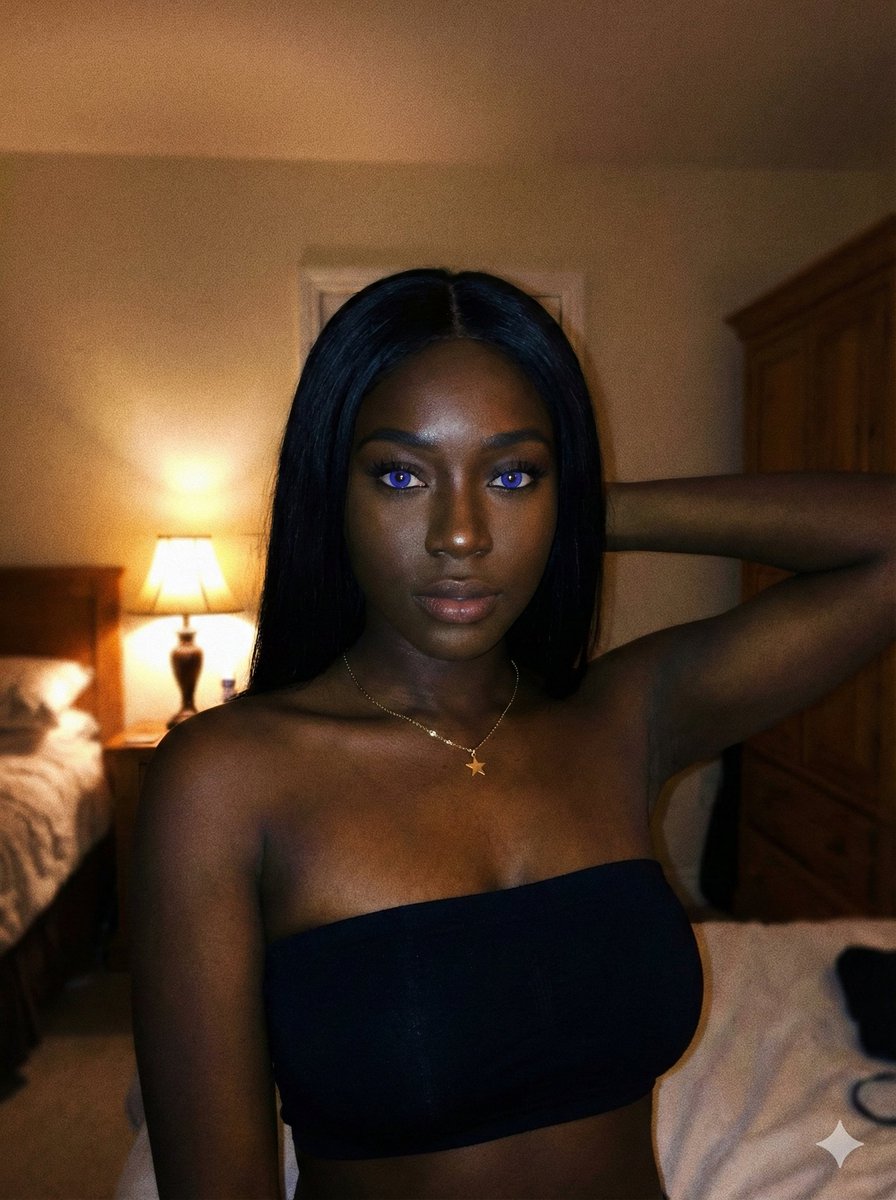
Deep Black Skin Selfie Portrait Prompt
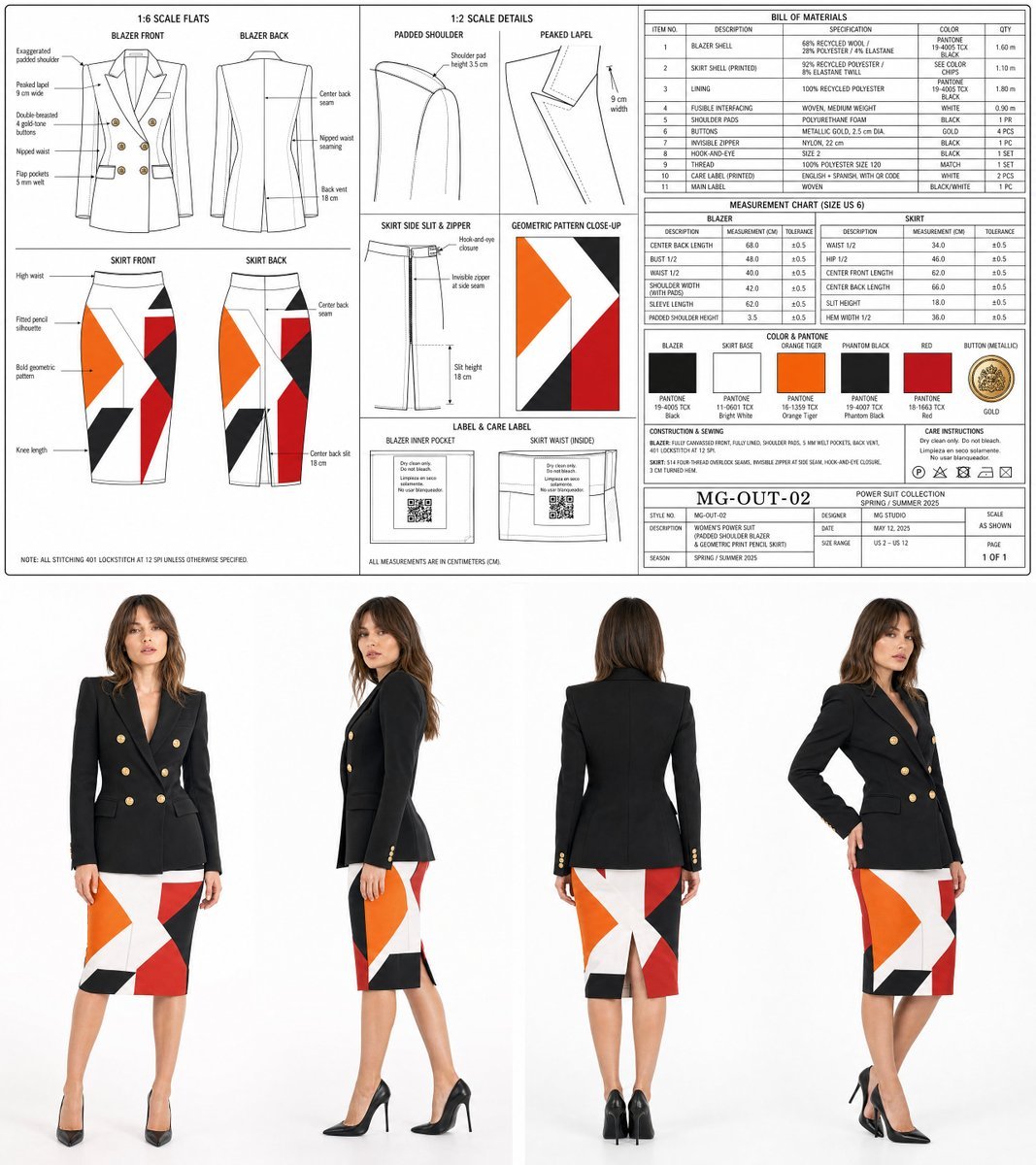
Women's Power Suit Tech Pack
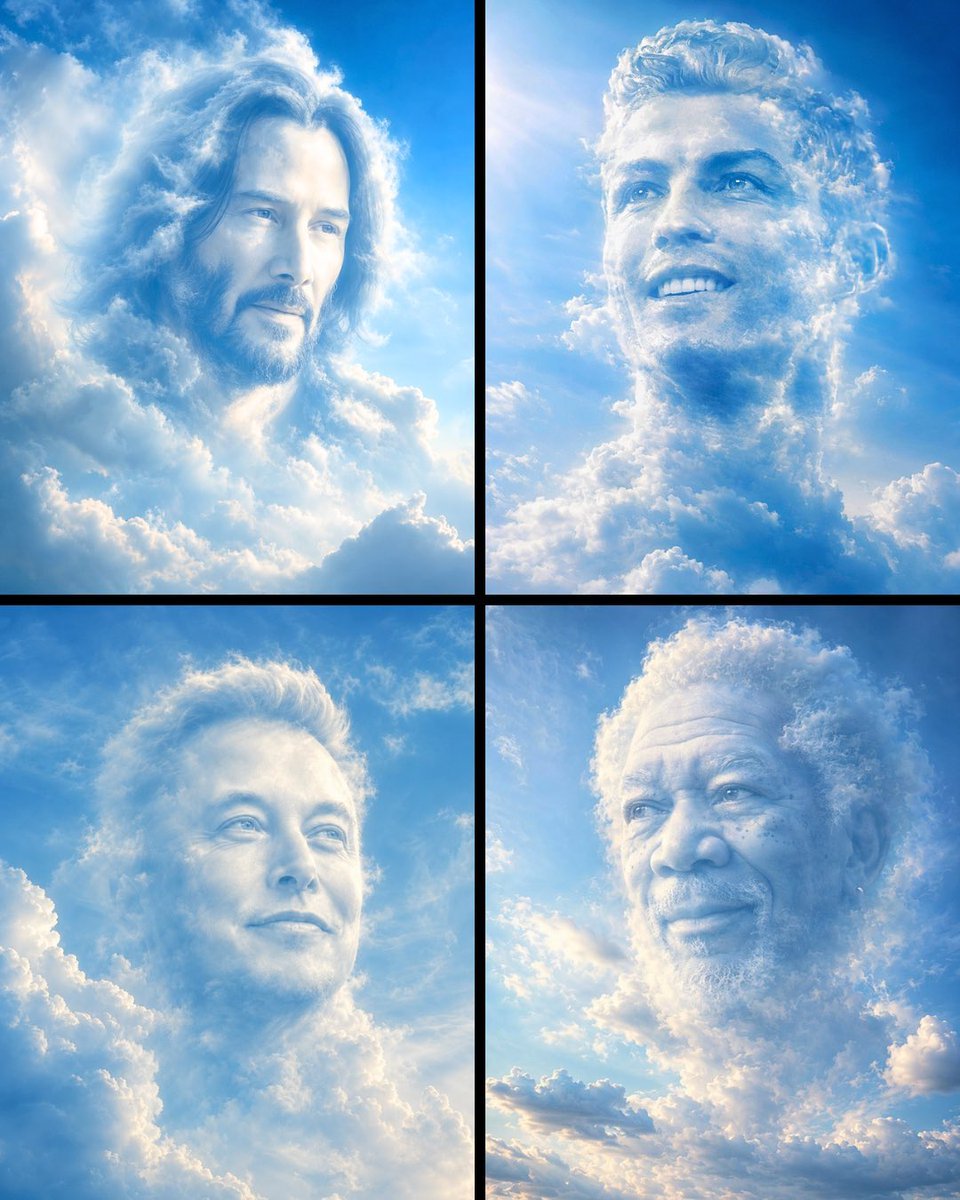
Ethereal Cloud Portrait Reimaging
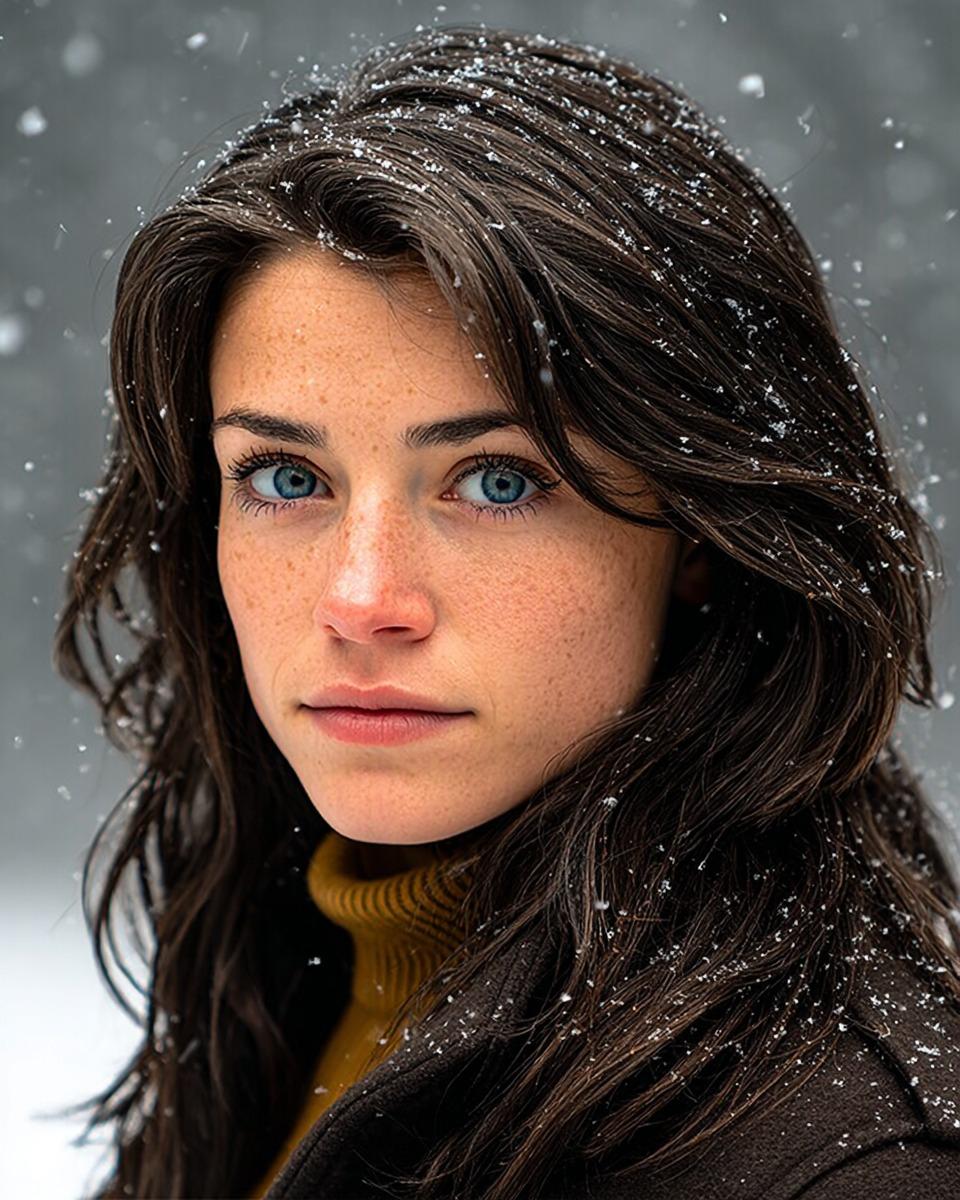
Cinematic Winter Portrait with Hyper-Detail
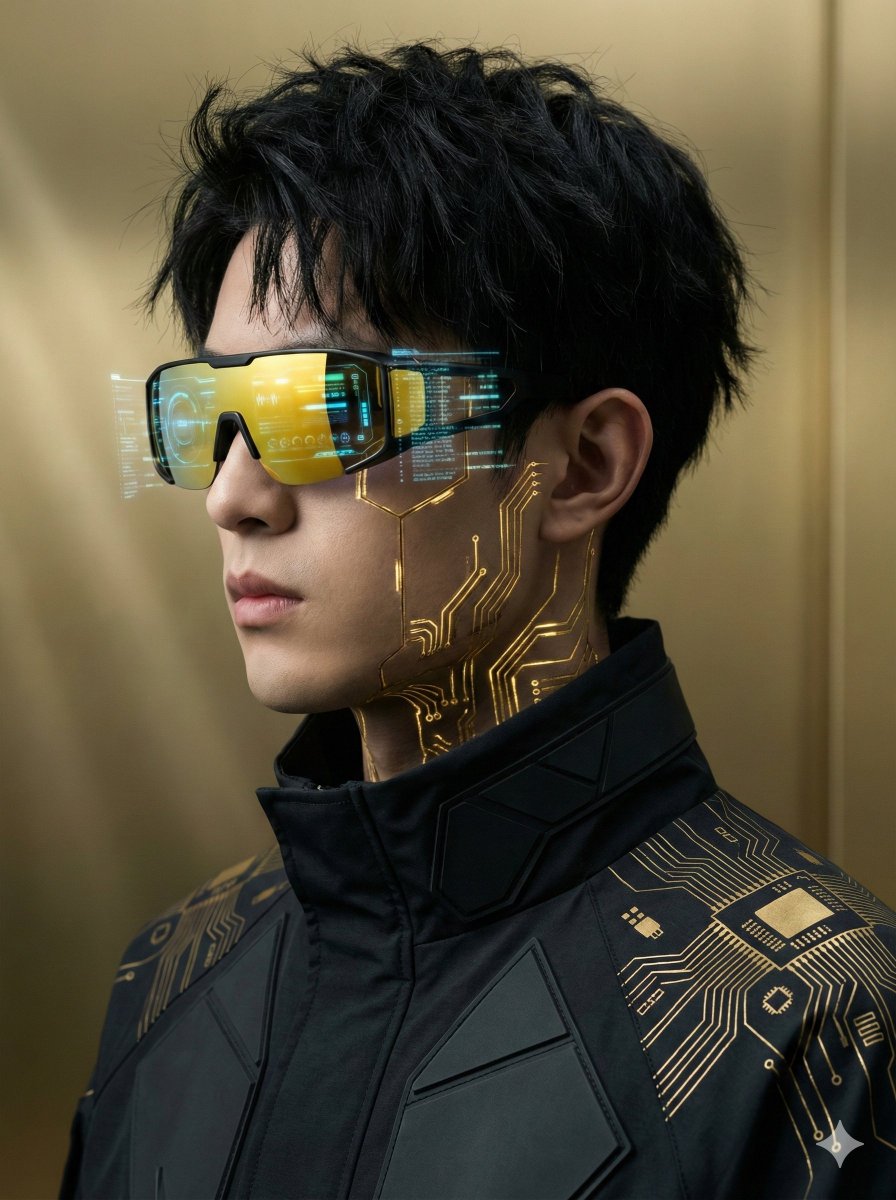
Futuristic Cyberpunk Portrait with Golden Circuitry
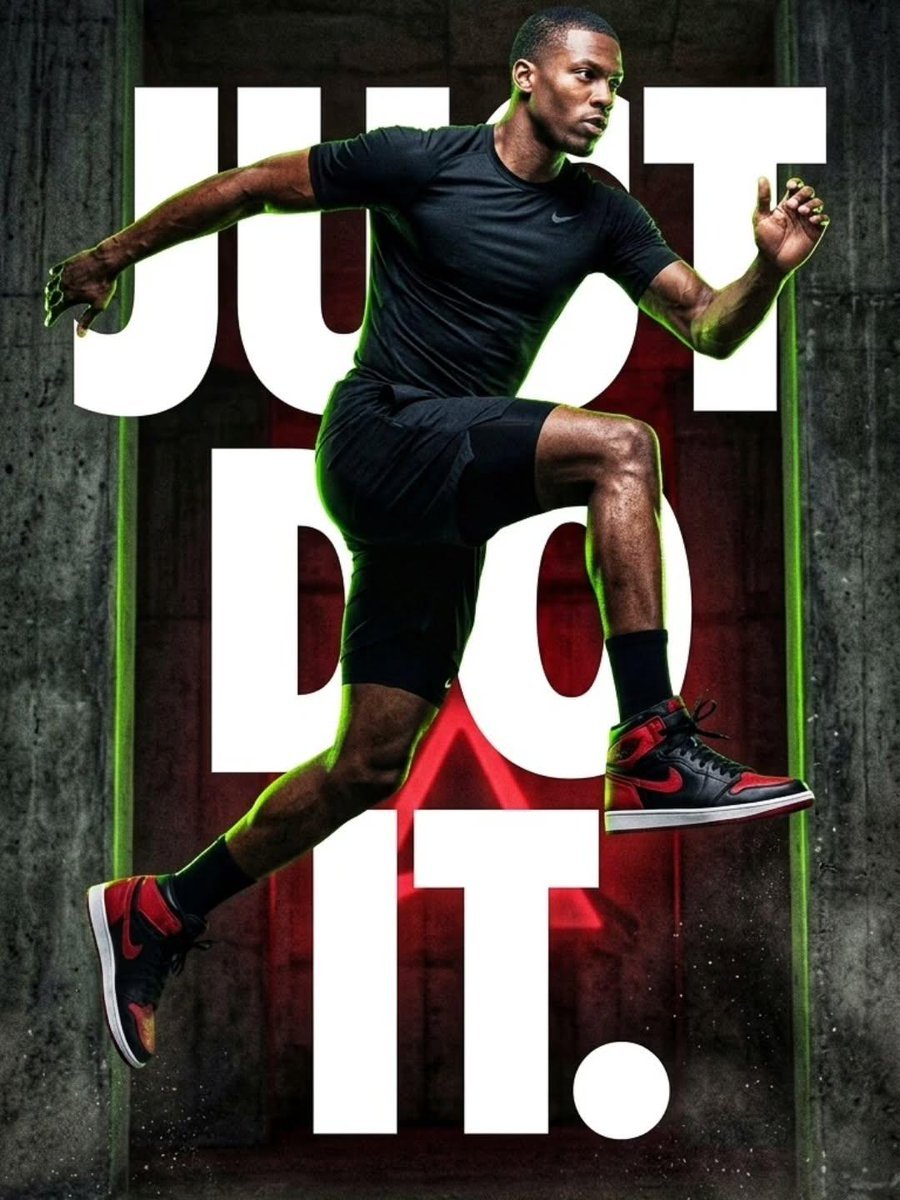
Cinematic Female Runner at Sunset
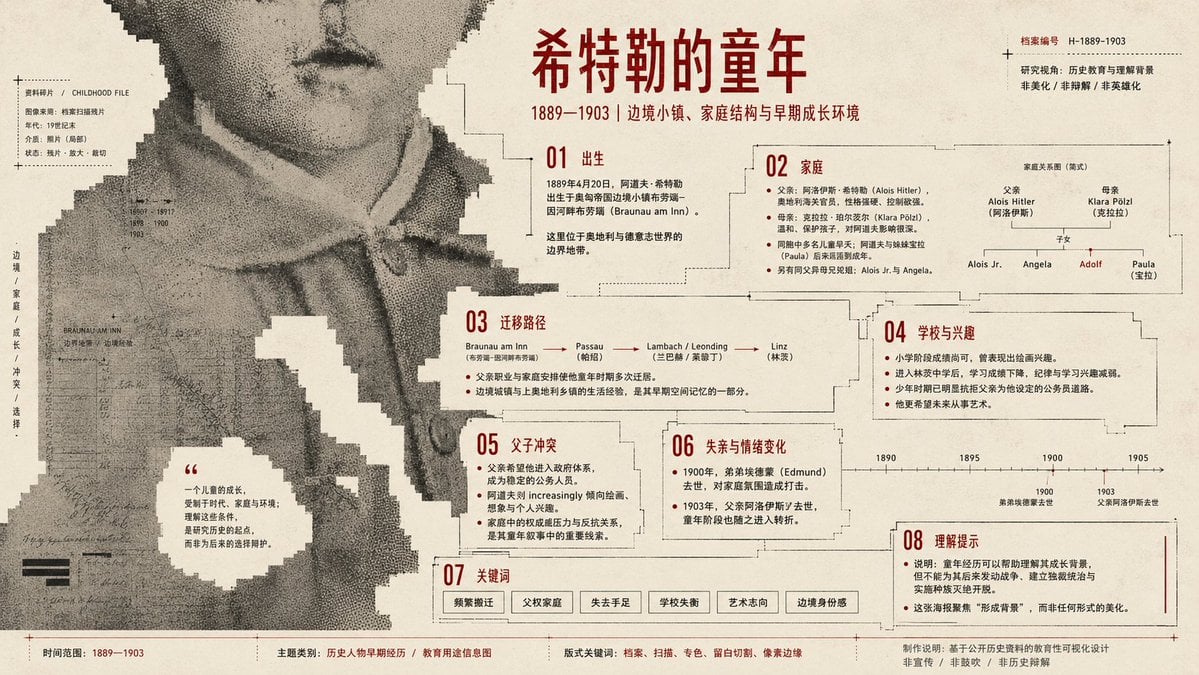
Pixel Glitch Structural Infographic Poster
Urban Cafe Luxury Fashion Portrait
Intimate Studio Portrait with Fairy Lights Prompt
Browse template categories
Ethereal Androgynous Musician in Ancient Ruins questions
How do I use the Ethereal Androgynous Musician in Ancient Ruins template?
Add your photo if the template asks for one, edit the prompt if you like — the template's model and format are already selected — and press Generate. Your version opens in PicX Studio.
Can I customize the Ethereal Androgynous Musician in Ancient Ruins template?
Yes. You can change the subject, setting, lighting, mood, format, and available model controls before creating your image.
Is the Ethereal Androgynous Musician in Ancient Ruins template free?
Opening and editing this template is free. Generating uses credits, shown on the Generate button when you are signed in.
Which AI model should I use?
Start with GPT Image 2, which is the model associated with this template. You can compare another compatible model for a different finish.
Looking for something else? Browse all templates.

Your photo, any look
Thousands of ready templates for every top image and video model, from one credit balance.