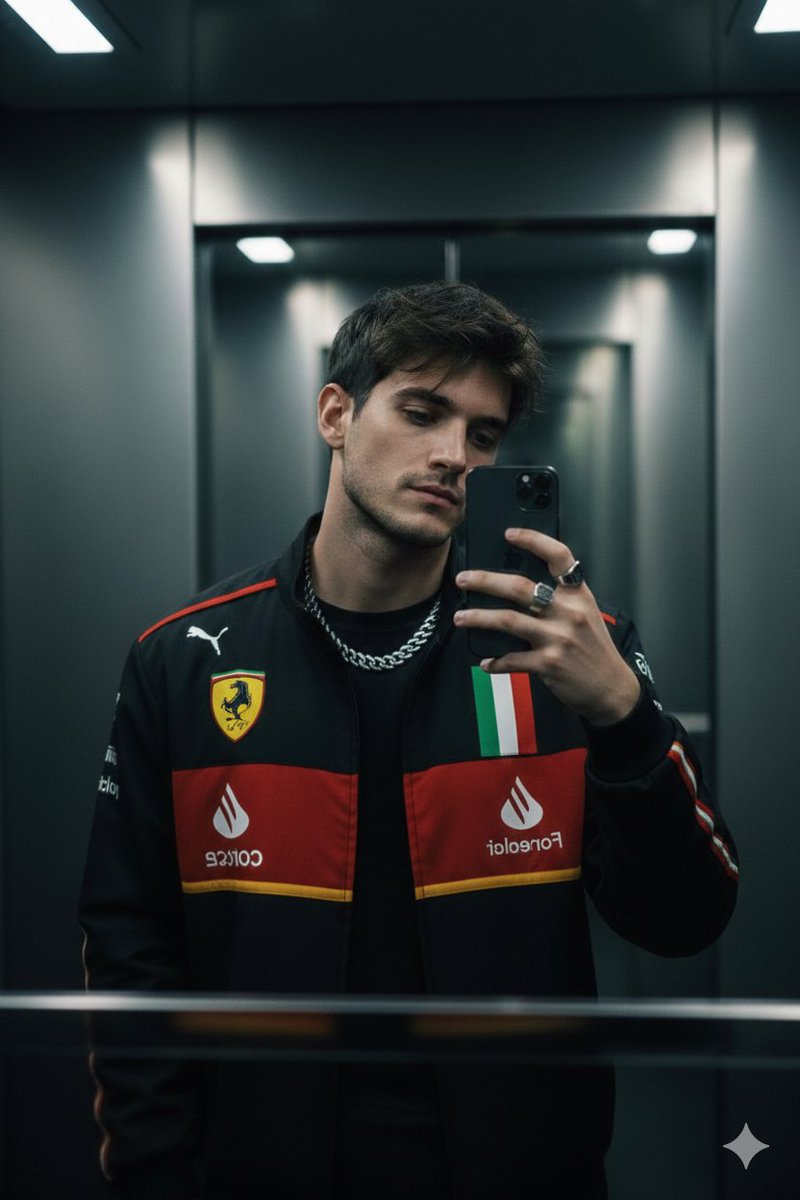
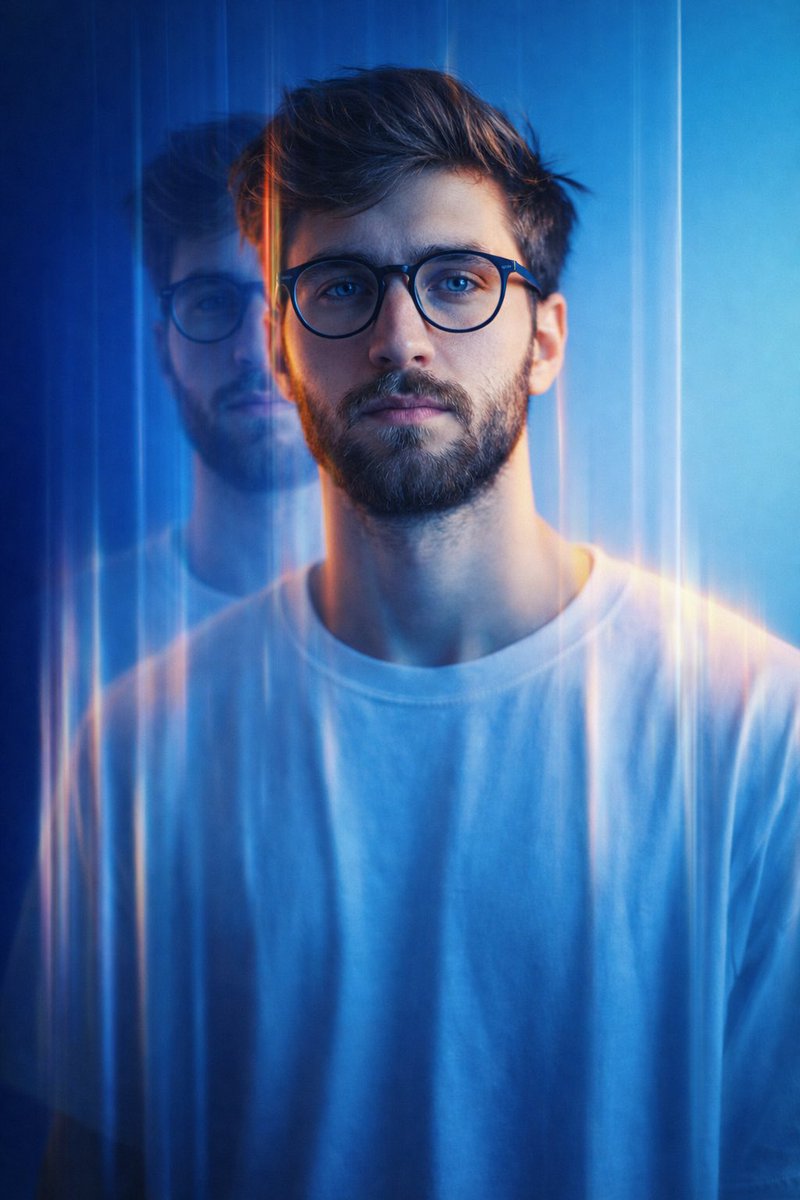
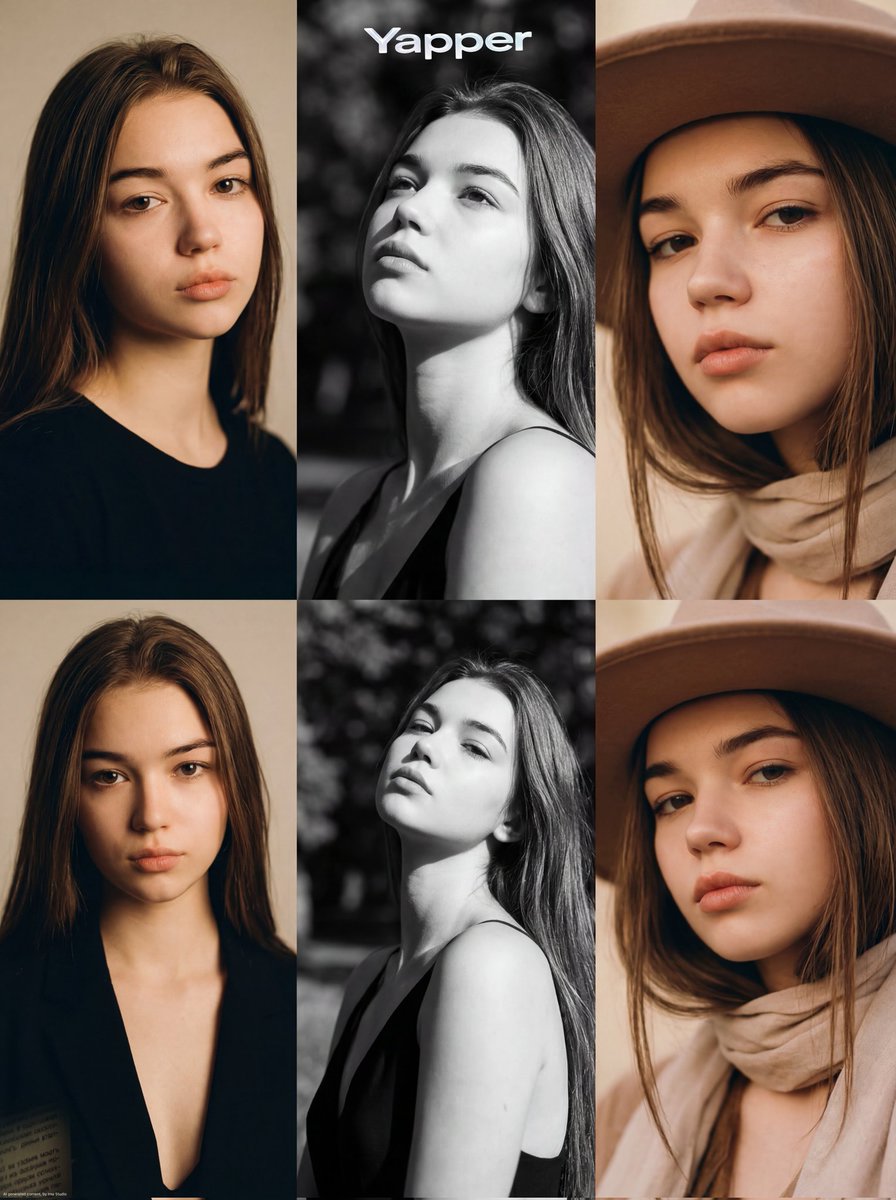
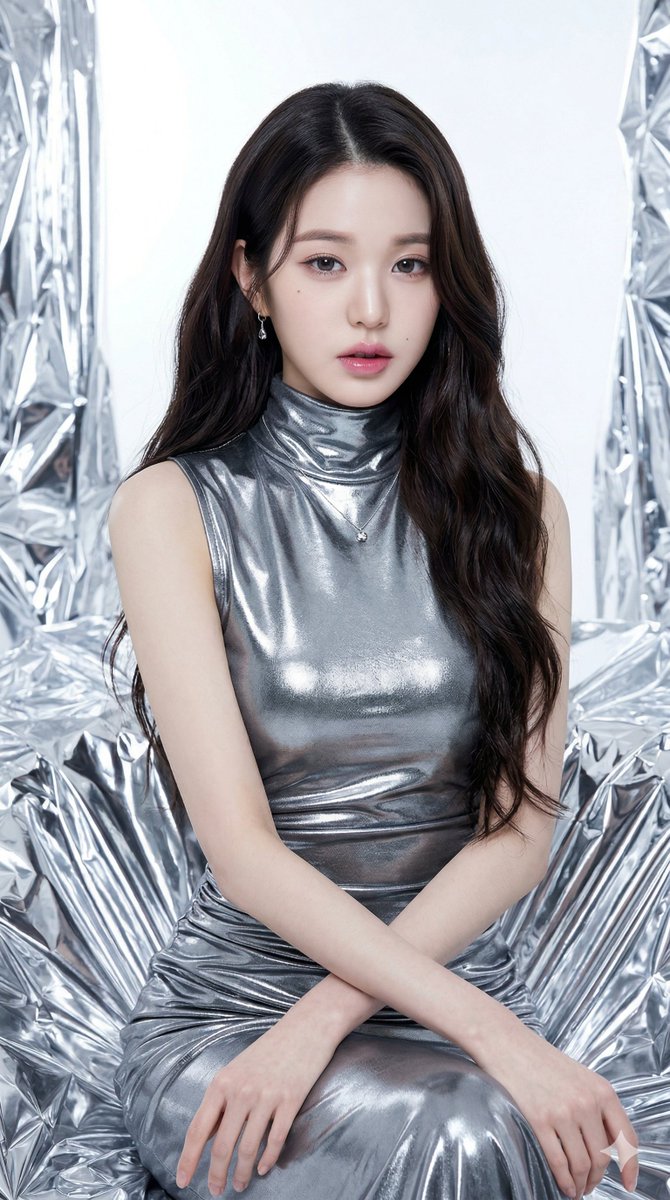
How do I use the Night Bodega Musician Photography template?
Choose the primary action to open PicX Studio with the available template settings. Review the model and format, personalize the creative direction, and generate when ready.
A candid documentary-style night photo of a musician walking out of a neon-lit bodega, emulating vintage CineStill film aesthetics.
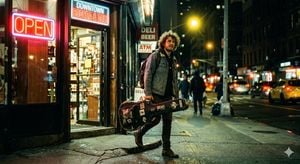
Candid documentary-style photo, magazine-cover quality. A young male musician with {argument name="hair type" default="curly hair"} walks out of a {argument name="location" default="classic corner bodega"} late at night, a weathered guitar case hanging from his shoulder. Dual-temperature street lighting: an illuminated neon "OPEN" sign throws a deep red-orange glow across his face, while a warm yellow sodium streetlight backlights him from behind. Shot on a {argument name="camera model" default="Canon AE-1"}, 50mm f/1.4 at maximum aperture, CineStill 800T film emulation. Soft red halation halos emanate from every neon source, tungsten color balance, and shadows carry a slight green-teal cast. Shallow depth of field, bokeh background. Cinematic night photography, photorealistic, highly detailed.
Choose the primary action to open PicX Studio with the available template settings. Review the model and format, personalize the creative direction, and generate when ready.
Yes. You can change the subject, setting, lighting, mood, format, and available model controls before creating your image.
This template is free to open and customize. Generation usage is shown in PicX Studio before you create.
Start with GPT Image 2, which is the model associated with this template. You can compare another compatible model for a different finish.
Follow a topic to a crawlable collection of related PicX Studio templates.