How do I use the Ethereal Cloud Portrait Reimaging template?
Edit the prompt in the box under the preview — the template's model and format are already selected — and press Generate. Your version appears right on this page.
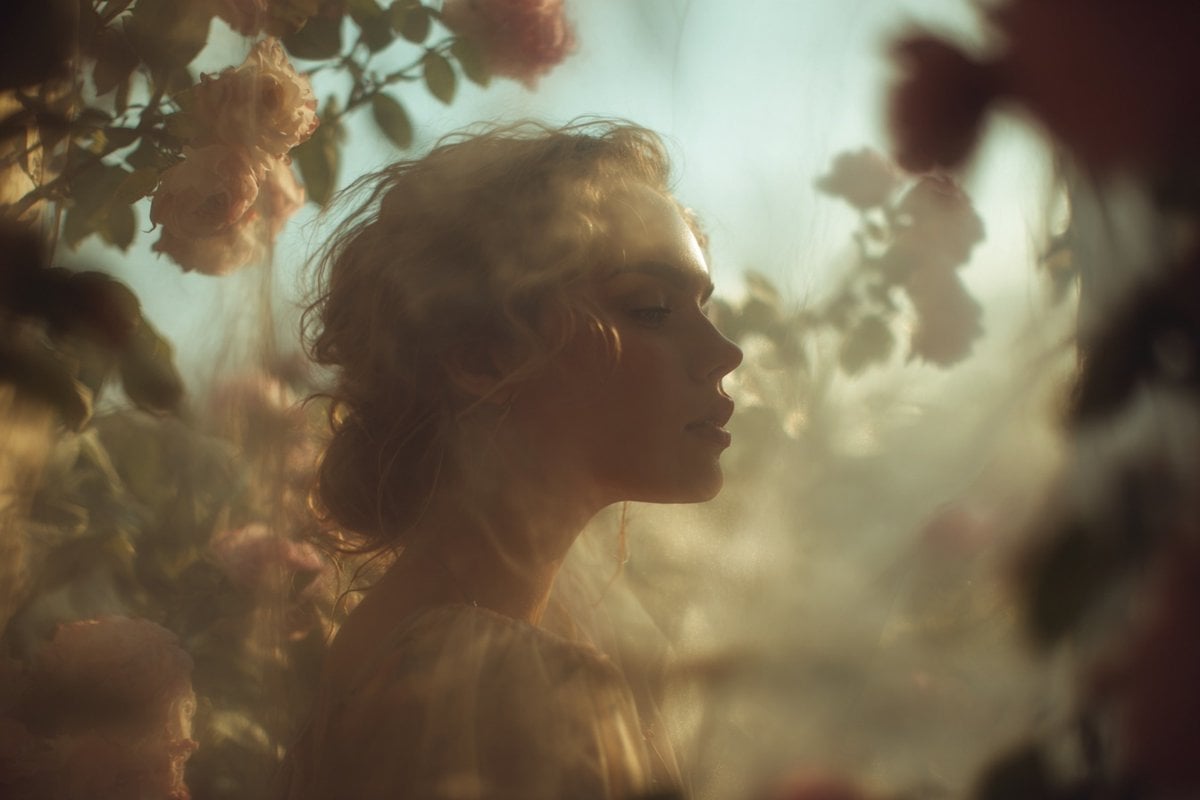
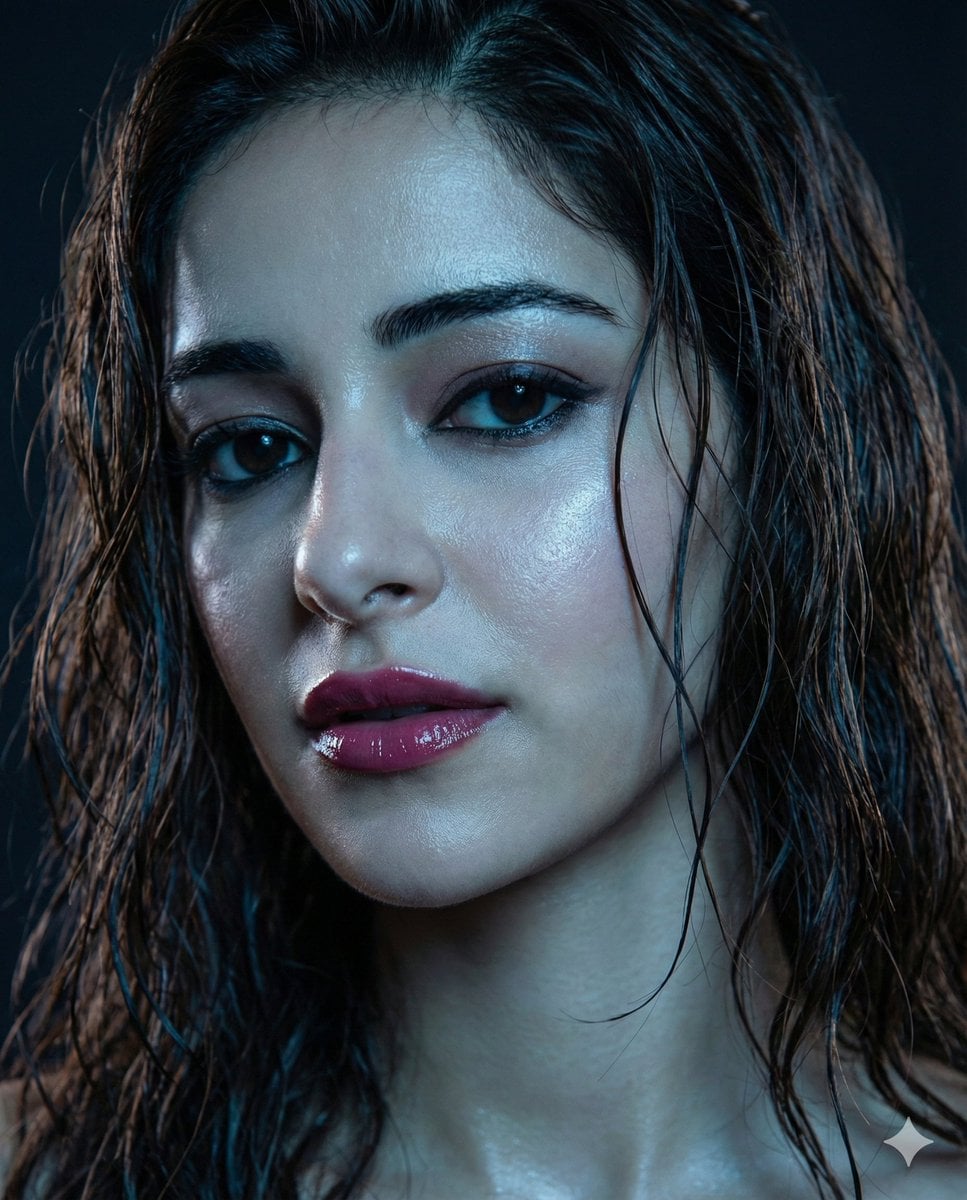
A surreal prompt that transforms a recognizable person into a dreamlike cloud structure while maintaining their facial features and expression.

Reimagine {argument name="person" default="[NAME]"} as a dreamlike cloud portrait, keeping their face, expression, and defining features clearly recognizable while transforming the form into soft billowing clouds against a {argument name="background" default="bright blue sky"}. The portrait should look like the face is materializing from or melting into the clouds, with gentle diffused natural light casting soft highlights and airy shadows for depth and realism. Avoid sharp edges, visible skin texture, or hard details, keeping the transition symbolic and organic. Preserve facial proportions, eyes, smile, and distinctive features through the cloud structure. Style: dreamy, ethereal, cinematic, surreal Lighting: volumetric sunlight, soft glow, natural Color palette: sky blue, white, soft gradient tones Mood: serene, uplifting, peaceful Layer clouds naturally around and within the face for a smooth, seamless transition. Keep the background a clean blue sky with soft gradient clouds. Ultra-realistic cloud texture, high resolution, seamless blending, no watermarks, no text.
Reimagine {argument name="person" default="[NAME]"} as a dreamlike cloud portrait, keeping their face, expression, and defining features clearly recognizable while transforming the form into soft billowing clouds against a {argument name="background" default="bright blue sky"}. The portrait should look like the face is materializing from or melting into the clouds, with gentle diffused natural light casting soft highlights and airy shadows for depth and realism. Avoid sharp edges, visible skin texture, or hard details, keeping the transition symbolic and organic. Preserve facial proportions, eyes, smile, and distinctive features through the cloud structure. Style: dreamy, ethereal, cinematic, surreal Lighting: volumetric sunlight, soft glow, natural Color palette: sky blue, white, soft gradient tones Mood: serene, uplifting, peaceful Layer clouds naturally around and within the face for a smooth, seamless transition. Keep the background a clean blue sky with soft gradient clouds. Ultra-realistic cloud texture, high resolution, seamless blending, no watermarks, no text.
Edit the prompt in the box under the preview — the template's model and format are already selected — and press Generate. Your version appears right on this page.
Yes. You can change the subject, setting, lighting, mood, format, and available model controls before creating your image.
Opening and editing this template is free. Generating uses credits, shown on the Generate button when you are signed in.
Start with GPT Image 2, which is the model associated with this template. You can compare another compatible model for a different finish.
Follow a topic to a crawlable collection of related PicX Studio templates.