
Watercolor Travel Journal Illustration
Creates a dreamy, handcrafted travel journal page in watercolor style, featuring specific cities and scrapbook elements like maps and tickets.
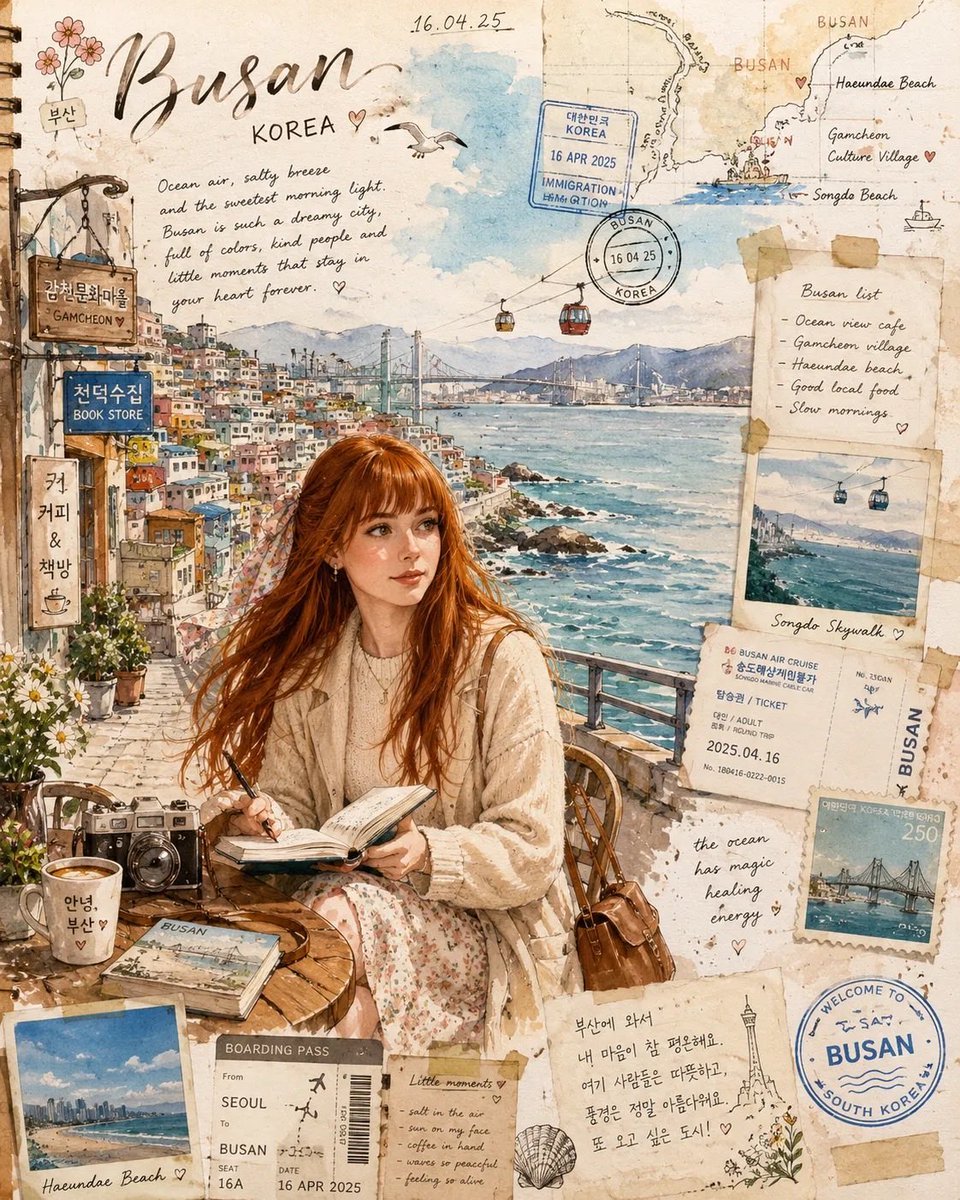
- Prompt included
- Model and format preset
- Premium template
The prompt behind this image
Copy the exact prompt behind Watercolor Travel Journal Illustration, or open it in the studio and make it yours.
Create a dreamy handcrafted ({argument name="city" default="Busan"})travel journal illustration, as if painted in an artist’s personal sketchbook while traveling through ({argument name="country" default="KOREA"}) SCENE: A romantic Busan coastal setting inspired by Gamcheon Culture Village + Haeundae + Songdo seaside charm. Feature: oceanfront promenade gentle waves seagulls Korean seaside cafés pastel coastal buildings tiny fishing boats paper lantern accents boardwalk details colorful Busan hillside houses in the distance beach umbrellas ocean breeze atmosphere subtle Korean storefront signage travel discovery mood SUBJECT: Place the woman from the uploaded reference naturally in the scene. Appearance: long flowing copper auburn hair moving softly in the sea breeze hazel-green eyes fair skin natural elegant expression soft thoughtful gaze WARDROBE: romantic coastal travel styling cream knit sweater flowing midi skirt light trench coat or airy cardigan delicate scarf moving with wind comfortable elegant walking shoes POSE OPTIONS: ((walking along the Busan seaside promenade)) OR ((sitting at a Korean seaside café sketching in a journal)) OR ((holding a travel journal while looking toward the ocean)) OR ((standing near the railing with wind in hair, candid cinematic pose)) STYLE: premium watercolor travel-journal illustration hand-drawn ink sketch detailing transparent watercolor washes aged textured paper pigment bleeding ink splatters vintage travel scrapbook aesthetic editorial artistic composition luxury Pinterest-worthy illustration ADD SCRAPBOOK ELEMENTS: handwritten diary notes "BUSAN" "KOREA" tiny illustrated coastline map metro ticket fragments passport stamps vintage postage marks boarding pass scraps coffee stains botanical doodles hand-drawn arrows tiny seashell sketches travel annotations paper tape collage small Korean handwritten notes COLOR PALETTE: soft ocean blue dusty aqua muted sand beige faded coral warm cream seafoam green soft terracotta accents washed watercolor neutrals LIGHTING: golden morning seaside sunlight airy coastal glow romantic atmospheric haze gentle cinematic warmth COMPOSITION: vertical travel journal page 4:5 aspect ratio ultra detailed cozy nostalgic storytelling peaceful romantic vacation mood NEGATIVE PROMPT: CGI, photorealistic rendering, anime face, identity change, plastic skin, neon cyberpunk, futuristic objects, dark horror mood, distorted anatomy, extra limbs, messy cluttered composition, AI glitches, oversaturated colors
Reference images included
Watercolor Travel Journal Illustration needs input media to work. They load alongside the prompt when you open it in the studio.
How to use Watercolor Travel Journal Illustration in 3 steps
- 1Upload ImagePNG, JPG or paste
Add your photo
Upload the photo the template builds on. The prompt, model and format are already set.
- 2…a portrait of your subject in softgolden-hour light, 85mm…
Personalize
Edit the subject and creative details for your destination.
- 3Generate
Generate
Press Generate — your image is created in PicX Studio, so you can compare it with the original and refine one variable at a time.
More like this
Templates with the same subject, style or setup. Open one to see its prompt.

Watercolor Café Cheesecake Editorial Illustration

Open Travel Journal Overhead Still Life

City Posters by Nano Banana Pro

Kids Crayon Travel Journal Illustration
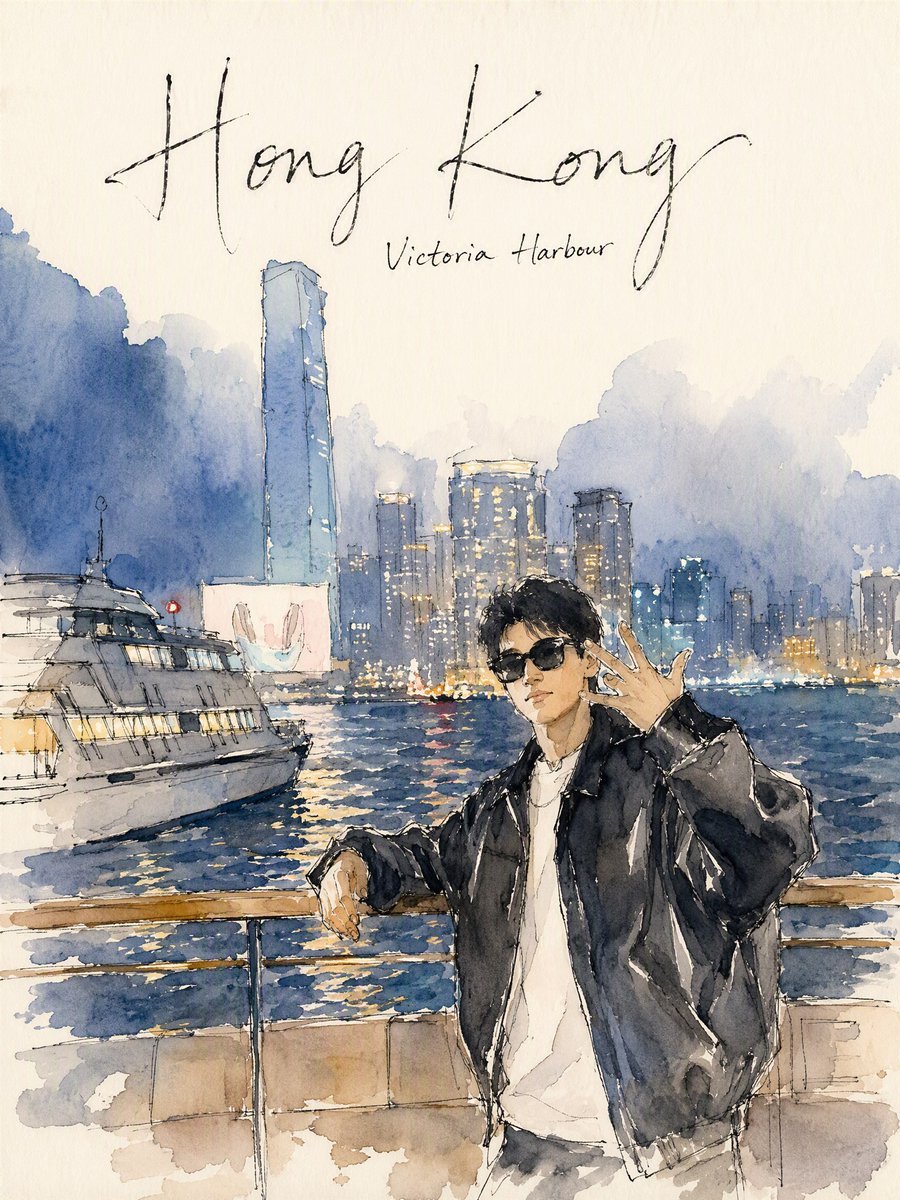
Hong Kong Watercolor Travel Journal
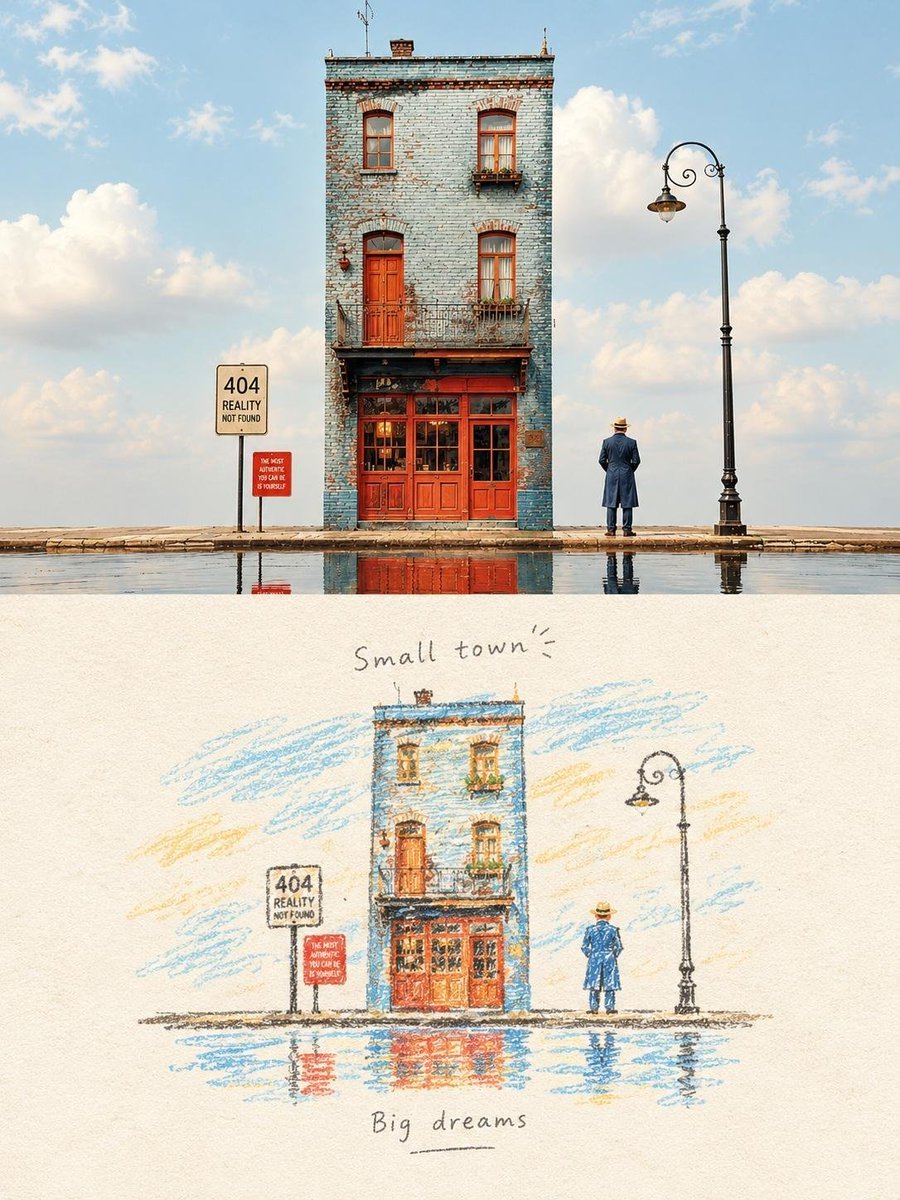
Hand-Drawn Travel Journal Illustration
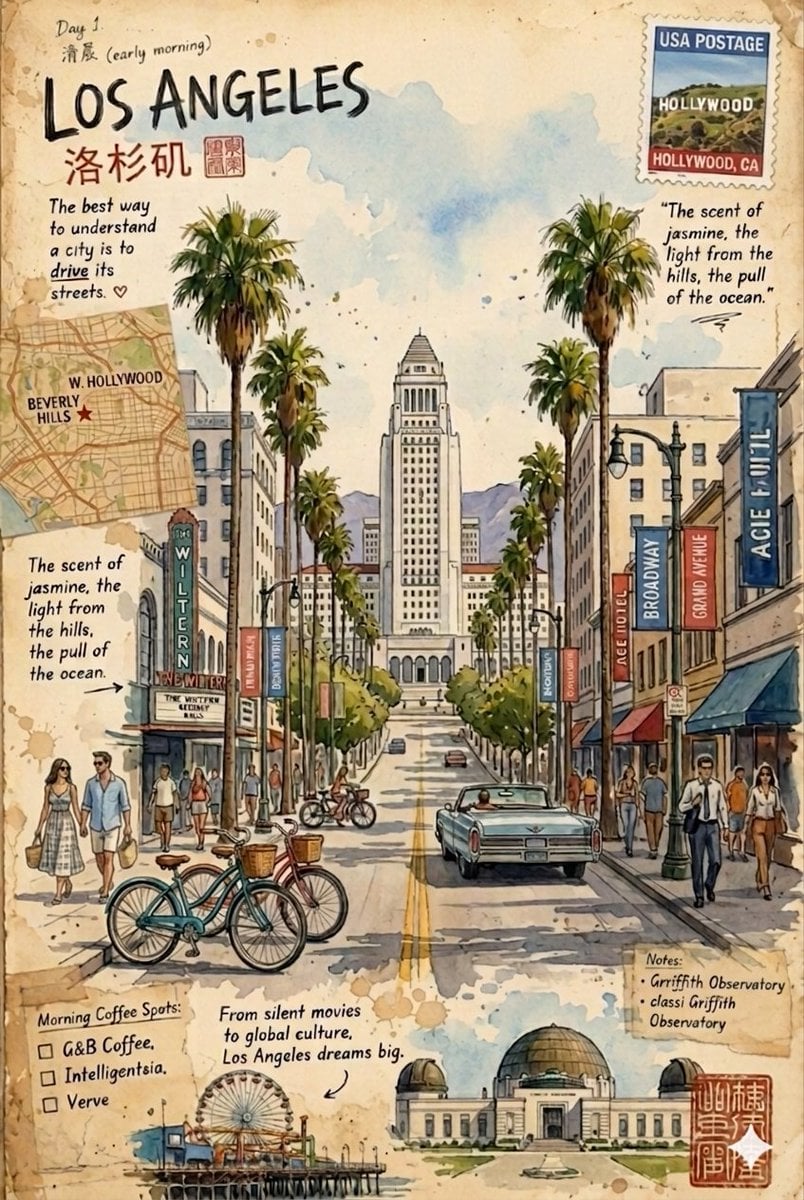
Vintage travel journal watercolor
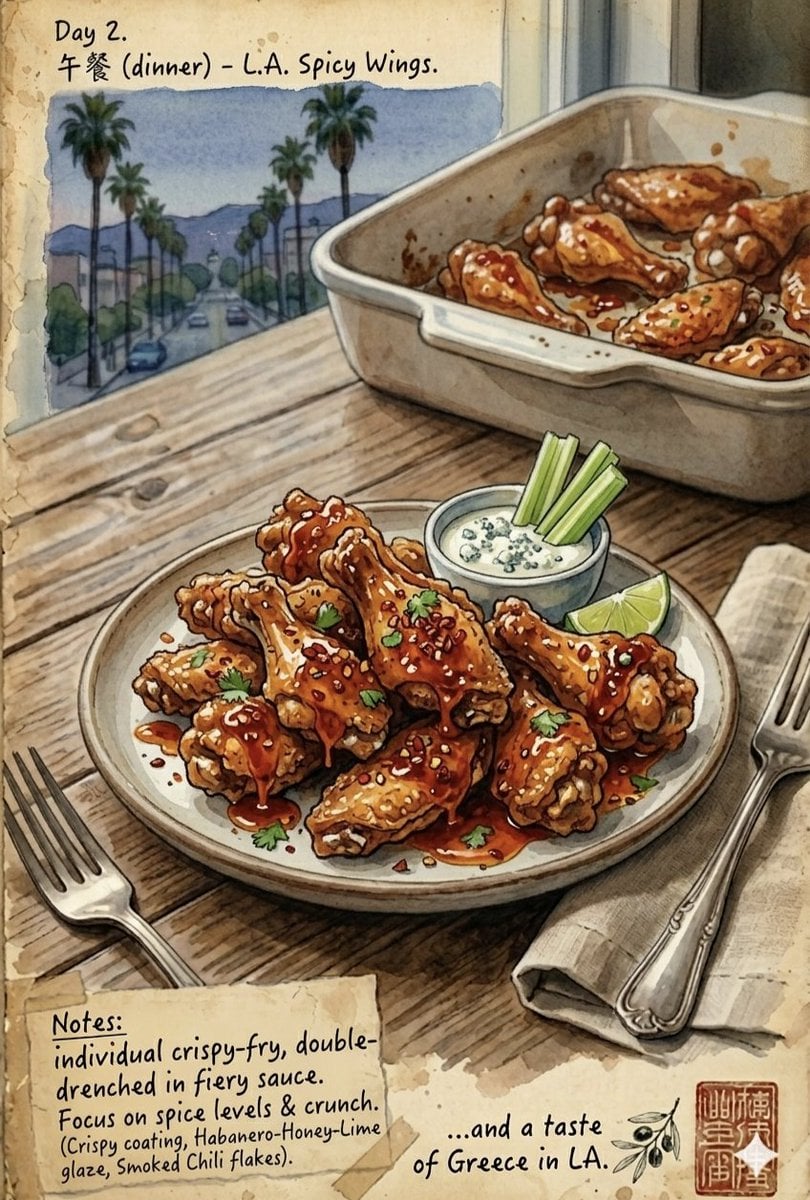
Watercolor Culinary Travel Diary Illustration

Japanese Café Sketch Duo Illustration

Delicate Japanese Café Lifestyle Illustration
Japanese Café Sketch Duo Illustration
Delicate Japanese Café Lifestyle Illustration
Make it yours
Watercolor Travel Journal Illustration works as-is. These are the safest ways to change it without losing the look.
Change one field
Copy a single group, rewrite it, and generate again so you can see what that field is doing.
Keep the frame, change the subject
Hold the composition and light of Watercolor Travel Journal Illustration, then swap wardrobe, props or the person for a new take.
| If the result… | Why | Fix |
|---|---|---|
| The result drifts from the preview | Too many fields changed at once. | Reuse Watercolor Travel Journal Illustration as-is first, then change one group — subject, light, or setting. |
| The model over-stylizes the scene | The prose prompt leaves finish and camera underspecified. | Add one camera or lighting sentence and stay on GPT Image 2. |
More GPT Image 2 templates
Other prompts made for GPT Image 2.

Six VTuber Japanese Logo Sheet

Realistic Portrait of Woman and Deer

The Vista Modular Condo Poster

AI Model Routing Comparison Infographic

2.5D Anime Art Board

Isometric Productivity Desk Scene

New York Double Exposure Poster

Four-Panel AI Landscape Comparison

Japanese Tatami Lifestyle Magazine Cover

NESCAFÉ Coffee Map Poster
More image prompts
Fresh picks from across the catalog.

Cinematic Studio Portrait with Floating Feathers
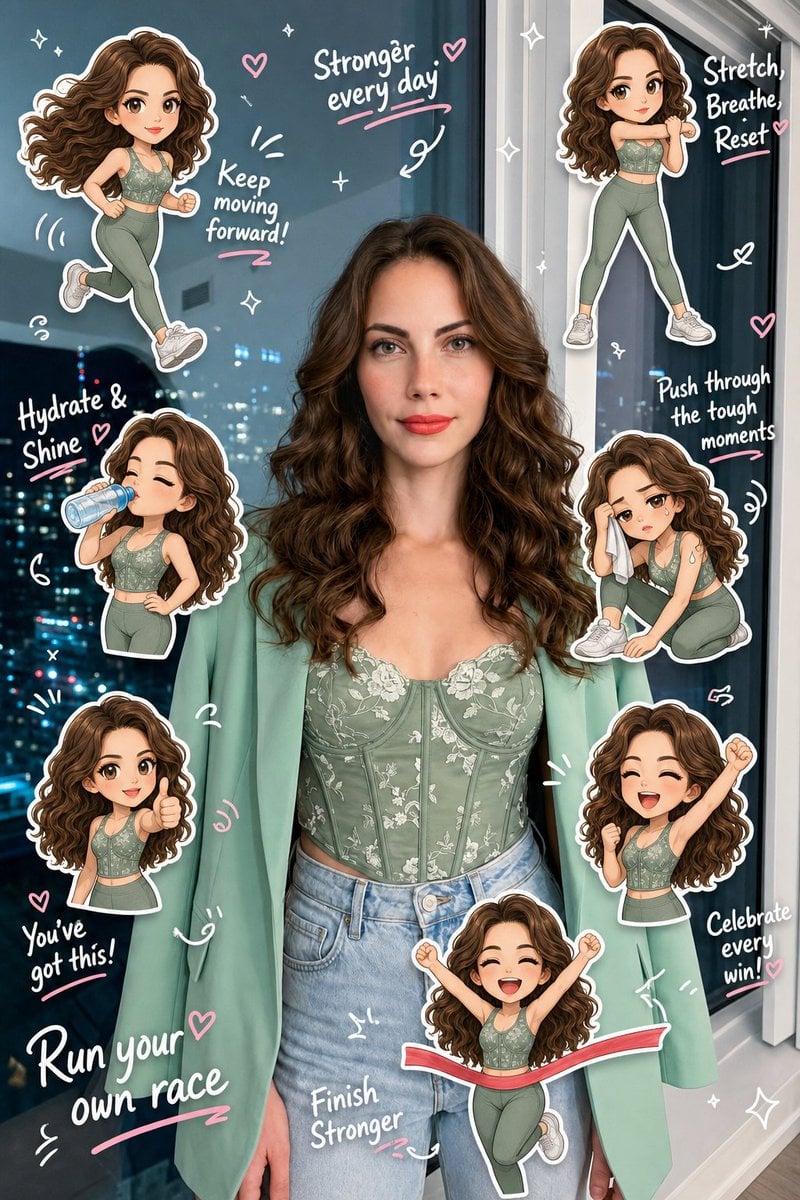
Chibi Clone Sticker Diary
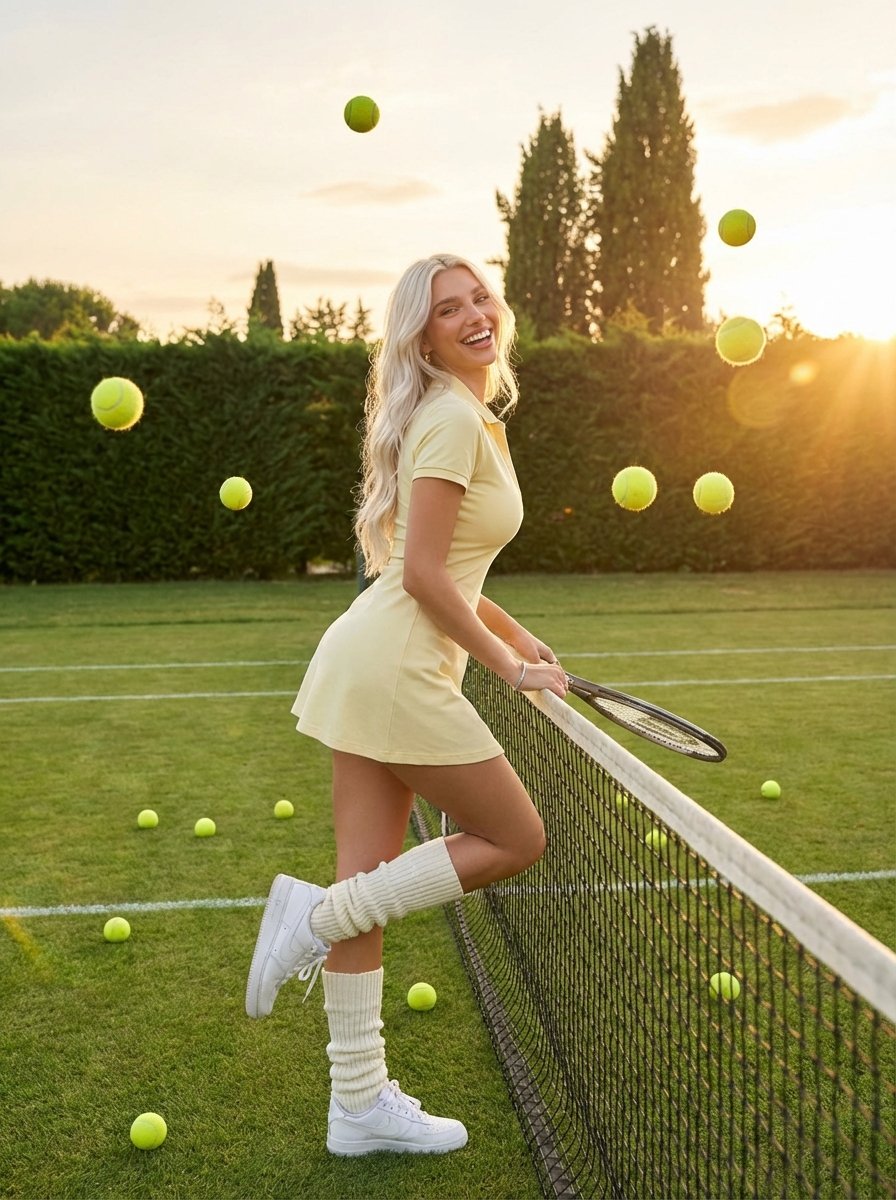
Golden Hour Tennis Lifestyle Photo
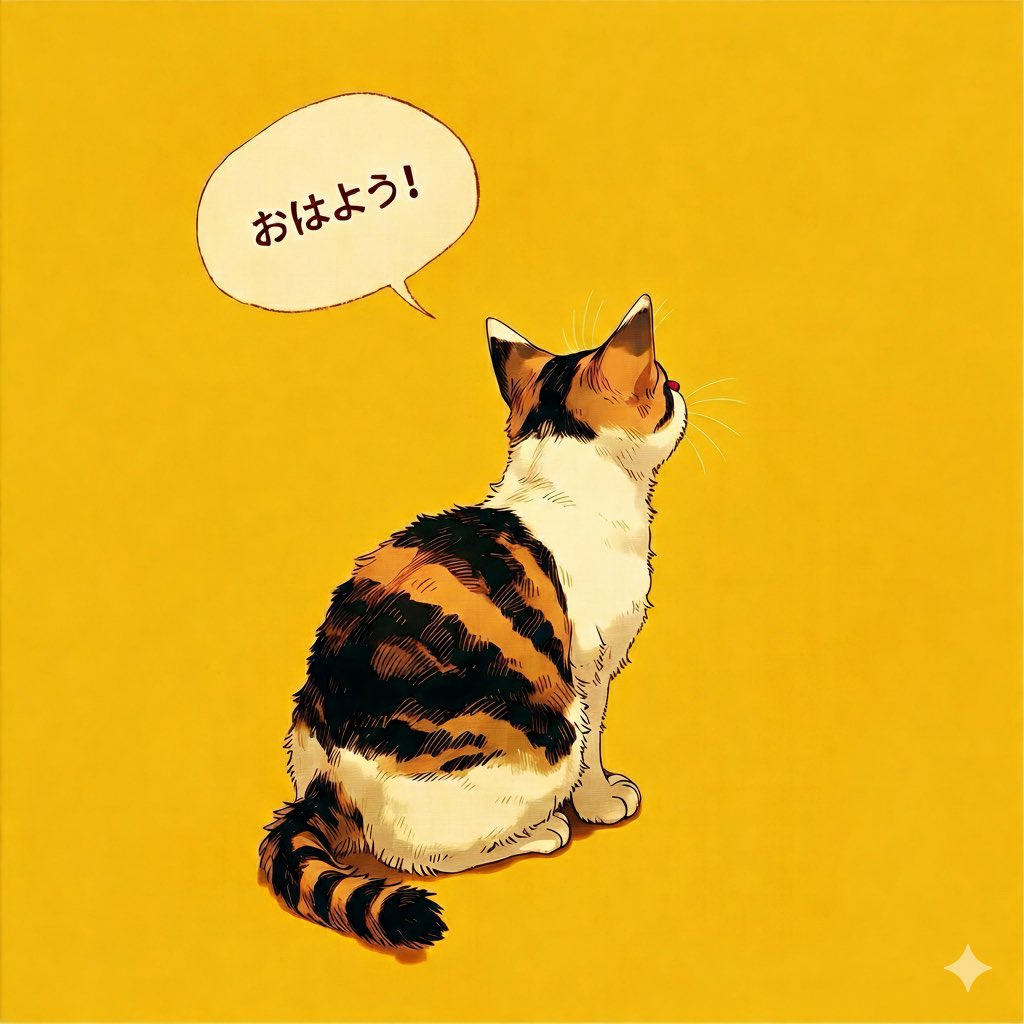
Japanese Text Generation Comparison (Oha-you)
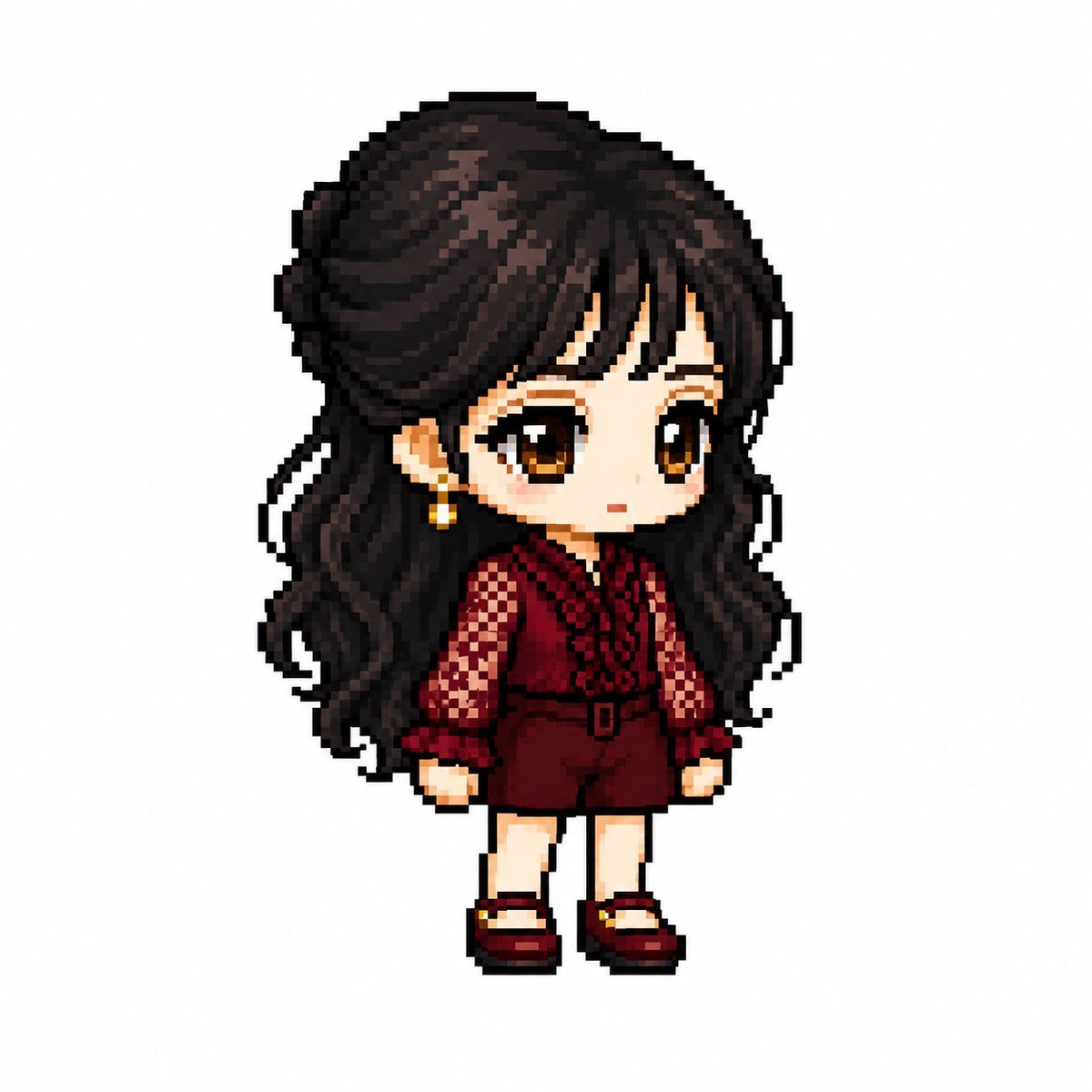
MapleStory Style Pixel Art Avatar
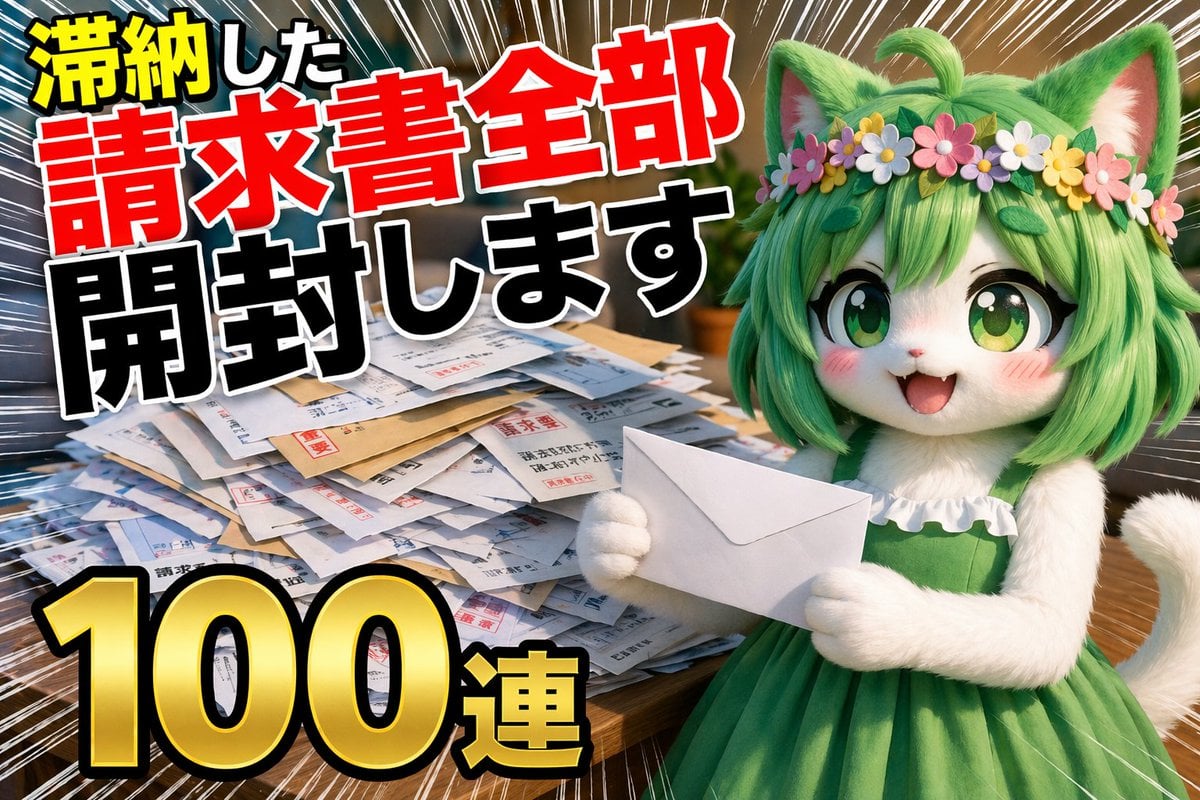
YouTube Unboxing Thumbnail Prompt
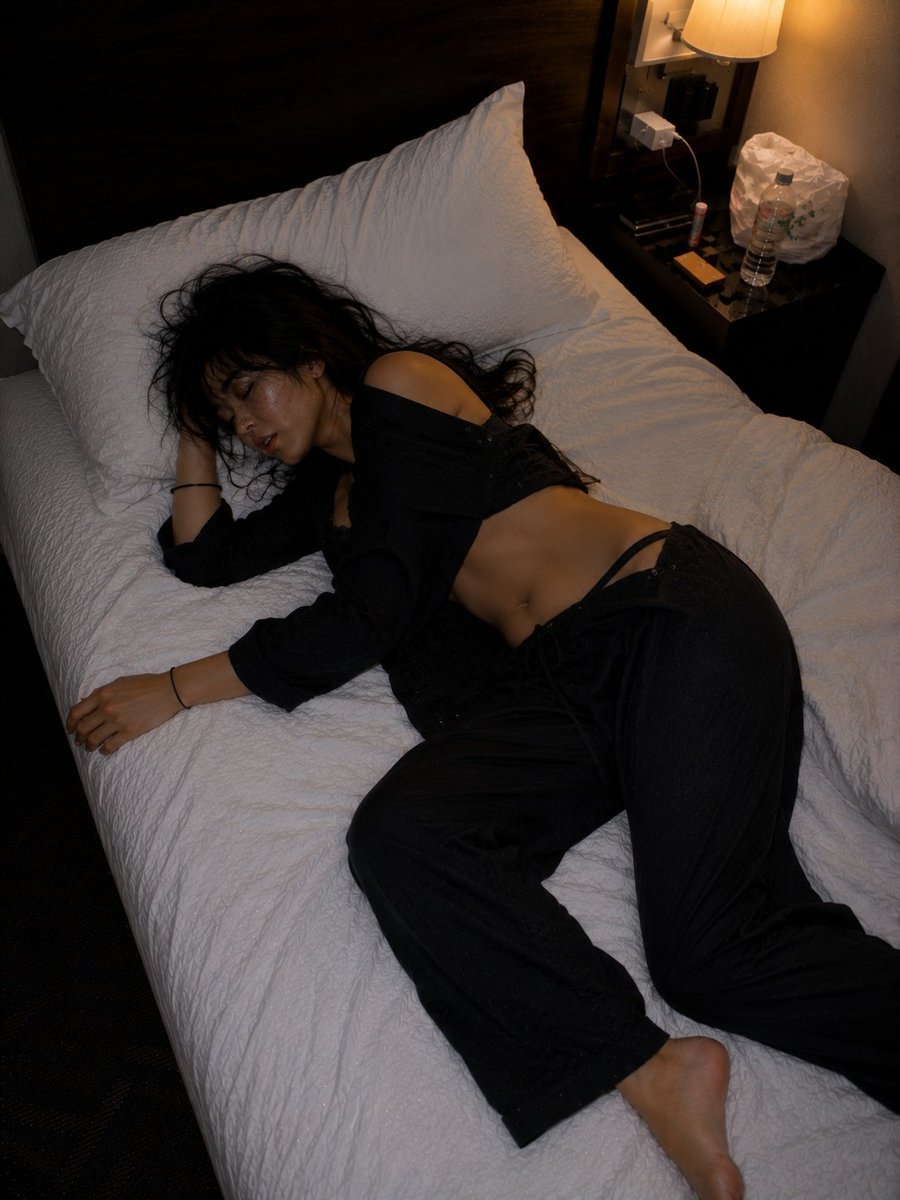
Late Night Hotel Exhausted Traveler
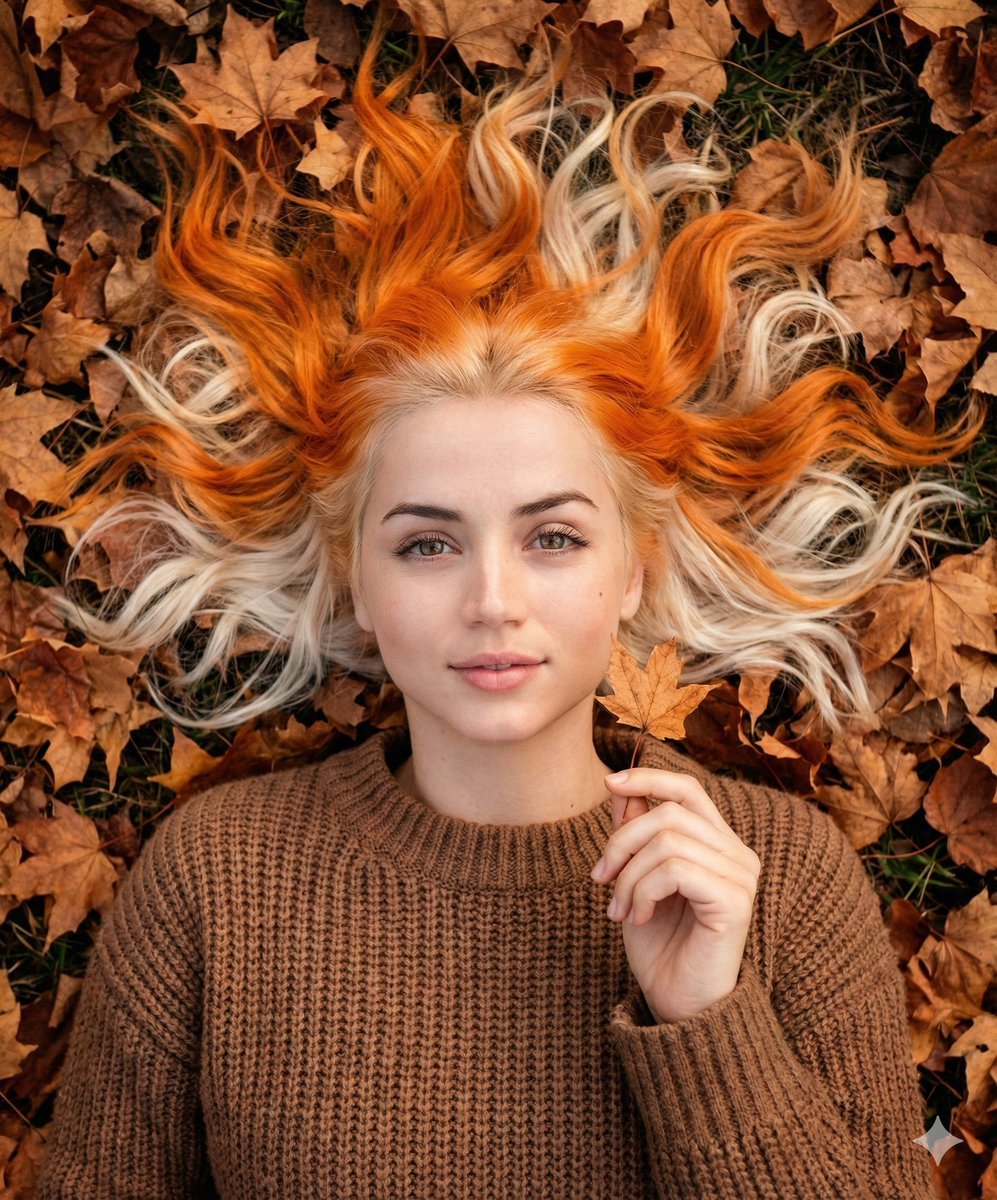
Dreamy Autumnal Portrait of a Young Woman
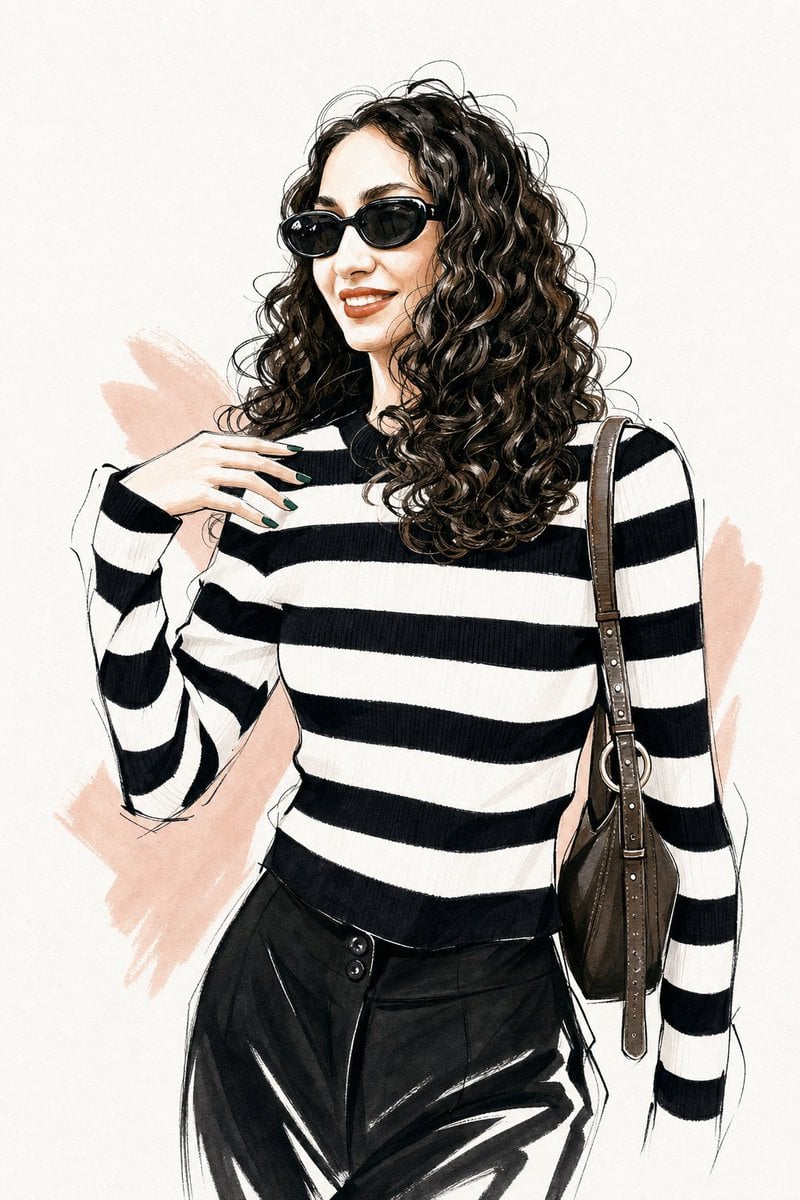
Vogue Style Fashion Illustration
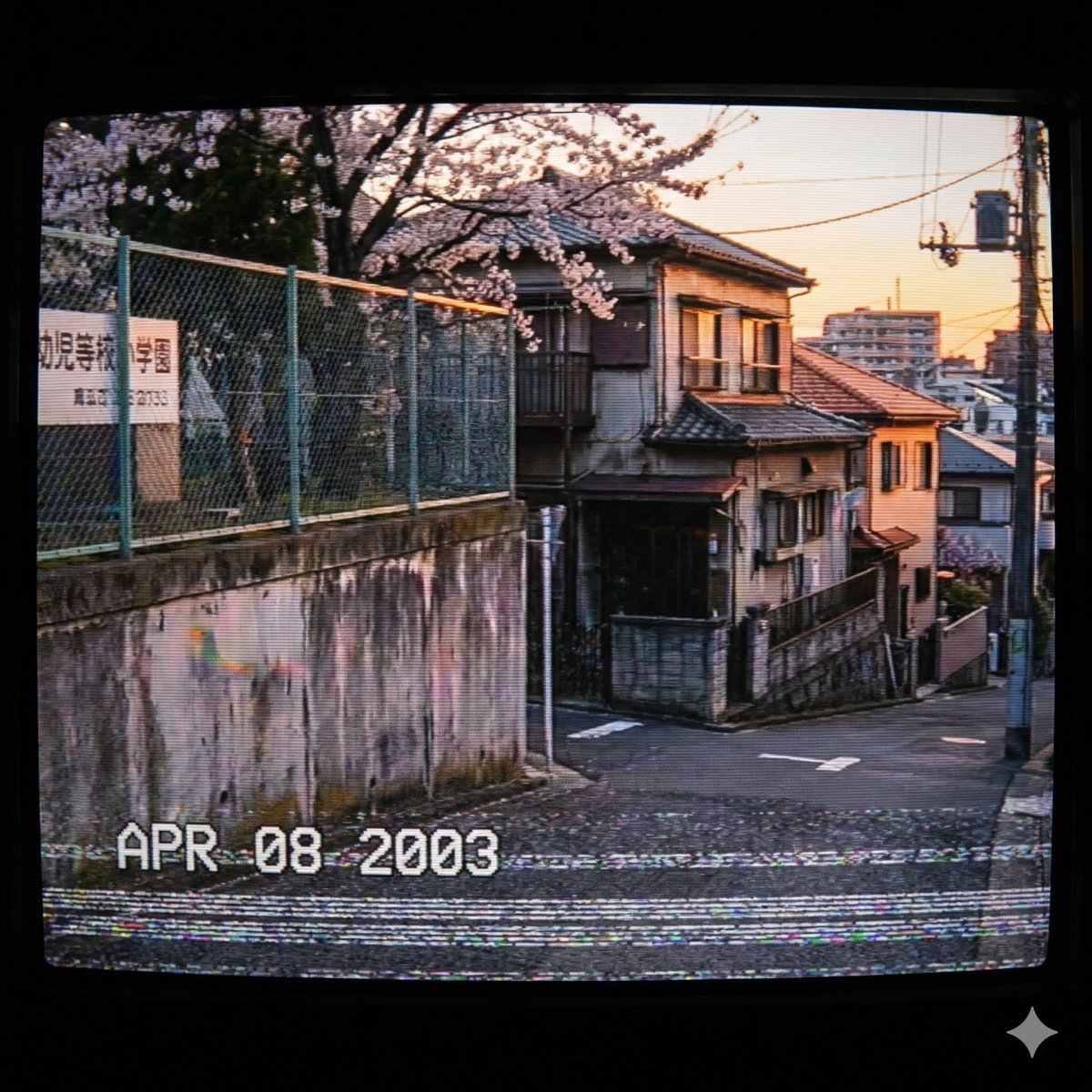
Nostalgic 2000s Japanese Suburb
Browse template categories
Watercolor Travel Journal Illustration questions
How do I use the Watercolor Travel Journal Illustration template?
Add your photo if the template asks for one, edit the prompt if you like — the template's model and format are already selected — and press Generate. Your version opens in PicX Studio.
Can I customize the Watercolor Travel Journal Illustration template?
Yes. You can change the subject, setting, lighting, mood, format, and available model controls before creating your image.
Is the Watercolor Travel Journal Illustration template free?
Opening and editing this template is free. Generating uses credits, shown on the Generate button when you are signed in.
Which AI model should I use?
Start with GPT Image 2, which is the model associated with this template. You can compare another compatible model for a different finish.
Looking for something else? Browse all templates.

Your photo, any look
Thousands of ready templates for every top image and video model, from one credit balance.