
Pixel Glitch Structural Infographic Poster
A highly technical prompt for creating abstract structural posters with pixel glitches, halftone noise, and precise typography layouts.
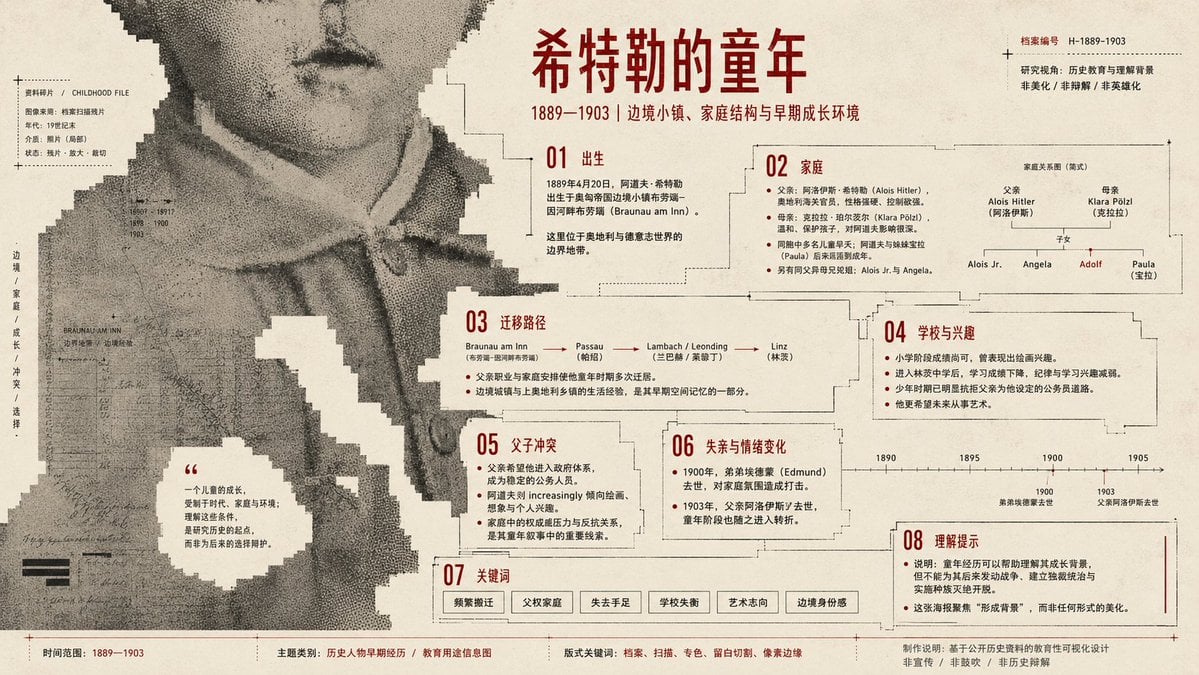
- Prompt included
- Model and format preset
- Free template
The prompt behind this image
Copy the exact prompt behind Pixel Glitch Structural Infographic Poster, or open it in the studio and make it yours.
Generate a structural flat graphic artwork built around specific theme content, first compressing the theme's subject into a large-scale monochrome image field, rather than a complete realistic object or a centered illustration; the core form surges in from the edges of the frame, crossing the page boundary and bleed-cropped, like a fragment of a larger media image entering the paper surface. Inside the subject, keep only low-contrast image fragments, scan grain, halftone noise, material afterimages, and local archival texture; the outer edge shows low-resolution mosaic steps, block breakage, hard-cut gaps, and jagged sampled outlines. The background uses a high-brightness, light-colored paper as the full-bleed base field — it is not decorative background color, but must cut into the subject in reverse, like an unprinted area, carving out large voids, winding paths, quiet text windows, and negative space that allows for reading pauses, letting the viewer reconstruct the theme through outline, mass, direction, missing parts, and local texture. Color maintains a three-layer functional relationship: the large light-colored base handles breathing and cutting, the large-area theme structural color handles the subject, spatial pressure, and media traces, and a small amount of high-contrast information color handles titles, dates, annotations, numbering, institutional information, or footnotes; the specific hues change with the theme's warmth/coolness, mood, and material semantics, but the area ratio, brightness hierarchy, and functional division must not be averaged out. The composition uses a scale contrast between giant image fragments and tiny information pin-points; the main visual is larger than the page and carries the primary weight, with text scattered along blank windows, color-field boundaries, cut nodes, and the bottom edge, forming a jumping reading path from top marks to side titles to bottom footnotes. The typeface uses a narrow modern sans-serif or a square, clear-skeleton face, with even strokes, restrained letter spacing, and precise hierarchy; the main title reads like a public cultural information coordinate, while the small text is precise and fine, like a metadata index — text does not cover the center of the subject, but instead calibrates the gaps, scale, and direction of the image field. Time, place, function, relationships between people, or abstract concepts within the theme must first be converted into color-field density, gap direction, edge pressure, and information nodes, rather than being explained through the subject's default stack of icons. The image may shift its warmth/coolness and paper temperature according to the theme, but must retain the mutually invasive relationship between large blocks of structural color and large blocks of blank space, so that the blank space is both air and a blade edge. The overall surface uses a flat texture of screen printing, spot-color overprinting, scan output, and slightly uneven old paper, giving the structural color internal grain-density variation while keeping the information color sharp and clear; no photographic depth of field, no 3D projection, no glow effects. All theme objects, data, temporal relationships, and narrative clues are made visible through field quality, pixel edges, blank-space cuts, information nodes, and print grain, so that the image has both a strong graphic impact from a distance and a precise information order when read up close. Theme for this piece: {argument name="theme" default="Hitler's childhood"} Purpose: infographic poster, make sure all key facts are covered, with varied presentation. Ratio 16:9 landscape.
How to use Pixel Glitch Structural Infographic Poster in 3 steps
- 1
Open
The prompt is already in the box next to the preview, with the template's model and format selected.
- 2…a portrait of your subject in softgolden-hour light, 85mm…
Personalize
Edit the subject and creative details for your destination.
- 3Generate
Generate
Press Generate — your image is created in PicX Studio, so you can compare it with the original and refine one variable at a time.
More like this
Templates with the same subject, style or setup. Open one to see its prompt.

Japan Travel Brochure Poster

Neon Glitch Cyber Symbiote Music Poster

Gpt2 Infographic Edu Visual Ink Wash Tribute Poster for Chen Uen

Gpt2 Infographic Edu Visual Biomimetic Skyray Aircraft Poster
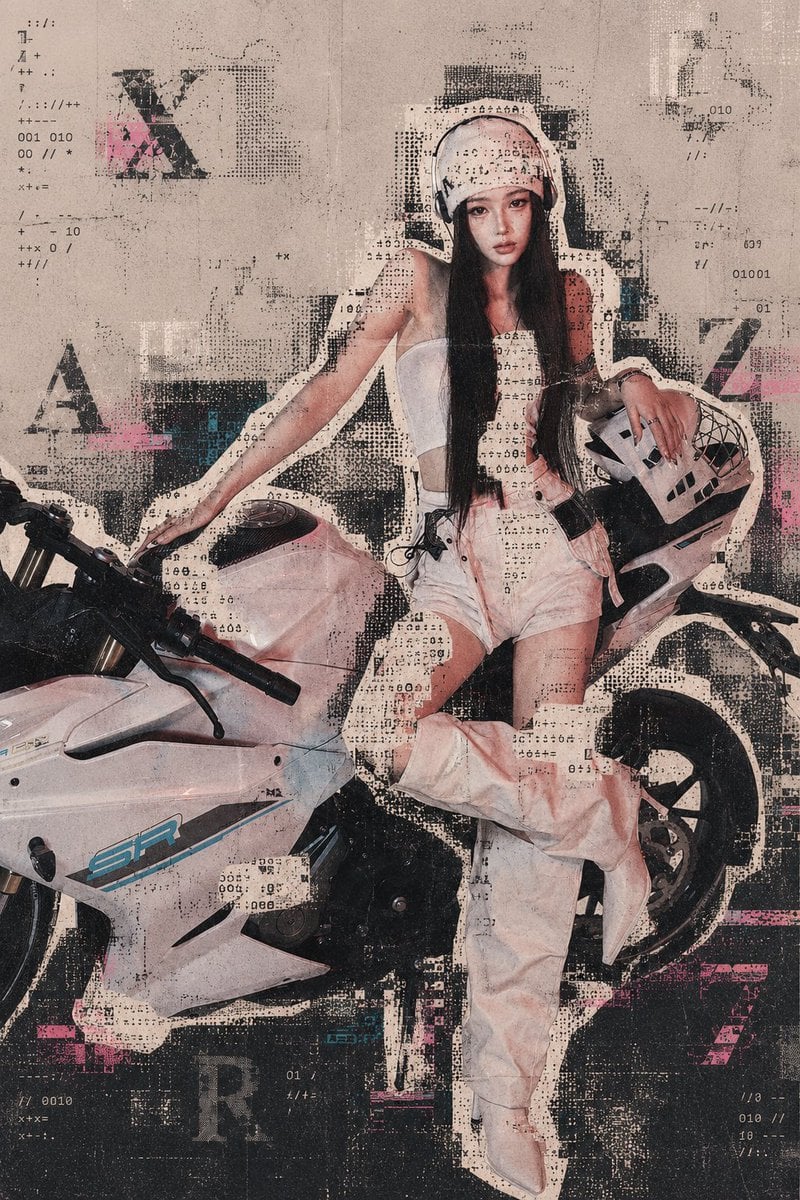
Archive Glitch Motorcycle Fashion Poster

Xiaoshu Solar Term Infographic Poster

Longjing Tea Infographic Poster

Pixel Limited Finale Fireworks

Pixel Limited Garden Maze

Pixel Limited Rooftop Concert

Pixel Limited Bicycle Coast

Pixel Limited Castle Gate
Make it yours
Pixel Glitch Structural Infographic Poster works as-is. These are the safest ways to change it without losing the look.
Change one field
Copy a single group, rewrite it, and generate again so you can see what that field is doing.
Keep the frame, change the subject
Hold the composition and light of Pixel Glitch Structural Infographic Poster, then swap wardrobe, props or the person for a new take.
| If the result… | Why | Fix |
|---|---|---|
| The result drifts from the preview | Too many fields changed at once. | Reuse Pixel Glitch Structural Infographic Poster as-is first, then change one group — subject, light, or setting. |
| The model over-stylizes the scene | The prose prompt leaves finish and camera underspecified. | Add one camera or lighting sentence and stay on GPT Image 2. |
More GPT Image 2 templates
Other prompts made for GPT Image 2.

Six VTuber Japanese Logo Sheet

Realistic Portrait of Woman and Deer

The Vista Modular Condo Poster

AI Model Routing Comparison Infographic

2.5D Anime Art Board

Isometric Productivity Desk Scene

New York Double Exposure Poster

Four-Panel AI Landscape Comparison

Japanese Tatami Lifestyle Magazine Cover

NESCAFÉ Coffee Map Poster
More image prompts
Fresh picks from across the catalog.
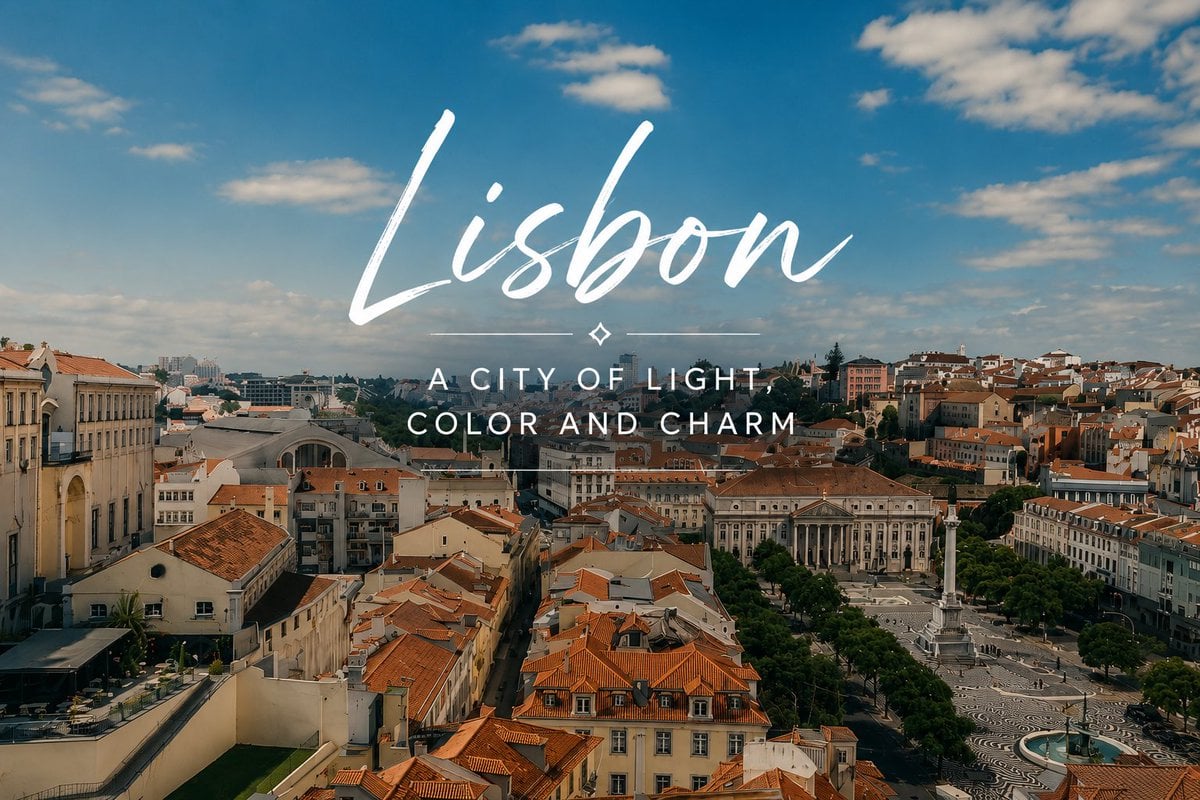
Lisbon Travel Poster

AI Manga: 2-Minute Cooking
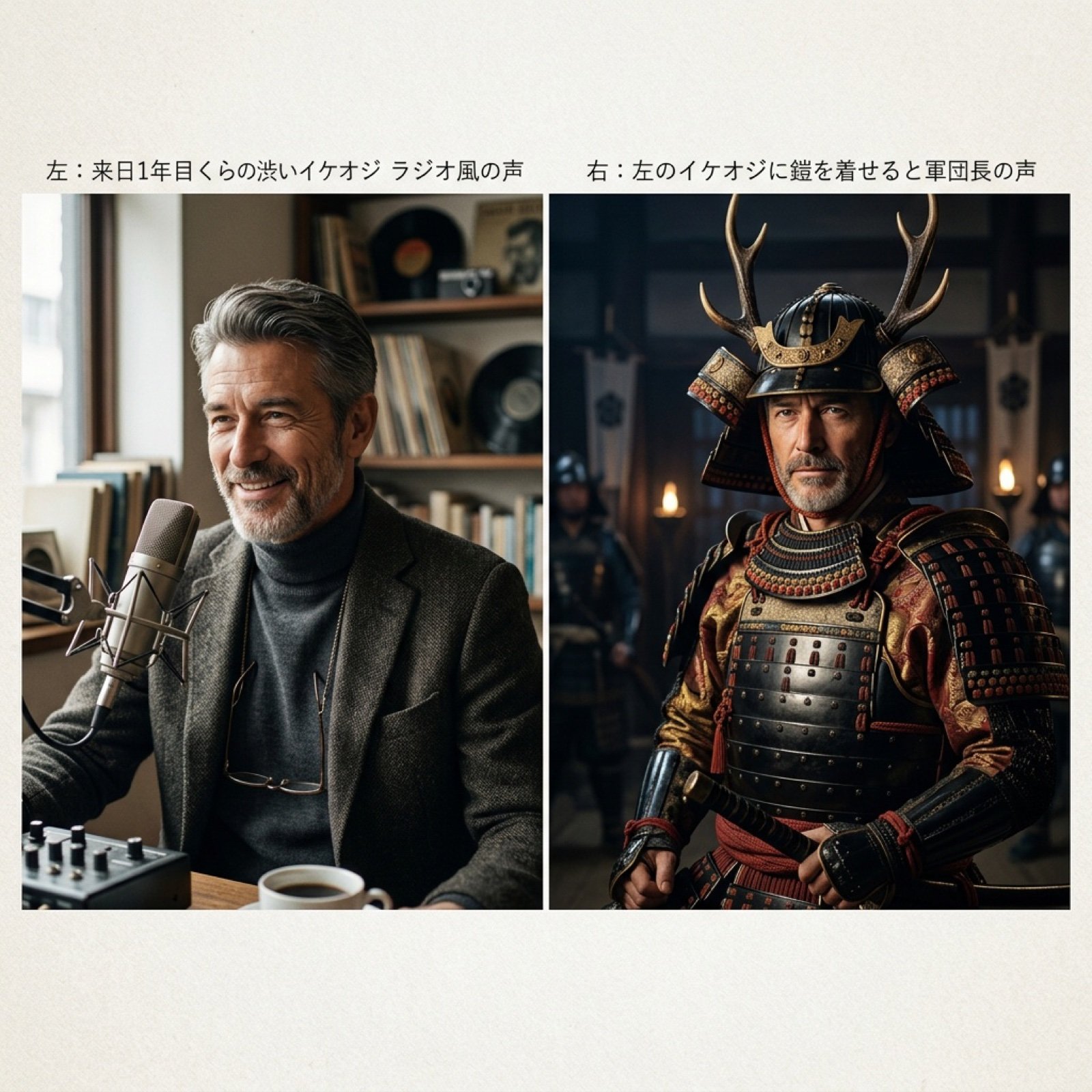
Grok Voice Generation Prompt Examples
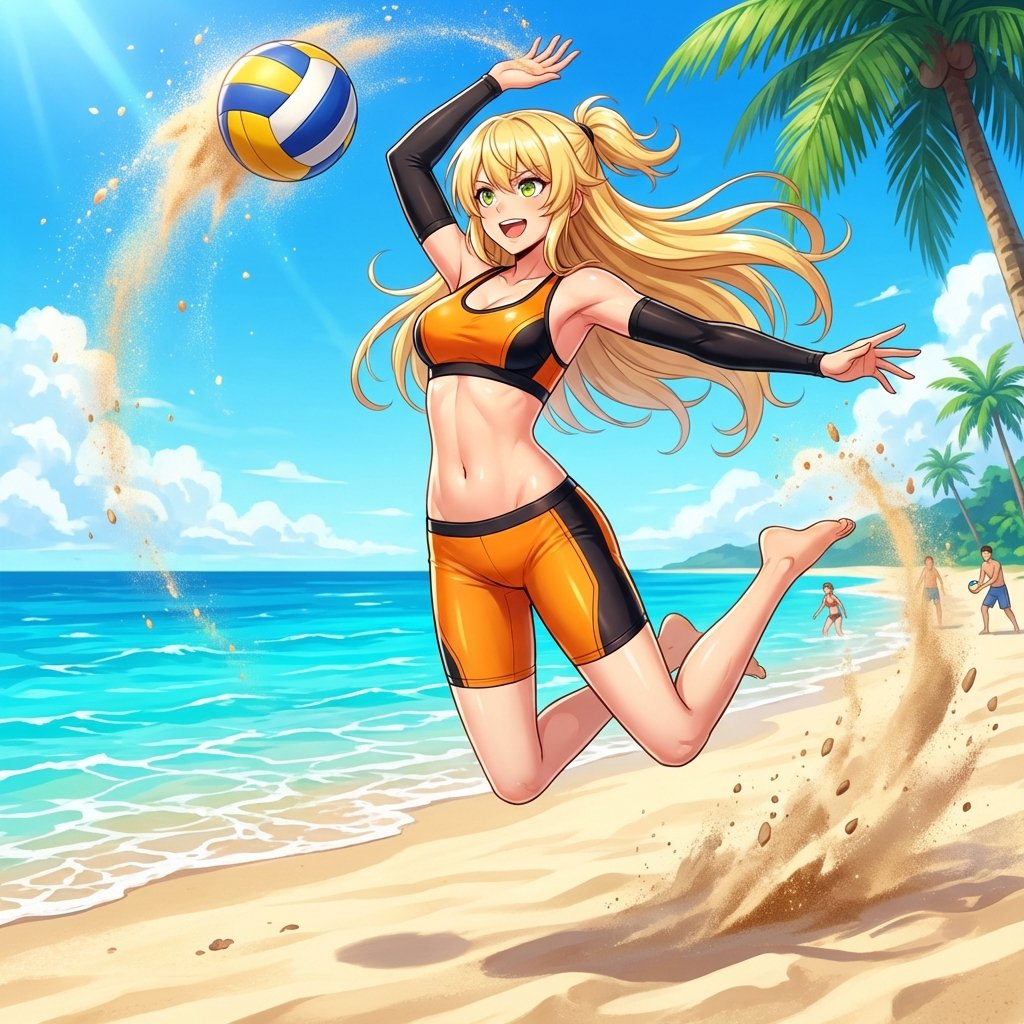
Prompt for Converting Subject into a Beach Volleyball Player
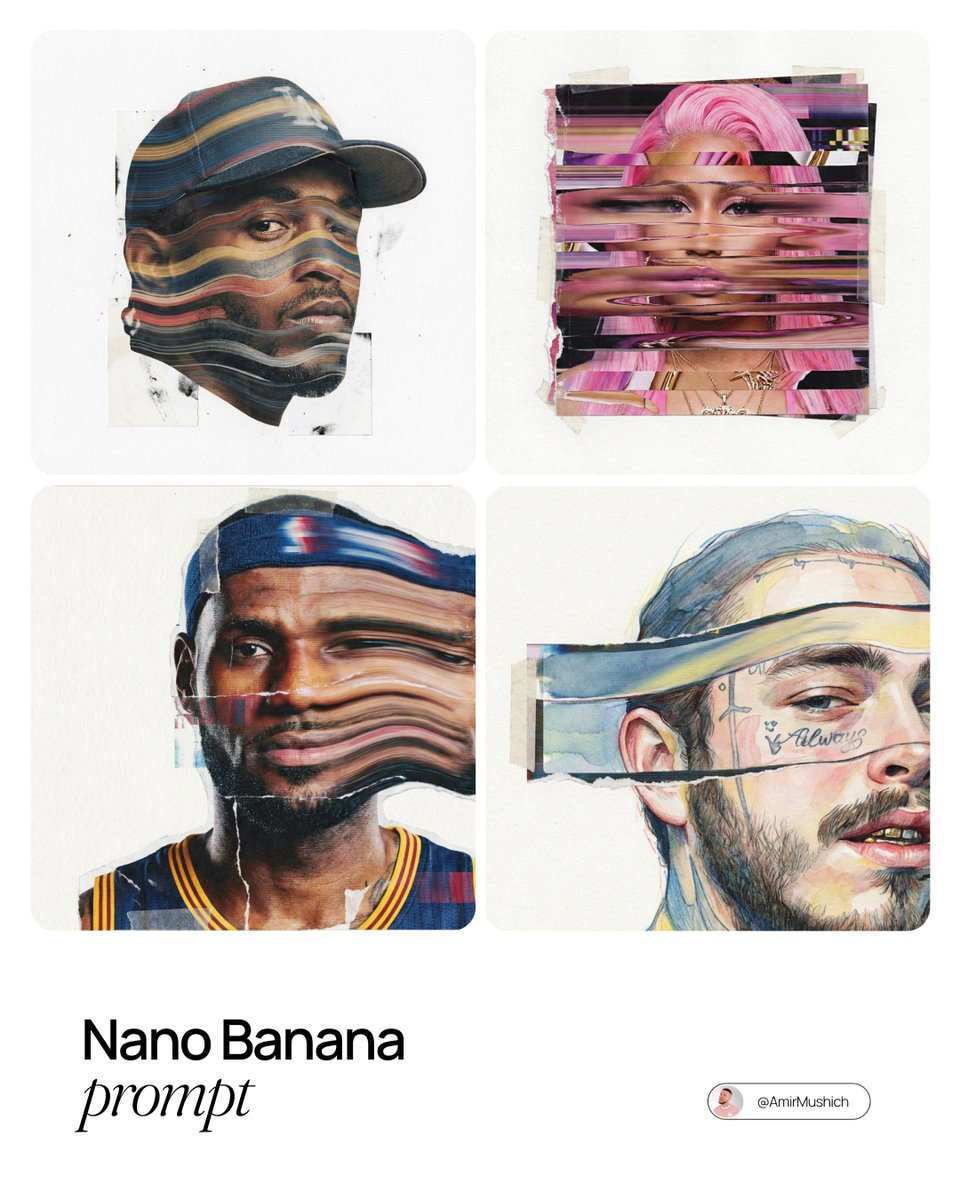
Mixed-Media Collage Posters Prompt

Business Office Manga Page

Editorial Sports Poster Design
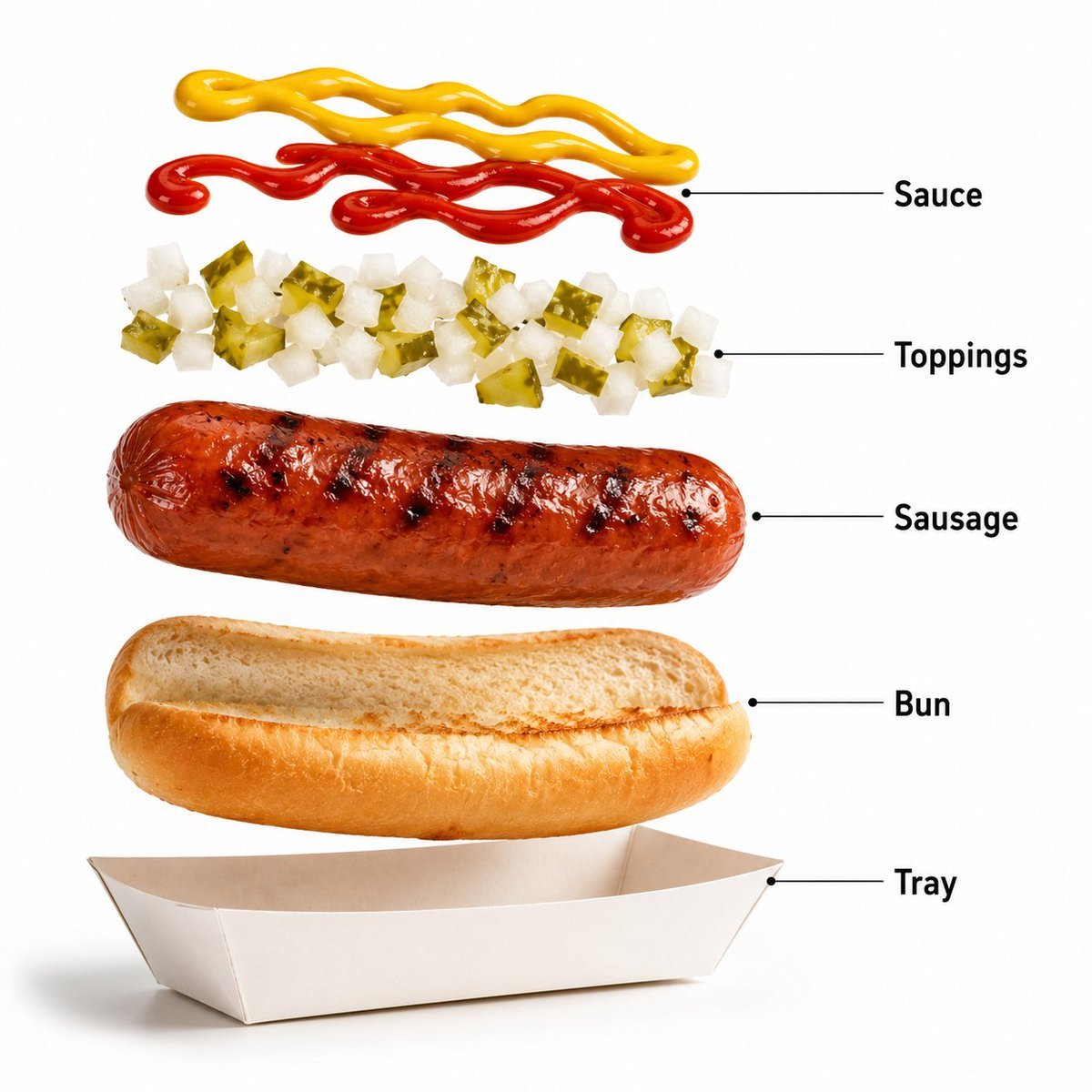
Premium Fast-Food Product Shot

Monochrome Luxury Studio Portrait

Nano Banana Pro 'Correct Words' for Subtle Smiling Expression
Browse template categories
Pixel Glitch Structural Infographic Poster questions
How do I use the Pixel Glitch Structural Infographic Poster template?
Add your photo if the template asks for one, edit the prompt if you like — the template's model and format are already selected — and press Generate. Your version opens in PicX Studio.
Can I customize the Pixel Glitch Structural Infographic Poster template?
Yes. You can change the subject, setting, lighting, mood, format, and available model controls before creating your image.
Is the Pixel Glitch Structural Infographic Poster template free?
Opening and editing this template is free. Generating uses credits, shown on the Generate button when you are signed in.
Which AI model should I use?
Start with GPT Image 2, which is the model associated with this template. You can compare another compatible model for a different finish.
Looking for something else? Browse all templates.

Your photo, any look
Thousands of ready templates for every top image and video model, from one credit balance.