
Archive Glitch Motorcycle Fashion Poster
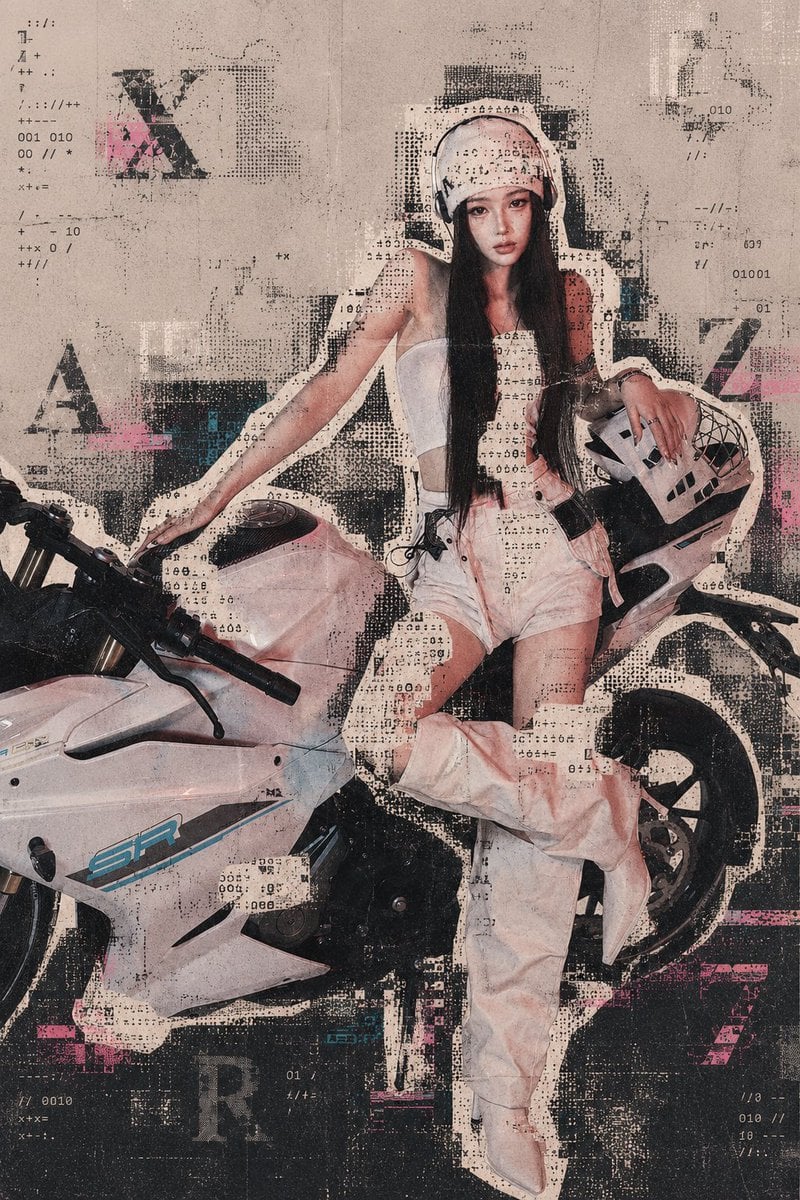
Generates a distressed futuristic fashion poster of a woman on a sport motorcycle with halftone archive-print glitches and garbled sticker outlines.
- Prompt included
- Model and format preset
- Premium template
The prompt behind this image
Copy the exact prompt behind Archive Glitch Motorcycle Fashion Poster, or open it in the studio and make it yours.
Create a vertical futuristic fashion poster featuring {argument name="character name" default="a young East Asian woman"} posing with a white sport motorcycle, styled as if discovered in an old archive file and corrupted by print glitches. The subject sits side-saddle on the motorcycle, facing forward with a calm serious expression, long straight black hair, a white padded helmet, a white strapless top, pale shorts, oversized pale pink-white loose pants or chaps gathered around the legs, white pointed boots, and one hand resting on a white motorcycle helmet with black graphic vents. Preserve a full-body fashion editorial composition: the motorcycle occupies the lower left and extends across the frame, the woman is centered-right, one arm reaching down to the handlebar, one bent leg raised across the bike, the rear wheel visible at right. Use a dusty beige paper background with heavy archival texture, stains, fold lines, scuffs, faded ink, and photocopied wear. Overlay a “subject outline garbled sticker × archive printing glitch” effect: thick irregular off-white cutout sticker borders around the woman and motorcycle, black halftone dot matrices, misregistered ink blocks, torn-paper edges, pixelated scan artifacts, ASCII-like symbol noise, binary fragments, tiny numeric codes, and scattered typographic marks. Include exactly 4 large faded background letters: “X” upper left, “A” left middle, “Z” right middle, and “R” lower left. Add small glitch text fragments and symbols around the poster such as “010”, “001 010”, “01001”, slashes, plus signs, colons, dots, and random code-like marks, but no readable headline. Accent the monochrome beige-black palette with subtle hot pink and cyan misprint smears. Make the image look like a distressed risograph/photocopy fashion archive poster with layered paper, halftone screen printing, black grunge patches, scan noise, and partial transparency over the subject while keeping the face and main silhouette recognizable. Use {argument name="poster style" default="old archive print glitch fashion poster"}, {argument name="main vehicle" default="white sport motorcycle"}, {argument name="accent color" default="hot pink and cyan"}, and {argument name="background texture" default="aged beige archival paper"}.
How to use Archive Glitch Motorcycle Fashion Poster in 3 steps
- 1Upload ImagePNG, JPG or paste
Add your photo
Upload the photo the template builds on. The prompt, model and format are already set.
- 2…a portrait of your subject in softgolden-hour light, 85mm…
Personalize
Edit the subject and creative details for your destination.
- 3Generate
Generate
Press Generate — your image is created in PicX Studio, so you can compare it with the original and refine one variable at a time.
More like this
Templates with the same subject, style or setup. Open one to see its prompt.

Neon Glitch Cyber Symbiote Music Poster

80s College Gate

1988 Mall Style

80s Polka Dot Saree
Vintage Film Startup Archive Poster
Urban Grunge Glitch Fashion Photography

Japan Travel Brochure Poster
The Archive of Tomorrow Editorial Poster
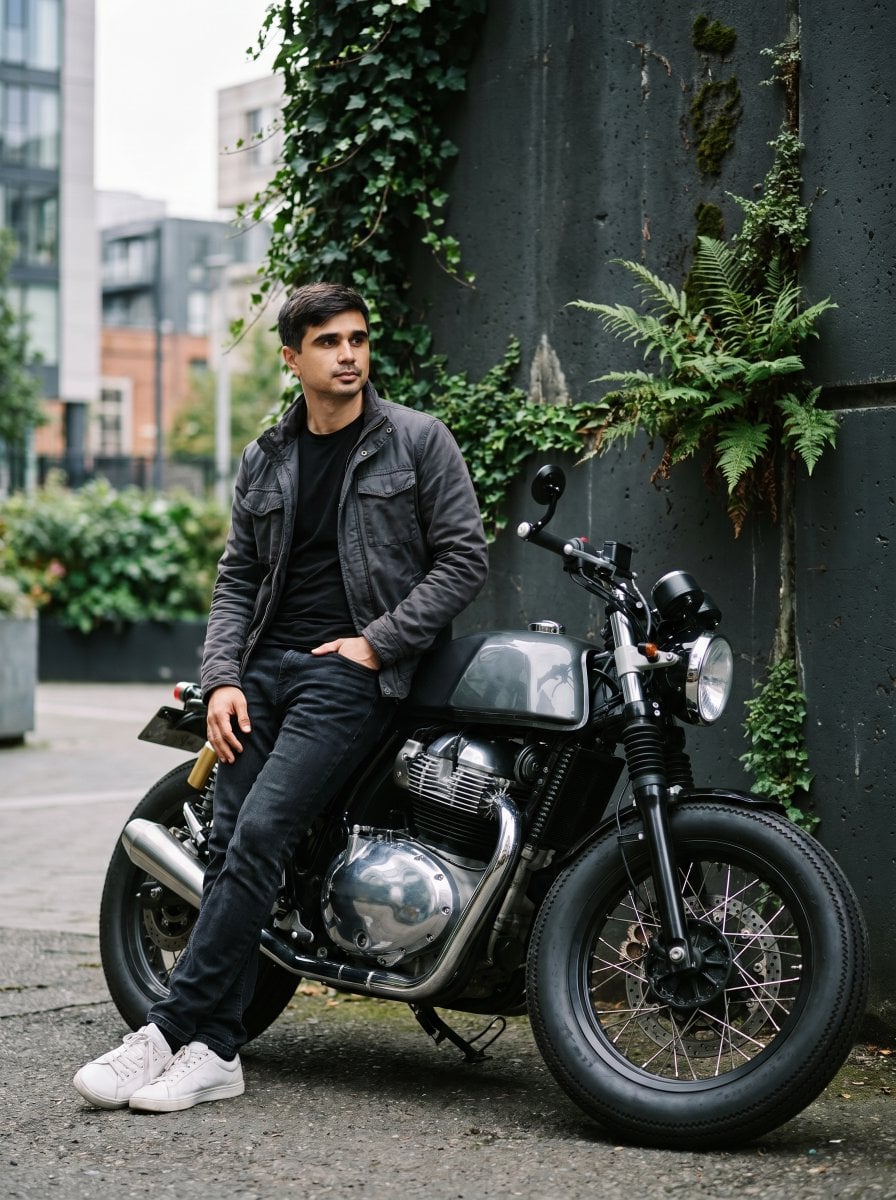
Urban Motorcycle Fashion Portrait

Cartoon TV Show Poster Pack

Blue Backdrop Luxury Fashion Portrait Campaign

Luxury Black-and-White Fashion Contact Sheet
Make it yours
Archive Glitch Motorcycle Fashion Poster works as-is. These are the safest ways to change it without losing the look.
Change one field
Copy a single group, rewrite it, and generate again so you can see what that field is doing.
Keep the frame, change the subject
Hold the composition and light of Archive Glitch Motorcycle Fashion Poster, then swap wardrobe, props or the person for a new take.
| If the result… | Why | Fix |
|---|---|---|
| The result drifts from the preview | Too many fields changed at once. | Reuse Archive Glitch Motorcycle Fashion Poster as-is first, then change one group — subject, light, or setting. |
| The model over-stylizes the scene | The prose prompt leaves finish and camera underspecified. | Add one camera or lighting sentence and stay on GPT Image 2. |
More GPT Image 2 templates
Other prompts made for GPT Image 2.

Six VTuber Japanese Logo Sheet

Realistic Portrait of Woman and Deer

The Vista Modular Condo Poster

AI Model Routing Comparison Infographic

2.5D Anime Art Board

Isometric Productivity Desk Scene

New York Double Exposure Poster

Four-Panel AI Landscape Comparison

Japanese Tatami Lifestyle Magazine Cover

NESCAFÉ Coffee Map Poster
More image prompts
Fresh picks from across the catalog.
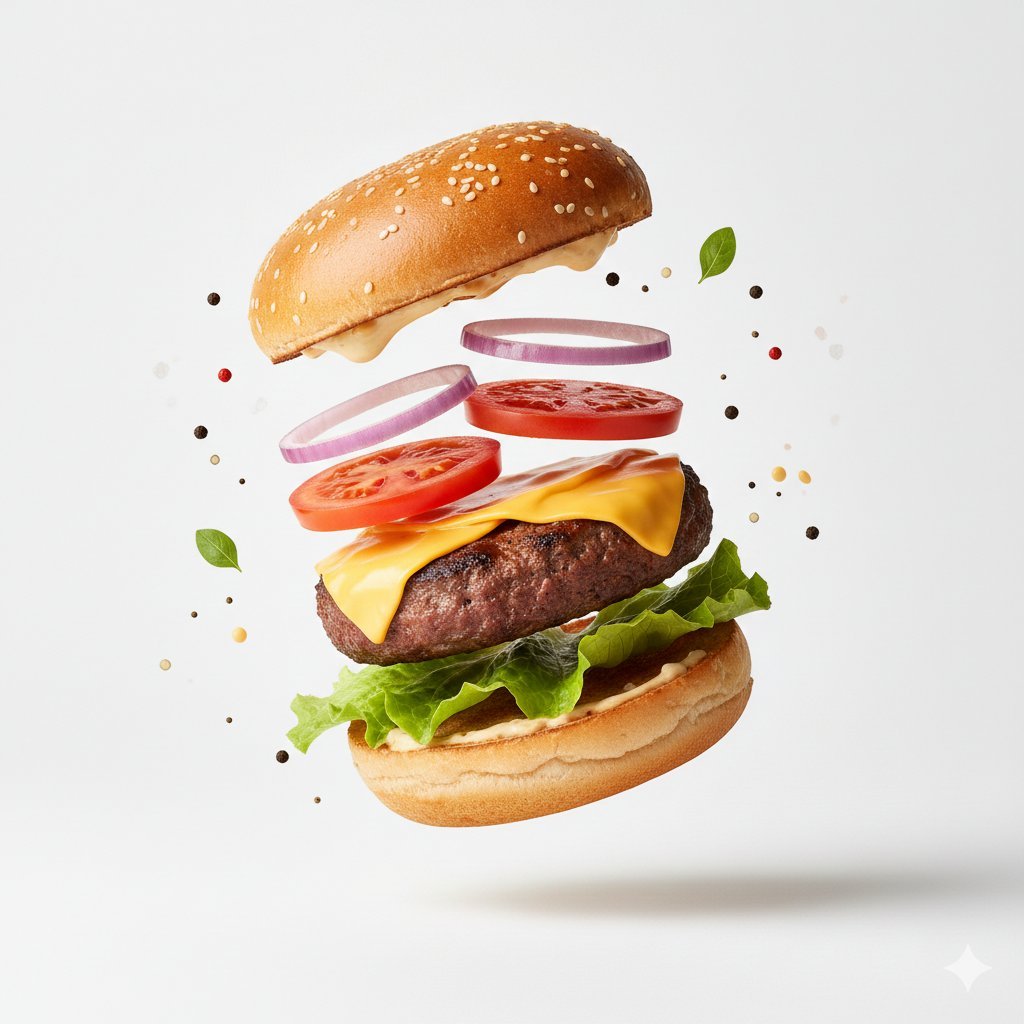
Macro Product Photography for Floating Food
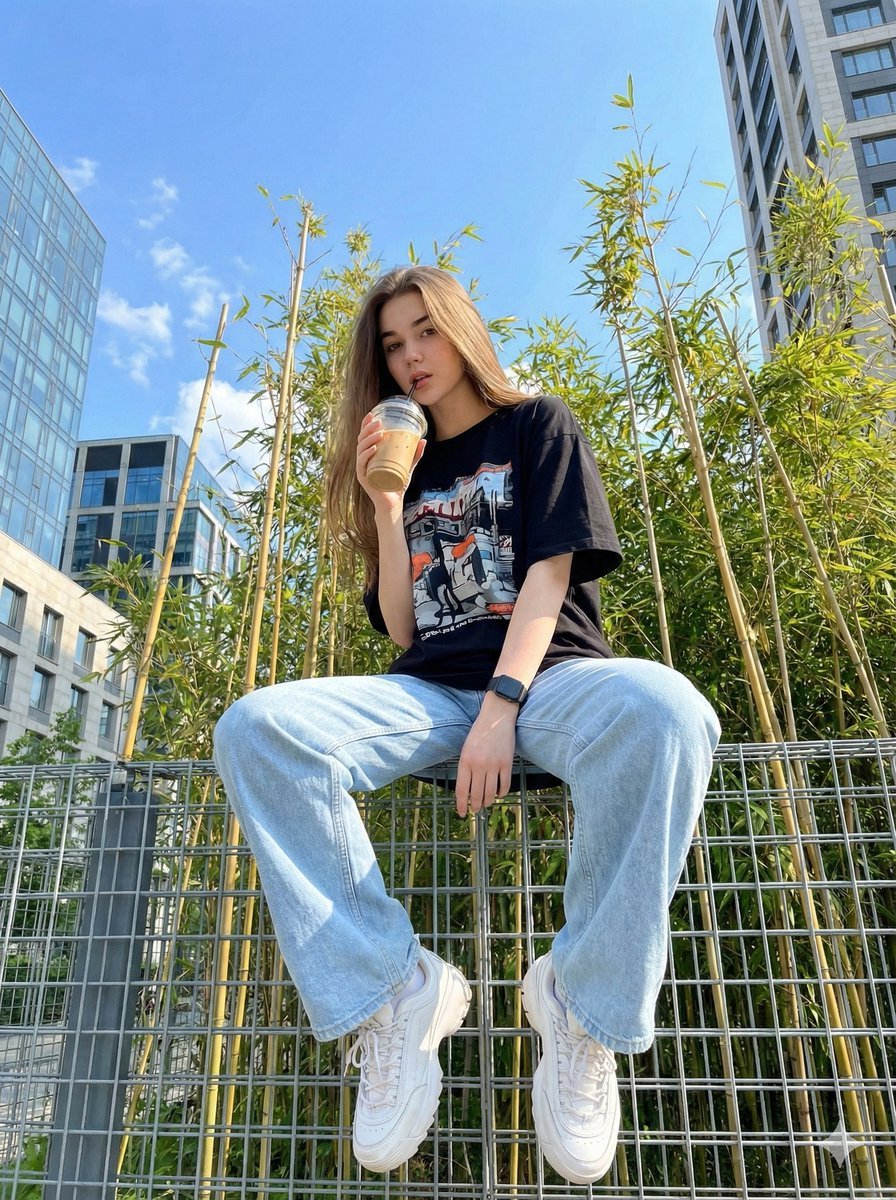
Structured JSON prompt for a stylish streetwear portrait of a young woman
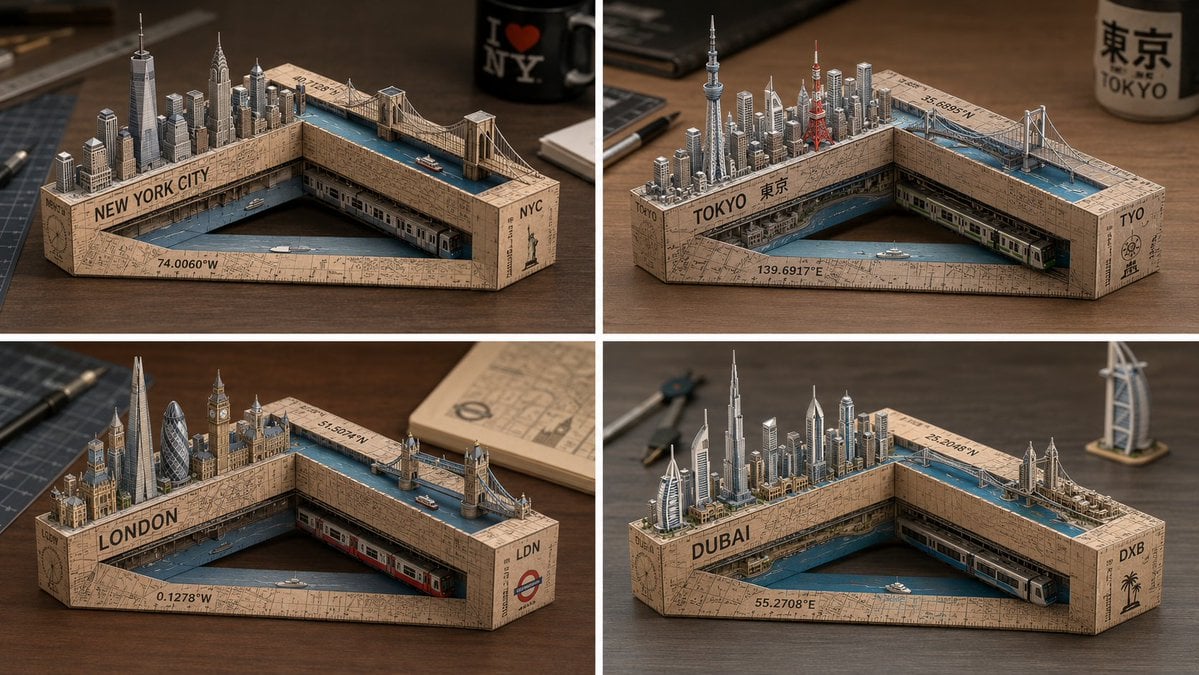
Laser-Cut Paper City Sculpture
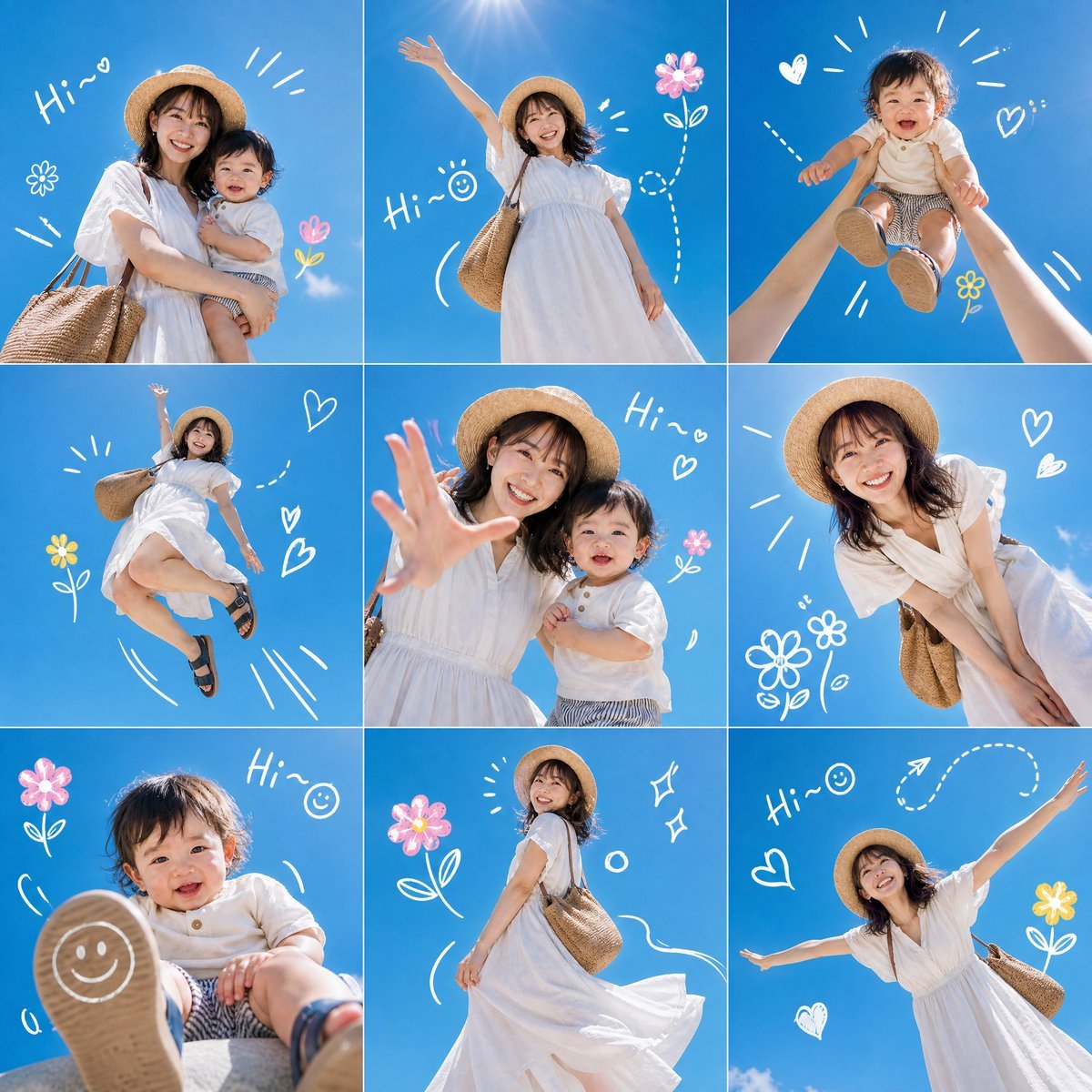
Summer Mother and Baby Sky Collage

Minimal Coding Study Group Poster
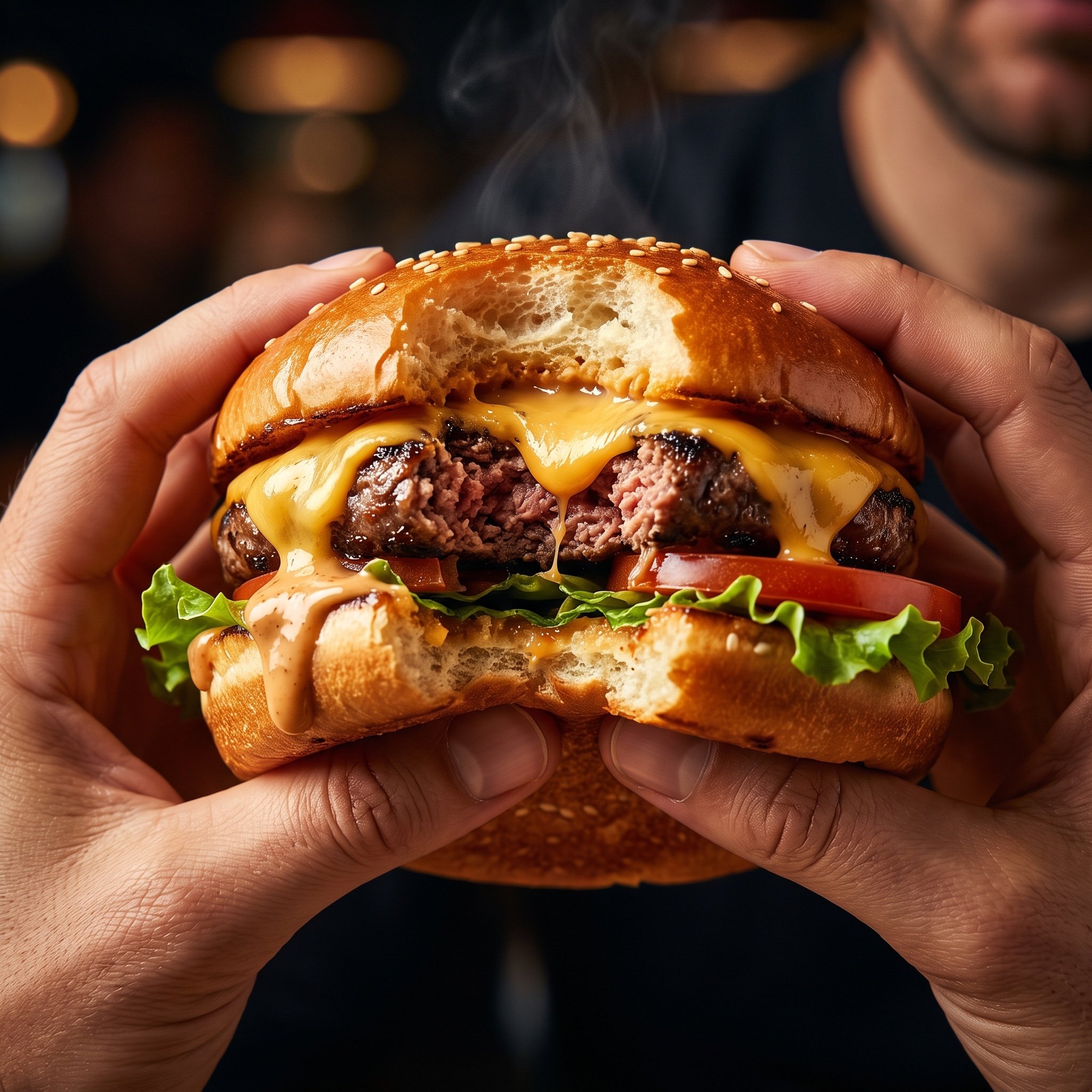
Hyper-Realistic Cinematic Food Action Shot of a Gourmet Burger Mid-Bite
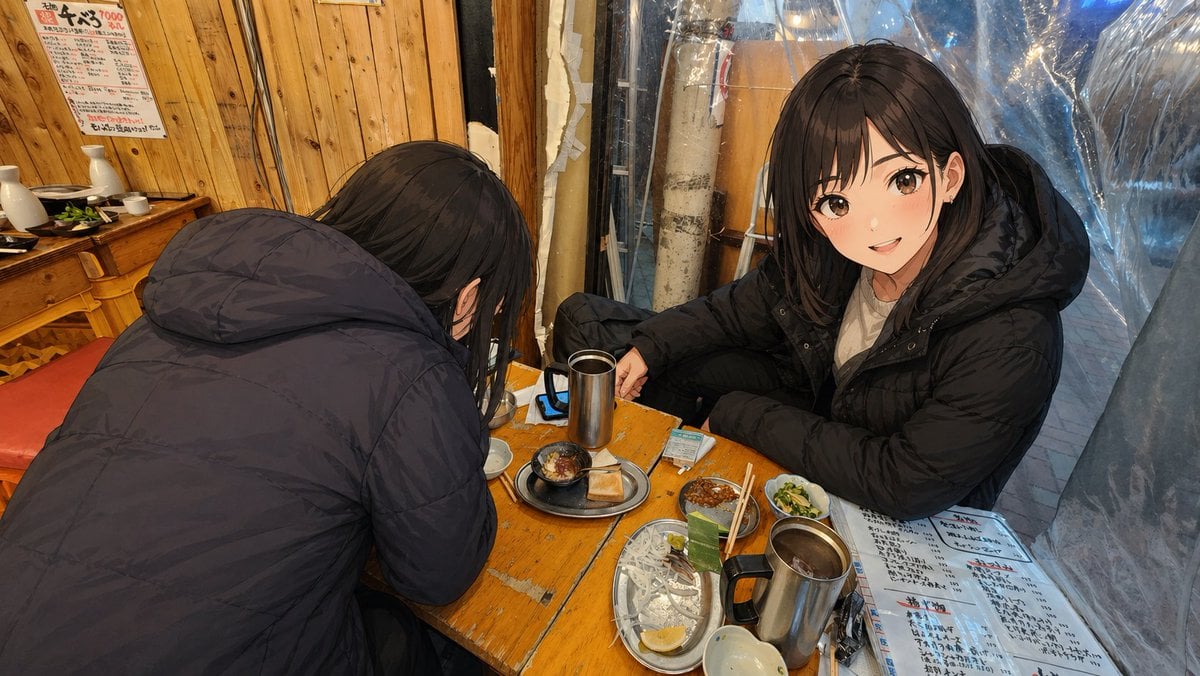
Anime Characters in Real Izakaya Photo
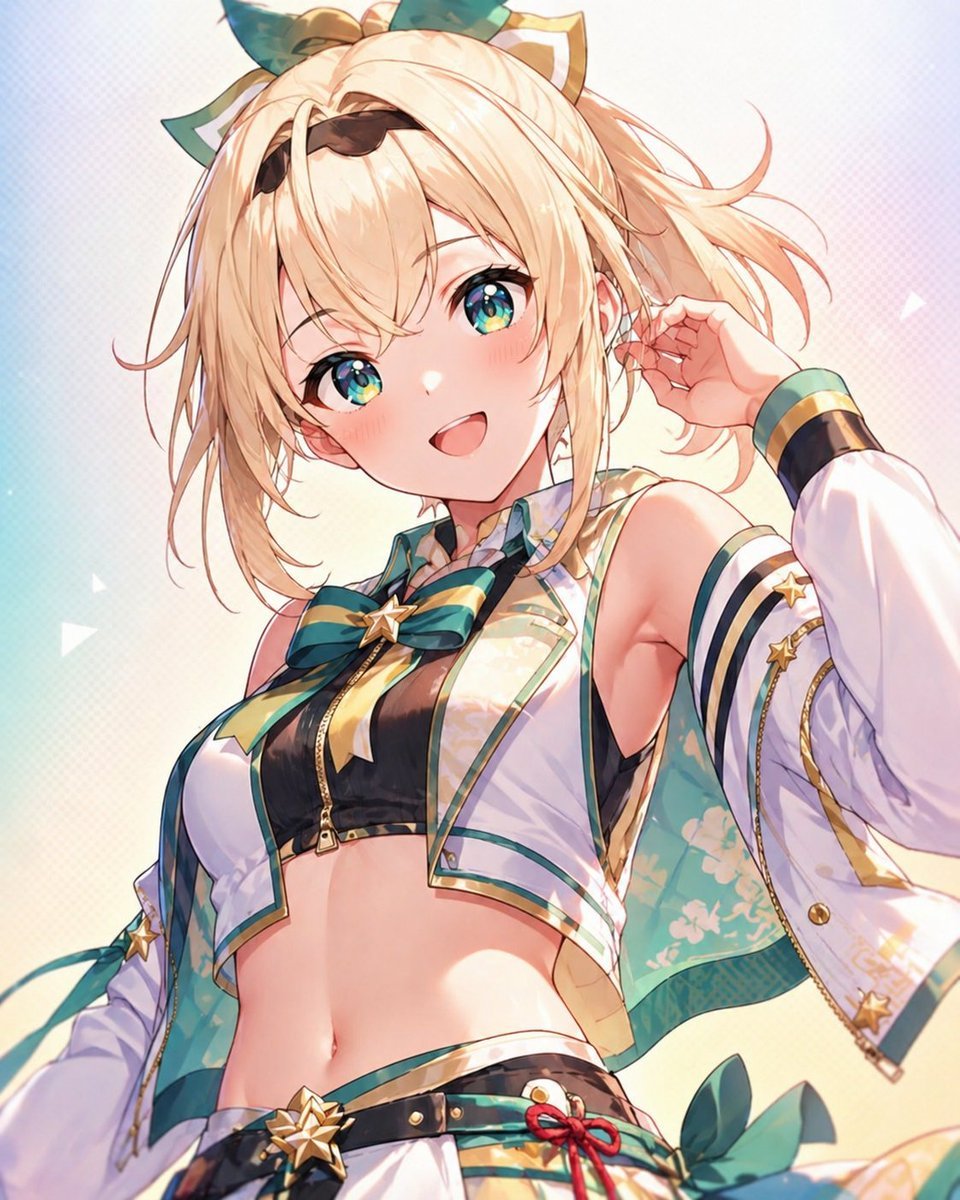
Censored Anime Idol Portrait
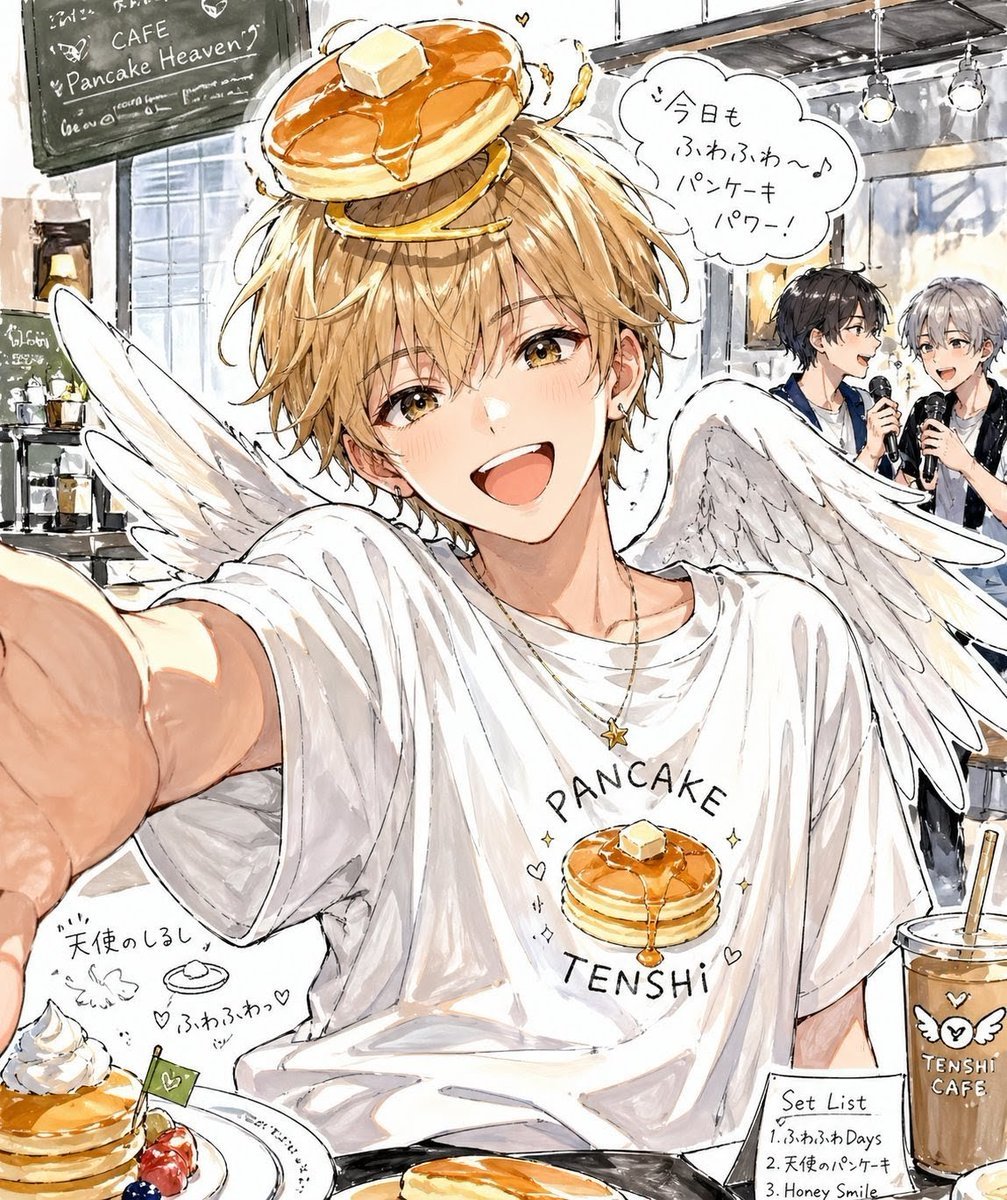
Pancake Angel Idol Café Selfie
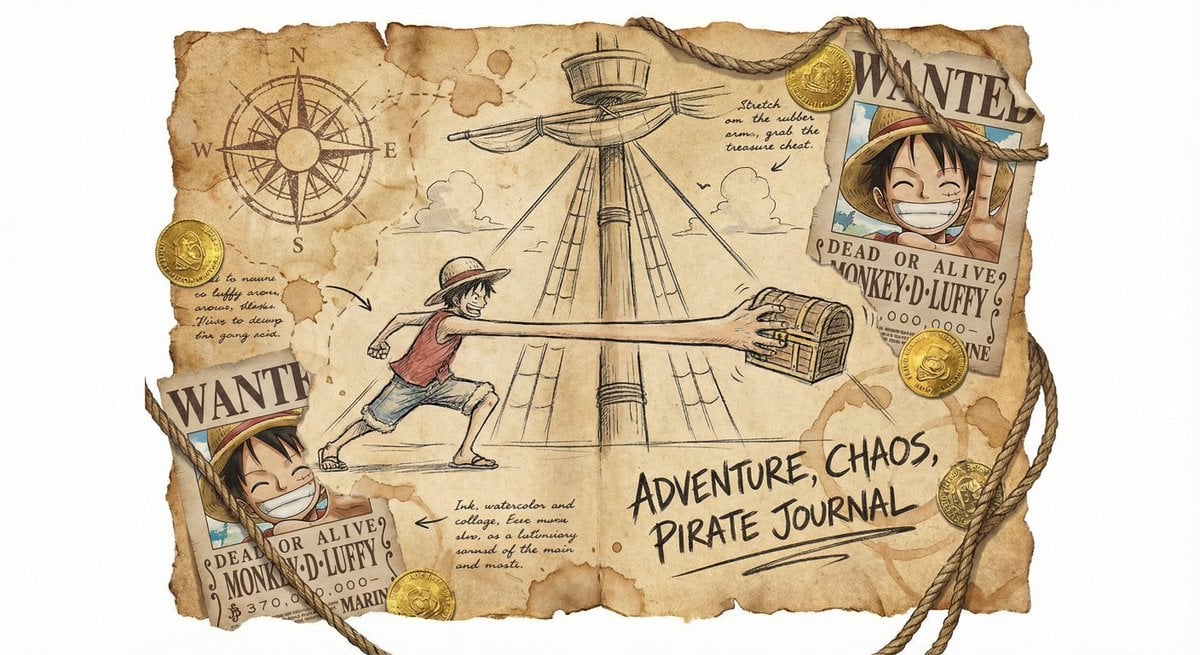
Captain’s worn sailing log sketch
Browse template categories
Archive Glitch Motorcycle Fashion Poster questions
How do I use the Archive Glitch Motorcycle Fashion Poster template?
Add your photo if the template asks for one, edit the prompt if you like — the template's model and format are already selected — and press Generate. Your version opens in PicX Studio.
Can I customize the Archive Glitch Motorcycle Fashion Poster template?
Yes. You can change the subject, setting, lighting, mood, format, and available model controls before creating your image.
Is the Archive Glitch Motorcycle Fashion Poster template free?
Opening and editing this template is free. Generating uses credits, shown on the Generate button when you are signed in.
Which AI model should I use?
Start with GPT Image 2, which is the model associated with this template. You can compare another compatible model for a different finish.
Looking for something else? Browse all templates.

Your photo, any look
Thousands of ready templates for every top image and video model, from one credit balance.