
Minimal Coding Study Group Poster
A warm, modern event flyer showing three people studying with laptops, ideal for promoting a coding meetup or tech workshop on social media.

- Prompt included
- Model and format preset
- Free template
The prompt behind this image
Copy the exact prompt behind Minimal Coding Study Group Poster, or open it in the studio and make it yours.
A clean, warm, minimalist promotional poster for a coding study meetup, in a soft lifestyle-photography plus editorial design style. Show 3 young adults seated around a light wooden table in a bright neutral room, collaborating with laptops and notebooks. The group consists of 2 men and 1 woman, all casually dressed in muted colors; the person on the left wears a dark navy sweater, the woman in the center-right wears an off-white knit top, and the person on the far right wears a light gray hoodie in side profile. Their faces are softly obscured and not detailed. Place 2 open silver laptops on the table, 2 ceramic mugs, 2 notebooks, 1 smartphone, and 1 pen visible near the right person’s hand. Compose the people on the right half of the image, with a large pale sage-green organic blob shape behind them as a graphic backdrop. Keep the lighting soft, natural, airy, and slightly warm, with lots of negative space on the left. On the left side, add large elegant headline typography reading {argument name="headline text" default="Claude Code"} on one line and {argument name="subheadline text" default="勉強会"} below it in large Japanese characters. Under the headline, add a thin dotted horizontal divider line, then 2 lines of smaller Japanese body text reading {argument name="body text" default="集まって、学んで、つくって、\n一緒にスキルをアップデートしよう。"}. Add playful hand-drawn doodles in thin dark lines around the layout: 1 hanging lamp centered near the top, 1 handwritten note in the upper left saying {argument name="note text" default="Let’s coding!"}, 1 small laptop icon in the upper right, 1 steaming coffee cup icon beside it, 1 potted plant icon in the lower left, and 3 long curving decorative squiggle lines distributed across the page. Use an off-white background, restrained Japanese cafe-meets-tech branding, balanced whitespace, and a polished social-media event flyer aesthetic with a 16:9 horizontal composition.
How to use Minimal Coding Study Group Poster in 3 steps
- 1Upload ImagePNG, JPG or paste
Add your photo
Upload the photo the template builds on. The prompt, model and format are already set.
- 2…a portrait of your subject in softgolden-hour light, 85mm…
Personalize
Edit the subject and creative details for your destination.
- 3Generate
Generate
Press Generate — your image is created in PicX Studio, so you can compare it with the original and refine one variable at a time.
More like this
Templates with the same subject, style or setup. Open one to see its prompt.

Luxury Sliced Wordmark Player Poster

Premium Editorial Branding Poster Charcoal Green

Premium Vintage Travel Poster Landscape

Japan Travel Brochure Poster

Minimalist Olive Green Editorial Poster
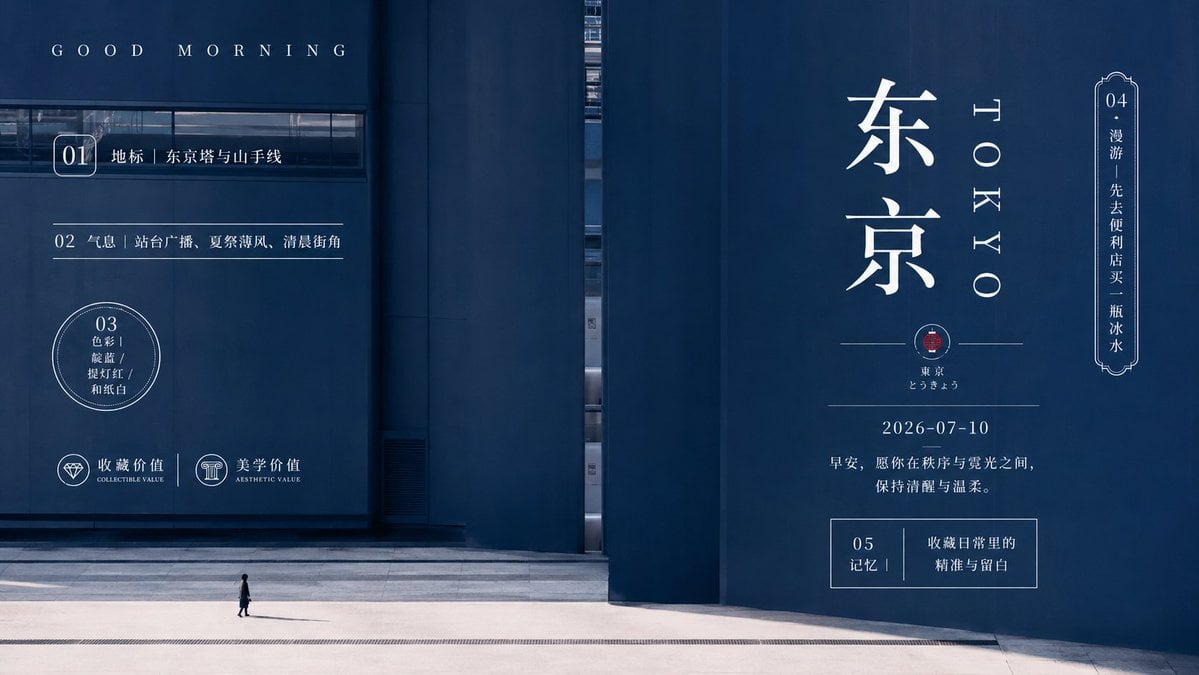
Minimal Tokyo Morning Poster
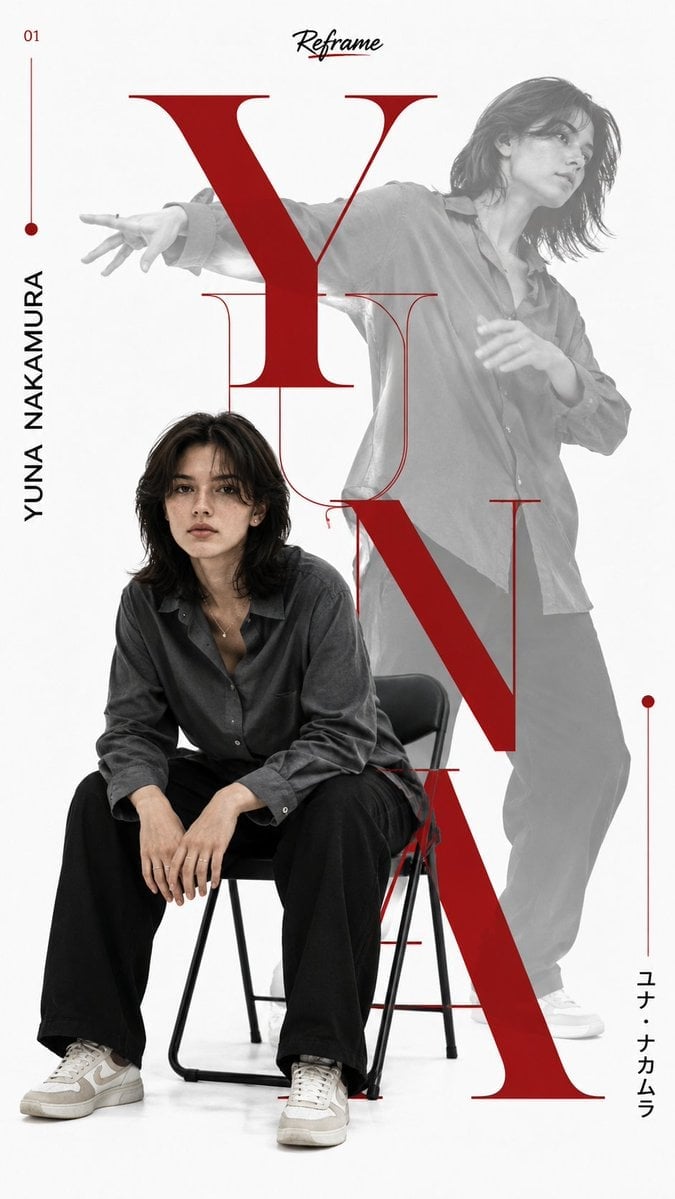
Japanese Minimalist Editorial Fashion Poster

Waiting For You Study Portrait Poster
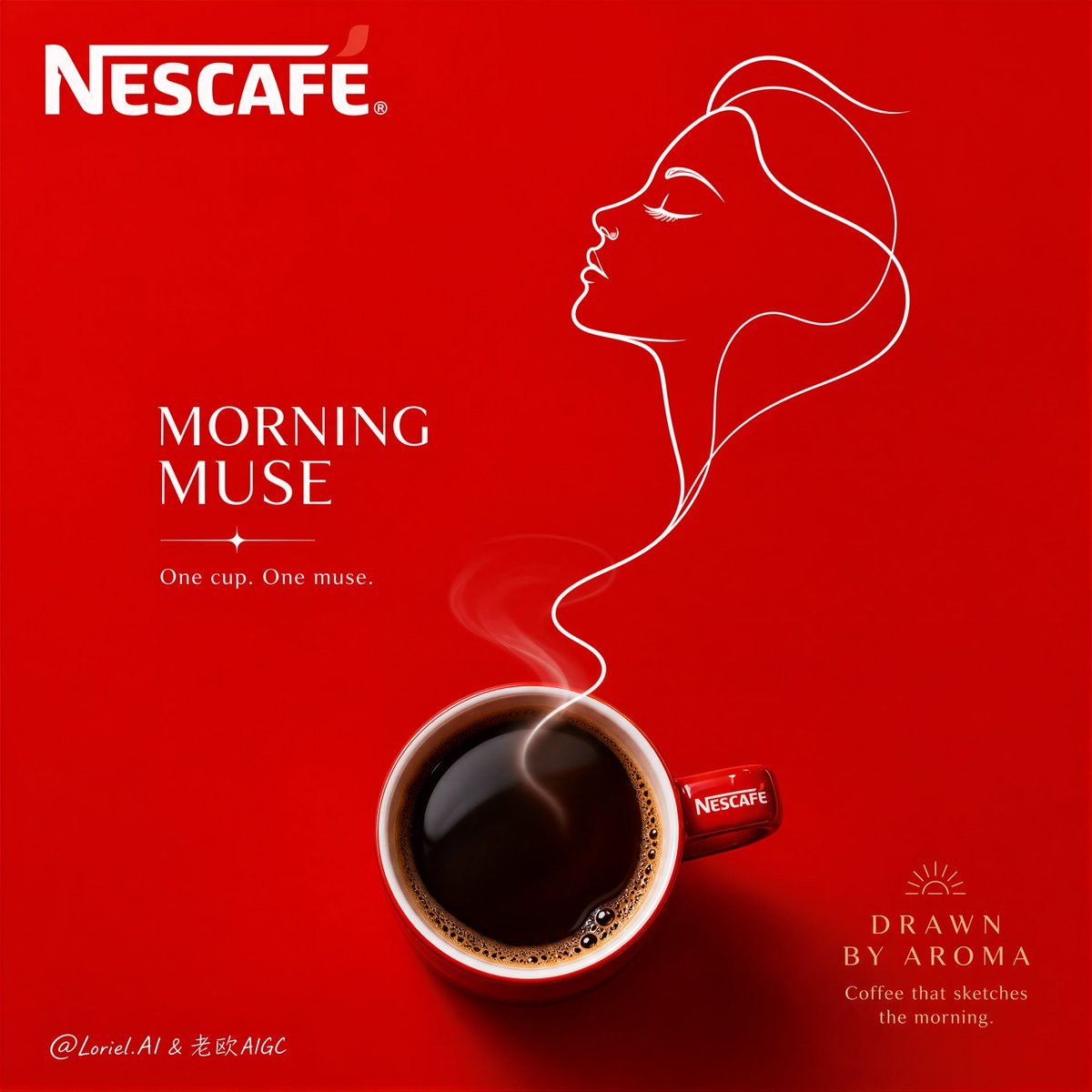
Minimalist Nescafé Brand Poster

Cartoon TV Show Poster Pack

Trendy Cafe Drink Promo Poster

Urban Fashion Editorial Collage Streetwear Poster
Make it yours
Minimal Coding Study Group Poster works as-is. These are the safest ways to change it without losing the look.
Change one field
Copy a single group, rewrite it, and generate again so you can see what that field is doing.
Keep the frame, change the subject
Hold the composition and light of Minimal Coding Study Group Poster, then swap wardrobe, props or the person for a new take.
| If the result… | Why | Fix |
|---|---|---|
| The result drifts from the preview | Too many fields changed at once. | Reuse Minimal Coding Study Group Poster as-is first, then change one group — subject, light, or setting. |
| The model over-stylizes the scene | The prose prompt leaves finish and camera underspecified. | Add one camera or lighting sentence and stay on GPT Image 2. |
More GPT Image 2 templates
Other prompts made for GPT Image 2.

Six VTuber Japanese Logo Sheet

Realistic Portrait of Woman and Deer

The Vista Modular Condo Poster

AI Model Routing Comparison Infographic

2.5D Anime Art Board

Isometric Productivity Desk Scene

New York Double Exposure Poster

Four-Panel AI Landscape Comparison

Japanese Tatami Lifestyle Magazine Cover

NESCAFÉ Coffee Map Poster
More image prompts
Fresh picks from across the catalog.
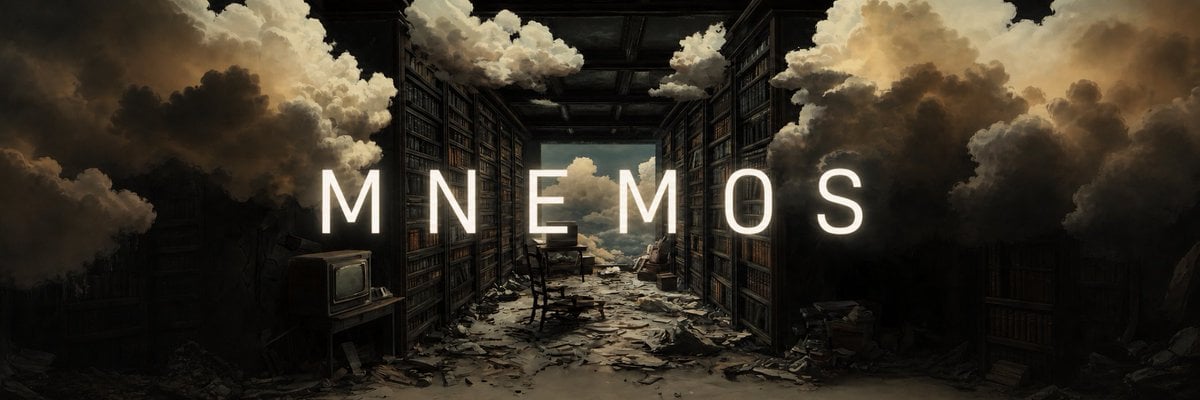
Add Cinematic Centered Title Banner

Clumsy MS Paint Style Redraw

Surreal Pawprint Photo Manipulation Template

Professional Business Portrait Generation Prompt
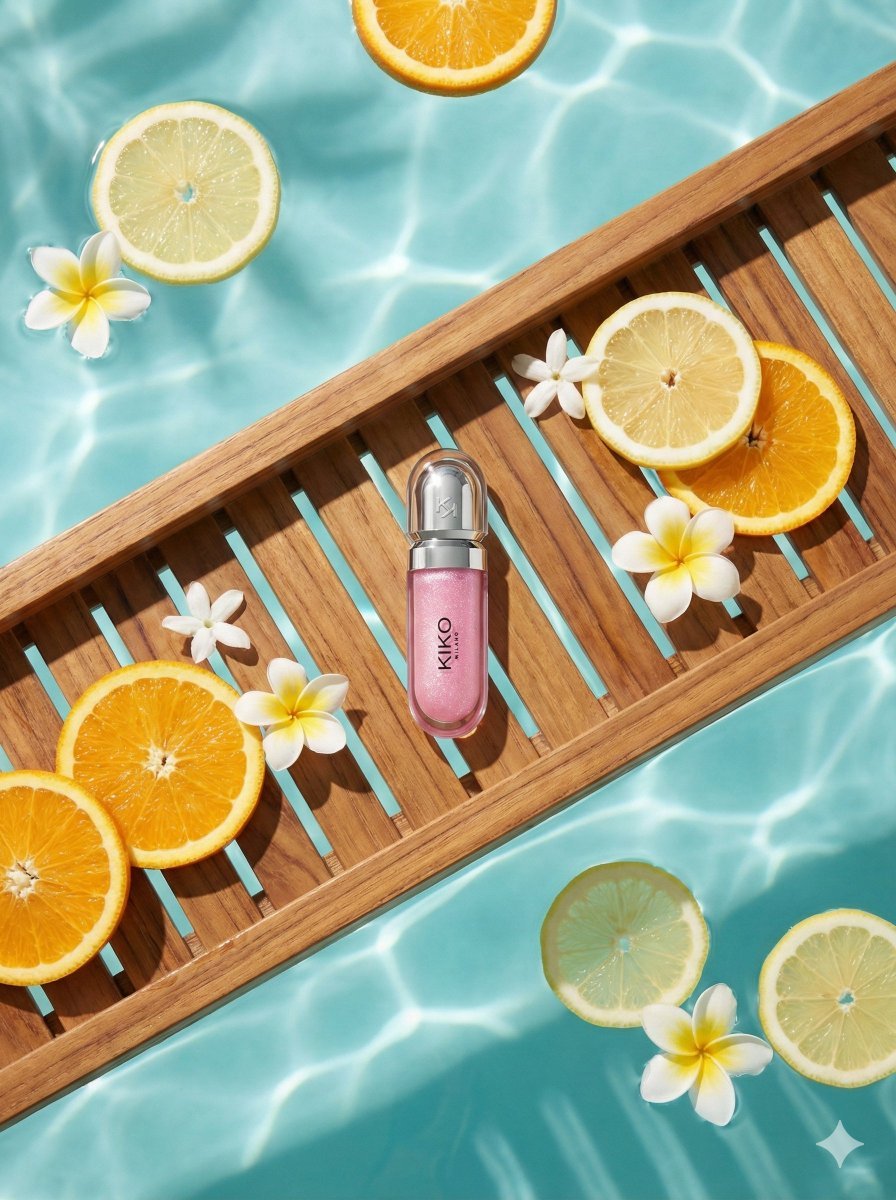
8K Ultra-Realistic Luxury Product Flat-Lay
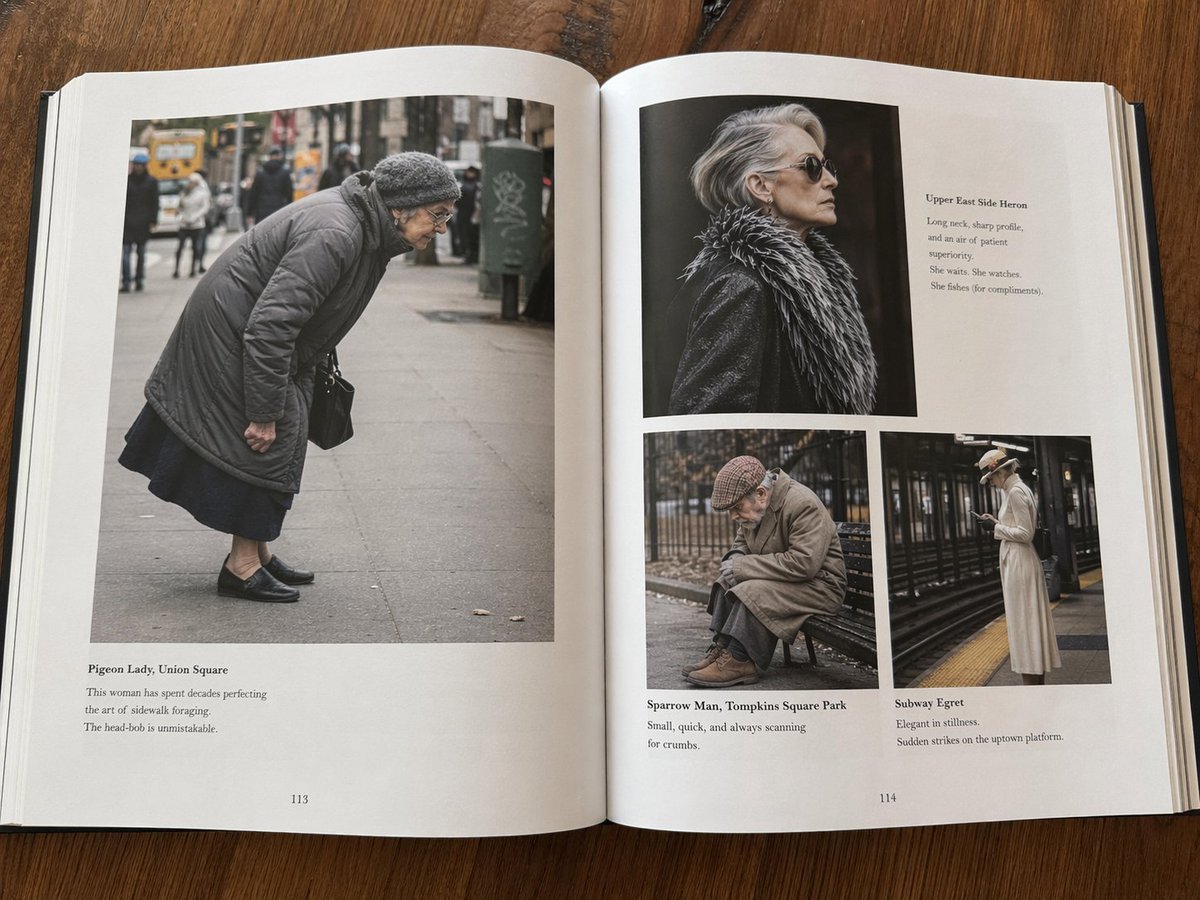
Fictional Book Page Excerpts

Neon City Night Portrait Prompt
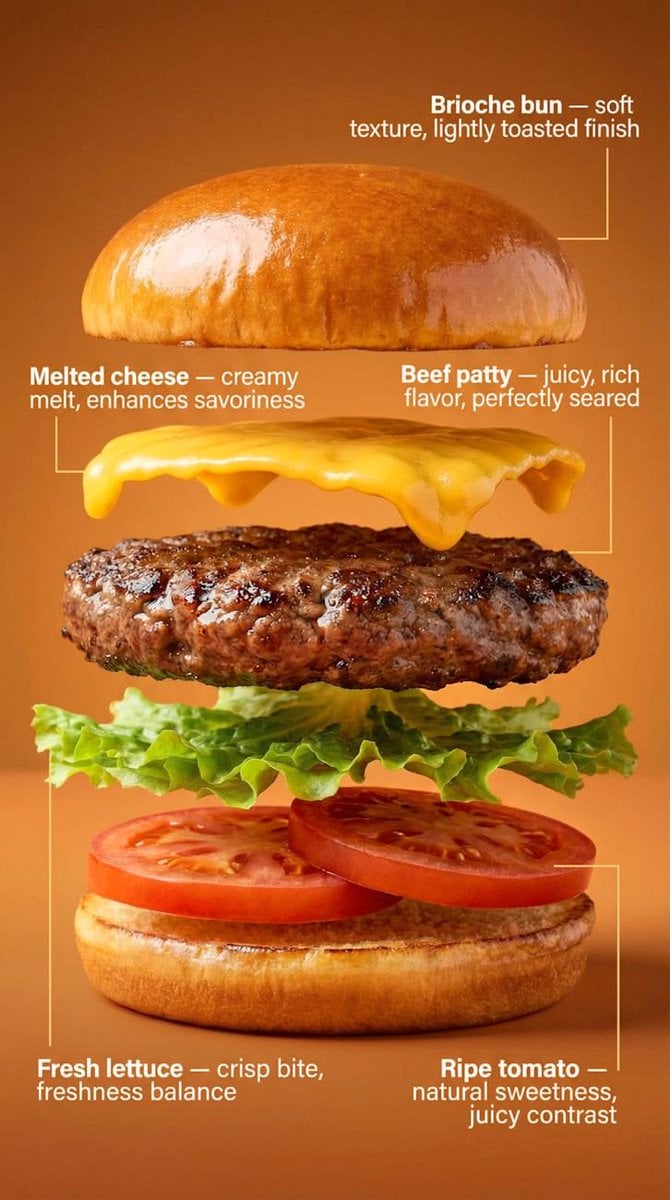
Exploded-View Burger Composition with Annotations
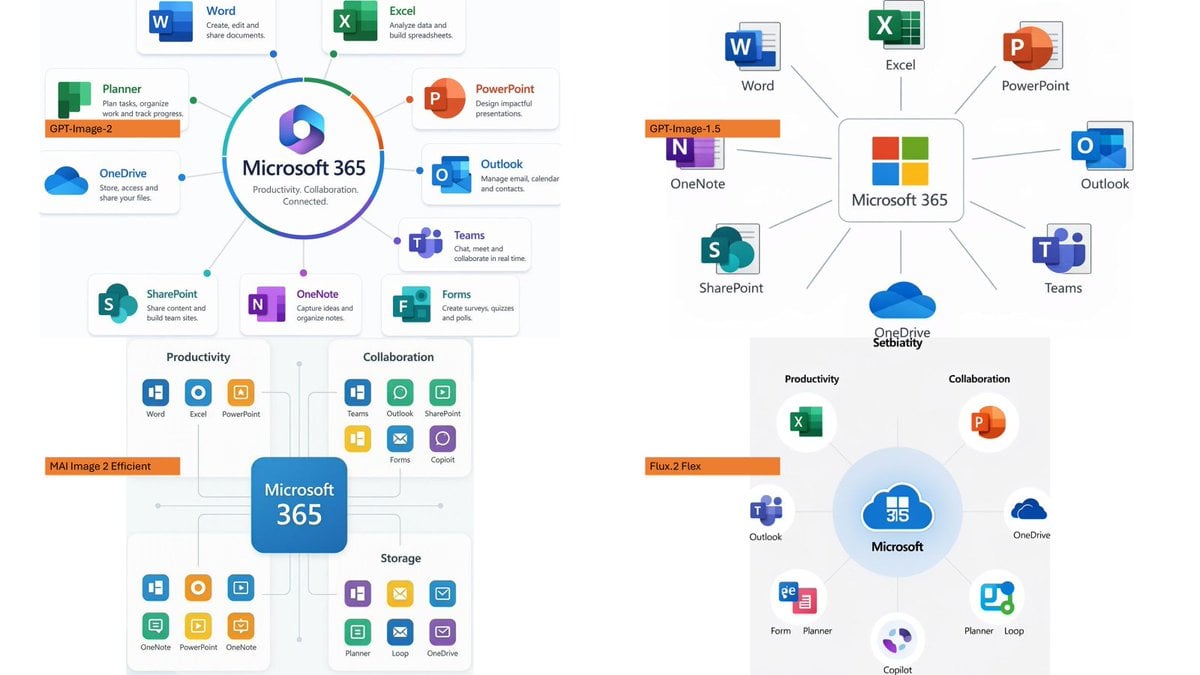
Microsoft 365 Model Comparison Infographic
LA Streetwear Influencer Photo Prompt (Maroon)
Browse template categories
Minimal Coding Study Group Poster questions
How do I use the Minimal Coding Study Group Poster template?
Add your photo if the template asks for one, edit the prompt if you like — the template's model and format are already selected — and press Generate. Your version opens in PicX Studio.
Can I customize the Minimal Coding Study Group Poster template?
Yes. You can change the subject, setting, lighting, mood, format, and available model controls before creating your image.
Is the Minimal Coding Study Group Poster template free?
Opening and editing this template is free. Generating uses credits, shown on the Generate button when you are signed in.
Which AI model should I use?
Start with GPT Image 2, which is the model associated with this template. You can compare another compatible model for a different finish.
Looking for something else? Browse all templates.

Your photo, any look
Thousands of ready templates for every top image and video model, from one credit balance.