
Xiaoshu Solar Term Infographic Poster
A polished landscape Chinese solar-term poster blending minimalist infographic modules with fresh summer melon and grape visuals.
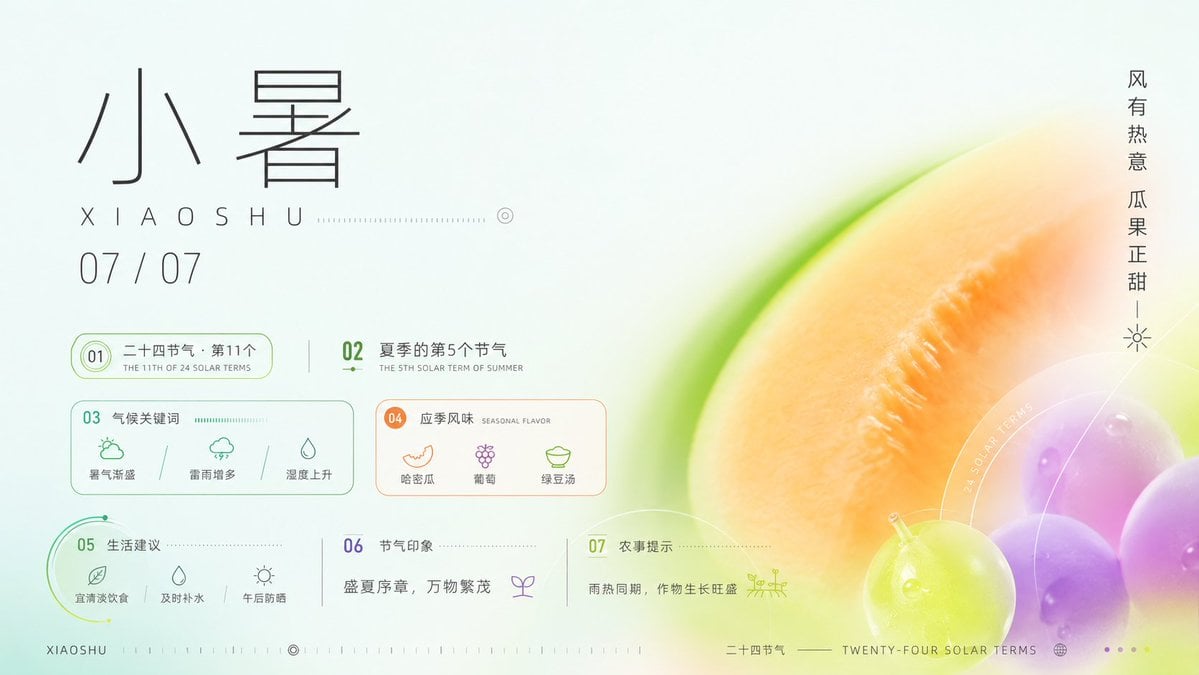
- Prompt included
- Model and format preset
- Premium template
The prompt behind this image
Copy the exact prompt behind Xiaoshu Solar Term Infographic Poster, or open it in the studio and make it yours.
Goal: Create a refined horizontal Chinese solar-term infographic poster for {argument name="solar term name" default="小暑"}, combining traditional calendar information with a fresh summer dessert and melon color palette. Canvas: 16:9 landscape poster, pale mint-white background, airy negative space, high-end editorial infographic style. Use thin black, teal, lime, peach, orange, and violet accents. The right half is dominated by a soft-focus macro fruit composition: a large cropped cantaloupe or melon slice in warm orange with a bright green rind, plus glossy grapes in lime green and purple at the lower right, with translucent circular overlays and delicate white technical arcs. Layout: Left side contains the typography and data cards; right side contains the fruit photograph-style illustration. Top-left: very large thin-line Chinese title “小暑”, below it spaced Romanization “XIAOSHU” with a dotted horizontal guide line and small circular target mark, then the date “07 / 07”. Far right edge: vertical Chinese slogan “风有热意 瓜果正甜” with a tiny sun icon beneath it. Information modules: Include exactly 7 numbered infographic sections, arranged in a clean grid with fine outlines and dotted dividers. Section 01: pill-shaped green outline card reading “二十四节气 · 第11个” with smaller English subtitle “THE 11TH OF 24 SOLAR TERMS”. Section 02: text block reading “夏季的第5个节气” with English subtitle “THE 5TH SOLAR TERM OF SUMMER”. Section 03: rounded rectangle card titled “气候关键词” with exactly 3 mini icon items: “暑气渐盛” with a sun/cloud icon, “雷雨增多” with a rainy cloud icon, and “湿度上升” with a water-drop triangle icon. Section 04: rounded rectangle card titled “应季风味” with English subtitle “SEASONAL FLAVOR” and exactly 3 mini icon items: “哈密瓜” with melon icon, “葡萄” with grape icon, and “绿豆汤” with bowl icon. Section 05: green arc-accent card titled “生活建议” with exactly 3 mini icon items: “宜清淡饮食” with leaf icon, “及时补水” with water drop icon, and “午后防晒” with sun icon. Section 06: simple text area titled “节气印象” containing the quote “盛夏序章,万物繁茂” and a small sprout icon. Section 07: simple text area titled “农事提示” containing “雨热同期,作物生长旺盛” and a small field/crop icon. Footer: Bottom-left small label “XIAOSHU” followed by tiny tick marks and a target icon. Bottom-center/right label “二十四节气” and “TWENTY-FOUR SOLAR TERMS” with a tiny globe icon and four small pagination dots. Keep all text crisp and minimal. Visual style: Minimalist Swiss-grid layout mixed with Chinese seasonal aesthetics, thin monoline icons, translucent glassmorphism circles, delicate dotted measurement lines, soft gradients, shallow-depth-of-field fruit rendering, luminous summer freshness. Main color inspiration comes from {argument name="color inspiration" default="summer desserts and watermelon colors"}. Use realistic fruit texture but keep the infographic elements flat and precise. Constraints: Use exactly the 7 numbered sections and exactly the item counts listed above. Keep the composition uncluttered, with generous blank space on the left and a dreamy macro fruit crop on the right. No extra logos, no watermark, no additional paragraphs of text.
How to use Xiaoshu Solar Term Infographic Poster in 3 steps
- 1Upload ImagePNG, JPG or paste
Add your photo
Upload the photo the template builds on. The prompt, model and format are already set.
- 2…a portrait of your subject in softgolden-hour light, 85mm…
Personalize
Edit the subject and creative details for your destination.
- 3Generate
Generate
Press Generate — your image is created in PicX Studio, so you can compare it with the original and refine one variable at a time.
More like this
Templates with the same subject, style or setup. Open one to see its prompt.

Japan Travel Brochure Poster

Gpt2 Infographic Edu Visual Ink Wash Tribute Poster for Chen Uen

Gpt2 Infographic Edu Visual Biomimetic Skyray Aircraft Poster

Minimalist Narrative Solar Term Poster Layout
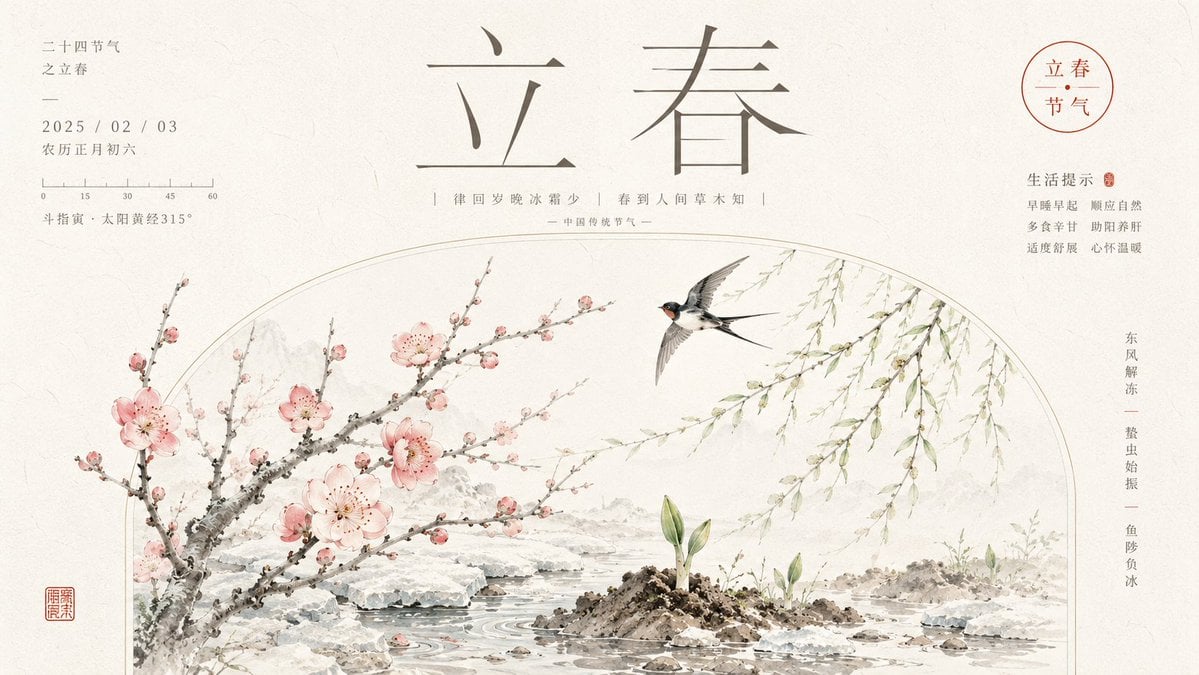
Chinese Lichun Solar Term Poster
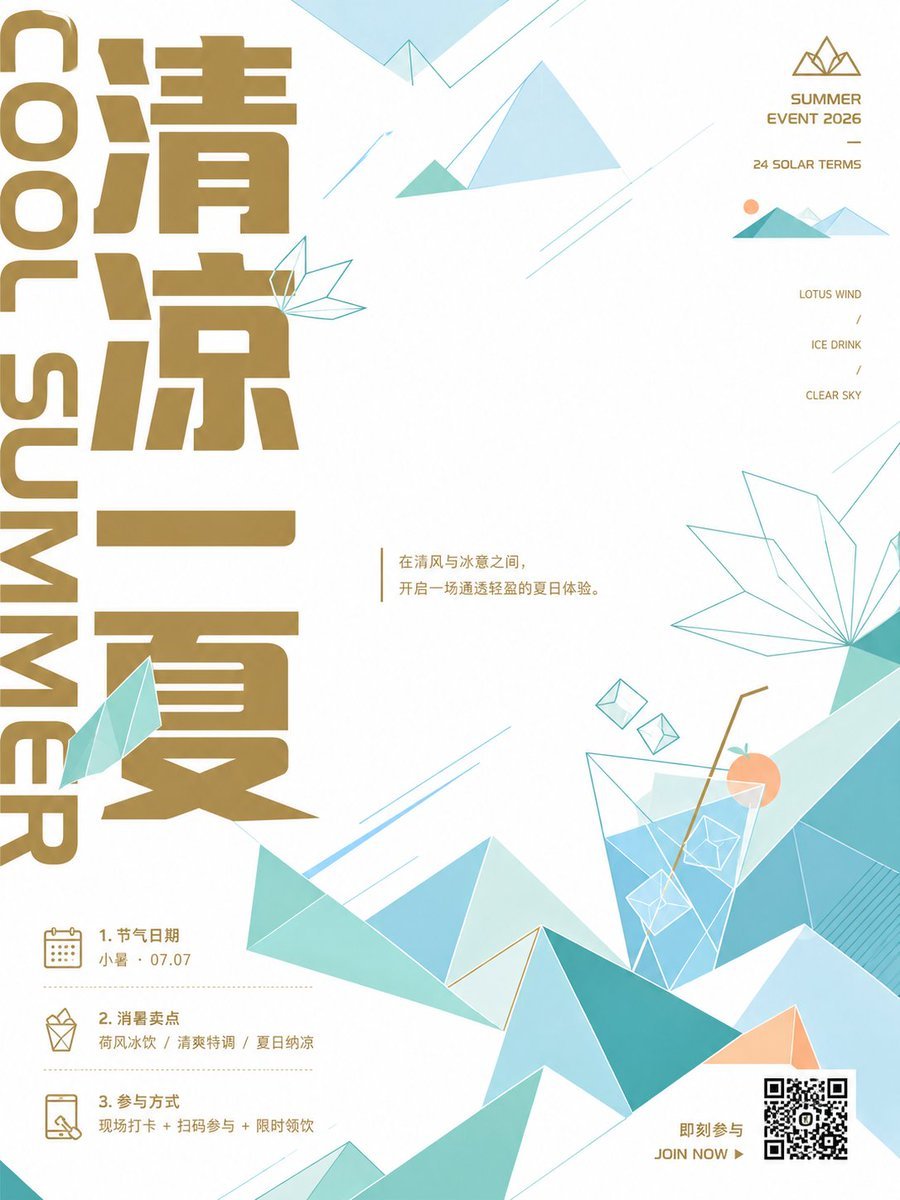
Minimalist Chinese Summer Solar Term Poster
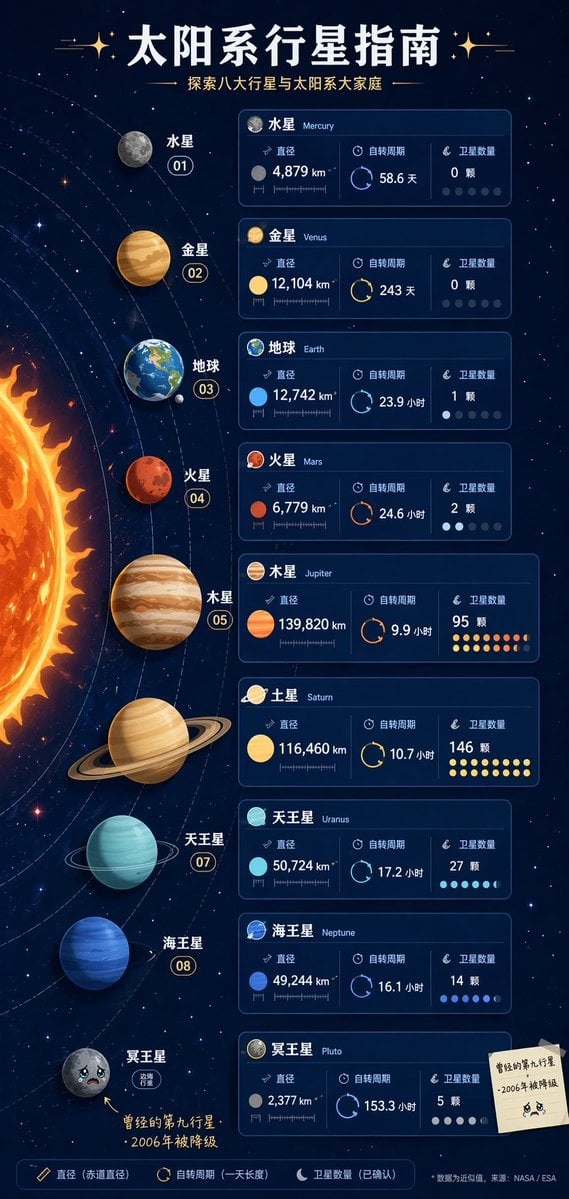
Solar System Infographic Poster
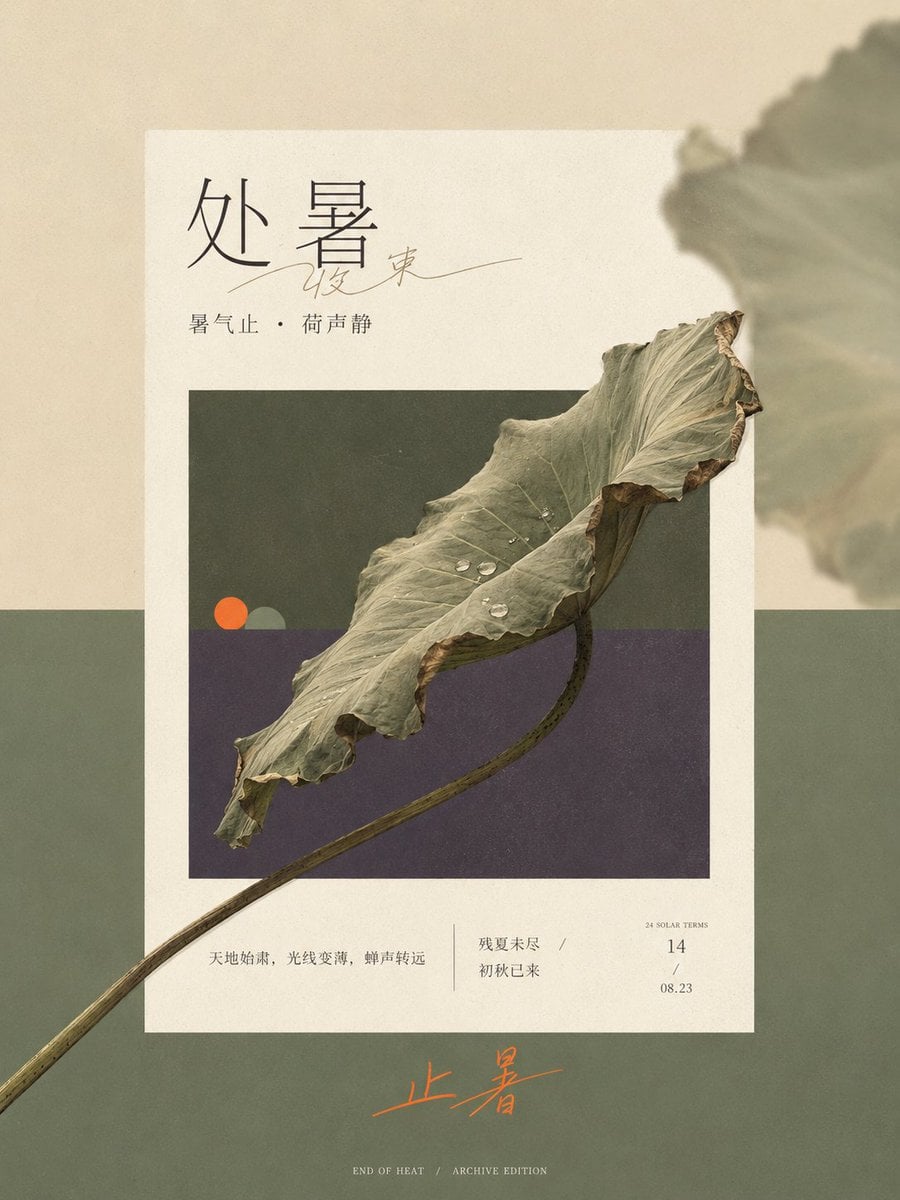
Solar Terms Editorial Visual
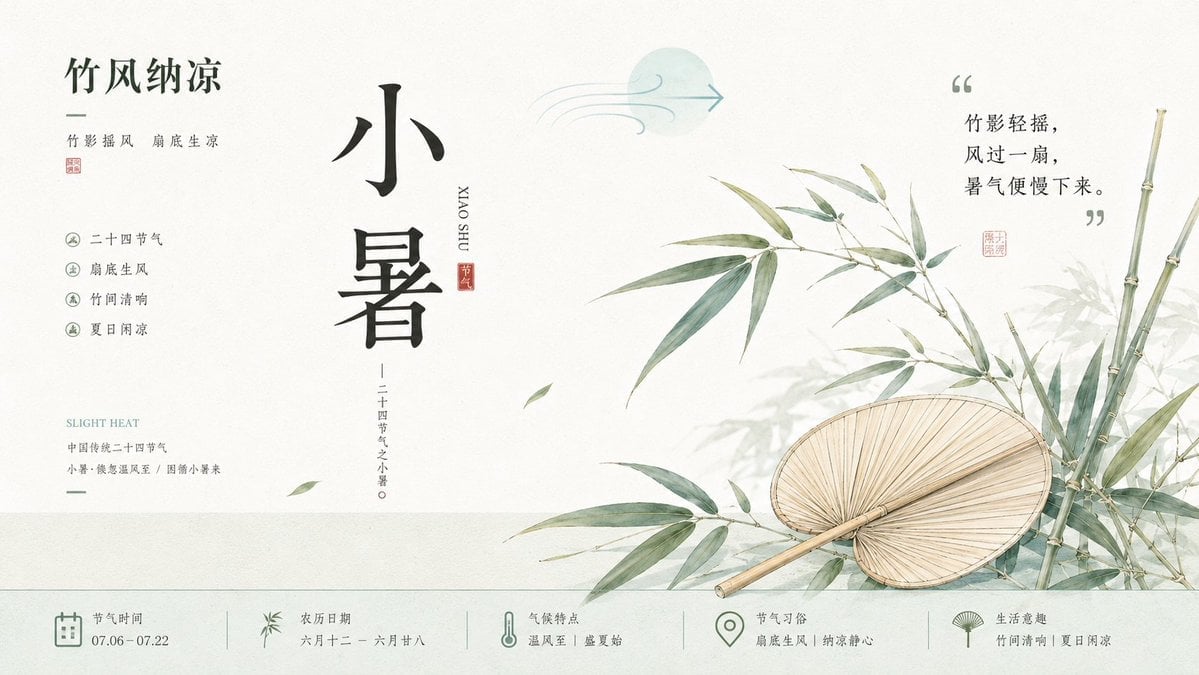
Chinese Aesthetic Solar Term Illustrations

Cartoon TV Show Poster Pack

Trendy Cafe Drink Promo Poster

Urban Fashion Editorial Collage Streetwear Poster
Make it yours
Xiaoshu Solar Term Infographic Poster works as-is. These are the safest ways to change it without losing the look.
Change one field
Copy a single group, rewrite it, and generate again so you can see what that field is doing.
Keep the frame, change the subject
Hold the composition and light of Xiaoshu Solar Term Infographic Poster, then swap wardrobe, props or the person for a new take.
| If the result… | Why | Fix |
|---|---|---|
| The result drifts from the preview | Too many fields changed at once. | Reuse Xiaoshu Solar Term Infographic Poster as-is first, then change one group — subject, light, or setting. |
| The model over-stylizes the scene | The prose prompt leaves finish and camera underspecified. | Add one camera or lighting sentence and stay on GPT Image 2. |
More GPT Image 2 templates
Other prompts made for GPT Image 2.

Six VTuber Japanese Logo Sheet

Realistic Portrait of Woman and Deer

The Vista Modular Condo Poster

AI Model Routing Comparison Infographic

2.5D Anime Art Board

Isometric Productivity Desk Scene

New York Double Exposure Poster

Four-Panel AI Landscape Comparison

Japanese Tatami Lifestyle Magazine Cover

NESCAFÉ Coffee Map Poster
More image prompts
Fresh picks from across the catalog.

Luxury Ice Couch Portrait
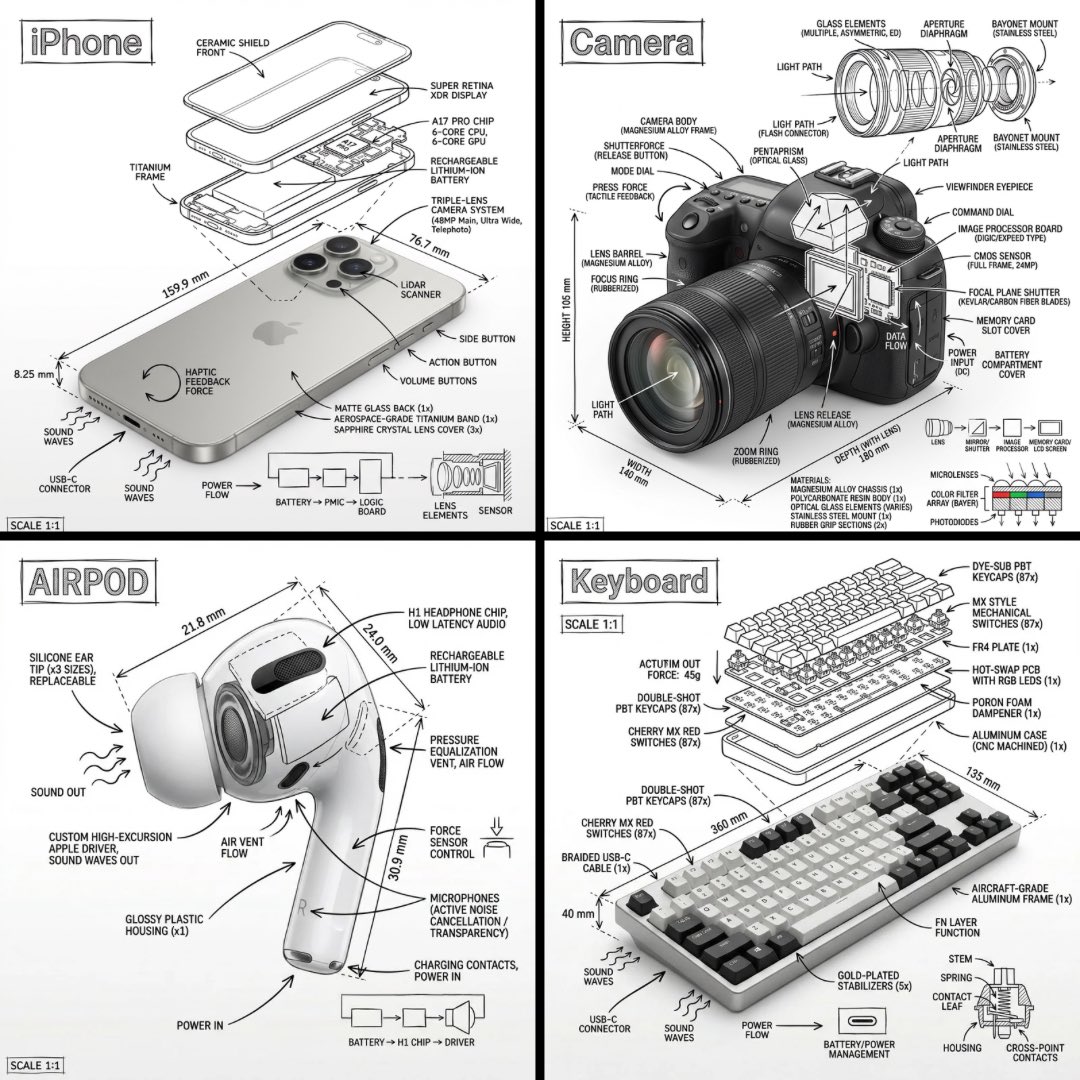
Technical Manual Infographic Style

Lion Prince Fireworks Balcony

Ultra-Photorealistic Parisian Lifestyle Photography Prompt
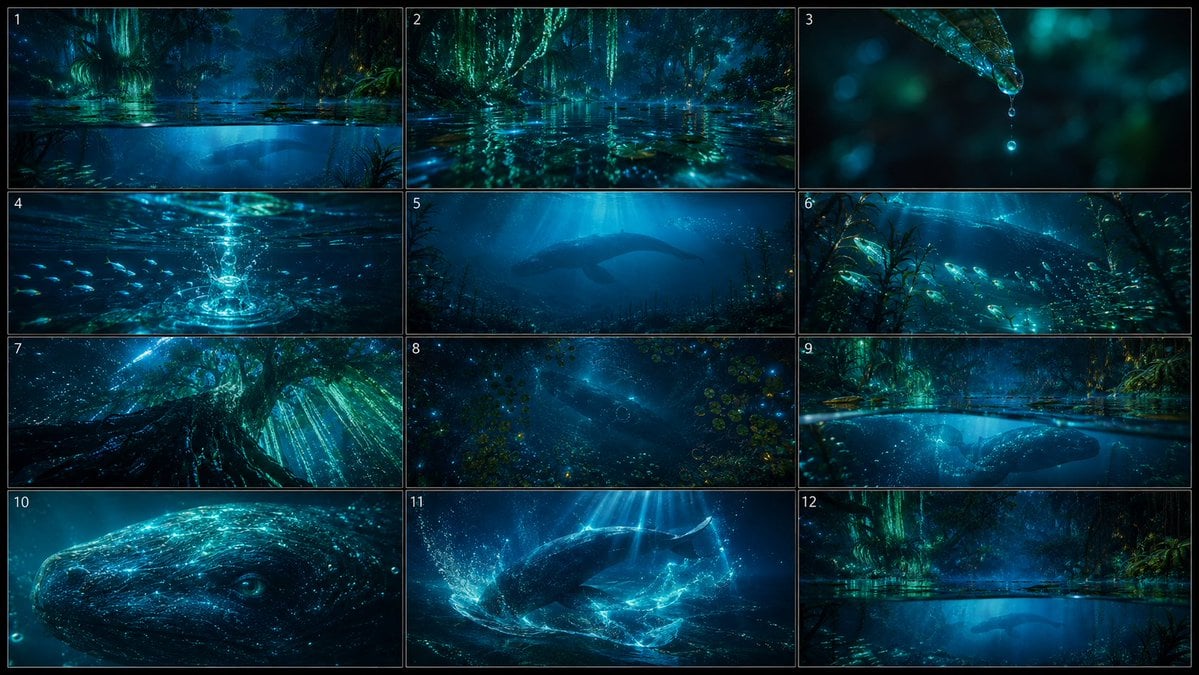
Bioluminescent Aquatic Creature Storyboard
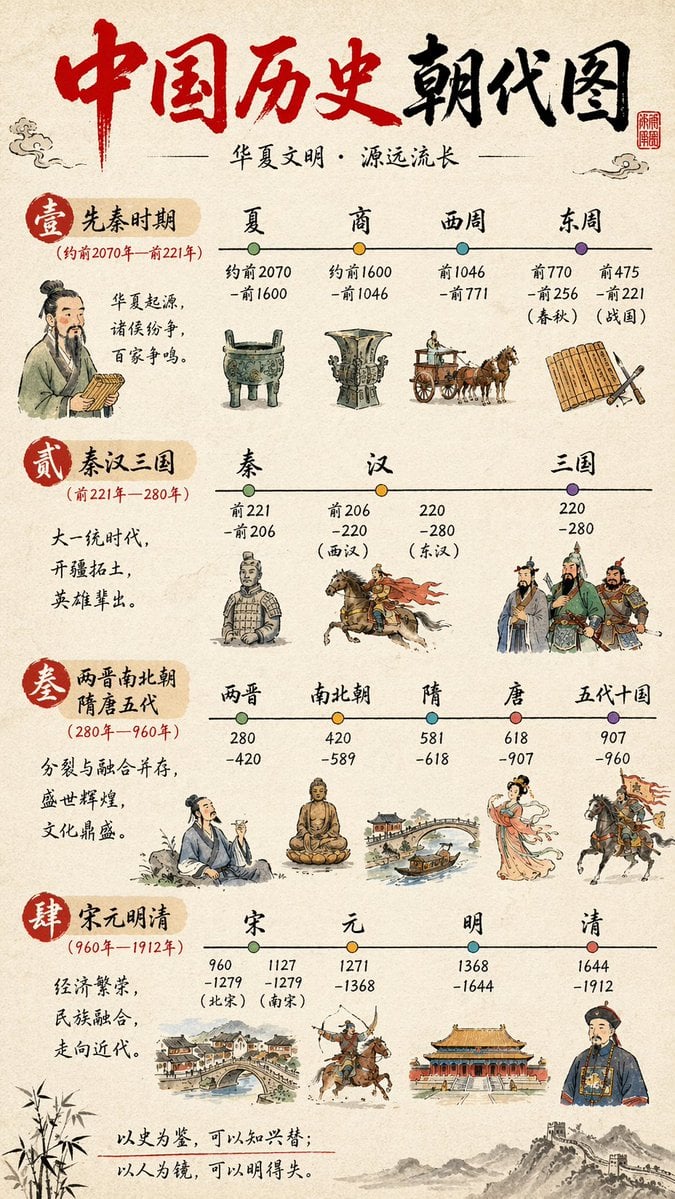
Chinese History Timeline Infographic

Cute Plush Animal Trio

High-Fashion Sci-Fi Realism in Water

A Snowy Couple Portrait

Grid Minimalist Christmas Portrait Prompt
Browse template categories
Xiaoshu Solar Term Infographic Poster questions
How do I use the Xiaoshu Solar Term Infographic Poster template?
Add your photo if the template asks for one, edit the prompt if you like — the template's model and format are already selected — and press Generate. Your version opens in PicX Studio.
Can I customize the Xiaoshu Solar Term Infographic Poster template?
Yes. You can change the subject, setting, lighting, mood, format, and available model controls before creating your image.
Is the Xiaoshu Solar Term Infographic Poster template free?
Opening and editing this template is free. Generating uses credits, shown on the Generate button when you are signed in.
Which AI model should I use?
Start with GPT Image 2, which is the model associated with this template. You can compare another compatible model for a different finish.
Looking for something else? Browse all templates.

Your photo, any look
Thousands of ready templates for every top image and video model, from one credit balance.