
Lion Prince Fireworks Balcony
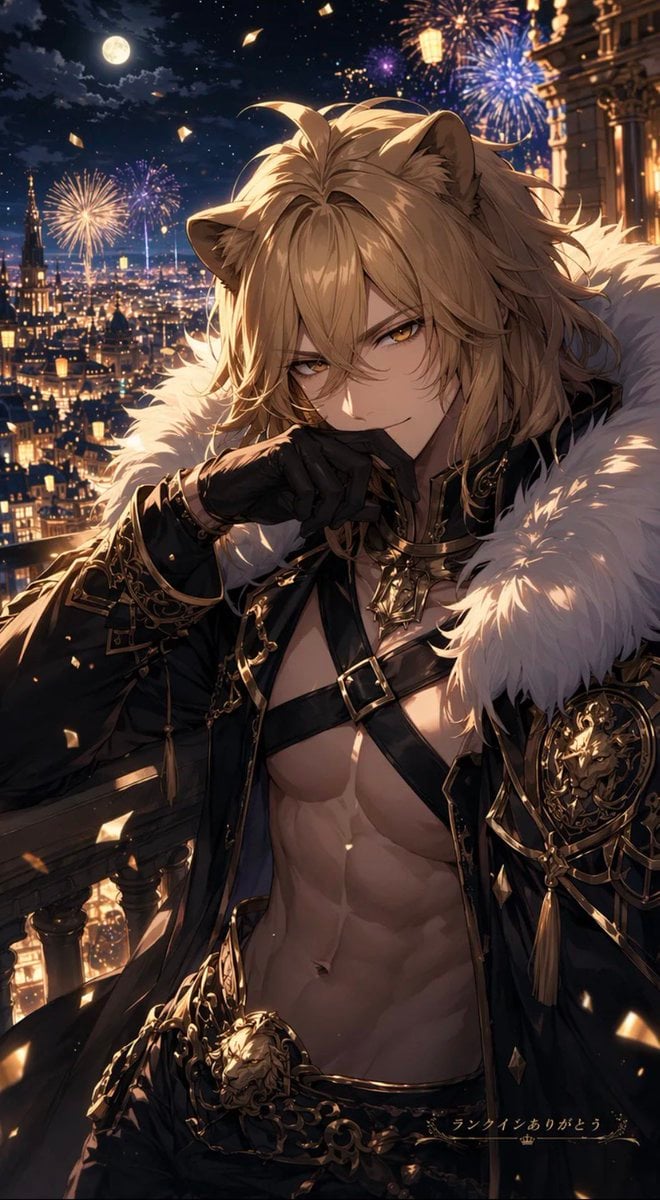
A cinematic anime fantasy portrait of a lion-eared prince celebrating on a palace balcony above a firelit city with fireworks.
- Prompt included
- Model and format preset
- Free template
The prompt behind this image
Copy the exact prompt behind Lion Prince Fireworks Balcony, or open it in the studio and make it yours.
Create a vertical 2:3 high-detail anime fantasy illustration of {argument name="character name" default="Ragnas"}, a regal lion-themed male beastman prince standing on an ornate palace balcony at night above a glowing European fantasy city. He has long tousled {argument name="hair color" default="golden blond"} hair, visible lion ears, a luxurious white fur mantle, and a dramatic black-and-gold open jacket with intricate filigree embroidery, chains, tassels, buckles, a lion-head belt ornament, and a gold lion crest on one shoulder. His muscular bare torso and defined abs are exposed under crossing black leather straps. Pose him in a confident, elegant half-body composition, leaning slightly forward with one black-gloved hand raised near his mouth, shoulders angled, cape and hair catching the light. Place a large opaque brown square censor block over the center of his face, covering the eyes, nose, and mouth while leaving hair and ears visible. The background is a lavish nighttime cityscape with countless warm lights, gothic towers, a full moon in a cloudy starry sky, multiple colorful fireworks bursts, floating golden confetti, and a richly lit palace facade on the right. Use cinematic lighting, warm gold highlights, deep navy shadows, sparkling particles, ultra-detailed linework, glossy metal accents, romantic fantasy atmosphere, and polished gacha-game character art quality. Add small elegant Japanese text at the bottom right reading {argument name="bottom caption" default="ランクインありがとう"} with a tiny crown symbol beneath it. No extra characters, no watermark, no modern objects.
How to use Lion Prince Fireworks Balcony in 3 steps
- 1Upload ImagePNG, JPG or paste
Add your photo
Upload the photo the template builds on. The prompt, model and format are already set.
- 2…a portrait of your subject in softgolden-hour light, 85mm…
Personalize
Edit the subject and creative details for your destination.
- 3Generate
Generate
Press Generate — your image is created in PicX Studio, so you can compare it with the original and refine one variable at a time.
More like this
Templates with the same subject, style or setup. Open one to see its prompt.

FIFA 2026 — Golden Trophy Stadium Night
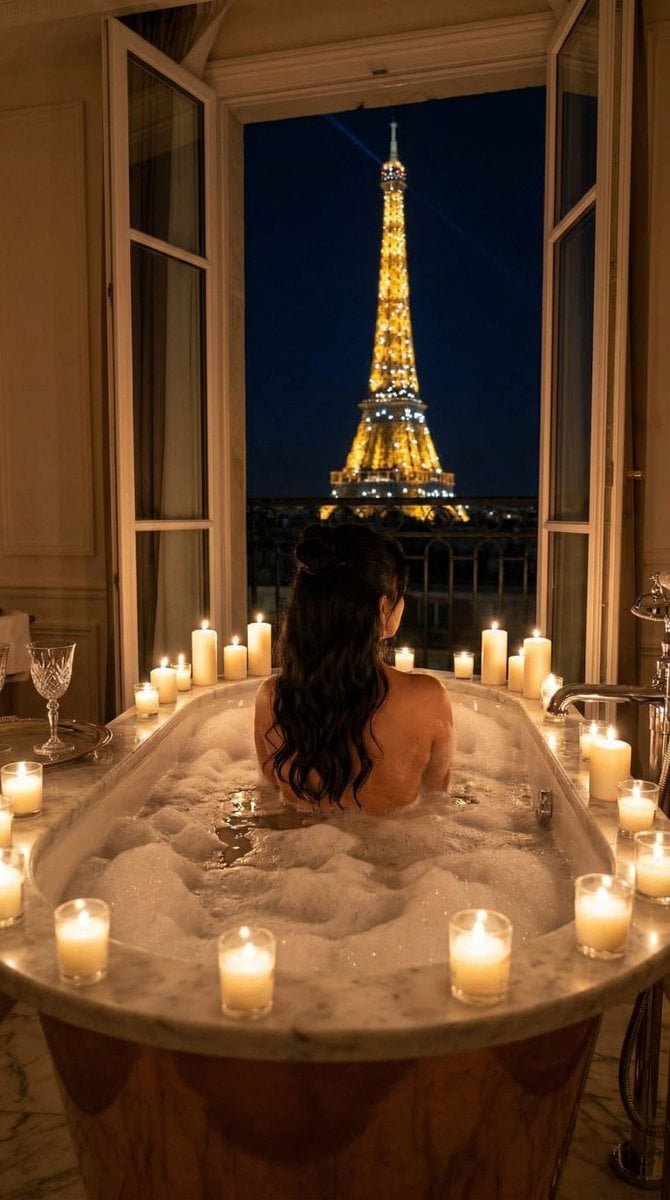
Nano Banana - Paris Balcony Night Eiffel
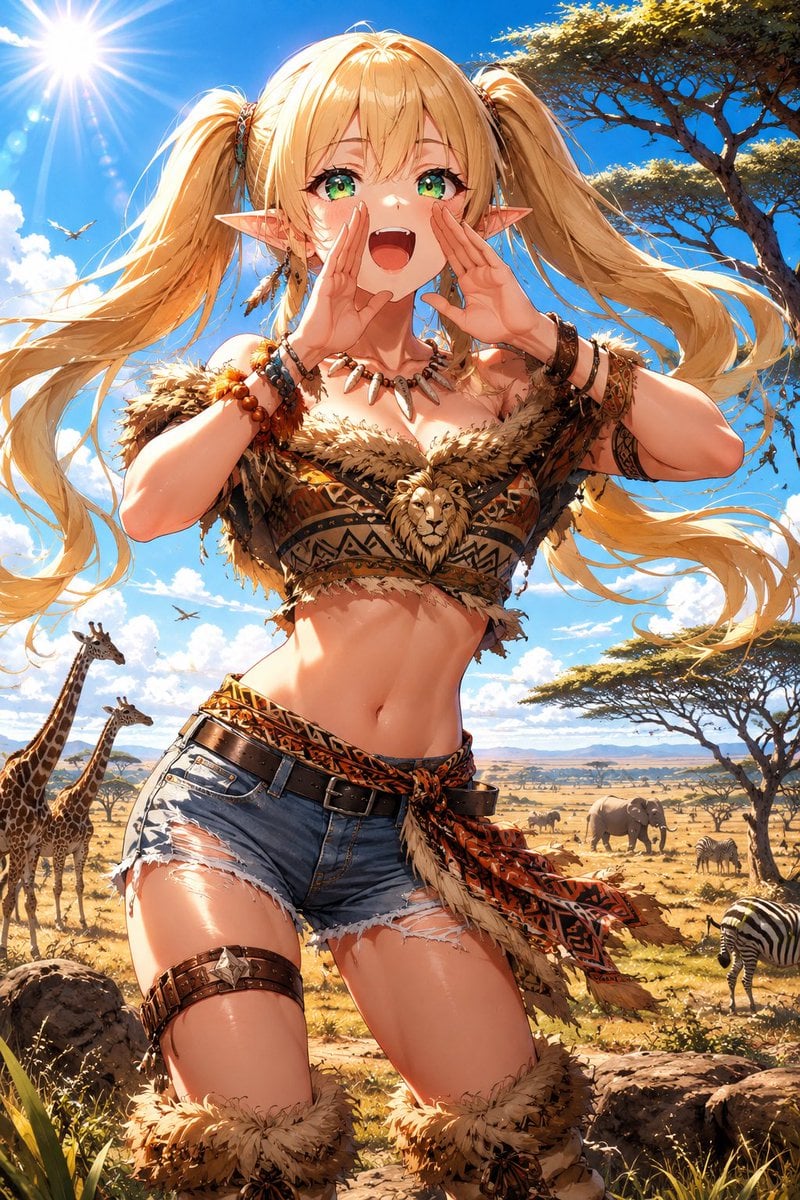
Lion Safari Elf Anime Girl
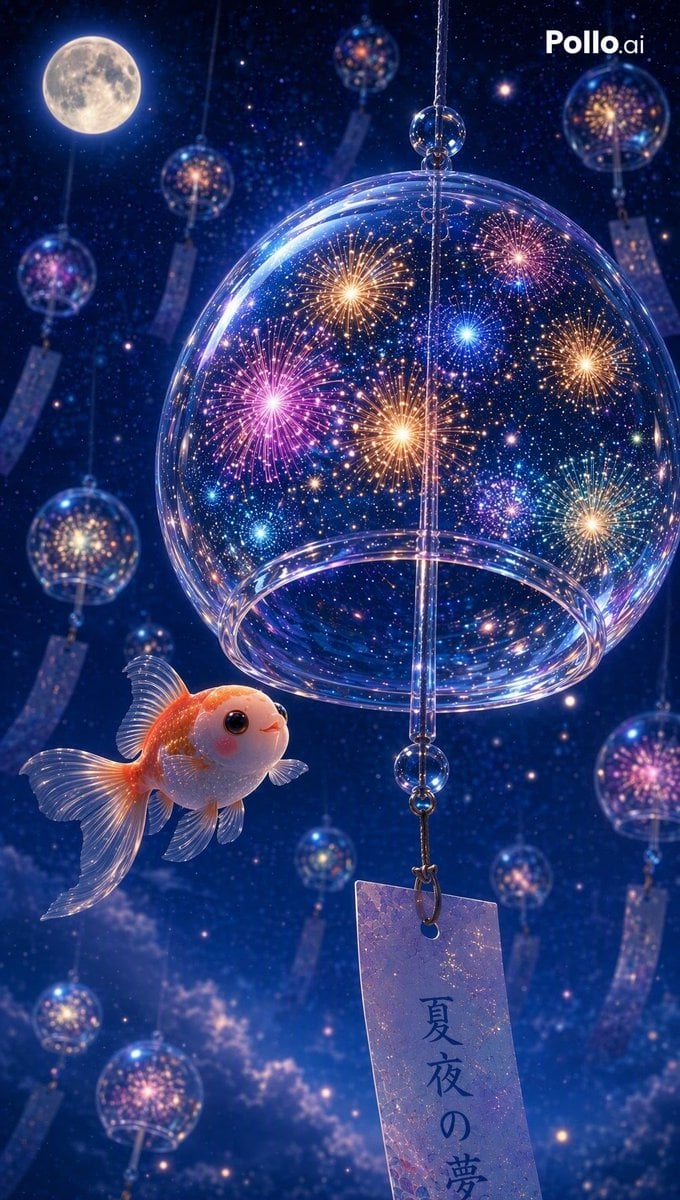
Fireworks Inside a Wind Chime
Japanese Fireworks Festival Poster
Tiny Safari Explorer With Giant Lion
Girl in Yukata with Platinum Fireworks
Chibi Royal Horse Twin Princes
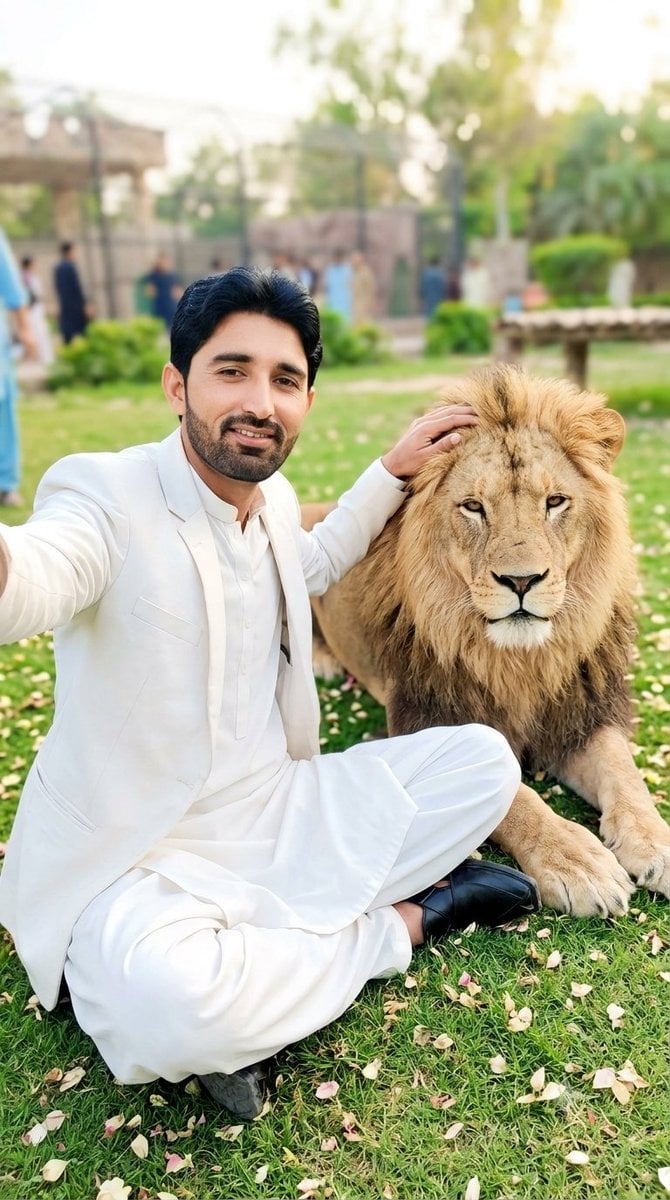
South Asian Man Selfie With Lion
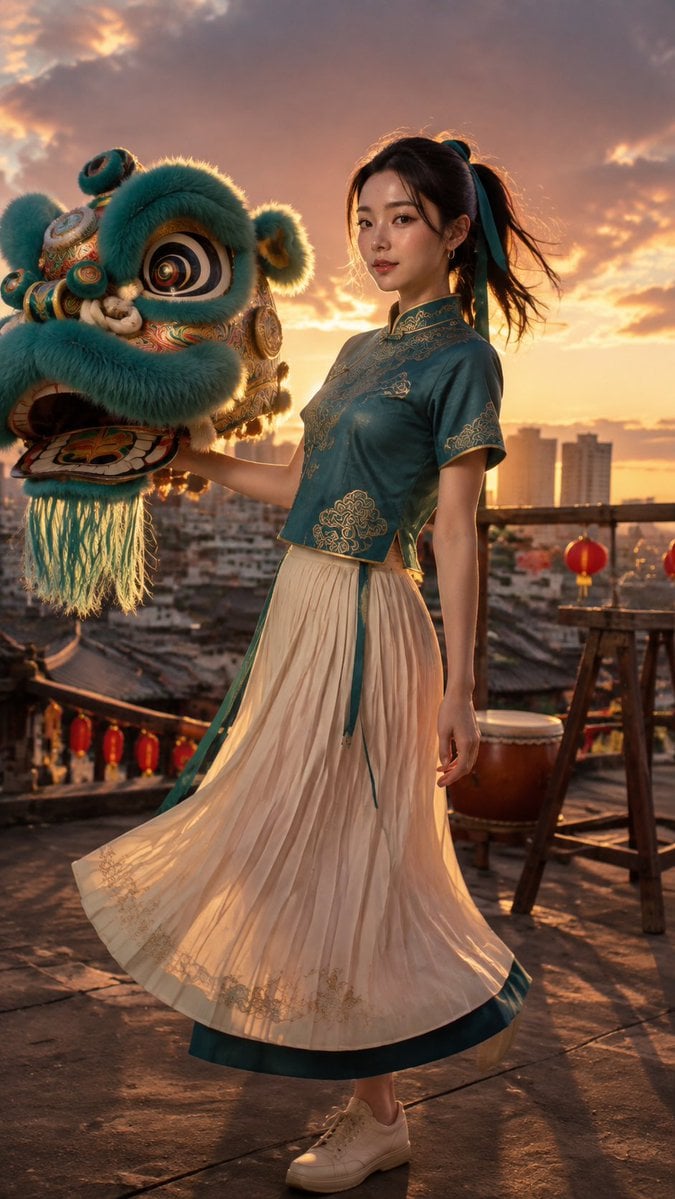
Lion Dance Roof Portrait
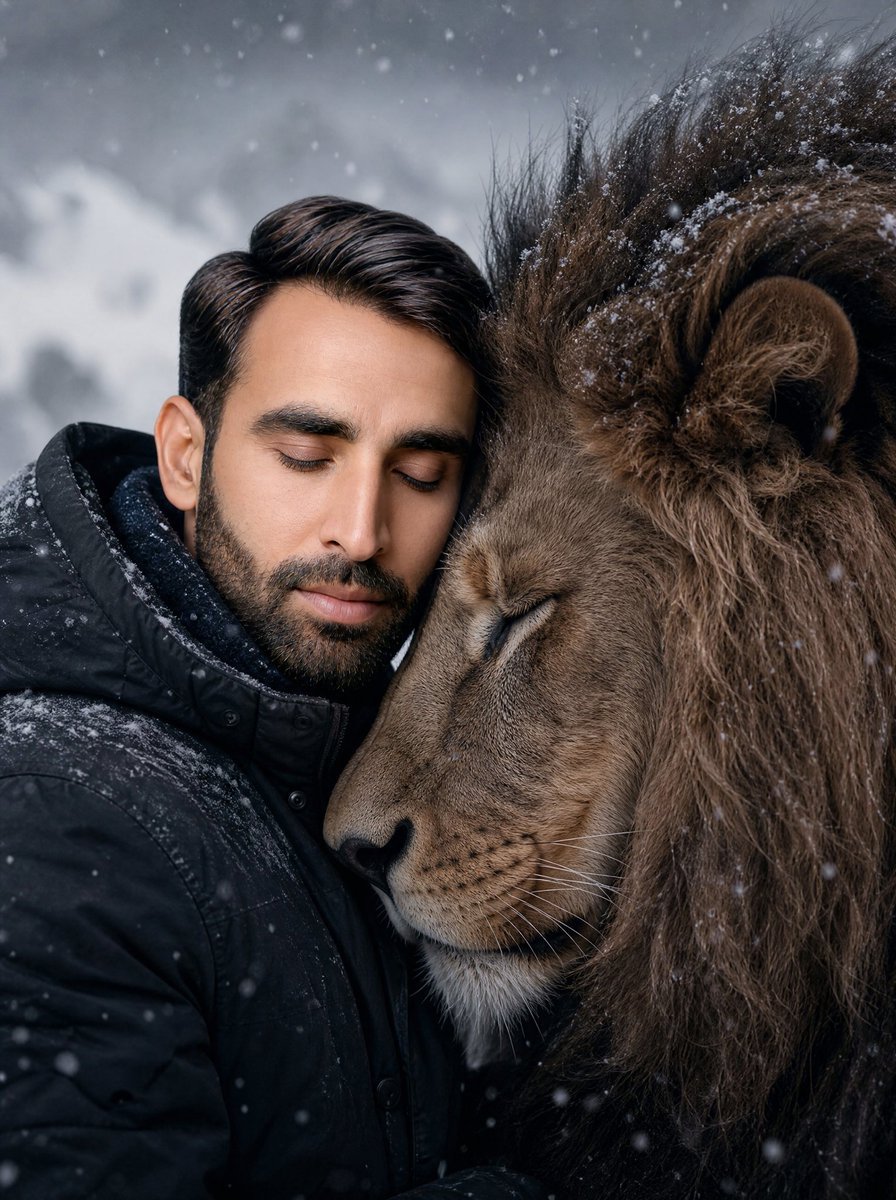
Man and Lion Bonding Portrait
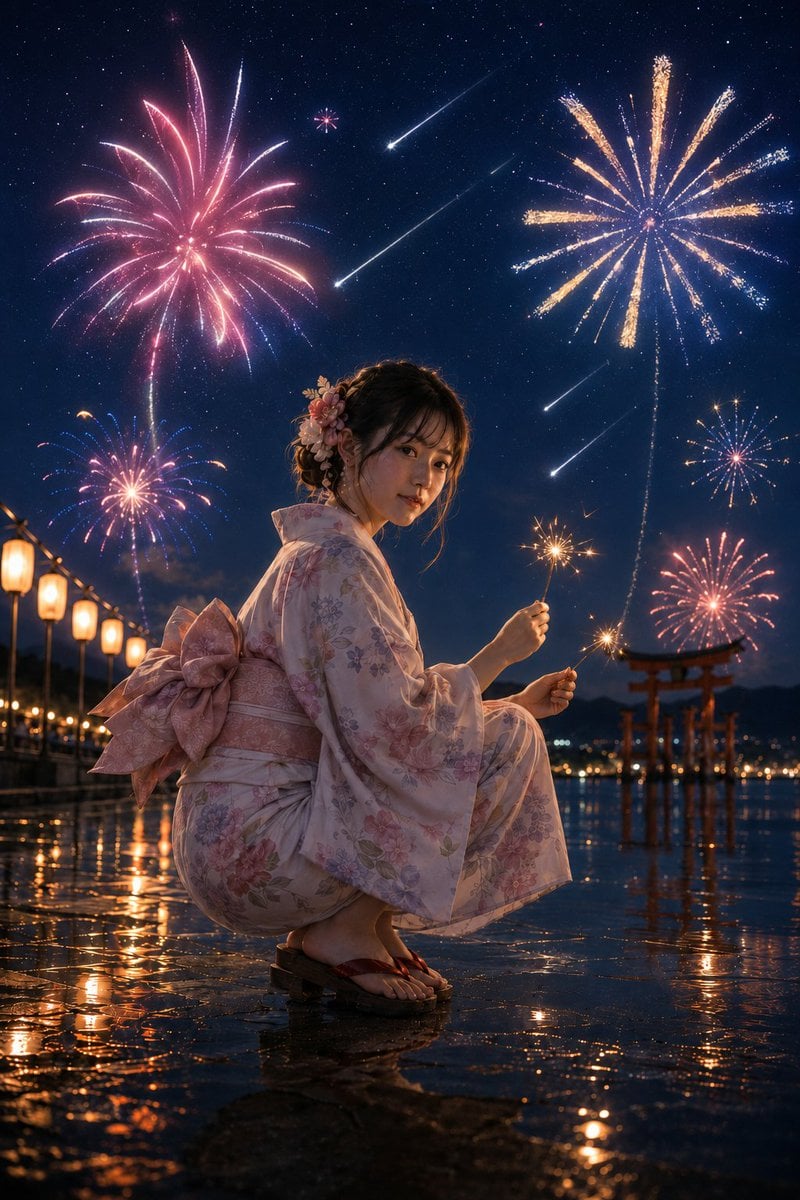
Summer Night Fireworks and Meteor Shower
Make it yours
Lion Prince Fireworks Balcony works as-is. These are the safest ways to change it without losing the look.
Change one field
Copy a single group, rewrite it, and generate again so you can see what that field is doing.
Keep the frame, change the subject
Hold the composition and light of Lion Prince Fireworks Balcony, then swap wardrobe, props or the person for a new take.
| If the result… | Why | Fix |
|---|---|---|
| The result drifts from the preview | Too many fields changed at once. | Reuse Lion Prince Fireworks Balcony as-is first, then change one group — subject, light, or setting. |
| The model over-stylizes the scene | The prose prompt leaves finish and camera underspecified. | Add one camera or lighting sentence and stay on GPT Image 2. |
More GPT Image 2 templates
Other prompts made for GPT Image 2.

Six VTuber Japanese Logo Sheet

Realistic Portrait of Woman and Deer

The Vista Modular Condo Poster

AI Model Routing Comparison Infographic

2.5D Anime Art Board

Isometric Productivity Desk Scene

New York Double Exposure Poster

Four-Panel AI Landscape Comparison

Japanese Tatami Lifestyle Magazine Cover

NESCAFÉ Coffee Map Poster
More image prompts
Fresh picks from across the catalog.
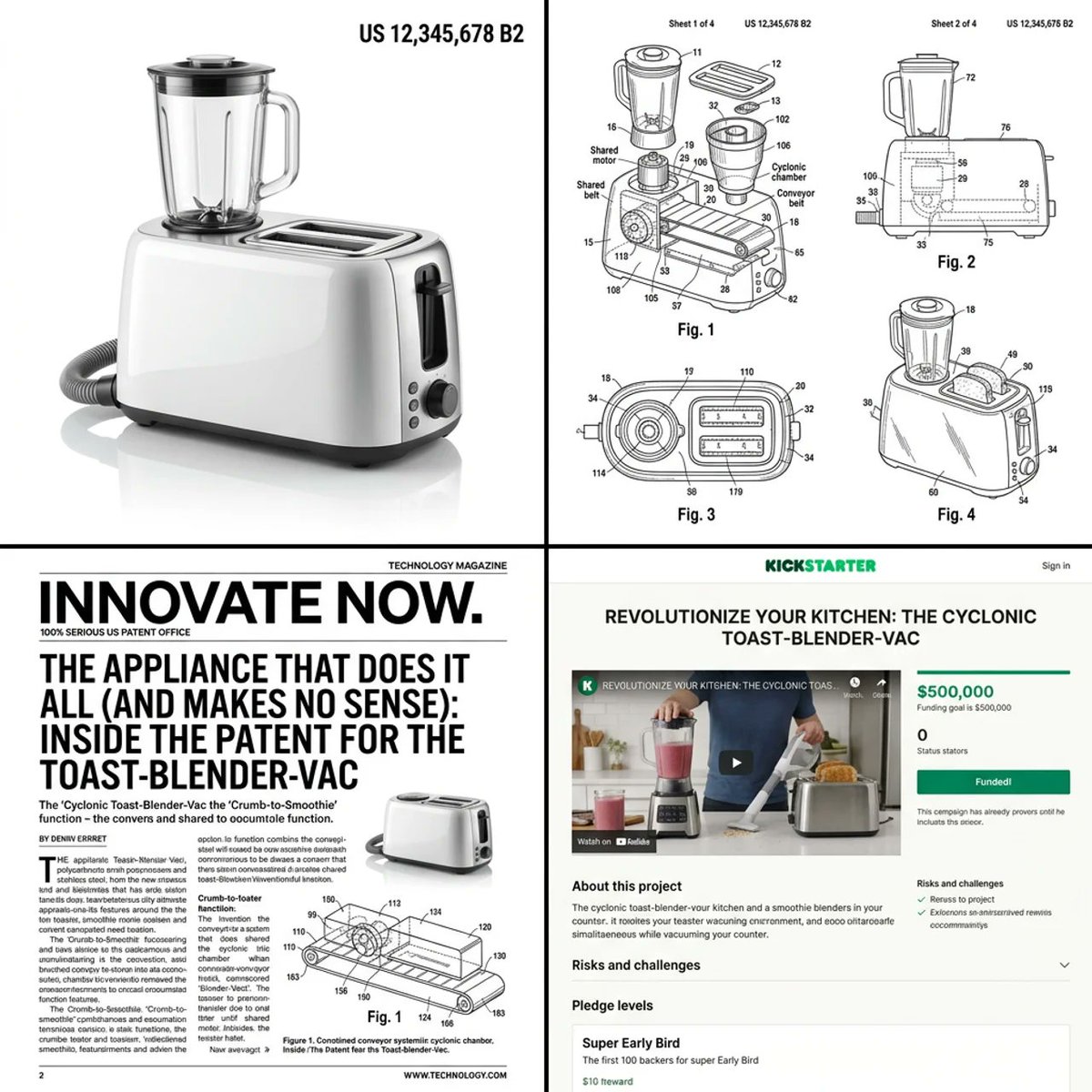
Multi-step prompt for generating absurd patent documents and product renders
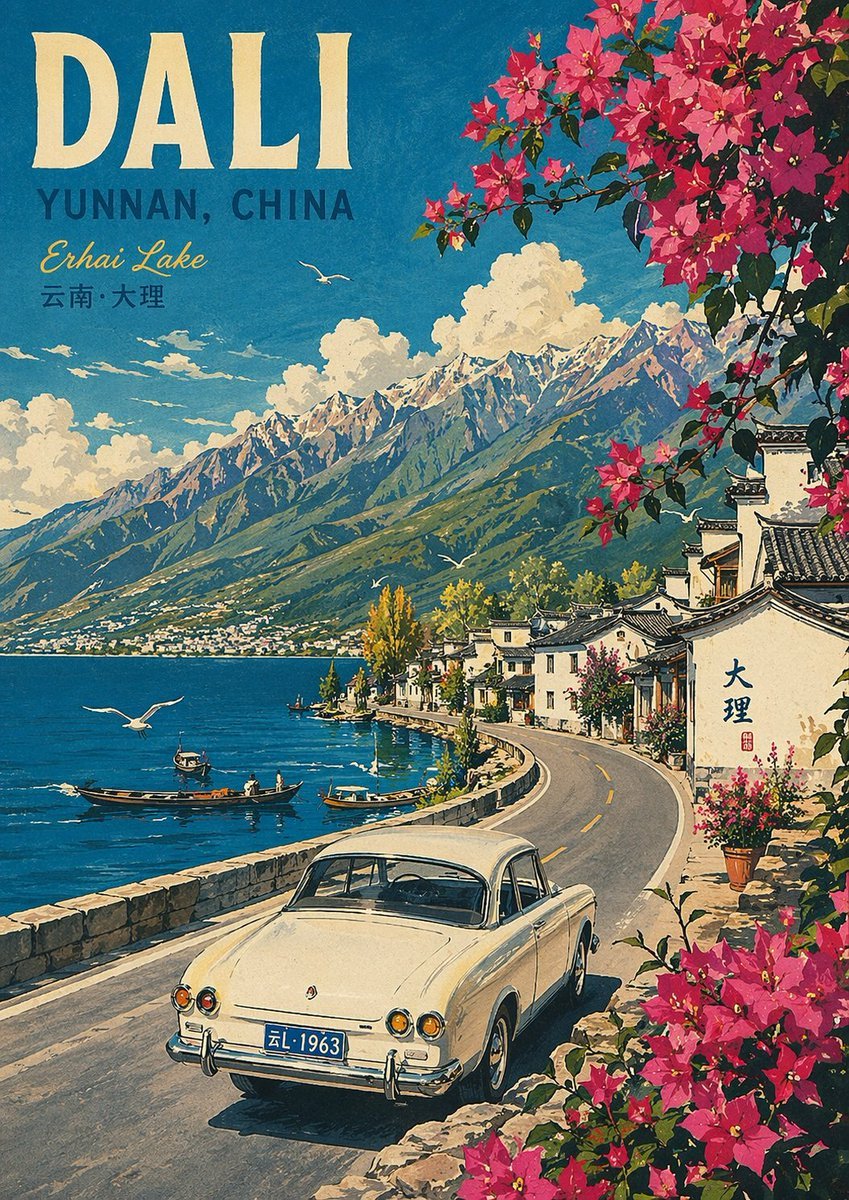
Vintage Travel Poster Illustration
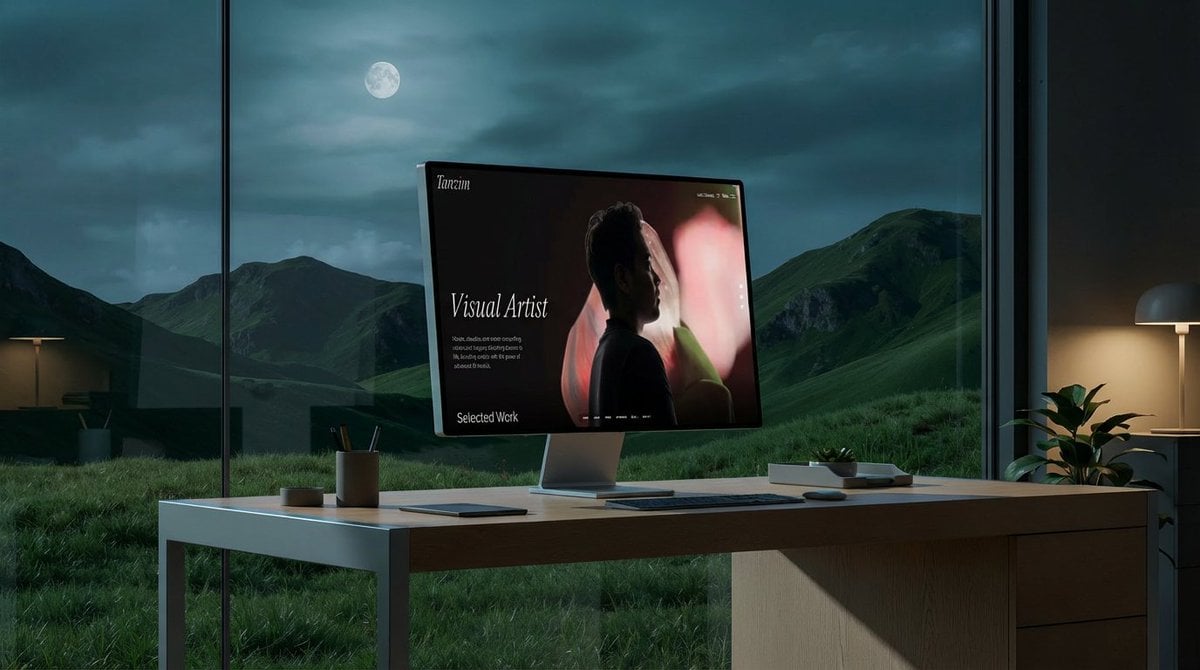
Mockup generation prompt for screen replacement
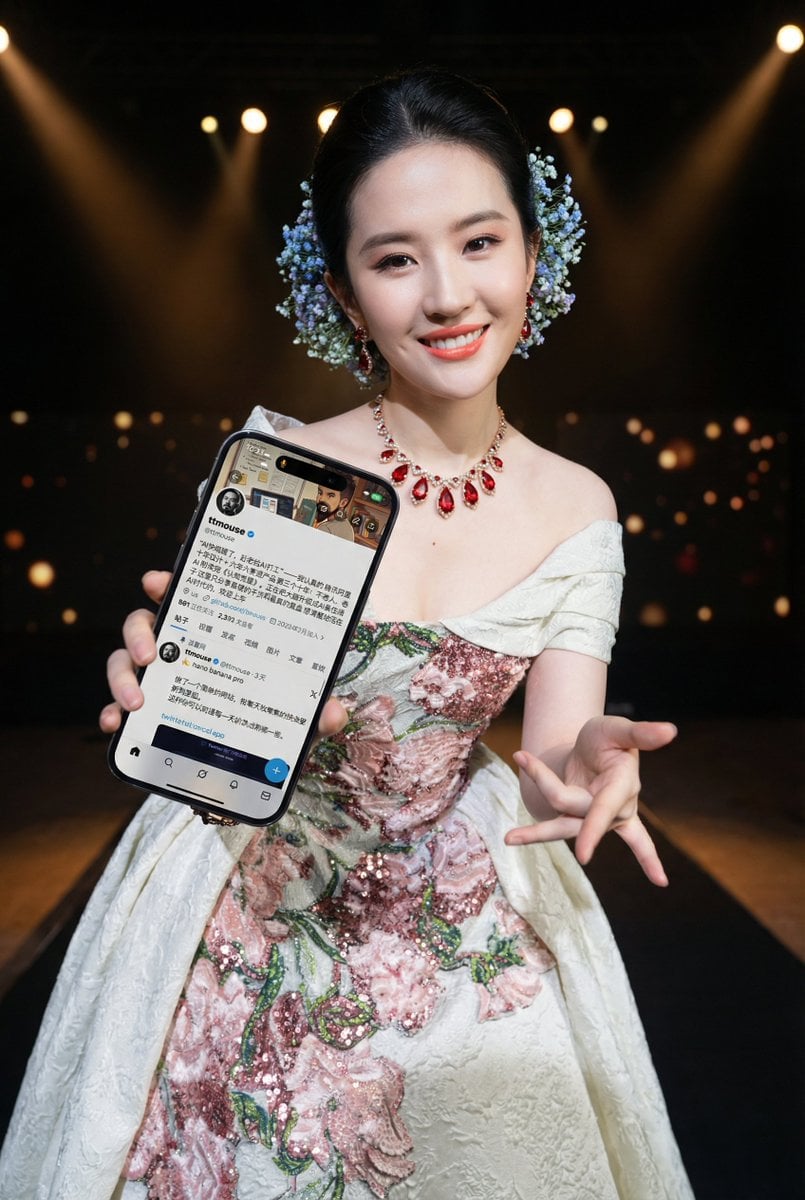
Image-to-Image Prompt for Character and UI Generation
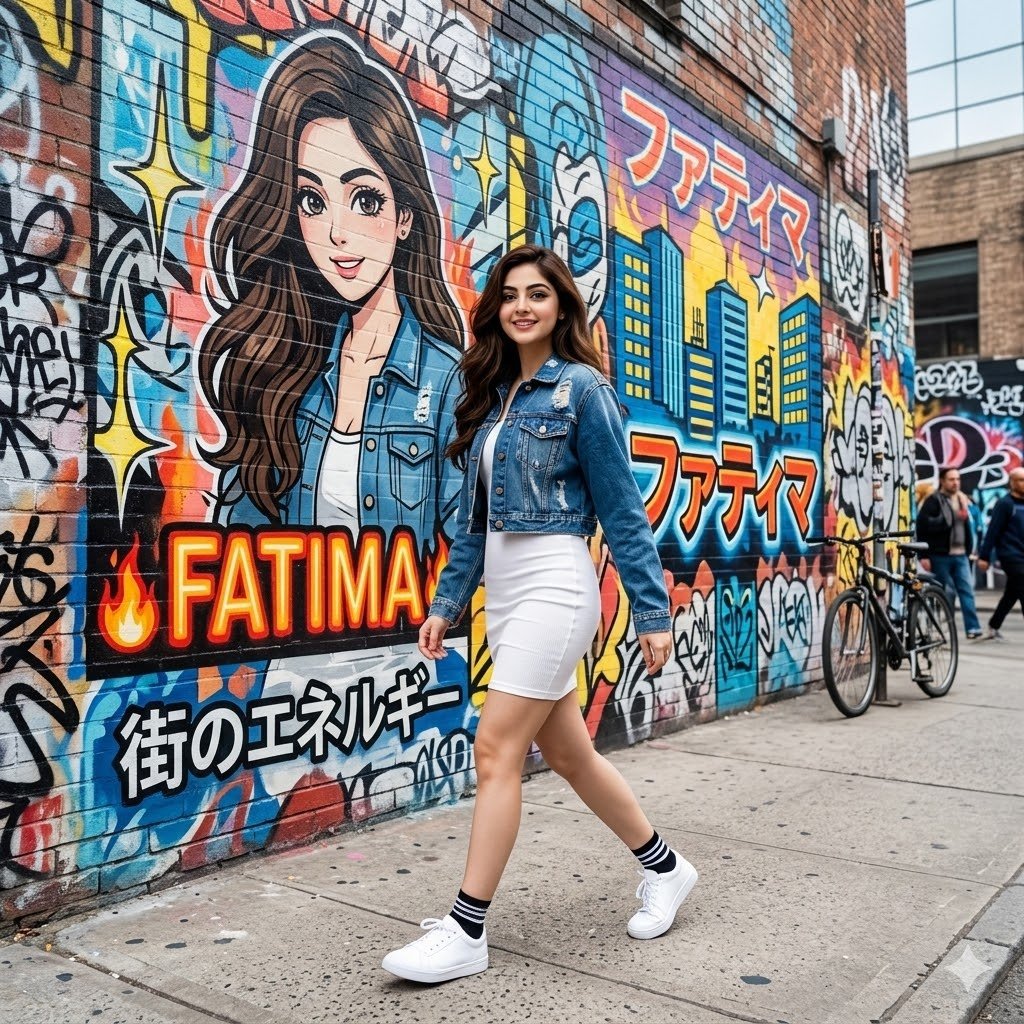
Graffiti Wall Urban Fashion Portrait
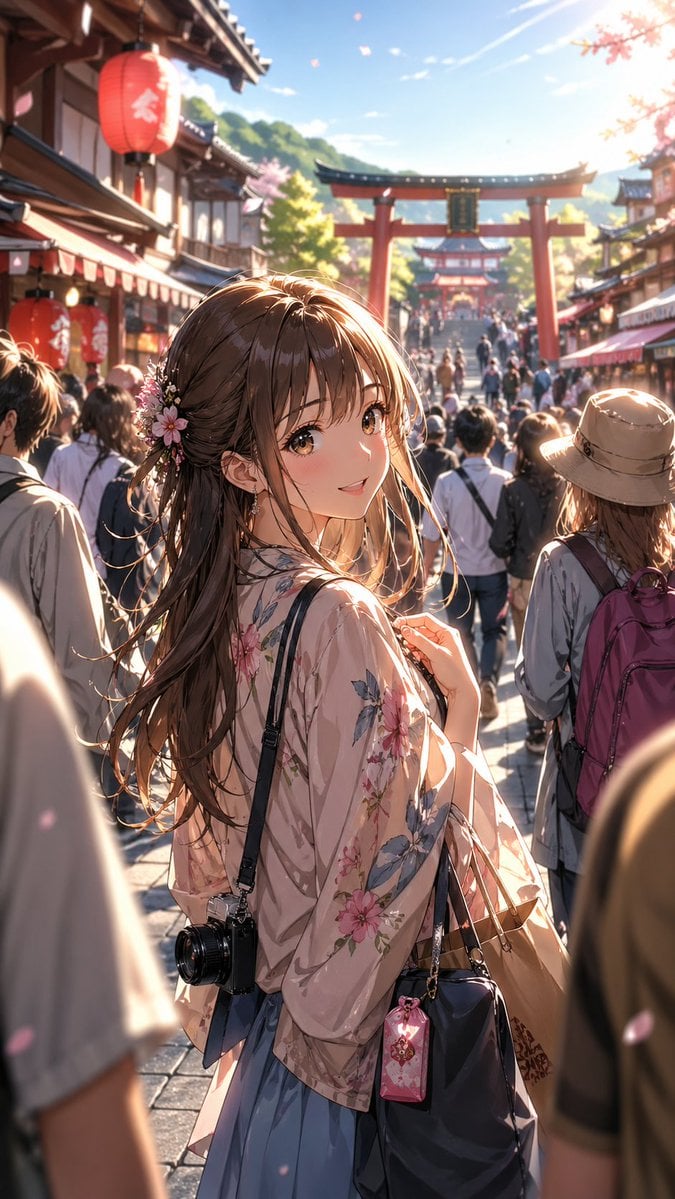
Anime Shrine Street Portrait
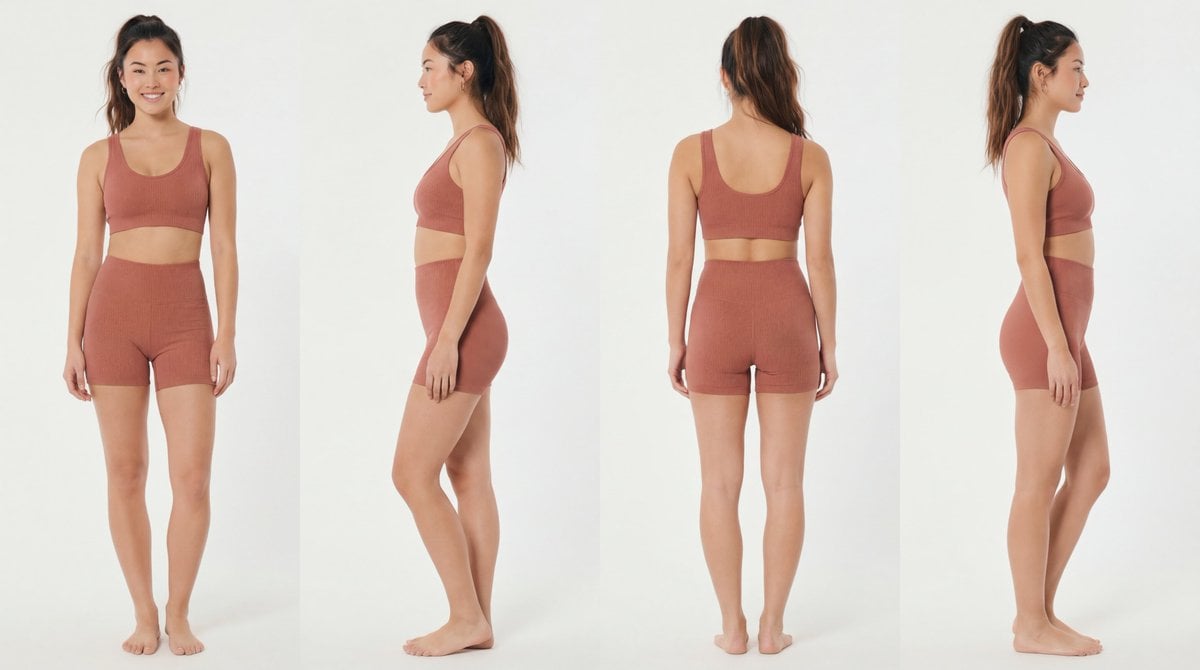
Recommended Nano Banana Pro Prompting Strategy for Consistency
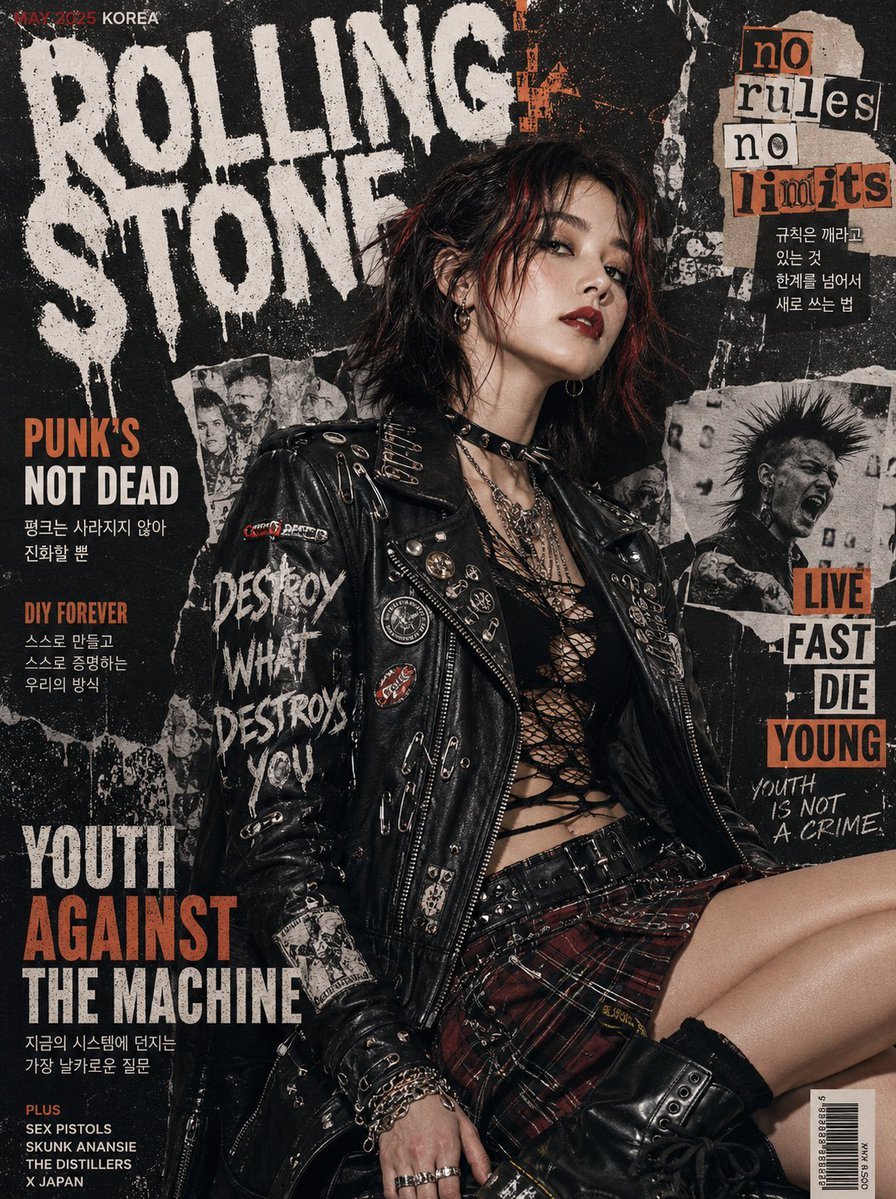
Punk Magazine Cover Korea Style
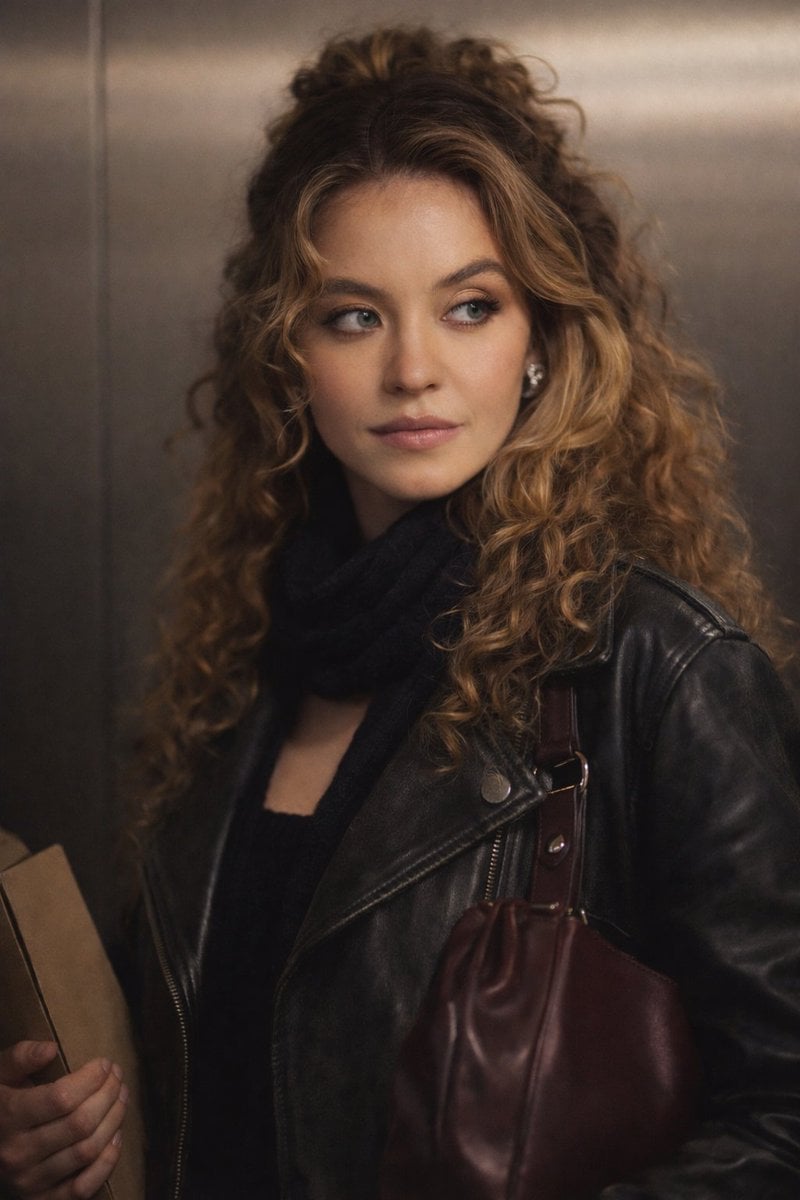
Cinematic Indoor Portrait Prompt for Gemini Nano Banana Pro
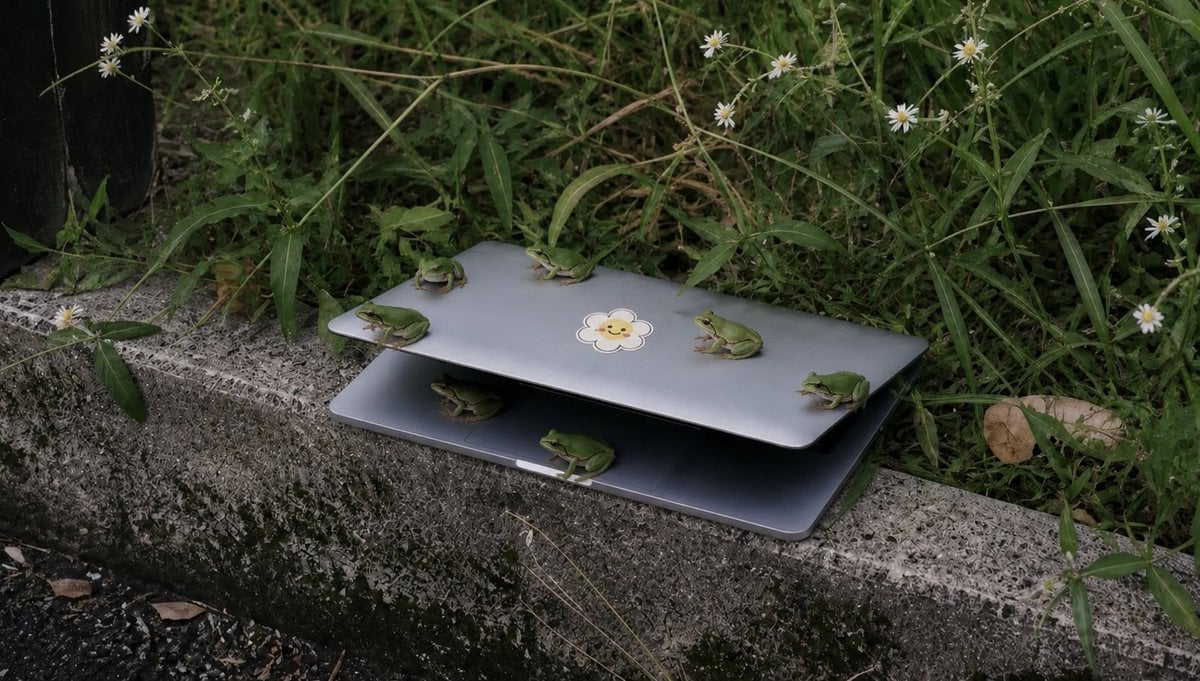
Frogs on a Laptop in Wild Grass
Browse template categories
Lion Prince Fireworks Balcony questions
How do I use the Lion Prince Fireworks Balcony template?
Add your photo if the template asks for one, edit the prompt if you like — the template's model and format are already selected — and press Generate. Your version opens in PicX Studio.
Can I customize the Lion Prince Fireworks Balcony template?
Yes. You can change the subject, setting, lighting, mood, format, and available model controls before creating your image.
Is the Lion Prince Fireworks Balcony template free?
Opening and editing this template is free. Generating uses credits, shown on the Generate button when you are signed in.
Which AI model should I use?
Start with GPT Image 2, which is the model associated with this template. You can compare another compatible model for a different finish.
Looking for something else? Browse all templates.

Your photo, any look
Thousands of ready templates for every top image and video model, from one credit balance.