
Fireworks Inside a Wind Chime
A poetic and creative prompt for generating an image of a summer wind chime containing fireworks and a swimming goldfish.
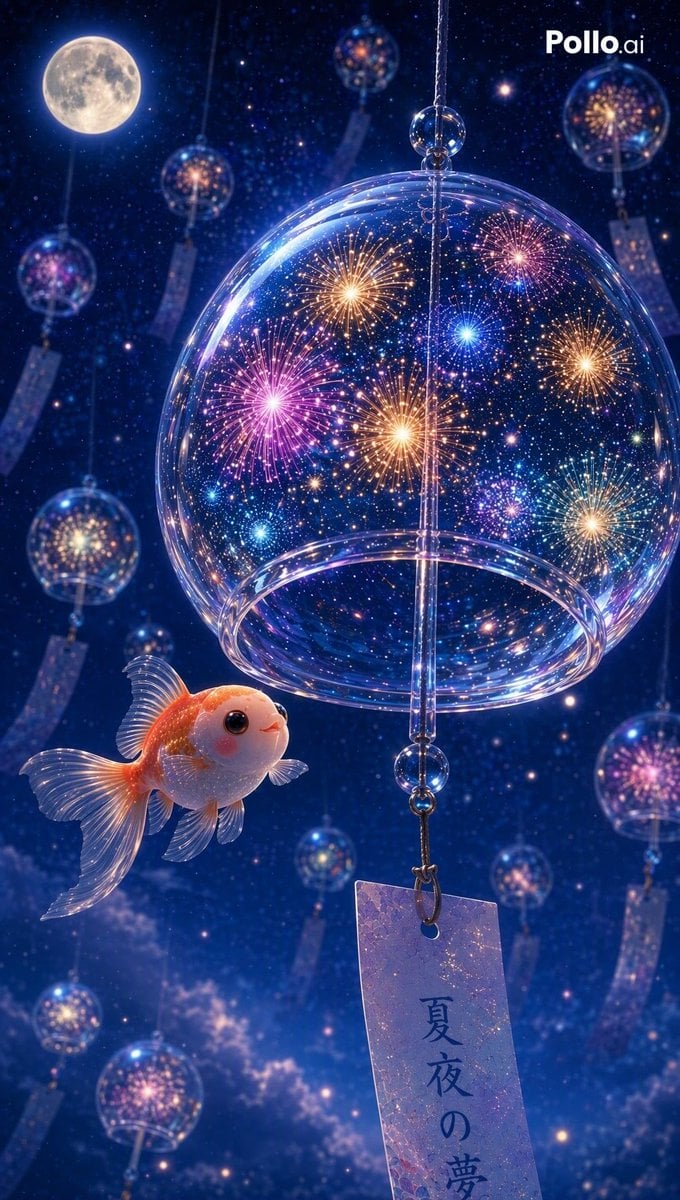
- Prompt included
- Model and format preset
- Free template
The prompt behind this image
Copy the exact prompt behind Fireworks Inside a Wind Chime, or open it in the studio and make it yours.
花火は空ではなく、{argument name="容器" default="風鈴"}の中へ。ひとつの風鈴に咲く夏を目指して、小さな{argument name="動物" default="金魚"}が泳いでいく。
How to use Fireworks Inside a Wind Chime in 3 steps
- 1
Open
The prompt is already in the box next to the preview, with the template's model and format selected.
- 2…a portrait of your subject in softgolden-hour light, 85mm…
Personalize
Edit the subject and creative details for your destination.
- 3Generate
Generate
Press Generate — your image is created in PicX Studio, so you can compare it with the original and refine one variable at a time.
More like this
Templates with the same subject, style or setup. Open one to see its prompt.

Oriental Zen Summer Wind Chime Poster
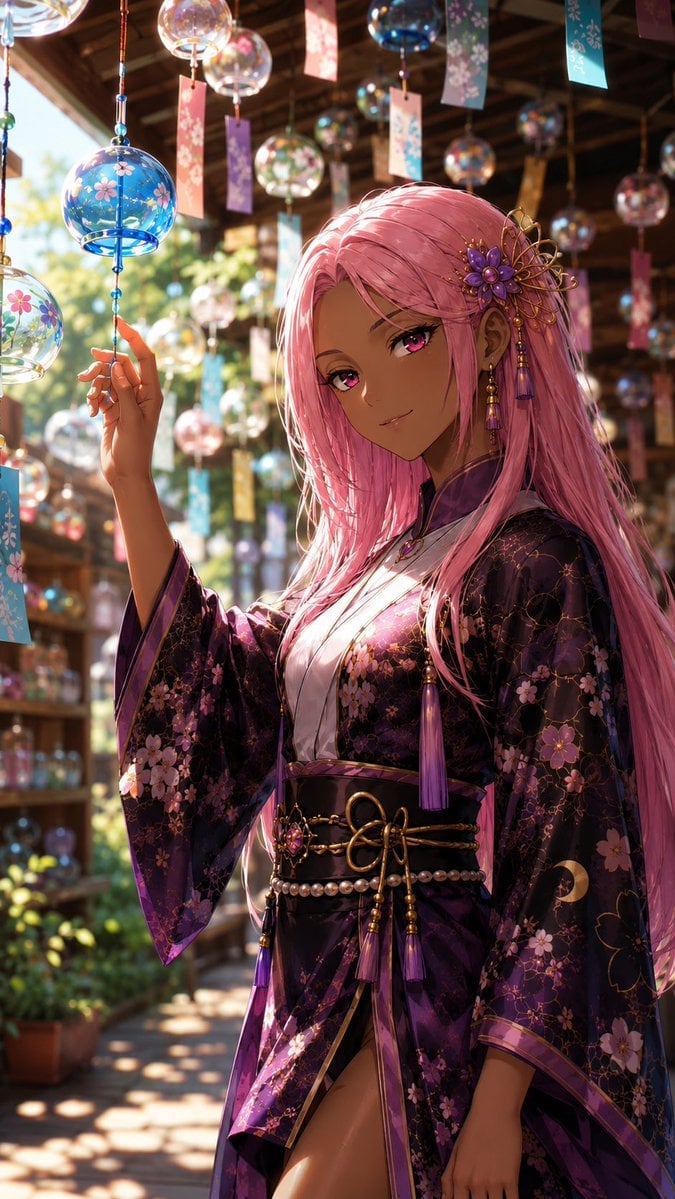
Tsuki at the Wind Chime Market

FIFA 2026 — Golden Trophy Stadium Night
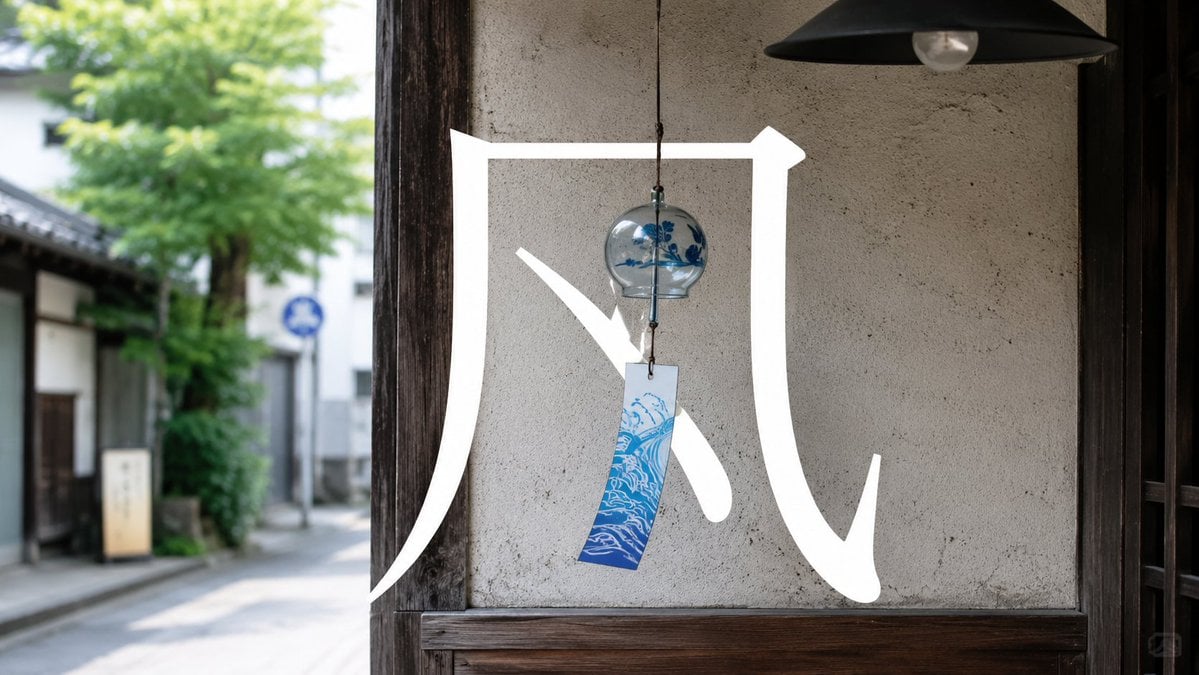
Japanese Wind Chime Calligraphy Photo
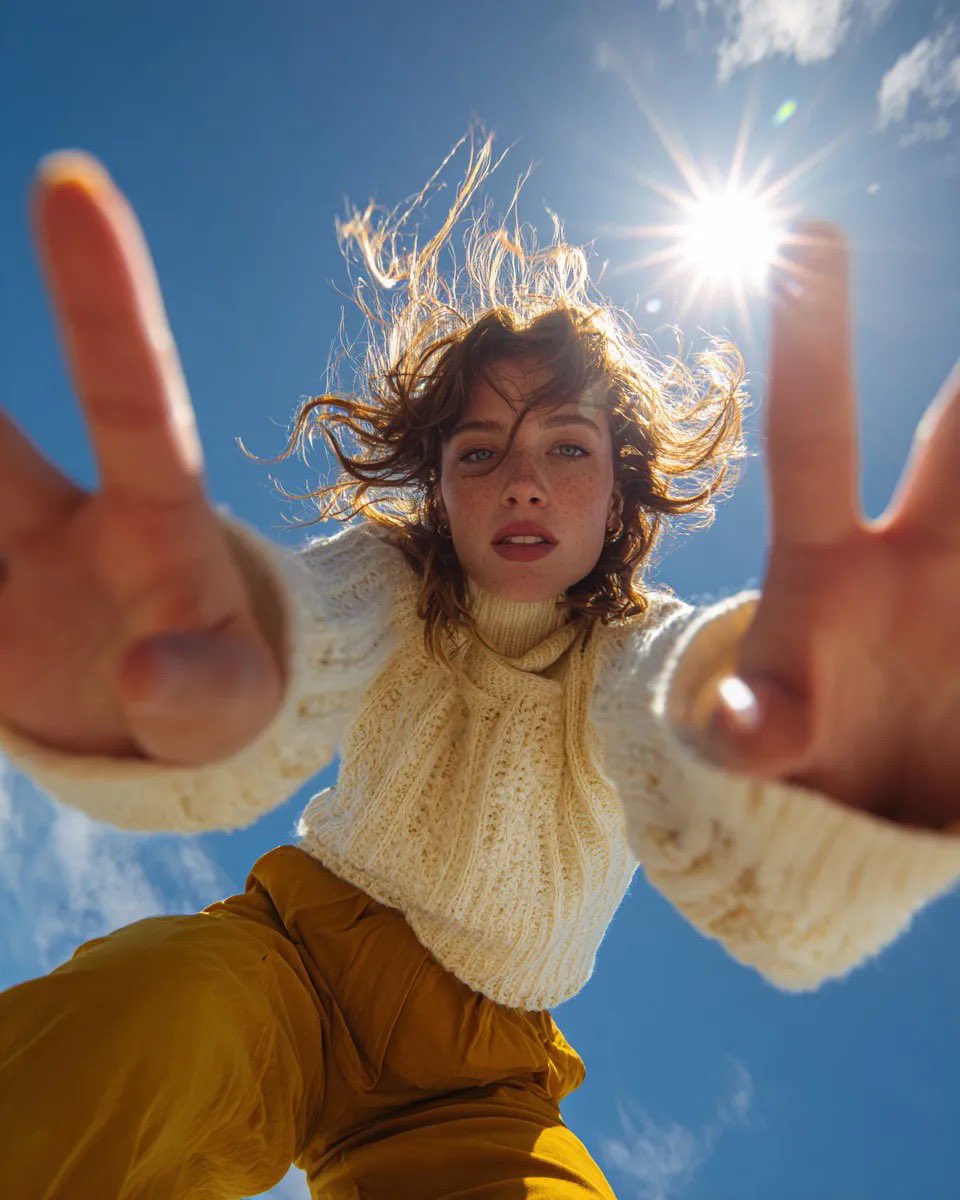
Ultra Wide Low-Angle Portrait — Sairah (Nano Banana)
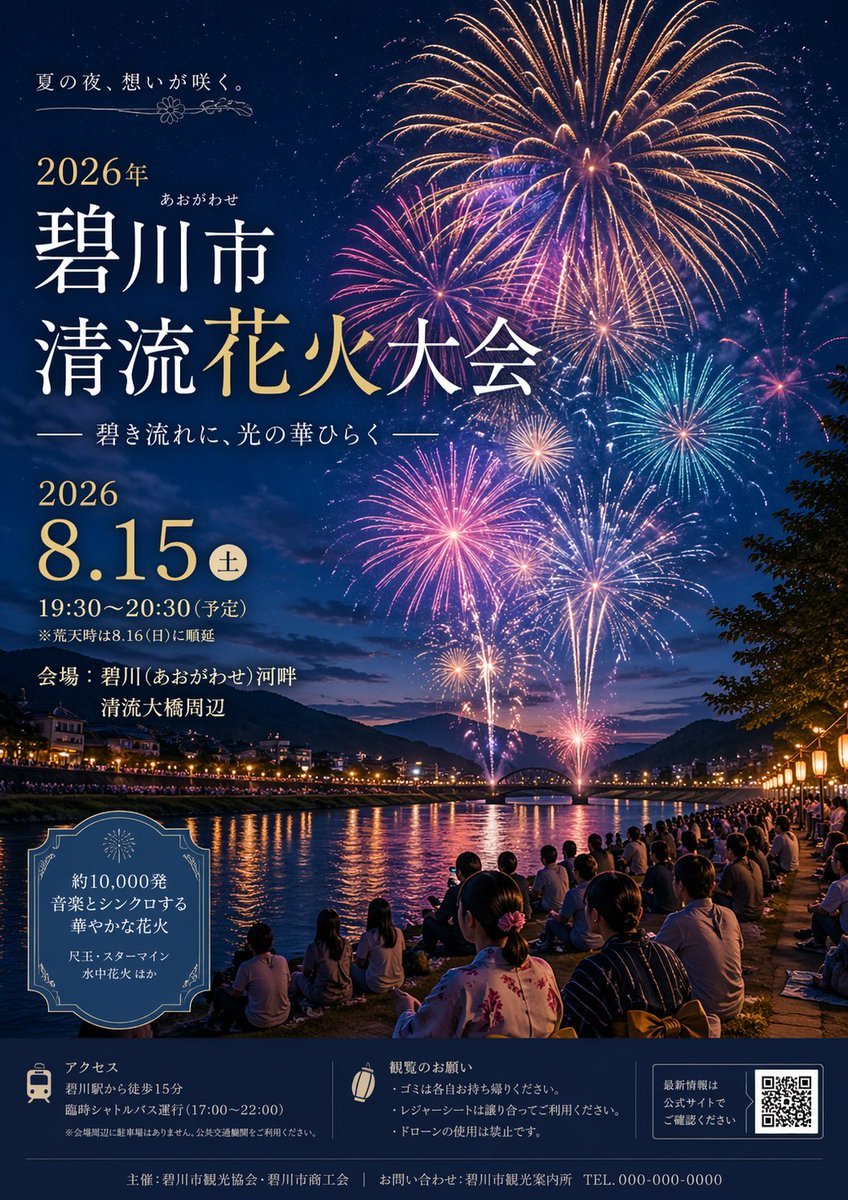
Japanese Fireworks Festival Poster
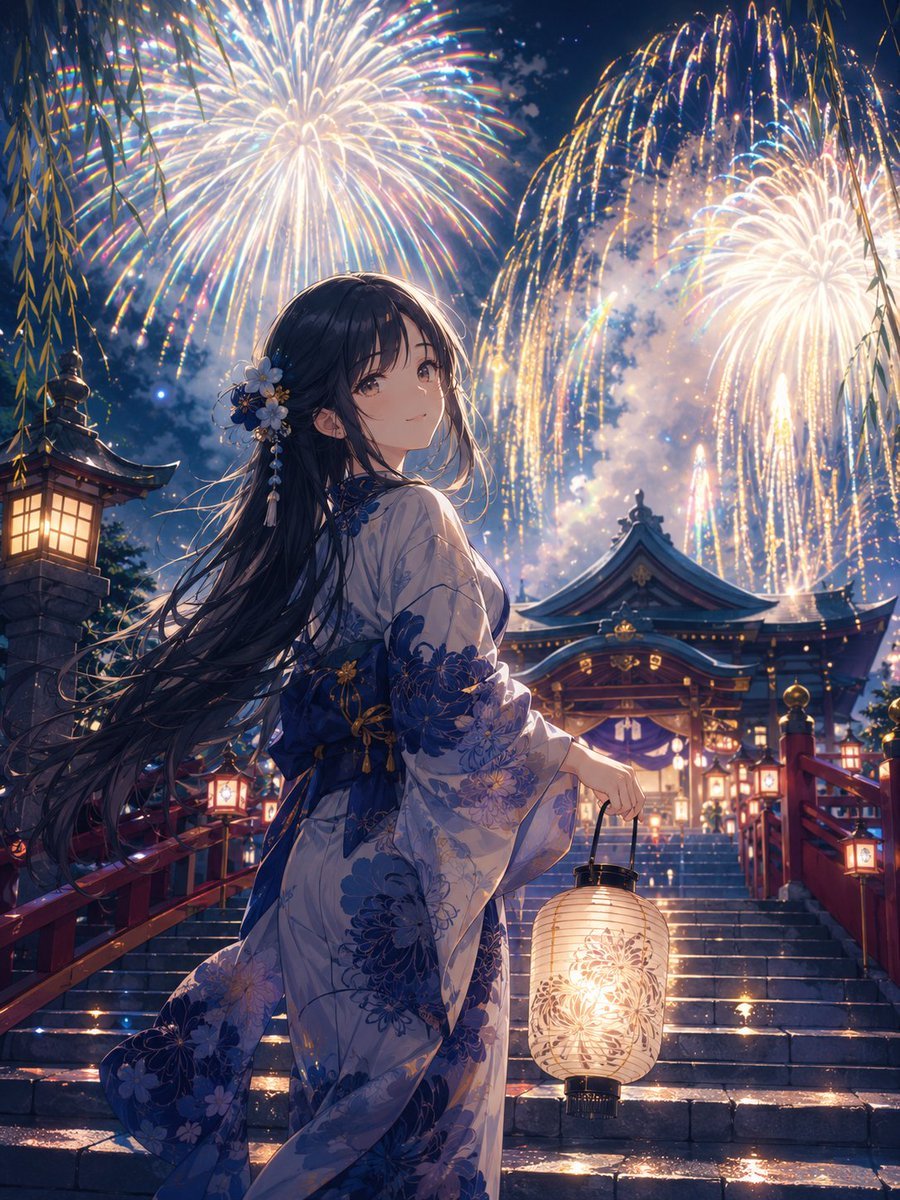
Girl in Yukata with Platinum Fireworks
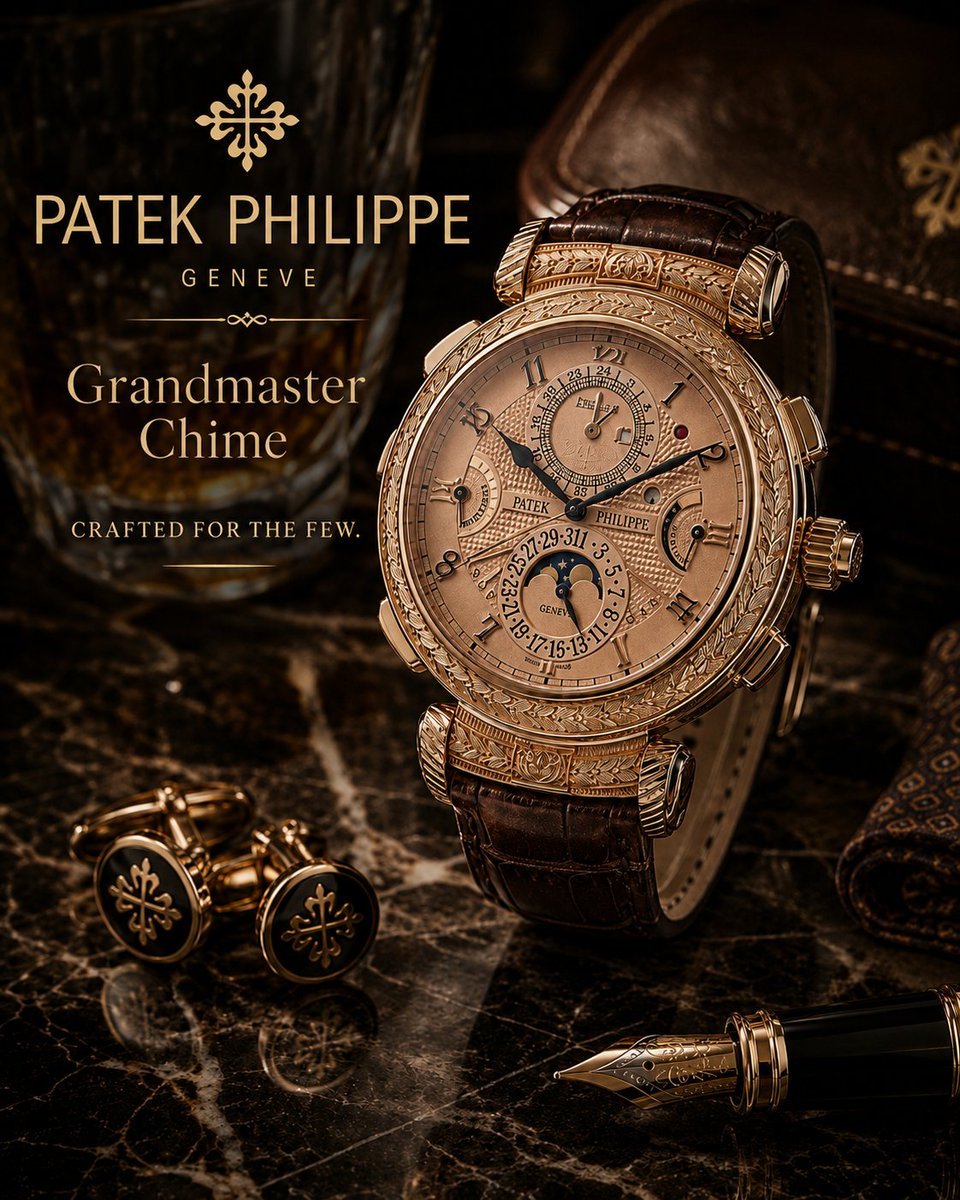
Luxury Grandmaster Chime Watch Ad
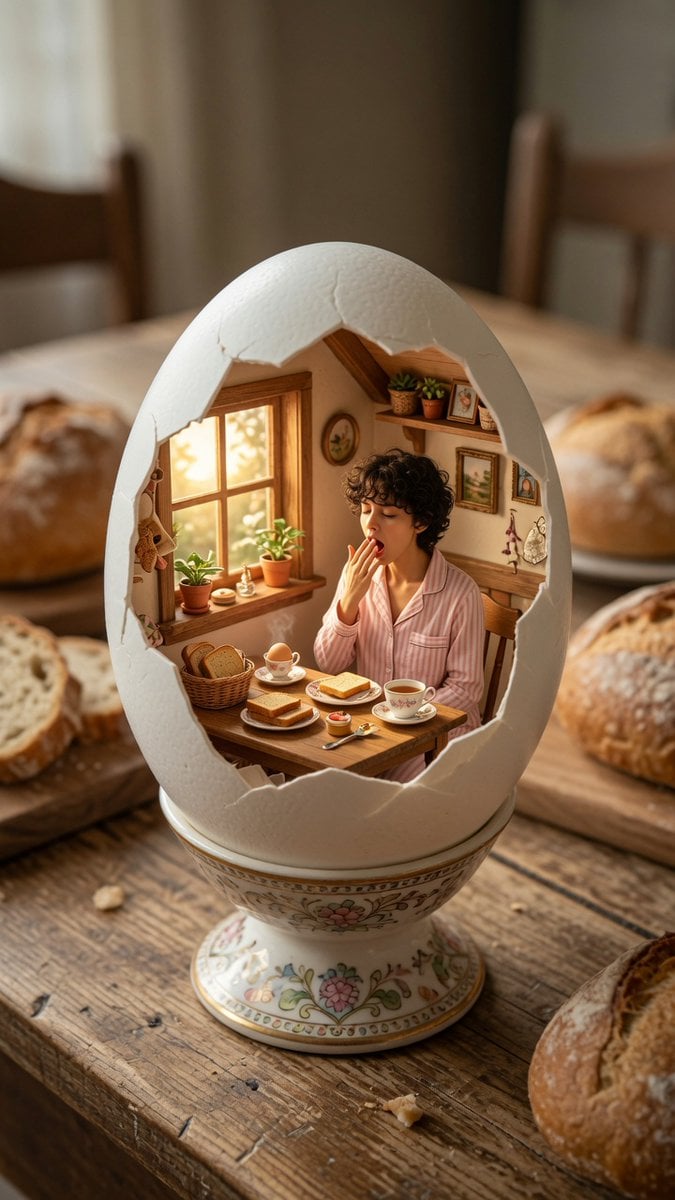
Miniature Breakfast Room Inside Eggshell
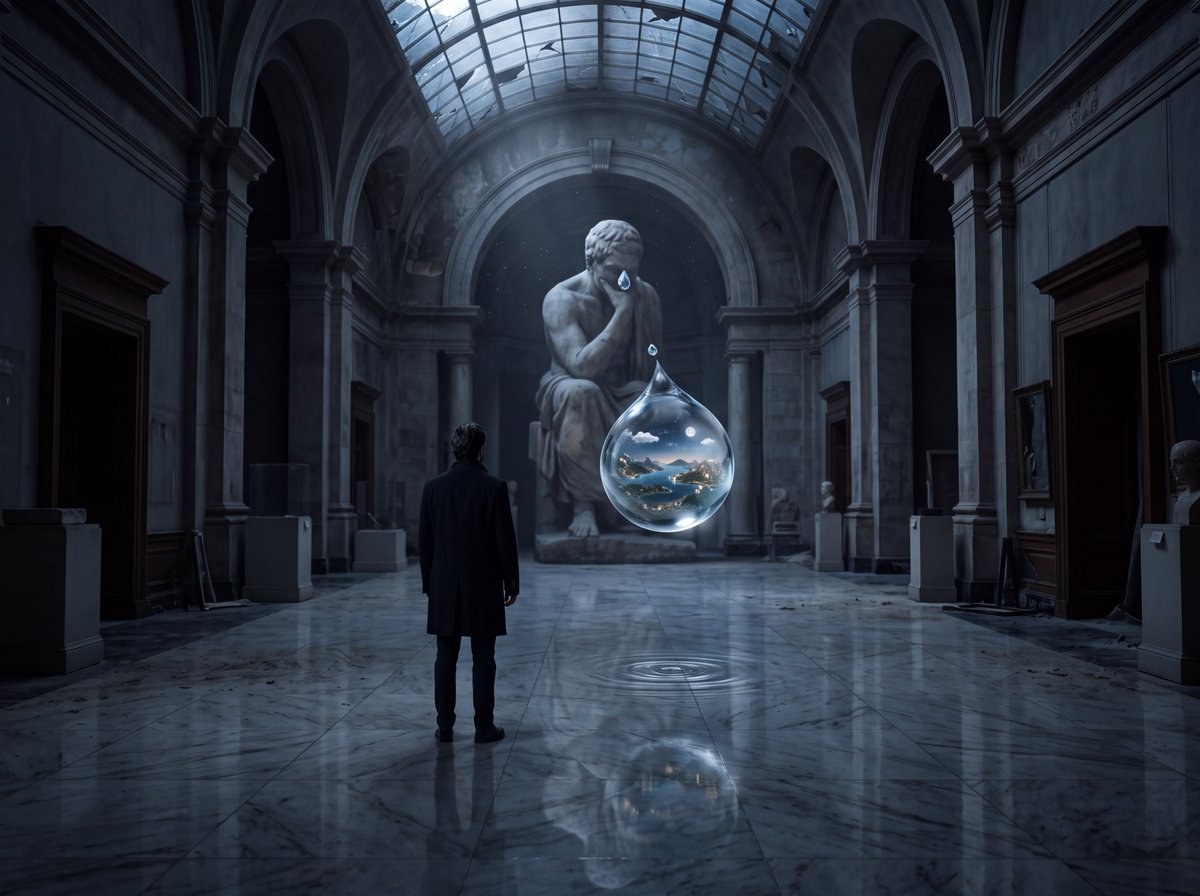
Universe Inside a Tear

Surreal comedic scene inside a modern kitchen a young man bends backward

A cinematic luxury fashion editorial set inside a grand vintage library
Make it yours
Fireworks Inside a Wind Chime works as-is. These are the safest ways to change it without losing the look.
Change one field
Copy a single group, rewrite it, and generate again so you can see what that field is doing.
Keep the frame, change the subject
Hold the composition and light of Fireworks Inside a Wind Chime, then swap wardrobe, props or the person for a new take.
| If the result… | Why | Fix |
|---|---|---|
| The result drifts from the preview | Too many fields changed at once. | Reuse Fireworks Inside a Wind Chime as-is first, then change one group — subject, light, or setting. |
| The model over-stylizes the scene | The prose prompt leaves finish and camera underspecified. | Add one camera or lighting sentence and stay on GPT Image 2. |
More GPT Image 2 templates
Other prompts made for GPT Image 2.

Six VTuber Japanese Logo Sheet

Realistic Portrait of Woman and Deer

The Vista Modular Condo Poster

AI Model Routing Comparison Infographic

2.5D Anime Art Board

Isometric Productivity Desk Scene

New York Double Exposure Poster

Four-Panel AI Landscape Comparison

Japanese Tatami Lifestyle Magazine Cover

NESCAFÉ Coffee Map Poster
More image prompts
Fresh picks from across the catalog.
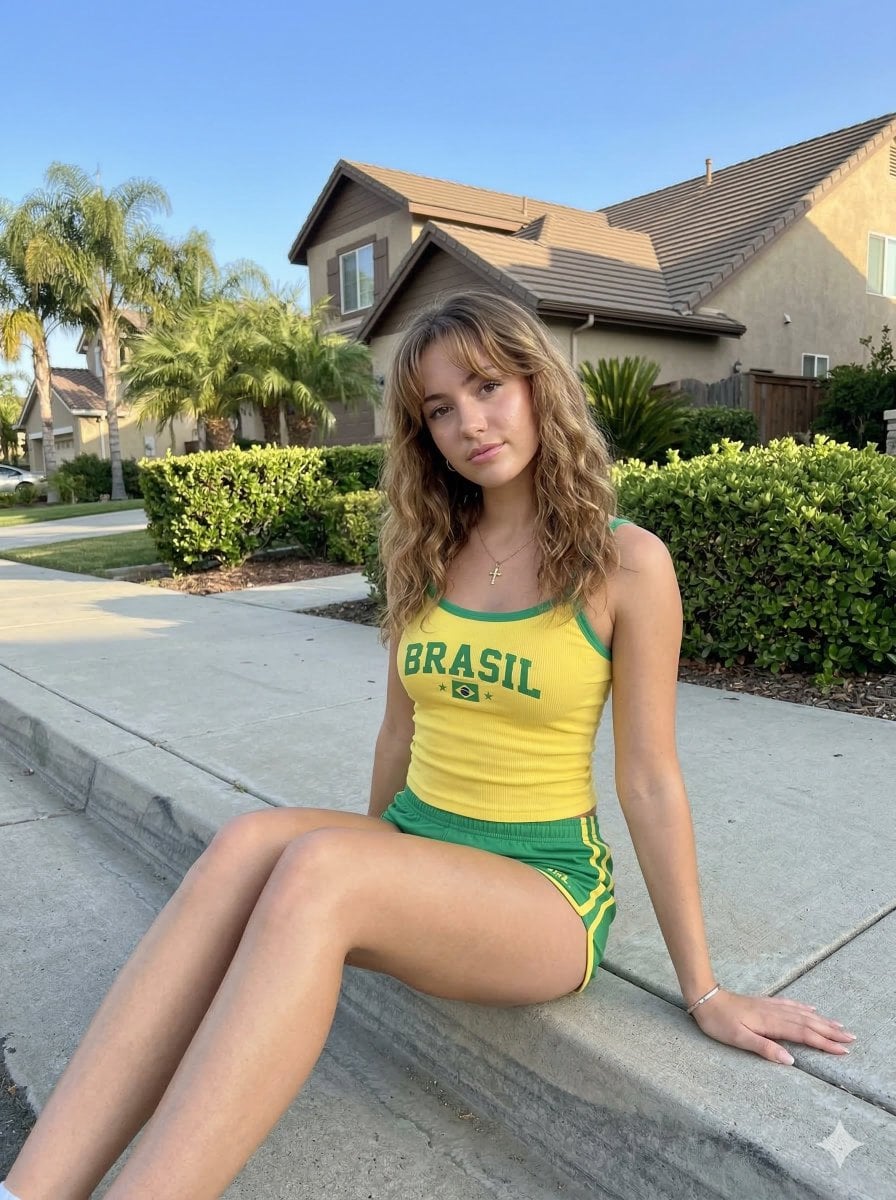
Casual Smartphone Photo of a Woman on a Curb
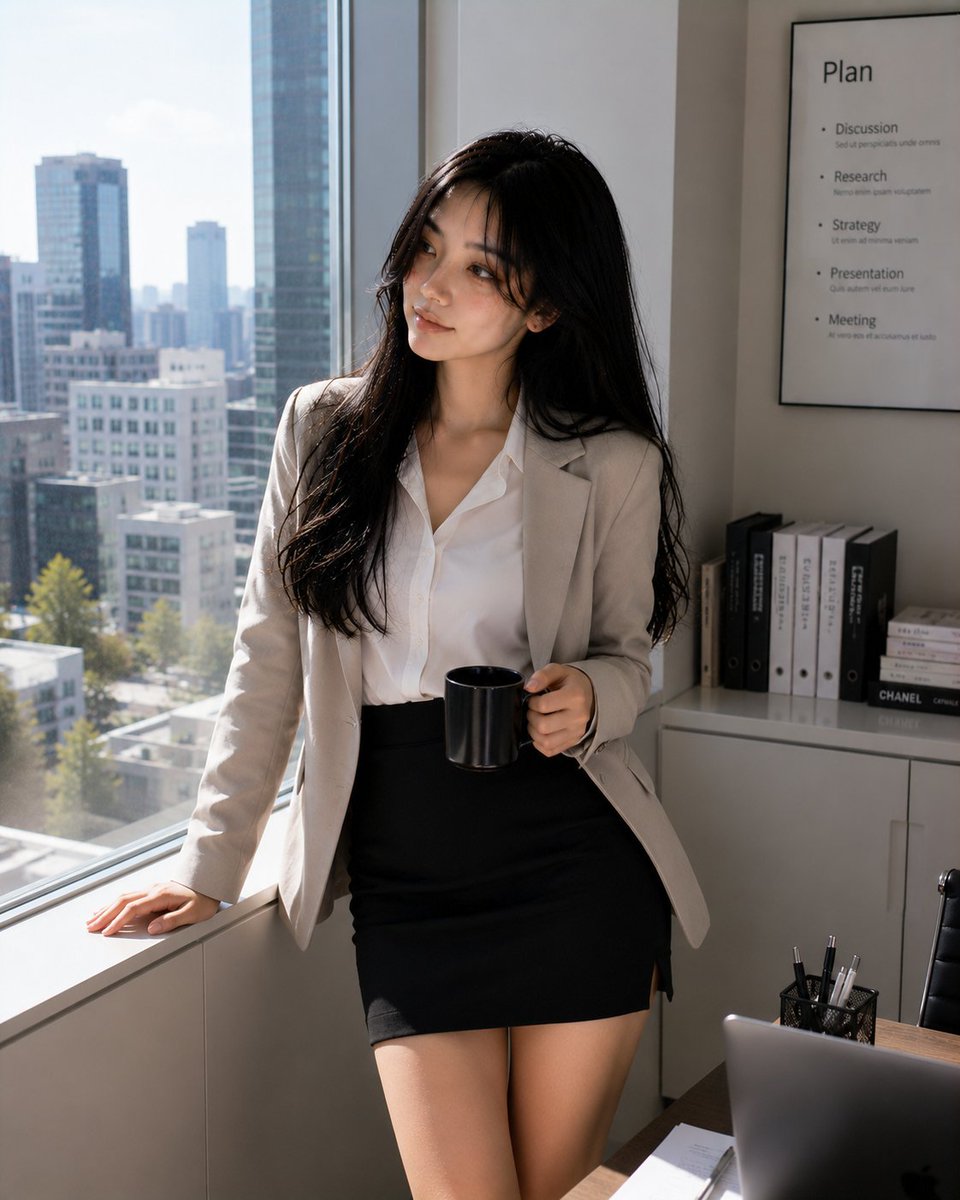
Professional Korean Office Portrait
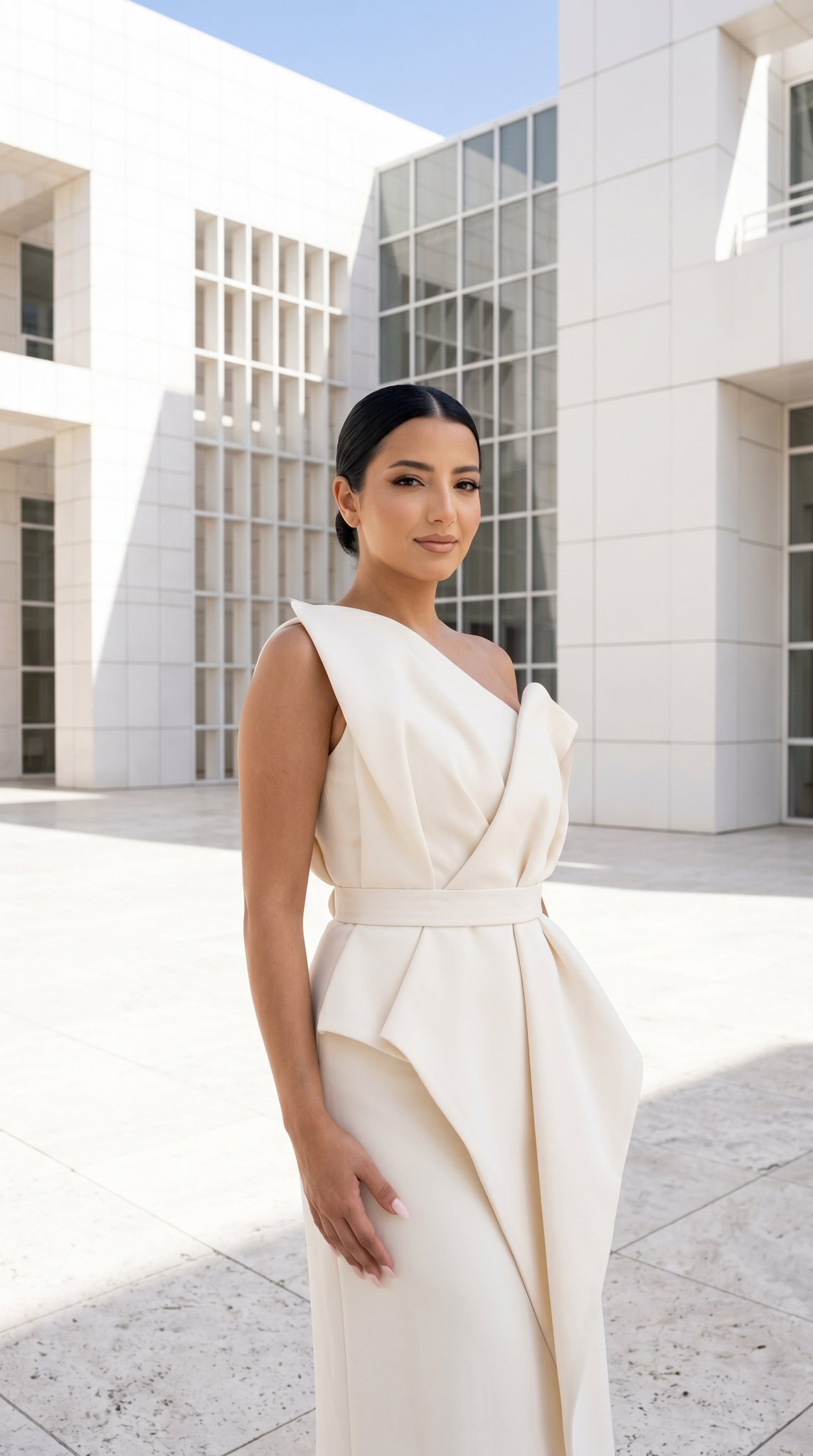
24 The Getty Center — California Series
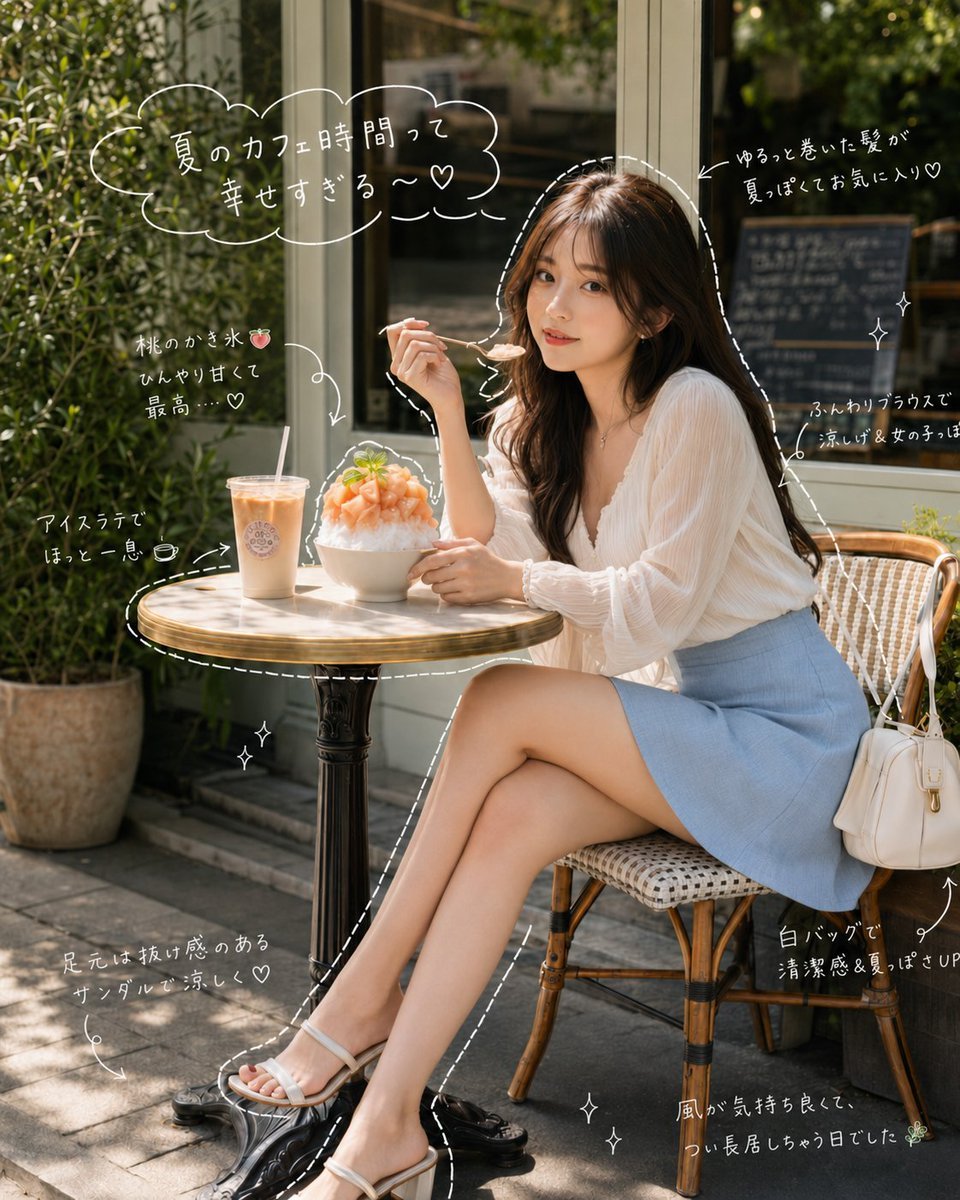
Japanese Summer Cafe Portrait

Luxury Botanical Skincare Forest Ad
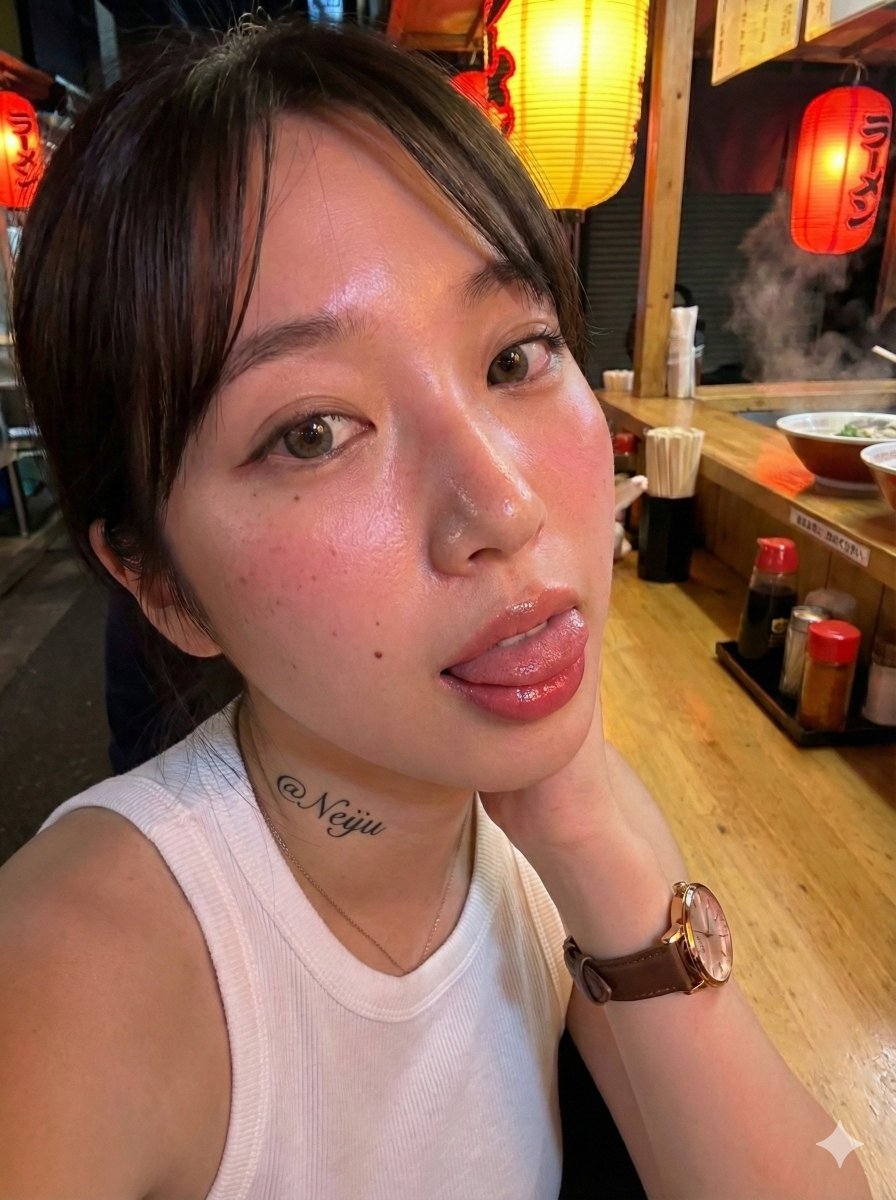
Realistic Izakaya Selfie with Intentional Imperfection

Multi-Exposure Indian Woman Fashion Poster
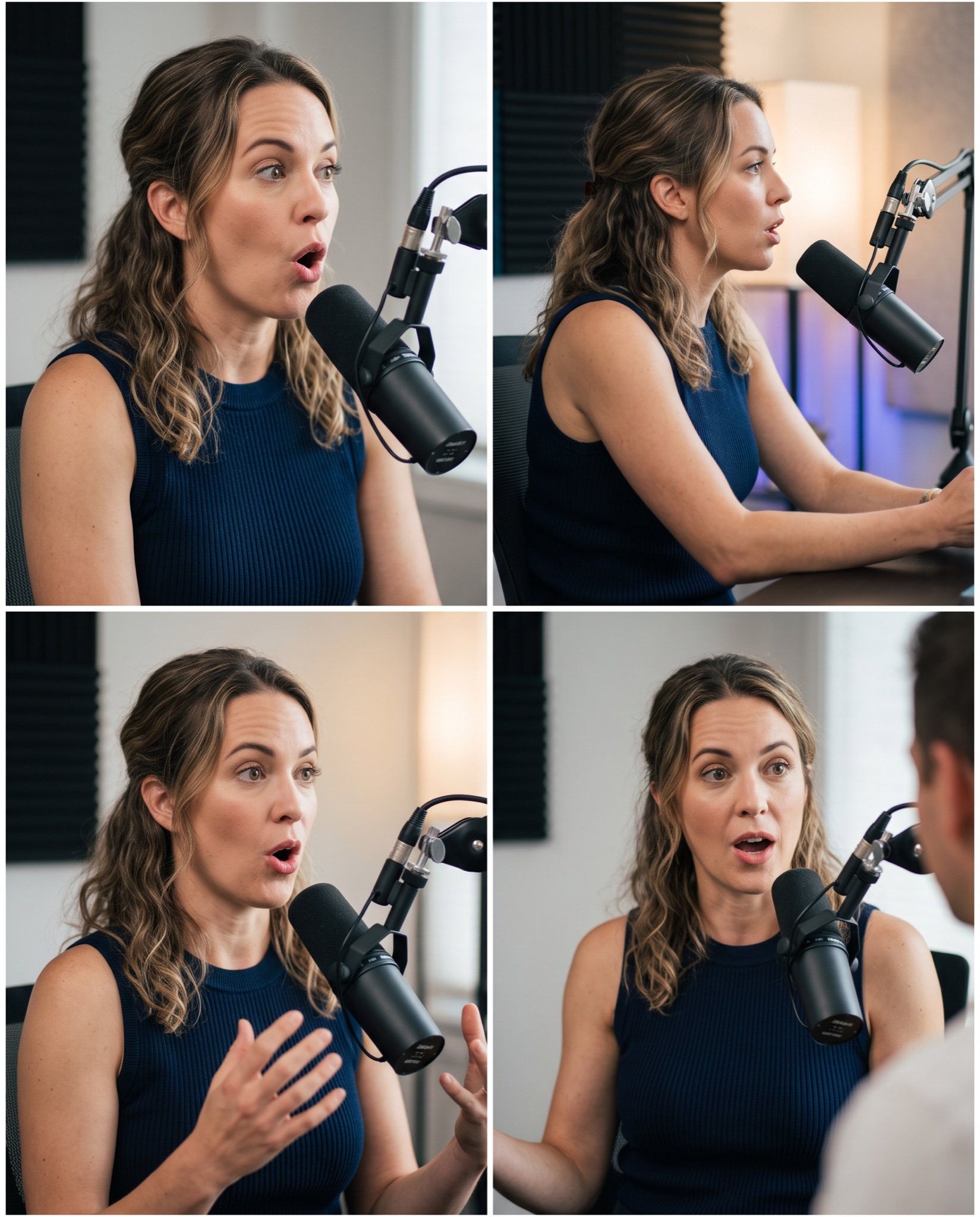
Mahira Khan 2x2 Collage Podcast Interview Prompt
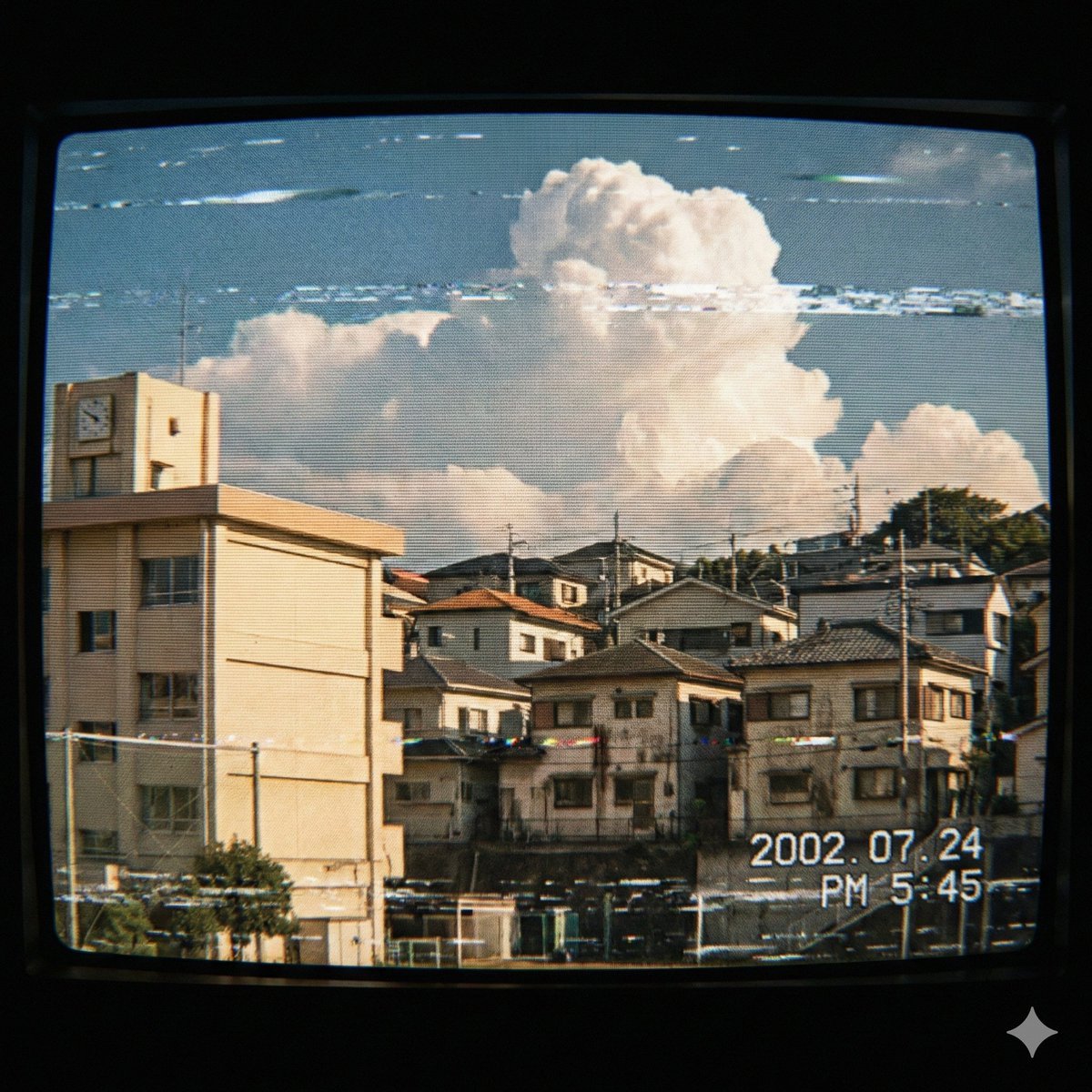
Japanese Suburb in 2000s Atmosphere

Anthropomorphic Bulldog Barbecue Scene (Classic Cartoon Style)
Browse template categories
Fireworks Inside a Wind Chime questions
How do I use the Fireworks Inside a Wind Chime template?
Add your photo if the template asks for one, edit the prompt if you like — the template's model and format are already selected — and press Generate. Your version opens in PicX Studio.
Can I customize the Fireworks Inside a Wind Chime template?
Yes. You can change the subject, setting, lighting, mood, format, and available model controls before creating your image.
Is the Fireworks Inside a Wind Chime template free?
Opening and editing this template is free. Generating uses credits, shown on the Generate button when you are signed in.
Which AI model should I use?
Start with GPT Image 2, which is the model associated with this template. You can compare another compatible model for a different finish.
Looking for something else? Browse all templates.

Your photo, any look
Thousands of ready templates for every top image and video model, from one credit balance.