
Ultra-Realistic Streetwear Portrait
A highly detailed prompt for generating an ultra-realistic full-body portrait of a young man in a modern urban setting, focusing on maintaining facial identity consistency with a reference image.
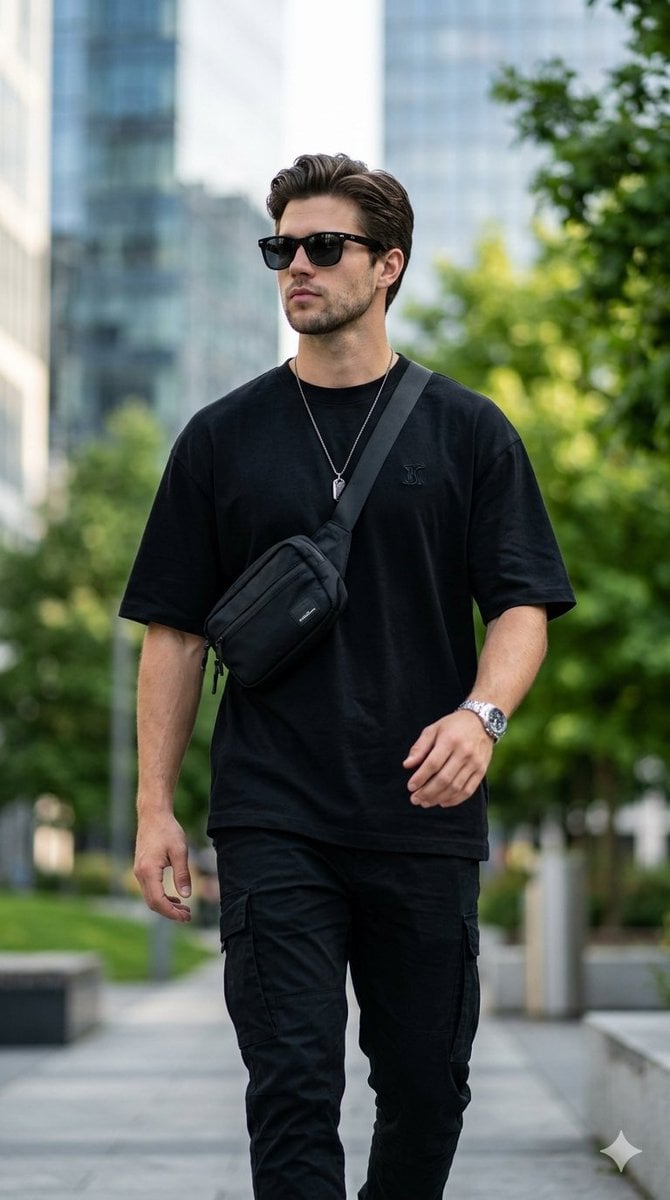
- Prompt included
- Model and format preset
- Free template
The prompt behind this image
Copy the exact prompt behind Ultra-Realistic Streetwear Portrait, or open it in the studio and make it yours.
"Ultra-realistic full-body portrait of the same young man, maintaining strict facial identity and consistency with the reference image. He is positioned outdoors in a modern urban environment, with a softly blurred background featuring lush green plants and contemporary glass architecture. The subject is captured in a natural walking pose — body slightly angled, one hand relaxed by his side while the other moves subtly forward. His head is gently turned to the left, creating a candid, editorial-style moment. Wardrobe styling is minimal yet fashionable: an oversized black t-shirt with a small chest logo, black cargo pants, black sunglasses, a sleek crossbody sling bag, a wristwatch, and a subtle chain pendant — all styled in a modern streetwear aesthetic. Lighting is soft natural daylight with cinematic quality, producing gentle highlights and realistic shadows across the subject. The atmosphere feels premium and lifestyle-focused. Shot using an 85mm lens with a shallow depth of field — the subject remains in razor-sharp focus while the background falls into a smooth, creamy bokeh. Textures are highly detailed and lifelike — including fabric folds, skin tones, accessories, and environmental elements. Color grading is clean and modern with subtle contrast, enhancing realism while maintaining a polished cinematic tone. 8K resolution, ultra-sharp details, photorealistic, professional fashion editorial style, high dynamic range, premium composition."
How to use Ultra-Realistic Streetwear Portrait in 3 steps
- 1Upload ImagePNG, JPG or paste
Add your photo
Upload the photo the template builds on. The prompt, model and format are already set.
- 2…a portrait of your subject in softgolden-hour light, 85mm…
Personalize
Edit the subject and creative details for your destination.
- 3Generate
Generate
Press Generate — your image is created in PicX Studio, so you can compare it with the original and refine one variable at a time.
More like this
Templates with the same subject, style or setup. Open one to see its prompt.












Make it yours
Ultra-Realistic Streetwear Portrait works as-is. These are the safest ways to change it without losing the look.
Change one field
Copy a single group, rewrite it, and generate again so you can see what that field is doing.
Keep the frame, change the subject
Hold the composition and light of Ultra-Realistic Streetwear Portrait, then swap wardrobe, props or the person for a new take.
| If the result… | Why | Fix |
|---|---|---|
| The result drifts from the preview | Too many fields changed at once. | Reuse Ultra-Realistic Streetwear Portrait as-is first, then change one group — subject, light, or setting. |
| The model over-stylizes the scene | The prose prompt leaves finish and camera underspecified. | Add one camera or lighting sentence and stay on Nano Banana 2. |
More Nano Banana 2 templates
Other prompts made for Nano Banana 2.

Photorealistic Leaf Shaped Like a Dragon

K-Pop Idol Portrait Grid for Rapid Selection

Poetic Rain Forest Portrait During Golden Hour

Urban Street Portrait with Cartoon Inner Self Duo

Candid Nighttime Photo with Cat Prompt

High-Concept 3D Diorama Generation Prompt

Cinematic Futuristic Studio Portrait Template

Skincare Editorial Photography Collage Prompt

Hyper-Realistic Commercial Product Photography (Splash Effect)

Hyper-Realistic Nightclub Portrait Prompt
More image prompts
Fresh picks from across the catalog.
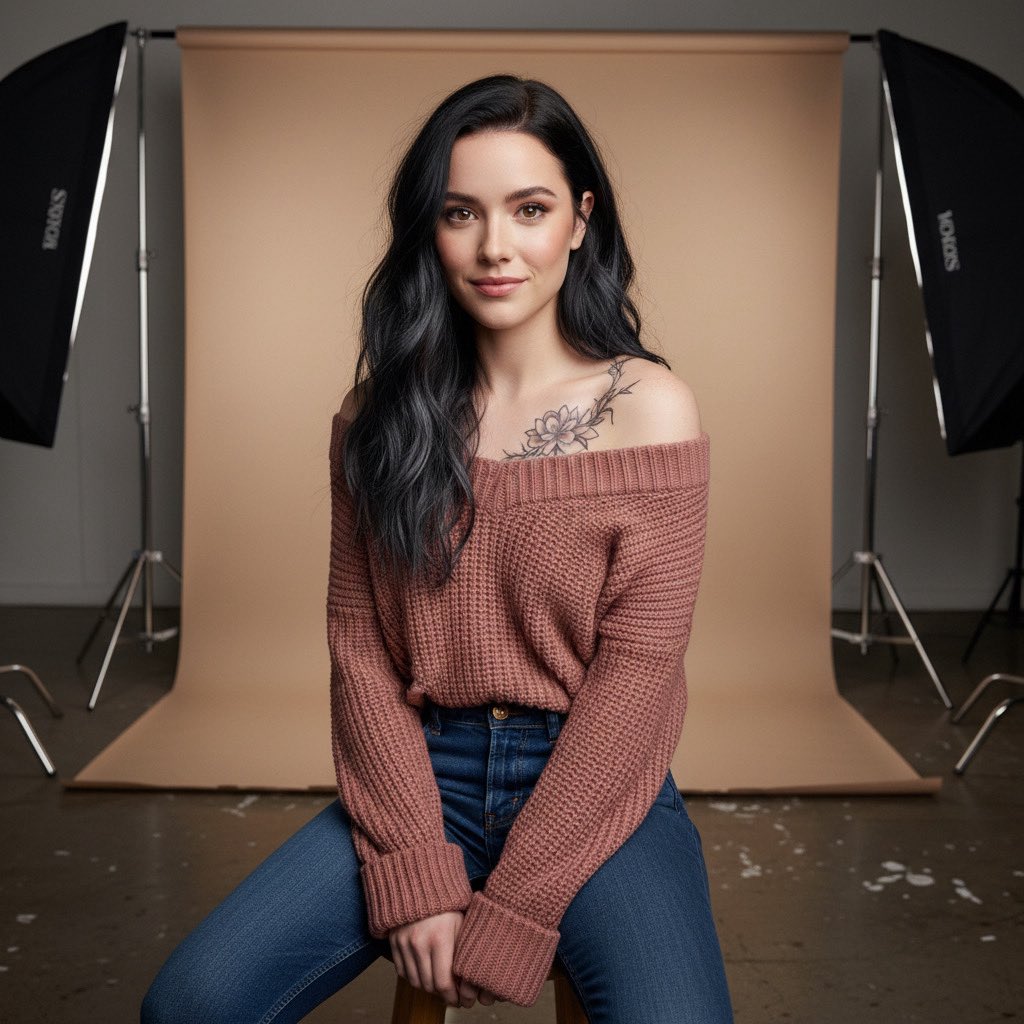
Studio Portrait with Tattoo and Chunky Knit Sweater Prompt
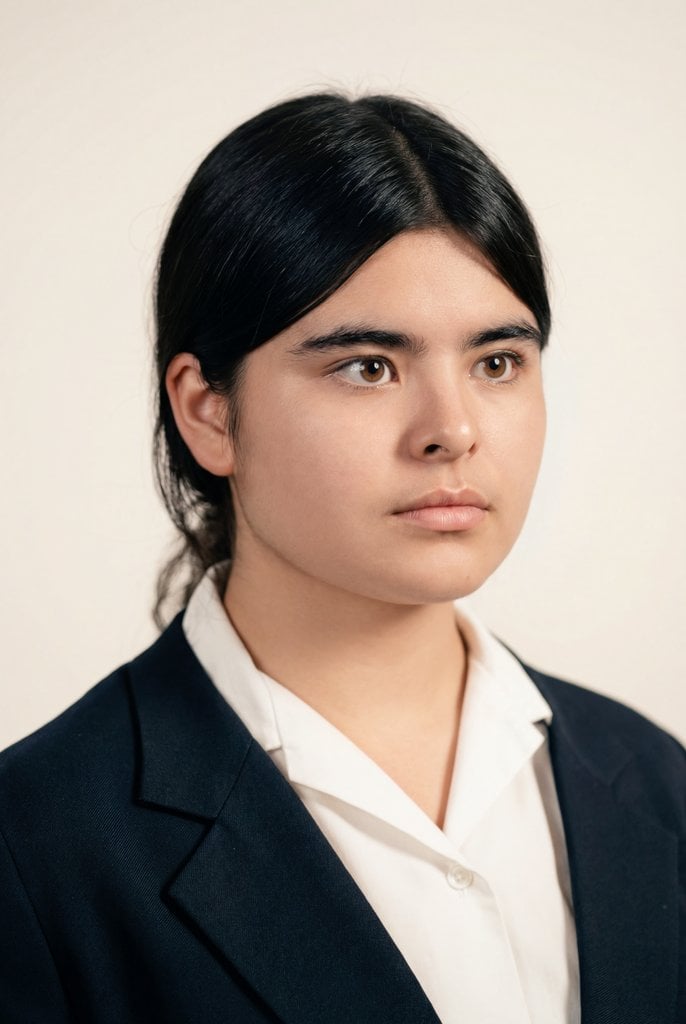
Cinematic Portrait Restoration with Golden-Hour Lighting
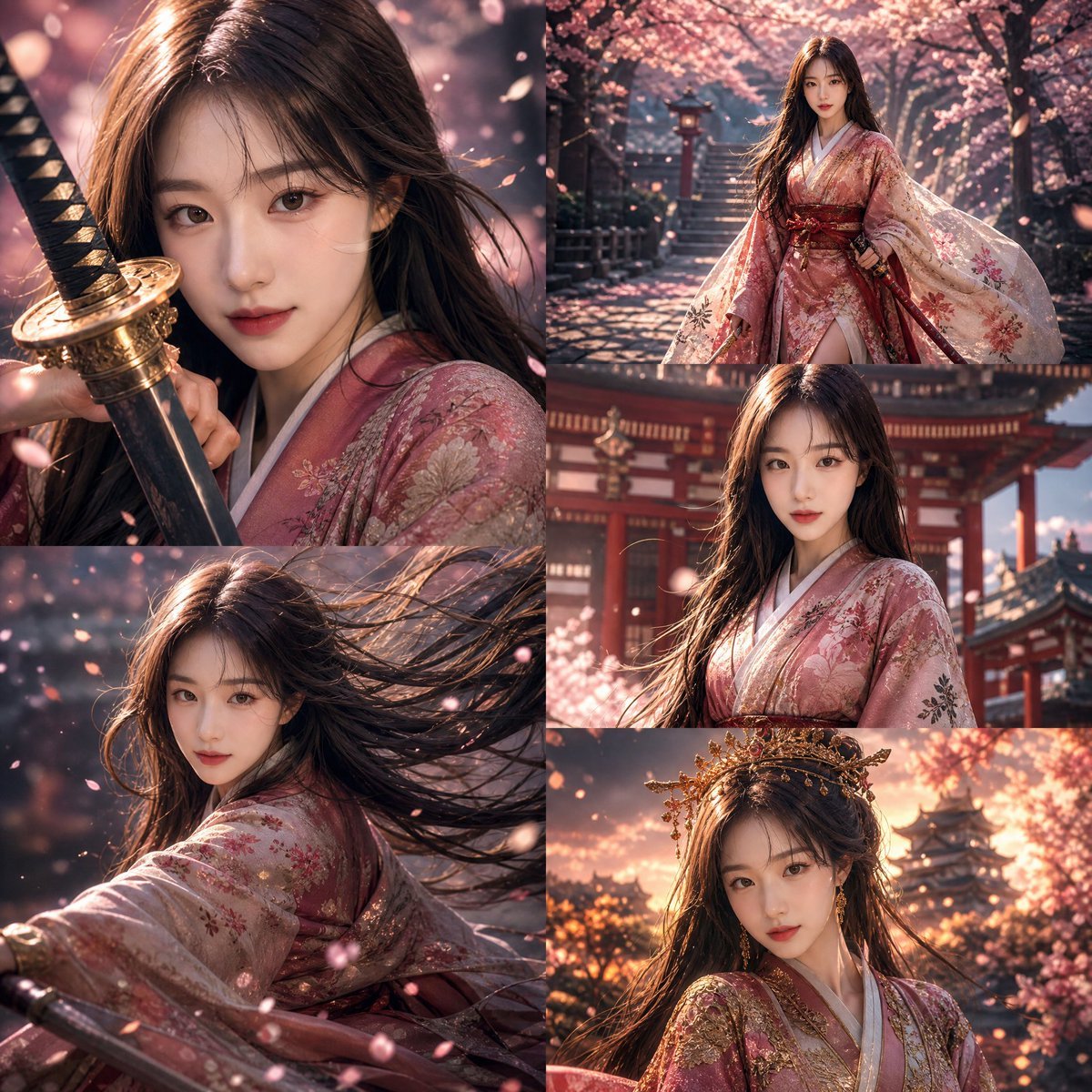
Anime Warrior Princess Editorial
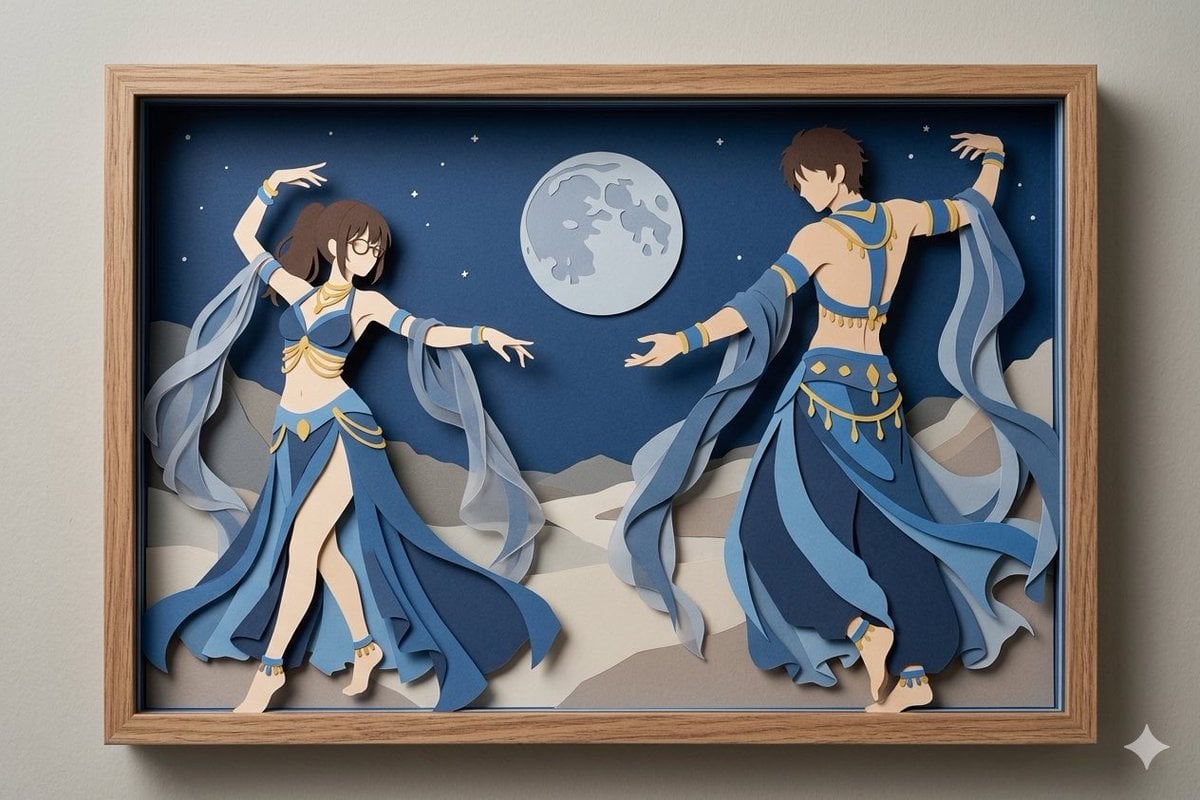
Moonlit Dancer Shadow Box
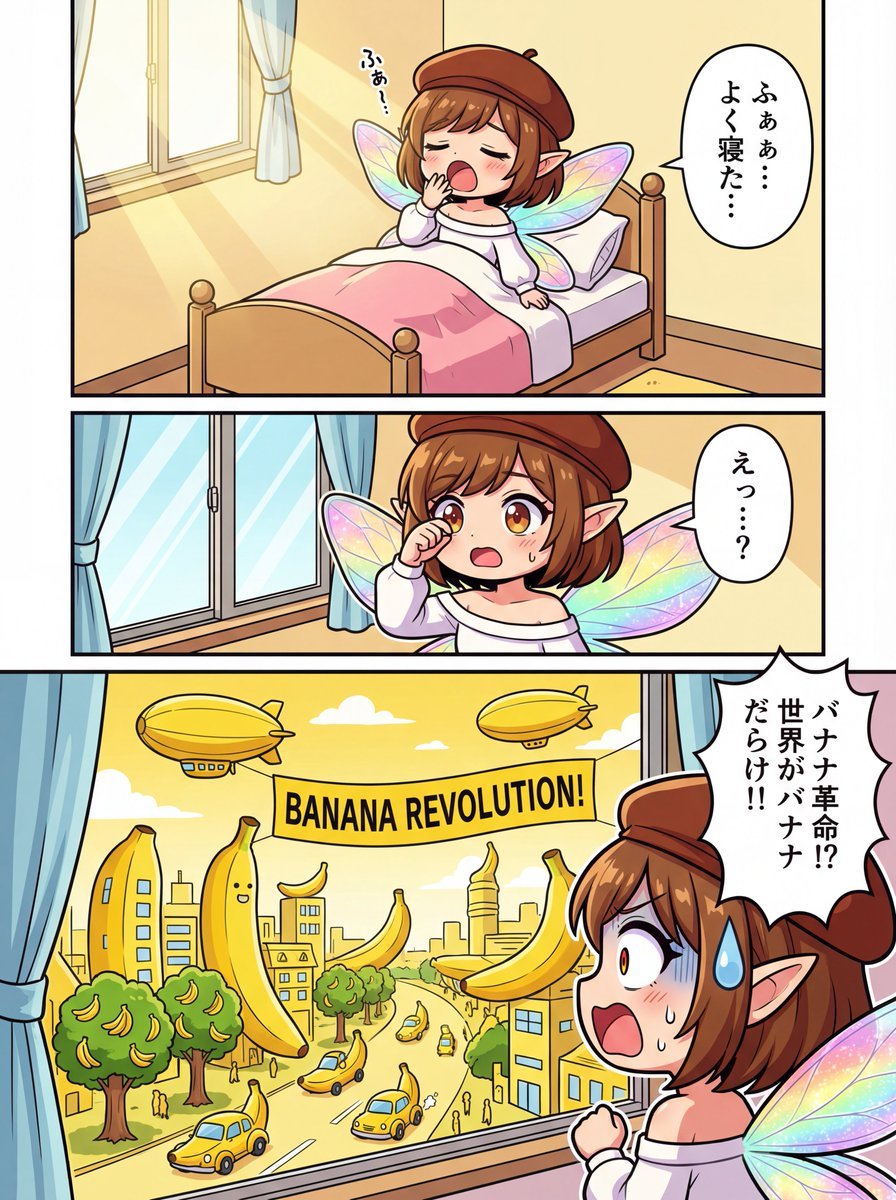
One-page color manga about the Banana Revolution
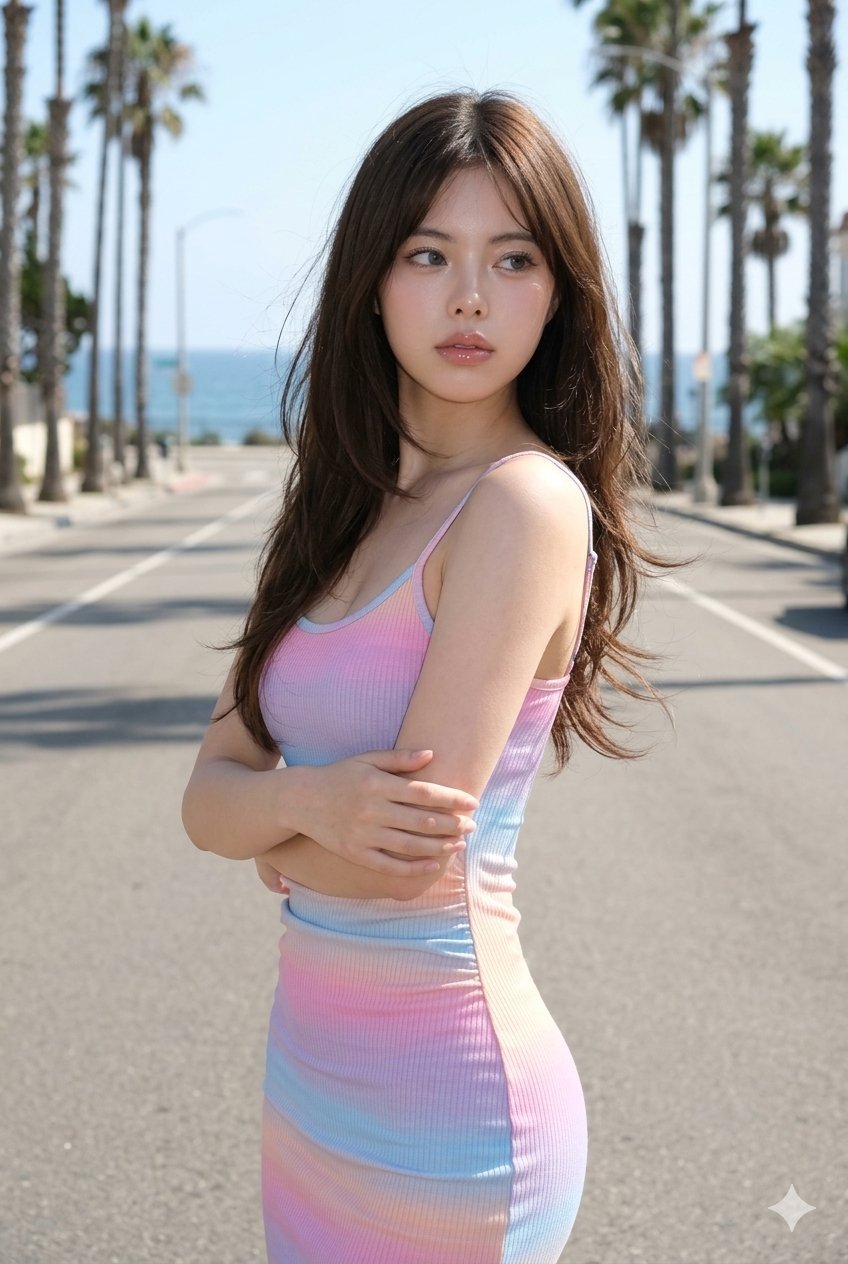
untitled
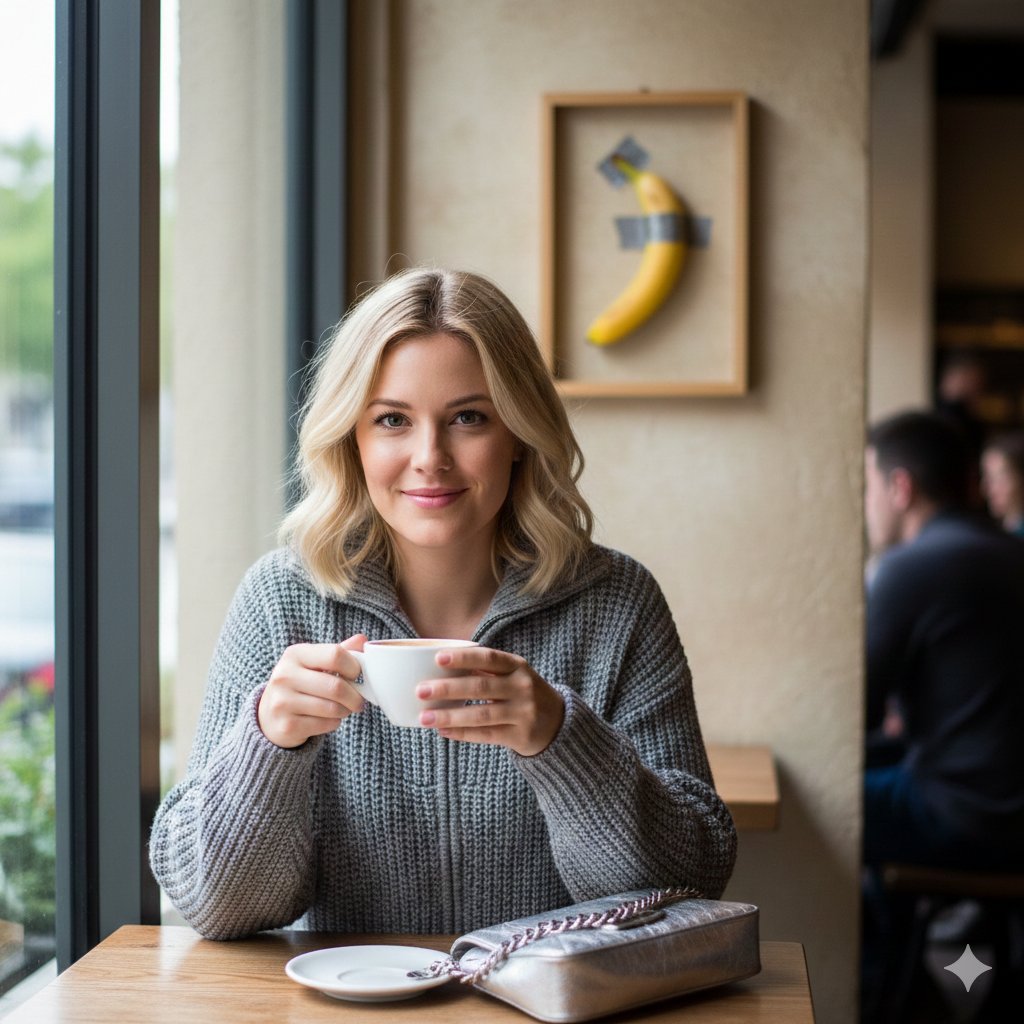
Lifestyle Photo with a Duct-Taped Banana
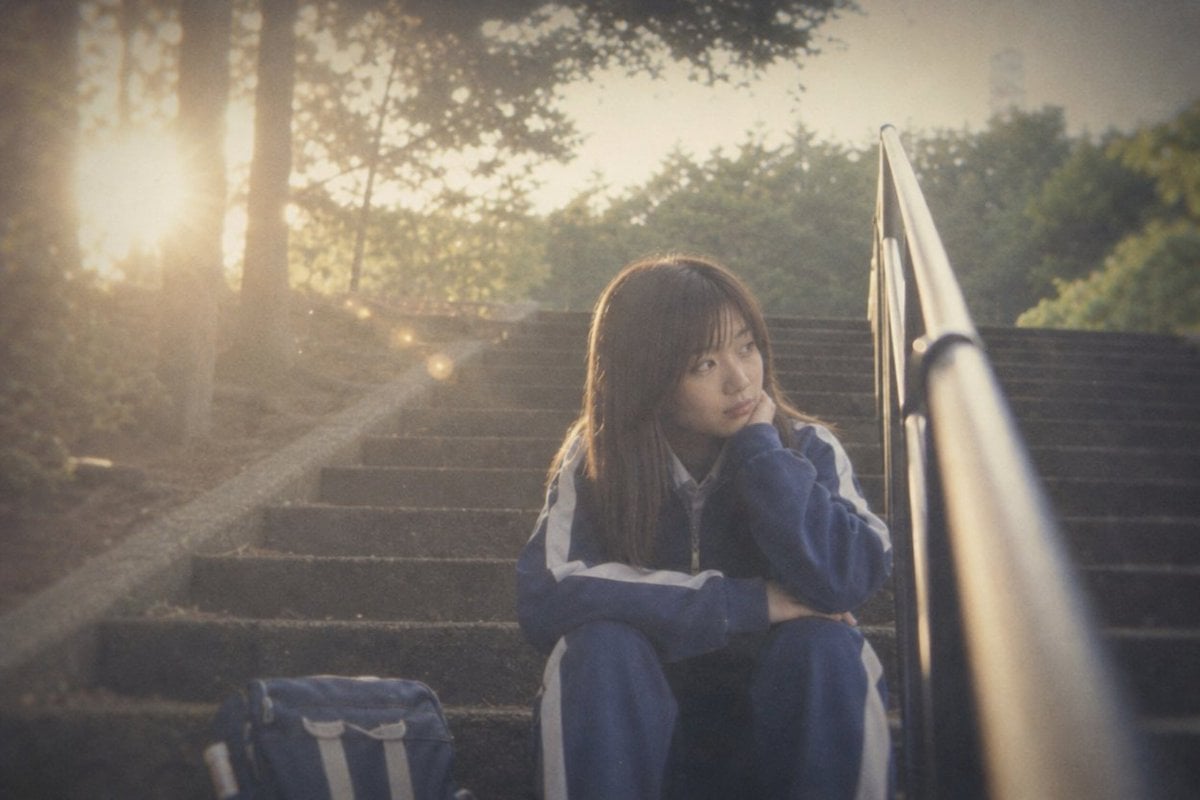
Faded Summer Memory Style DNA
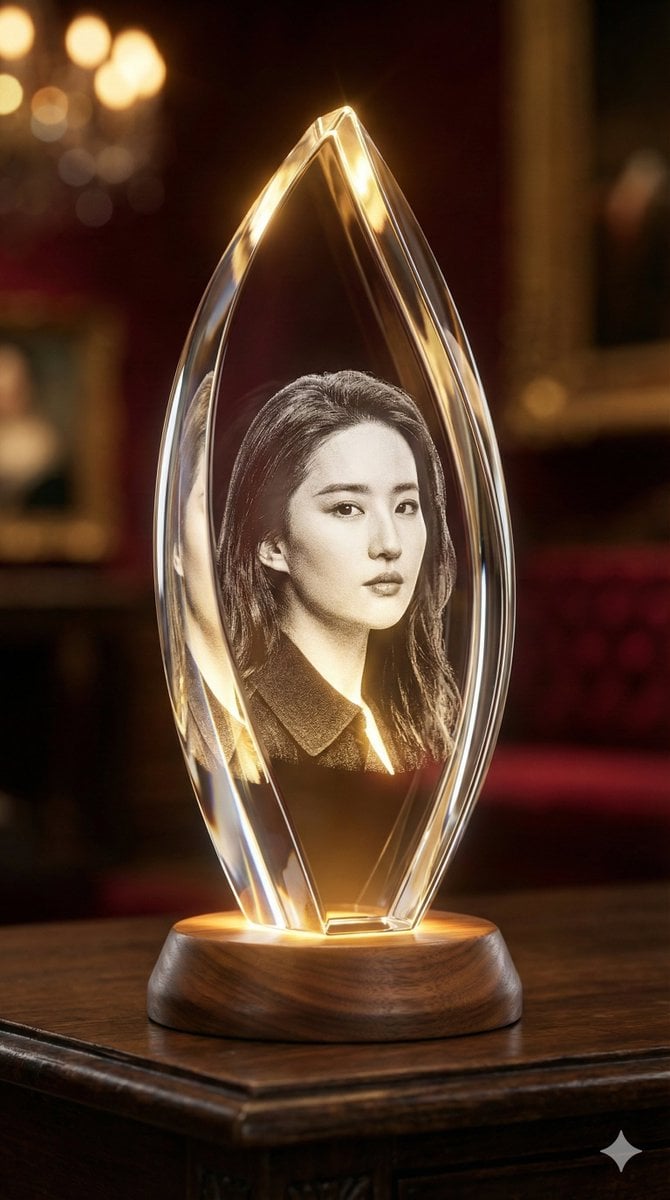
3D Laser-Engraved Crystal Ornament Generator
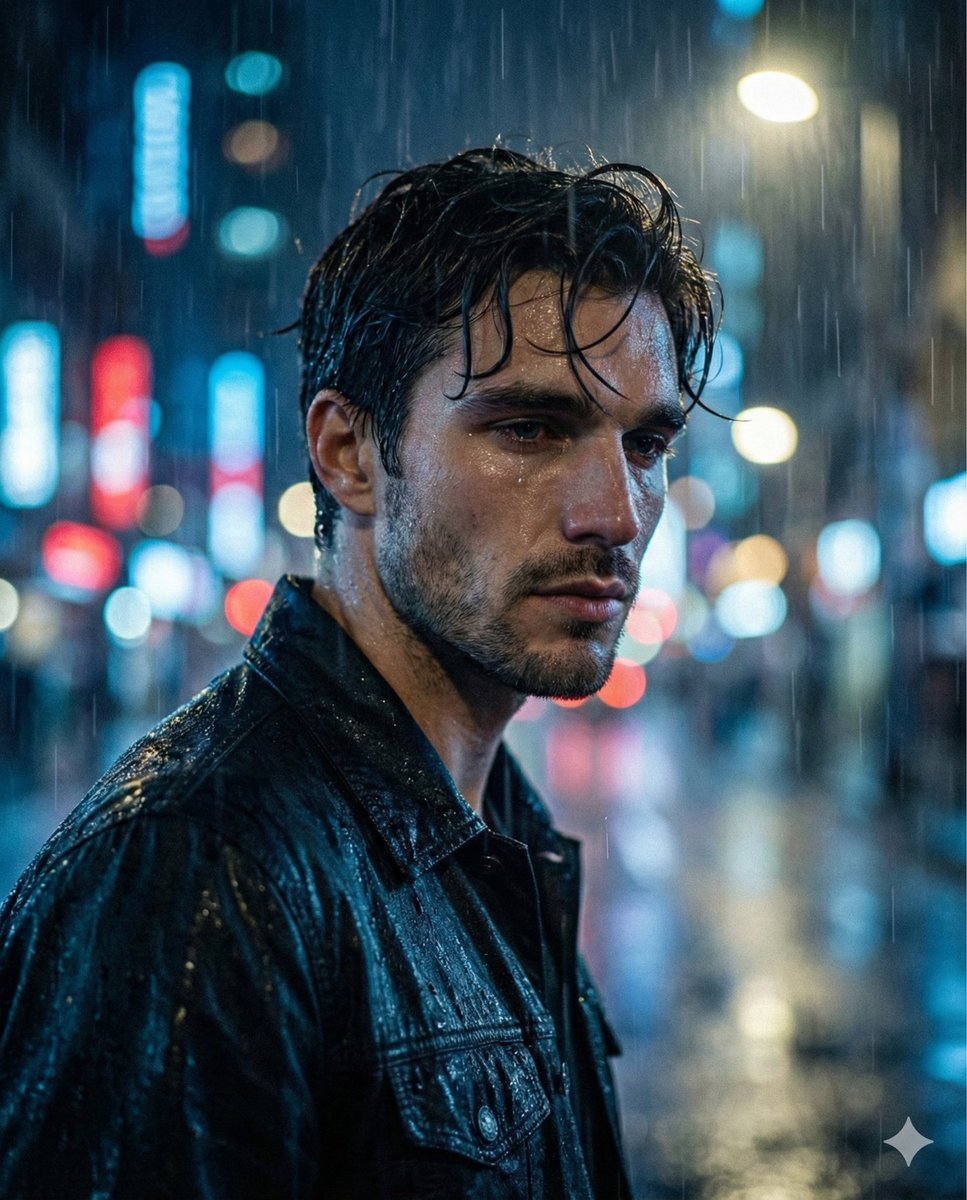
Melancholic Sad Boy in the Rain (Reference Face)
Browse template categories
Ultra-Realistic Streetwear Portrait questions
How do I use the Ultra-Realistic Streetwear Portrait template?
Add your photo if the template asks for one, edit the prompt if you like — the template's model and format are already selected — and press Generate. Your version opens in PicX Studio.
Can I customize the Ultra-Realistic Streetwear Portrait template?
Yes. You can change the subject, setting, lighting, mood, format, and available model controls before creating your image.
Is the Ultra-Realistic Streetwear Portrait template free?
Opening and editing this template is free. Generating uses credits, shown on the Generate button when you are signed in.
Which AI model should I use?
Start with Nano Banana 2, which is the model associated with this template. You can compare another compatible model for a different finish.
Looking for something else? Browse all templates.

Your photo, any look
Thousands of ready templates for every top image and video model, from one credit balance.