
Japanese Wind Chime Calligraphy Photo
Generates a realistic Japanese summer street photo featuring a hanging glass wind chime and a large white calligraphy character overlay.
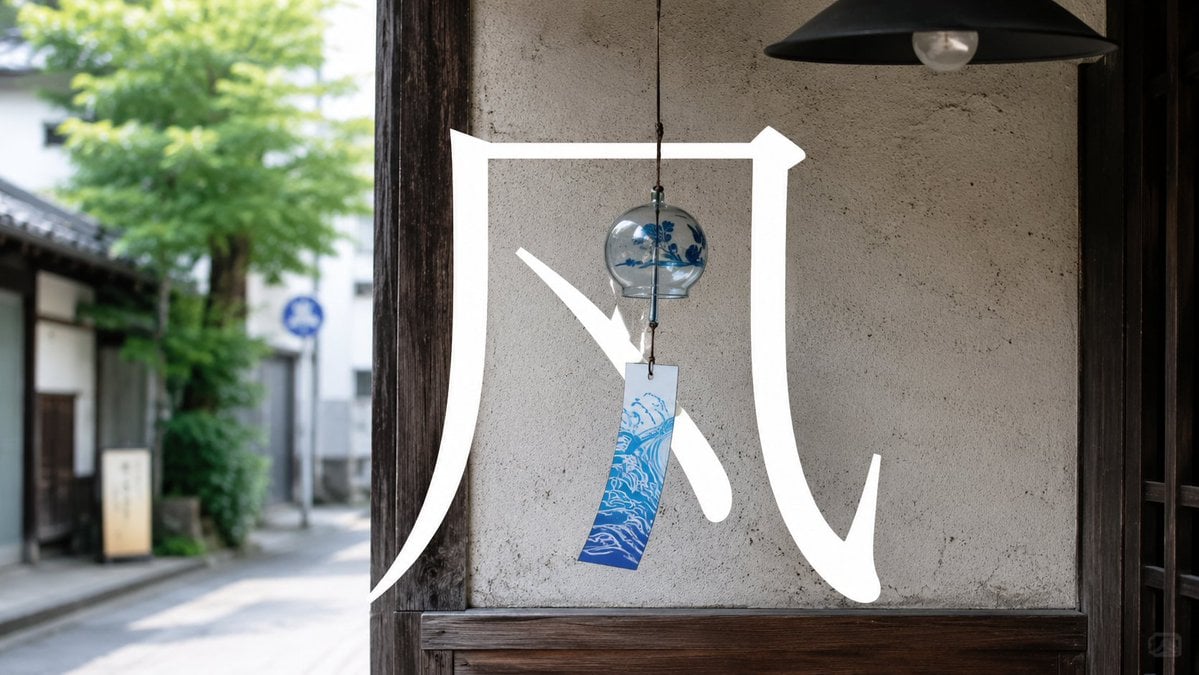
- Prompt included
- Model and format preset
- Free template
The prompt behind this image
Copy the exact prompt behind Japanese Wind Chime Calligraphy Photo, or open it in the studio and make it yours.
Create a photorealistic, cinematic street photograph of a traditional Japanese summer wind chime hanging in the open doorway of an old wooden shop or house. The small clear glass bell has blue floral decoration and a narrow rectangular paper strip dangling below it, printed with a blue ocean wave pattern. Behind it is a textured beige plaster wall framed by dark aged wood, with a black metal pendant lamp near the top right. Through the doorway on the left, show a softly blurred quiet Japanese lane with wooden buildings, green trees, bright daylight, and shallow depth of field. Overlay one huge bold white brush-calligraphy character across the center and lower half of the image, reading {argument name="calligraphy character" default="风"}, partially surrounding the wind chime as if painted on glass; the strokes are thick, clean, and luminous white. Use natural summer light, realistic textures, muted warm tones, wide horizontal composition, documentary photography style, high detail, peaceful nostalgic atmosphere, no people, no extra text.
How to use Japanese Wind Chime Calligraphy Photo in 3 steps
- 1Upload ImagePNG, JPG or paste
Add your photo
Upload the photo the template builds on. The prompt, model and format are already set.
- 2…a portrait of your subject in softgolden-hour light, 85mm…
Personalize
Edit the subject and creative details for your destination.
- 3Generate
Generate
Press Generate — your image is created in PicX Studio, so you can compare it with the original and refine one variable at a time.
More like this
Templates with the same subject, style or setup. Open one to see its prompt.

Fireworks Inside a Wind Chime

Minecraft Japanese Research Lab Exploration

Oriental Zen Summer Wind Chime Poster

Tsuki at the Wind Chime Market

Japanese Architectural Concrete Studio Fashion Campaign

Japanese Minimalist Concrete Studio Fashion Editorial

Blue Backdrop Luxury Fashion Portrait Campaign

Japanese Film Reflection Idol
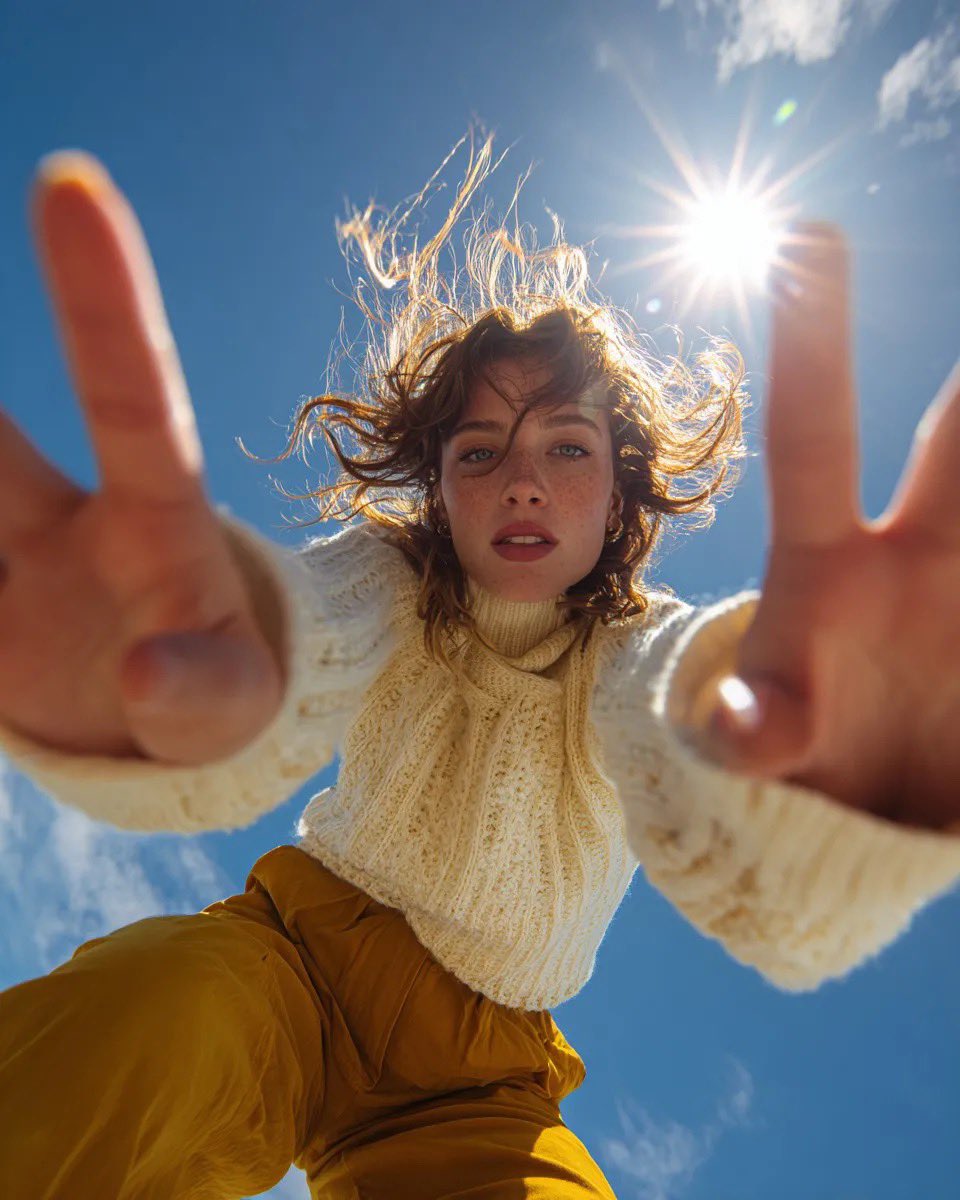
Ultra Wide Low-Angle Portrait — Sairah (Nano Banana)
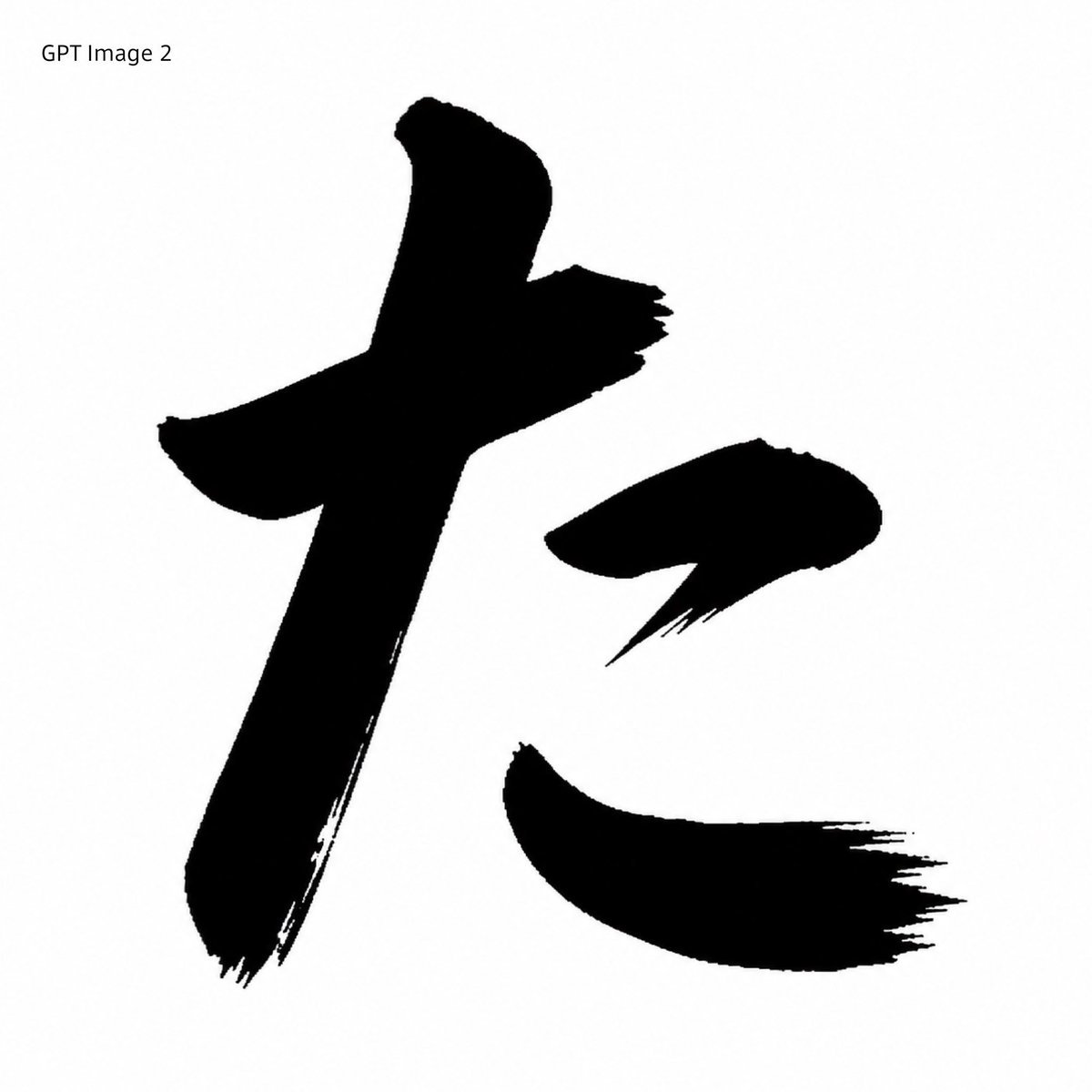
Black Brush Calligraphy Conversion
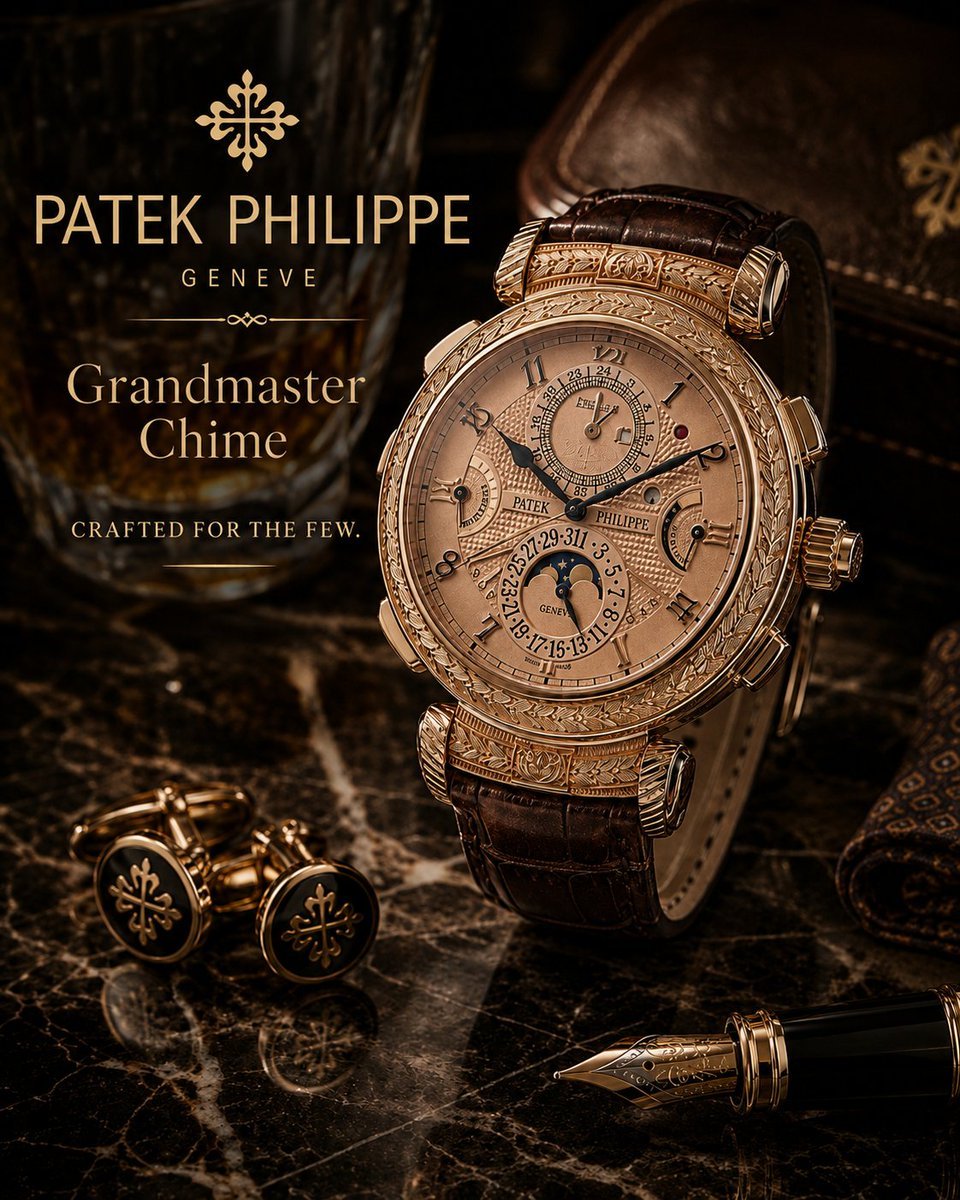
Luxury Grandmaster Chime Watch Ad
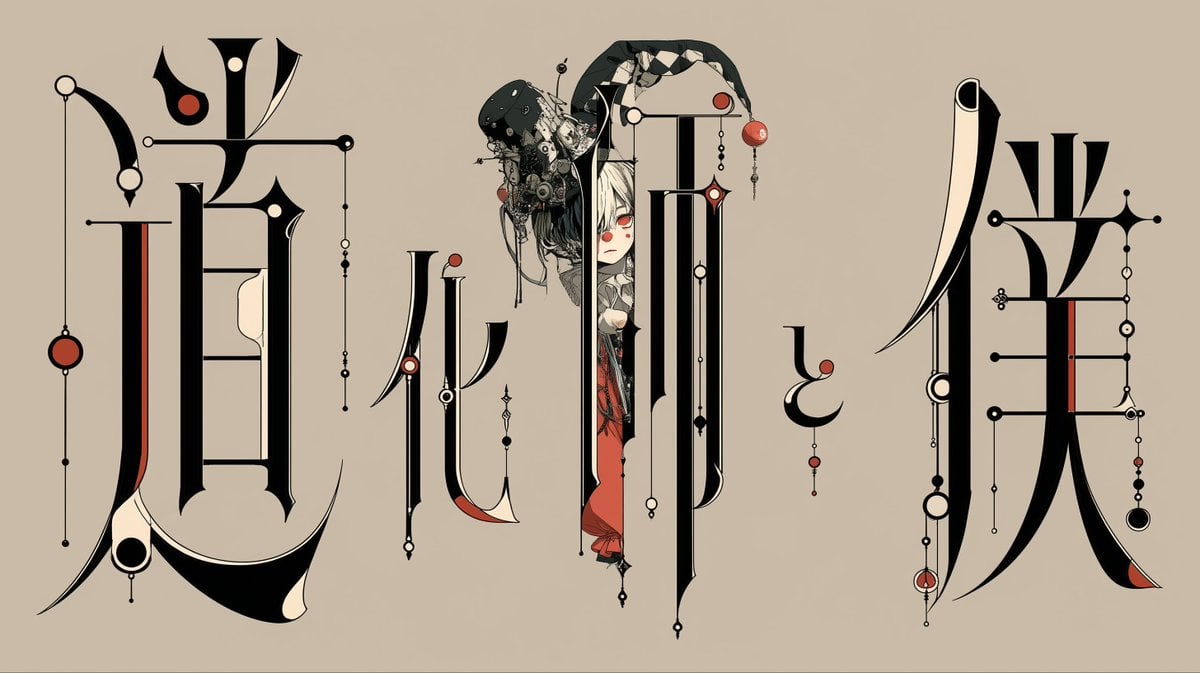
Gothic Calligraphy Hidden Clown Poster
Make it yours
Japanese Wind Chime Calligraphy Photo works as-is. These are the safest ways to change it without losing the look.
Change one field
Copy a single group, rewrite it, and generate again so you can see what that field is doing.
Keep the frame, change the subject
Hold the composition and light of Japanese Wind Chime Calligraphy Photo, then swap wardrobe, props or the person for a new take.
| If the result… | Why | Fix |
|---|---|---|
| The result drifts from the preview | Too many fields changed at once. | Reuse Japanese Wind Chime Calligraphy Photo as-is first, then change one group — subject, light, or setting. |
| The model over-stylizes the scene | The prose prompt leaves finish and camera underspecified. | Add one camera or lighting sentence and stay on GPT Image 2. |
More GPT Image 2 templates
Other prompts made for GPT Image 2.

Realistic Portrait of Woman and Deer

The Vista Modular Condo Poster

AI Model Routing Comparison Infographic

2.5D Anime Art Board

Isometric Productivity Desk Scene

New York Double Exposure Poster

Four-Panel AI Landscape Comparison

NESCAFÉ Coffee Map Poster

Brutalist Cogito Chinese Typography Poster

Cinematic Luxury Terrace Portrait
More image prompts
Fresh picks from across the catalog.
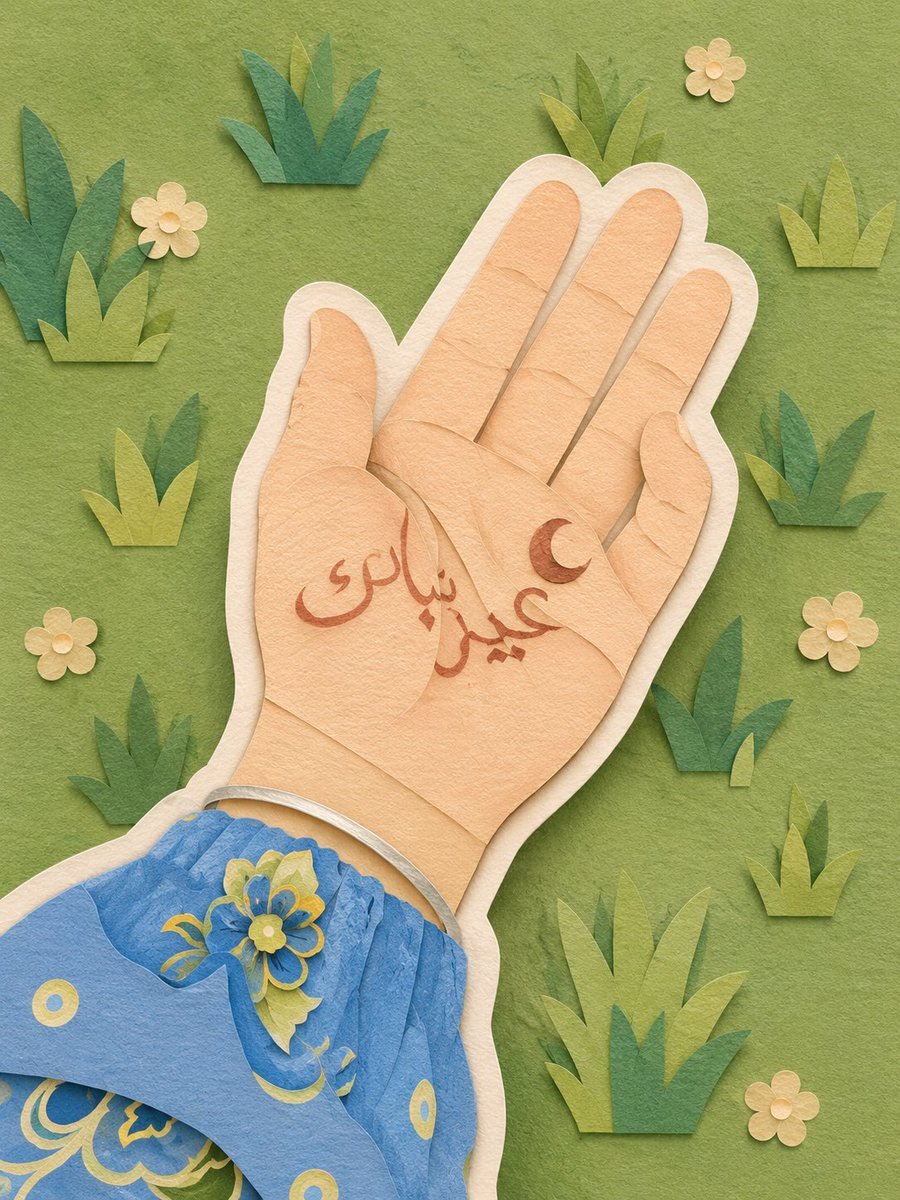
Layered Paper-Cut Illustration

Cinematic Disintegration Portrait Prompt

Hyper-Realistic Cinematic Food Action Shot of a Gourmet Burger Mid-Bite

Lone Sentinel in Ruined City

Macro Product Shot of Seltzer Can
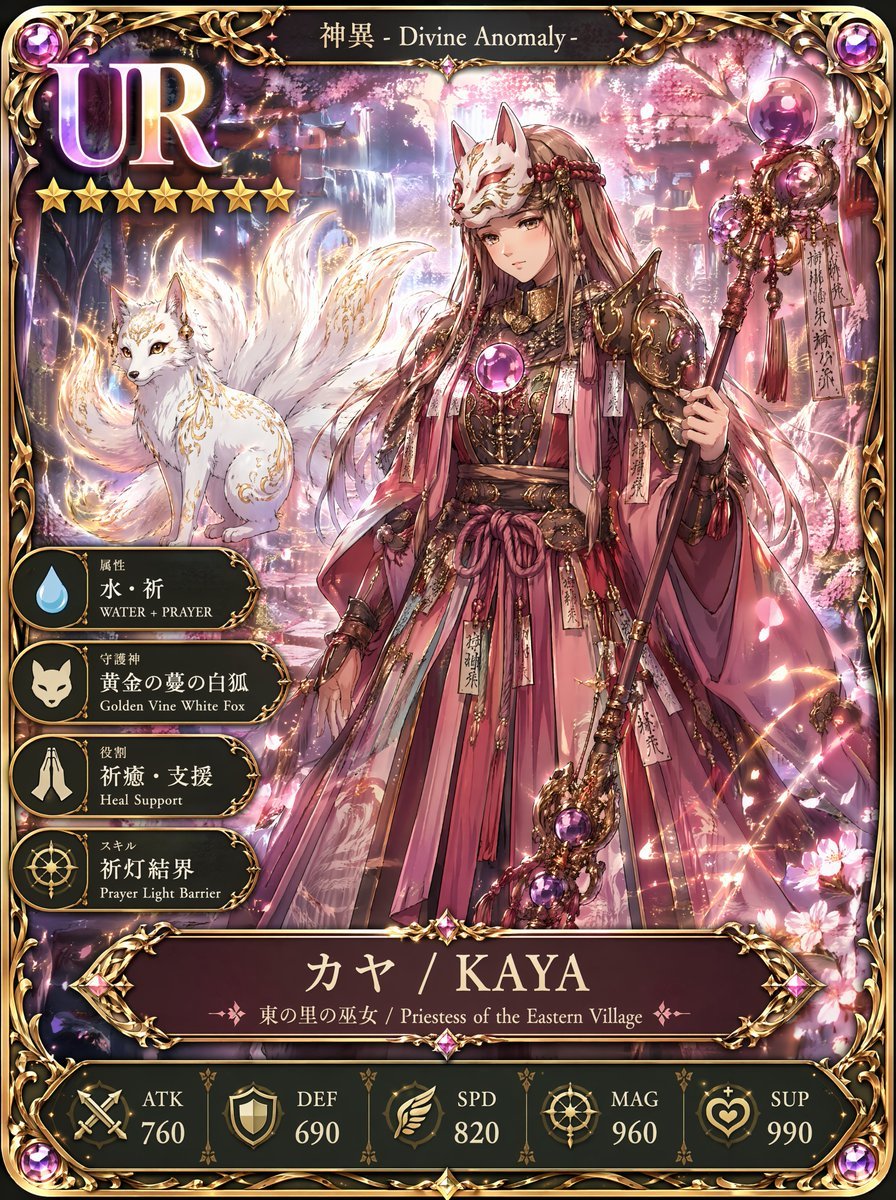
UR Fox Priestess Fantasy Card

Graphic Novel Ink Splatter Portrait
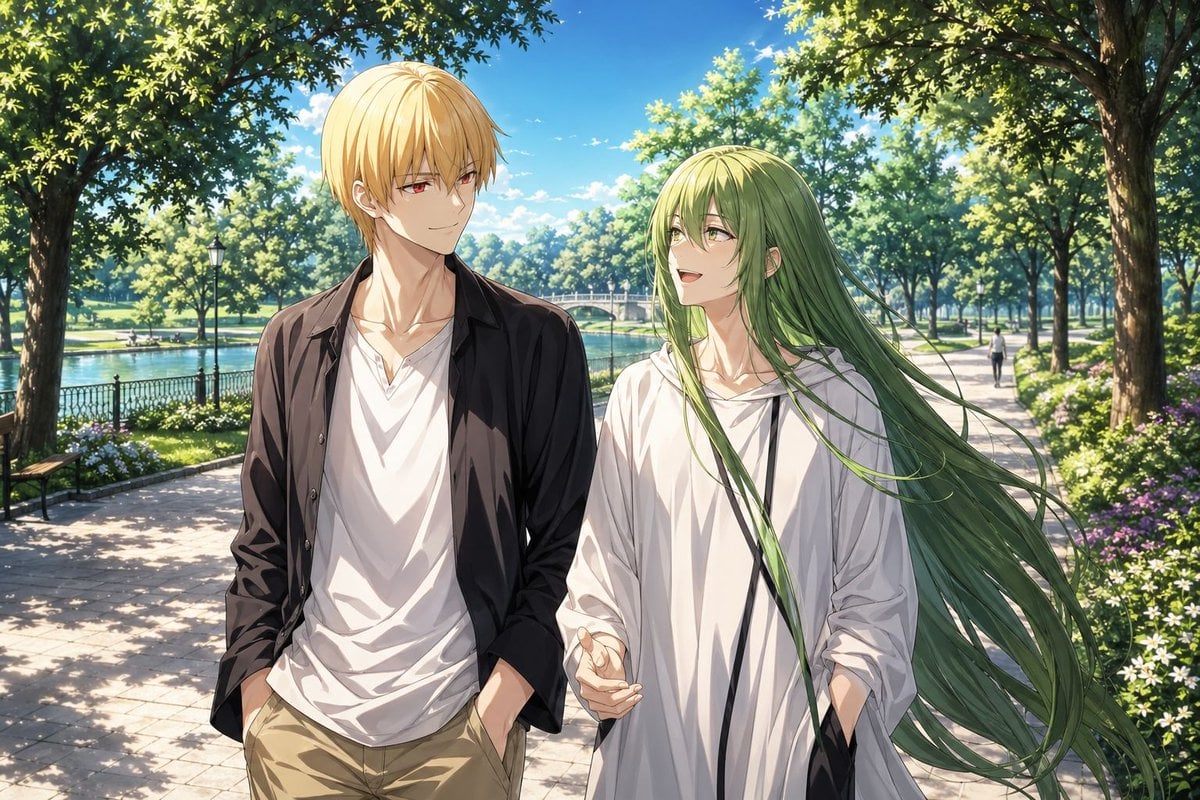
Anime Park Date Illustration
Romantic 1950s Diner Scene

Urban Street Fashion Portrait
Browse template categories
Japanese Wind Chime Calligraphy Photo questions
How do I use the Japanese Wind Chime Calligraphy Photo template?
Add your photo if the template asks for one, edit the prompt if you like — the template's model and format are already selected — and press Generate. Your version opens in PicX Studio.
Can I customize the Japanese Wind Chime Calligraphy Photo template?
Yes. You can change the subject, setting, lighting, mood, format, and available model controls before creating your image.
Is the Japanese Wind Chime Calligraphy Photo template free?
Opening and editing this template is free. Generating uses credits, shown on the Generate button when you are signed in.
Which AI model should I use?
Start with GPT Image 2, which is the model associated with this template. You can compare another compatible model for a different finish.
Looking for something else? Browse all templates.

Your photo, any look
Thousands of ready templates for every top image and video model, from one credit balance.