
Tsuki at the Wind Chime Market
A premium vertical anime portrait prompt for creating a consistent pink-haired kimono character surrounded by Japanese summer wind chimes.
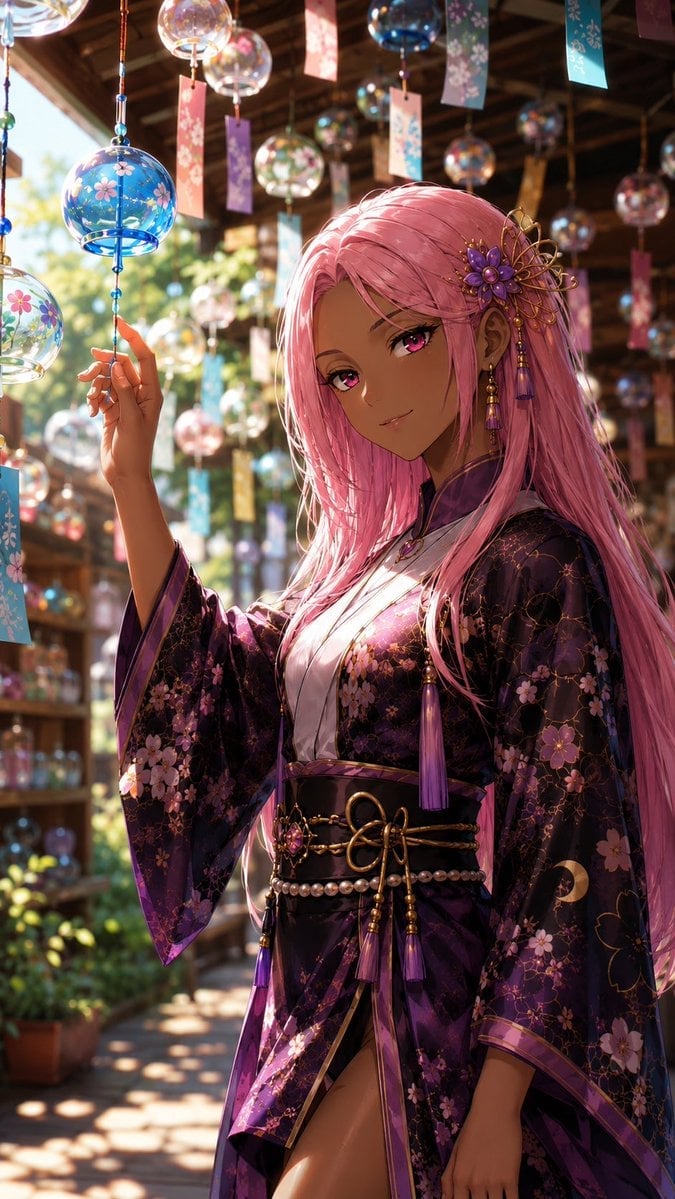
- Prompt included
- Model and format preset
- Free template
The prompt behind this image
Copy the exact prompt behind Tsuki at the Wind Chime Market, or open it in the studio and make it yours.
Create a premium vertical 9:16 anime-style portrait of {argument name="character name" default="Tsuki"}, a beautiful young woman standing in a traditional Japanese wind chime market or shrine corridor during summer. She has deep tan skin, very long flowing {argument name="hair color" default="pastel pink hair"}, vivid magenta-pink eyes, a soft confident smile, and elegant feminine features. She wears an ornate dark purple-black floral kimono with translucent wide sleeves, pink cherry blossom patterns, subtle gold linework, purple trim, and a white inner collar. Add a luxurious black obi belt with gold cords, pearl strands, purple tassels, and a decorative knot at the waist. Include one large purple-and-gold floral hair ornament on the right side of her head, with dangling beads and purple tassels, plus matching long earrings. Pose her waist-up to mid-thigh, slightly turned toward the viewer, with one raised hand gently touching or pointing at a blue glass wind chime on the left foreground. Surround her with many hanging glass furin wind chimes in the background and foreground, each with colorful rectangular paper strips; visible designs include blue, clear, pink, and multicolored glass bells with painted cherry blossoms and floral motifs. Set the scene under a wooden roof with warm beams, shelves of glass ornaments in the distance, greenery and sunlight outside, and strong summer backlighting creating glowing rim light through her hair. Use cinematic depth of field, sparkling glass reflections, bokeh highlights, sun-dappled shadows on the walkway, rich jewel-tone colors, ultra-detailed anime rendering, polished character design, delicate fabric texture, glossy glass, and a premium illustration finish. Keep the character consistent and central, no text, no watermark, no extra characters.
How to use Tsuki at the Wind Chime Market in 3 steps
- 1Upload ImagePNG, JPG or paste
Add your photo
Upload the photo the template builds on. The prompt, model and format are already set.
- 2…a portrait of your subject in softgolden-hour light, 85mm…
Personalize
Edit the subject and creative details for your destination.
- 3Generate
Generate
Press Generate — your image is created in PicX Studio, so you can compare it with the original and refine one variable at a time.
More like this
Templates with the same subject, style or setup. Open one to see its prompt.

Fireworks Inside a Wind Chime

Oriental Zen Summer Wind Chime Poster
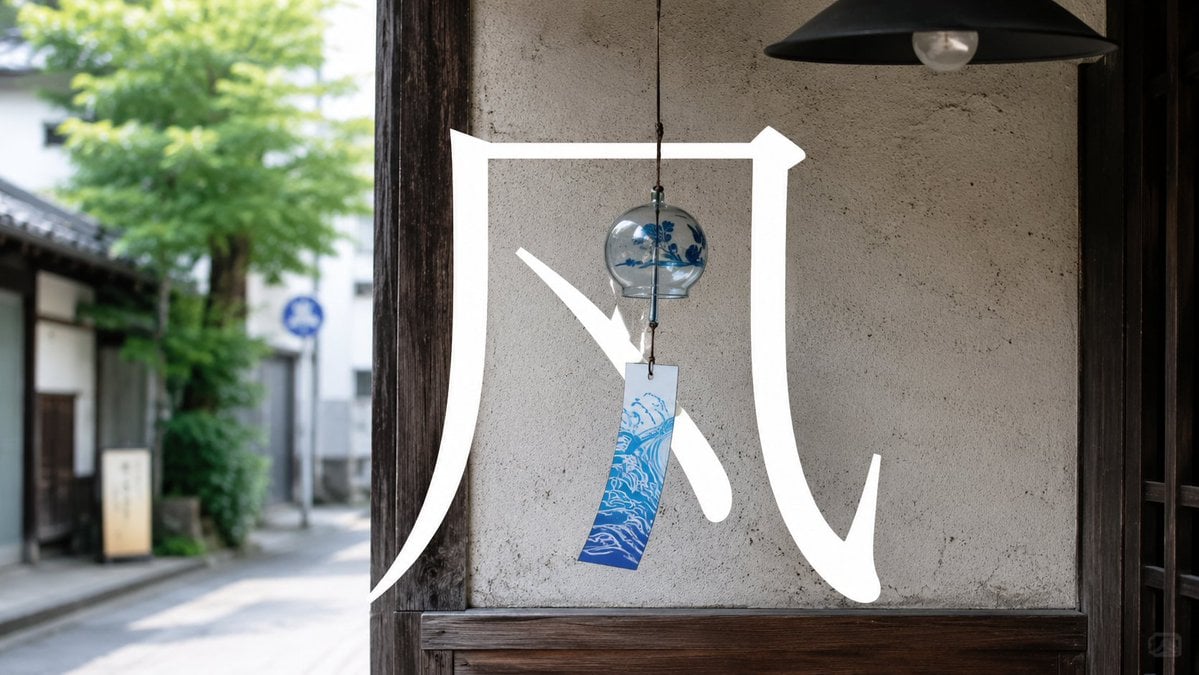
Japanese Wind Chime Calligraphy Photo

Ultra Wide Low-Angle Portrait — Sairah (Nano Banana)

Moonlit Fox Mask Night Market
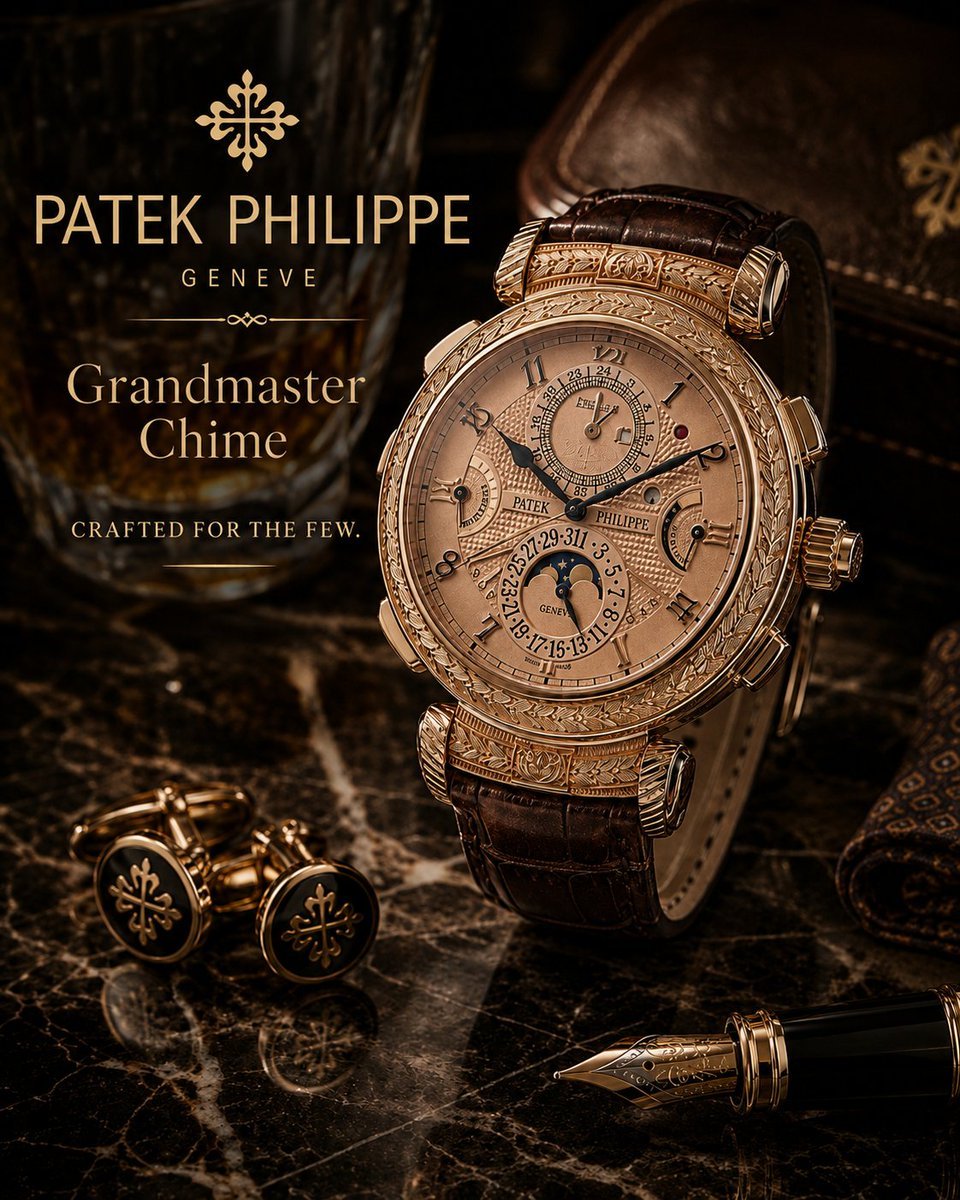
Luxury Grandmaster Chime Watch Ad
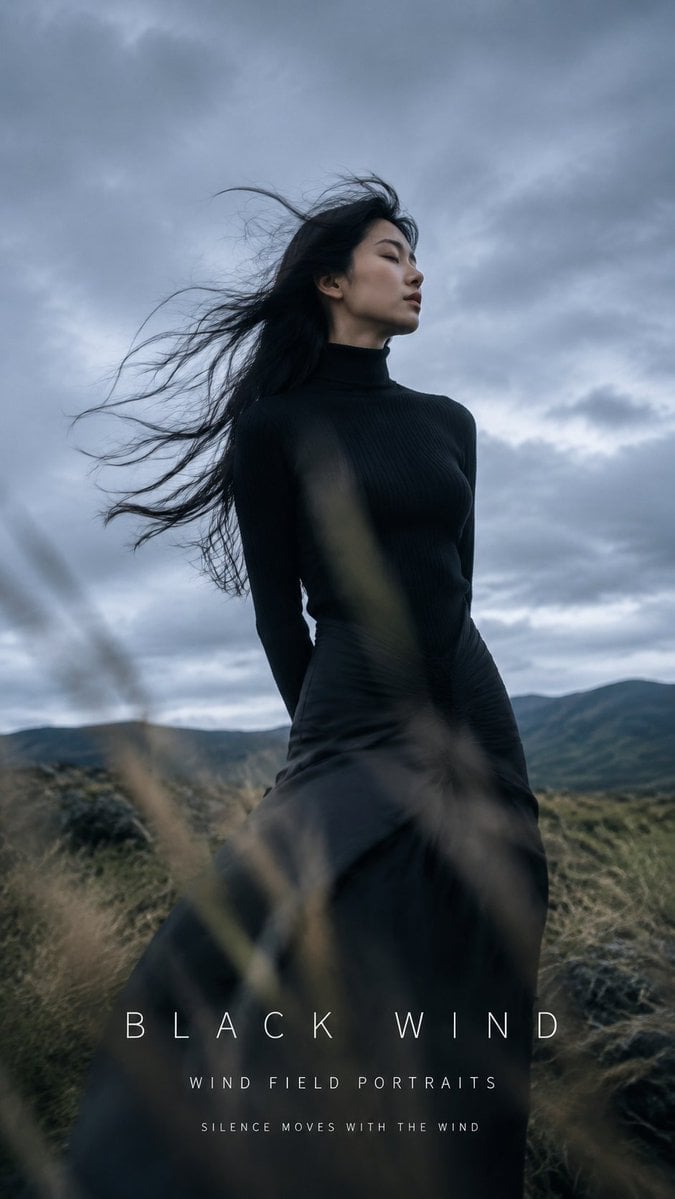
Black Wind Fashion Portrait

Night Market Dinner Portrait

Dreamy Sunlit Window Portrait
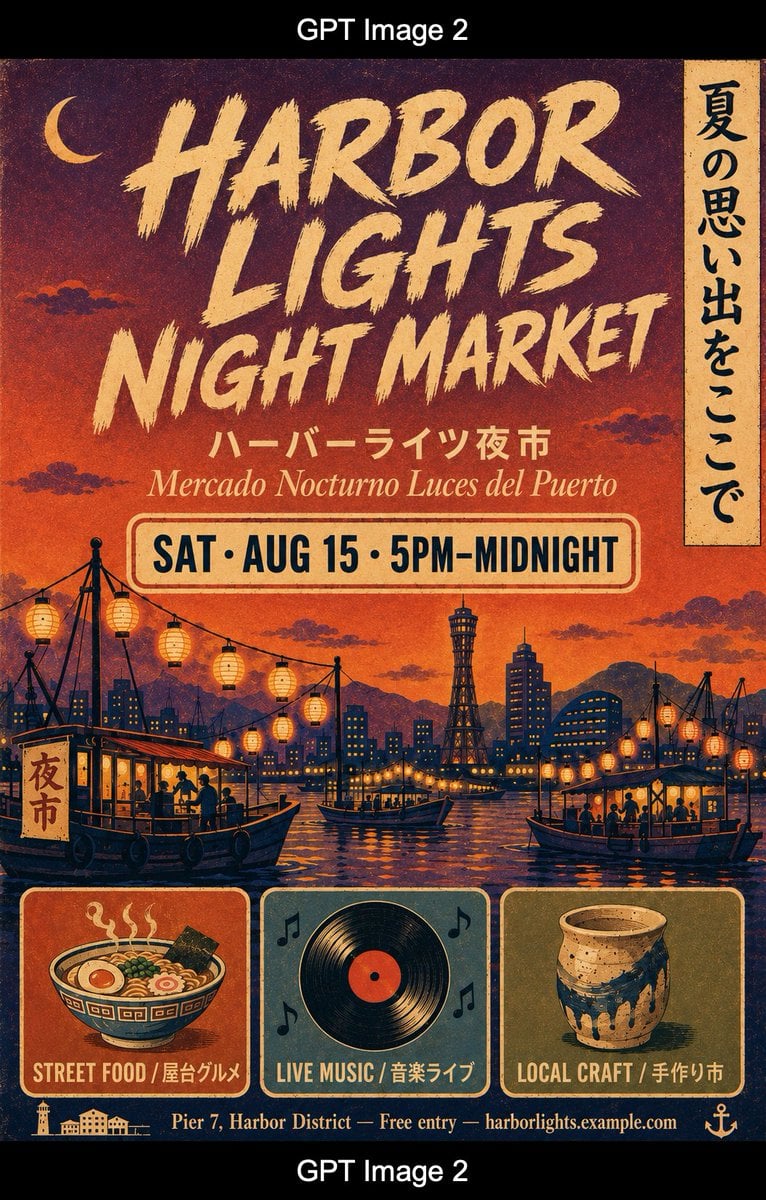
Retro Harbor Lights Night Market Poster
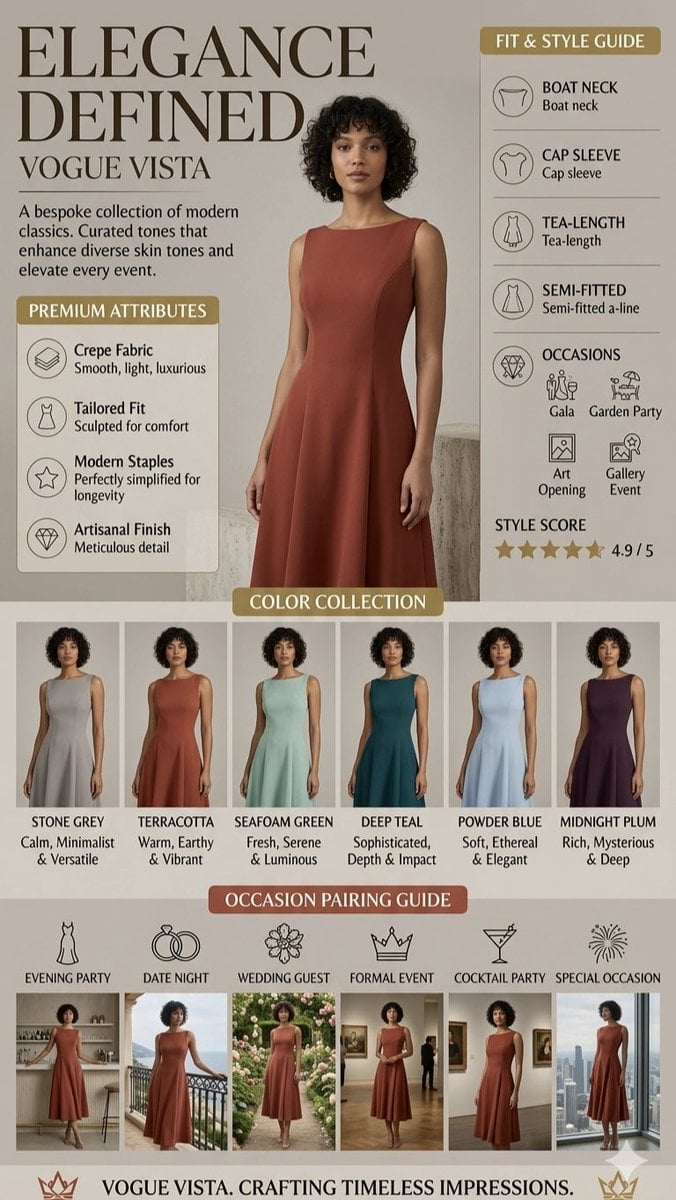
High-Fashion Marketing Infographic
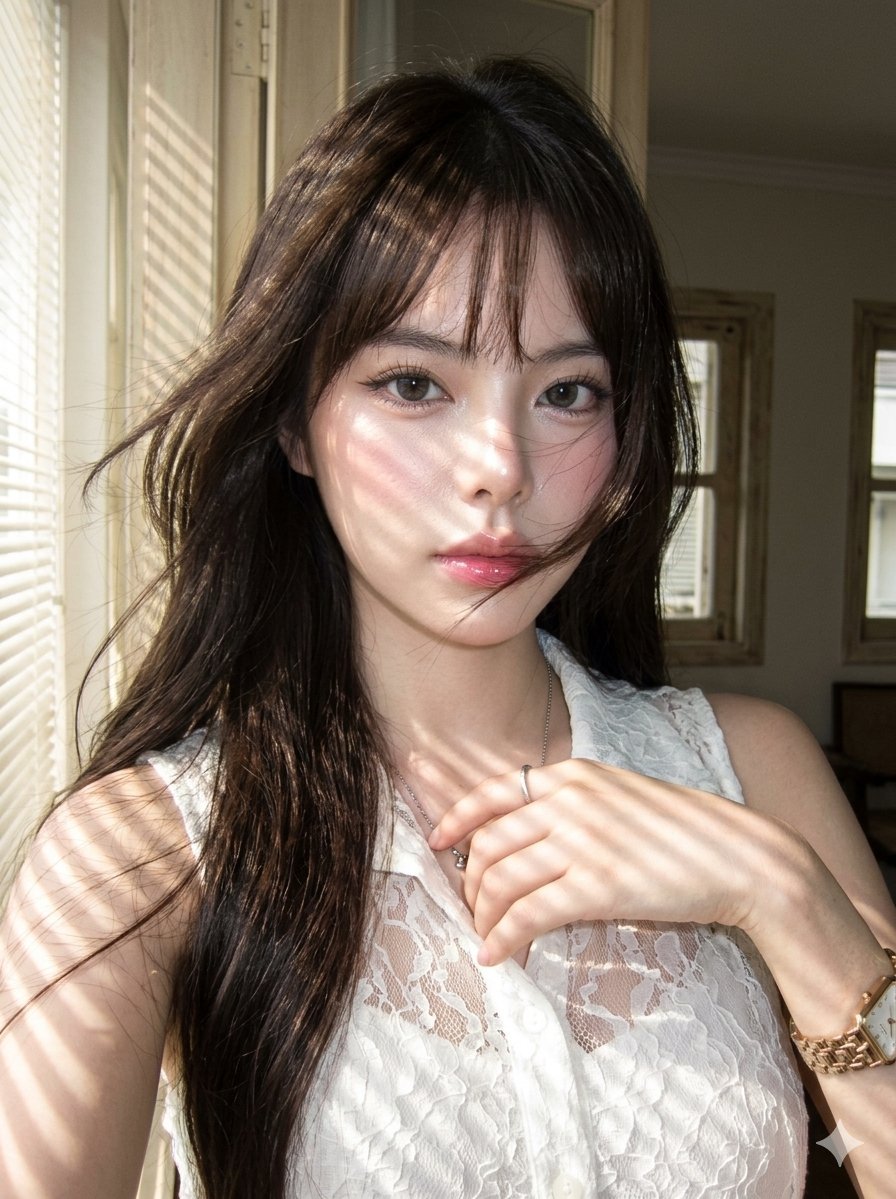
Striped Window Shadow Editorial
Make it yours
Tsuki at the Wind Chime Market works as-is. These are the safest ways to change it without losing the look.
Change one field
Copy a single group, rewrite it, and generate again so you can see what that field is doing.
Keep the frame, change the subject
Hold the composition and light of Tsuki at the Wind Chime Market, then swap wardrobe, props or the person for a new take.
| If the result… | Why | Fix |
|---|---|---|
| The result drifts from the preview | Too many fields changed at once. | Reuse Tsuki at the Wind Chime Market as-is first, then change one group — subject, light, or setting. |
| The model over-stylizes the scene | The prose prompt leaves finish and camera underspecified. | Add one camera or lighting sentence and stay on GPT Image 2. |
More GPT Image 2 templates
Other prompts made for GPT Image 2.

Six VTuber Japanese Logo Sheet

Realistic Portrait of Woman and Deer

The Vista Modular Condo Poster

AI Model Routing Comparison Infographic

2.5D Anime Art Board

Isometric Productivity Desk Scene

New York Double Exposure Poster

Four-Panel AI Landscape Comparison

Japanese Tatami Lifestyle Magazine Cover

NESCAFÉ Coffee Map Poster
More image prompts
Fresh picks from across the catalog.
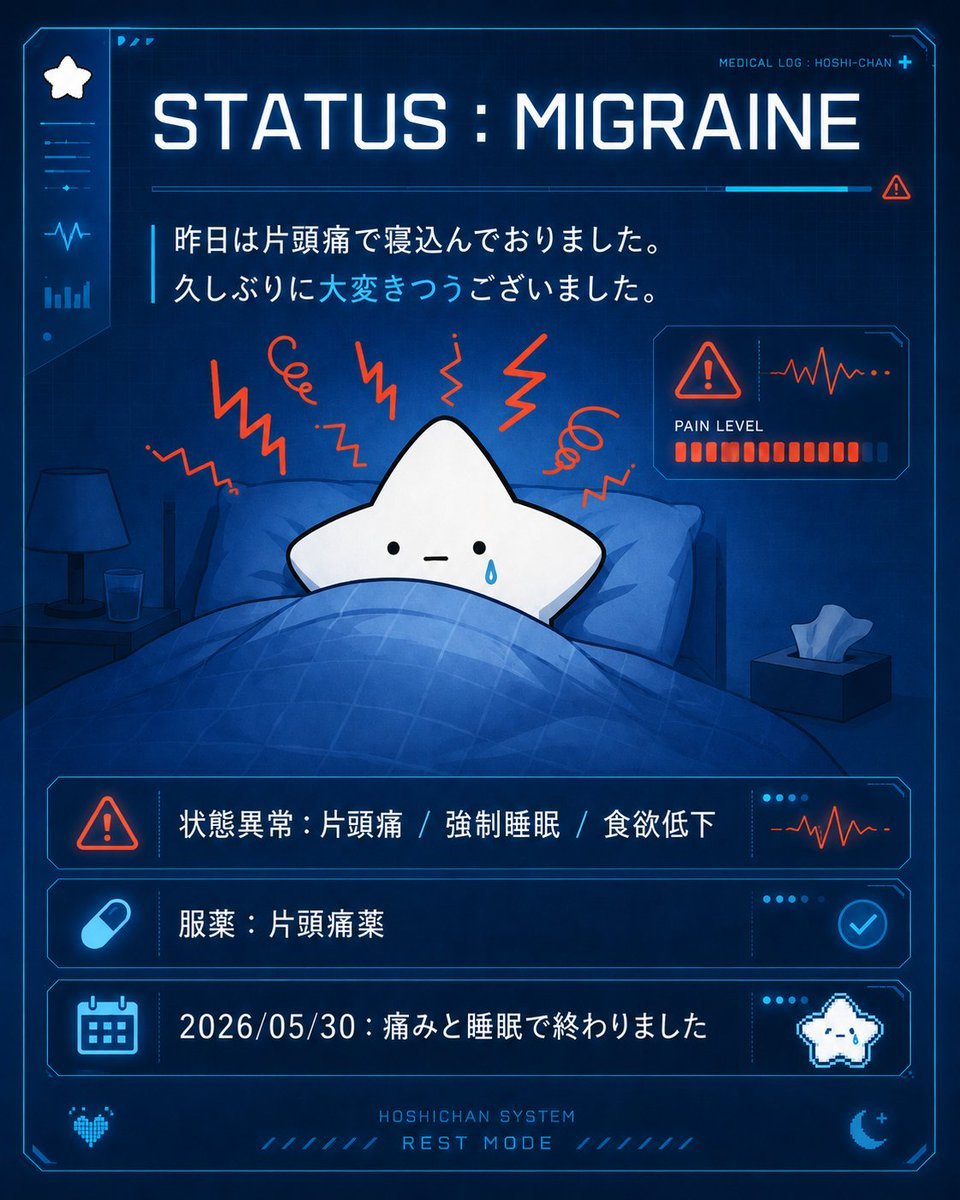
Cute Star Migraine HUD

Transform a Comic Character Into an Ultr
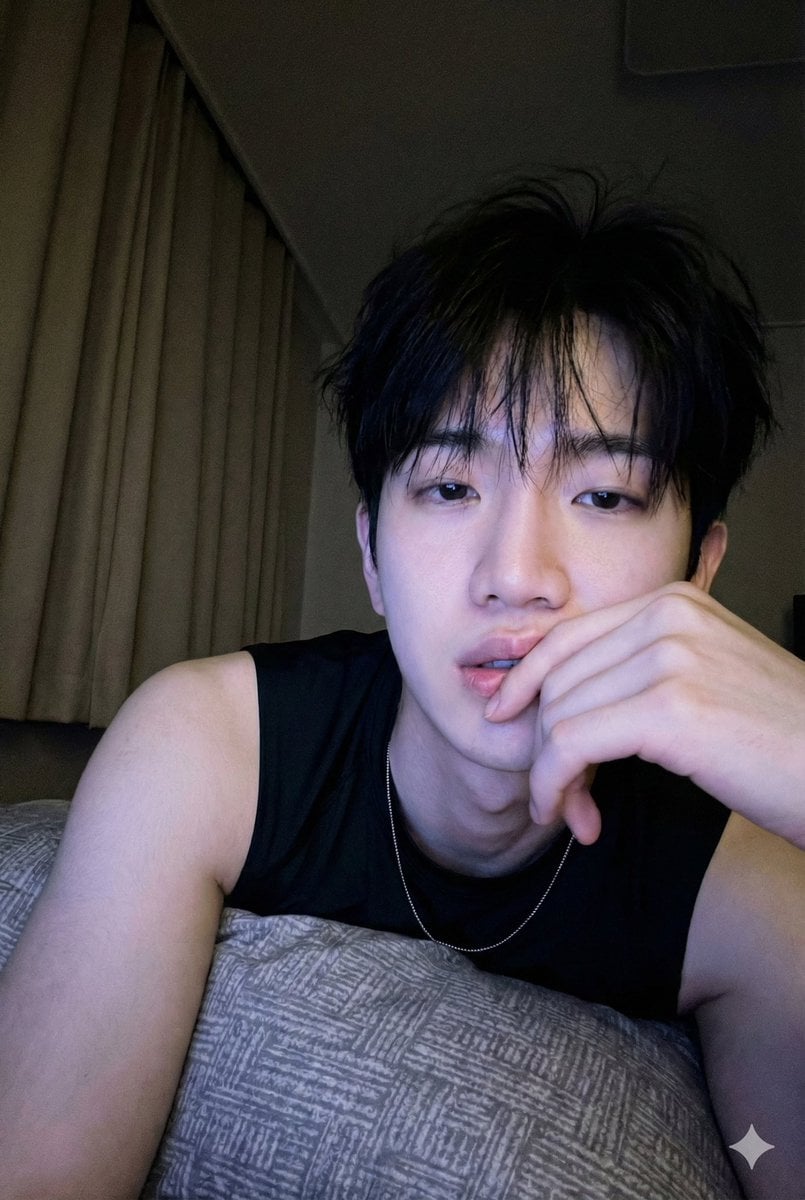
Low-Light Bedroom Selfie Prompt for Nano Banana/Gemini Pro

Cinematic Winter Portrait Prompt
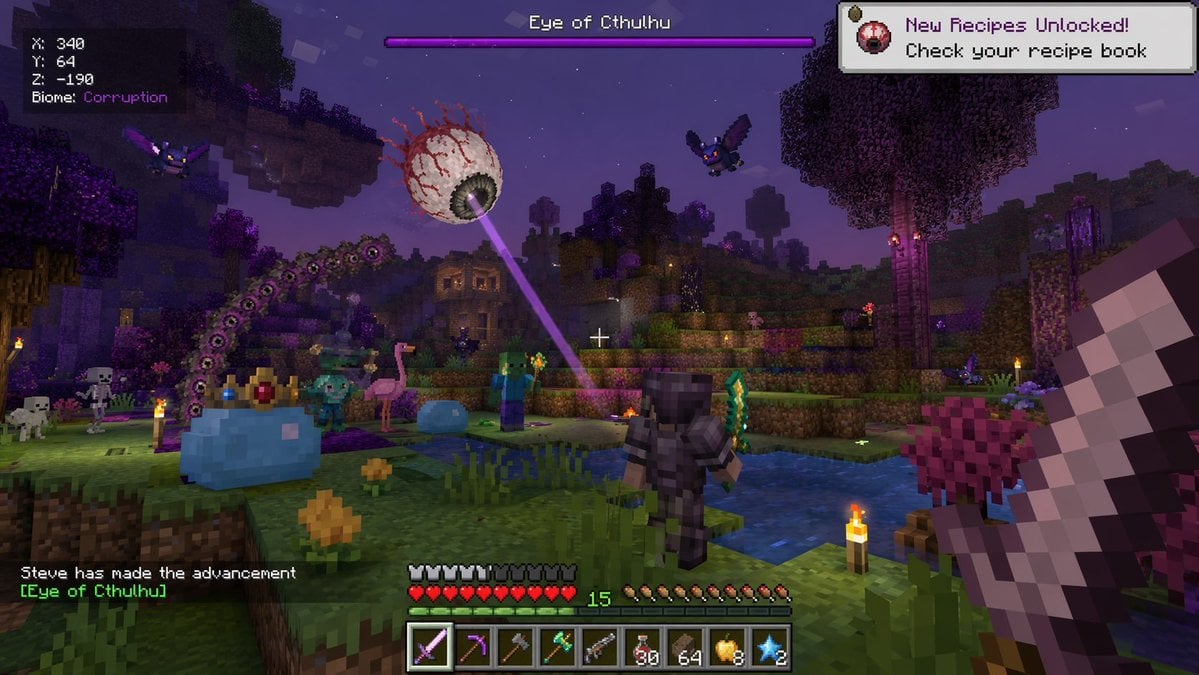
Voxel Survival Game Boss Fight HUD
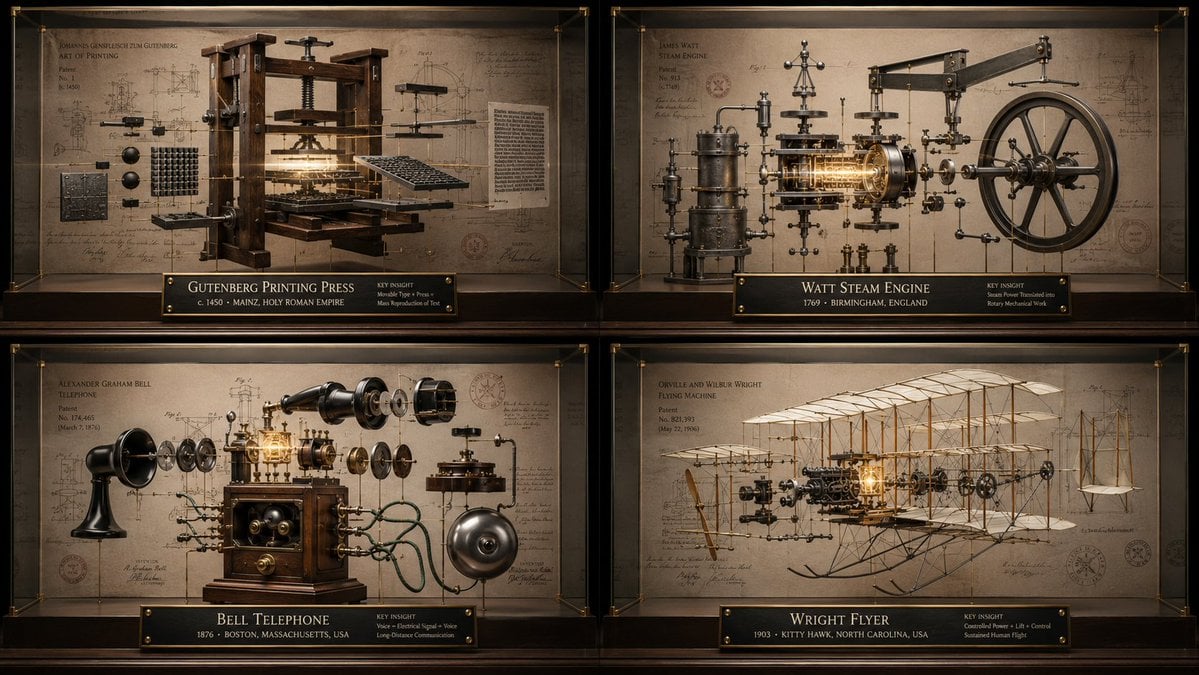
Innovation Reliquary Exploded Diagram
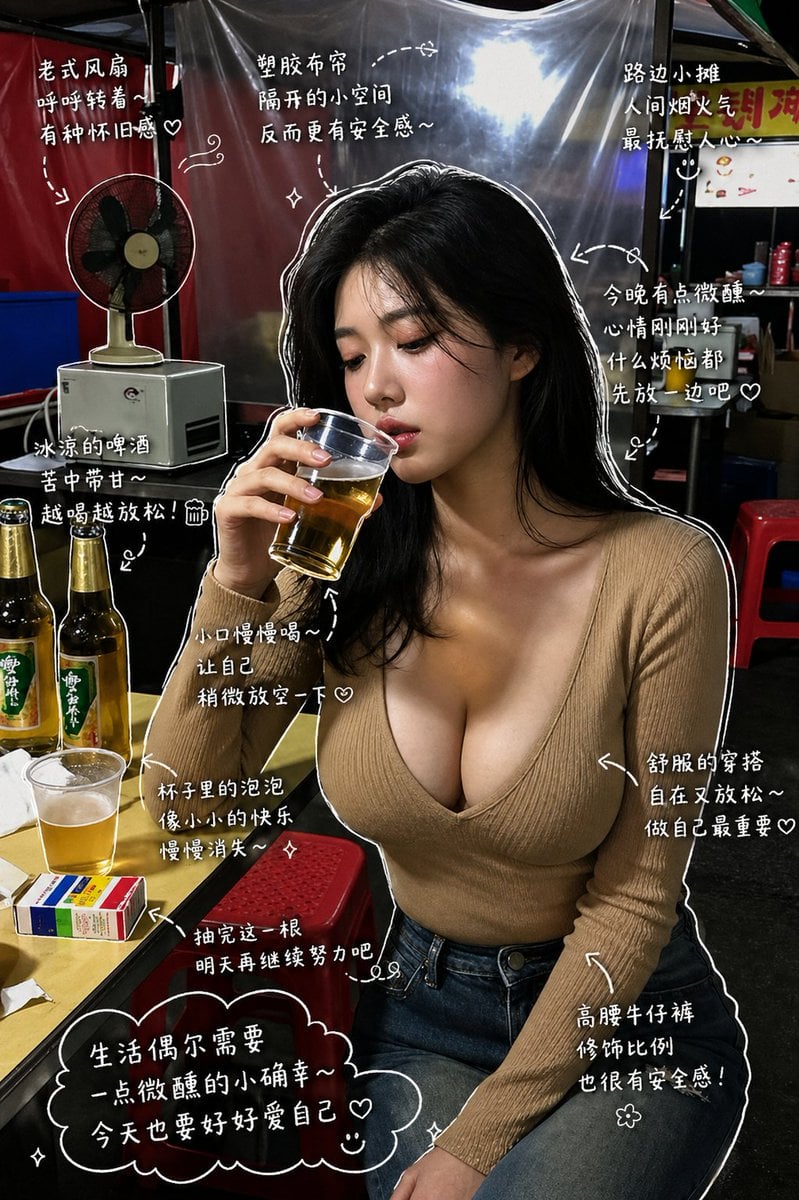
Healing Night Market Beer Photo

Black and White Portrait with 35mm Lens Look

Chinese Text Accuracy Infographic

Hyper-realistic Childhood Cartoon Fashion Shoot
Browse template categories
Tsuki at the Wind Chime Market questions
How do I use the Tsuki at the Wind Chime Market template?
Add your photo if the template asks for one, edit the prompt if you like — the template's model and format are already selected — and press Generate. Your version opens in PicX Studio.
Can I customize the Tsuki at the Wind Chime Market template?
Yes. You can change the subject, setting, lighting, mood, format, and available model controls before creating your image.
Is the Tsuki at the Wind Chime Market template free?
Opening and editing this template is free. Generating uses credits, shown on the Generate button when you are signed in.
Which AI model should I use?
Start with GPT Image 2, which is the model associated with this template. You can compare another compatible model for a different finish.
Looking for something else? Browse all templates.

Your photo, any look
Thousands of ready templates for every top image and video model, from one credit balance.