
Cute Star Migraine HUD
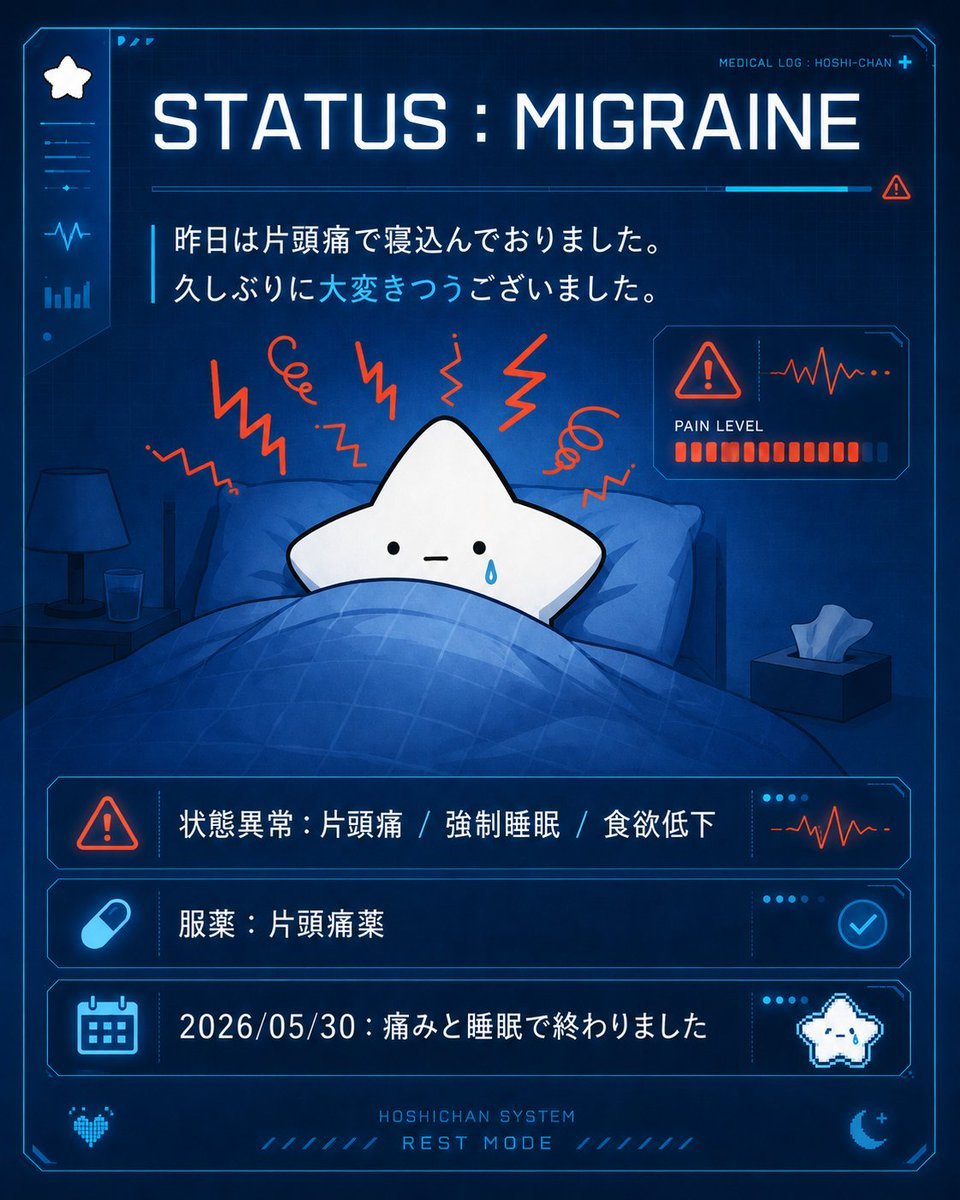
A square cyber-medical dashboard illustration showing a cute star mascot resting in bed with migraine status logs, useful for social posts or character health updates.
- Prompt included
- Model and format preset
- Premium template
The prompt behind this image
Copy the exact prompt behind Cute Star Migraine HUD, or open it in the studio and make it yours.
Goal: Create a square futuristic medical-status illustration for a cute star mascot, styled like a sci-fi HUD screen about a migraine episode. Canvas: 1:1 square image, dark navy blue background with glowing cyan interface borders, subtle scanlines, neon UI accents, high contrast, clean digital illustration. Main layout: A large central hospital-bed scene framed by a transparent holographic medical dashboard. At the top, display a big glowing English headline: “STATUS : MIGRAINE”. In the top-right corner add small text “MEDICAL LOG : HOSHI-CHAN” with a tiny plus sign. Under the headline, place two lines of Japanese message text: “昨日は片頭痛で寝込んでおりました。” and “久しぶりに大変きつうございました。” with the phrase “大変きつう” highlighted in cyan. Subject details: In the center, show {argument name="character name" default="Hoshi-chan"} as a simple white five-point star mascot lying in bed under a blue plaid blanket. The star has tiny black dot eyes, a small straight mouth, and one blue teardrop of sweat on the right cheek, looking exhausted. Around the head, draw exactly 8 red-orange migraine pain symbols: 5 jagged lightning zigzags and 3 spiral squiggles. Behind the character are blue pillows and a dim bedroom setting. Include exactly 2 bedside objects: a dark bedside lamp on the left table and a small glass of water beside it. On the right side, include a tissue box with one white tissue sticking out. HUD elements: Add a left vertical sidebar with exactly 5 icons from top to bottom: white star icon, horizontal menu lines, heartbeat line, bar chart, small dot. Add a compact right-side pain monitor card with a red warning triangle, red heartbeat waveform, label “PAIN LEVEL”, and a row of red segmented bars almost full. Bottom information area: Use exactly 3 stacked glowing cyan status rows. Row 1 has a red warning triangle icon and Japanese text “状態異常:片頭痛 / 強制睡眠 / 食欲低下”, plus a small red heartbeat waveform on the right. Row 2 has a cyan capsule pill icon and Japanese text “服薬:片頭痛薬”, plus a circular cyan checkmark on the right. Row 3 has a cyan calendar icon and Japanese text “2026/05/30:痛みと睡眠で終わりました”, plus a tiny pixel-art white star mascot on the right. Footer: Add small centered text “HOSHICHAN SYSTEM” above larger “REST MODE”. Include decorative cyan diagonal ticks, a small pixel heart icon in the lower left, and a crescent moon with a plus sign in the lower right. Visual style: Cute but clinical cyber-medical dashboard, anime mascot simplicity, deep blue monochrome lighting with cyan neon UI and red-orange pain accents. Soft glow, crisp vector-like interface lines, legible typography, no photorealism. Customization: The main diagnosis should remain {argument name="status text" default="MIGRAINE"}; the date line should use {argument name="date" default="2026/05/30"}; the two-line message should preserve {argument name="Japanese message" default="昨日は片頭痛で寝込んでおりました。\n久しぶりに大変きつうございました。"}. Constraints: Keep all visible text sharp and readable, use exactly 3 bottom status rows and exactly 8 red-orange pain symbols, do not add extra characters, watermarks, logos, or unrelated UI panels.
How to use Cute Star Migraine HUD in 3 steps
- 1Upload ImagePNG, JPG or paste
Add your photo
Upload the photo the template builds on. The prompt, model and format are already set.
- 2…a portrait of your subject in softgolden-hour light, 85mm…
Personalize
Edit the subject and creative details for your destination.
- 3Generate
Generate
Press Generate — your image is created in PicX Studio, so you can compare it with the original and refine one variable at a time.
More like this
Templates with the same subject, style or setup. Open one to see its prompt.

Minecraft Homage Illustrious Style

Minecraft Voxel Pixel Art Aesthetic System

Minecraft Next-Gen Voxel World Screenshot

Photoreal Snow Biome Name Tag UI

Minecraft You Died Winter Death Screen

Photoreal Selfie Minecraft Village Ghast UI
Photography Game Cinematic Capture

Cute Sticker

80s Bollywood Star
Cyberpunk Formula Neo Racing HUD
Scientific Animal Motion Analysis HUD
Cyber-Core HUD Surveillance Photography
Make it yours
Cute Star Migraine HUD works as-is. These are the safest ways to change it without losing the look.
Change one field
Copy a single group, rewrite it, and generate again so you can see what that field is doing.
Keep the frame, change the subject
Hold the composition and light of Cute Star Migraine HUD, then swap wardrobe, props or the person for a new take.
| If the result… | Why | Fix |
|---|---|---|
| The result drifts from the preview | Too many fields changed at once. | Reuse Cute Star Migraine HUD as-is first, then change one group — subject, light, or setting. |
| The model over-stylizes the scene | The prose prompt leaves finish and camera underspecified. | Add one camera or lighting sentence and stay on GPT Image 2. |
More GPT Image 2 templates
Other prompts made for GPT Image 2.

Six VTuber Japanese Logo Sheet

Realistic Portrait of Woman and Deer

The Vista Modular Condo Poster

AI Model Routing Comparison Infographic

2.5D Anime Art Board

Isometric Productivity Desk Scene

New York Double Exposure Poster

Four-Panel AI Landscape Comparison

Japanese Tatami Lifestyle Magazine Cover

NESCAFÉ Coffee Map Poster
More image prompts
Fresh picks from across the catalog.
Introspective Portrait in a Bathroom with Identity Lock

Amateur Smartphone Selfie Black Cat
Cinematic Street Portrait of Woman in Puffer Jacket (3 Variations)
Doraemon Movie Scene Generation
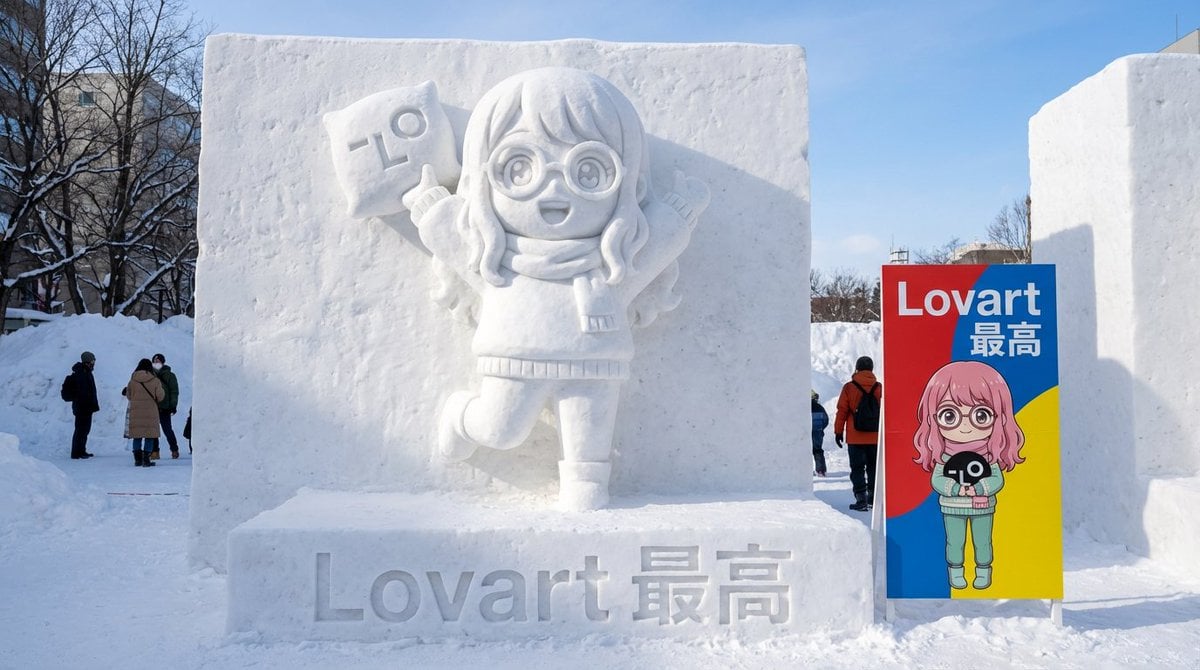
Realistic Character Snow Sculpture Generation
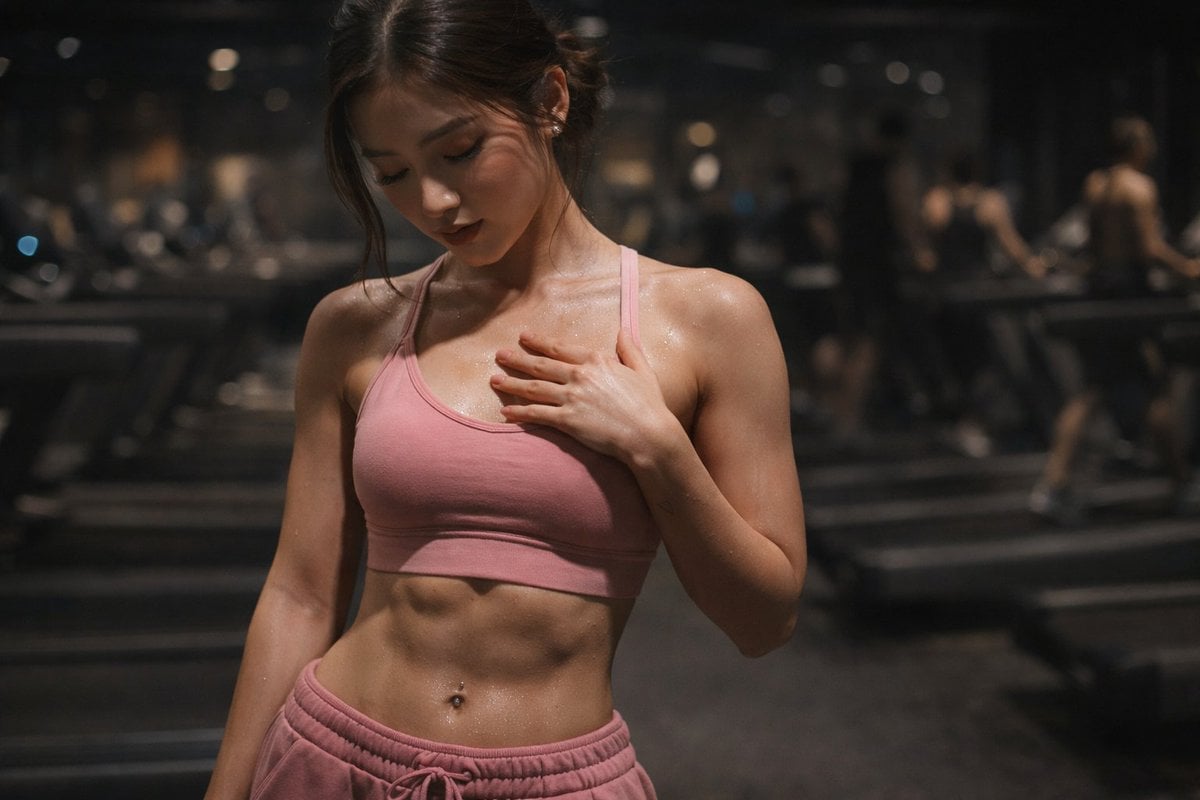
Cinematic Gym Portrait Prompt
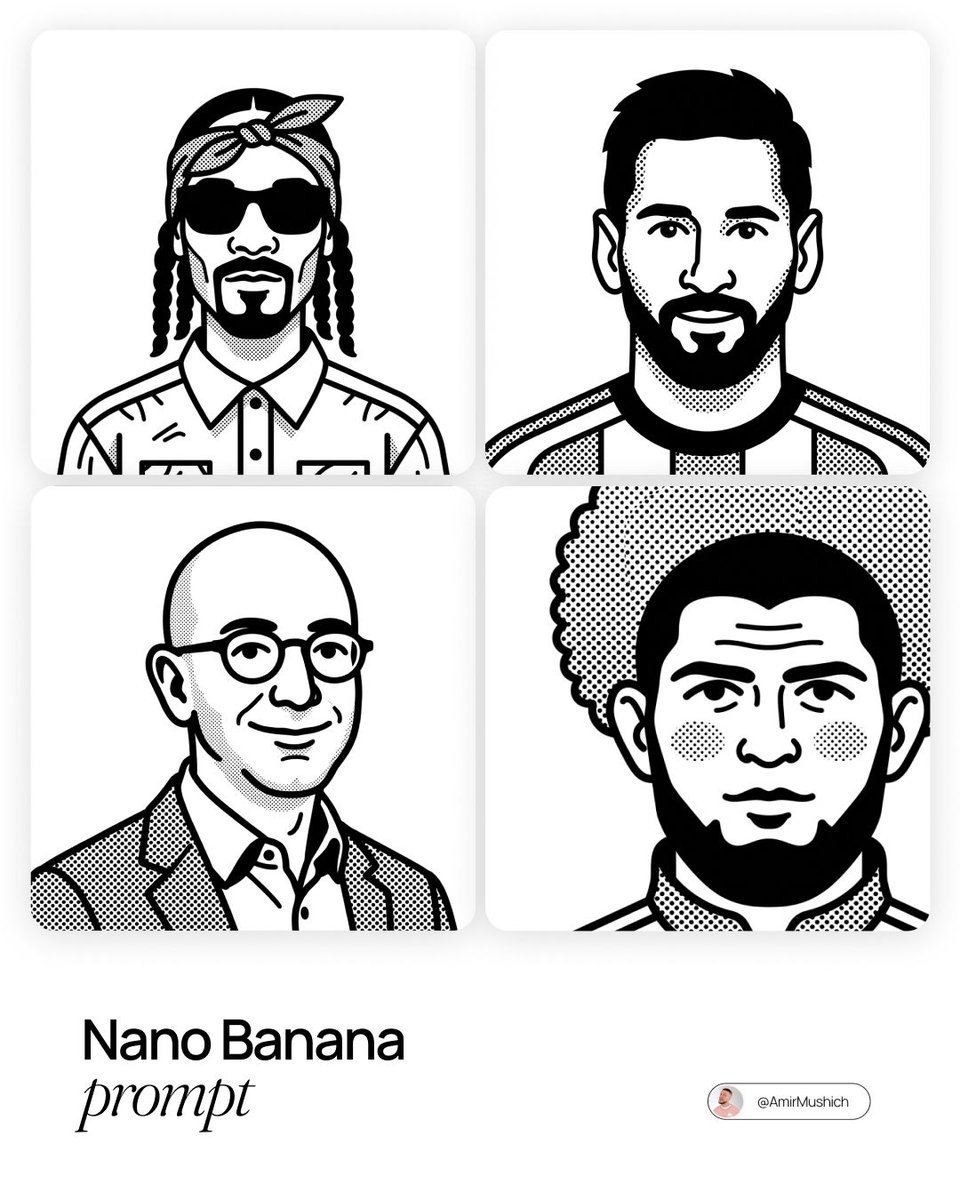
Notion-Styled Portrait Prompt
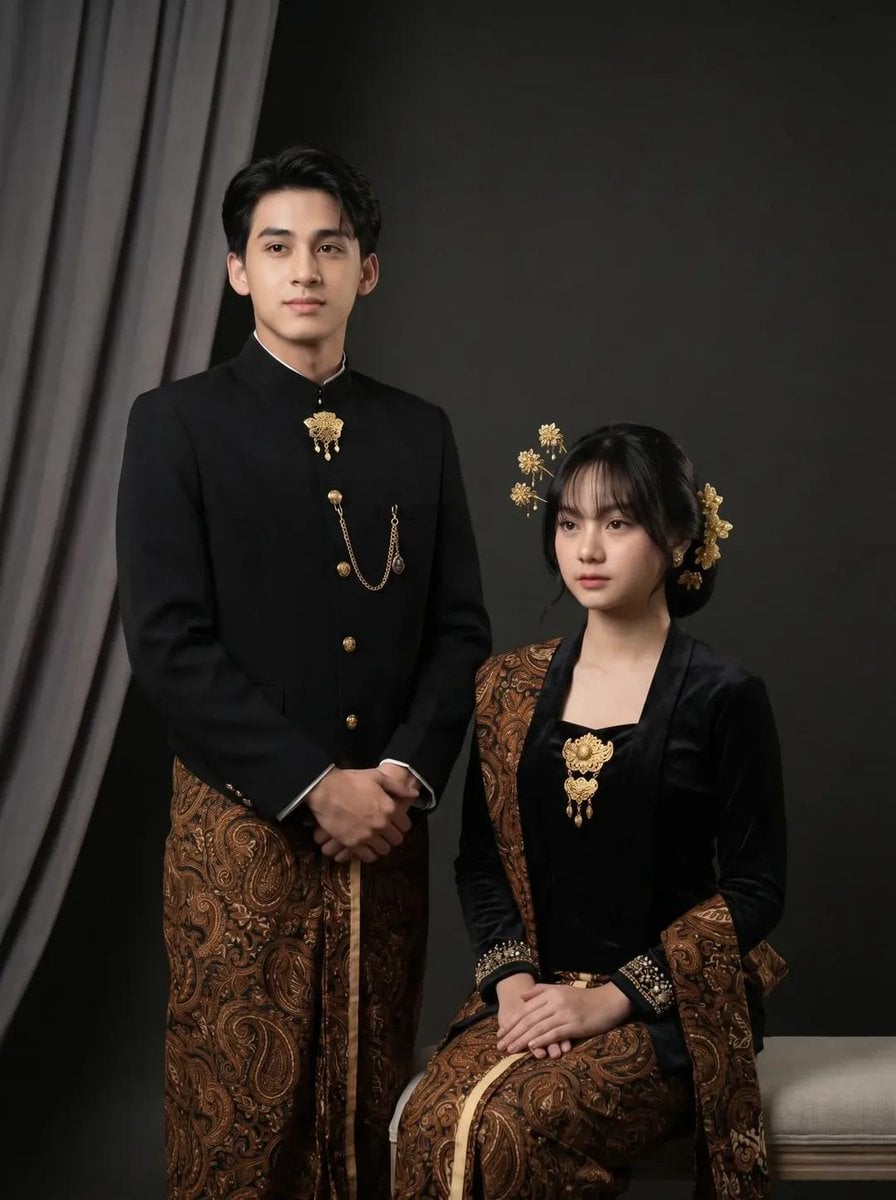
Traditional Javanese Couple Studio Portrait
Sci-Fi Commander Portrait
Kling AI + Google Nano Banana Pro Prompt (Video and Image)
Browse template categories
Cute Star Migraine HUD questions
How do I use the Cute Star Migraine HUD template?
Add your photo if the template asks for one, edit the prompt if you like — the template's model and format are already selected — and press Generate. Your version opens in PicX Studio.
Can I customize the Cute Star Migraine HUD template?
Yes. You can change the subject, setting, lighting, mood, format, and available model controls before creating your image.
Is the Cute Star Migraine HUD template free?
Opening and editing this template is free. Generating uses credits, shown on the Generate button when you are signed in.
Which AI model should I use?
Start with GPT Image 2, which is the model associated with this template. You can compare another compatible model for a different finish.
Looking for something else? Browse all templates.

Your photo, any look
Thousands of ready templates for every top image and video model, from one credit balance.