
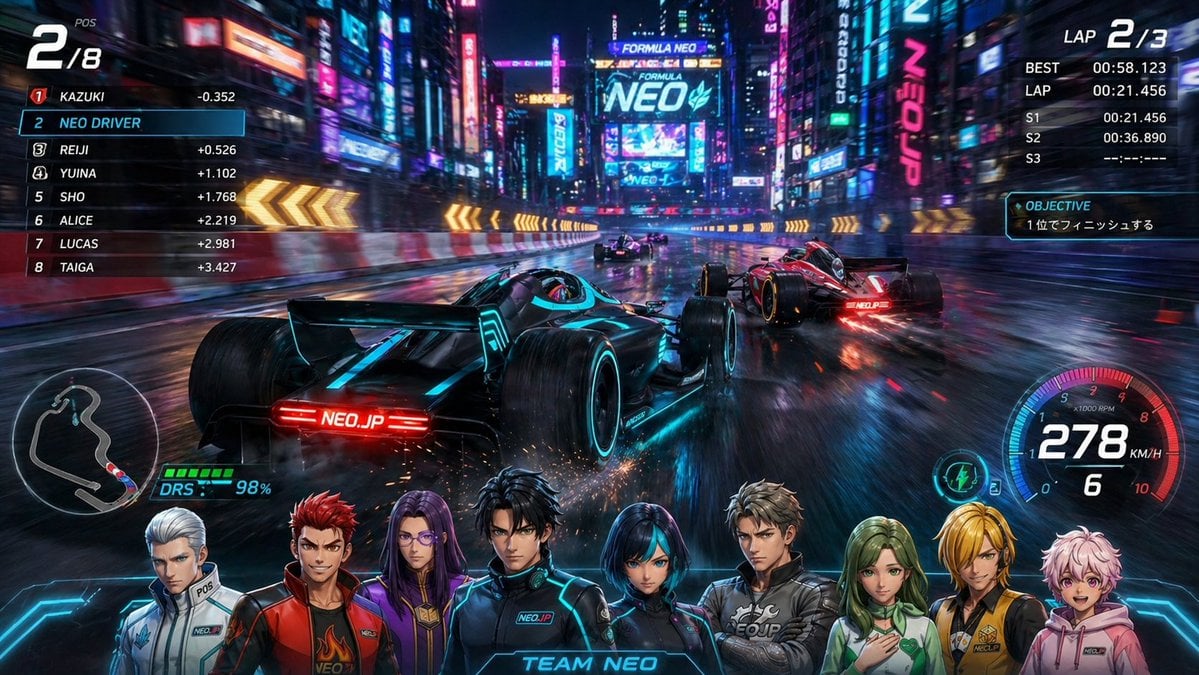
Cyberpunk Formula Neo Racing HUD
This prompt generates a high-energy futuristic racing game poster with a full esports HUD, neon city track, multiple race cars, and a Team Neo anime character roster overlay.
- Prompt included
- Model and format preset
- Free template
The prompt behind this image
Copy the exact prompt behind Cyberpunk Formula Neo Racing HUD, or open it in the studio and make it yours.
A hyper-realistic futuristic racing game splash screen set in a neon-soaked cyberpunk city at night, showing a Formula-style electric race on a rain-slick street circuit from a low third-person chase camera behind the player's car. The main car is a sleek black open-wheel racer with glowing cyan accent lines, cyan-lit wheel rims, and bright red rear light text reading NEO.JP, drifting slightly on wet asphalt and throwing sparks from the underbody. Ahead are 3 opponent cars total, including a red open-wheel car on the right, a darker car in the center distance, and another car farther ahead near the curve. The road curves left through a canyon of tall buildings covered in giant LED billboards and vertical neon signs, with strong reflections in the wet pavement. At the center background, a massive illuminated billboard reads FORMULA NEO with NEO in huge cyan letters. Add yellow illuminated chevron barriers along both sides of the turn and intense motion blur emphasizing speed. Overlay a complete esports racing HUD: top left position indicator showing 2/8 with a small POS label; a left leaderboard with 8 ranked drivers total, listing 1 KAZUKI, 2 NEO DRIVER, 3 REIJI, 4 YUINA, 5 SHO, 6 ALICE, 7 LUCAS, 8 TAIGA, with time gaps next to most names; top right lap info showing LAP 2/3, BEST 00:58.123, LAP 00:21.456, sector times S1 00:21.456, S2 00:36.890, S3 --:--:---; an objective box reading OBJECTIVE and 1位でフィニッシュする; bottom left a track minimap and a DRS meter at 98%; bottom right a circular futuristic speedometer showing 278 KM/H and gear 6. Along the bottom foreground, place a lineup of 8 anime-style team member portraits from the chest up, evenly spanning the width like a character roster overlay: 1 a silver-haired person in a white racing jacket, 2 a red-haired person in a red jacket over a black shirt with a flame emblem, 3 a long purple-haired person in a purple outfit, 4 a black-haired person in a dark Team Neo racing suit, 5 a short blue-black-haired person in a dark suit, 6 a light-brown-haired person in a gray suit, 7 a green-haired person in a white and green outfit with a hand on the chest, 8 a blond person in a yellow jacket, plus at the far right an additional pink-haired hoodie portrait integrated into the bottom lineup for a dense team-banner look; center the text TEAM NEO above the bottom portraits in glowing cyan UI styling. Use a polished AAA game key art aesthetic, ultra-detailed reflections, cinematic contrast, electric blue and magenta lighting, sharp UI graphics, dramatic perspective, and a highly realistic yet stylized promotional poster finish.
How to use Cyberpunk Formula Neo Racing HUD in 3 steps
- 1Upload ImagePNG, JPG or paste
Add your photo
Upload the photo the template builds on. The prompt, model and format are already set.
- 2…a portrait of your subject in softgolden-hour light, 85mm…
Personalize
Edit the subject and creative details for your destination.
- 3Generate
Generate
Press Generate — your image is created in PicX Studio, so you can compare it with the original and refine one variable at a time.
More like this
Templates with the same subject, style or setup. Open one to see its prompt.

Cyberpunk Neon Profile Fashion Portrait

Cinematic Neon Light Strip Studio Portrait

Futuristic Studio Neon Ring Minimalist Portrait

Neon Violet Streetwear Fashion Portrait

Neon Night Crosswalk Candid Portrait
Low-Angle Cyberpunk Neon Profile Portrait
Cinematic Neon Light Strip Studio Portrait
Futuristic Studio Neon Ring Minimalist Portrait
Neon Night Crosswalk Candid Portrait

Neon Glitch Cyber Symbiote Music Poster

Spider-Man 2099 Cyberpunk Neon Future City

Japan Neon Speed City Racing Poster
Make it yours
Cyberpunk Formula Neo Racing HUD works as-is. These are the safest ways to change it without losing the look.
Change one field
Copy a single group, rewrite it, and generate again so you can see what that field is doing.
Keep the frame, change the subject
Hold the composition and light of Cyberpunk Formula Neo Racing HUD, then swap wardrobe, props or the person for a new take.
| If the result… | Why | Fix |
|---|---|---|
| The result drifts from the preview | Too many fields changed at once. | Reuse Cyberpunk Formula Neo Racing HUD as-is first, then change one group — subject, light, or setting. |
| The model over-stylizes the scene | The prose prompt leaves finish and camera underspecified. | Add one camera or lighting sentence and stay on GPT Image 2. |
More GPT Image 2 templates
Other prompts made for GPT Image 2.

Six VTuber Japanese Logo Sheet

Realistic Portrait of Woman and Deer

The Vista Modular Condo Poster

AI Model Routing Comparison Infographic

2.5D Anime Art Board

Isometric Productivity Desk Scene

New York Double Exposure Poster

Four-Panel AI Landscape Comparison

Japanese Tatami Lifestyle Magazine Cover

NESCAFÉ Coffee Map Poster
More image prompts
Fresh picks from across the catalog.
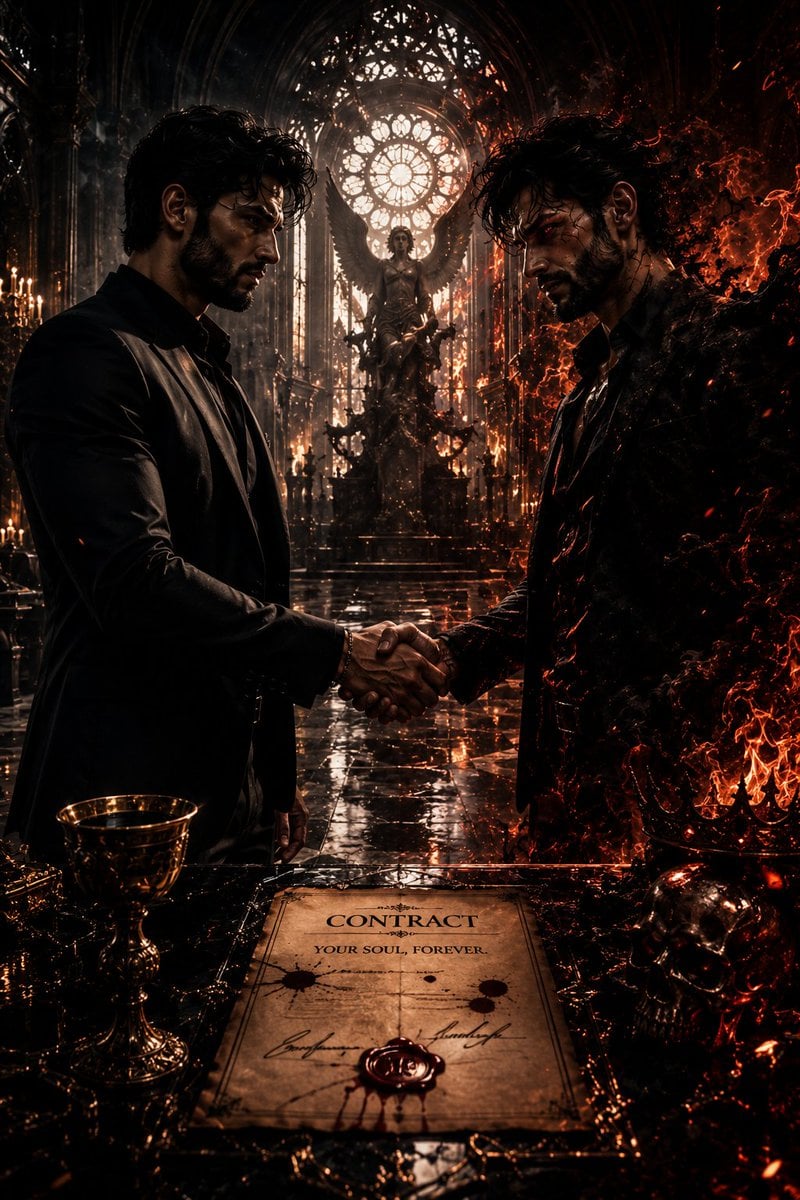
Dark Fantasy Cathedral Handshake Art
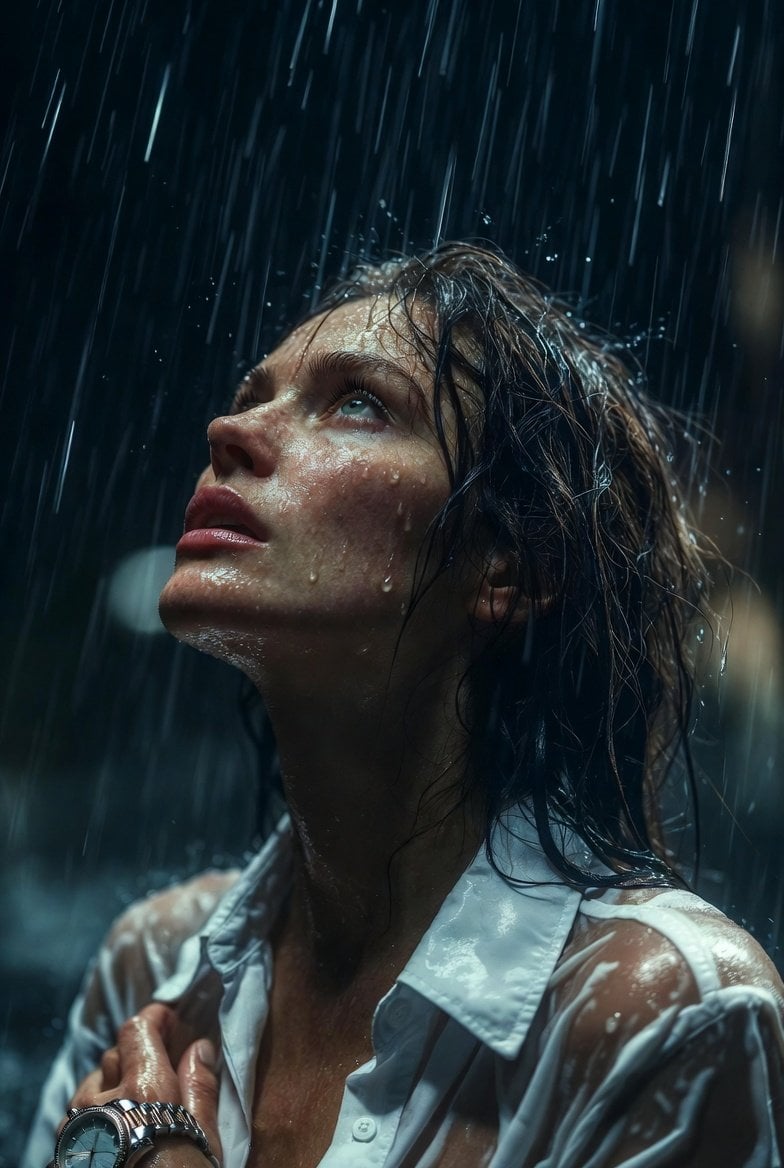
Hyper-Realistic Cinematic Night Rain Portrait JSON Prompt
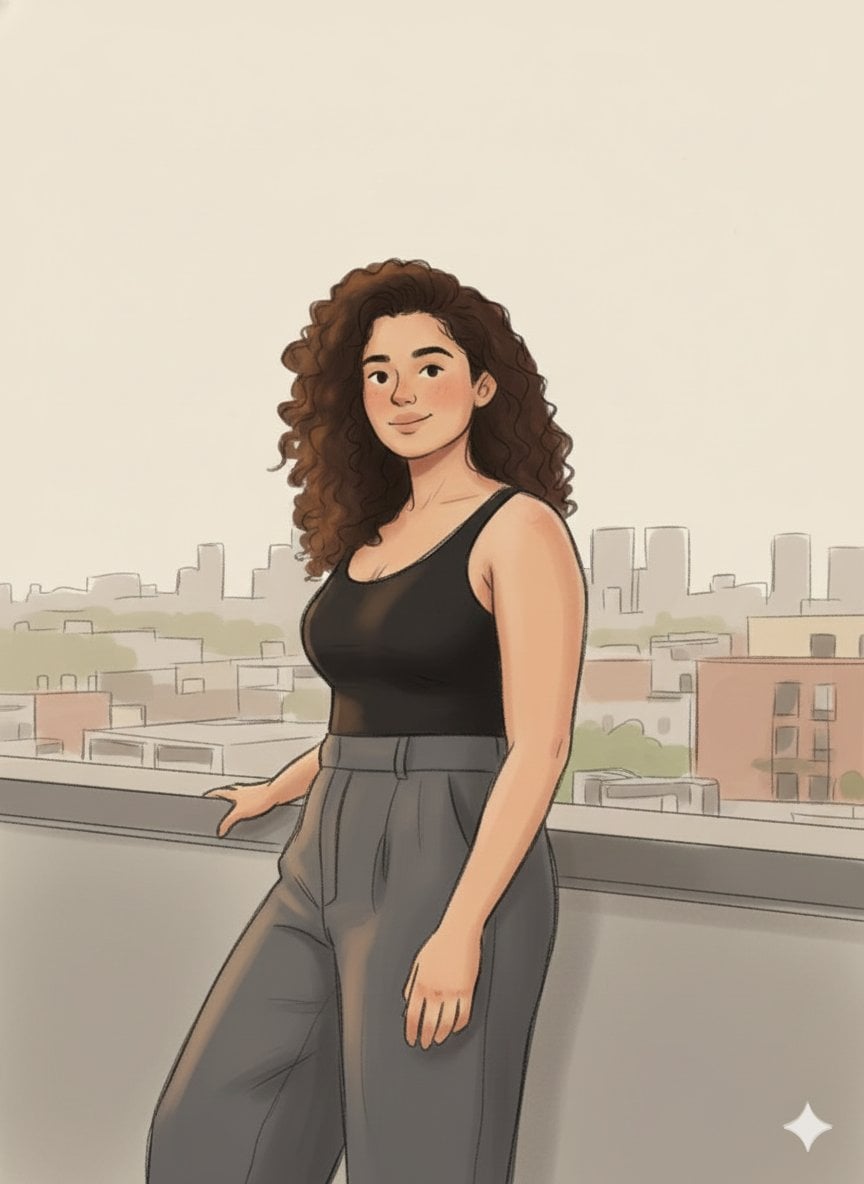
Cozy Marker and Pencil Illustration from Reference
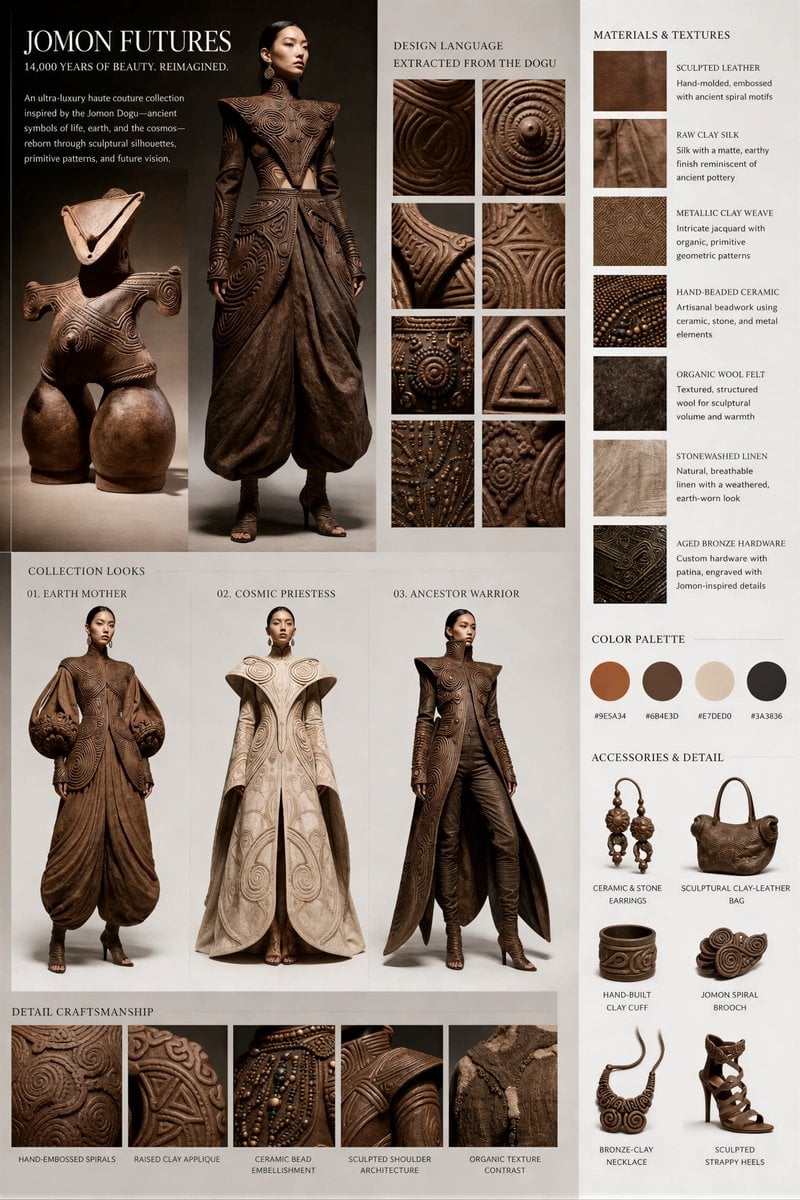
Jomon Dogu Couture Moodboard
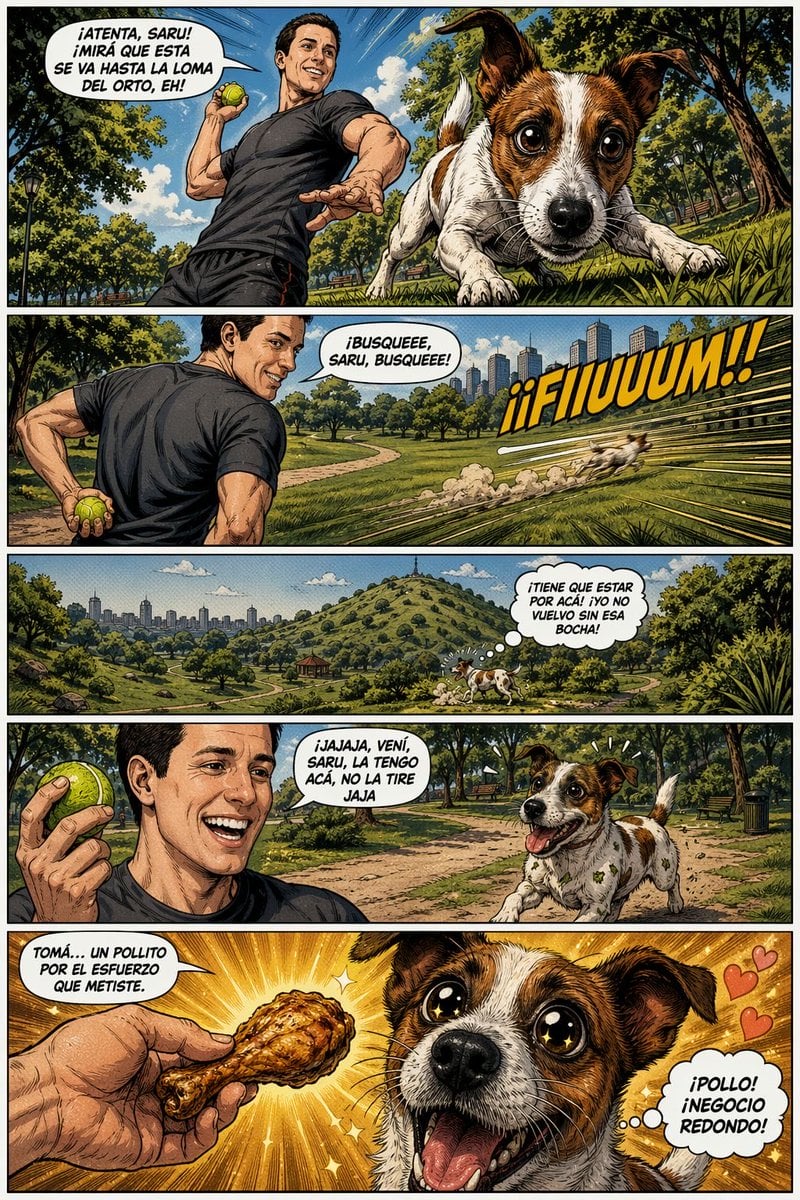
Funny Dog Park Comic Page
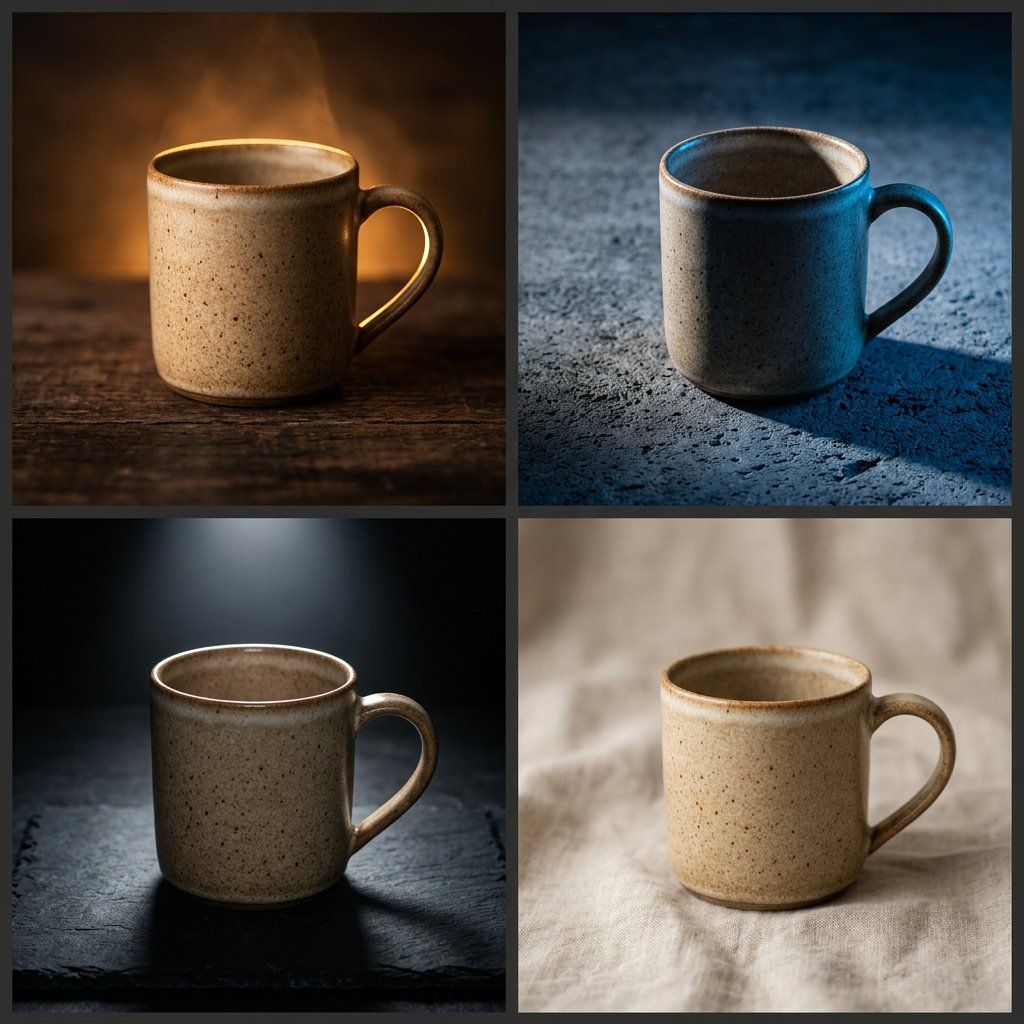
Editorial Macro Mug Design
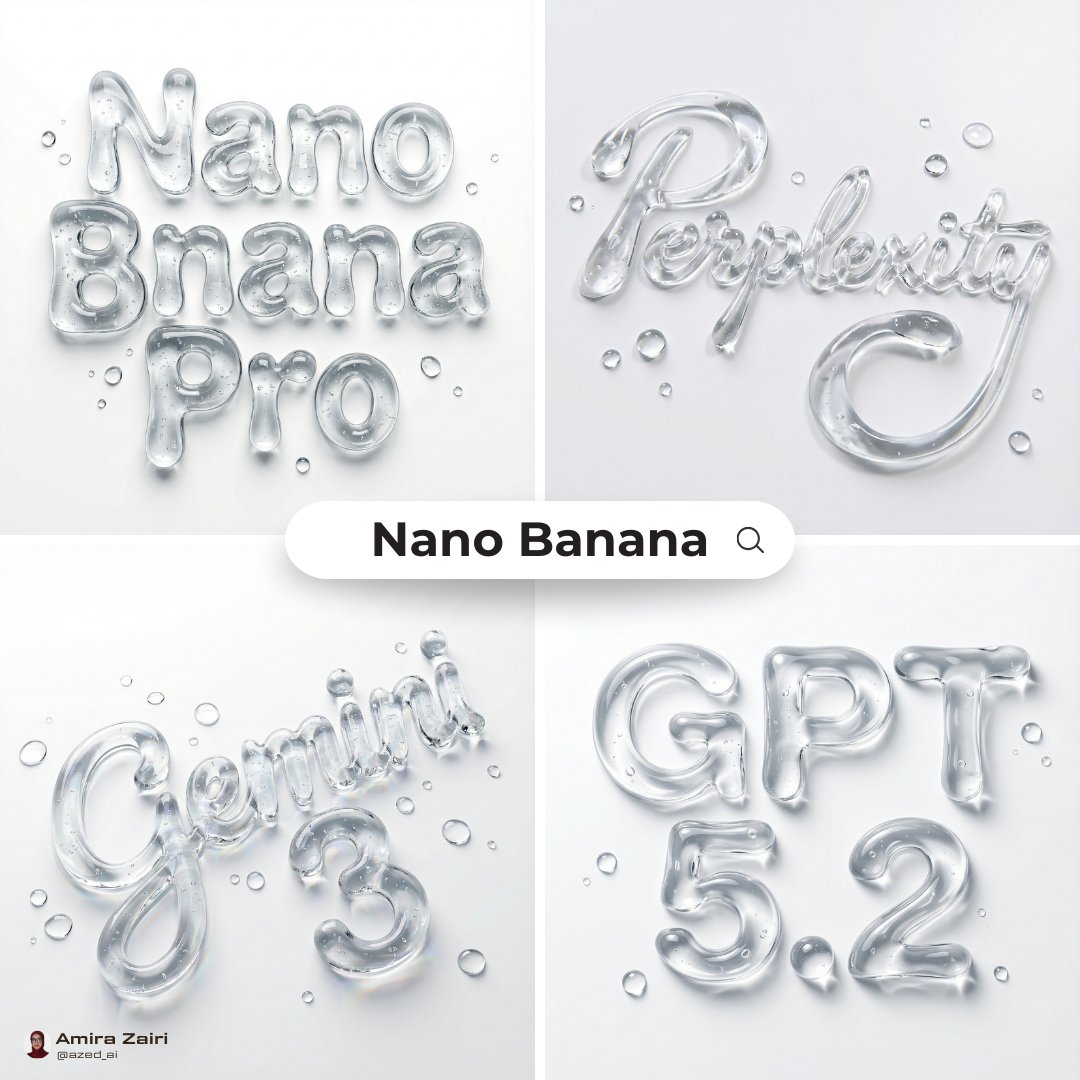
Abstract Liquid Typography Generation Prompt
3D Retro Futurism Space Poster
Cyberpunk Manga Page of a Giant Robot Cat
Surrealist Fashion Advertising Poster
Browse template categories
Cyberpunk Formula Neo Racing HUD questions
How do I use the Cyberpunk Formula Neo Racing HUD template?
Add your photo if the template asks for one, edit the prompt if you like — the template's model and format are already selected — and press Generate. Your version opens in PicX Studio.
Can I customize the Cyberpunk Formula Neo Racing HUD template?
Yes. You can change the subject, setting, lighting, mood, format, and available model controls before creating your image.
Is the Cyberpunk Formula Neo Racing HUD template free?
Opening and editing this template is free. Generating uses credits, shown on the Generate button when you are signed in.
Which AI model should I use?
Start with GPT Image 2, which is the model associated with this template. You can compare another compatible model for a different finish.
Looking for something else? Browse all templates.

Your photo, any look
Thousands of ready templates for every top image and video model, from one credit balance.