
Low-Light Bedroom Selfie Prompt for Nano Banana/Gemini Pro
A detailed prompt for generating a hyper-realistic, low-light, late-night selfie image in a bedroom setting, designed to maintain the facial features of an uploaded reference image.
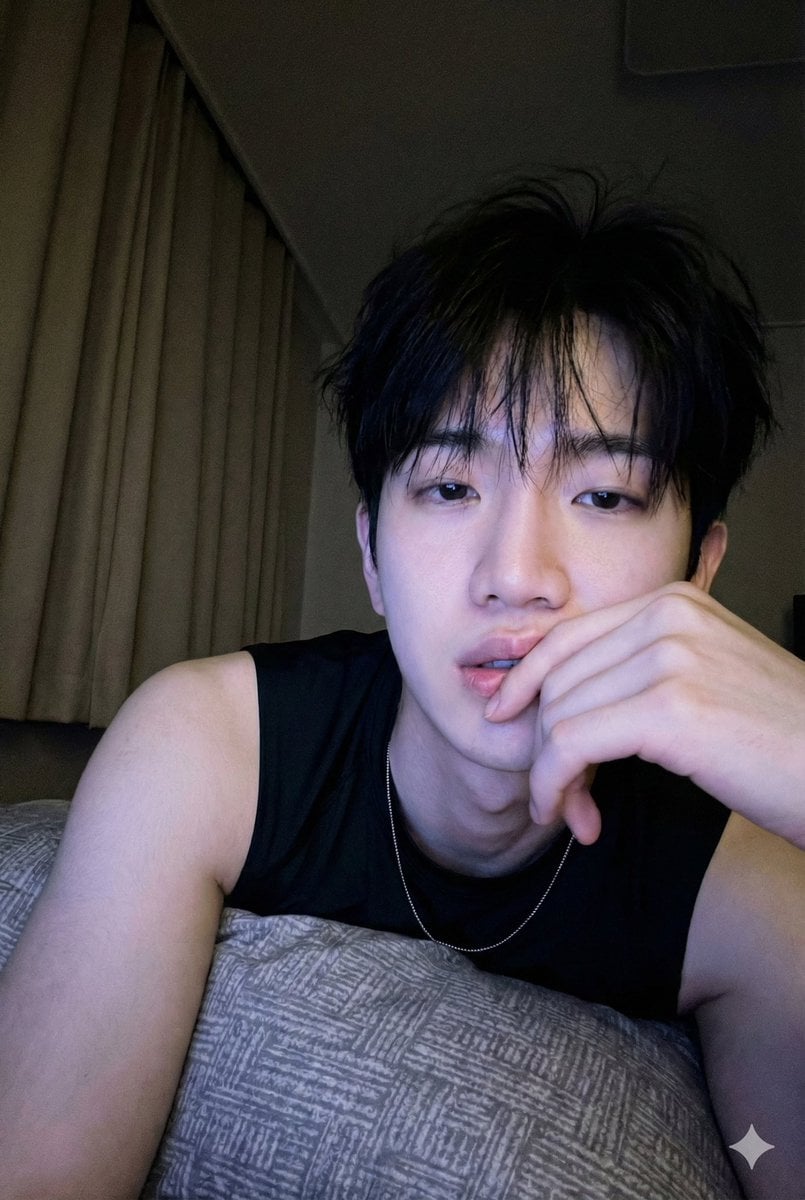
- Prompt included
- Model and format preset
- Free template
The prompt behind this image
Copy the exact prompt behind Low-Light Bedroom Selfie Prompt for Nano Banana/Gemini Pro, or open it in the studio and make it yours.
세로 프레임, 현실적인 저조도 휴대폰 셀카, 어두운 밤 침실에서, 참고 이미지와 동일한 얼굴. 창백한 얼굴에 푸르스름한 보라색 화면 빛; 왼쪽에 베이지색 암막 커튼이 있는 어두운 배경. 졸리고 아늑한 늦은 밤 로파이 분위기, 클로즈업 약간 로우 앵글. 주체가 배를 깔고 누워 패턴이 있는 회색 베개에 기대어, 지저분한 검은 머리와 가는 앞머리. 부드럽고 몽환적인 멍한 시선, 입이 살짝 벌어짐, 얼굴 가까이에 손을 대고 손가락이 입술에 닿음. 가벼운 검은색 민소매 래시탑, 얇은 은색 목걸이, 왼쪽 어깨 노출. 소프트 포커스, 입자가 보임, 밝은 얼굴과 어두운 배경 사이의 높은 대비. 네거티브 프롬프트: 밝은 낮, 햇빛, 스튜디오/플래시 조명, 따뜻한/주황색 톤, 야외, 선명한 초점, 전문 카메라, 변형된 손, 추가/누락된 손가락, 초점이 맞지 않는 얼굴, 사진은 하나만.
How to use Low-Light Bedroom Selfie Prompt for Nano Banana/Gemini Pro in 3 steps
- 1
Open
The prompt is already in the box next to the preview, with the template's model and format selected.
- 2…a portrait of your subject in softgolden-hour light, 85mm…
Personalize
Edit the subject and creative details for your destination.
- 3Generate
Generate
Press Generate — your image is created in PicX Studio, so you can compare it with the original and refine one variable at a time.
More like this
Templates with the same subject, style or setup. Open one to see its prompt.

Woman in Mall with Chanel Bag - Heart Gesture

Nano Banana - Peace Sign Bedroom Selfie
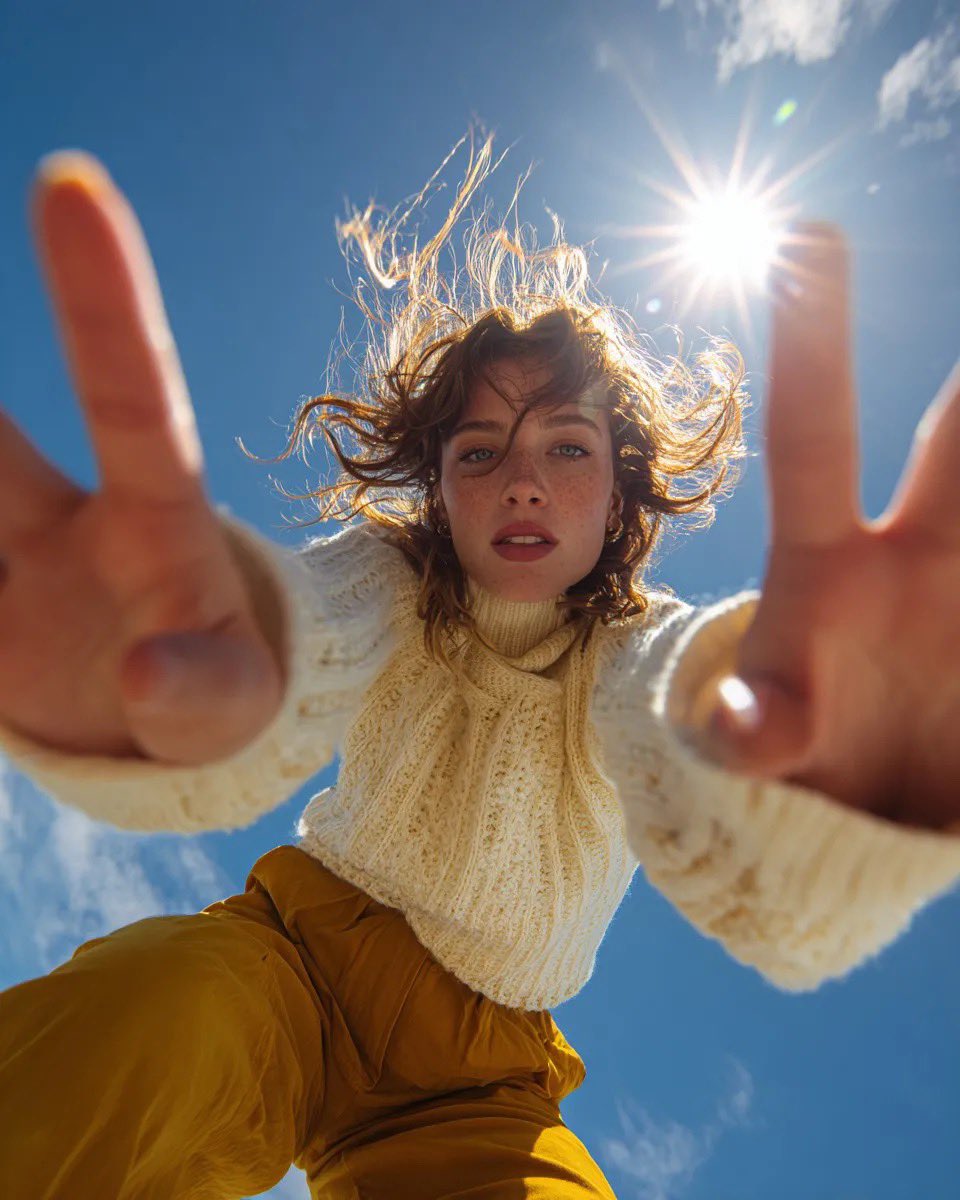
Ultra Wide Low-Angle Portrait — Sairah (Nano Banana)

Nano Banana Pro Identity Lock — Composition + Face Reference
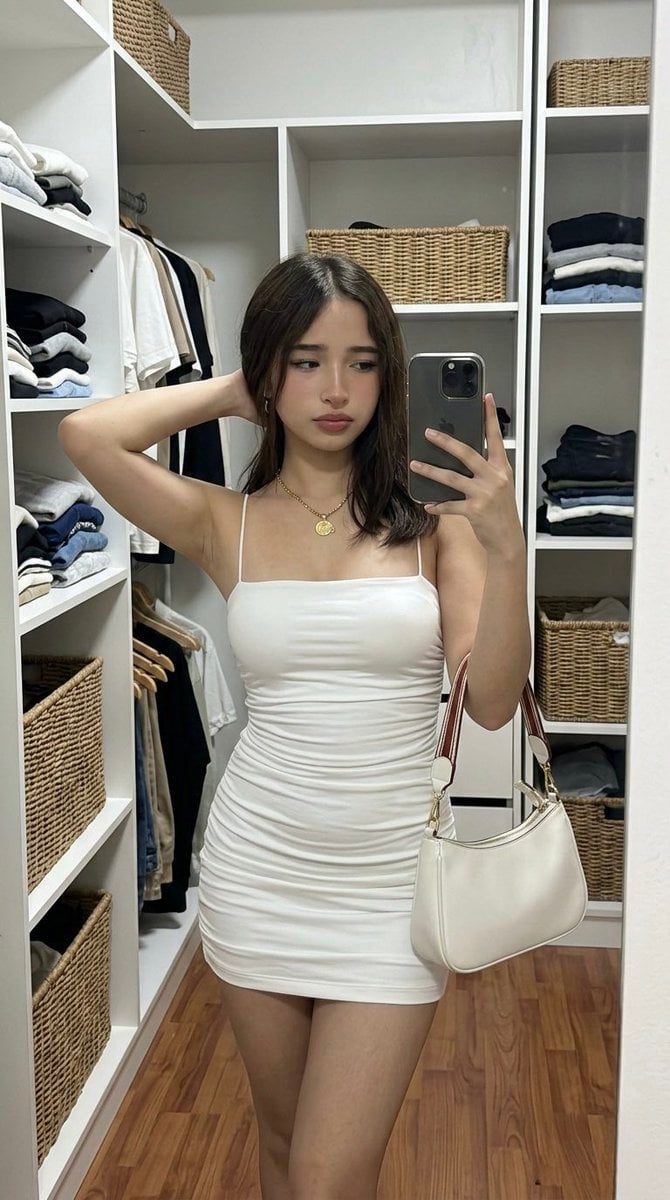
Hyper-Realistic Mirror Selfie Prompt for Gemini Nano Banana 2

Spring Flower Field Portrait Prompt for Google Gemini Nano Banana Pro

Low-Key Product Photography Prompt for Gemini Nano Banana Pro

Nano Banana Grwm Mirror Selfie Pink
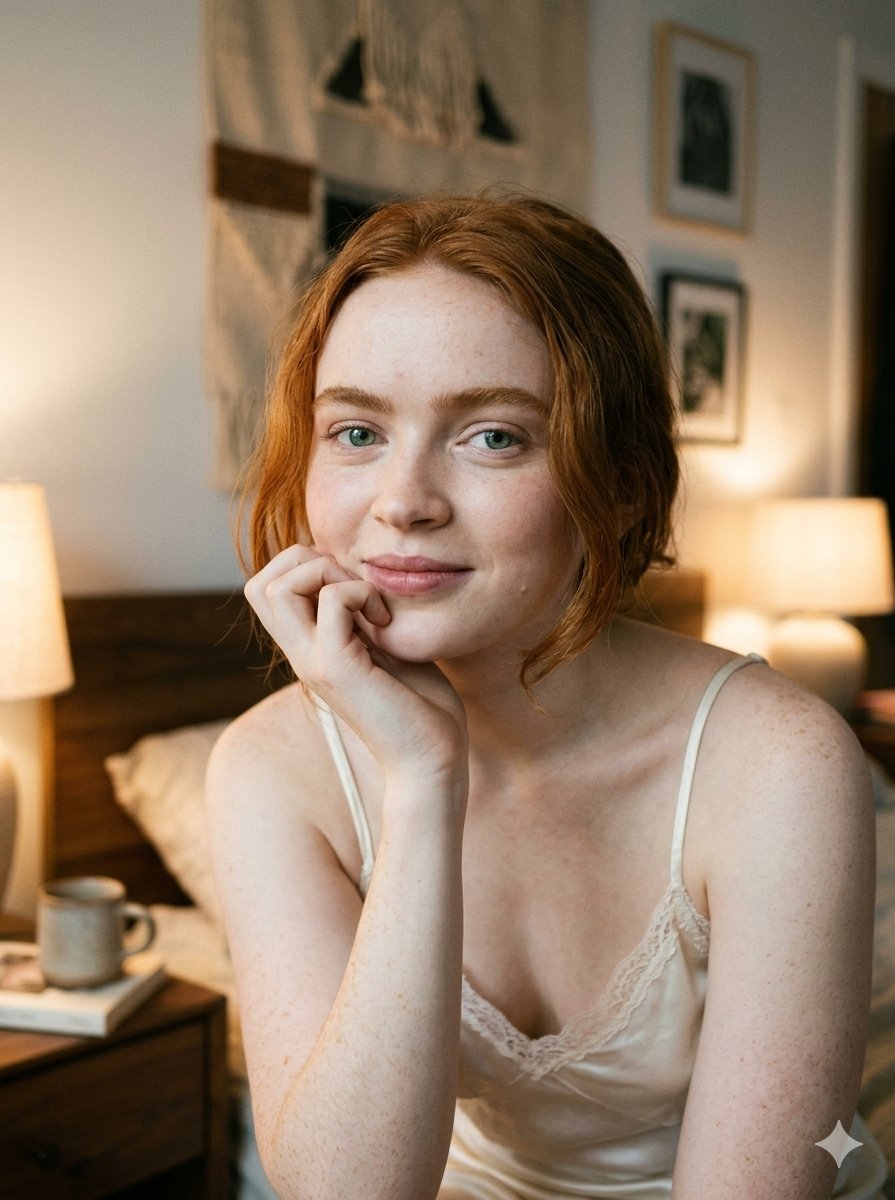
Google Nano Banana 2 — Cozy Bedroom Editorial

Nano Banana Pro Pink Office Chibi
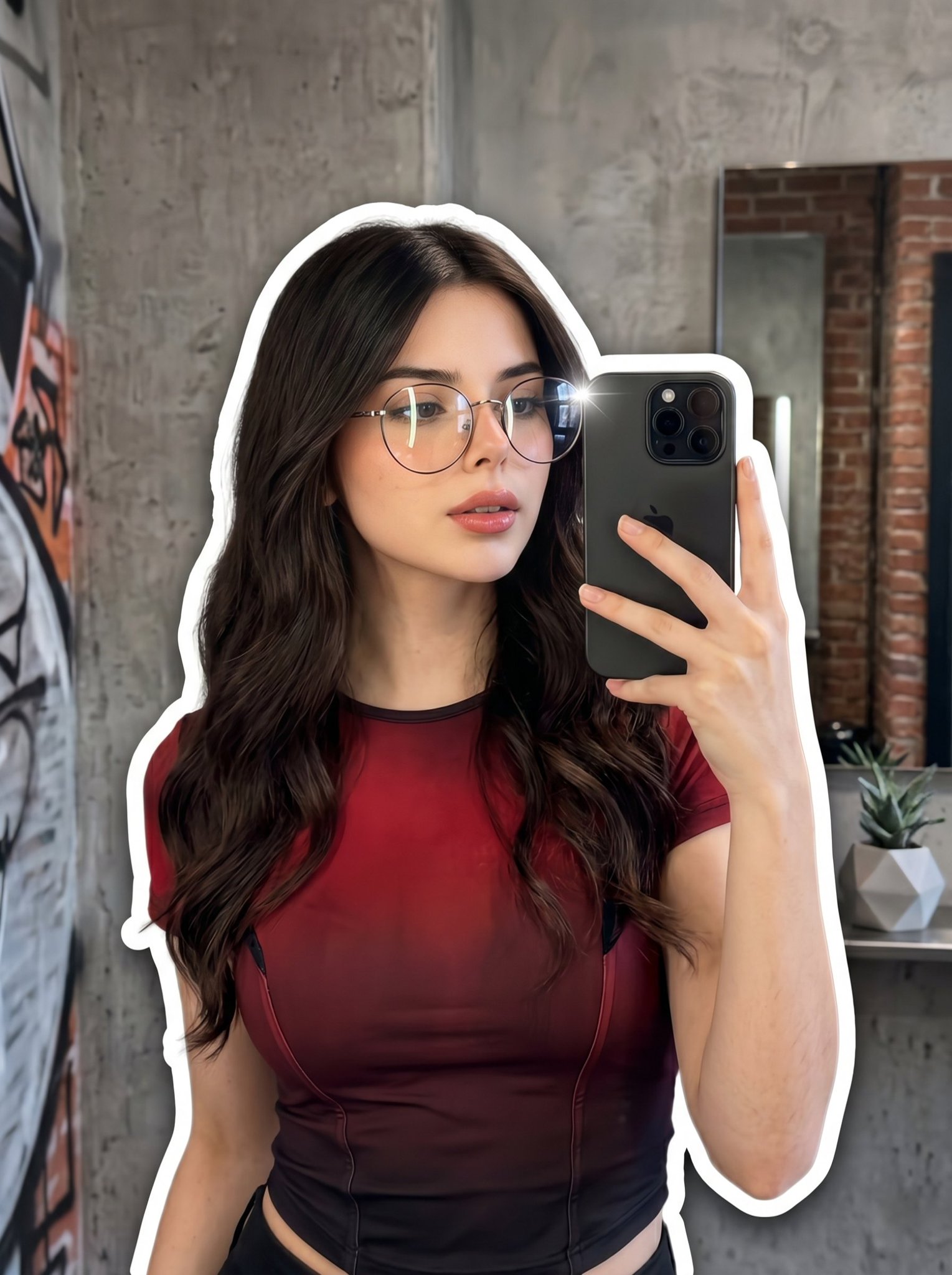
Nano Banana 2 Portrait Gemini

Tropical Vacation Selfie — Nano Banana (Chryzleen)
Make it yours
Low-Light Bedroom Selfie Prompt for Nano Banana/Gemini Pro works as-is. These are the safest ways to change it without losing the look.
Change one field
Copy a single group, rewrite it, and generate again so you can see what that field is doing.
Keep the frame, change the subject
Hold the composition and light of Low-Light Bedroom Selfie Prompt for Nano Banana/Gemini Pro, then swap wardrobe, props or the person for a new take.
| If the result… | Why | Fix |
|---|---|---|
| The result drifts from the preview | Too many fields changed at once. | Reuse Low-Light Bedroom Selfie Prompt for Nano Banana/Gemini Pro as-is first, then change one group — subject, light, or setting. |
| The model over-stylizes the scene | The prose prompt leaves finish and camera underspecified. | Add one camera or lighting sentence and stay on Nano Banana 2. |
More Nano Banana 2 templates
Other prompts made for Nano Banana 2.

Photorealistic Leaf Shaped Like a Dragon

K-Pop Idol Portrait Grid for Rapid Selection

Poetic Rain Forest Portrait During Golden Hour

Urban Street Portrait with Cartoon Inner Self Duo

Candid Nighttime Photo with Cat Prompt

High-Concept 3D Diorama Generation Prompt

Cinematic Futuristic Studio Portrait Template

Skincare Editorial Photography Collage Prompt

Hyper-Realistic Commercial Product Photography (Splash Effect)

Hyper-Realistic Nightclub Portrait Prompt
More image prompts
Fresh picks from across the catalog.
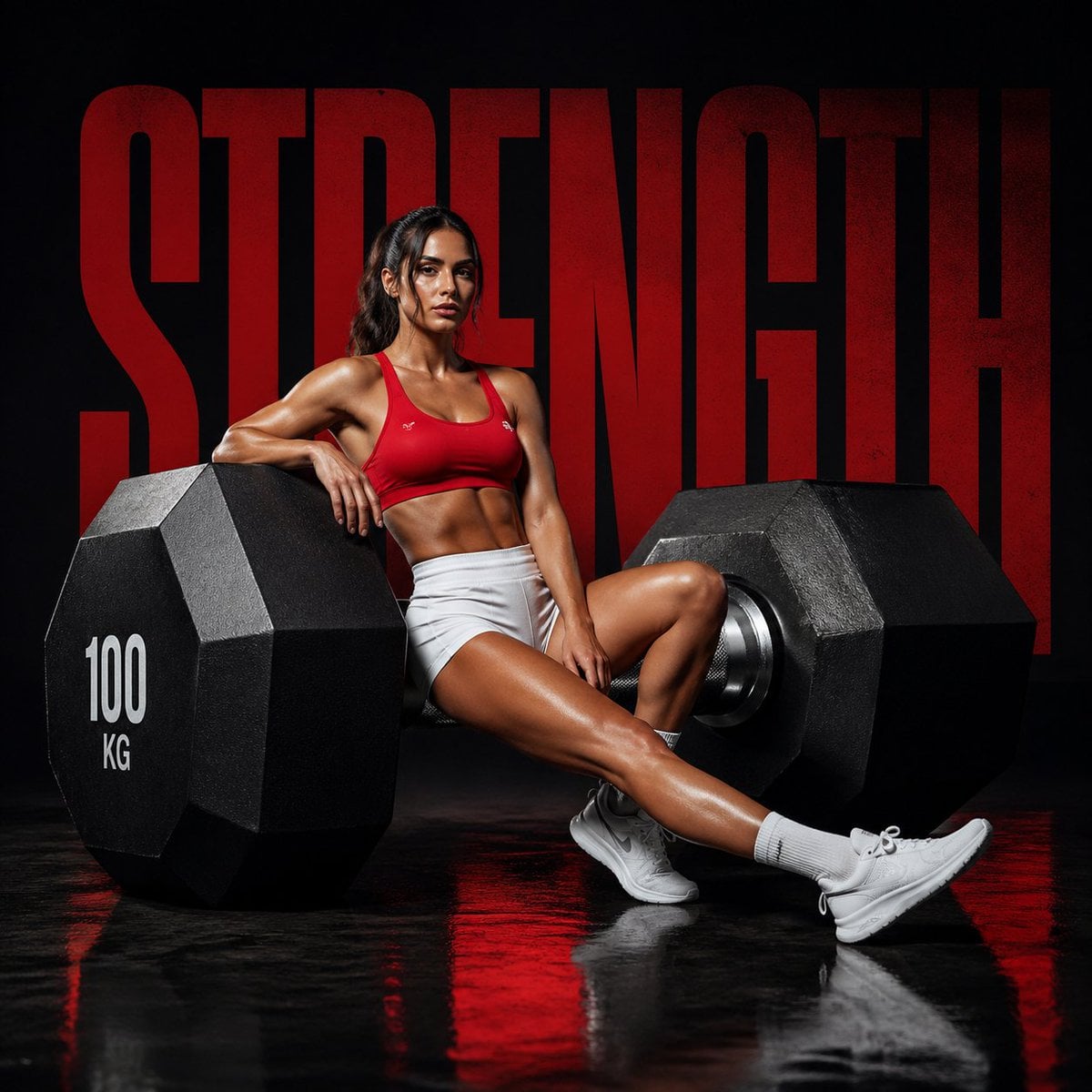
Luxury Fitness Campaign
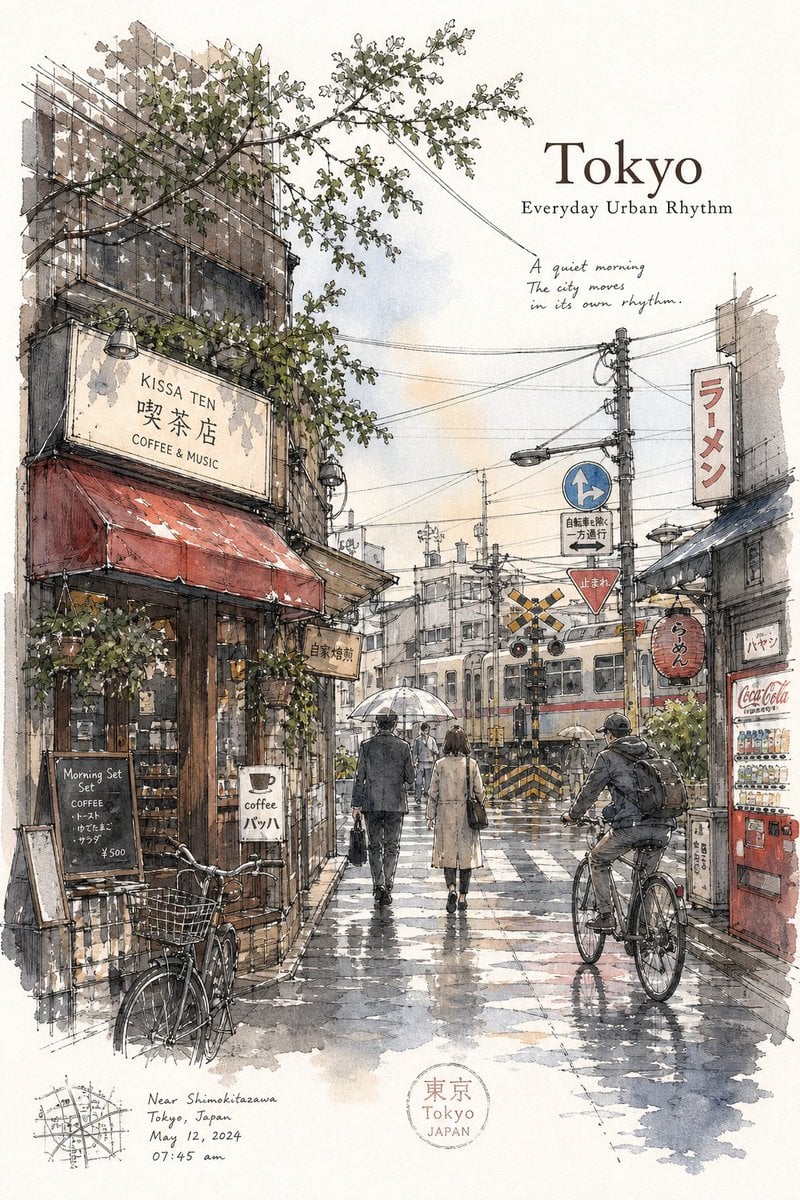
Tokyo Minimalist Urban Sketch Poster

Desert Motocross Action Shot
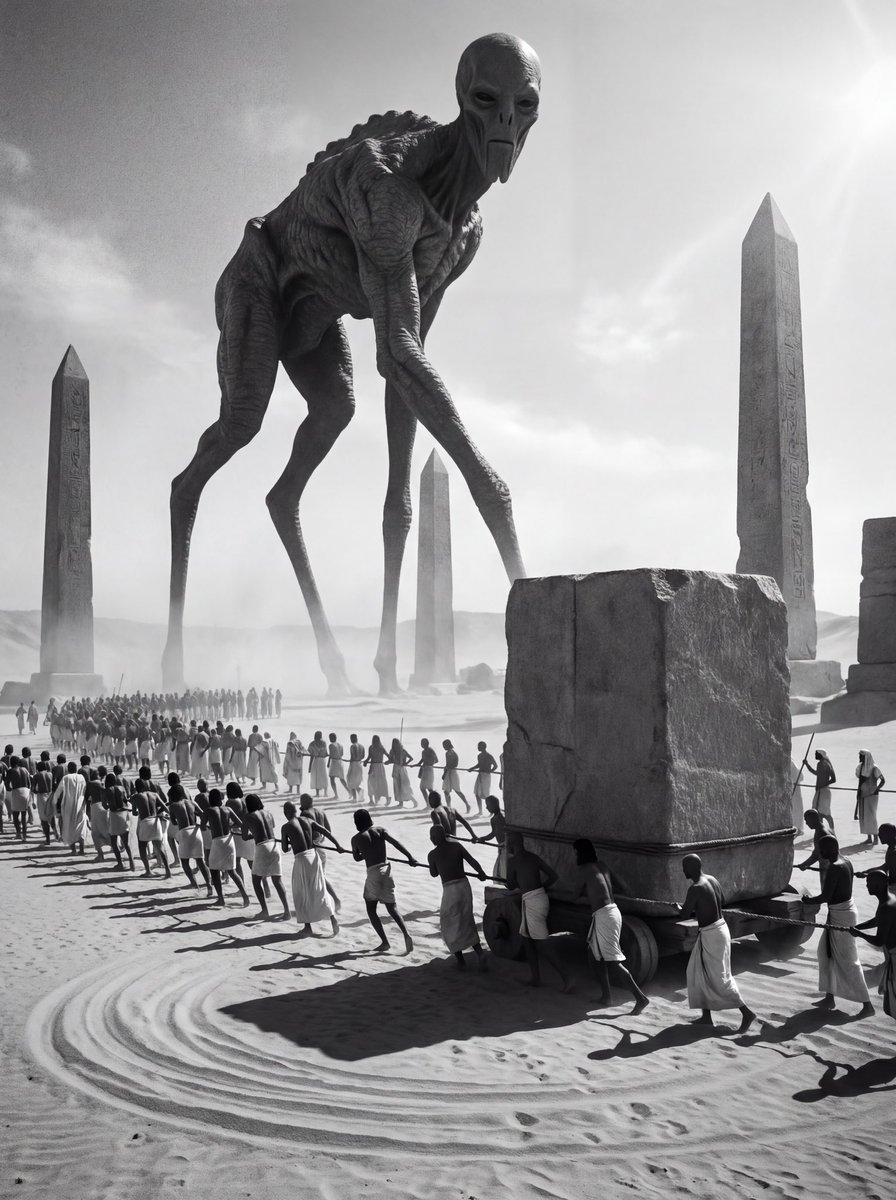
Ancient Egyptian Ritual with Alien Entity Prompt
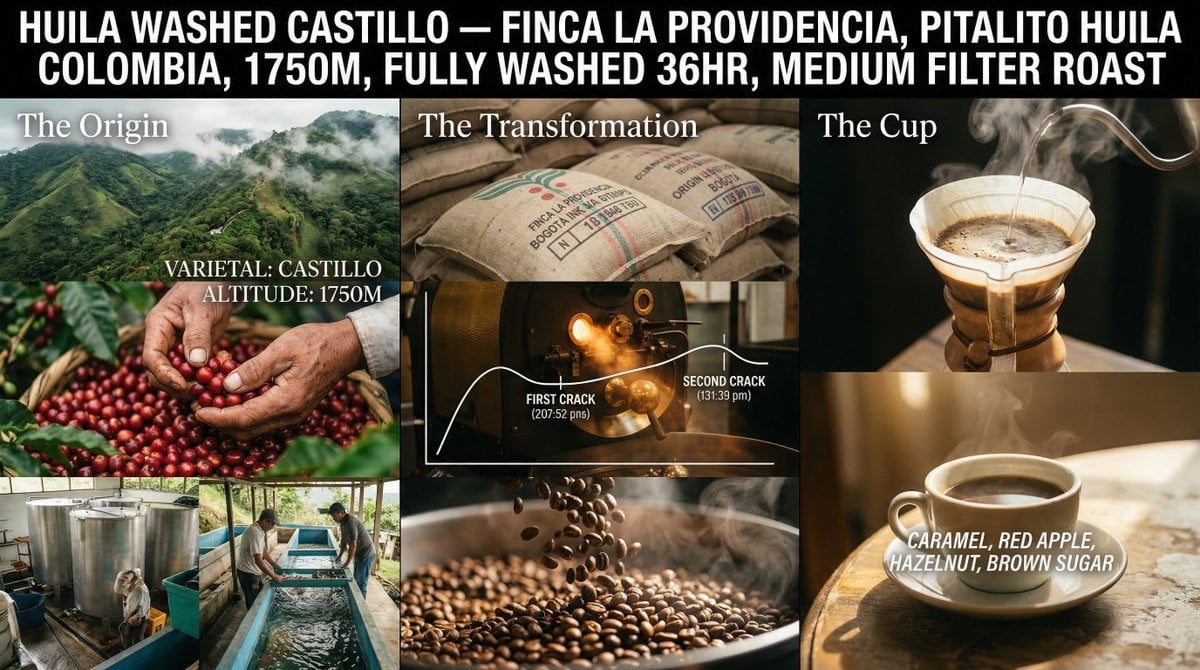
Coffee's Journey Board prompt for Nano Banana 2
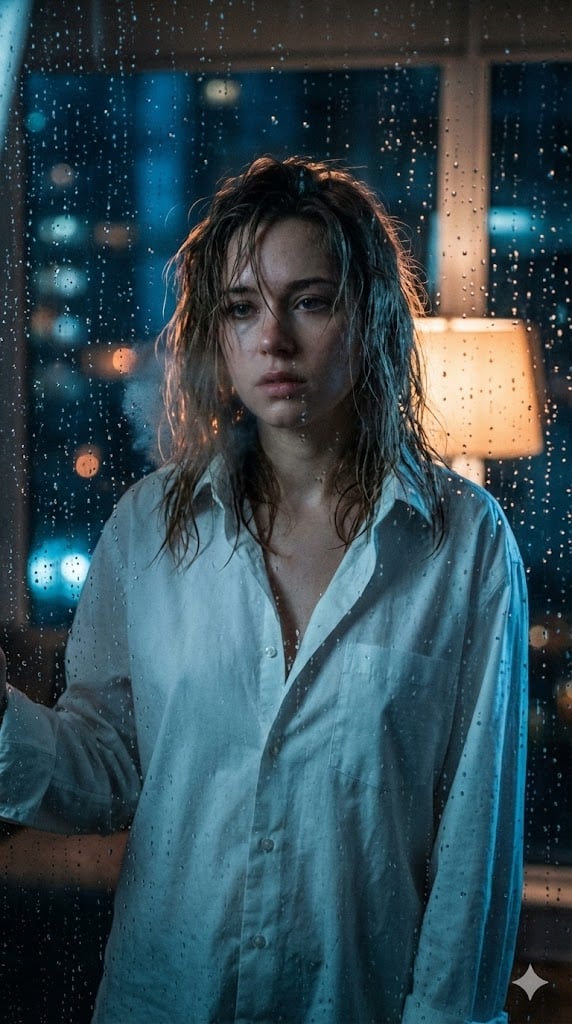
Cinematic Voyeuristic Portrait through Rain-Streaked Window

Retro 1970s Editorial Magazine Cover
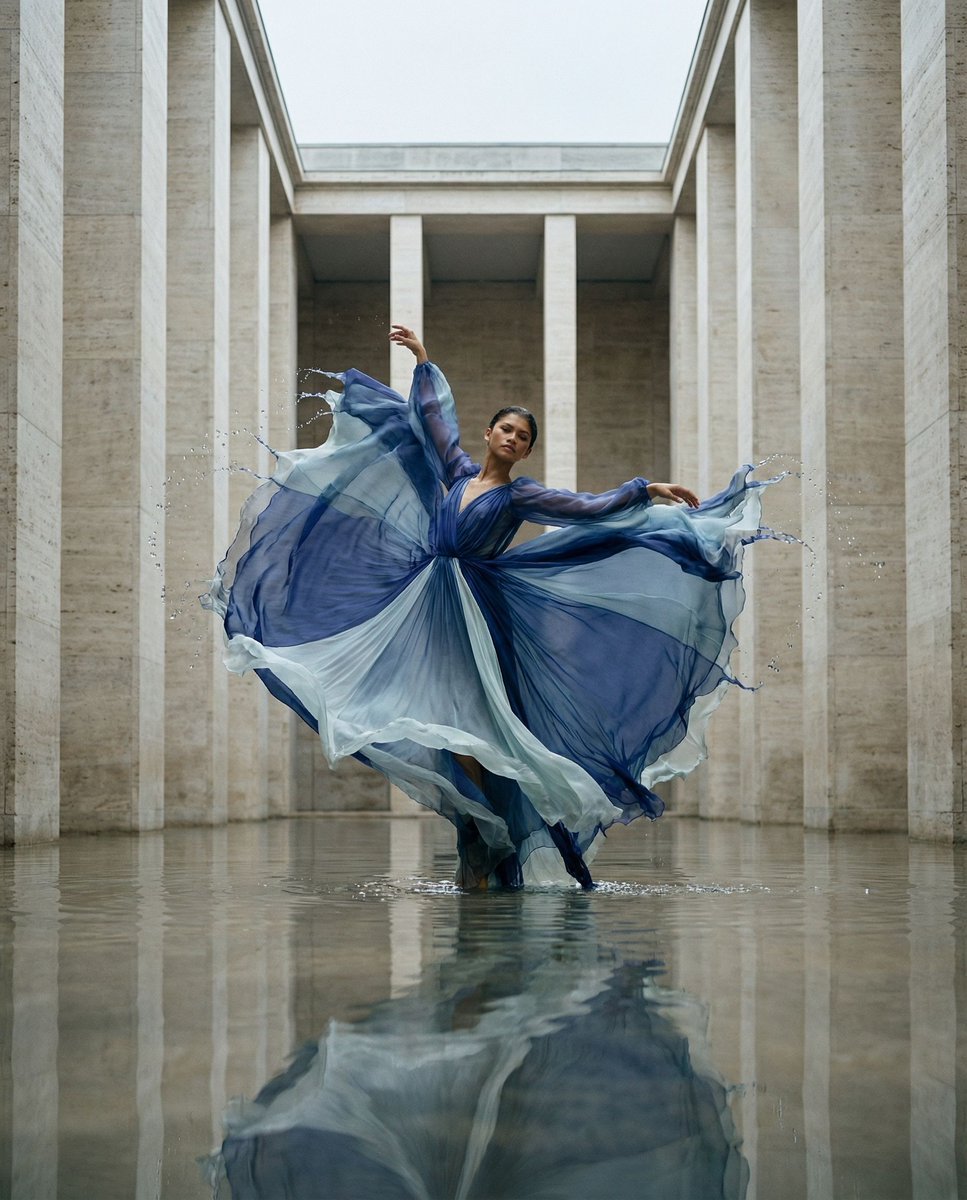
Cinematic Symmetrical Motion Portrait
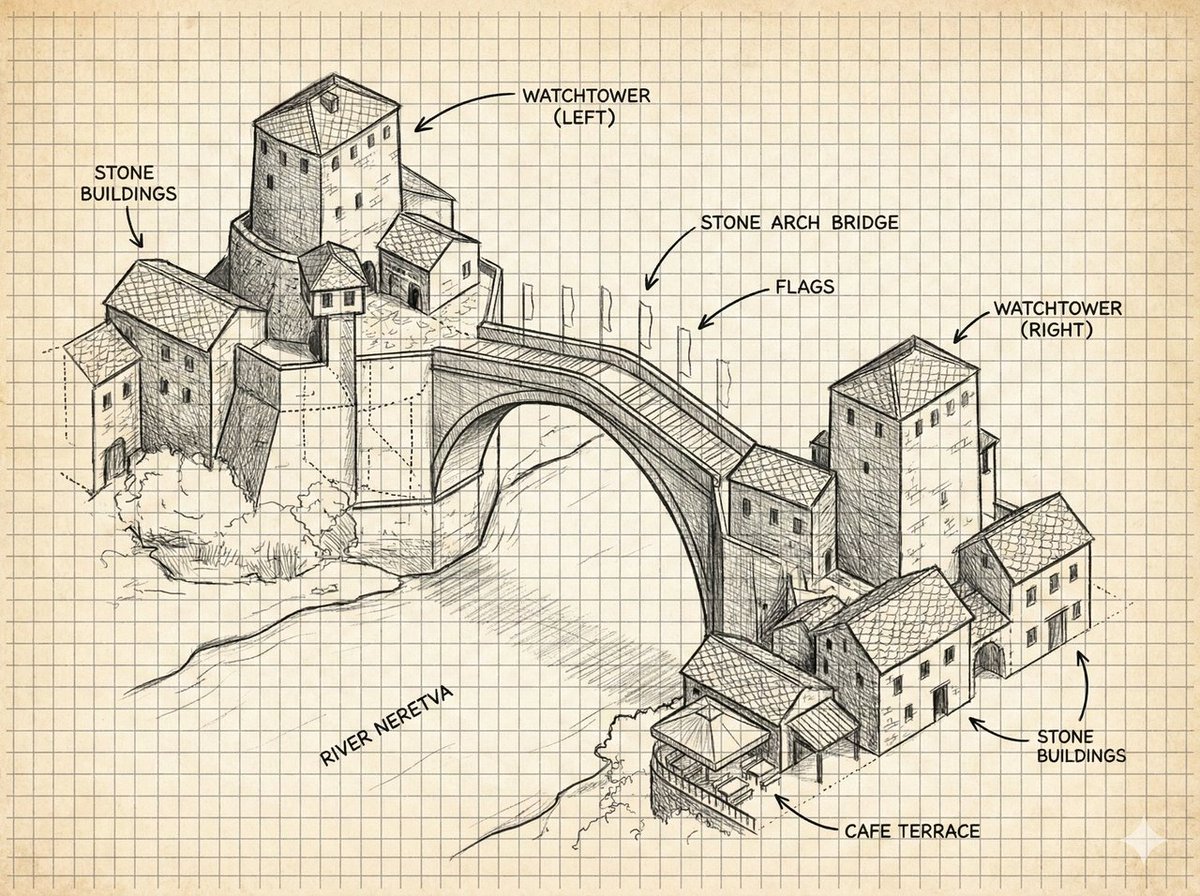
Annotated Stone Arch Bridge Sketch
Elegant Office Lady at Beauty Counter
Browse template categories
Low-Light Bedroom Selfie Prompt for Nano Banana/Gemini Pro questions
How do I use the Low-Light Bedroom Selfie Prompt for Nano Banana/Gemini Pro template?
Add your photo if the template asks for one, edit the prompt if you like — the template's model and format are already selected — and press Generate. Your version opens in PicX Studio.
Can I customize the Low-Light Bedroom Selfie Prompt for Nano Banana/Gemini Pro template?
Yes. You can change the subject, setting, lighting, mood, format, and available model controls before creating your image.
Is the Low-Light Bedroom Selfie Prompt for Nano Banana/Gemini Pro template free?
Opening and editing this template is free. Generating uses credits, shown on the Generate button when you are signed in.
Which AI model should I use?
Start with Nano Banana 2, which is the model associated with this template. You can compare another compatible model for a different finish.
Looking for something else? Browse all templates.

Your photo, any look
Thousands of ready templates for every top image and video model, from one credit balance.