
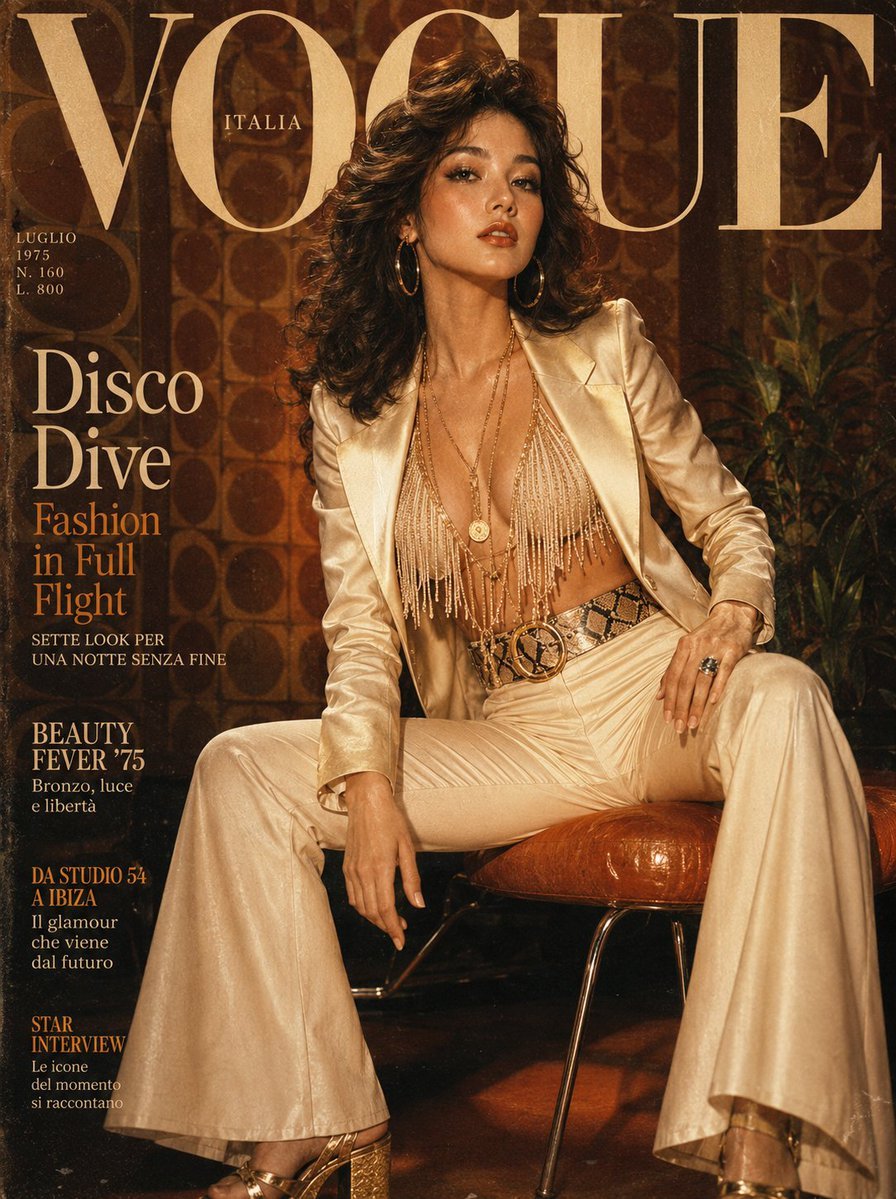
Retro 1970s Editorial Magazine Cover
A prompt for generating a vintage-style Vogue magazine cover featuring 1970s disco-era fashion and aesthetics.
- Prompt included
- Model and format preset
- Free template
The prompt behind this image
Copy the exact prompt behind Retro 1970s Editorial Magazine Cover, or open it in the studio and make it yours.
Ultra-realistic retro editorial magazine cover featuring a {argument name="subject" default="glamorous Korean woman"} in a {argument name="era" default="1970s deep-dive disco era"} look: wide-lapel ivory satin blazer unbuttoned over a beaded fringe halter top, super-flared high-waist cream trousers with a bold snakeskin waist belt, and strappy gold platform heels. Voluminous dark blown-out Farrah Fawcett-style feathered waves. Warm golden-tan skin, bronzed shimmer makeup, earthy brown-peach lip gloss, thick mascara feathered lashes. Oversized gold hoop earrings, long pendant layered chains, bold cocktail ring. Background: vintage 1970s warm sepia-orange studio — geometric wallpaper, warm tungsten light, film grain and soft lens vignette overlay, slight chromatic aberration. "VOGUE" in groovy vintage serif masthead with period-appropriate layout typography. 85mm vintage lens simulation, ultra-detailed satin sheen, photorealistic 70s-grain skin, 8K. Negative: modern clean look, cold tones, cartoon, anime, watermark, blurry.1744x2336
How to use Retro 1970s Editorial Magazine Cover in 3 steps
- 1
Open
The prompt is already in the box next to the preview, with the template's model and format selected.
- 2…a portrait of your subject in softgolden-hour light, 85mm…
Personalize
Edit the subject and creative details for your destination.
- 3Generate
Generate
Press Generate — your image is created in PicX Studio, so you can compare it with the original and refine one variable at a time.
More like this
Templates with the same subject, style or setup. Open one to see its prompt.










Make it yours
Retro 1970s Editorial Magazine Cover works as-is. These are the safest ways to change it without losing the look.
Change one field
Copy a single group, rewrite it, and generate again so you can see what that field is doing.
Keep the frame, change the subject
Hold the composition and light of Retro 1970s Editorial Magazine Cover, then swap wardrobe, props or the person for a new take.
| If the result… | Why | Fix |
|---|---|---|
| The result drifts from the preview | Too many fields changed at once. | Reuse Retro 1970s Editorial Magazine Cover as-is first, then change one group — subject, light, or setting. |
| The model over-stylizes the scene | The prose prompt leaves finish and camera underspecified. | Add one camera or lighting sentence and stay on GPT Image 2. |
More GPT Image 2 templates
Other prompts made for GPT Image 2.

Six VTuber Japanese Logo Sheet

Realistic Portrait of Woman and Deer

The Vista Modular Condo Poster

AI Model Routing Comparison Infographic

2.5D Anime Art Board

Isometric Productivity Desk Scene

New York Double Exposure Poster

Four-Panel AI Landscape Comparison

Japanese Tatami Lifestyle Magazine Cover

NESCAFÉ Coffee Map Poster
More image prompts
Fresh picks from across the catalog.

Fiery Japanese Growth Thumbnail
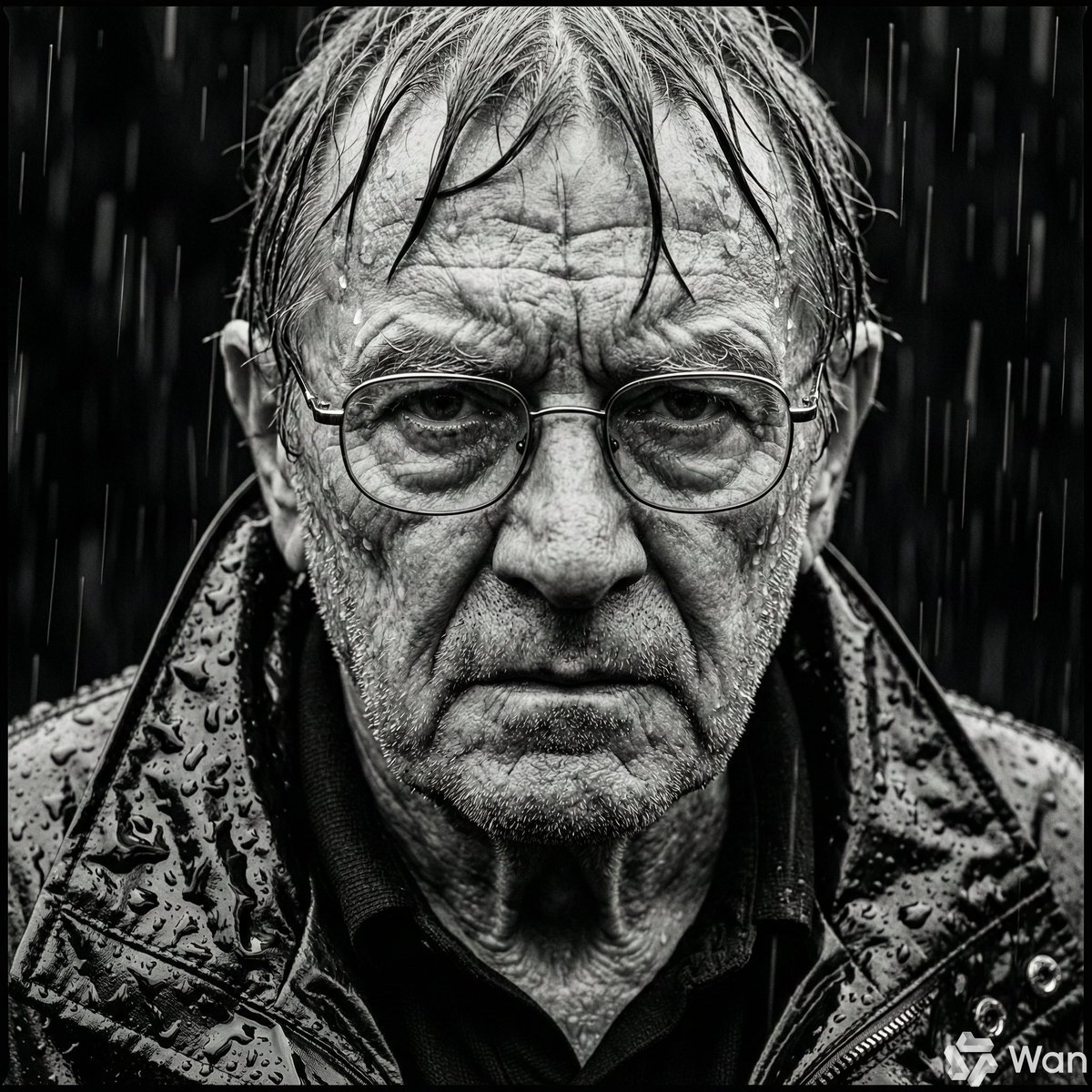
Monochrome Portrait of Elderly Man in Heavy Rain
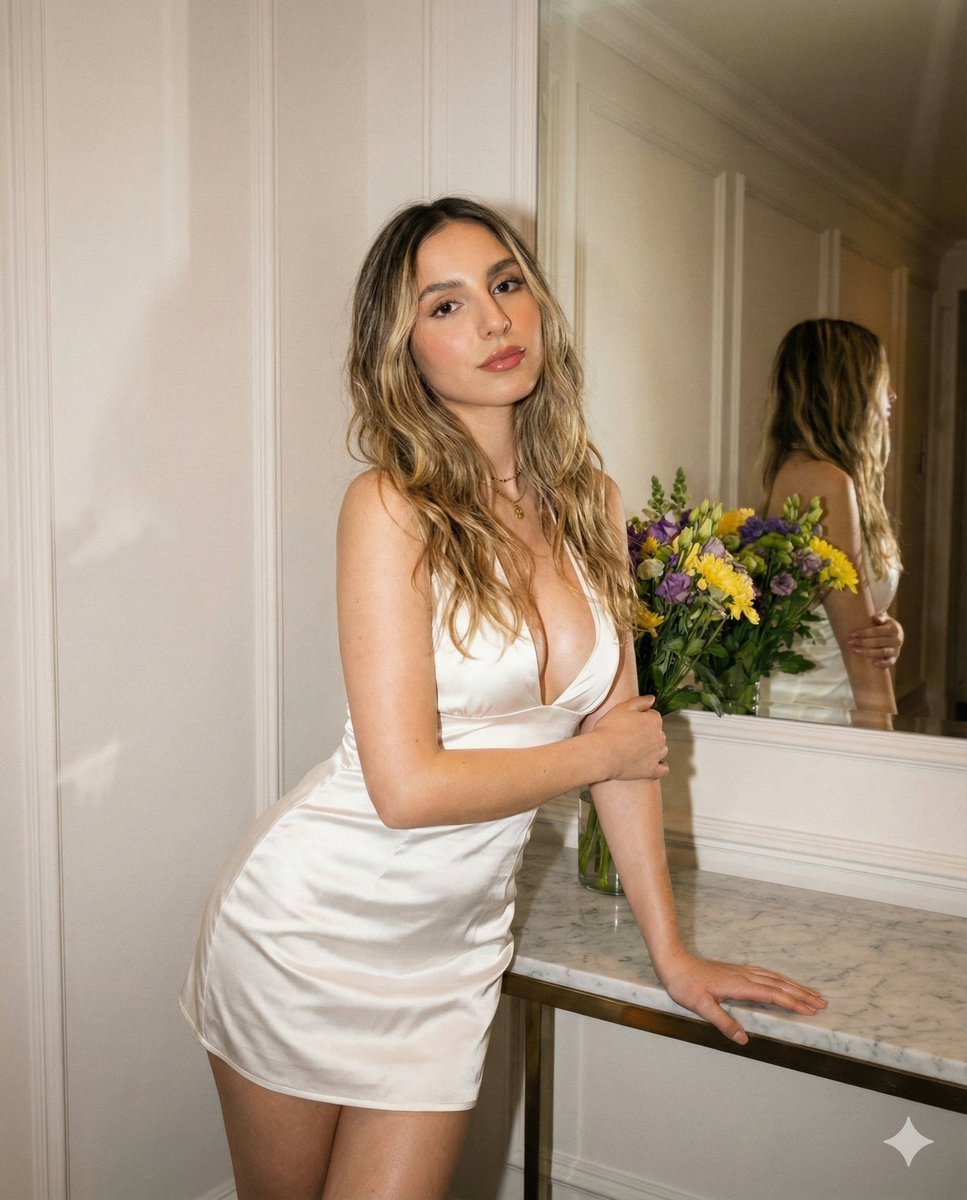
High-Definition Vintage Flash Portrait Prompt

Christmas Snow Globe Prompt
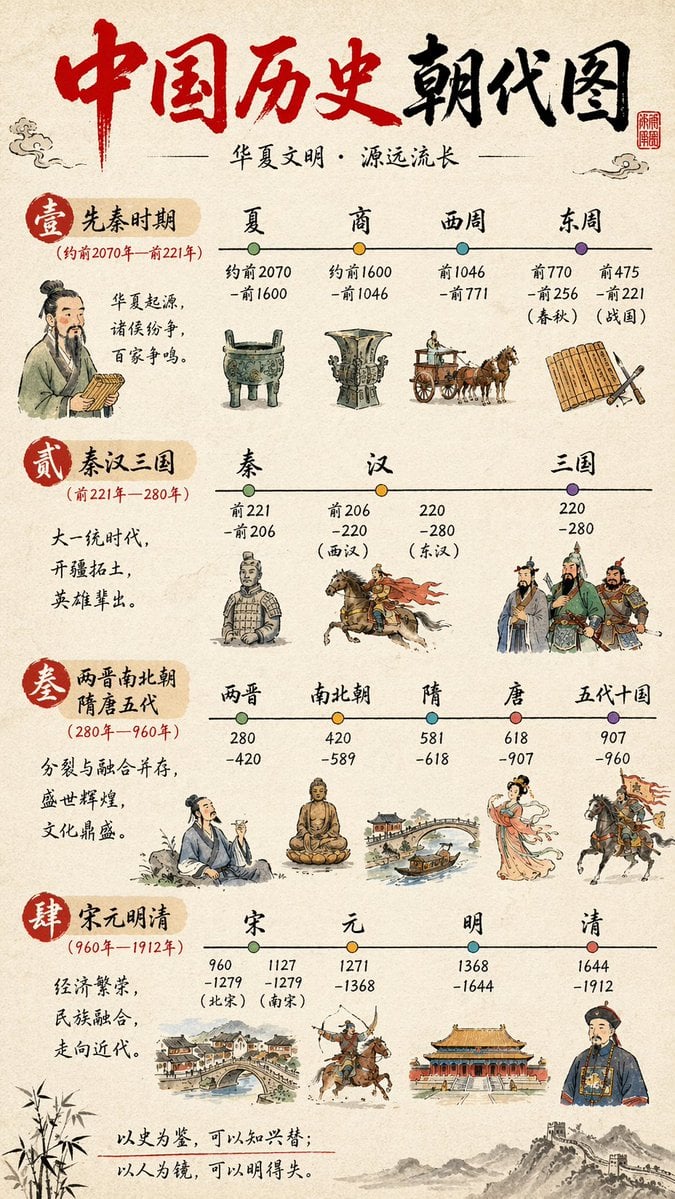
Chinese History Timeline Infographic
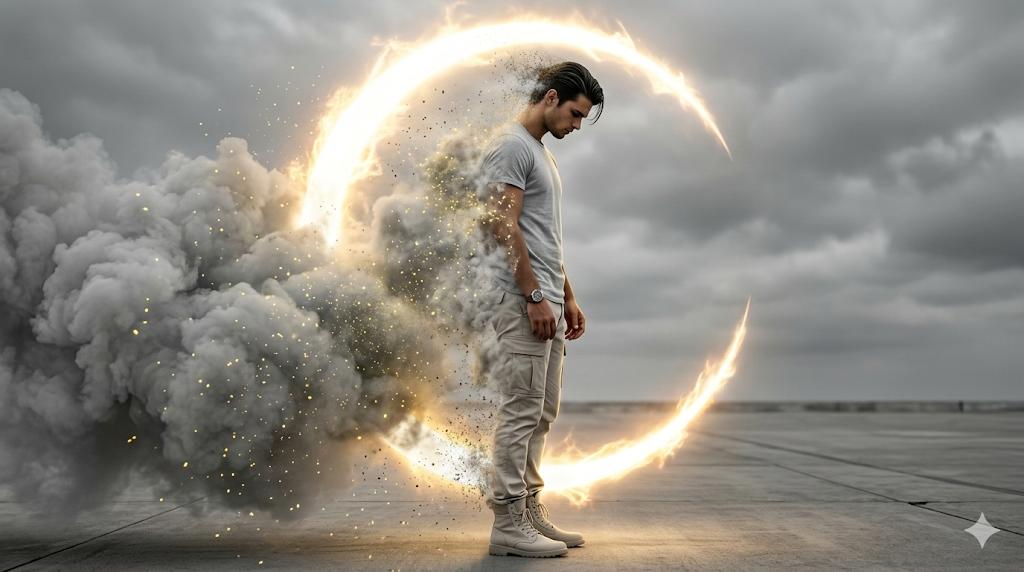
Cinematic Disintegration Portrait Prompt
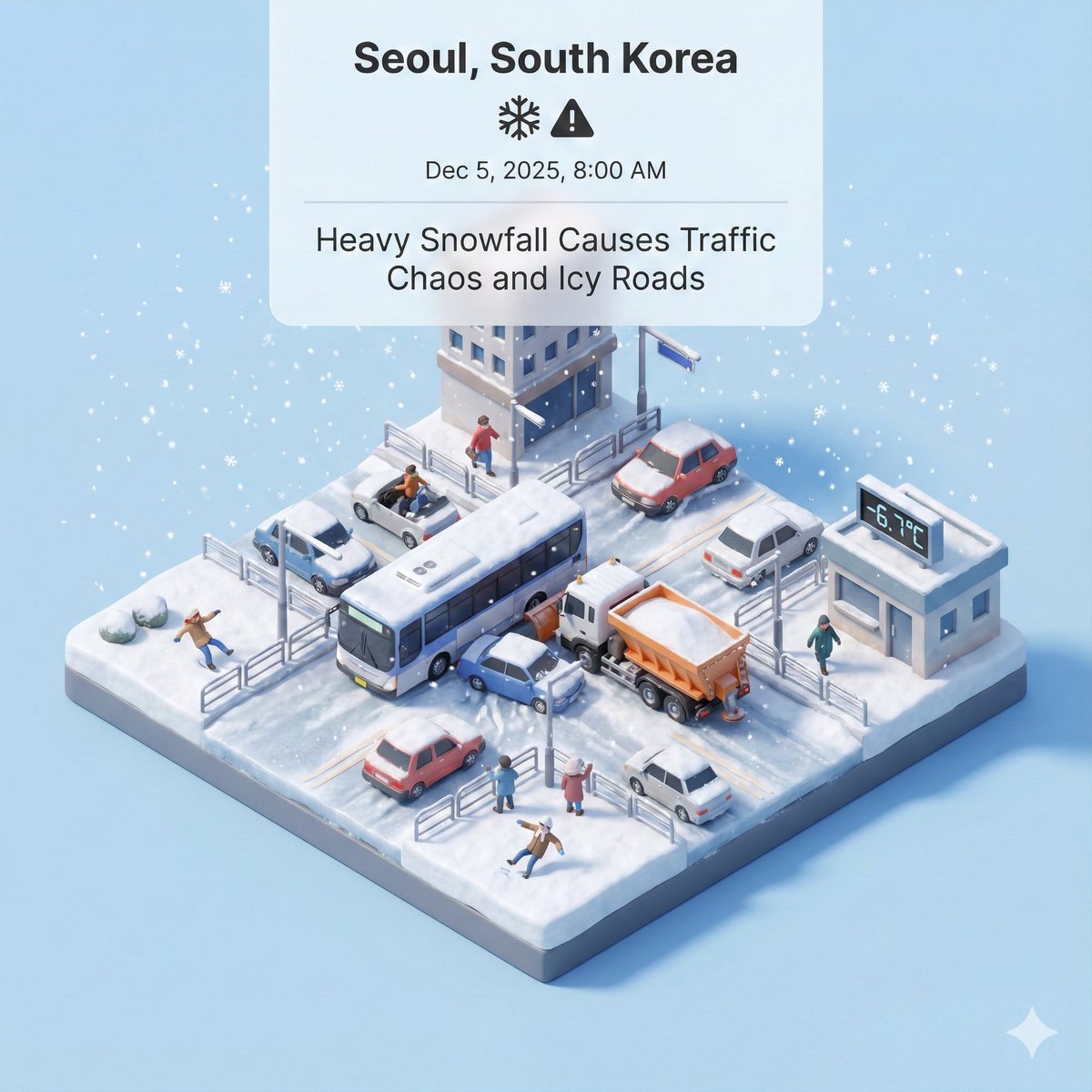
Generating Visuals from Real-Time Korean News
3D Hair Texture Height Map
First-Person Mirror Bedroom Photo

Modern Minimalist PPT/Diagram Generation Prompt
Browse template categories
Retro 1970s Editorial Magazine Cover questions
How do I use the Retro 1970s Editorial Magazine Cover template?
Add your photo if the template asks for one, edit the prompt if you like — the template's model and format are already selected — and press Generate. Your version opens in PicX Studio.
Can I customize the Retro 1970s Editorial Magazine Cover template?
Yes. You can change the subject, setting, lighting, mood, format, and available model controls before creating your image.
Is the Retro 1970s Editorial Magazine Cover template free?
Opening and editing this template is free. Generating uses credits, shown on the Generate button when you are signed in.
Which AI model should I use?
Start with GPT Image 2, which is the model associated with this template. You can compare another compatible model for a different finish.
Looking for something else? Browse all templates.

Your photo, any look
Thousands of ready templates for every top image and video model, from one credit balance.