
Striped Window Shadow Editorial
An editorial portrait prompt capturing a subject near a window with striped shadow patterns, utilizing an early-2000s CCD digital camera aesthetic.
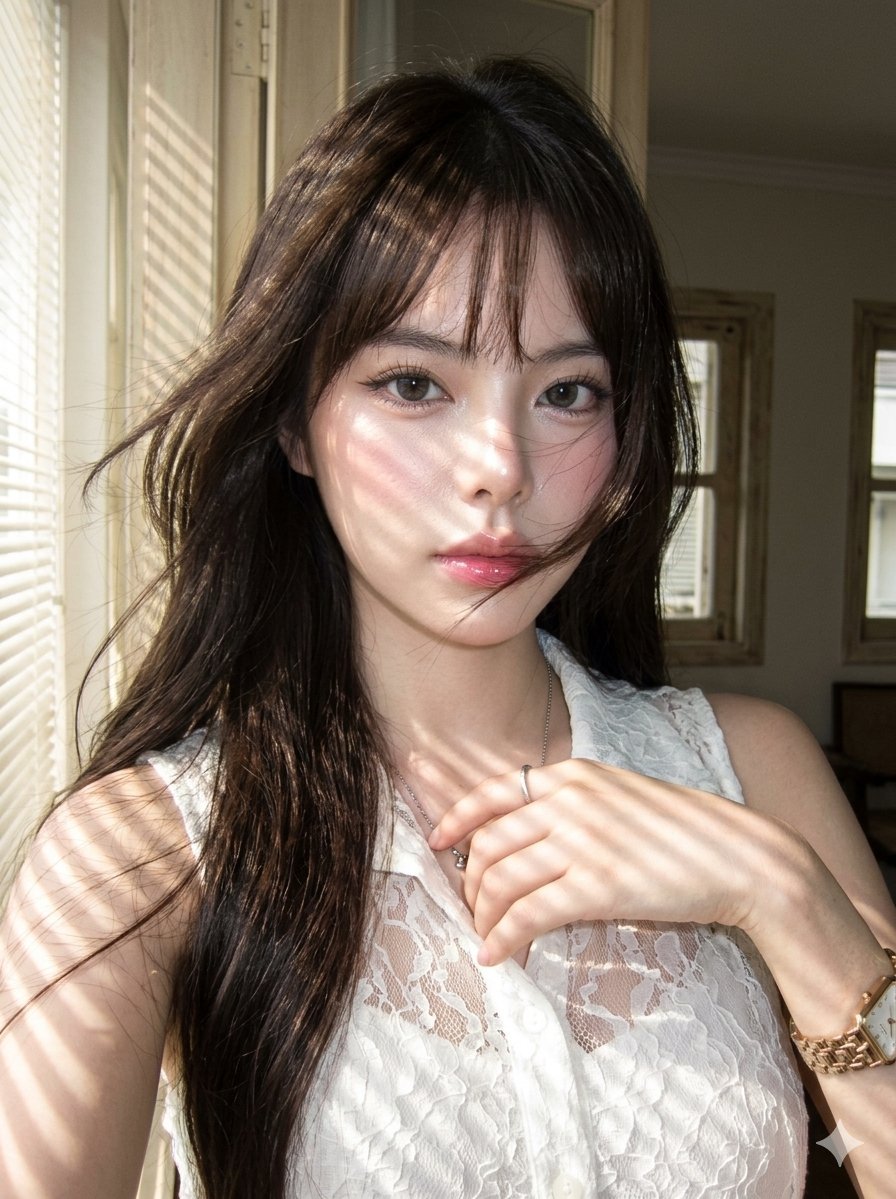
- Prompt included
- Model and format preset
- Premium template
The prompt behind this image
Copy the exact prompt behind Striped Window Shadow Editorial, or open it in the studio and make it yours.
A hyper-photorealistic portrait of the same female subject, preserving exact face, skin tone, and proportions. Scene: Subject standing near a window with striped shadow patterns crossing her face, neck, and chest, wearing a {argument name="outfit" default="chiffon lace white button-up sleeveless"}, wind moving hair across her lips, dreamy editorial mood. Camera settings: Early-2000s CCD digital camera with direct flash softened by daylight, visible grain, slight color inconsistency, bright highlights on nose and lips, imperfect handheld framing. Portra 400 color rendering: warm creamy skin, pastel whites, muted saturation, gentle highlight roll-off layered over flash harshness, neutral-to-warm white balance. Makeup: Rosy complexion, dewy with visible pores, brushed-up feathery brows, thin wing eyeliner, wispy eyelashes, grey contact lenses, pink lip gloss. Hair: {argument name="hair style" default="Modern long layered style with inward upward curled ends"}, messy windswept motion, loose strands crossing the face, airy volume. Negative prompt: no overly clean studio photo, no plastic texture, no face blur, no heavy film filter.
How to use Striped Window Shadow Editorial in 3 steps
- 1
Open
The prompt is already in the box next to the preview, with the template's model and format selected.
- 2…a portrait of your subject in softgolden-hour light, 85mm…
Personalize
Edit the subject and creative details for your destination.
- 3Generate
Generate
Press Generate — your image is created in PicX Studio, so you can compare it with the original and refine one variable at a time.
More like this
Templates with the same subject, style or setup. Open one to see its prompt.
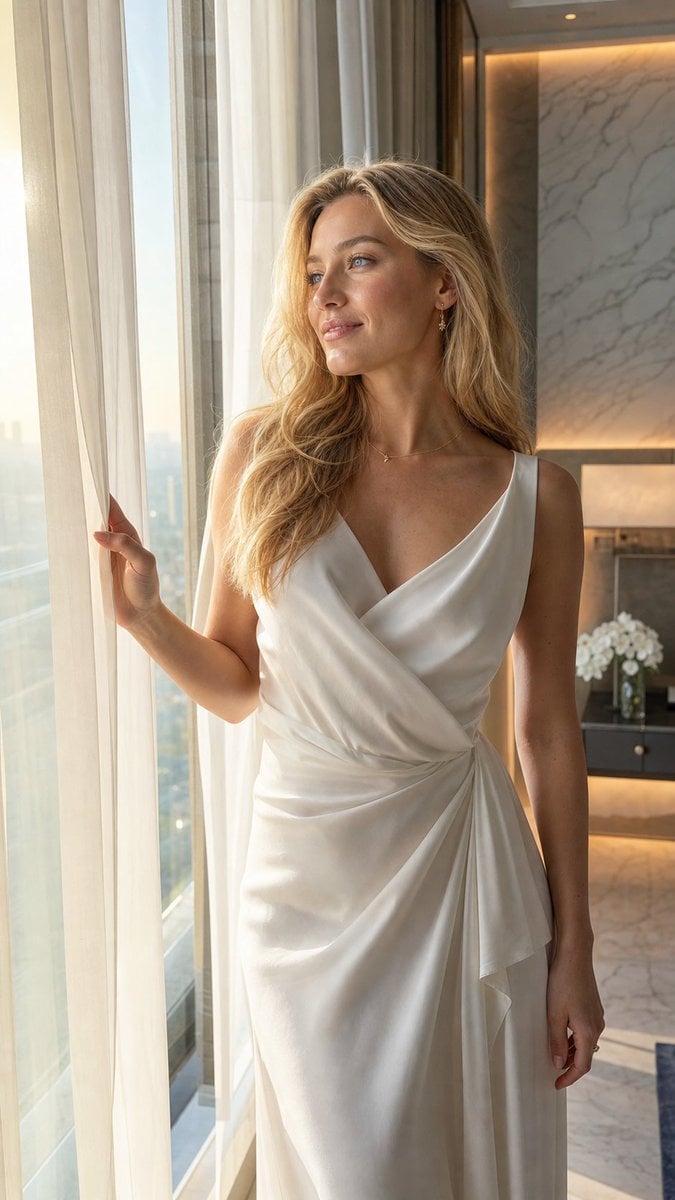
Elegant Hotel Window Editorial

Urban Fashion Editorial Collage Streetwear Poster

Monochrome Hypebeast Street Fashion Editorial Motion

Elegant Green Evening Gown Studio Fashion Portrait

Artistic Patchwork Fashion Portrait Spring Festival

Japanese Architectural Concrete Studio Fashion Campaign

Monroe and Ash Mediterranean Luxury Fashion Campaign

Premium Fashion Editorial Cover Layout System

Korean Luxury Fashion Editorial 2x2 Grid Series

Monochrome Halftone Editorial Fashion Poster

Retro Mirror Luxury Fashion Campaign Poster

Luxury Fashion Campaign Typography Poster System
Make it yours
Striped Window Shadow Editorial works as-is. These are the safest ways to change it without losing the look.
Change one field
Copy a single group, rewrite it, and generate again so you can see what that field is doing.
Keep the frame, change the subject
Hold the composition and light of Striped Window Shadow Editorial, then swap wardrobe, props or the person for a new take.
| If the result… | Why | Fix |
|---|---|---|
| The result drifts from the preview | Too many fields changed at once. | Reuse Striped Window Shadow Editorial as-is first, then change one group — subject, light, or setting. |
| The model over-stylizes the scene | The prose prompt leaves finish and camera underspecified. | Add one camera or lighting sentence and stay on Nano Banana 2. |
More Nano Banana 2 templates
Other prompts made for Nano Banana 2.

Photorealistic Leaf Shaped Like a Dragon

K-Pop Idol Portrait Grid for Rapid Selection

Poetic Rain Forest Portrait During Golden Hour

Urban Street Portrait with Cartoon Inner Self Duo

Candid Nighttime Photo with Cat Prompt

High-Concept 3D Diorama Generation Prompt

Cinematic Futuristic Studio Portrait Template

Skincare Editorial Photography Collage Prompt

Hyper-Realistic Commercial Product Photography (Splash Effect)

Hyper-Realistic Nightclub Portrait Prompt
More image prompts
Fresh picks from across the catalog.
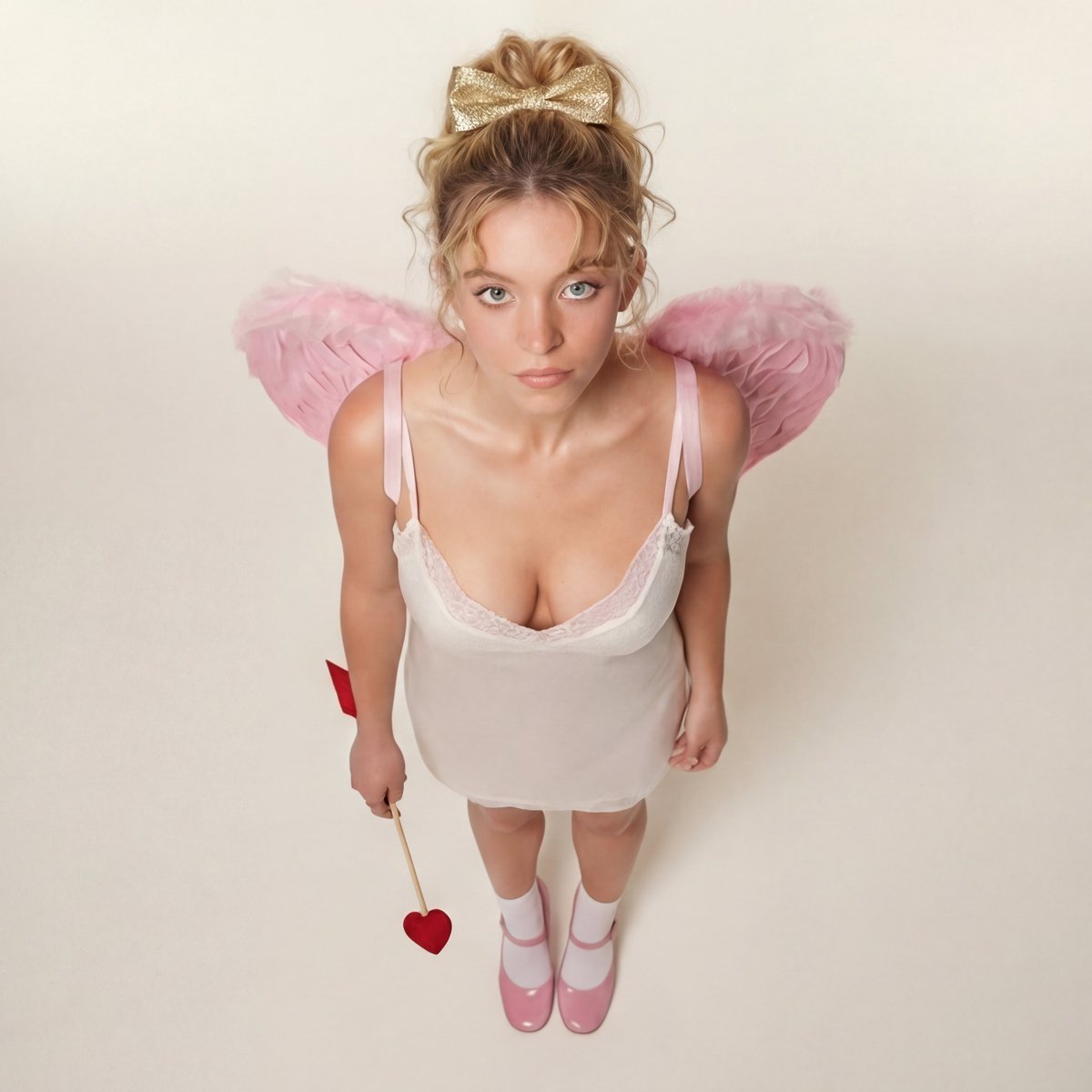
Modern Ethereal Cupid / Coquette Core Portrait
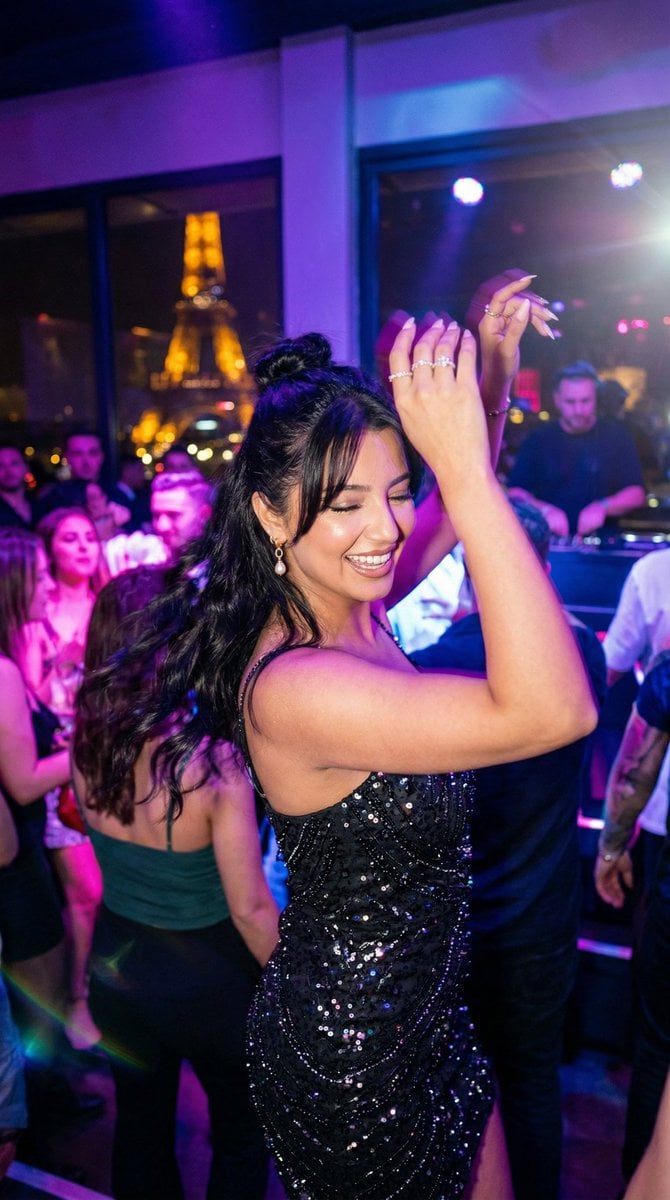
Paris Night Party Dance
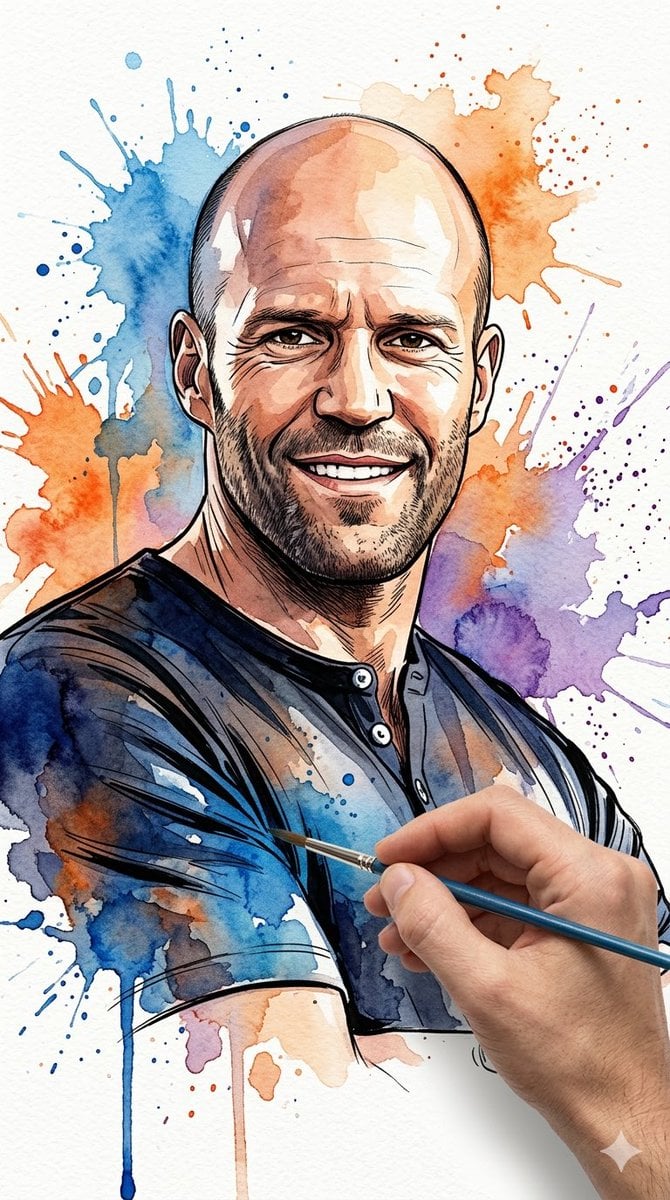
Vibrant Watercolor Portrait with Dynamic Paint Splashes
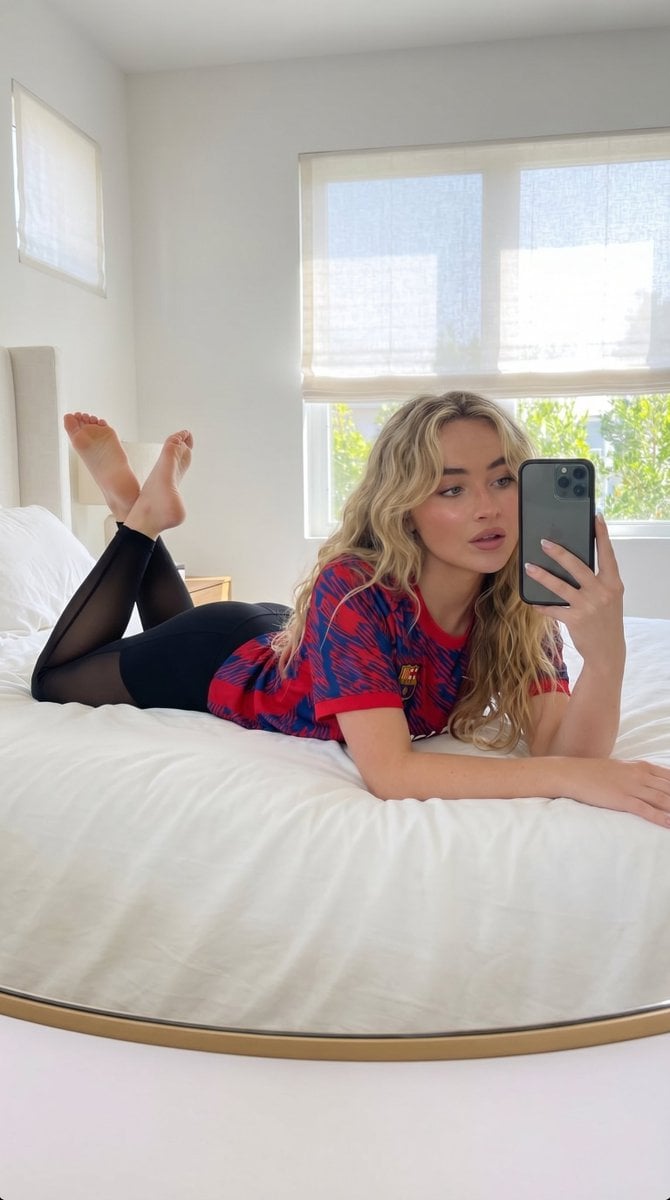
Natural Lifestyle Mirror Selfie
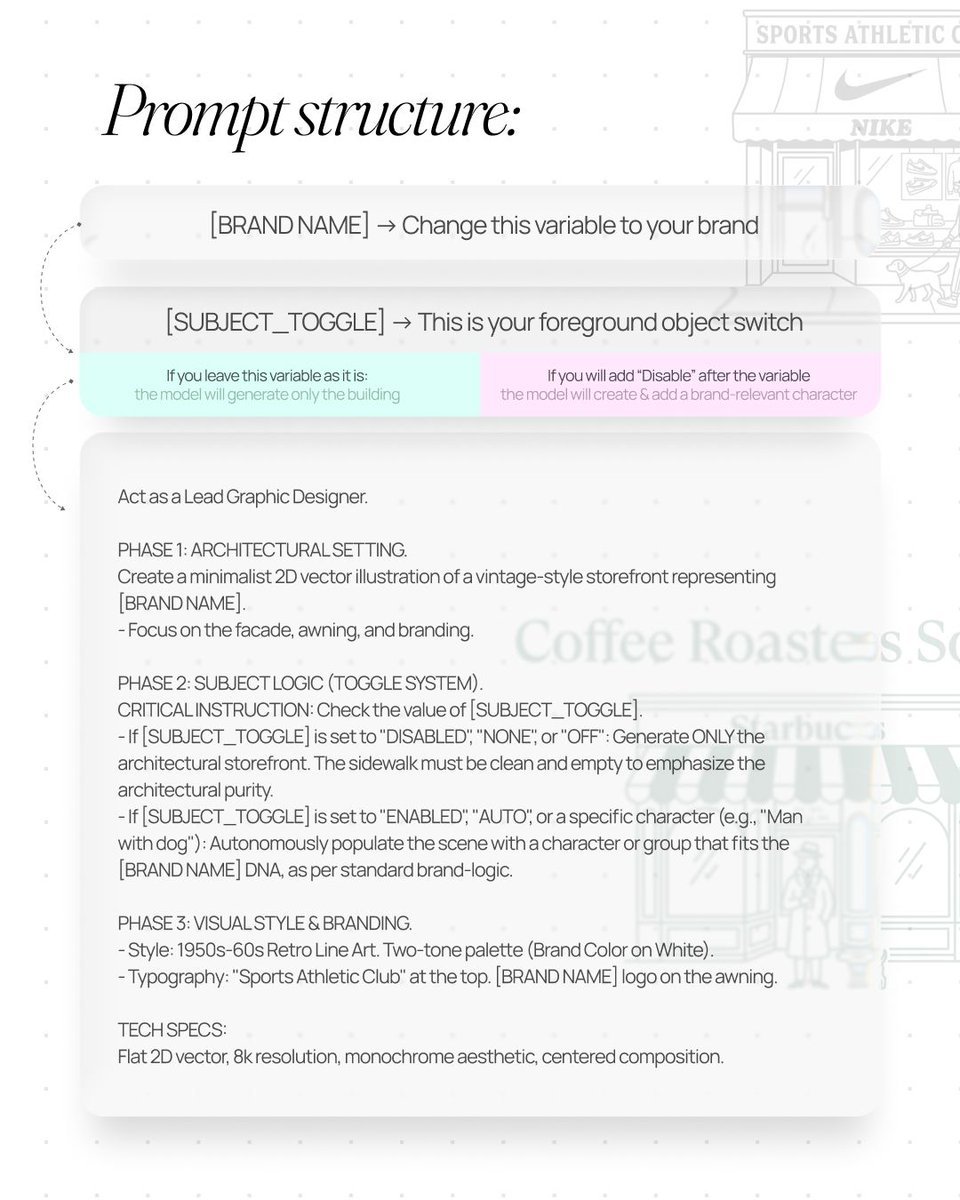
Retro Line Art Storefront Illustration Generator Template
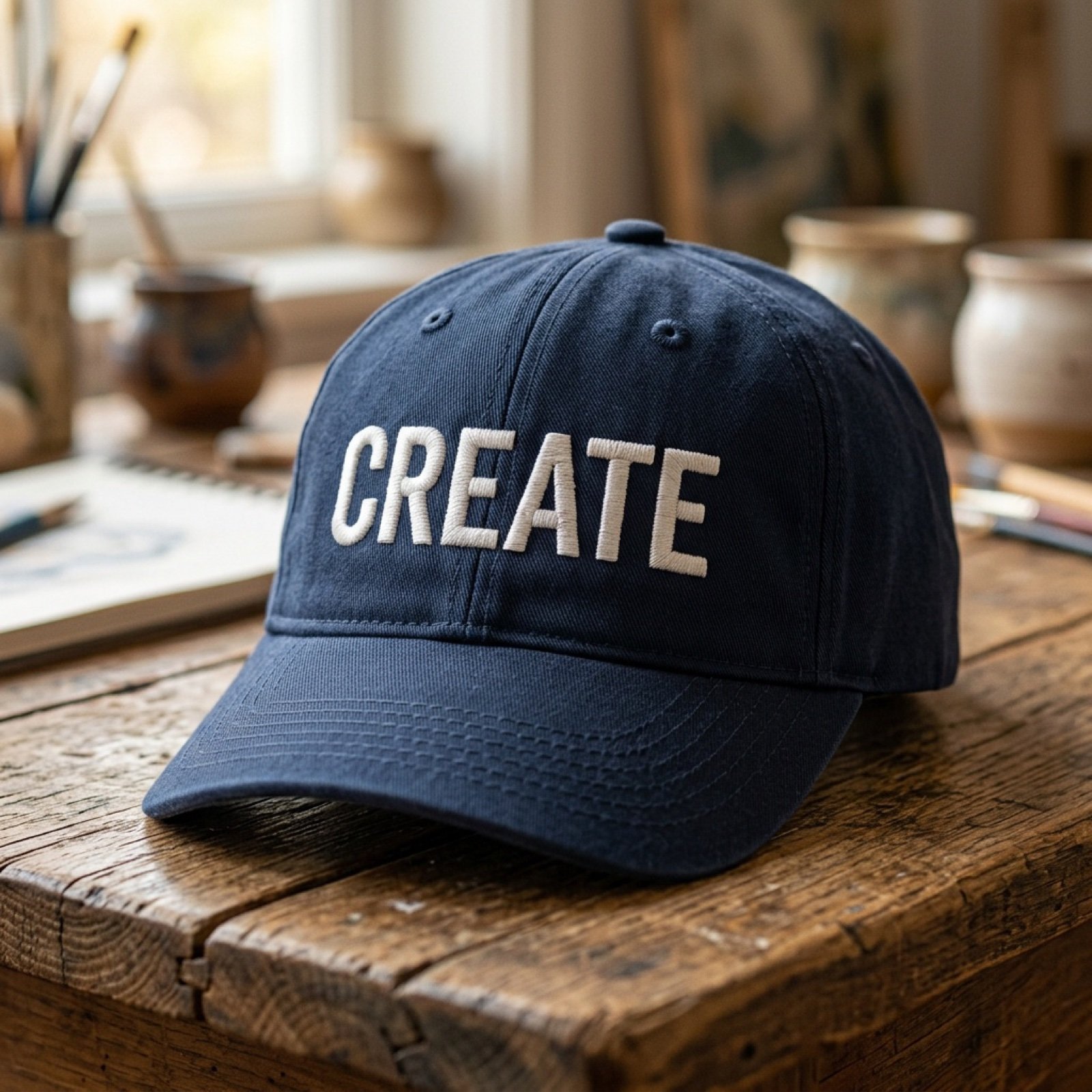
Add baseball hat with embroidered text
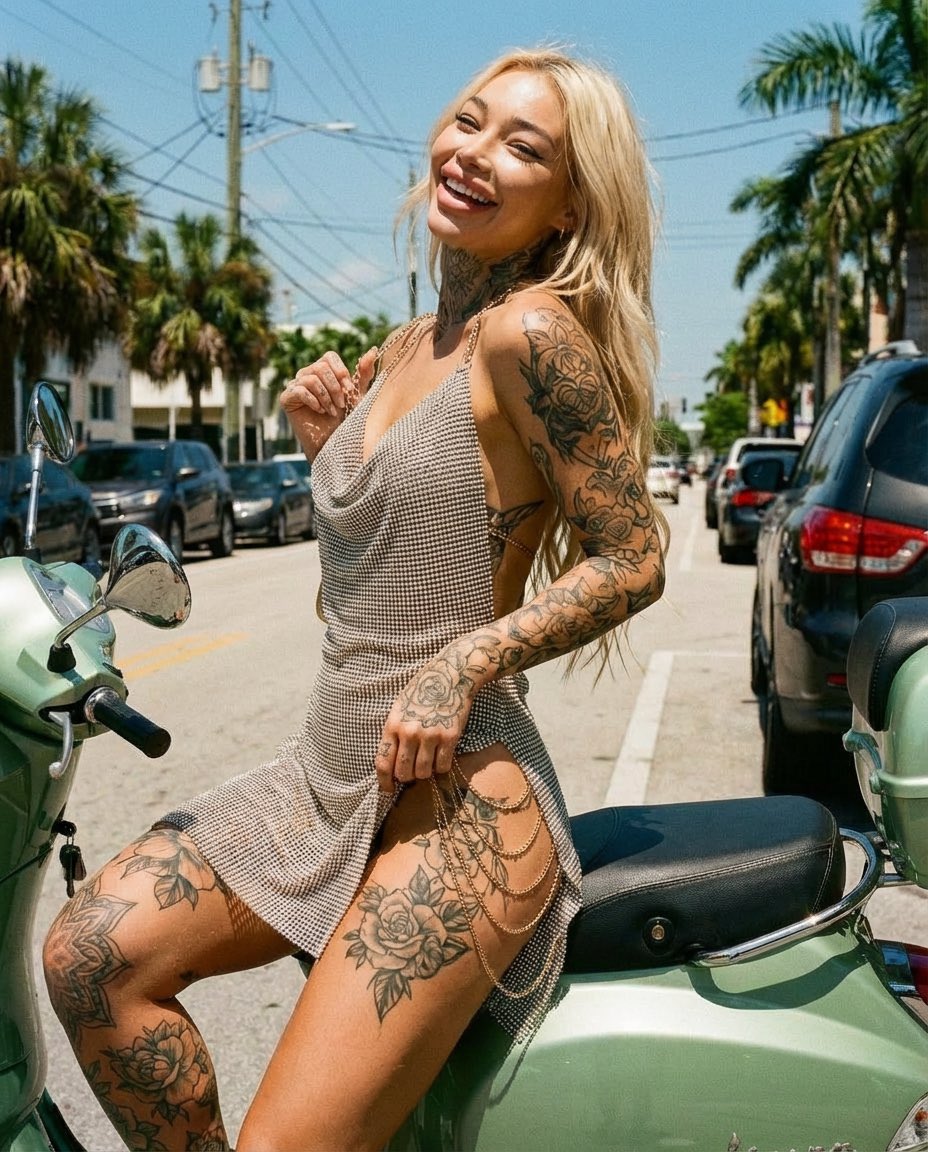
Sunlit Street Scene with Tattooed Woman on Scooter (JSON Format)
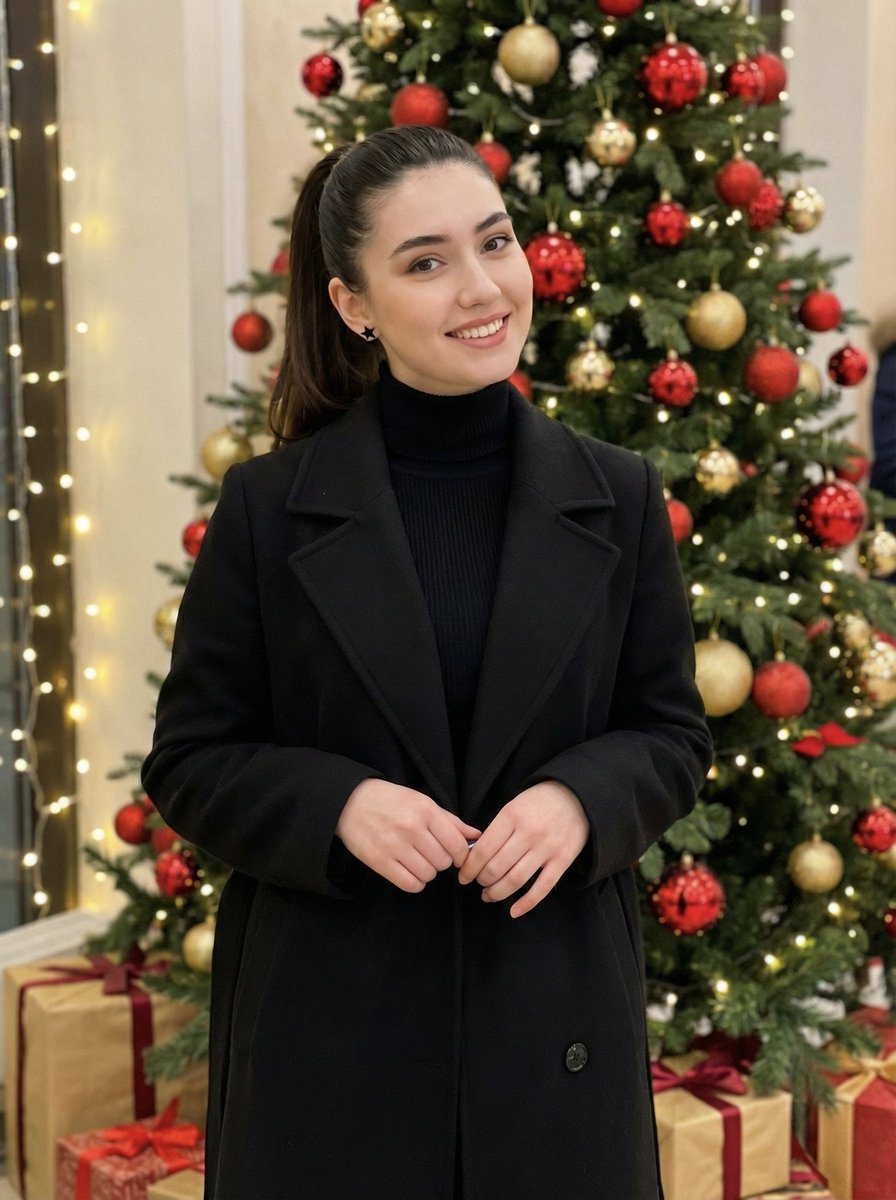
Holiday Elegance Portrait with Face Reference
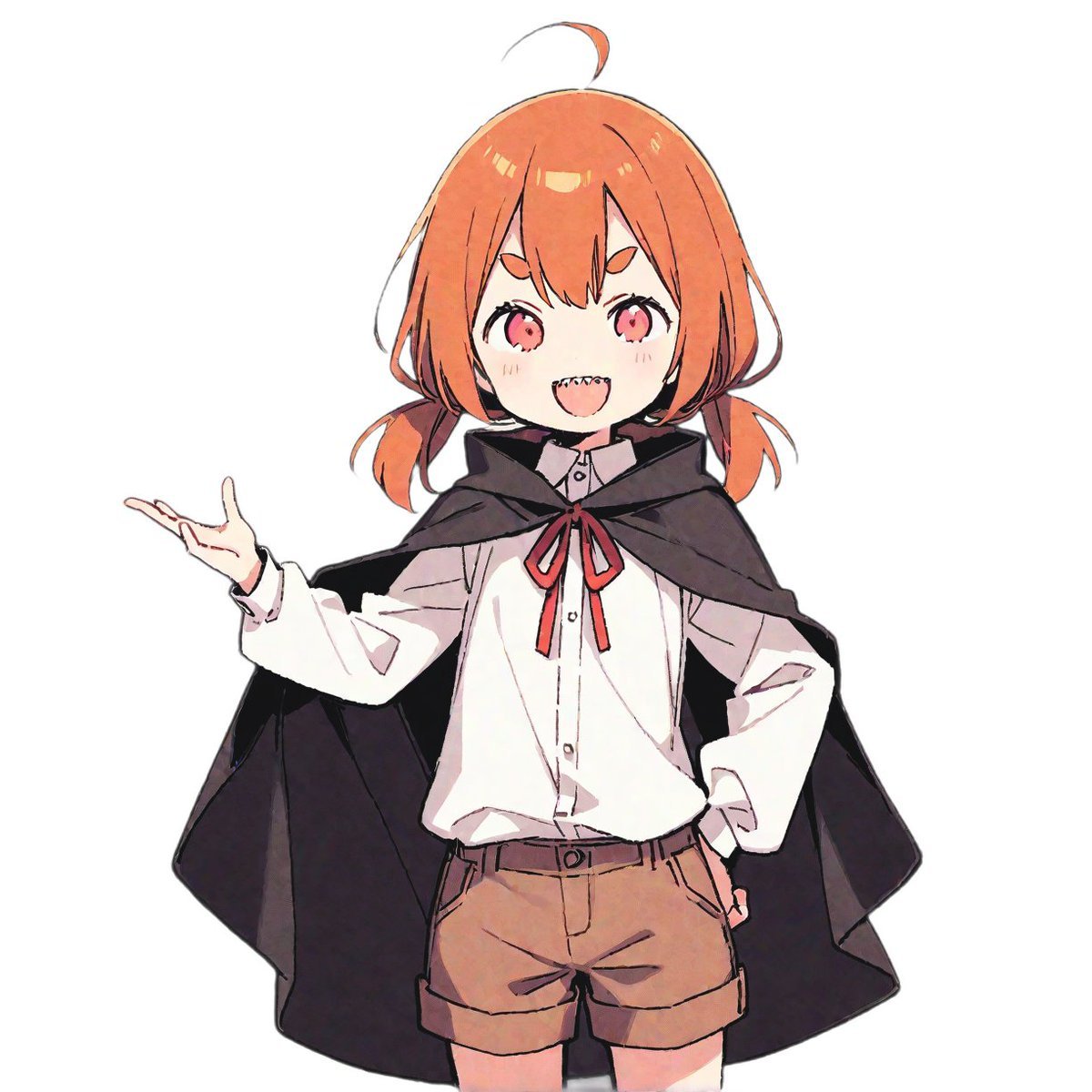
LINE Sticker Generation Prompt
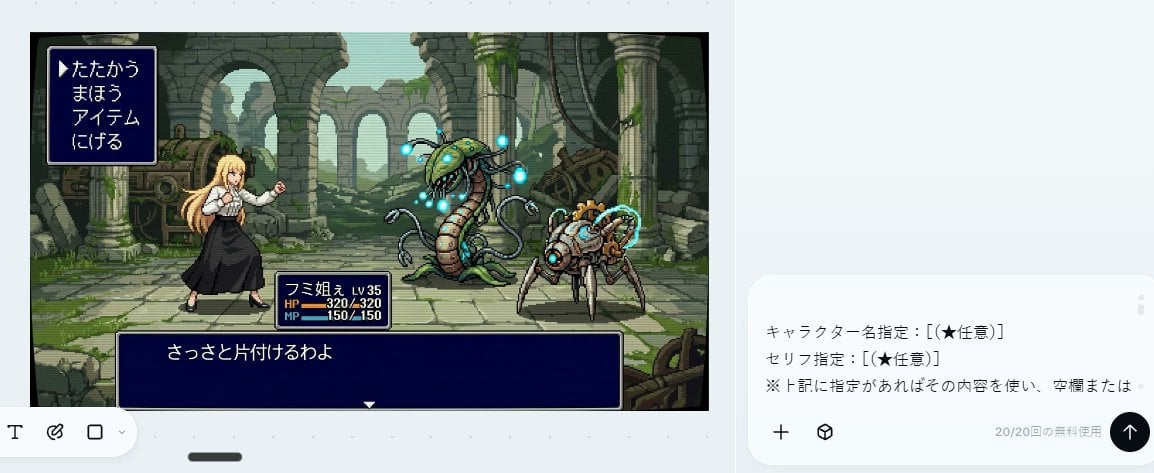
Bit RPG Battle Screen
Browse template categories
Striped Window Shadow Editorial questions
How do I use the Striped Window Shadow Editorial template?
Add your photo if the template asks for one, edit the prompt if you like — the template's model and format are already selected — and press Generate. Your version opens in PicX Studio.
Can I customize the Striped Window Shadow Editorial template?
Yes. You can change the subject, setting, lighting, mood, format, and available model controls before creating your image.
Is the Striped Window Shadow Editorial template free?
Opening and editing this template is free. Generating uses credits, shown on the Generate button when you are signed in.
Which AI model should I use?
Start with Nano Banana 2, which is the model associated with this template. You can compare another compatible model for a different finish.
Looking for something else? Browse all templates.

Your photo, any look
Thousands of ready templates for every top image and video model, from one credit balance.