
Moonlit Fox Mask Night Market
Generates a cinematic anime fantasy scene of a magical Japanese night market under a full moon, ideal for atmospheric illustration or story concept art.

- Prompt included
- Model and format preset
- Free template
The prompt behind this image
Copy the exact prompt behind Moonlit Fox Mask Night Market, or open it in the studio and make it yours.
Create a highly detailed cinematic anime fantasy illustration of {argument name="scene concept" default="a moonlit night market that opens only while the full moon is visible"}. The setting is a narrow old Japanese alley market at night after rain, with glossy wet cobblestones reflecting blue moonlight, warm lantern light, and tiny magical sparkles. In the foreground, show a young woman in a pale floral yukata with a dark obi, dark hair tied loosely with flower ornaments, large expressive eyes, and a soft look of wonder as she reaches toward a glowing glass jar being offered to her. On the right, a mysterious vendor wearing an elegant kimono and a white fox mask holds the jar; the vendor stands behind a crowded wooden stall filled with magical glass bottles, vials, lanterns, and orb-like containers. Count the main visible magical merchandise as 10 distinct glowing glass items: 1 large jar in the vendor’s hand containing warm golden firework-like lights, 1 blue glowing hanging orb near the center, 1 blue hanging orb on the far left, 1 blue hanging orb near the upper right, 1 tall blue bottle on the stall, 1 small golden lantern-bottle on the stall, 1 purple-blue potion bottle, 1 round glass vessel at the lower right edge, 1 narrow amber bottle beside the vendor, and 1 small sparkling vial near the counter. Above the alley, include exactly 3 prominent red paper lanterns on the right side, glowing warmly. In the deep background, show stairs rising into the market, small silhouetted shoppers in kimono, layered wooden shopfronts, hanging fabrics with subtle floral patterns, strings of red lanterns, and a bright full moon framed by clouds and tree branches at the top center-left. Use a dramatic vertical composition, slightly tilted perspective, rich depth, dense detail, rim lighting, volumetric glow, and contrast between cool blue moonlight and warm orange lantern light. Style: premium Japanese anime key visual, intricate painterly rendering, magical realism, cinematic lighting, ultra-detailed reflections, no text, no watermark. Use {argument name="color palette" default="deep indigo blue, wet black stone, warm vermilion lantern orange, soft gold, and crystal cyan"}.
How to use Moonlit Fox Mask Night Market in 3 steps
- 1Upload ImagePNG, JPG or paste
Add your photo
Upload the photo the template builds on. The prompt, model and format are already set.
- 2…a portrait of your subject in softgolden-hour light, 85mm…
Personalize
Edit the subject and creative details for your destination.
- 3Generate
Generate
Press Generate — your image is created in PicX Studio, so you can compare it with the original and refine one variable at a time.
More like this
Templates with the same subject, style or setup. Open one to see its prompt.
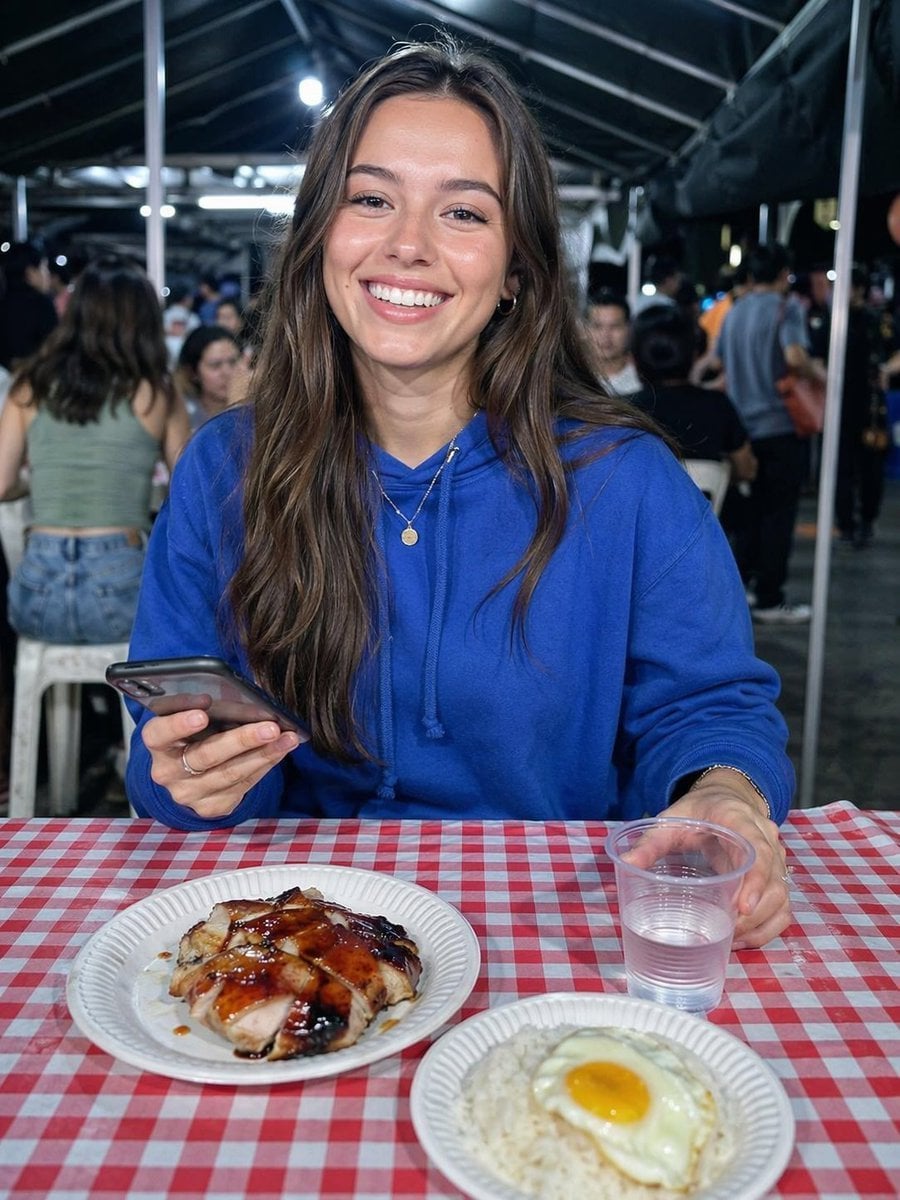
Night Market Dinner Portrait
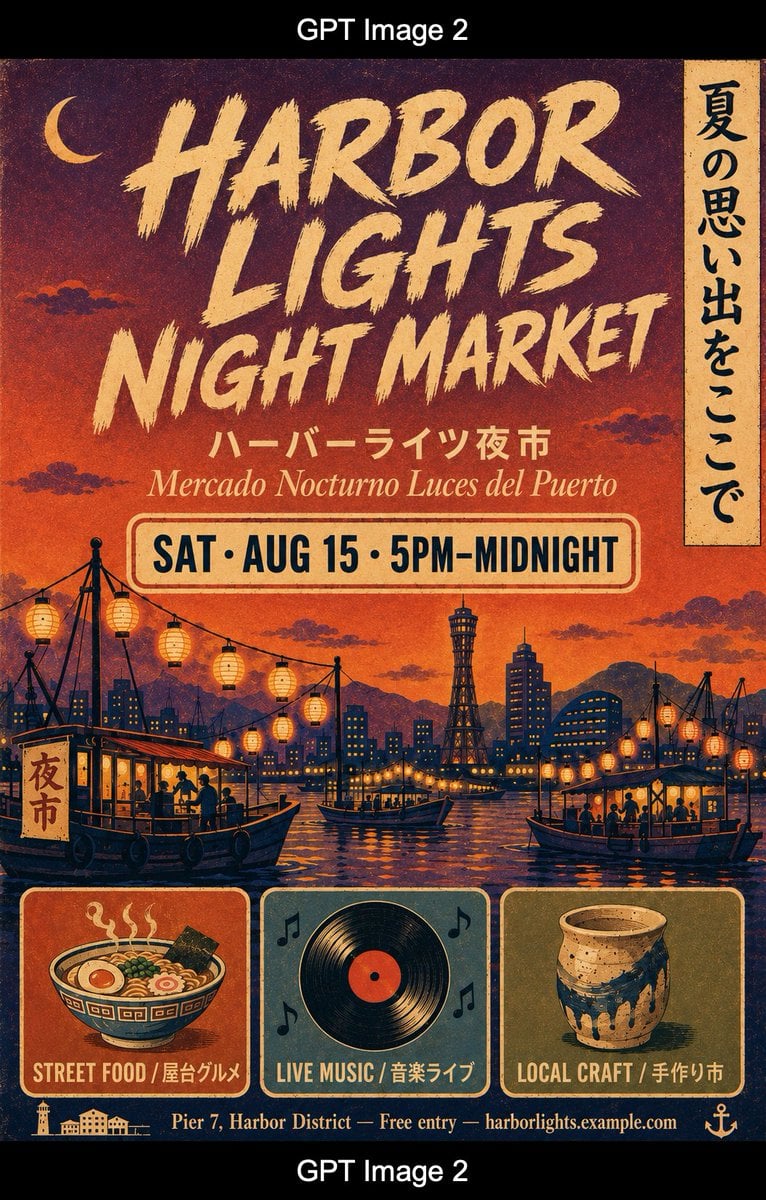
Retro Harbor Lights Night Market Poster

Subway Platform Quiet Introspective Portrait
Subway Platform Quiet Introspective Portrait

Spider-Man Night Swing New York Cinematic
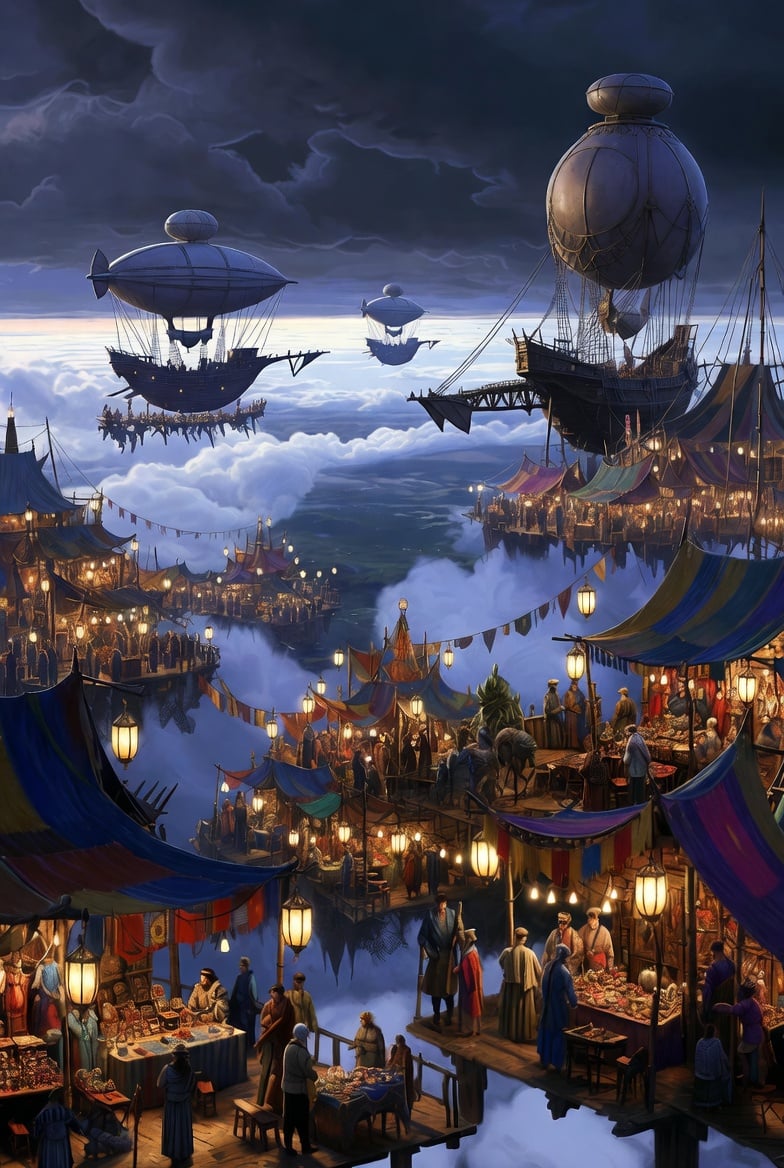
Floating Sky Night Market
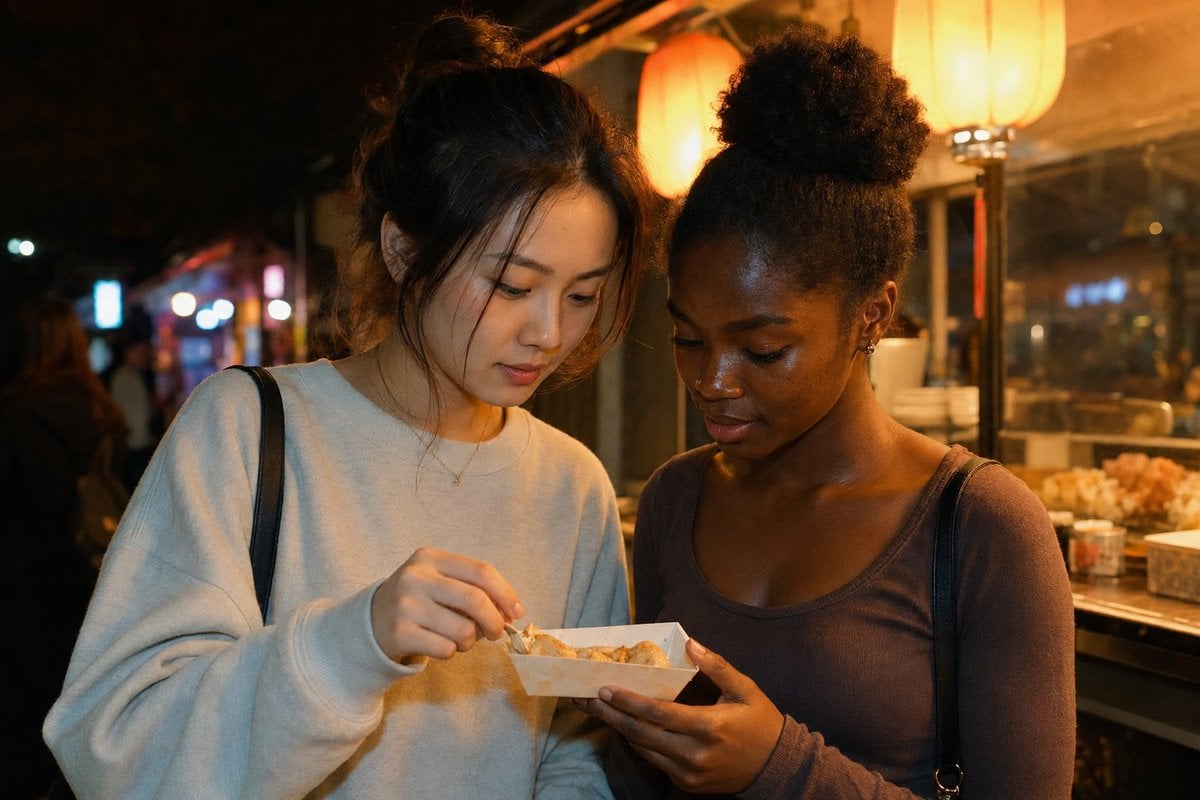
Candid Night Market Food Stall Friends
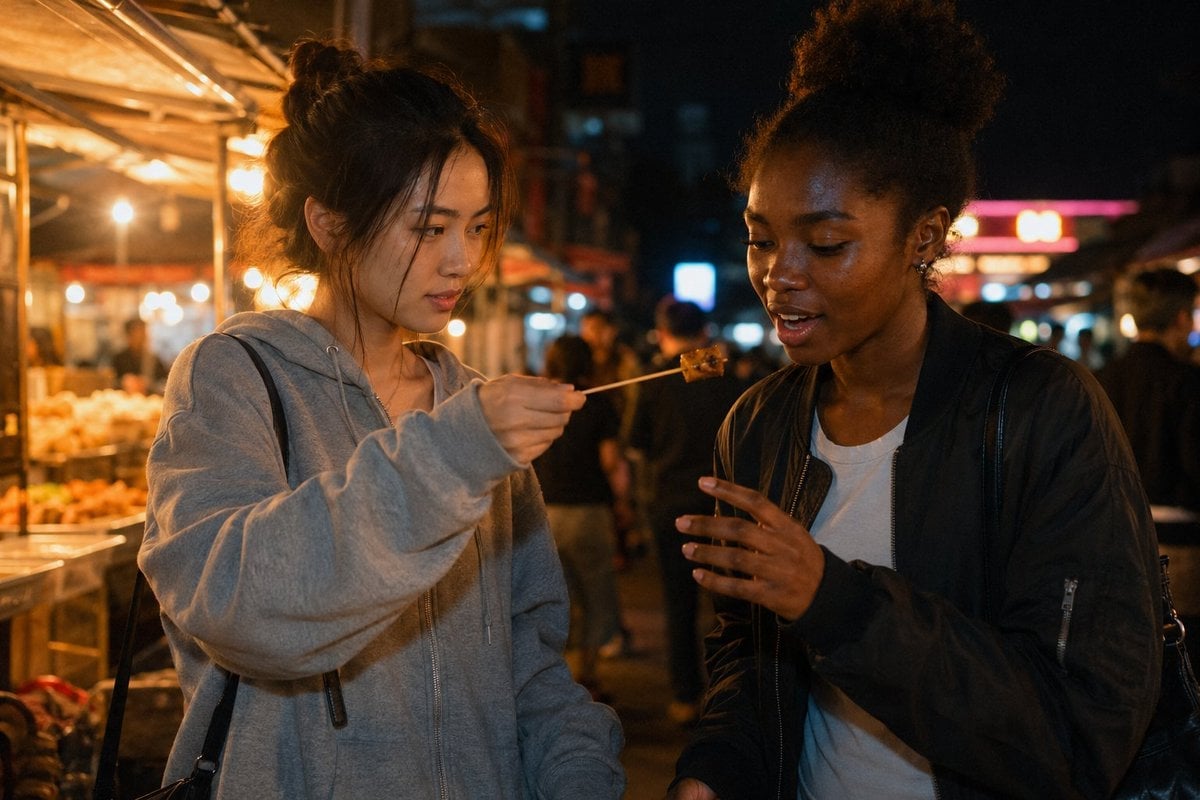
Candid Night Market Food Offering
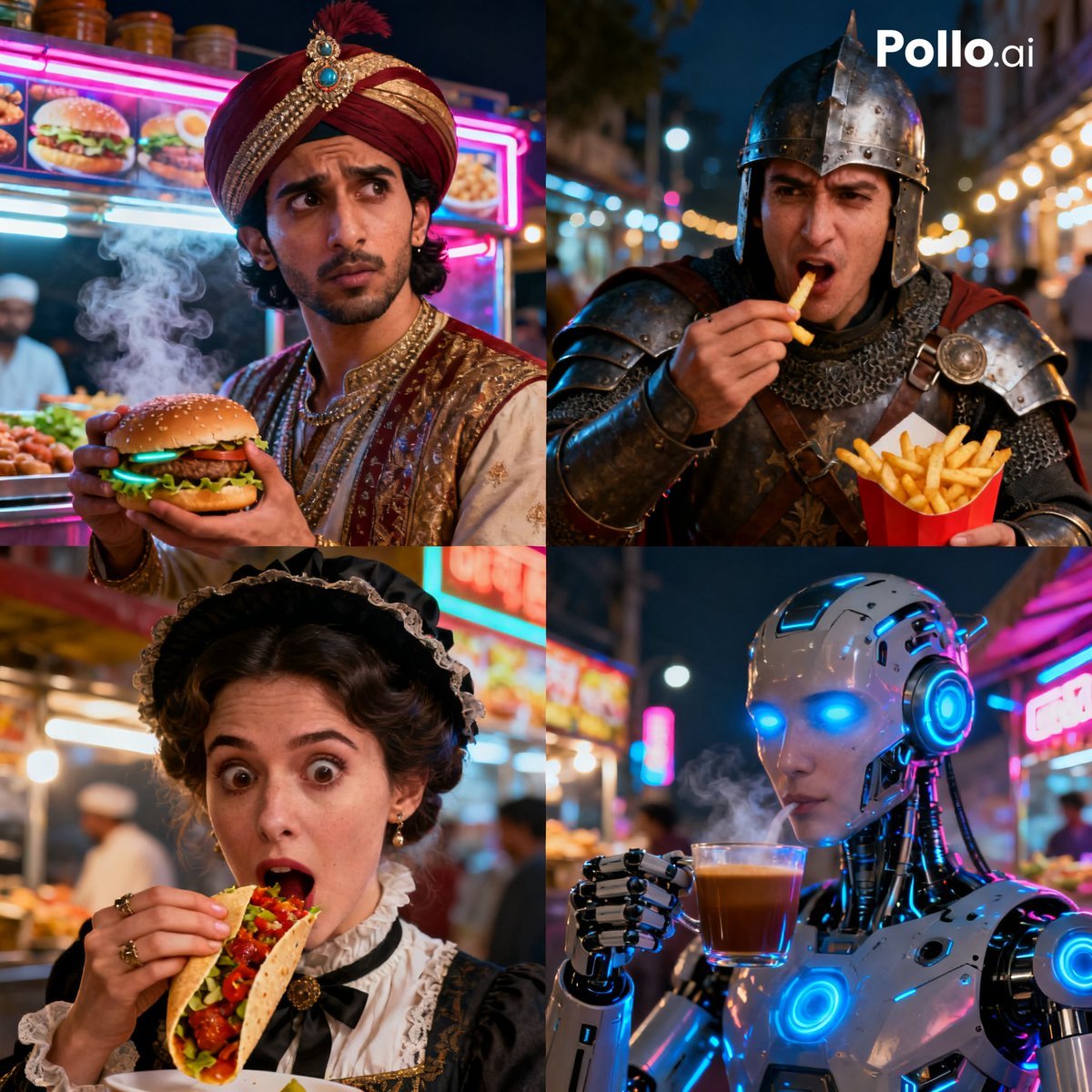
Time Traveler Night Market Grid

Floating Woman Above Cityscape with Notifications
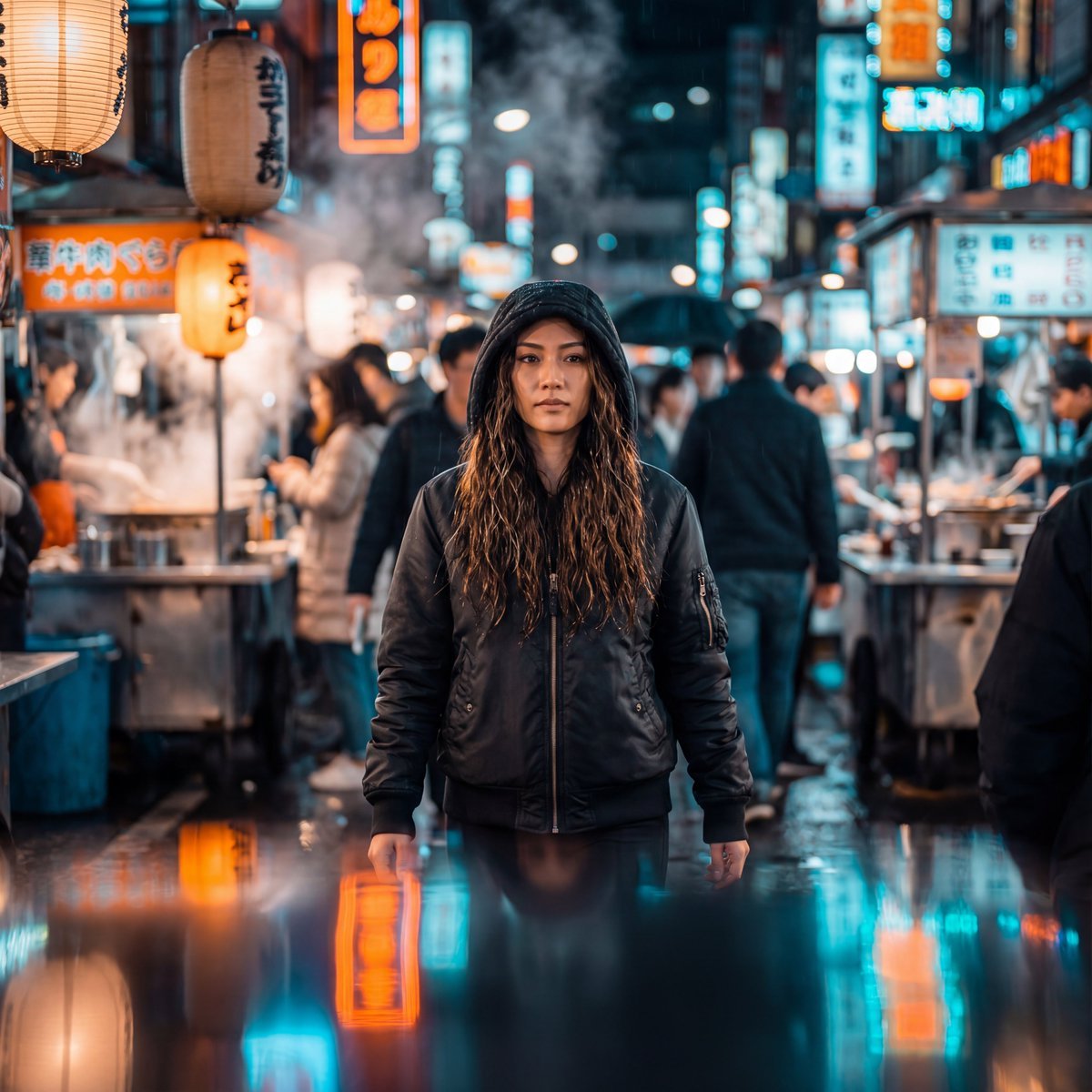
Neon-Lit Night Market Cinematic Portrait
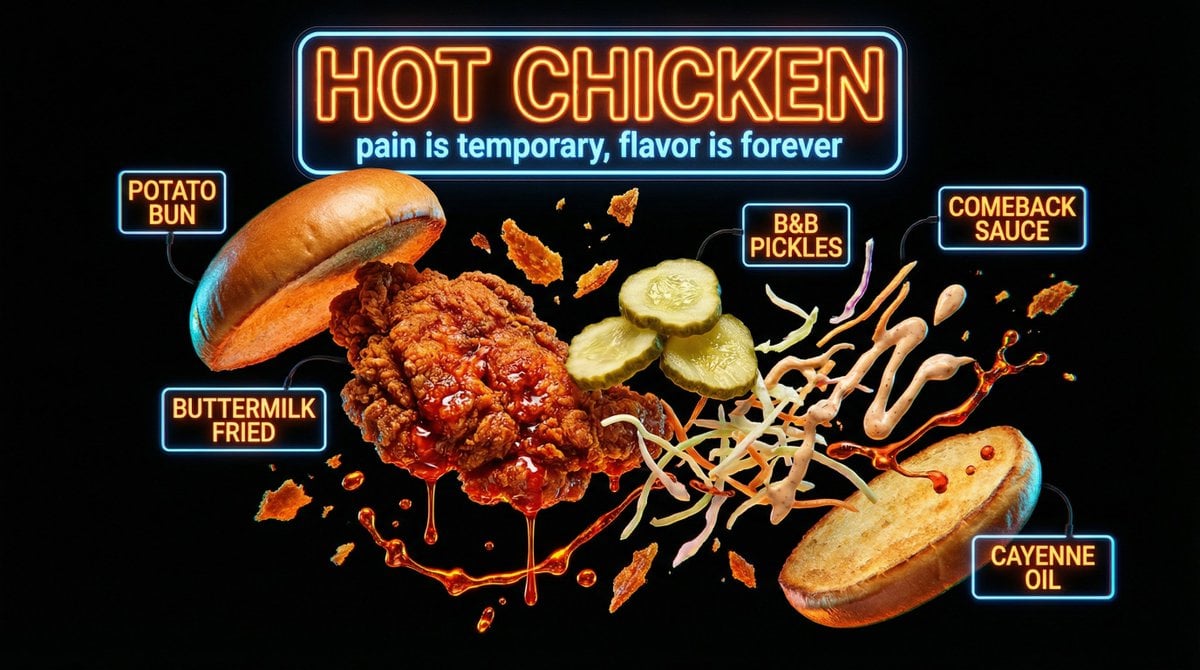
Neon Night Market Food Photography
Make it yours
Moonlit Fox Mask Night Market works as-is. These are the safest ways to change it without losing the look.
Change one field
Copy a single group, rewrite it, and generate again so you can see what that field is doing.
Keep the frame, change the subject
Hold the composition and light of Moonlit Fox Mask Night Market, then swap wardrobe, props or the person for a new take.
| If the result… | Why | Fix |
|---|---|---|
| The result drifts from the preview | Too many fields changed at once. | Reuse Moonlit Fox Mask Night Market as-is first, then change one group — subject, light, or setting. |
| The model over-stylizes the scene | The prose prompt leaves finish and camera underspecified. | Add one camera or lighting sentence and stay on GPT Image 2. |
More GPT Image 2 templates
Other prompts made for GPT Image 2.

Six VTuber Japanese Logo Sheet

Realistic Portrait of Woman and Deer

The Vista Modular Condo Poster

AI Model Routing Comparison Infographic

2.5D Anime Art Board

Isometric Productivity Desk Scene

New York Double Exposure Poster

Four-Panel AI Landscape Comparison

Japanese Tatami Lifestyle Magazine Cover

NESCAFÉ Coffee Map Poster
More image prompts
Fresh picks from across the catalog.
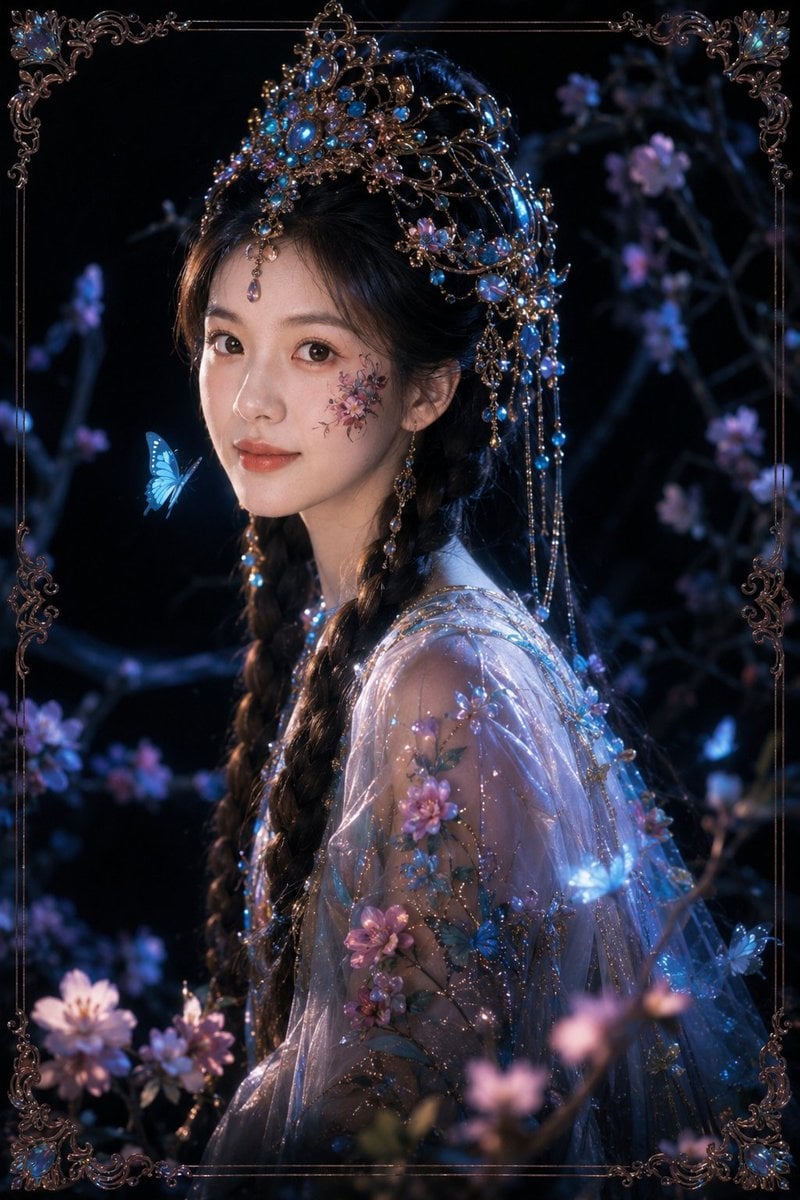
Dark Fantasy Oriental Mythic Portrait
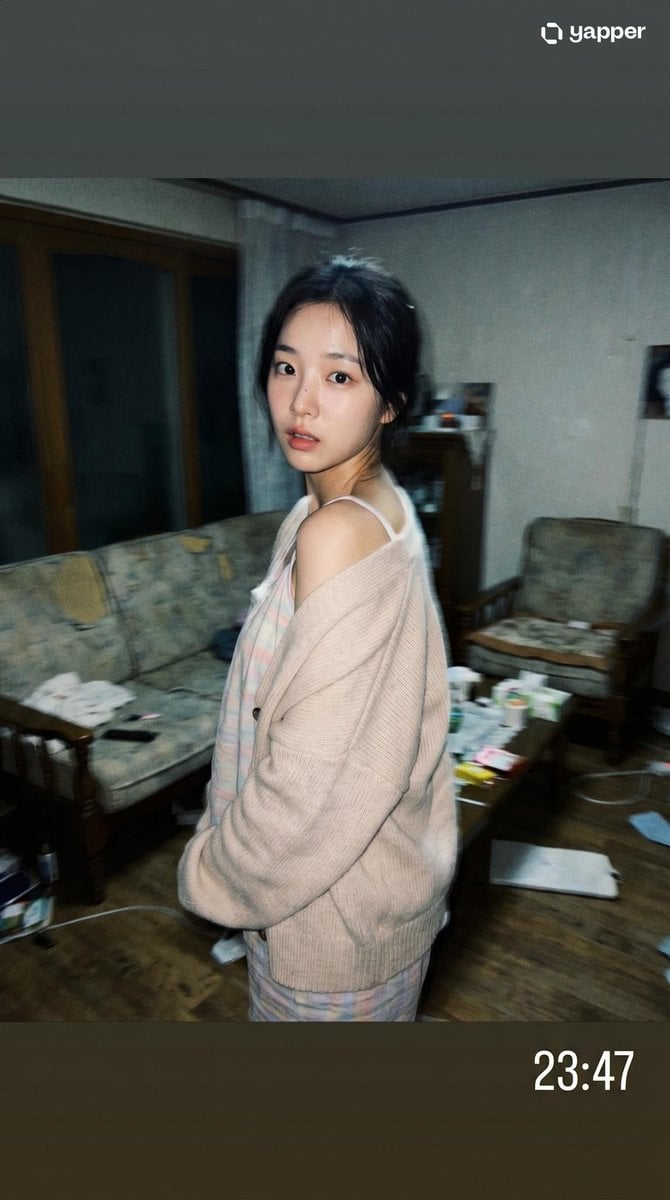
Korean Idol Candid Snapshot
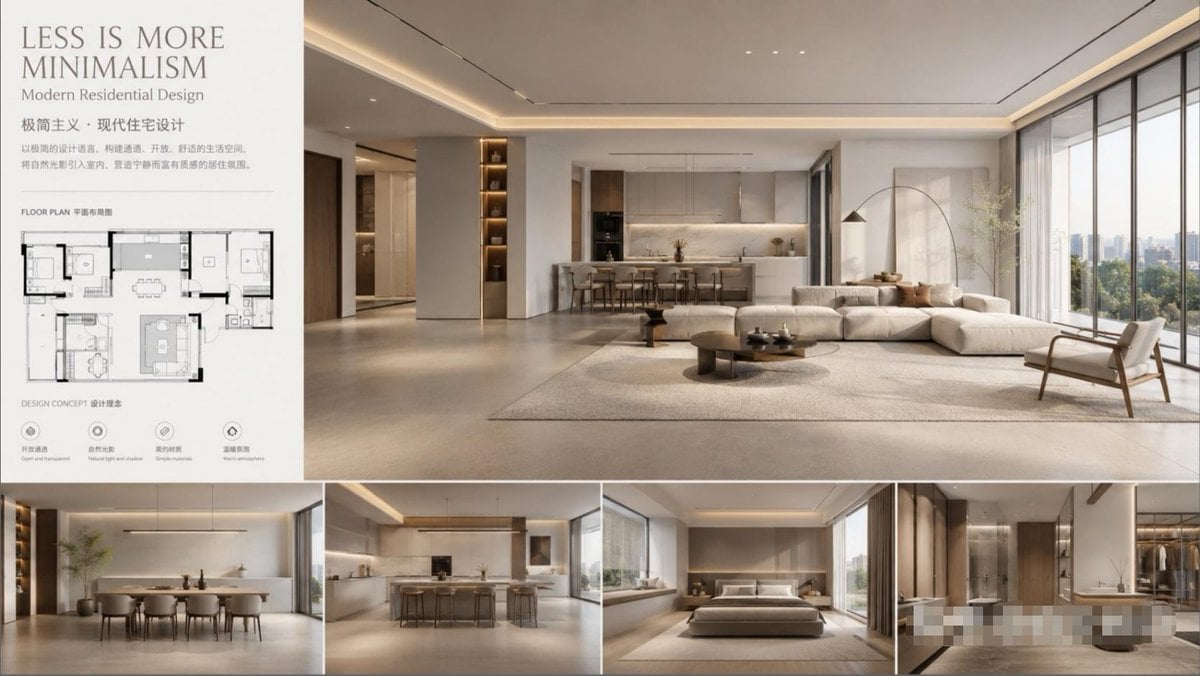
Modern Minimalist Interior Design Showcase

Candid Nightclub Sidewalk Scene
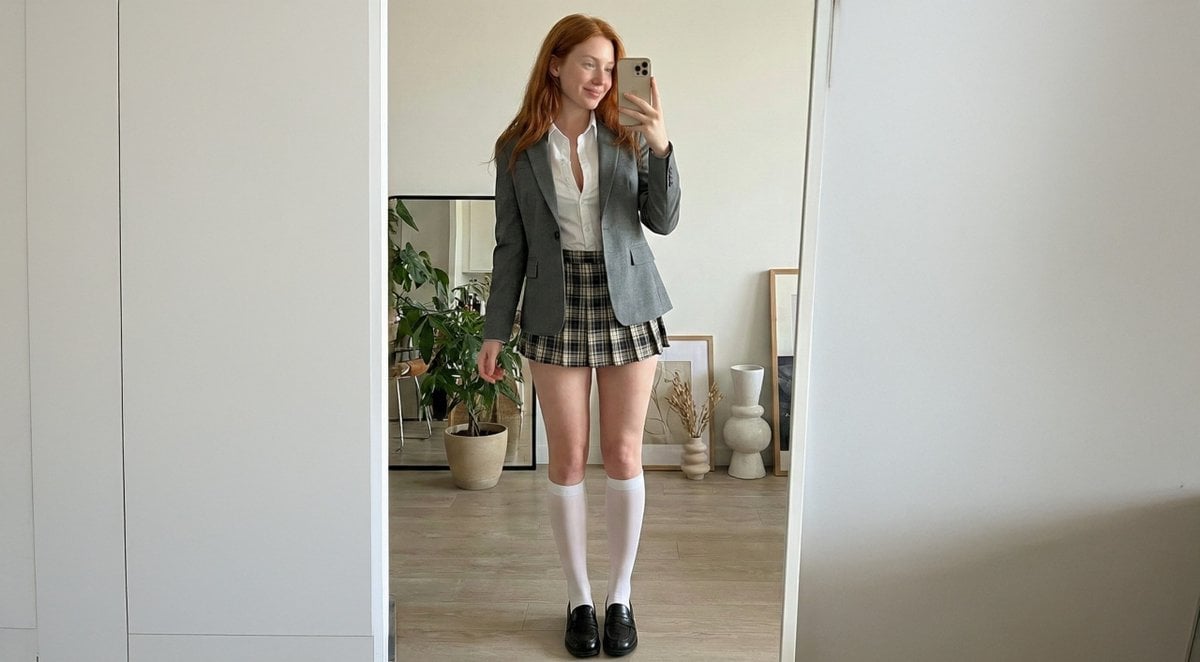
College Girl Mirror Selfie with Identity Lock
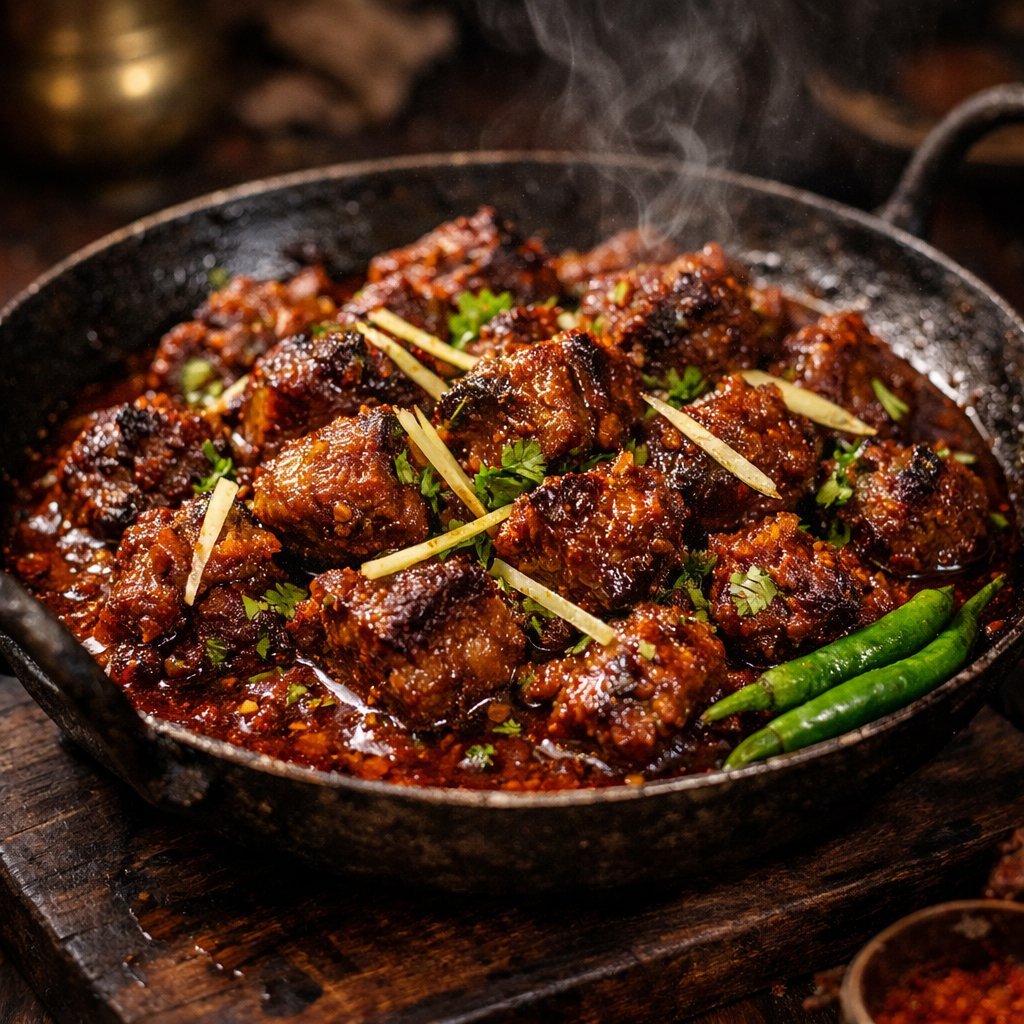
Cinematic 8K Mutton Karahi Food Macro Shot
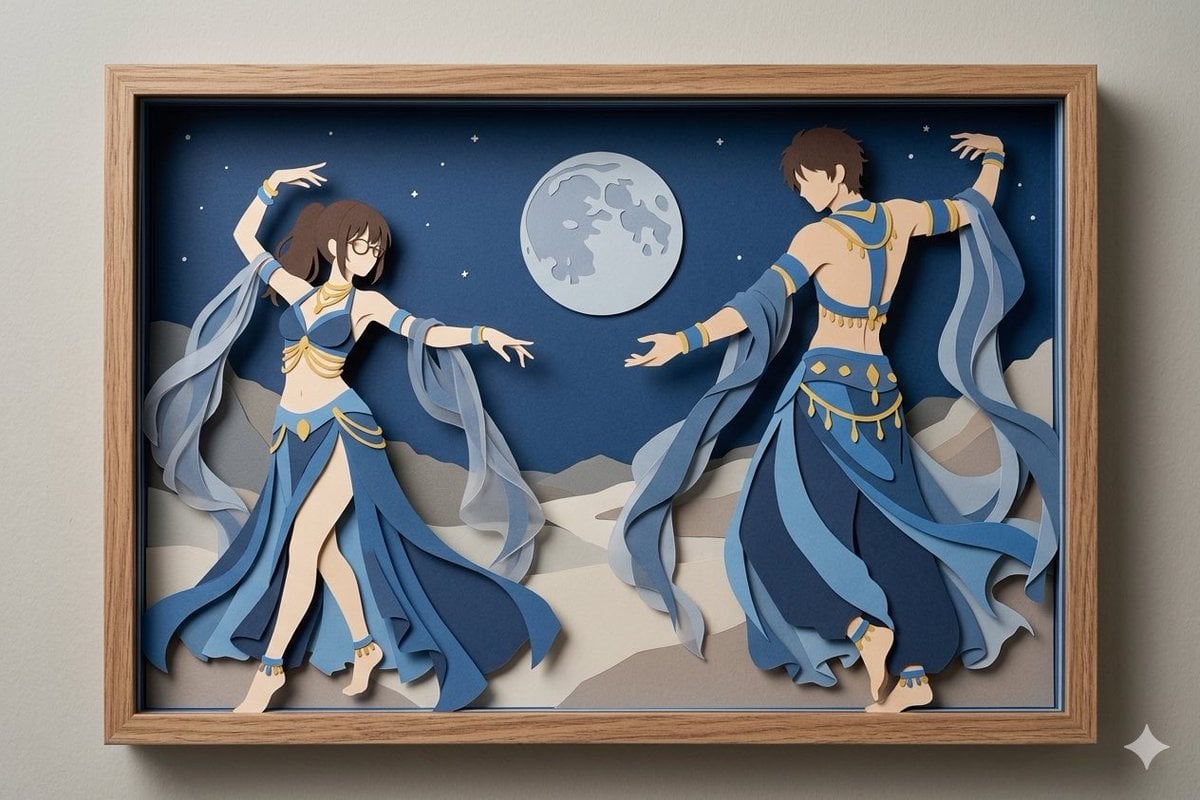
Moonlit Dancer Shadow Box
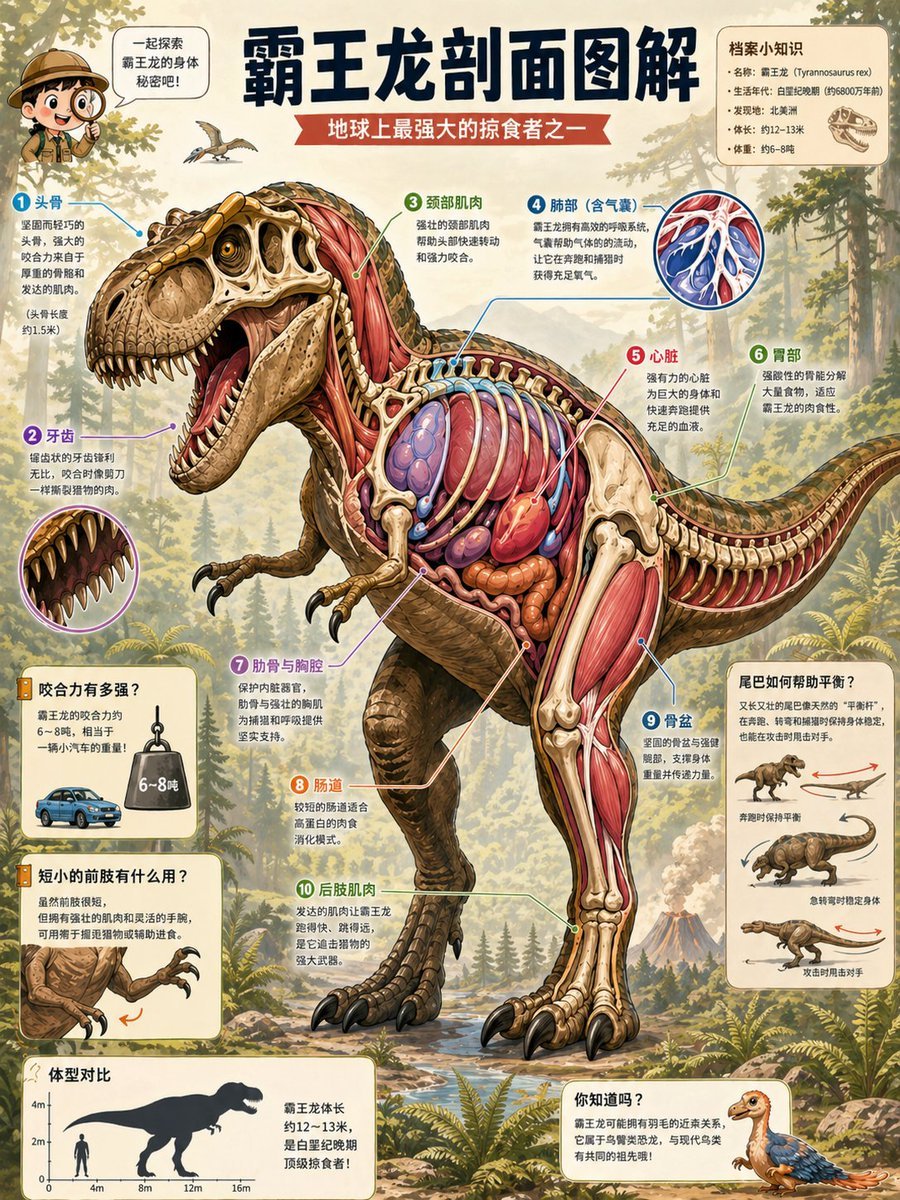
T. Rex Cutaway Encyclopedia Poster
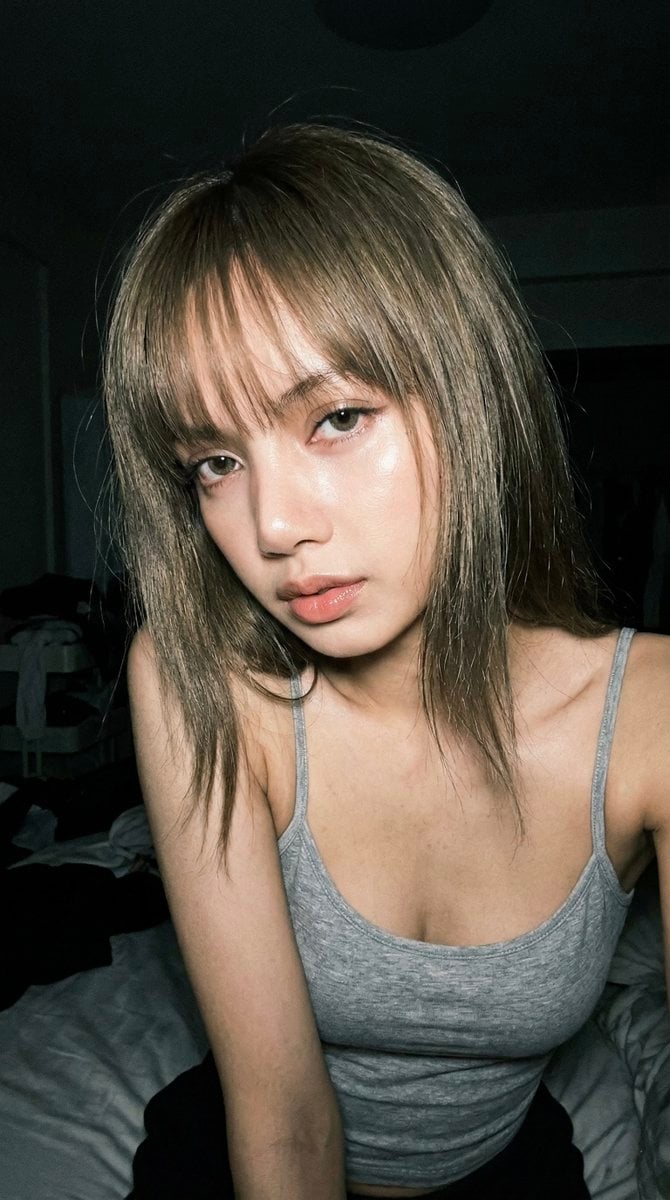
Late Night Raw iPhone Flash Selfie
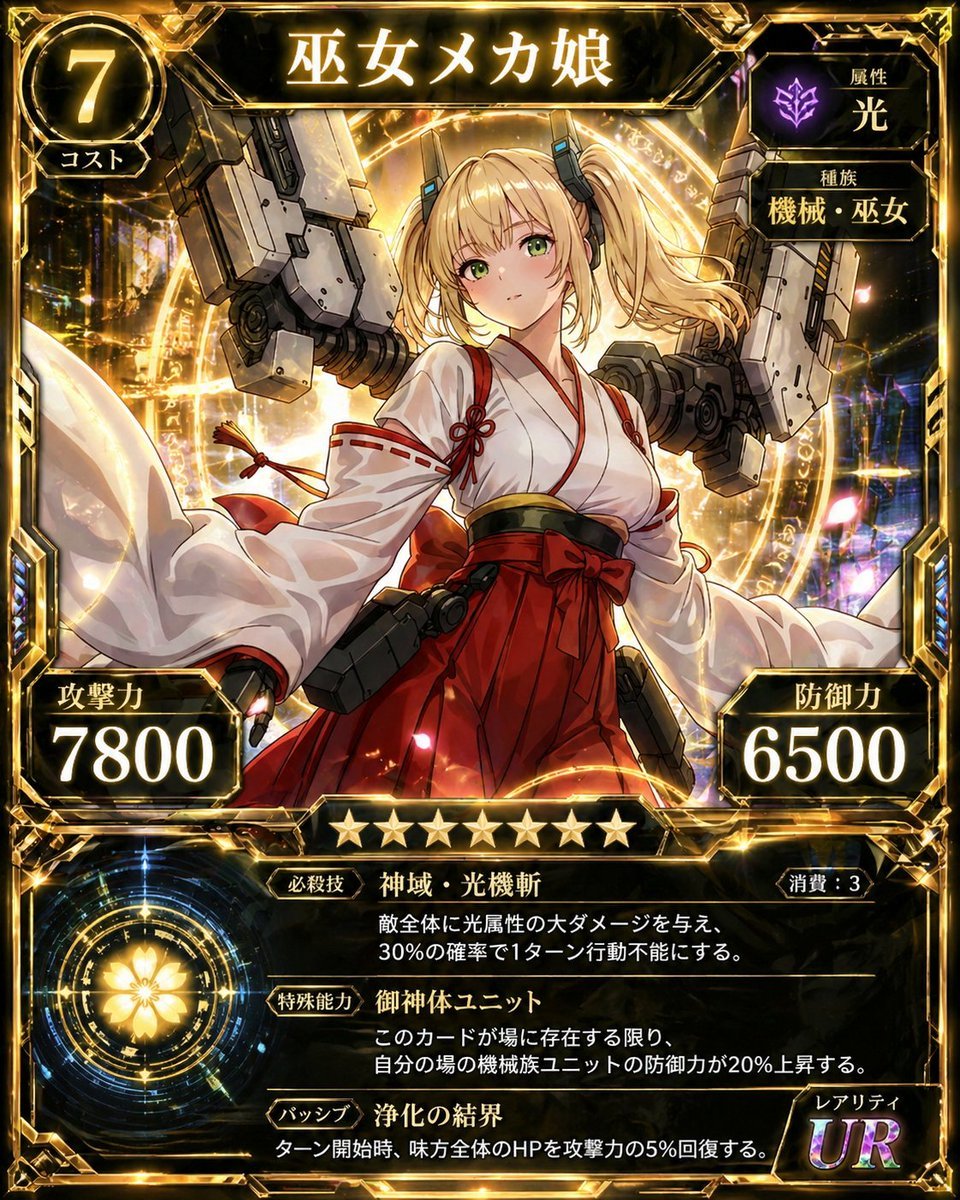
Ultra Rare Miko Mecha Card
Browse template categories
Moonlit Fox Mask Night Market questions
How do I use the Moonlit Fox Mask Night Market template?
Add your photo if the template asks for one, edit the prompt if you like — the template's model and format are already selected — and press Generate. Your version opens in PicX Studio.
Can I customize the Moonlit Fox Mask Night Market template?
Yes. You can change the subject, setting, lighting, mood, format, and available model controls before creating your image.
Is the Moonlit Fox Mask Night Market template free?
Opening and editing this template is free. Generating uses credits, shown on the Generate button when you are signed in.
Which AI model should I use?
Start with GPT Image 2, which is the model associated with this template. You can compare another compatible model for a different finish.
Looking for something else? Browse all templates.

Your photo, any look
Thousands of ready templates for every top image and video model, from one credit balance.