
Late Night Raw iPhone Flash Selfie
Captures a realistic, unedited late-night aesthetic using a harsh direct-flash character typical of a high-end smartphone, set in a dim bedroom.
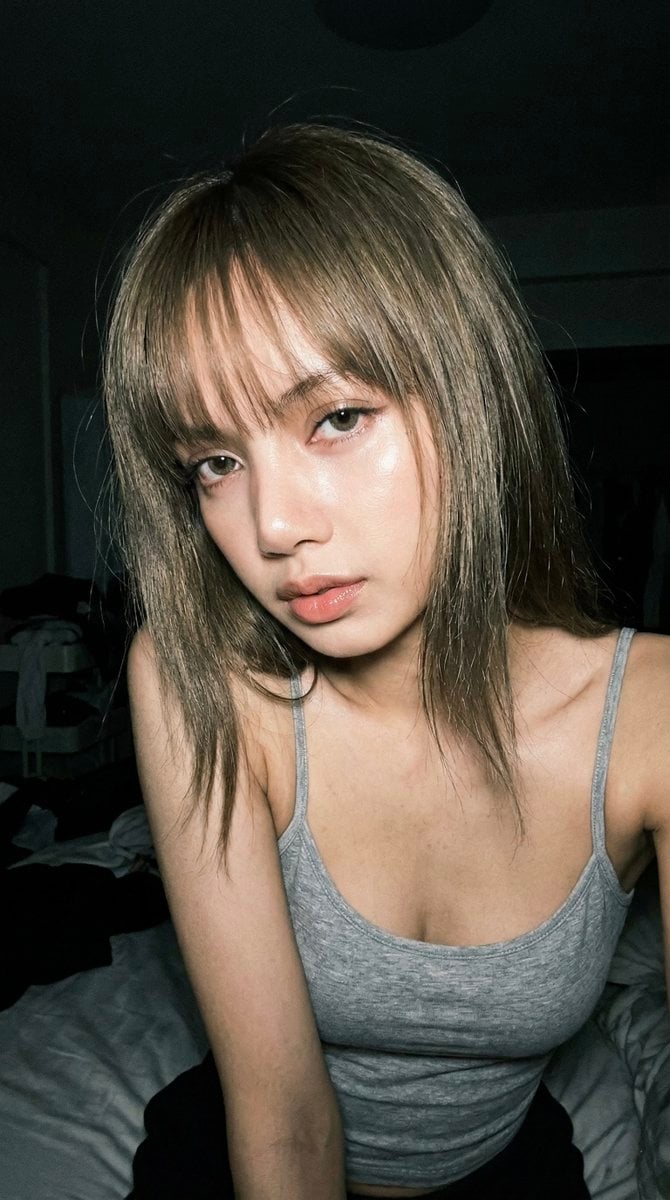
- Prompt included
- Model and format preset
- Free template
The prompt behind this image
Copy the exact prompt behind Late Night Raw iPhone Flash Selfie, or open it in the studio and make it yours.
Create a 9:16 vertical raw iPhone-style flash portrait, shot as if on an {argument name="camera model" default="iPhone 17 Pro"} with a 24mm lens. The look should feel unedited, high contrast, imperfect, and real, with the harsh direct-flash character of a late-night phone photo. Set the scene in a {argument name="location" default="dim bedroom"} at night with a quiet but slightly chaotic after-hours mood. Keep the ambient light very low and neutral, letting the phone flash dominate the image. The flash should create sharp highlights across the face, glossy skin reflections, deep shadow falloff in the background, subtle grain, mild flash blowout, and a touch of wide-angle lens distortion. Frame the subject tightly from the face through the upper torso, close to the camera and slightly from below, with an imperfect handheld crop. The subject has a {argument name="inspiration" default="BLACKPINK Lisa-inspired"} presence: clean facial features, a bold direct gaze, and a confident, slightly teasing expression. She leans a little toward the camera with relaxed shoulders. Her lips look soft but controlled, and her eyes stay intense and locked on the viewer. Style her with slightly messy straight hair and bangs. Dress her in a minimal tight grey thin-strap top. Keep the image focused on raw phone realism: direct flash, visible texture, high contrast, bedroom darkness, casual framing, and the feeling of a real spontaneous selfie rather than a polished studio portrait.
How to use Late Night Raw iPhone Flash Selfie in 3 steps
- 1
Open
The prompt is already in the box next to the preview, with the template's model and format selected.
- 2…a portrait of your subject in softgolden-hour light, 85mm…
Personalize
Edit the subject and creative details for your destination.
- 3Generate
Generate
Press Generate — your image is created in PicX Studio, so you can compare it with the original and refine one variable at a time.
More like this
Templates with the same subject, style or setup. Open one to see its prompt.
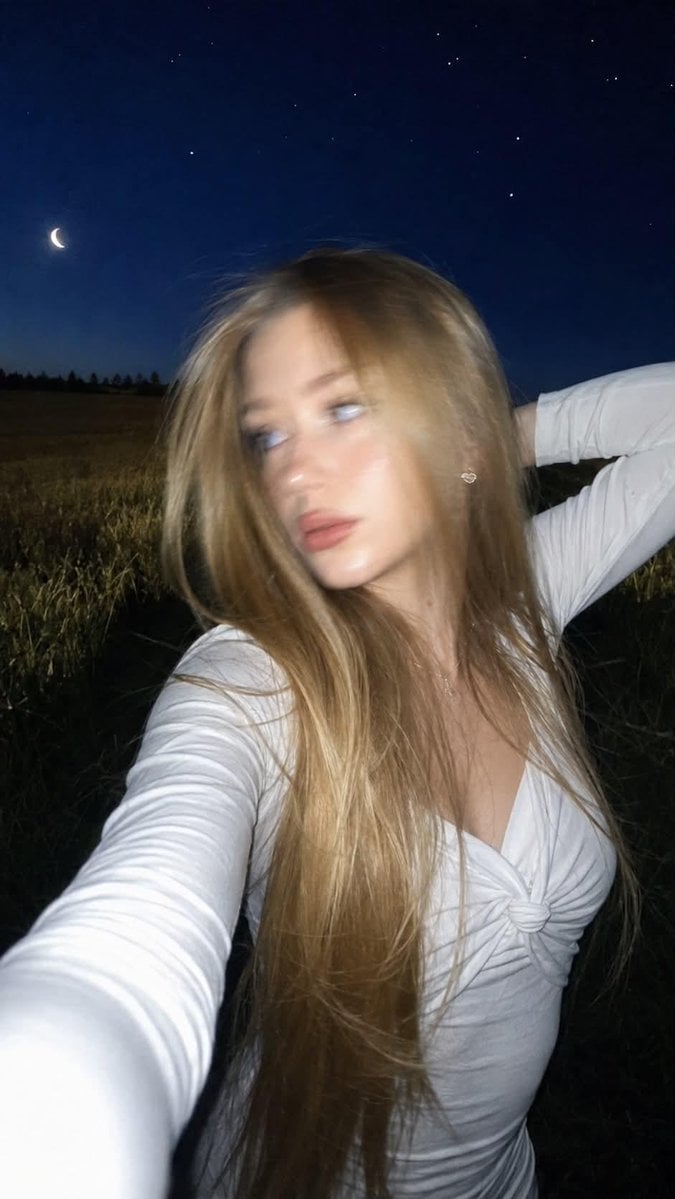
Night Flash iPhone Selfie with Motion Blur

4x4 Grid - Candid Nostalgic Vacation Selfies

Night Sports Car Portrait — Cinematic Moody

Nano Banana - Peace Sign Bedroom Selfie
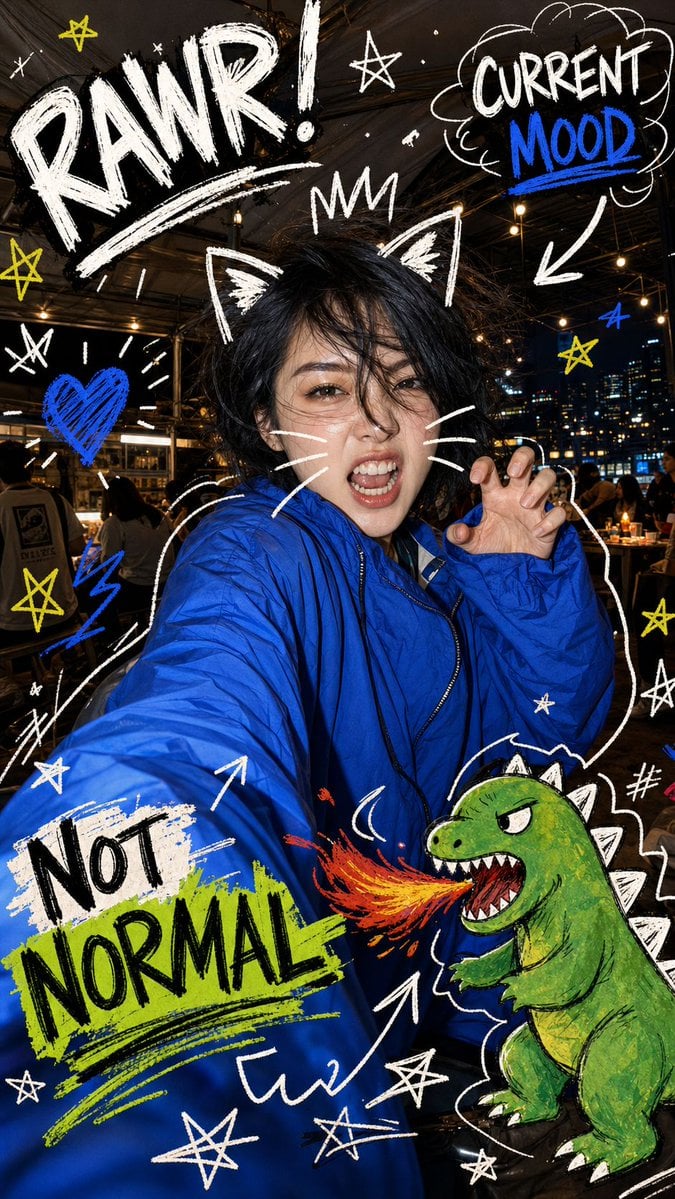
Nighttime Doodle Flash Selfie

Gen Z Triple Selfie Collage — Y2K Flash Photography
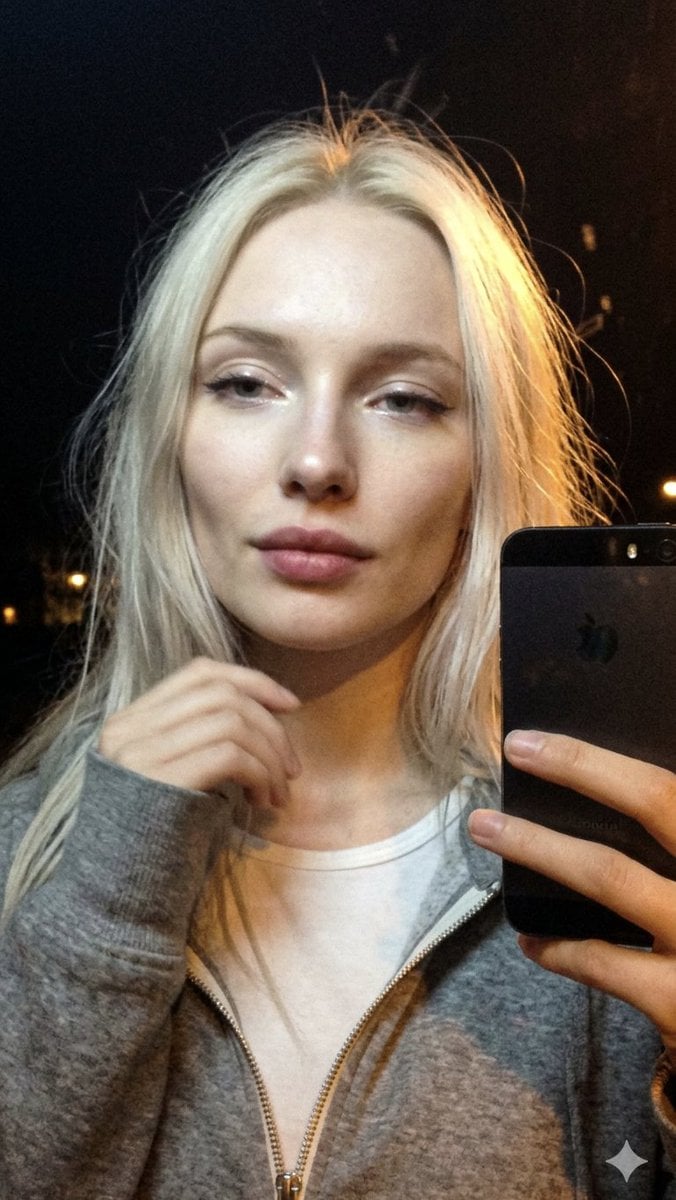
Cinematic Late Night City Selfie
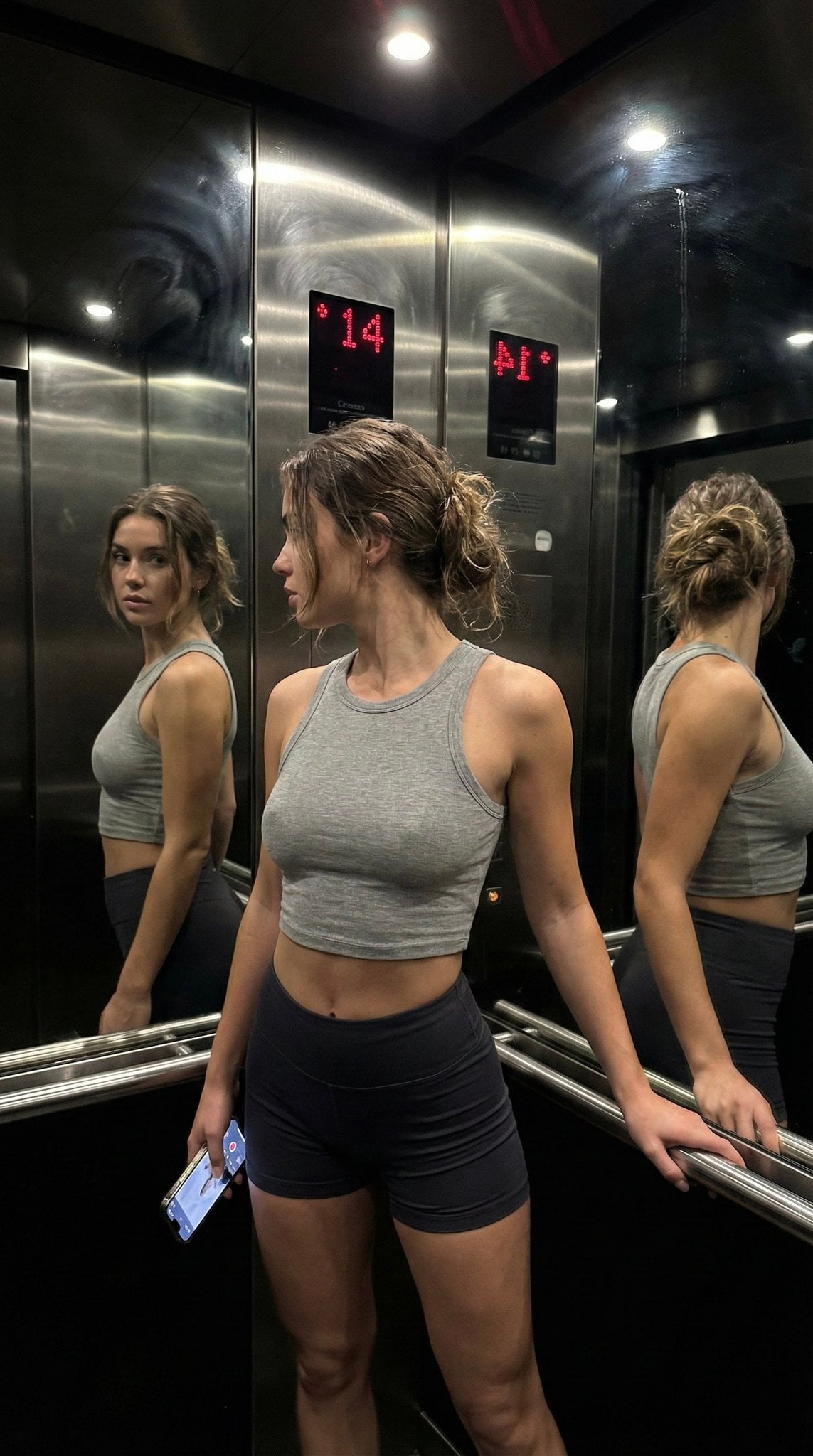
Late Night Elevator Multi Mirror Selfie
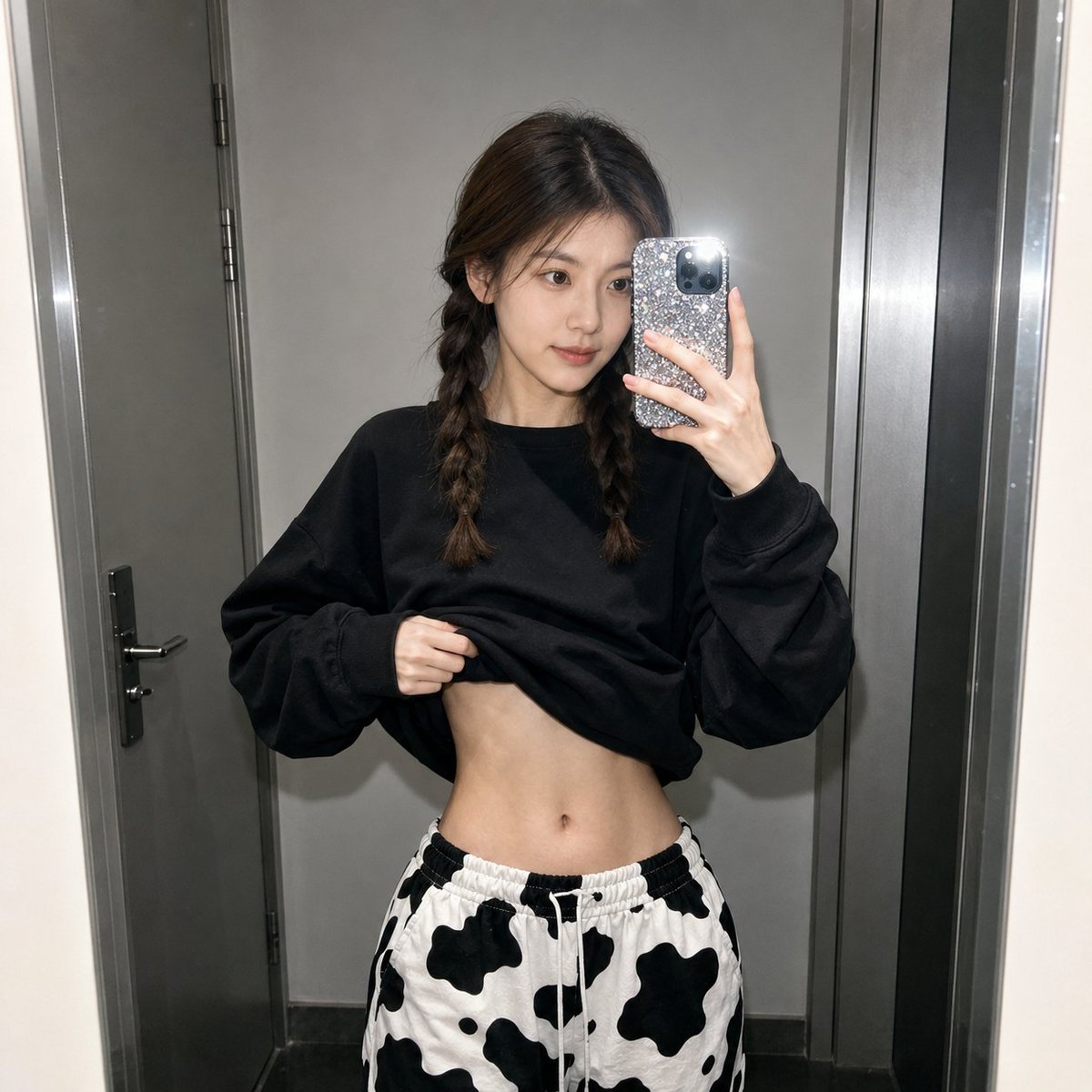
Realistic Raw Flash Mirror Selfie
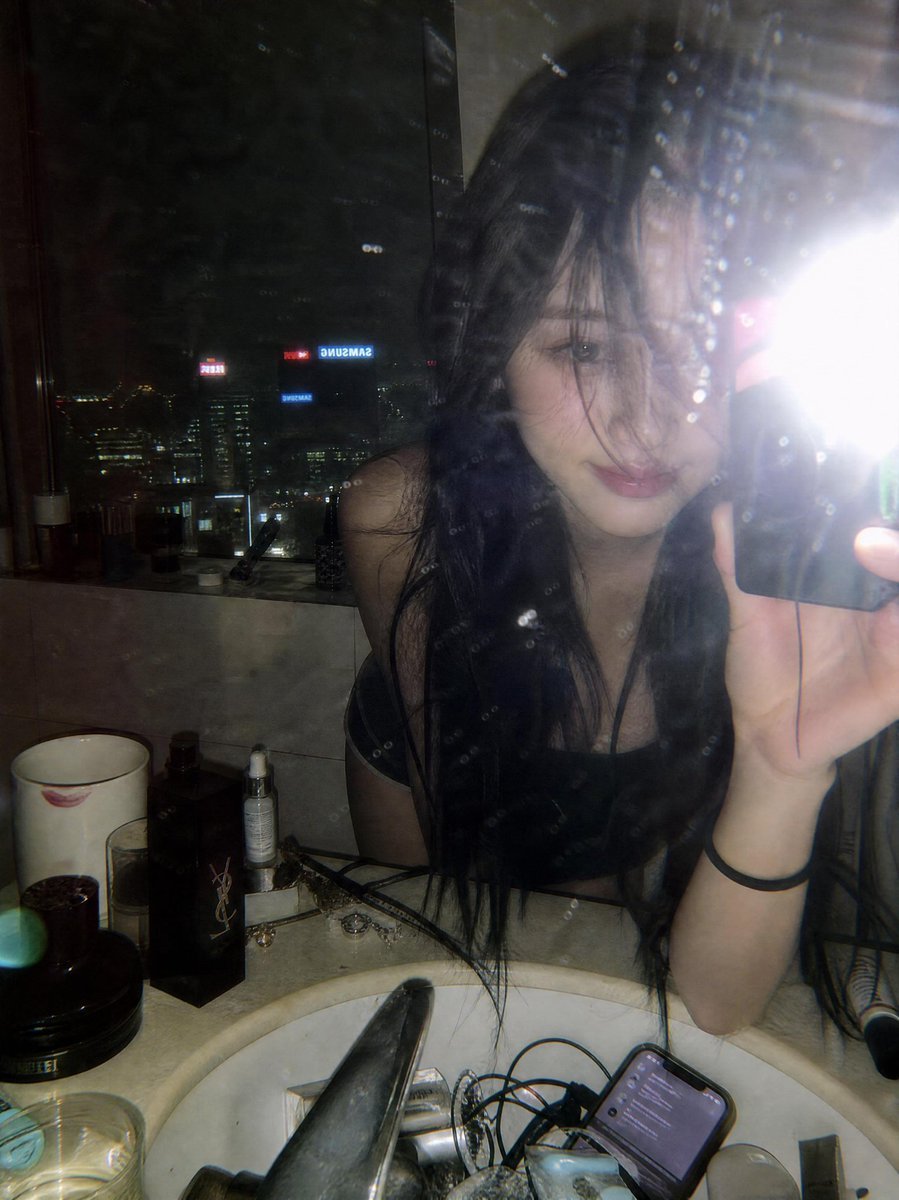
Late Night Luxury Mirror Selfie
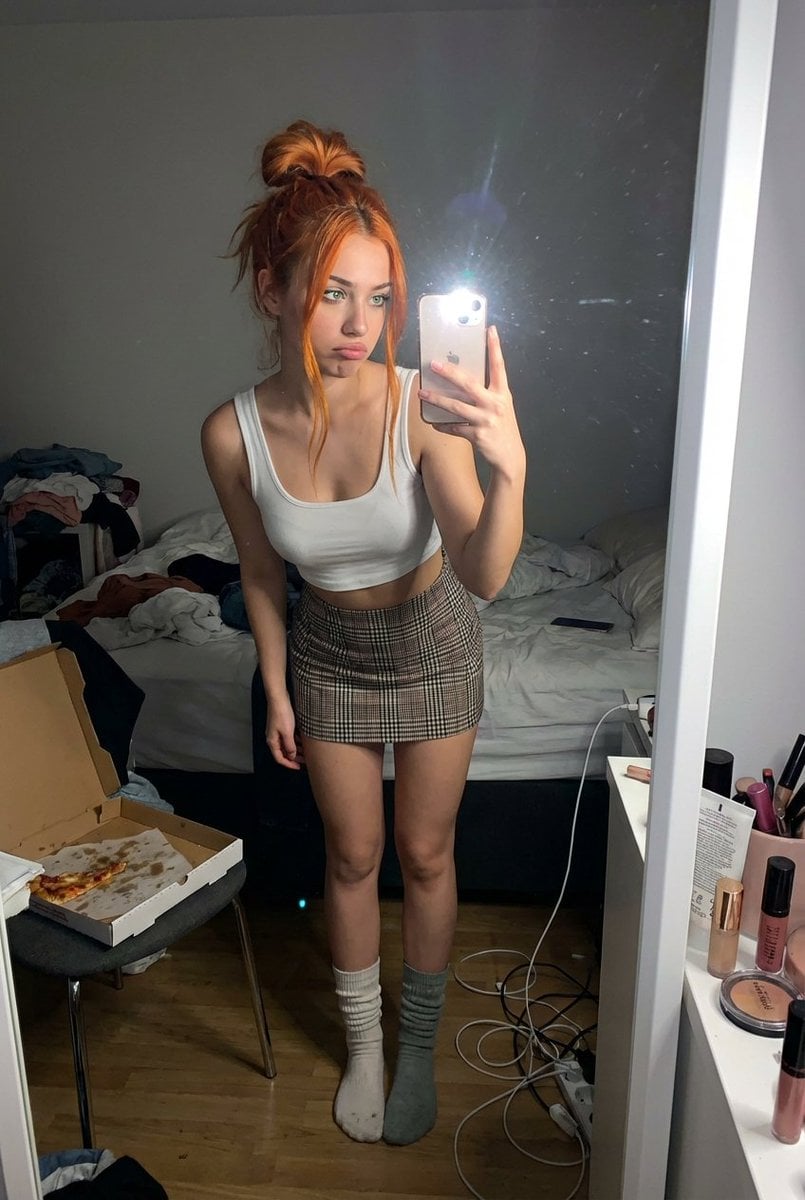
Structured Prompt for Messy Bedroom Mirror Selfie (Alev Character, Raw Flash)
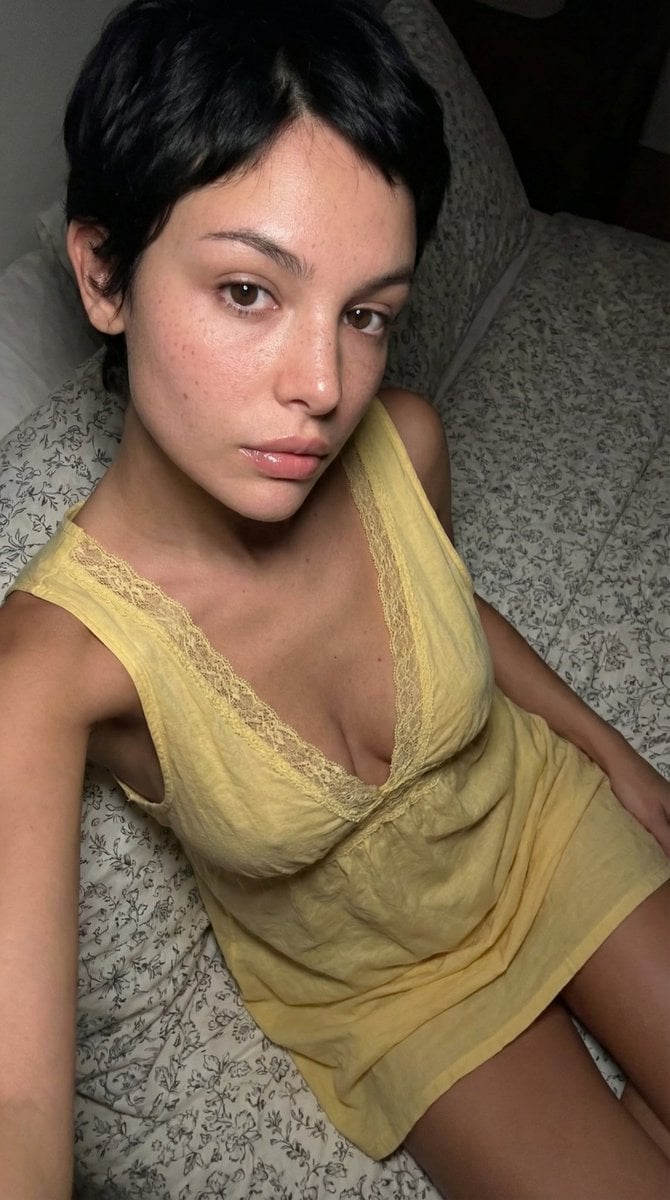
Raw, Flash-Lit Portrait (Late-2000s Digital Camera Aesthetic)
Make it yours
Late Night Raw iPhone Flash Selfie works as-is. These are the safest ways to change it without losing the look.
Change one field
Copy a single group, rewrite it, and generate again so you can see what that field is doing.
Keep the frame, change the subject
Hold the composition and light of Late Night Raw iPhone Flash Selfie, then swap wardrobe, props or the person for a new take.
| If the result… | Why | Fix |
|---|---|---|
| The result drifts from the preview | Too many fields changed at once. | Reuse Late Night Raw iPhone Flash Selfie as-is first, then change one group — subject, light, or setting. |
| The model over-stylizes the scene | The prose prompt leaves finish and camera underspecified. | Add one camera or lighting sentence and stay on GPT Image 2. |
More GPT Image 2 templates
Other prompts made for GPT Image 2.

Six VTuber Japanese Logo Sheet

Realistic Portrait of Woman and Deer

The Vista Modular Condo Poster

AI Model Routing Comparison Infographic

2.5D Anime Art Board

Isometric Productivity Desk Scene

New York Double Exposure Poster

Four-Panel AI Landscape Comparison

Japanese Tatami Lifestyle Magazine Cover

NESCAFÉ Coffee Map Poster
More image prompts
Fresh picks from across the catalog.
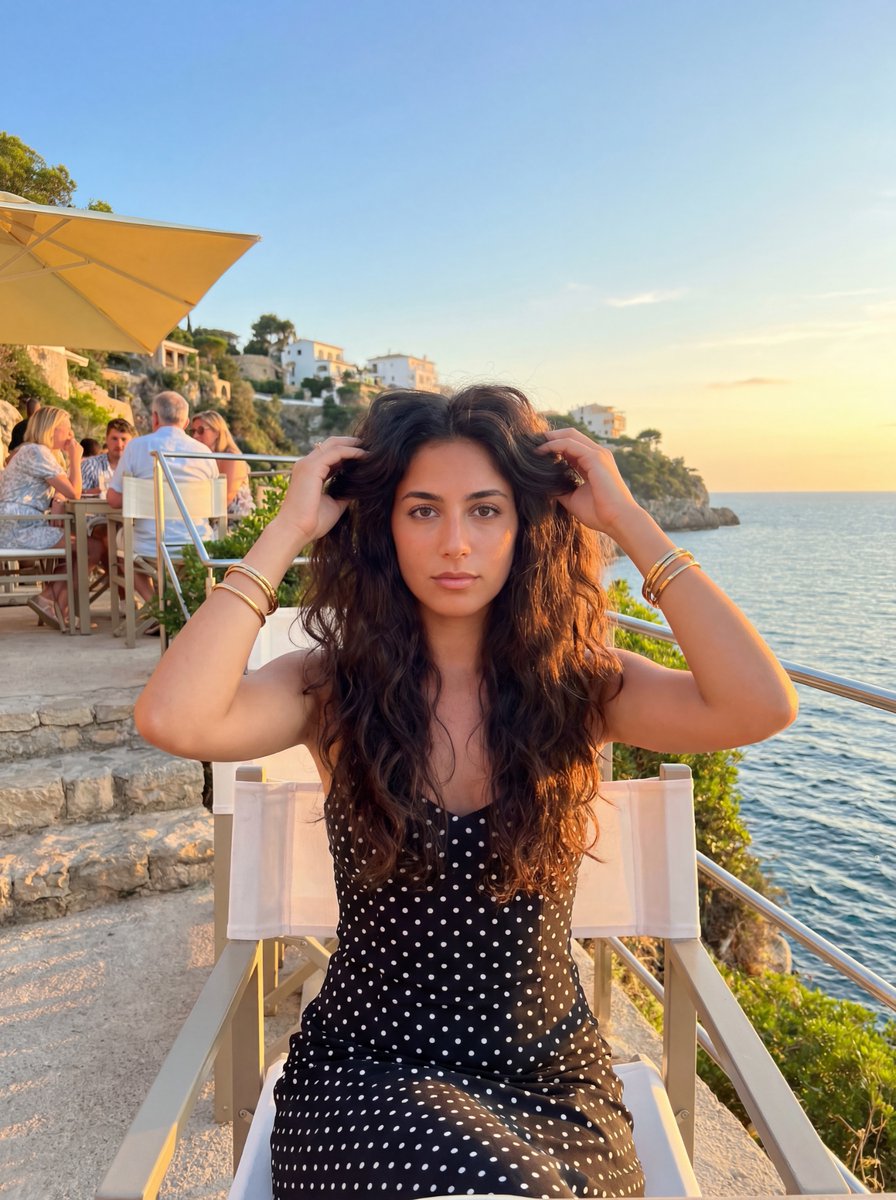
Golden Hour Coastal Lifestyle Photo Prompt
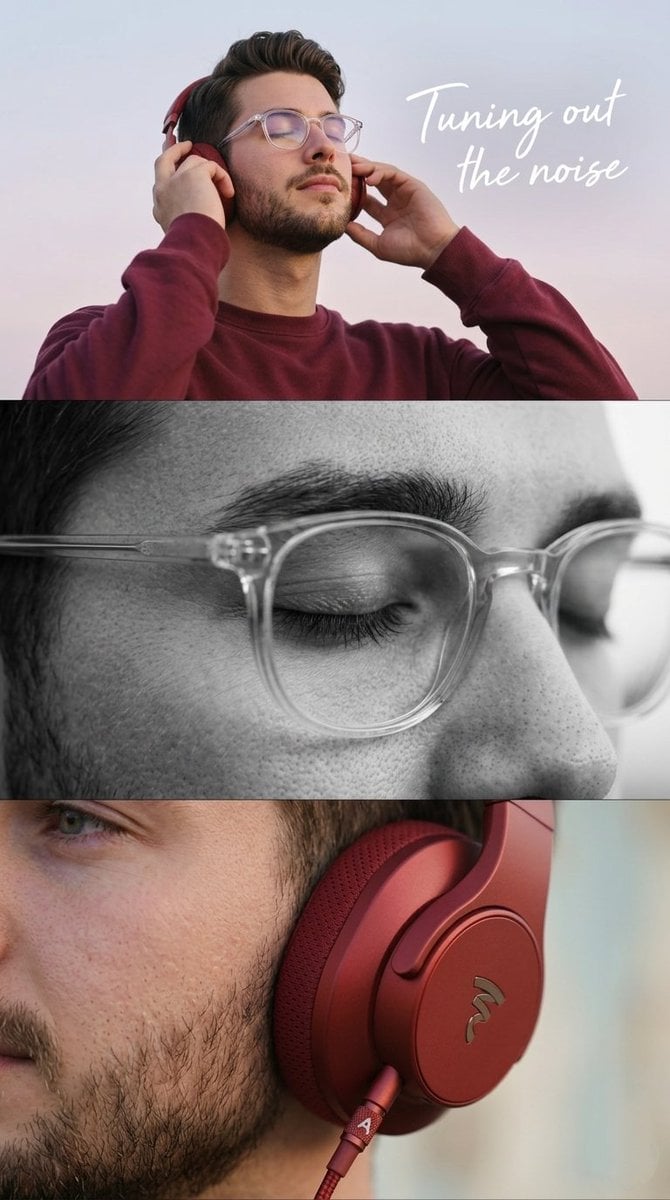
Minimalist Headphone Lifestyle Ad
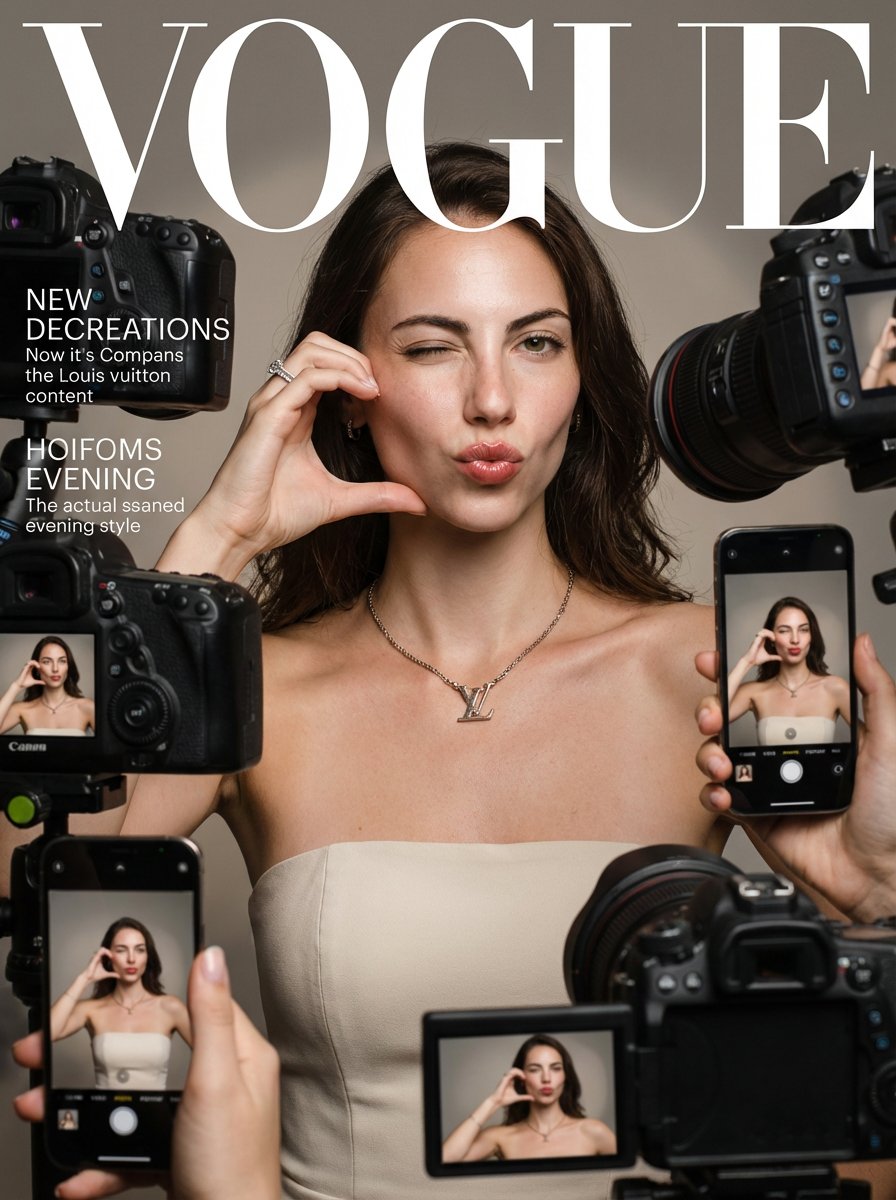
Vogue Magazine Cover Style Fashion Portrait
Whimsical Dream Race Concept
Indian Couple Portrait Prompt
Neon Facebook Creator Poster
Highly Realistic Smartphone Selfie of a Woman

Luxury Hospitality Slipper Ad

Couple Goals from the Google Gemini Nano
Triptych Composition Prompt for Abstract Fashion Editorial
Browse template categories
Late Night Raw iPhone Flash Selfie questions
How do I use the Late Night Raw iPhone Flash Selfie template?
Add your photo if the template asks for one, edit the prompt if you like — the template's model and format are already selected — and press Generate. Your version opens in PicX Studio.
Can I customize the Late Night Raw iPhone Flash Selfie template?
Yes. You can change the subject, setting, lighting, mood, format, and available model controls before creating your image.
Is the Late Night Raw iPhone Flash Selfie template free?
Opening and editing this template is free. Generating uses credits, shown on the Generate button when you are signed in.
Which AI model should I use?
Start with GPT Image 2, which is the model associated with this template. You can compare another compatible model for a different finish.
Looking for something else? Browse all templates.

Your photo, any look
Thousands of ready templates for every top image and video model, from one credit balance.