
Triptych Composition Prompt for Abstract Fashion Editorial
A complex, multi-panel prompt designed to generate a vertical triptych (three stacked images) of the same high-gloss, sculpted subject.
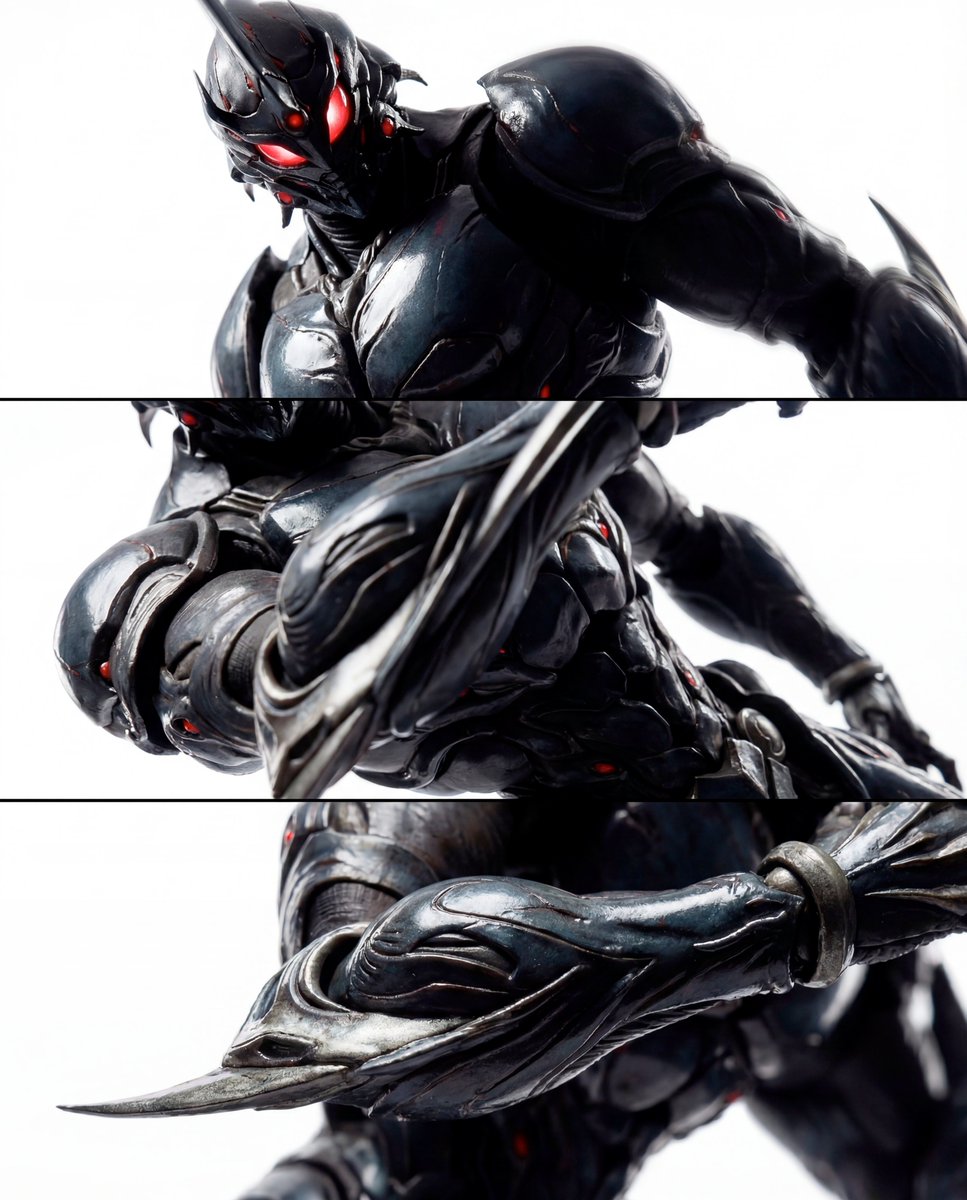
- Prompt included
- Model and format preset
- Free template
The prompt behind this image
Copy the exact prompt behind Triptych Composition Prompt for Abstract Fashion Editorial, or open it in the studio and make it yours.
THE TASK Act as a world-class fashion photographer shooting a defining editorial campaign. Create a cohesive 3-panel vertical triptych (stacked top, middle, bottom) of the same subject. The sequence escalates intimacy and intensity through extreme proximity, revealing tactile hyper-realism and restrained dynamic power purely via photographic technique — no environmental changes, no added elements. TRIPTYCH COMPOSITION (VERTICAL STACK – ESCALATING CLOSE-UP INTENSITY) Top Panel – Presence (Intense Dominant Close-Up) Dynamic low 3/4 angle close-up (camera below the main form, tilted upward) to create looming, commanding scale. Tight crop: the subject’s primary focal feature and sharp contours dominate; one side falls into deep shadow. Subtle implied motion via slight rotational tilt and micro-blur only on far-edge highlights — keep the central zone razor-sharp. Specular streaks rake across glossy surfaces like wet lacquer, emphasizing curvature and fine material imperfections. Background: pure high-key white with faint gradient falloff — identical across all panels, no environmental cues. Middle Panel – Control (Kinetic Structural Sweep) Canted-angle macro from the side with aggressive perspective distortion. Crop frames the central structural zone, with key elements off-center and partially cut by frame edges. Highlights slice diagonally across contoured channels and ridges due to the dramatic angle. Very shallow depth of field: nearest surface tack-sharp, farther planes melt softly to suggest velocity and tension. Same pure high-key white background and exact tonal range — variation achieved solely through camera angle and lens proximity. Bottom Panel – Essence (Extreme Graphic Detail) Extreme macro from an aggressive angle evoking a controlled whip-pan. Choose one signature detail and make it feel alive with implied motion while remaining graphically pristine: A protruding or extending element shot from below, strongly foreshortened, reaching toward the lens, Or a central geometric/functional feature shot on a steep diagonal, highlights spiraling like motion trails, Or a sharp edge or blade-like contour shot from behind, catching a razor-thin specular line. Apply controlled directional blur only to a secondary trailing plane; keep the primary micro-texture impeccably crisp. Frame so tight it becomes near-abstract: beveled edges, micro-scratches, gloss pooling, subtle material stress marks, fine imperfections. No debris, no additional elements — identical high-key white background maintained. STYLING & BOLD CHOICES (CRITICAL) Subject: {argument name="subject material" default="any high-gloss, sculpted form with precise contours and reflective surfaces"}. No additional objects, characters, props, text, or logos. All sense of energy and motion derived exclusively from camera technique: low/canted angles, foreshortening, shallow depth of field, controlled selective blur, and highlight flow. Identical lighting rig across all three panels — consistent
How to use Triptych Composition Prompt for Abstract Fashion Editorial in 3 steps
- 1
Open
The prompt is already in the box next to the preview, with the template's model and format selected.
- 2…a portrait of your subject in softgolden-hour light, 85mm…
Personalize
Edit the subject and creative details for your destination.
- 3Generate
Generate
Press Generate — your image is created in PicX Studio, so you can compare it with the original and refine one variable at a time.
More like this
Templates with the same subject, style or setup. Open one to see its prompt.

Blue Backdrop Luxury Fashion Portrait Campaign

Typography Mask Editorial Fashion Poster

Luxury Black-and-White Fashion Contact Sheet

untitled

Google Gemini Nano Banana Pro

Conceptual Fashion Portrait in Spider We

01 Skincare Split Portrait — Nano Banana 2

24 The Getty Center — California Series

21 Glass Floor Skyscraper — California Series

19 Luxury Helicopter Travel — California Series

08 Rodeo Drive Luxury Exit — California Series

03 Beverly Hills Convertible — California Series
Make it yours
Triptych Composition Prompt for Abstract Fashion Editorial works as-is. These are the safest ways to change it without losing the look.
Change one field
Copy a single group, rewrite it, and generate again so you can see what that field is doing.
Keep the frame, change the subject
Hold the composition and light of Triptych Composition Prompt for Abstract Fashion Editorial, then swap wardrobe, props or the person for a new take.
| If the result… | Why | Fix |
|---|---|---|
| The result drifts from the preview | Too many fields changed at once. | Reuse Triptych Composition Prompt for Abstract Fashion Editorial as-is first, then change one group — subject, light, or setting. |
| The model over-stylizes the scene | The prose prompt leaves finish and camera underspecified. | Add one camera or lighting sentence and stay on Nano Banana 2. |
More Nano Banana 2 templates
Other prompts made for Nano Banana 2.

Photorealistic Leaf Shaped Like a Dragon

K-Pop Idol Portrait Grid for Rapid Selection

Poetic Rain Forest Portrait During Golden Hour

Urban Street Portrait with Cartoon Inner Self Duo

Candid Nighttime Photo with Cat Prompt

High-Concept 3D Diorama Generation Prompt

Cinematic Futuristic Studio Portrait Template

Skincare Editorial Photography Collage Prompt

Hyper-Realistic Commercial Product Photography (Splash Effect)

Hyper-Realistic Nightclub Portrait Prompt
More image prompts
Fresh picks from across the catalog.
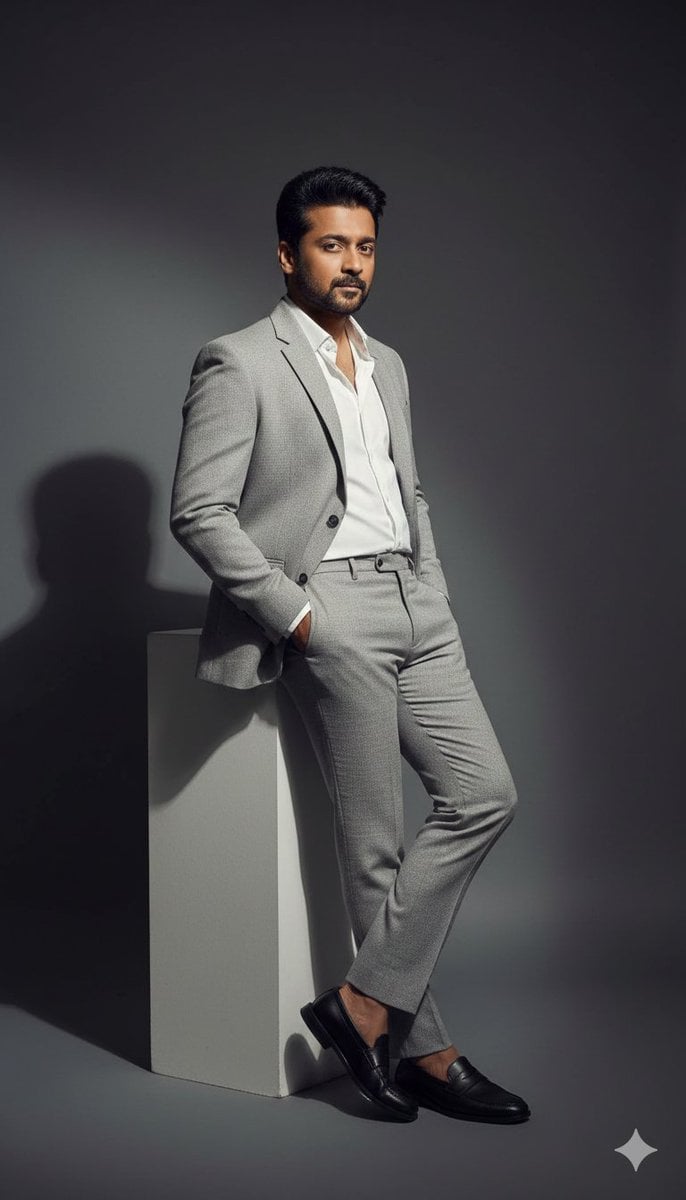
High-Contrast Fashion Editorial Portrait of a Man
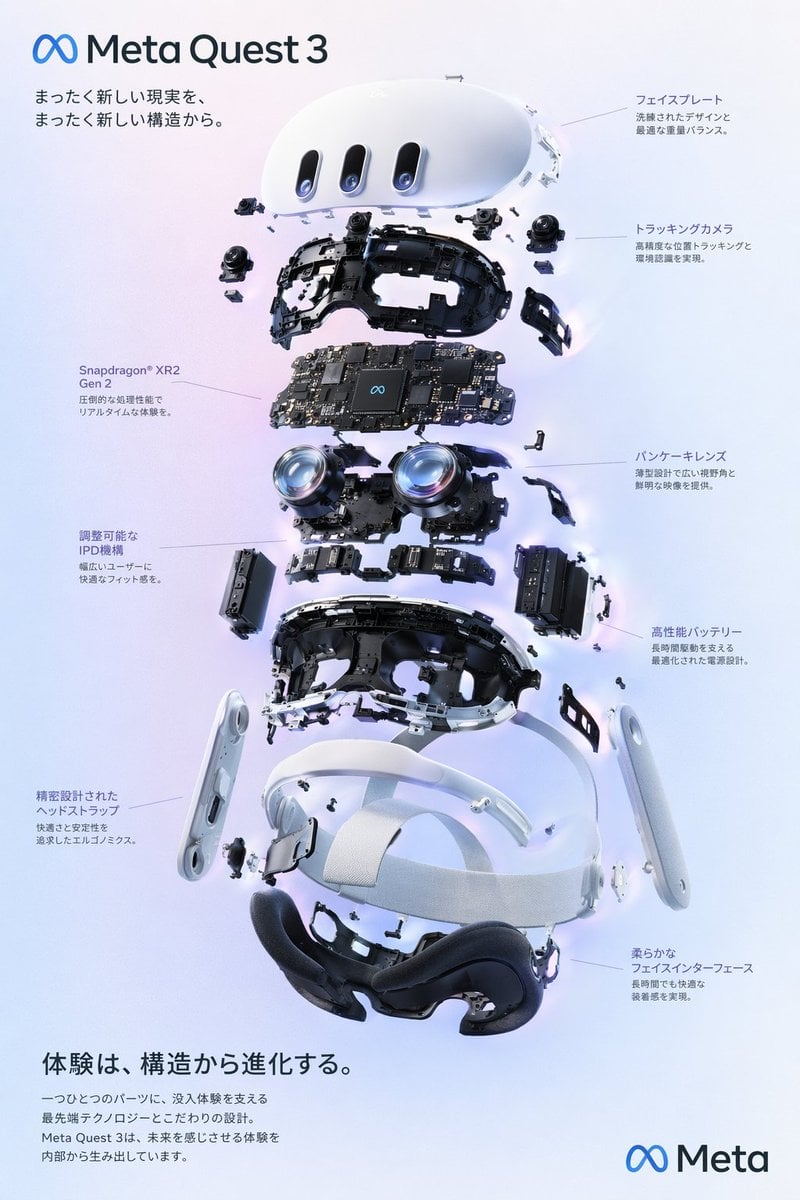
Gpt2 Vr Headset Exploded View Poster
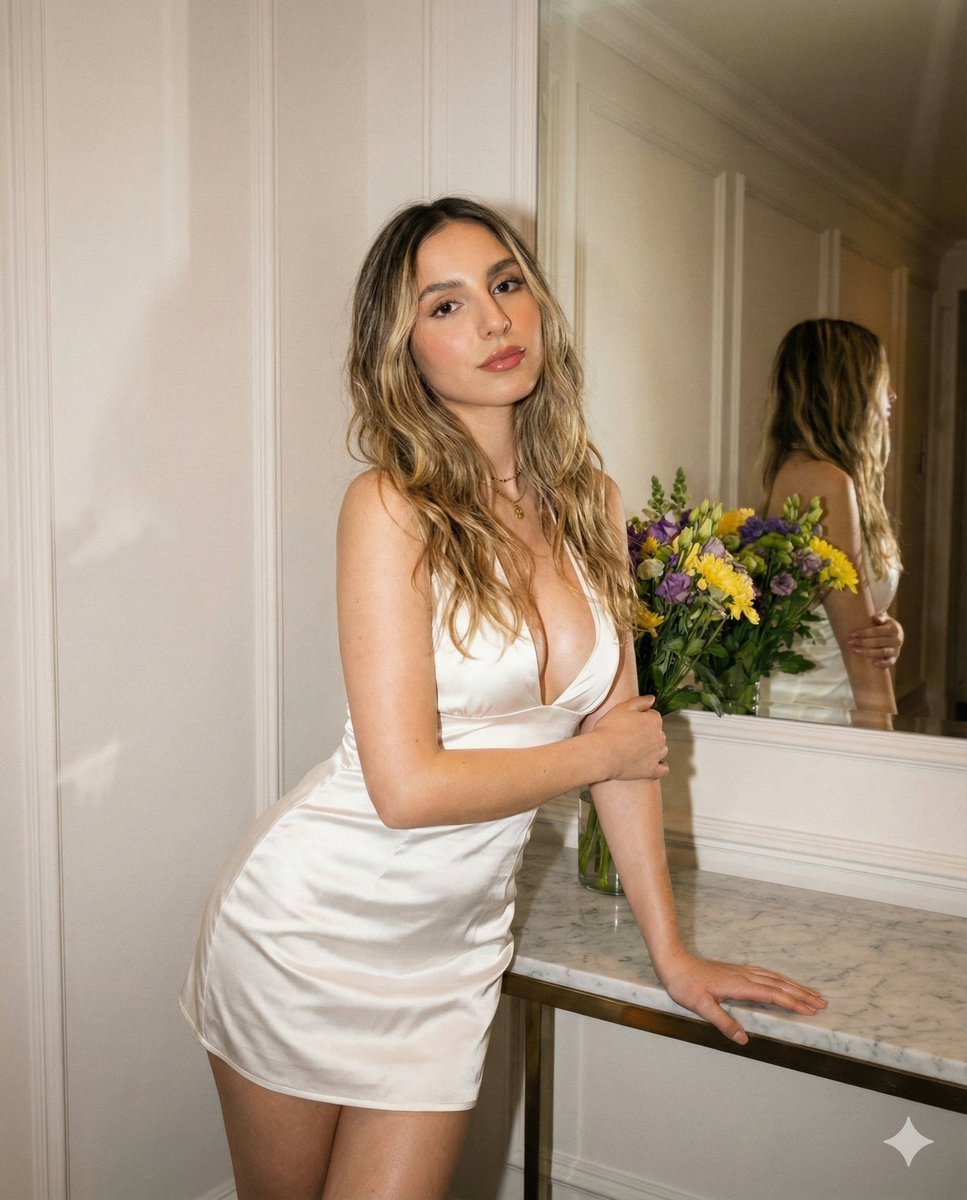
High-Definition Vintage Flash Portrait Prompt
Luxury Diamond X Logo
Hyper-Realistic Mountain Dew Can Explosion Product Shot
Apple keynote-style event scene from text
Cinematic portrait of a man with a Ford Mustang
Neumorphic Smart UI Kit
Retro Urban Fashion Portrait
High-Fashion Desert Couture Shoot
Browse template categories
Triptych Composition Prompt for Abstract Fashion Editorial questions
How do I use the Triptych Composition Prompt for Abstract Fashion Editorial template?
Add your photo if the template asks for one, edit the prompt if you like — the template's model and format are already selected — and press Generate. Your version opens in PicX Studio.
Can I customize the Triptych Composition Prompt for Abstract Fashion Editorial template?
Yes. You can change the subject, setting, lighting, mood, format, and available model controls before creating your image.
Is the Triptych Composition Prompt for Abstract Fashion Editorial template free?
Opening and editing this template is free. Generating uses credits, shown on the Generate button when you are signed in.
Which AI model should I use?
Start with Nano Banana 2, which is the model associated with this template. You can compare another compatible model for a different finish.
Looking for something else? Browse all templates.

Your photo, any look
Thousands of ready templates for every top image and video model, from one credit balance.