
Apple keynote-style event scene from text
A prompt to turn any supplied text into a dramatic Apple-style keynote event photo, with a large curved screen, audience, stage lights, and gradient background in 16:9.
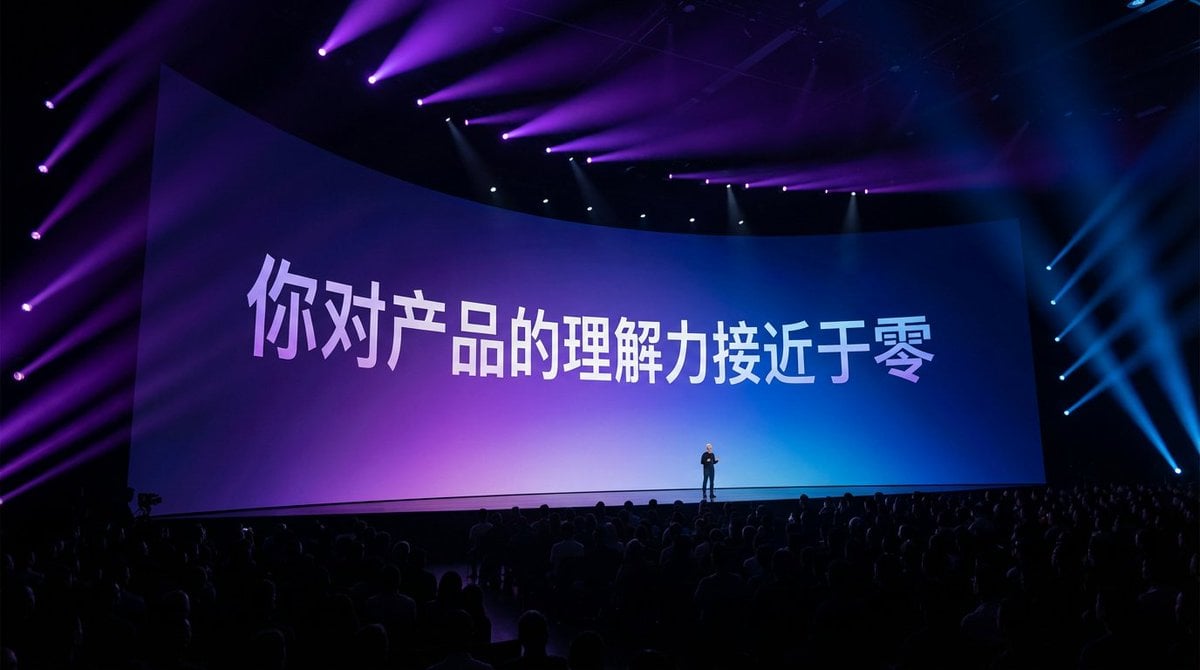
- Prompt included
- Model and format preset
- Free template
The prompt behind this image
Copy the exact prompt behind Apple keynote-style event scene from text, or open it in the studio and make it yours.
根據文字生成一張照片:一個宏大的蘋果發布會現場,現場很多觀眾,場景很暗,有絢麗的燈光,鏡頭聚焦在很寬的大屏幕,弧形屏幕,文字和屏幕一樣有一定的透視感,很小的人物剪影站在舞台上,紫色到藍色彌散背景上,白色文字有一些漸變,像是現場實拍,高級感 16:9。
How to use Apple keynote-style event scene from text in 3 steps
- 1
Open
The prompt is already in the box next to the preview, with the template's model and format selected.
- 2…a portrait of your subject in softgolden-hour light, 85mm…
Personalize
Edit the subject and creative details for your destination.
- 3Generate
Generate
Press Generate — your image is created in PicX Studio, so you can compare it with the original and refine one variable at a time.
More like this
Templates with the same subject, style or setup. Open one to see its prompt.
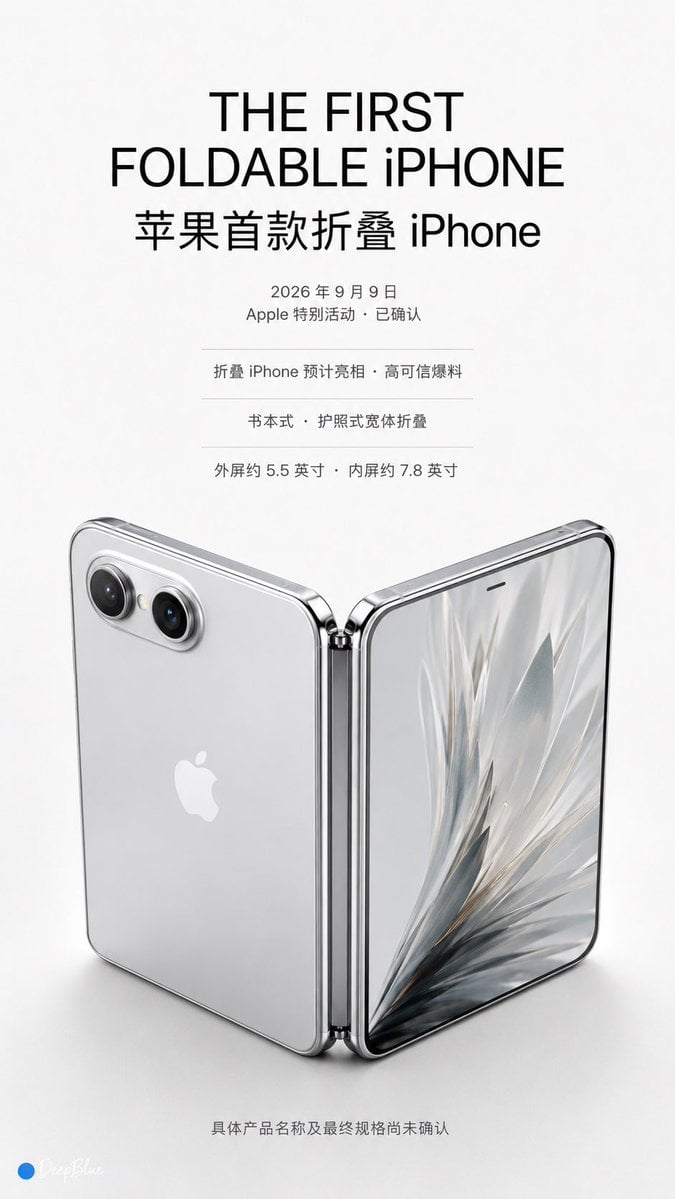
Apple Keynote Series Prediction Concept
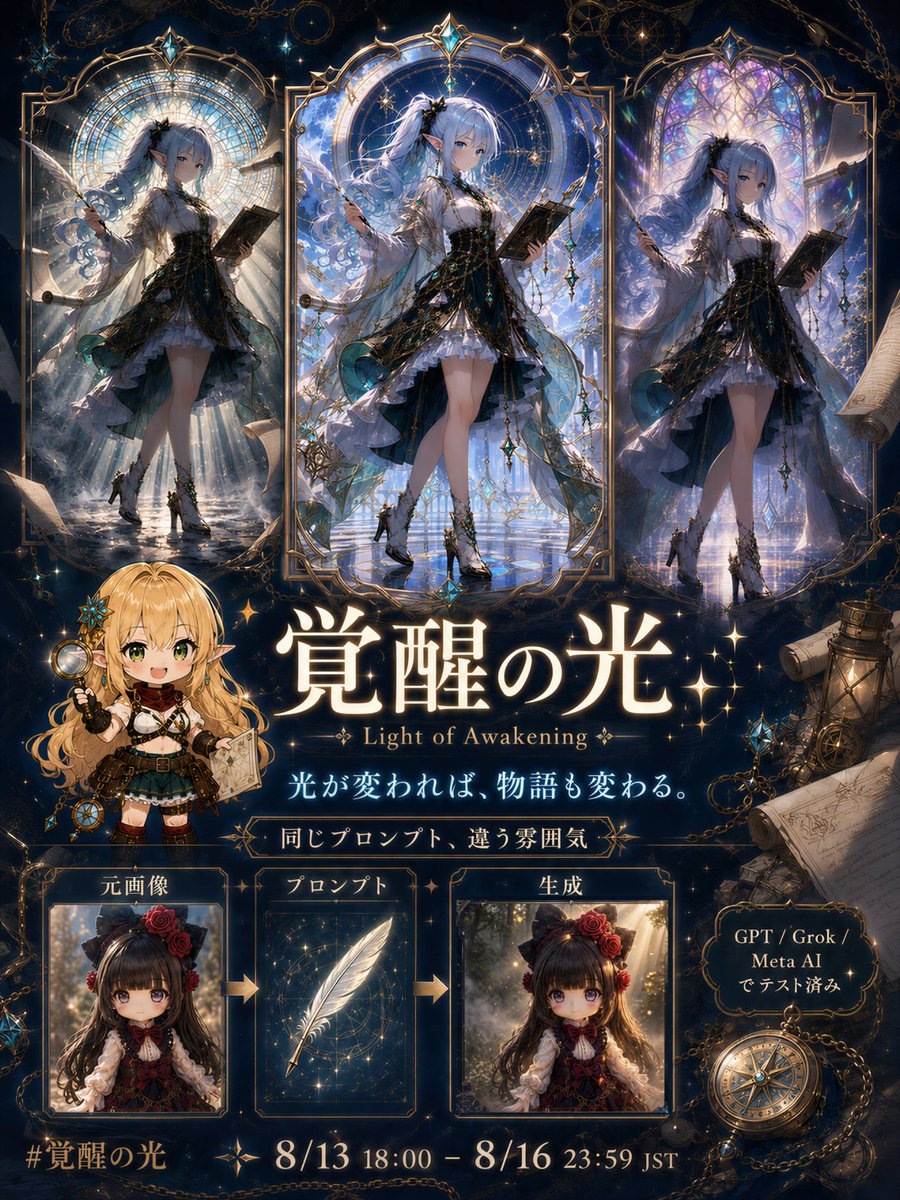
Light of Awakening Event Poster
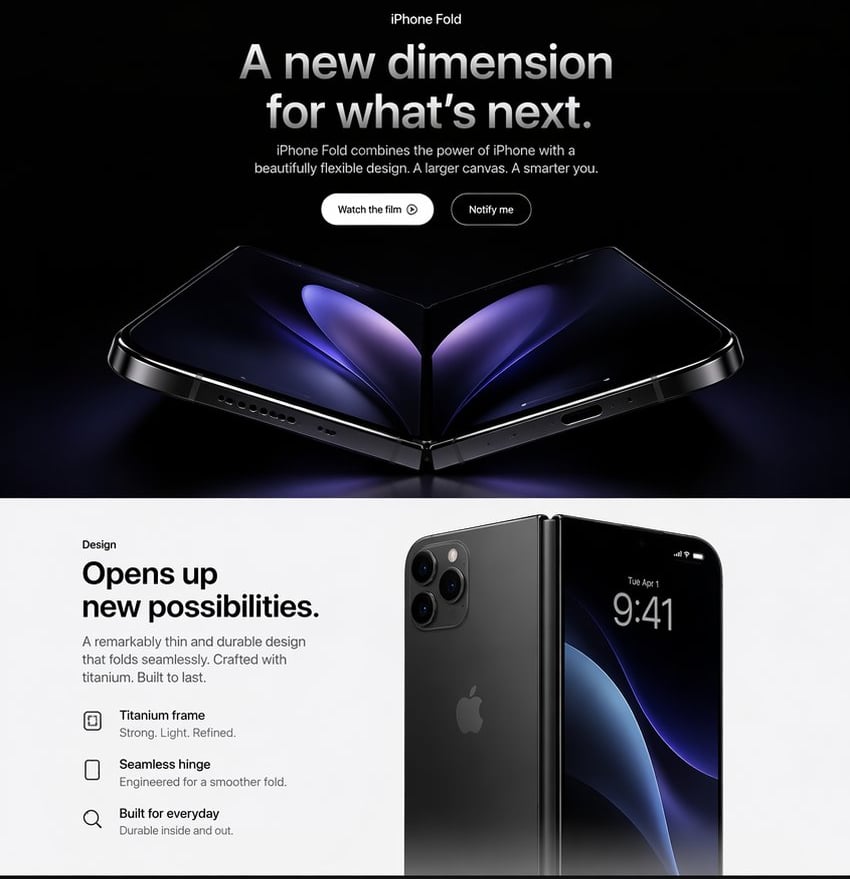
Apple-Style iPhone Fold Landing Page
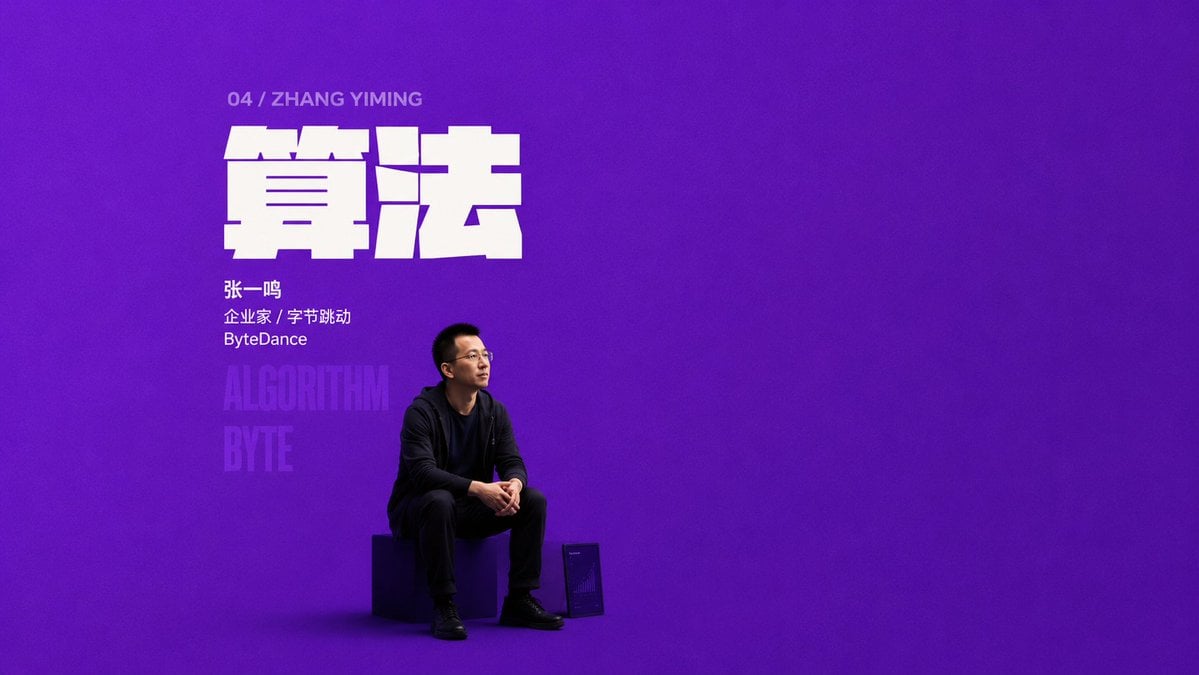
Purple Algorithm Keynote Poster

Sunlit Orchard Girl With Apples
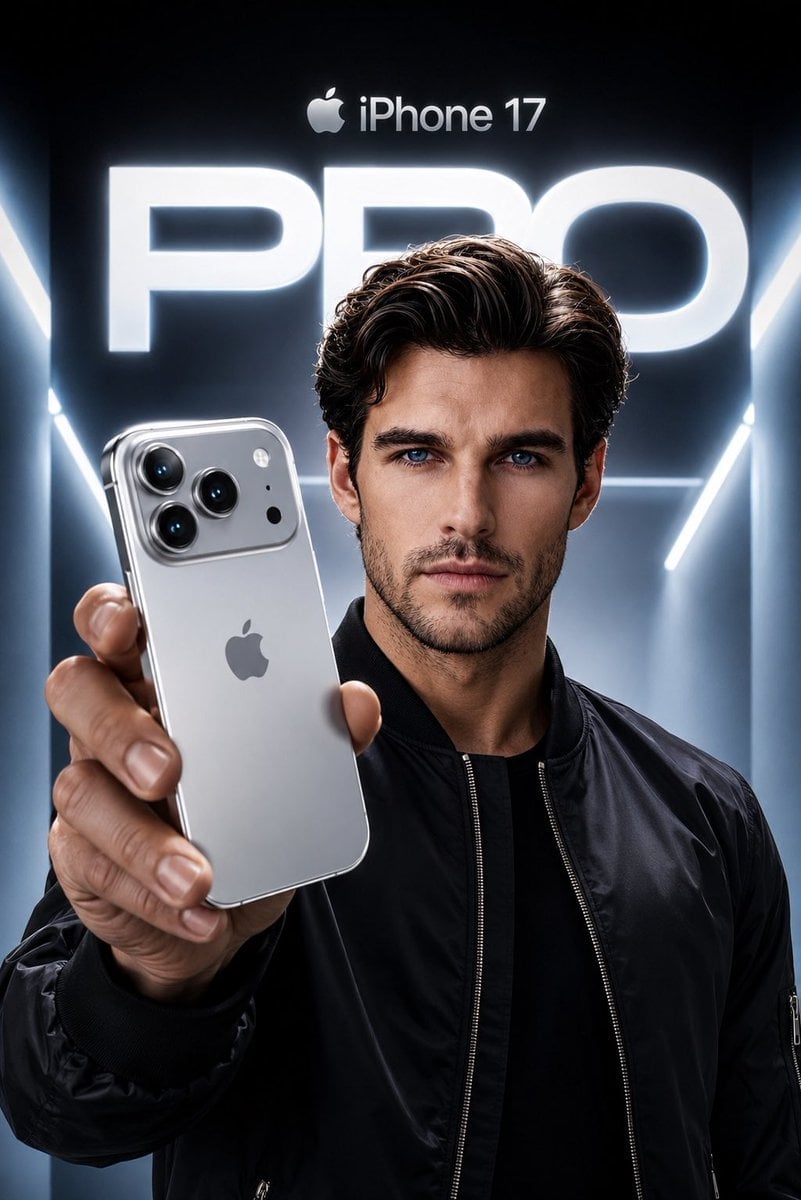
Apple Style iPhone Product Campaign
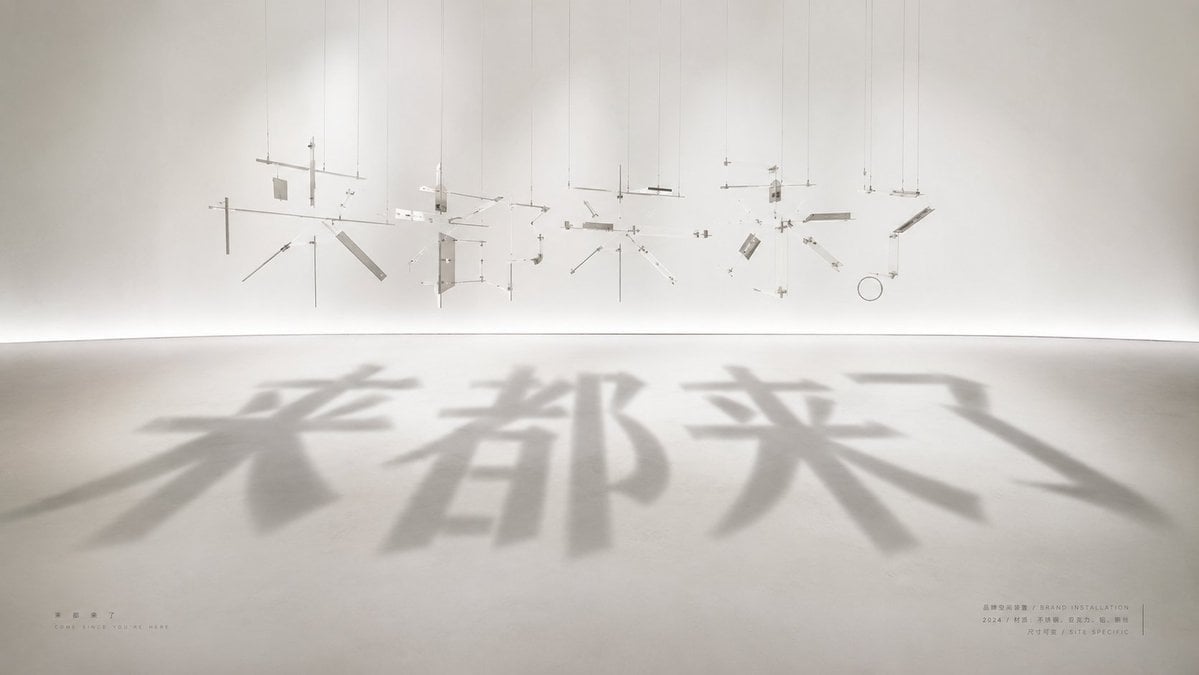
Shadow Text Installation Art
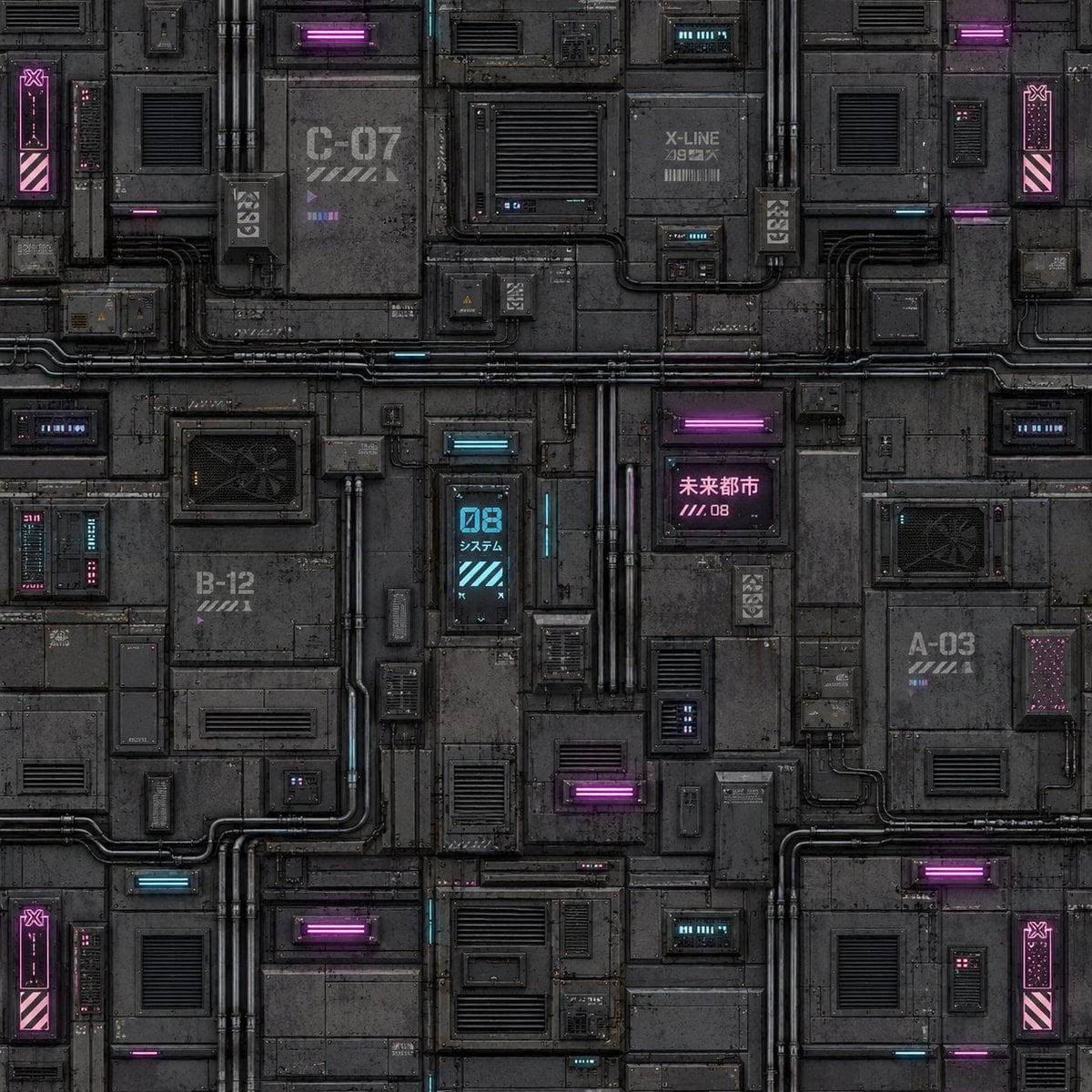
Cyberpunk Building Wall Texture
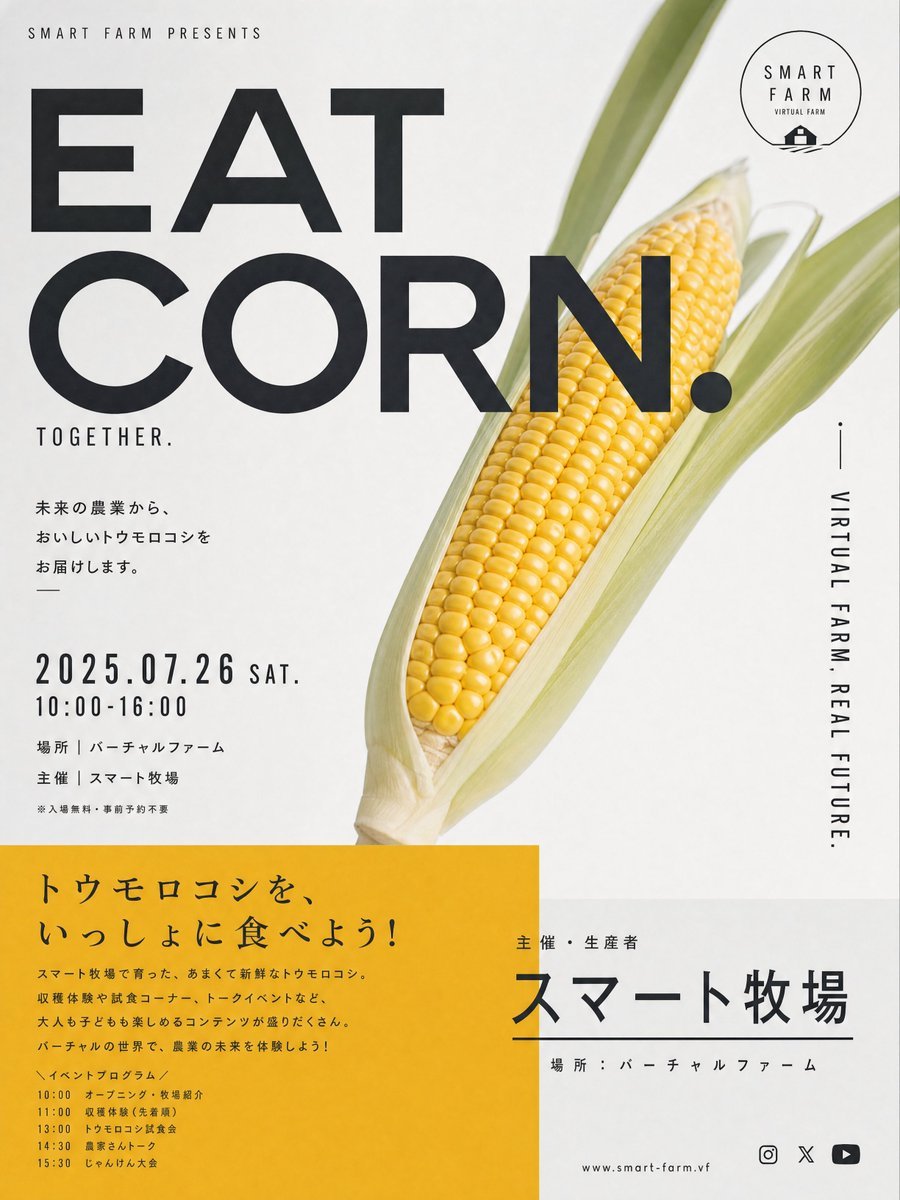
Stylish Japanese Corn Event Poster
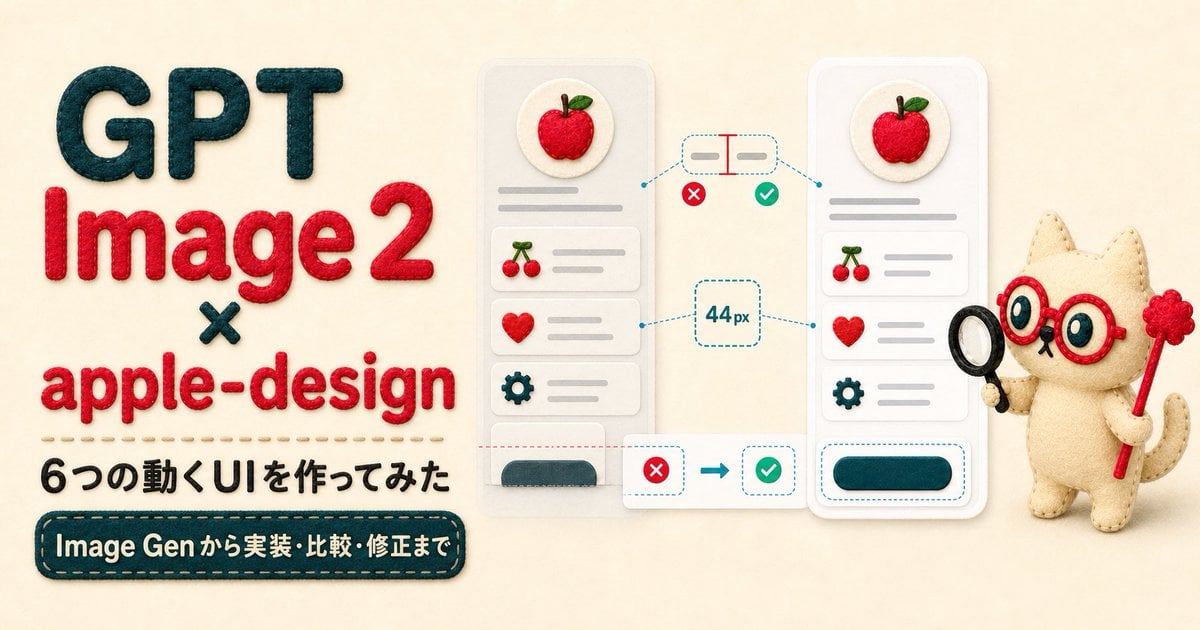
Felt GPT Image 2 Apple Design Banner

Felt Craft Apple Design UI Banner
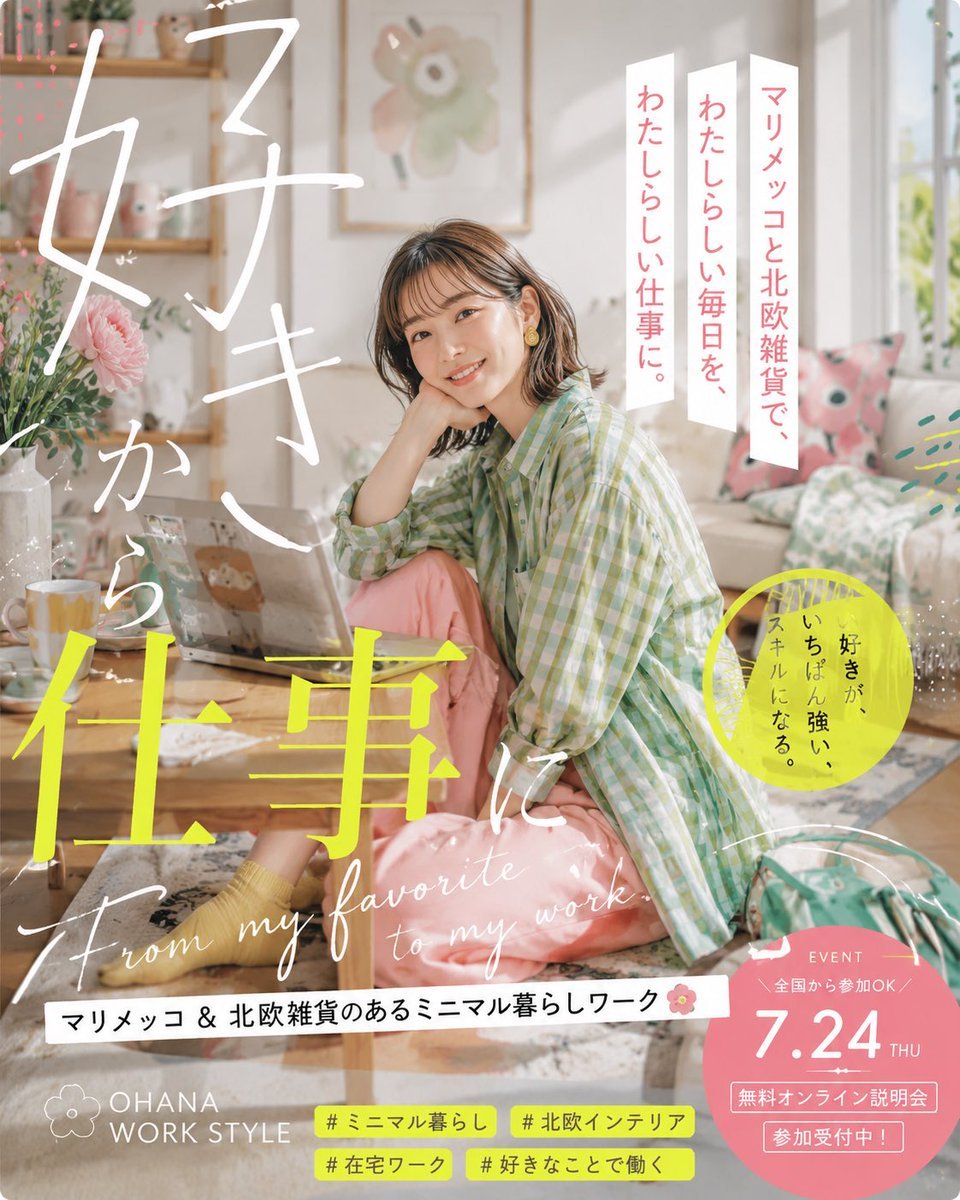
Japanese Lifestyle Work Event Poster
Make it yours
Apple keynote-style event scene from text works as-is. These are the safest ways to change it without losing the look.
Change one field
Copy a single group, rewrite it, and generate again so you can see what that field is doing.
Keep the frame, change the subject
Hold the composition and light of Apple keynote-style event scene from text, then swap wardrobe, props or the person for a new take.
| If the result… | Why | Fix |
|---|---|---|
| The result drifts from the preview | Too many fields changed at once. | Reuse Apple keynote-style event scene from text as-is first, then change one group — subject, light, or setting. |
| The model over-stylizes the scene | The prose prompt leaves finish and camera underspecified. | Add one camera or lighting sentence and stay on Nano Banana 2. |
More Nano Banana 2 templates
Other prompts made for Nano Banana 2.

Photorealistic Leaf Shaped Like a Dragon

K-Pop Idol Portrait Grid for Rapid Selection

Poetic Rain Forest Portrait During Golden Hour

Urban Street Portrait with Cartoon Inner Self Duo

Candid Nighttime Photo with Cat Prompt

High-Concept 3D Diorama Generation Prompt

Cinematic Futuristic Studio Portrait Template

Skincare Editorial Photography Collage Prompt

Hyper-Realistic Commercial Product Photography (Splash Effect)

Hyper-Realistic Nightclub Portrait Prompt
More image prompts
Fresh picks from across the catalog.
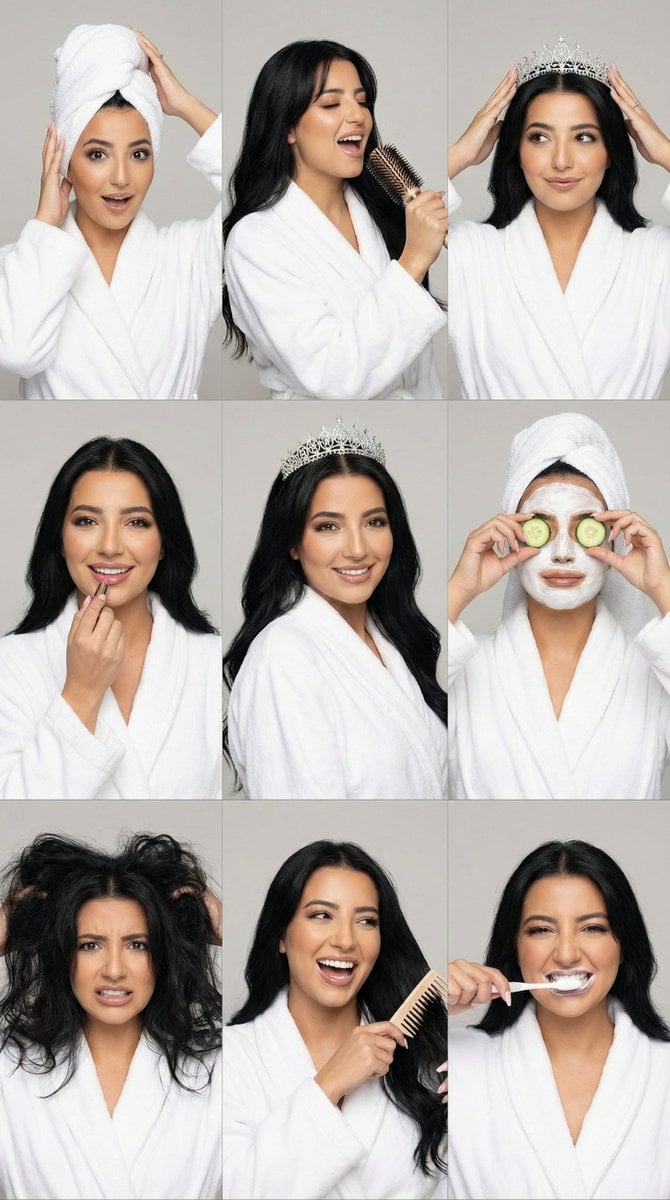
3x3 Photorealistic Beauty Photoshoot Grid with Identity Lock
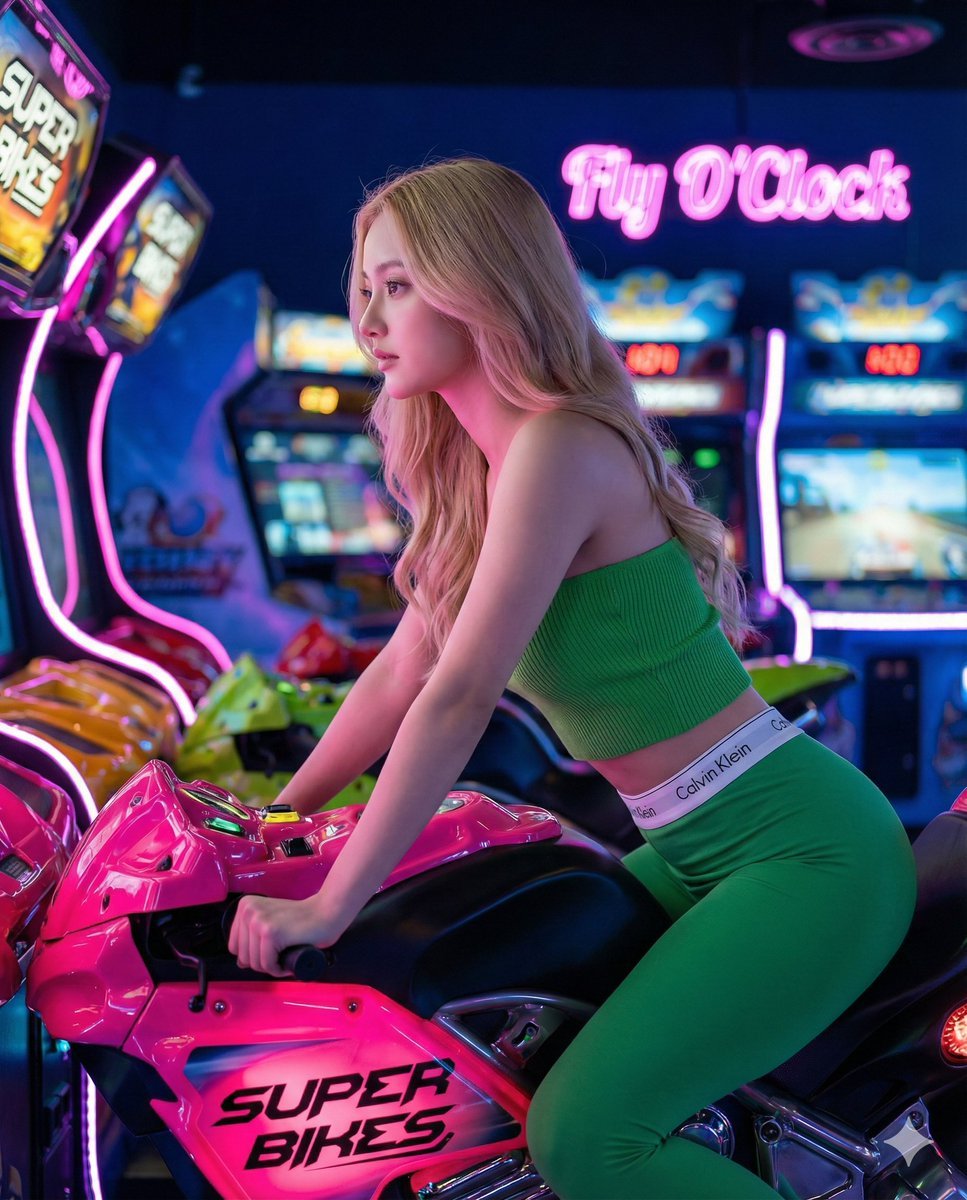
Arcade Racing Portrait in Neon Green and Pink
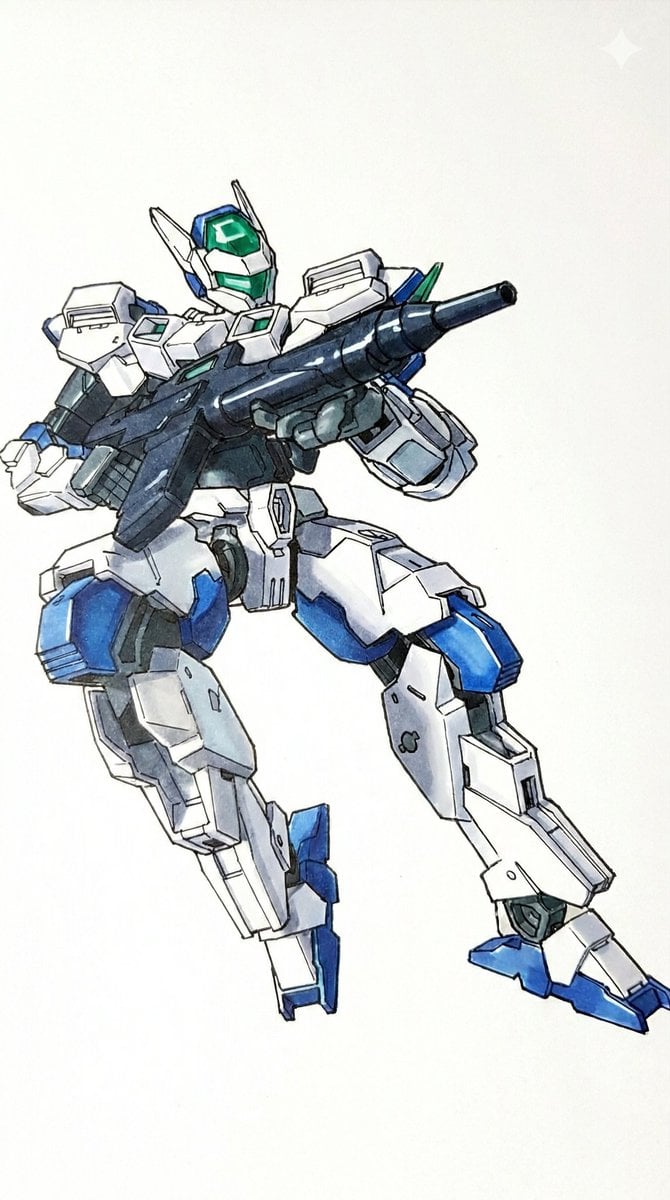
Plamodel Photo Style Transfer Prompt
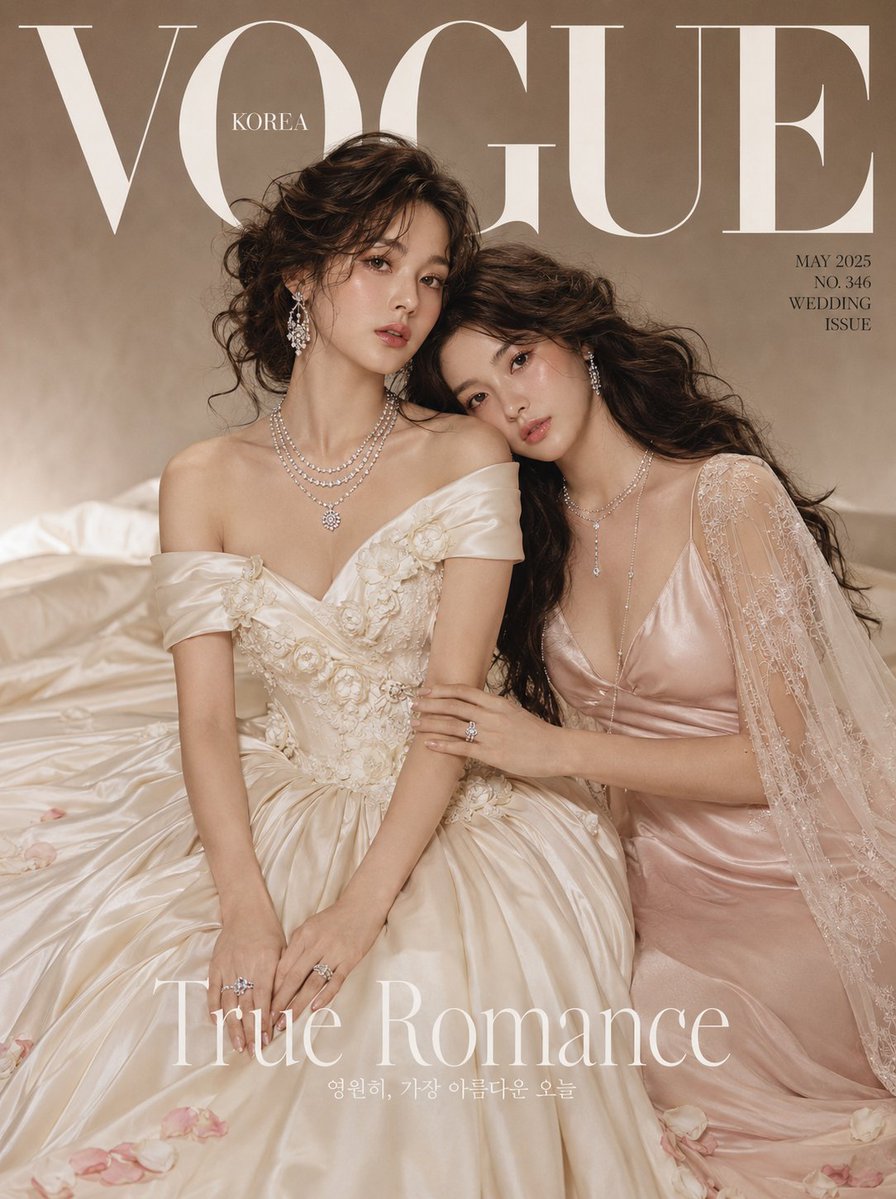
Vogue Bridal Couture Luxury Cover
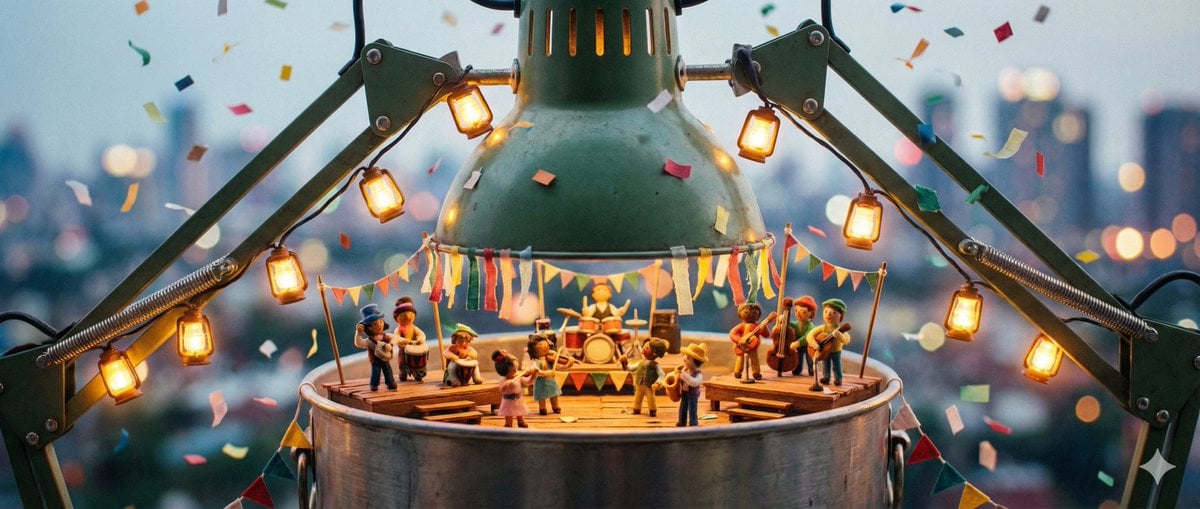
Tiny Characters Festival on Everyday Object Prompt
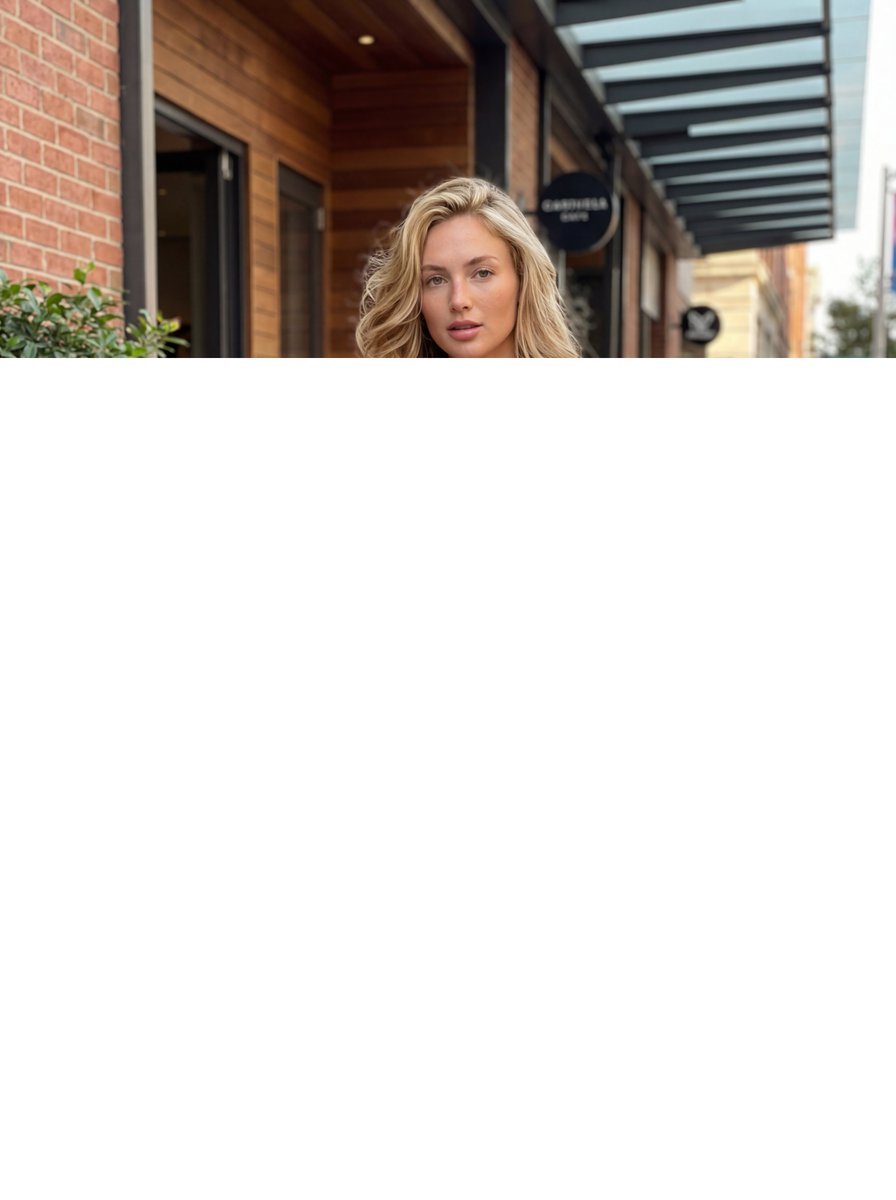
Commercial Fashion Photograph with Strict Garment Preservation
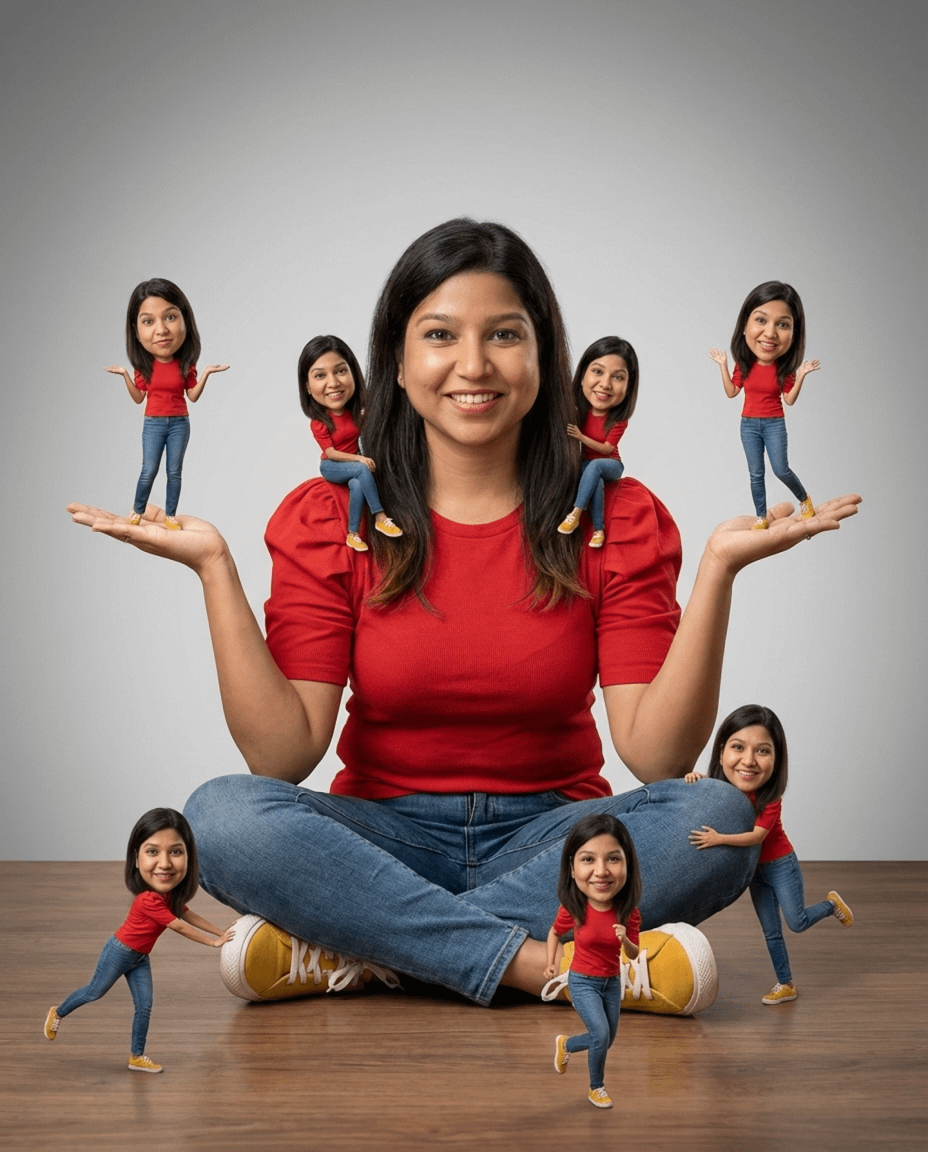
Photorealistic Cinematic Portrait with Miniature Clones
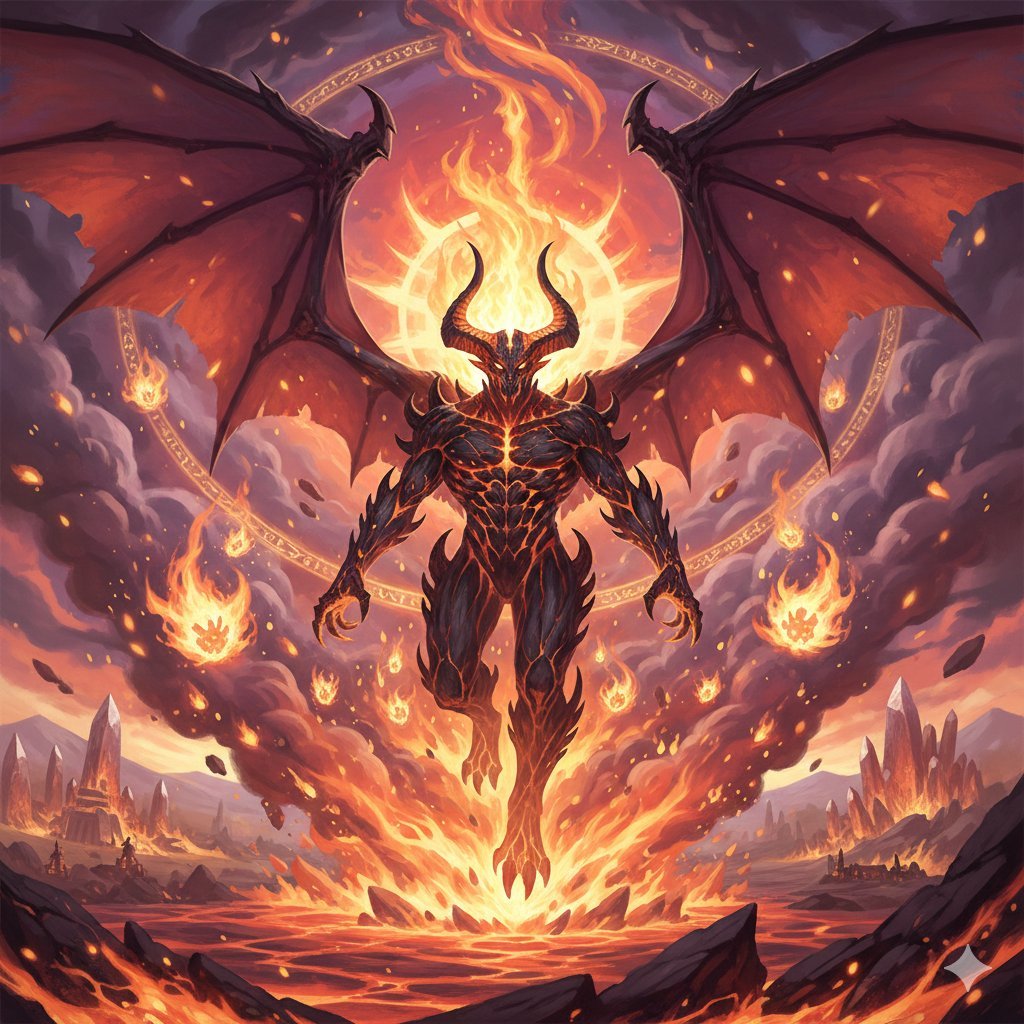
Final Fantasy Ifrit Summon Generation
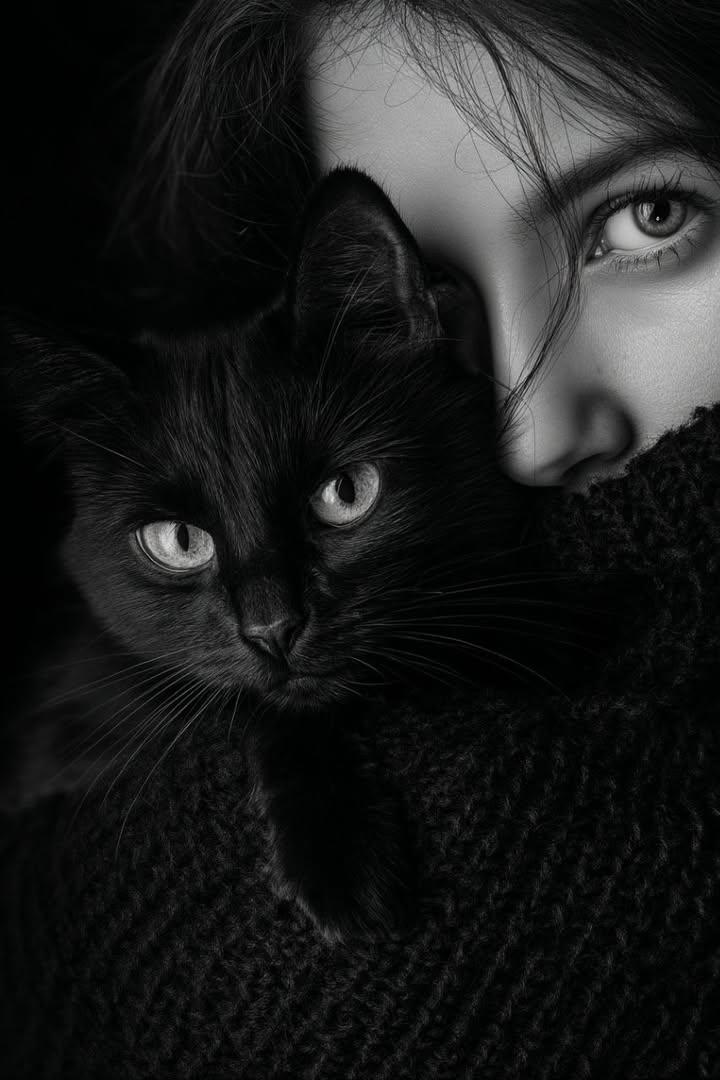
Moody Black and White Portrait with Cat
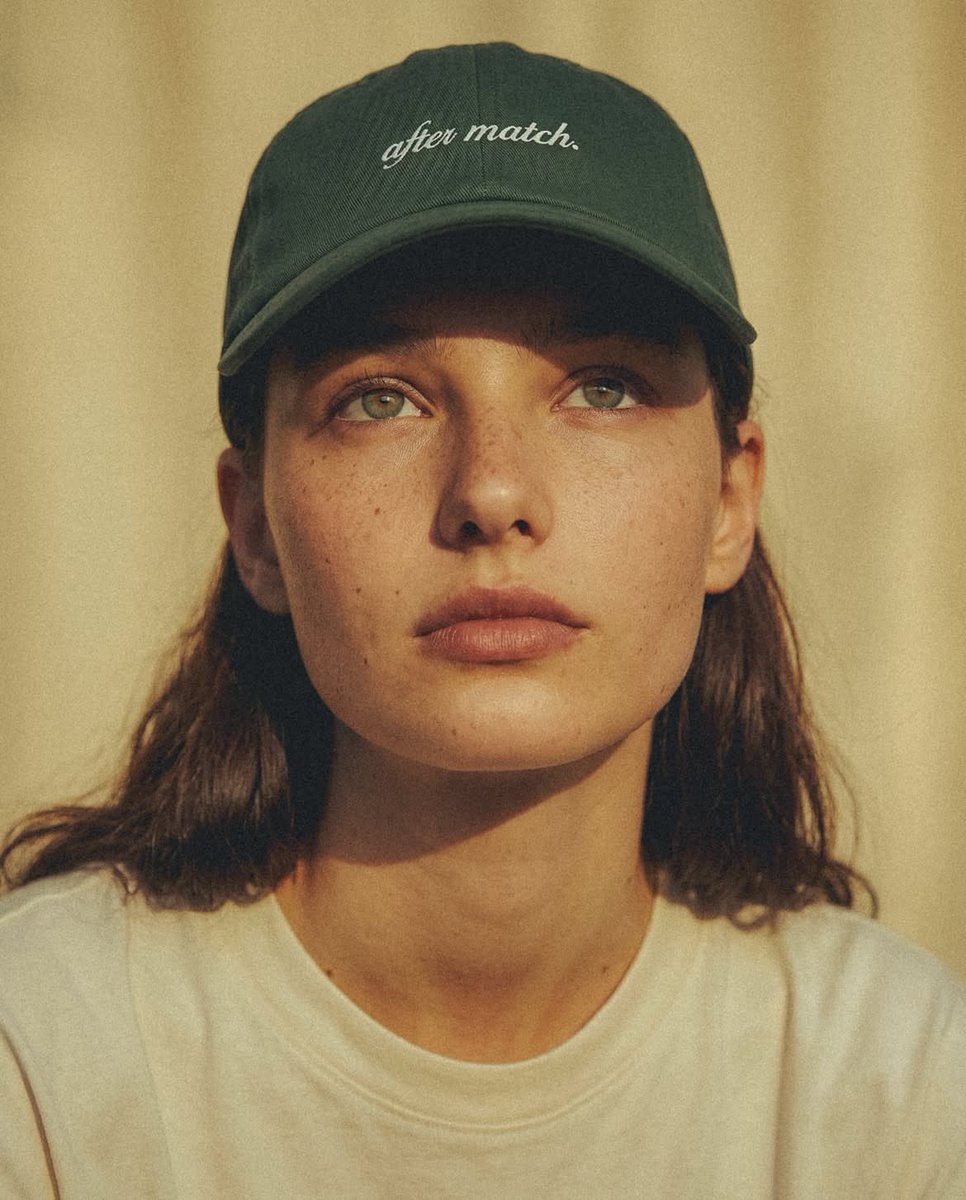
Fashion Editorial Green Cap Portraits
Browse template categories
Apple keynote-style event scene from text questions
How do I use the Apple keynote-style event scene from text template?
Add your photo if the template asks for one, edit the prompt if you like — the template's model and format are already selected — and press Generate. Your version opens in PicX Studio.
Can I customize the Apple keynote-style event scene from text template?
Yes. You can change the subject, setting, lighting, mood, format, and available model controls before creating your image.
Is the Apple keynote-style event scene from text template free?
Opening and editing this template is free. Generating uses credits, shown on the Generate button when you are signed in.
Which AI model should I use?
Start with Nano Banana 2, which is the model associated with this template. You can compare another compatible model for a different finish.
Looking for something else? Browse all templates.

Your photo, any look
Thousands of ready templates for every top image and video model, from one credit balance.