
Shadow Text Installation Art
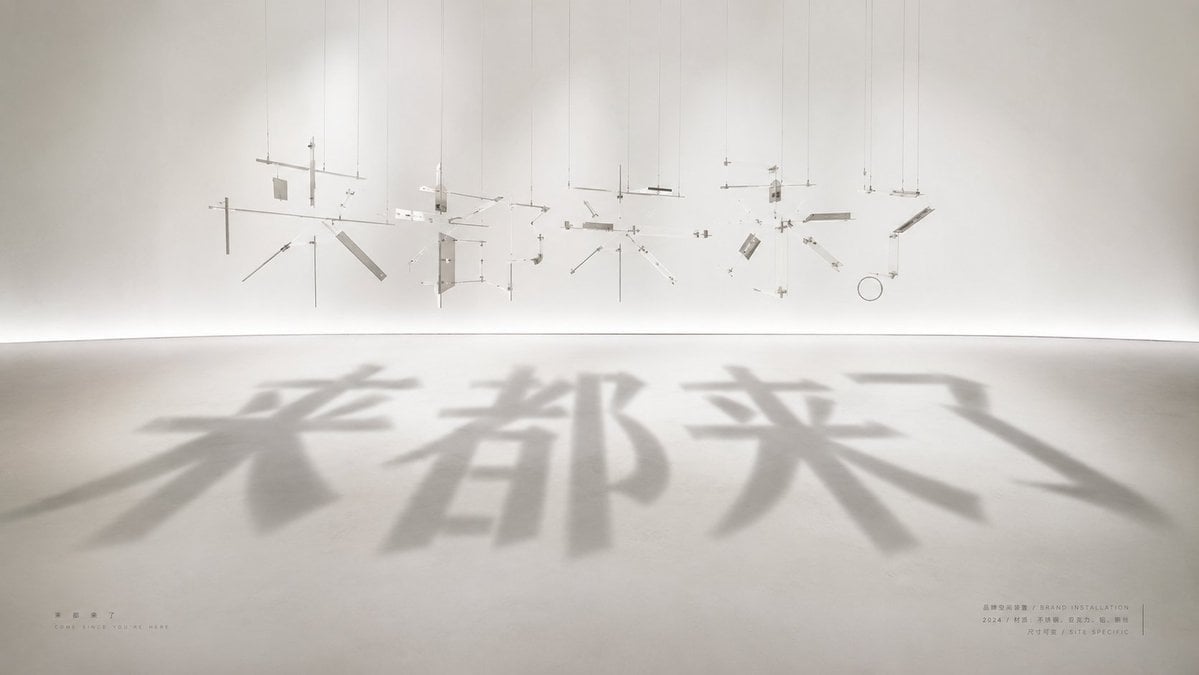
A minimalist gallery installation where suspended fragments cast large Chinese typographic shadows on the floor.
- Prompt included
- Model and format preset
- Free template
The prompt behind this image
Copy the exact prompt behind Shadow Text Installation Art, or open it in the studio and make it yours.
Create a wide cinematic photograph of a minimalist contemporary installation artwork in a white gallery room. The scene shows dozens of tiny suspended metal, acrylic, wire, and glass fragments hanging from the ceiling by thin vertical strings, carefully arranged in midair like an exploded deconstructed sculpture. Count the visible suspended components as about 45 discrete pieces: thin rods, small rectangular plates, angled strips, circular ring, crossbars, and tiny connector blocks, all in pale silver, clear, and off-white materials. A strong soft spotlight from above and behind projects their combined shadows onto the smooth concrete floor, forming four huge blurred Chinese characters reading {argument name="shadow text" default="来都来了"}. The shadow typography should dominate the foreground, oversized and soft-edged, stretching toward the viewer with realistic perspective. The physical hanging fragments should appear abstract and unreadable by themselves, but their shadows clearly align into the text. Use a serene museum aesthetic, warm white walls, curved seamless floor-to-wall transition, subtle haze, high-key lighting, long soft shadows, lots of negative space, and a calm beige-gray palette. Add very small exhibition-style captions near the bottom corners: on the lower left place the Chinese title {argument name="small title text" default="来都来了"} with a tiny English subtitle beneath it reading "COME SINCE YOU ARE HERE"; on the lower right add tiny bilingual-looking museum metadata lines including {argument name="artist label" default="BRAND INSTALLATION"}, "2024", and "SITE SPECIFIC". Keep the typography on the floor as shadow only, not printed ink. Photorealistic architectural installation art, 16:9 aspect ratio, viewed from a low frontal angle, no people, no clutter, no watermark.
How to use Shadow Text Installation Art in 3 steps
- 1Upload ImagePNG, JPG or paste
Add your photo
Upload the photo the template builds on. The prompt, model and format are already set.
- 2…a portrait of your subject in softgolden-hour light, 85mm…
Personalize
Edit the subject and creative details for your destination.
- 3Generate
Generate
Press Generate — your image is created in PicX Studio, so you can compare it with the original and refine one variable at a time.
More like this
Templates with the same subject, style or setup. Open one to see its prompt.
Nano Banana Pro Eyes in Shadow
Vacuum Sealed Logo Installation
Mysterious Shadow Red Dress Portrait
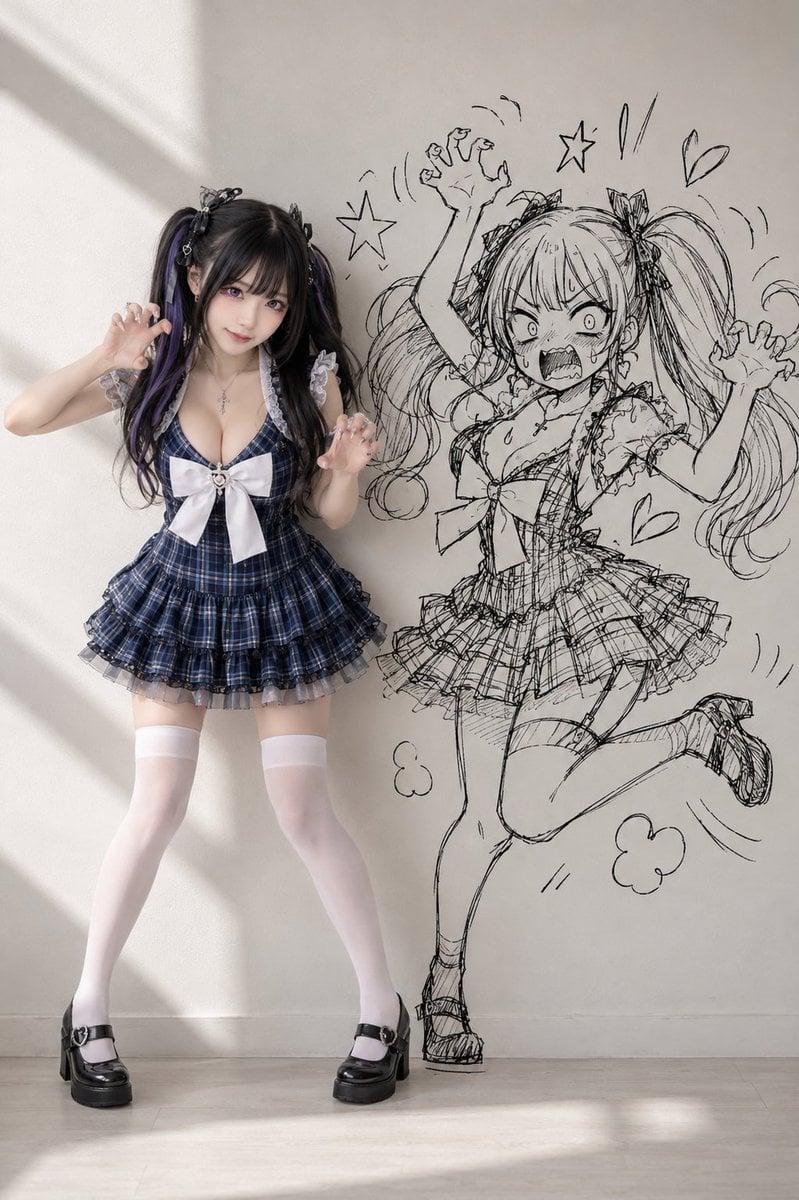
Cosplay Girl with Manga Graffiti Shadow
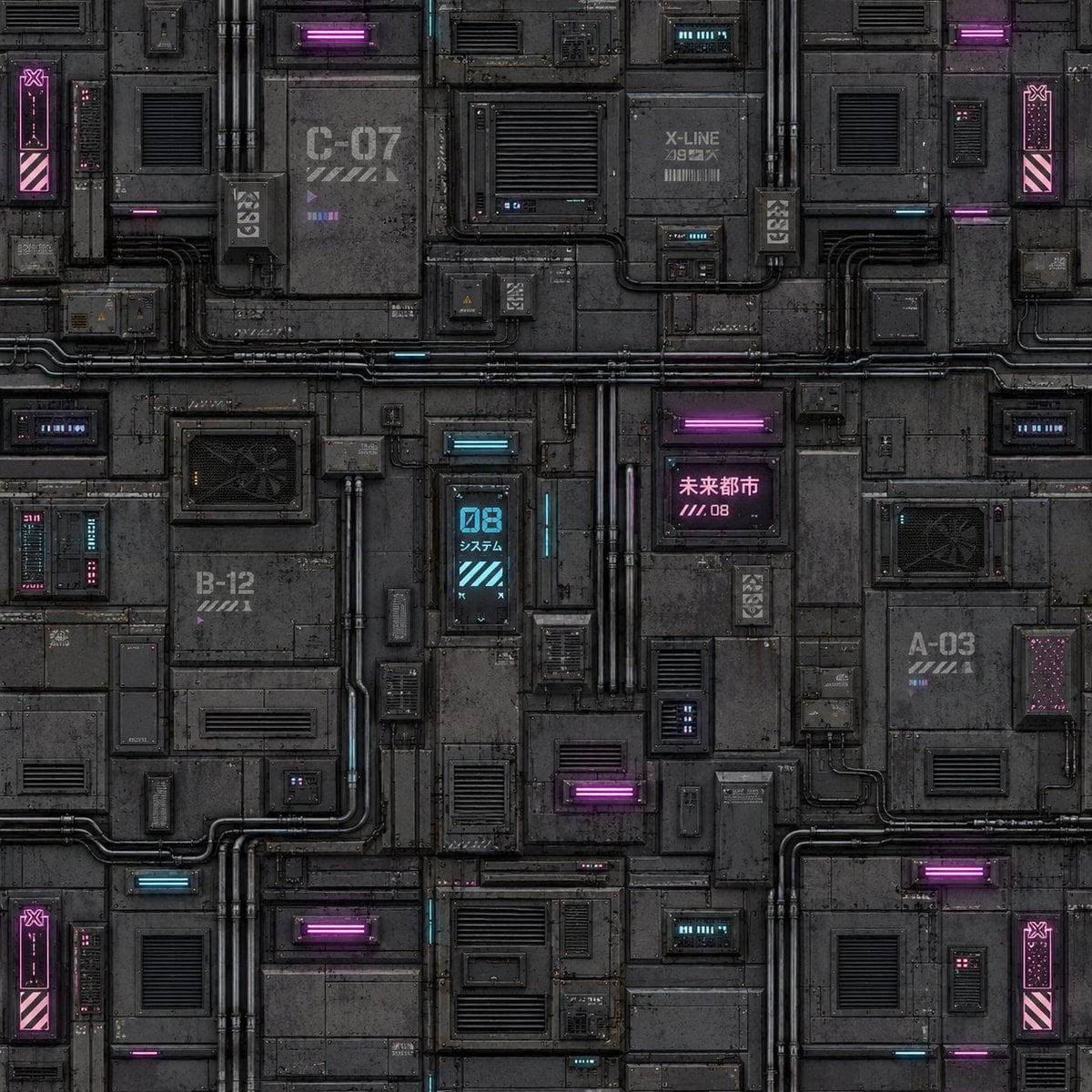
Cyberpunk Building Wall Texture
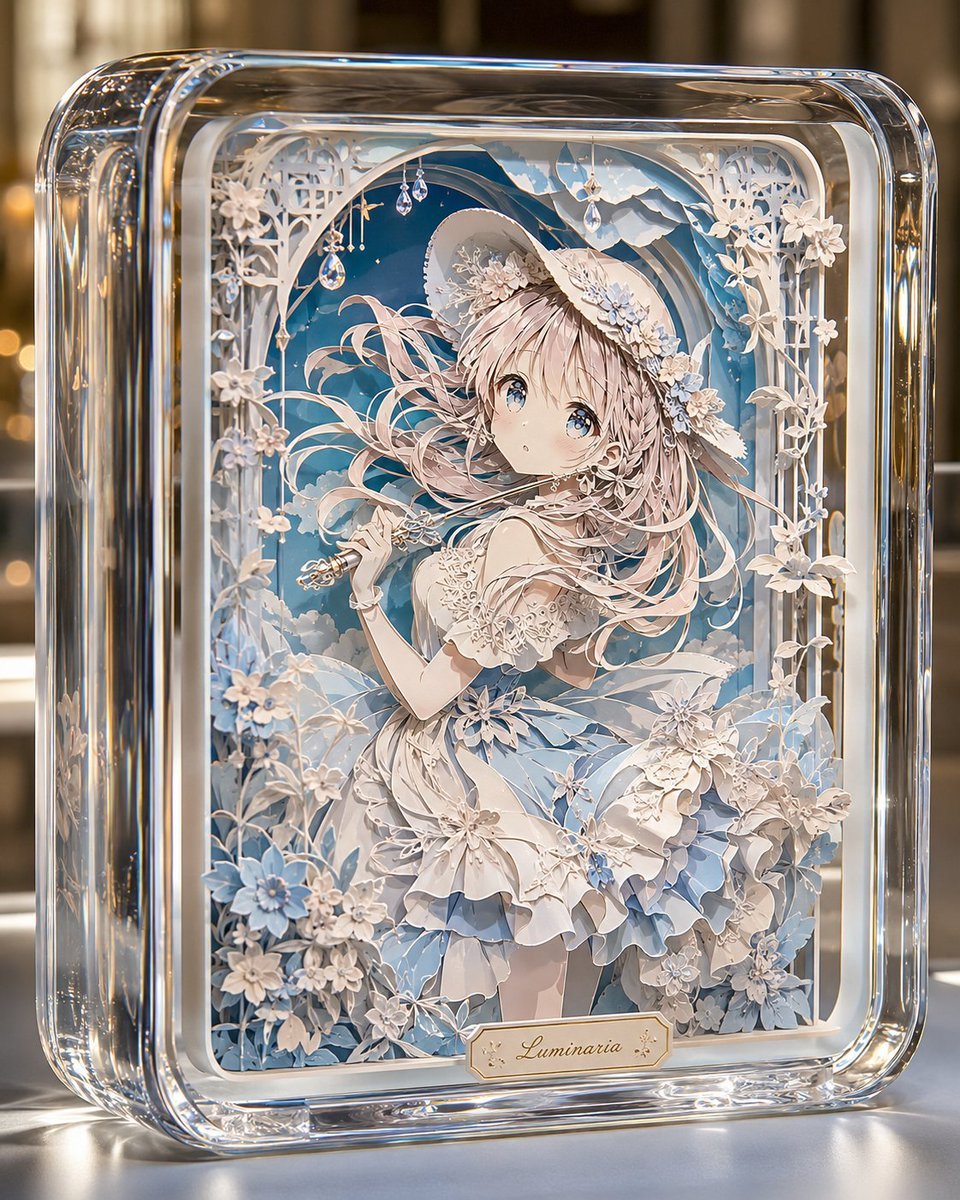
Glass Paper-Craft Anime Shadow Box
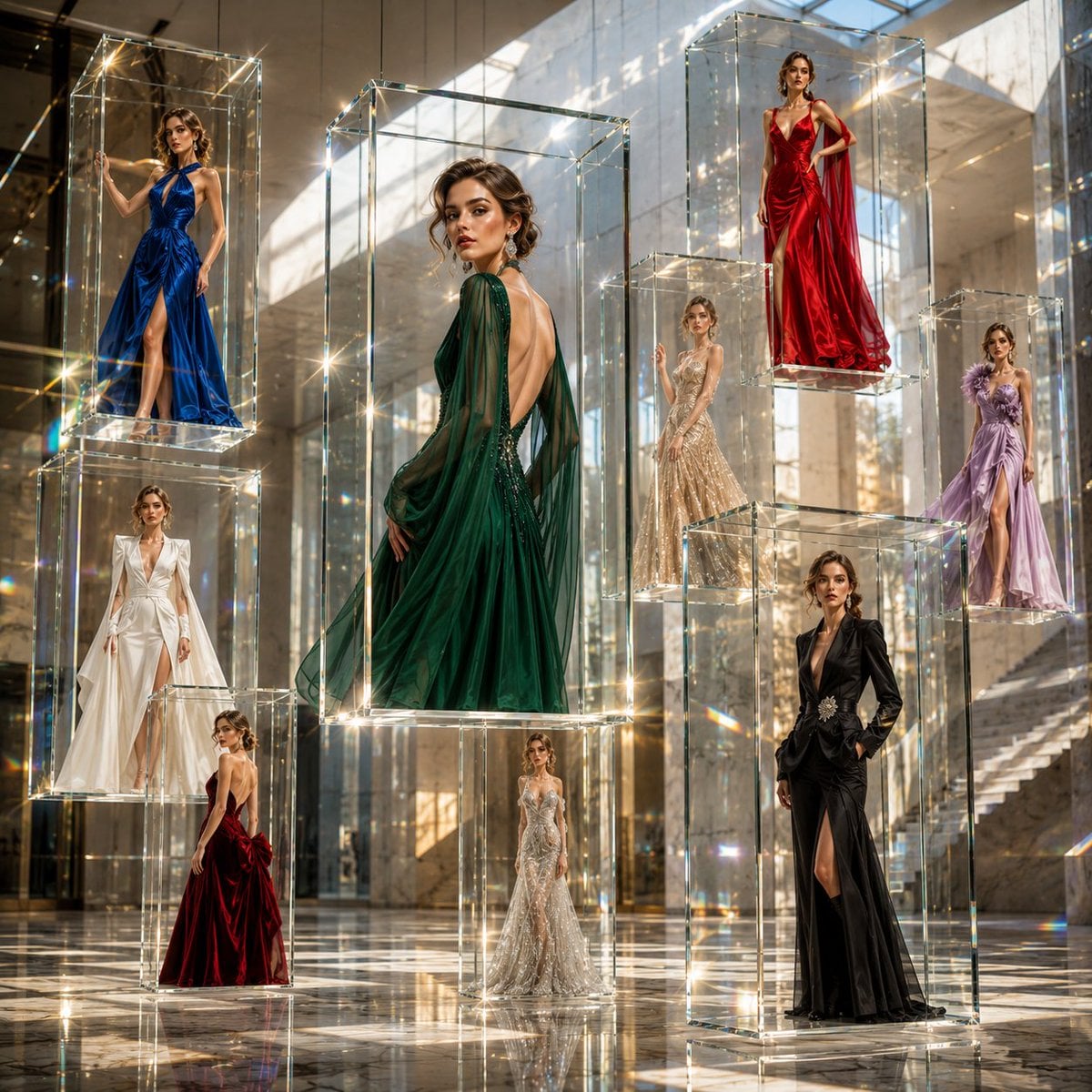
Museum Art Installation Fashion Editorial
Reasoning Context and Prompt Cache Slide
Master Layered Paper Cut Craft — Colorful Layered Composition with Soft Drop Shadows
Master Papercraft Shadow Box — Anime Hero Emerging from Paper Waves
Traditional Shadow Puppet Performance
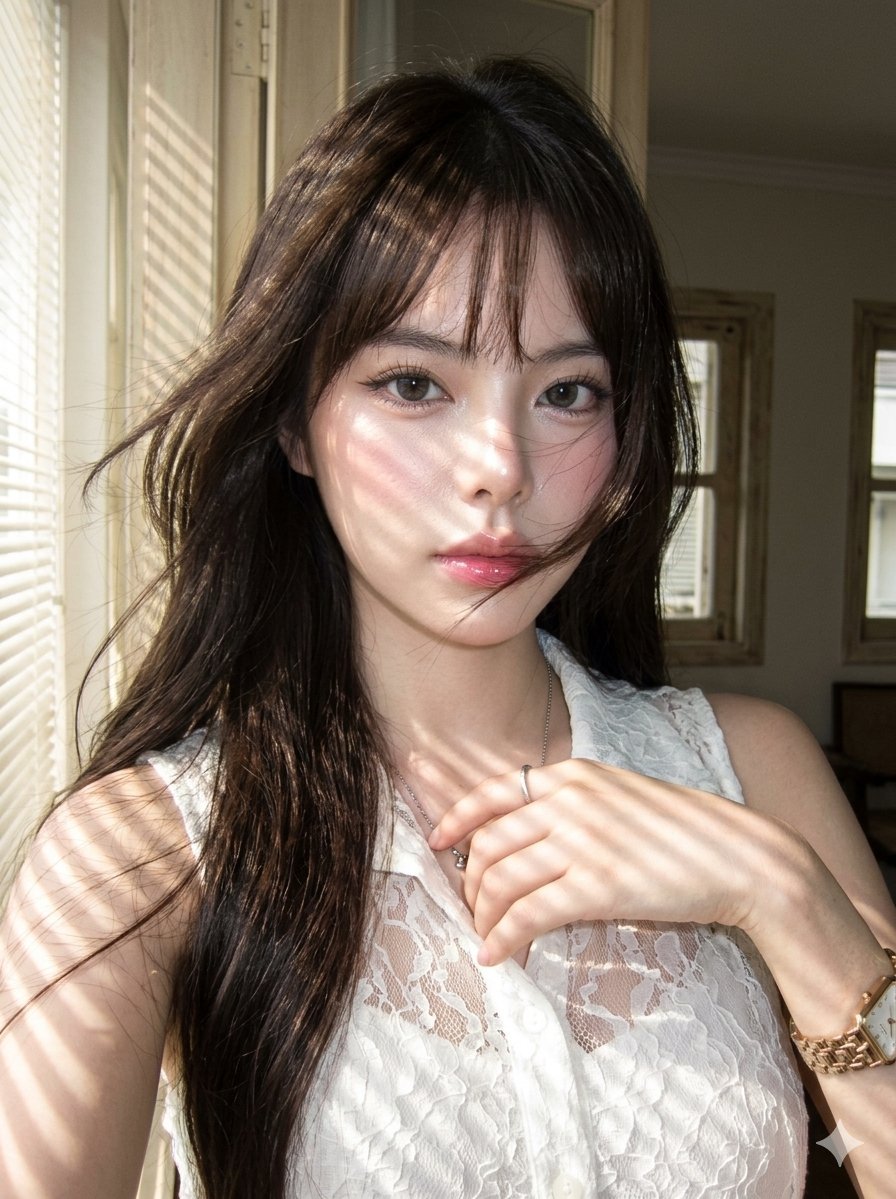
Striped Window Shadow Editorial
Make it yours
Shadow Text Installation Art works as-is. These are the safest ways to change it without losing the look.
Change one field
Copy a single group, rewrite it, and generate again so you can see what that field is doing.
Keep the frame, change the subject
Hold the composition and light of Shadow Text Installation Art, then swap wardrobe, props or the person for a new take.
| If the result… | Why | Fix |
|---|---|---|
| The result drifts from the preview | Too many fields changed at once. | Reuse Shadow Text Installation Art as-is first, then change one group — subject, light, or setting. |
| The model over-stylizes the scene | The prose prompt leaves finish and camera underspecified. | Add one camera or lighting sentence and stay on GPT Image 2. |
More GPT Image 2 templates
Other prompts made for GPT Image 2.

Six VTuber Japanese Logo Sheet

Realistic Portrait of Woman and Deer

The Vista Modular Condo Poster

AI Model Routing Comparison Infographic

2.5D Anime Art Board

Isometric Productivity Desk Scene

New York Double Exposure Poster

Four-Panel AI Landscape Comparison

Japanese Tatami Lifestyle Magazine Cover

NESCAFÉ Coffee Map Poster
More image prompts
Fresh picks from across the catalog.
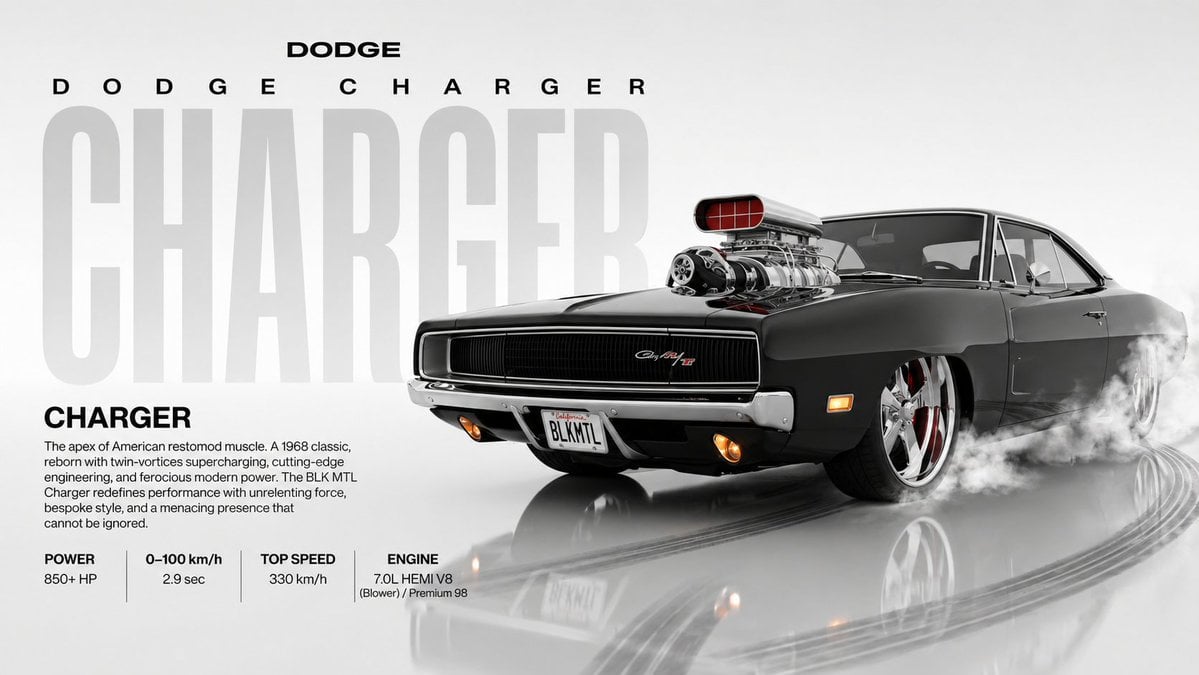
Dynamic Automotive Poster Reconstruction
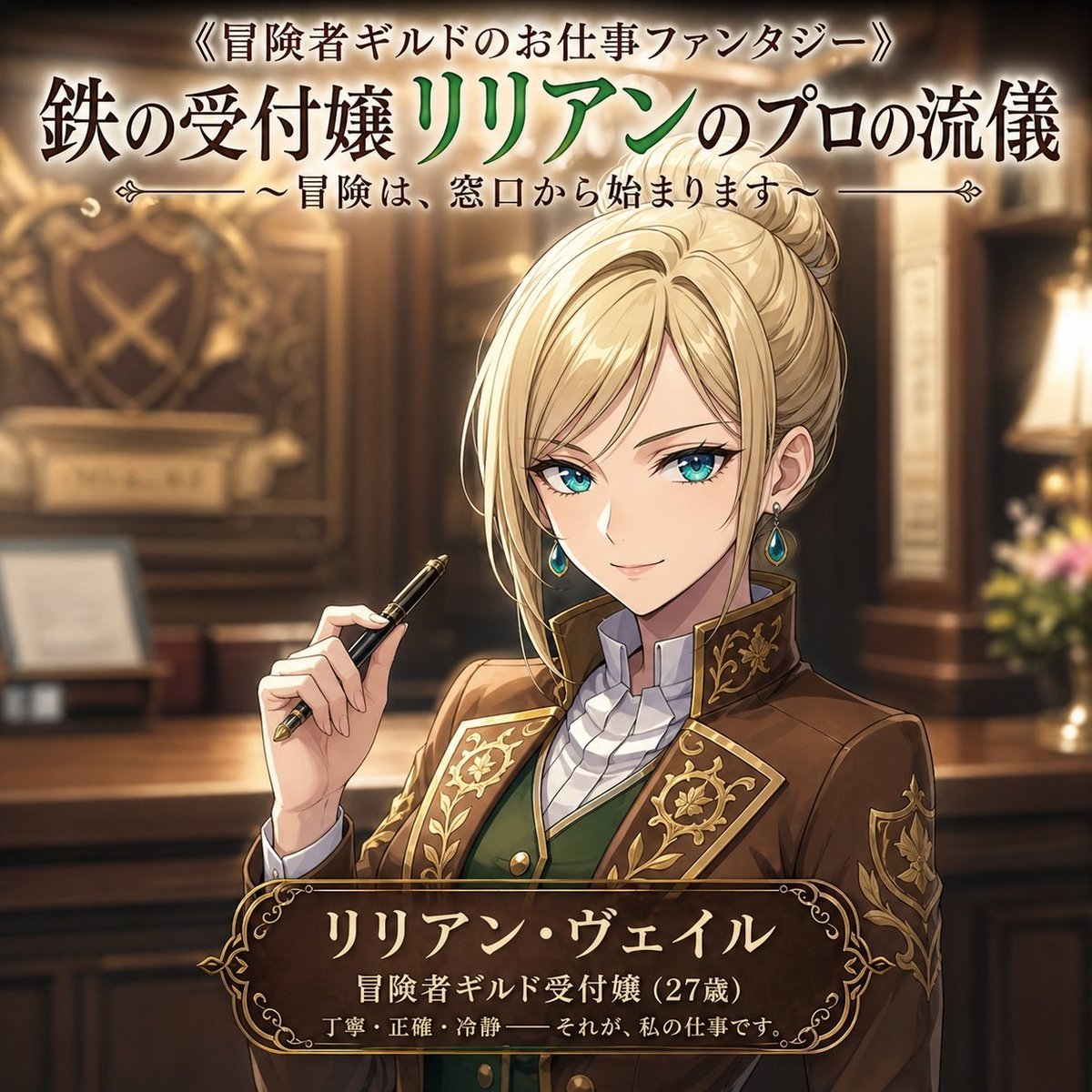
Fantasy Guild Receptionist Novel Cover
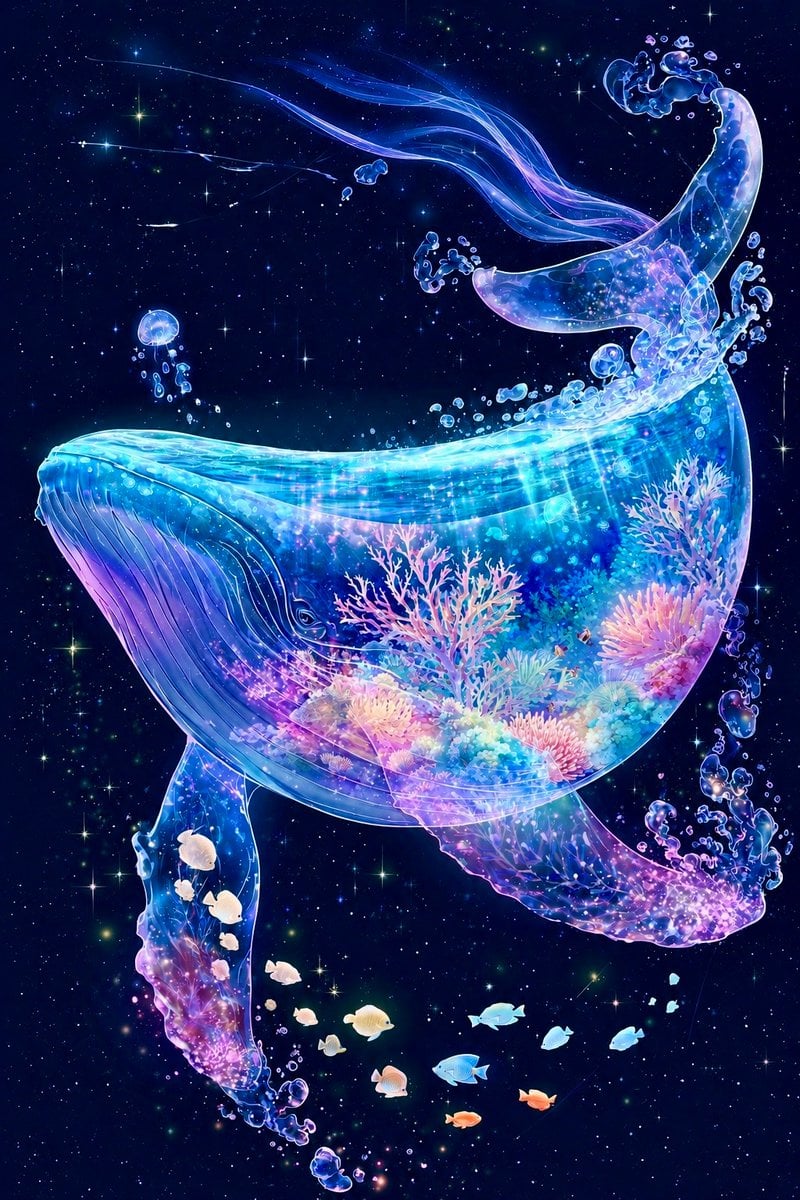
Cosmic Coral Whale
Swiss alpine winter portrait of a young man
Republic Day Photo Prompt for Gemini Nano Banana
3D Miniature Cape Town Diorama on Floating Cube
Old Photo Restoration to DSLR Portrait
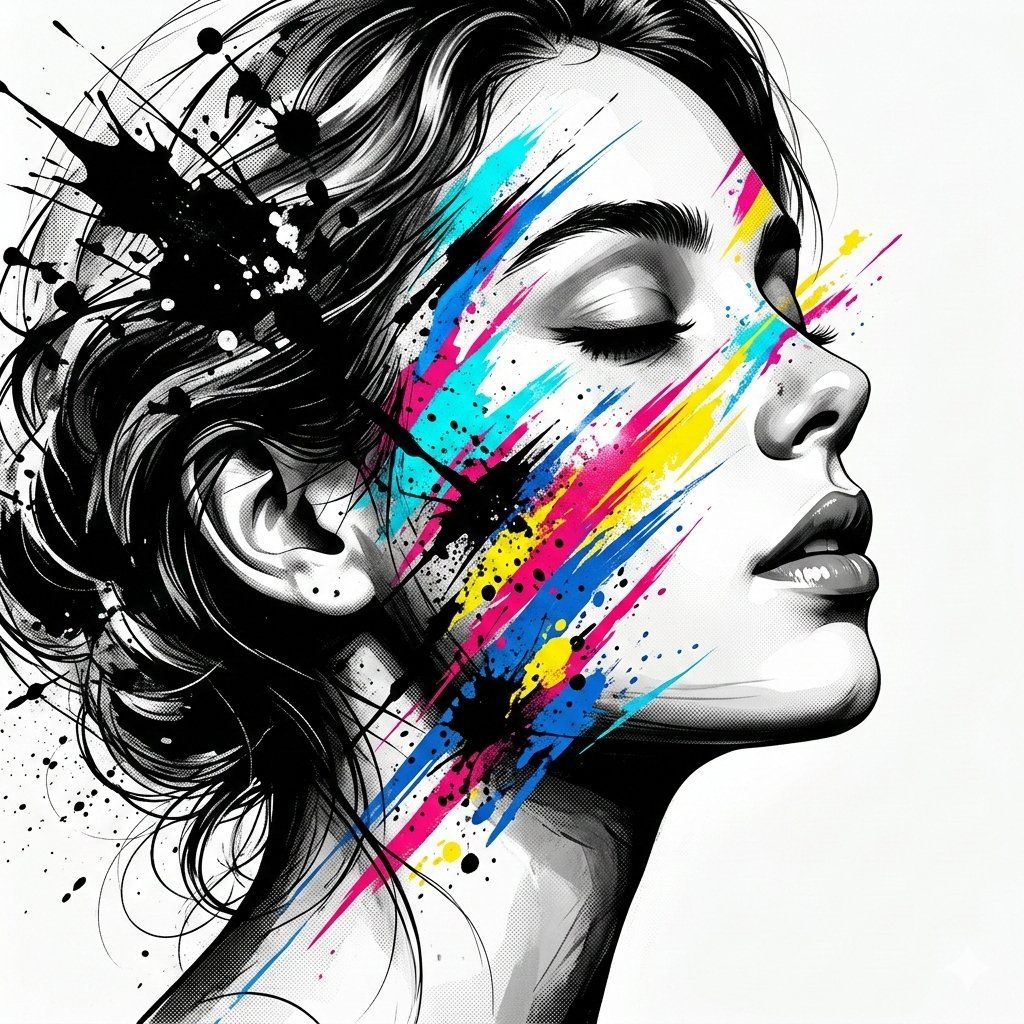
High-Contrast Abstract Mixed Media Portrait Prompt
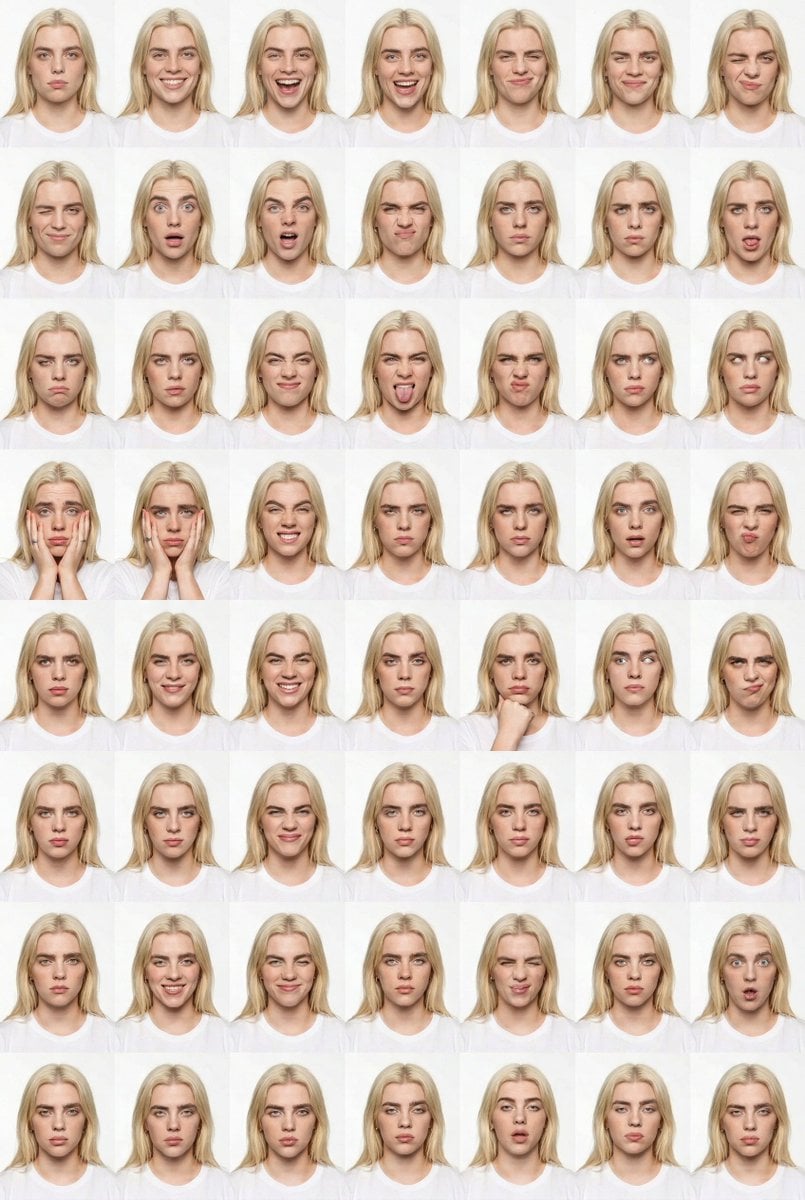
Panel Studio Expression Contact Sheet Prompt
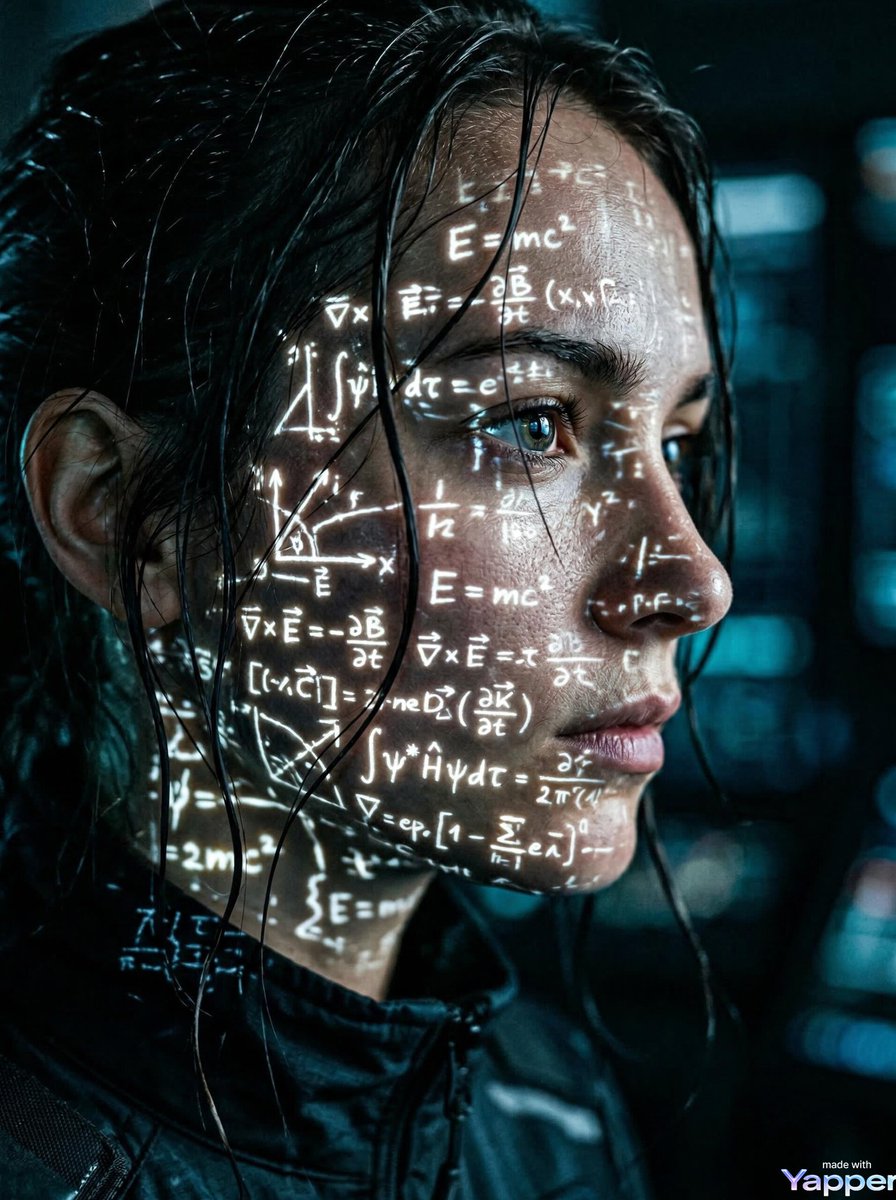
Cyberpunk Science Portrait
Browse template categories
Shadow Text Installation Art questions
How do I use the Shadow Text Installation Art template?
Add your photo if the template asks for one, edit the prompt if you like — the template's model and format are already selected — and press Generate. Your version opens in PicX Studio.
Can I customize the Shadow Text Installation Art template?
Yes. You can change the subject, setting, lighting, mood, format, and available model controls before creating your image.
Is the Shadow Text Installation Art template free?
Opening and editing this template is free. Generating uses credits, shown on the Generate button when you are signed in.
Which AI model should I use?
Start with GPT Image 2, which is the model associated with this template. You can compare another compatible model for a different finish.
Looking for something else? Browse all templates.

Your photo, any look
Thousands of ready templates for every top image and video model, from one credit balance.