
Museum Art Installation Fashion Editorial
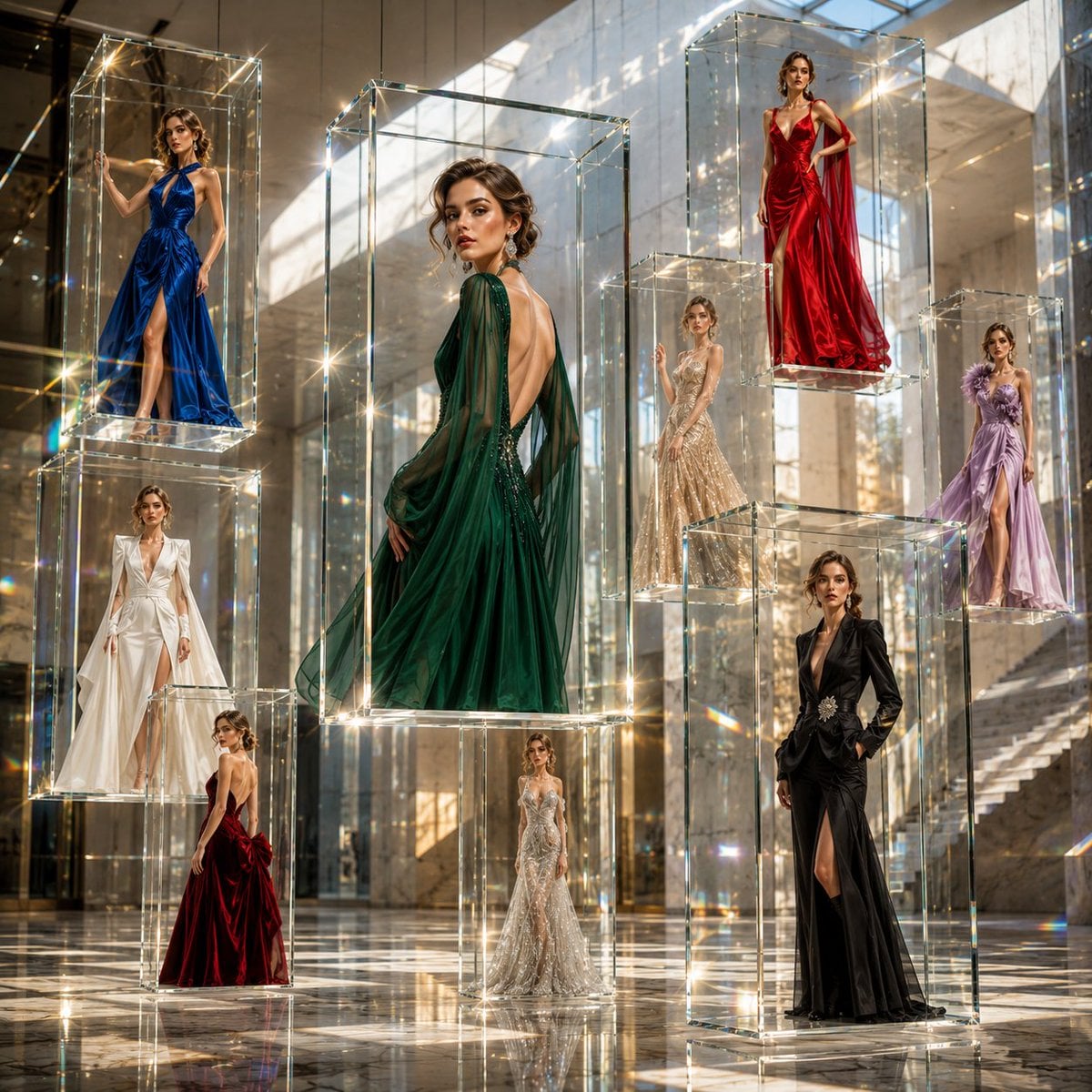
A high-fashion editorial prompt set in a contemporary art museum, featuring floating glass frames and luxury couture.
- Prompt included
- Model and format preset
- Premium template
The prompt behind this image
Copy the exact prompt behind Museum Art Installation Fashion Editorial, or open it in the studio and make it yours.
An award-winning ultra-luxury fashion editorial photographed inside a breathtaking contemporary art museum where multiple crystal-clear floating glass frames hover effortlessly in mid-air at varying heights and depths, creating an immersive three-dimensional visual installation. Each transparent frame showcases the same exceptionally beautiful {argument name="model origin" default="young European female"} model with refined facial features, luminous skin, expressive blue-green eyes, and elegant natural makeup, captured in completely different haute couture looks and confident editorial poses. Every frame presents a unique luxury fashion story featuring {argument name="clothing type" default="sculptural gowns, modern architectural tailoring, flowing silk, satin, organza, embellished crystal couture, premium textured fabrics, elegant capes, asymmetric silhouettes, sophisticated monochrome styling, and contemporary high-fashion accessories"}. Her hairstyles subtly vary between polished sleek hair, soft waves, elegant updos, and modern runway-inspired looks, giving every portrait its own identity while maintaining the same model. The floating glass panels overlap naturally in perspective, creating dramatic cinematic depth, soft optical refractions, delicate prism effects, and realistic edge highlights. Gentle reflections dance across an immaculate mirror-polished white marble floor, enhancing the illusion of infinite space without becoming distracting. The gallery architecture is {argument name="architecture style" default="minimalist yet monumental"}, featuring soaring ceilings, museum-grade proportions, sculptural concrete walls, hidden architectural lighting, oversized skylights, and abundant soft natural daylight streaming through the space. Warm ivory, champagne gold, pearl white, soft beige, and subtle warm grey tones create an atmosphere of timeless European luxury. The composition is perfectly balanced with layered foreground, midground, and background elements, producing exceptional depth and visual richness. Every glass frame appears to float weightlessly, casting soft realistic shadows and subtle reflections while preserving complete transparency. Ultra-premium Vogue Italia editorial aesthetic, luxury campaign photography, museum-quality fine art composition, cinematic lighting, hyper-realistic DSLR photography, Canon EOS R5, RF 85mm f/1.2L lens, f/1.8, HDR, ultra-shallow depth of field, tack-sharp focus on the floating frames, exquisite skin detail, lifelike fabric textures, realistic glass physics, volumetric light rays, global illumination, soft ambient occlusion, extremely high dynamic range, photorealistic, masterpiece quality, 8K, no text, no logos, no watermark.
How to use Museum Art Installation Fashion Editorial in 3 steps
- 1
Open
The prompt is already in the box next to the preview, with the template's model and format selected.
- 2…a portrait of your subject in softgolden-hour light, 85mm…
Personalize
Edit the subject and creative details for your destination.
- 3Generate
Generate
Press Generate — your image is created in PicX Studio, so you can compare it with the original and refine one variable at a time.
More like this
Templates with the same subject, style or setup. Open one to see its prompt.

Blue Backdrop Luxury Fashion Portrait Campaign

Premium Editorial Branding Poster Charcoal Green

Typography Mask Editorial Fashion Poster

Luxury Black-and-White Fashion Contact Sheet

untitled

Google Gemini Nano Banana Pro

Conceptual Fashion Portrait in Spider We

01 Skincare Split Portrait — Nano Banana 2

24 The Getty Center — California Series

21 Glass Floor Skyscraper — California Series

19 Luxury Helicopter Travel — California Series

08 Rodeo Drive Luxury Exit — California Series
Make it yours
Museum Art Installation Fashion Editorial works as-is. These are the safest ways to change it without losing the look.
Change one field
Copy a single group, rewrite it, and generate again so you can see what that field is doing.
Keep the frame, change the subject
Hold the composition and light of Museum Art Installation Fashion Editorial, then swap wardrobe, props or the person for a new take.
| If the result… | Why | Fix |
|---|---|---|
| The result drifts from the preview | Too many fields changed at once. | Reuse Museum Art Installation Fashion Editorial as-is first, then change one group — subject, light, or setting. |
| The model over-stylizes the scene | The prose prompt leaves finish and camera underspecified. | Add one camera or lighting sentence and stay on GPT Image 2. |
More GPT Image 2 templates
Other prompts made for GPT Image 2.

Six VTuber Japanese Logo Sheet

Realistic Portrait of Woman and Deer

The Vista Modular Condo Poster

AI Model Routing Comparison Infographic

2.5D Anime Art Board

Isometric Productivity Desk Scene

New York Double Exposure Poster

Four-Panel AI Landscape Comparison

Japanese Tatami Lifestyle Magazine Cover

NESCAFÉ Coffee Map Poster
More image prompts
Fresh picks from across the catalog.
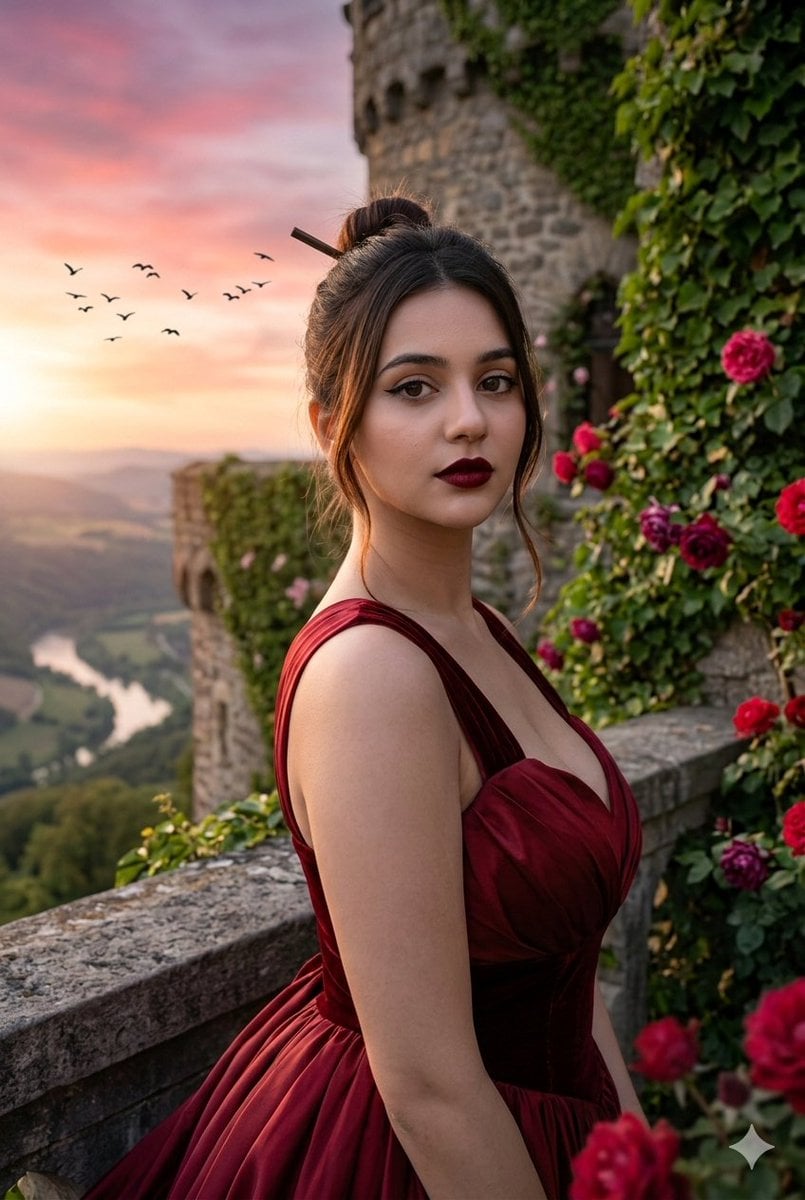
Hyper-Realistic Editorial Portrait Editing Prompt (JSON Format)
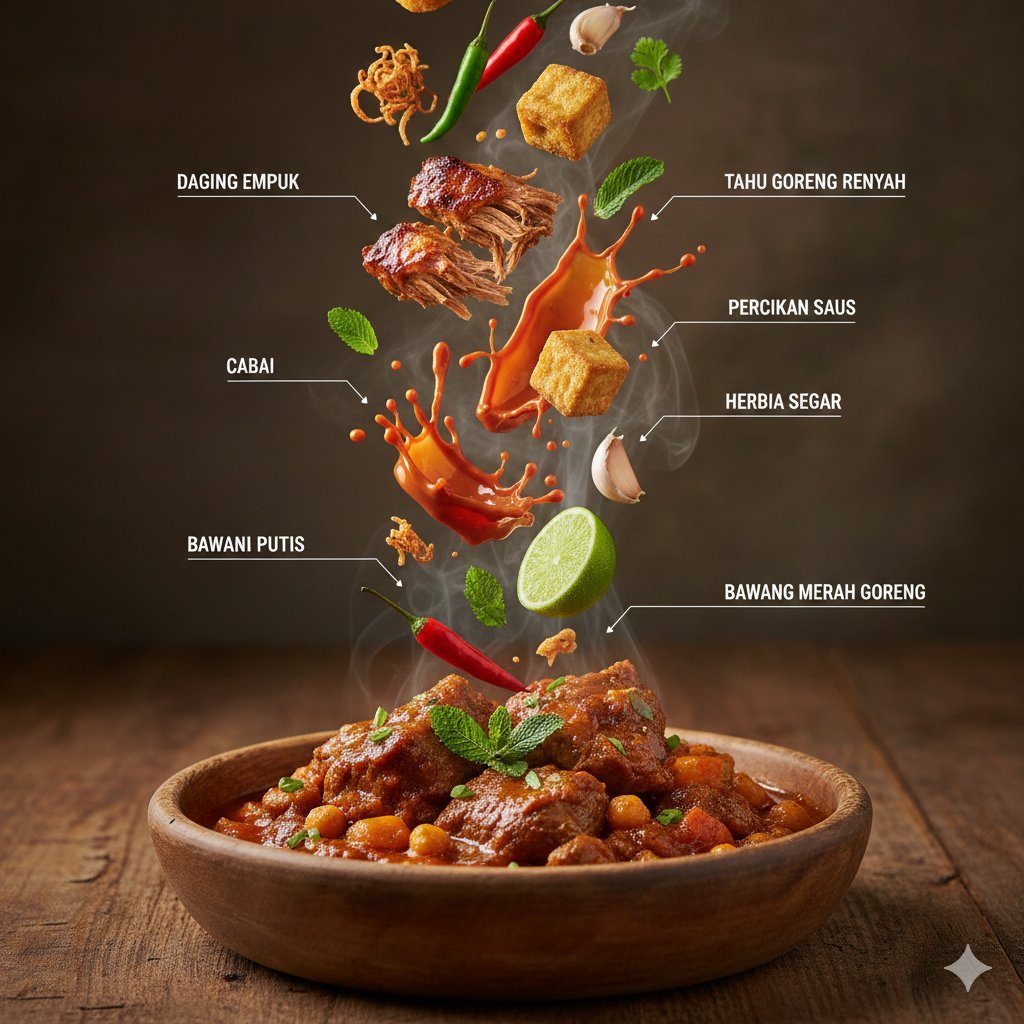
Hyper-Realistic Arabic Infographic Generator Prompt
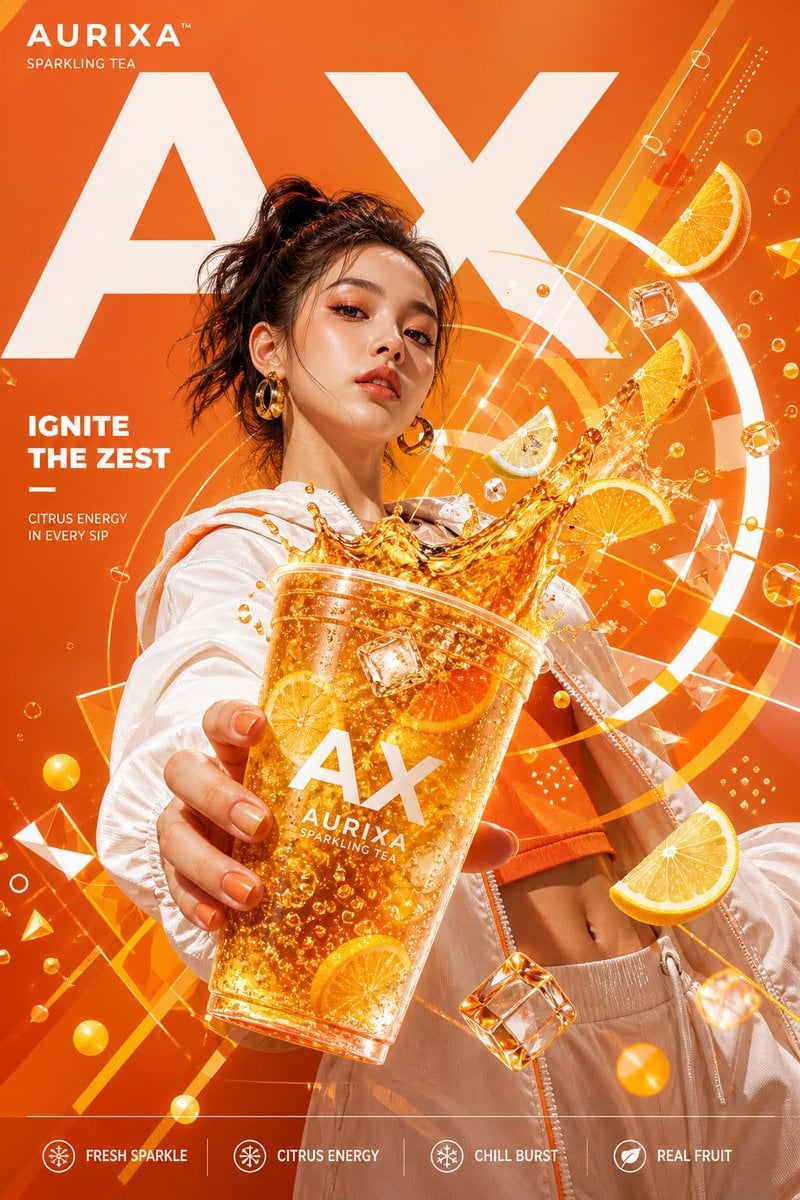
Modern Beverage Commercial Poster
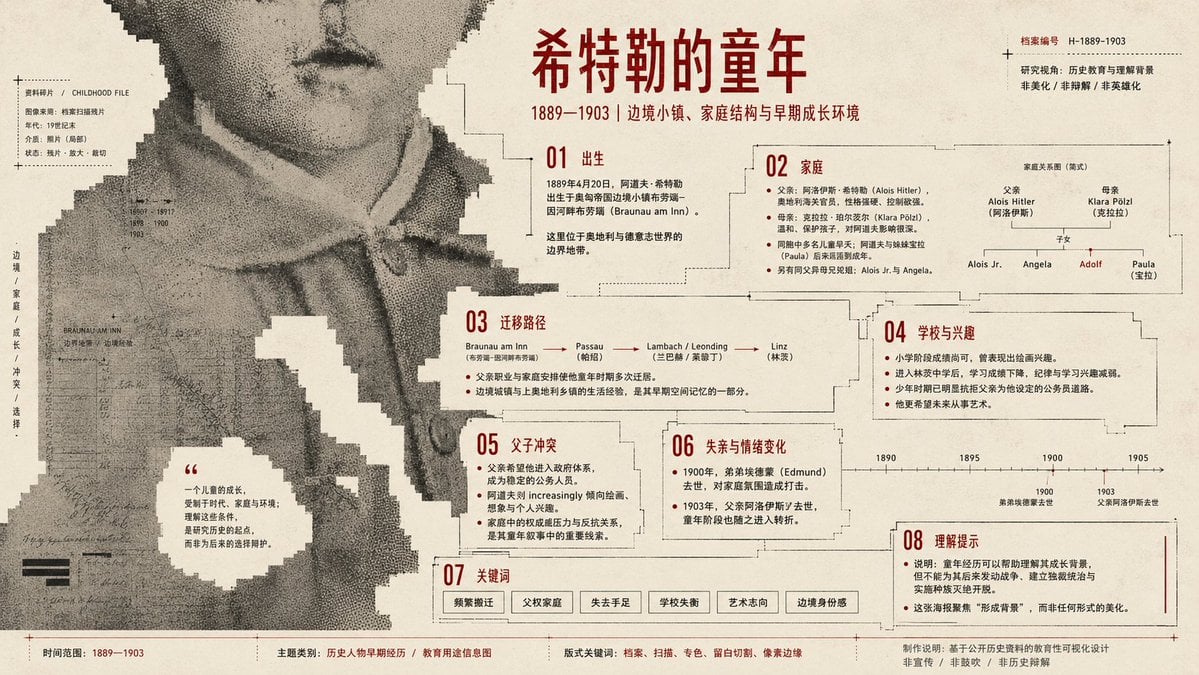
Pixel Glitch Structural Infographic Poster
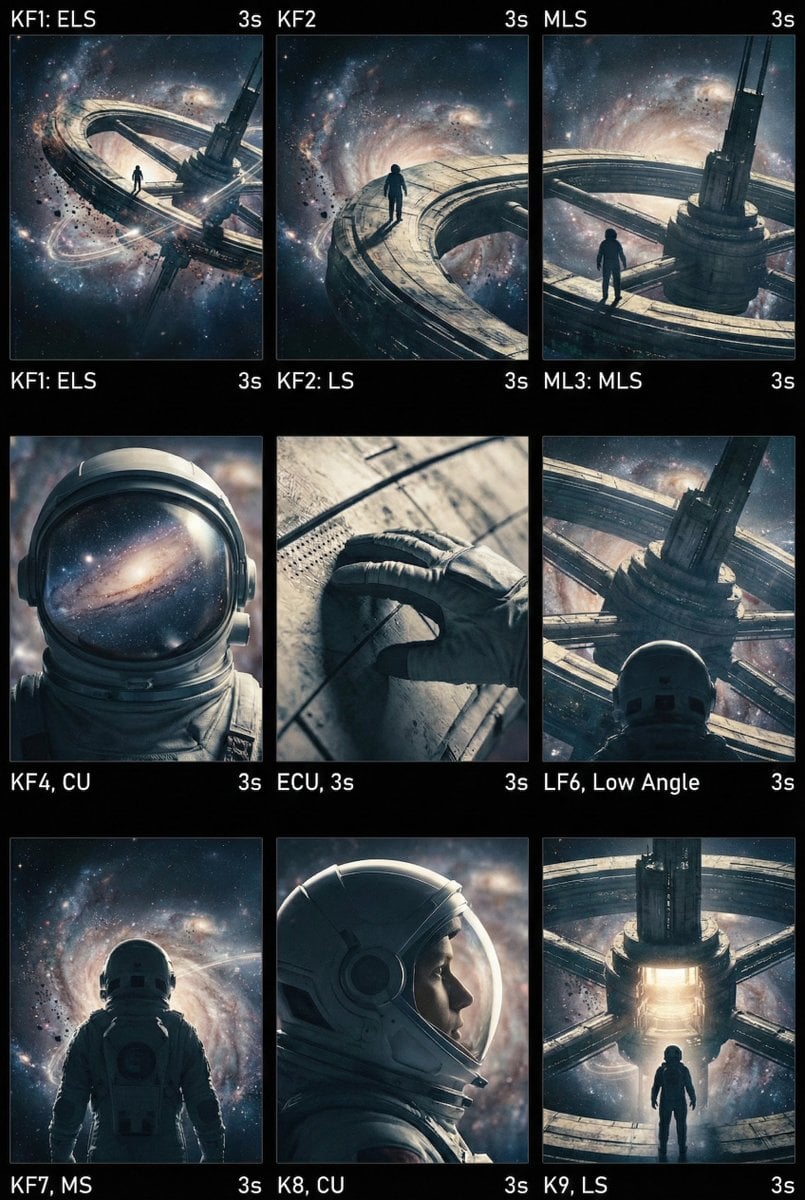
Cinematic AI Video Keyframe Generation Prompt
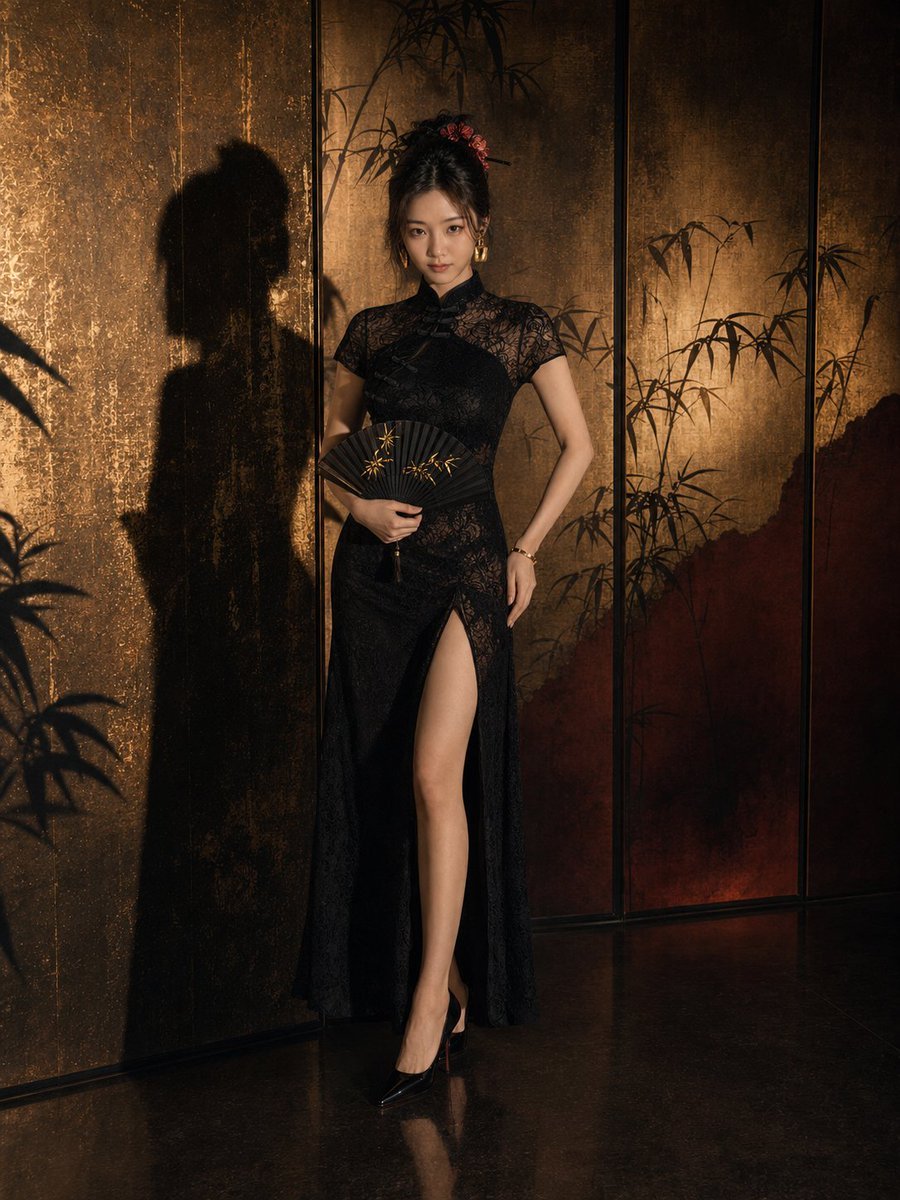
Dark Neo-Chinese Style Portrait Photography
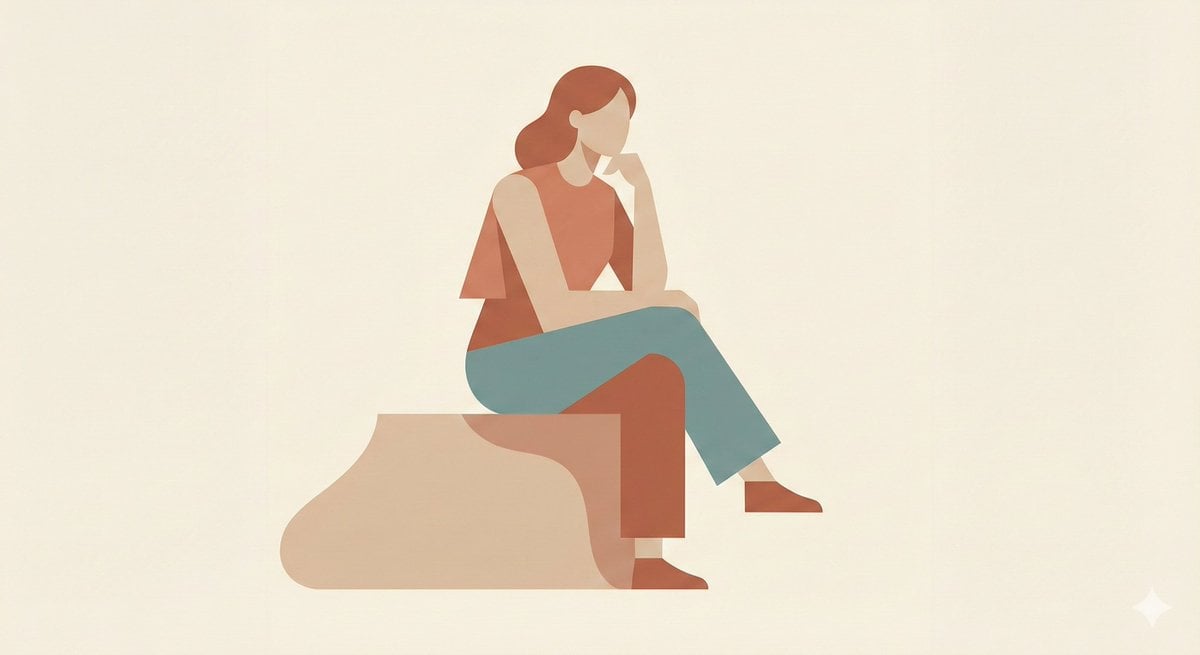
Minimalist Single-Pose Character Illustration Prompt
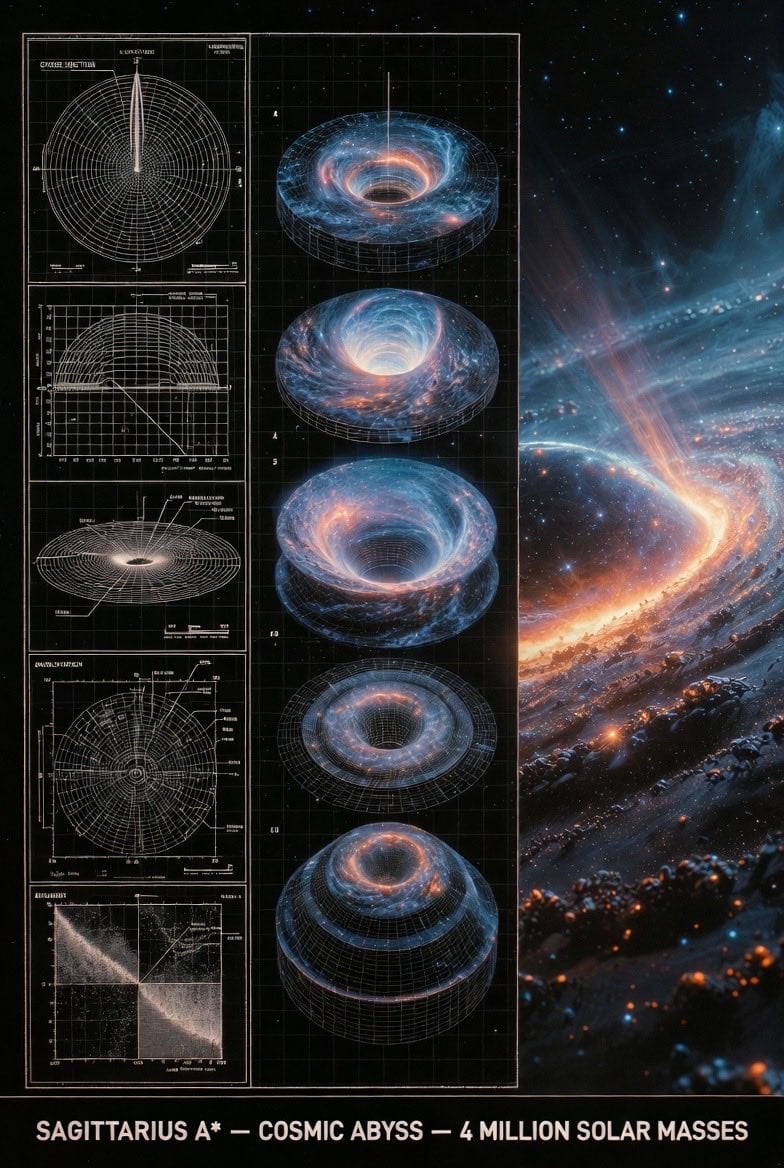
Supermassive Black Hole Museum Presentation Board
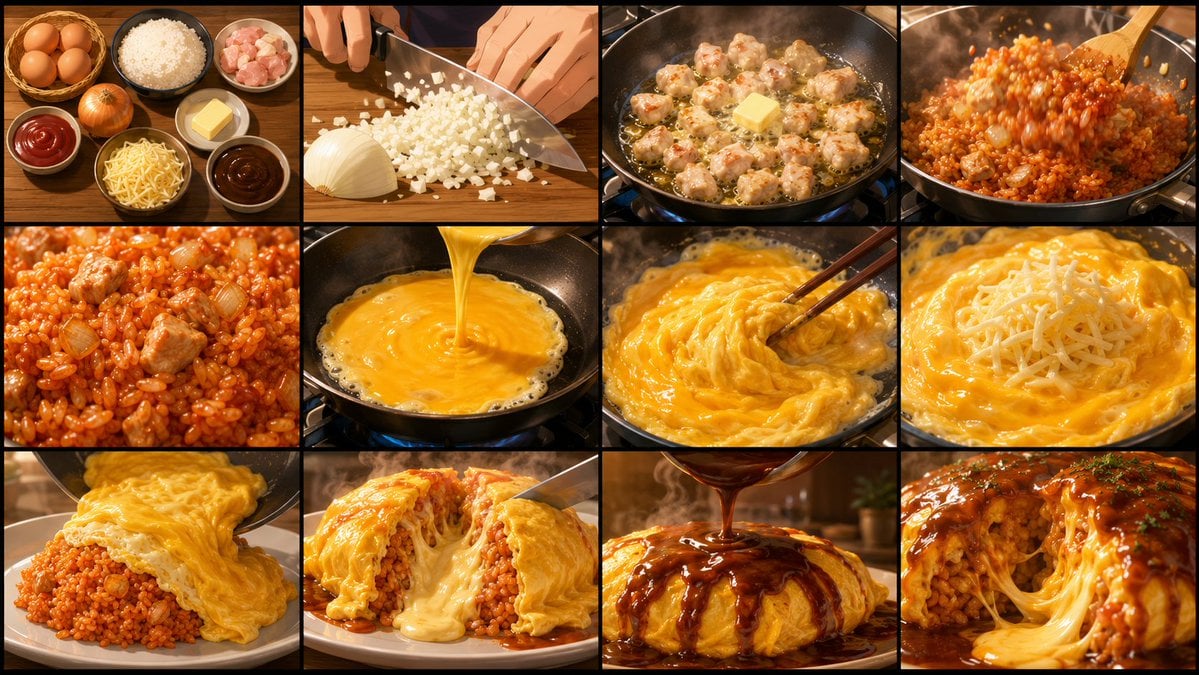
Anime Cooking Storyboard Grid Generator
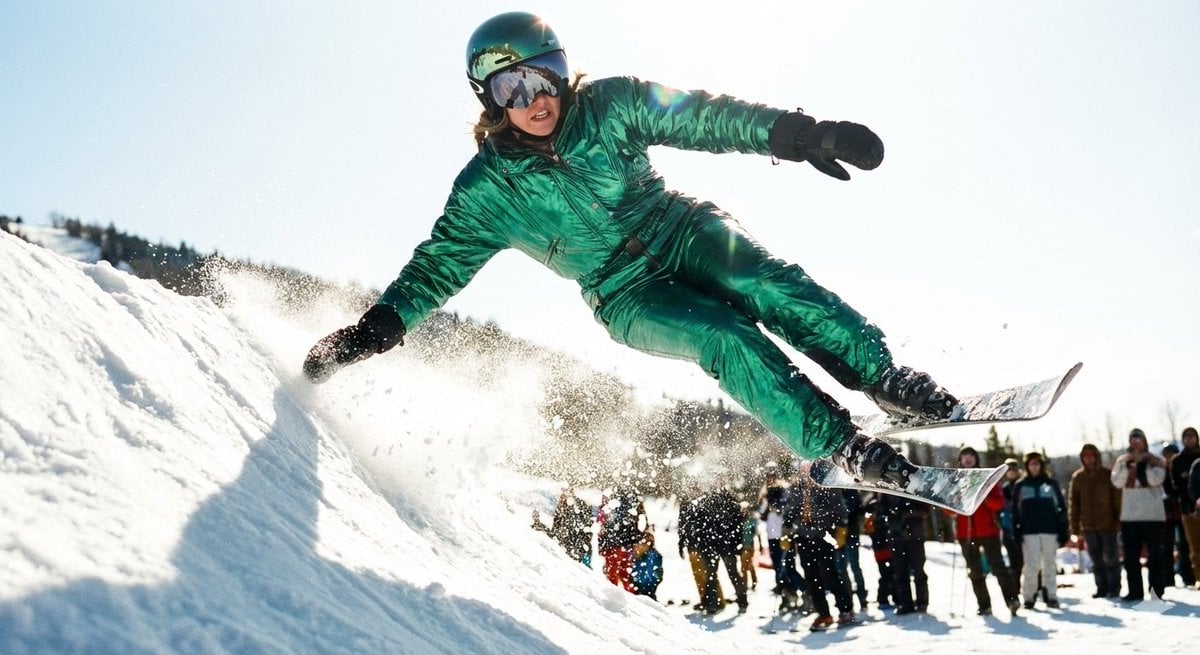
Extreme Ski Jump Action Shot (Cinestill Film Style)
Browse template categories
Museum Art Installation Fashion Editorial questions
How do I use the Museum Art Installation Fashion Editorial template?
Add your photo if the template asks for one, edit the prompt if you like — the template's model and format are already selected — and press Generate. Your version opens in PicX Studio.
Can I customize the Museum Art Installation Fashion Editorial template?
Yes. You can change the subject, setting, lighting, mood, format, and available model controls before creating your image.
Is the Museum Art Installation Fashion Editorial template free?
Opening and editing this template is free. Generating uses credits, shown on the Generate button when you are signed in.
Which AI model should I use?
Start with GPT Image 2, which is the model associated with this template. You can compare another compatible model for a different finish.
Looking for something else? Browse all templates.

Your photo, any look
Thousands of ready templates for every top image and video model, from one credit balance.