How do I use the Glass Paper-Craft Anime Shadow Box template?
Choose the primary action to open PicX Studio with the available template settings. Review the model and format, personalize the creative direction, and generate when ready.
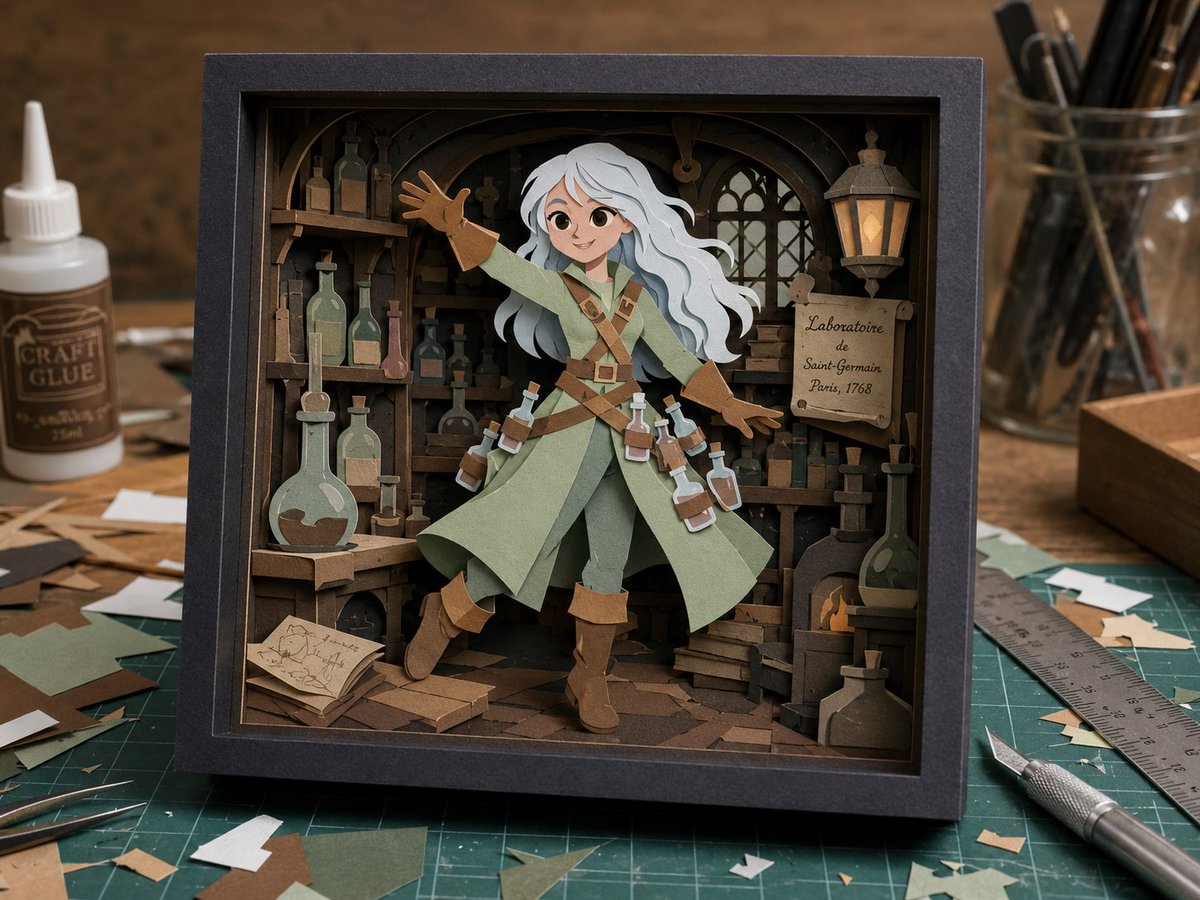
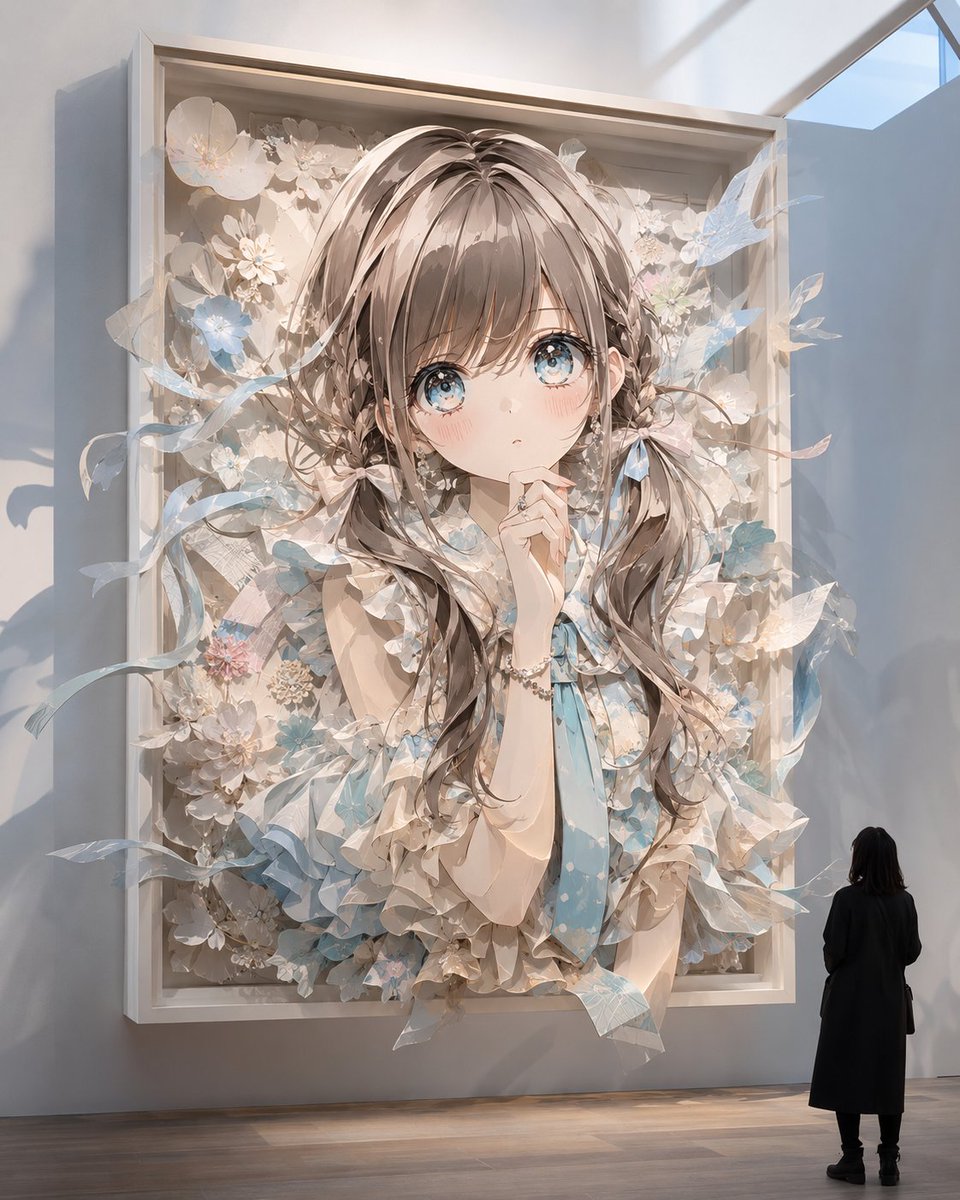
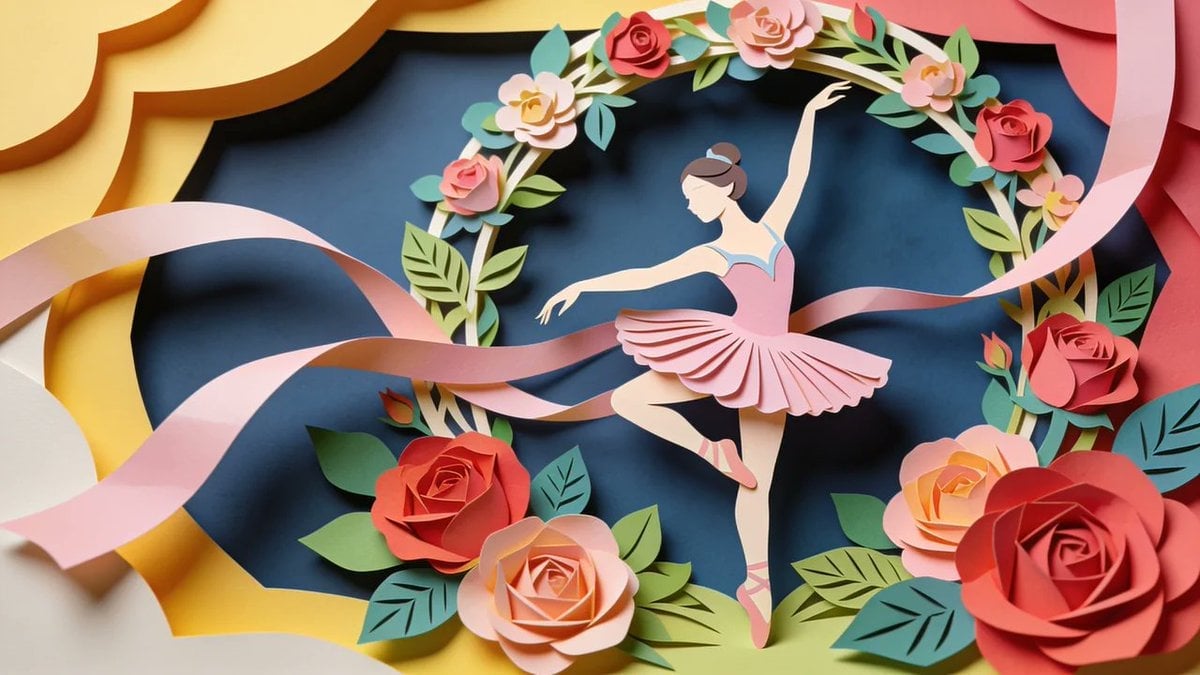
A detailed prompt for generating a cute anime character as a layered paper-craft diorama sealed inside a luxurious transparent glass block.
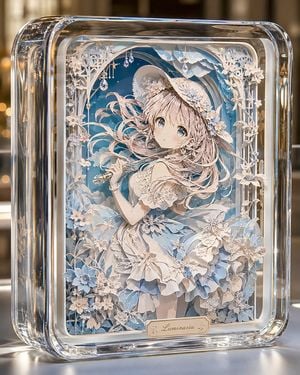
Create a front-facing collectible artwork of an original anime girl sealed inside a thick transparent glass block, like a luxury paper-craft shadow box. The glass case is a vertical rounded rectangle with very thick clear edges, polished bevels, refracted highlights, subtle bubbles and lens distortions, sitting on a glossy reflective tabletop with warm blurred indoor bokeh in the background. Inside the glass, make a highly detailed multi-layer paper-cut diorama that looks almost like a flat illustration from the front but reveals stacked paper depth in the flowers, frame, character, and background. The subject is {argument name="character name" default="Luminaria"}, a delicate young anime girl with {argument name="hair color" default="pale blush pink"} long flowing hair, large sparkling blue eyes, a soft surprised expression, and fair skin. She wears an elegant white and powder-blue frilled dress with lace, layered ruffles, floral appliqués, puff sleeves, gloves, and a wide brim straw-style hat decorated with white and blue flowers. She holds a small silver flute or wand-like instrument in one hand. Surround her with exactly 4 main paper-craft layers: a deep blue sky and distant mountain background with clouds, an arched decorative white lattice frame, the central girl figure, and a foreground cluster of cut-paper flowers and leaves. Include exactly 3 hanging crystal ornaments near the upper arch, exactly 2 prominent large blue flowers at the lower left, exactly 3 prominent white flowers on the lower right foreground, and many smaller white blossoms and vines climbing both sides. Use a soft palette of {argument name="accent color" default="powder blue"}, ivory, white, pale gold, and transparent glass. Add a small cream-and-gold nameplate centered at the bottom inside the frame with the text {argument name="nameplate text" default="Luminaria"} in elegant cursive. Lighting should be premium product photography: bright rim highlights on glass, caustic reflections, shallow depth of field, crisp paper edges, delicate shadows between layers, ultra detailed, cute, elegant, magical, no extra text, no watermark.
Choose the primary action to open PicX Studio with the available template settings. Review the model and format, personalize the creative direction, and generate when ready.
Yes. You can change the subject, setting, lighting, mood, format, and available model controls before creating your image.
This template is free to open and customize. Generation usage is shown in PicX Studio before you create.
Start with GPT Image 2, which is the model associated with this template. You can compare another compatible model for a different finish.
Follow a topic to a crawlable collection of related PicX Studio templates.