
Purple Algorithm Keynote Poster
Creates a minimalist corporate event poster with giant Chinese typography, a seated entrepreneur portrait, and bold purple stage aesthetics.
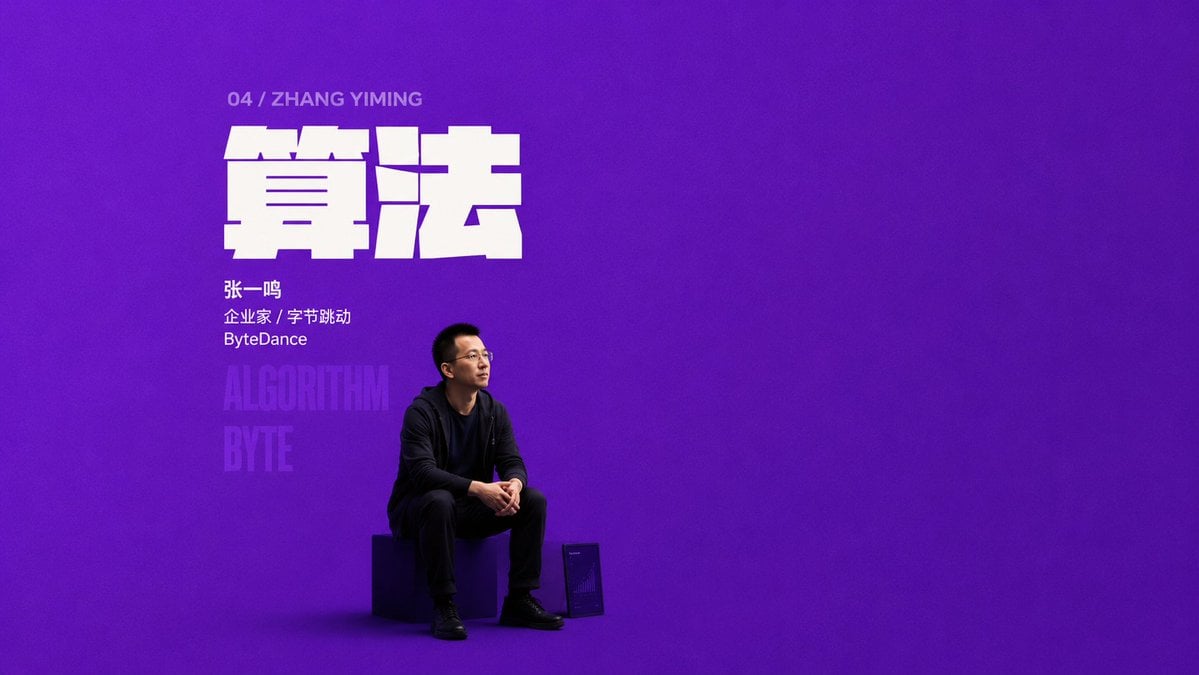
- Prompt included
- Model and format preset
- Free template
The prompt behind this image
Copy the exact prompt behind Purple Algorithm Keynote Poster, or open it in the studio and make it yours.
Goal: Create a minimalist corporate keynote poster in a bold Chinese typography style for a business figure, using a huge single-topic word and a monochrome stage-like background. Canvas: Wide 16:9 horizontal poster, 1200×675 composition, with a deep saturated purple background filling the entire frame. Use subtle studio-floor shading, a faint vignette, and a clean empty right side for dramatic negative space. Layout: Place all content in the left third of the image. At the upper left, add one small gray uppercase line: “04 / ZHANG YIMING”. Below it, create one enormous blocky white Chinese headline reading {argument name="headline text" default="算法"}, using an ultra-heavy geometric display font with tight spacing and slight horizontal cuts/gaps for a modern tech-poster feel. Under the headline, add three small white profile lines: {argument name="person name" default="张一鸣"}, “Entrepreneur / ByteDance” in Chinese style, and “ByteDance”. Behind and below the profile text, add two very large low-opacity vertical English words, exactly “ALGORITHM” and “BYTE”, stacked and fading into the purple background. Subject details: Show one seated East Asian male entrepreneur, {argument name="featured person" default="Zhang Yiming"}, positioned near the lower left-center under the headline. He is wearing all-black casual clothing: black hoodie or jacket, black shirt, black trousers, and black shoes. He has short black hair, glasses, and a calm thoughtful expression, sitting on a dark cube stool with hands loosely clasped, body angled slightly right, looking upward to the right. Use realistic photographic lighting, soft shadows on the purple floor, and a subtle rim light separating him from the background. Discrete visible elements to include: exactly 7 text elements — 1 small index/name line, 1 giant Chinese headline, 3 profile lines, and 2 translucent background words. Exactly 3 physical objects/figures — 1 seated man, 1 cube stool, and 1 small framed tablet or plaque on the floor near his right foot with a faint chart-like graphic. Visual style: Minimalist corporate speech/event poster, giant typography, pure-color aesthetic, high contrast white-on-purple, cinematic but clean, no decorative borders, no logos other than the ByteDance text, no extra people, no additional text, keep the right two-thirds mostly empty.
How to use Purple Algorithm Keynote Poster in 3 steps
- 1Upload ImagePNG, JPG or paste
Add your photo
Upload the photo the template builds on. The prompt, model and format are already set.
- 2…a portrait of your subject in softgolden-hour light, 85mm…
Personalize
Edit the subject and creative details for your destination.
- 3Generate
Generate
Press Generate — your image is created in PicX Studio, so you can compare it with the original and refine one variable at a time.
More like this
Templates with the same subject, style or setup. Open one to see its prompt.

Japan Travel Brochure Poster

Cartoon TV Show Poster Pack

Trendy Cafe Drink Promo Poster

Urban Fashion Editorial Collage Streetwear Poster

Premium Fashion Editorial Cover Layout System

Polo Ralph Lauren Luxury American Heritage Fashion Campaign

Monochrome Halftone Editorial Fashion Poster

Retro Mirror Luxury Fashion Campaign Poster

Luxury Fashion Campaign Typography Poster System

Premium Fashion Editorial Campaign Poster System

Ultra-Stylized High-Fashion Streetwear Poster

Urban Fashion Editorial Collage Poster
Make it yours
Purple Algorithm Keynote Poster works as-is. These are the safest ways to change it without losing the look.
Change one field
Copy a single group, rewrite it, and generate again so you can see what that field is doing.
Keep the frame, change the subject
Hold the composition and light of Purple Algorithm Keynote Poster, then swap wardrobe, props or the person for a new take.
| If the result… | Why | Fix |
|---|---|---|
| The result drifts from the preview | Too many fields changed at once. | Reuse Purple Algorithm Keynote Poster as-is first, then change one group — subject, light, or setting. |
| The model over-stylizes the scene | The prose prompt leaves finish and camera underspecified. | Add one camera or lighting sentence and stay on GPT Image 2. |
More GPT Image 2 templates
Other prompts made for GPT Image 2.

Six VTuber Japanese Logo Sheet

Realistic Portrait of Woman and Deer

The Vista Modular Condo Poster

AI Model Routing Comparison Infographic

2.5D Anime Art Board

Isometric Productivity Desk Scene

New York Double Exposure Poster

Four-Panel AI Landscape Comparison

Japanese Tatami Lifestyle Magazine Cover

NESCAFÉ Coffee Map Poster
More image prompts
Fresh picks from across the catalog.

Luxury Fashion Shoot with Lamborghini Huracán
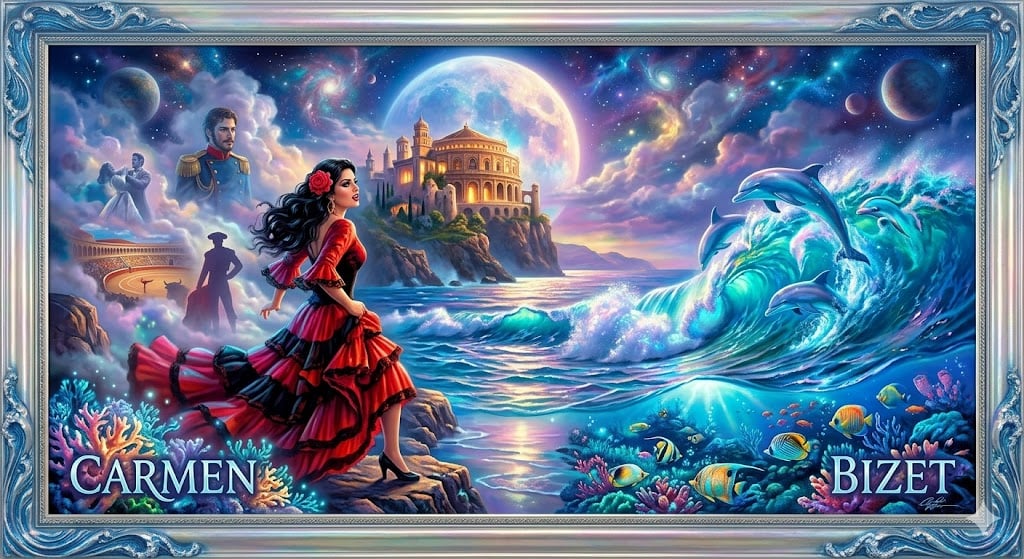
Image generation prompt for Carmen in a Kinkade style
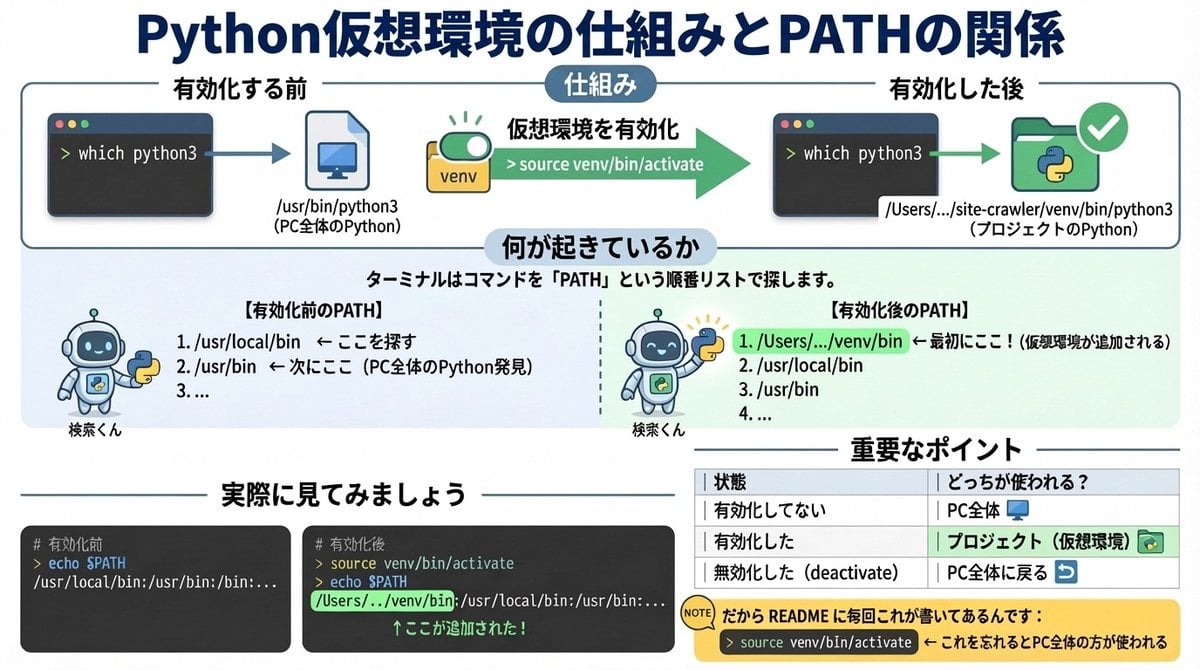
Generate diagrams from programming explanations

Nano Banana Pro Tutorial for Product Branding
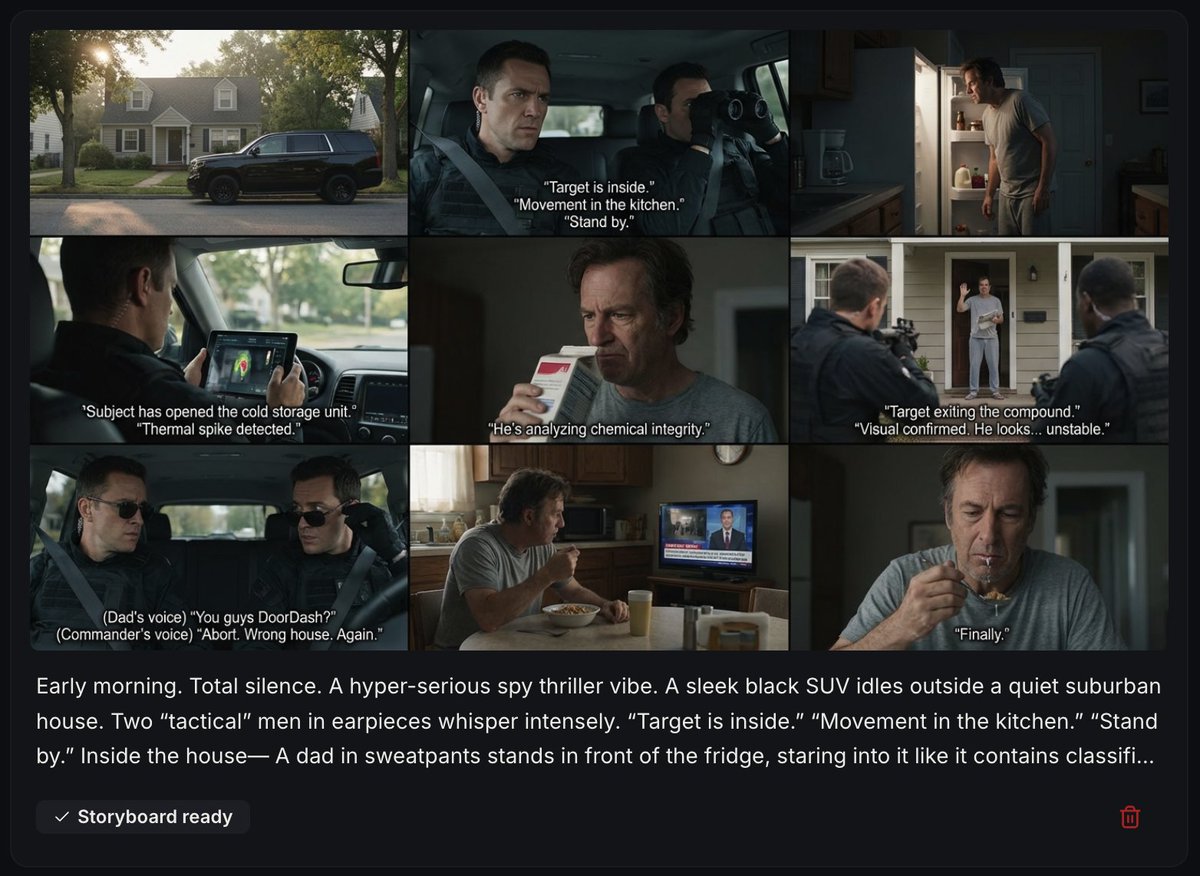
Spy Thriller Comedy Storyboard Prompt
Looking Back Portrait
Anime Character Expression Sheet Generator

Gpt2 E Commerce Main Image Skincare Product Studio Shot
Vintage Showa Era Gentleman Outfit
Fantasy Social Media Movie Poster
Browse template categories
Purple Algorithm Keynote Poster questions
How do I use the Purple Algorithm Keynote Poster template?
Add your photo if the template asks for one, edit the prompt if you like — the template's model and format are already selected — and press Generate. Your version opens in PicX Studio.
Can I customize the Purple Algorithm Keynote Poster template?
Yes. You can change the subject, setting, lighting, mood, format, and available model controls before creating your image.
Is the Purple Algorithm Keynote Poster template free?
Opening and editing this template is free. Generating uses credits, shown on the Generate button when you are signed in.
Which AI model should I use?
Start with GPT Image 2, which is the model associated with this template. You can compare another compatible model for a different finish.
Looking for something else? Browse all templates.

Your photo, any look
Thousands of ready templates for every top image and video model, from one credit balance.