
Anime Character Expression Sheet Generator
A detailed image-to-image prompt for creating a six-panel character expression sheet that preserves character identity and moe aesthetic.
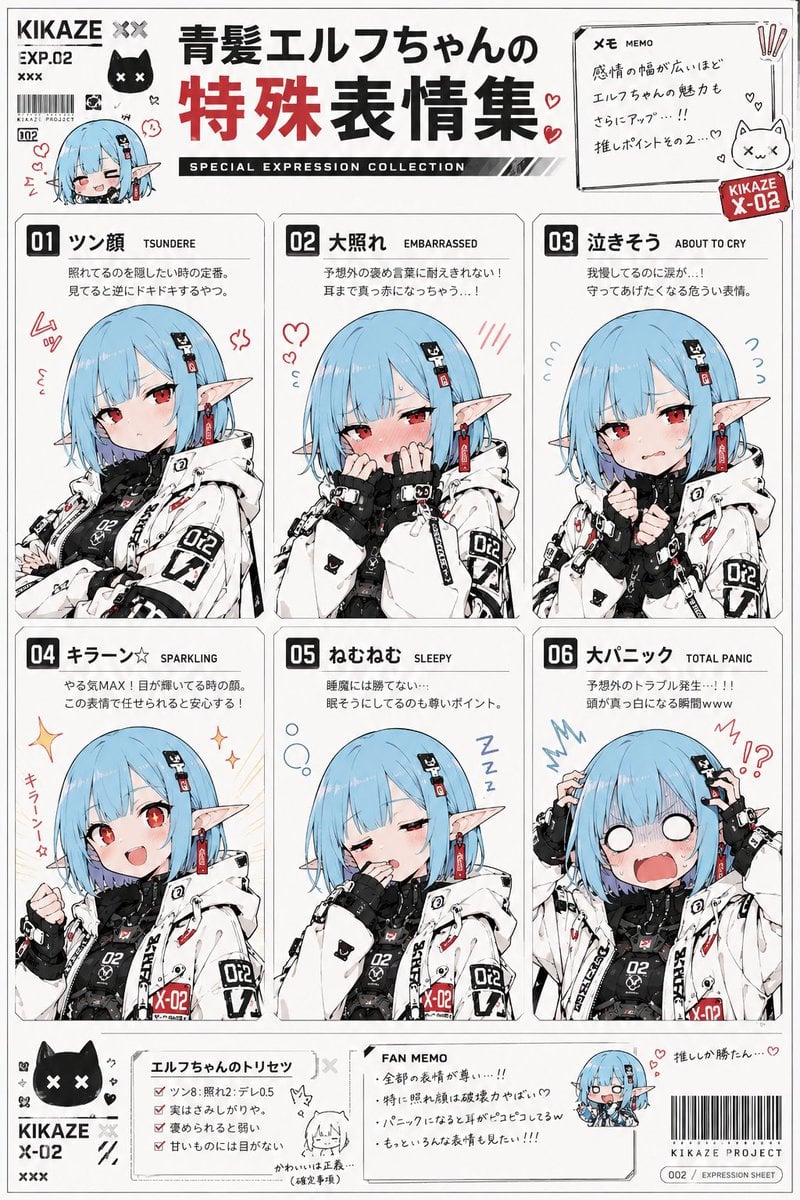
- Prompt included
- Model and format preset
- Free template
The prompt behind this image
Copy the exact prompt behind Anime Character Expression Sheet Generator, or open it in the studio and make it yours.
Use the reference image as the base for the character design. Accurately preserve the character's face, hairstyle, hair color, eyes, ears, costume, silhouette, head-to-body ratio, and the overall feel of their expressions. Never break the character's identity. Draw "a collection of special expressions for the character ({argument name="character name" default="enter the name here, if there is one"})." Feature 6 kinds of special expressions on a single reference sheet. For each expression, add as part of the design: ・The expression's name (in Japanese) ・Its English notation ・A brief description of the emotion Give the overall design the feel of: ・A fan book from moe-anime culture ・An otaku-oriented emotion-variation reference collection ・A subculture-style doujinshi ・A character setting document Use a white base background. Naturally decide the accent color for the whole page based on the reference image's character design, costume, and world setting. Use a color scheme that suits the character, for a page design with a unified feel. You may add things like: ・Handwritten-style notes ・Hearts ・Sweat-drop marks ・Manga-style concentration lines ・Emoticons ・Internet-meme-style decorations ・Deformed/chibi icons ・Emotion symbols ・Sticker-style decorations ・Magazine-style typography throughout the page. Rather than realistic human expressions, depict them as: ・Facial comedy/mugging (kaogei) ・Deformation/chibi style ・Symbolic expression ・Exaggerated reactions ・Emotion templates specific to moe-anime culture. For each expression, reflect the emotion not just in the face, but also in the neck, shoulders, hands, and posture. Depict it as a "moe-anime-culture facial template" of the kind frequently used in anime, romantic comedies, social games, VTuber culture, gag works, and slice-of-life works. Bring the whole thing to the level of finish of something like: "A Moe-Anime Expression Dictionary" "An Otaku-Oriented Emotion Reference Collection" "A Subculture Character Expression Encyclopedia."
How to use Anime Character Expression Sheet Generator in 3 steps
- 1Upload ImagePNG, JPG or paste
Add your photo
Upload the photo the template builds on. The prompt, model and format are already set.
- 2…a portrait of your subject in softgolden-hour light, 85mm…
Personalize
Edit the subject and creative details for your destination.
- 3Generate
Generate
Press Generate — your image is created in PicX Studio, so you can compare it with the original and refine one variable at a time.
More like this
Templates with the same subject, style or setup. Open one to see its prompt.











Make it yours
Anime Character Expression Sheet Generator works as-is. These are the safest ways to change it without losing the look.
Change one field
Copy a single group, rewrite it, and generate again so you can see what that field is doing.
Keep the frame, change the subject
Hold the composition and light of Anime Character Expression Sheet Generator, then swap wardrobe, props or the person for a new take.
| If the result… | Why | Fix |
|---|---|---|
| The result drifts from the preview | Too many fields changed at once. | Reuse Anime Character Expression Sheet Generator as-is first, then change one group — subject, light, or setting. |
| The model over-stylizes the scene | The prose prompt leaves finish and camera underspecified. | Add one camera or lighting sentence and stay on GPT Image 2. |
More GPT Image 2 templates
Other prompts made for GPT Image 2.

Six VTuber Japanese Logo Sheet

Realistic Portrait of Woman and Deer

The Vista Modular Condo Poster

AI Model Routing Comparison Infographic

2.5D Anime Art Board

Isometric Productivity Desk Scene

New York Double Exposure Poster

Four-Panel AI Landscape Comparison

Japanese Tatami Lifestyle Magazine Cover

NESCAFÉ Coffee Map Poster
More image prompts
Fresh picks from across the catalog.

Kesar Badam Beverage Photography
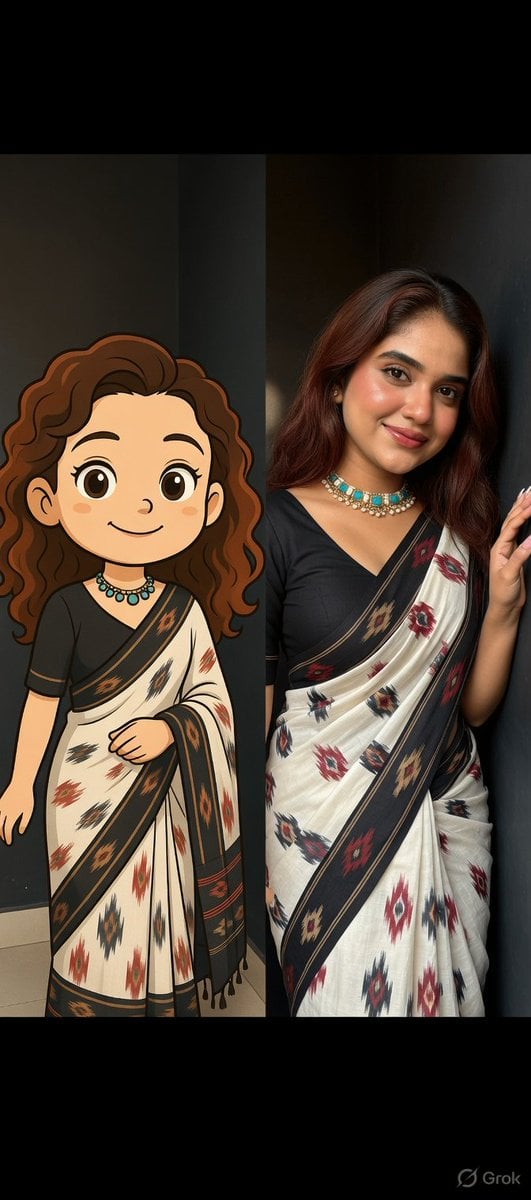
Side-by-Side Portrait of Realistic Woman in Saree and Cartoon Younger Self
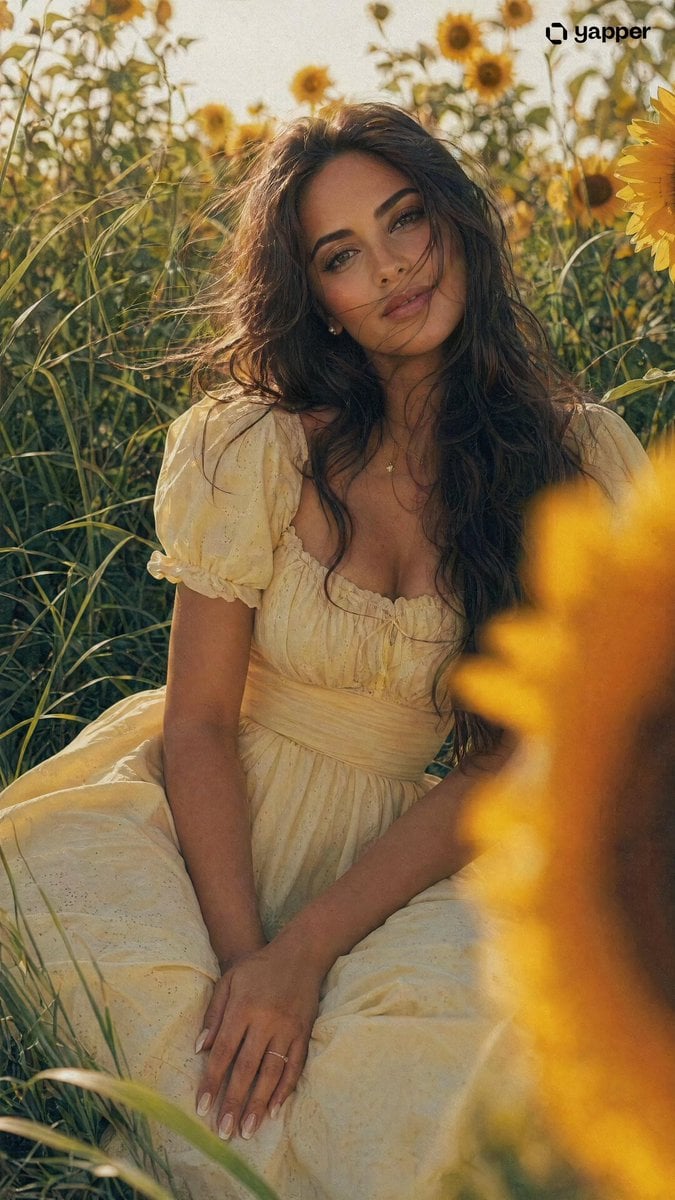
Romantic Girl in Sunflower Field
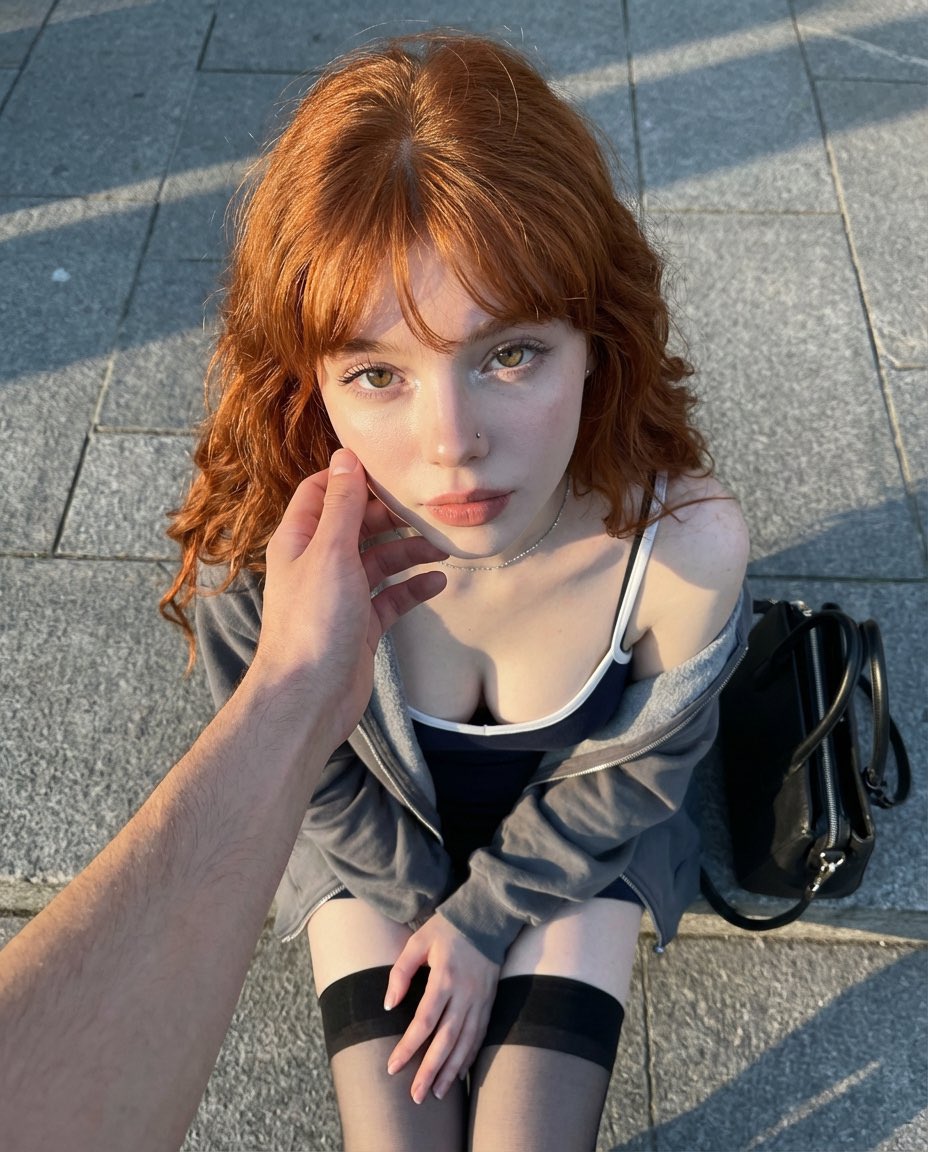
Top-Down Outdoor Portrait at Golden Hour
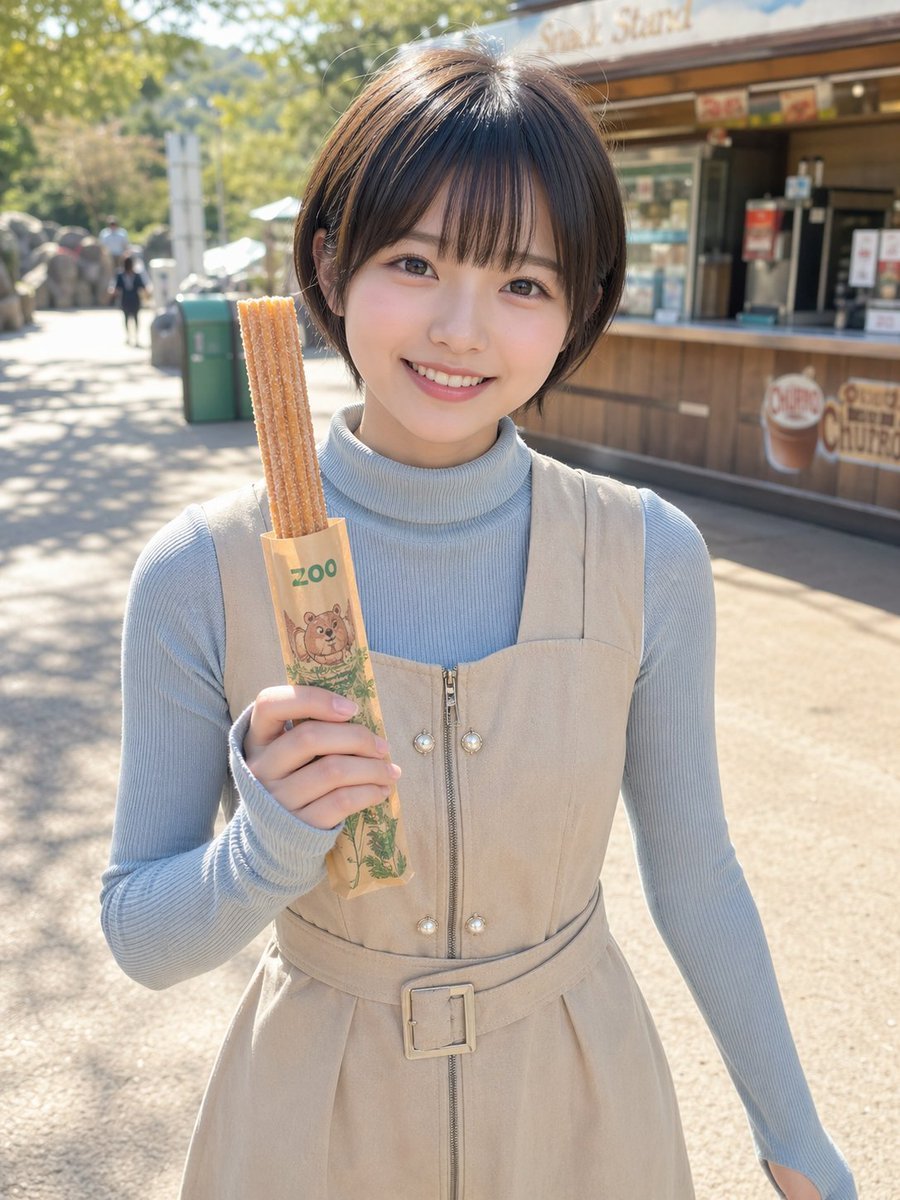
Zoo Churro Portrait Photo
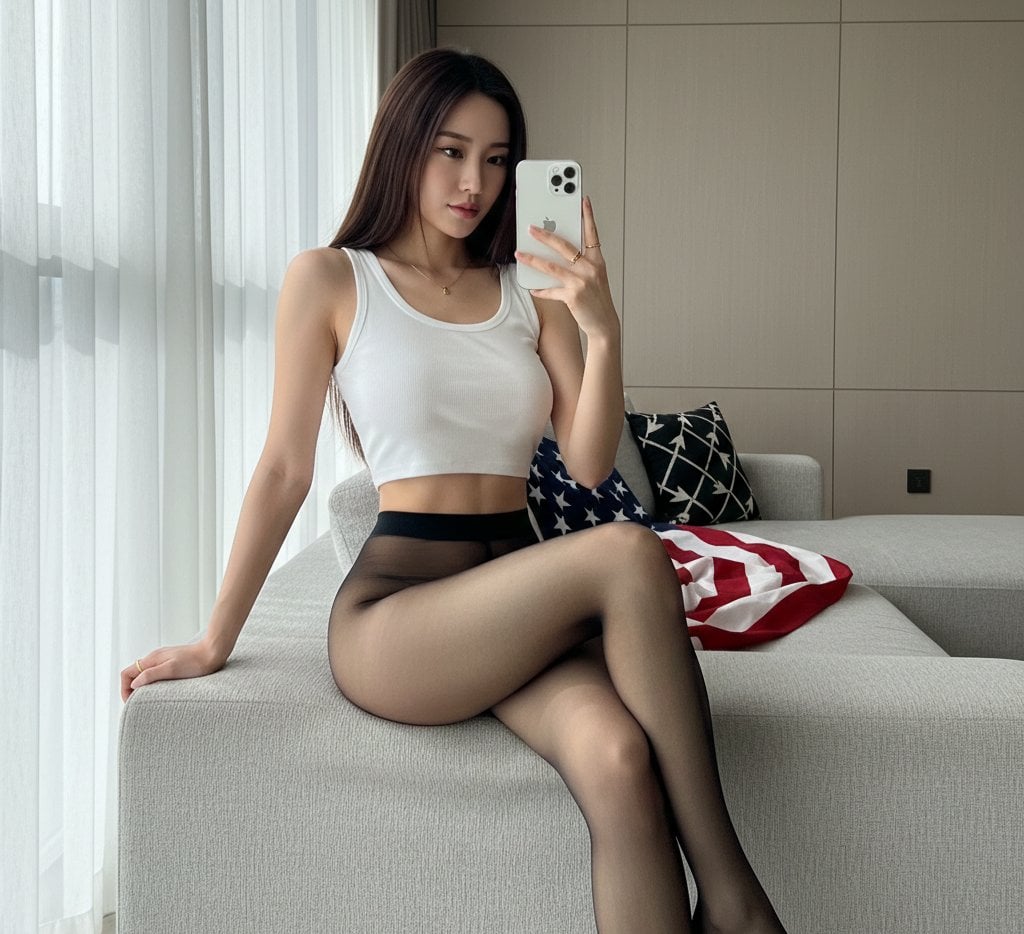
Mirror Selfie with Hosiery and Flag Background Prompt
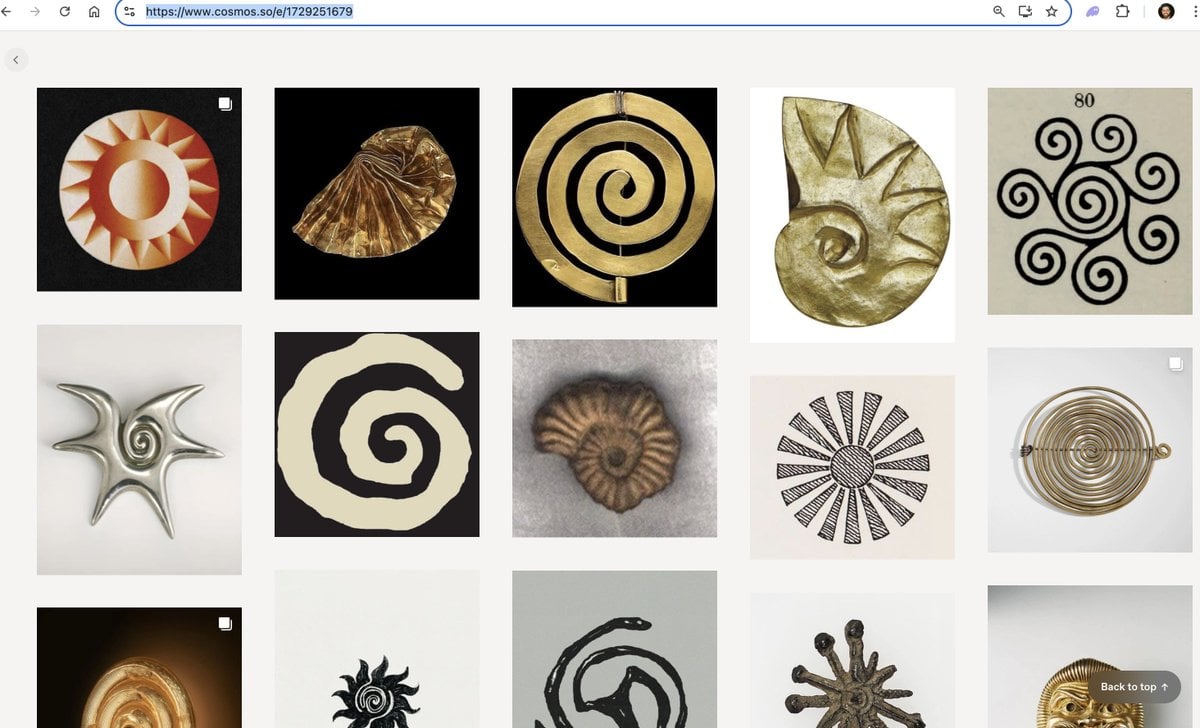
Logo generation prompt for Nano Banana Pro
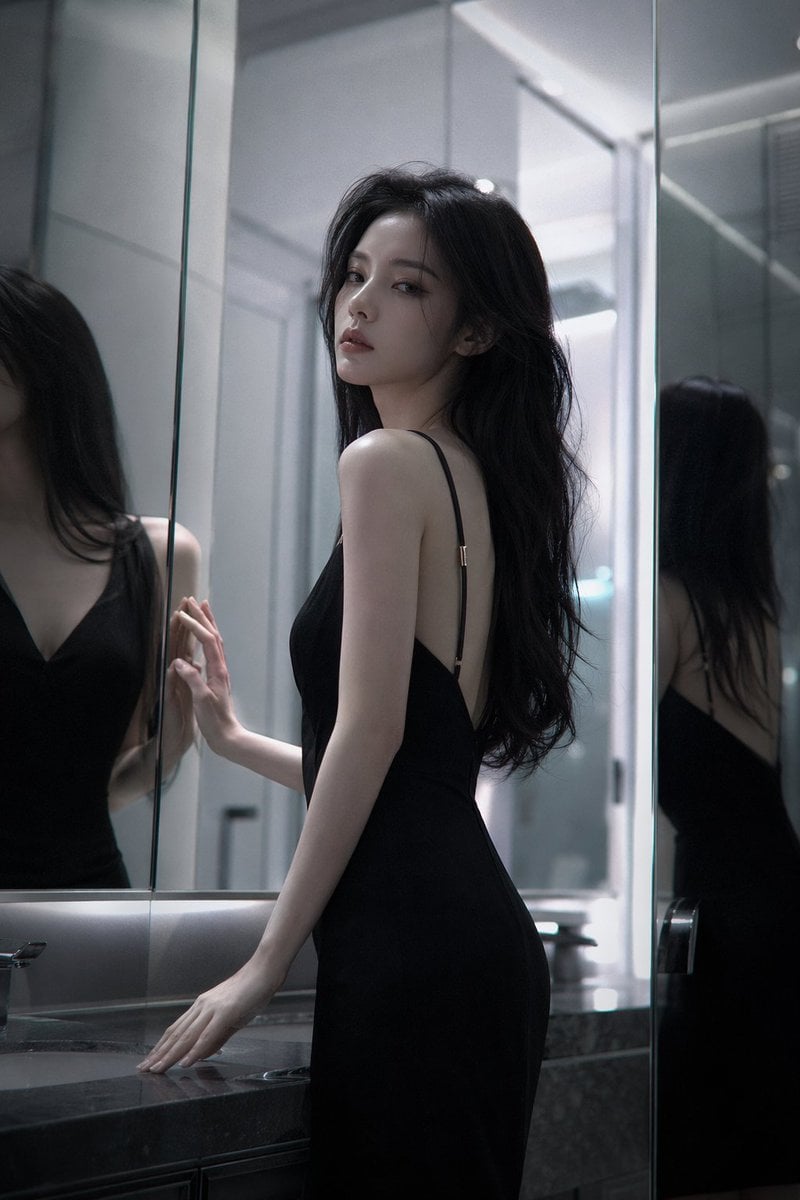
Atmospheric cold glamor mirror portrait
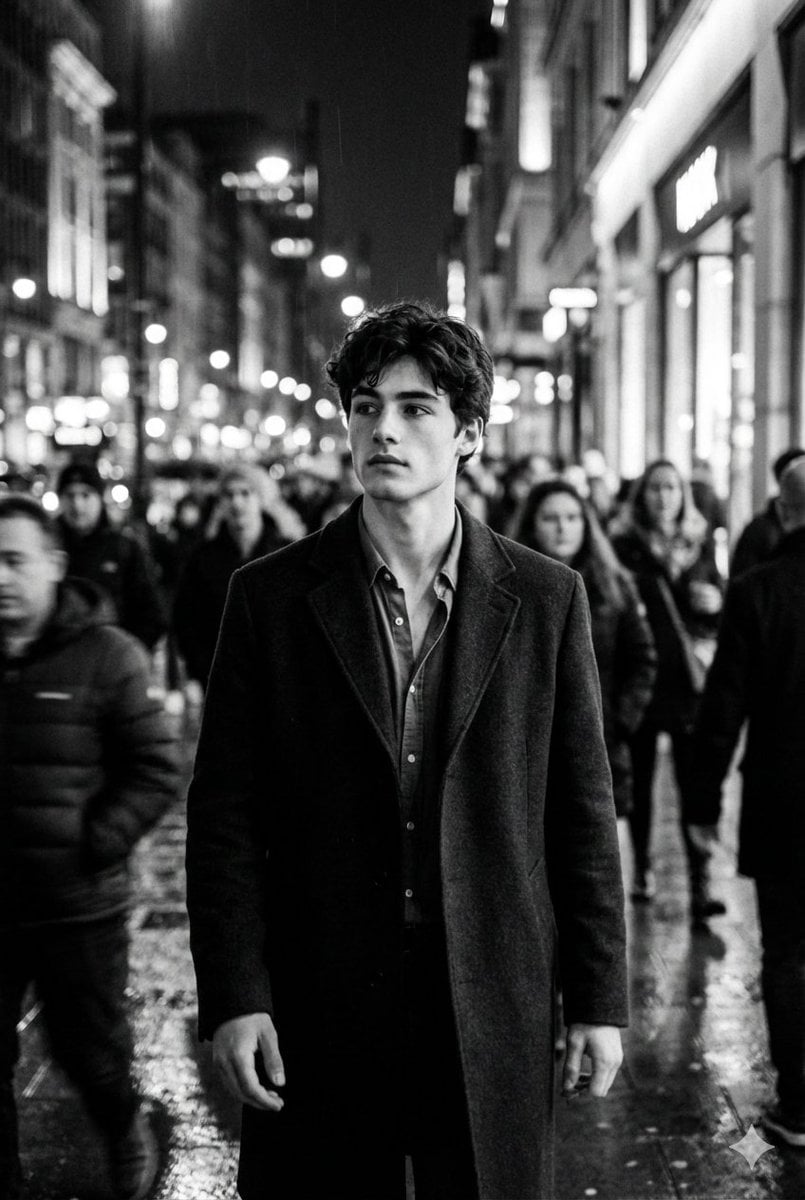
Black and White Cinematic Motion Portrait
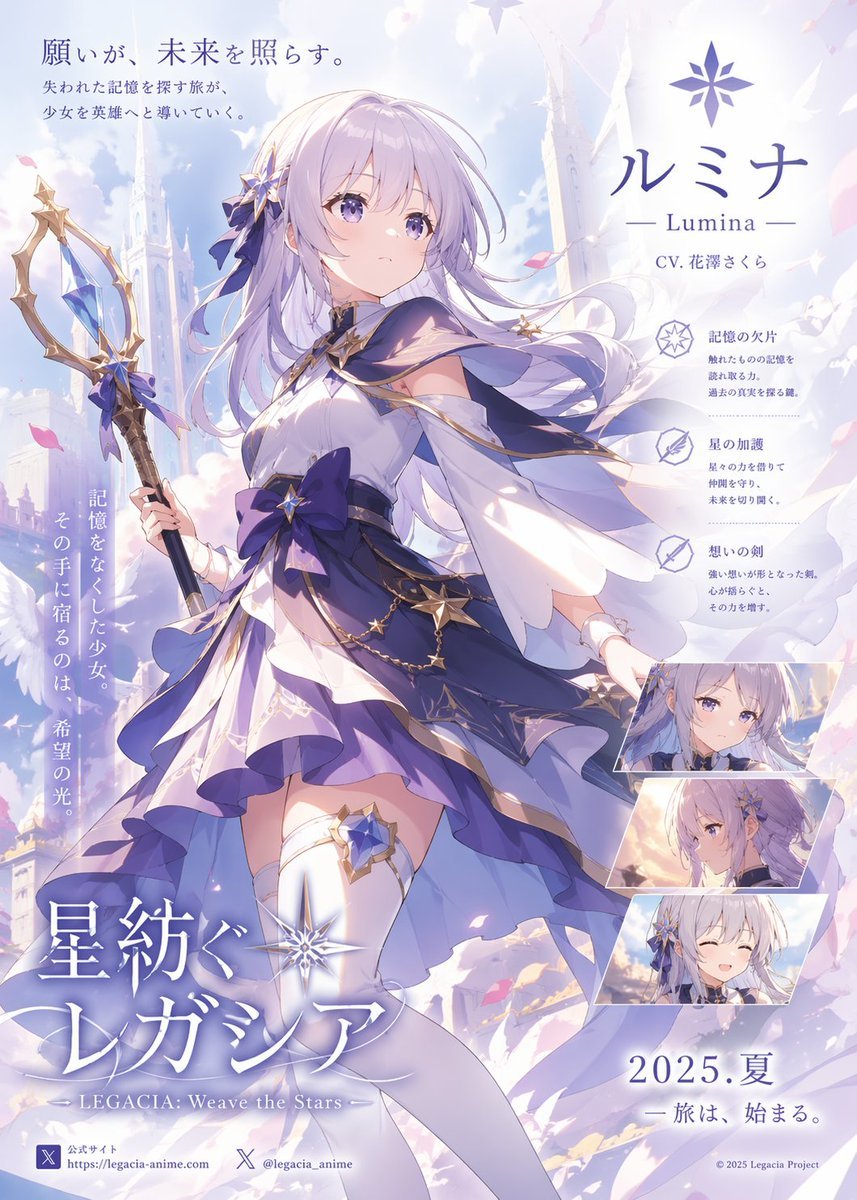
Pastel Anime Fantasy Poster with Heroine
Browse template categories
Anime Character Expression Sheet Generator questions
How do I use the Anime Character Expression Sheet Generator template?
Add your photo if the template asks for one, edit the prompt if you like — the template's model and format are already selected — and press Generate. Your version opens in PicX Studio.
Can I customize the Anime Character Expression Sheet Generator template?
Yes. You can change the subject, setting, lighting, mood, format, and available model controls before creating your image.
Is the Anime Character Expression Sheet Generator template free?
Opening and editing this template is free. Generating uses credits, shown on the Generate button when you are signed in.
Which AI model should I use?
Start with GPT Image 2, which is the model associated with this template. You can compare another compatible model for a different finish.
Looking for something else? Browse all templates.

Your photo, any look
Thousands of ready templates for every top image and video model, from one credit balance.