
Stylish Japanese Corn Event Poster
Generates a minimalist Japanese virtual farm poster for a corn-eating event with bold typography, corn photography, and structured event details.
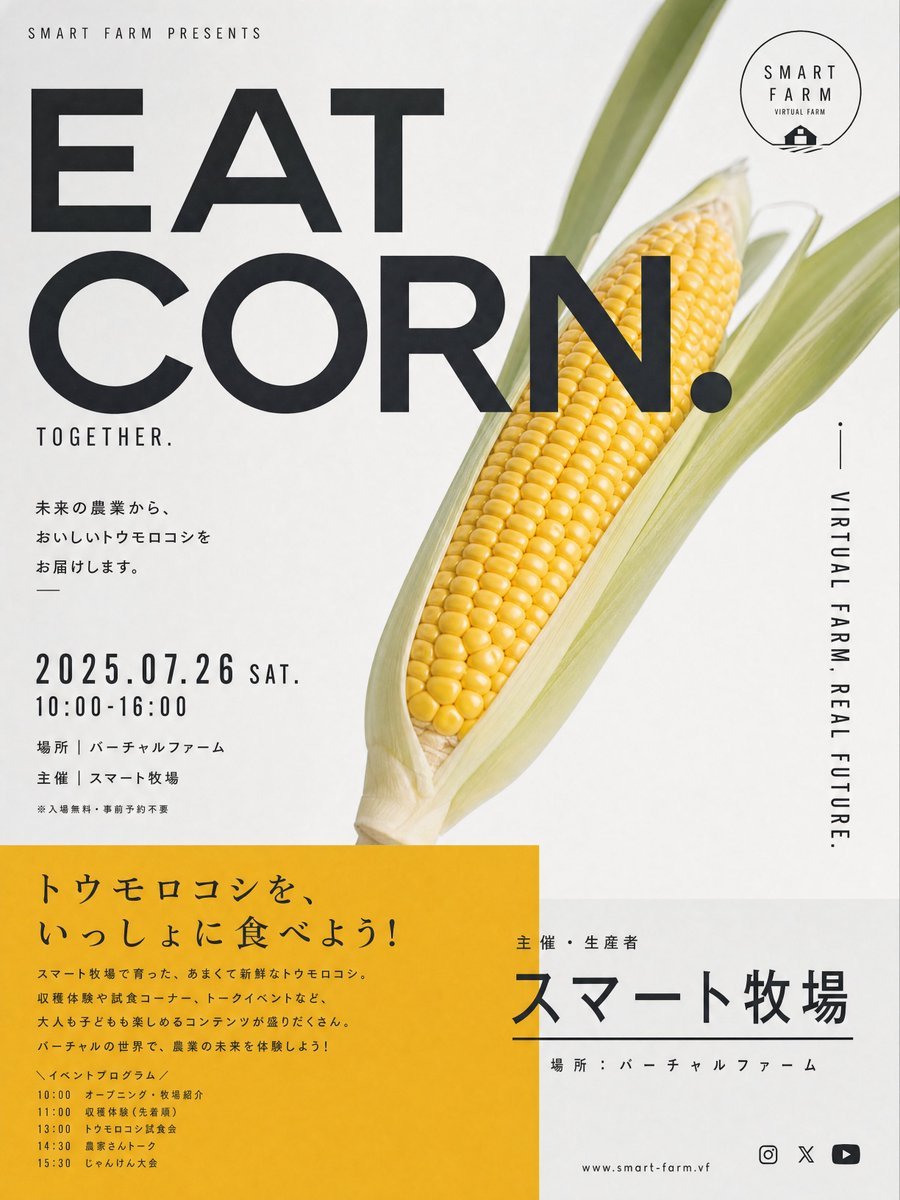
- Prompt included
- Model and format preset
- Premium template
The prompt behind this image
Copy the exact prompt behind Stylish Japanese Corn Event Poster, or open it in the studio and make it yours.
Goal: Create an overly stylish Japanese event poster advertising a virtual farm corn-eating event, blending minimalist editorial typography with a clean agricultural product photo. Canvas: Vertical poster in a 3:4 ratio, off-white matte paper background, subtle print texture, high-end contemporary Japanese design. Layout: Place a large photorealistic ear of yellow corn in pale green husks diagonally on the right half, tilted from lower center toward upper right. Let the corn overlap behind the main headline. Use huge bold black sans-serif headline typography on the upper left and center reading “EAT” on the first line and “CORN.” on the second line. Add small spaced uppercase text at the top left: “SMART FARM PRESENTS”. Put a thin circular “SMART FARM / VIRTUAL FARM” logo at the top right with a tiny barn icon. Add vertical side text along the right edge reading “VIRTUAL FARM. REAL FUTURE.” with a small vertical line above it. Text content: Main headline: {argument name="headline text" default="EAT CORN."}. Small subhead under the headline: “TOGETHER.” Japanese body copy on the left: “未来の農業から、おいしいトウモロコシをお届けします。” Event date block: {argument name="event date" default="2025.07.26 SAT."}, below it “10:00-16:00”. Venue/organizer lines: “場所|バーチャルファーム”, “主催|スマート牧場”, and a tiny note “※入場無料・事前予約不要”. Bottom section: Add one large mustard-yellow rectangular panel occupying the lower left half, with black Japanese copy. Its headline should read: {argument name="yellow panel headline" default="トウモロコシを、いっしょに食べよう!"}. Below it, include a short Japanese paragraph about fresh sweet corn grown at Smart Farm and experiencing the future of agriculture. Include exactly 6 visible event program items with times: 10:00 opening and farm introduction, 11:00 harvest experience, 13:00 corn tasting event, 14:30 farm talk, 15:30 quiz tournament, plus one short introductory “イベントプログラム” label. Bottom right: Create a clean white information area with a small label “主催・生産者”, a very large Japanese organizer name {argument name="organizer name" default="スマート牧場"}, a thin horizontal divider line, and the venue line “場所:バーチャルファーム”. At the very bottom add a small URL “www.smart-farm.vf” and exactly 3 small social/media icons: Instagram outline camera, X symbol, and YouTube play button. Visual style: Use stark black typography, generous negative space, precise grid alignment, narrow condensed Japanese text, modern Swiss/Japanese poster aesthetics, premium food campaign look, crisp photorealistic corn kernels, soft natural shadows, no people, no clutter, no extra logos beyond the described Smart Farm branding.
How to use Stylish Japanese Corn Event Poster in 3 steps
- 1Upload ImagePNG, JPG or paste
Add your photo
Upload the photo the template builds on. The prompt, model and format are already set.
- 2…a portrait of your subject in softgolden-hour light, 85mm…
Personalize
Edit the subject and creative details for your destination.
- 3Generate
Generate
Press Generate — your image is created in PicX Studio, so you can compare it with the original and refine one variable at a time.
More like this
Templates with the same subject, style or setup. Open one to see its prompt.
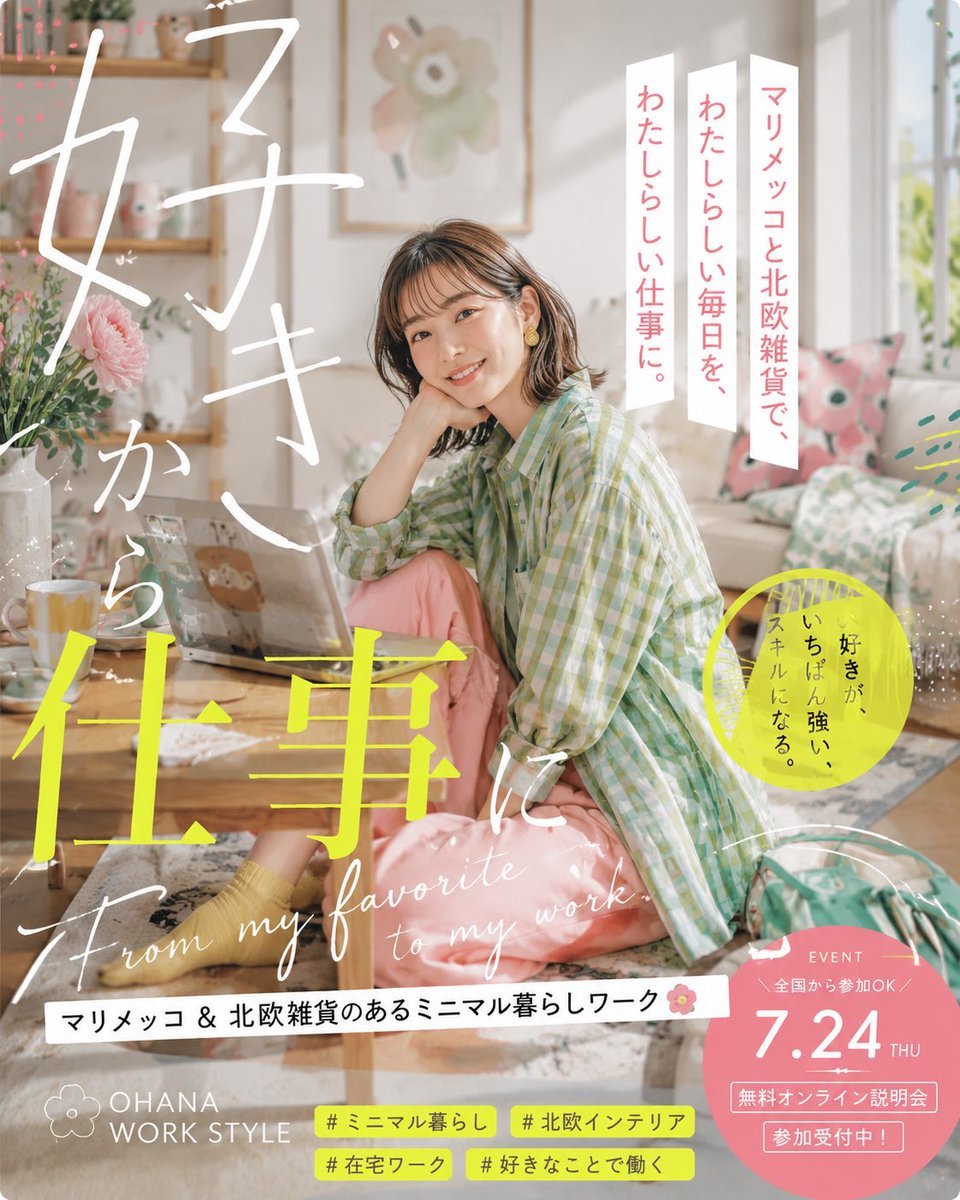
Japanese Lifestyle Work Event Poster
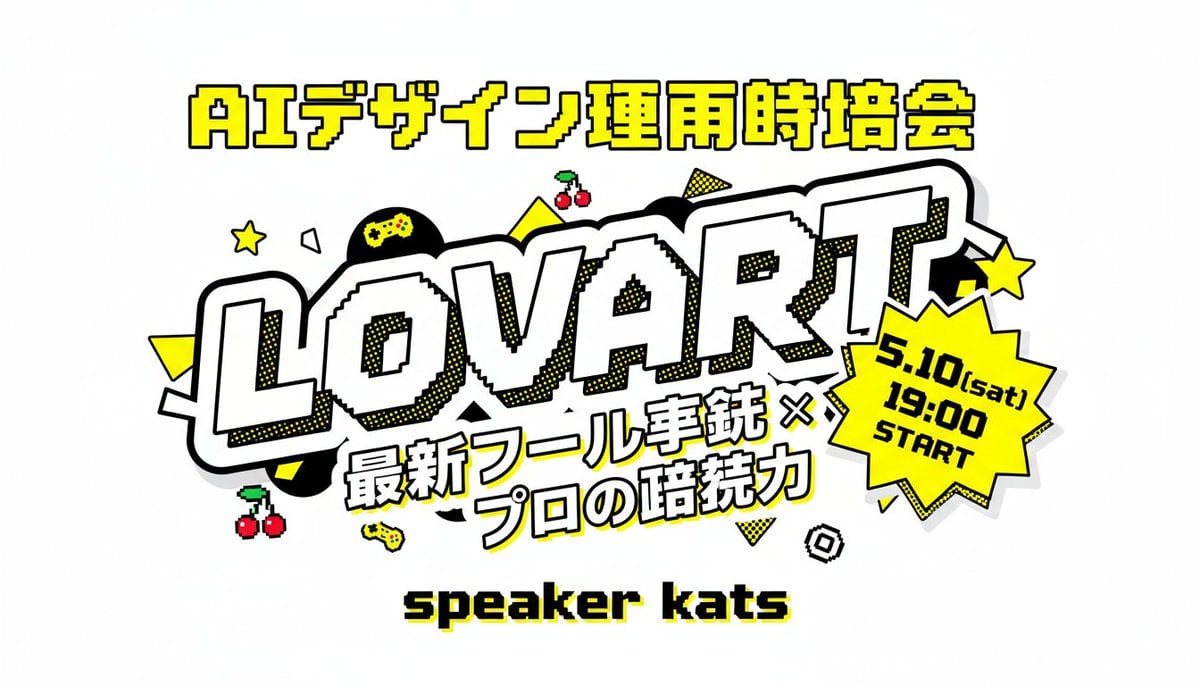
Retro Japanese Lovart Event Poster
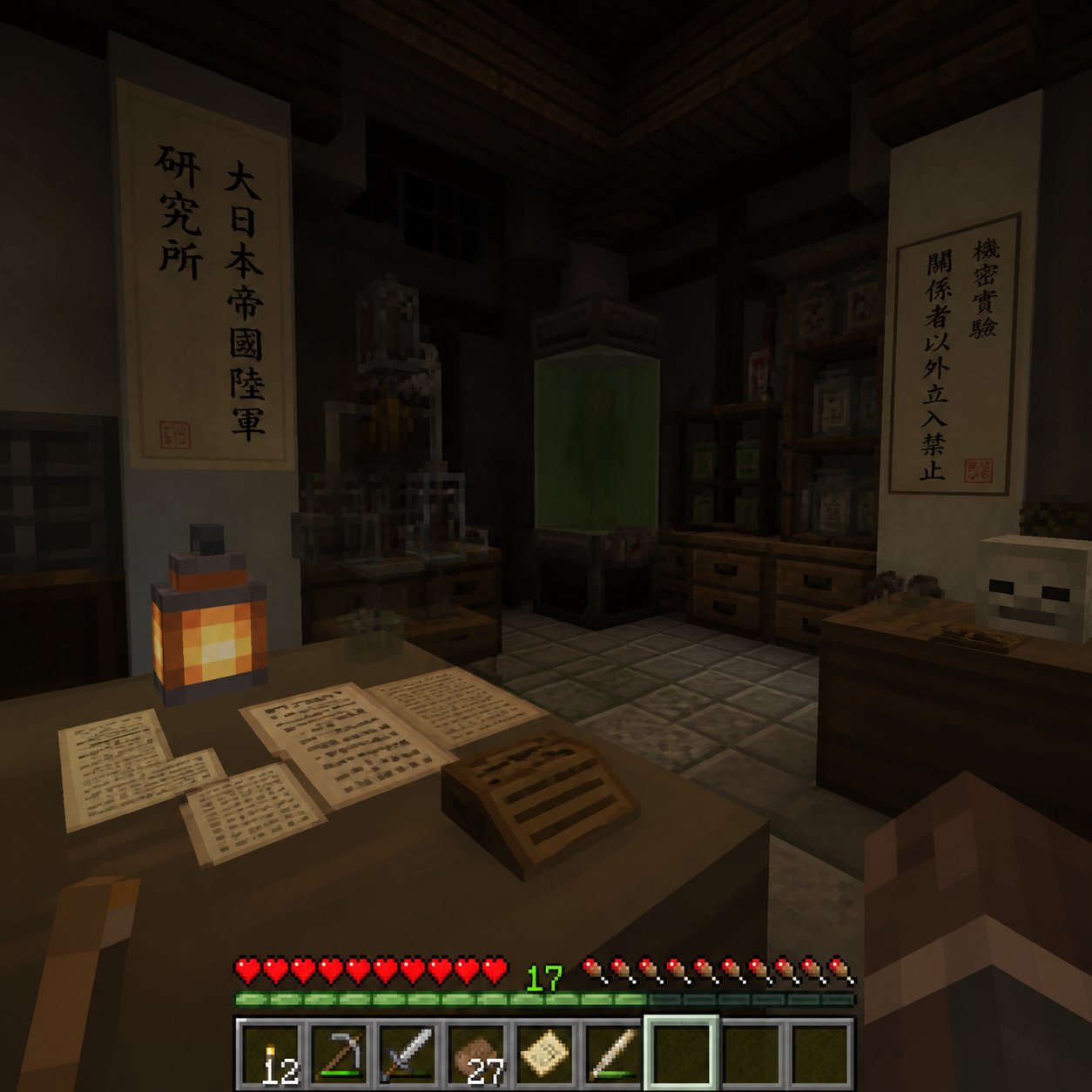
Minecraft Japanese Research Lab Exploration

Japan Travel Brochure Poster

Cartoon TV Show Poster Pack

Trendy Cafe Drink Promo Poster

Urban Fashion Editorial Collage Streetwear Poster
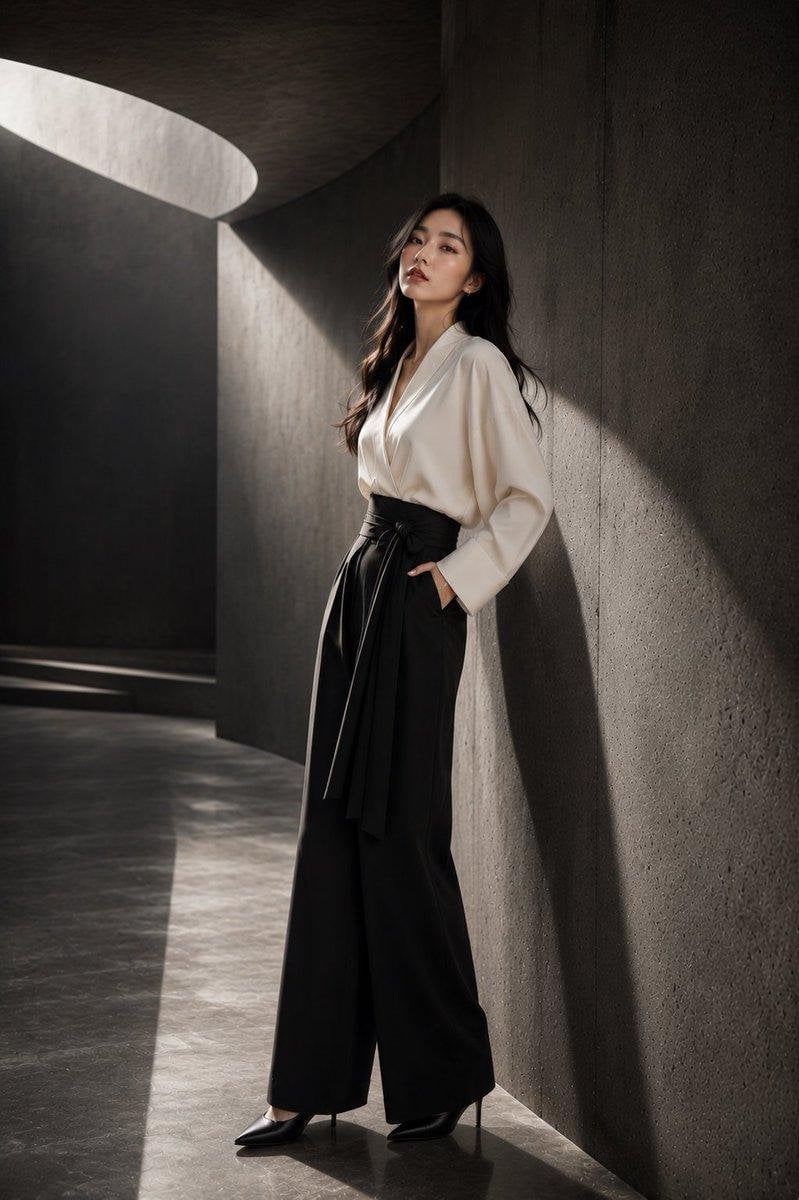
Japanese Architectural Concrete Studio Fashion Campaign

Premium Fashion Editorial Cover Layout System

Polo Ralph Lauren Luxury American Heritage Fashion Campaign

Monochrome Halftone Editorial Fashion Poster
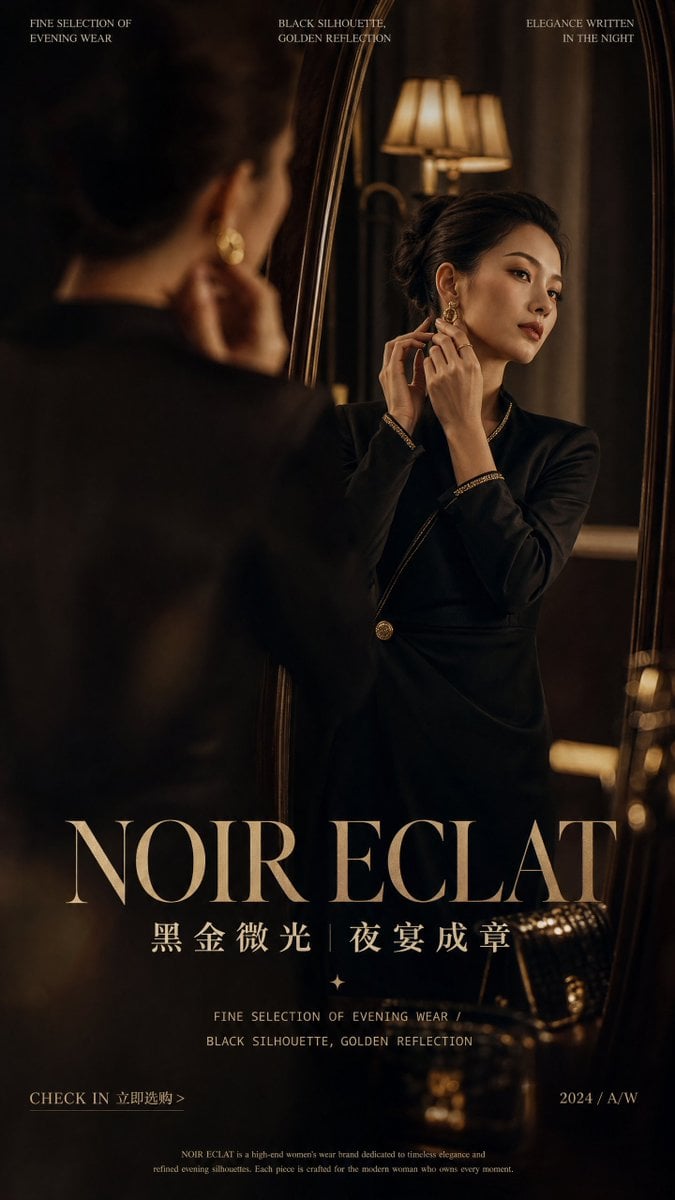
Retro Mirror Luxury Fashion Campaign Poster
Make it yours
Stylish Japanese Corn Event Poster works as-is. These are the safest ways to change it without losing the look.
Change one field
Copy a single group, rewrite it, and generate again so you can see what that field is doing.
Keep the frame, change the subject
Hold the composition and light of Stylish Japanese Corn Event Poster, then swap wardrobe, props or the person for a new take.
| If the result… | Why | Fix |
|---|---|---|
| The result drifts from the preview | Too many fields changed at once. | Reuse Stylish Japanese Corn Event Poster as-is first, then change one group — subject, light, or setting. |
| The model over-stylizes the scene | The prose prompt leaves finish and camera underspecified. | Add one camera or lighting sentence and stay on GPT Image 2. |
More GPT Image 2 templates
Other prompts made for GPT Image 2.

Six VTuber Japanese Logo Sheet

Realistic Portrait of Woman and Deer

The Vista Modular Condo Poster

AI Model Routing Comparison Infographic

2.5D Anime Art Board

Isometric Productivity Desk Scene

New York Double Exposure Poster

Four-Panel AI Landscape Comparison

Japanese Tatami Lifestyle Magazine Cover

NESCAFÉ Coffee Map Poster
More image prompts
Fresh picks from across the catalog.
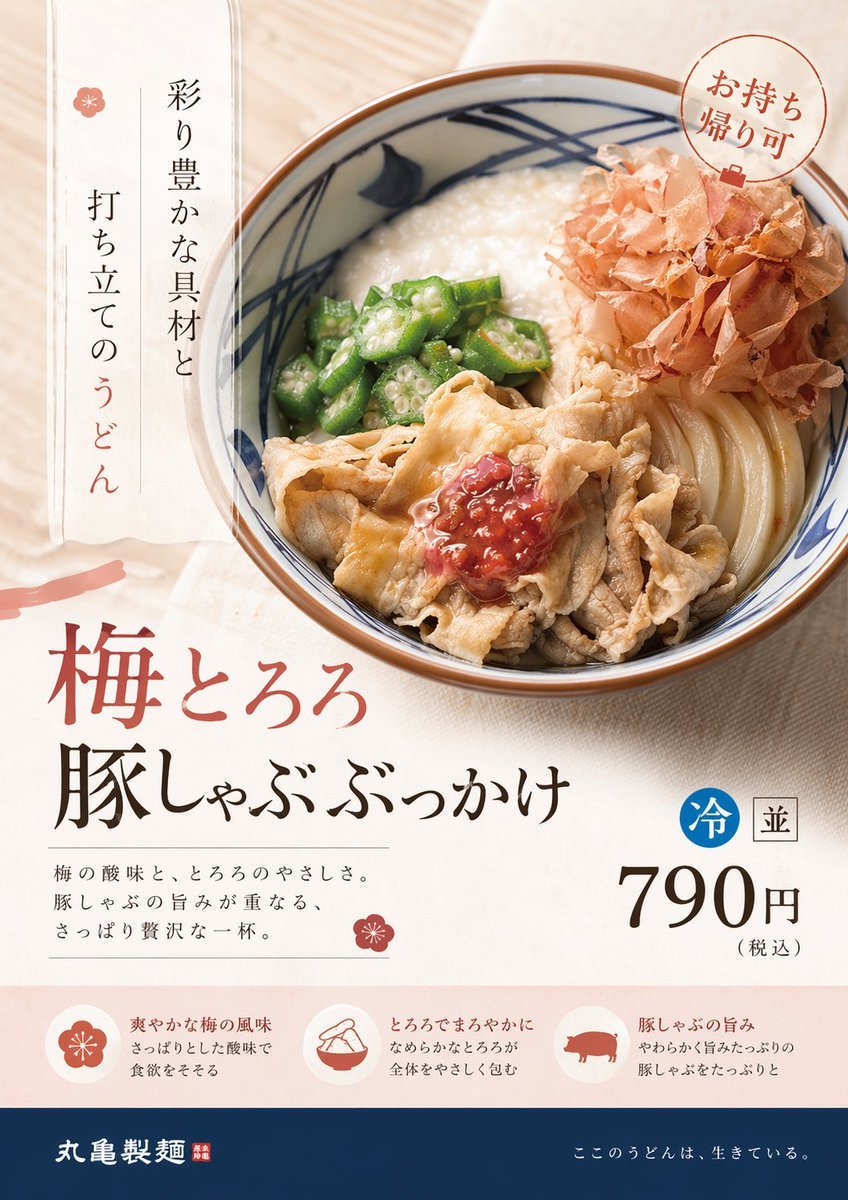
Professional Designer Product Ad Redesign

Vintage Rhythms Portrait Prompt

Cinematic Winter Photoshoot with Heart-Shaped Snow Frame
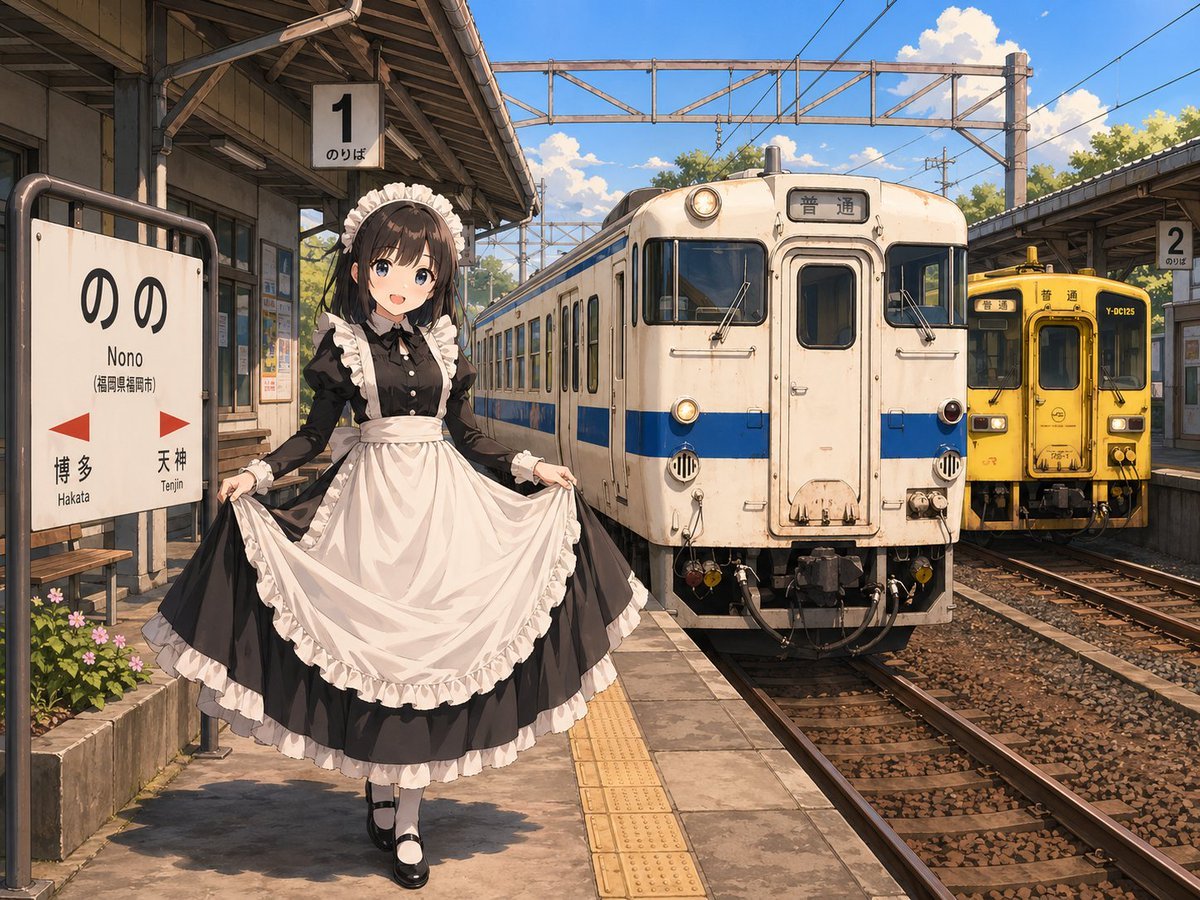
Anime Maid at Rural Train Station
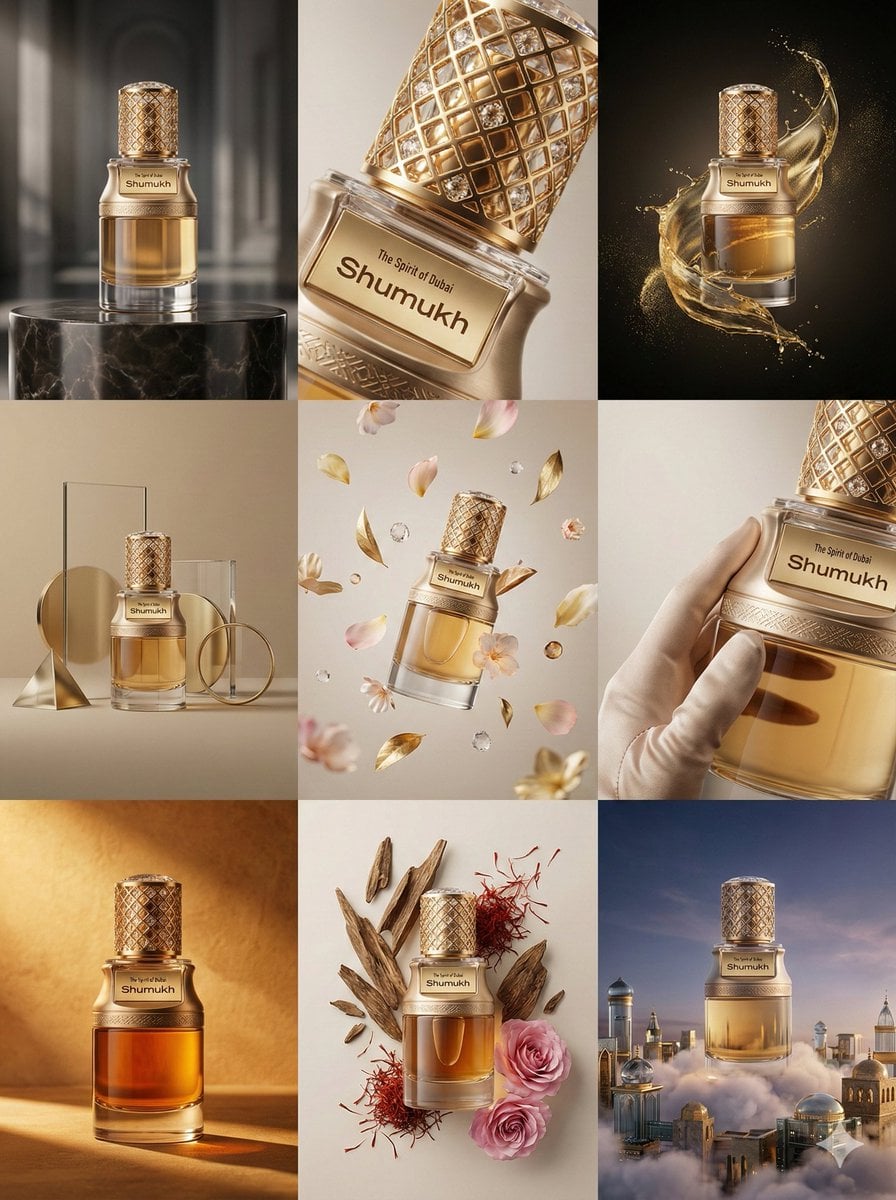
Luxury Product Commercial Grid Prompt (3x3)

Surreal Miniature People Concept Portrait
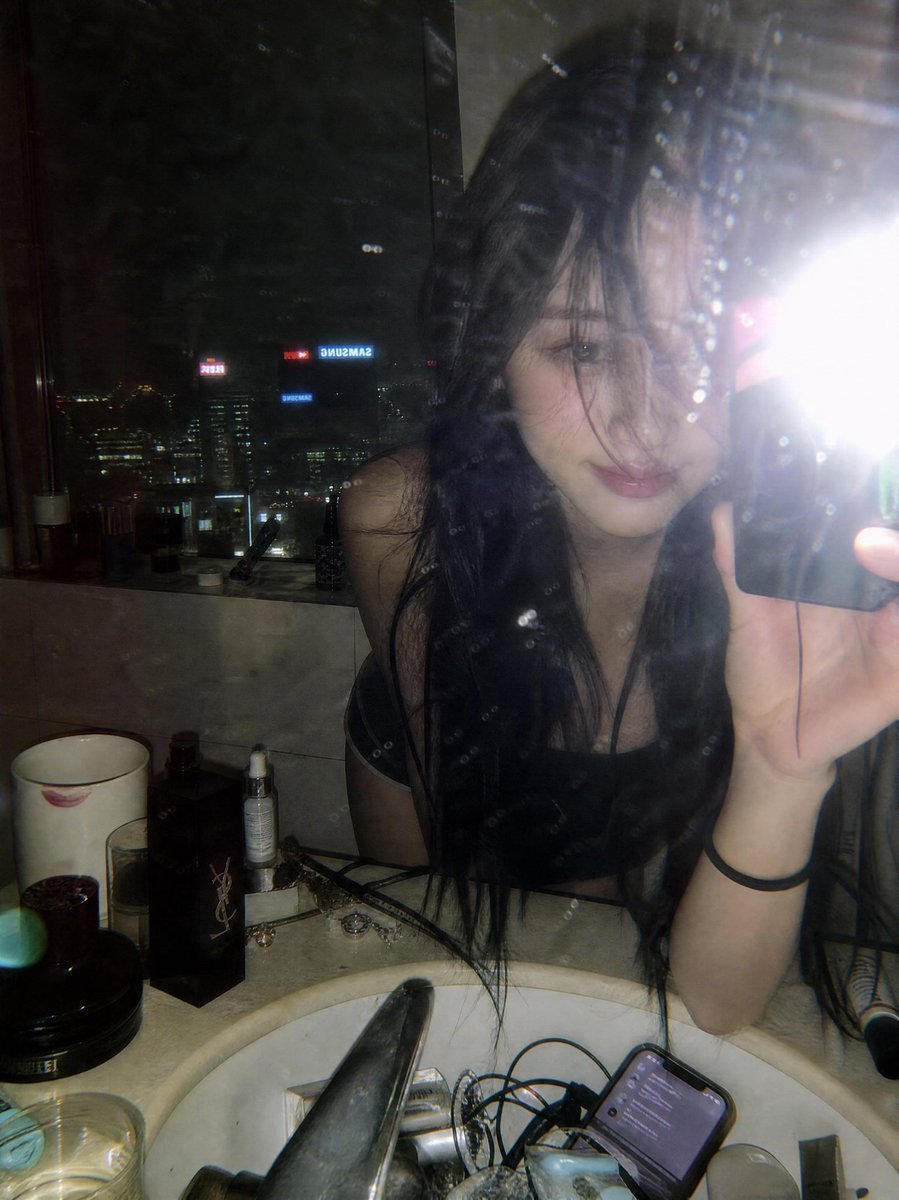
Late Night Luxury Mirror Selfie

High-Fashion Editorial on a Flying Magic Carpet
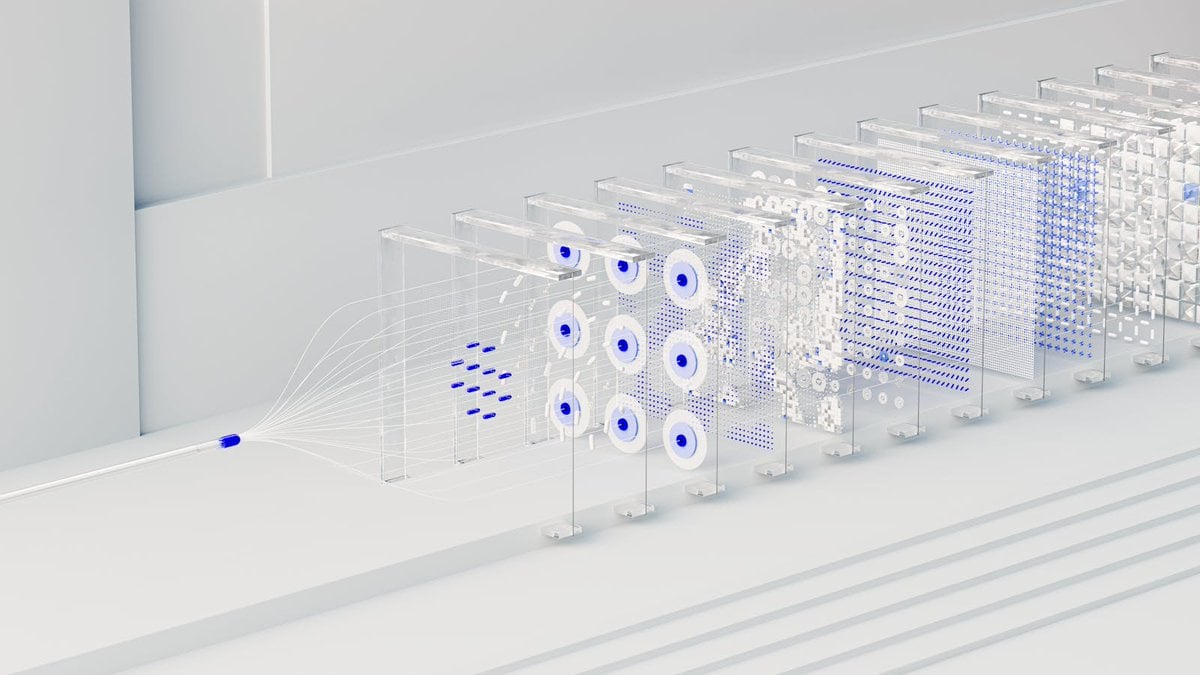
3D Abstract Data Pipeline Visualization

Cinematic Neon Ring Portrait
Browse template categories
Stylish Japanese Corn Event Poster questions
How do I use the Stylish Japanese Corn Event Poster template?
Add your photo if the template asks for one, edit the prompt if you like — the template's model and format are already selected — and press Generate. Your version opens in PicX Studio.
Can I customize the Stylish Japanese Corn Event Poster template?
Yes. You can change the subject, setting, lighting, mood, format, and available model controls before creating your image.
Is the Stylish Japanese Corn Event Poster template free?
Opening and editing this template is free. Generating uses credits, shown on the Generate button when you are signed in.
Which AI model should I use?
Start with GPT Image 2, which is the model associated with this template. You can compare another compatible model for a different finish.
Looking for something else? Browse all templates.

Your photo, any look
Thousands of ready templates for every top image and video model, from one credit balance.