
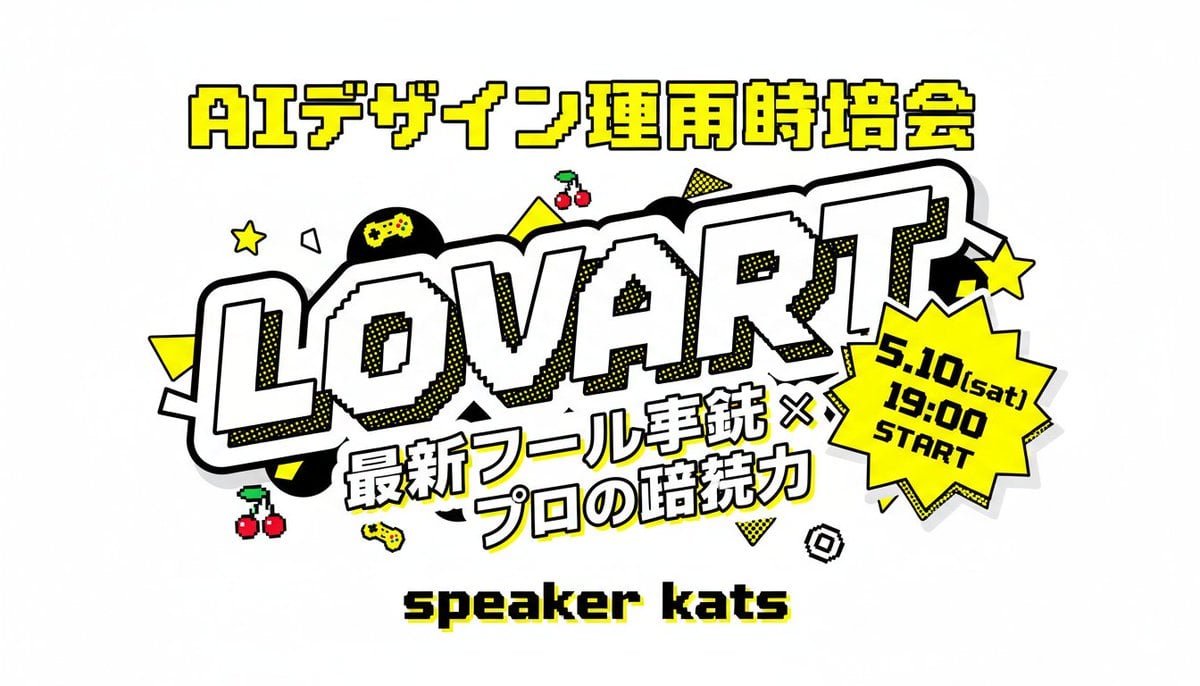
Retro Japanese Lovart Event Poster
A bold arcade-style Japanese event thumbnail poster with large readable text, gaming icons, and a pop-art promotional layout ideal for social media announcements.
- Prompt included
- Model and format preset
- Free template
The prompt behind this image
Copy the exact prompt behind Retro Japanese Lovart Event Poster, or open it in the studio and make it yours.
A bold Japanese event thumbnail poster on a light gray background in a retro arcade pop-art style. Center the composition around a huge diagonal wordmark reading “LOVART” in oversized white block letters with thick black outline, chunky 3D feel, subtle pixel-stepped inner edges, and yellow halftone shadow accents. Above it, place one line of large Japanese header text in bright yellow with black outline: “AIデザイン運用時培会”. Below the main wordmark, add a two-line Japanese subtitle in heavy white lettering with black outline and slight tilt: “最新ツール実銃 ×” on the first line and “プロの暗続力” on the second line. At the lower center, place a pixel-style black text label with a yellow drop shadow reading “speaker kats”. On the right side overlapping the main logo, add a bright yellow jagged starburst badge with thick black outline containing 3 stacked lines of black text: “5.10(sat)”, “19:00”, “START”. Decorate the layout with exactly 12 playful gaming-style accent icons and shapes scattered around the logo: 2 yellow five-point stars, 2 pairs of red cherries with green stems, 2 small yellow game controllers, 1 black circle with a yellow gamepad symbol inside, 2 solid yellow triangles, 1 yellow dotted triangle, 1 white outlined polygon, and 1 small black-and-white spiral square. Use a high-contrast palette of yellow, black, white, and light gray, with thick outlines, sticker-like layering, comic halftone dots, and crisp readable Japanese typography.
How to use Retro Japanese Lovart Event Poster in 3 steps
- 1Upload ImagePNG, JPG or paste
Add your photo
Upload the photo the template builds on. The prompt, model and format are already set.
- 2…a portrait of your subject in softgolden-hour light, 85mm…
Personalize
Edit the subject and creative details for your destination.
- 3Generate
Generate
Press Generate — your image is created in PicX Studio, so you can compare it with the original and refine one variable at a time.
More like this
Templates with the same subject, style or setup. Open one to see its prompt.

Stylish Japanese Corn Event Poster
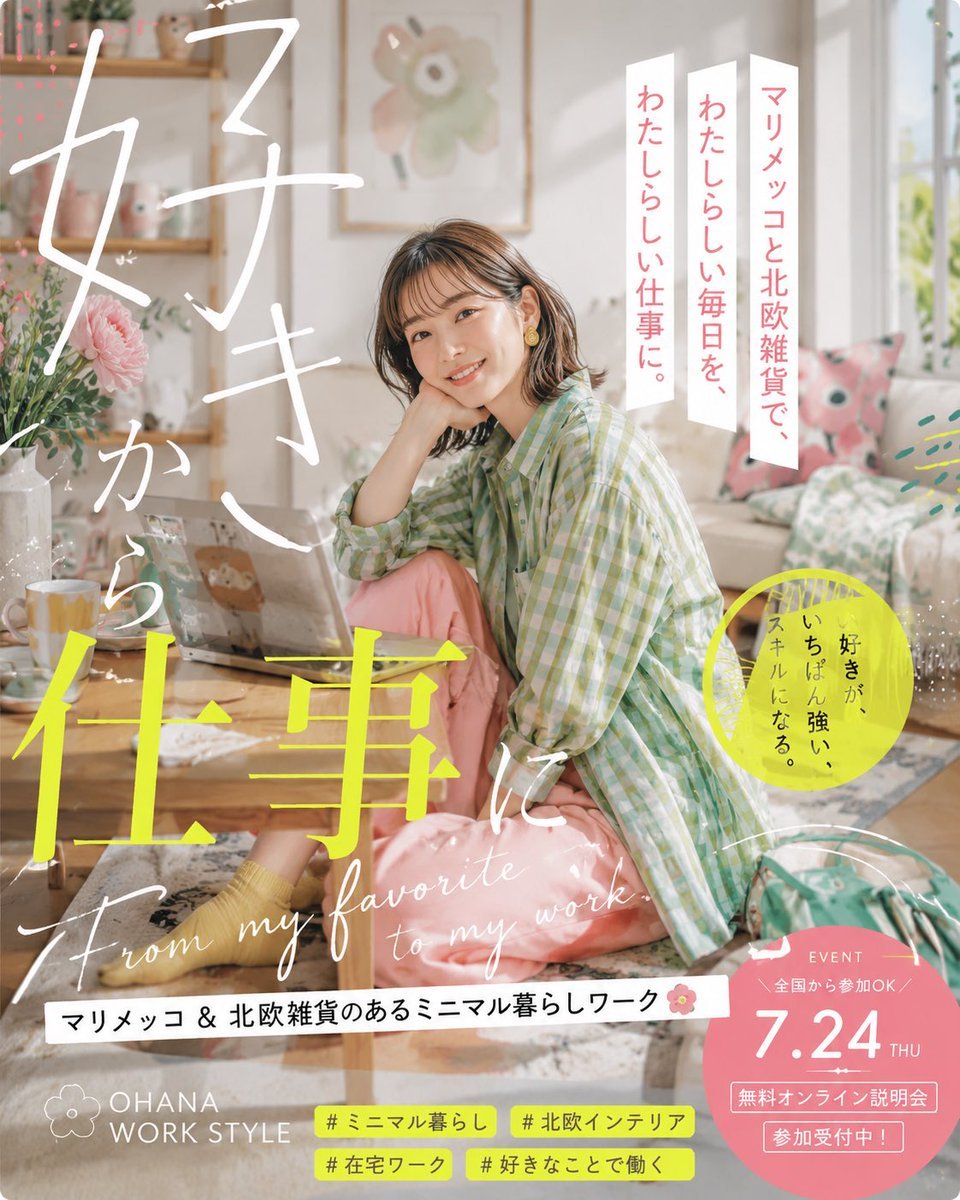
Japanese Lifestyle Work Event Poster

Six-Panel Retro Japanese Poster Collage
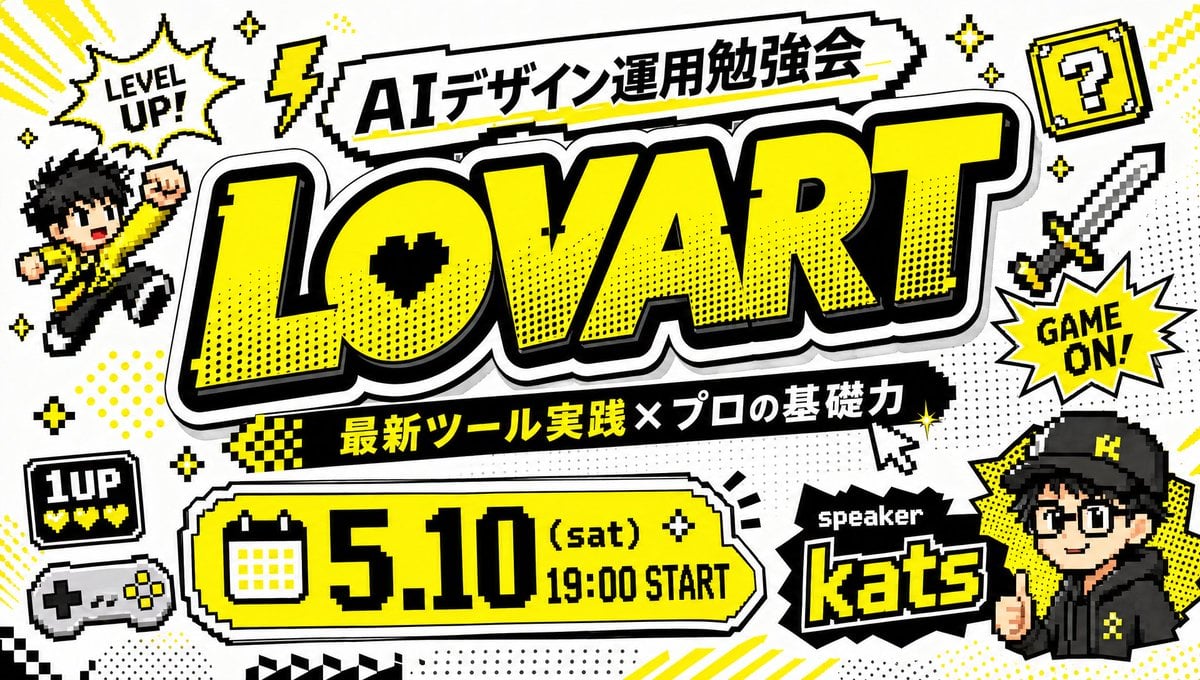
Retro Game Style Japanese Event Banner

Sunday Afternoon, 1988

Two Tickets, One Night

If We Met in 1985

Found Photograph: Us, 1970

One Dance Before Midnight

Before We said Goodbye

Our Song was on a Cassette

Meet Me When It Rains
Make it yours
Retro Japanese Lovart Event Poster works as-is. These are the safest ways to change it without losing the look.
Change one field
Copy a single group, rewrite it, and generate again so you can see what that field is doing.
Keep the frame, change the subject
Hold the composition and light of Retro Japanese Lovart Event Poster, then swap wardrobe, props or the person for a new take.
| If the result… | Why | Fix |
|---|---|---|
| The result drifts from the preview | Too many fields changed at once. | Reuse Retro Japanese Lovart Event Poster as-is first, then change one group — subject, light, or setting. |
| The model over-stylizes the scene | The prose prompt leaves finish and camera underspecified. | Add one camera or lighting sentence and stay on GPT Image 2. |
More GPT Image 2 templates
Other prompts made for GPT Image 2.

Six VTuber Japanese Logo Sheet

Realistic Portrait of Woman and Deer

The Vista Modular Condo Poster

AI Model Routing Comparison Infographic

2.5D Anime Art Board

Isometric Productivity Desk Scene

New York Double Exposure Poster

Four-Panel AI Landscape Comparison

Japanese Tatami Lifestyle Magazine Cover

NESCAFÉ Coffee Map Poster
More image prompts
Fresh picks from across the catalog.

Maximalist Grain Art Prompt for Nano Banana 2

High-End Fashion Collage Poster

3D Product Box Dieline Visualization
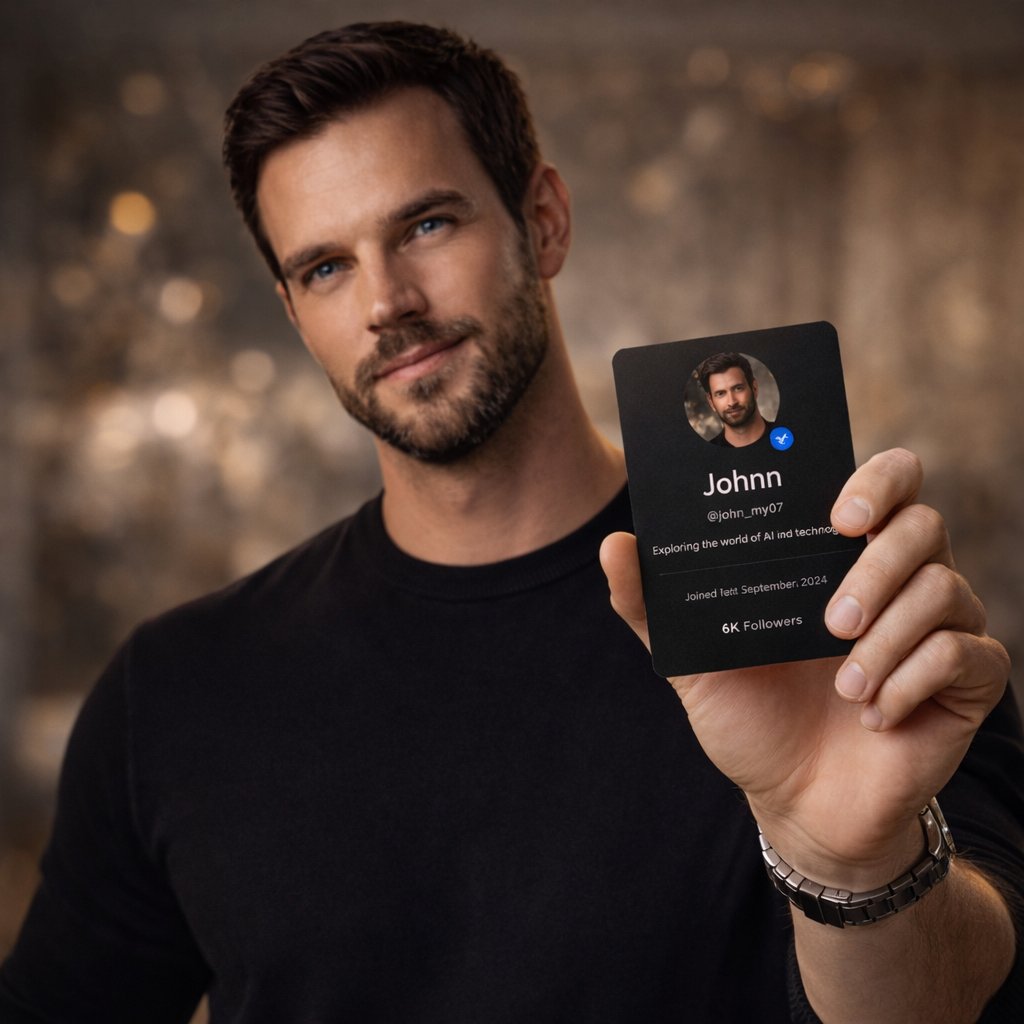
High-End Editorial Photoshoot of a Social Media Profile Card
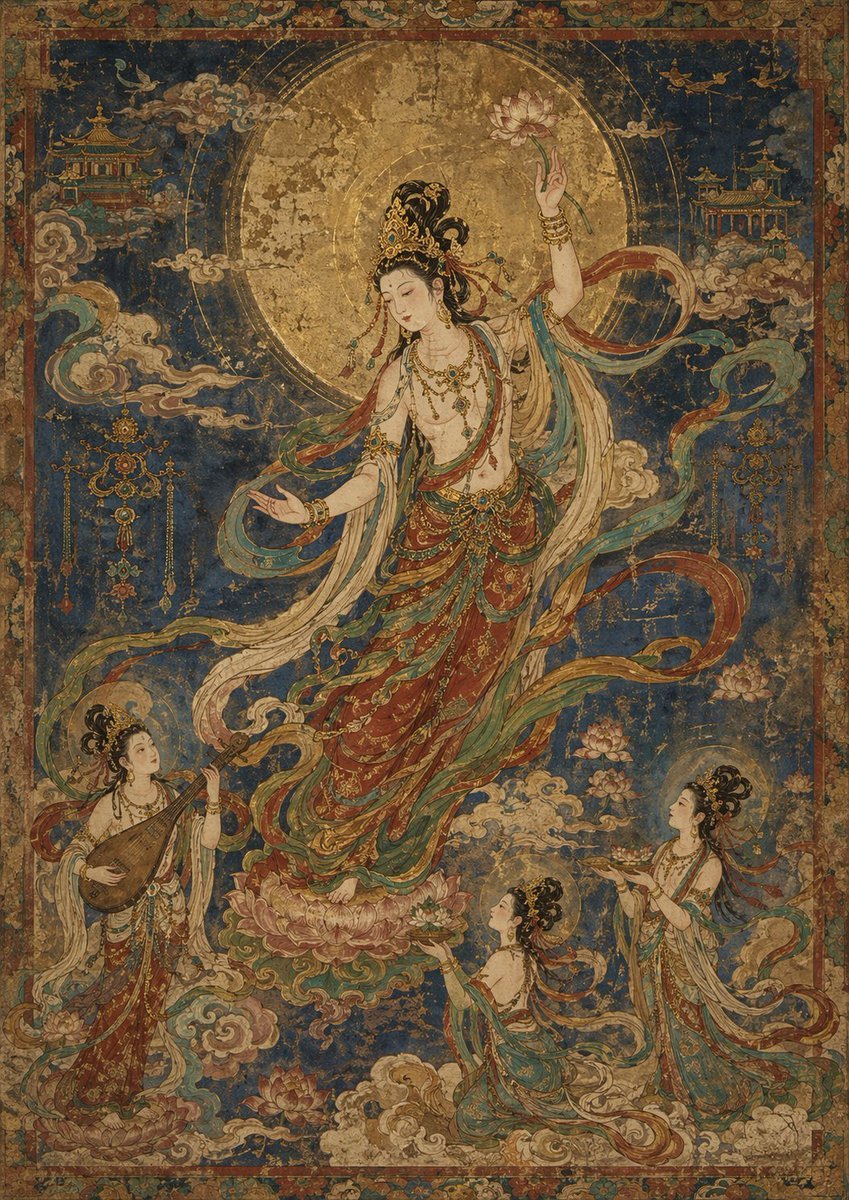
Antique Celestial Goddess Mural

Brutalist Fashion with Alligator
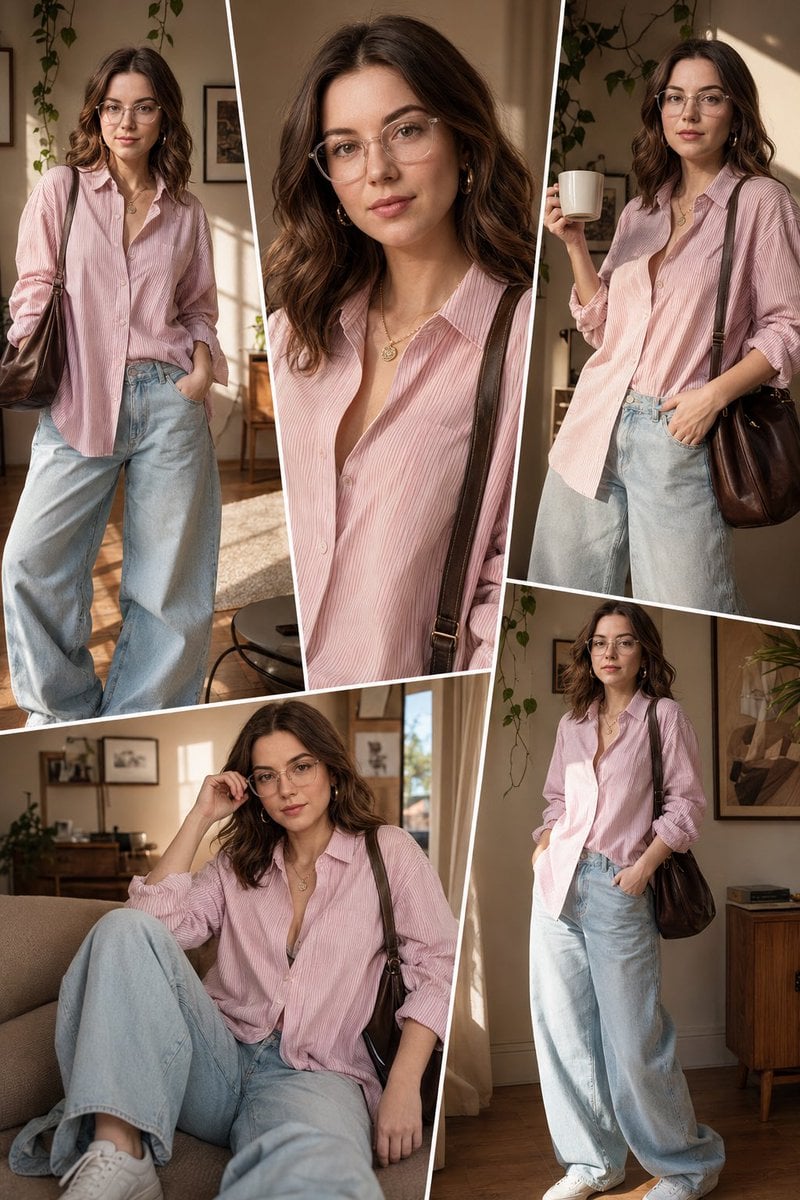
Sunlit Interior Fashion Collage
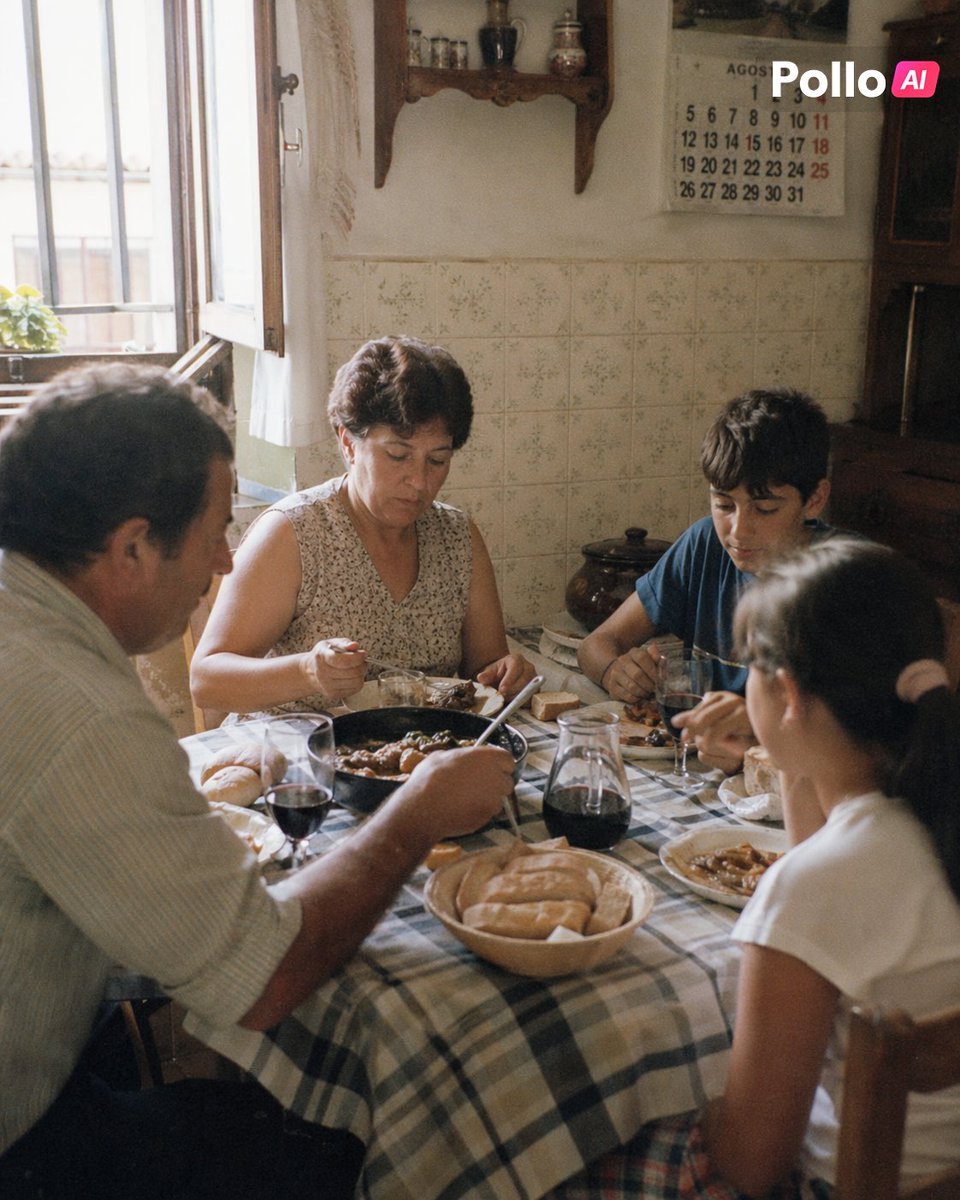
1990s Spanish Family Kitchen Lunch
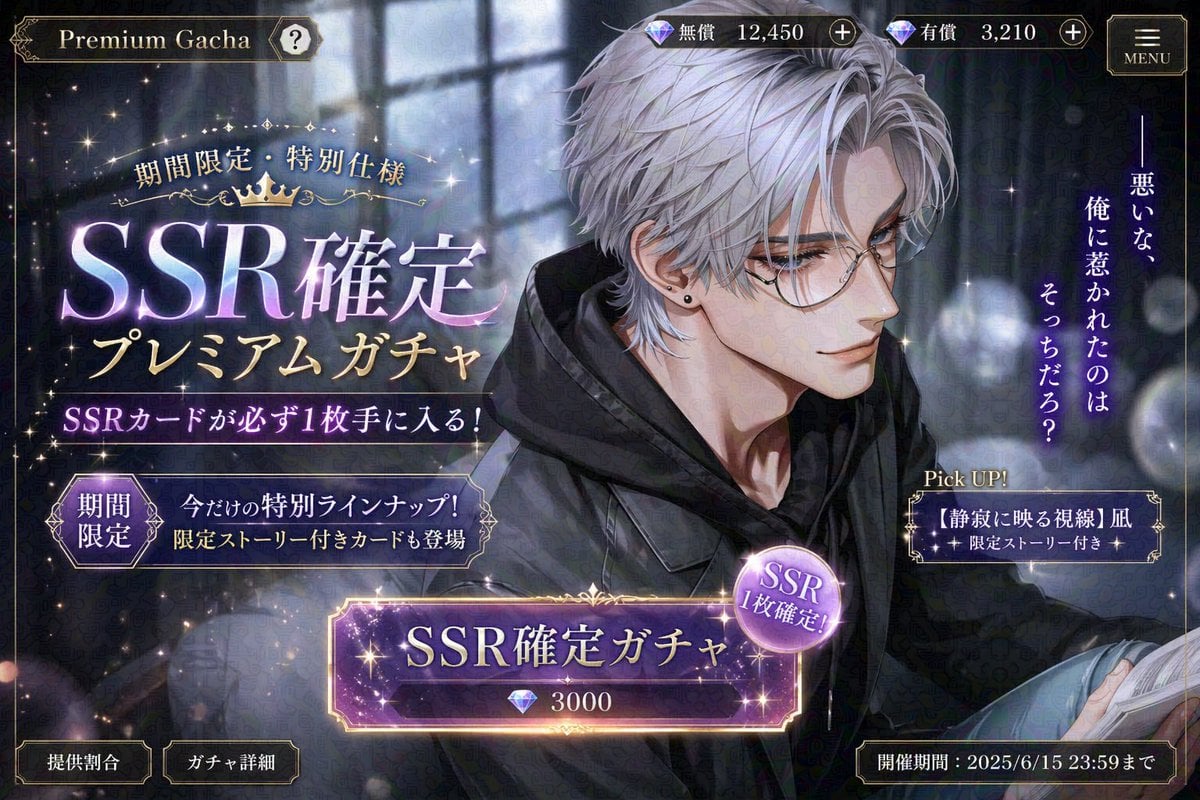
Otome Game Gacha Screen Prompt

Cinematic Seaside Scene Prompt with Detailed Texture Requirements
Browse template categories
Retro Japanese Lovart Event Poster questions
How do I use the Retro Japanese Lovart Event Poster template?
Add your photo if the template asks for one, edit the prompt if you like — the template's model and format are already selected — and press Generate. Your version opens in PicX Studio.
Can I customize the Retro Japanese Lovart Event Poster template?
Yes. You can change the subject, setting, lighting, mood, format, and available model controls before creating your image.
Is the Retro Japanese Lovart Event Poster template free?
Opening and editing this template is free. Generating uses credits, shown on the Generate button when you are signed in.
Which AI model should I use?
Start with GPT Image 2, which is the model associated with this template. You can compare another compatible model for a different finish.
Looking for something else? Browse all templates.

Your photo, any look
Thousands of ready templates for every top image and video model, from one credit balance.