
Retro Game Style Japanese Event Banner
A bold arcade-inspired Japanese workshop thumbnail with crisp typography, ideal for social posts, YouTube covers, and event promotions.
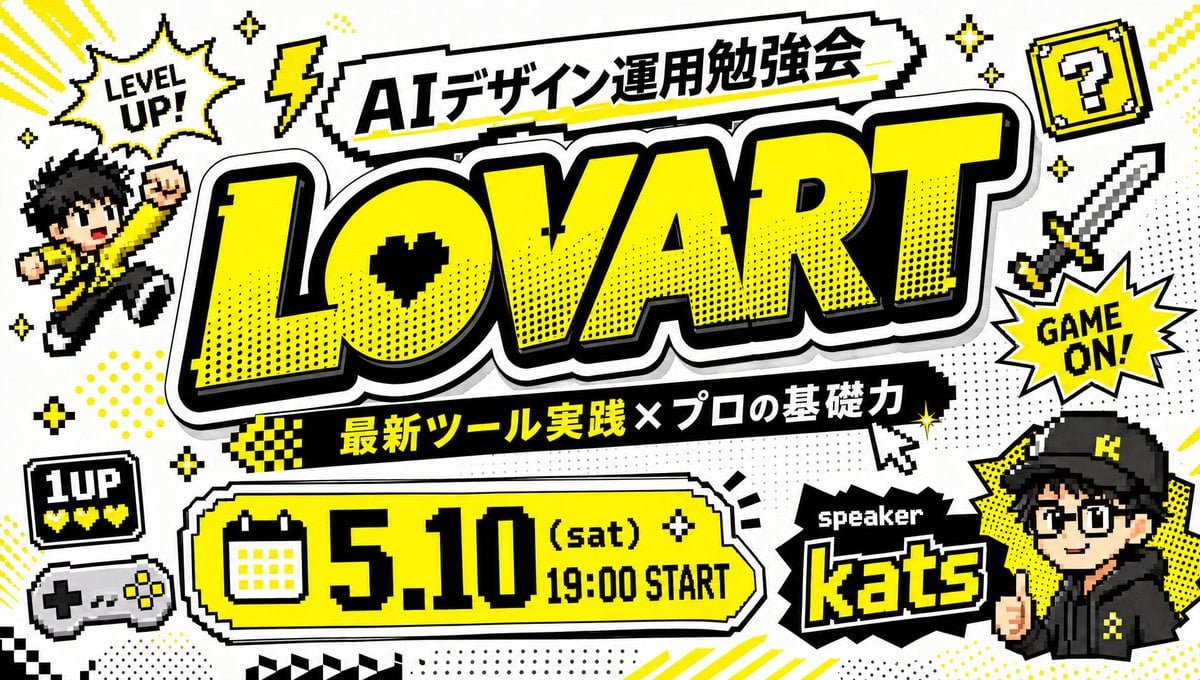
- Prompt included
- Model and format preset
- Free template
The prompt behind this image
Copy the exact prompt behind Retro Game Style Japanese Event Banner, or open it in the studio and make it yours.
Create a bold Japanese event thumbnail in a retro 8-bit video game style on a clean white background with a black, white, and vivid yellow color palette. The composition is a single highly graphic poster packed with pixel-art decorations, thick black outlines, comic halftone dots, drop shadows, and arcade-inspired stickers. In the center, place an enormous headline reading “{argument name="main title" default="LOVART"}” in oversized block letters, bright yellow with a thick black outline, white border, and heavy shadow, slightly tilted and dominating most of the image. Above it, add a jagged white banner with black outline containing the Japanese title “{argument name="top banner text" default="AIデザイン運用勉強会"}”. Below the main title, place a black ribbon with yellow and white Japanese text reading “{argument name="subheading text" default="最新ツール実践 × プロの基礎力"}”. At the lower left-center, add a large rounded rectangular date panel in yellow with black outline and white trim, including a pixel calendar icon on the left and the text “{argument name="event date" default="5.10 (sat) 19:00 START"}” in huge black retro type. At the lower right, place a black spiky label reading “speaker” above the large yellow-outlined name “{argument name="speaker name" default="kats"}”. Surround the layout with exactly 11 decorative gaming elements: 1 pixel speech burst at upper left saying “LEVEL UP!”, 1 yellow lightning bolt near the top, 1 yellow question block with a black question mark at upper right, 1 pixel sword on the right side, 1 starburst on the right saying “GAME ON!”, 1 chibi pixel character jumping on the left in a yellow jacket with raised fist, 1 small black “1UP” life icon with three yellow hearts at lower left, 1 retro game controller beneath it, 3 groups of sparkle stars scattered around the composition. Add comic accents such as dotted halftone patches, angled yellow speed lines, small checkerboard strips, and a pixel cursor pointer near the subtitle. Include a stylized anime-like speaker avatar in the lower right corner wearing a black cap and black hoodie with yellow accents, face partially obscured or simplified, integrated like a streamer or event host badge. Make all Japanese and English text crisp, readable, and accurately typeset, with the overall feeling of a high-energy YouTube thumbnail or social media event banner for a design/AI workshop.
How to use Retro Game Style Japanese Event Banner in 3 steps
- 1Upload ImagePNG, JPG or paste
Add your photo
Upload the photo the template builds on. The prompt, model and format are already set.
- 2…a portrait of your subject in softgolden-hour light, 85mm…
Personalize
Edit the subject and creative details for your destination.
- 3Generate
Generate
Press Generate — your image is created in PicX Studio, so you can compare it with the original and refine one variable at a time.
More like this
Templates with the same subject, style or setup. Open one to see its prompt.
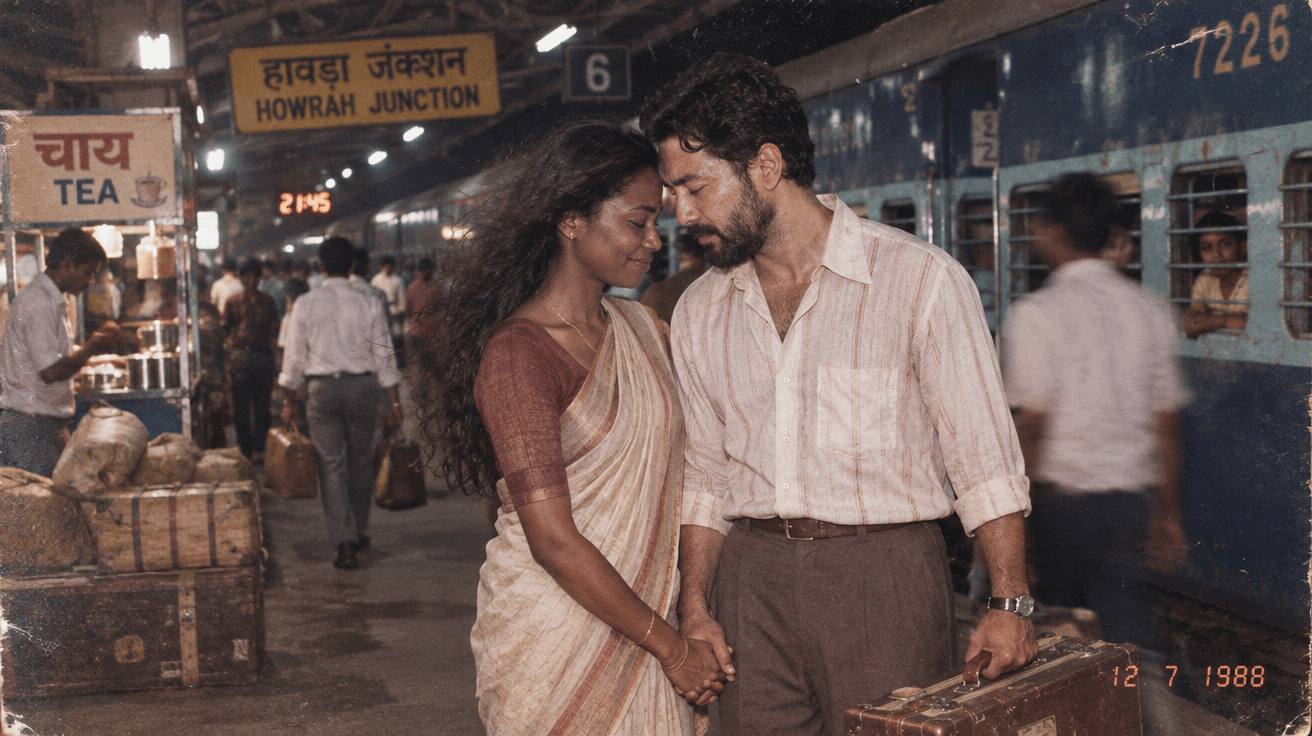
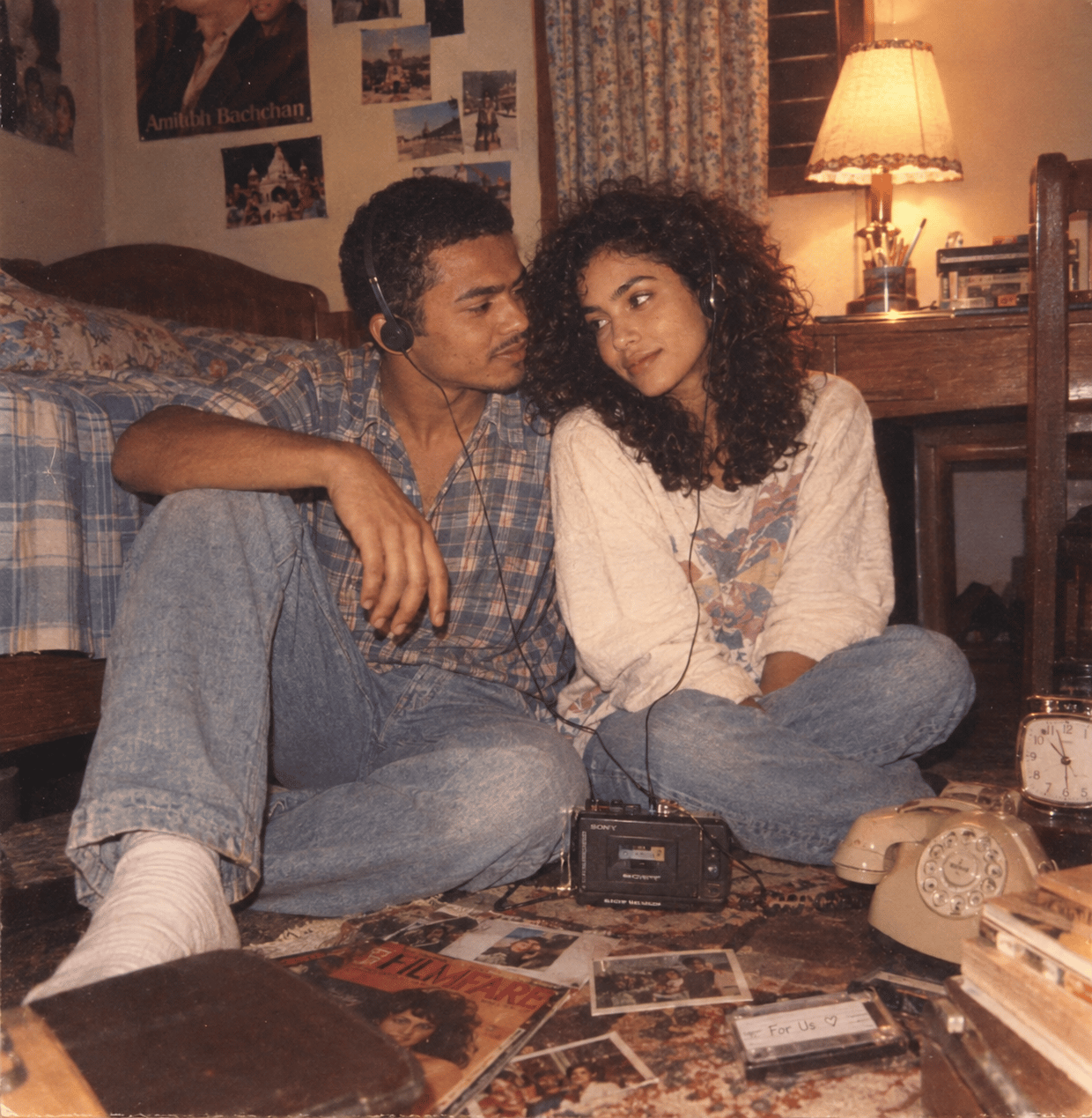
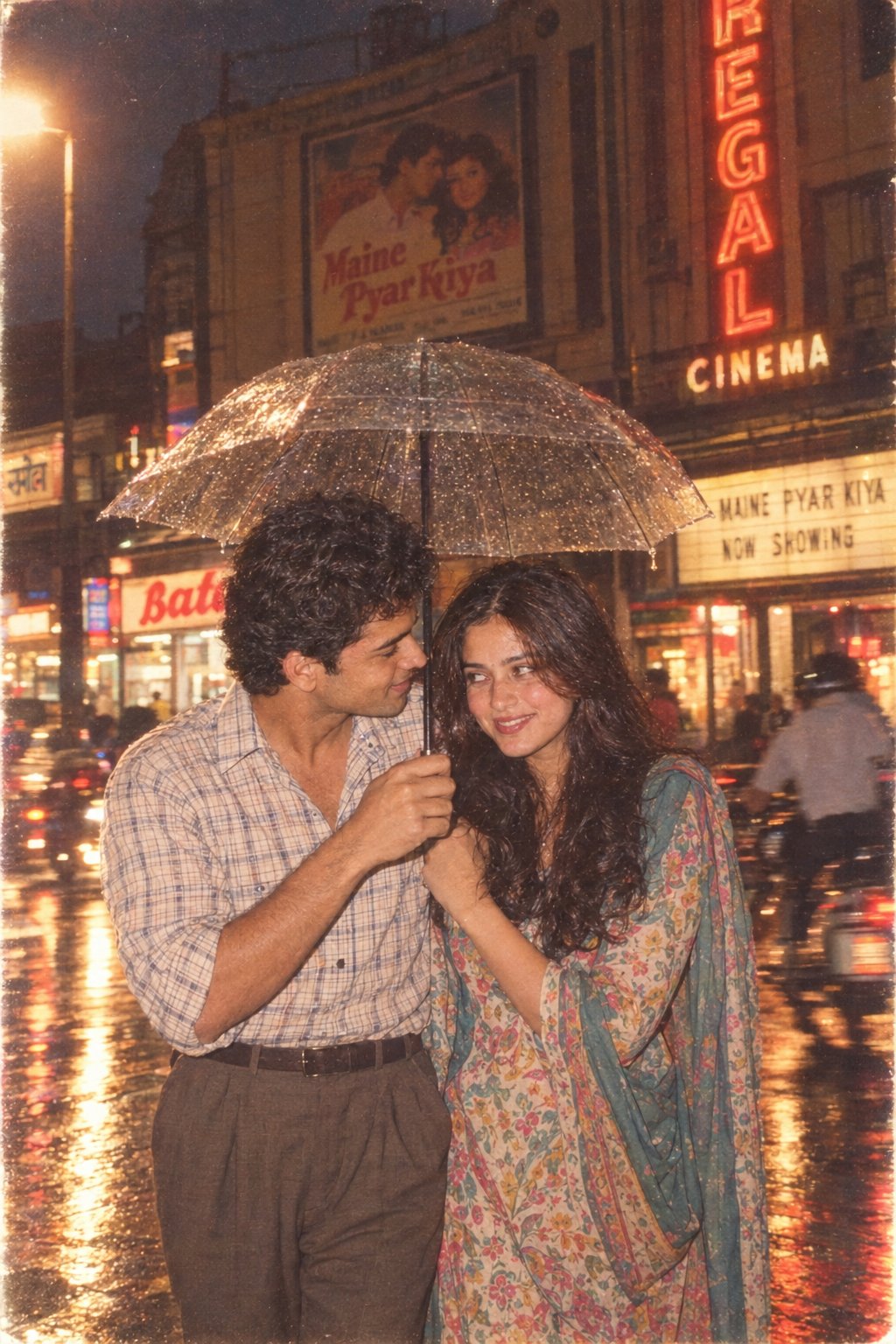
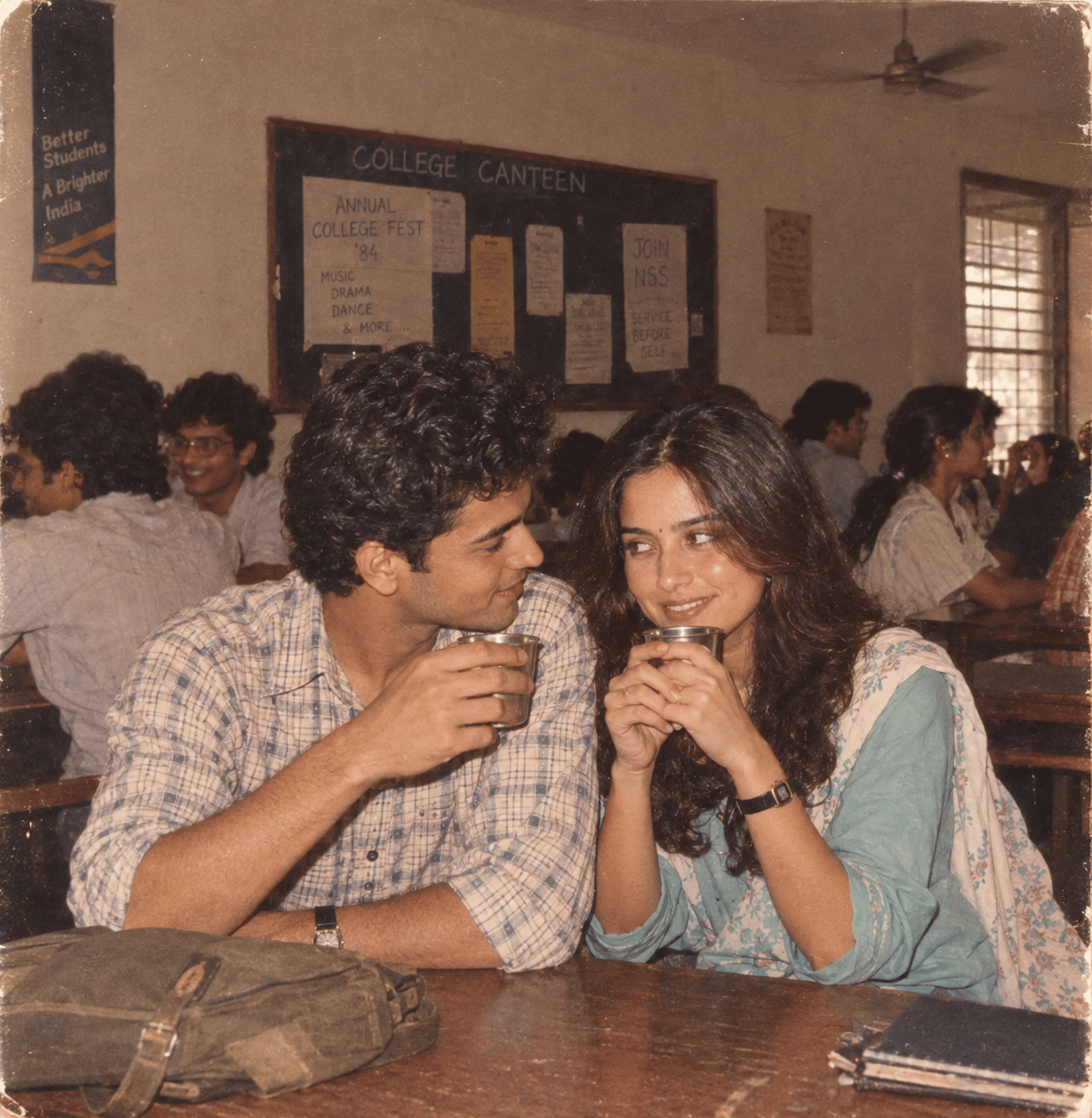
Make it yours
Retro Game Style Japanese Event Banner works as-is. These are the safest ways to change it without losing the look.
Change one field
Copy a single group, rewrite it, and generate again so you can see what that field is doing.
Keep the frame, change the subject
Hold the composition and light of Retro Game Style Japanese Event Banner, then swap wardrobe, props or the person for a new take.
| If the result… | Why | Fix |
|---|---|---|
| The result drifts from the preview | Too many fields changed at once. | Reuse Retro Game Style Japanese Event Banner as-is first, then change one group — subject, light, or setting. |
| The model over-stylizes the scene | The prose prompt leaves finish and camera underspecified. | Add one camera or lighting sentence and stay on GPT Image 2. |
More GPT Image 2 templates
Other prompts made for GPT Image 2.
Six VTuber Japanese Logo Sheet
Realistic Portrait of Woman and Deer
The Vista Modular Condo Poster
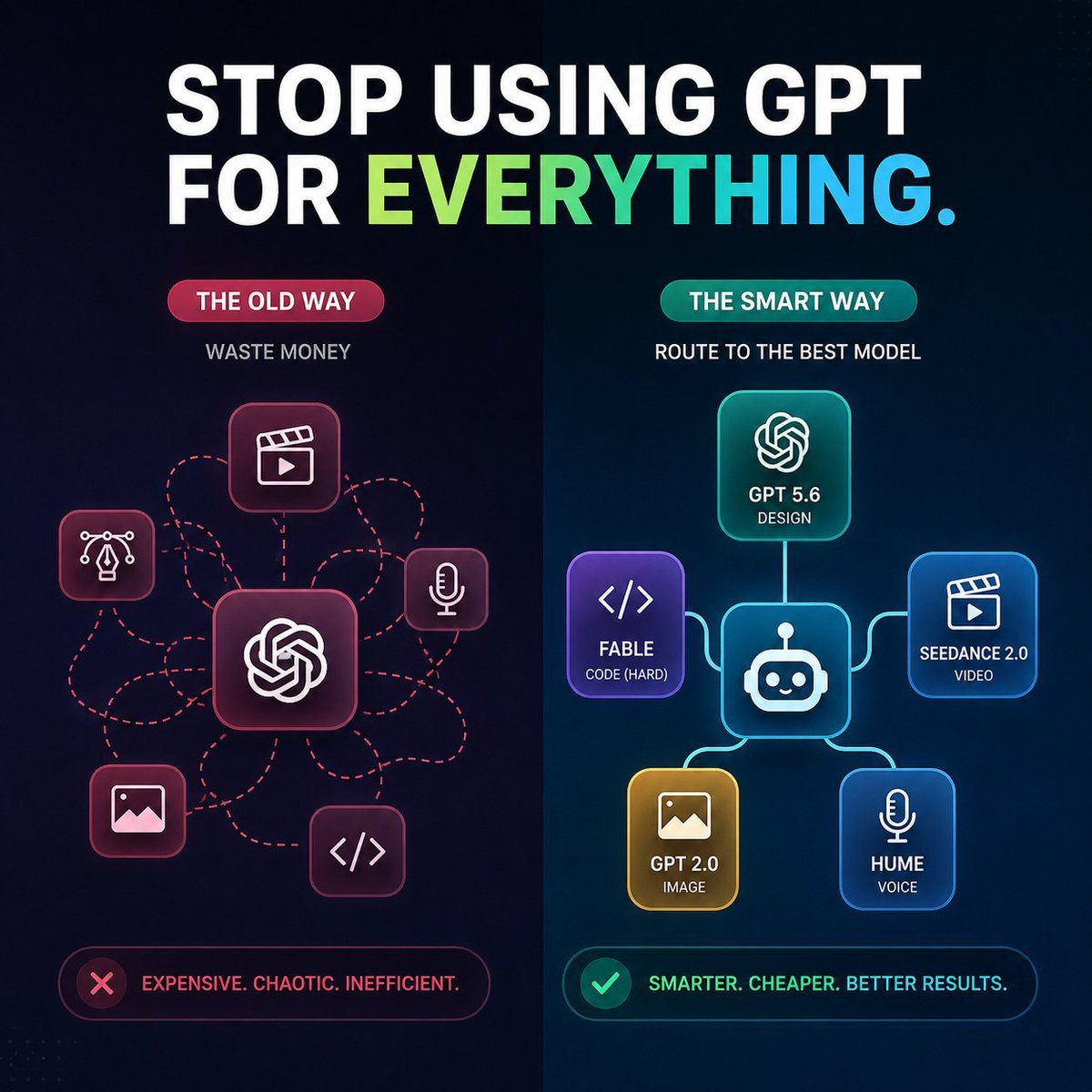
AI Model Routing Comparison Infographic
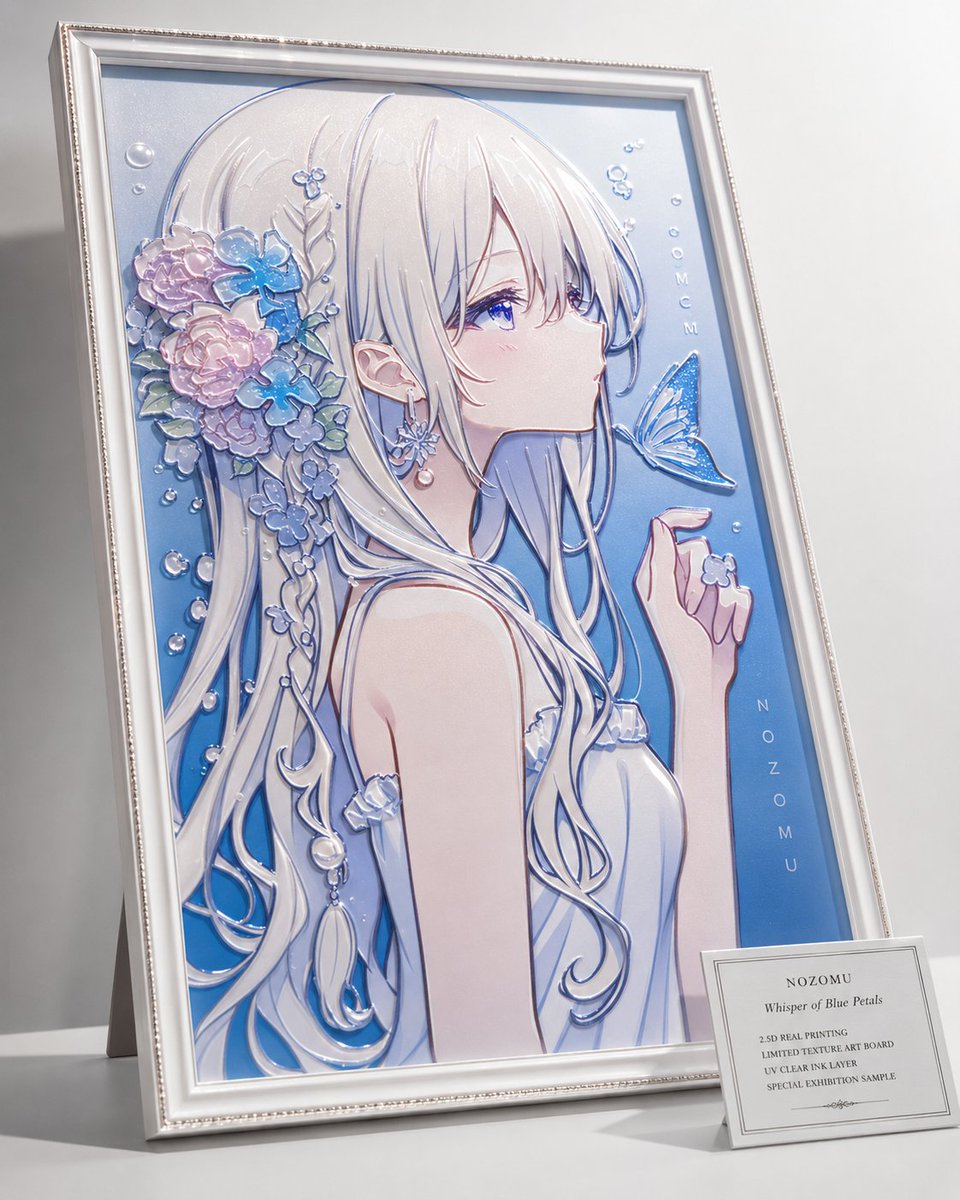
2.5D Anime Art Board
Isometric Productivity Desk Scene
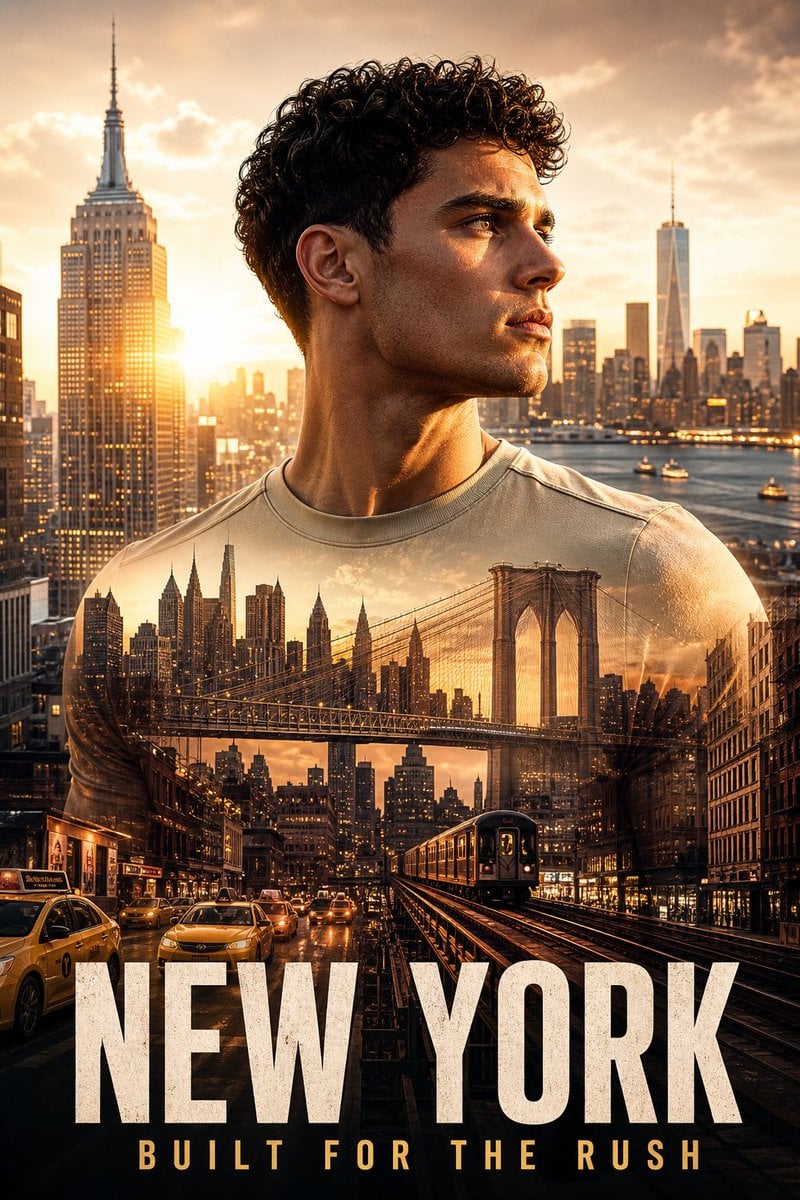
New York Double Exposure Poster
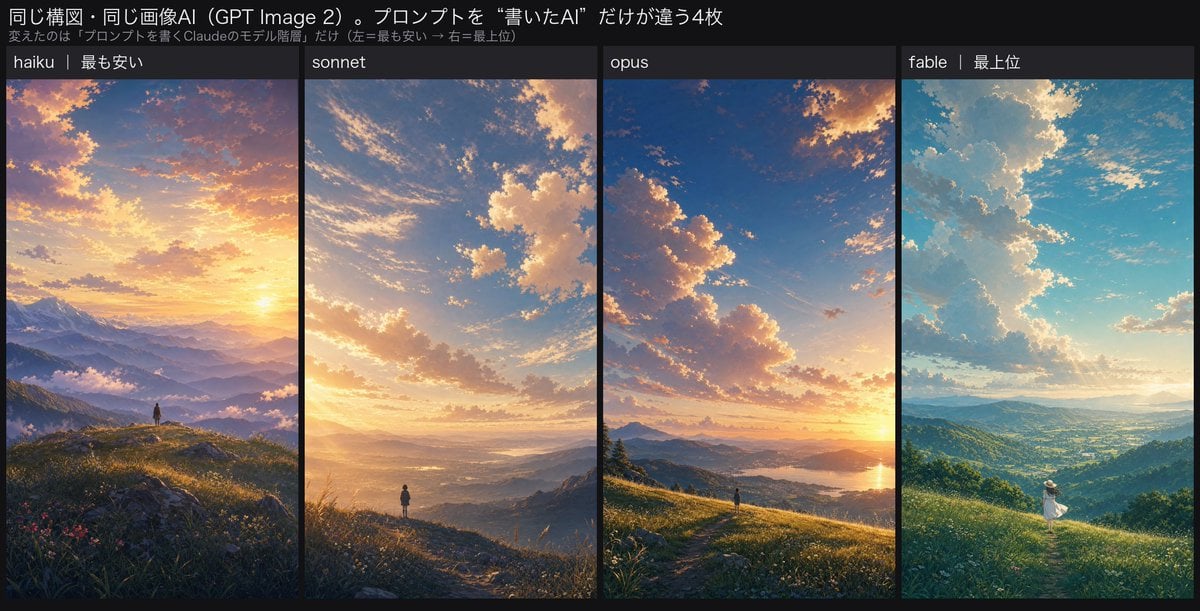
Four-Panel AI Landscape Comparison
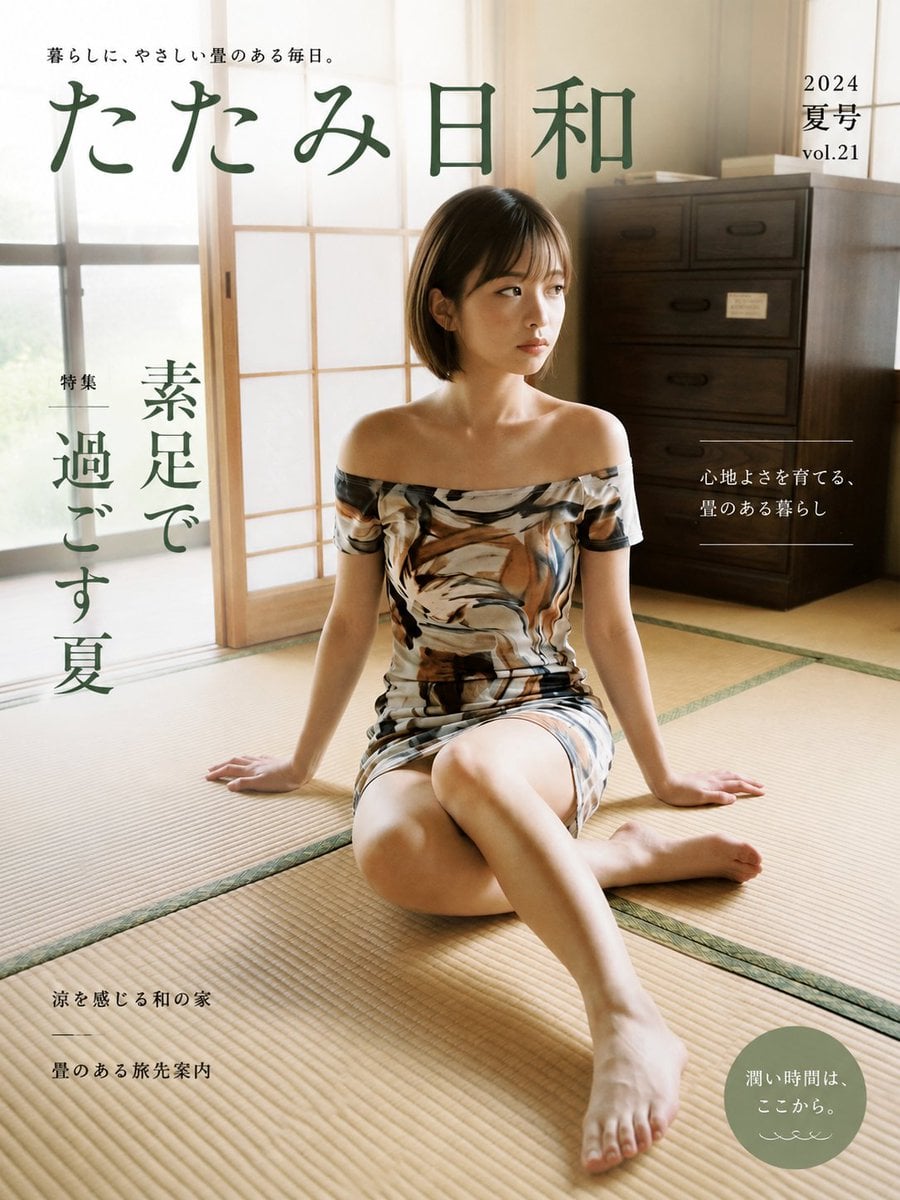
Japanese Tatami Lifestyle Magazine Cover
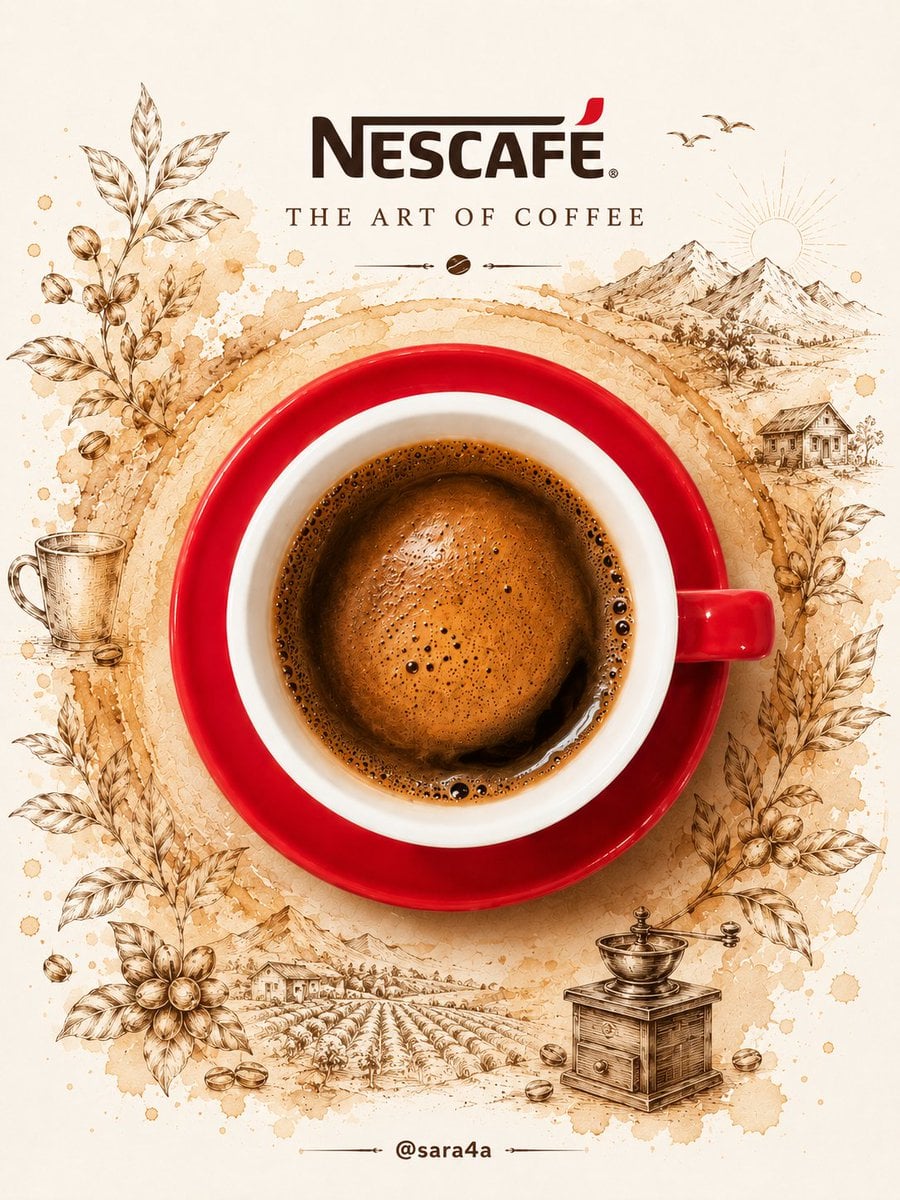
NESCAFÉ Coffee Map Poster
More image prompts
Fresh picks from across the catalog.
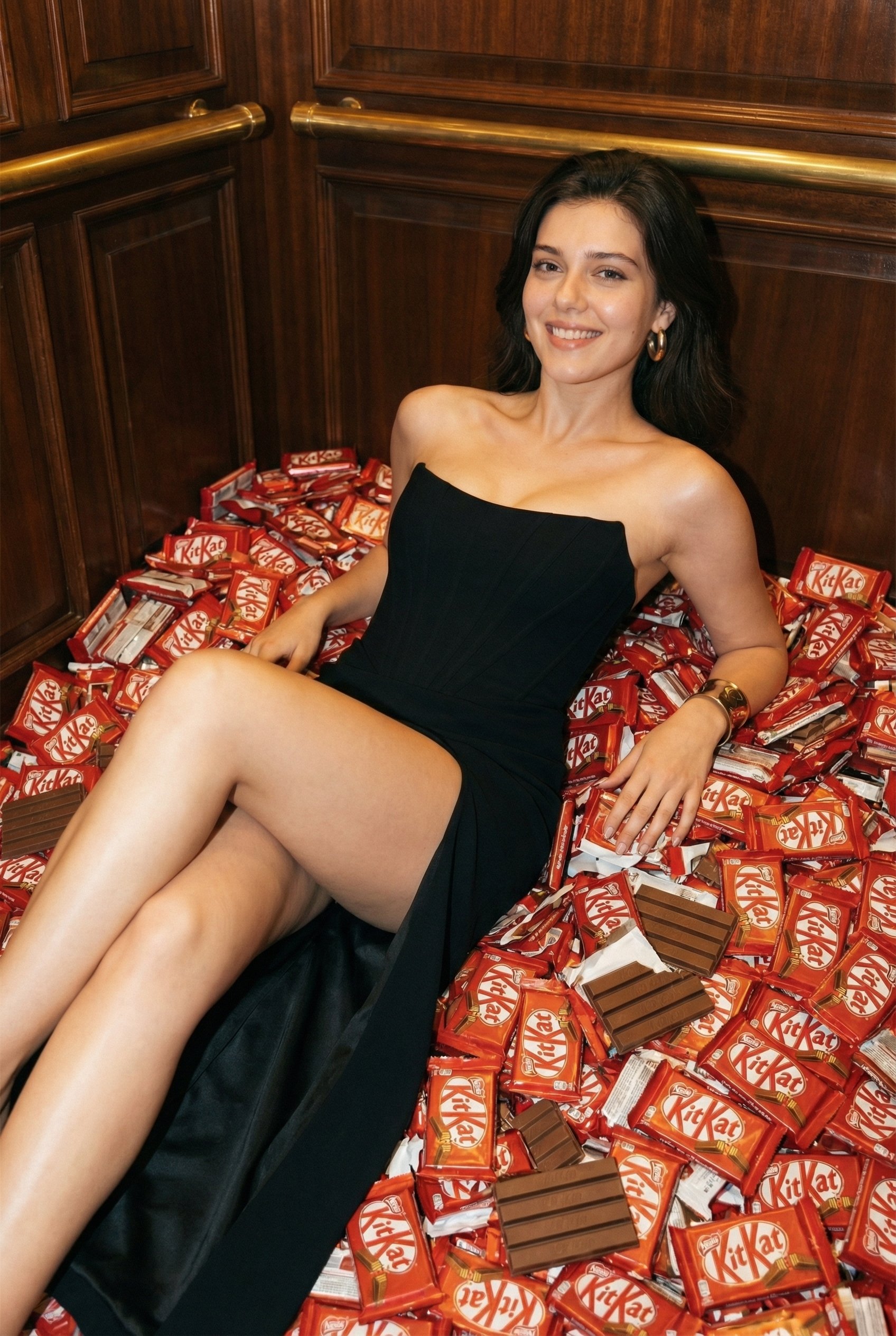
Luxurious KitKat Sweet Retreat
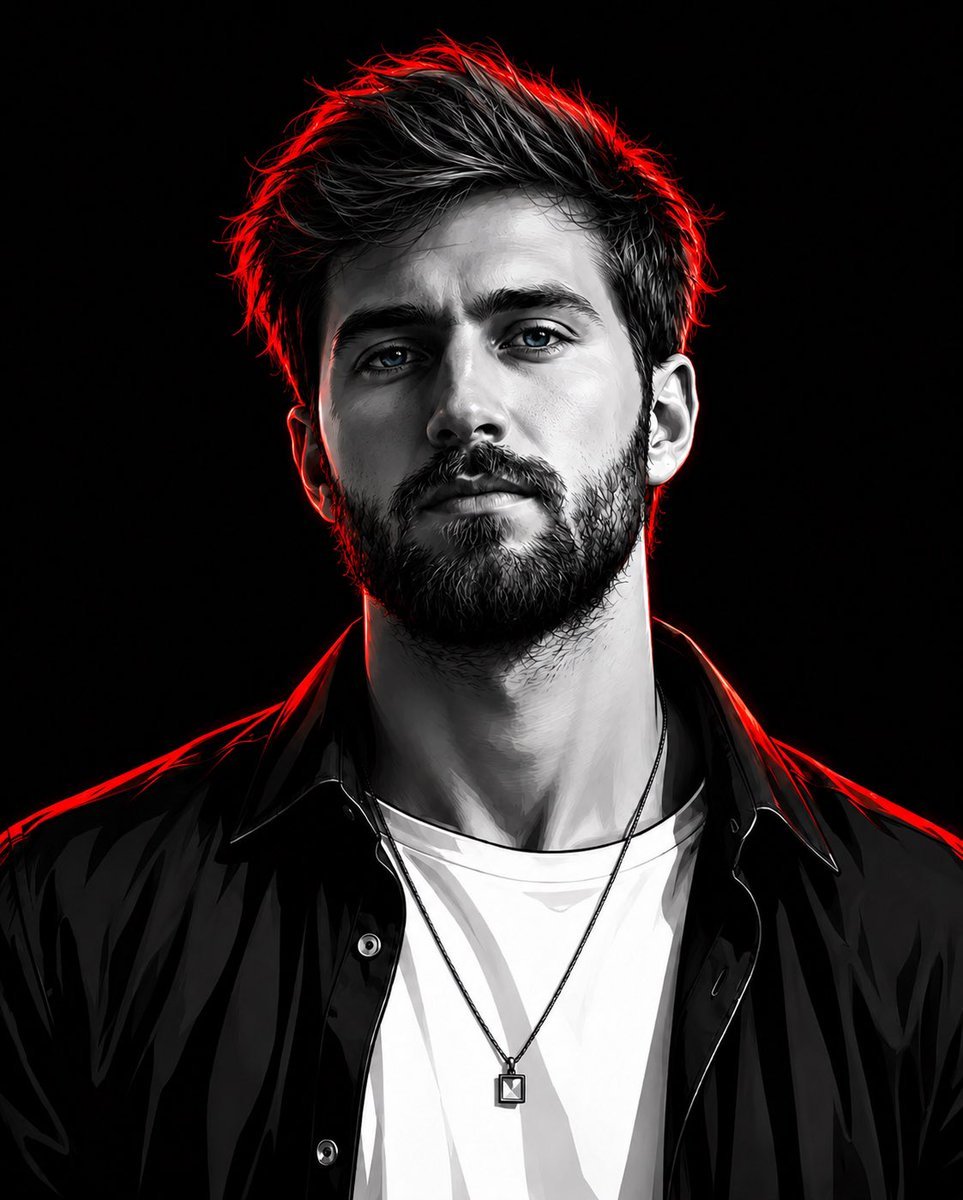
Cyberpunk Neon Rim Lighting Portrait
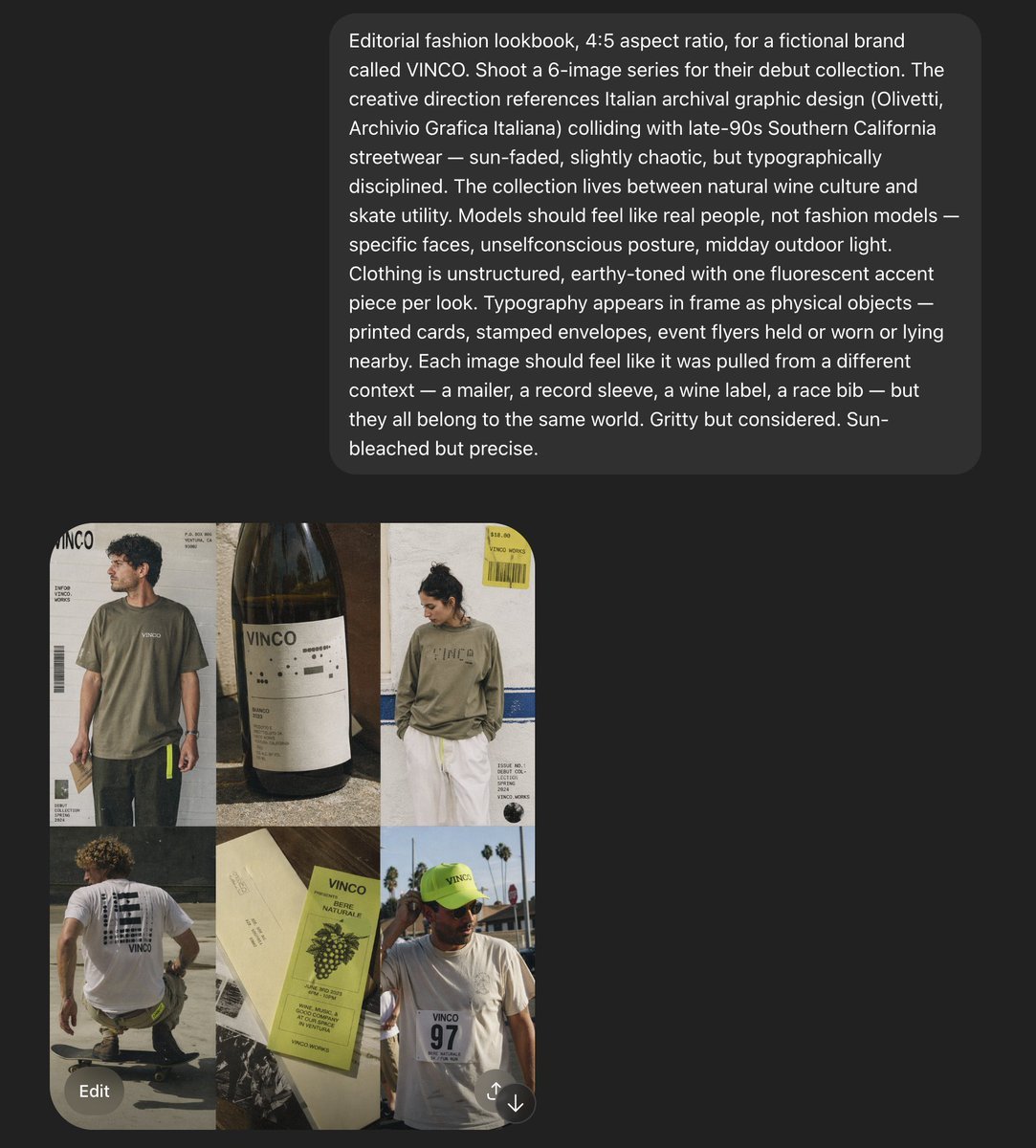
VINCO Editorial Moodboard Screenshot
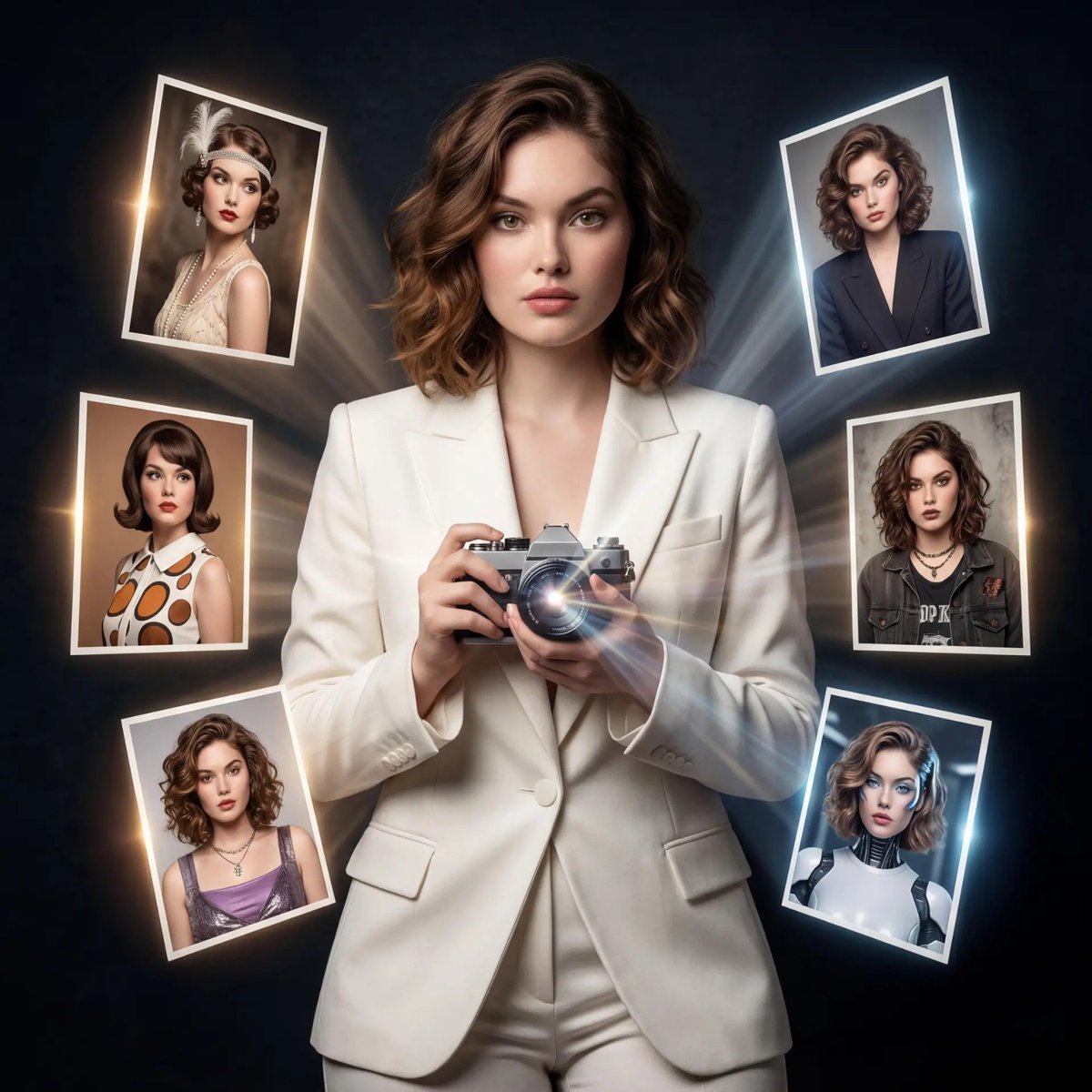
Vintage Camera Creativity Metaphor
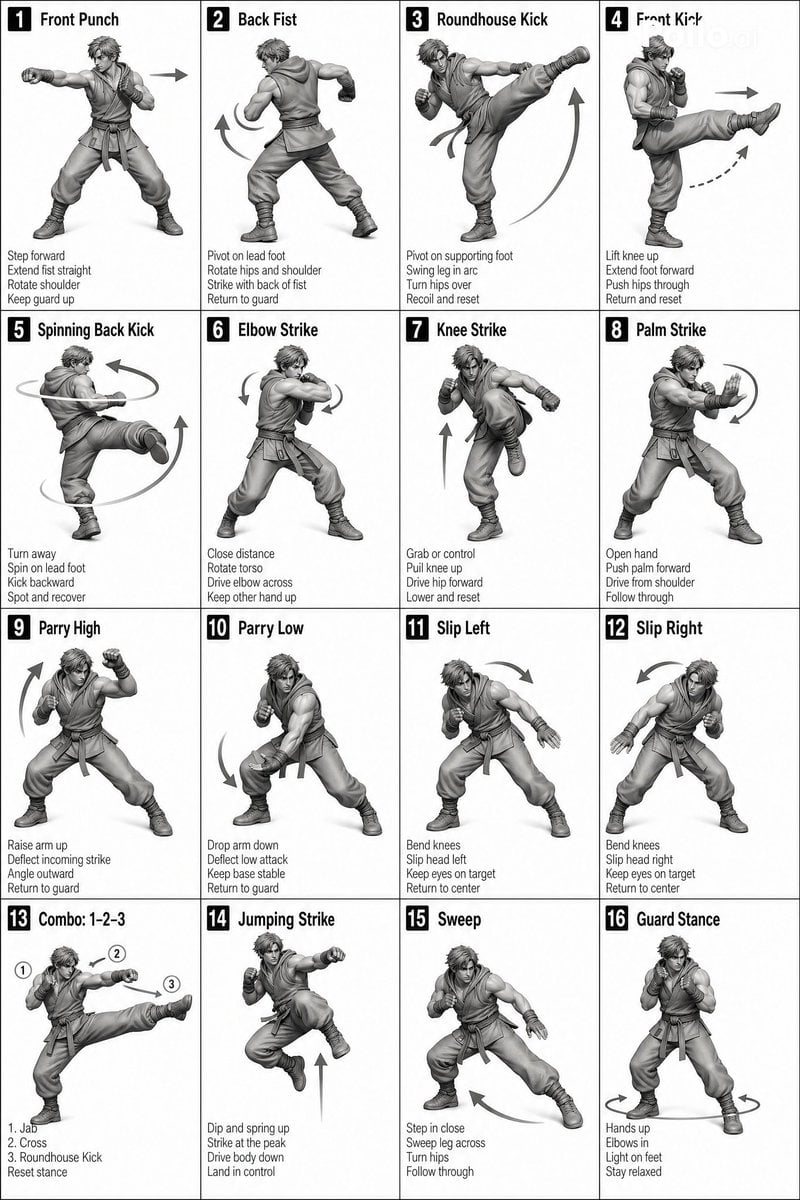
Instructional Martial Arts Movement Sheet
Character Robotization and Technical Diagram Prompt
Tourism Poster Illustration
Hyper-realistic luxury perfume product shot in fantasy meadow

JSON Prompt Generation for Hyper-Realistic AI Photos
Ultra-Realistic Cinematic Portrait
Browse template categories
Retro Game Style Japanese Event Banner questions
How do I use the Retro Game Style Japanese Event Banner template?
Add your photo if the template asks for one, edit the prompt if you like — the template's model and format are already selected — and press Generate. Your version opens in PicX Studio.
Can I customize the Retro Game Style Japanese Event Banner template?
Yes. You can change the subject, setting, lighting, mood, format, and available model controls before creating your image.
Is the Retro Game Style Japanese Event Banner template free?
Opening and editing this template is free. Generating uses credits, shown on the Generate button when you are signed in.
Which AI model should I use?
Start with GPT Image 2, which is the model associated with this template. You can compare another compatible model for a different finish.
Looking for something else? Browse all templates.

Your photo, any look
Thousands of ready templates for every top image and video model, from one credit balance.