
Vintage Rhythms Portrait Prompt
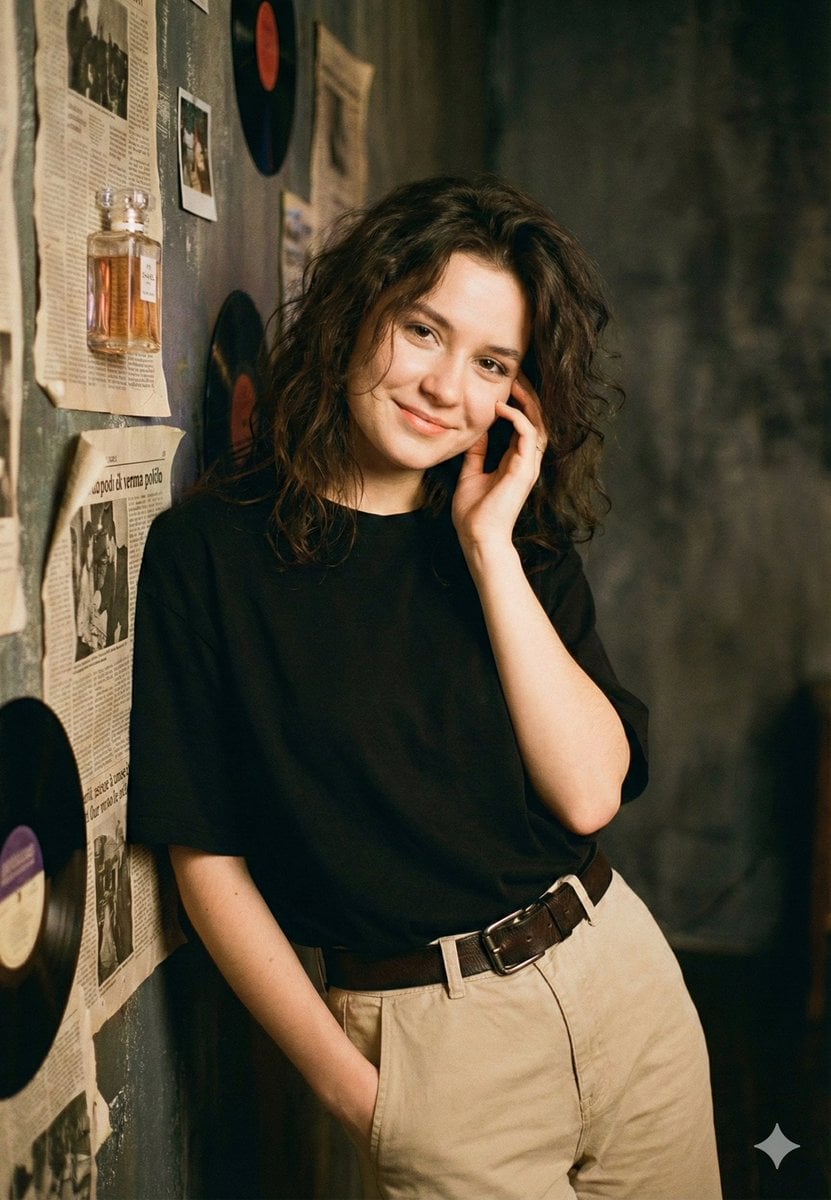
A structured JSON prompt designed for generating a nostalgic, film-like portrait of a young woman in a vintage setting, featuring specific details on the subject, clothing, background, and photography style, emphasizing…
- Prompt included
- Model and format preset
- Free template
The prompt behind this image
Copy the exact prompt behind Vintage Rhythms Portrait Prompt, or open it in the studio and make it yours.
- Header
- Portrait of a Woman with Wavy Hair in a Vintage Setting
- Prompt › Subject › Description
- Young woman with dark, voluminous wavy hair, smiling gently, with one hand touching her cheek and the other in her pocket.
- Prompt › Subject › Clothing
- A plain black t-shirt tucked into high-waisted beige khaki trousers with a brown leather belt.
- Prompt › Subject › Pose
- Leaning casually against a textured wall.
- Prompt › Setting › Background
- A distressed, textured wall covered with old, yellowed newspapers and vintage vinyl records.
- Prompt › Setting › Props
- A glass vintage perfume bottle with amber liquid and a label, mounted on the wall.
- Prompt › Photography Style › Type
- Portrait photography
- Prompt › Photography Style › Lighting
- Warm, ambient indoor lighting.
- Prompt › Photography Style › Texture
- Rich textures from the newspapers, wall, and fabric.
- Prompt › Photography Style › Mood
- Casual, warm, nostalgic, film-like.
Raw JSON
{
  "header": "Portrait of a Woman with Wavy Hair in a Vintage Setting",
  "prompt": {
    "subject": {
      "description": "Young woman with dark, voluminous wavy hair, smiling gently, with one hand touching her cheek and the other in her pocket.",
      "clothing": "A plain black t-shirt tucked into high-waisted beige khaki trousers with a brown leather belt.",
      "pose": "Leaning casually against a textured wall."
    },
    "setting": {
      "background": "A distressed, textured wall covered with old, yellowed newspapers and vintage vinyl records.",
      "props": "A glass vintage perfume bottle with amber liquid and a label, mounted on the wall."
    },
    "photography_style": {
      "type": "Portrait photography",
      "lighting": "Warm, ambient indoor lighting.",
      "texture": "Rich textures from the newspapers, wall, and fabric.",
      "mood": "Casual, warm, nostalgic, film-like."
    }
  }
}How to use Vintage Rhythms Portrait Prompt in 3 steps
- 1
Open
The prompt is already in the box next to the preview, with the template's model and format selected.
- 2…a portrait of your subject in softgolden-hour light, 85mm…
Personalize
Edit the subject and creative details for your destination.
- 3Generate
Generate
Press Generate — your image is created in PicX Studio, so you can compare it with the original and refine one variable at a time.
More like this
Templates with the same subject, style or setup. Open one to see its prompt.












Make it yours
Vintage Rhythms Portrait Prompt works as-is. These are the safest ways to change it without losing the look.
Swap the setting
Keep the rest of the prompt and replace the location block. The current setting is “A distressed, textured wall covered with old, yellowed newspapers and vintage vi”.
Swap the light
One lighting change is enough to compare takes. Current light: “Warm, ambient indoor lighting.”.
Change one field
Copy a single group, rewrite it, and generate again so you can see what that field is doing.
| If the result… | Why | Fix |
|---|---|---|
| The result drifts from the preview | Too many fields changed at once. | Reuse Vintage Rhythms Portrait Prompt as-is first, then change one group — subject, light, or setting. |
| Nano Banana 2 ignores part of the JSON | Some models flatten or skip nested keys. | Keep the same values and paste them as a short paragraph instead. |
More Nano Banana 2 templates
Other prompts made for Nano Banana 2.

Photorealistic Leaf Shaped Like a Dragon

K-Pop Idol Portrait Grid for Rapid Selection

Poetic Rain Forest Portrait During Golden Hour

Urban Street Portrait with Cartoon Inner Self Duo

Candid Nighttime Photo with Cat Prompt

High-Concept 3D Diorama Generation Prompt

Cinematic Futuristic Studio Portrait Template

Skincare Editorial Photography Collage Prompt

Hyper-Realistic Commercial Product Photography (Splash Effect)

Hyper-Realistic Nightclub Portrait Prompt
More image prompts
Fresh picks from across the catalog.
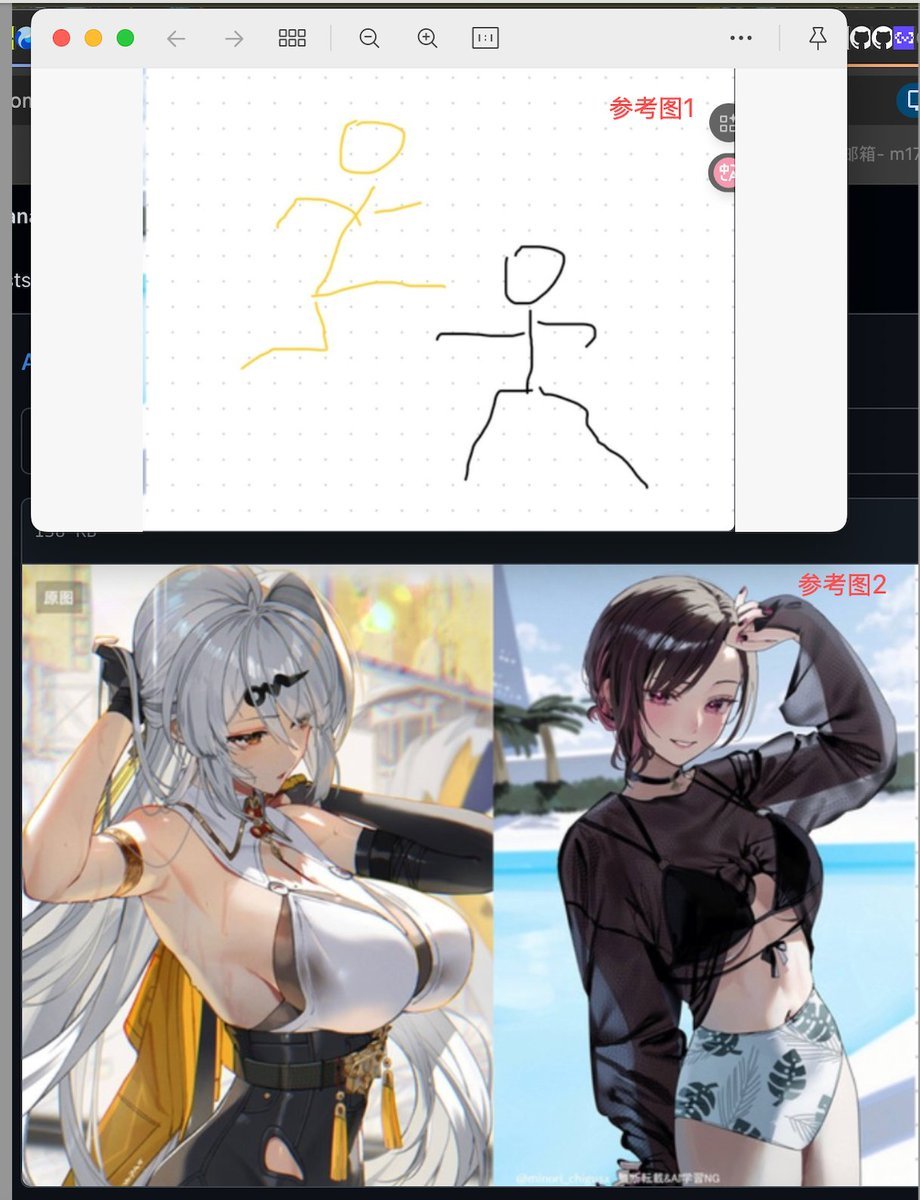
Image Fusion Prompt Using Multiple References

Modern Christmas sale poster design (English)
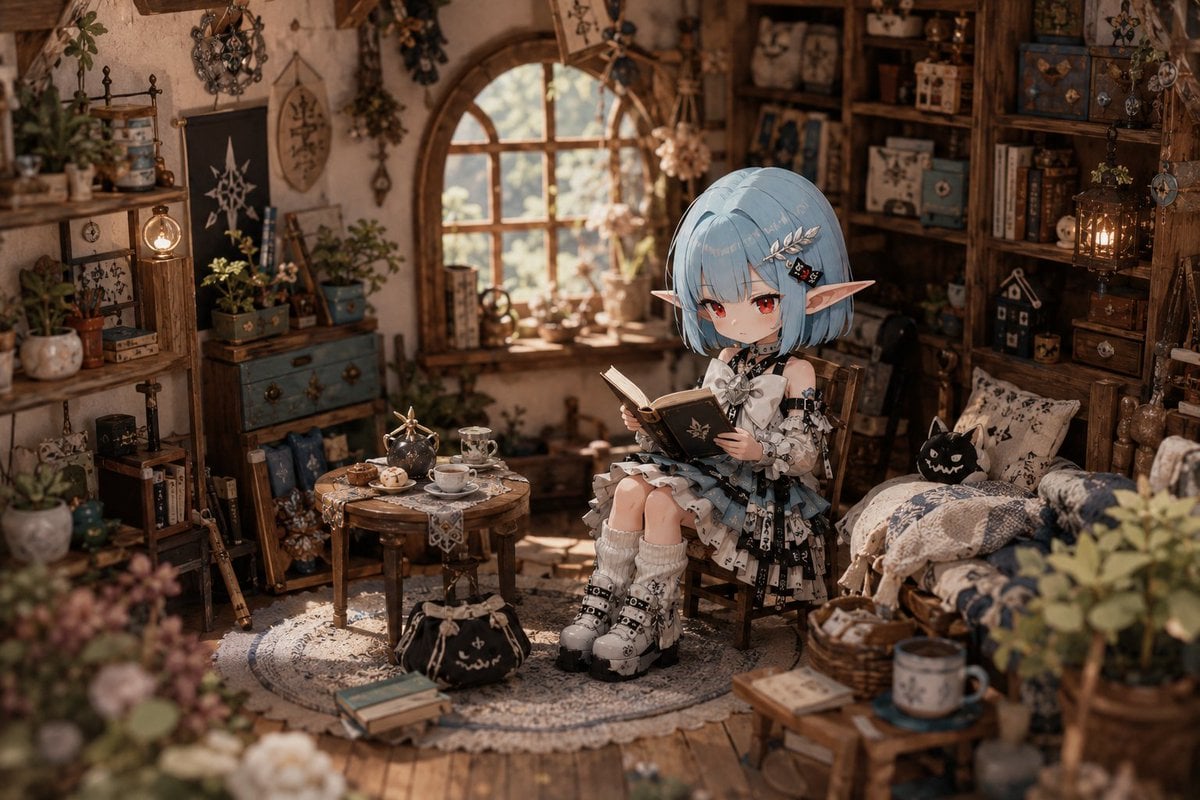
Deformed Miniature Character World
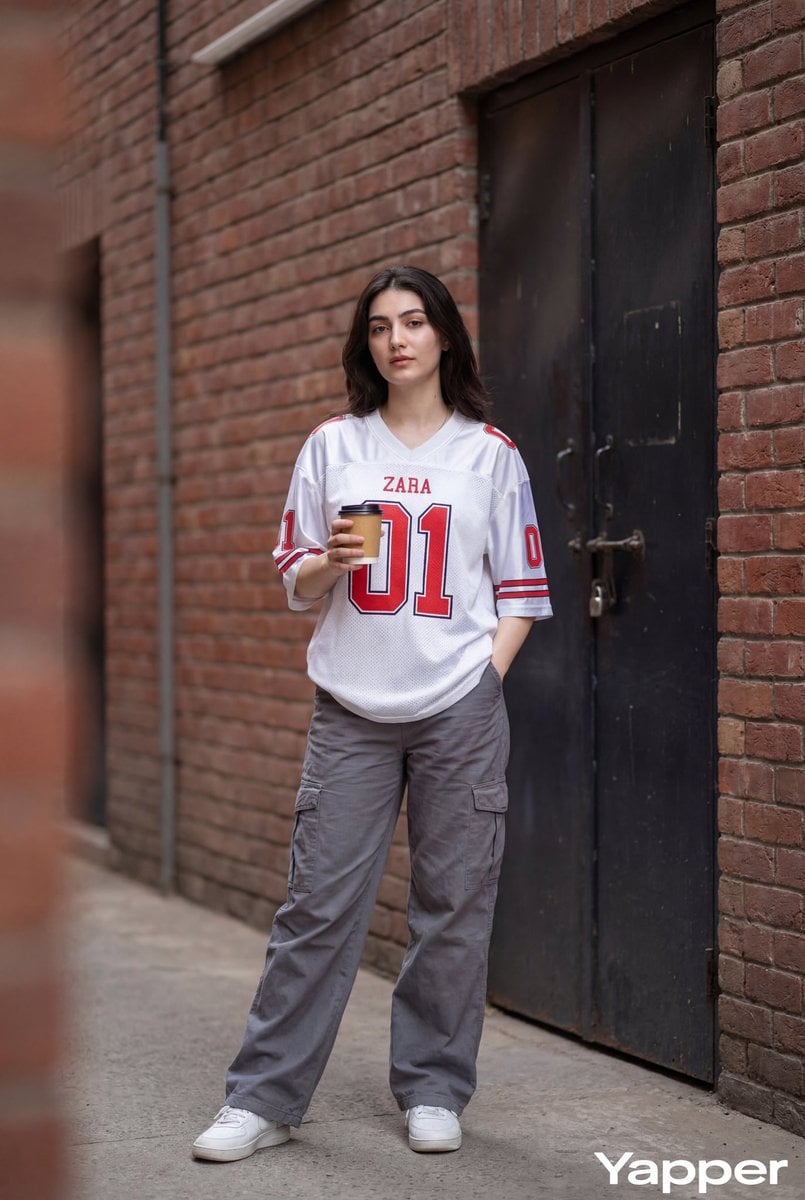
Ultra-Realistic Street Fashion Photography
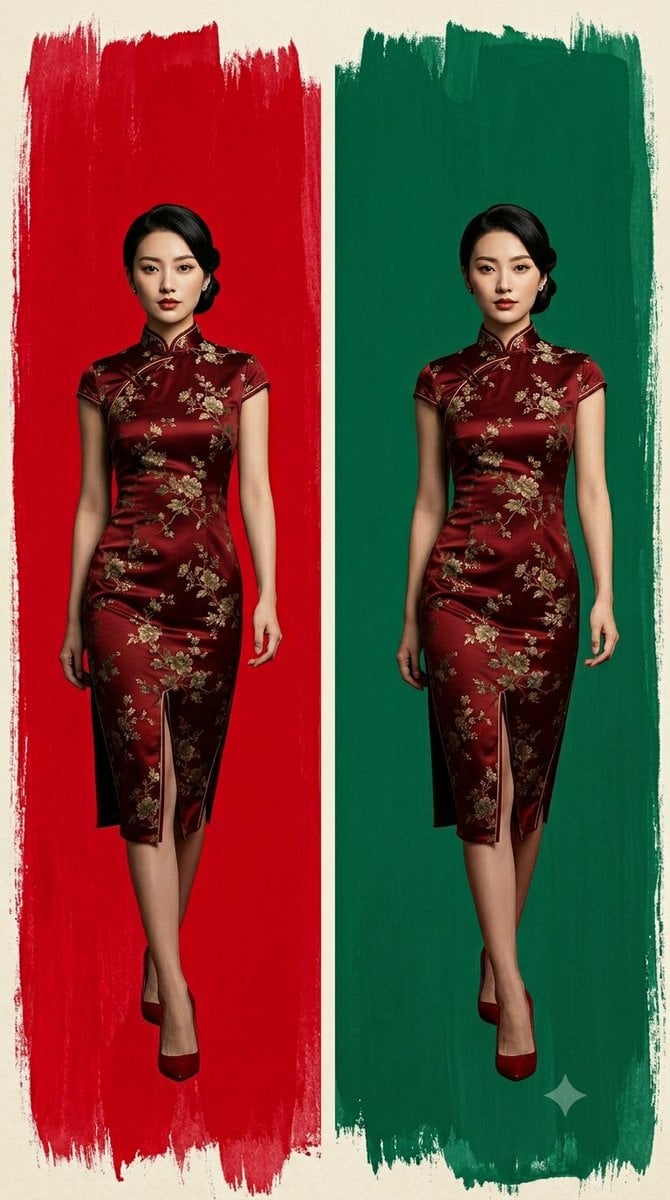
Cheongsam Fashion Diptych
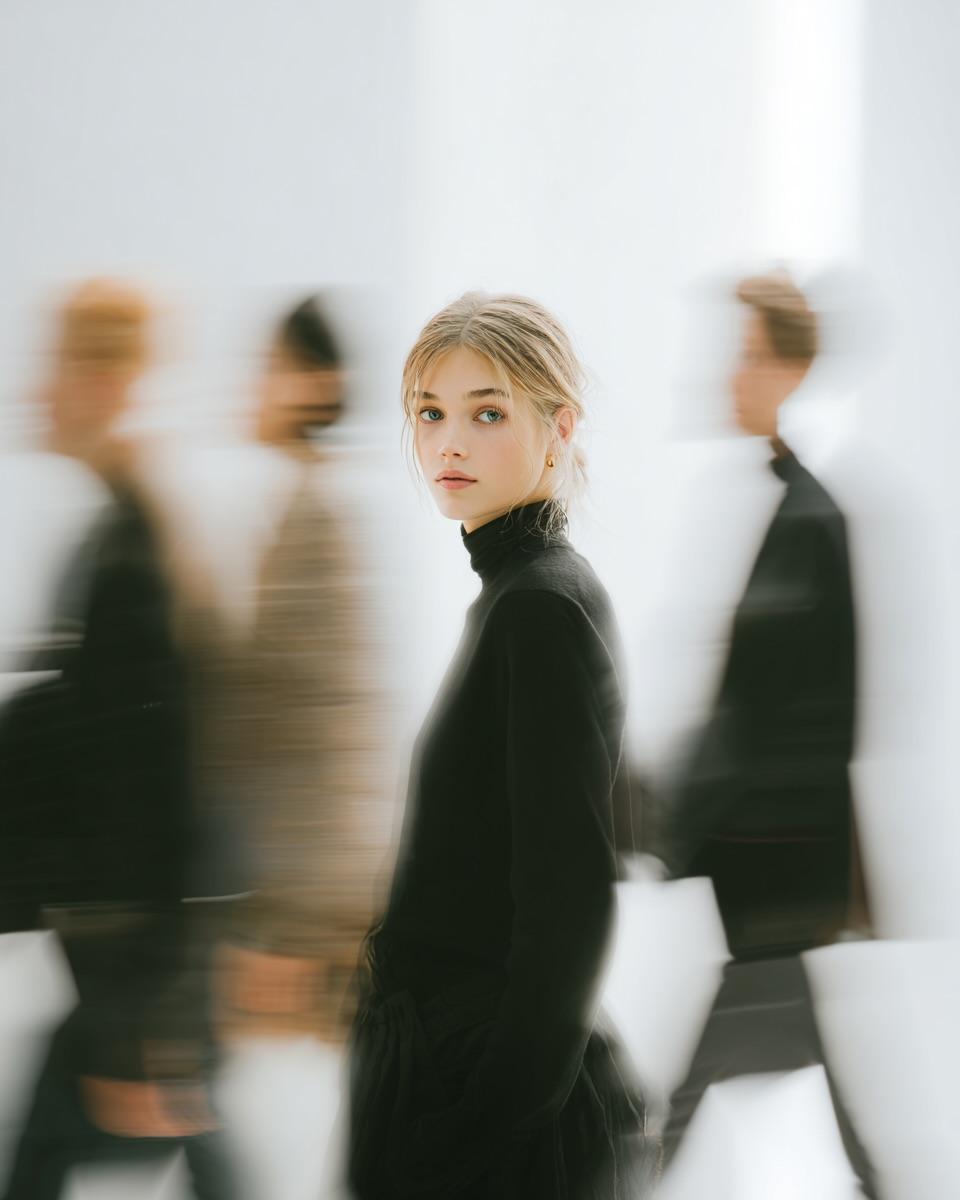
High Fashion Pictorial with Motion Blur
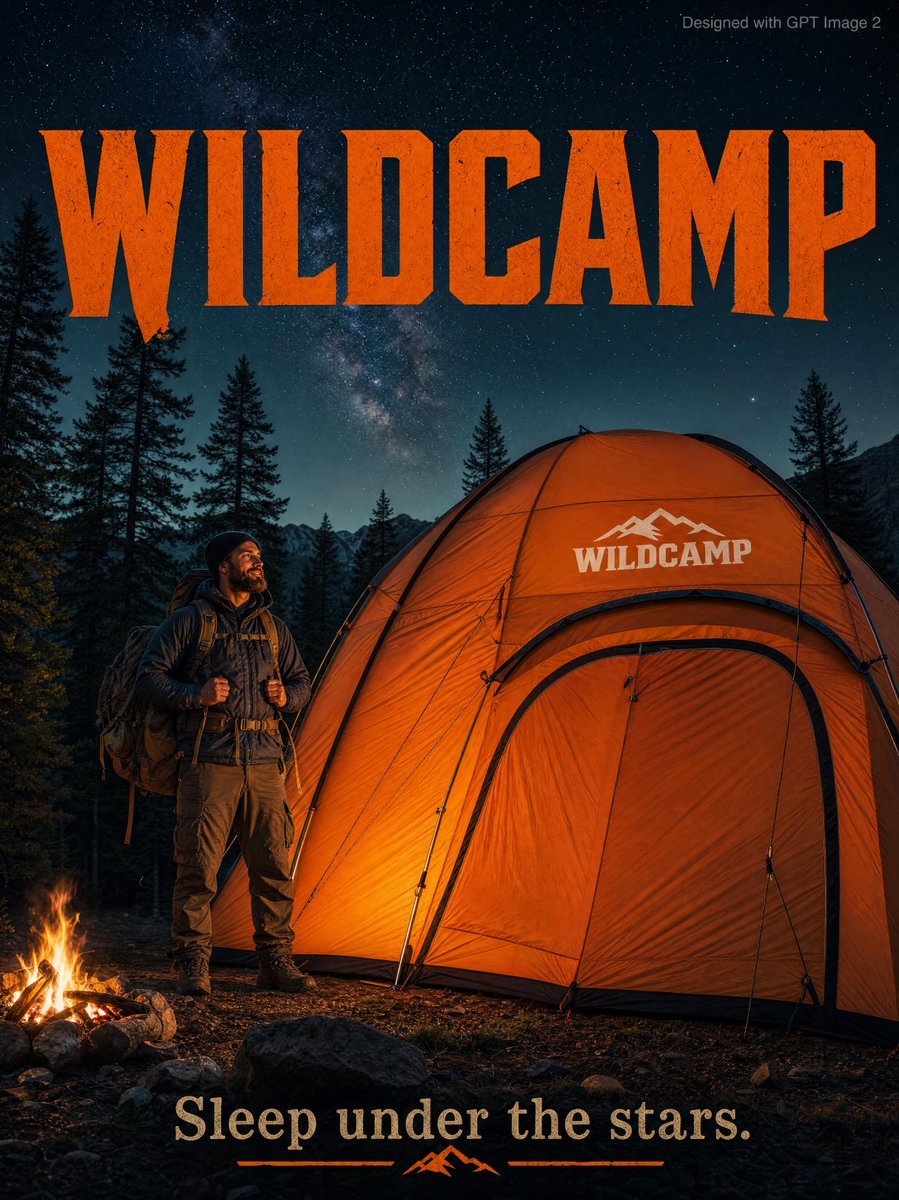
Rugged Adventure Outdoor Ad Poster

Anime Pop-Art Protest Poster

Anime Police Mannequin Fashion Display

SUNO Prompt for Modern Retro Electro Swing BGM
Browse template categories
Vintage Rhythms Portrait Prompt questions
How do I use the Vintage Rhythms Portrait Prompt template?
Add your photo if the template asks for one, edit the prompt if you like — the template's model and format are already selected — and press Generate. Your version opens in PicX Studio.
Can I customize the Vintage Rhythms Portrait Prompt template?
Yes. You can change the subject, setting, lighting, mood, format, and available model controls before creating your image.
Is the Vintage Rhythms Portrait Prompt template free?
Opening and editing this template is free. Generating uses credits, shown on the Generate button when you are signed in.
Which AI model should I use?
Start with Nano Banana 2, which is the model associated with this template. You can compare another compatible model for a different finish.
Looking for something else? Browse all templates.

Your photo, any look
Thousands of ready templates for every top image and video model, from one credit balance.