
Commercial Fashion Photograph with Strict Garment Preservation
A structured JSON prompt for generating a high-end commercial lifestyle photograph.
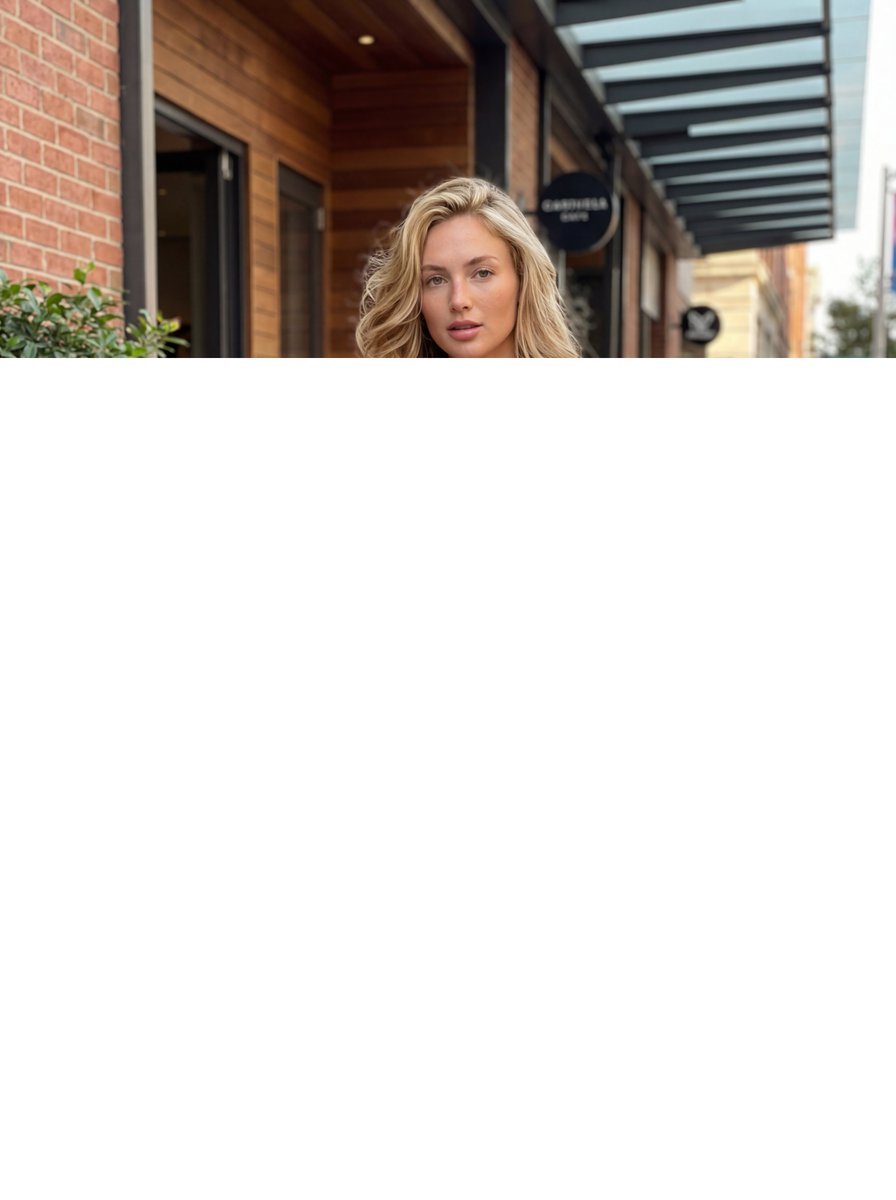
- Prompt included
- Model and format preset
- Free template
The prompt behind this image
Copy the exact prompt behind Commercial Fashion Photograph with Strict Garment Preservation, or open it in the studio and make it yours.
- Task Configuration › Type
- GENERATE
- Task Configuration › Sub Type
- commercial_lifestyle_photograph
- Task Configuration › Reference Logic
- STRICT_GARMENT_PRESERVATION_FROM_INPUT
- Task Configuration › Aesthetic
- high_end_fashion_campaign
- Task Configuration › Output Quality
- high_resolution_photorealistic
- Subject Definition › Identity › Demographic
- white American female
- Subject Definition › Identity › Physique
- fit
- Subject Definition › Identity › Appearance
- beautiful, naturally styled
- Subject Definition › Skin And Features › Realism Rule
- macro_level_human_realism; NO artificial smoothing or filtering
- Subject Definition › Skin And Features › Texture Details
- visible natural pores, light blemishes and imperfections, soft expression lines, light freckles across nose/cheeks, natural skin highlights
- Subject Definition › Skin And Features › Makeup
- minimal, natural or bare skin look
- Subject Definition › Attire Constraints › Source
- garment_from_input_reference_image
- Subject Definition › Attire Constraints › Preservation Rules
- exact color dye and pattern, exact fabric weave and texture, exact thread stitching details, exact fit, drape, and silhouette on the body
- Subject Definition › Attire Constraints › Modification Permission
- NONE
- Subject Definition › Pose › Framing
- full_body_standing
- Subject Definition › Pose › Style
- natural, relaxed, confident
- Subject Definition › Pose › Orientation
- facing camera to showcase garment
- Environment Definition › Location Type
- outdoor_urban_sidewalk
- Environment Definition › Specific Context
- outside a stylish cafe or boutique building facade
- Environment Definition › Contextual Logic
- architecture and decor must visually complement the style of the reference clothing
- Environment Definition › Atmosphere
- elevated, bustling but serene city life
- Environment Definition › Background Elements
- textured building materials (brick, stone, wood), cafe seating or plants, pavement textures
- Composition And Layout › Camera Principles
- commercial fashion standards, golden ratio alignment of subject, product-centered focus
- Composition And Layout › Framing Scale
- wide full shot
Raw JSON
{
  "task_configuration": {
    "type": "GENERATE",
    "sub_type": "commercial_lifestyle_photograph",
    "reference_logic": "STRICT_GARMENT_PRESERVATION_FROM_INPUT",
    "aesthetic": "high_end_fashion_campaign",
    "output_quality": "high_resolution_photorealistic"
  },
  "subject_definition": {
    "identity": {
      "demographic": "white American female",
      "physique": "fit",
      "appearance": "beautiful, naturally styled"
    },
    "skin_and_features": {
      "realism_rule": "macro_level_human_realism; NO artificial smoothing or filtering",
      "texture_details": [
        "visible natural pores",
        "light blemishes and imperfections",
        "soft expression lines",
        "light freckles across nose/cheeks",
        "natural skin highlights"
      ],
      "makeup": "minimal, natural or bare skin look"
    },
    "attire_constraints": {
      "source": "garment_from_input_reference_image",
      "preservation_rules": [
        "exact color dye and pattern",
        "exact fabric weave and texture",
        "exact thread stitching details",
        "exact fit, drape, and silhouette on the body"
      ],
      "modification_permission": "NONE"
    },
    "pose": {
      "framing": "full_body_standing",
      "style": "natural, relaxed, confident",
      "orientation": "facing camera to showcase garment"
    }
  },
  "environment_definition": {
    "location_type": "outdoor_urban_sidewalk",
    "specific_context": "outside a stylish cafe or boutique building facade",
    "contextual_logic": "architecture and decor must visually complement the style of the reference clothing",
    "atmosphere": "elevated, bustling but serene city life",
    "background_elements": [
      "textured building materials (brick, stone, wood)",
      "cafe seating or plants",
      "pavement textures"
    ]
  },
  "composition_and_layout": {
    "camera_principles": [
      "commercial fashion standards",
      "golden ratio alignment of subject",
      "product-centered focus"
    ],
    "framing_scale": "wide full shot",
    "spatial_margins": {
      "top_margin": "generous clear space above head for potential typography/cropping",
      "side_margins": "balanced clear space",
      "bottom_margin": "clear space below feet"
    }
  },
  "lighting_and_optics": {
    "source": "natural daylight",
    "quality": "soft, diffused sunlight or open shade",
    "color_temperature": "warm undertones",
    "shadows": "clean, natural falloff defining form"
  },
  "constraints_and_prohibitions": {
    "must_not_render": [
      "airbrushed skin",
      "plastic textures",
      "studio backdrop",
      "altered clothing design",
      "overly posed look"
    ]
  }
}How to use Commercial Fashion Photograph with Strict Garment Preservation in 3 steps
- 1
Open
The prompt is already in the box next to the preview, with the template's model and format selected.
- 2…a portrait of your subject in softgolden-hour light, 85mm…
Personalize
Edit the subject and creative details for your destination.
- 3Generate
Generate
Press Generate — your image is created in PicX Studio, so you can compare it with the original and refine one variable at a time.
More like this
Templates with the same subject, style or setup. Open one to see its prompt.
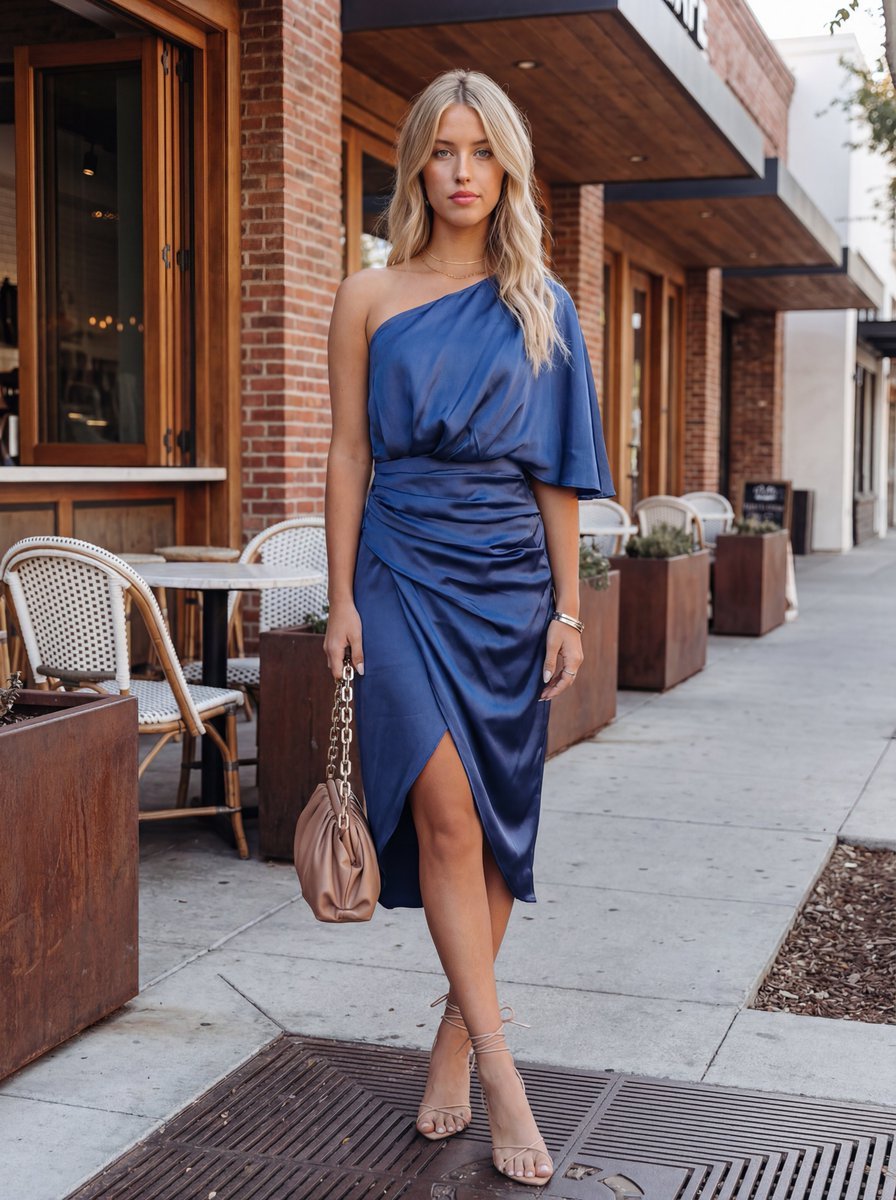
Commercial Fashion Photograph with Strict Garment Preservation (Variant)
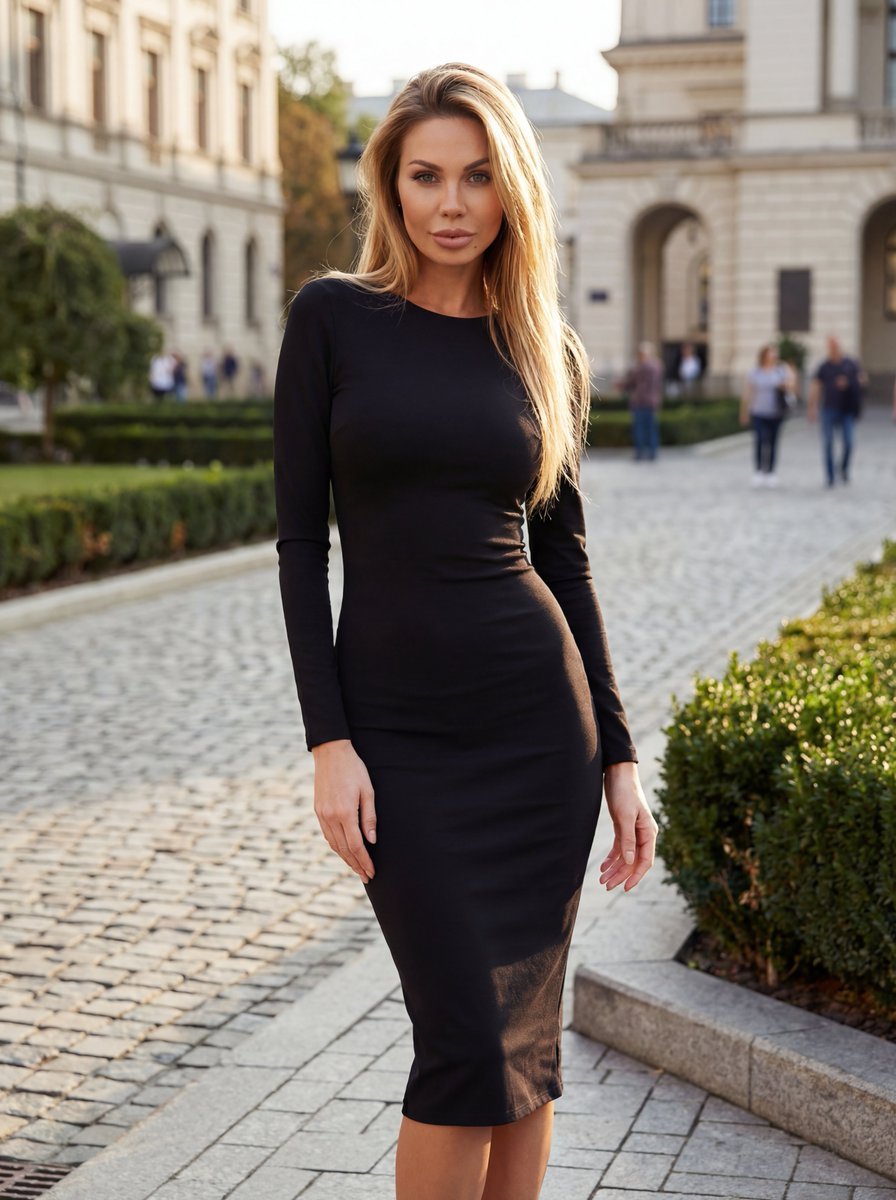
High-End Fashion Campaign with Strict Garment Preservation
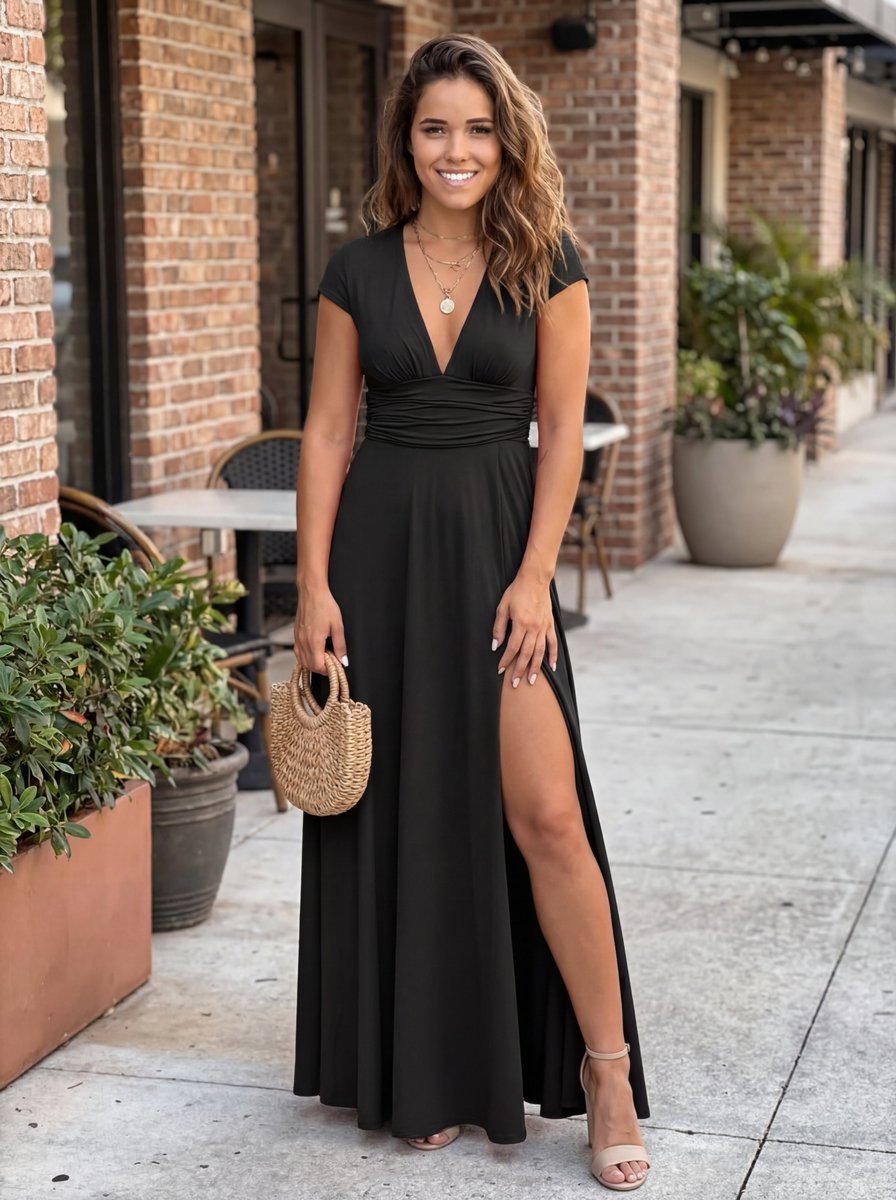
Commercial Lifestyle Photograph with Garment Preservation Prompt

Cinematic Street Fashion Photographer Portrait
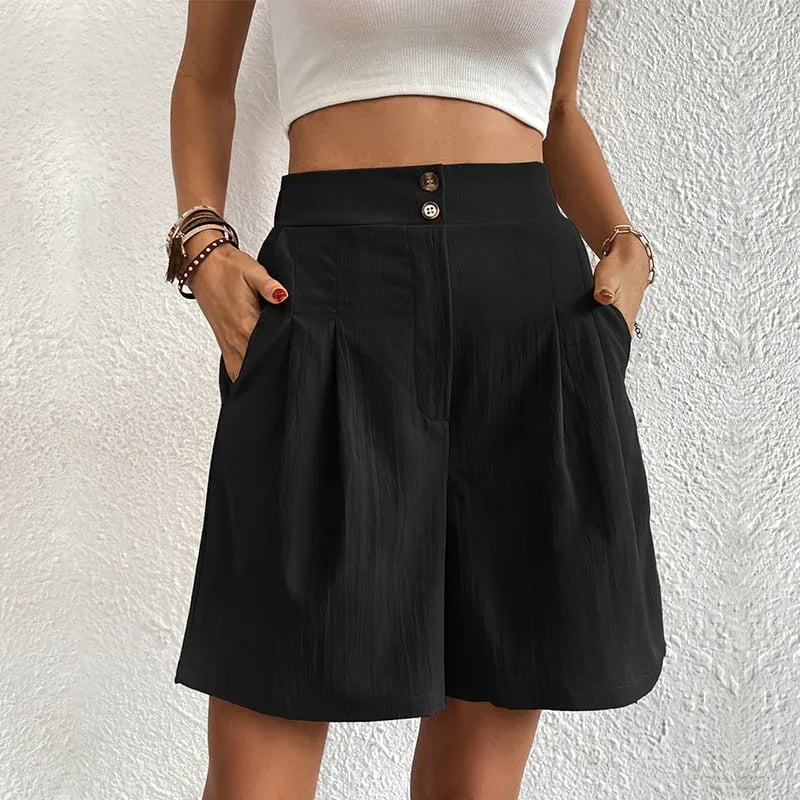
Commercial Lifestyle Showcase for Garment Preservation

80s College Gate

1988 Mall Style

80s Polka Dot Saree
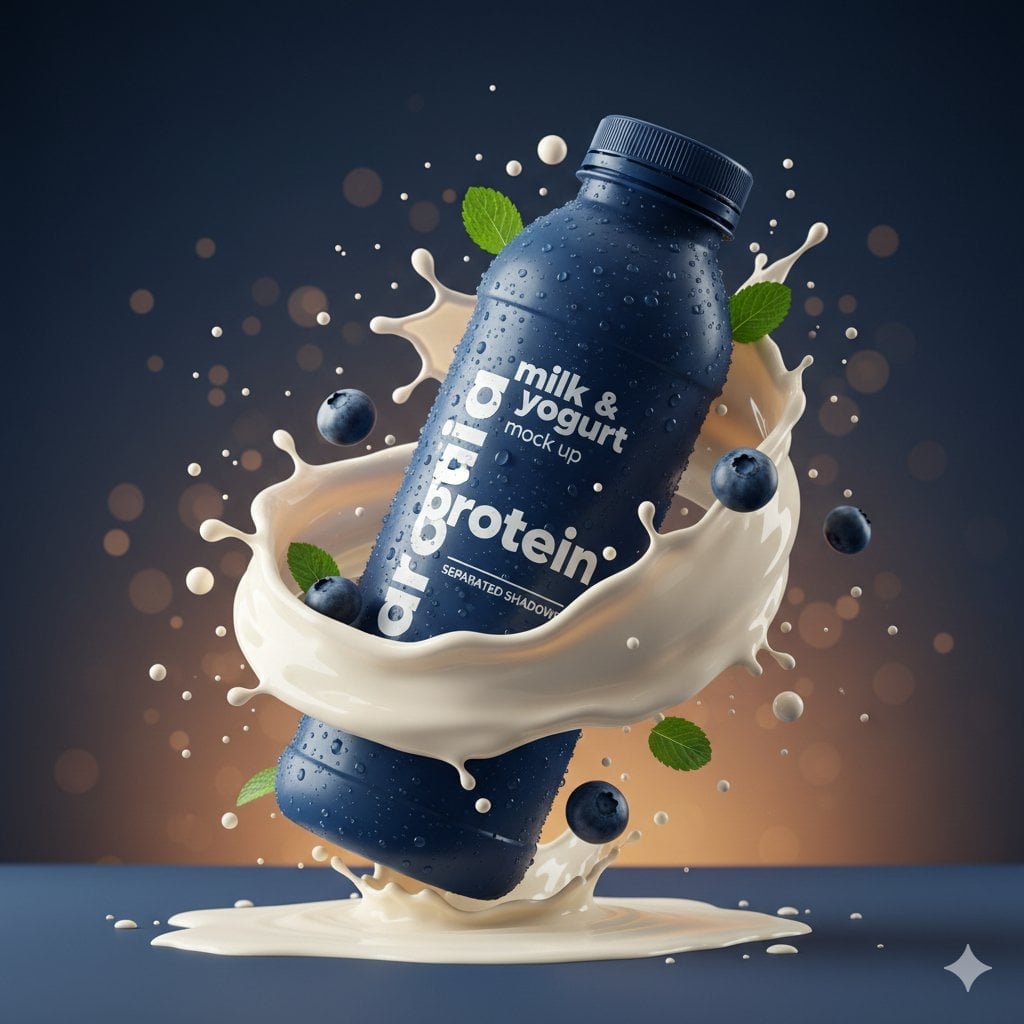
Commercial Product Splash Photography
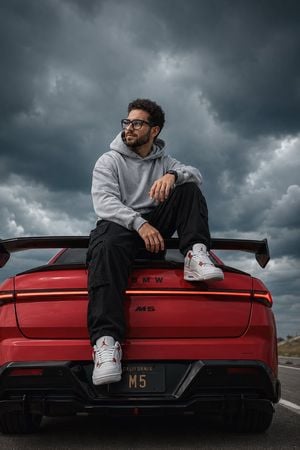
BMW M5 Automotive Fashion Photography
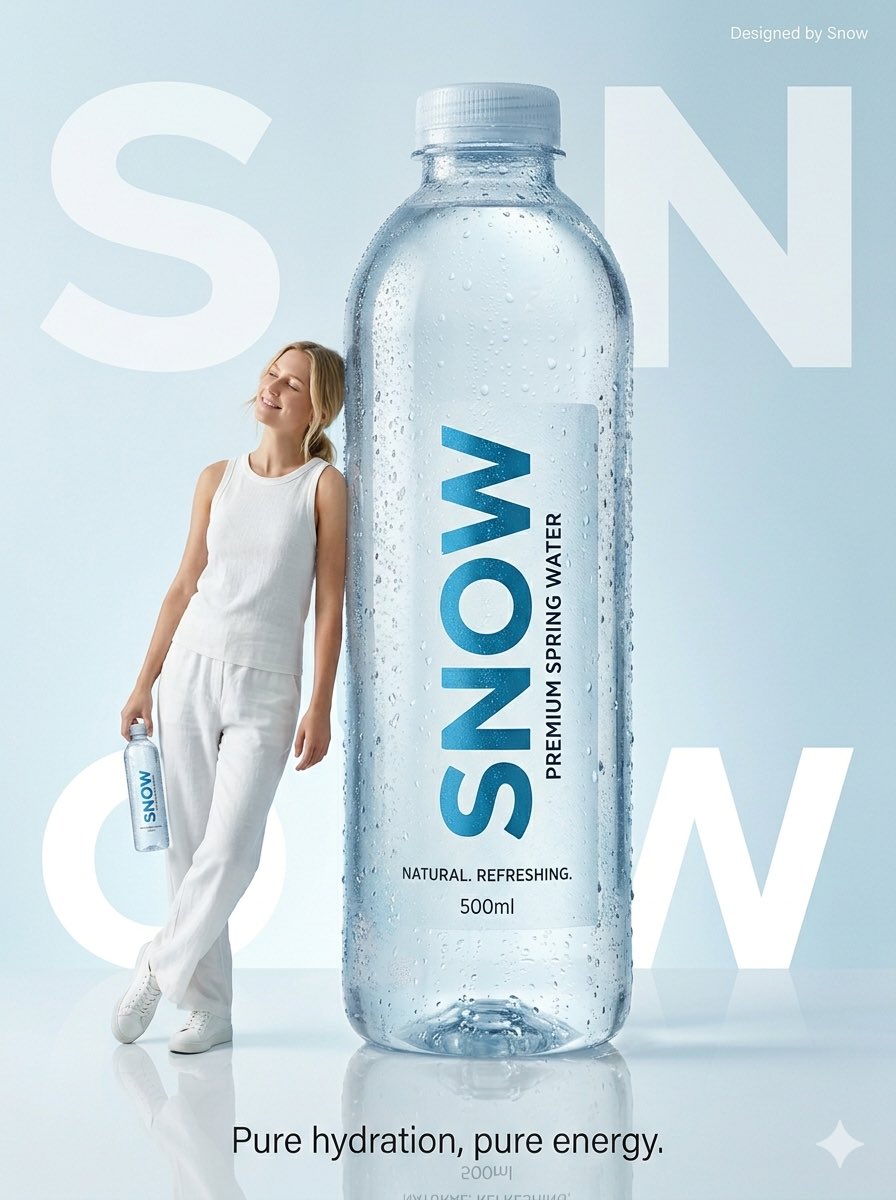
Minimalist Water Commercial Photography
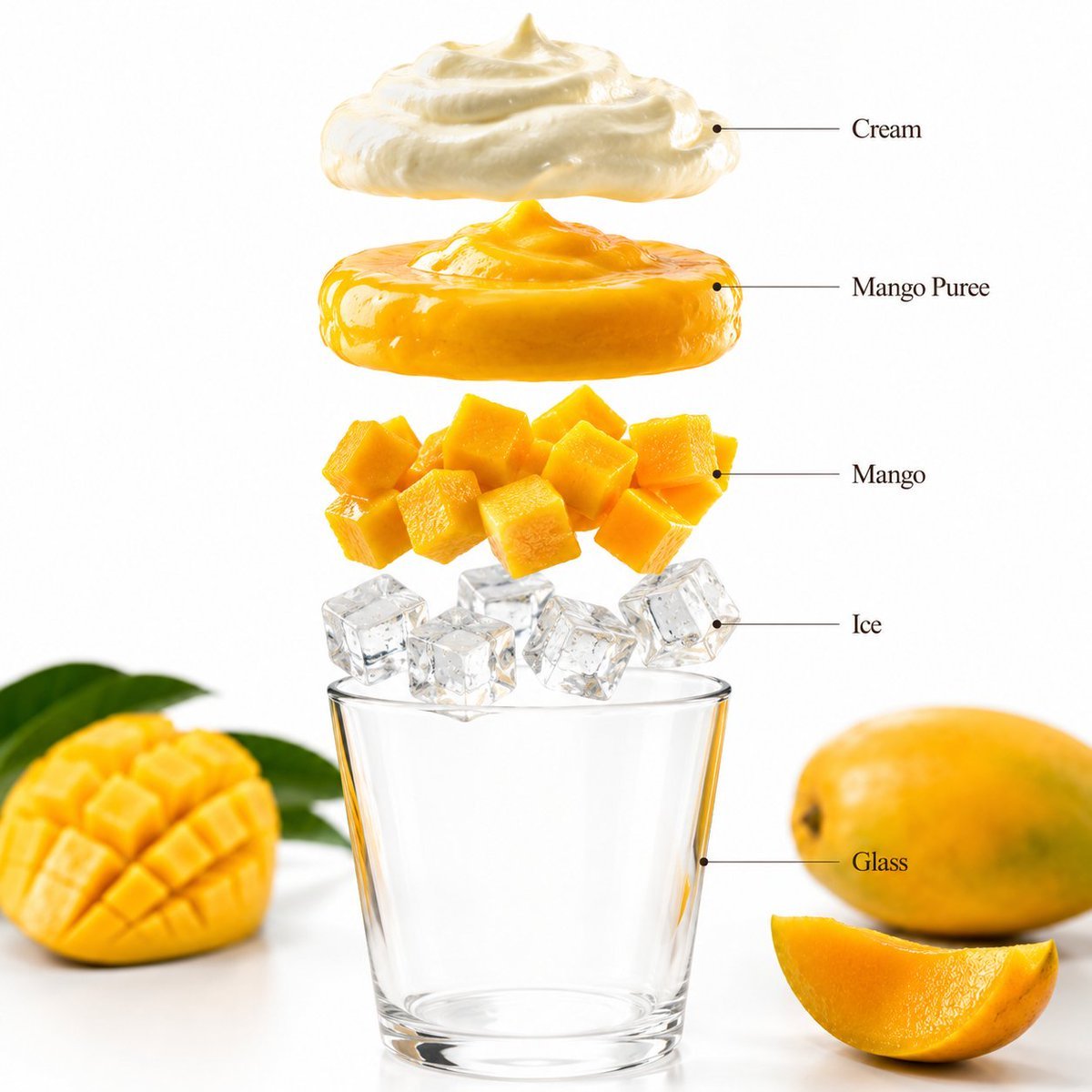
Mango Smoothie Infographic and Commercial Photography
Make it yours
Commercial Fashion Photograph with Strict Garment Preservation works as-is. These are the safest ways to change it without losing the look.
Swap the setting
Keep the rest of the prompt and replace the location block. The current setting is “outdoor_urban_sidewalk”.
Swap the light
One lighting change is enough to compare takes. Current light: “natural daylight”.
Change one field
Copy a single group, rewrite it, and generate again so you can see what that field is doing.
| If the result… | Why | Fix |
|---|---|---|
| The result drifts from the preview | Too many fields changed at once. | Reuse Commercial Fashion Photograph with Strict Garment Preservation as-is first, then change one group — subject, light, or setting. |
| Nano Banana 2 ignores part of the JSON | Some models flatten or skip nested keys. | Keep the same values and paste them as a short paragraph instead. |
More Nano Banana 2 templates
Other prompts made for Nano Banana 2.

Photorealistic Leaf Shaped Like a Dragon

K-Pop Idol Portrait Grid for Rapid Selection

Poetic Rain Forest Portrait During Golden Hour

Urban Street Portrait with Cartoon Inner Self Duo

Candid Nighttime Photo with Cat Prompt

High-Concept 3D Diorama Generation Prompt

Cinematic Futuristic Studio Portrait Template

Skincare Editorial Photography Collage Prompt

Hyper-Realistic Commercial Product Photography (Splash Effect)

Hyper-Realistic Nightclub Portrait Prompt
More image prompts
Fresh picks from across the catalog.

Christmas Tree Disaster Action Freeze (Tom and Jerry Style)
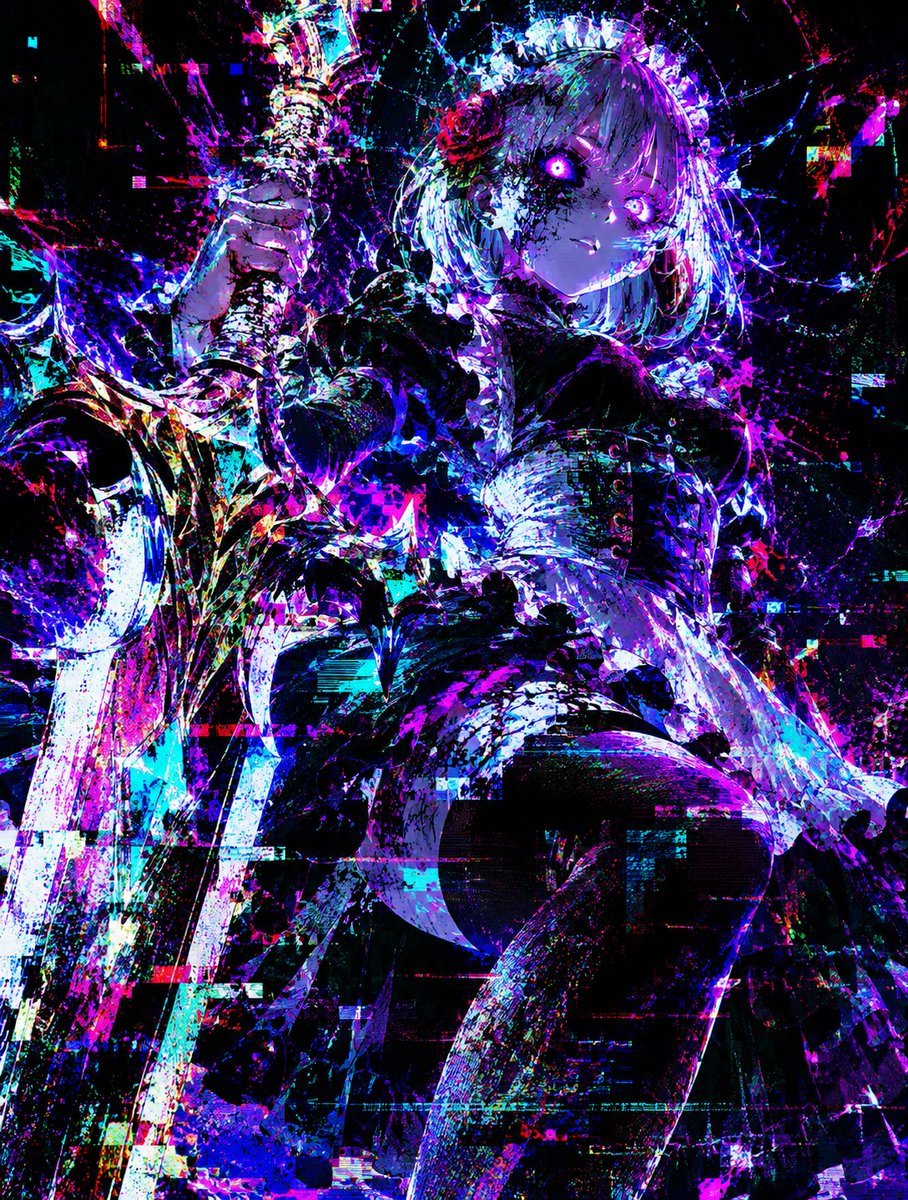
Glitch Lord Style Transformation
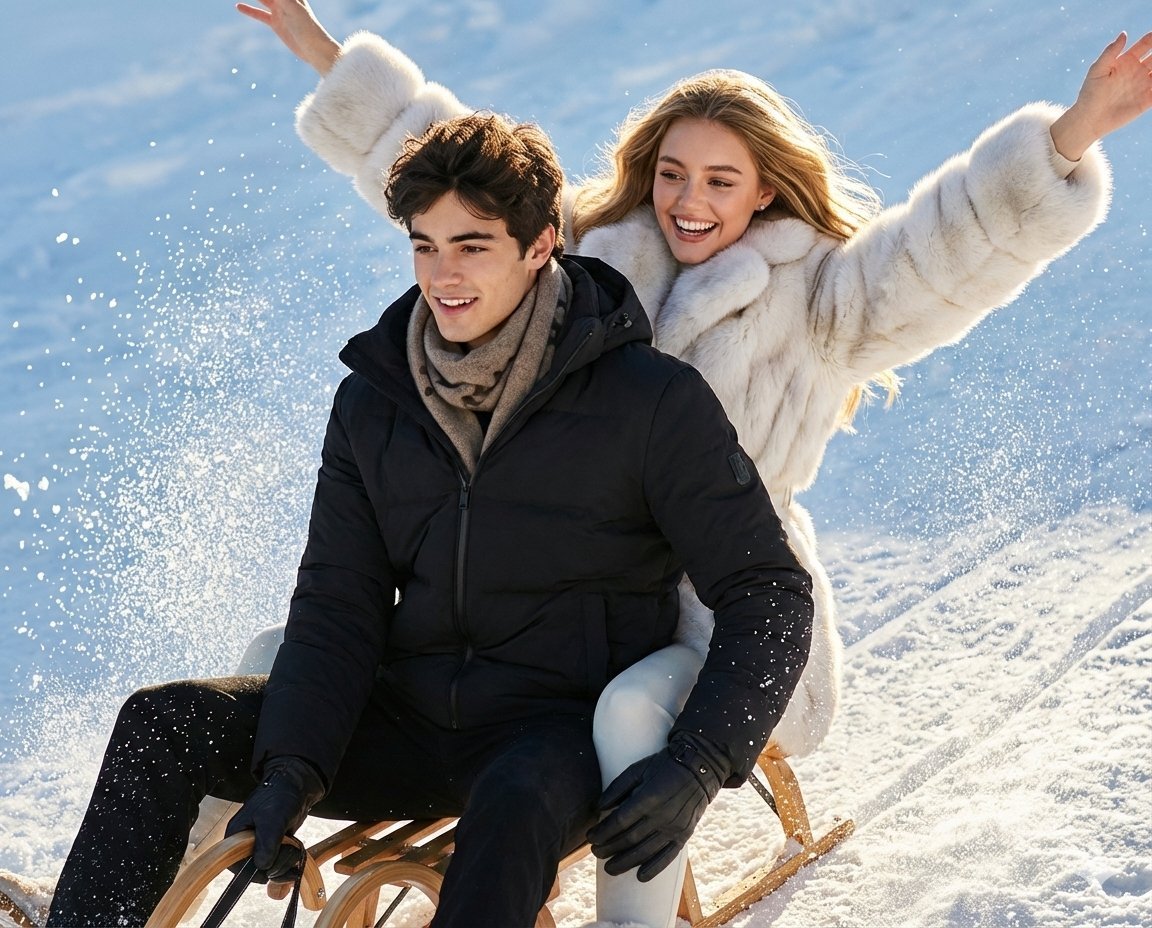
Luxury Russian Winter Sledding Scene Prompt
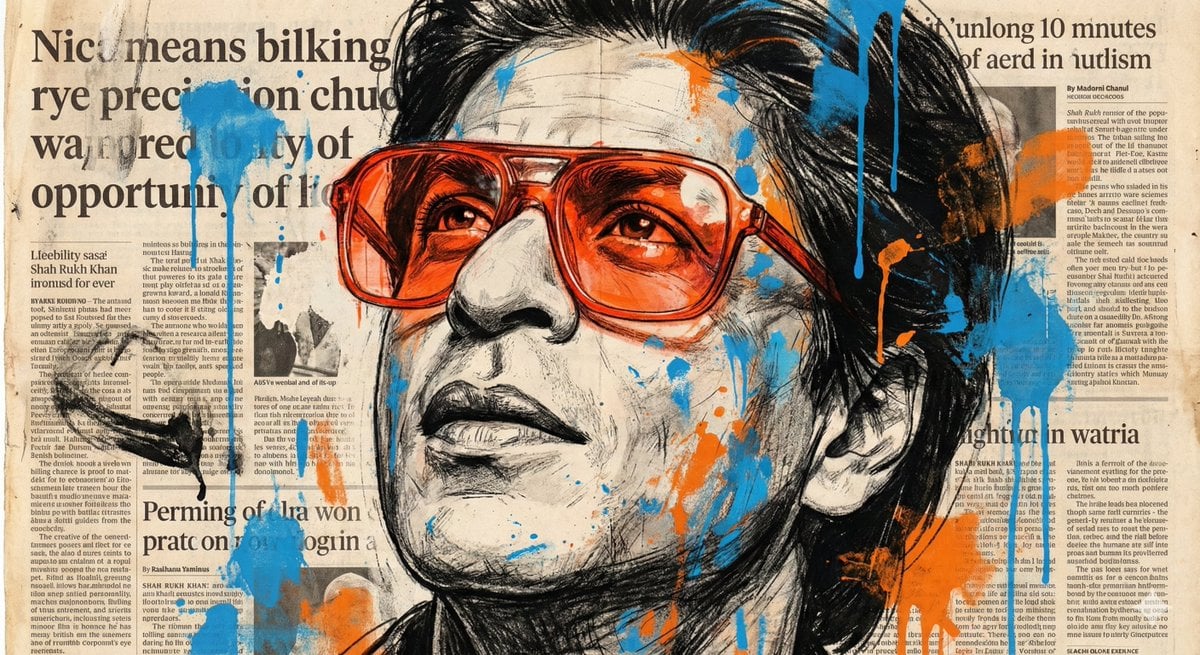
Expressive Portrait with Abstract Expressionism Style

Cinematic Streetwear Portrait with Neon Lighting

Hollywood Haute Couture Fantasy Seedance
Morning Run Benefits Infographic
Gothic Anime Concept Infographic
Night Empress Digital Collage
Ultra-Realistic Mirror Selfie in a Café
Browse template categories
Commercial Fashion Photograph with Strict Garment Preservation questions
How do I use the Commercial Fashion Photograph with Strict Garment Preservation template?
Add your photo if the template asks for one, edit the prompt if you like — the template's model and format are already selected — and press Generate. Your version opens in PicX Studio.
Can I customize the Commercial Fashion Photograph with Strict Garment Preservation template?
Yes. You can change the subject, setting, lighting, mood, format, and available model controls before creating your image.
Is the Commercial Fashion Photograph with Strict Garment Preservation template free?
Opening and editing this template is free. Generating uses credits, shown on the Generate button when you are signed in.
Which AI model should I use?
Start with Nano Banana 2, which is the model associated with this template. You can compare another compatible model for a different finish.
Looking for something else? Browse all templates.

Your photo, any look
Thousands of ready templates for every top image and video model, from one credit balance.