
College Girl Mirror Selfie with Identity Lock
A highly structured JSON prompt designed to generate a photorealistic full-body mirror selfie of a young woman in a collegiate outfit (grey blazer, plaid mini skirt, knee-high socks).
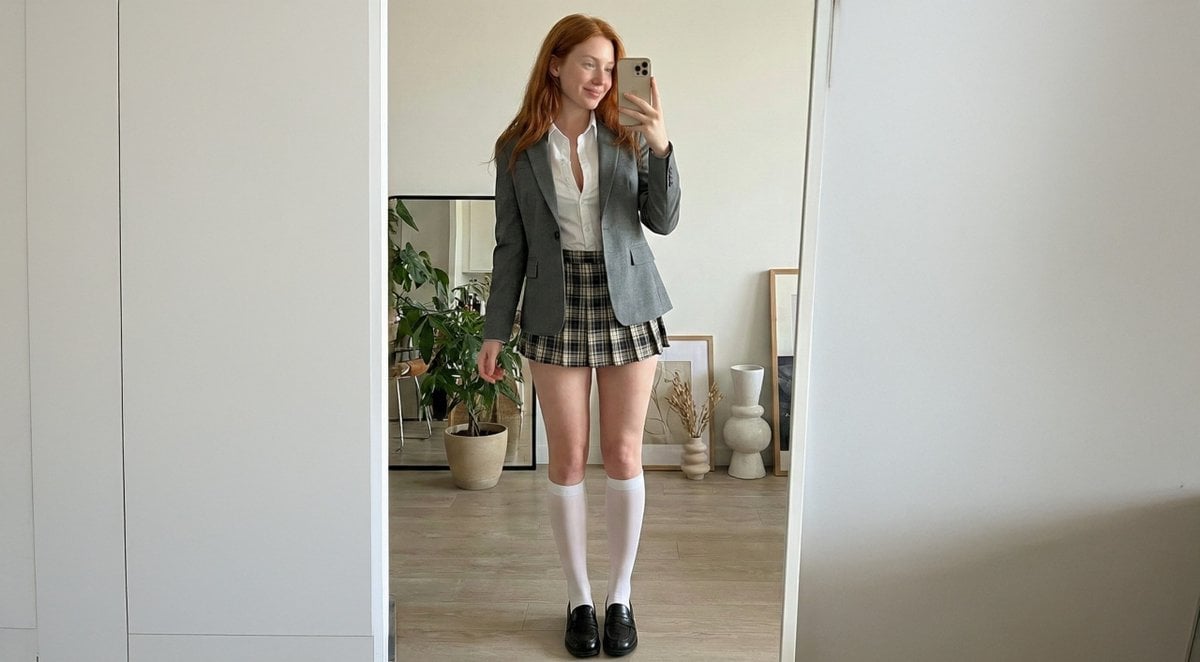
- Prompt included
- Model and format preset
- Free template
The prompt behind this image
Copy the exact prompt behind College Girl Mirror Selfie with Identity Lock, or open it in the studio and make it yours.
{ "subject": { "identity_lock": "use the same face identity consistently, do not change facial structure, do not generate a different person", "demographics": "Fictional young adult female, clearly 21–24 years old, adult (20+), single subject only.", "hair": { "color": "natural copper red", "style": "long, softly wavy, natural casual parting", "texture": "realistic fine strands, slightly tousled", "movement": "resting over shoulders and flowing mostly toward the back" }, "face": { "identity_priority": "very high", "shape": "soft oval face with gentle jawline", "eyes": "light blue-grey almond-shaped eyes, same shape and spacing, direct gaze", "nose": "soft straight bridge with a delicate tip", "lips": "naturally full lips with muted rosy lipstick only", "expression": "sweet gentle smile, relaxed and friendly", "skin_details": "very fair porcelain skin with light freckles on nose and upper cheeks", "micro_details": "natural pores, real skin texture, no smoothing", "makeup": { "style": "no makeup", "lipstick": "only simple natural rosy lipstick" } }, "body_proportions": { "build": "soft feminine build with natural curves", "chest": "full bust, realistic size and gravity", "waist_to_chest_ratio": "balanced, natural, not exaggerated", "legs": "natural length, clearly visible and in focus", "posture": "straight, neutral stance, shoulders relaxed" } }, "outfit": { "upper_body": { "blazer": "fitted grey blazer worn open", "shirt": "white button-up shirt, top few buttons open" }, "lower_body": { "skirt": "very short pleated plaid skirt, tasteful, non-explicit" }, "legwear": { "socks": "white knee-high socks only", "shoes": "black leather loafers" } }, "pose": { "pose_type": "mirror selfie", "mirror_distance": "standing very close to the mirror, approximately one arm length", "camera_distance": "close framing, not far", "framing_rule": "full body visible including shoes, but face and legs take visual priority", "body_position": "standing straight, centered, facing the mirror directly", "hand_position": "phone held slightly below eye level so face is fully visible", "overall_vibe": "natural, confident, sweet" }, "environment": { "location": "stylish modern interior with a full-length mirror", "background_elements": "potted plants, framed artwork, simple decorative objects", "lighting": { "type": "soft natural indoor light", "priority": "face clarity and leg clarity", "color_balance": "neutral" } }, "image_style": { "realism": "photorealistic", "focus": "sharp focus on face and legs", "composition": "single image, one subject, one face", "quality_rules": "no distance feeling, no wide shot" }, "composit" }
How to use College Girl Mirror Selfie with Identity Lock in 3 steps
- 1
Open
The prompt is already in the box next to the preview, with the template's model and format selected.
- 2…a portrait of your subject in softgolden-hour light, 85mm…
Personalize
Edit the subject and creative details for your destination.
- 3Generate
Generate
Press Generate — your image is created in PicX Studio, so you can compare it with the original and refine one variable at a time.
More like this
Templates with the same subject, style or setup. Open one to see its prompt.

Rooftop Fisheye — Cat-Ear Balaclava at Golden Hour

Felt & Knit 3D Character — Photo-Exact Face, Pixar-Quality Plush Figurine

Eid al-Adha Cute Chaos — Fisheye Selfie with Farm Selfie, Mosque & Animals

Cat Photobomb Selfie — 0.5x Wide Angle Café Chaos

Gen Z Triple Selfie Collage — Y2K Flash Photography

Surreal Cat Astronaut — Humanoid Face Freefall

Photoreal Selfie Minecraft Block World
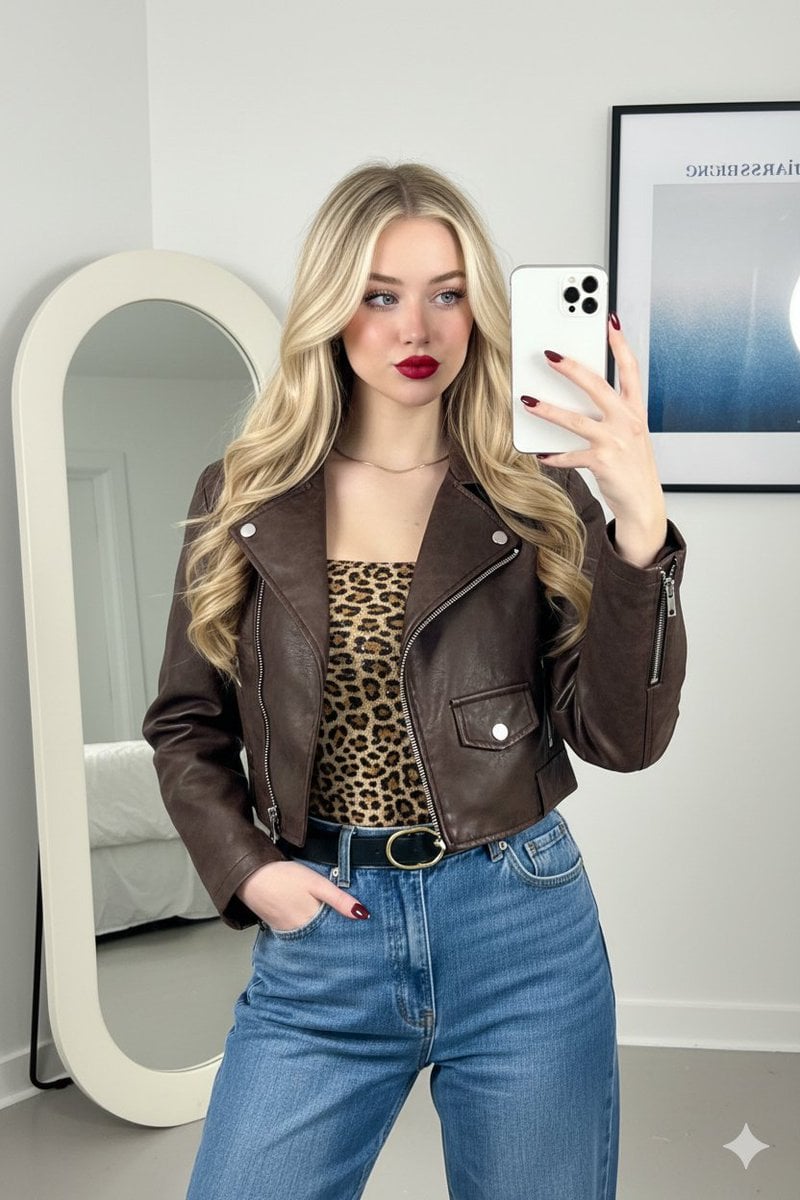
Mirror Selfie Fashion Prompt with Face Lock

Nano Banana Grwm Mirror Selfie Pink

The Date After College

Nano Banana Pro Identity Lock — Composition + Face Reference

Teen Girl Alpine Lake Mountain View
Make it yours
College Girl Mirror Selfie with Identity Lock works as-is. These are the safest ways to change it without losing the look.
Change one field
Copy a single group, rewrite it, and generate again so you can see what that field is doing.
Keep the frame, change the subject
Hold the composition and light of College Girl Mirror Selfie with Identity Lock, then swap wardrobe, props or the person for a new take.
| If the result… | Why | Fix |
|---|---|---|
| The result drifts from the preview | Too many fields changed at once. | Reuse College Girl Mirror Selfie with Identity Lock as-is first, then change one group — subject, light, or setting. |
| The model over-stylizes the scene | The prose prompt leaves finish and camera underspecified. | Add one camera or lighting sentence and stay on Nano Banana 2. |
More Nano Banana 2 templates
Other prompts made for Nano Banana 2.

Photorealistic Leaf Shaped Like a Dragon

K-Pop Idol Portrait Grid for Rapid Selection

Poetic Rain Forest Portrait During Golden Hour

Urban Street Portrait with Cartoon Inner Self Duo

Candid Nighttime Photo with Cat Prompt

High-Concept 3D Diorama Generation Prompt

Cinematic Futuristic Studio Portrait Template

Skincare Editorial Photography Collage Prompt

Hyper-Realistic Commercial Product Photography (Splash Effect)

Hyper-Realistic Nightclub Portrait Prompt
More image prompts
Fresh picks from across the catalog.
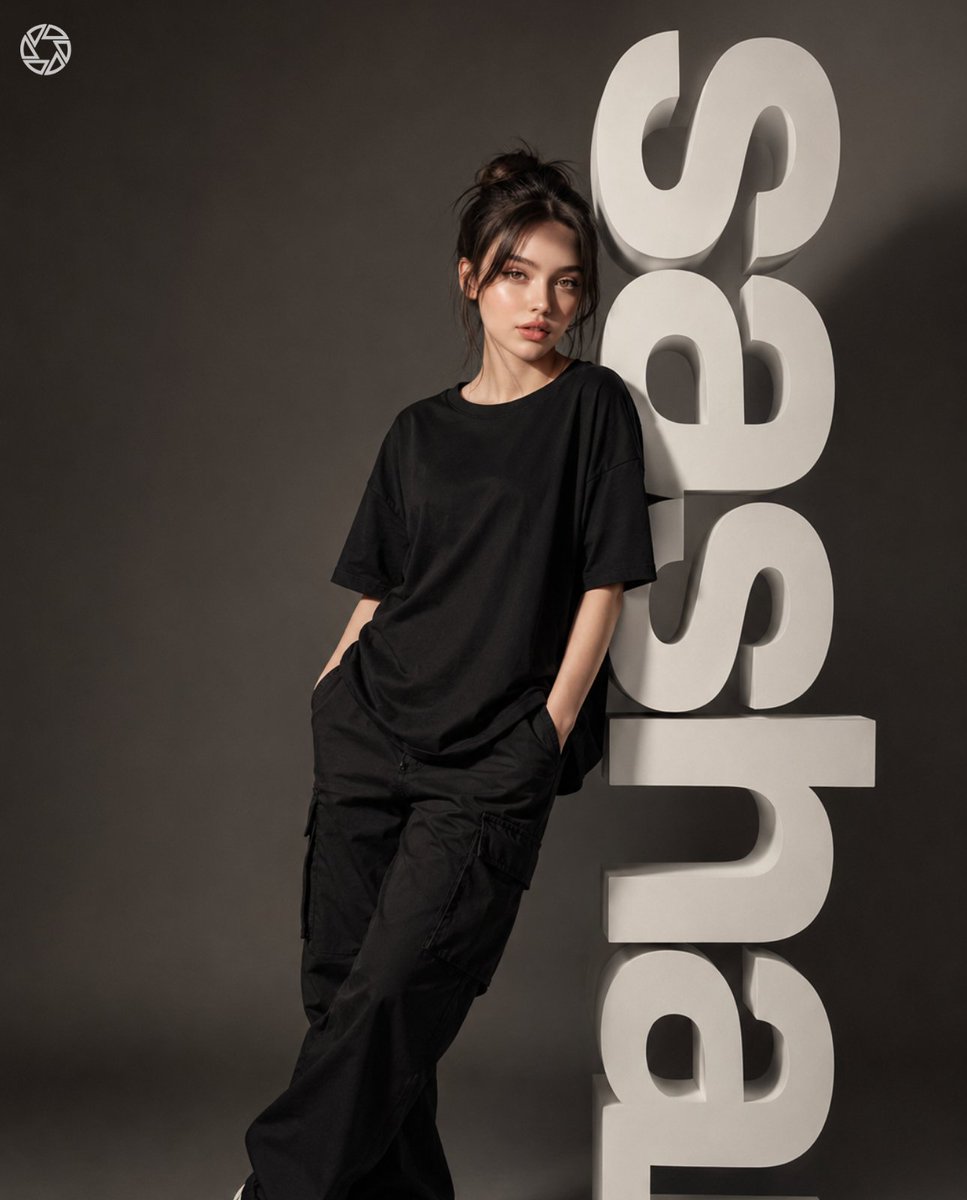
3D Block Letter Fashion Portrait
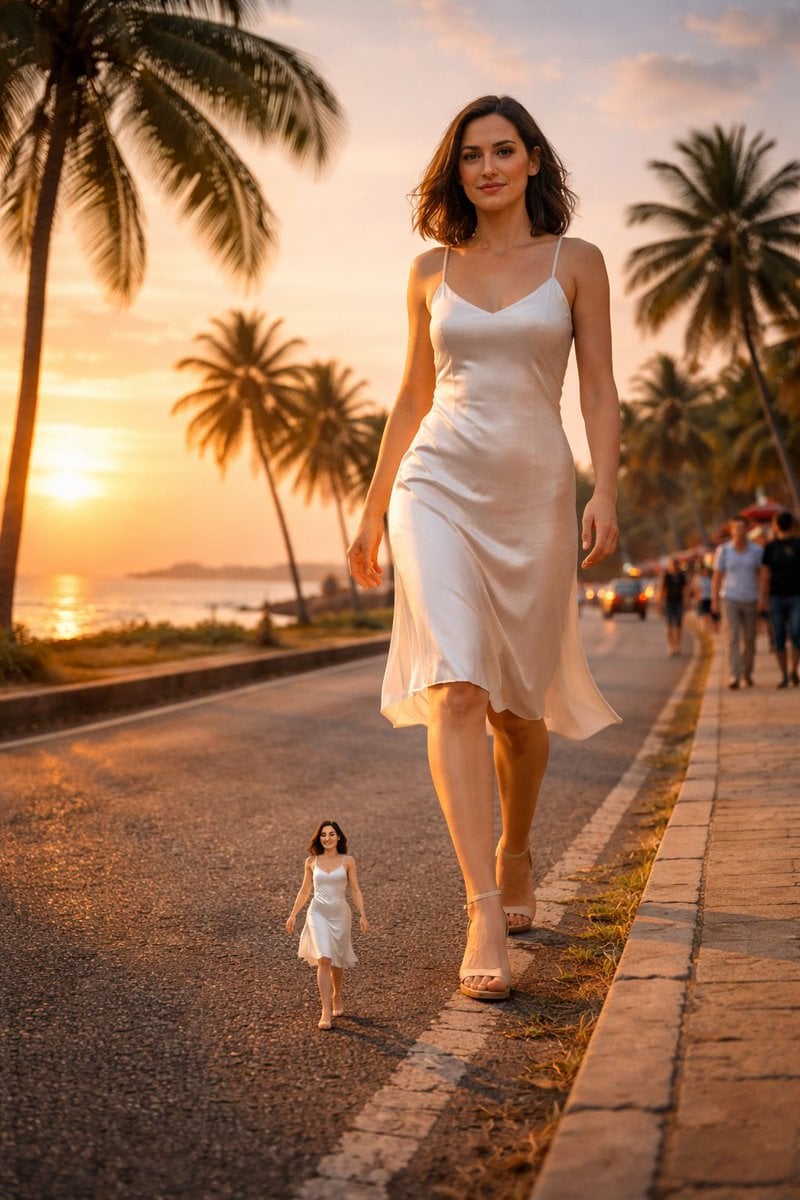
Surreal cinematic street photography with scale contrast
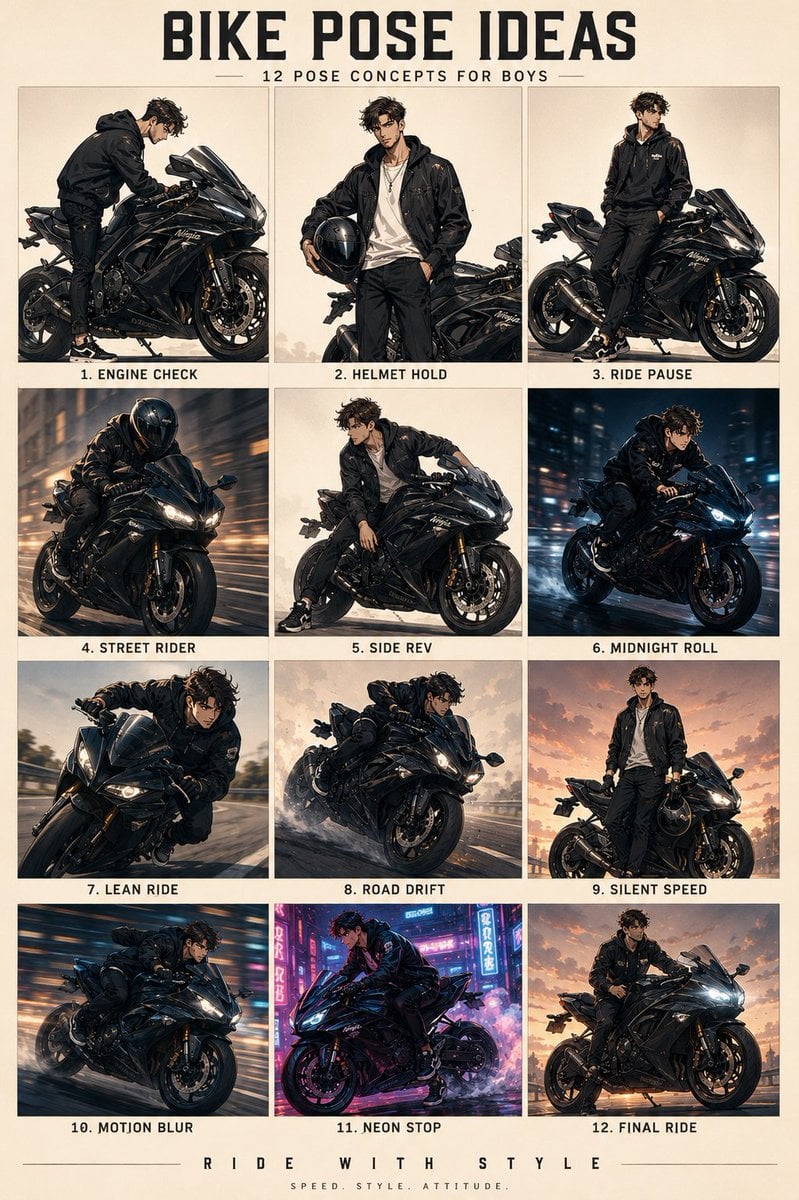
Anime Character Motorbike Pose Sheet
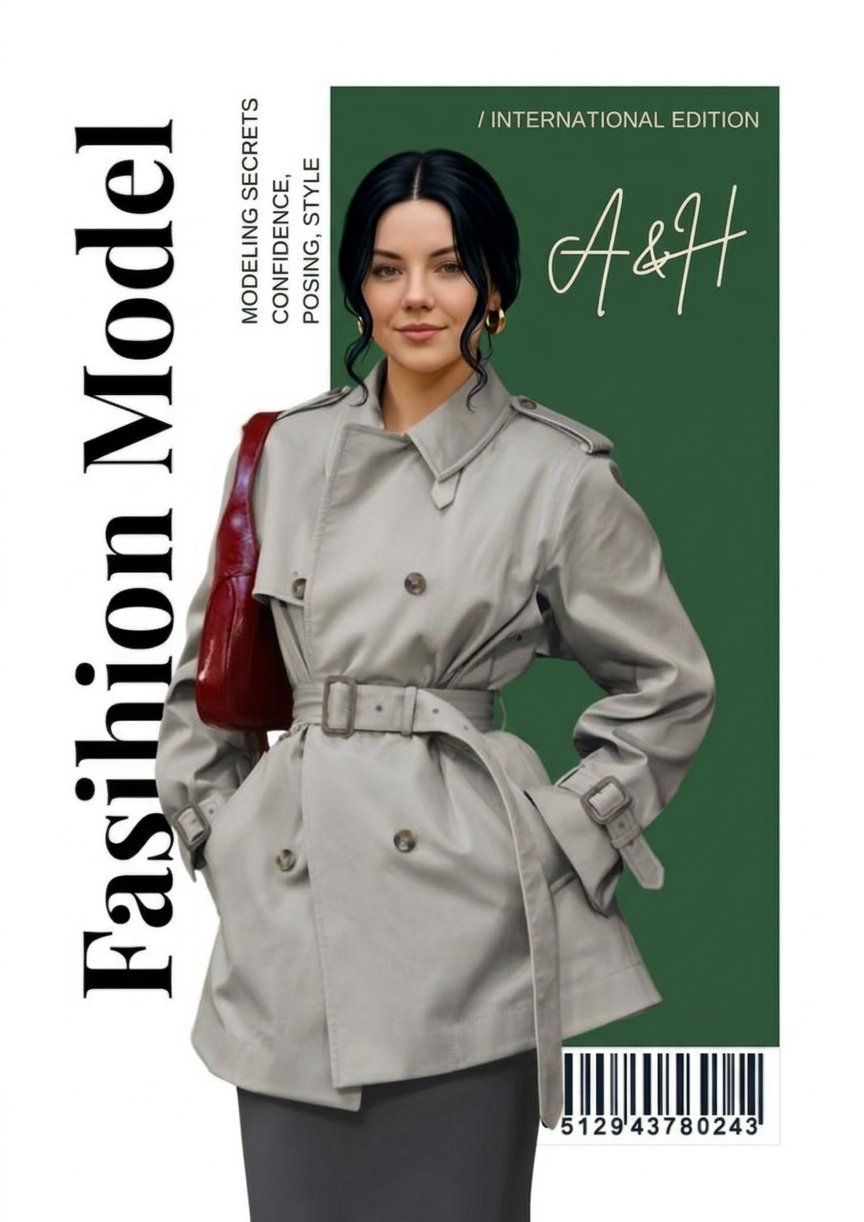
Google Gemini Nano Banana 2 Chatgpt Grok
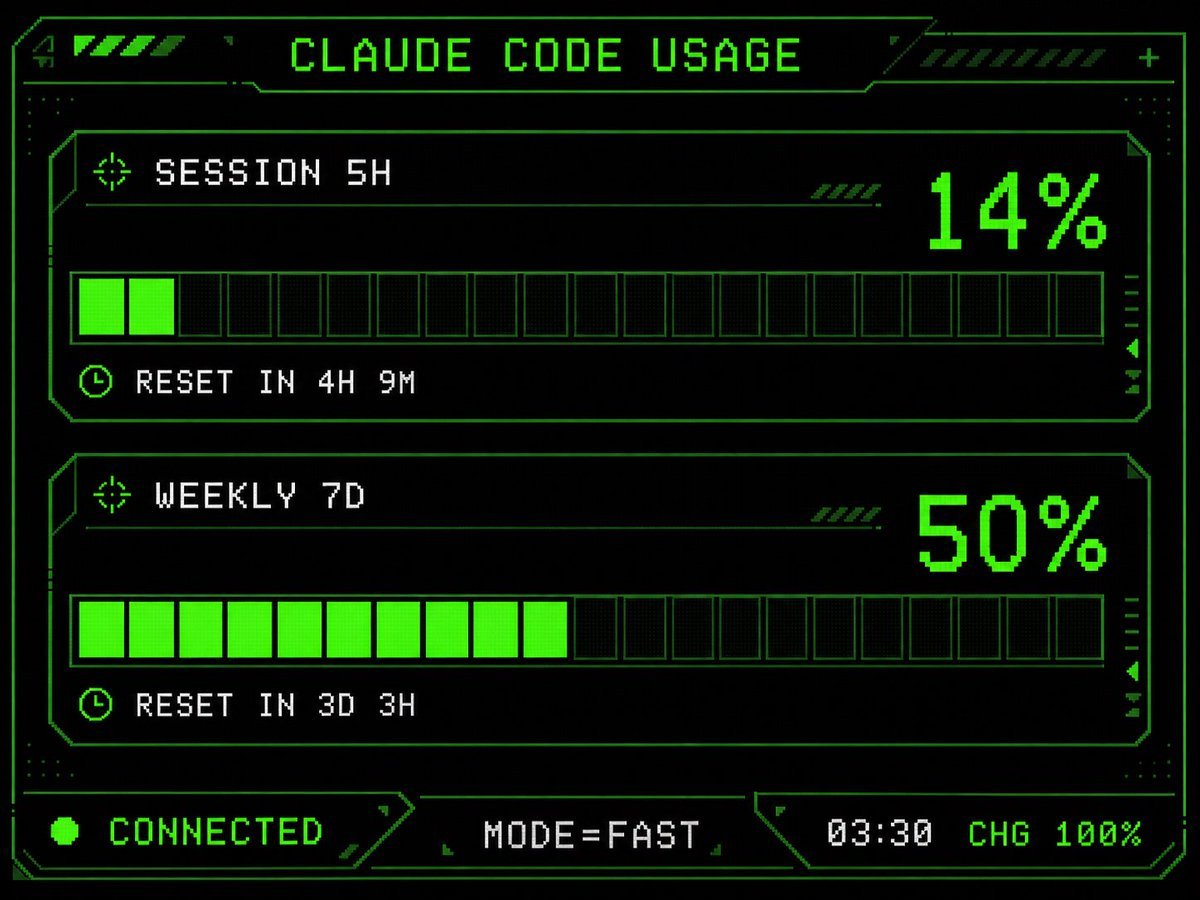
Retro HUD Claude Usage Gauge
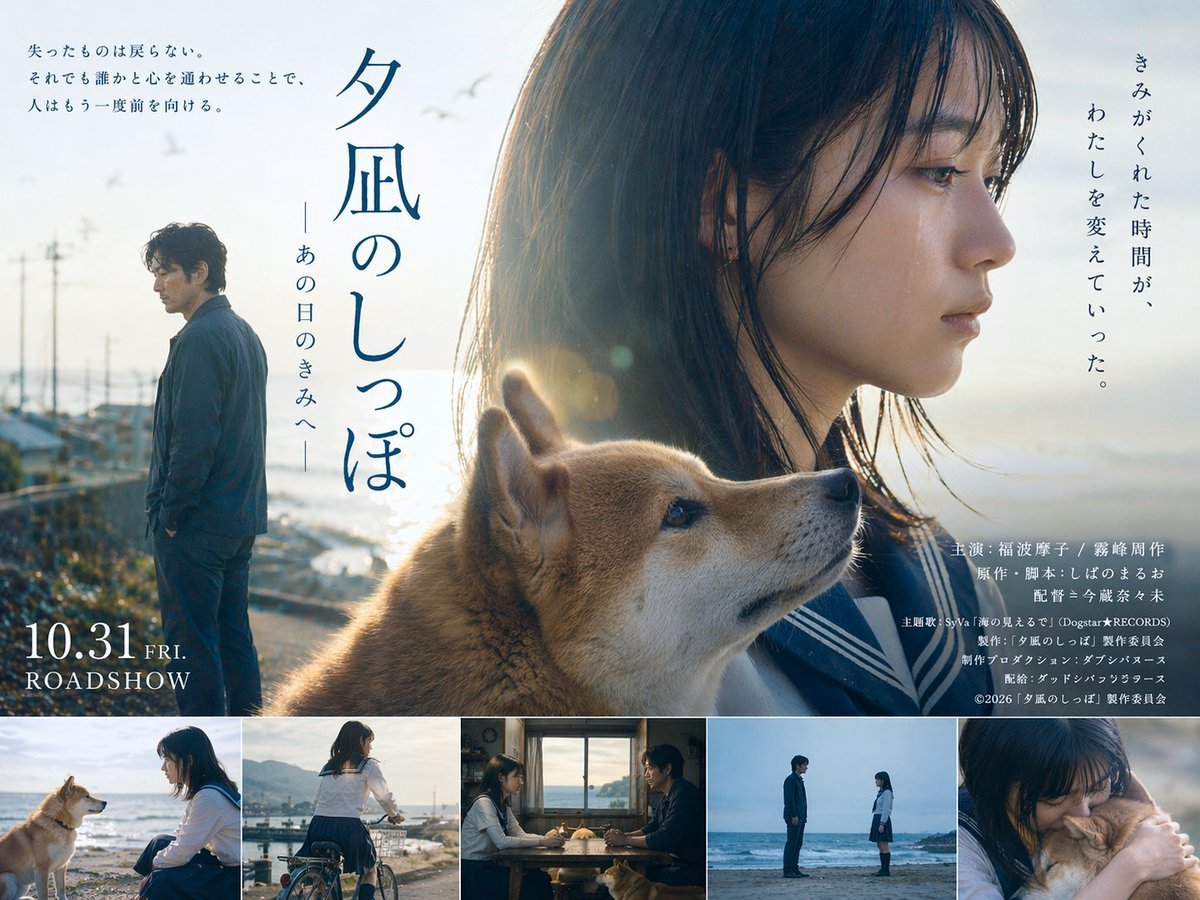
Japanese Drama Movie Poster Layout
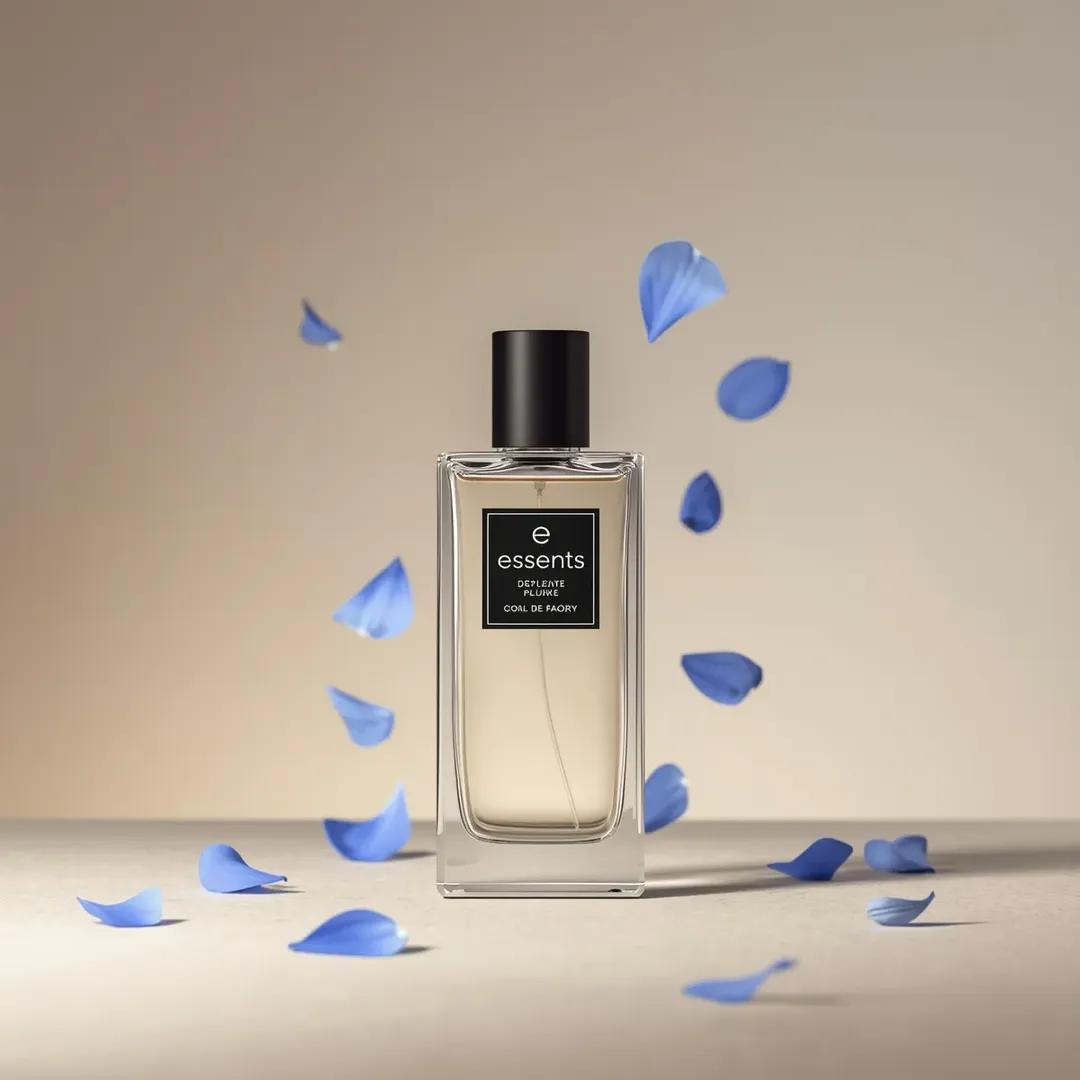
Luxury Perfume Bottle Product Shot Prompt

3x3 Grid Commercial Marketing Campaign Prompt

Small Angel Figure with Text Overlay
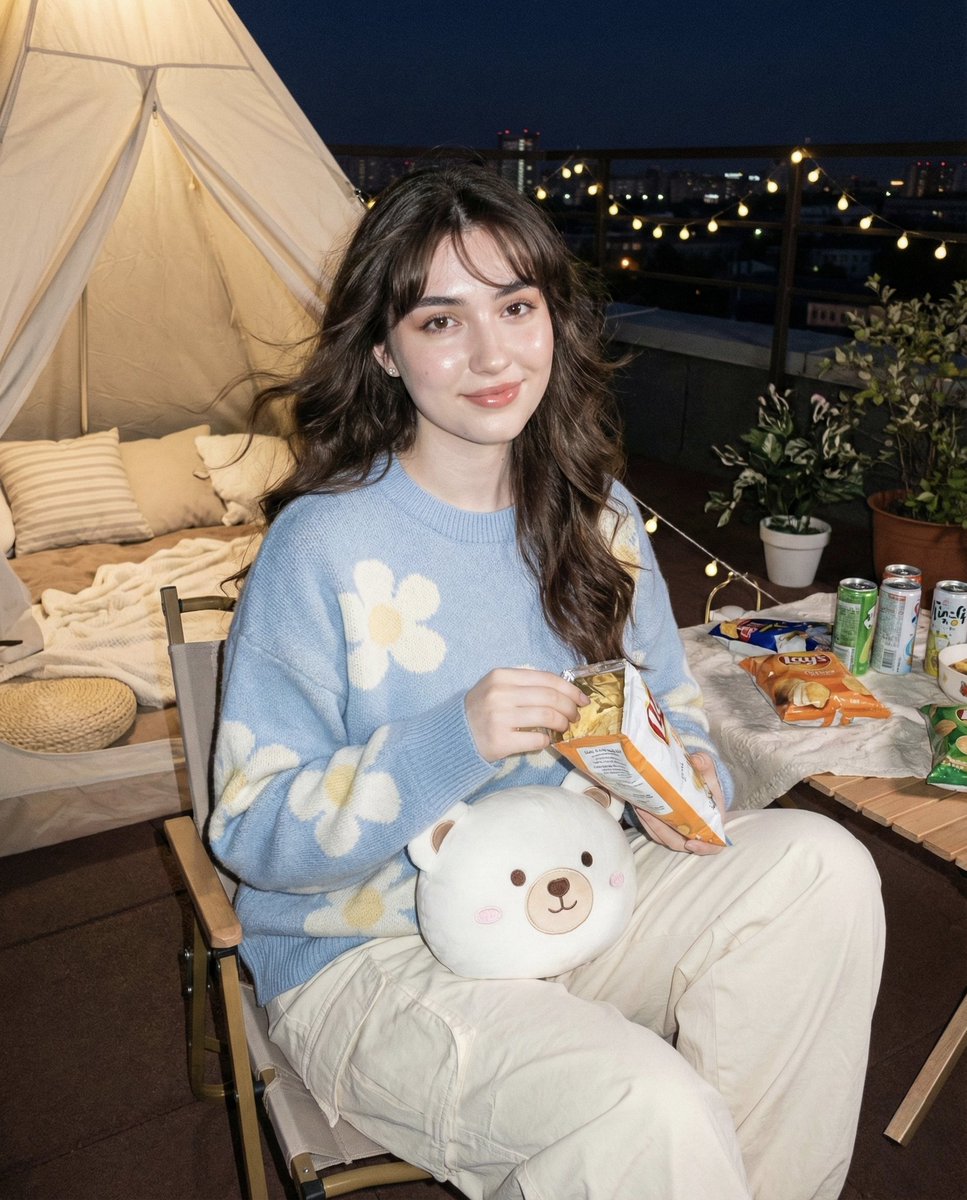
Hyper-realistic Nighttime Rooftop Portrait with Digital Camera Flash Effect
Browse template categories
College Girl Mirror Selfie with Identity Lock questions
How do I use the College Girl Mirror Selfie with Identity Lock template?
Add your photo if the template asks for one, edit the prompt if you like — the template's model and format are already selected — and press Generate. Your version opens in PicX Studio.
Can I customize the College Girl Mirror Selfie with Identity Lock template?
Yes. You can change the subject, setting, lighting, mood, format, and available model controls before creating your image.
Is the College Girl Mirror Selfie with Identity Lock template free?
Opening and editing this template is free. Generating uses credits, shown on the Generate button when you are signed in.
Which AI model should I use?
Start with Nano Banana 2, which is the model associated with this template. You can compare another compatible model for a different finish.
Looking for something else? Browse all templates.

Your photo, any look
Thousands of ready templates for every top image and video model, from one credit balance.