
Surreal cinematic street photography with scale contrast
A complex prompt for generating a hyper-realistic, cinematic street photograph set at sunset on a coastal road, featuring a primary subject (Ana de Armas) and a surreal, tiny version of herself walking beside her…
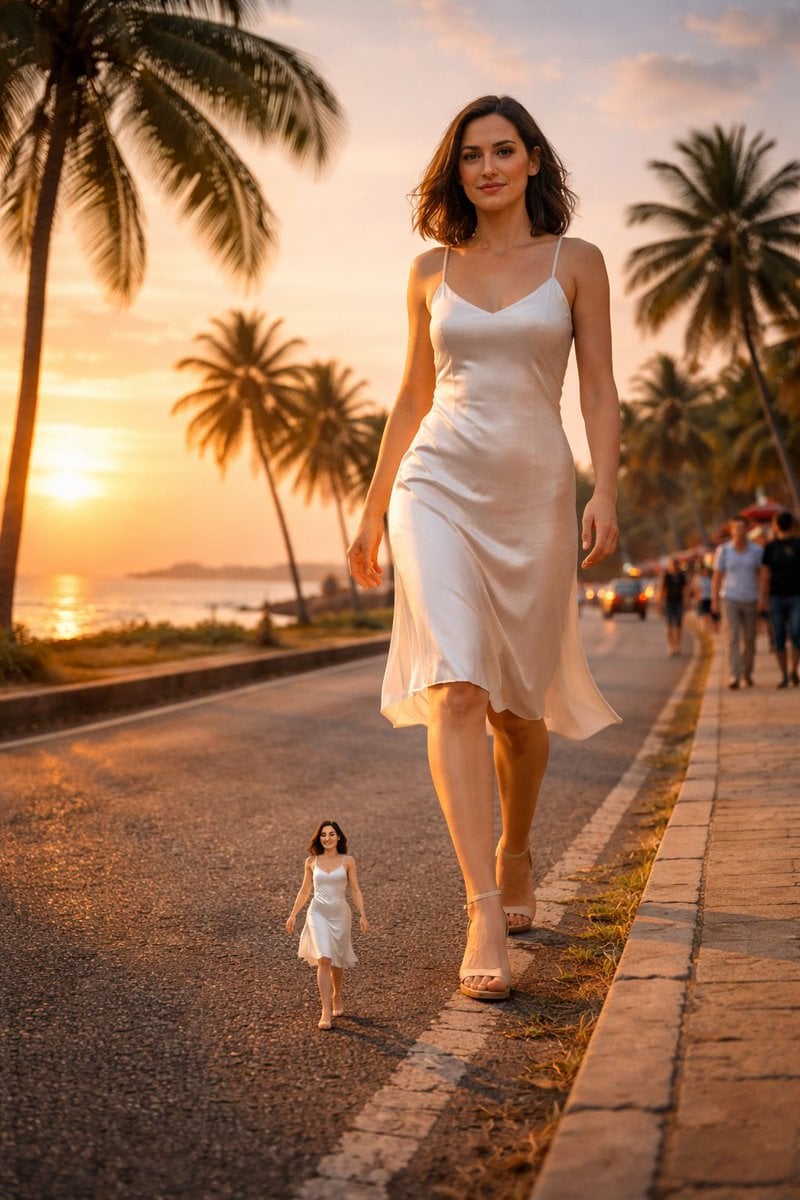
- Prompt included
- Model and format preset
- Premium template
The prompt behind this image
Copy the exact prompt behind Surreal cinematic street photography with scale contrast, or open it in the studio and make it yours.
{ "scene": { "location": "Coastal road near Galle Face Green, Colombo, Sri Lanka", "time_of_day": "Golden hour sunset", "environment": "Tropical seaside roadway with palm trees, ocean on the left, greenery along the curb, warm sky glow, long cinematic shadows", "weather": "Clear sky, warm sunlight, gentle ocean breeze" }, "composition": { "camera_angle": "Low angle, street-level perspective", "depth_of_field": "Cinematic depth with sharp foreground subject and slightly soft background", "framing": "Wide road perspective with leading lines from curb and street edges", "lighting": "Golden warm sunlight, natural highlights and soft shadows", "style": "Photorealistic, fashion street photography, ultra-detailed, 8k clarity" }, "primary_subject": { "description": "Woman walking confidently along the roadside", "expression": "Calm, confident, relaxed face", "hair": "Medium length, loose, slightly flowing with breeze", "outfit_1": { "upper": "Grey hoodie", "lower": "Blue slim-fit jeans", "footwear": "White sneakers" }, "outfit_2": { "dress": "White satin slip dress", "footwear": "Beige heels" } }, "scale_effect": { "tiny_version": { "height": "Approximately {argument name="tiny version height" default="6 inches"}", "position": "Walking on the road near the curb beside the main subject", "appearance": "Same outfit, same hairstyle, same expression as main subject" } }, "background_elements": { "left_side": "Ocean coastline reflecting sunset light", "right_side": "Green plants and grass along curb, pedestrians in distance", "road": "Textured asphalt road with curb stones and slight wear", "vehicles": "Few distant vehicles with headlights on", "people": "Small distant pedestrians walking along the road", "trees": "Tall tropical palm trees lining the road" }, "mood": "Cinematic, surreal due to scale contrast, peaceful, warm, visually striking", "color_palette": [ "Golden orange sunlight", "Warm sky tones", "Green palm leaves", "Grey road texture", "Blue denim", "Neutral hoodie tones" ], "rendering_details": { "resolution": "8k", "texture_detail": "High skin detail, fabric texture visible, road grain visible", "motion": "Subtle motion in hair and clothes due to breeze", "realism_level": "Hyper-realistic" } }
How to use Surreal cinematic street photography with scale contrast in 3 steps
- 1
Open
The prompt is already in the box next to the preview, with the template's model and format selected.
- 2…a portrait of your subject in softgolden-hour light, 85mm…
Personalize
Edit the subject and creative details for your destination.
- 3Generate
Generate
Press Generate — your image is created in PicX Studio, so you can compare it with the original and refine one variable at a time.
More like this
Templates with the same subject, style or setup. Open one to see its prompt.
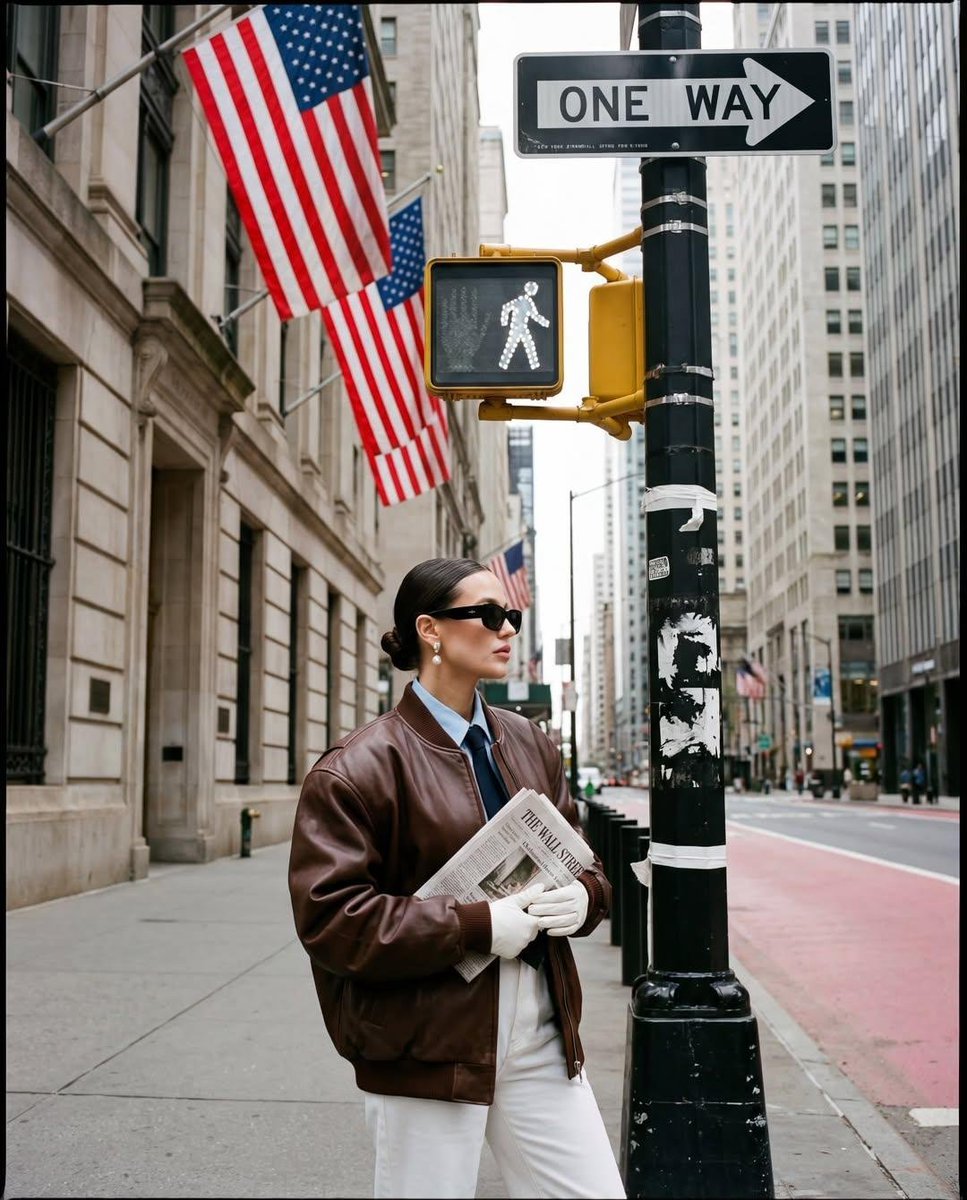
Ultra-realistic street fashion editorial photograph in New York City
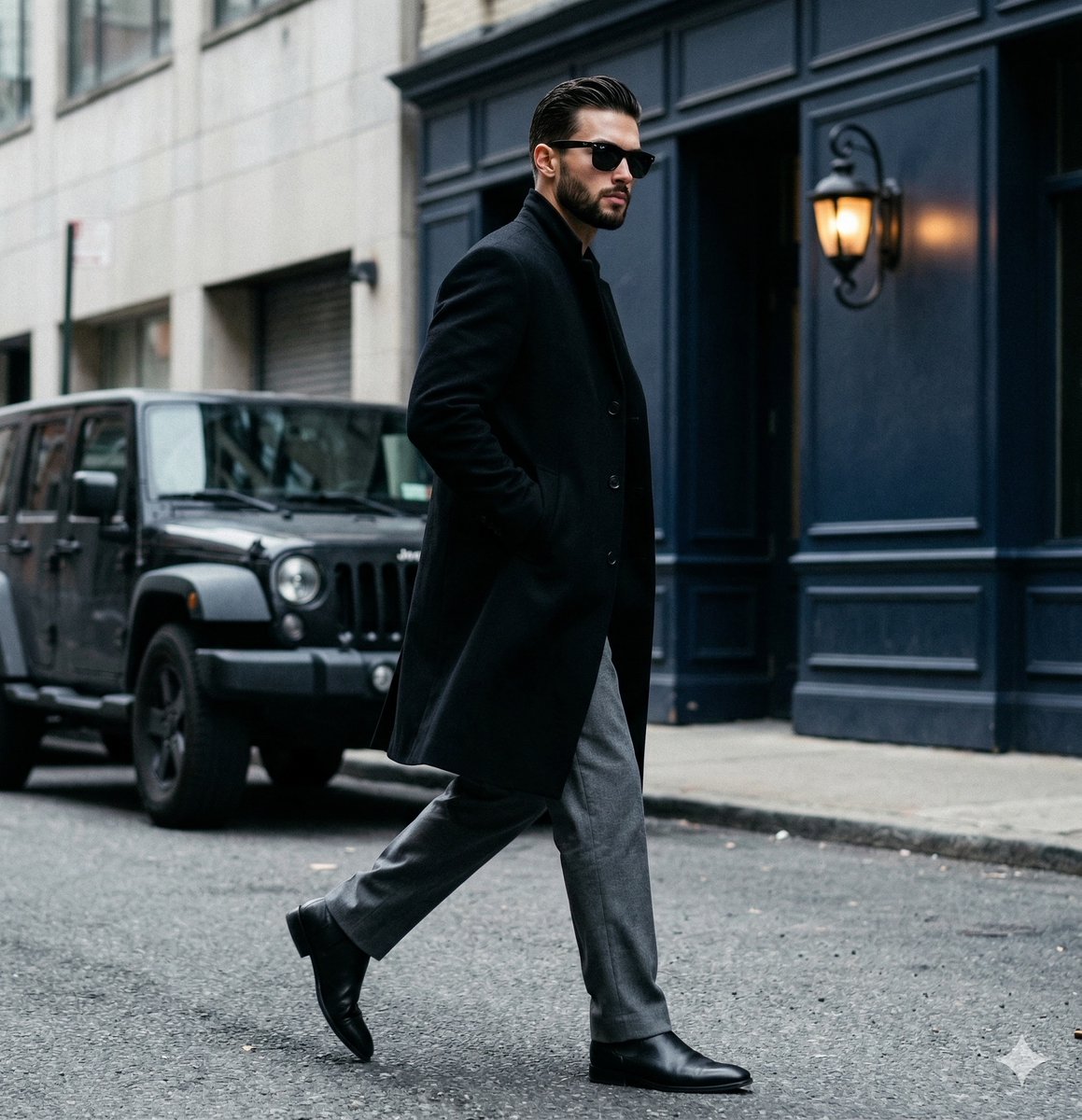
A candid paparazzi-style street photography shot of a handsome man

Stylized Fashion Portrait Bold Color Contrast Editorial
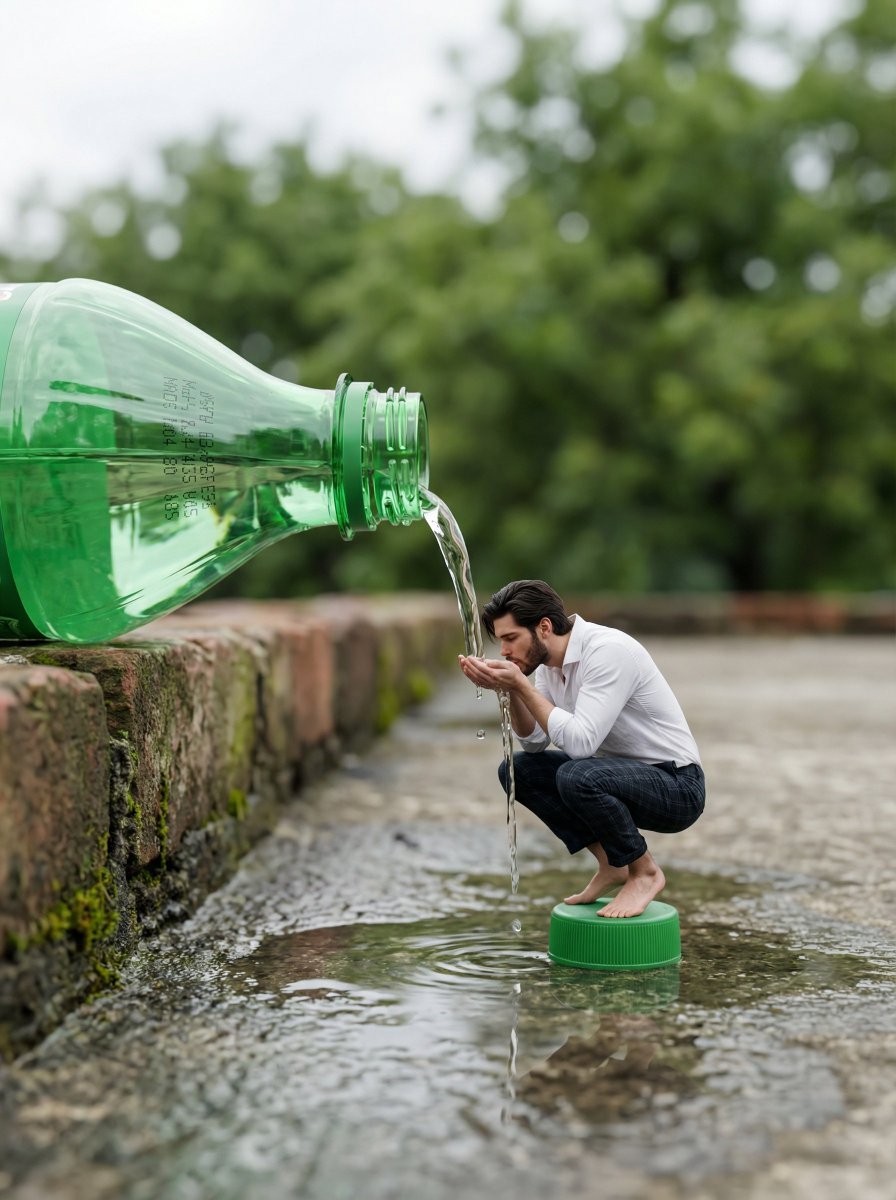
Surreal Whimsical Scale Contrast Scene Prompt
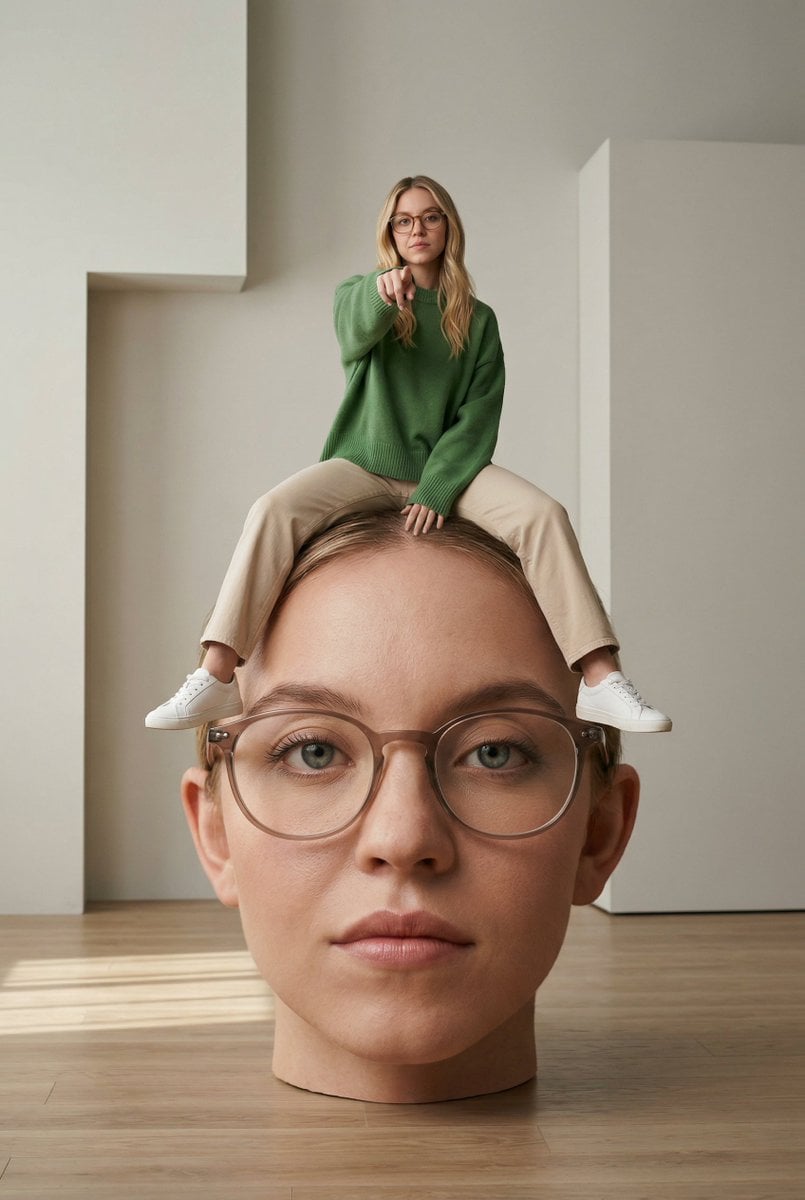
Surreal Conceptual Photography with Scale Distortion

Two Tickets, One Night

Meet Me When It Rains

Two Hearts. One Scooter.

1986 Street Couple

1985 Street Scene
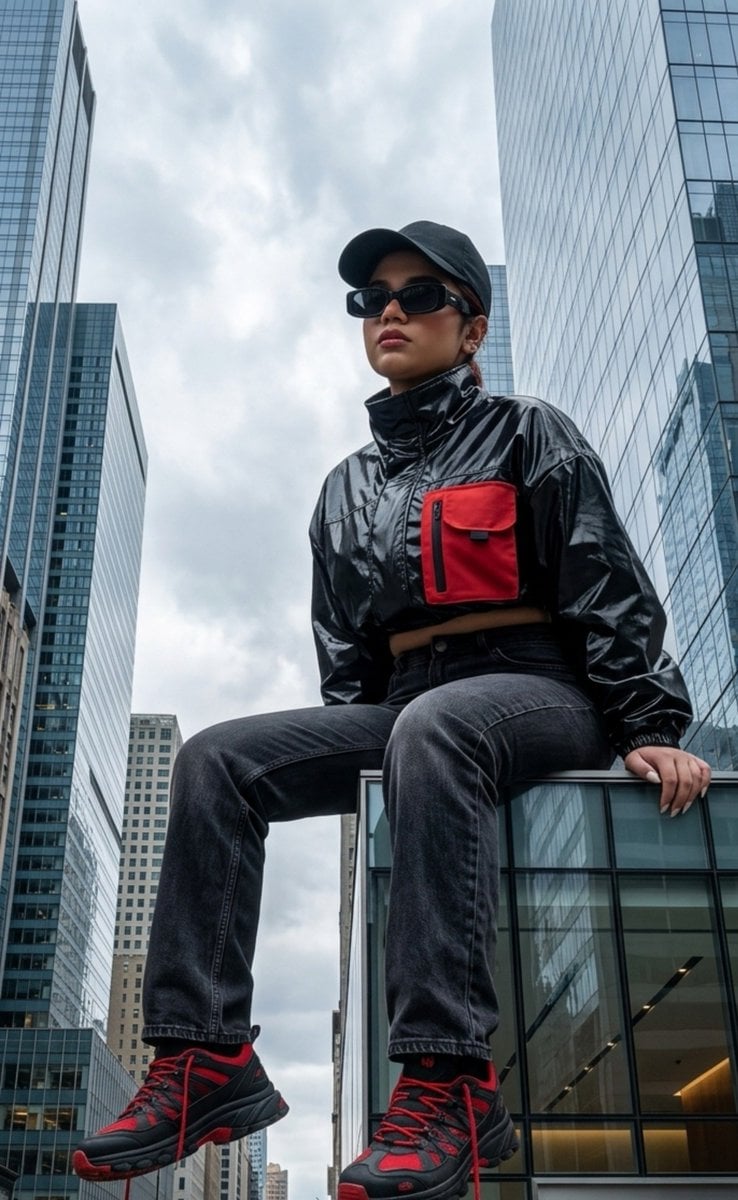
Surreal Giant Scale Urban Portrait

Mirror Selfie Chibi Characters Pixar Style
Make it yours
Surreal cinematic street photography with scale contrast works as-is. These are the safest ways to change it without losing the look.
Change one field
Copy a single group, rewrite it, and generate again so you can see what that field is doing.
Keep the frame, change the subject
Hold the composition and light of Surreal cinematic street photography with scale contrast, then swap wardrobe, props or the person for a new take.
| If the result… | Why | Fix |
|---|---|---|
| The result drifts from the preview | Too many fields changed at once. | Reuse Surreal cinematic street photography with scale contrast as-is first, then change one group — subject, light, or setting. |
| The model over-stylizes the scene | The prose prompt leaves finish and camera underspecified. | Add one camera or lighting sentence and stay on Nano Banana 2. |
More Nano Banana 2 templates
Other prompts made for Nano Banana 2.

Photorealistic Leaf Shaped Like a Dragon

K-Pop Idol Portrait Grid for Rapid Selection

Poetic Rain Forest Portrait During Golden Hour

Urban Street Portrait with Cartoon Inner Self Duo

Candid Nighttime Photo with Cat Prompt

High-Concept 3D Diorama Generation Prompt

Cinematic Futuristic Studio Portrait Template

Skincare Editorial Photography Collage Prompt

Hyper-Realistic Commercial Product Photography (Splash Effect)

Hyper-Realistic Nightclub Portrait Prompt
More image prompts
Fresh picks from across the catalog.
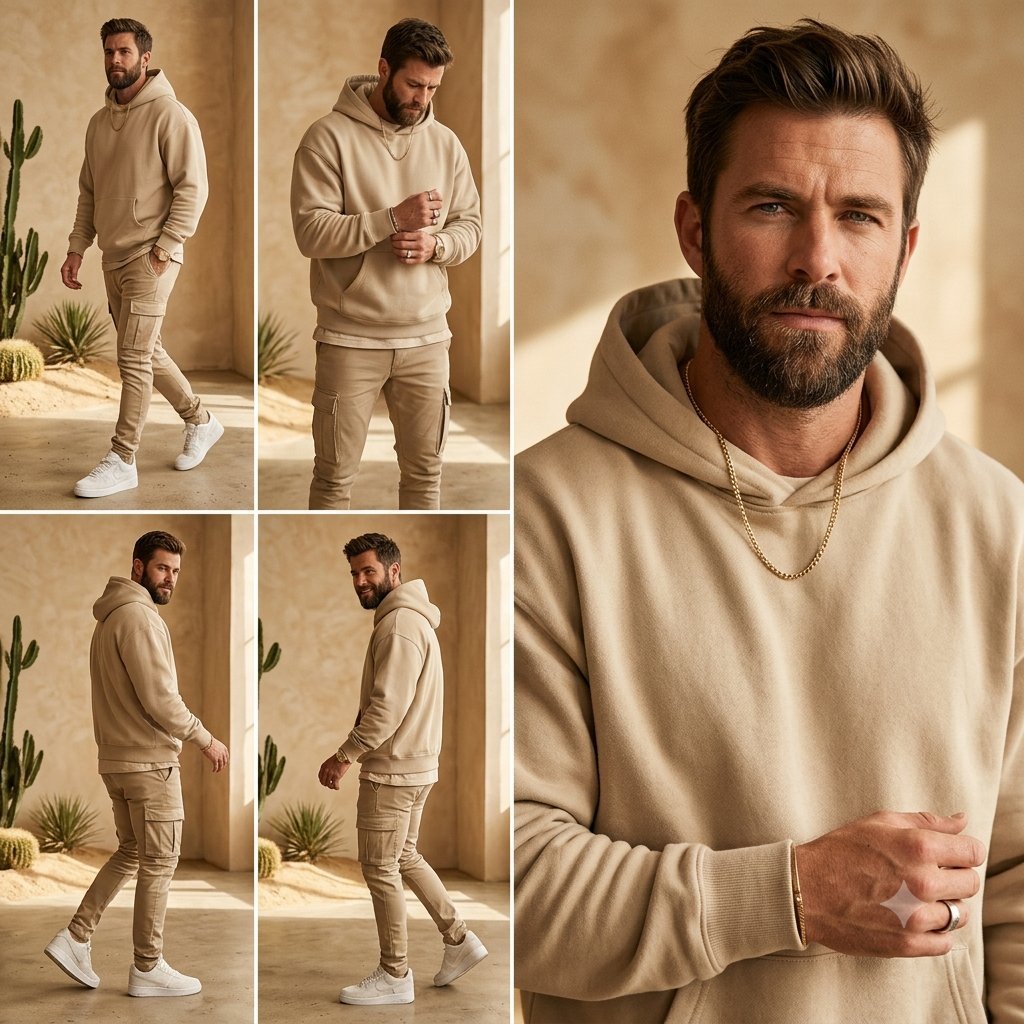
Beige Menswear Lookbook Collage
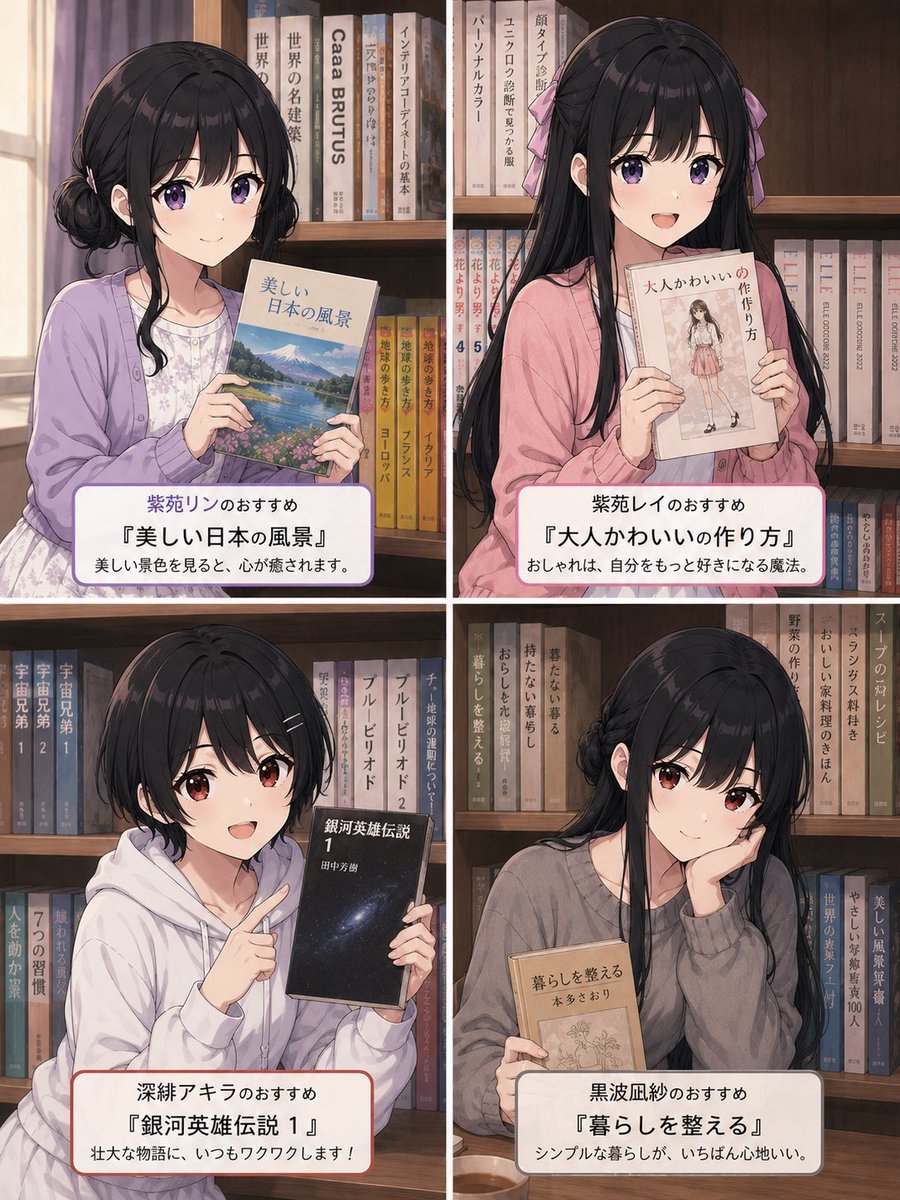
Four-Panel Anime Book Recommendations
Flat Vector Llama Emoji Prompt

Dark Fantasy Stage Poster
Dramatic Black and White Portrait with Silhouette Lighting Prompt
3D Cartographic City Diorama
Premium Beverage Product Photography: Golden Peach Fizz
Masquerade Palace Wallpaper

Major event at given coordinates
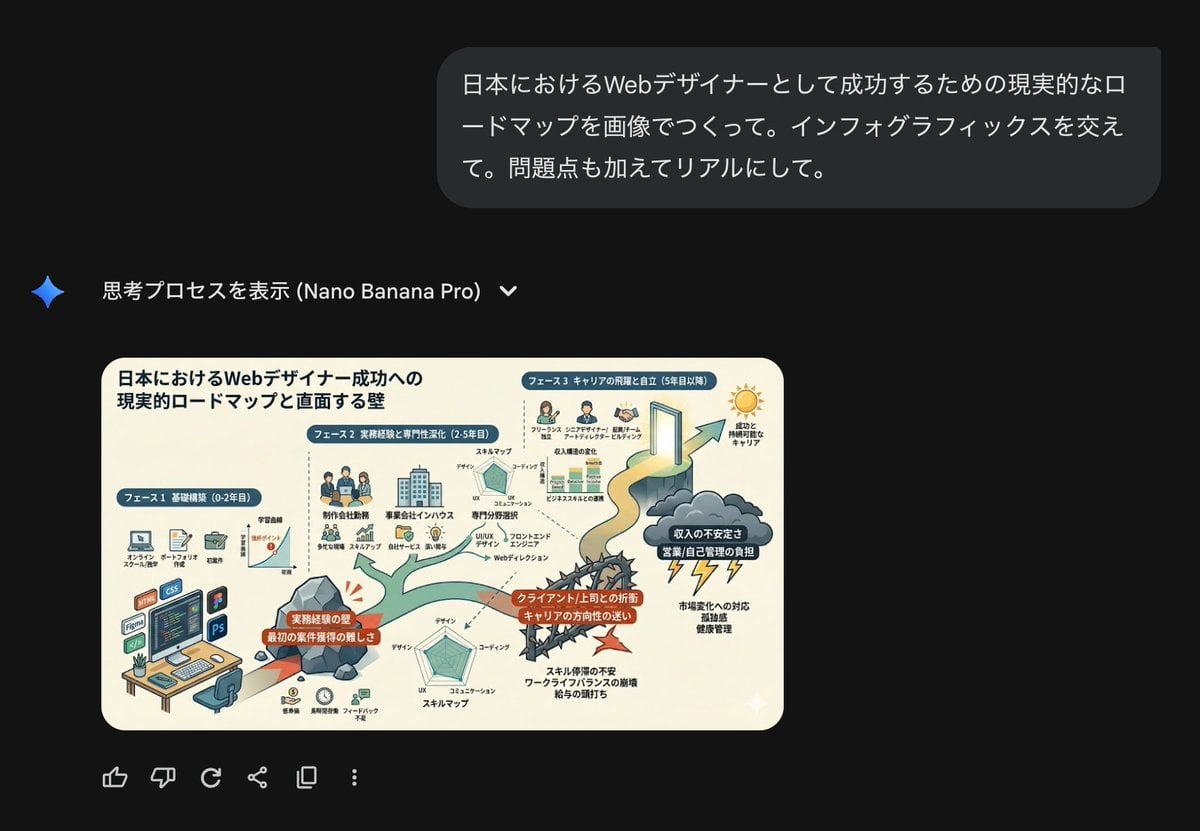
Roadmap diagram for becoming a successful web designer in Japan
Browse template categories
Surreal cinematic street photography with scale contrast questions
How do I use the Surreal cinematic street photography with scale contrast template?
Add your photo if the template asks for one, edit the prompt if you like — the template's model and format are already selected — and press Generate. Your version opens in PicX Studio.
Can I customize the Surreal cinematic street photography with scale contrast template?
Yes. You can change the subject, setting, lighting, mood, format, and available model controls before creating your image.
Is the Surreal cinematic street photography with scale contrast template free?
Opening and editing this template is free. Generating uses credits, shown on the Generate button when you are signed in.
Which AI model should I use?
Start with Nano Banana 2, which is the model associated with this template. You can compare another compatible model for a different finish.
Looking for something else? Browse all templates.

Your photo, any look
Thousands of ready templates for every top image and video model, from one credit balance.