
Beige Menswear Lookbook Collage
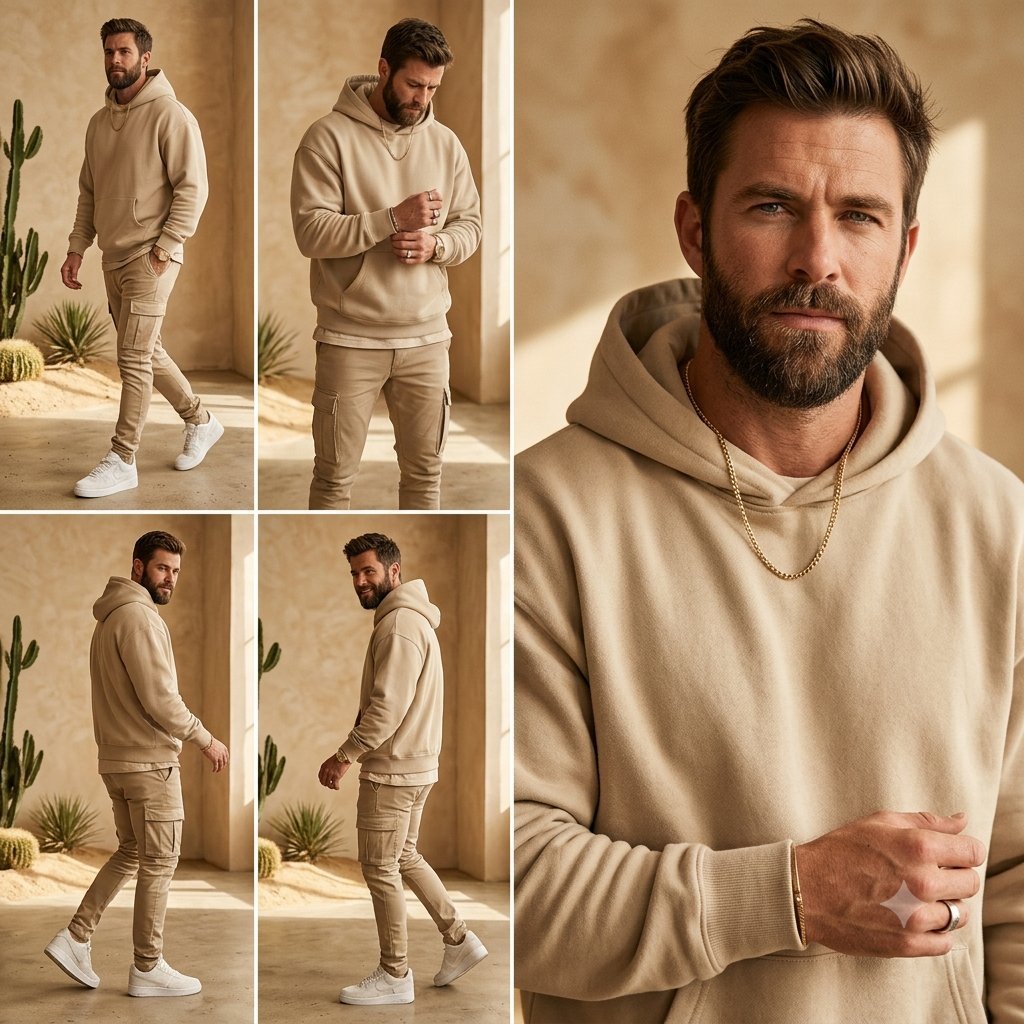
Generates a warm five-panel editorial fashion collage for showcasing a neutral beige men's streetwear outfit with anonymized face coverage.
- Prompt included
- Model and format preset
- Free template
The prompt behind this image
Copy the exact prompt behind Beige Menswear Lookbook Collage, or open it in the studio and make it yours.
Goal: Create a square men's fashion lookbook collage featuring {argument name="model description" default="a fit adult man with short dark hair and trimmed beard"} wearing a monochrome beige streetwear outfit, with the face anonymized by a soft rectangular blur or solid skin-tone privacy block in every view. Canvas: 1:1 square image, warm editorial fashion photography, high resolution, natural sunlight, beige and sand color palette. Layout: Use exactly 5 photo panels separated by clean white gutters. The left half is a 2-by-2 grid of four smaller full-body outfit shots. The right half is one large vertical close-up portrait panel spanning the full height. Panel count and contents: 1. Top-left panel: full-body walking pose angled slightly forward, hands relaxed, white sneakers visible, cactus and desert plants in the background. 2. Top-middle/upper-left grid panel: front-facing three-quarter pose, model looking down slightly, hands clasped near chest, hoodie details visible. 3. Bottom-left panel: side/back walking pose from the left, hoodie hood and cargo pants silhouette visible. 4. Bottom-middle/lower-left grid panel: side walking pose from the right, one foot lifted, showing the tapered cargo pants and white sneakers. 5. Right large panel: close cropped upper-body portrait from chest to head, oversized face privacy rectangle centered over the face, beige hoodie fabric texture prominent, gold chain necklace visible, hand raised near chest with a ring. Subject details: Outfit consists of exactly 4 main visible fashion pieces: {argument name="hoodie color" default="sand beige"} pullover hoodie, matching slim cargo jogger pants with side pockets, clean white low-top sneakers, and a gold chain necklace. Add a watch or bracelet subtly on one wrist and a ring on one finger. Keep the styling minimal, expensive casual, neutral-toned, and coordinated. Environment: Minimal desert-inspired indoor studio with textured tan plaster walls, concrete floor, warm sunlight casting soft shadows, narrow architectural openings, and sparse cacti or succulent plants placed near the left panels. Visual style: Photorealistic fashion editorial, warm golden-hour lighting, shallow depth of field in the close-up, crisp clothing texture, muted beige monochrome grading, clean Instagram lookbook composition. Constraints: No text, no logos, no watermark. Preserve the five-panel collage exactly. The face must remain obscured in all panels. Do not add extra people or extra clothing colors beyond the beige, white, gold, and natural desert tones.
How to use Beige Menswear Lookbook Collage in 3 steps
- 1Upload ImagePNG, JPG or paste
Add your photo
Upload the photo the template builds on. The prompt, model and format are already set.
- 2…a portrait of your subject in softgolden-hour light, 85mm…
Personalize
Edit the subject and creative details for your destination.
- 3Generate
Generate
Press Generate — your image is created in PicX Studio, so you can compare it with the original and refine one variable at a time.
More like this
Templates with the same subject, style or setup. Open one to see its prompt.
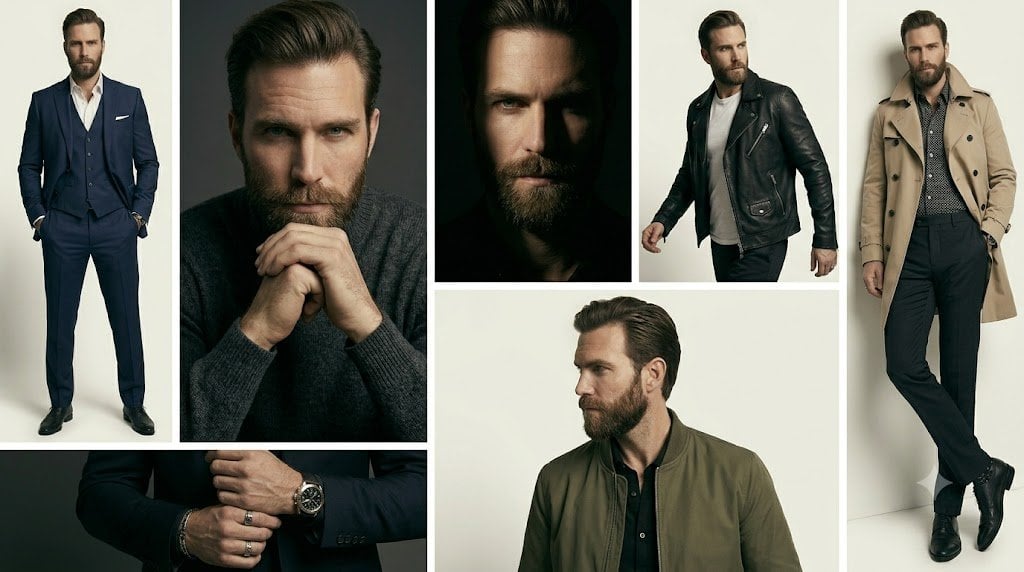
Anonymous Menswear Editorial Collage
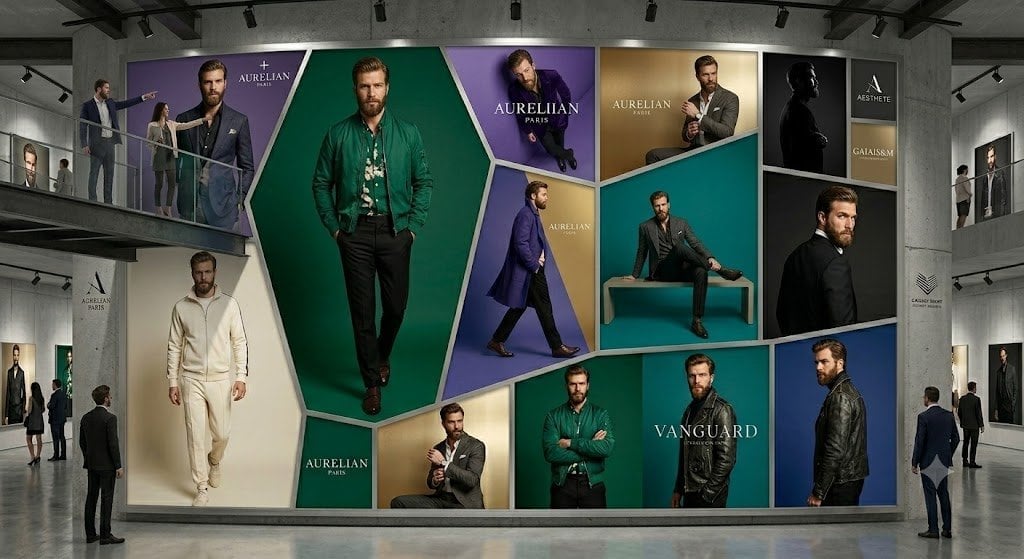
Luxury Menswear Gallery Collage
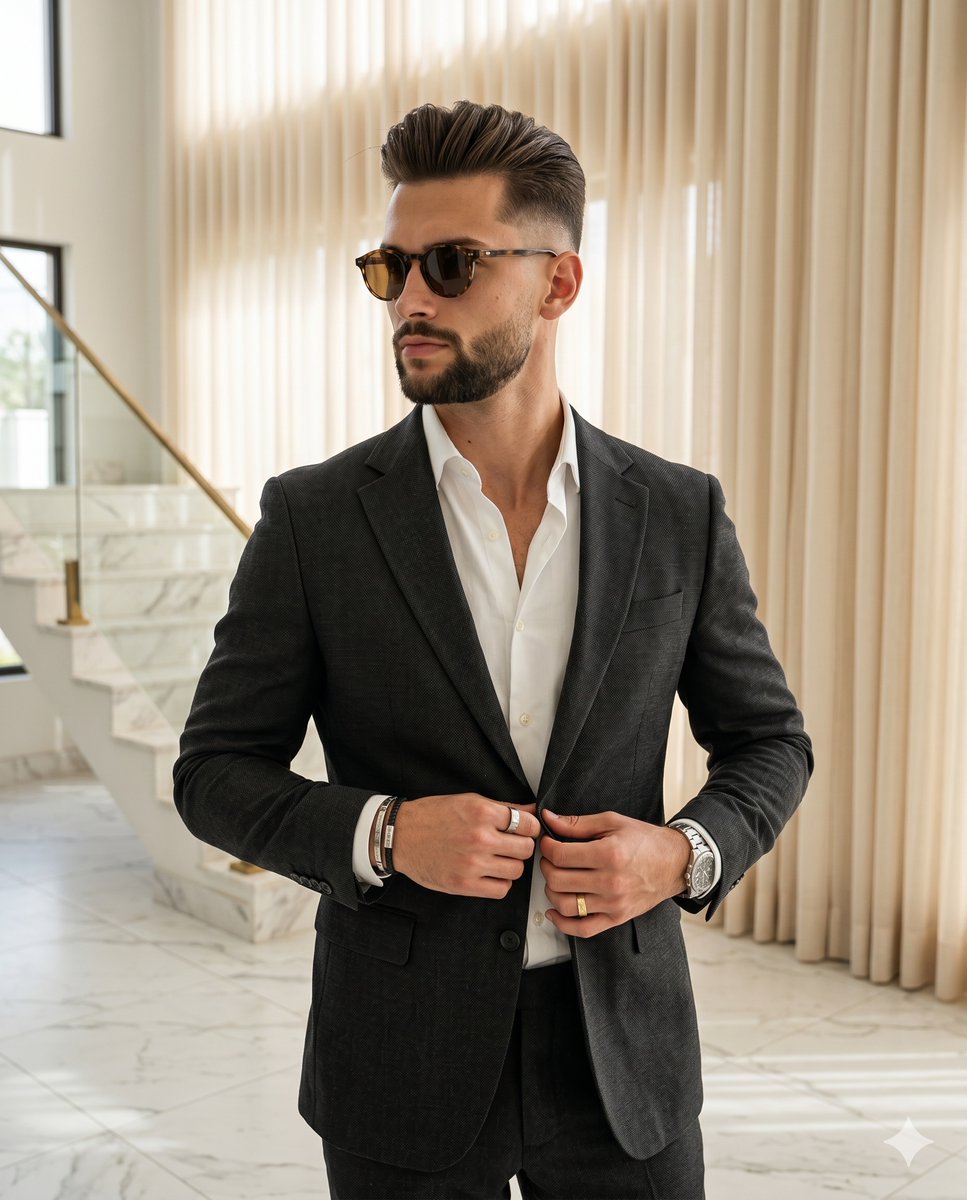
Luxury Indoor Menswear Lookbook

Paper Cut Finale Fireworks

Paper Cut Garden Maze

Paper Cut Rooftop Concert

Paper Cut Bicycle Coast

Paper Cut Castle Gate

Paper Cut Kitchen Chaos

Paper Cut Carnival Ride

Paper Cut Rainy Bus Stop

Paper Cut Space Dock
Make it yours
Beige Menswear Lookbook Collage works as-is. These are the safest ways to change it without losing the look.
Change one field
Copy a single group, rewrite it, and generate again so you can see what that field is doing.
Keep the frame, change the subject
Hold the composition and light of Beige Menswear Lookbook Collage, then swap wardrobe, props or the person for a new take.
| If the result… | Why | Fix |
|---|---|---|
| The result drifts from the preview | Too many fields changed at once. | Reuse Beige Menswear Lookbook Collage as-is first, then change one group — subject, light, or setting. |
| The model over-stylizes the scene | The prose prompt leaves finish and camera underspecified. | Add one camera or lighting sentence and stay on GPT Image 2. |
More GPT Image 2 templates
Other prompts made for GPT Image 2.

Six VTuber Japanese Logo Sheet

Realistic Portrait of Woman and Deer

The Vista Modular Condo Poster

AI Model Routing Comparison Infographic

2.5D Anime Art Board

Isometric Productivity Desk Scene

New York Double Exposure Poster

Four-Panel AI Landscape Comparison

Japanese Tatami Lifestyle Magazine Cover

NESCAFÉ Coffee Map Poster
More image prompts
Fresh picks from across the catalog.
Miniature Realism Prompt for Restoration Scene
Surreal Macro Fashion Composition
Chic Bar Lifestyle Photography Prompt
Dreamy Cinematic Cloud Walk Prompt for Nano Banana 2
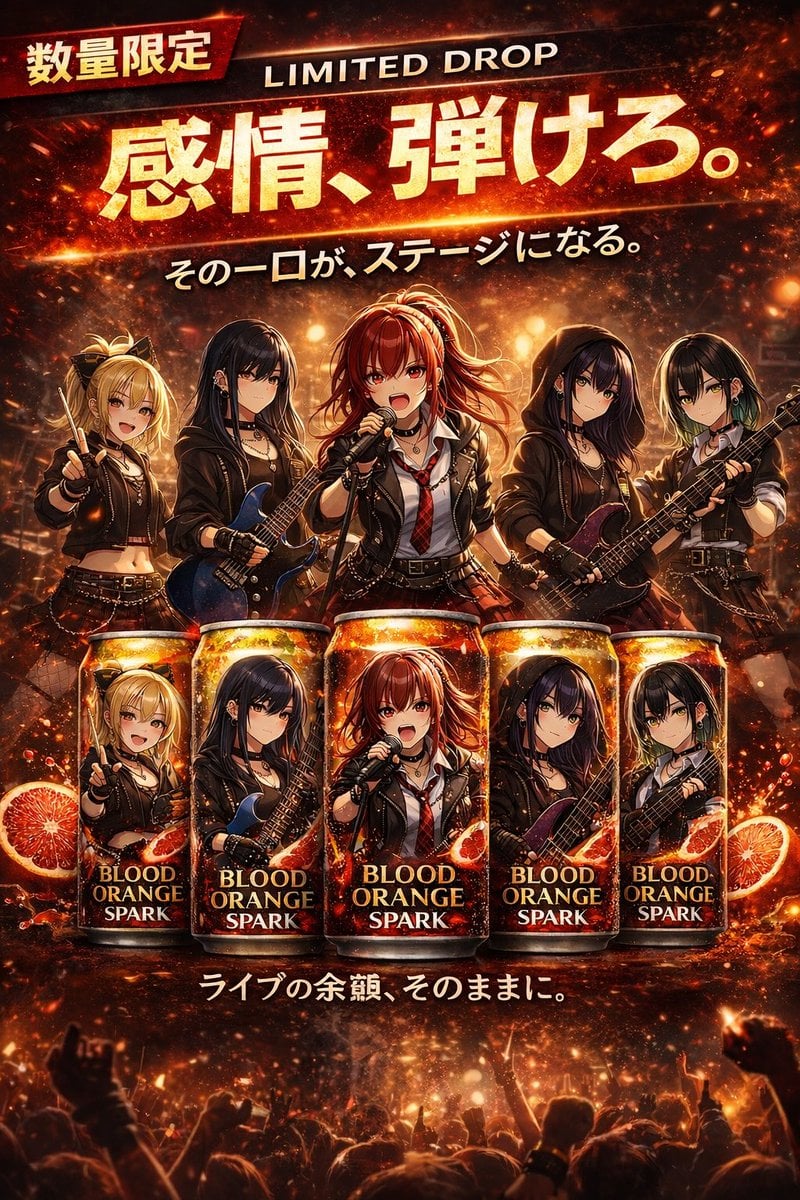
Anime Rock Band Beverage Collab Poster
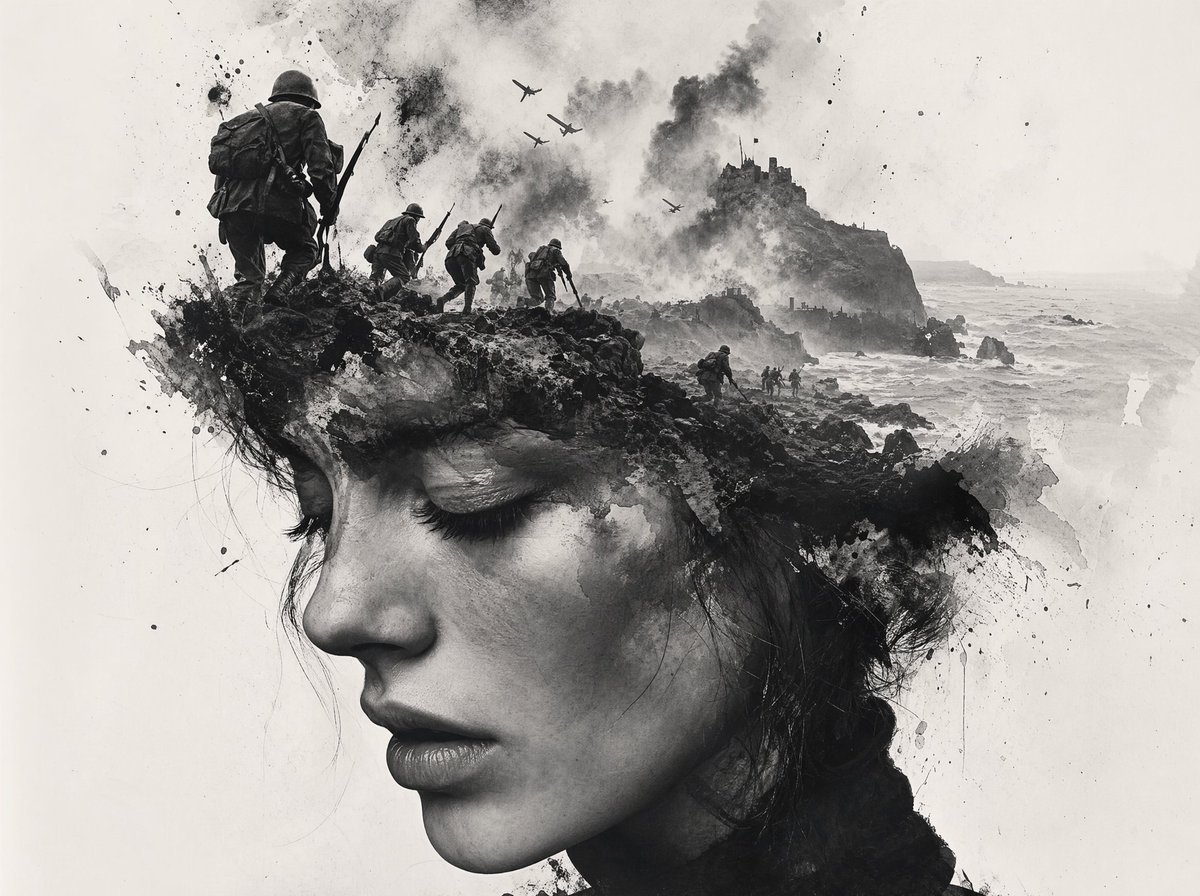
Black-and-White Wartime Ink Scene
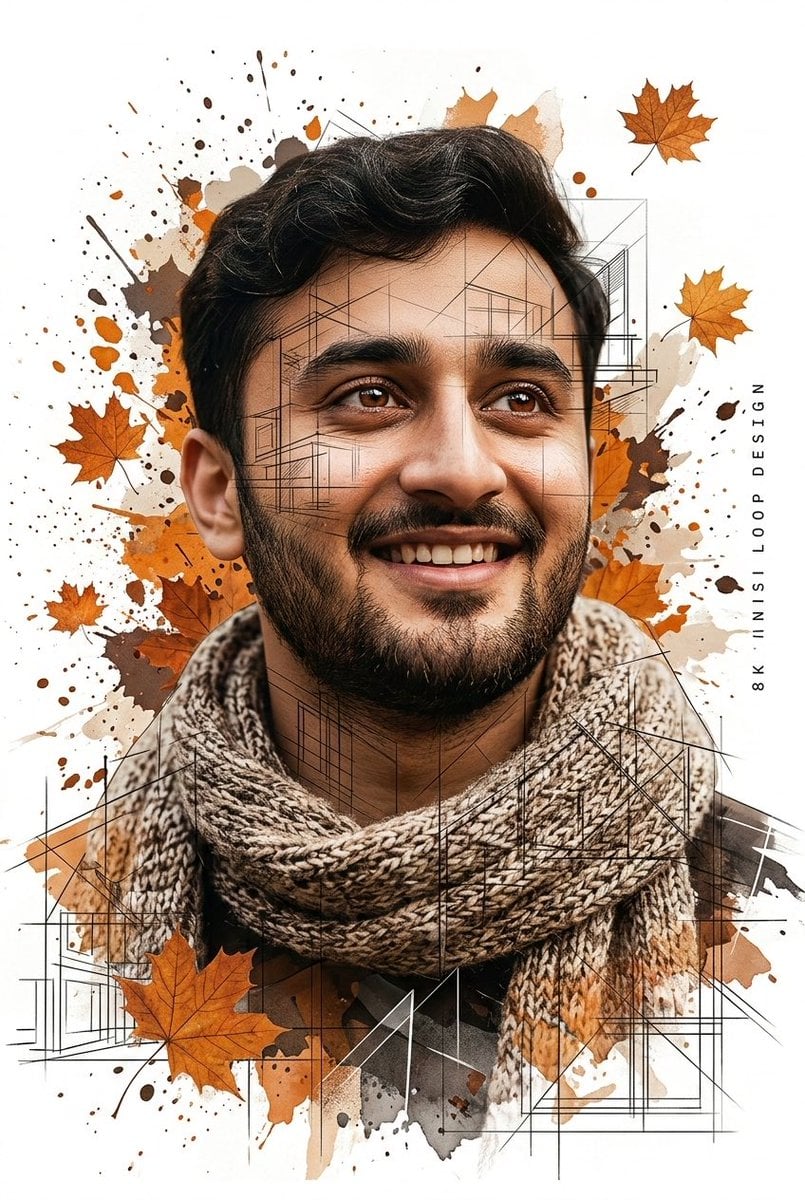
Gentle Autumn Mood Mixed-Media Portrait Poster Prompt
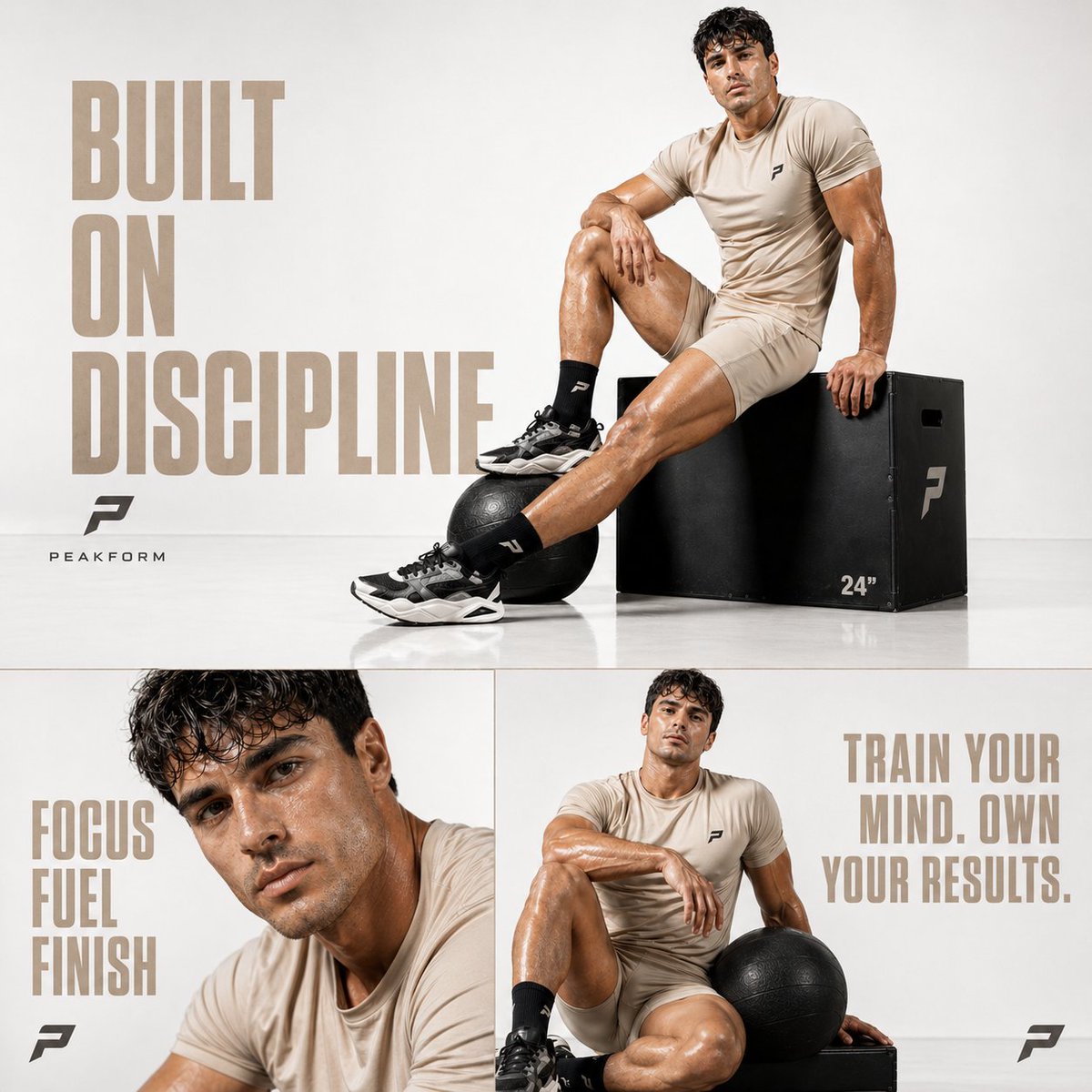
Luxury Fitness Editorial Prompt
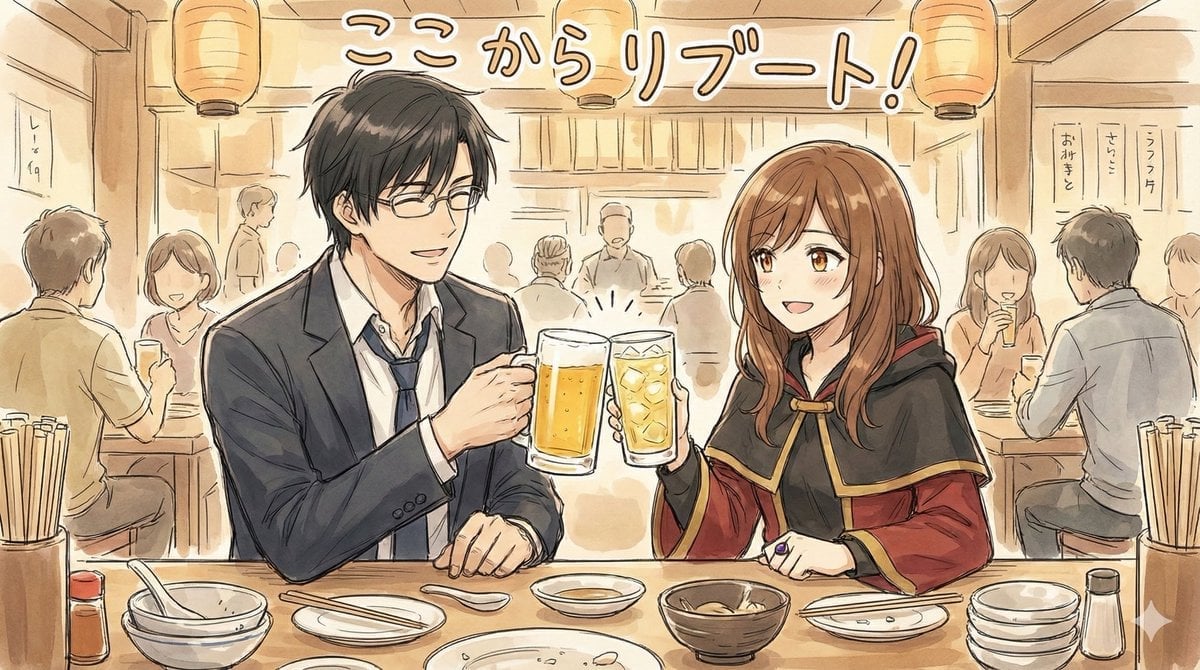
Manga-style Sketch Prompt for Nano Banana Pro
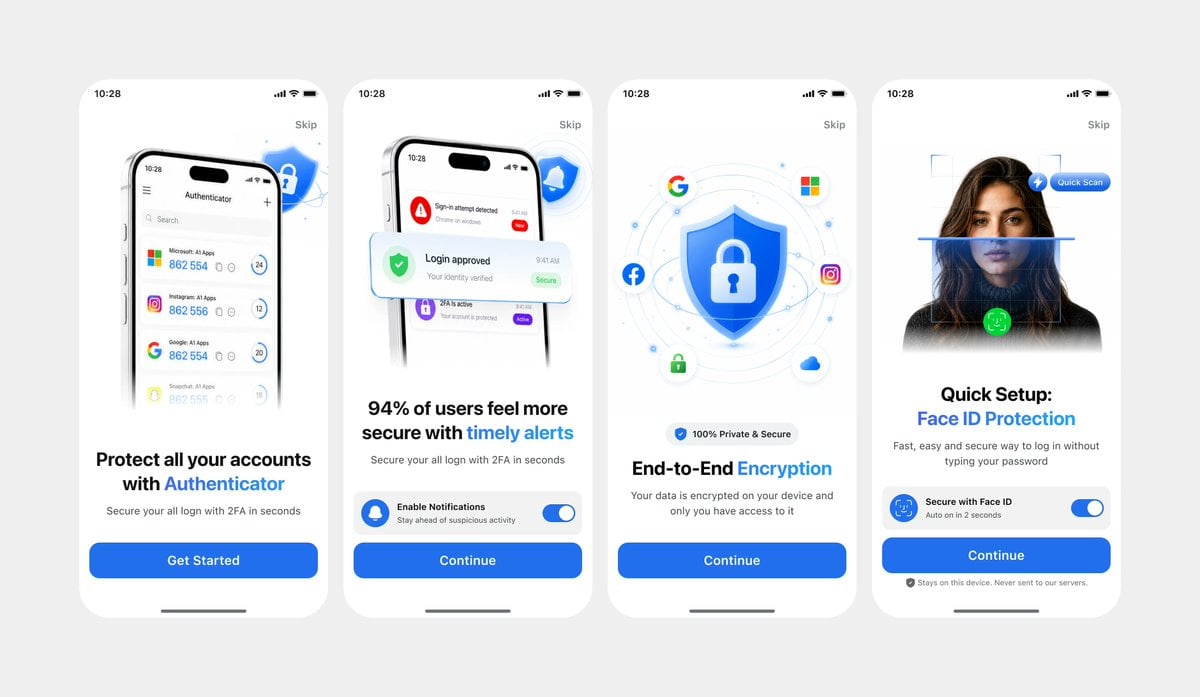
Clean Authenticator Onboarding UI
Browse template categories
Beige Menswear Lookbook Collage questions
How do I use the Beige Menswear Lookbook Collage template?
Add your photo if the template asks for one, edit the prompt if you like — the template's model and format are already selected — and press Generate. Your version opens in PicX Studio.
Can I customize the Beige Menswear Lookbook Collage template?
Yes. You can change the subject, setting, lighting, mood, format, and available model controls before creating your image.
Is the Beige Menswear Lookbook Collage template free?
Opening and editing this template is free. Generating uses credits, shown on the Generate button when you are signed in.
Which AI model should I use?
Start with GPT Image 2, which is the model associated with this template. You can compare another compatible model for a different finish.
Looking for something else? Browse all templates.

Your photo, any look
Thousands of ready templates for every top image and video model, from one credit balance.