
Luxury Indoor Menswear Lookbook
An extensive prompt for high-end menswear editorial photography.
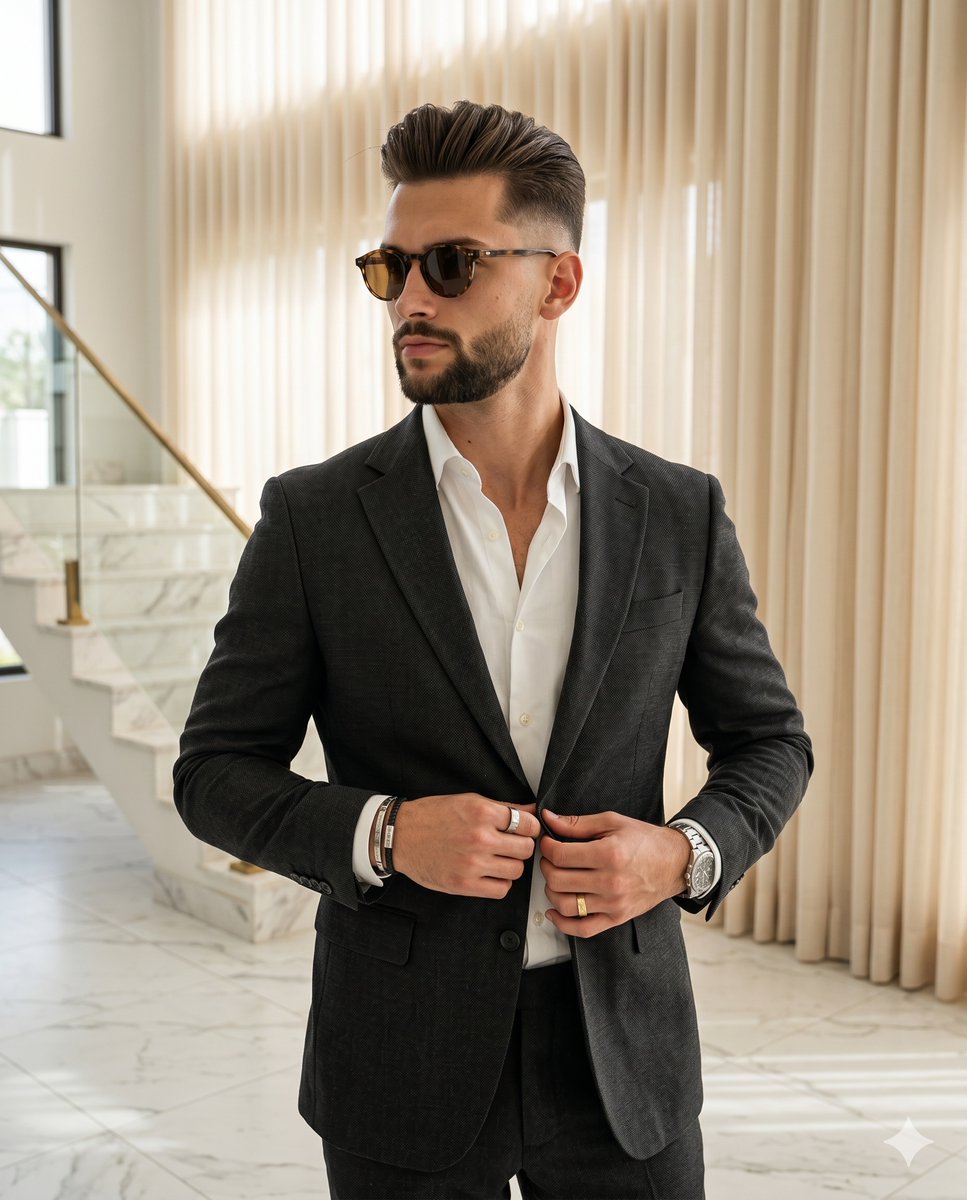
- Prompt included
- Model and format preset
- Premium template
The prompt behind this image
Copy the exact prompt behind Luxury Indoor Menswear Lookbook, or open it in the studio and make it yours.
A confident male in his thirties stands deliberately posed with his body turned at a forty-five-degree angle, centering his weight with level shoulders. His hair features a high taper fade on the sides with a three-to-four-inch swept-back pompadour on top, styled with a matte product that reveals natural texture and subtle flyaways. He wears a {argument name="clothing" default="dark charcoal gray textured suit"} over an unbuttoned crisp white shirt. His expression is sophisticated and composed, with a neutral mouth, no smile, and relaxed eyebrows, while his eyes are concealed behind {argument name="accessory" default="round tortoiseshell sunglasses"} directed toward the left. His left hand, adorned with a silver watch and a gold ring, has fingers slightly curled as it grasps the left lapel of his jacket. His right hand, styled with silver and black bracelets and a silver ring, rests lightly on the right edge of the jacket near the button, creating an asymmetric visual hierarchy that draws the eye down the open collar to his hands and jewelry. He stands within a pristine indoor luxury interior of medium spatial depth, resting on a floor of {argument name="setting" default="solid white marble tile"} accented by gray veining. In the left midground, a prominent staircase built of matching white marble with gray veins features a glass railing and elegant brass trim. Behind him to the right, dominant warm cream sheer drapes hang in pristine condition, their soft vertical pleats creating vertical light and shadow streaks across the matte fabric. A single source of soft, natural window light streams in from ninety degrees to the camera left, establishing a sophisticated and luxurious mood with a warm temperature. This moderately directional light casts soft, gradual, short gray shadows across the right side of his face and body, while pristine preserved highlights illuminate his left cheek, the crisp white shirt collar, and his metallic jewelry. The ambient fill balances the medium contrast, accentuating a neutral but warm color profile heavily dominated by the charcoal gray of his suit, the crisp white of the shirt and stairs, warm cream drapes, and natural skin tones. Captured in the style of a high-end editorial menswear lookbook and luxury lifestyle photography using an 85mm lens set to f/2.8 at 1/200s and ISO 100, the realistic digital image boasts tack-sharp focus on the subject with a slightly soft background depth of field, finished with a subtle warm color grade, refined contrast enhancement, and localized sharpening on his face and jewelry to ensure a clean aesthetic, all perfectly framed in a 4:5 aspect ratio.
How to use Luxury Indoor Menswear Lookbook in 3 steps
- 1
Open
The prompt is already in the box next to the preview, with the template's model and format selected.
- 2…a portrait of your subject in softgolden-hour light, 85mm…
Personalize
Edit the subject and creative details for your destination.
- 3Generate
Generate
Press Generate — your image is created in PicX Studio, so you can compare it with the original and refine one variable at a time.
More like this
Templates with the same subject, style or setup. Open one to see its prompt.
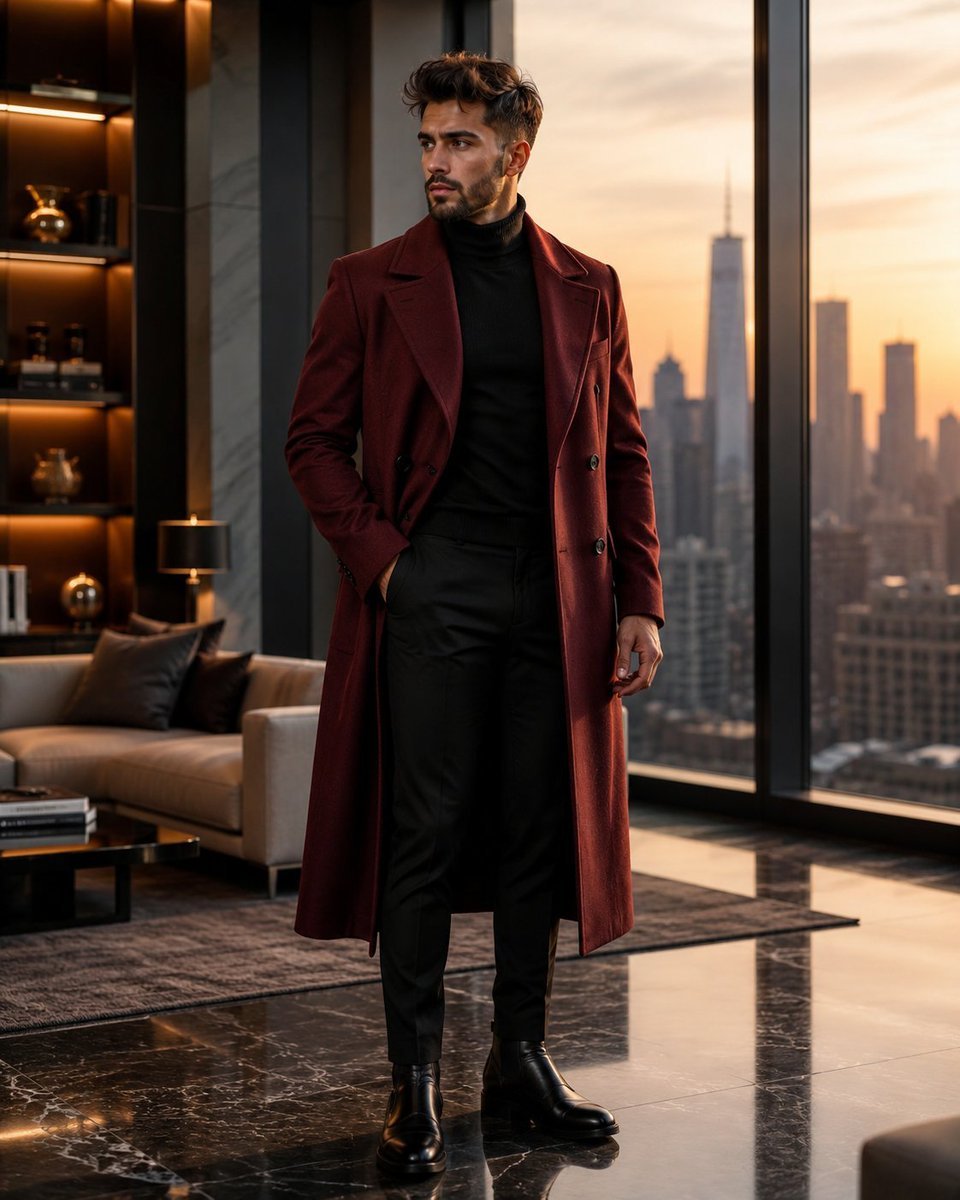
Luxury Penthouse Menswear Editorial
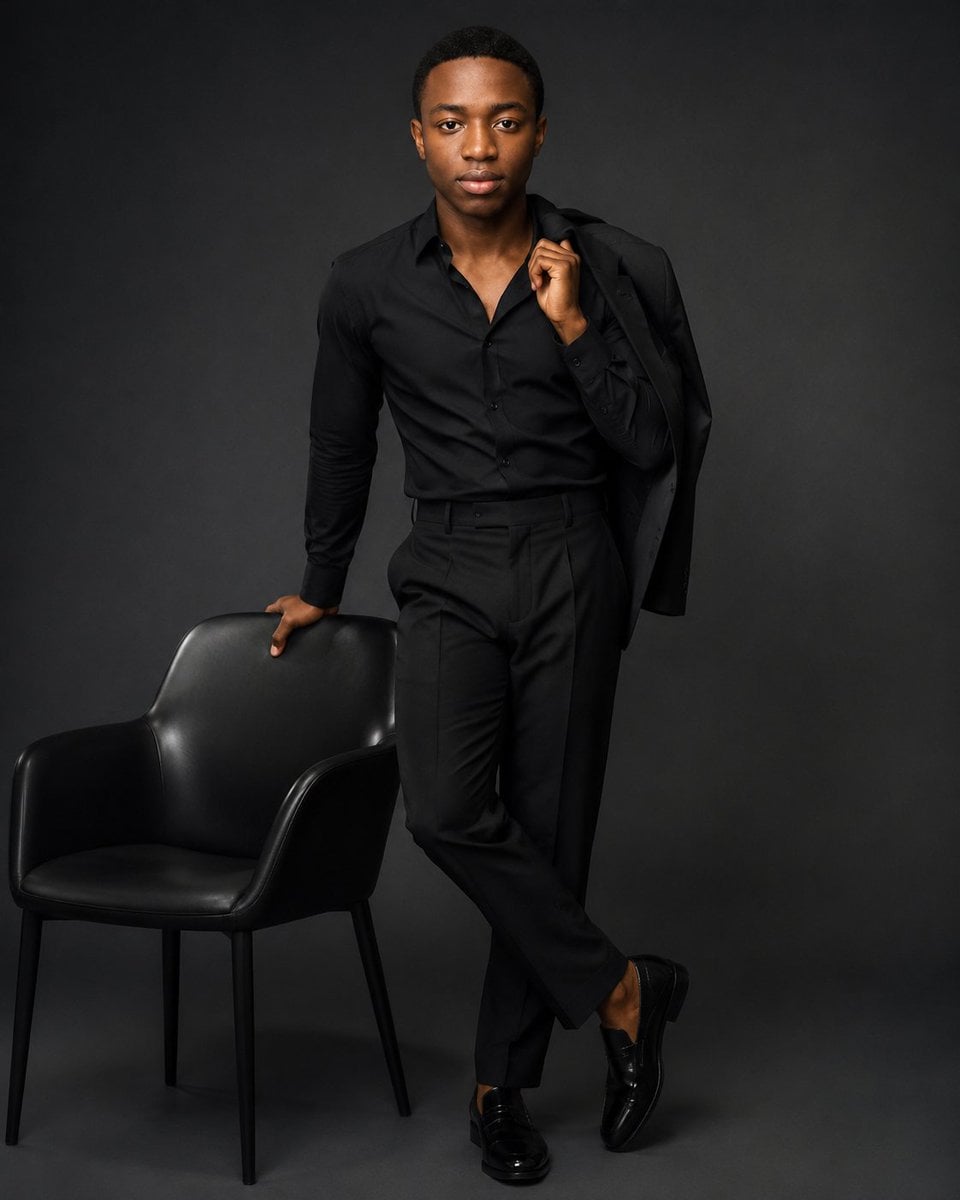
Luxury Black Menswear Portrait
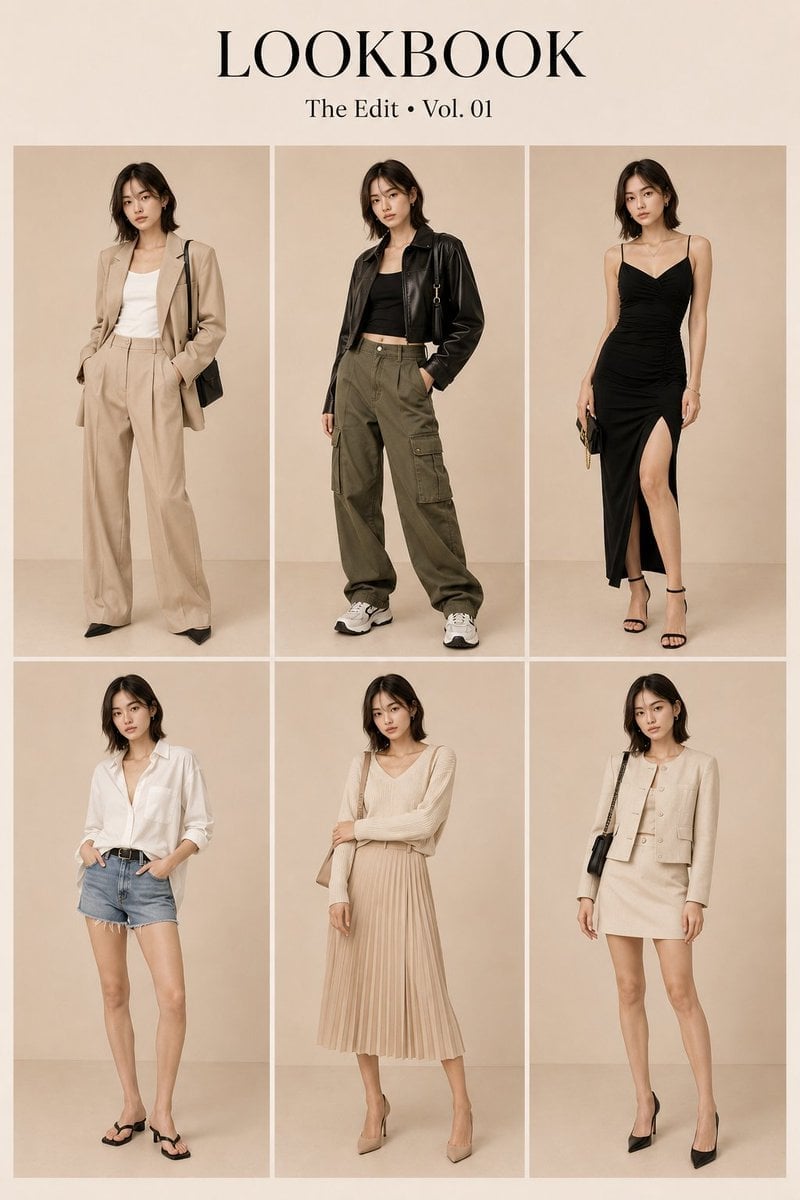
Korean Luxury Fashion Lookbook Grid
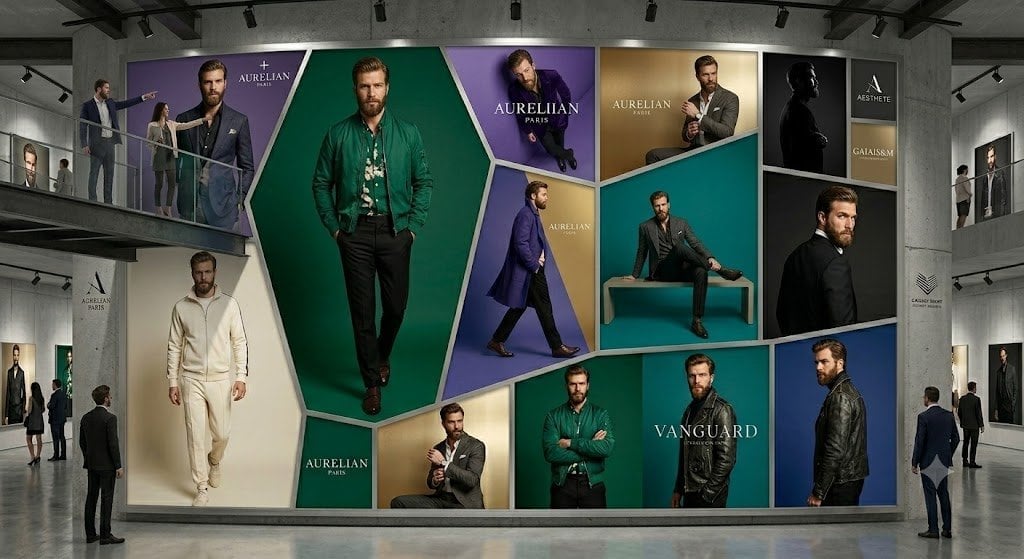
Luxury Menswear Gallery Collage
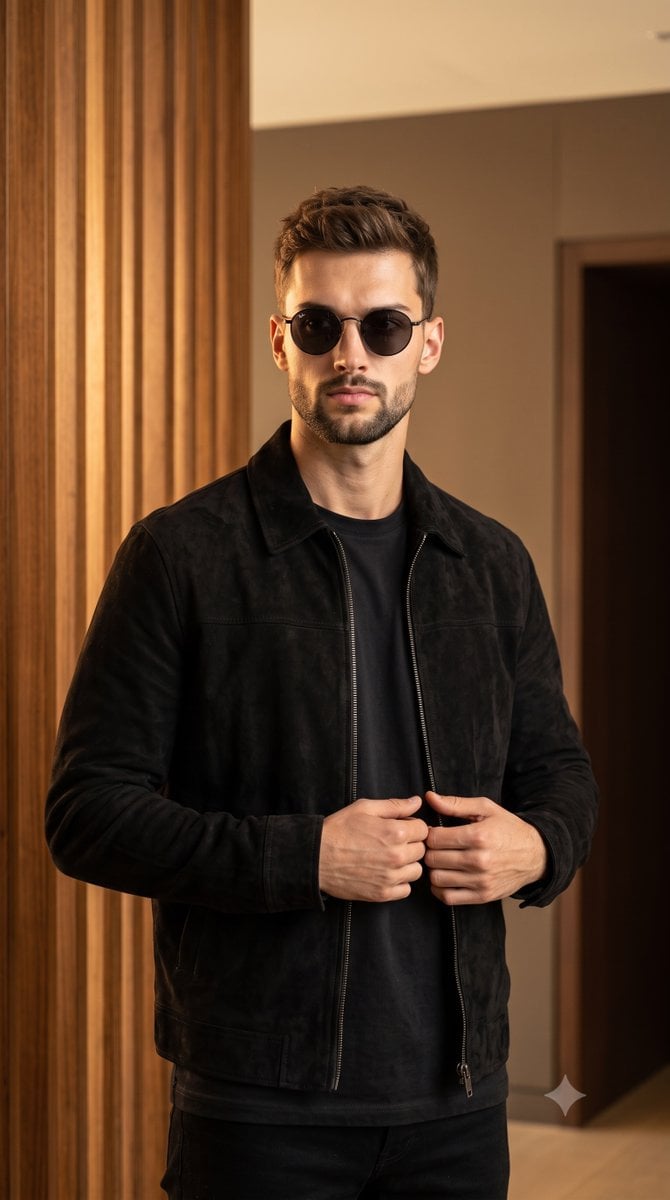
Luxury Menswear Suede Jacket Editorial

Sealing Wax Letter Desk

Ballroom Floor Reflections

Vintage Camera Leather Case

Hedge Maze Aerial Dawn

Tuxedo Cuff Adjust

Cathedral Choir Loft

Pearl Necklace Vanity
Make it yours
Luxury Indoor Menswear Lookbook works as-is. These are the safest ways to change it without losing the look.
Change one field
Copy a single group, rewrite it, and generate again so you can see what that field is doing.
Keep the frame, change the subject
Hold the composition and light of Luxury Indoor Menswear Lookbook, then swap wardrobe, props or the person for a new take.
| If the result… | Why | Fix |
|---|---|---|
| The result drifts from the preview | Too many fields changed at once. | Reuse Luxury Indoor Menswear Lookbook as-is first, then change one group — subject, light, or setting. |
| The model over-stylizes the scene | The prose prompt leaves finish and camera underspecified. | Add one camera or lighting sentence and stay on Nano Banana 2. |
More Nano Banana 2 templates
Other prompts made for Nano Banana 2.

Photorealistic Leaf Shaped Like a Dragon

K-Pop Idol Portrait Grid for Rapid Selection

Poetic Rain Forest Portrait During Golden Hour

Urban Street Portrait with Cartoon Inner Self Duo

Candid Nighttime Photo with Cat Prompt

High-Concept 3D Diorama Generation Prompt

Cinematic Futuristic Studio Portrait Template

Skincare Editorial Photography Collage Prompt

Hyper-Realistic Commercial Product Photography (Splash Effect)

Hyper-Realistic Nightclub Portrait Prompt
More image prompts
Fresh picks from across the catalog.
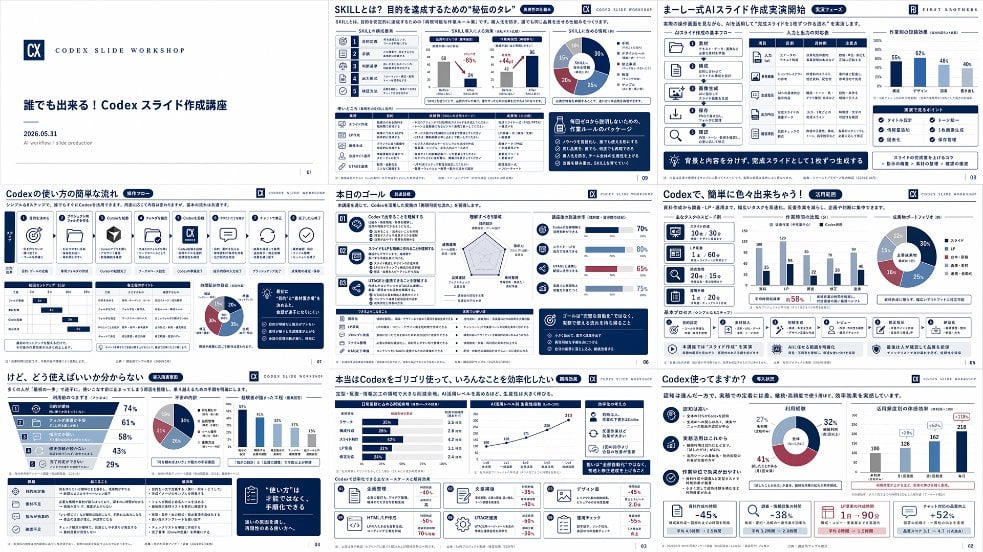
Japanese Codex Workshop Slide Deck Grid
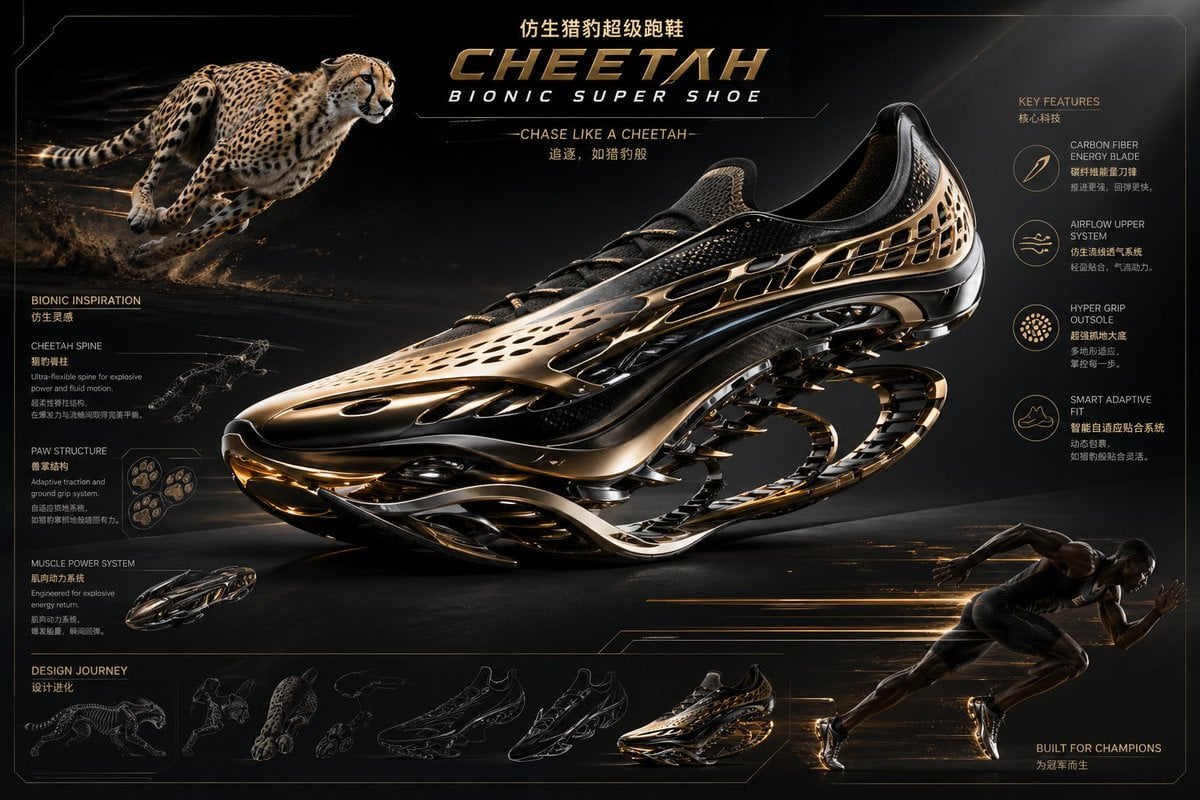
Futuristic Bionic Super Shoe
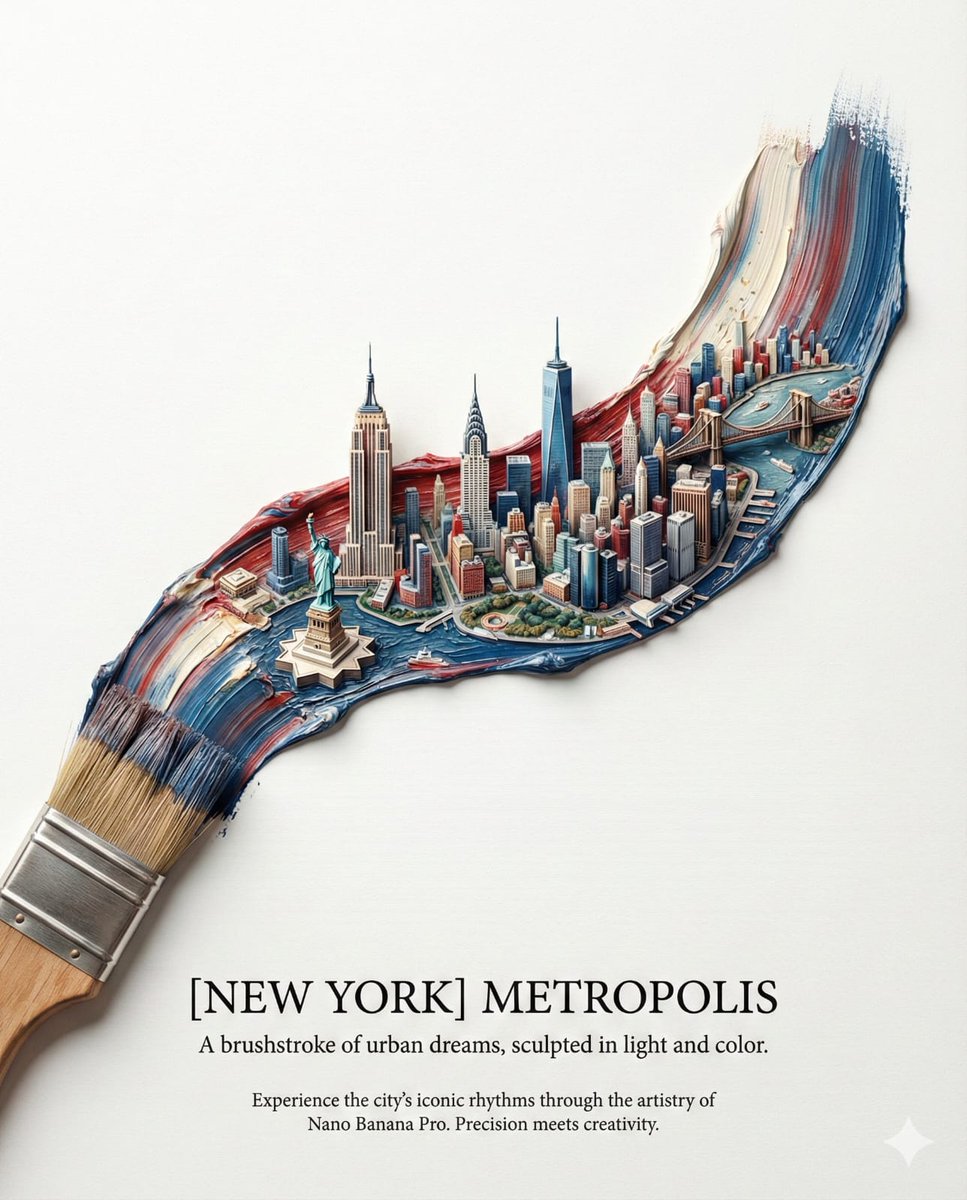
Ultra-Realistic Promotional Image Prompt
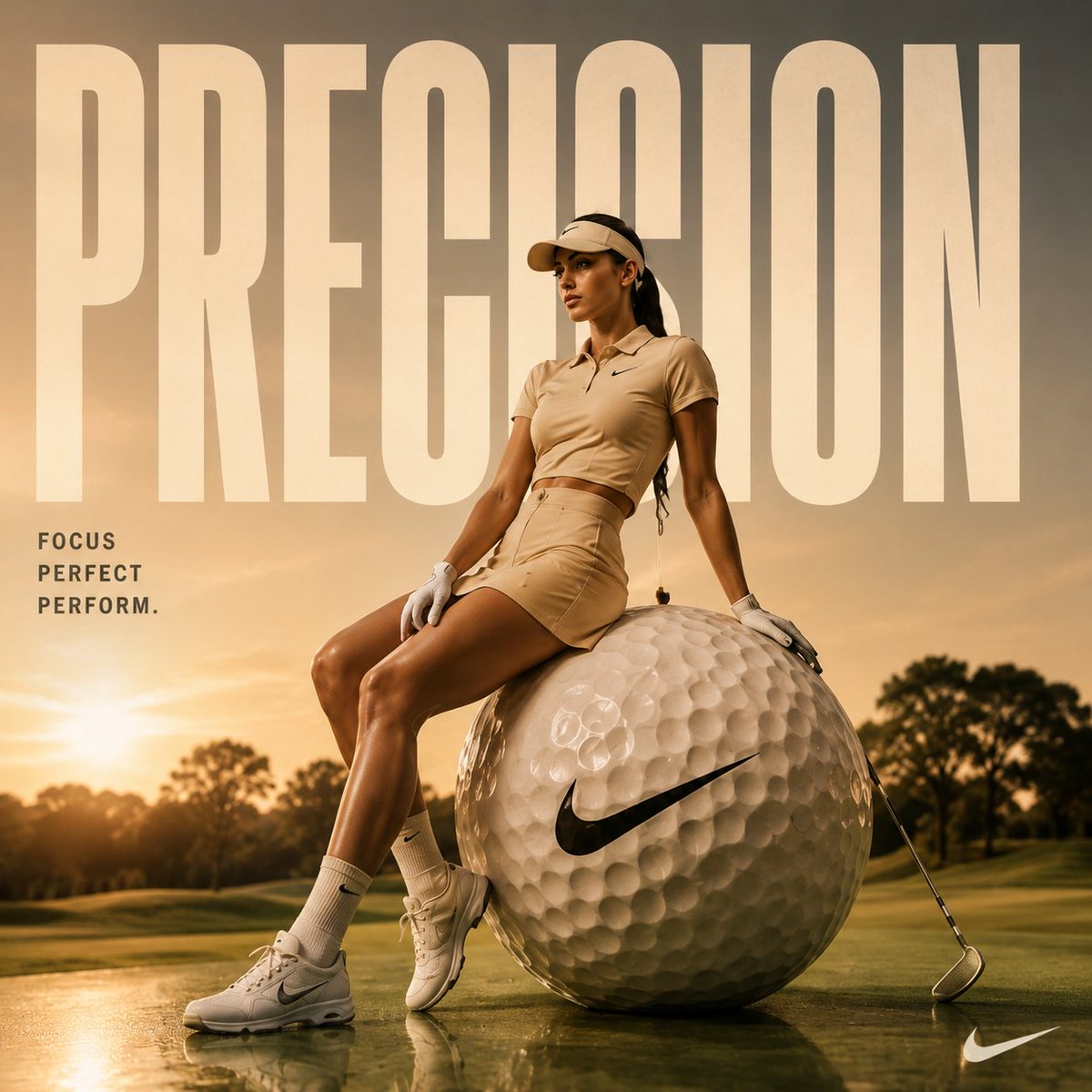
Luxury Golf Fashion Editorial Campaign
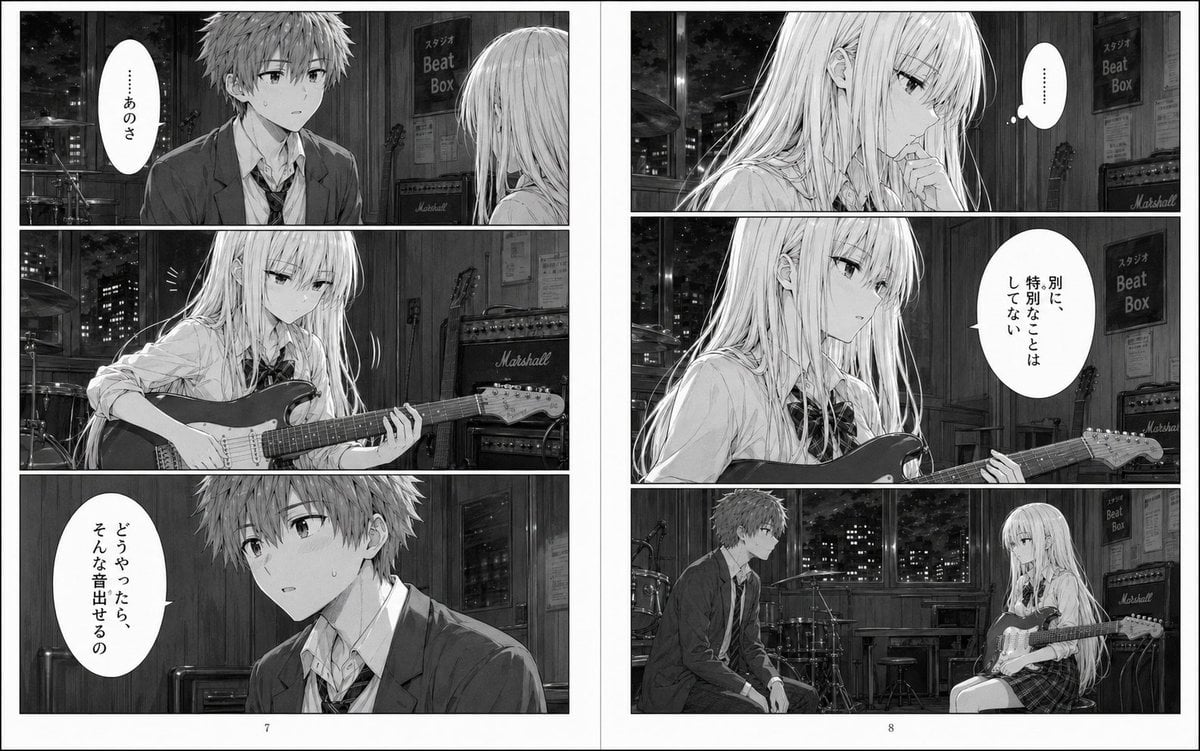
Night Studio Manga Two-Page Spread
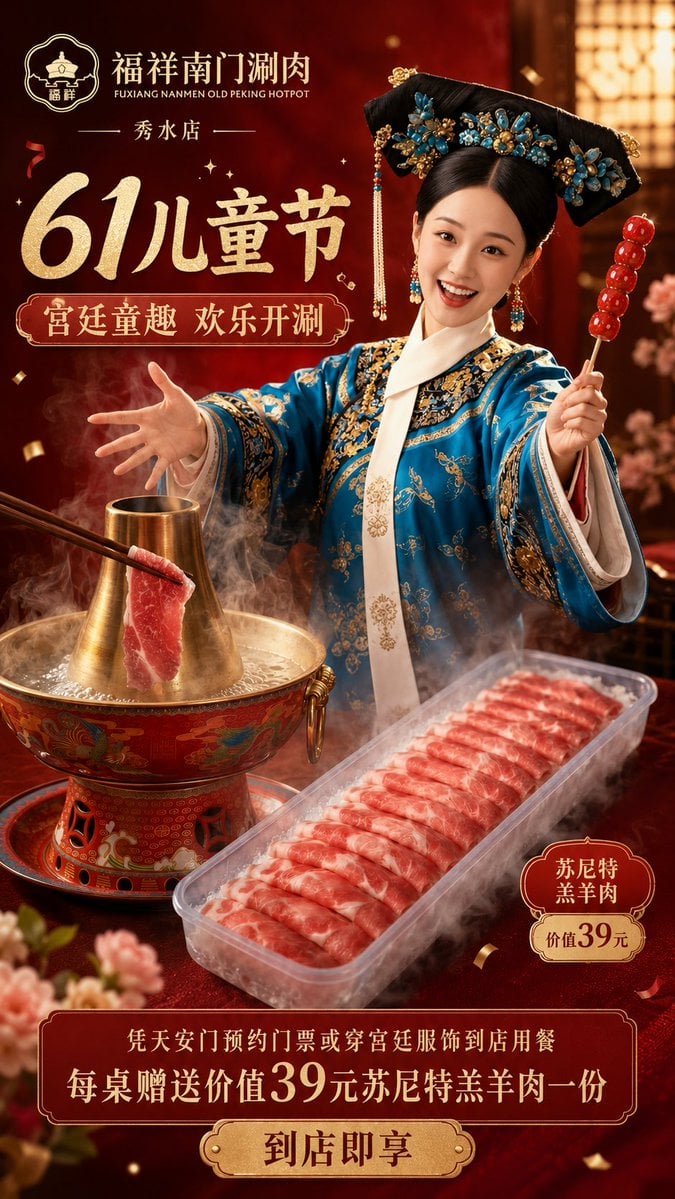
Chinese Hotpot Children’s Day Poster
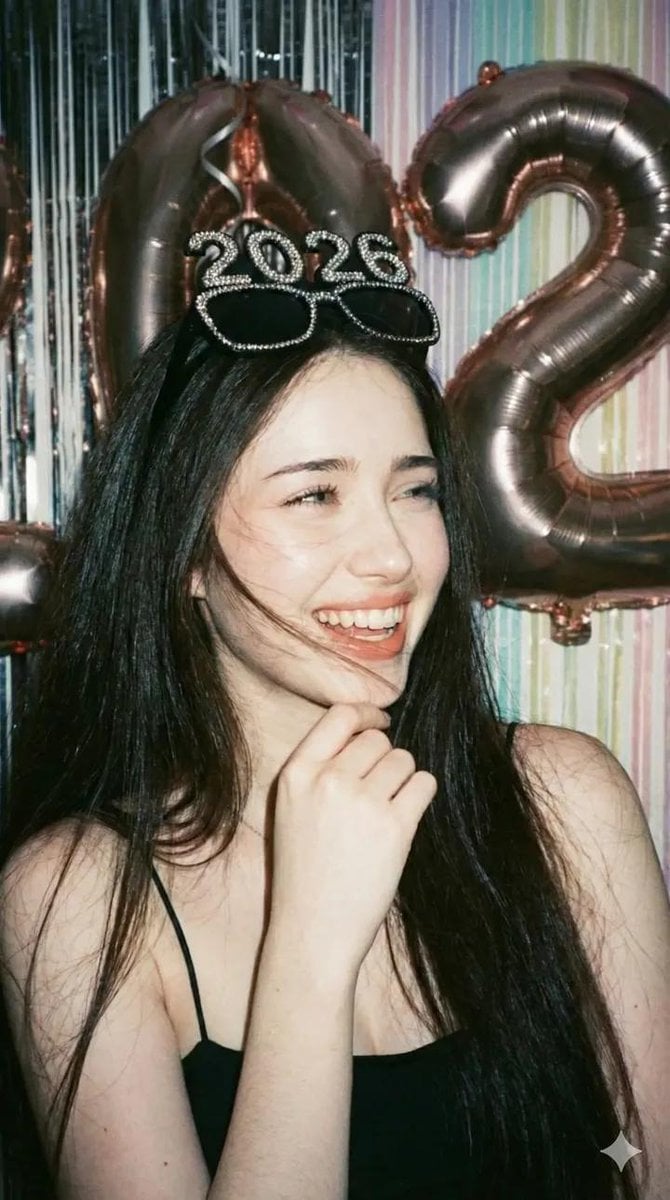
Disposable Camera Party Portrait Prompt
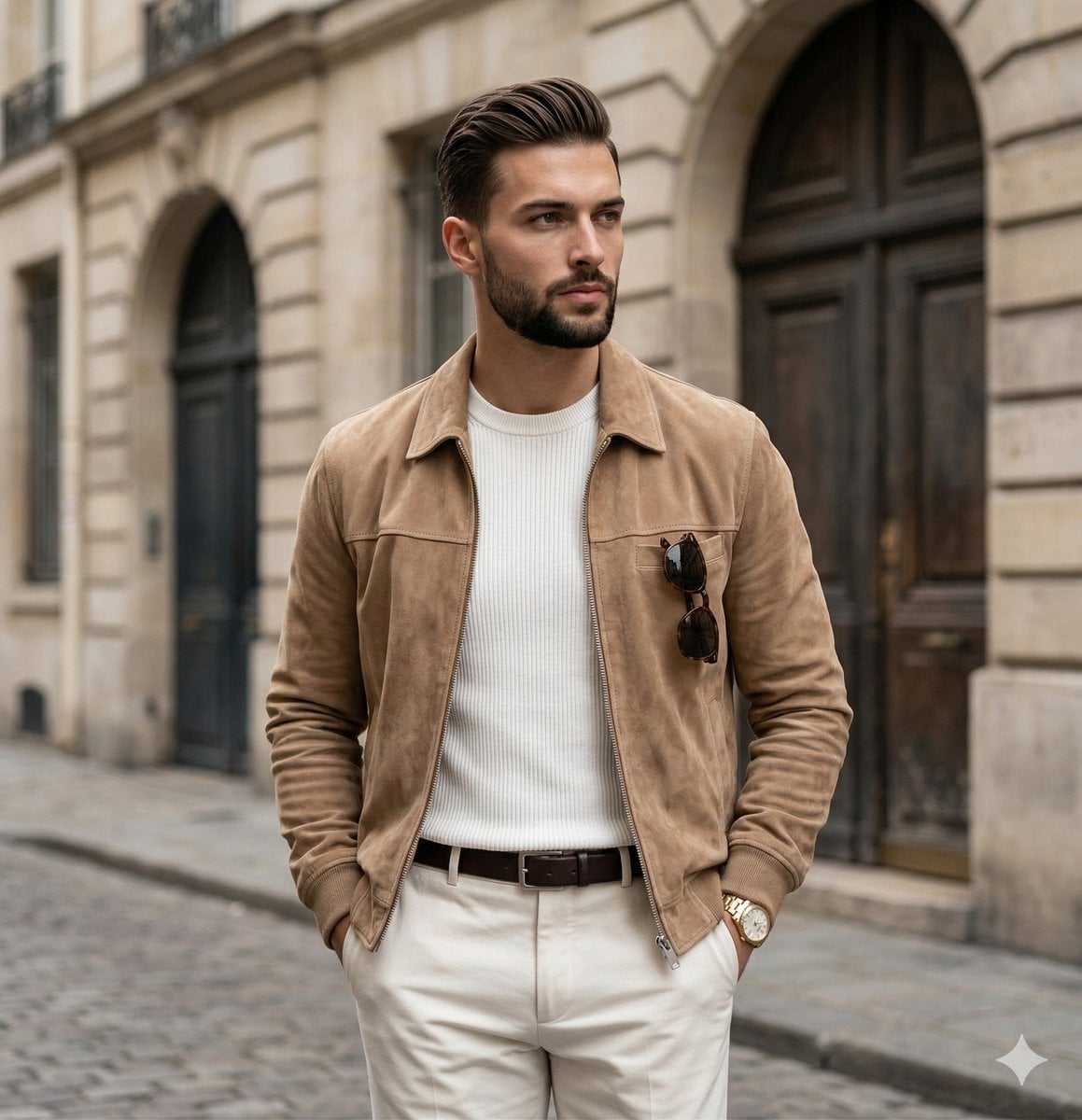
Quiet Luxury Editorial Portrait Prompt
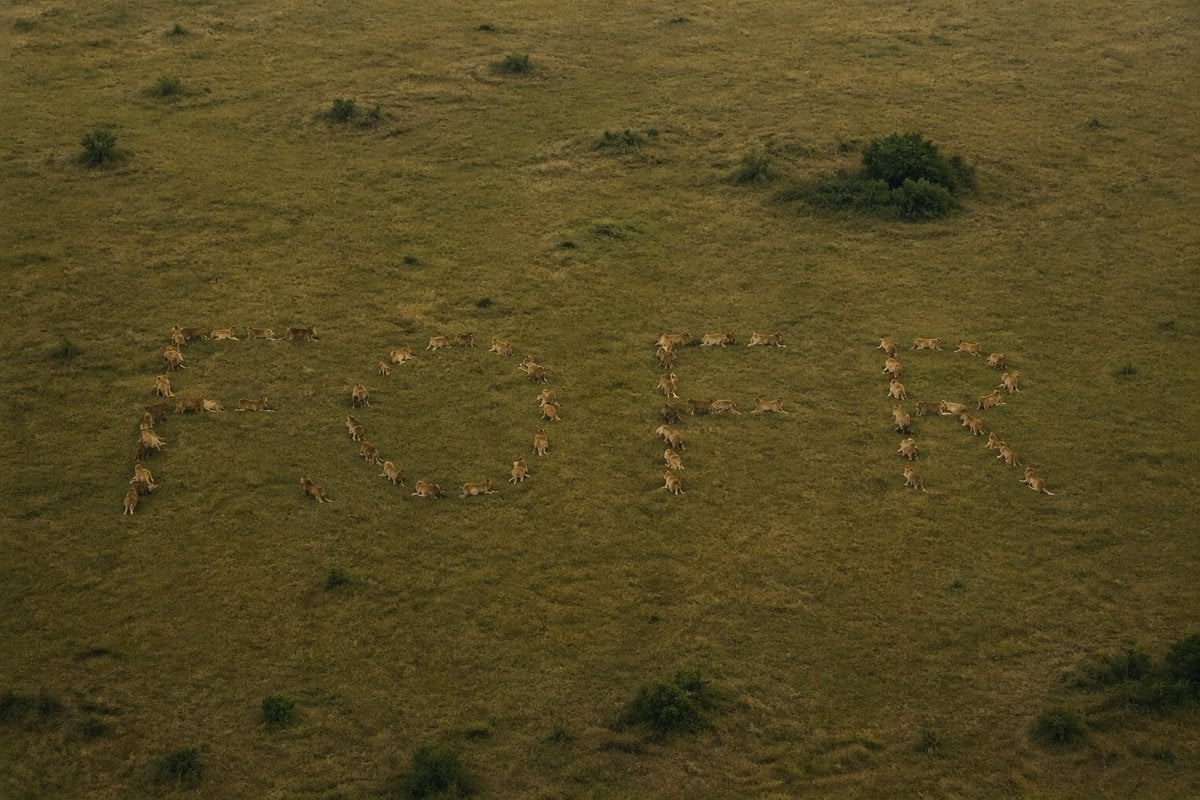
Hidden Word Optical Illusion Prompt
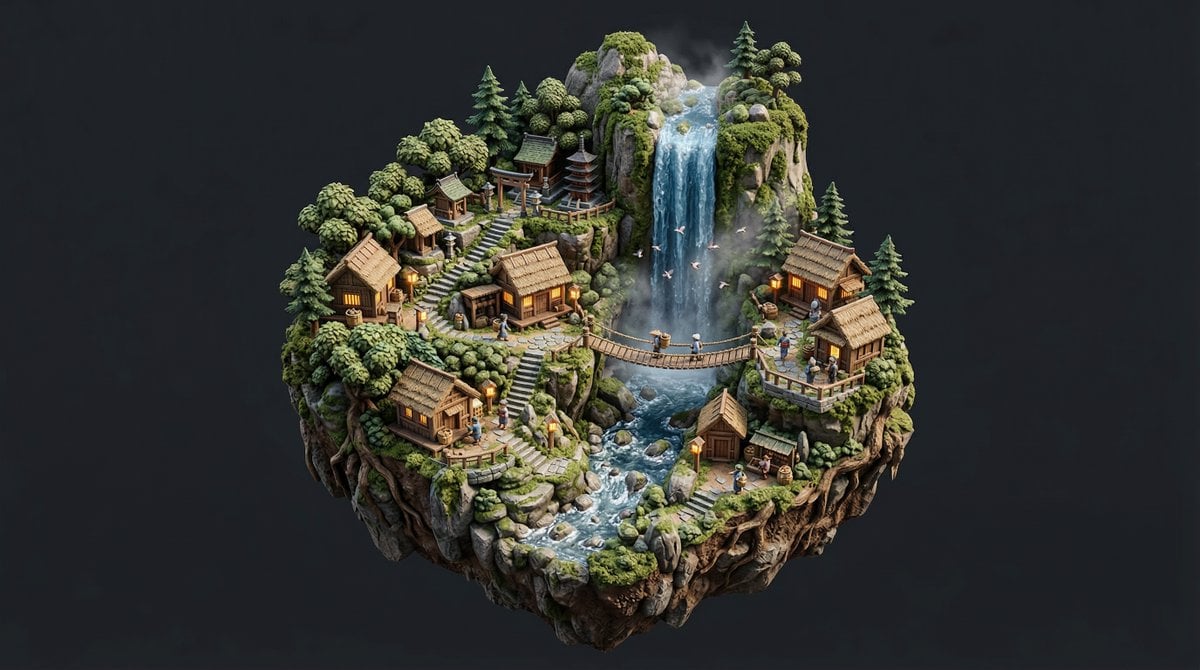
Stylized Miniature Diorama of Forest Waterfall Village
Browse template categories
Luxury Indoor Menswear Lookbook questions
How do I use the Luxury Indoor Menswear Lookbook template?
Add your photo if the template asks for one, edit the prompt if you like — the template's model and format are already selected — and press Generate. Your version opens in PicX Studio.
Can I customize the Luxury Indoor Menswear Lookbook template?
Yes. You can change the subject, setting, lighting, mood, format, and available model controls before creating your image.
Is the Luxury Indoor Menswear Lookbook template free?
Opening and editing this template is free. Generating uses credits, shown on the Generate button when you are signed in.
Which AI model should I use?
Start with Nano Banana 2, which is the model associated with this template. You can compare another compatible model for a different finish.
Looking for something else? Browse all templates.

Your photo, any look
Thousands of ready templates for every top image and video model, from one credit balance.