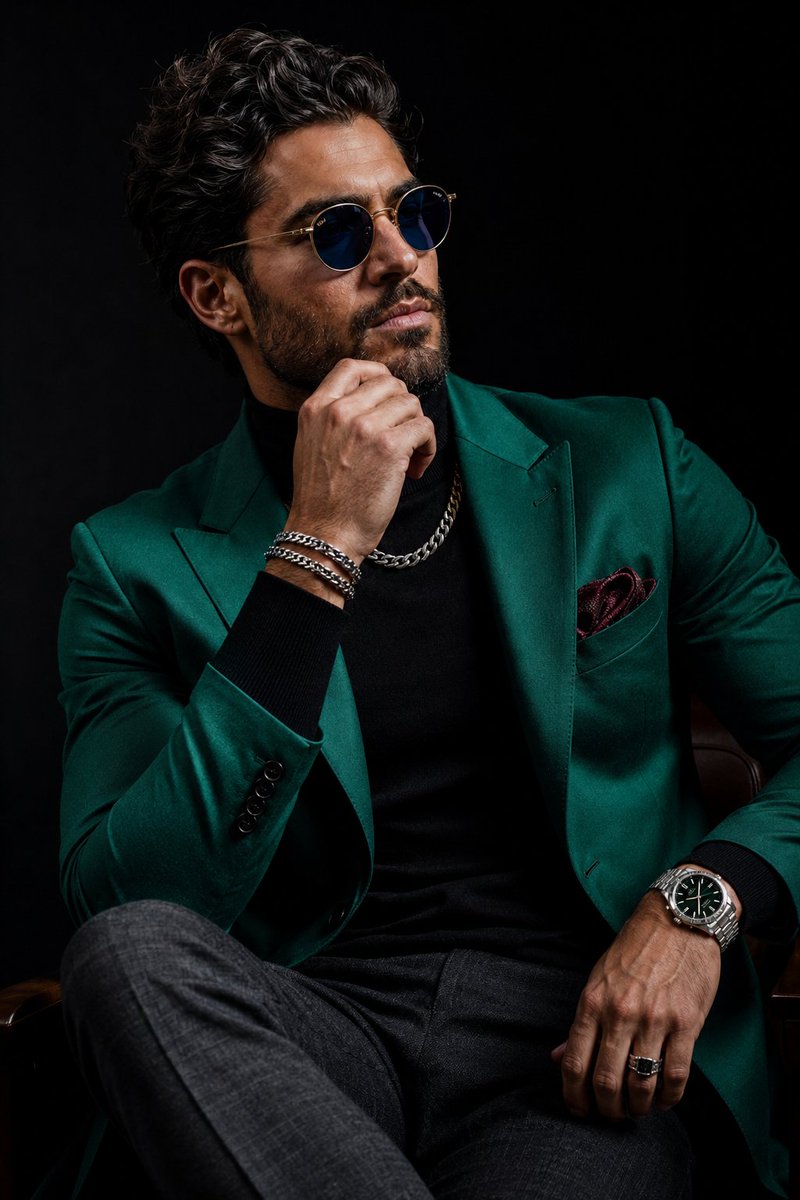
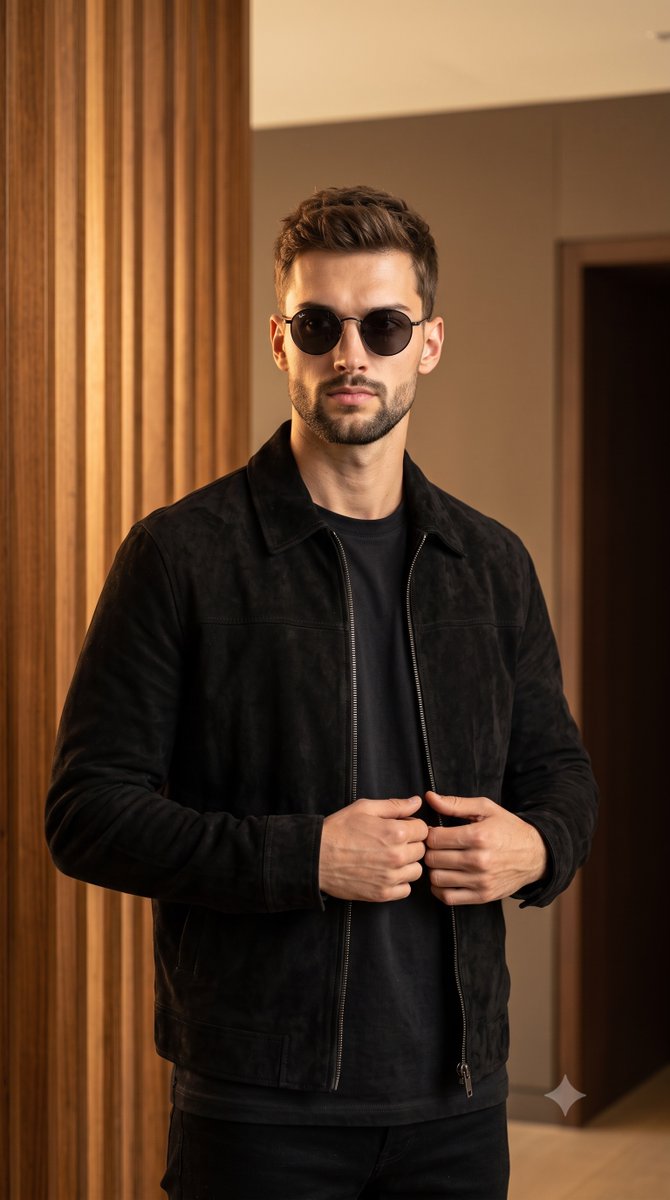
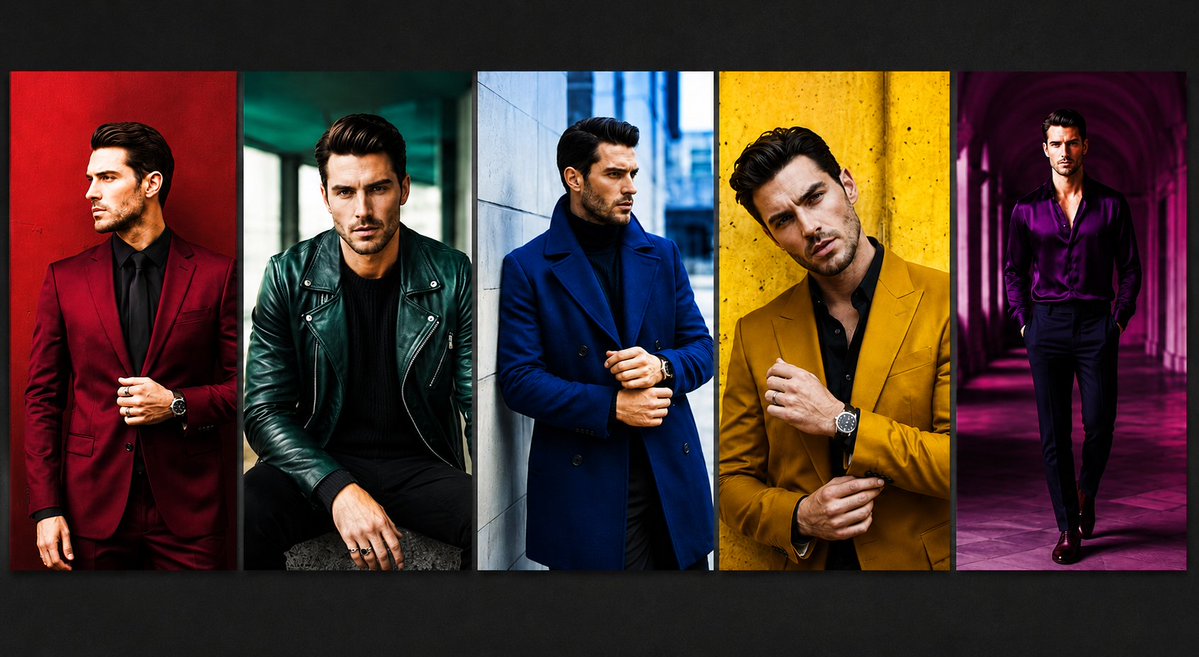
How do I use the Luxury Black Menswear Portrait template?
Choose the primary action to open PicX Studio with the available template settings. Review the model and format, personalize the creative direction, and generate when ready.
Generates a full-body luxury editorial studio portrait of a stylish man in all-black formalwear with a leather chair prop.
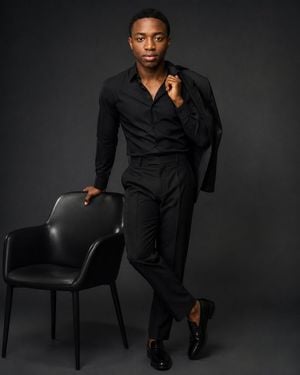
Create an ultra-luxury editorial fashion portrait of {argument name="subject description" default="a young Black man with short close-cropped hair, smooth medium-brown skin, symmetrical features, and a calm confident expression"} in a dark high-fashion studio. Full-body vertical composition, subject centered slightly to the right, looking directly into the camera with a poised, self-assured gaze. He wears an all-black tailored outfit: fitted open-collar dress shirt, high-waisted pleated trousers, polished black loafers, and a black suit jacket draped over his right shoulder while his right hand holds the lapel near his collarbone. His left hand rests casually on the back of a single black leather lounge chair positioned on the lower left side of the frame. Pose him standing with one leg crossed elegantly in front of the other, relaxed but powerful editorial stance. Use a seamless charcoal-gray to black studio backdrop with subtle vignette, soft floor shadow, and refined low-key lighting: large soft key light from front-left, gentle fill to preserve facial detail, controlled highlights on the chair leather and shoes, rich blacks with visible fabric texture. Style should feel like a premium fashion magazine cover or luxury menswear campaign, minimalist, expensive, cinematic, sharp focus, realistic skin texture, clean grooming, no jewelry, no visible logos, no text, no watermark. Use a vertical 4:5 aspect ratio, full-body framing with the chair fully visible, sophisticated monochrome palette, elegant contrast, professional studio photography quality.
Choose the primary action to open PicX Studio with the available template settings. Review the model and format, personalize the creative direction, and generate when ready.
Yes. You can change the subject, setting, lighting, mood, format, and available model controls before creating your image.
This template is free to open and customize. Generation usage is shown in PicX Studio before you create.
Start with GPT Image 2, which is the model associated with this template. You can compare another compatible model for a different finish.
Follow a topic to a crawlable collection of related PicX Studio templates.