
Luxury Menswear Gallery Collage
A photorealistic prompt for generating a modern gallery interior dominated by a monumental geometric luxury menswear advertising wall.
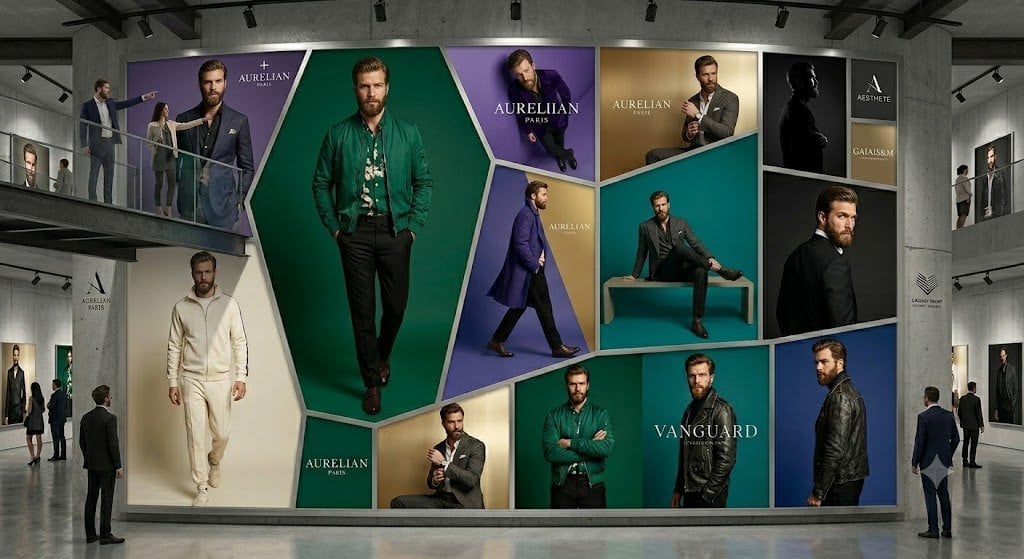
- Prompt included
- Model and format preset
- Premium template
The prompt behind this image
Copy the exact prompt behind Luxury Menswear Gallery Collage, or open it in the studio and make it yours.
Goal: Create a photorealistic high-end fashion exhibition interior showing an enormous wall-sized luxury menswear advertising collage inside a concrete gallery. Canvas: Wide cinematic 16:9 image, eye-level perspective, realistic lighting, polished concrete floor with subtle reflections, industrial ceiling beams and black track lights. Layout: A spacious modern gallery with a large central feature wall occupying most of the frame. Add upper mezzanine walkways on the left and right with glass railings, plus visitors standing and observing. The central wall is a geometric mosaic of exactly 13 fashion-ad panels separated by thick white beveled borders: 1) top-left large purple panel with a suited male model and the brand text “AURELIAN PARIS”; 2) center dominant tall emerald-green hexagonal panel with a full-body male model in a green jacket; 3) top-center purple panel with a seated male model and “AURELIAN PARIS”; 4) upper gold panel with a seated man adjusting his cuff and “AURELIAN PARIS”; 5) middle teal panel with a male model sitting on a rectangular bench; 6) upper-right black silhouette portrait panel; 7) far upper-right stacked brand panel with two small blocks, one reading “AESTHETE” and one reading “GALAISM”; 8) left lower cream panel with a man in an ivory tracksuit walking forward; 9) small lower green brand block reading “AURELIAN PARIS”; 10) lower gold panel with a man in a gray suit; 11) lower emerald panel with a man in a green jacket standing arms crossed; 12) lower teal/black panel with the large word “VANGUARD”; 13) far-right vertical blue panel with a side-profile man in a black leather jacket. Subject details: The advertising models are adult men in upscale menswear: suits, blazers, leather jackets, knitwear, dress shoes, and one ivory athleisure outfit. Faces should be intentionally soft-blurred or featureless, while clothing and posture remain sharp. Use the main brand name {argument name="brand name" default="AURELIAN PARIS"} prominently in several panels, with a secondary headline {argument name="collection name" default="VANGUARD"} on the lower-right panel. Keep the palette elegant and editorial: emerald green, deep purple, teal, gold, cream, black, and white. Gallery environment: Include exactly 9 visible visitors: two people on the left mezzanine, two people on the right mezzanine, one man standing near the left foreground looking at the wall, two small visitors near the left wall, and two men near the right foreground. Add smaller framed fashion posters on the side walls and minimalist brand placards on the concrete columns. Visual style: Ultra-realistic commercial architecture visualization mixed with luxury fashion campaign photography, crisp details, soft museum lighting, premium editorial mood, no cartoon styling. Constraints: Do not add extra readable text beyond the indicated luxury brand labels. Keep the 13-panel mosaic clear and symmetrical enough to read as a single monumental fashion installation. No watermark, no captions, no UI elements.
How to use Luxury Menswear Gallery Collage in 3 steps
- 1Upload ImagePNG, JPG or paste
Add your photo
Upload the photo the template builds on. The prompt, model and format are already set.
- 2…a portrait of your subject in softgolden-hour light, 85mm…
Personalize
Edit the subject and creative details for your destination.
- 3Generate
Generate
Press Generate — your image is created in PicX Studio, so you can compare it with the original and refine one variable at a time.
More like this
Templates with the same subject, style or setup. Open one to see its prompt.
Oil Portrait Gallery Hall
Luxury Menswear Fashion Collage
Luxury Penthouse Menswear Editorial
Luxury Black Menswear Portrait
Anonymous Menswear Editorial Collage
Luxury Men's Golden Hour Collage
Luxury Indoor Menswear Lookbook
Luxury Menswear Suede Jacket Editorial
Paper Cut Finale Fireworks
Paper Cut Garden Maze
Paper Cut Rooftop Concert

Paper Cut Bicycle Coast
Make it yours
Luxury Menswear Gallery Collage works as-is. These are the safest ways to change it without losing the look.
Change one field
Copy a single group, rewrite it, and generate again so you can see what that field is doing.
Keep the frame, change the subject
Hold the composition and light of Luxury Menswear Gallery Collage, then swap wardrobe, props or the person for a new take.
| If the result… | Why | Fix |
|---|---|---|
| The result drifts from the preview | Too many fields changed at once. | Reuse Luxury Menswear Gallery Collage as-is first, then change one group — subject, light, or setting. |
| The model over-stylizes the scene | The prose prompt leaves finish and camera underspecified. | Add one camera or lighting sentence and stay on GPT Image 2. |
More GPT Image 2 templates
Other prompts made for GPT Image 2.

Six VTuber Japanese Logo Sheet

Realistic Portrait of Woman and Deer

The Vista Modular Condo Poster

AI Model Routing Comparison Infographic

2.5D Anime Art Board

Isometric Productivity Desk Scene

New York Double Exposure Poster

Four-Panel AI Landscape Comparison

Japanese Tatami Lifestyle Magazine Cover

NESCAFÉ Coffee Map Poster
More image prompts
Fresh picks from across the catalog.
Anime Split-Screen Sword Confrontation
Shanghai Alley Candid Street Photography
Gyaru Style Instruction Manual Edit
3D Paper Quilling Art: Samurai Warrior
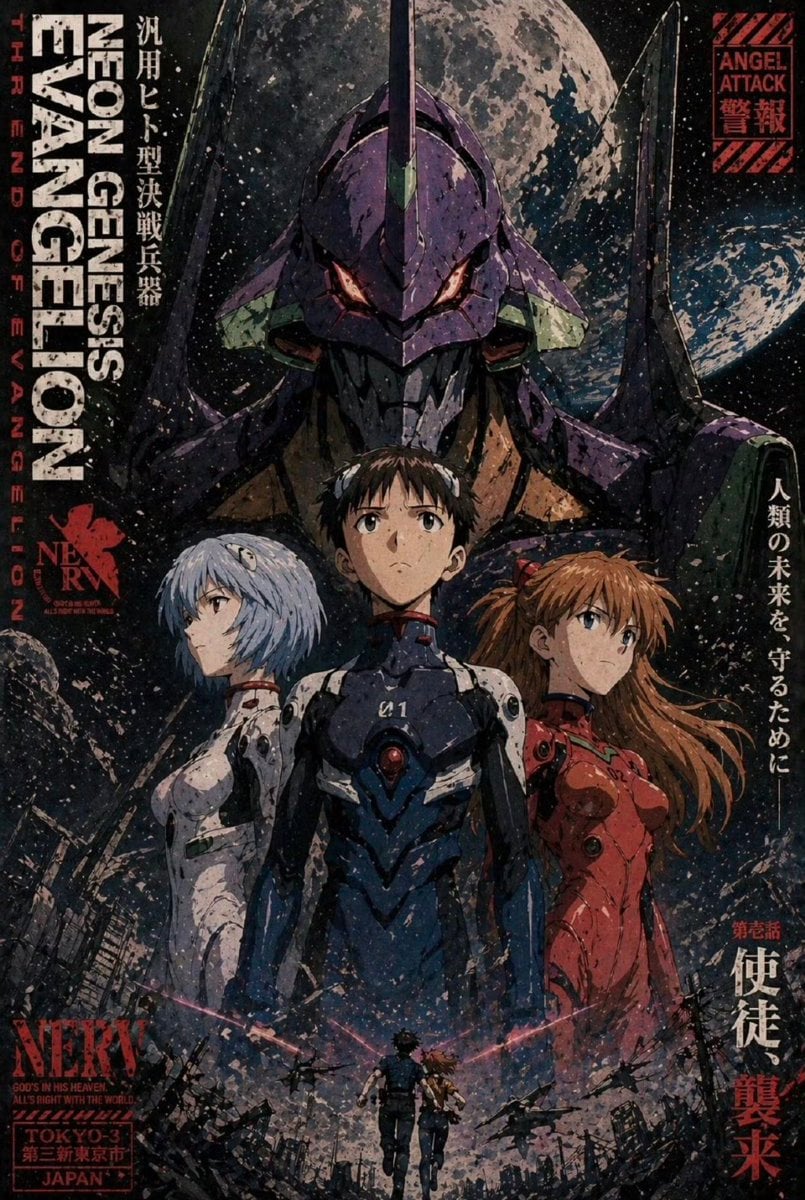
Gritty Evangelion Poster
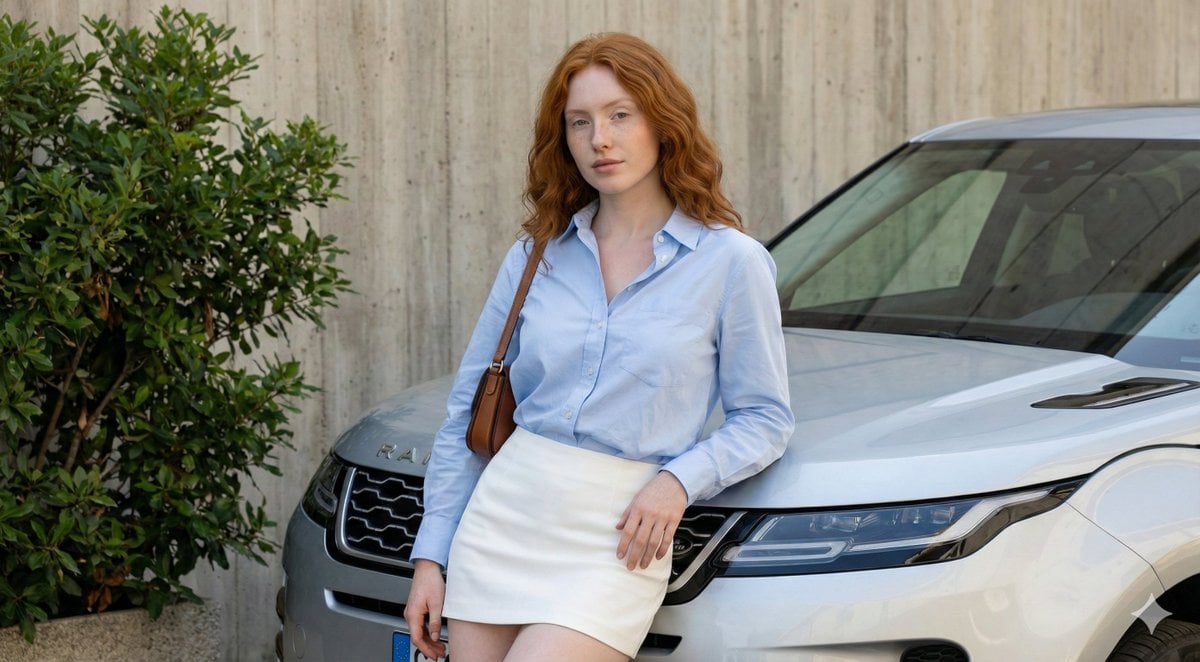
Urban Fashion Portrait with Range Rover Prompt
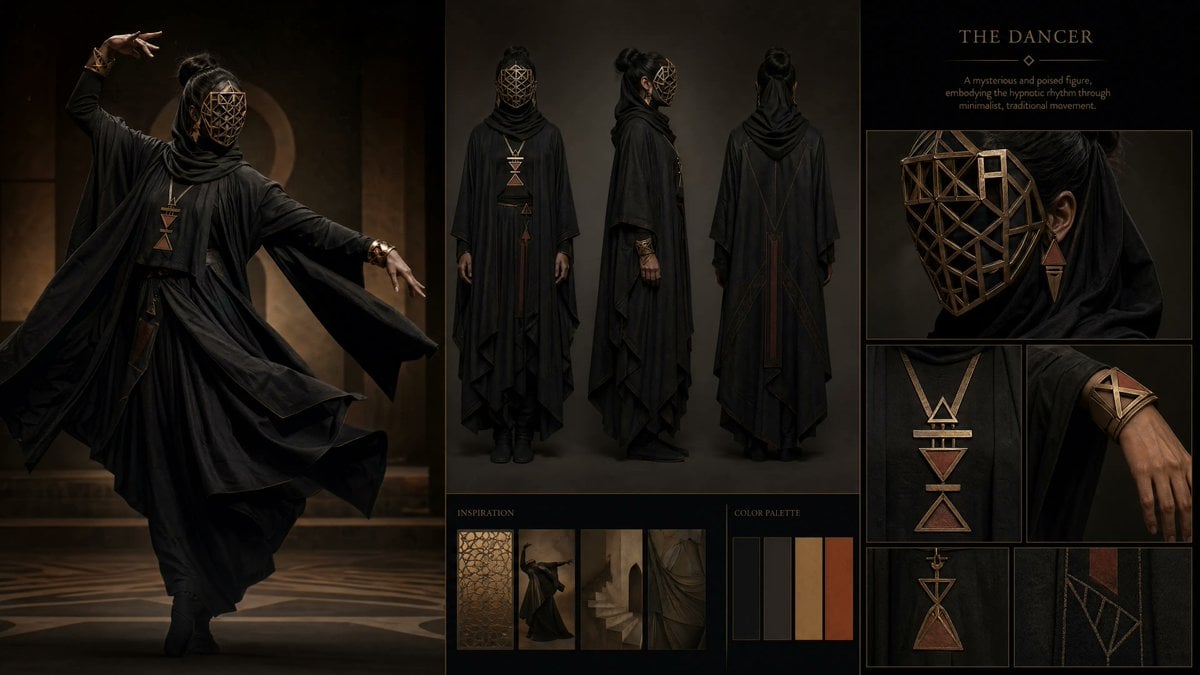
Dark Ritual Dancer Concept Board
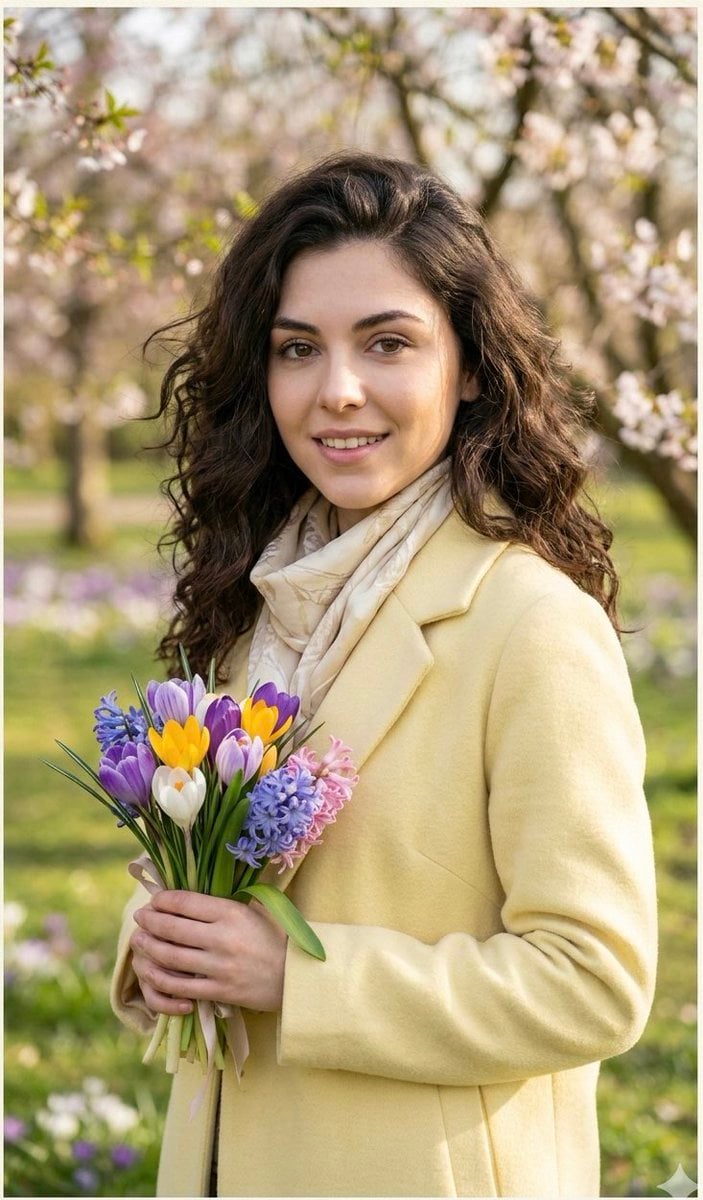
Realistic Spring Greeting Card Portrait
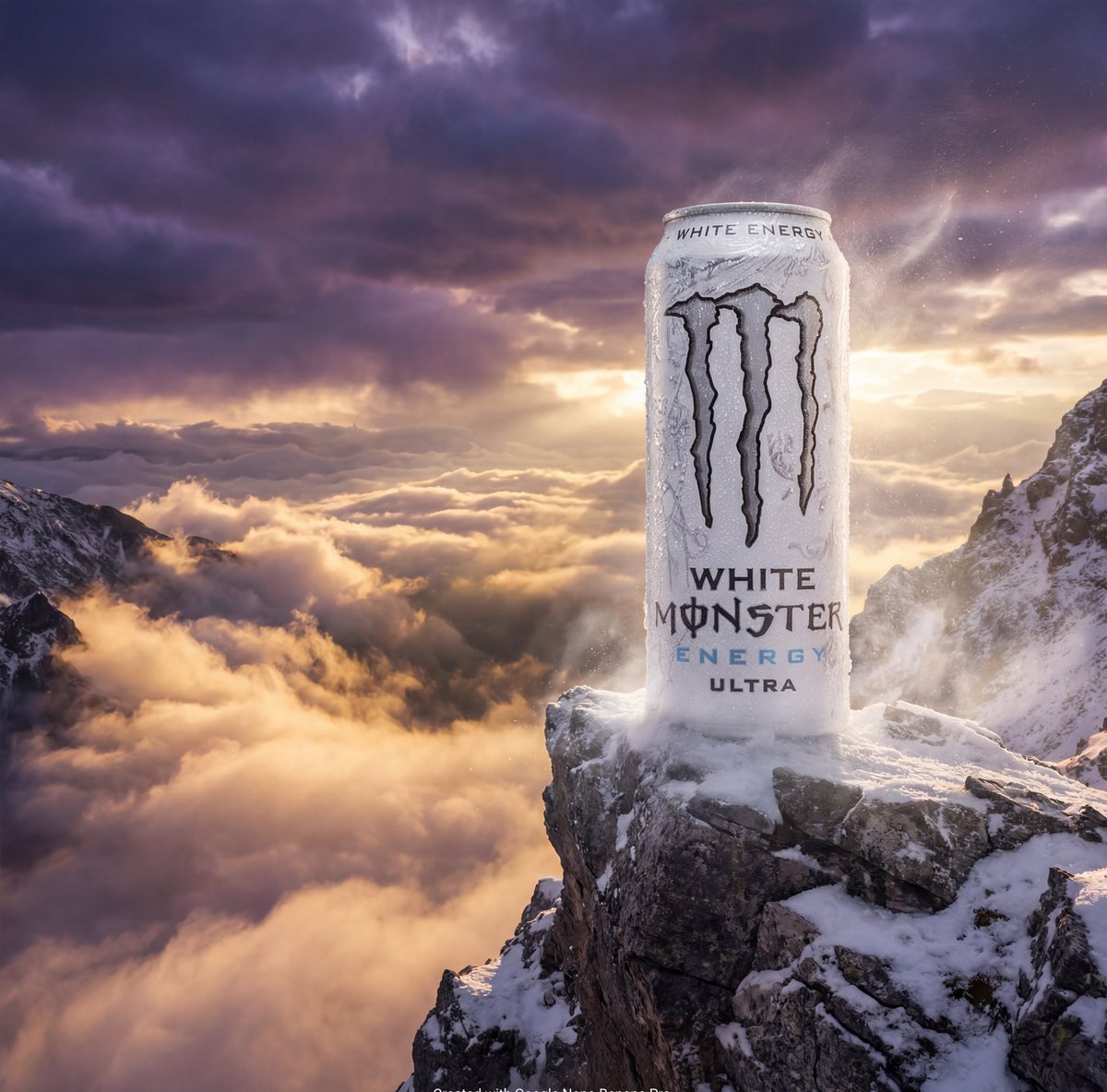
Product Ad: Monster Energy Can on Mountain Peak
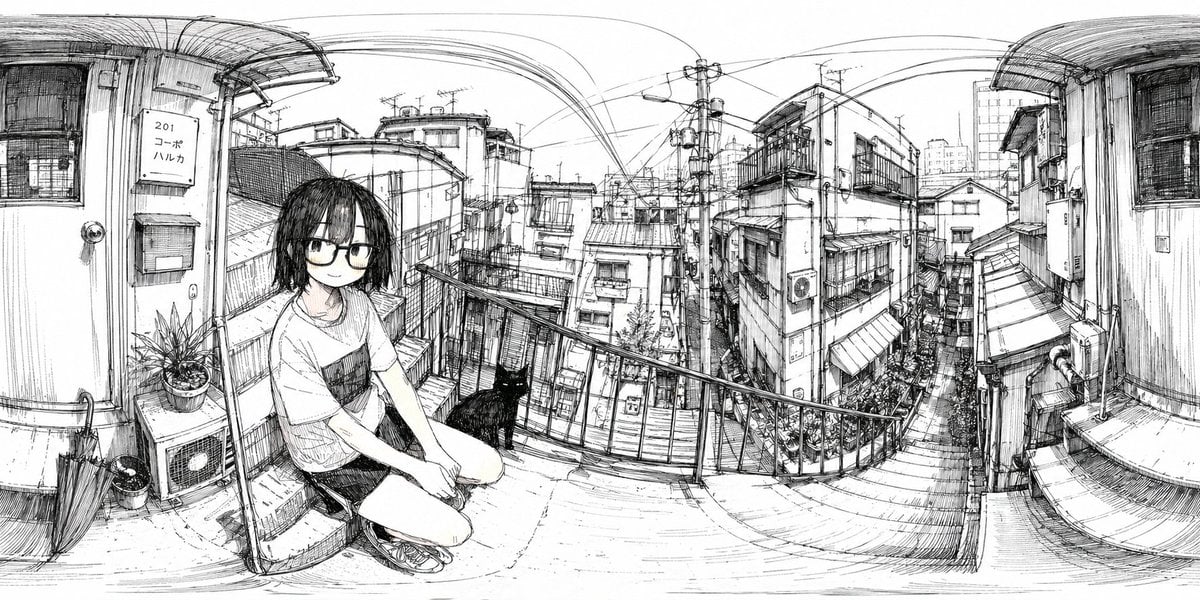
Ink 360 Panorama of Tokyo Backstreet
Browse template categories
Luxury Menswear Gallery Collage questions
How do I use the Luxury Menswear Gallery Collage template?
Add your photo if the template asks for one, edit the prompt if you like — the template's model and format are already selected — and press Generate. Your version opens in PicX Studio.
Can I customize the Luxury Menswear Gallery Collage template?
Yes. You can change the subject, setting, lighting, mood, format, and available model controls before creating your image.
Is the Luxury Menswear Gallery Collage template free?
Opening and editing this template is free. Generating uses credits, shown on the Generate button when you are signed in.
Which AI model should I use?
Start with GPT Image 2, which is the model associated with this template. You can compare another compatible model for a different finish.
Looking for something else? Browse all templates.

Your photo, any look
Thousands of ready templates for every top image and video model, from one credit balance.