
Gyaru Style Instruction Manual Edit
A prompt that transforms an image into a pop-style instruction manual with gyaru-style handwriting and natural lighting.
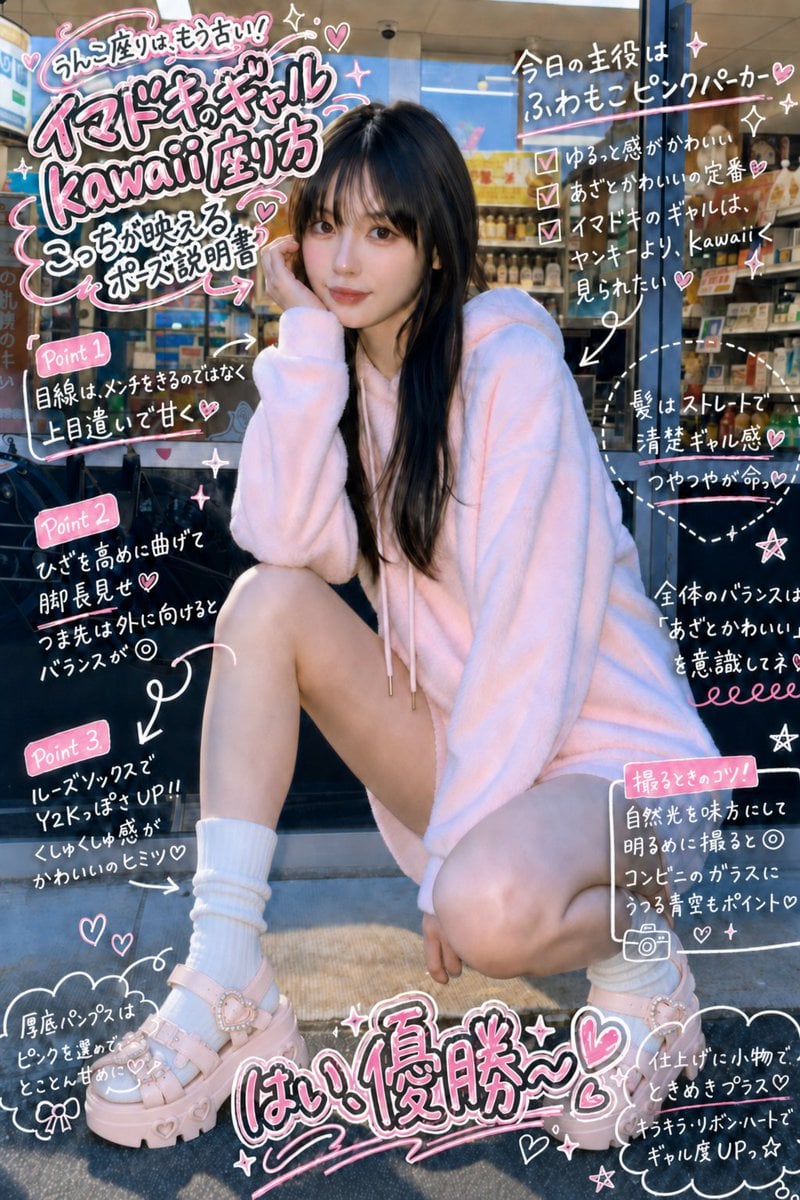
- Prompt included
- Model and format preset
- Free template
The prompt behind this image
Copy the exact prompt behind Gyaru Style Instruction Manual Edit, or open it in the studio and make it yours.
画像を{argument name="照明" default="昼間のような自然光"}に変更する。 それ以外のポーズは、変更しない。 画像をホワイトボートのように、縁取りのあるポップなペンで、{argument name="内容" default="取扱説明書"}みたいな感じで、{argument name="手書きスタイル" default="ギャル手書き風"}に書き込む
Reference images included
Gyaru Style Instruction Manual Edit needs input media to work. They load alongside the prompt when you open it in the studio.
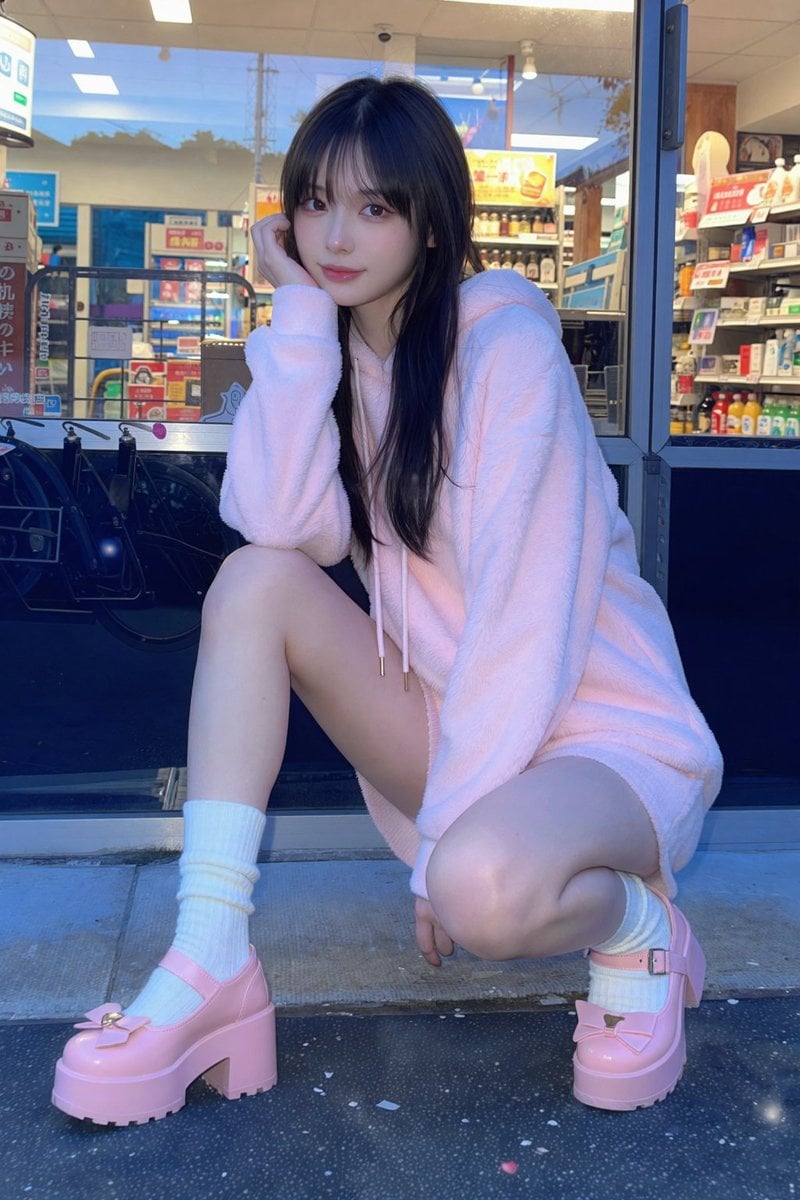
How to use Gyaru Style Instruction Manual Edit in 3 steps
- 1Upload ImagePNG, JPG or paste
Add your photo
Upload the photo the template builds on. The prompt, model and format are already set.
- 2…a portrait of your subject in softgolden-hour light, 85mm…
Personalize
Edit the subject and creative details for your destination.
- 3Generate
Generate
Press Generate — your image is created in PicX Studio, so you can compare it with the original and refine one variable at a time.
More like this
Templates with the same subject, style or setup. Open one to see its prompt.
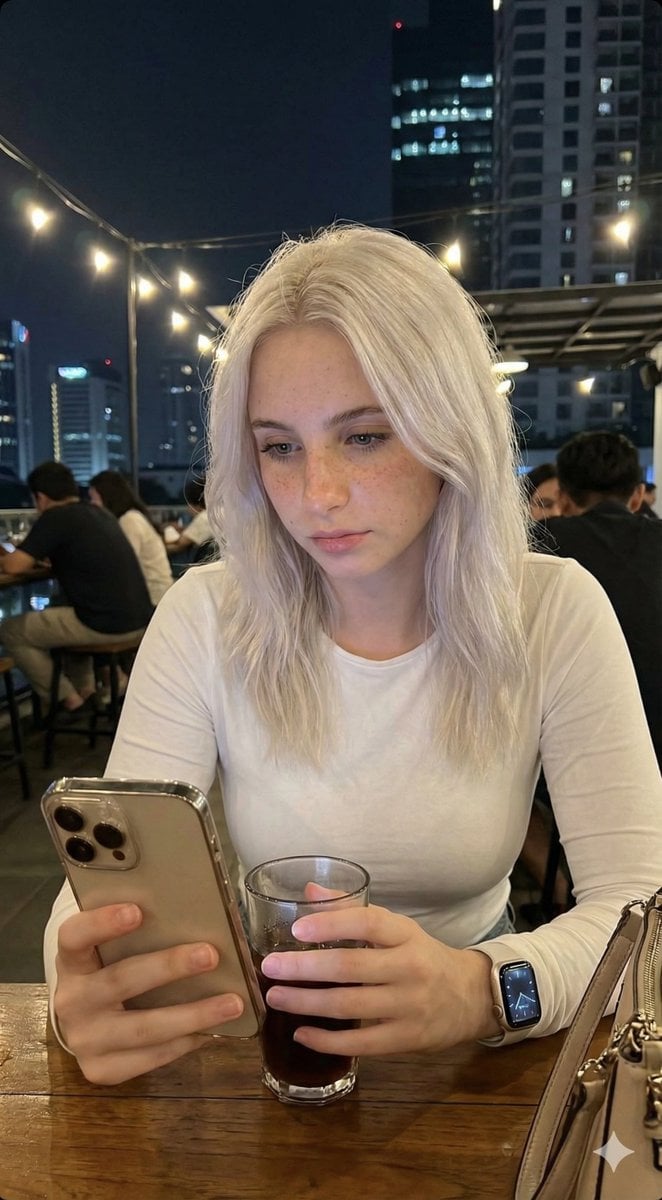
Candid Lo-Fi Night Photo Editing Instruction
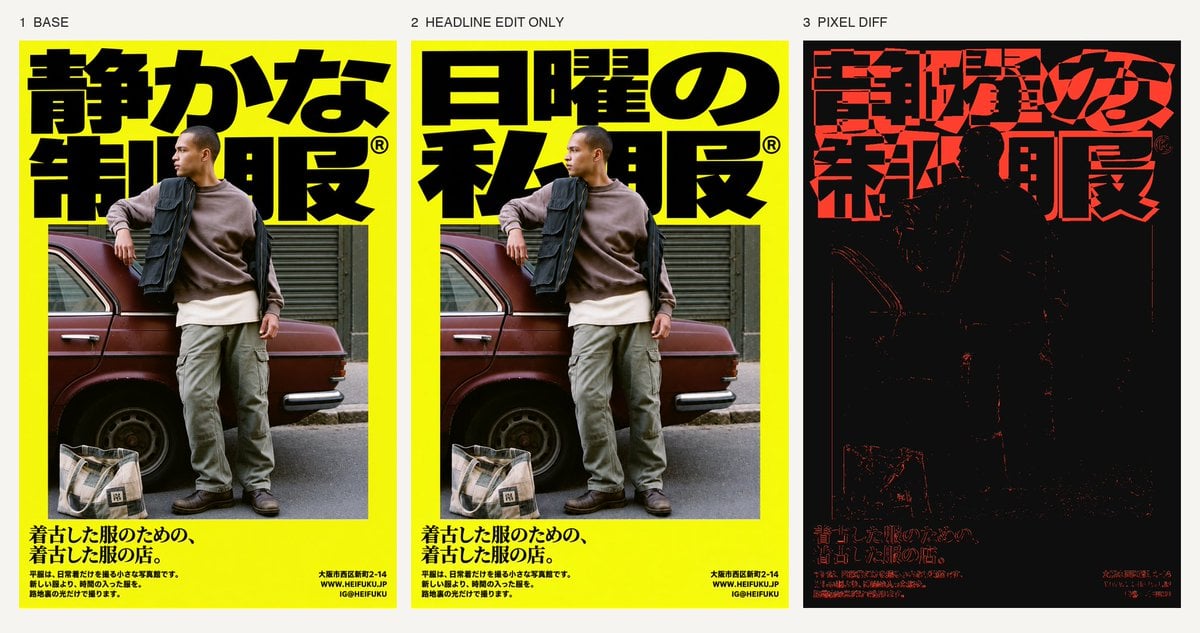
Selective Headline Layout Editing
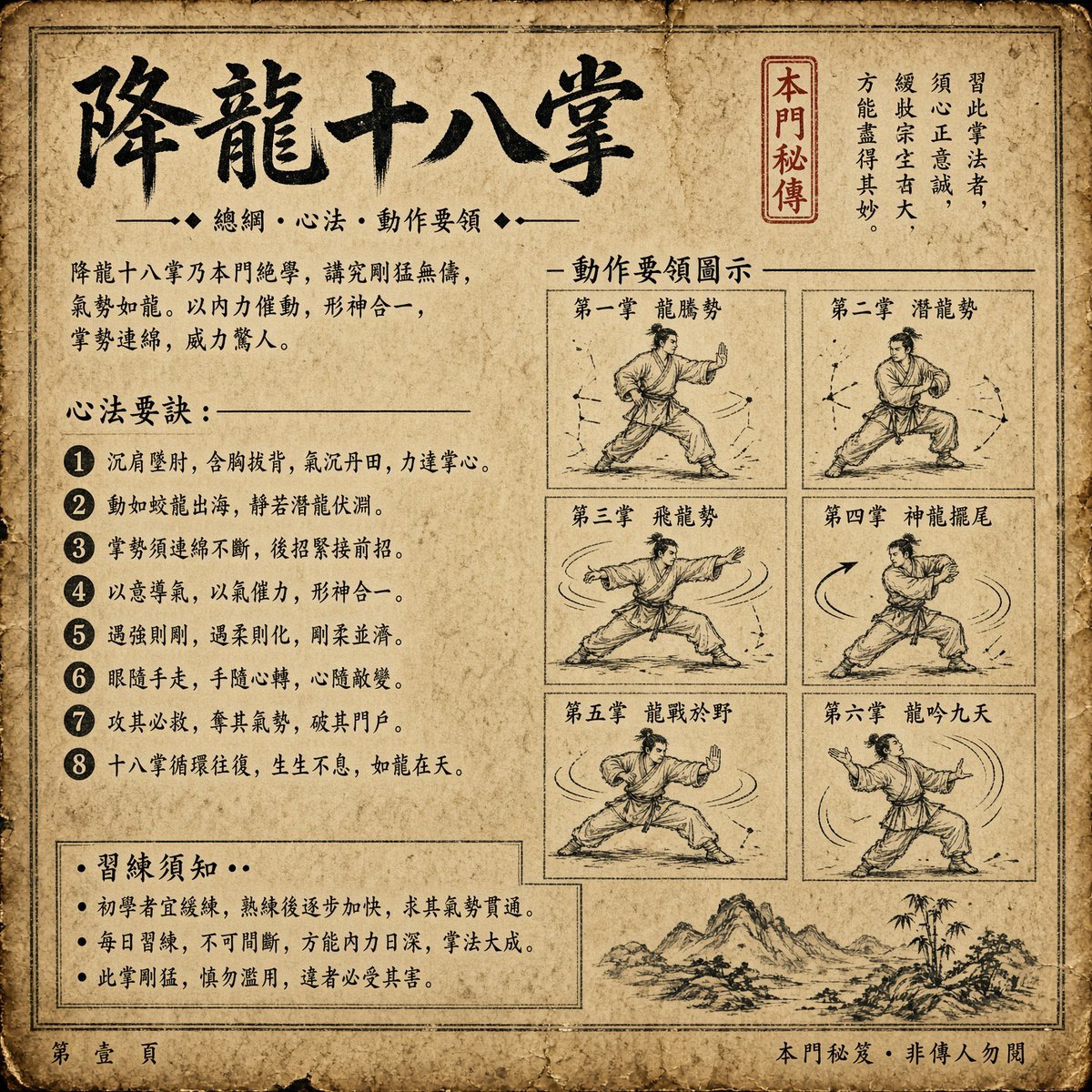
Ancient Dragon Palm Kung Fu Manual
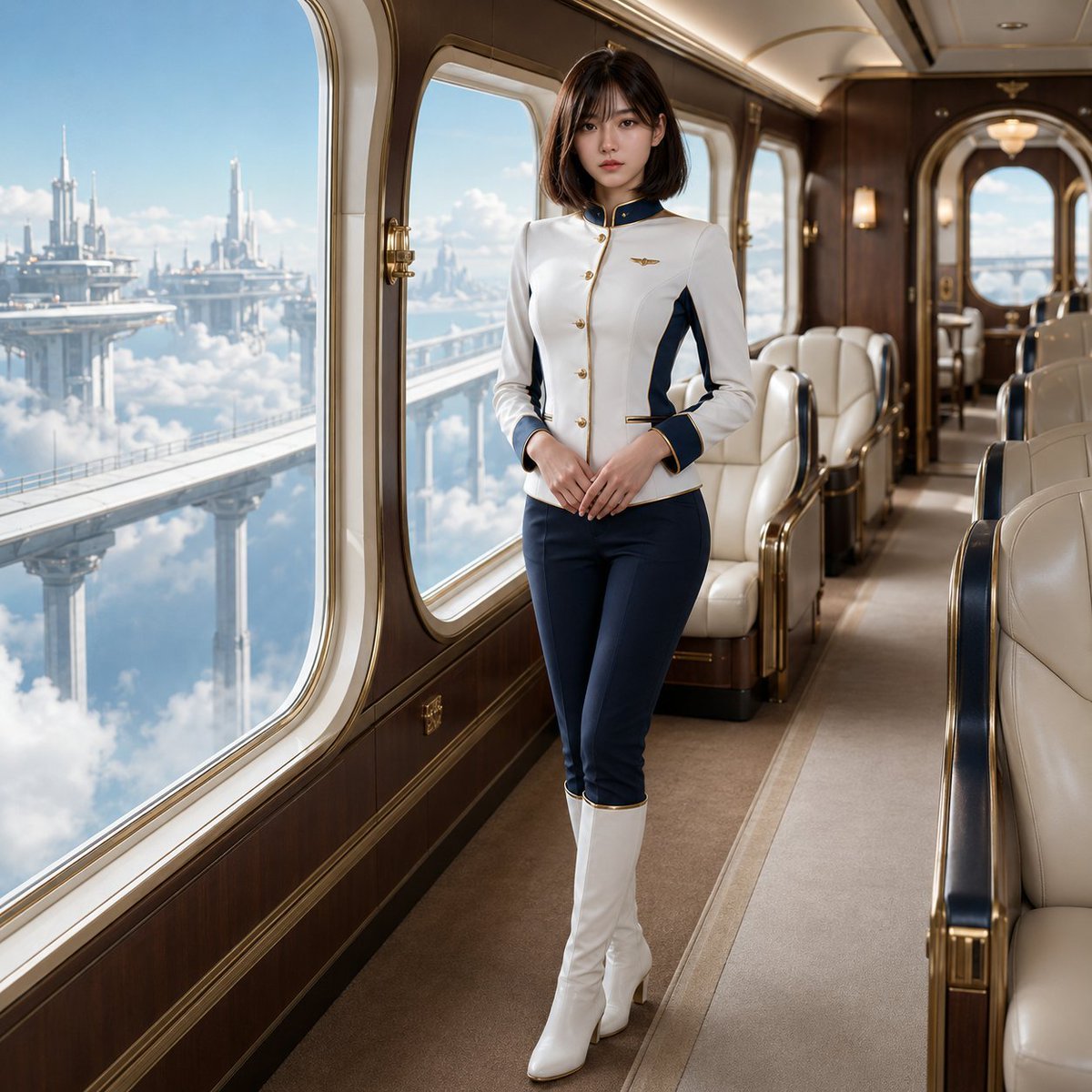
Fantasy Sky Train Attendant Instruction
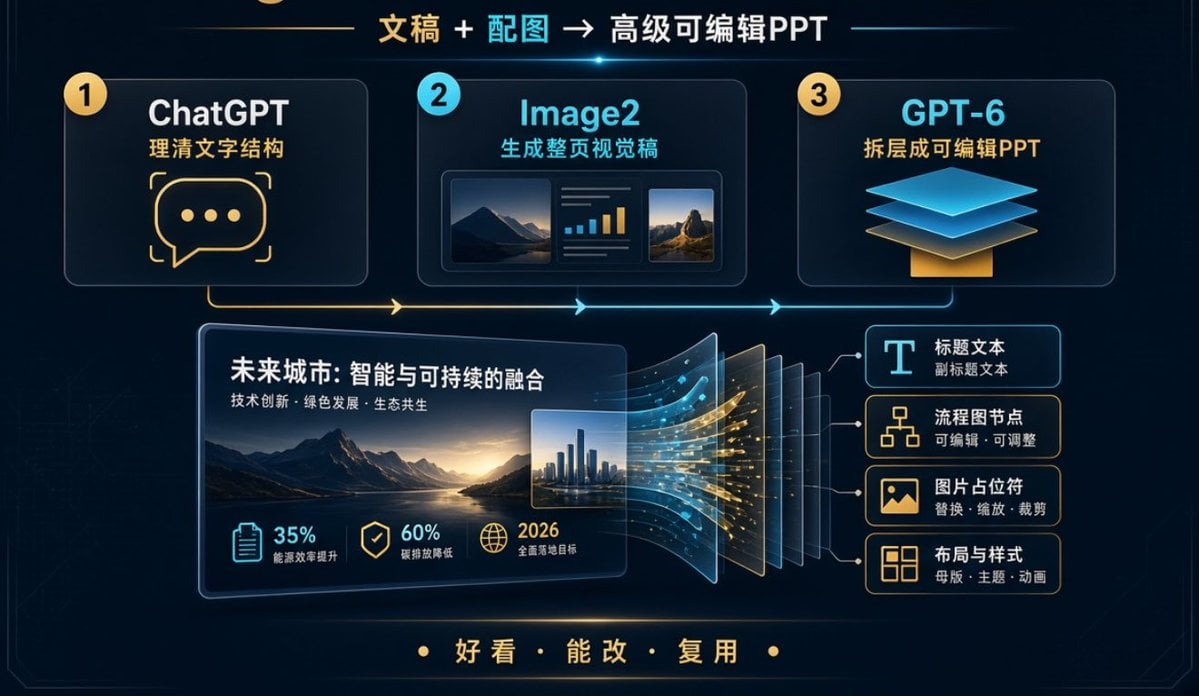
Editable PPT Workflow Infographic

Act as a Senior Editorial Designer and Typographer

Realistic portrait 100 identical face, no editing allowed
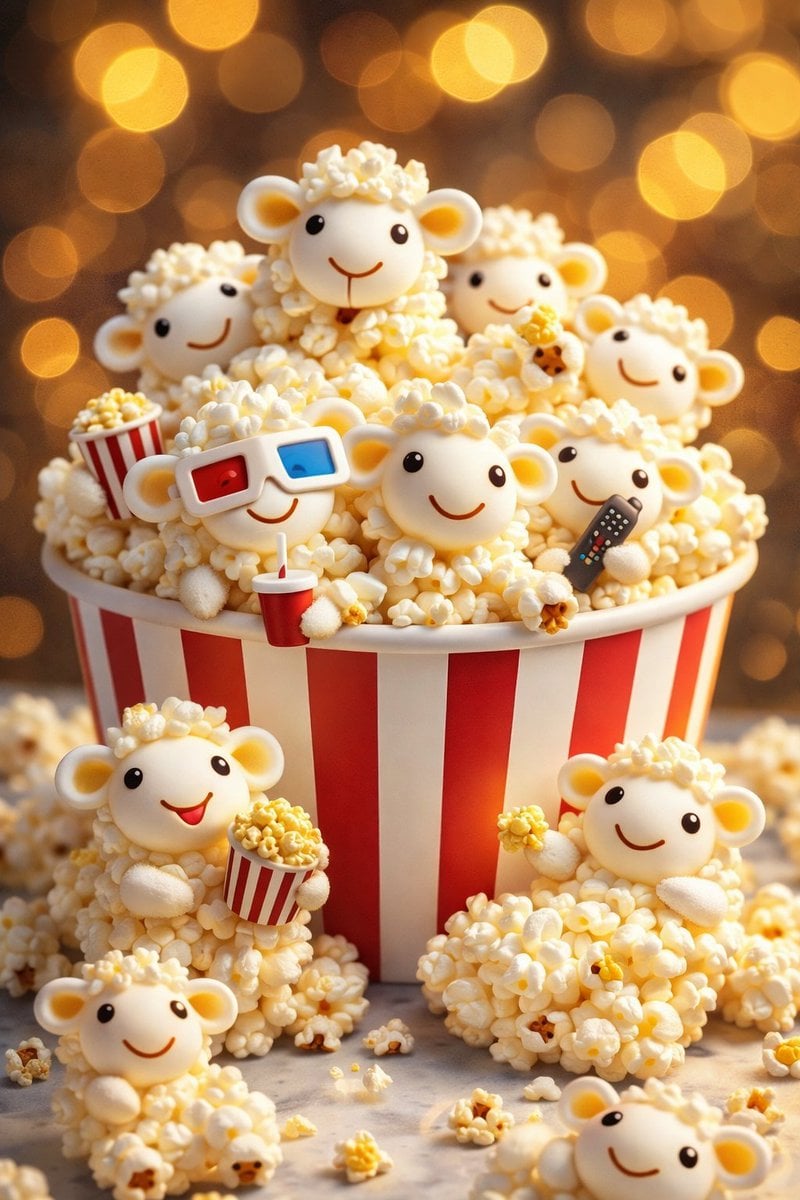
AI-edited, hyper-detailed, photorealistic with stylized realism
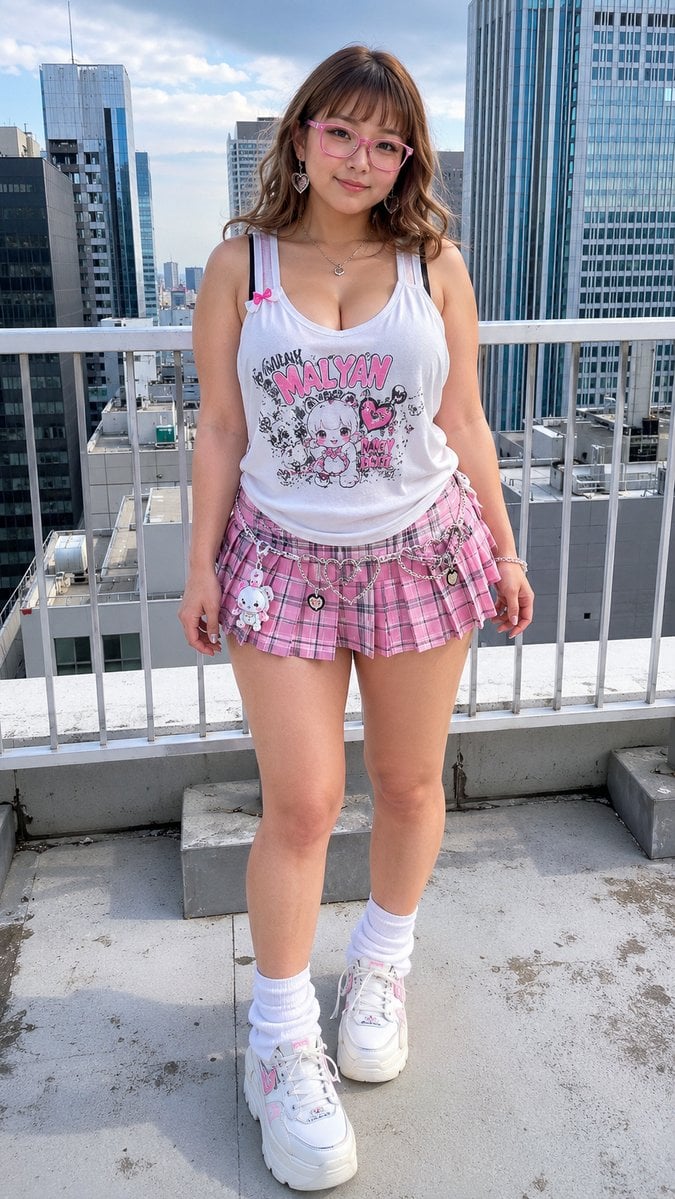
Kawaii Gyaru Rooftop Fashion Portrait
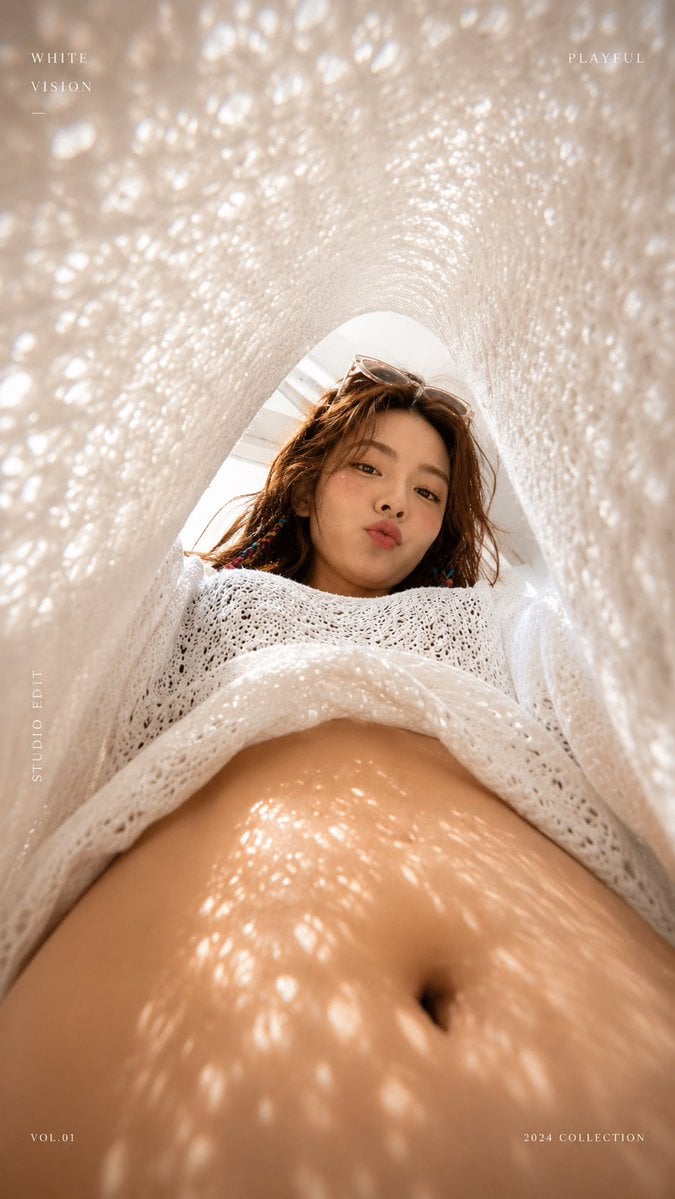
White Lace Low-Angle Editorial

Luxury Fashion Editorial Portrait
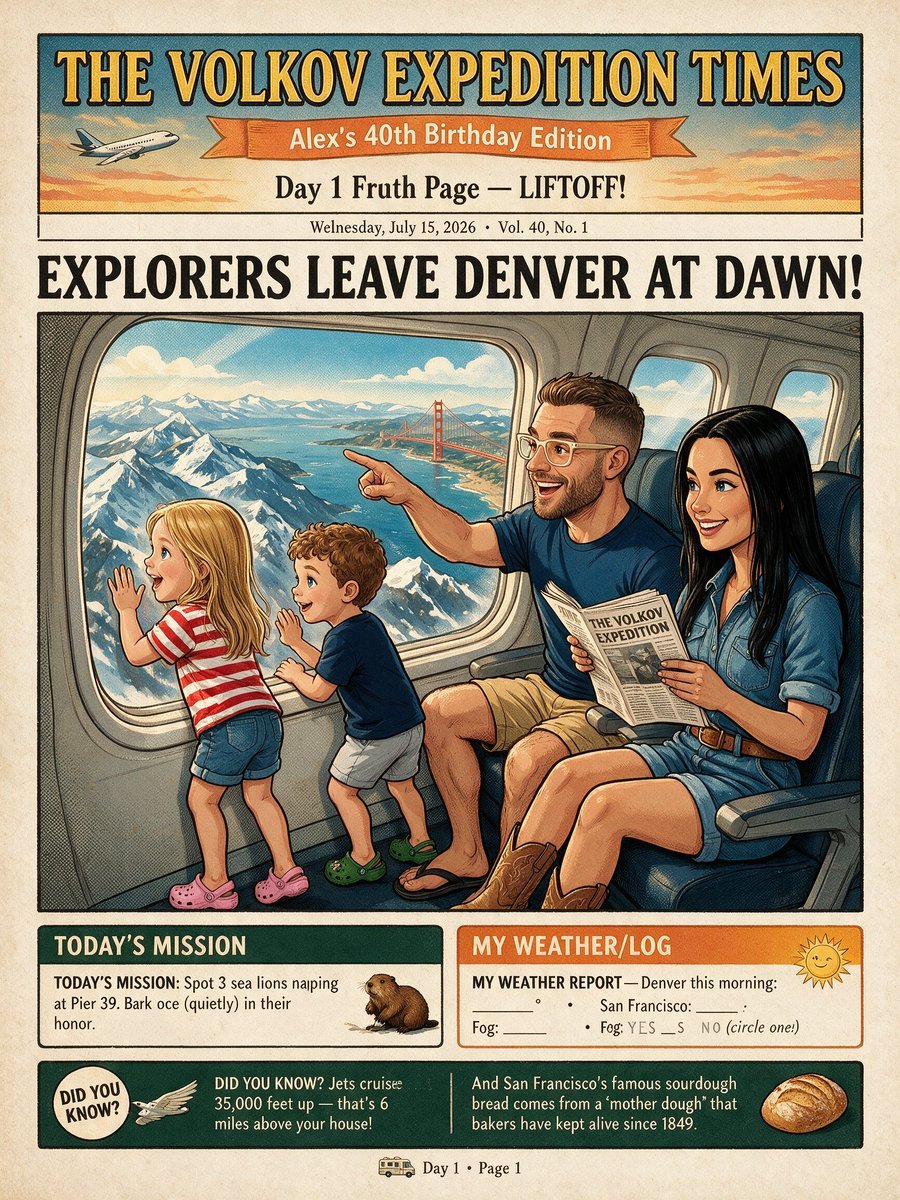
Vintage Family Expedition Newspaper
Make it yours
Gyaru Style Instruction Manual Edit works as-is. These are the safest ways to change it without losing the look.
Change one field
Copy a single group, rewrite it, and generate again so you can see what that field is doing.
Keep the frame, change the subject
Hold the composition and light of Gyaru Style Instruction Manual Edit, then swap wardrobe, props or the person for a new take.
| If the result… | Why | Fix |
|---|---|---|
| The result drifts from the preview | Too many fields changed at once. | Reuse Gyaru Style Instruction Manual Edit as-is first, then change one group — subject, light, or setting. |
| The model over-stylizes the scene | The prose prompt leaves finish and camera underspecified. | Add one camera or lighting sentence and stay on GPT Image 2. |
More GPT Image 2 templates
Other prompts made for GPT Image 2.

Six VTuber Japanese Logo Sheet

Realistic Portrait of Woman and Deer

The Vista Modular Condo Poster

AI Model Routing Comparison Infographic

2.5D Anime Art Board

Isometric Productivity Desk Scene

New York Double Exposure Poster

Four-Panel AI Landscape Comparison

Japanese Tatami Lifestyle Magazine Cover

NESCAFÉ Coffee Map Poster
More image prompts
Fresh picks from across the catalog.
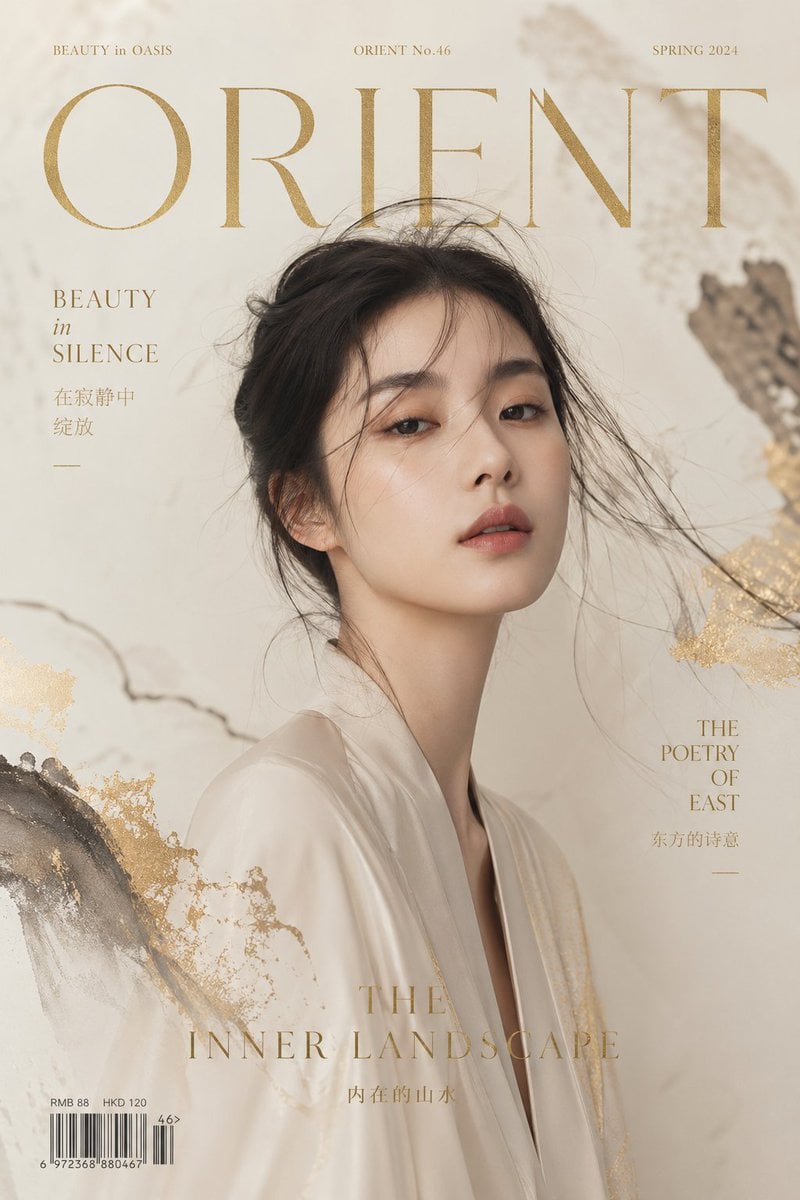
Zen Mode Editorial Magazine Cover
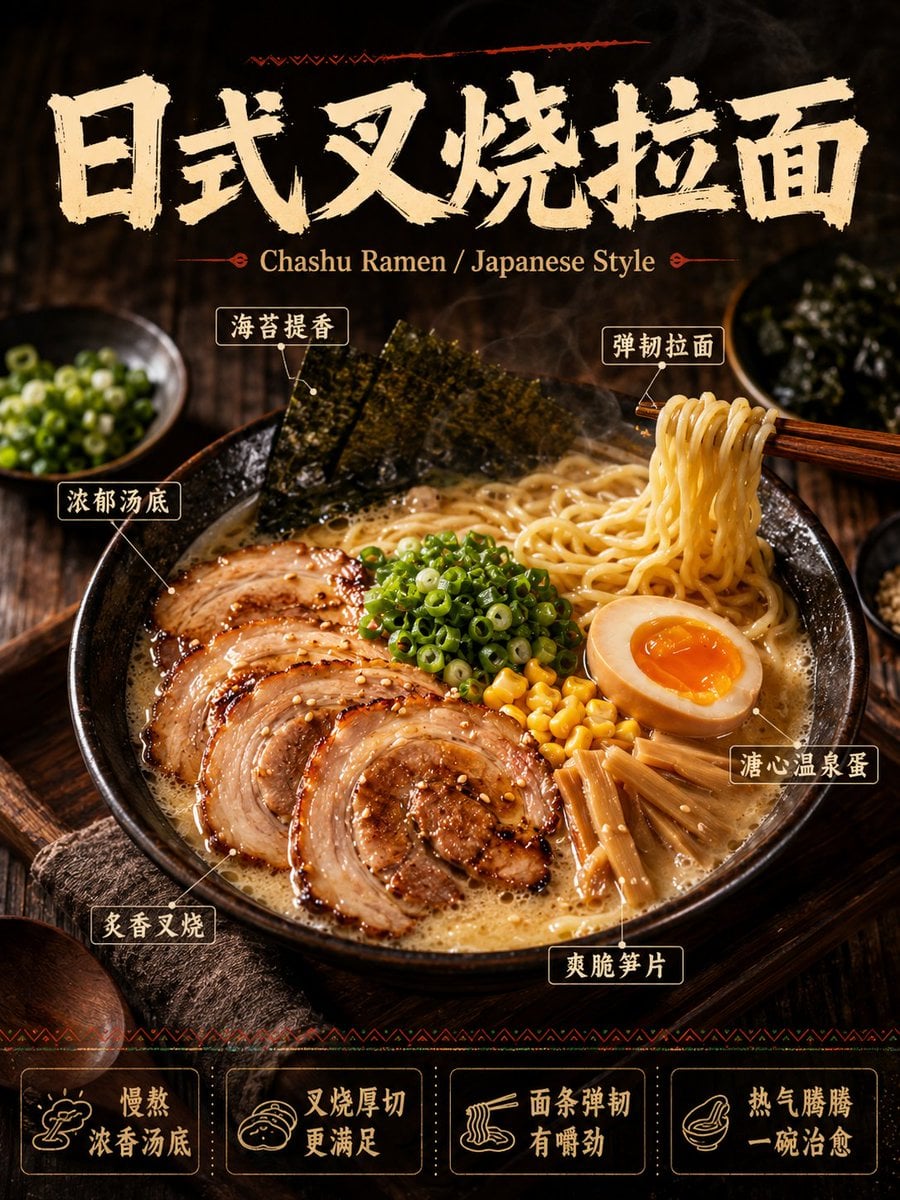
《我的世界风格化照片》提示词: 请基于用户上传的真实户外照片进行风格化改造。 保留照片中的主体不
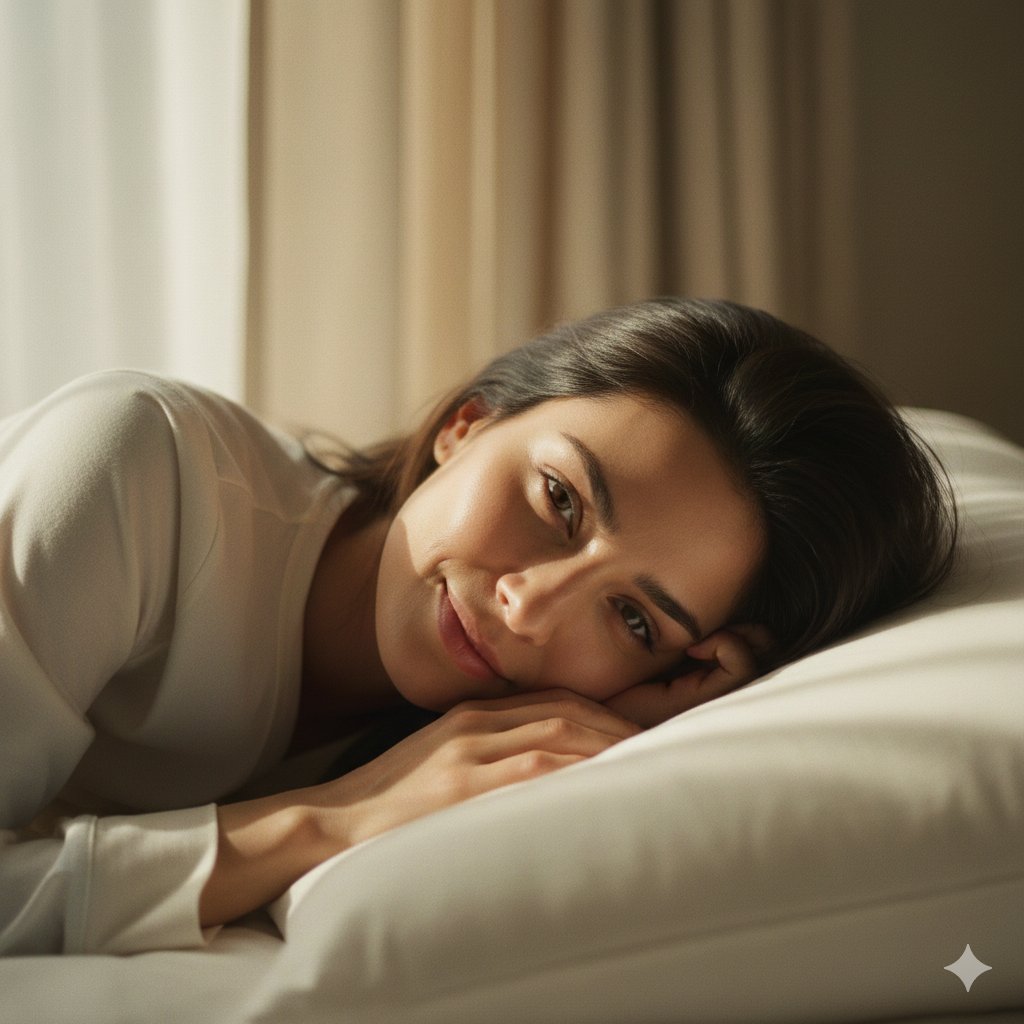
Soft Intimate Indoor Portrait with Window Light
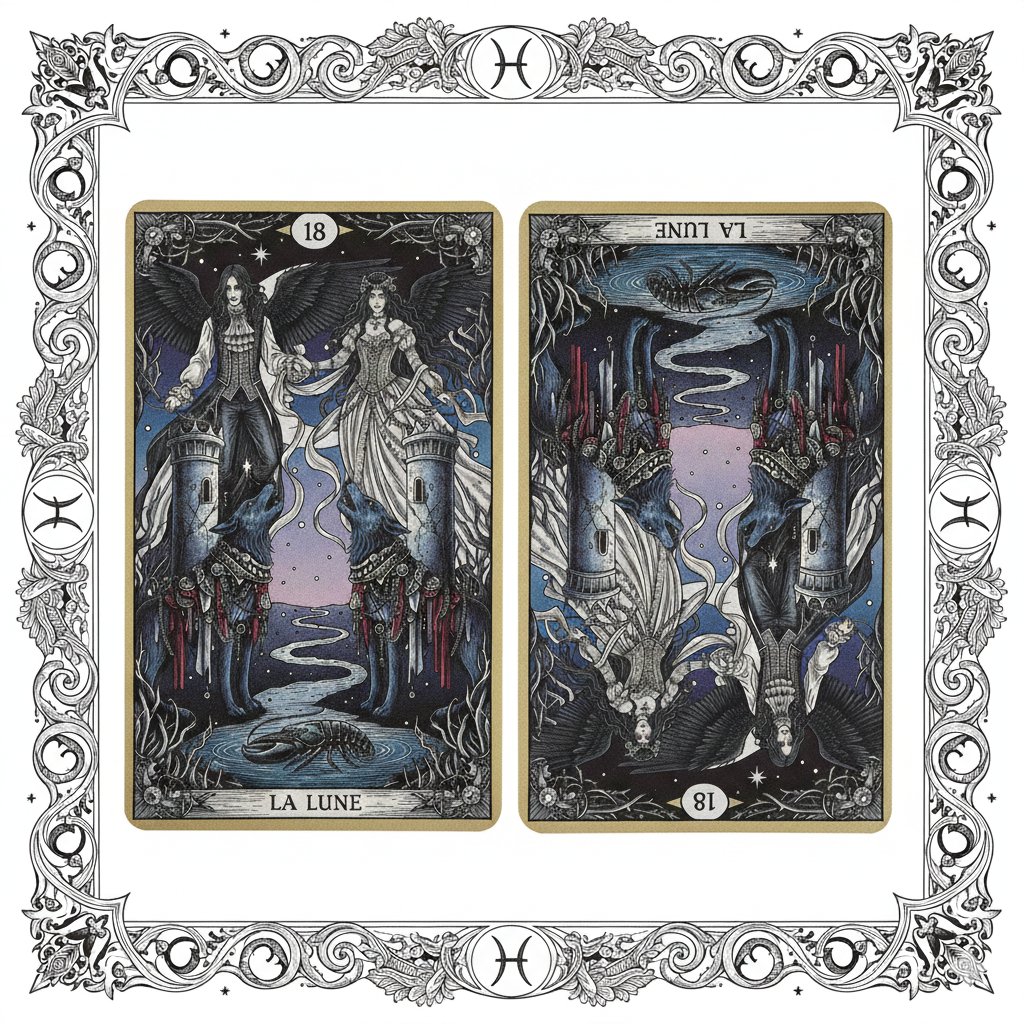
Nano Banana Pro Prompt: Tarot Card 18 (The Moon) with Mális Mizer and Pisces
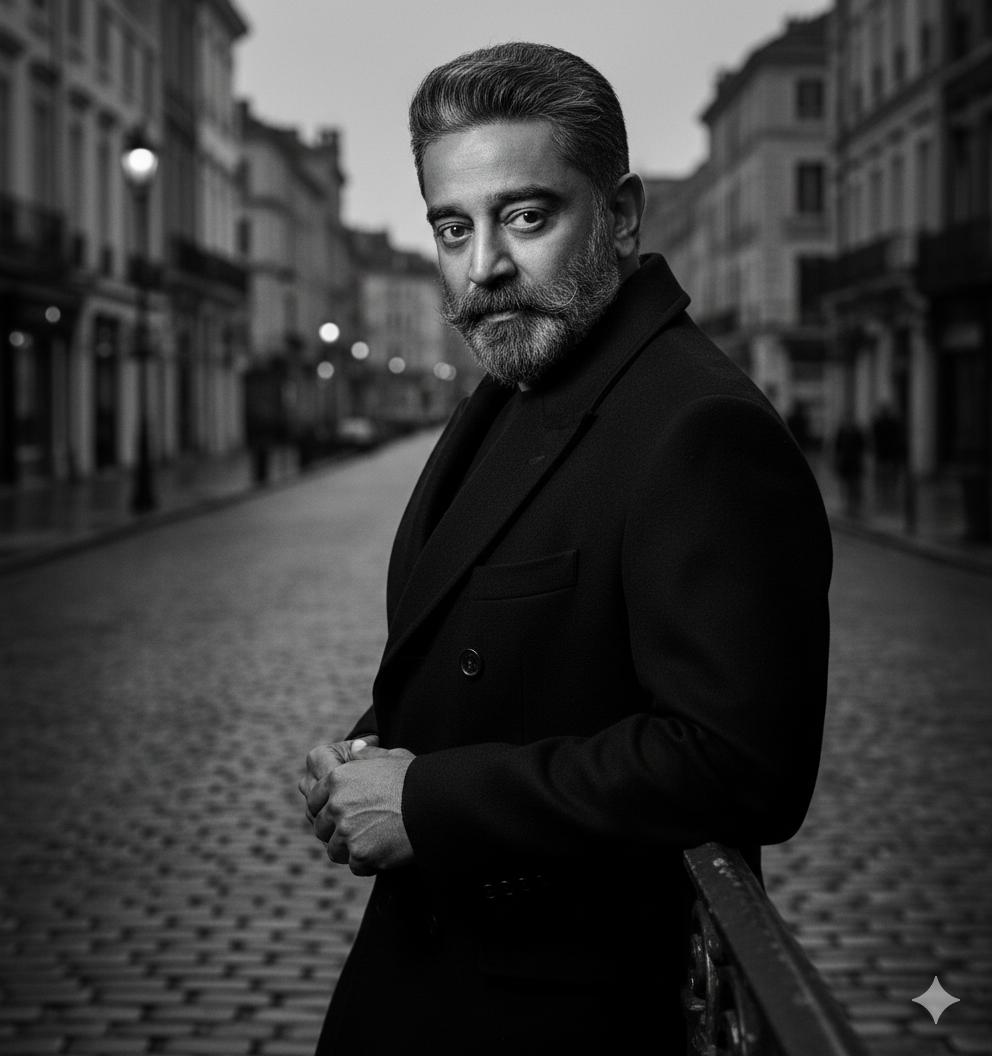
Black and White Noir Fashion Editorial Portrait
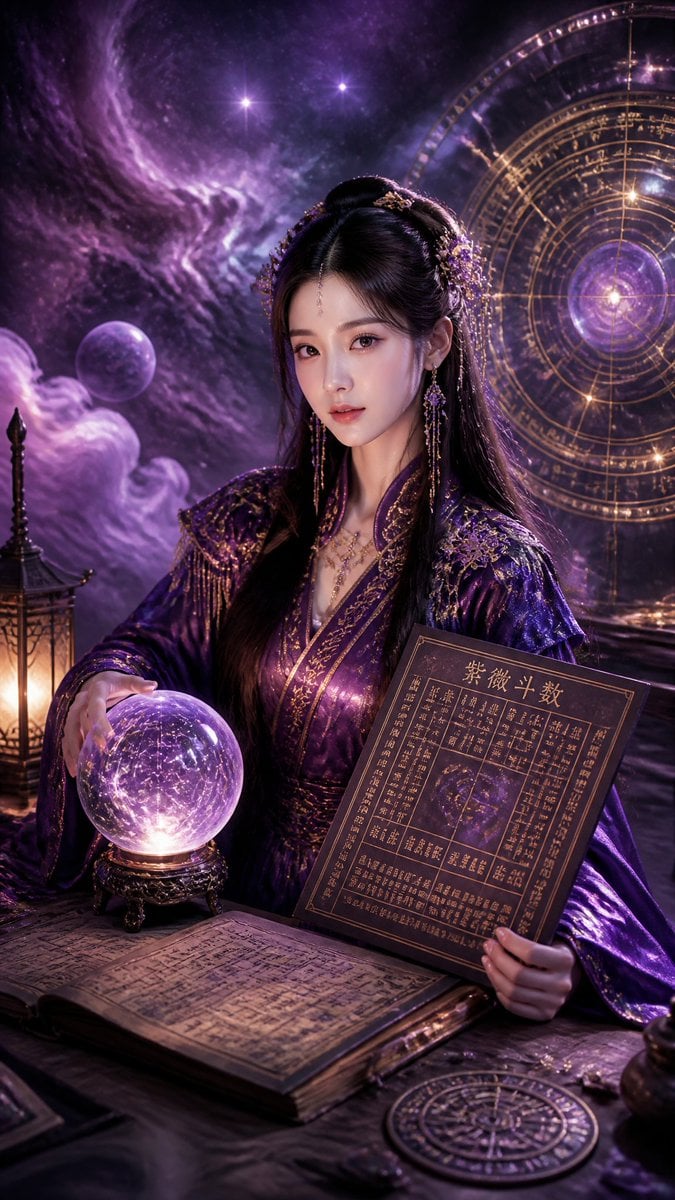
Cyberpunk Hanfu Mystic Diviner
X Doctorwasif Made with Chatpgpt Image 2
Mockup generation prompt for screen replacement
Avant-Garde Mixed Media Risograph Collage
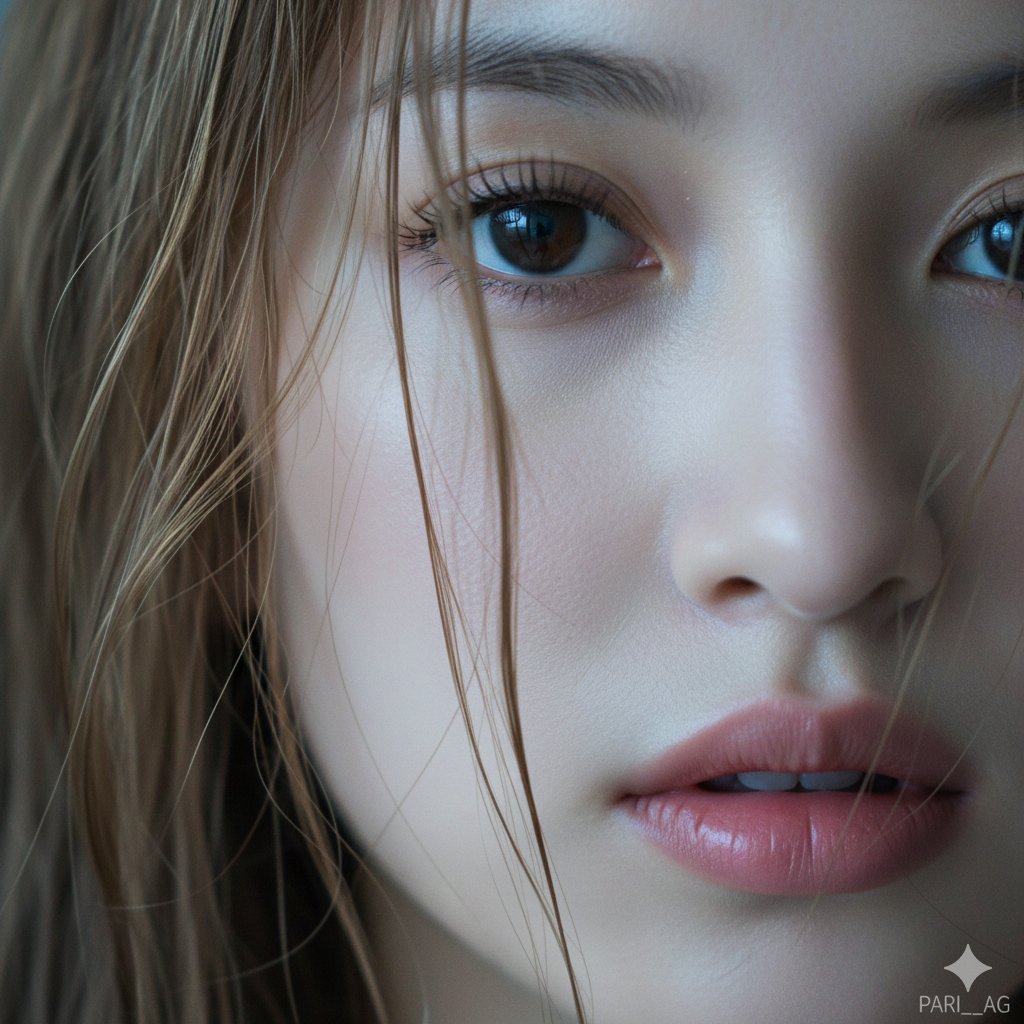
Macro Portrait with Wet Hair and Cinematic Blue Tones
Browse template categories
Gyaru Style Instruction Manual Edit questions
How do I use the Gyaru Style Instruction Manual Edit template?
Add your photo if the template asks for one, edit the prompt if you like — the template's model and format are already selected — and press Generate. Your version opens in PicX Studio.
Can I customize the Gyaru Style Instruction Manual Edit template?
Yes. You can change the subject, setting, lighting, mood, format, and available model controls before creating your image.
Is the Gyaru Style Instruction Manual Edit template free?
Opening and editing this template is free. Generating uses credits, shown on the Generate button when you are signed in.
Which AI model should I use?
Start with GPT Image 2, which is the model associated with this template. You can compare another compatible model for a different finish.
Looking for something else? Browse all templates.

Your photo, any look
Thousands of ready templates for every top image and video model, from one credit balance.