
Vintage Family Expedition Newspaper
Generates a personalized retro newspaper front page for a family travel adventure or birthday trip announcement.
- Prompt included
- Model and format preset
- Premium template
The prompt behind this image
Copy the exact prompt behind Vintage Family Expedition Newspaper, or open it in the studio and make it yours.
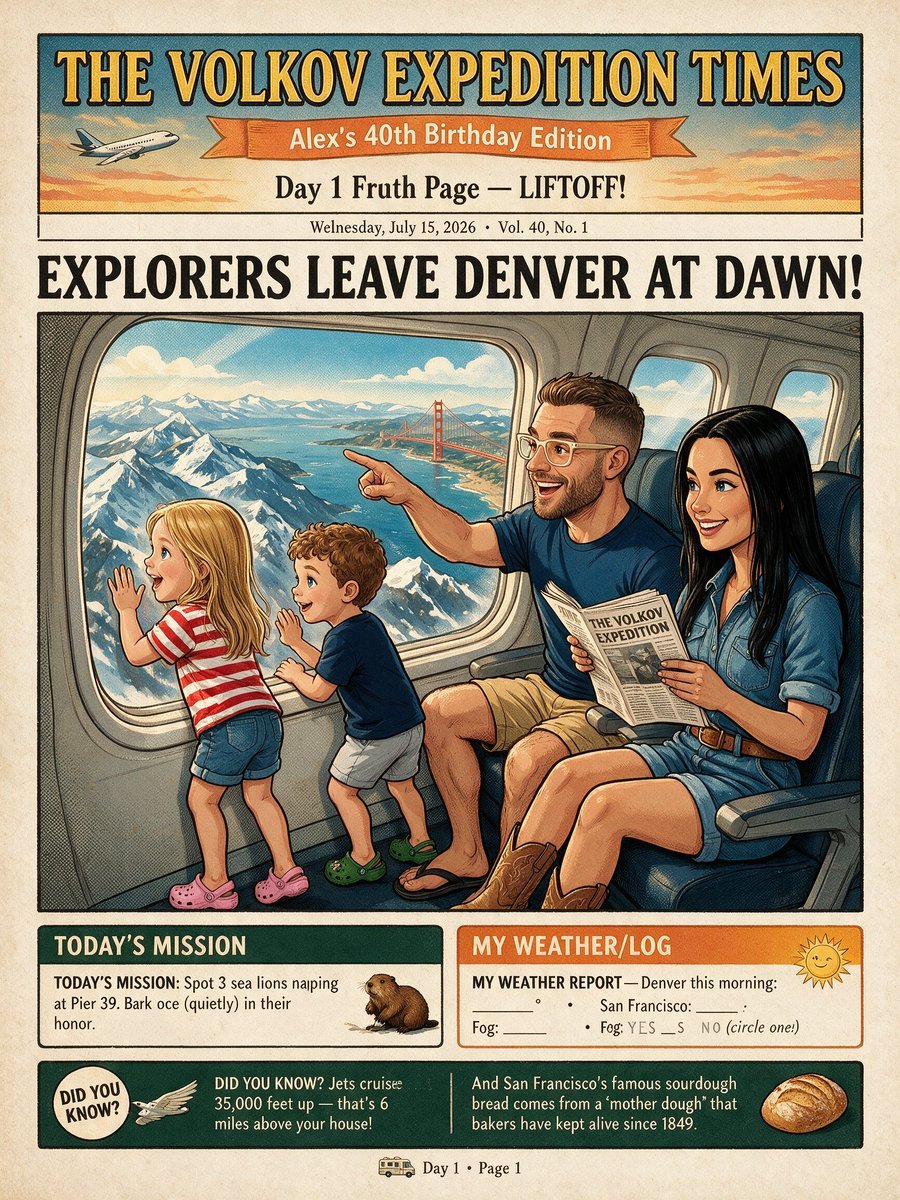
Goal: Create a vintage illustrated front page of a personalized expedition newspaper for a family trip, titled {argument name="newspaper title" default="THE VOLKOV EXPEDITION TIMES"}, with a warm 1950s adventure-comic look and aged paper texture. Canvas: Vertical newspaper page, approximately 4:5 ratio, cream newsprint background with subtle speckles, black ink borders, muted teal, orange, yellow, and red accents. Use bold woodblock-style serif typography for headlines and hand-inked editorial illustration shading. Top masthead: Large dark teal rectangle with golden serif title text reading “THE VOLKOV EXPEDITION TIMES.” Under it, an orange ribbon banner reading {argument name="edition banner" default="Alex’s 40th Birthday Edition"}. Add a small airplane icon on the left flying through a sunset sky. Below the ribbon, centered subheadline reads “Day 1 Fruth Page — LIFTOFF!” and a small dateline line reads “Wednesday, July 15, 2026 • Vol. 40, No. 1.” Main headline: Huge all-caps black newspaper headline across the page: {argument name="main headline" default="EXPLORERS LEAVE DENVER AT DAWN!"} Main illustration: A large framed comic-style scene inside an airplane cabin. Show exactly 4 family members seated or standing by the airplane windows: 1 blonde little girl in a red-and-white striped shirt, denim shorts, and pink clogs standing at the window with one hand raised; 1 curly-haired little boy in a navy shirt, light shorts, and green clogs leaning toward the window; 1 smiling adult man with short brown hair, beard, glasses, navy shirt, tan shorts, sandals, pointing excitedly out the window while holding a small newspaper; 1 smiling adult woman with long black hair, denim shirt dress, brown belt, and cowboy boots seated beside him holding the same newspaper. Through the large airplane window, show snowy mountain peaks, blue water, clouds, and a clearly visible red Golden Gate Bridge in the distance, mixing travel landmarks in a whimsical way. The airplane interior should include blue seats, window frames, cabin wall panels, and warm sunlight. Bottom information boxes: Include exactly 3 lower content areas. First box on the left titled “TODAY’S MISSION,” dark green header, with text: “TODAY’S MISSION: Spot 3 sea lions napping at Pier 39. Bark once (quietly) in their honor.” Add a small sea lion illustration. Second box on the right titled “MY WEATHER/LOG,” orange header, with a cheerful sun icon and a form-like weather report that says “MY WEATHER REPORT — Denver this morning:” followed by blank lines for temperature, San Francisco, and fog yes/no. Third box spans the bottom in dark green and contains exactly 2 fact blurbs separated by a vertical line: left blurb with a circular “DID YOU KNOW?” badge and a small bird/wing icon, reading “Jets cruise 35,000 feet up — that’s 6 miles above your house!”; right blurb with a sourdough bread illustration, reading “And San Francisco’s famous sourdough bread comes from a ‘mother dough’ that bakers have kept alive since 1849.” Footer: Small centered footer with a tiny bus icon and text “Day 1 • Page 1.” Constraints: Keep all text legible and arranged like a printed newspaper front page. Use exactly 4 people, exactly 3 lower content areas, exactly 2 fact blurbs, exactly 1 airplane icon, exactly 1 sea lion illustration, exactly 1 sun icon, exactly 1 sourdough bread illustration, and exactly 1 tiny bus icon. Do not add extra panels, extra characters, logos, watermarks, QR codes, or modern UI elements.
How to use Vintage Family Expedition Newspaper in 3 steps
- 1Upload ImagePNG, JPG or paste
Add your photo
Upload the photo the template builds on. The prompt, model and format are already set.
- 2…a portrait of your subject in softgolden-hour light, 85mm…
Personalize
Edit the subject and creative details for your destination.
- 3Generate
Generate
Press Generate — your image is created in PicX Studio, so you can compare it with the original and refine one variable at a time.
More like this
Templates with the same subject, style or setup. Open one to see its prompt.











Make it yours
Vintage Family Expedition Newspaper works as-is. These are the safest ways to change it without losing the look.
Change one field
Copy a single group, rewrite it, and generate again so you can see what that field is doing.
Keep the frame, change the subject
Hold the composition and light of Vintage Family Expedition Newspaper, then swap wardrobe, props or the person for a new take.
| If the result… | Why | Fix |
|---|---|---|
| The result drifts from the preview | Too many fields changed at once. | Reuse Vintage Family Expedition Newspaper as-is first, then change one group — subject, light, or setting. |
| The model over-stylizes the scene | The prose prompt leaves finish and camera underspecified. | Add one camera or lighting sentence and stay on GPT Image 2. |
More GPT Image 2 templates
Other prompts made for GPT Image 2.

Six VTuber Japanese Logo Sheet

Realistic Portrait of Woman and Deer

The Vista Modular Condo Poster

AI Model Routing Comparison Infographic

2.5D Anime Art Board

Isometric Productivity Desk Scene

New York Double Exposure Poster

Four-Panel AI Landscape Comparison

Japanese Tatami Lifestyle Magazine Cover

NESCAFÉ Coffee Map Poster
More image prompts
Fresh picks from across the catalog.
Epic Milestone X Poster
Uncanny Thanksgiving Family Dinner
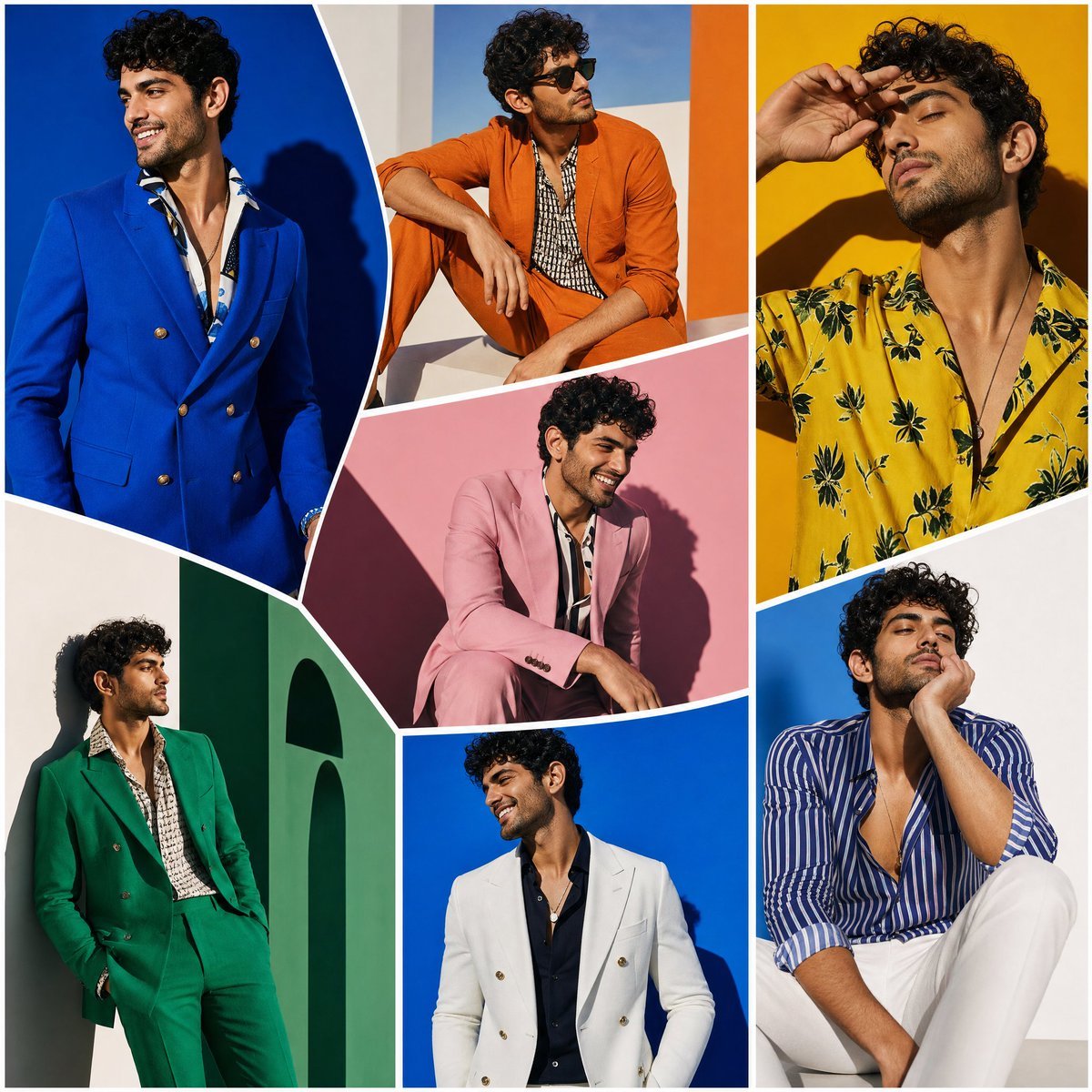
Modern Art Gallery Fashion Panels
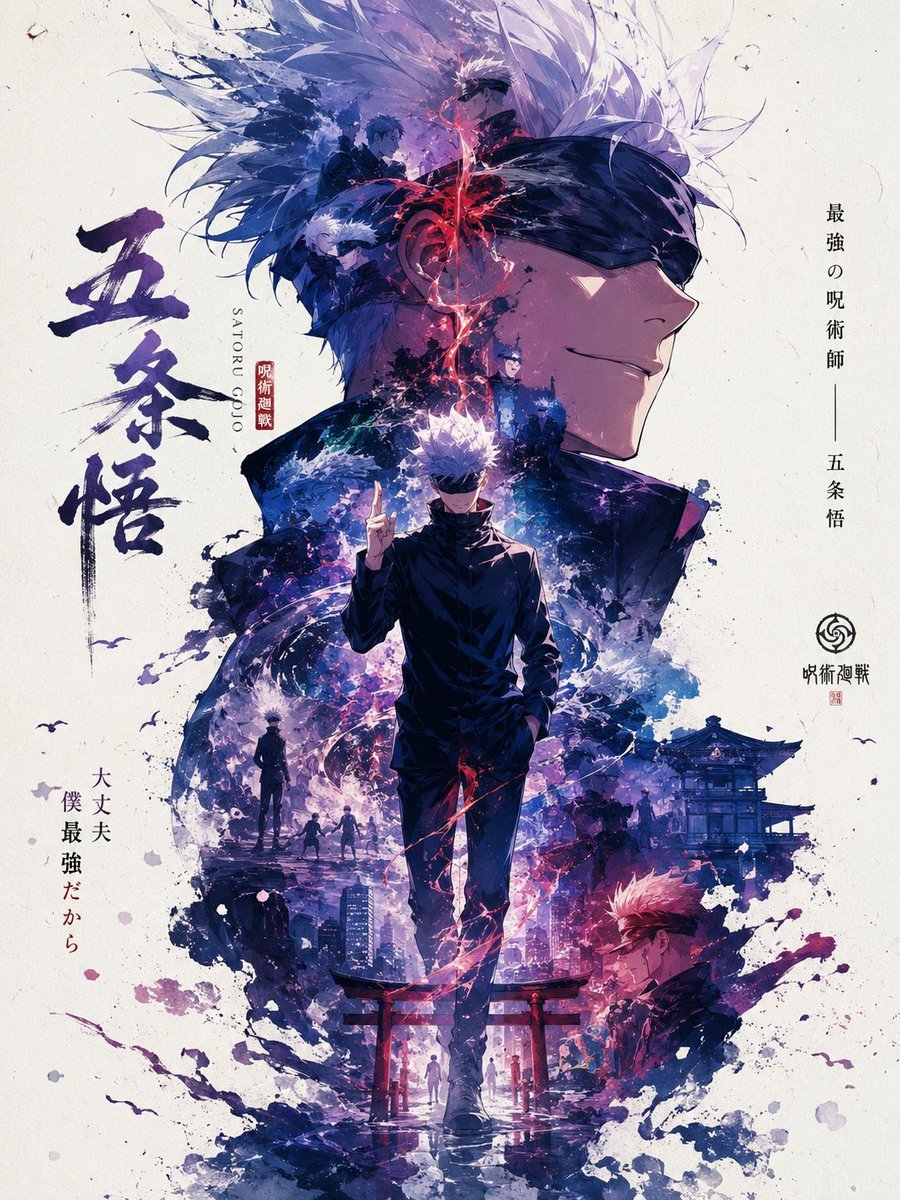
Satoru Gojo Anime Propaganda Poster
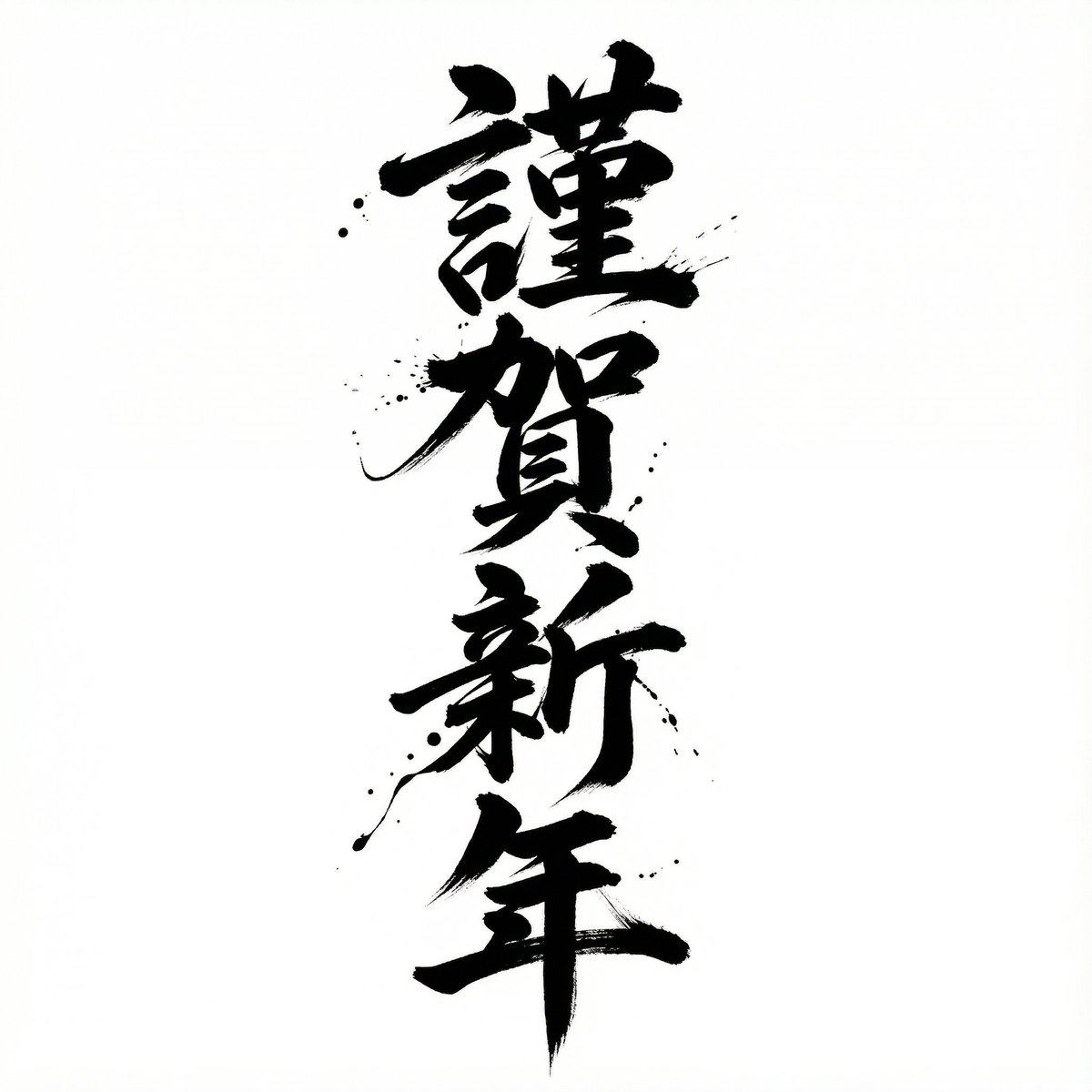
Nano Banana Pro Calligraphy Font Generator
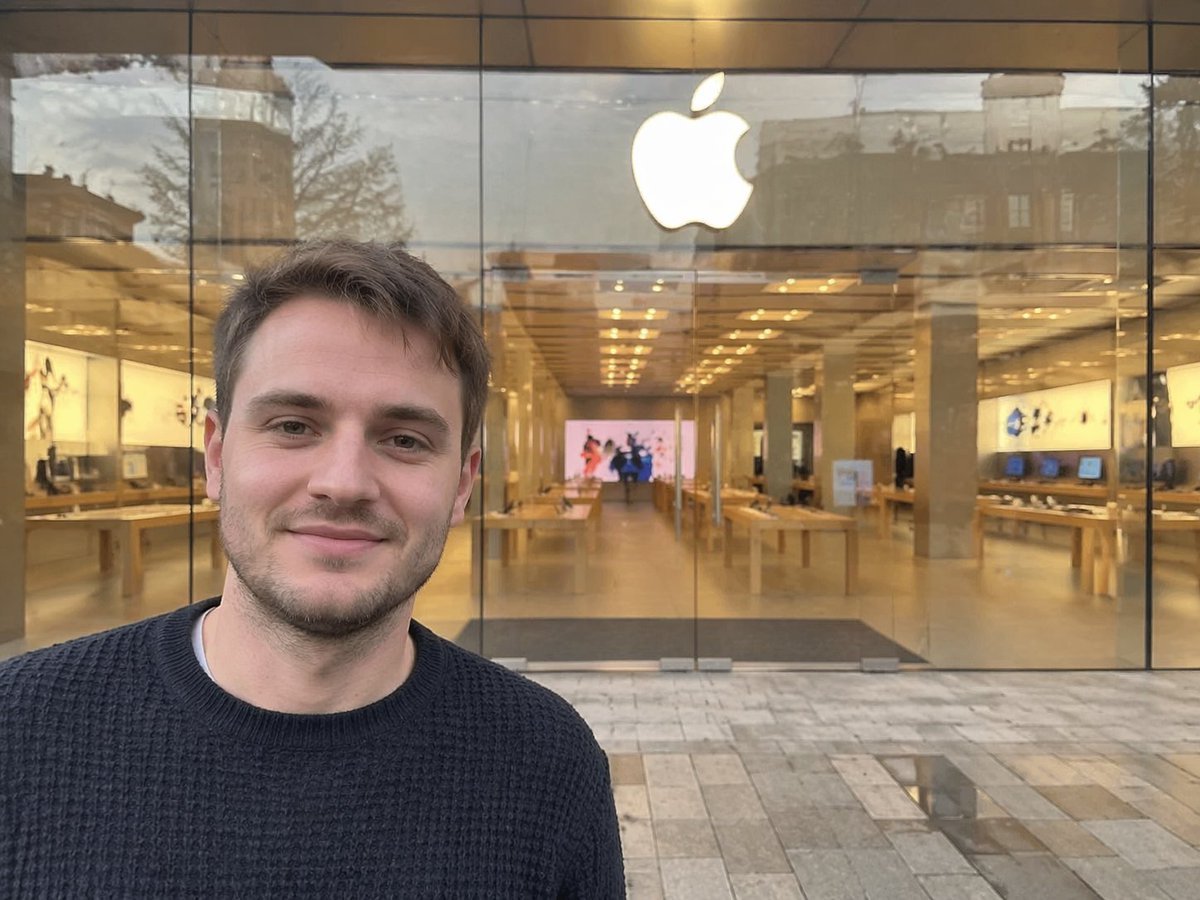
Amateur Apple Store Photography
Lego-style self portrait
Cartoon Character Design Sheet with Personality
Highly Structured Prompt for Outdoor Tennis Lifestyle Portrait
Masterpiece Political Caricature Prompt for Nano Banana 2
Browse template categories
Vintage Family Expedition Newspaper questions
How do I use the Vintage Family Expedition Newspaper template?
Add your photo if the template asks for one, edit the prompt if you like — the template's model and format are already selected — and press Generate. Your version opens in PicX Studio.
Can I customize the Vintage Family Expedition Newspaper template?
Yes. You can change the subject, setting, lighting, mood, format, and available model controls before creating your image.
Is the Vintage Family Expedition Newspaper template free?
Opening and editing this template is free. Generating uses credits, shown on the Generate button when you are signed in.
Which AI model should I use?
Start with GPT Image 2, which is the model associated with this template. You can compare another compatible model for a different finish.
Looking for something else? Browse all templates.

Your photo, any look
Thousands of ready templates for every top image and video model, from one credit balance.