
Uncanny Thanksgiving Family Dinner
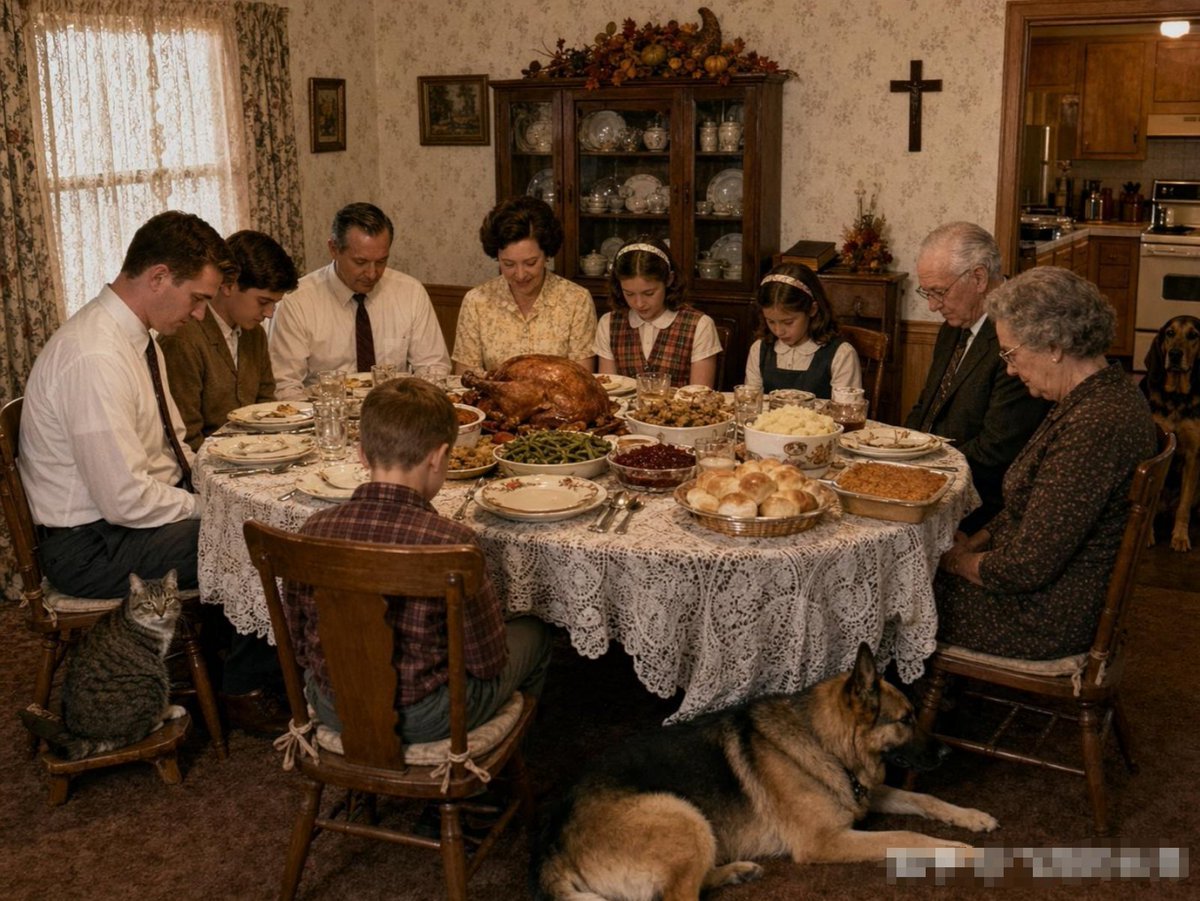
A realistic vintage Thanksgiving dinner scene with anonymized faces, pets, and nostalgic domestic details for creating eerie family-photo imagery.
- Prompt included
- Model and format preset
- Free template
The prompt behind this image
Copy the exact prompt behind Uncanny Thanksgiving Family Dinner, or open it in the studio and make it yours.
Create a photorealistic, slightly unsettling 1970s–1980s American Thanksgiving family dinner scene in a cozy but old-fashioned dining room. Use a 4:3 horizontal composition, warm dim indoor lighting, muted brown and cream tones, and a documentary snapshot aesthetic with realistic imperfections. Show exactly 9 people seated around a round table: 1 young adult man in a white shirt at far left, 1 woman beside him in brown, 1 middle-aged man in a white shirt and dark tie, 1 middle-aged woman in a pale floral blouse at the center, 1 young girl in a plaid dress and headband, 1 elderly man in a dark suit, 1 elderly woman in a dark patterned dress at far right, 1 boy seated with his back to the camera in the foreground, and 1 partially obscured person near the left side of the table. Make all human faces deliberately anonymized with soft rectangular blur blocks, increasing the uncanny realism. The table should be covered with a white lace tablecloth and crowded with exactly 8 visible food items: a large roasted turkey in the center, a bowl of green beans, a bowl of cranberry sauce, a bowl of mashed potatoes, a basket of dinner rolls, a rectangular baked casserole, a stuffing dish, and small plates of sliced food around the place settings. Include plates, forks, knives, spoons, drinking glasses, and napkins arranged realistically. Add exactly 3 pets: a gray tabby cat sitting on a small wooden stool at the lower left, a large German shepherd lying on the carpet in the foreground, and a brown hound dog standing in the kitchen doorway at the right rear. Background details: floral wallpaper, lace curtains glowing from a window on the left, a wooden china cabinet filled with plates and glassware centered on the back wall, autumn harvest decorations on top of the cabinet, small framed pictures, a black wall cross to the right, and a view into a wood-cabinet kitchen through the doorway. Add a faint blurred watermark-like block in the bottom-right corner. No readable text, no modern objects, no clean studio lighting; keep the image realistic, nostalgic, and subtly eerie.
How to use Uncanny Thanksgiving Family Dinner in 3 steps
- 1Upload ImagePNG, JPG or paste
Add your photo
Upload the photo the template builds on. The prompt, model and format are already set.
- 2…a portrait of your subject in softgolden-hour light, 85mm…
Personalize
Edit the subject and creative details for your destination.
- 3Generate
Generate
Press Generate — your image is created in PicX Studio, so you can compare it with the original and refine one variable at a time.
More like this
Templates with the same subject, style or setup. Open one to see its prompt.
Nano Banana - Rooftop Dinner Night
Family Dinner Cinematic Contact Sheet
Family Dinner Cinematic Contact Sheet
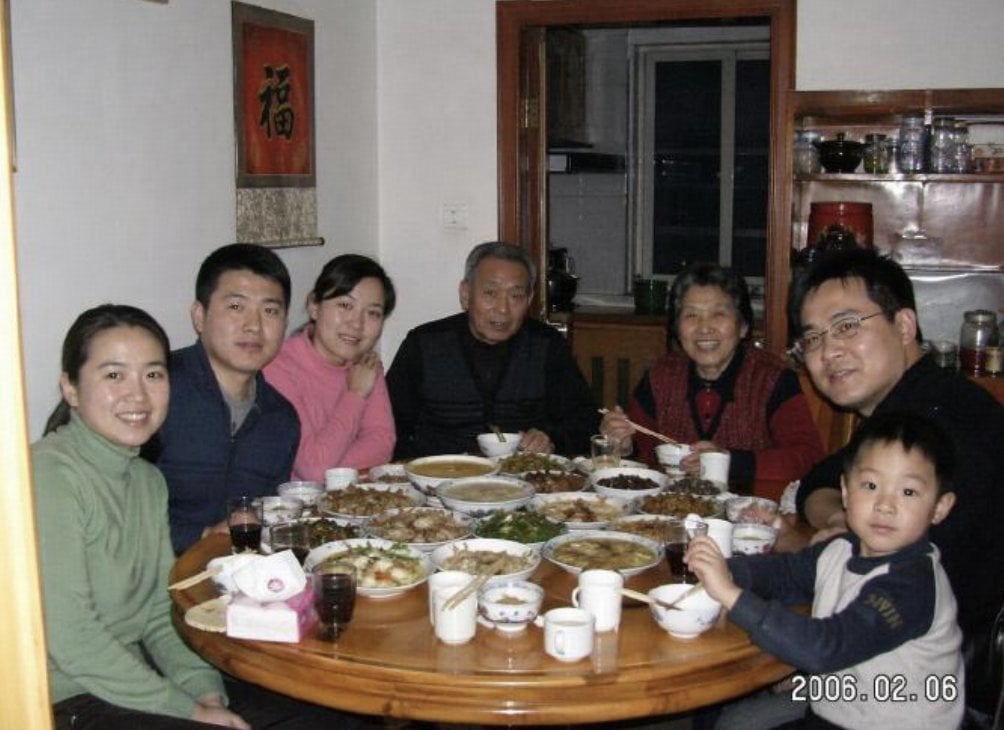
Anonymized 2000s Family Dinner Photo
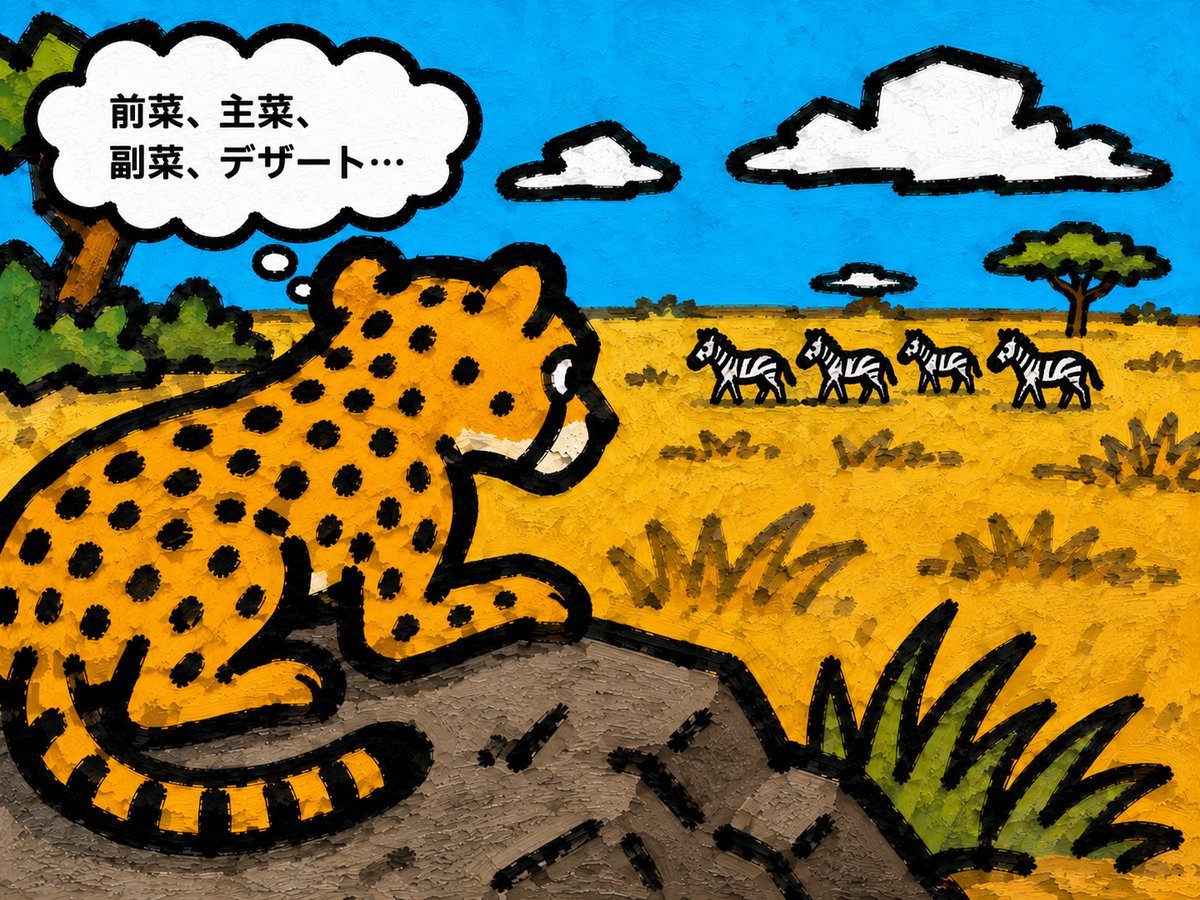
Cheetah Thinking of Dinner
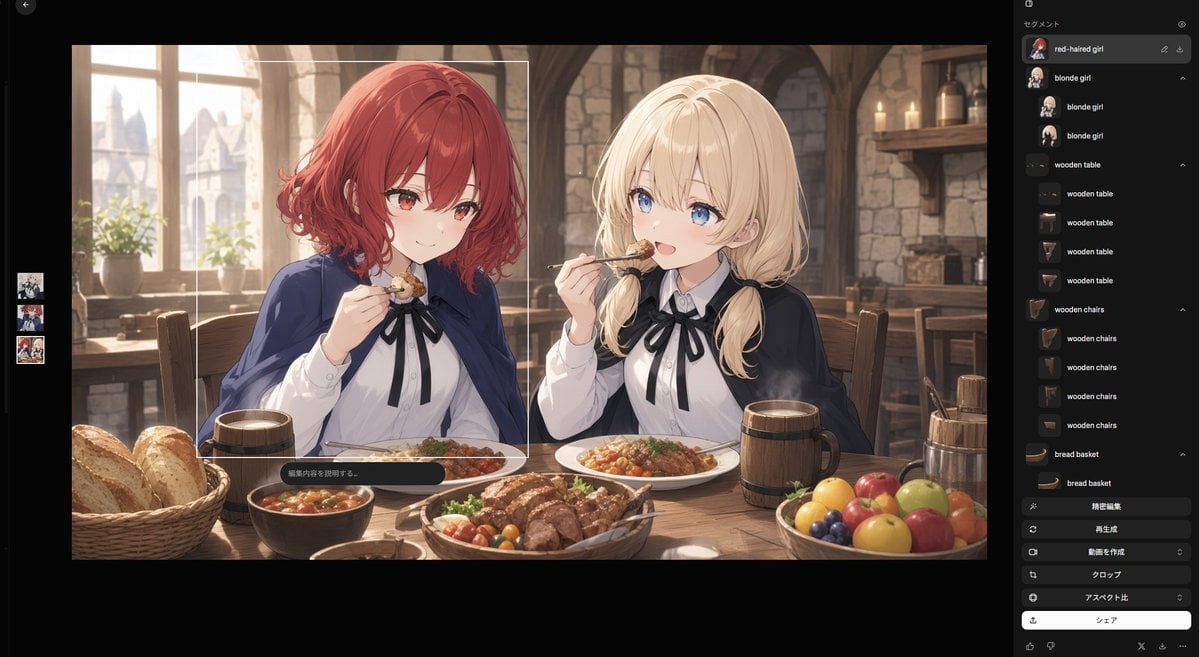
Anime Tavern Dinner Scene
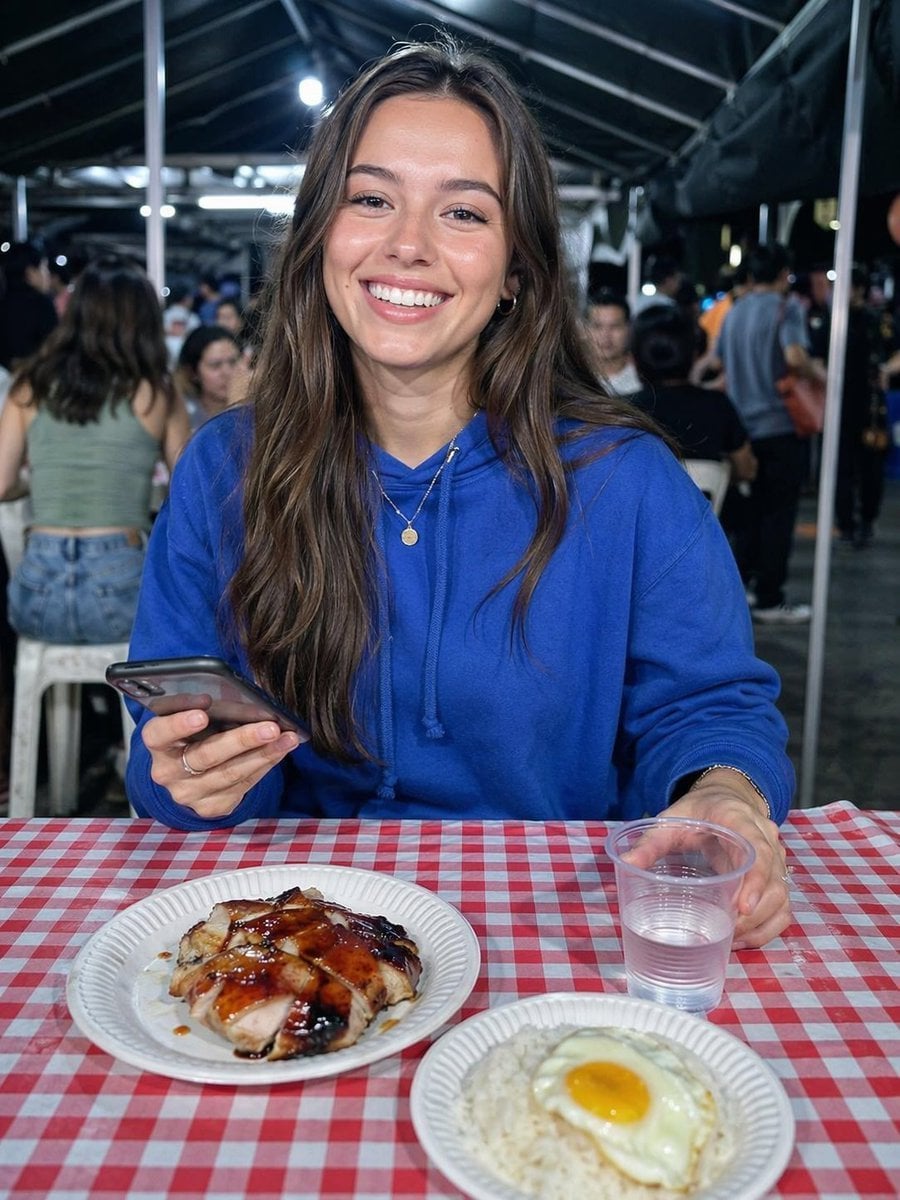
Night Market Dinner Portrait
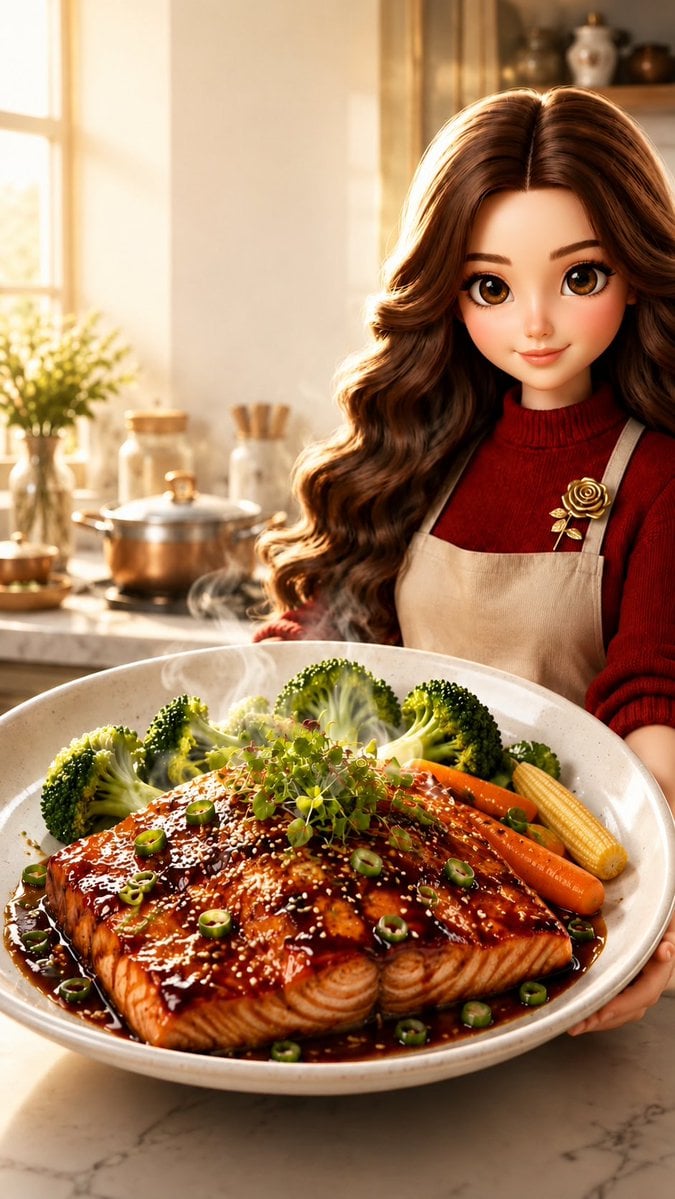
Pixar-Style Salmon Dinner Ad
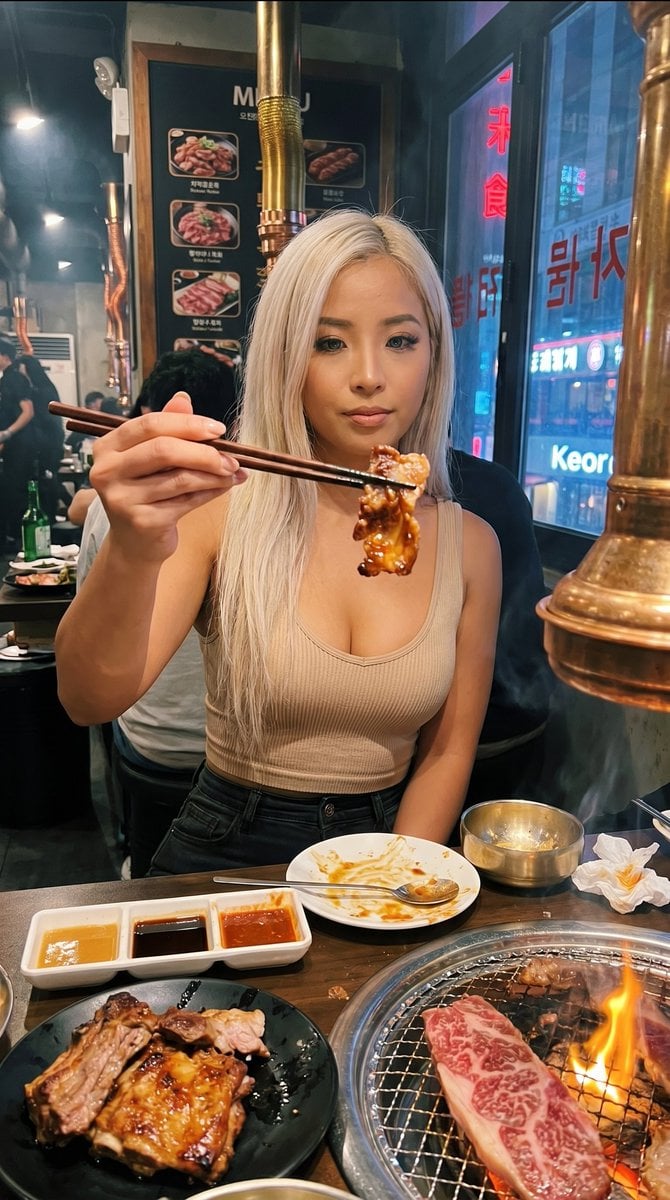
Urban BBQ Dinner Portrait
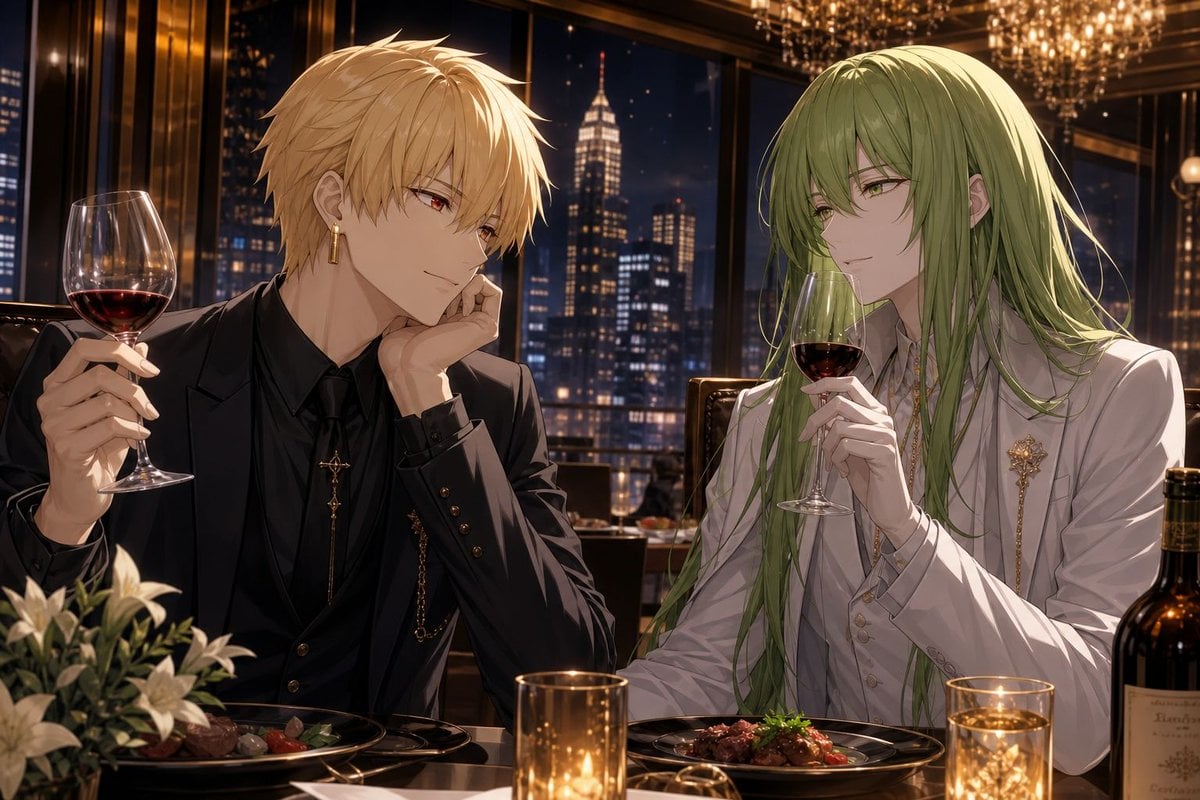
Elegant Anime Dinner with Two Fantasy Men
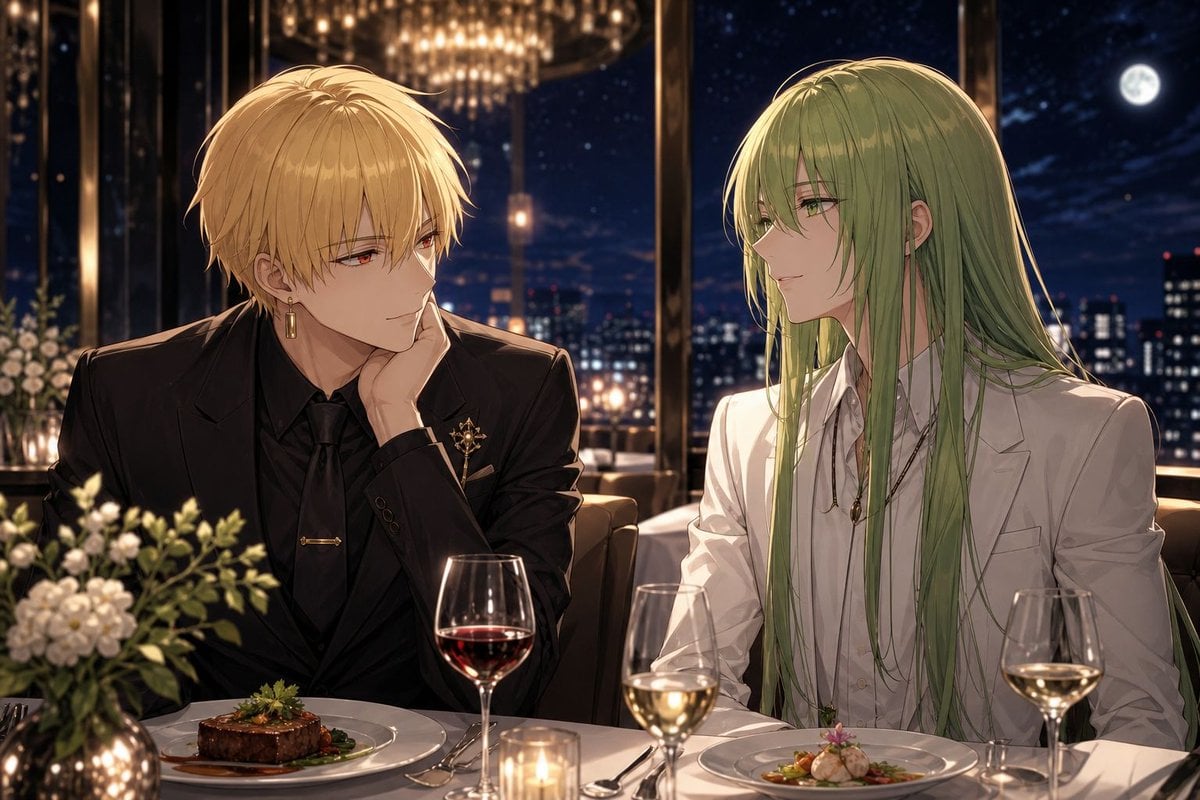
Gilgamesh and Enkidu Dinner Scene

Candid Couch Dinner Flash Photo
Make it yours
Uncanny Thanksgiving Family Dinner works as-is. These are the safest ways to change it without losing the look.
Change one field
Copy a single group, rewrite it, and generate again so you can see what that field is doing.
Keep the frame, change the subject
Hold the composition and light of Uncanny Thanksgiving Family Dinner, then swap wardrobe, props or the person for a new take.
| If the result… | Why | Fix |
|---|---|---|
| The result drifts from the preview | Too many fields changed at once. | Reuse Uncanny Thanksgiving Family Dinner as-is first, then change one group — subject, light, or setting. |
| The model over-stylizes the scene | The prose prompt leaves finish and camera underspecified. | Add one camera or lighting sentence and stay on GPT Image 2. |
More GPT Image 2 templates
Other prompts made for GPT Image 2.

Six VTuber Japanese Logo Sheet

Realistic Portrait of Woman and Deer

The Vista Modular Condo Poster

AI Model Routing Comparison Infographic

2.5D Anime Art Board

Isometric Productivity Desk Scene

New York Double Exposure Poster

Four-Panel AI Landscape Comparison

Japanese Tatami Lifestyle Magazine Cover

NESCAFÉ Coffee Map Poster
More image prompts
Fresh picks from across the catalog.
Multi-Step Comic Generation with MJ and Nano Banana Pro
Lounge Suit Cinematic Portrait
Generate a room that looks like life is being enjoyed to the fullest

Futuristic Wi-Fi Tanuki Character Sheet
Anatomy Correction Prompt for Nano Banana 2
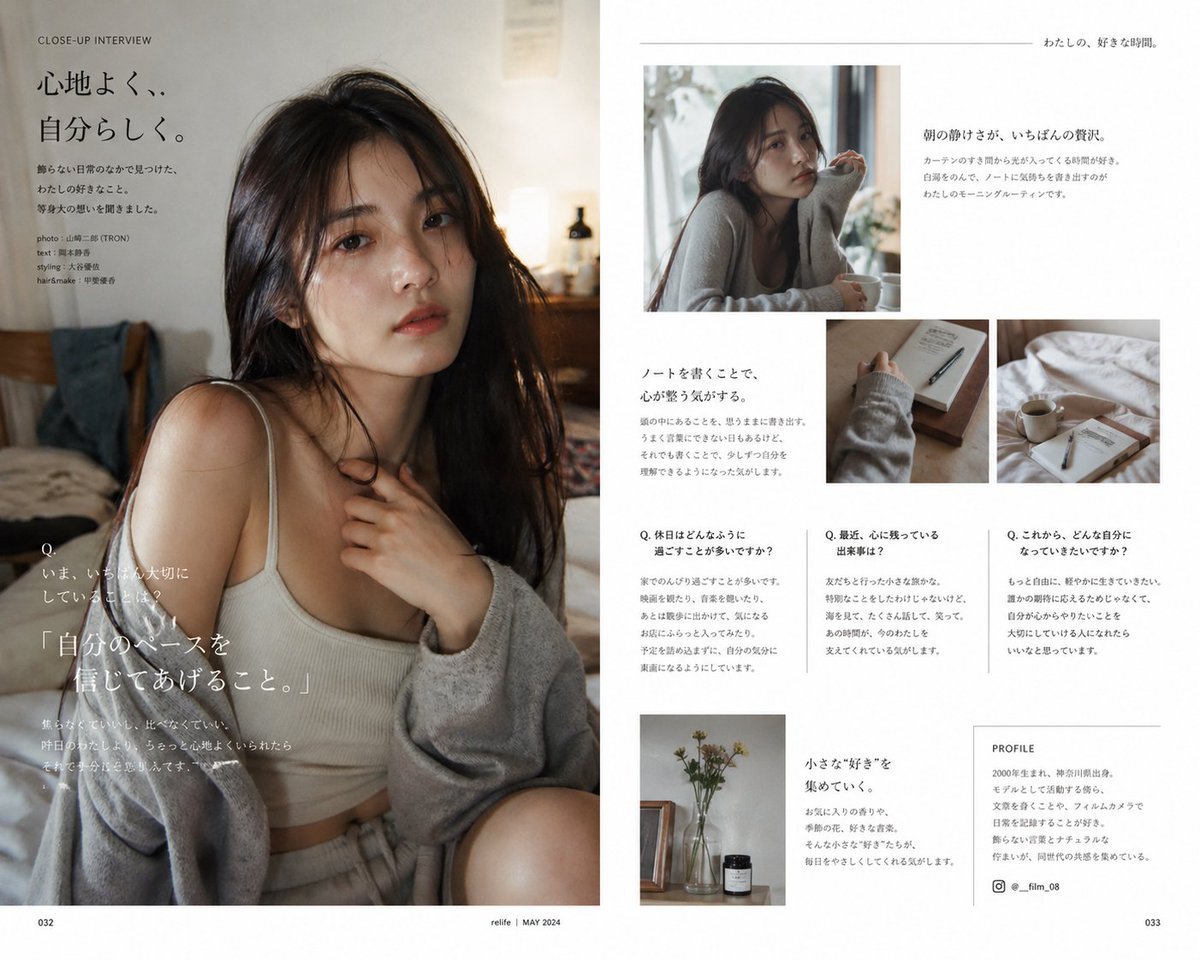
Japanese Lifestyle Magazine Layout
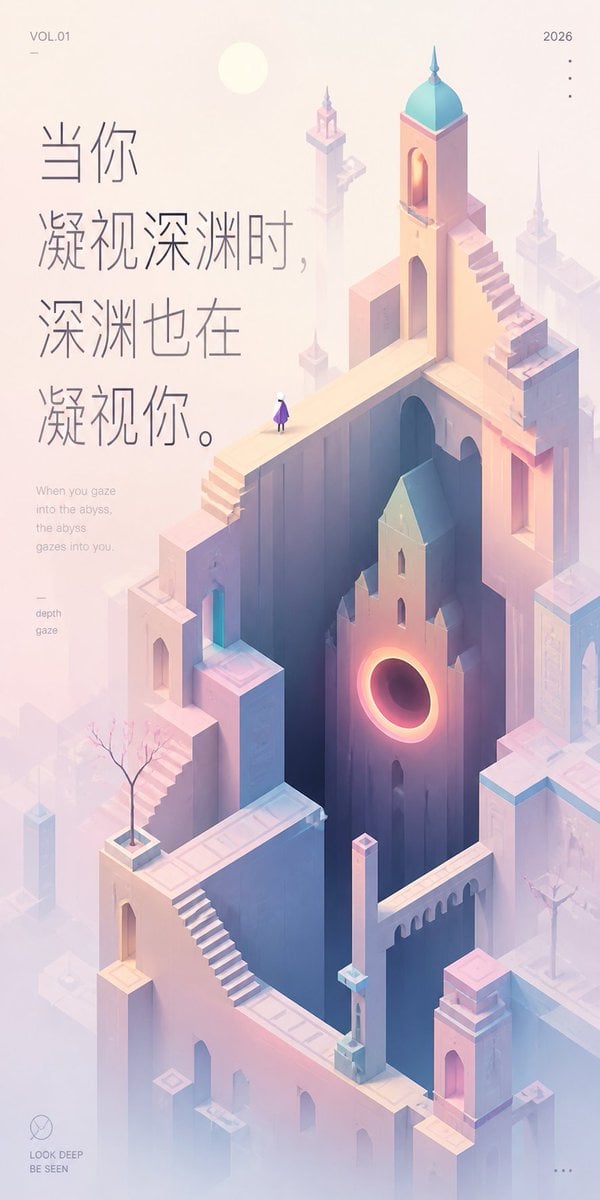
Pastel Abyss Quote Wallpaper
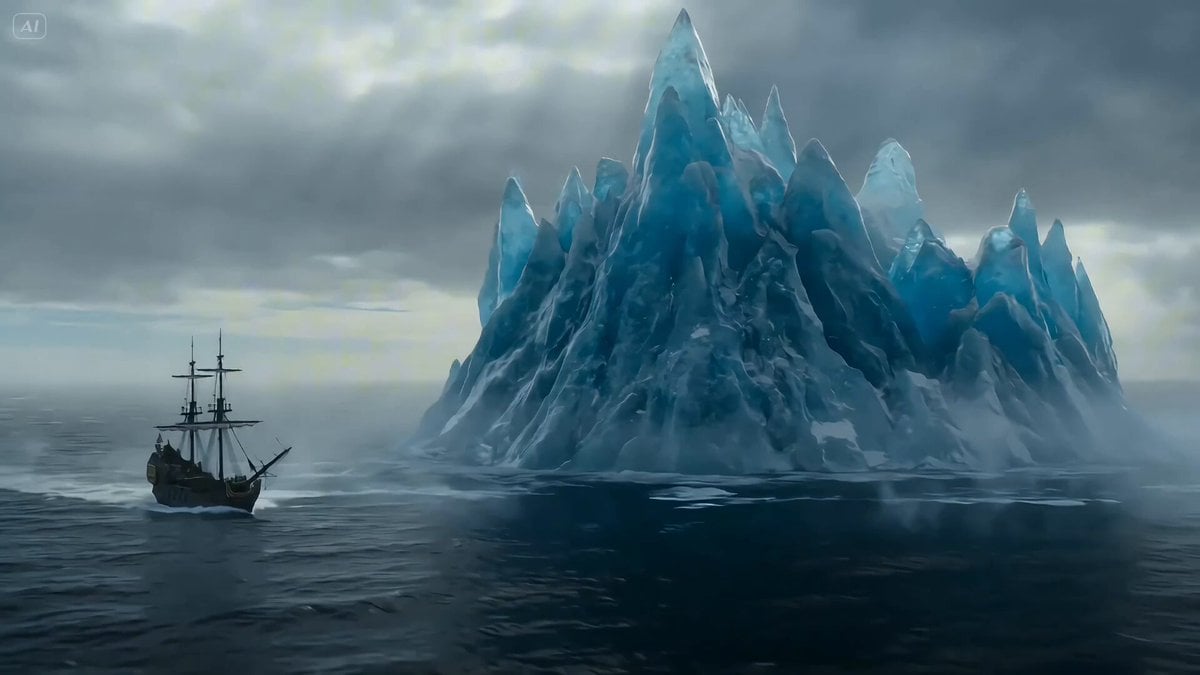
Ice Dragon and the Sailers - Seedance 2.0
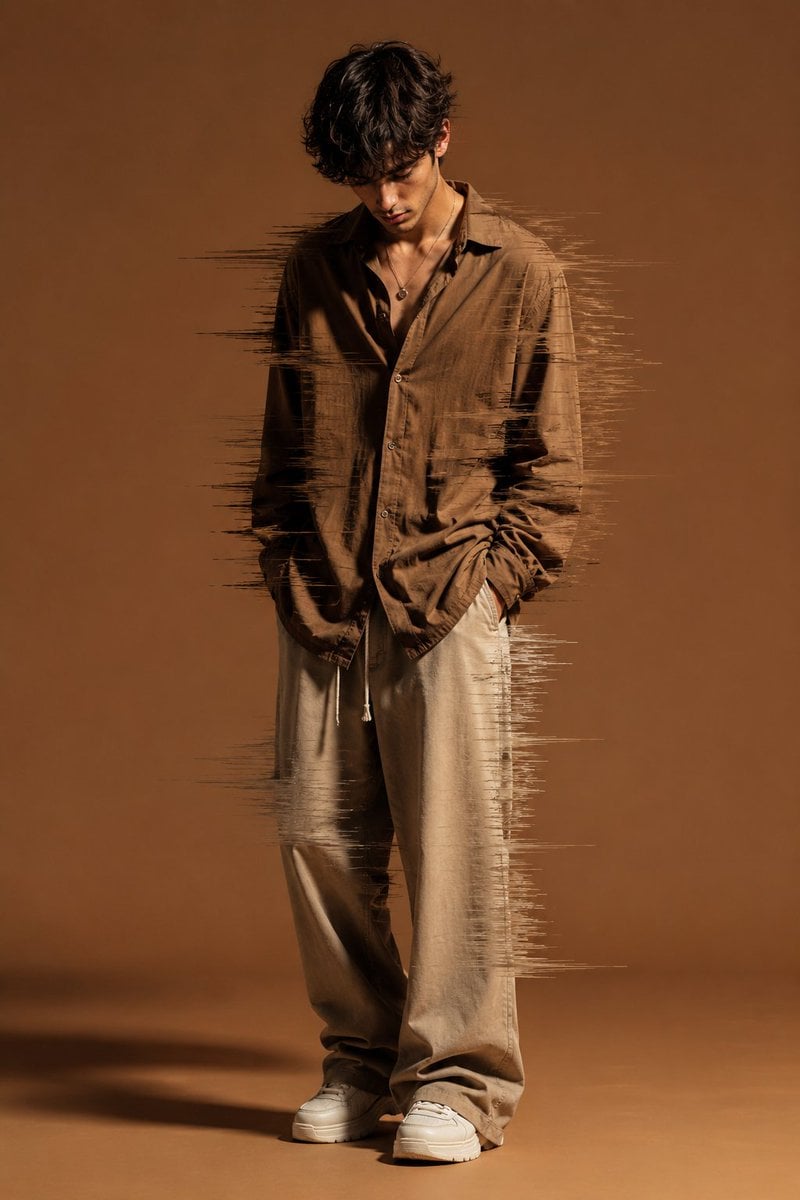
Editorial Fashion Glitch Portrait
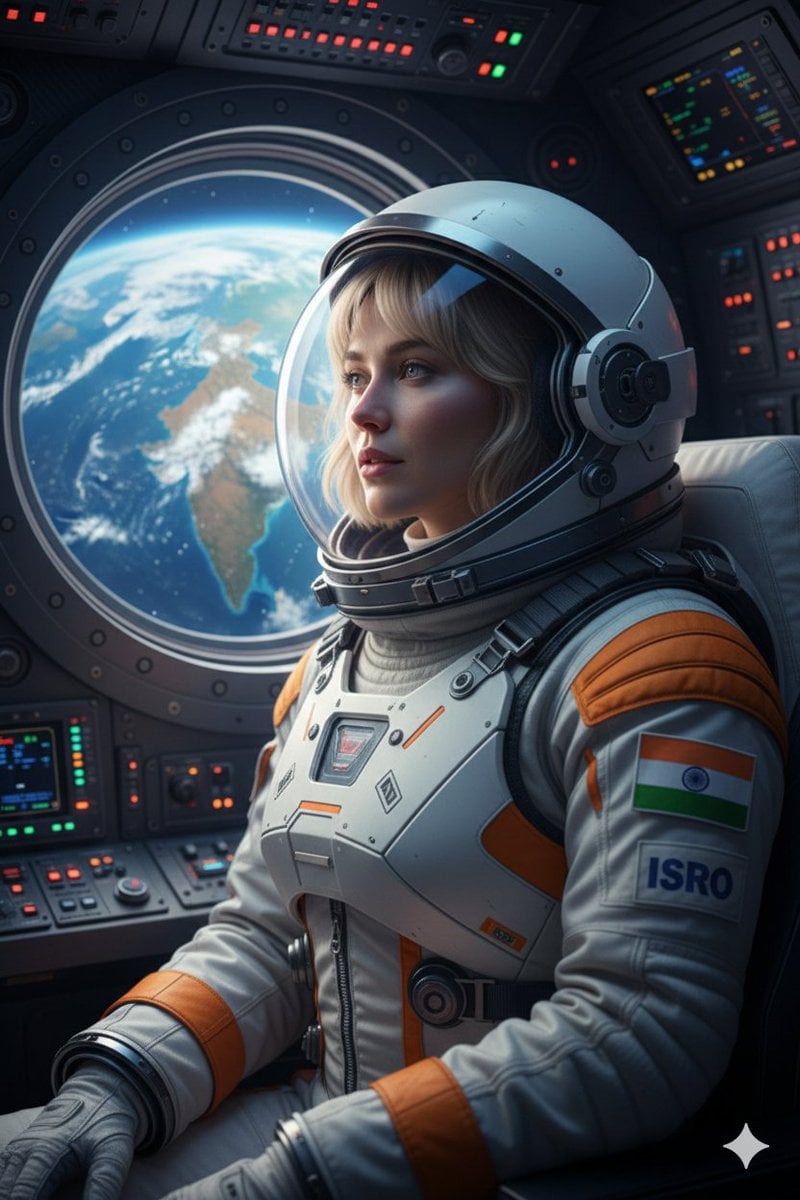
Cinematic Portrait of Indian Astronaut in ISRO Spacesuit
Browse template categories
Uncanny Thanksgiving Family Dinner questions
How do I use the Uncanny Thanksgiving Family Dinner template?
Add your photo if the template asks for one, edit the prompt if you like — the template's model and format are already selected — and press Generate. Your version opens in PicX Studio.
Can I customize the Uncanny Thanksgiving Family Dinner template?
Yes. You can change the subject, setting, lighting, mood, format, and available model controls before creating your image.
Is the Uncanny Thanksgiving Family Dinner template free?
Opening and editing this template is free. Generating uses credits, shown on the Generate button when you are signed in.
Which AI model should I use?
Start with GPT Image 2, which is the model associated with this template. You can compare another compatible model for a different finish.
Looking for something else? Browse all templates.

Your photo, any look
Thousands of ready templates for every top image and video model, from one credit balance.