
Pixar-Style Salmon Dinner Ad
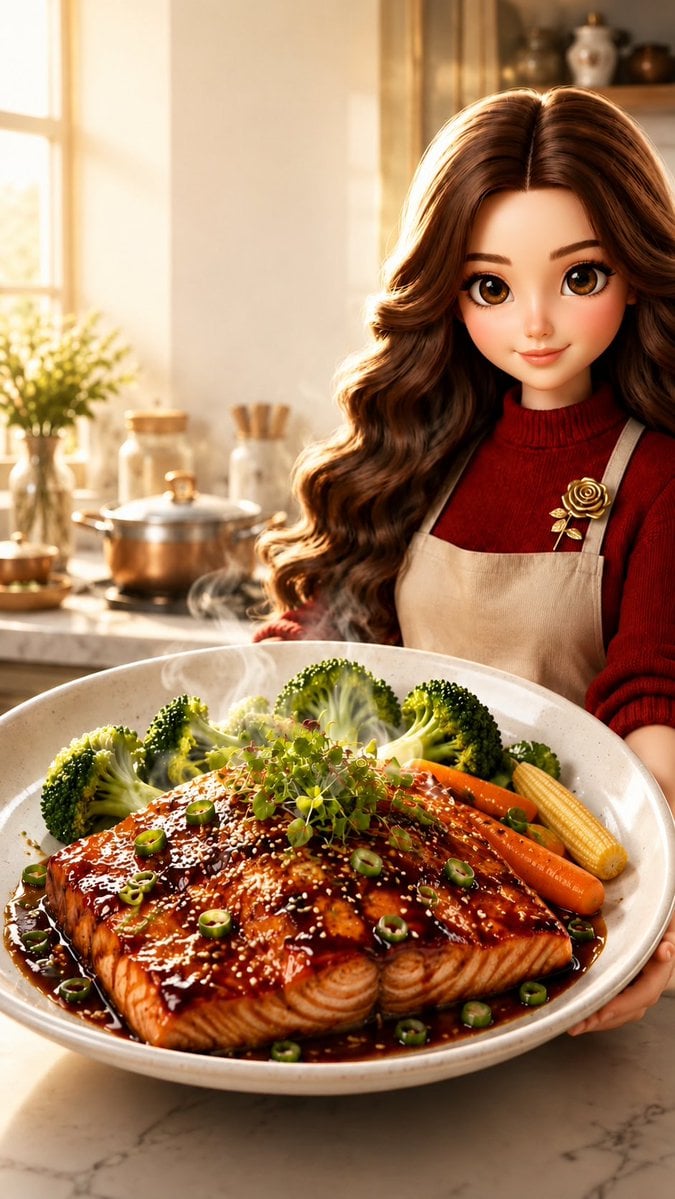
A vertical ultra-realistic 3D food advertisement featuring a friendly animated woman presenting glossy glazed salmon in a cozy sunlit kitchen.
- Prompt included
- Model and format preset
- Free template
The prompt behind this image
Copy the exact prompt behind Pixar-Style Salmon Dinner Ad, or open it in the studio and make it yours.
Create an ultra-realistic 3D Pixar/Disney-inspired vertical food advertisement in a warm sunlit home kitchen. The scene shows a beautiful young woman with large expressive brown eyes, soft flawless skin, long voluminous wavy {argument name="hair color" default="chestnut brown hair"}, and a warm friendly smile, standing behind a marble countertop and holding a large shallow ceramic serving bowl toward the viewer. She wears a deep burgundy knit turtleneck sweater and a beige linen apron with a small decorative gold rose brooch pinned near one strap. In the foreground, make the food the hero: one large glossy teriyaki-glazed salmon fillet, steaming hot, with visible flaky salmon texture, dark caramelized sauce pooling around it, sesame seeds, sliced green scallions, and a small mound of microgreens on top. Add exactly 3 visible vegetable side types around the salmon: bright green broccoli florets, orange baby carrots, and yellow baby corn. Use appetizing restaurant-quality styling with rich reflections on the glaze, tiny steam wisps, and shallow depth of field. Background: cozy softly blurred kitchen with a bright window on the left, golden morning sunlight, a small potted herb plant, glass jars, utensils, a pot on the stove, shelves, and warm beige walls. Composition: portrait 9:16, close-up perspective, woman centered slightly right, oversized plated salmon dominating the lower half, inviting commercial look, no text, no logo, no watermark. Use {argument name="lighting mood" default="golden morning sunlight"}, premium food photography detail, cinematic bokeh, polished 3D character realism, and a wholesome gourmet-at-home mood.
How to use Pixar-Style Salmon Dinner Ad in 3 steps
- 1Upload ImagePNG, JPG or paste
Add your photo
Upload the photo the template builds on. The prompt, model and format are already set.
- 2…a portrait of your subject in softgolden-hour light, 85mm…
Personalize
Edit the subject and creative details for your destination.
- 3Generate
Generate
Press Generate — your image is created in PicX Studio, so you can compare it with the original and refine one variable at a time.
More like this
Templates with the same subject, style or setup. Open one to see its prompt.











Make it yours
Pixar-Style Salmon Dinner Ad works as-is. These are the safest ways to change it without losing the look.
Change one field
Copy a single group, rewrite it, and generate again so you can see what that field is doing.
Keep the frame, change the subject
Hold the composition and light of Pixar-Style Salmon Dinner Ad, then swap wardrobe, props or the person for a new take.
| If the result… | Why | Fix |
|---|---|---|
| The result drifts from the preview | Too many fields changed at once. | Reuse Pixar-Style Salmon Dinner Ad as-is first, then change one group — subject, light, or setting. |
| The model over-stylizes the scene | The prose prompt leaves finish and camera underspecified. | Add one camera or lighting sentence and stay on GPT Image 2. |
More GPT Image 2 templates
Other prompts made for GPT Image 2.

Six VTuber Japanese Logo Sheet

Realistic Portrait of Woman and Deer

The Vista Modular Condo Poster

AI Model Routing Comparison Infographic

2.5D Anime Art Board

Isometric Productivity Desk Scene

New York Double Exposure Poster

Four-Panel AI Landscape Comparison

Japanese Tatami Lifestyle Magazine Cover

NESCAFÉ Coffee Map Poster
More image prompts
Fresh picks from across the catalog.
Monochrome propaganda-style portrait prompt for Nano Banana Pro
Cinematic Samurai Agency Landing Page
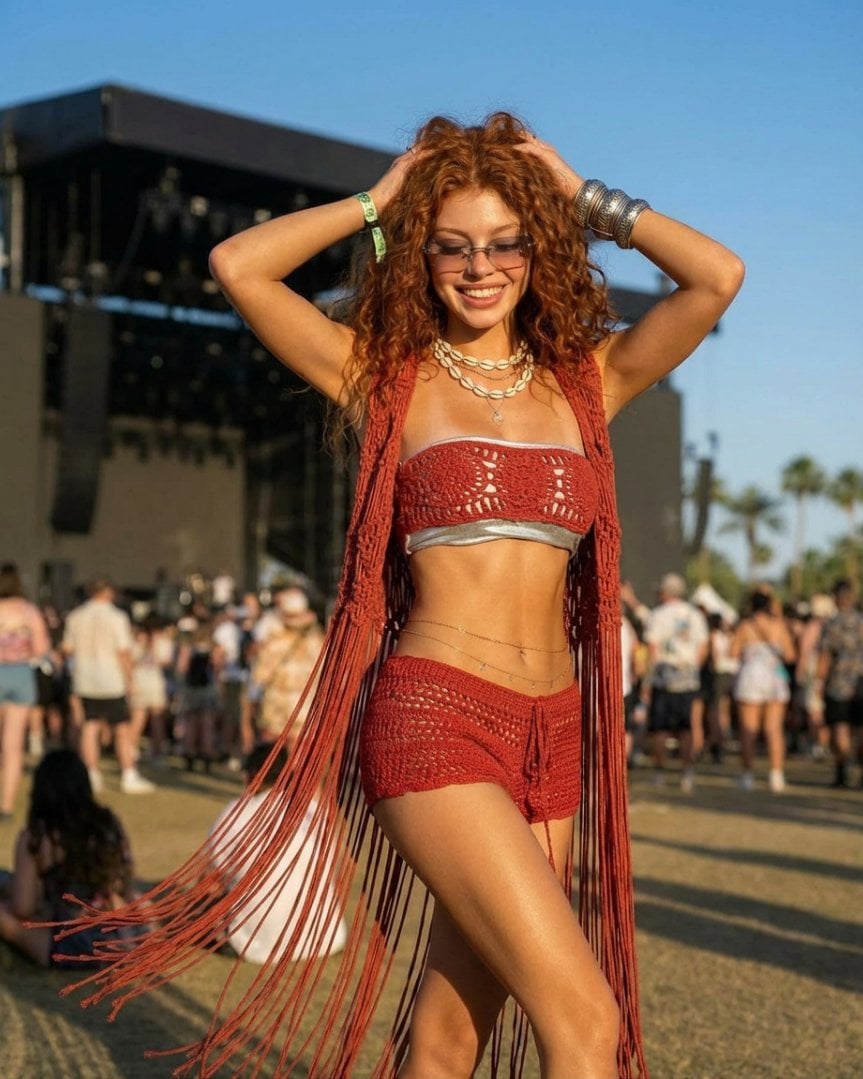
Photorealistic Festival Fashion Portrait Prompt
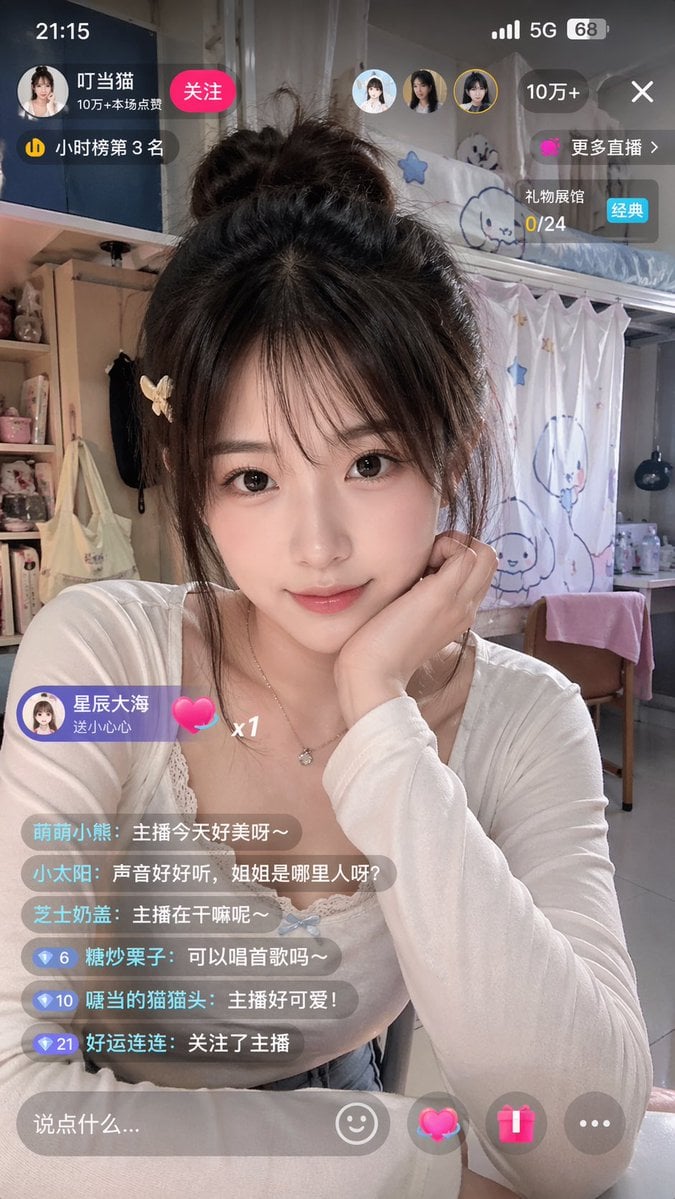
Chinese Livestream Dorm Selfie UI
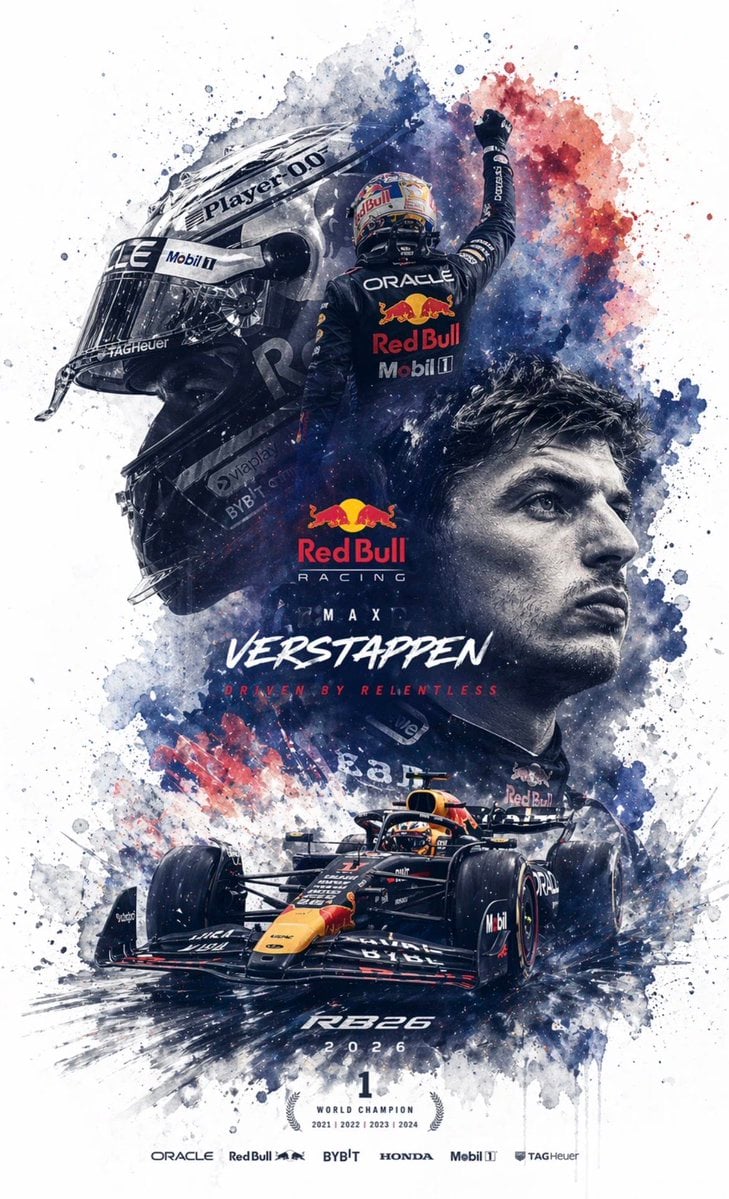
Editable PSD Layer Generation
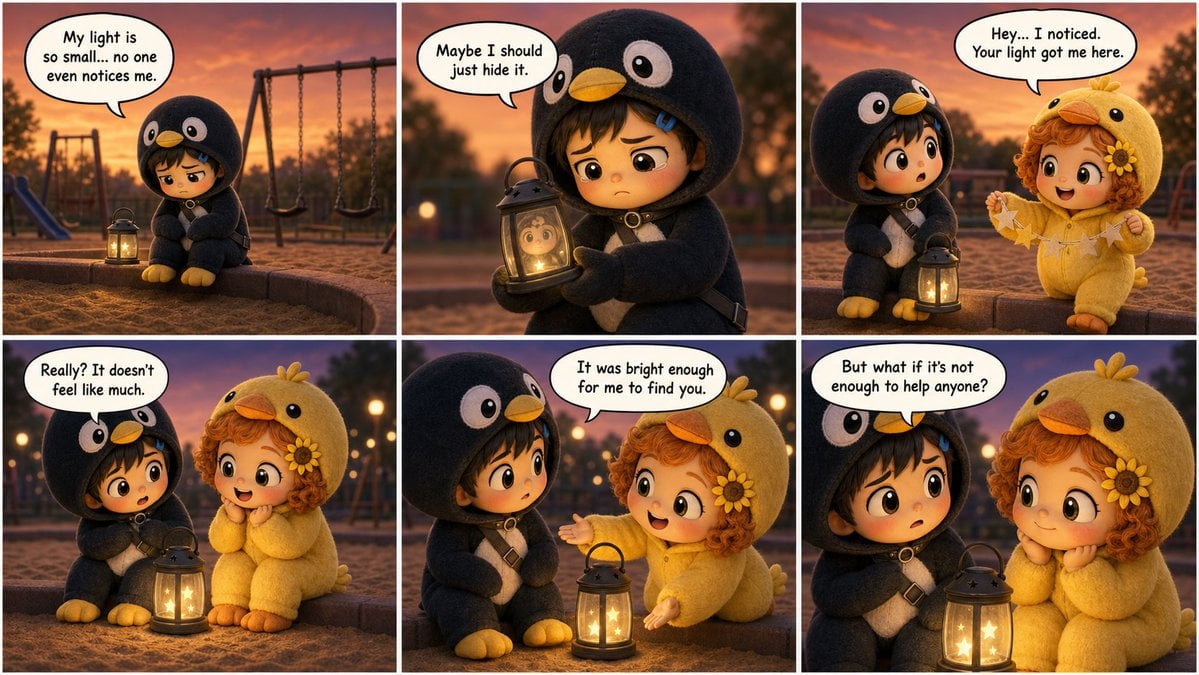
Pixar-Style Storyboard Layout
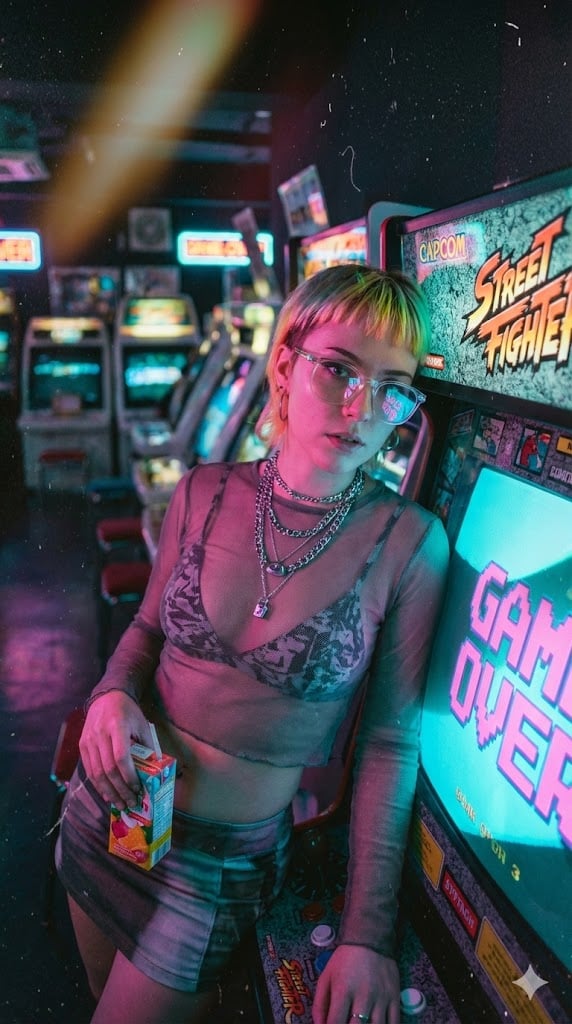
Retro-Futuristic Arcade Photography Portrait
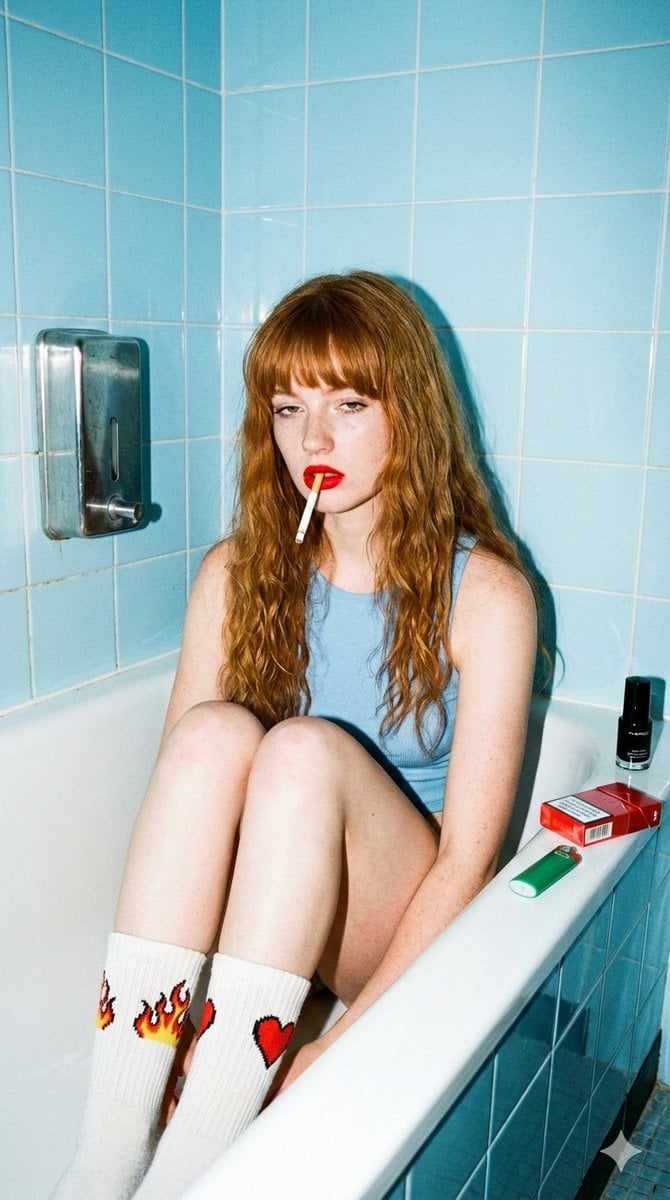
90s Nostalgic Flash Photo Prompt for Nano Banana Pro
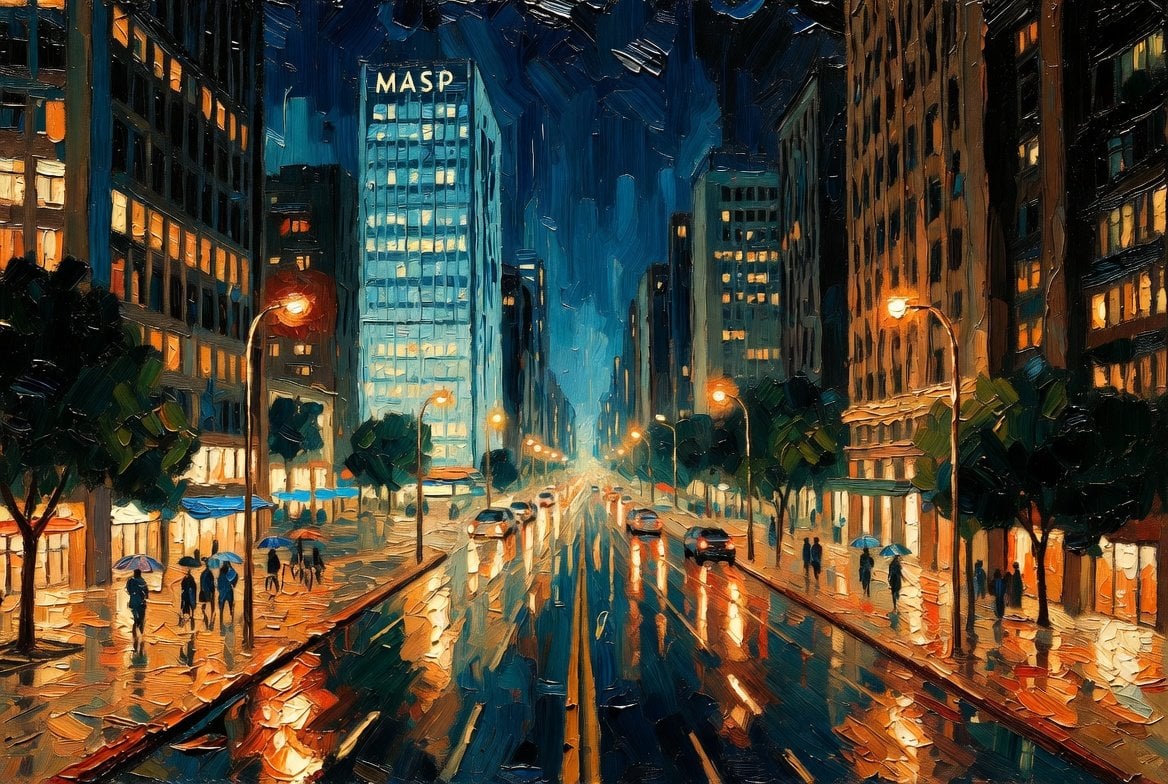
São Paulo Avenida Paulista Painting Prompt (JSON reference)
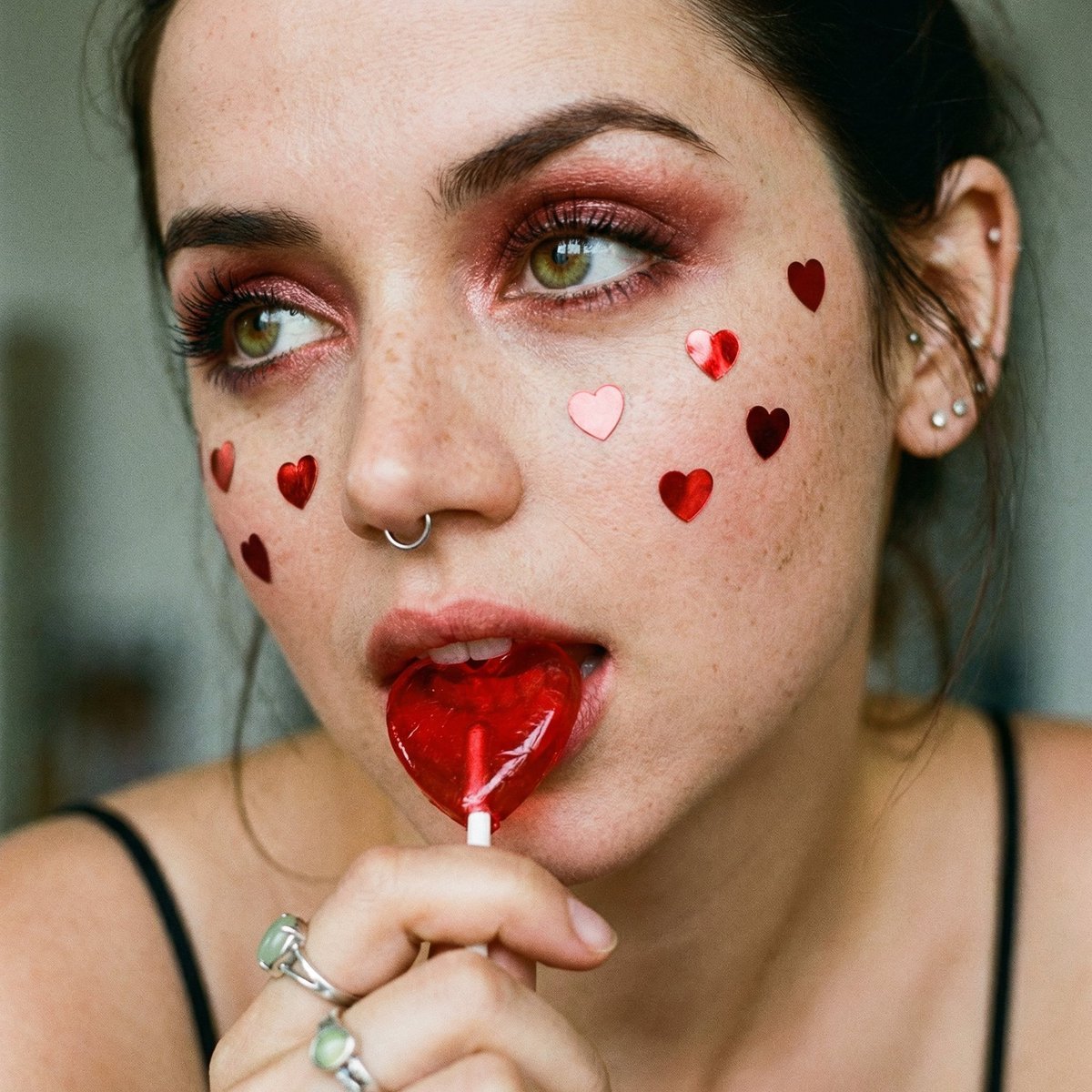
Coquette Soft Grunge Portrait with Lollipop (JSON)
Browse template categories
Pixar-Style Salmon Dinner Ad questions
How do I use the Pixar-Style Salmon Dinner Ad template?
Add your photo if the template asks for one, edit the prompt if you like — the template's model and format are already selected — and press Generate. Your version opens in PicX Studio.
Can I customize the Pixar-Style Salmon Dinner Ad template?
Yes. You can change the subject, setting, lighting, mood, format, and available model controls before creating your image.
Is the Pixar-Style Salmon Dinner Ad template free?
Opening and editing this template is free. Generating uses credits, shown on the Generate button when you are signed in.
Which AI model should I use?
Start with GPT Image 2, which is the model associated with this template. You can compare another compatible model for a different finish.
Looking for something else? Browse all templates.

Your photo, any look
Thousands of ready templates for every top image and video model, from one credit balance.