
Chinese Livestream Dorm Selfie UI
This prompt generates a photorealistic vertical screenshot of a young female streamer in a dorm room with complete Chinese livestream app overlays, useful for social media mockups or UI realism demos.
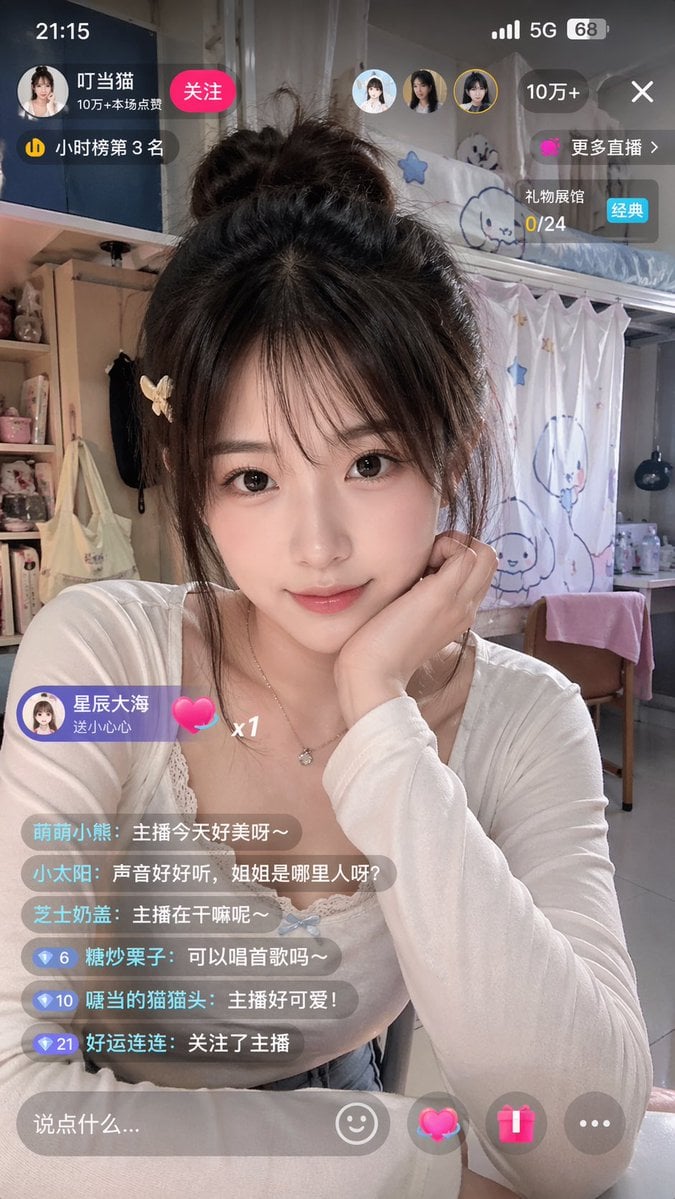
- Prompt included
- Model and format preset
- Free template
The prompt behind this image
Copy the exact prompt behind Chinese Livestream Dorm Selfie UI, or open it in the studio and make it yours.
A realistic vertical smartphone screenshot of a Chinese livestream interface showing a young woman streamer seated in a cozy dorm room bedroom, front-facing medium close-up selfie composition from chest to head. Her face is intentionally obscured by a large soft rectangular blur centered over the face. She has dark messy black-brown hair in a loose high bun with wispy strands falling around the cheeks, and a small light-colored butterfly hair clip on the left side. She wears a fitted white scoop-neck long-sleeve top layered over delicate lace trim and a thin necklace with a small pendant. Her right hand supports her chin in a casual cute pose, and the mood is soft, intimate, and everyday. The room behind her is a feminine student dorm interior with a loft bed at upper right, white curtains printed with simple blue cartoon characters and stars, a desk with bottles and small items, a wooden chair draped with a pink towel, shelving on the left with plush toys, cosmetics, and bags, and warm indoor ambient lighting. Add full livestream app UI overlays in Chinese across the image, designed like a real mobile live-broadcast app screenshot. Top status bar: time 21:15 at top left, mobile signal, 5G, and battery 68 at top right. Top creator area: a circular avatar, the streamer name {argument name="streamer name" default="叮当猫"}, a red follow button labeled 关注, and a popularity line reading 10万+本场点赞. Add a small ranking badge reading 小时榜第3名. Near the top center-right, include exactly 3 small circular user avatars. At the upper right, add a dark rounded popularity pill reading 10万+, a close X icon, a purple button labeled 更多直播, and a gift progress card reading 礼物展馆 0/24 with a blue tag 经典. Left lower-mid floating gift banner: sender avatar and text 星辰大海 送小心心 with a pink heart icon and x1. Comment area on lower left: exactly 6 stacked translucent chat bubbles with these lines in order: 1. 萌萌小熊:主播今天好美呀~ 2. 小太阳:声音好好听,姐姐是哪里人呀? 3. 芝士奶盖:主播在干嘛呢~ 4. 糖炒栗子:可以唱首歌吗~ 5. 嘴当的猫猫头:主播好可爱! 6. 好运连连:关注了主播. Add small blue diamond level badges before the last three comments with the numbers 6, 10, and 21. Bottom input bar: a rounded translucent text field with placeholder 说点什么..., then 4 controls to the right: a smiley icon, a glowing pink heart gift icon, a pink present icon, and a gray three-dots icon. Photorealistic phone capture style, natural skin and fabric texture, mild beauty-camera softness, realistic app overlay transparency, vertical 9:16 aspect ratio.
How to use Chinese Livestream Dorm Selfie UI in 3 steps
- 1Upload ImagePNG, JPG or paste
Add your photo
Upload the photo the template builds on. The prompt, model and format are already set.
- 2…a portrait of your subject in softgolden-hour light, 85mm…
Personalize
Edit the subject and creative details for your destination.
- 3Generate
Generate
Press Generate — your image is created in PicX Studio, so you can compare it with the original and refine one variable at a time.
More like this
Templates with the same subject, style or setup. Open one to see its prompt.
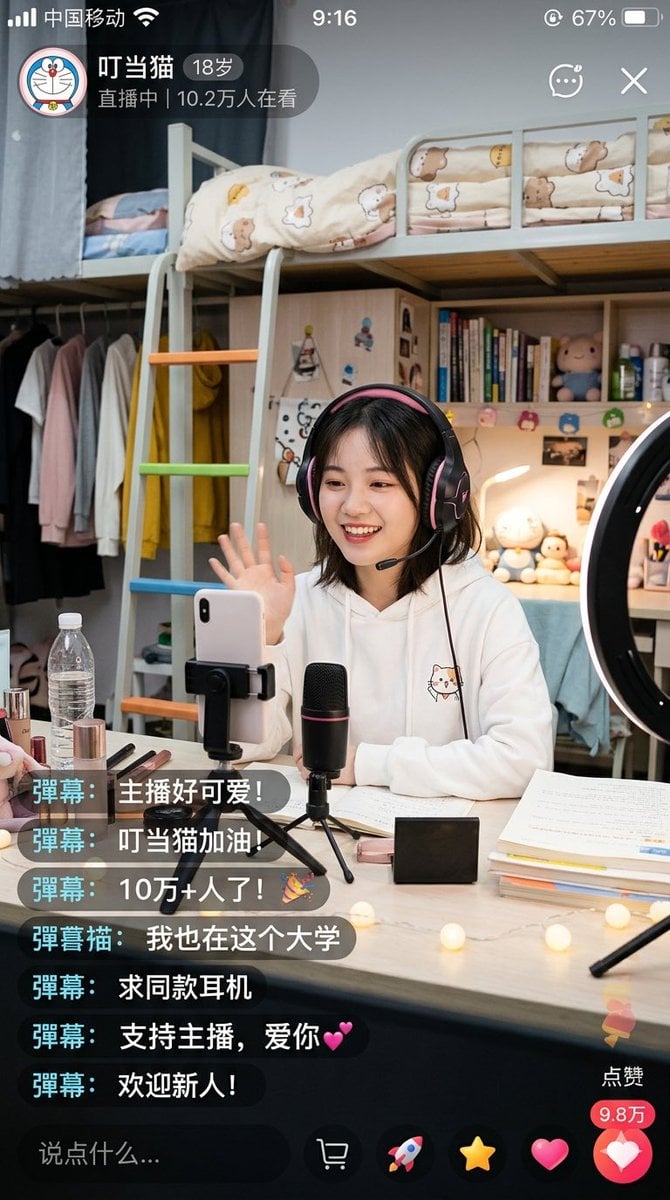
Chinese Dorm Livestream Screenshot

Rooftop Fisheye — Cat-Ear Balaclava at Golden Hour

Felt & Knit 3D Character — Photo-Exact Face, Pixar-Quality Plush Figurine

Eid al-Adha Cute Chaos — Fisheye Selfie with Farm Selfie, Mosque & Animals

Cat Photobomb Selfie — 0.5x Wide Angle Café Chaos

Gen Z Triple Selfie Collage — Y2K Flash Photography

Surreal Cat Astronaut — Humanoid Face Freefall

Photoreal Village Lanterns Minecraft Scene

Photoreal Snow Biome Name Tag UI

Photoreal Selfie Minecraft Block World

Photoreal Selfie Minecraft Village Ghast UI

Low Angle Floor Selfie With Upside Down Cat
Make it yours
Chinese Livestream Dorm Selfie UI works as-is. These are the safest ways to change it without losing the look.
Change one field
Copy a single group, rewrite it, and generate again so you can see what that field is doing.
Keep the frame, change the subject
Hold the composition and light of Chinese Livestream Dorm Selfie UI, then swap wardrobe, props or the person for a new take.
| If the result… | Why | Fix |
|---|---|---|
| The result drifts from the preview | Too many fields changed at once. | Reuse Chinese Livestream Dorm Selfie UI as-is first, then change one group — subject, light, or setting. |
| The model over-stylizes the scene | The prose prompt leaves finish and camera underspecified. | Add one camera or lighting sentence and stay on GPT Image 2. |
More GPT Image 2 templates
Other prompts made for GPT Image 2.

Six VTuber Japanese Logo Sheet

Realistic Portrait of Woman and Deer

The Vista Modular Condo Poster

AI Model Routing Comparison Infographic

2.5D Anime Art Board

Isometric Productivity Desk Scene

New York Double Exposure Poster

Four-Panel AI Landscape Comparison

Japanese Tatami Lifestyle Magazine Cover

NESCAFÉ Coffee Map Poster
More image prompts
Fresh picks from across the catalog.
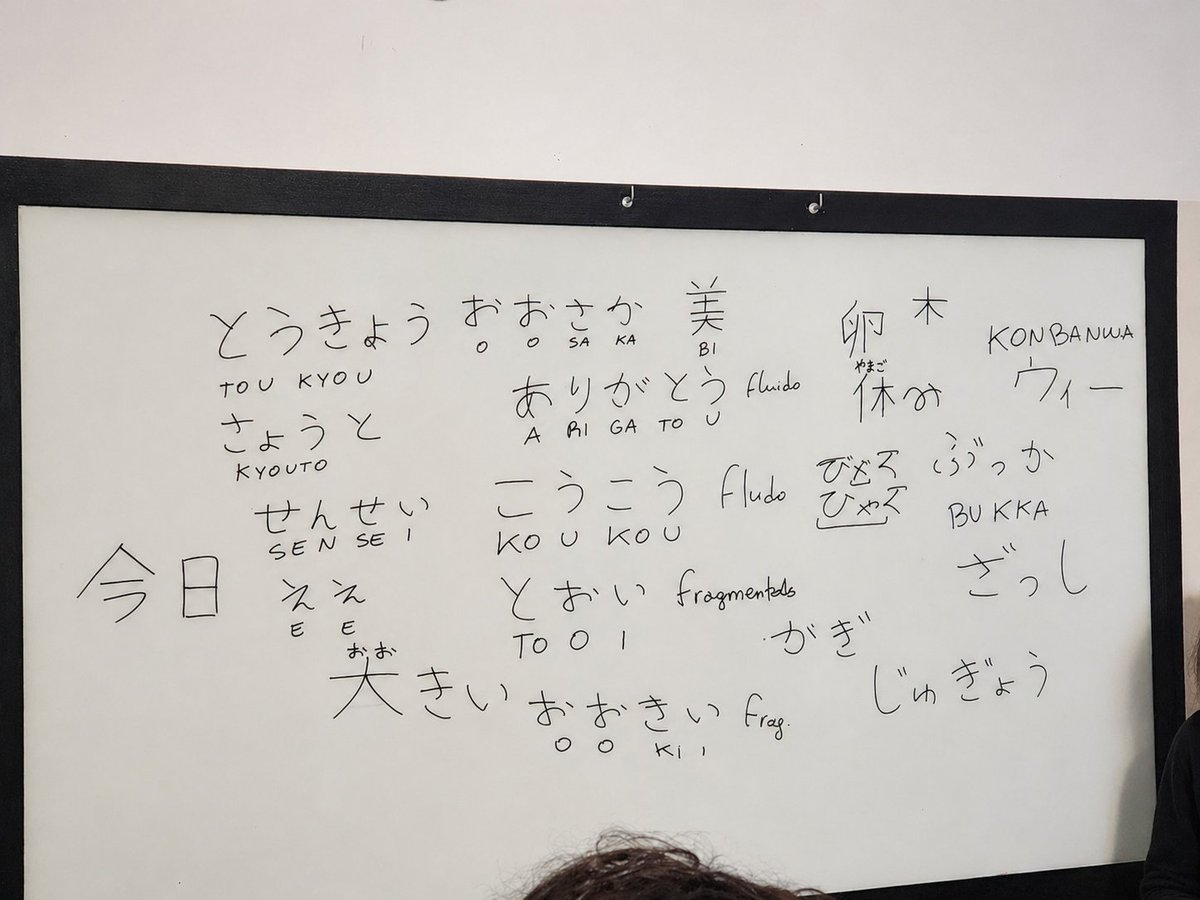
Enhance Whiteboard Photo Readability
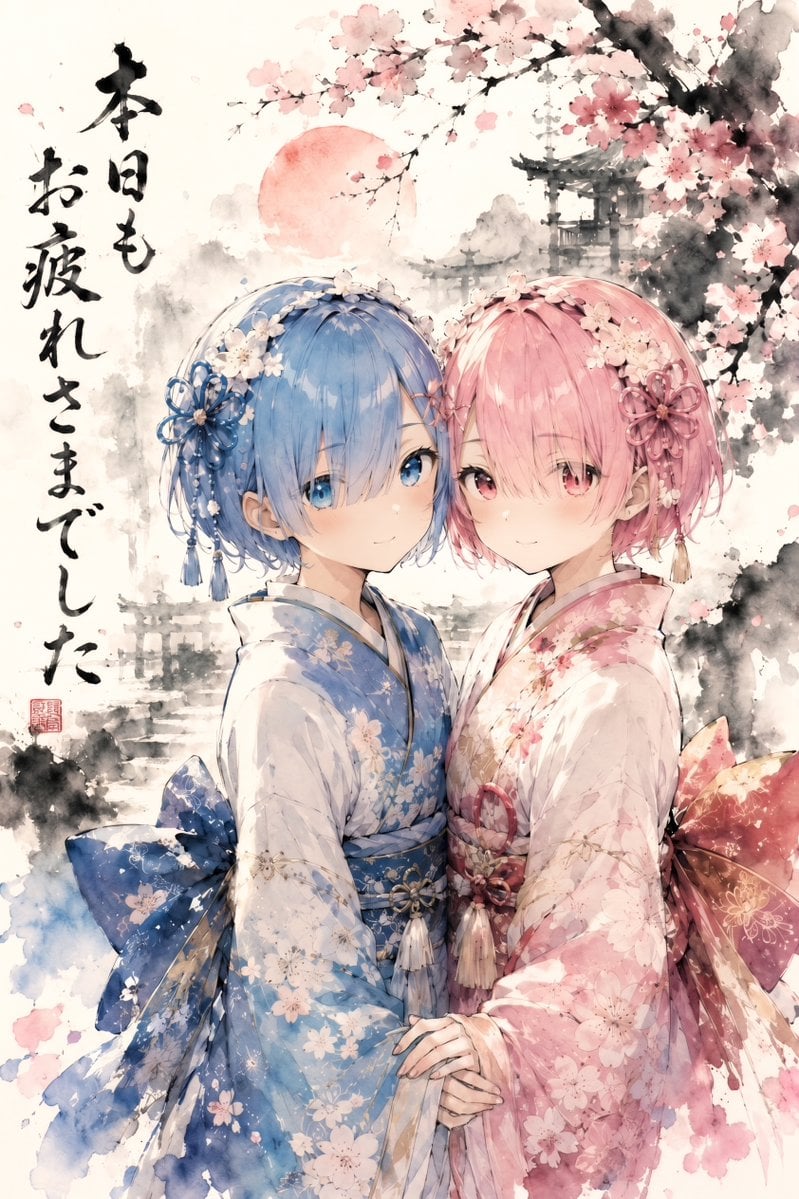
Twin Kimono Sakura Watercolor
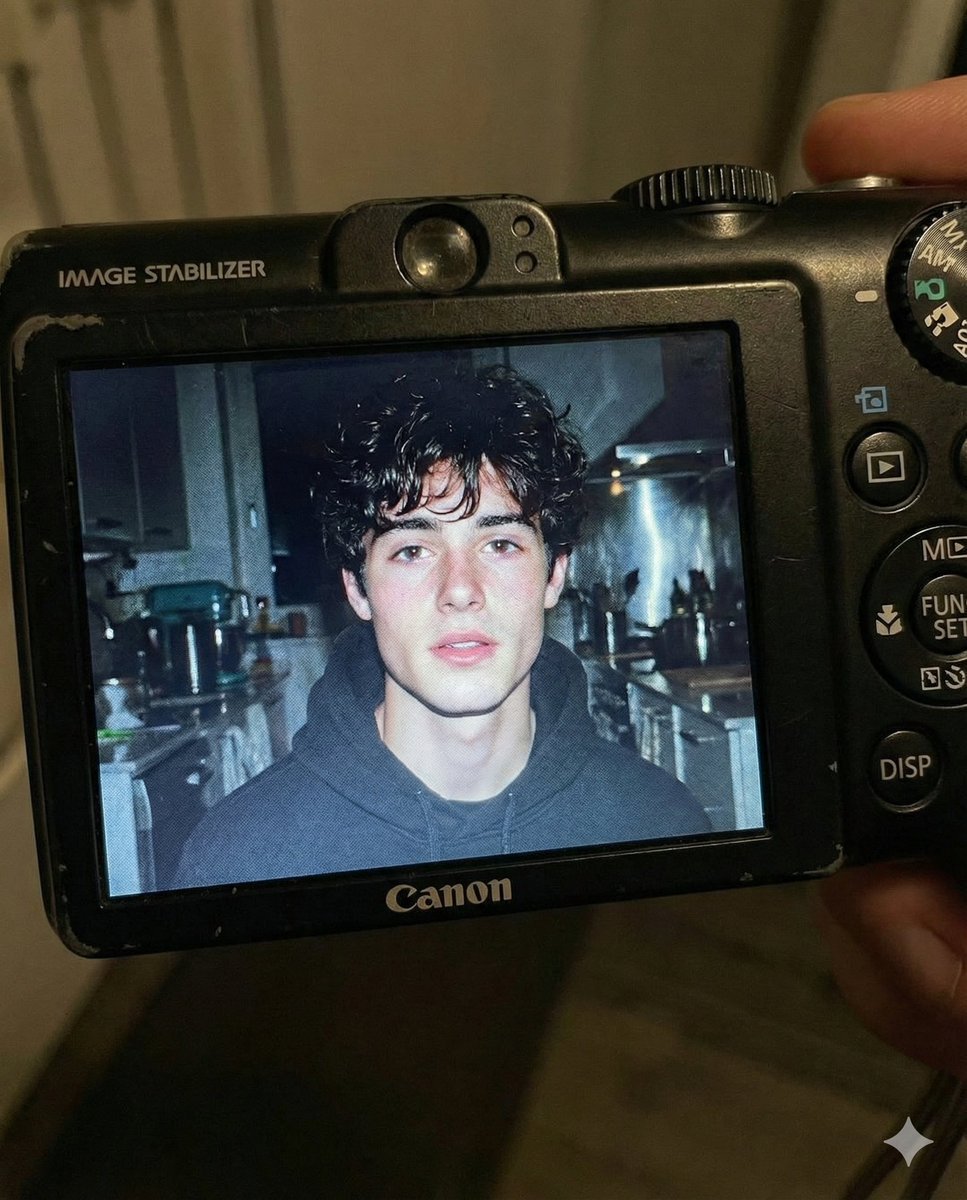
Early 2000s Digital Camera Flash Portrait Prompt
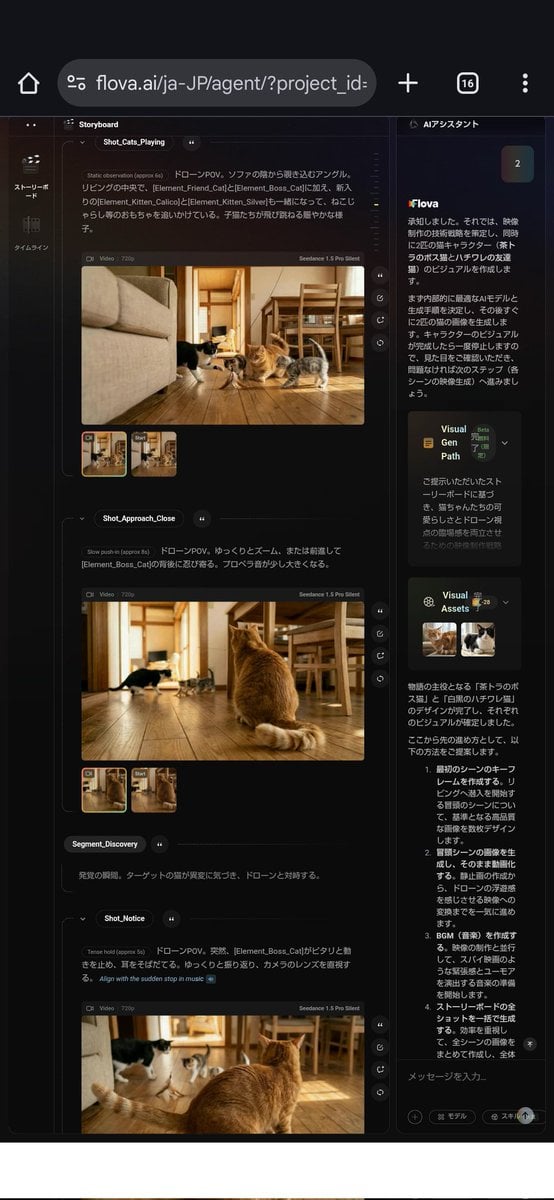
Nano Banana used for background and character design
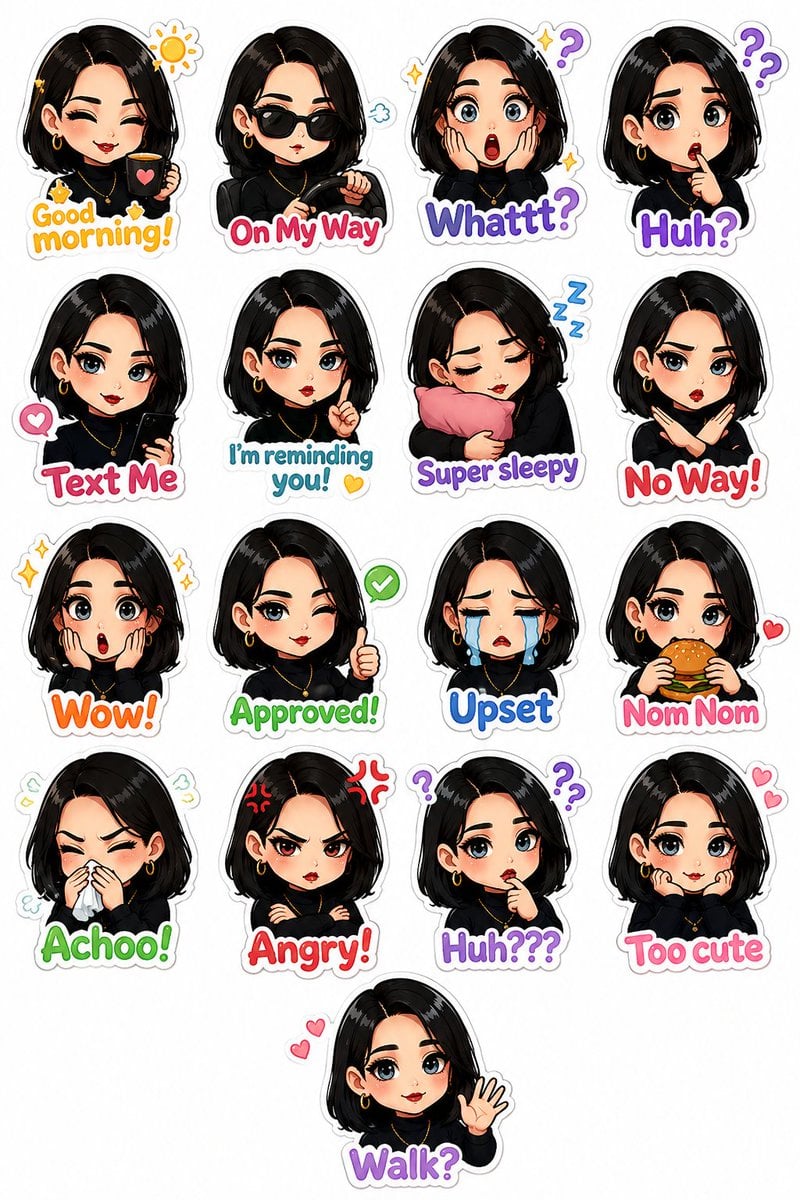
Personalized Chibi Sticker Pack
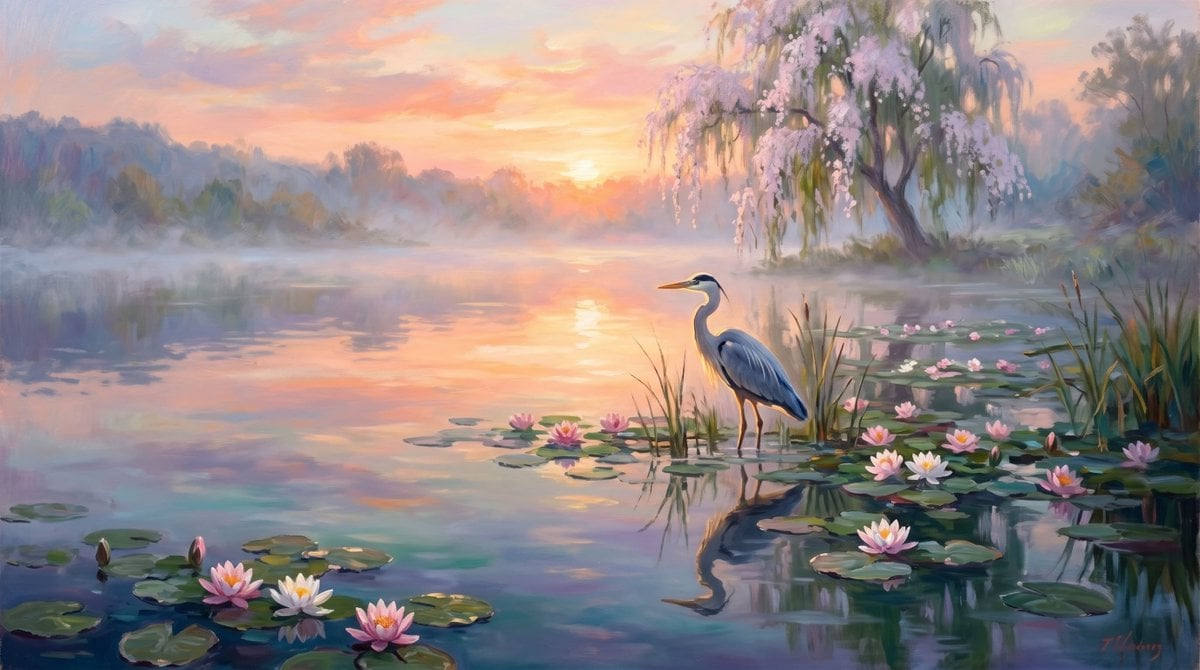
Misty Heron Lake at Sunrise
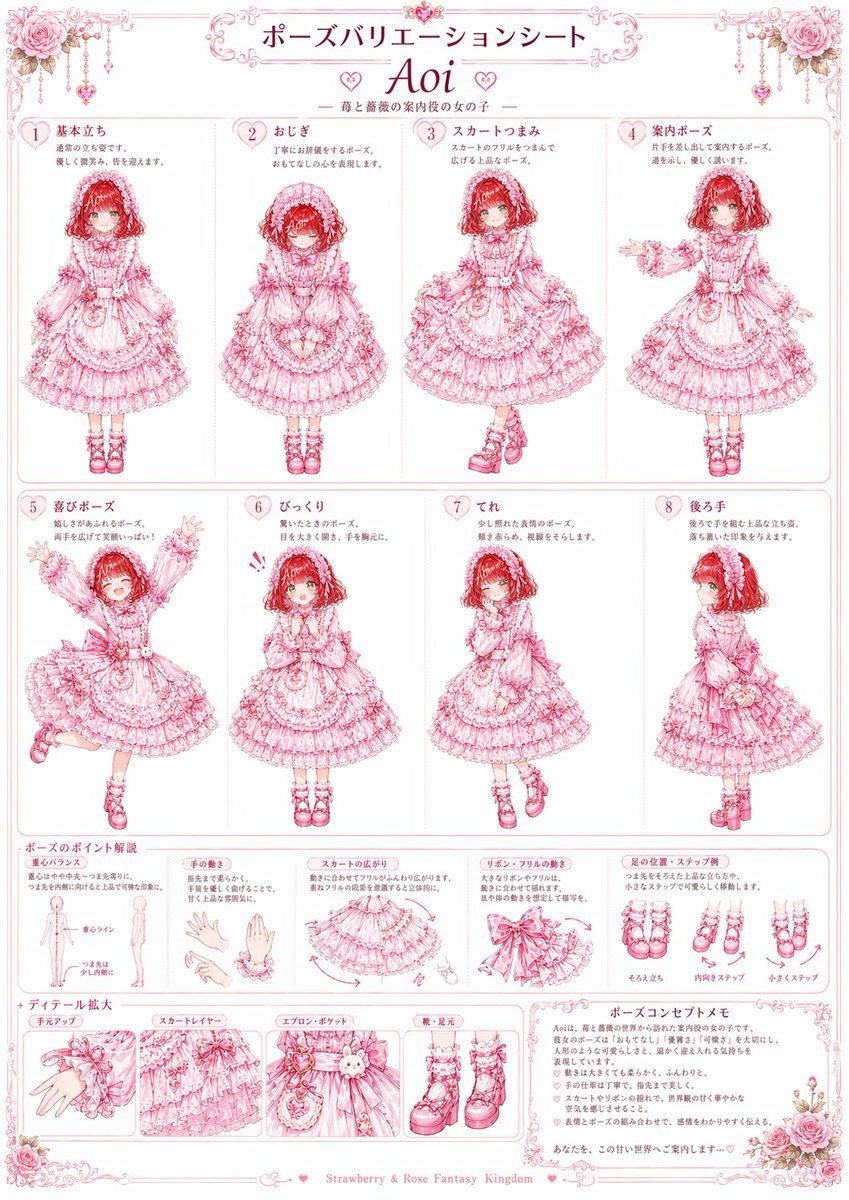
Pink Lolita Pose Variation Sheet
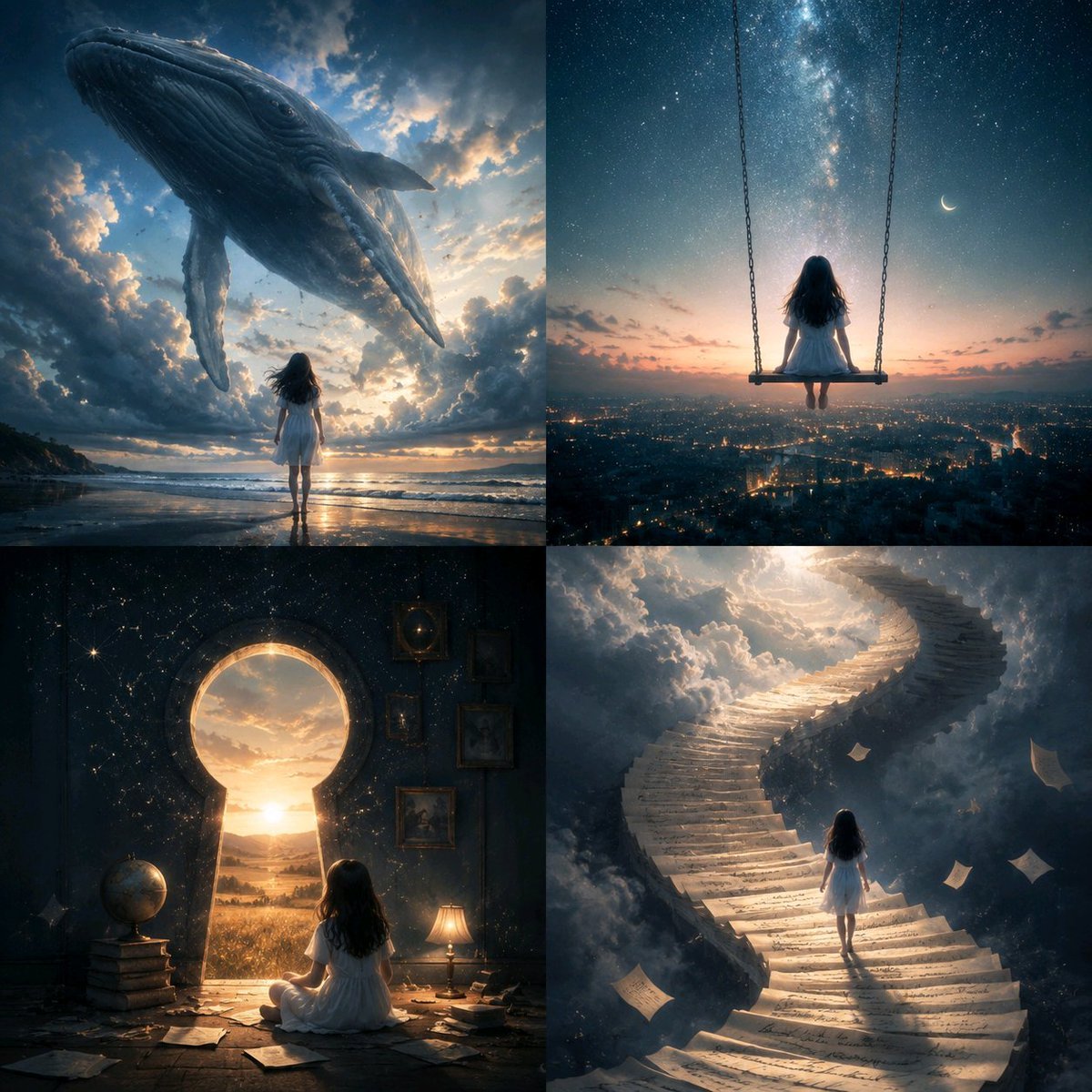
Conceptual Visual Metaphor Template
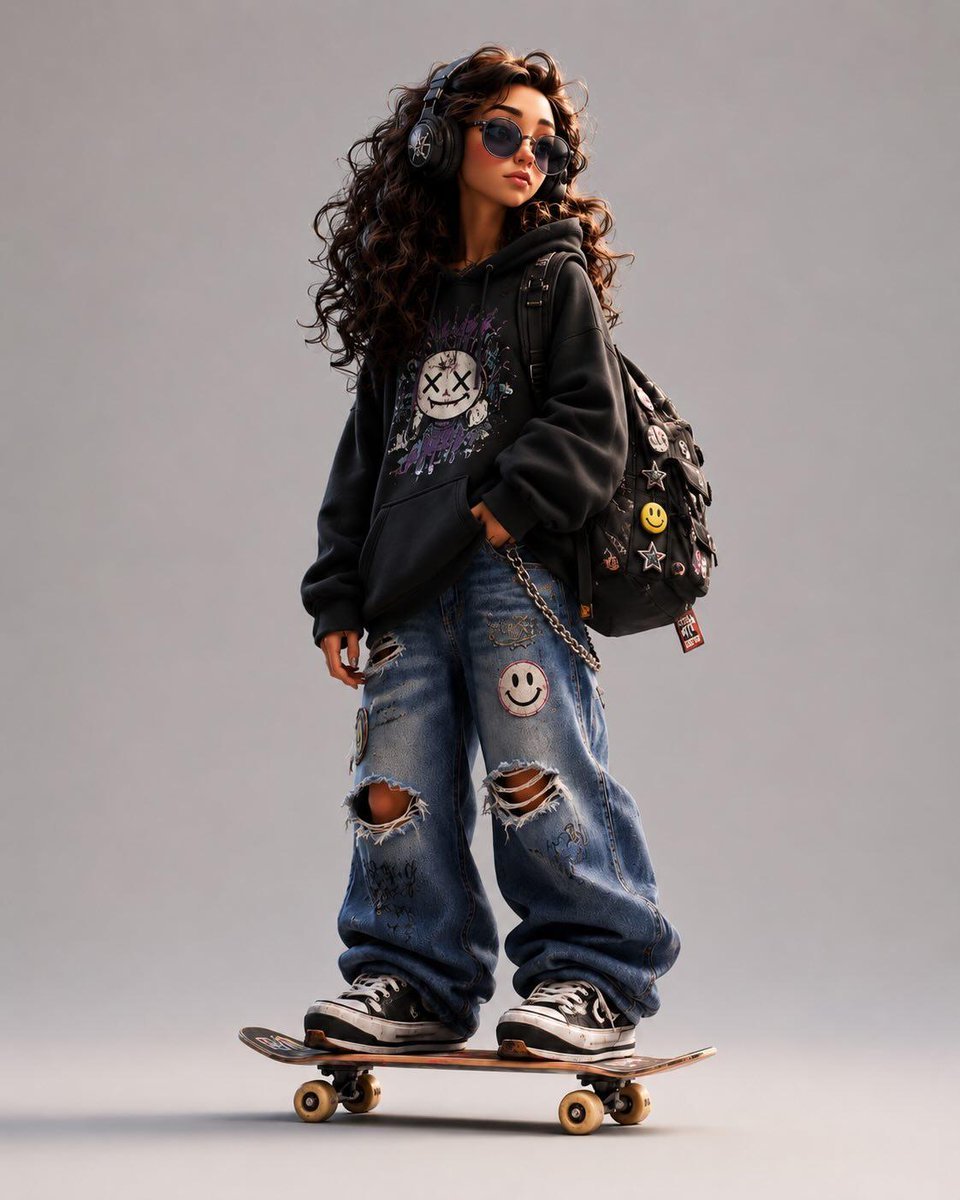
3D Stylized Cartoon Skater
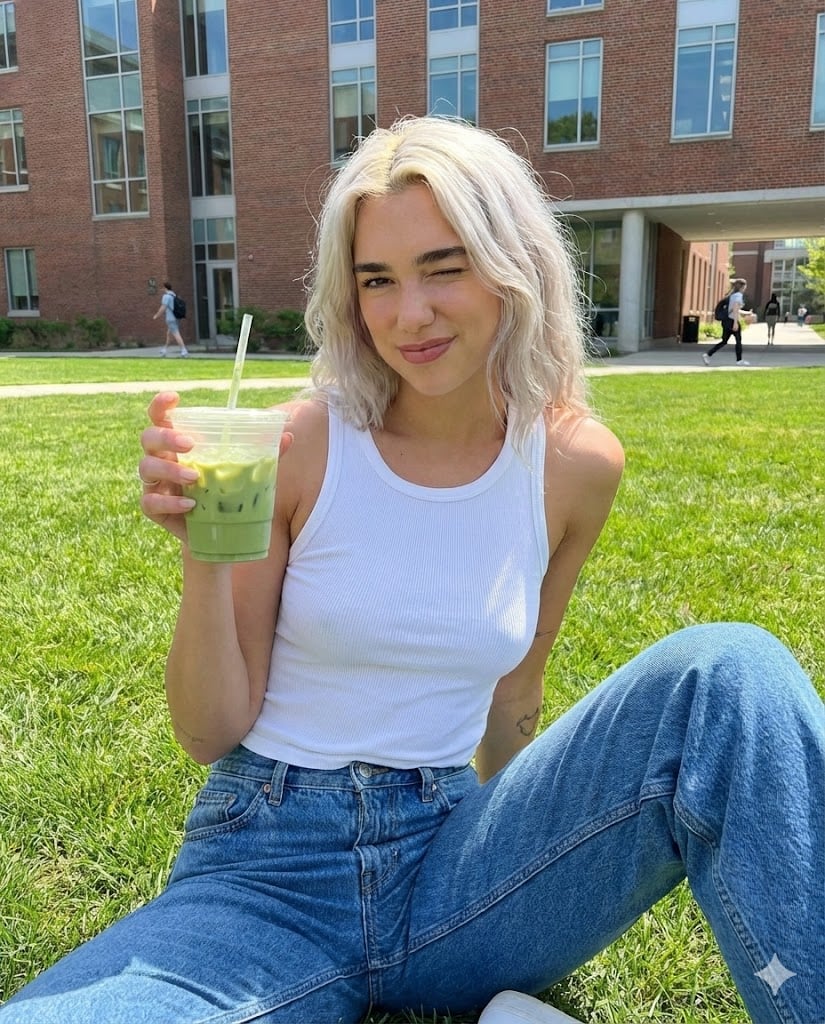
Casual Collegiate Lifestyle Portrait with Iced Drink
Browse template categories
Chinese Livestream Dorm Selfie UI questions
How do I use the Chinese Livestream Dorm Selfie UI template?
Add your photo if the template asks for one, edit the prompt if you like — the template's model and format are already selected — and press Generate. Your version opens in PicX Studio.
Can I customize the Chinese Livestream Dorm Selfie UI template?
Yes. You can change the subject, setting, lighting, mood, format, and available model controls before creating your image.
Is the Chinese Livestream Dorm Selfie UI template free?
Opening and editing this template is free. Generating uses credits, shown on the Generate button when you are signed in.
Which AI model should I use?
Start with GPT Image 2, which is the model associated with this template. You can compare another compatible model for a different finish.
Looking for something else? Browse all templates.

Your photo, any look
Thousands of ready templates for every top image and video model, from one credit balance.