
Pastel Abyss Quote Wallpaper
Generates a serene vertical quote wallpaper with Monument Valley-inspired impossible architecture and contemplative bilingual typography.
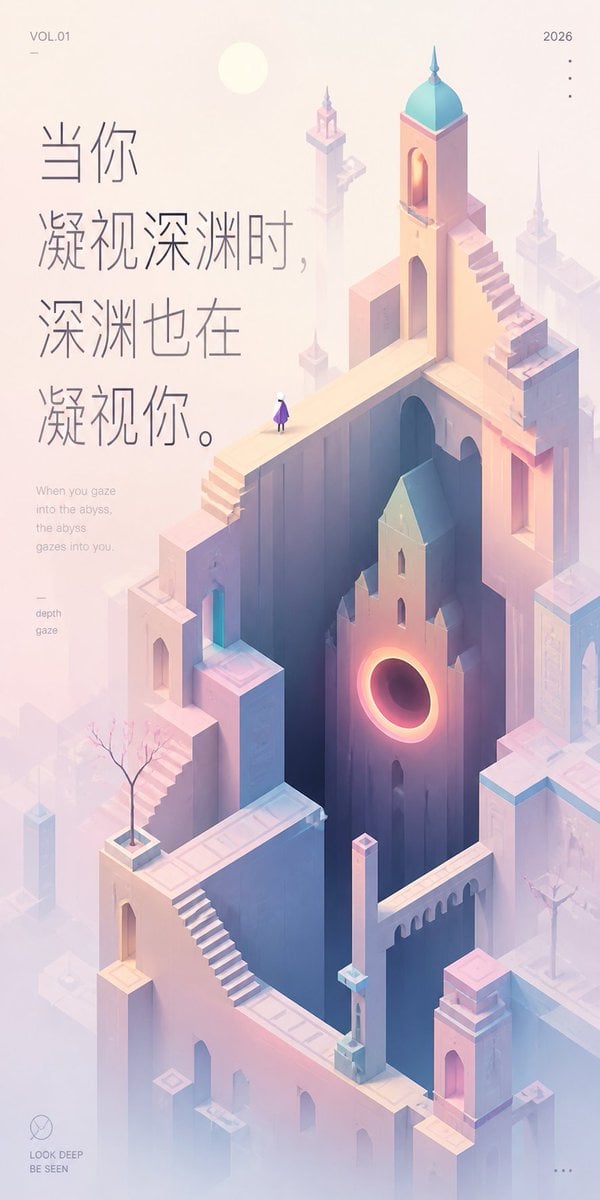
- Prompt included
- Model and format preset
- Free template
The prompt behind this image
Copy the exact prompt behind Pastel Abyss Quote Wallpaper, or open it in the studio and make it yours.
Create a tall vertical inspirational art wallpaper in a quiet Monument Valley–inspired isometric style, soft healing pastel palette, and lots of misty negative space. The scene is an impossible architectural city made of pale peach, lavender, cream, and powder-blue stone: high narrow towers, arched doorways, bridges, staircases, parapets, and floating platforms arranged around a deep dark vertical abyss in the center. Include exactly one tiny lone human figure standing on an upper bridge, wearing a purple cloak or dress and white head, looking into the abyss. Add one prominent building face near the middle-right with a glowing circular portal like a warm orange-pink eclipse, casting light into the deep shaft. Add exactly two small bare ornamental trees in square planters, one on the lower-left terrace and one on the right terrace. The architecture should include multiple surreal stairways, including one long diagonal staircase in the lower center-left and one stepped staircase climbing the upper-right tower; the tallest tower has a turquoise domed roof and a small spire. Use a pale sun disk near the upper left, atmospheric fog, soft bloom, delicate shadows, and minimal linework. Place large vertical Chinese quote typography on the upper-left in thin elegant gray strokes: {argument name="quote text" default="当你凝视深渊时,深渊也在凝视你。"}. Beneath it, add a small English translation in light gray: {argument name="English translation" default="When you gaze into the abyss, the abyss gazes into you."}. Add small editorial poster details: top-left text {argument name="volume label" default="VOL.01"} with a tiny horizontal line below it, top-right text {argument name="year" default="2026"} with exactly four small vertical dots below, a small left-side keyword block reading “depth” and “gaze,” a bottom-left minimalist circle logo above the words “LOOK DEEP” and “BE SEEN,” and exactly three small horizontal dots at the bottom-right. Keep the overall composition airy, refined, contemplative, and premium, with the quote occupying the left third and the surreal city rising through the center and right.
How to use Pastel Abyss Quote Wallpaper in 3 steps
- 1Upload ImagePNG, JPG or paste
Add your photo
Upload the photo the template builds on. The prompt, model and format are already set.
- 2…a portrait of your subject in softgolden-hour light, 85mm…
Personalize
Edit the subject and creative details for your destination.
- 3Generate
Generate
Press Generate — your image is created in PicX Studio, so you can compare it with the original and refine one variable at a time.
More like this
Templates with the same subject, style or setup. Open one to see its prompt.

Eid al-Adha Cute Chaos — Fisheye Selfie with Farm Selfie, Mosque & Animals

Cute Layered Paper Cut Chibi Girl

Layered Paper Cut Illustration Template

Premium Vintage Travel Poster Landscape

Quiet Minimalist Anime Style Guide
Premium Vintage Travel Poster Landscape

Pastel Fantasy Pagoda Mountain Landscape

Korean Cafe Courtyard Gold Frame Mirror Selfie
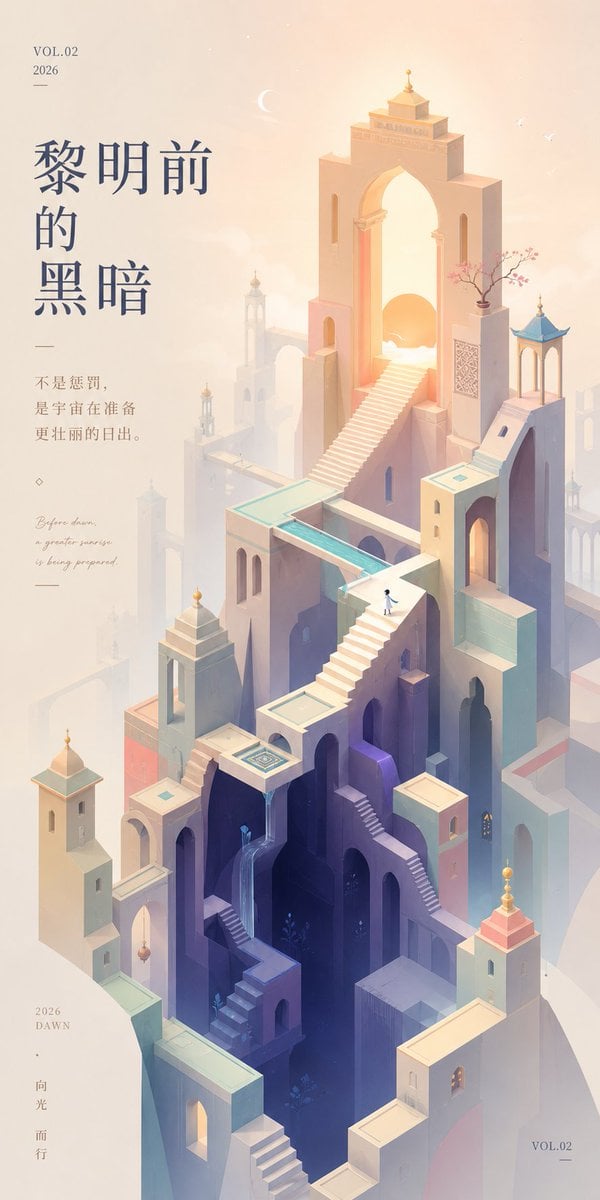
Monument Valley Dawn Quote Wallpaper

Glass Skin Beauty Portrait — Soft Pastel Nano Banana
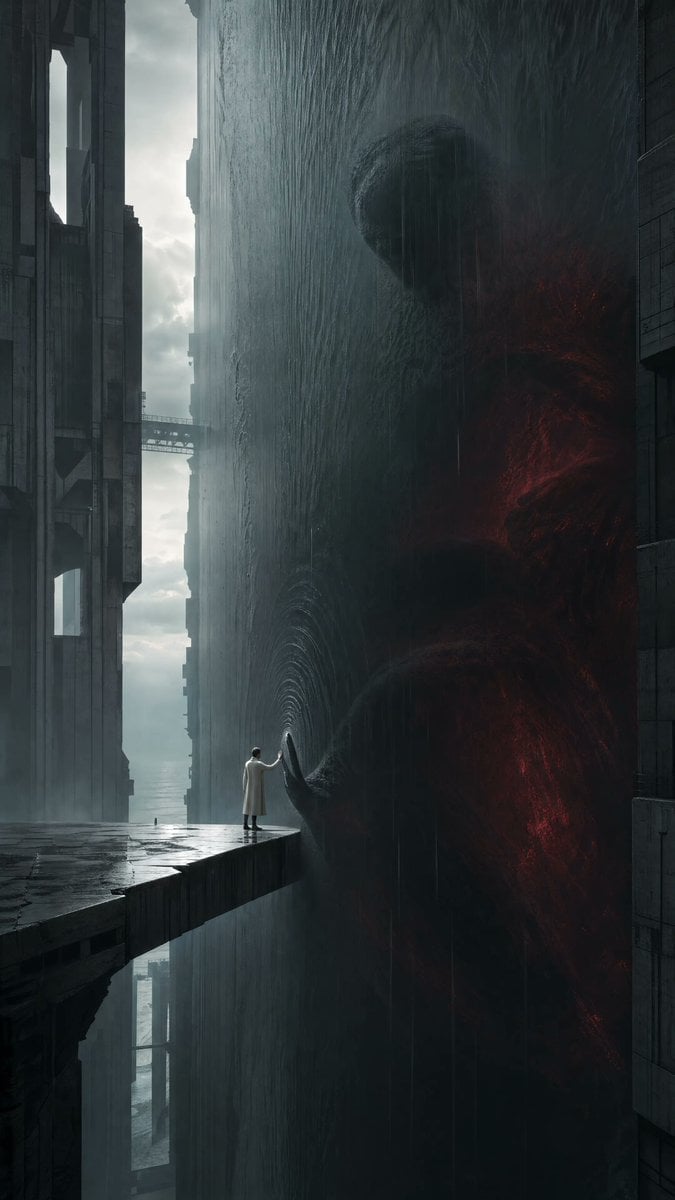
Cinematic Dark Surrealist Abyss
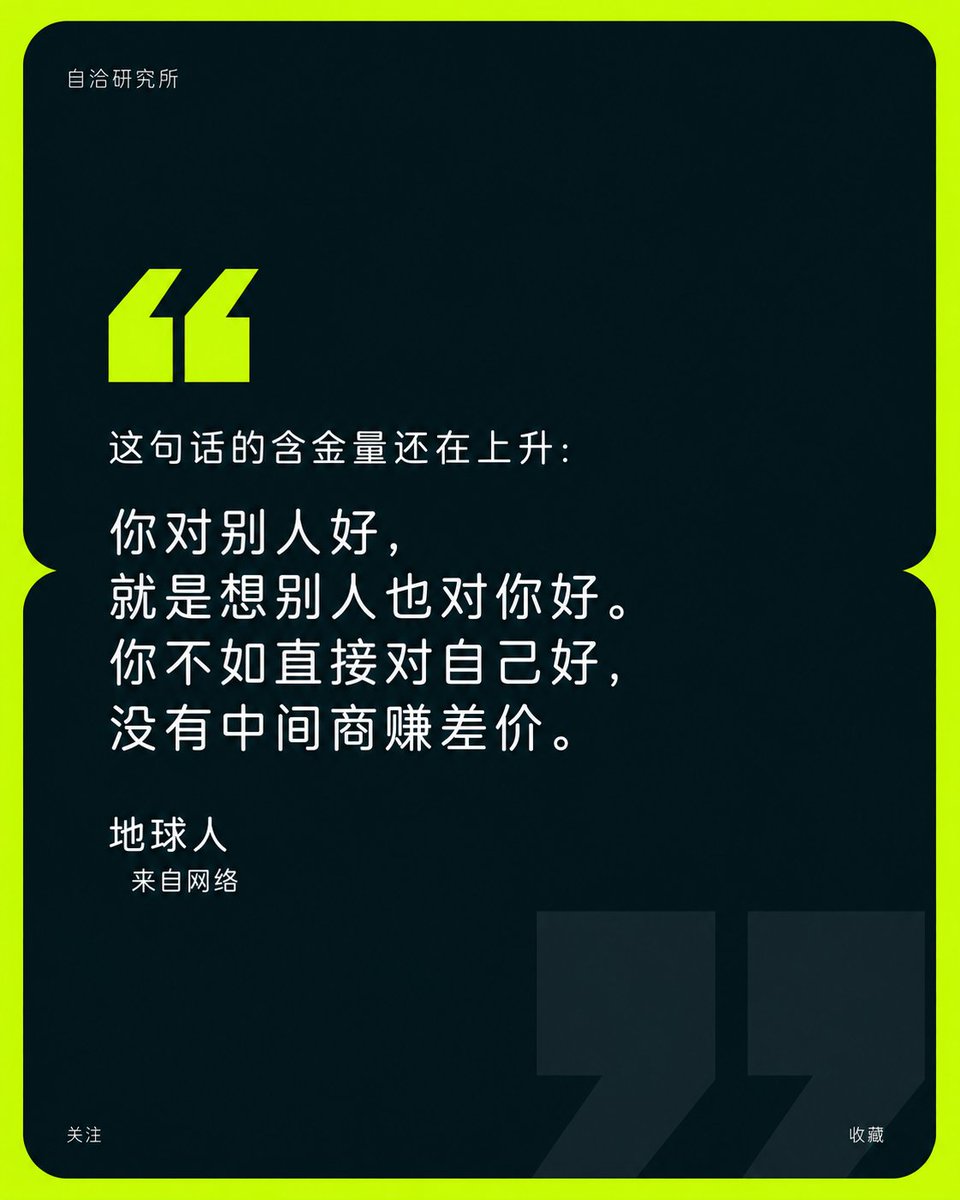
Minimalist Brand Quote Poster
Make it yours
Pastel Abyss Quote Wallpaper works as-is. These are the safest ways to change it without losing the look.
Change one field
Copy a single group, rewrite it, and generate again so you can see what that field is doing.
Keep the frame, change the subject
Hold the composition and light of Pastel Abyss Quote Wallpaper, then swap wardrobe, props or the person for a new take.
| If the result… | Why | Fix |
|---|---|---|
| The result drifts from the preview | Too many fields changed at once. | Reuse Pastel Abyss Quote Wallpaper as-is first, then change one group — subject, light, or setting. |
| The model over-stylizes the scene | The prose prompt leaves finish and camera underspecified. | Add one camera or lighting sentence and stay on GPT Image 2. |
More GPT Image 2 templates
Other prompts made for GPT Image 2.

Six VTuber Japanese Logo Sheet

Realistic Portrait of Woman and Deer

The Vista Modular Condo Poster

AI Model Routing Comparison Infographic

2.5D Anime Art Board

Isometric Productivity Desk Scene

New York Double Exposure Poster

Four-Panel AI Landscape Comparison

Japanese Tatami Lifestyle Magazine Cover

NESCAFÉ Coffee Map Poster
More image prompts
Fresh picks from across the catalog.
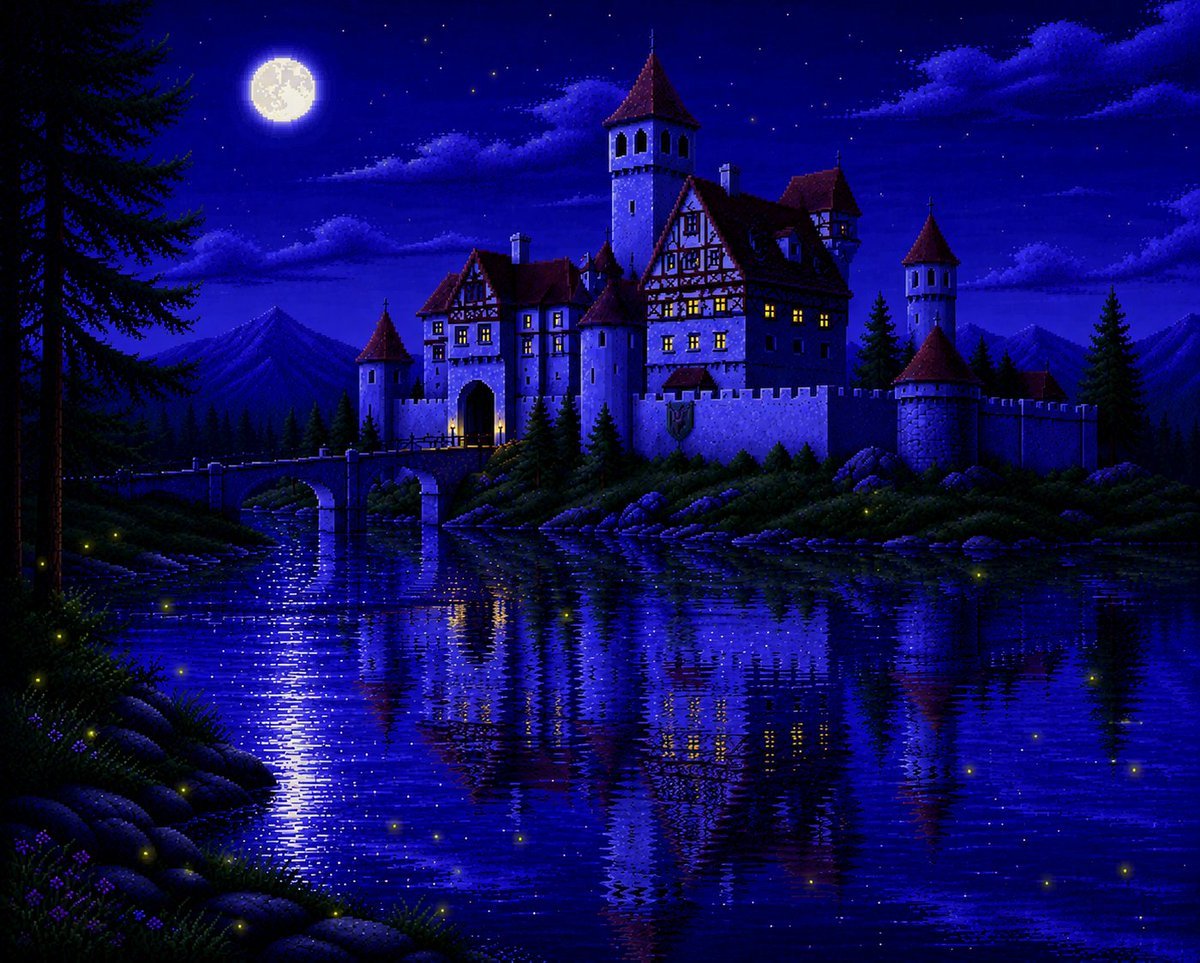
Moonlit Sierra-Style Castle Pixel Art
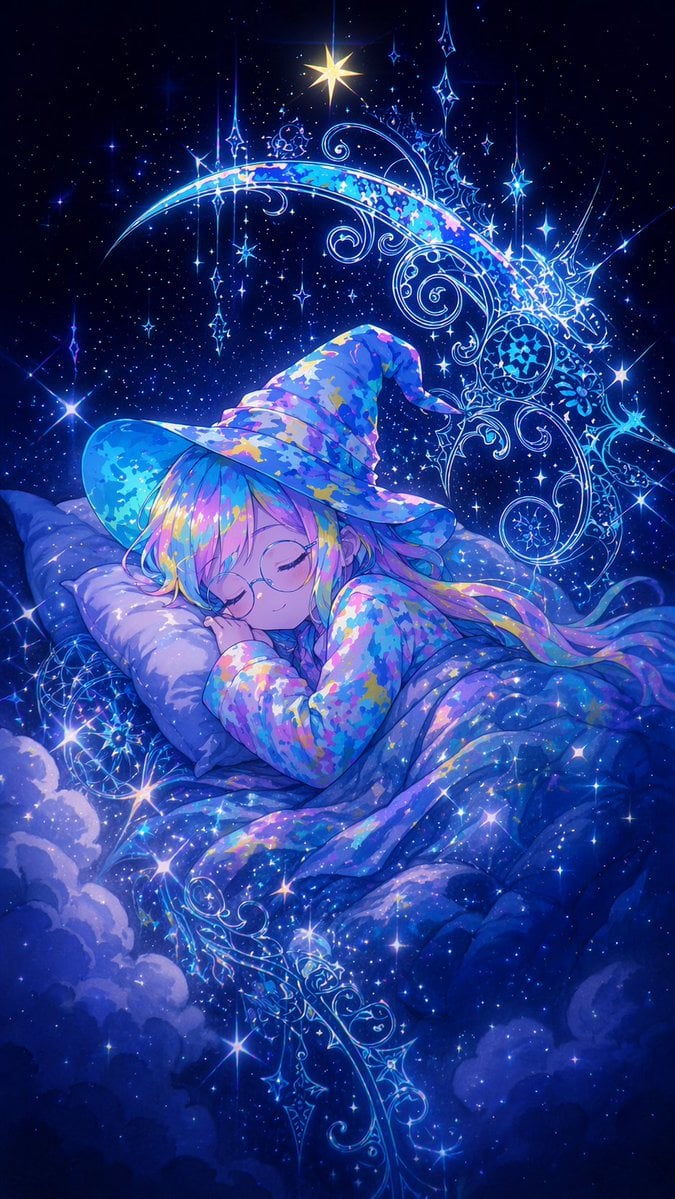
Sleeping Anime Star Witch
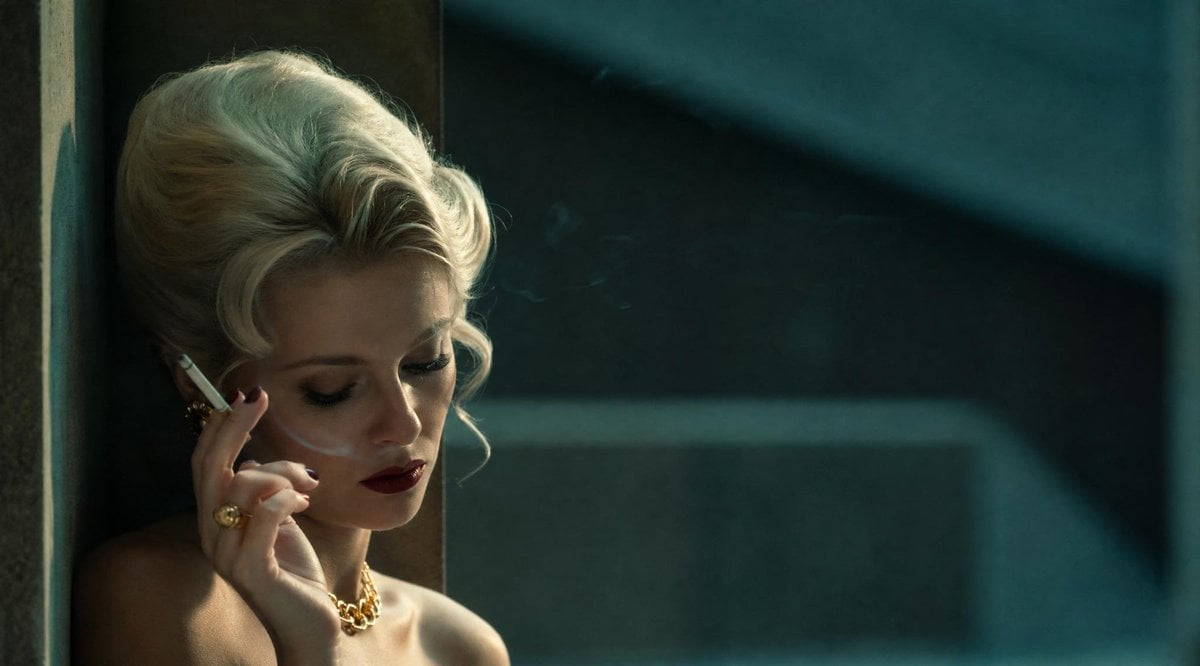
Censored Vintage Film Portrait
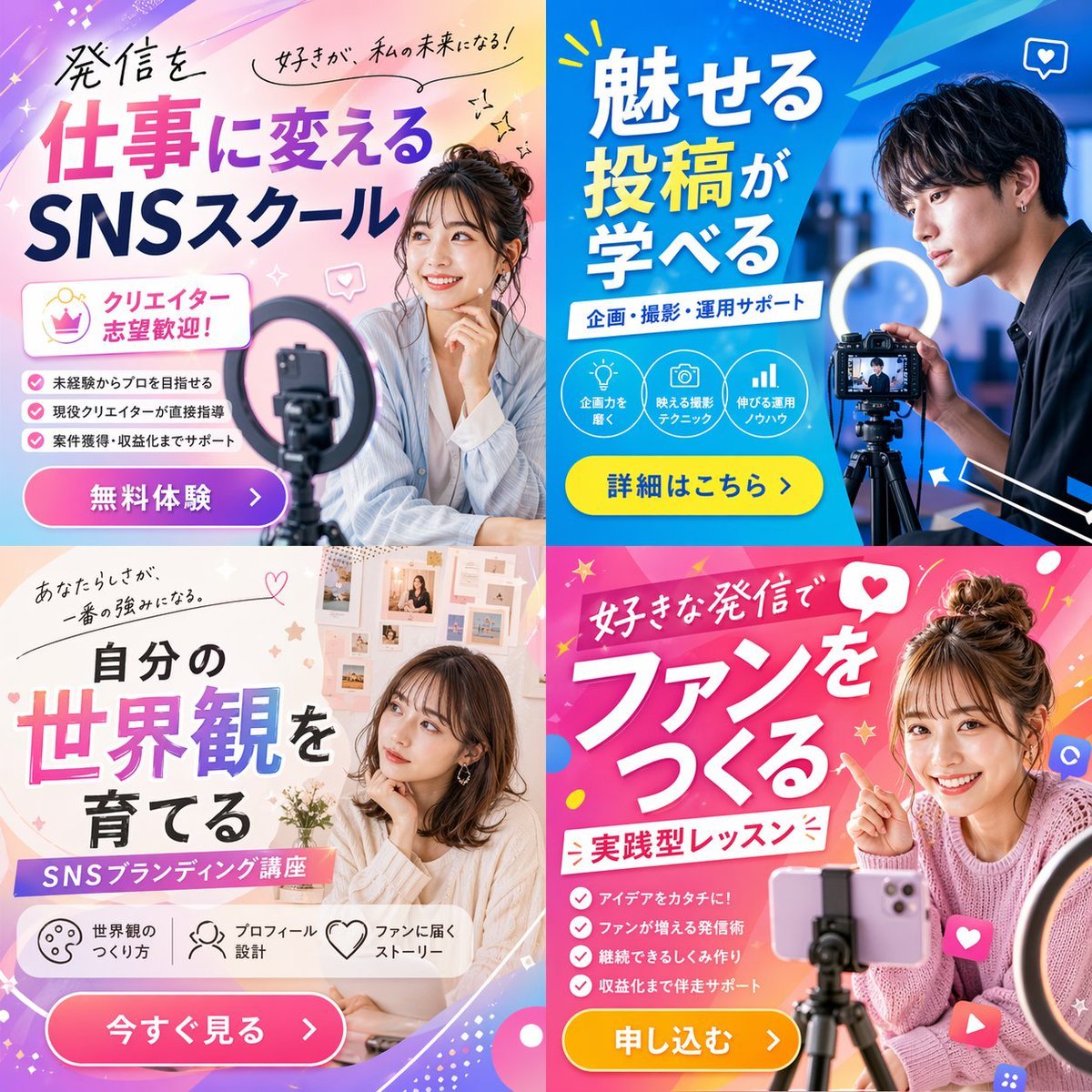
2x2 Social Media Course Banner Ads
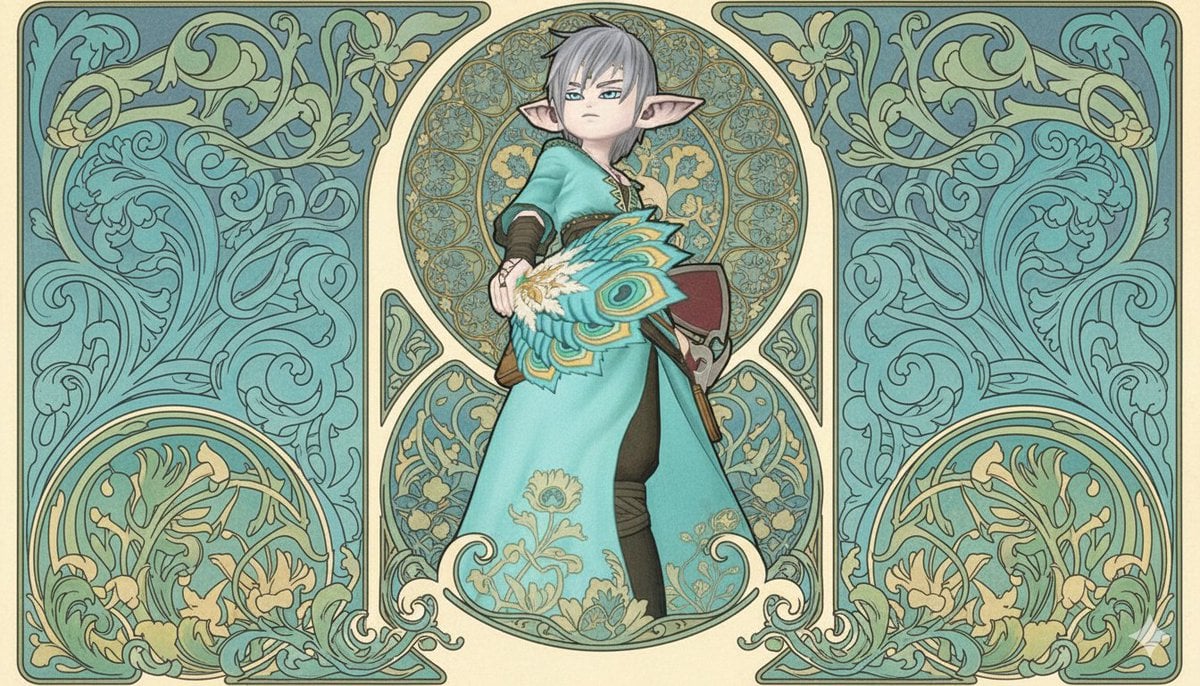
Image-to-Image Style Transfer to Mucha's Art Nouveau Style
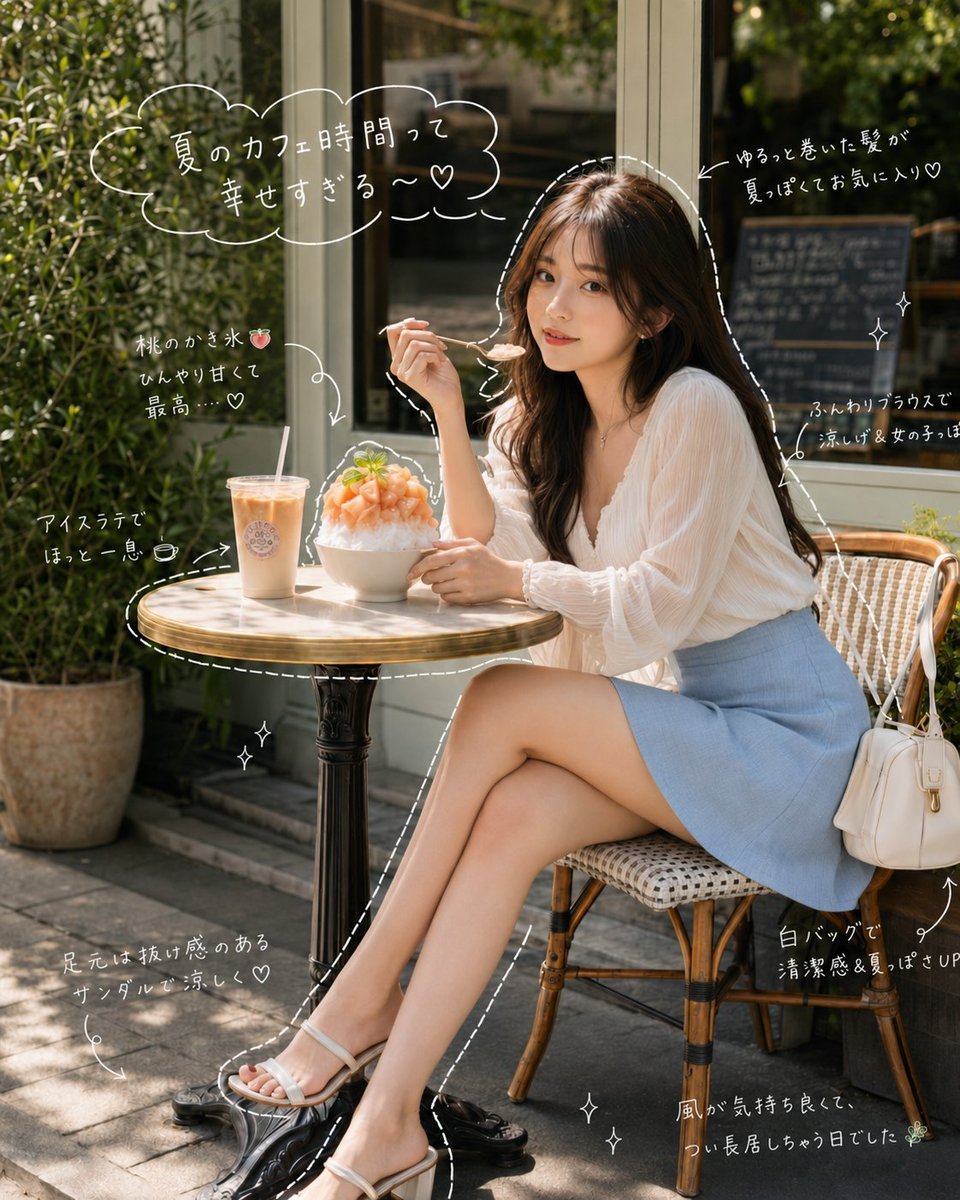
Japanese Summer Cafe Portrait
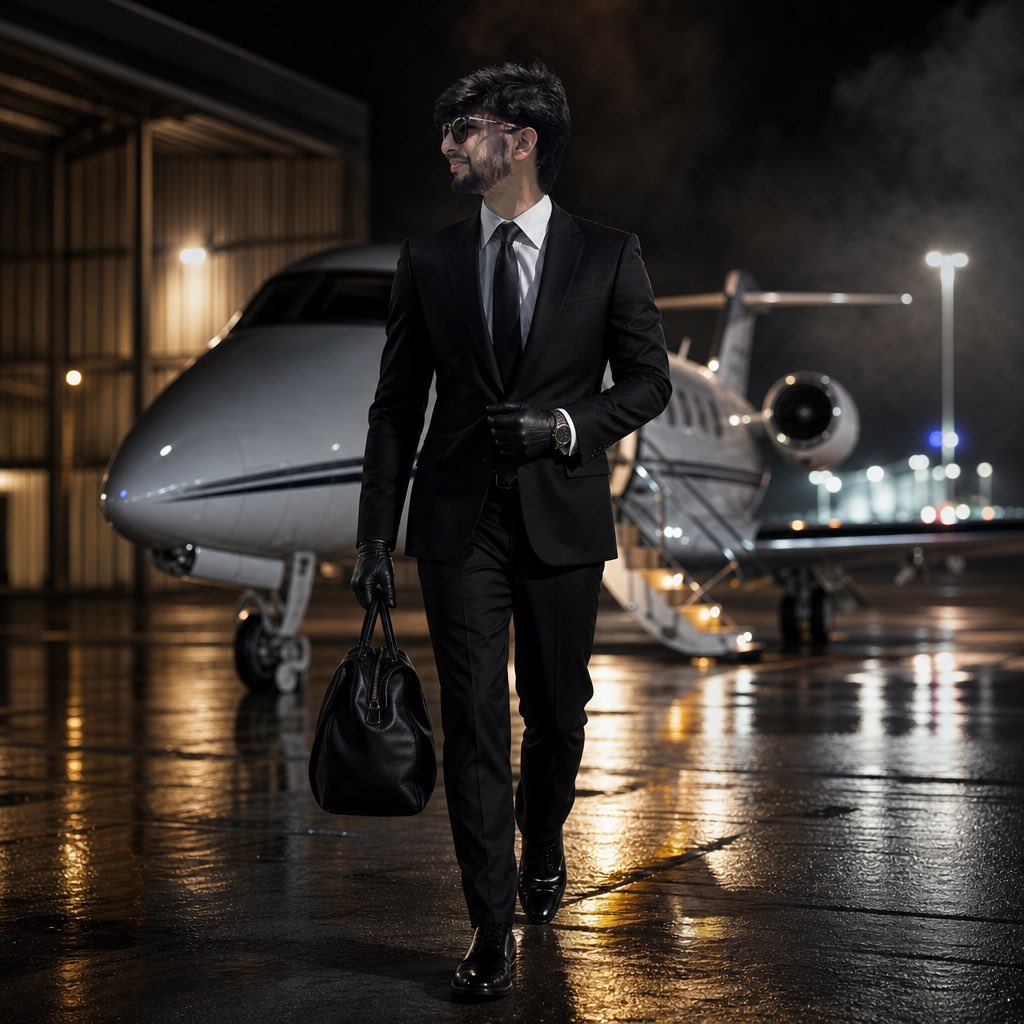
Cinematic Private Jet Hangar Portrait
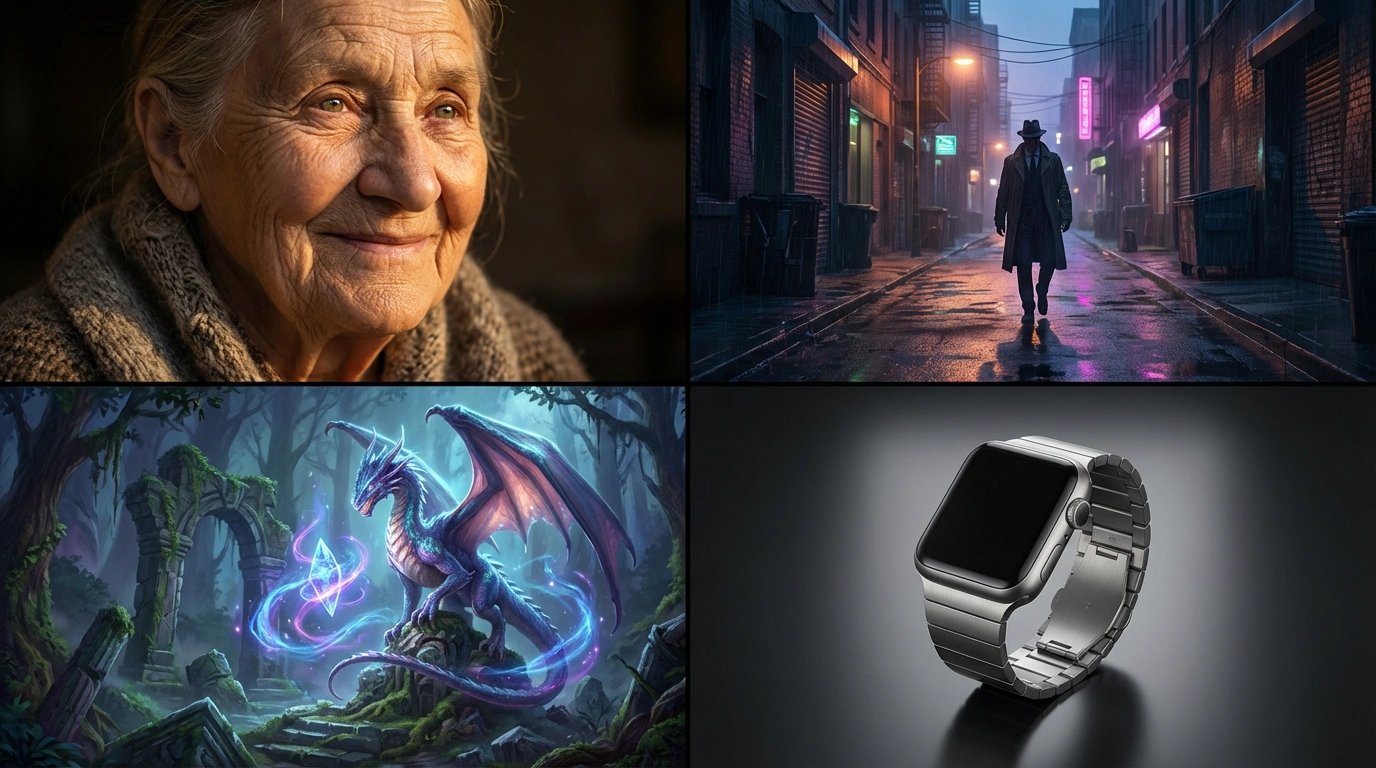
style and use case copy paste and generate instan... (IMAGE-NANO_BANANA)
High-Contrast Monochrome Studio Portrait of a Man
Pastry City Architectural Showpiece
Browse template categories
Pastel Abyss Quote Wallpaper questions
How do I use the Pastel Abyss Quote Wallpaper template?
Add your photo if the template asks for one, edit the prompt if you like — the template's model and format are already selected — and press Generate. Your version opens in PicX Studio.
Can I customize the Pastel Abyss Quote Wallpaper template?
Yes. You can change the subject, setting, lighting, mood, format, and available model controls before creating your image.
Is the Pastel Abyss Quote Wallpaper template free?
Opening and editing this template is free. Generating uses credits, shown on the Generate button when you are signed in.
Which AI model should I use?
Start with GPT Image 2, which is the model associated with this template. You can compare another compatible model for a different finish.
Looking for something else? Browse all templates.

Your photo, any look
Thousands of ready templates for every top image and video model, from one credit balance.