
Minimalist Brand Quote Poster
A GPT Image 2 prompt for creating high-impact brand quote posters featuring bold quotation marks and geometric layout.
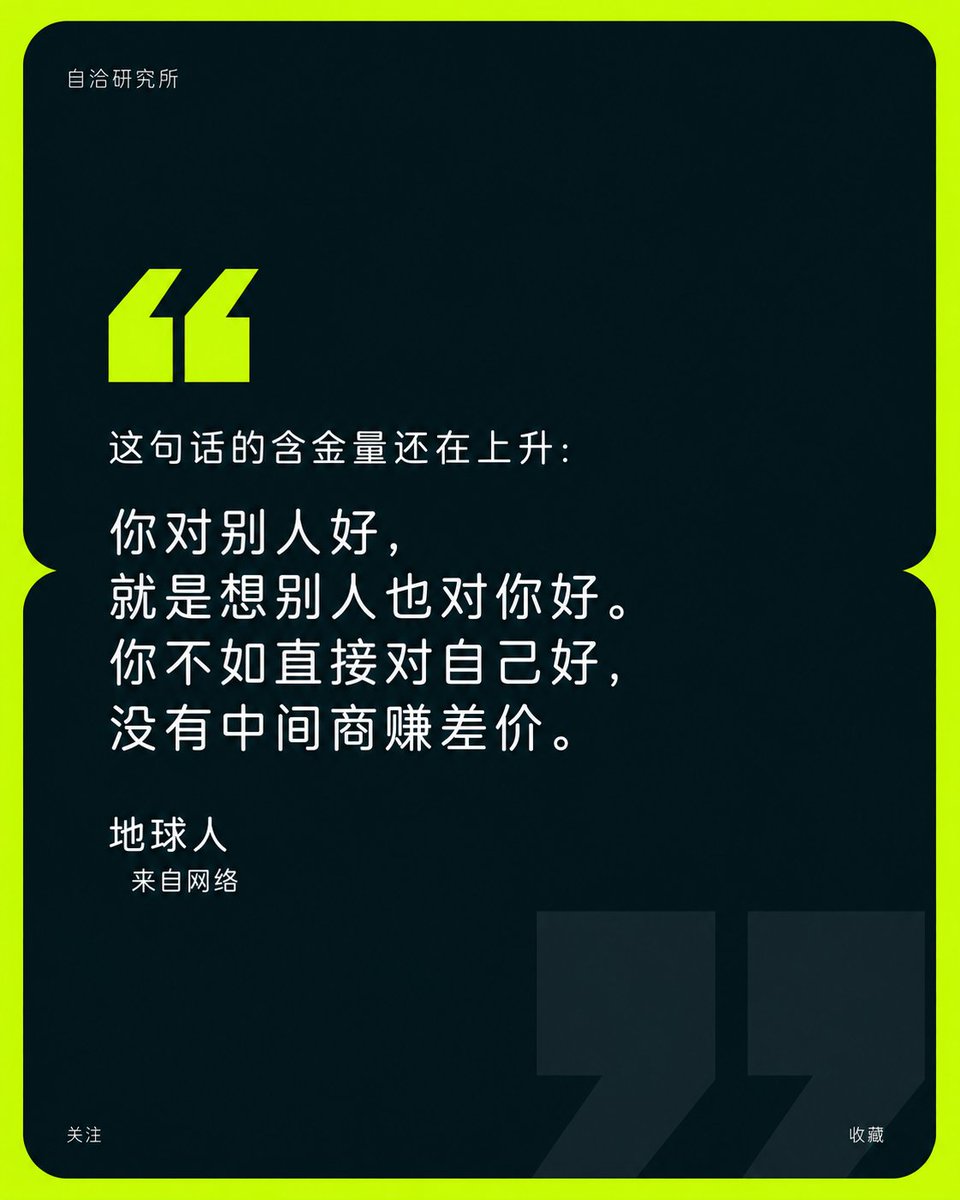
- Prompt included
- Model and format preset
- Free template
The prompt behind this image
Copy the exact prompt behind Minimalist Brand Quote Poster, or open it in the studio and make it yours.
围绕任意主题内容构建以引语为核心的品牌金句海报,先把画面组织为一块几乎占满视野的深色圆角信息面板,并在中部用两块上下相接的圆角区域形成细小内收的腰部缺口,外围仅保留一圈明亮纯色底,让外框像高能色带包住沉静内核。面板上半部保留大面积无内容暗场,小型品牌字标贴近左上内边距;在空场下缘放置一对醒目的粗块状起始引号,斜切上端、直角下端、紧密并列,作为阅读入口。主引语置于面板中段偏左,以轻细、几何、圆润的无衬线字排成三至四行宽松大字,行长错落但左缘稳定,文字占据主要信息重量;作者姓名在其下以中号字独立成行,身份说明再缩小一级并略微缩进,形成清楚的尺度跳跃与从引语到署名的阅读节奏。面板下方延续宽阔暗场,在右下藏入一对极其巨大的结束引号,使用只比面板略亮的深色实心形,向下与向右被边缘截断,与上方亮色小引号形成远近、明暗和大小呼应,既像隐约水印又稳住底部重量;底部两角仅保留极小的关注与收藏提示,避免争夺中心。颜色从未来主题的情绪与行业语义中派生:选取一支高明度、高饱和、洁净而有活力的主题强调色承担外围底和起始引号,以占地很少却高冲击的方式制造第一眼识别;内部使用同一主题冷暖倾向下的极深低明度色覆盖绝大面积,正文用近白高明度中性色,背景巨引号用极低对比深阶,保持“明亮外缘包围克制暗场”的情绪关系。整体采用纯净数字矢量表面,色块均匀、边缘利落、无渐变、无纹理、无立体阴影;圆角、内收连接、斜切引号和严格左对齐共同构成几何秩序。所有品牌名、引语、署名和职务均由当前主题重新生成,语言简洁可信,保留大段留白与少量信息,不让装饰、图像或多余色彩削弱双引号跨尺度呼应和金句的主导地位。 —————— 本次金句:{argument name="金句" default="你永远不可能真正地去了解一个人,除非你穿过她的鞋子,去走她走过的路,站在她的角度思考问题。可当你走过她走的路时,你连路过都觉得难过。"} 署名:{argument name="署名" default="地球人"}
How to use Minimalist Brand Quote Poster in 3 steps
- 1
Open
The prompt is already in the box next to the preview, with the template's model and format selected.
- 2…a portrait of your subject in softgolden-hour light, 85mm…
Personalize
Edit the subject and creative details for your destination.
- 3Generate
Generate
Press Generate — your image is created in PicX Studio, so you can compare it with the original and refine one variable at a time.
More like this
Templates with the same subject, style or setup. Open one to see its prompt.

Luxury Fashion Campaign Typography Poster System

Premium Fashion Editorial Campaign Poster System
Minimalist Luxury Brand Concept
Minimalist Nescafé Brand Poster

Premium Vintage Travel Poster Landscape

Japan Travel Brochure Poster
Minimalist Daily Quote Card

Cartoon TV Show Poster Pack

Trendy Cafe Drink Promo Poster

Urban Fashion Editorial Collage Streetwear Poster

Premium Fashion Editorial Cover Layout System

Polo Ralph Lauren Luxury American Heritage Fashion Campaign
Make it yours
Minimalist Brand Quote Poster works as-is. These are the safest ways to change it without losing the look.
Change one field
Copy a single group, rewrite it, and generate again so you can see what that field is doing.
Keep the frame, change the subject
Hold the composition and light of Minimalist Brand Quote Poster, then swap wardrobe, props or the person for a new take.
| If the result… | Why | Fix |
|---|---|---|
| The result drifts from the preview | Too many fields changed at once. | Reuse Minimalist Brand Quote Poster as-is first, then change one group — subject, light, or setting. |
| The model over-stylizes the scene | The prose prompt leaves finish and camera underspecified. | Add one camera or lighting sentence and stay on GPT Image 2. |
More GPT Image 2 templates
Other prompts made for GPT Image 2.

Six VTuber Japanese Logo Sheet

Realistic Portrait of Woman and Deer

The Vista Modular Condo Poster

AI Model Routing Comparison Infographic

2.5D Anime Art Board

Isometric Productivity Desk Scene

New York Double Exposure Poster

Four-Panel AI Landscape Comparison

Japanese Tatami Lifestyle Magazine Cover

NESCAFÉ Coffee Map Poster
More image prompts
Fresh picks from across the catalog.
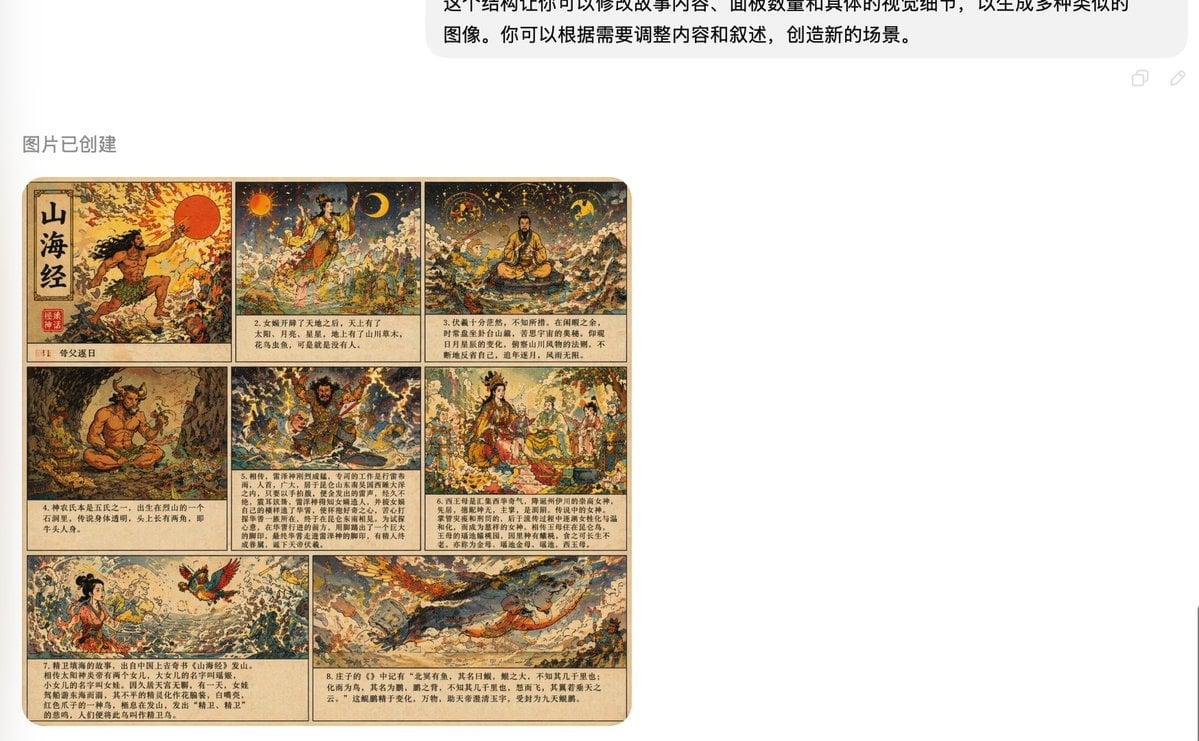
Shan Hai Jing Vintage Comic Page
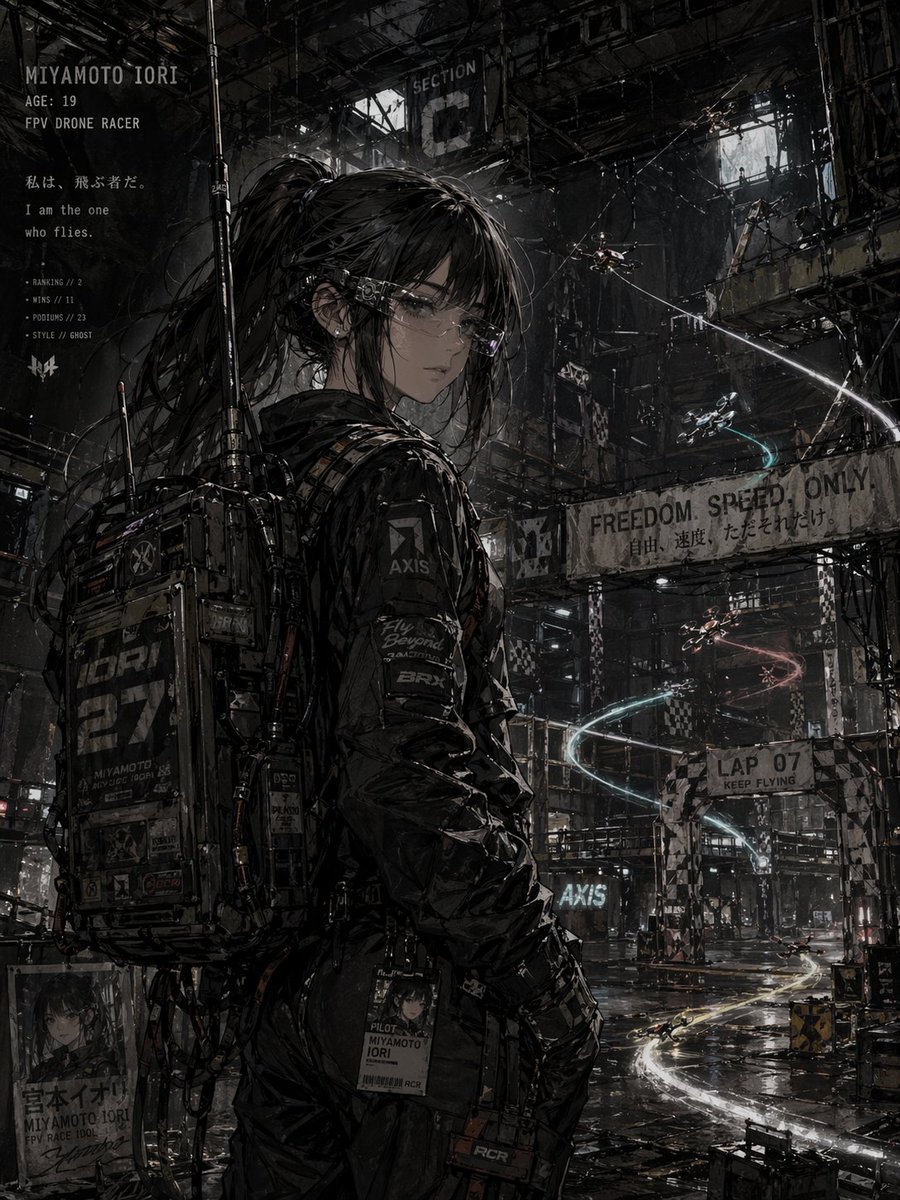
Cyberpunk FPV Drone Racer Poster
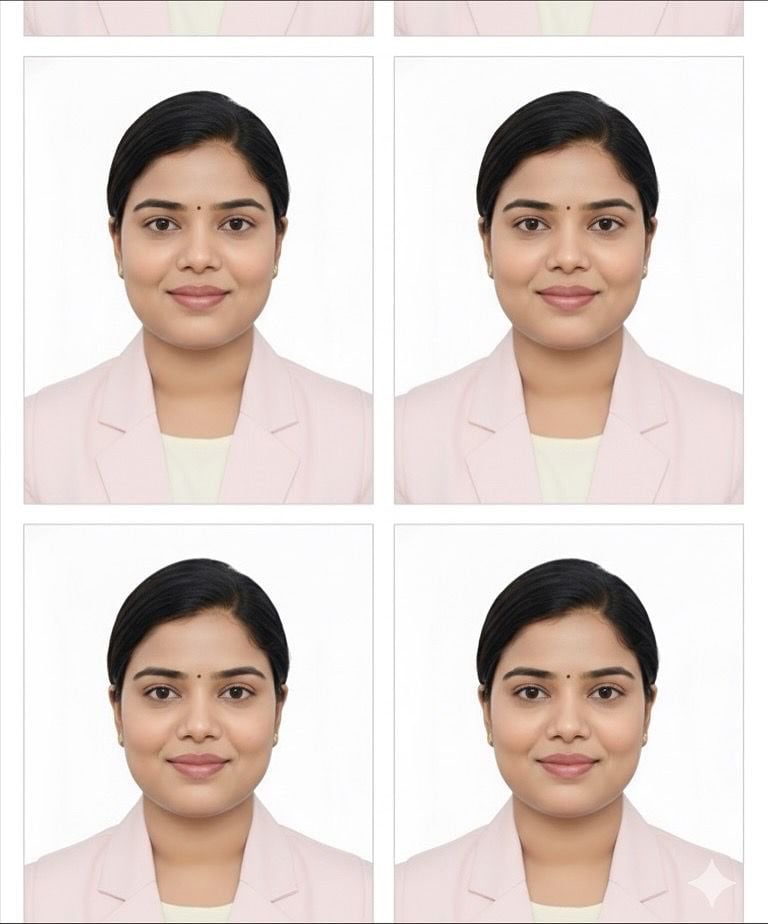
Passport Photo Grid Generation
Minimalist Hand-Drawn Children Illustration
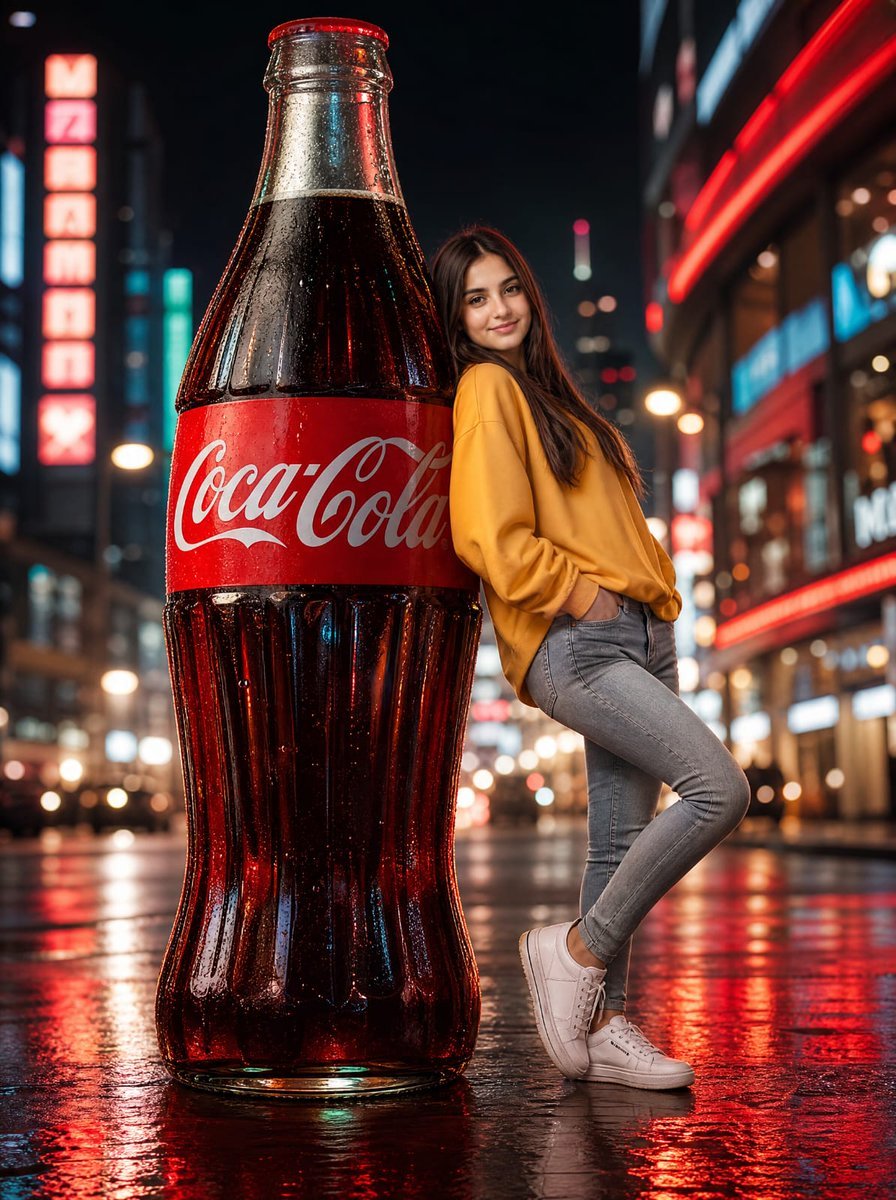
Neon Coca-Cola Street Portrait
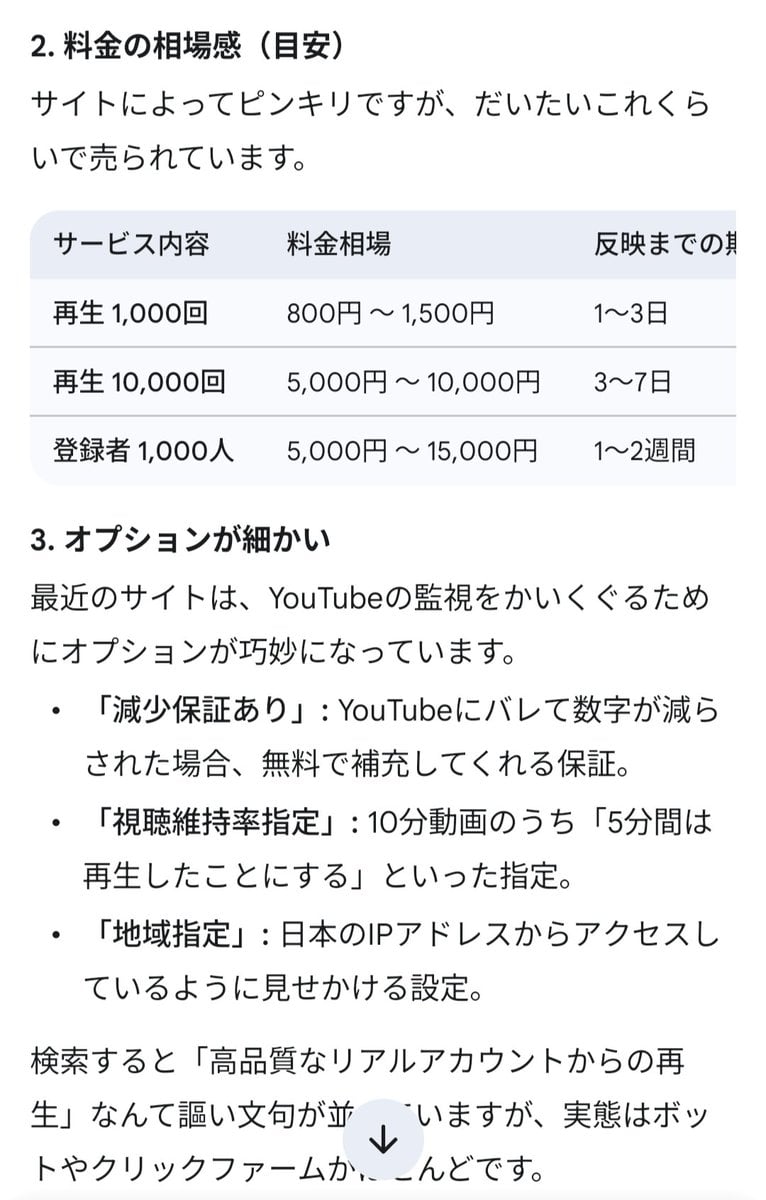
Four-Panel Manga: The Darkness of SNS (Part 1)
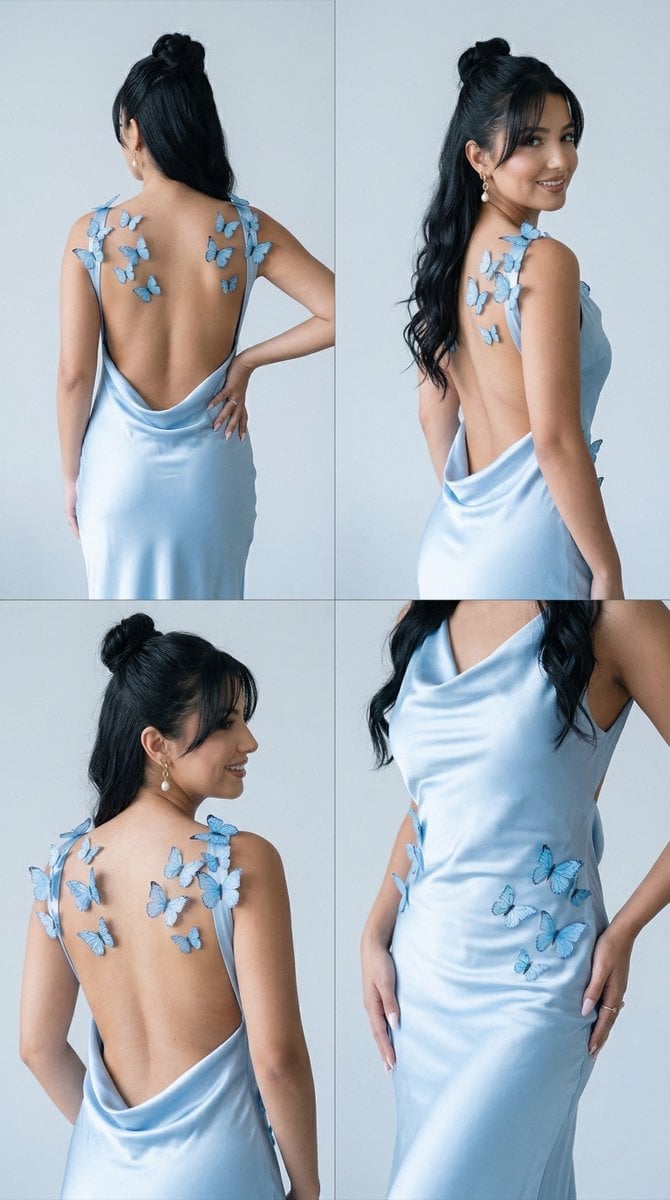
Butterfly Dress Editorial Grid Prompt for Nano Banana 2

Business Presentation Icon Set
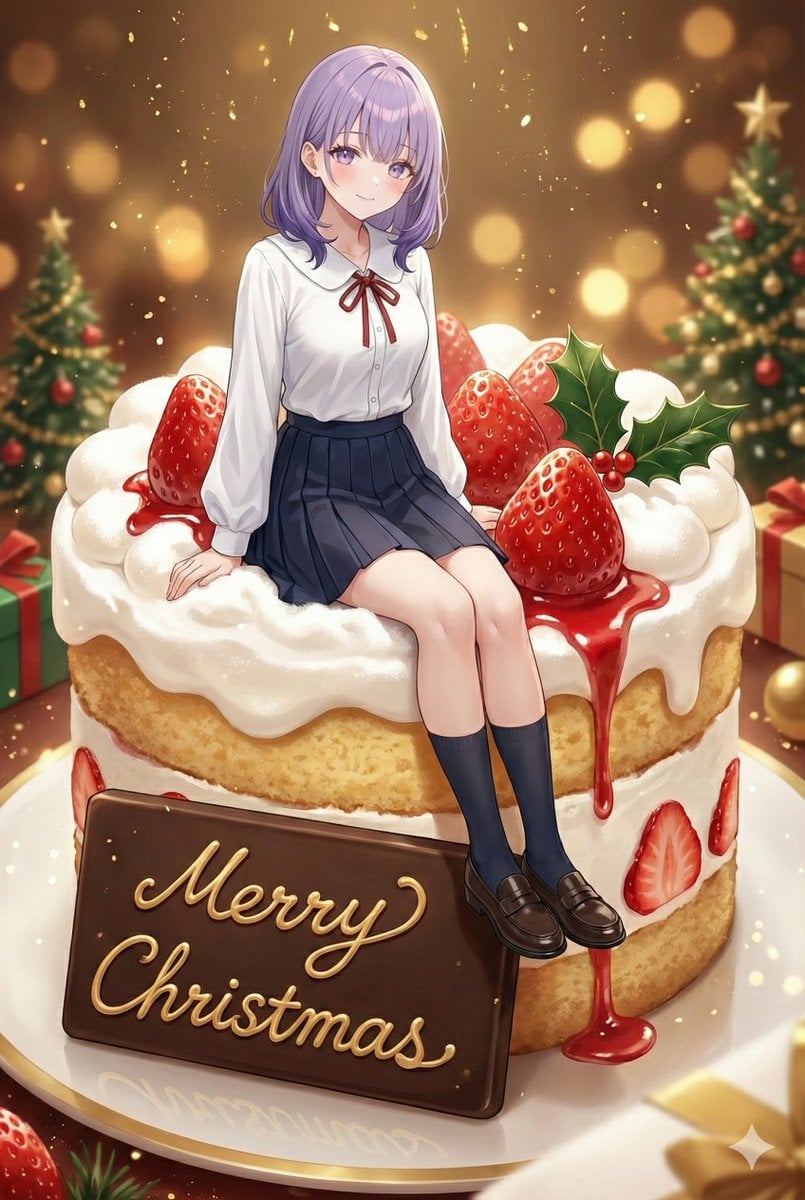
Christmas Cake with Text Plate Prompt
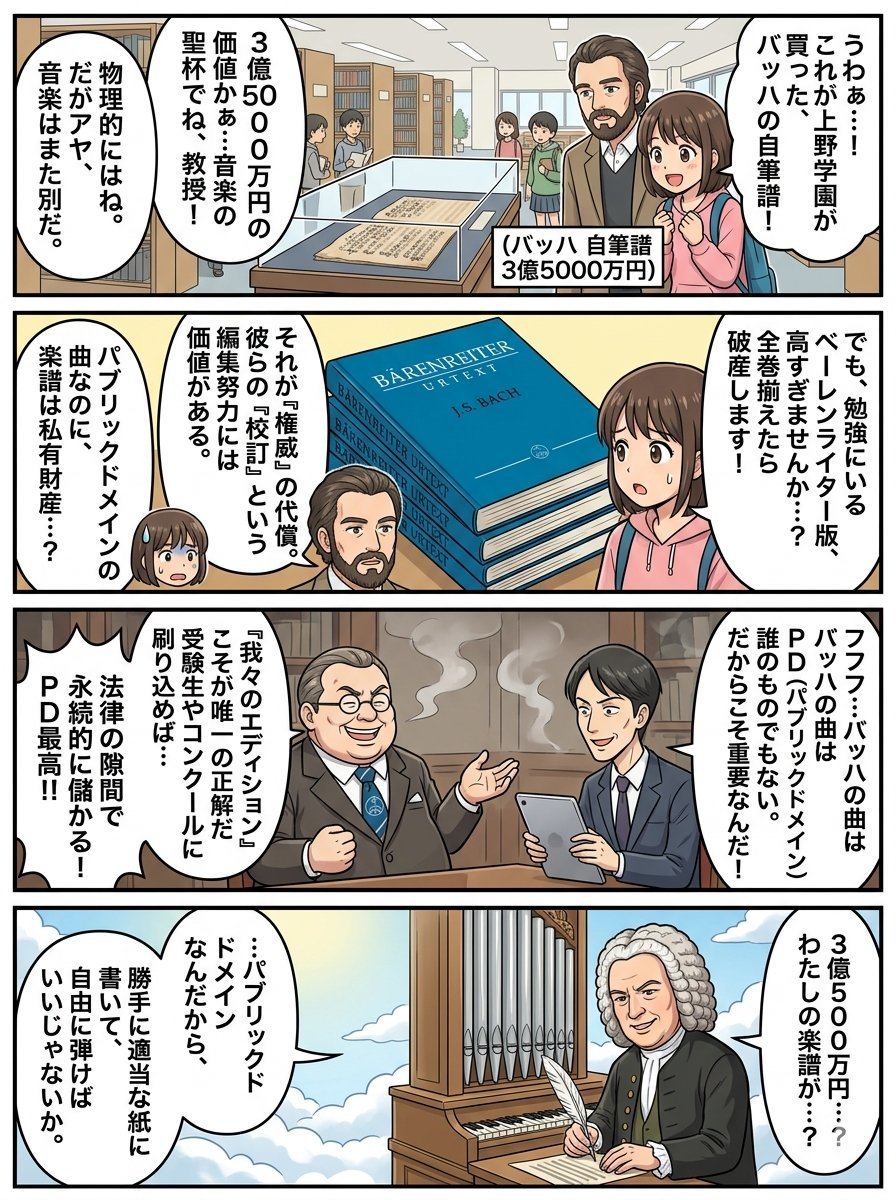
Nano Banana Pro 4-Panel Comic Prompt: Bach in Heaven
Browse template categories
Minimalist Brand Quote Poster questions
How do I use the Minimalist Brand Quote Poster template?
Add your photo if the template asks for one, edit the prompt if you like — the template's model and format are already selected — and press Generate. Your version opens in PicX Studio.
Can I customize the Minimalist Brand Quote Poster template?
Yes. You can change the subject, setting, lighting, mood, format, and available model controls before creating your image.
Is the Minimalist Brand Quote Poster template free?
Opening and editing this template is free. Generating uses credits, shown on the Generate button when you are signed in.
Which AI model should I use?
Start with GPT Image 2, which is the model associated with this template. You can compare another compatible model for a different finish.
Looking for something else? Browse all templates.

Your photo, any look
Thousands of ready templates for every top image and video model, from one credit balance.