
Cinematic Dark Surrealist Abyss
A highly detailed prompt for creating a cinematic, dark-surrealist landscape featuring a vertical ocean wall inside brutalist ruins with a small solitary figure for scale.
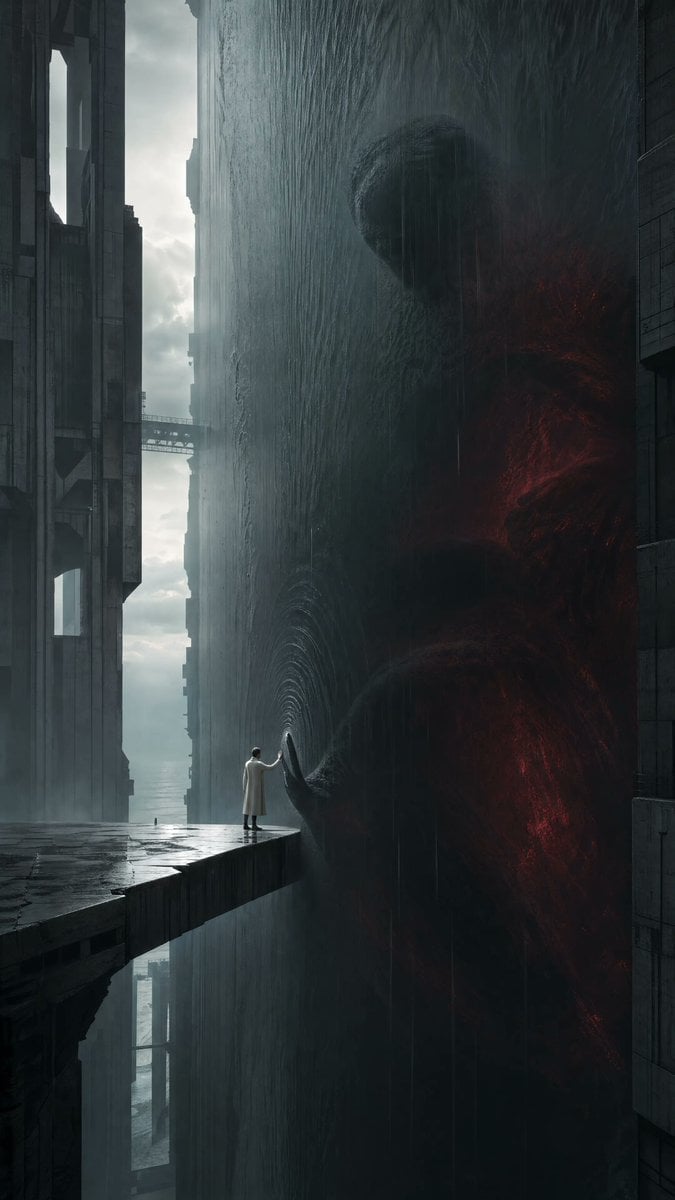
- Prompt included
- Model and format preset
- Free template
The prompt behind this image
Copy the exact prompt behind Cinematic Dark Surrealist Abyss, or open it in the studio and make it yours.
Use case: stylized-concept Asset type: vertical social-media artwork for the “{argument name="theme" default="Your Dark Side"}” theme Create an original cinematic dark-surrealist landscape at the edge of a vertical abyss inside a ruined megastructure. A solitary figure in a {argument name="clothing" default="long white coat"} stands on a narrow concrete platform above a perfectly still black ocean suspended sideways like a towering wall. Inside the vertical ocean, an immense human-shaped absence presses one hand against the liquid surface from within, mirroring the small figure’s raised hand. The contact point forms delicate silver ripples, while faint crimson light reveals impossible depth behind the colossal submerged presence. The dark side should feel like a vast internal force being held back by a fragile boundary. Vertical 9:16 composition, human figure small in the lower third, the impossible vertical sea occupying most of the frame, brutalist ruins framing both sides, dramatic scale and clear silhouette. Cold overcast light, wet concrete, atmospheric mist, subtle rain traveling in the wrong direction near the ocean wall, high-end photorealistic concept art, restrained surrealism, tense stillness, no action spectacle. Color palette: {argument name="color palette" default="black water, charcoal concrete, bone white, cold blue-silver, one restrained deep-crimson glow within the abyss"}. Constraints: wholly original subject and architecture; no recognizable person; no text, typography, logos, signatures, borders, or watermark. Avoid: ordinary ocean horizon, reflection creature, close-up face, black goo, red eyes, gore, tentacles, conventional monster anatomy, explosions, imitation of any named artist.
How to use Cinematic Dark Surrealist Abyss in 3 steps
- 1
Open
The prompt is already in the box next to the preview, with the template's model and format selected.
- 2…a portrait of your subject in softgolden-hour light, 85mm…
Personalize
Edit the subject and creative details for your destination.
- 3Generate
Generate
Press Generate — your image is created in PicX Studio, so you can compare it with the original and refine one variable at a time.
More like this
Templates with the same subject, style or setup. Open one to see its prompt.

Selective Color Monochrome Football Poster

Night Sports Car Portrait — Cinematic Moody

Cinematic Eye Light Portraits — 3 Nano Banana Prompts

Horror Cinematic Portrait
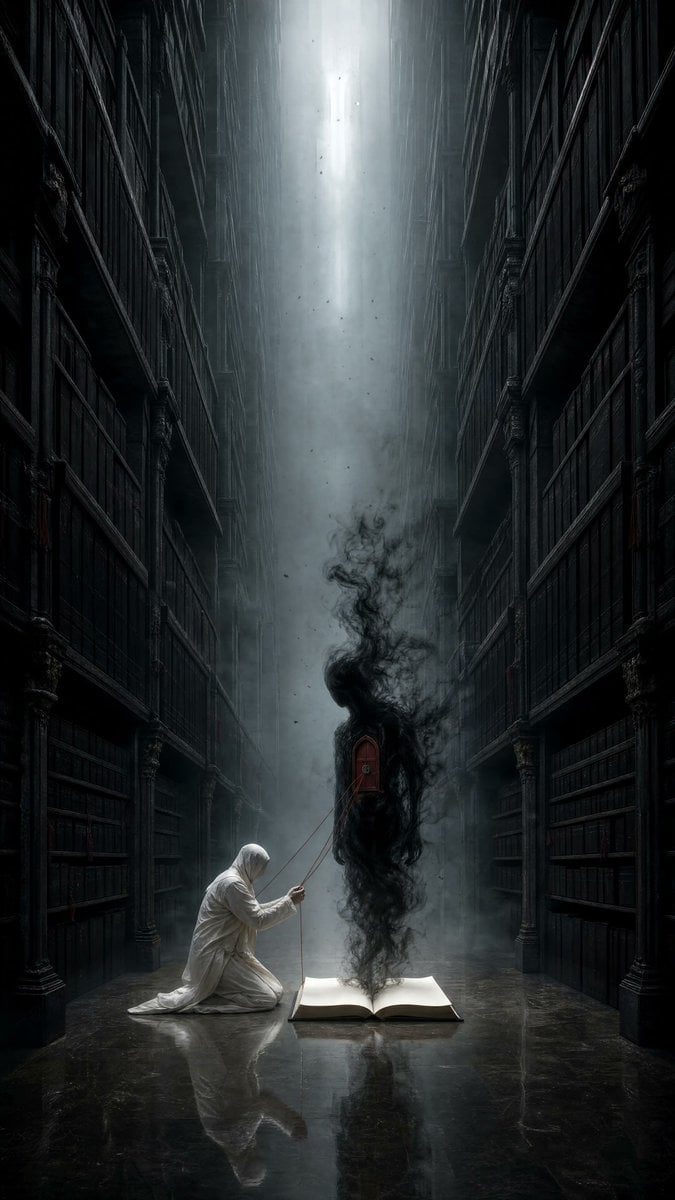
Dark Surrealist Library Archive
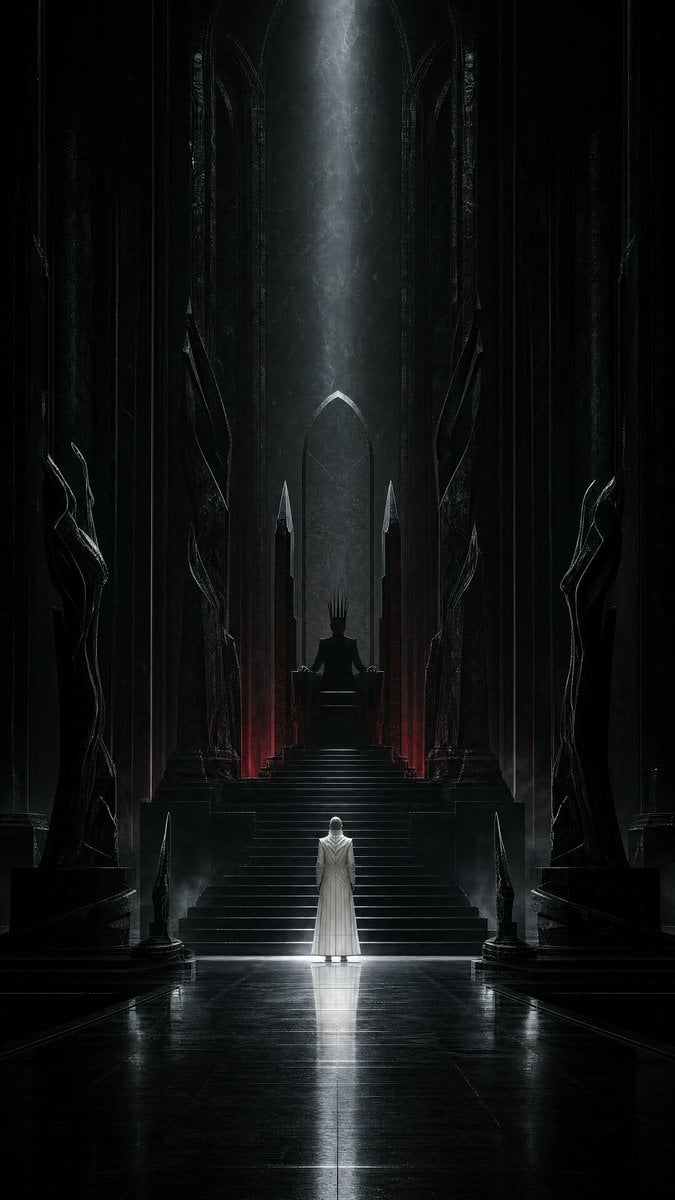
Dark Surrealist Shadow Throne Prompt
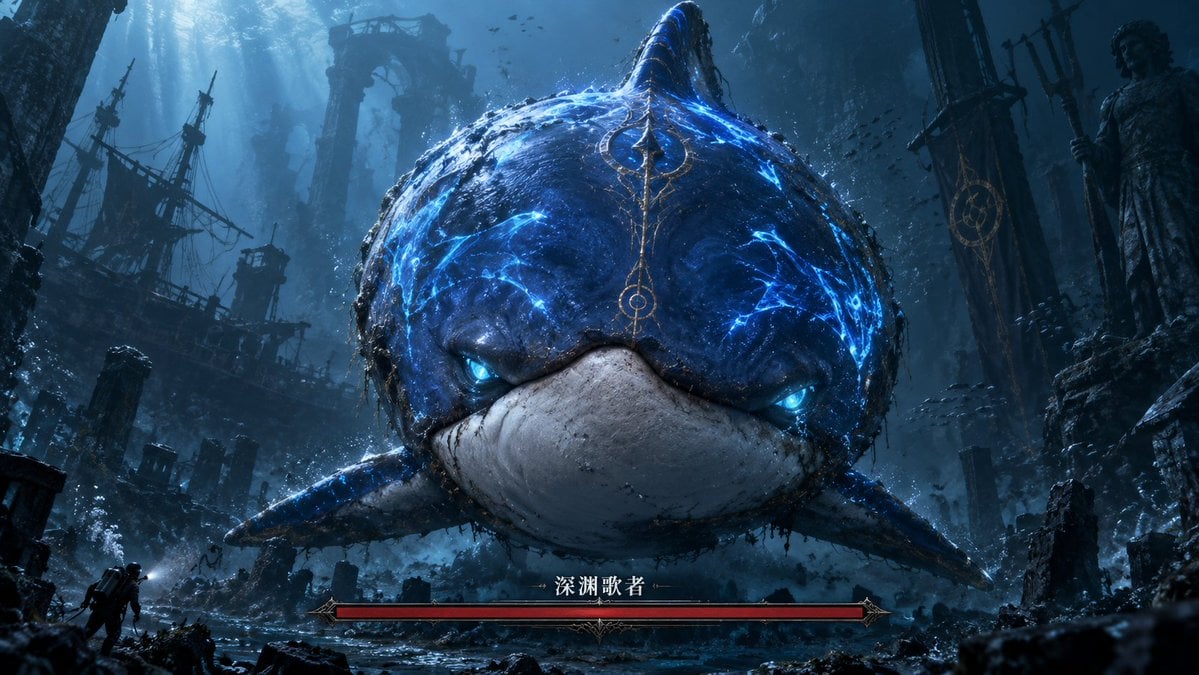
Abyssal Dolphin Boss Transformation
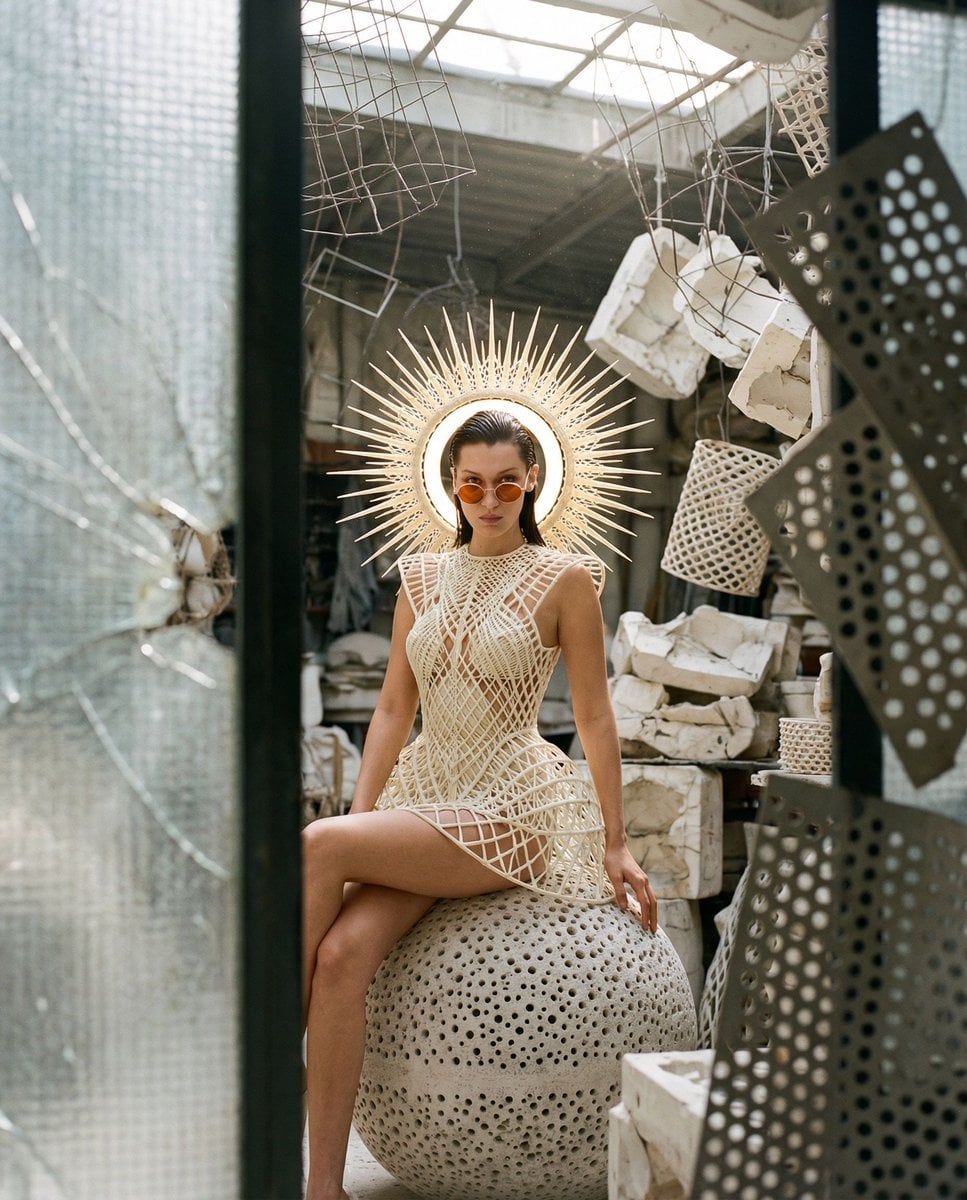
Surrealist Voyeur Fashion JSON
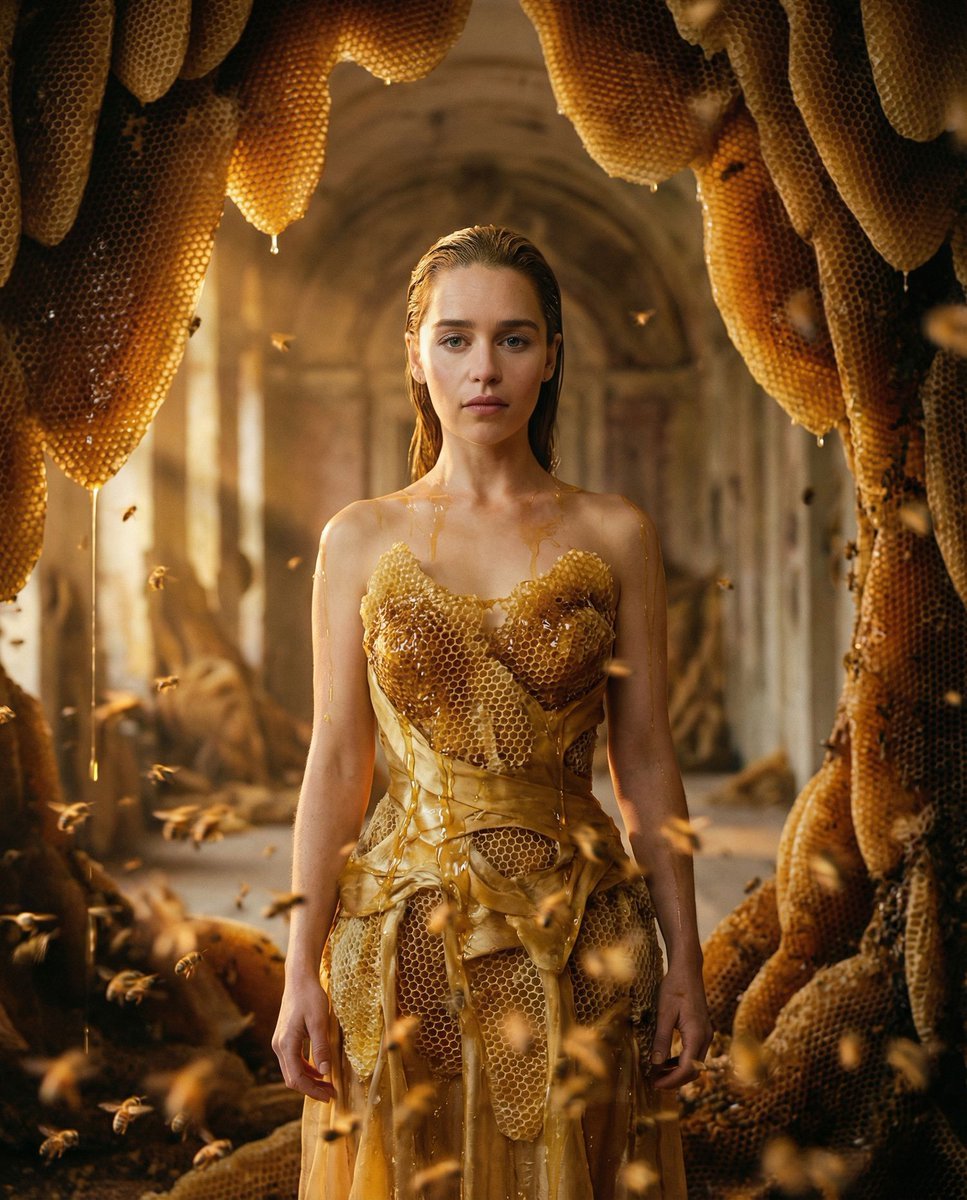
Surrealist Honeycomb Fashion Editorial
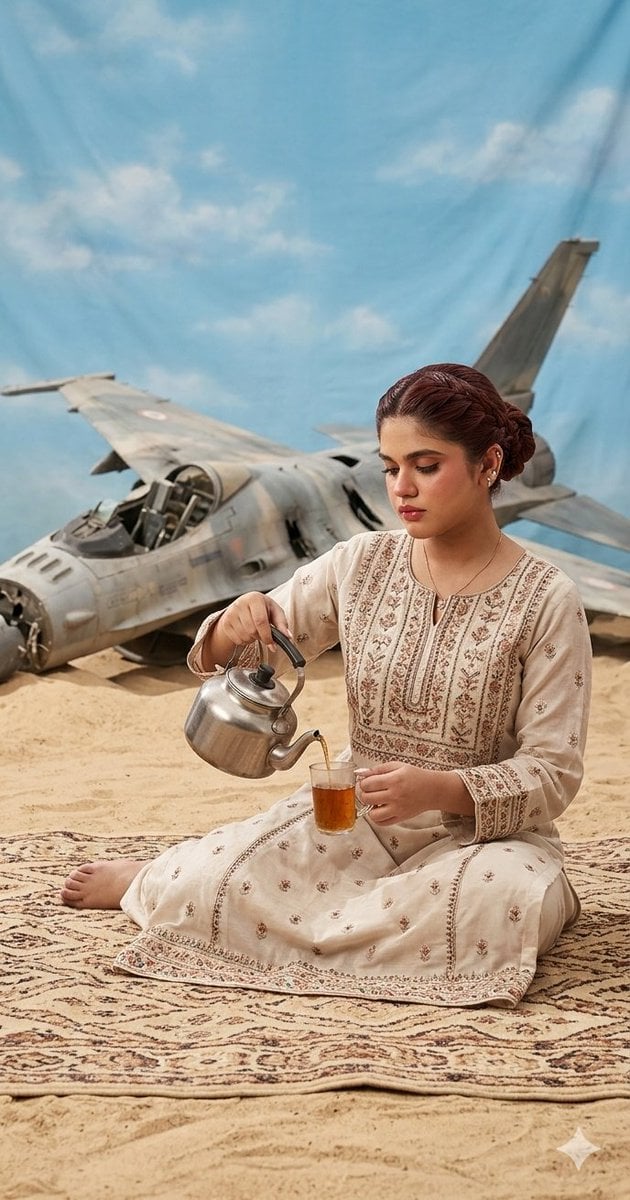
Surrealist Desert Tea Ceremony
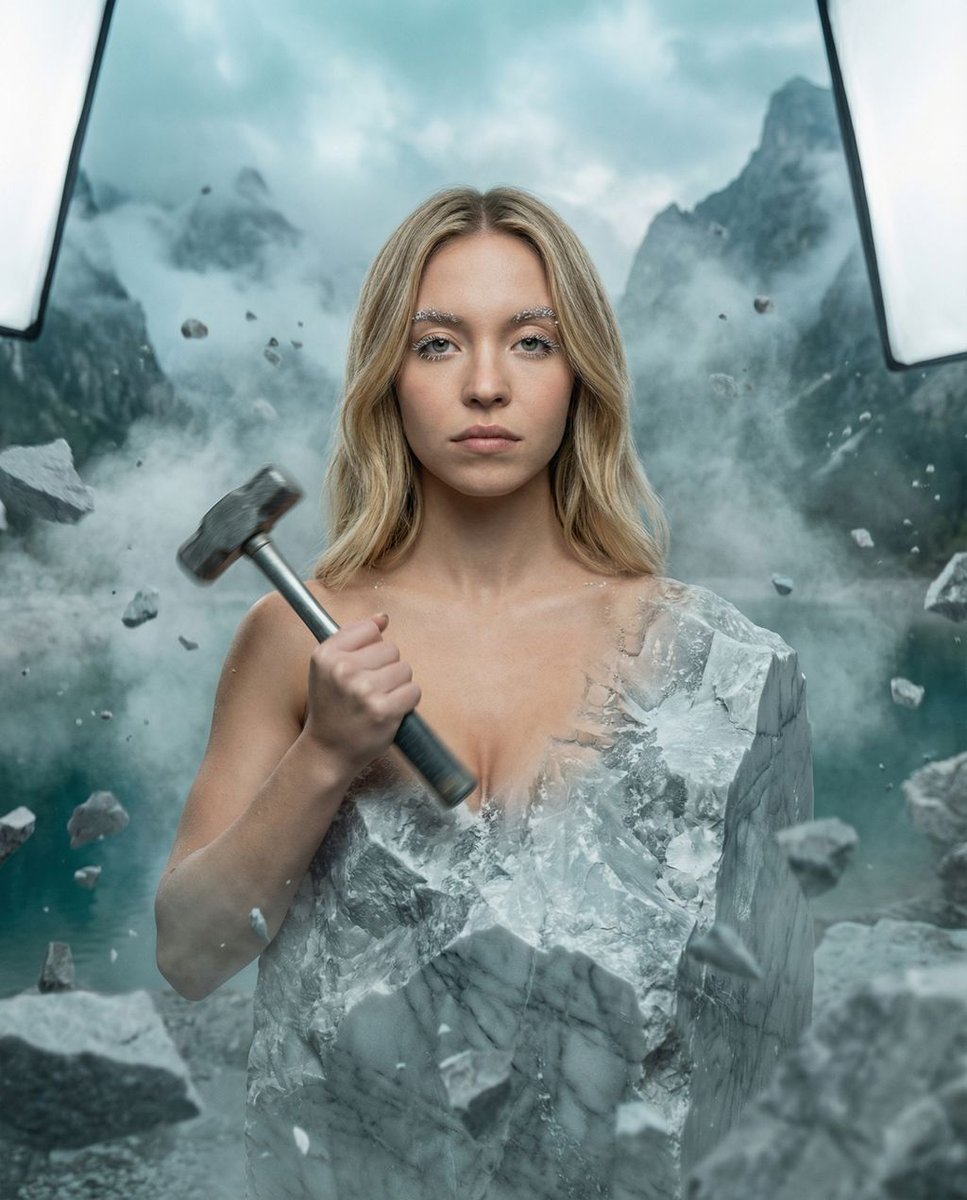
The Breath of Basalt Surrealist Portrait
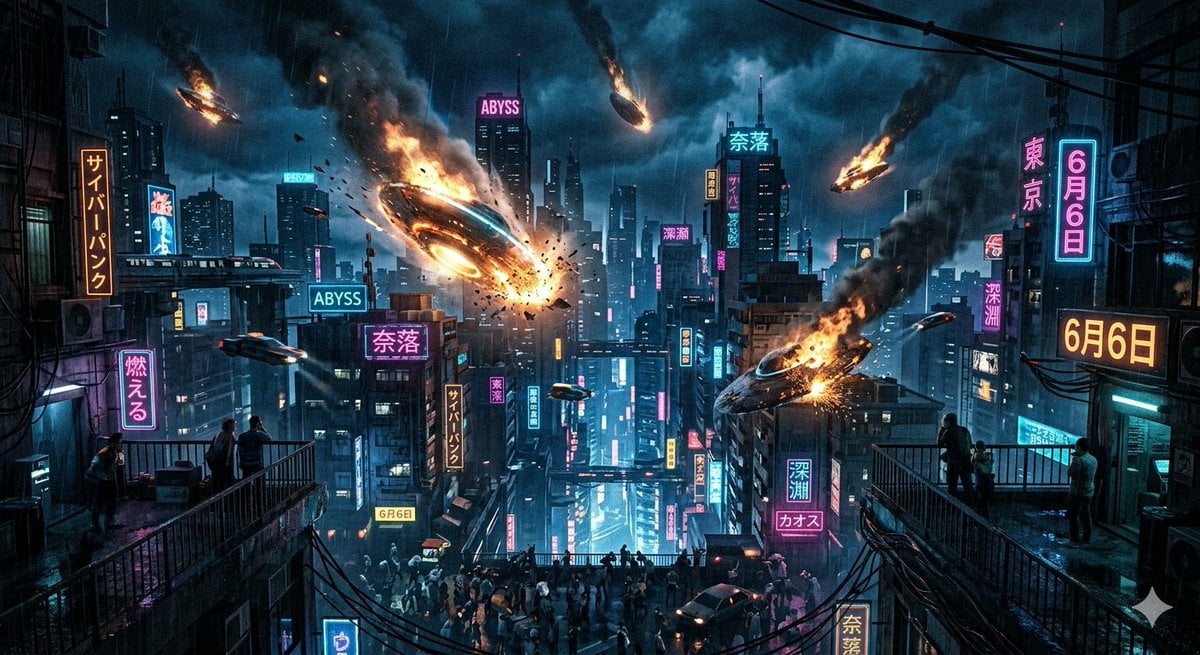
UFO Crash in the Abyss (Cyberpunk)
Make it yours
Cinematic Dark Surrealist Abyss works as-is. These are the safest ways to change it without losing the look.
Change one field
Copy a single group, rewrite it, and generate again so you can see what that field is doing.
Keep the frame, change the subject
Hold the composition and light of Cinematic Dark Surrealist Abyss, then swap wardrobe, props or the person for a new take.
| If the result… | Why | Fix |
|---|---|---|
| The result drifts from the preview | Too many fields changed at once. | Reuse Cinematic Dark Surrealist Abyss as-is first, then change one group — subject, light, or setting. |
| The model over-stylizes the scene | The prose prompt leaves finish and camera underspecified. | Add one camera or lighting sentence and stay on GPT Image 2. |
More GPT Image 2 templates
Other prompts made for GPT Image 2.

Six VTuber Japanese Logo Sheet

Realistic Portrait of Woman and Deer

The Vista Modular Condo Poster

AI Model Routing Comparison Infographic

2.5D Anime Art Board

Isometric Productivity Desk Scene

New York Double Exposure Poster

Four-Panel AI Landscape Comparison

Japanese Tatami Lifestyle Magazine Cover

NESCAFÉ Coffee Map Poster
More image prompts
Fresh picks from across the catalog.
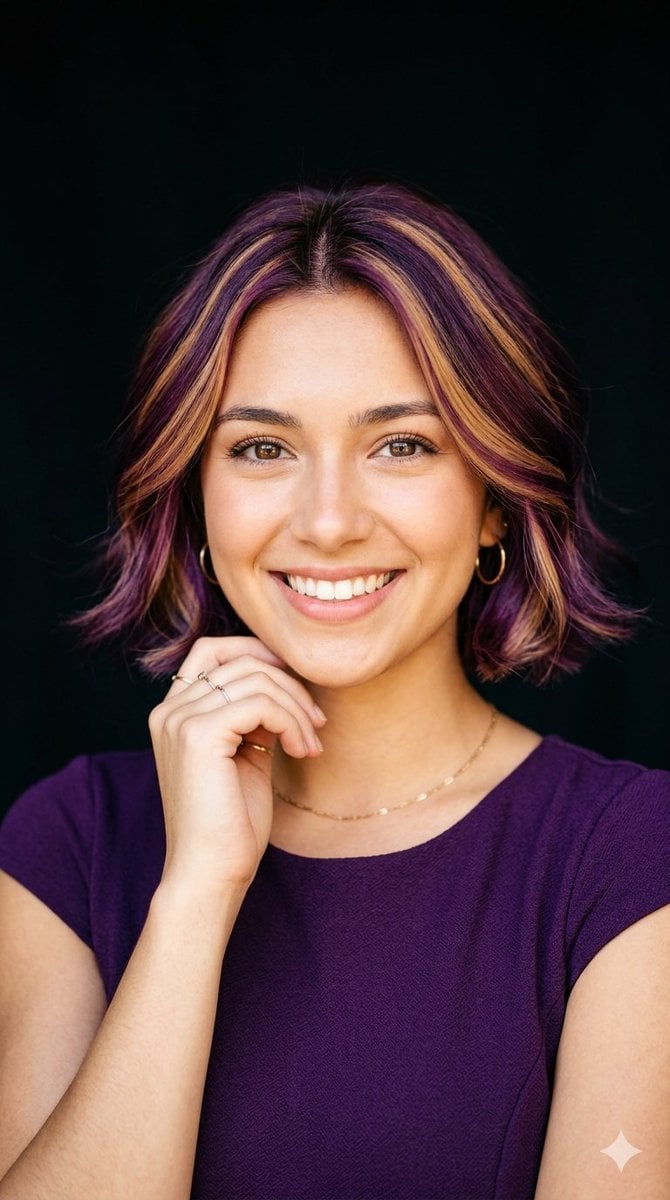
Radiant Purple Bob Portrait
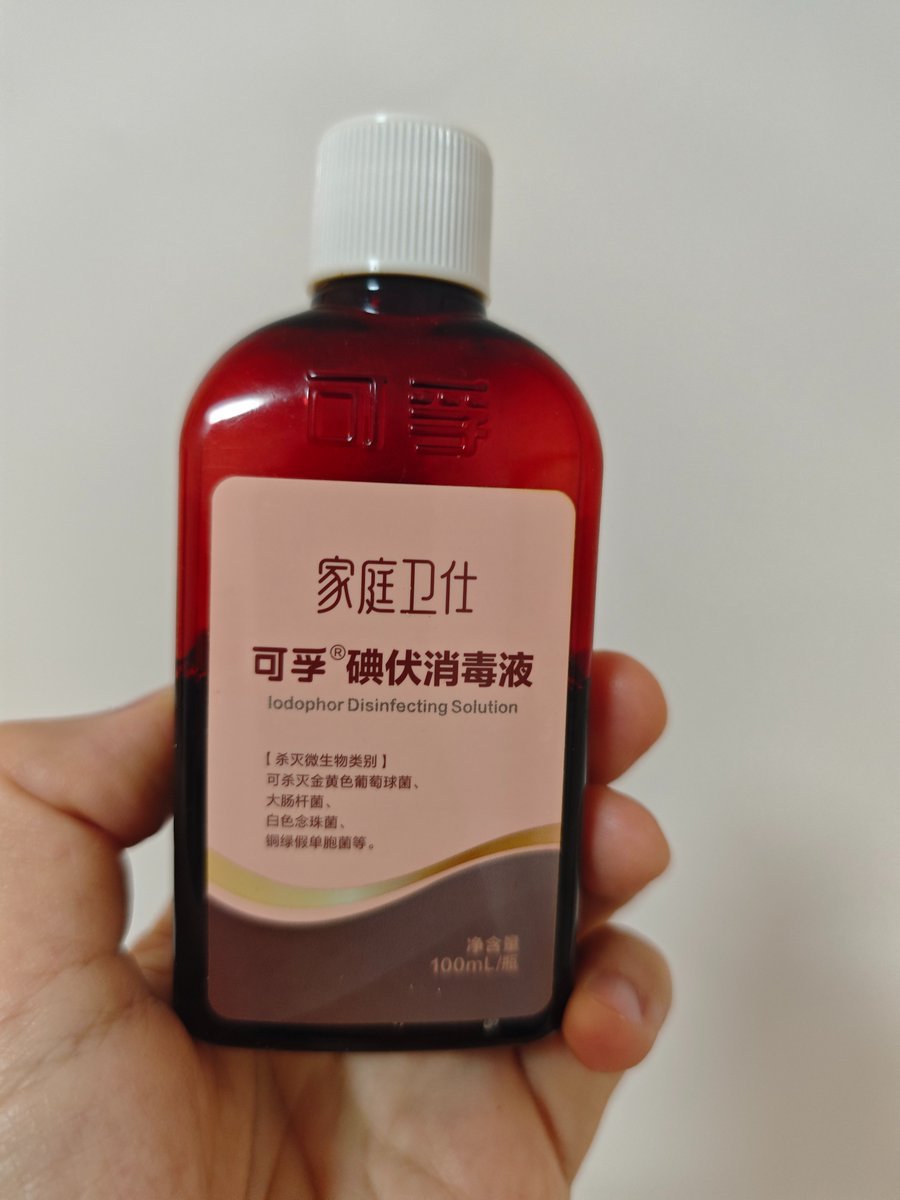
Iodine Bottle Inspired Fashion
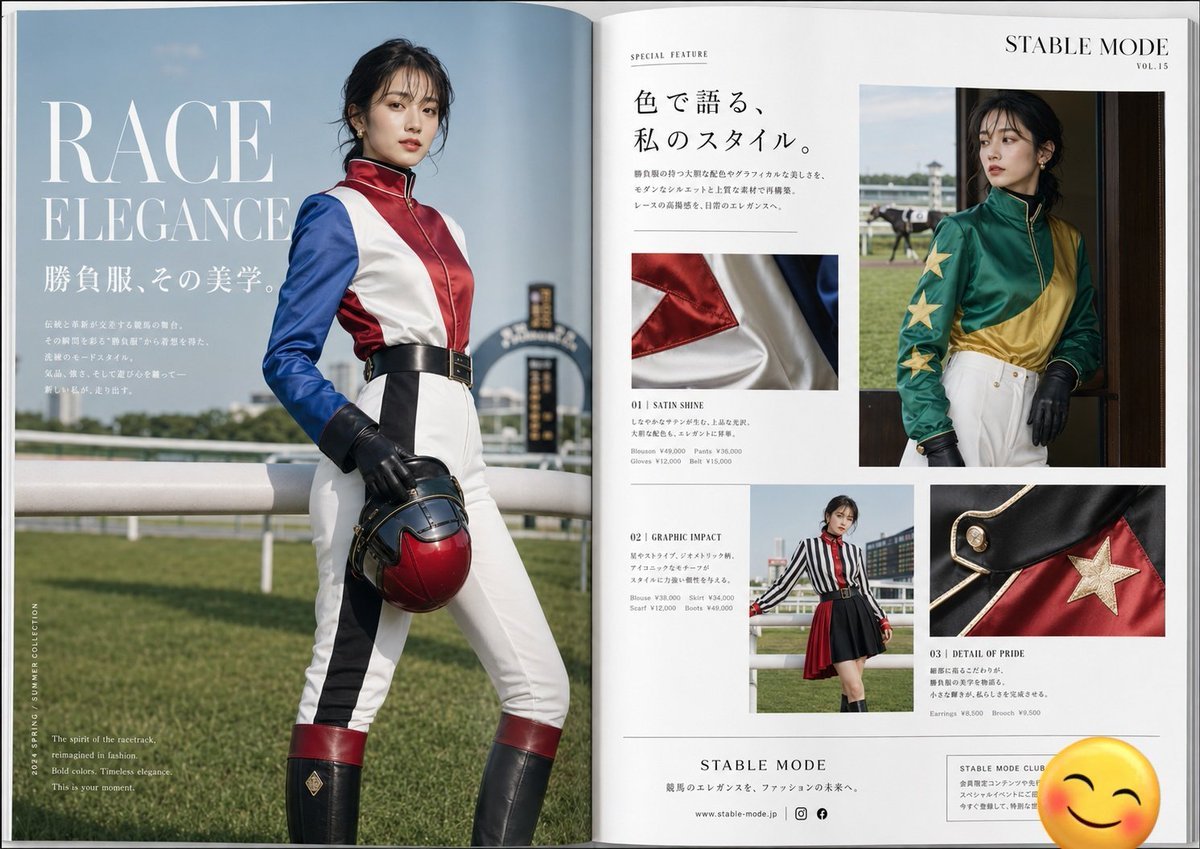
Jockey Fashion Magazine Spread

Mango Coconut Dessert Poster
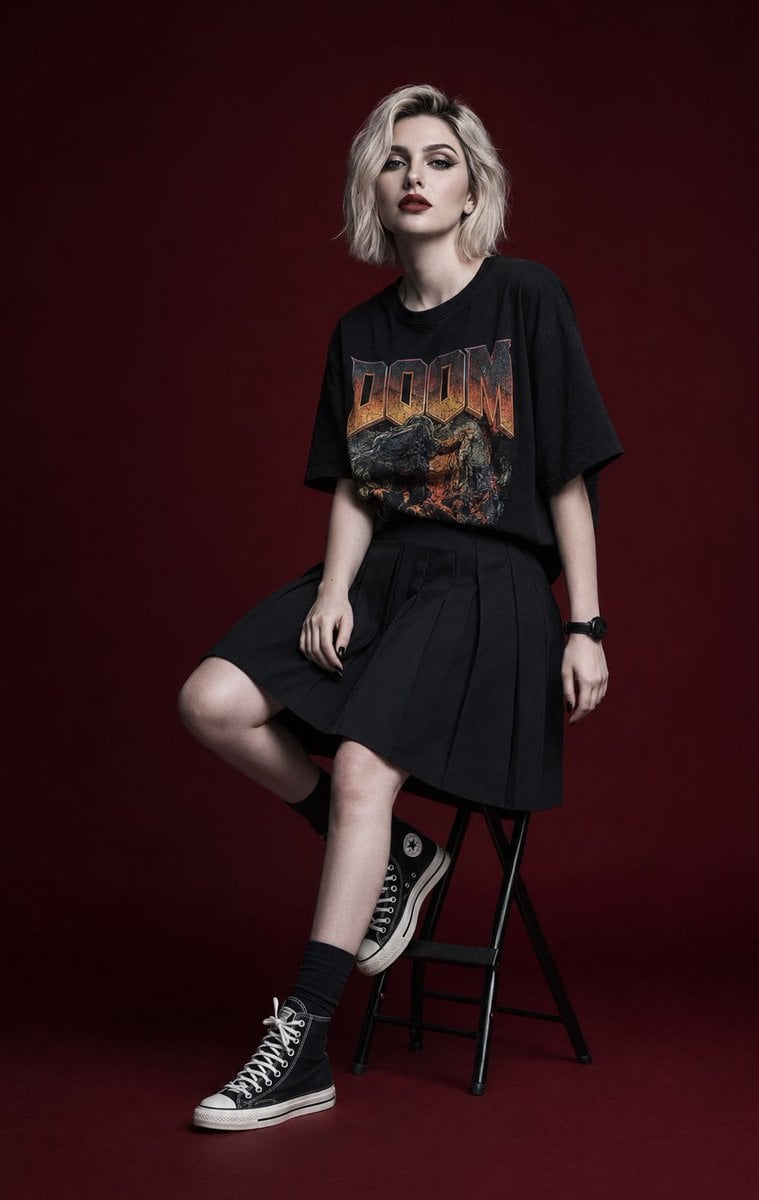
Luxury Editorial Fashion Campaign Portrait
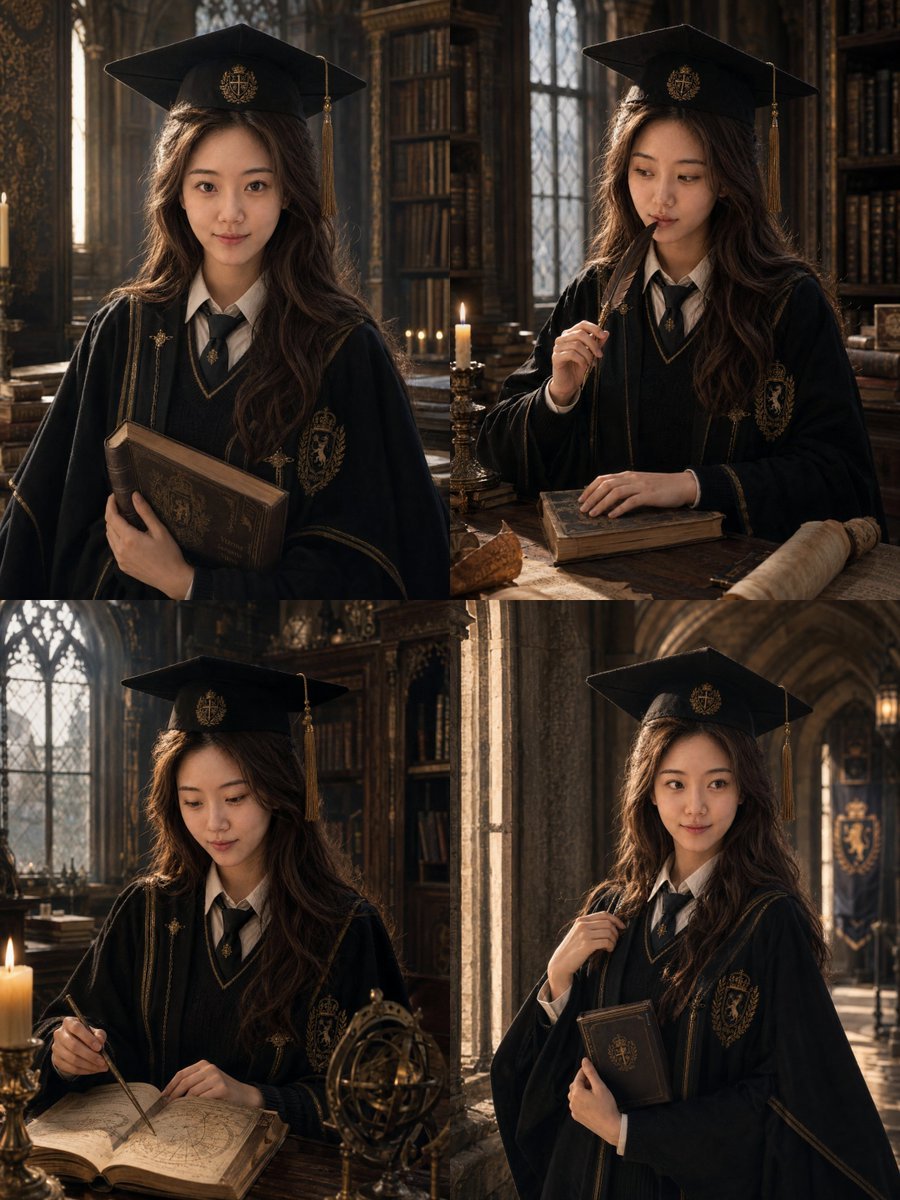
Luxury Magazine Graduation Portraits
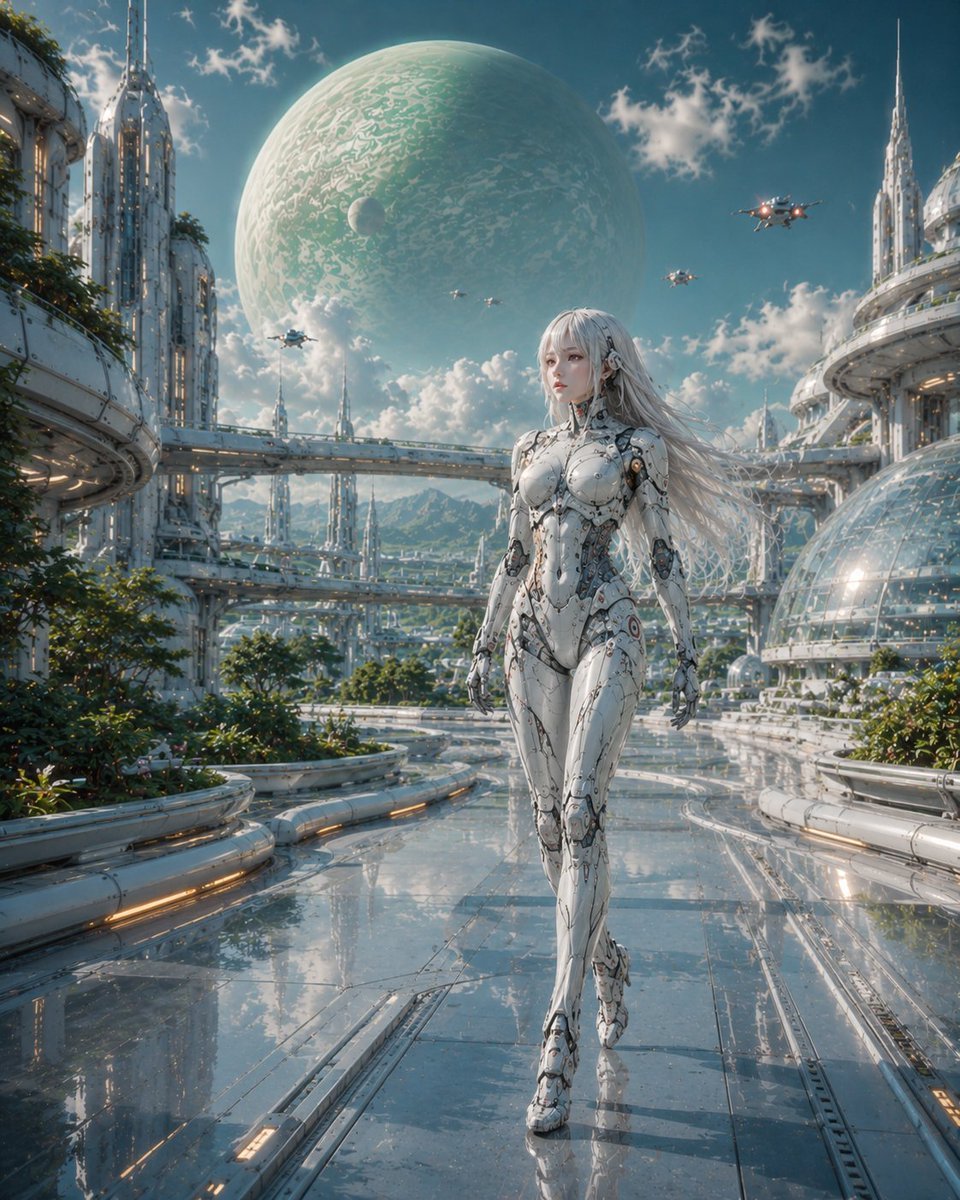
Female Android in Futuristic Space City

Simple Livestream Screenshot
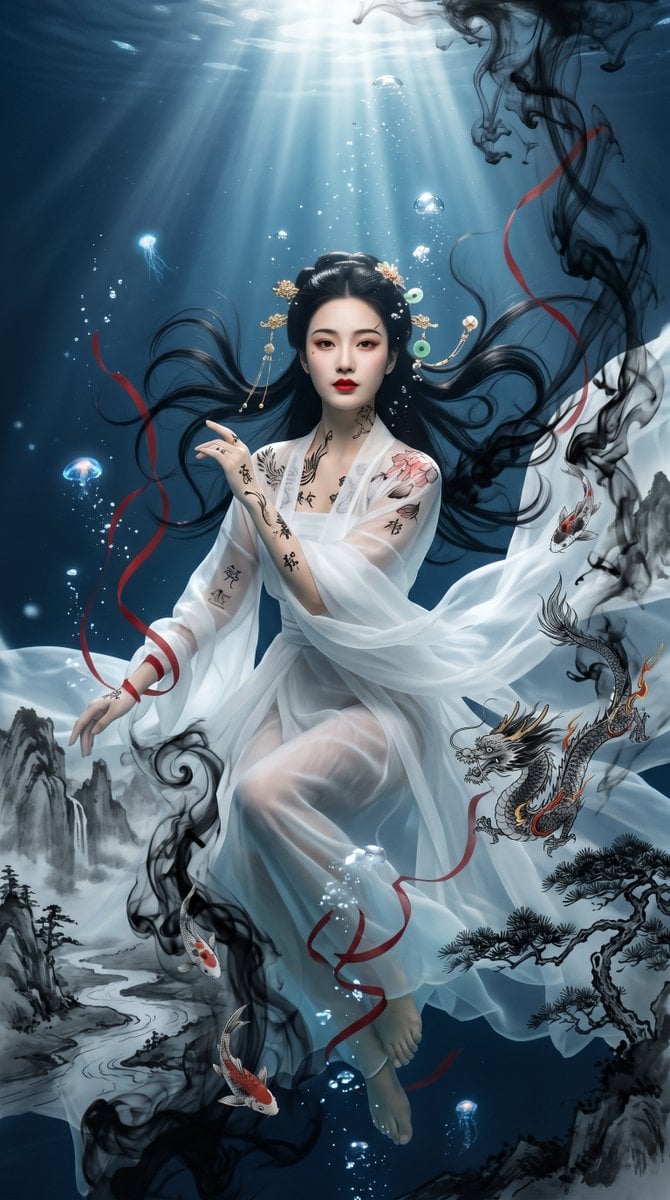
Underwater Chinese Ink Dreamscape Portrait
Realistic Car Backseat Selfie
Browse template categories
Cinematic Dark Surrealist Abyss questions
How do I use the Cinematic Dark Surrealist Abyss template?
Add your photo if the template asks for one, edit the prompt if you like — the template's model and format are already selected — and press Generate. Your version opens in PicX Studio.
Can I customize the Cinematic Dark Surrealist Abyss template?
Yes. You can change the subject, setting, lighting, mood, format, and available model controls before creating your image.
Is the Cinematic Dark Surrealist Abyss template free?
Opening and editing this template is free. Generating uses credits, shown on the Generate button when you are signed in.
Which AI model should I use?
Start with GPT Image 2, which is the model associated with this template. You can compare another compatible model for a different finish.
Looking for something else? Browse all templates.

Your photo, any look
Thousands of ready templates for every top image and video model, from one credit balance.