
Abyssal Dolphin Boss Transformation
Transforms a simple dolphin sketch into a cinematic underwater dark-fantasy boss encounter with ruins and a game-style health bar.
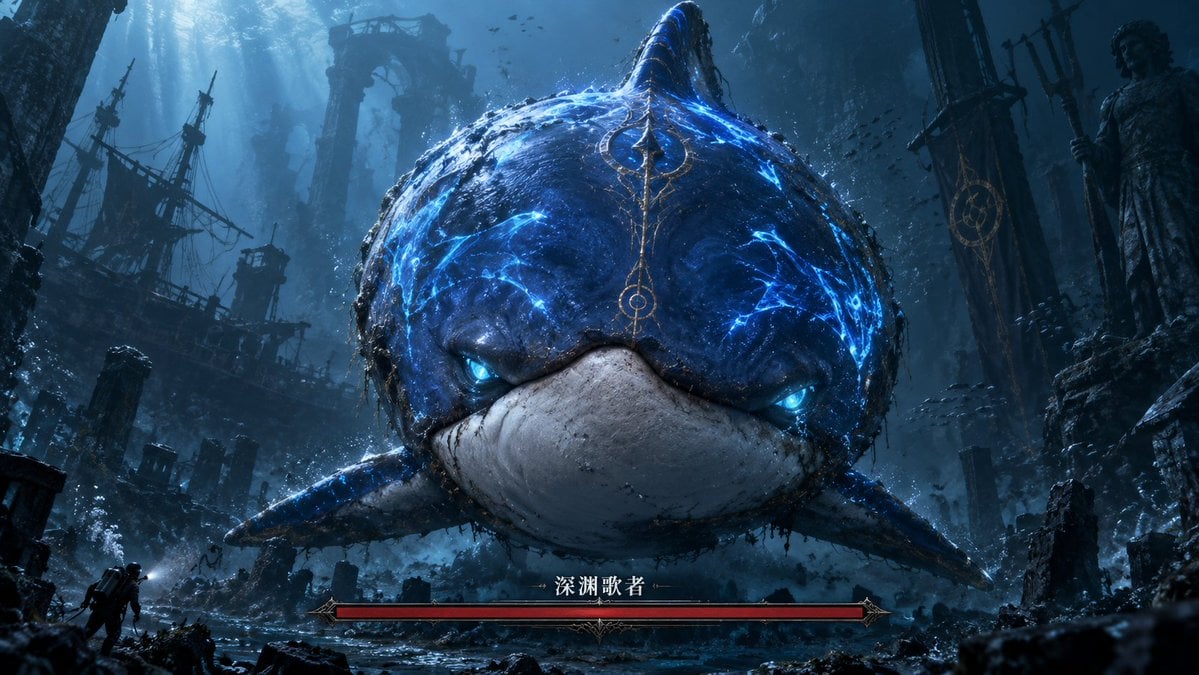
- Prompt included
- Model and format preset
- Free template
The prompt behind this image
Copy the exact prompt behind Abyssal Dolphin Boss Transformation, or open it in the studio and make it yours.
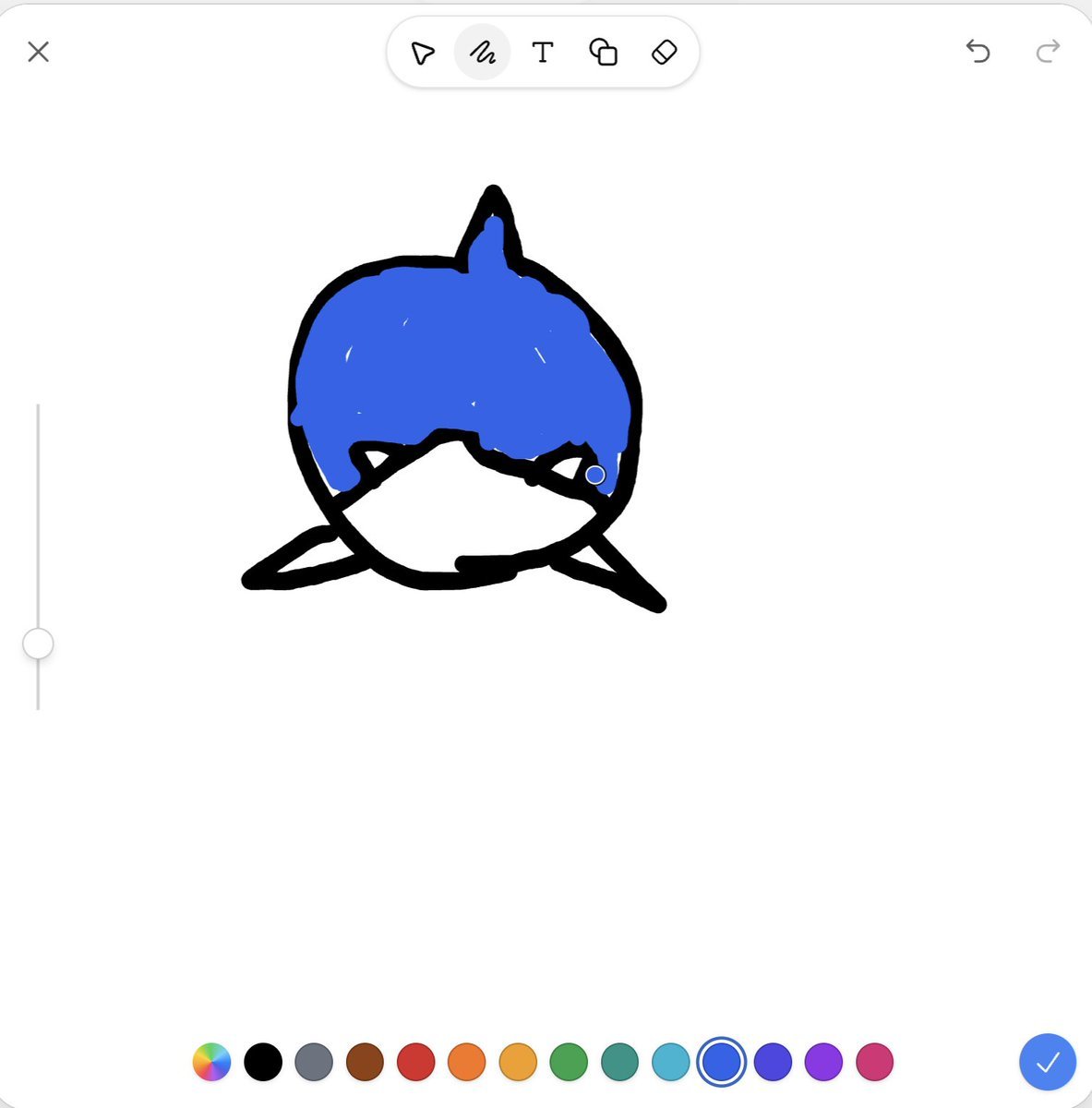
Using the provided reference image as the rough silhouette and color guide, transform the simple blue dolphin sketch into a cinematic dark-fantasy underwater boss encounter. Keep the same front-facing rounded dolphin/whale-like body, central dorsal fin, side fins, blue upper body, and pale lower mouth area, but render it as a massive realistic sea monster with cracked glowing electric-blue markings, bioluminescent blue eyes, wet rough skin, barnacles, grime, and ornate ancient-gold markings running down the forehead. Scene: Place the creature in a vast abyssal ruined city with dramatic blue shafts of light from above, floating debris, bubbles, schools of tiny fish, broken stone arches, pillars, statues, and a ruined shipwreck silhouette on the left. Add a tiny explorer/diver figure near the lower left to emphasize the monster's enormous scale. Make the composition widescreen and centered, with the monster looming directly toward the viewer. Game UI addition: Add exactly 1 boss health bar at the bottom center: a long red bar in an ornate dark-metal fantasy frame, labeled in Chinese with {argument name="boss name" default="深渊歌者"}. Do not add any other UI panels. Style: Ultra-detailed AAA game key art, dark souls-like fantasy atmosphere, underwater volumetric lighting, high contrast, moody teal-blue palette, cinematic realism, dramatic scale, sharp focus on the creature's face. Customizable details: creature glow color {argument name="glow color" default="electric blue"}, environment theme {argument name="environment theme" default="abyssal ruined city"}, mood {argument name="mood" default="ominous and epic"}, aspect ratio {argument name="aspect ratio" default="16:9 widescreen"}.
Reference images included
Abyssal Dolphin Boss Transformation needs input media to work. They load alongside the prompt when you open it in the studio.
How to use Abyssal Dolphin Boss Transformation in 3 steps
- 1Upload ImagePNG, JPG or paste
Add your photo
Upload the photo the template builds on. The prompt, model and format are already set.
- 2…a portrait of your subject in softgolden-hour light, 85mm…
Personalize
Edit the subject and creative details for your destination.
- 3Generate
Generate
Press Generate — your image is created in PicX Studio, so you can compare it with the original and refine one variable at a time.
More like this
Templates with the same subject, style or setup. Open one to see its prompt.
Seedance - Character Transition
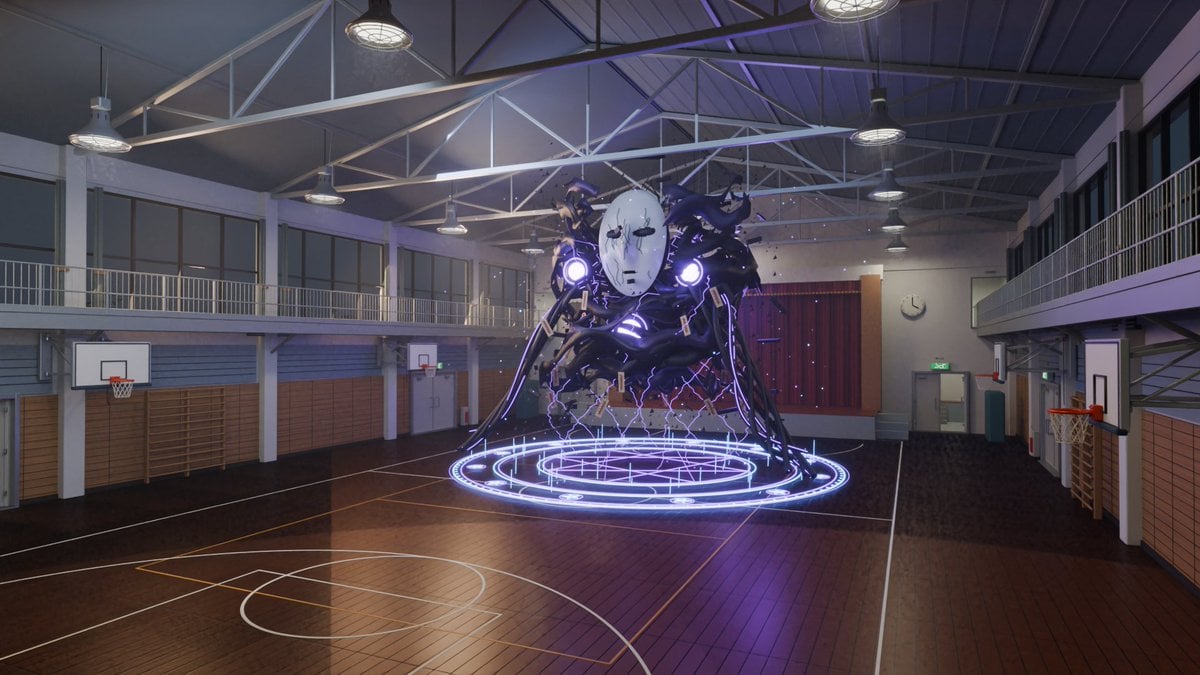
3D School Gym Boss Arena

Monochrome Boss Portrait With Red Sunglasses
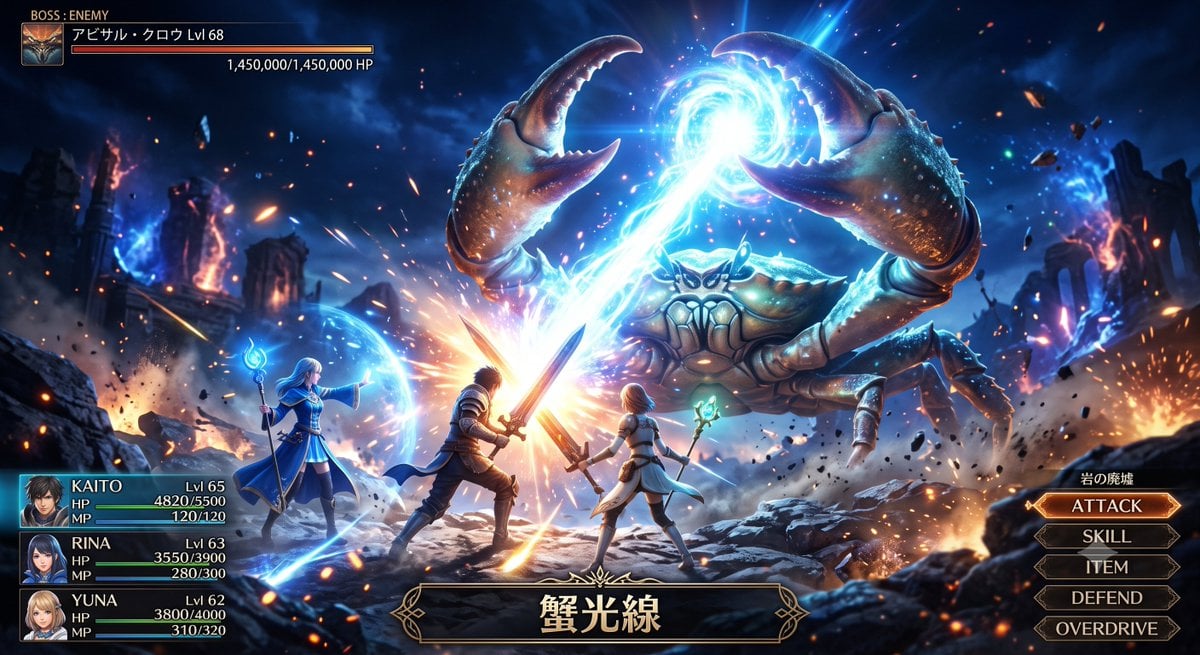
Fantasy Crab Boss Battle UI

Golden Hour Cinematic Boss Energy Portrait
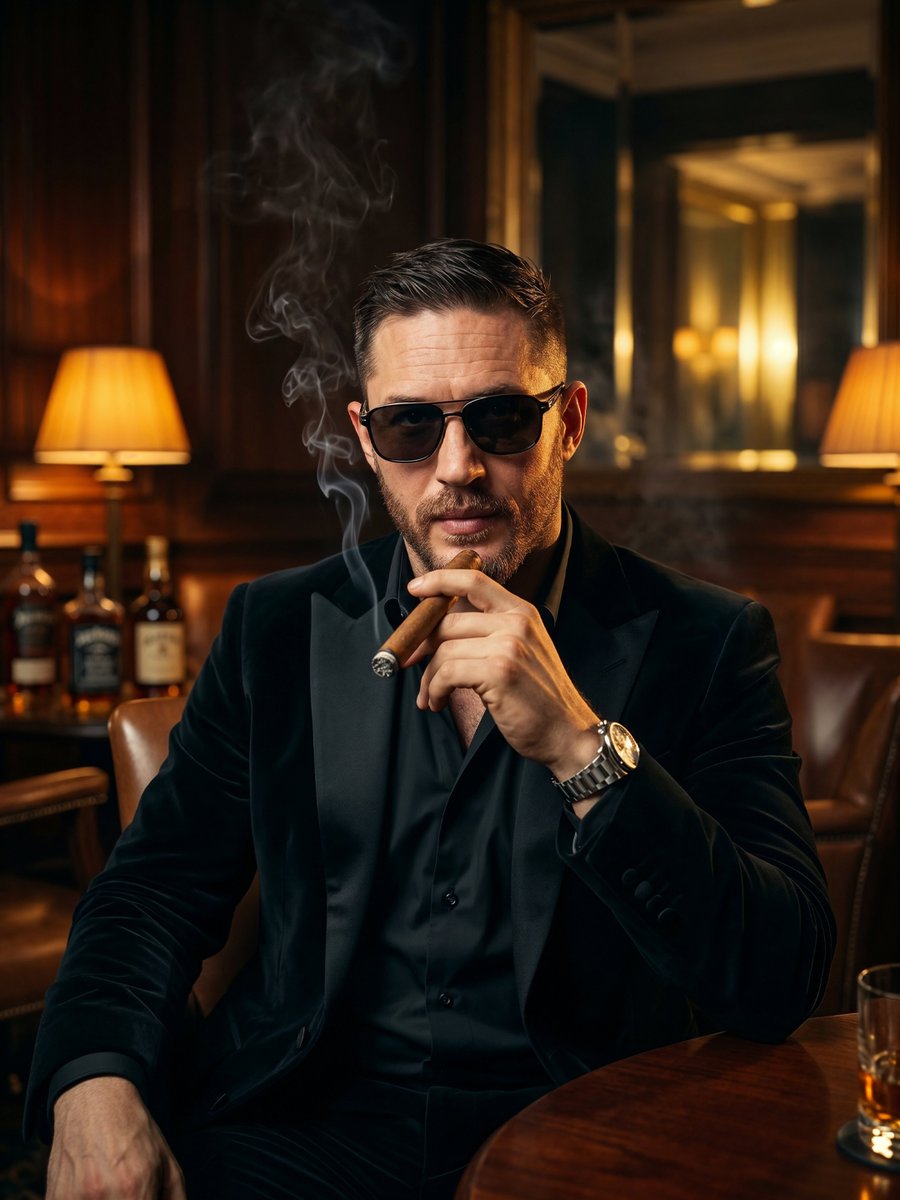
Cinematic Noir Crime Boss Portrait
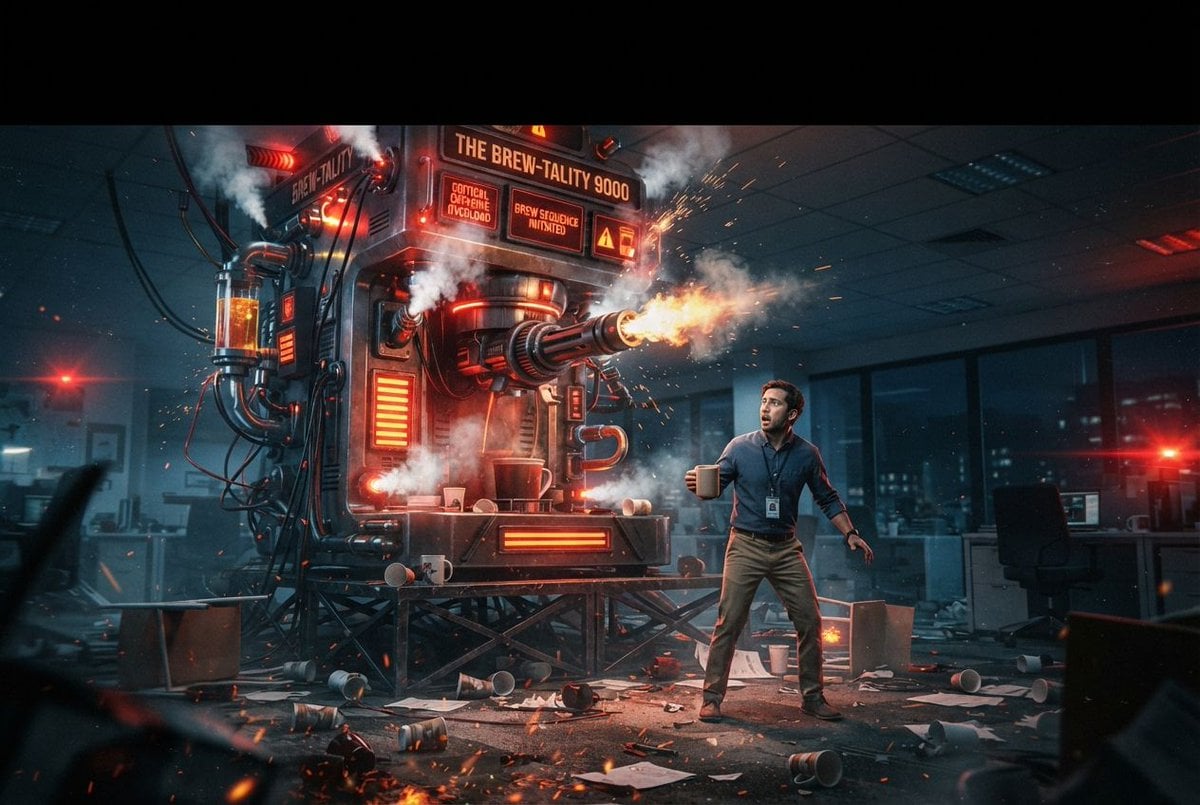
Sci-Fi Coffee Machine Boss Battle

PastelSoft Dolphin Wordmark Logo
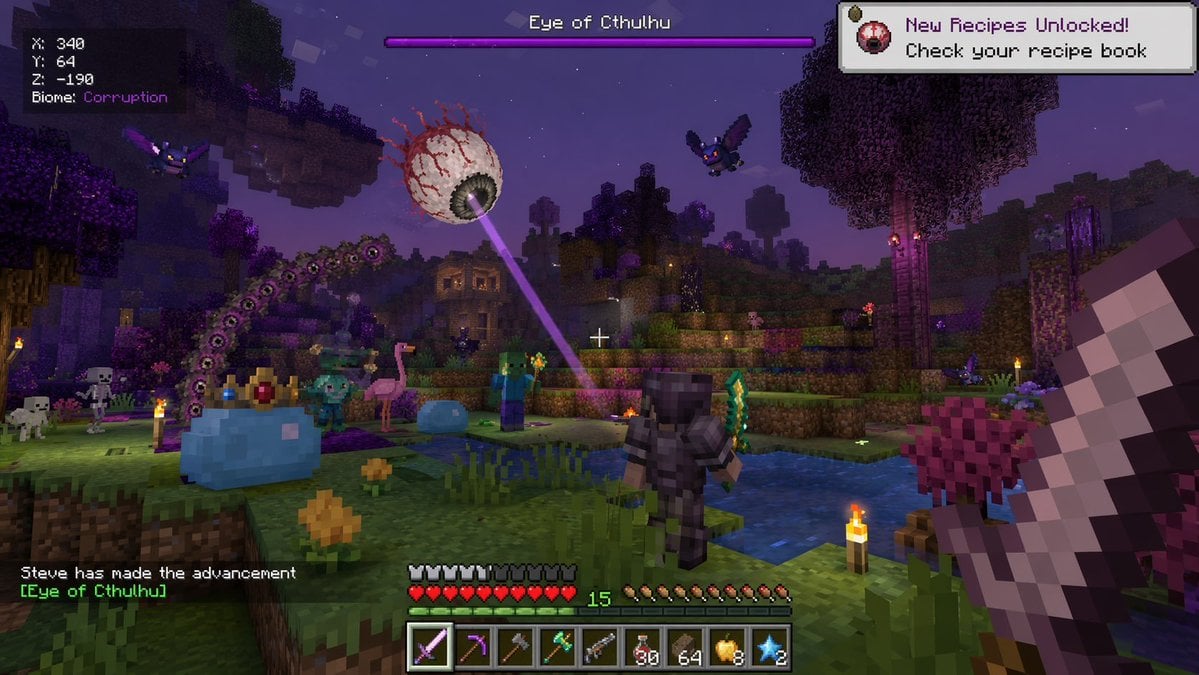
Voxel Survival Game Boss Fight UI
Voxel Survival Game Boss Fight HUD
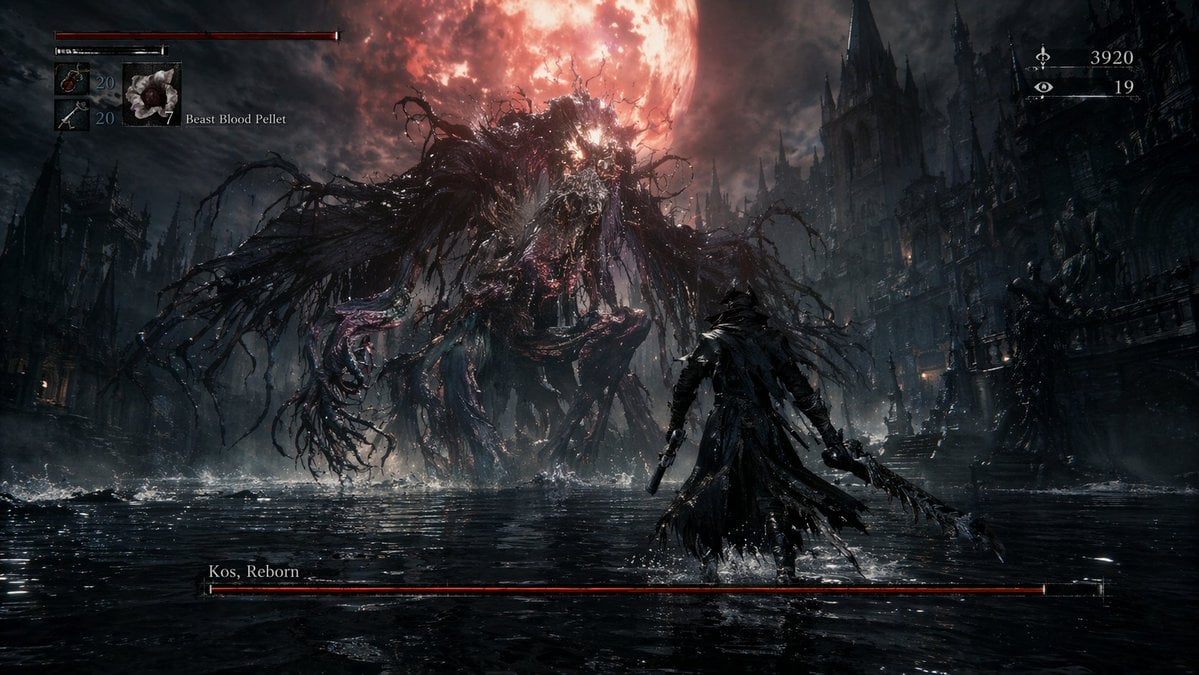
Dark Fantasy RPG Boss Fight Screenshot
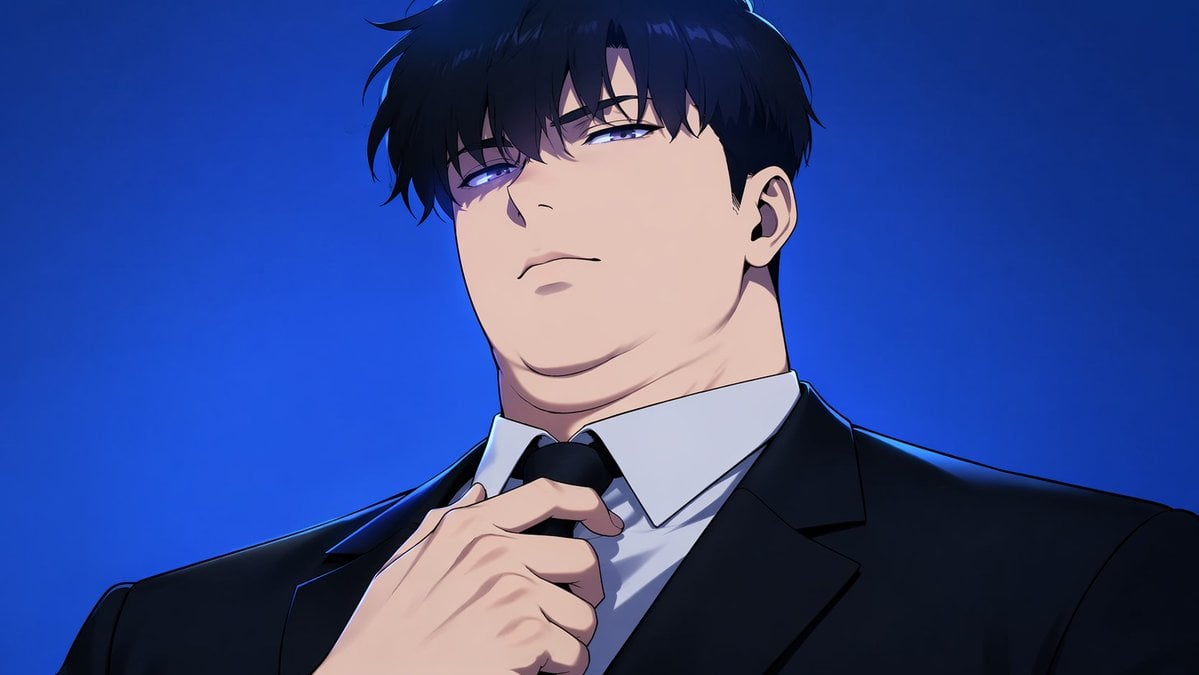
Manhwa Style Boss Adjusting Tie
Make it yours
Abyssal Dolphin Boss Transformation works as-is. These are the safest ways to change it without losing the look.
Change one field
Copy a single group, rewrite it, and generate again so you can see what that field is doing.
Keep the frame, change the subject
Hold the composition and light of Abyssal Dolphin Boss Transformation, then swap wardrobe, props or the person for a new take.
| If the result… | Why | Fix |
|---|---|---|
| The result drifts from the preview | Too many fields changed at once. | Reuse Abyssal Dolphin Boss Transformation as-is first, then change one group — subject, light, or setting. |
| The model over-stylizes the scene | The prose prompt leaves finish and camera underspecified. | Add one camera or lighting sentence and stay on GPT Image 2. |
More GPT Image 2 templates
Other prompts made for GPT Image 2.

Six VTuber Japanese Logo Sheet

Realistic Portrait of Woman and Deer

The Vista Modular Condo Poster

AI Model Routing Comparison Infographic

2.5D Anime Art Board

Isometric Productivity Desk Scene

New York Double Exposure Poster

Four-Panel AI Landscape Comparison

Japanese Tatami Lifestyle Magazine Cover

NESCAFÉ Coffee Map Poster
More image prompts
Fresh picks from across the catalog.
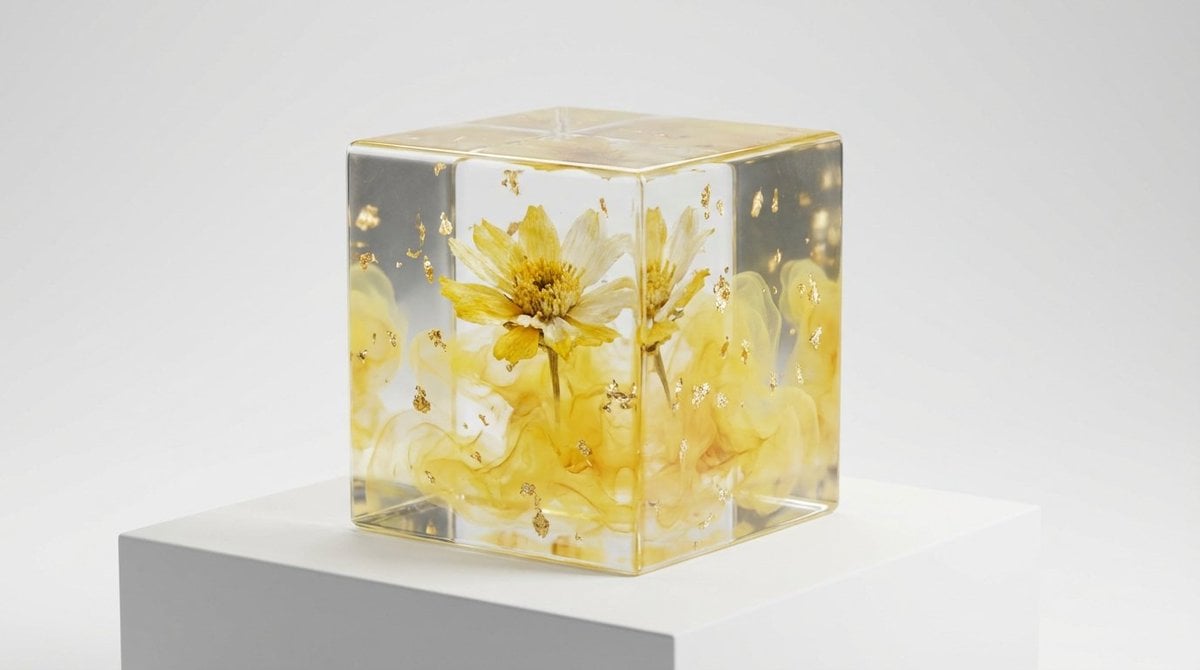
Epoxy Resin Art Cube Generation
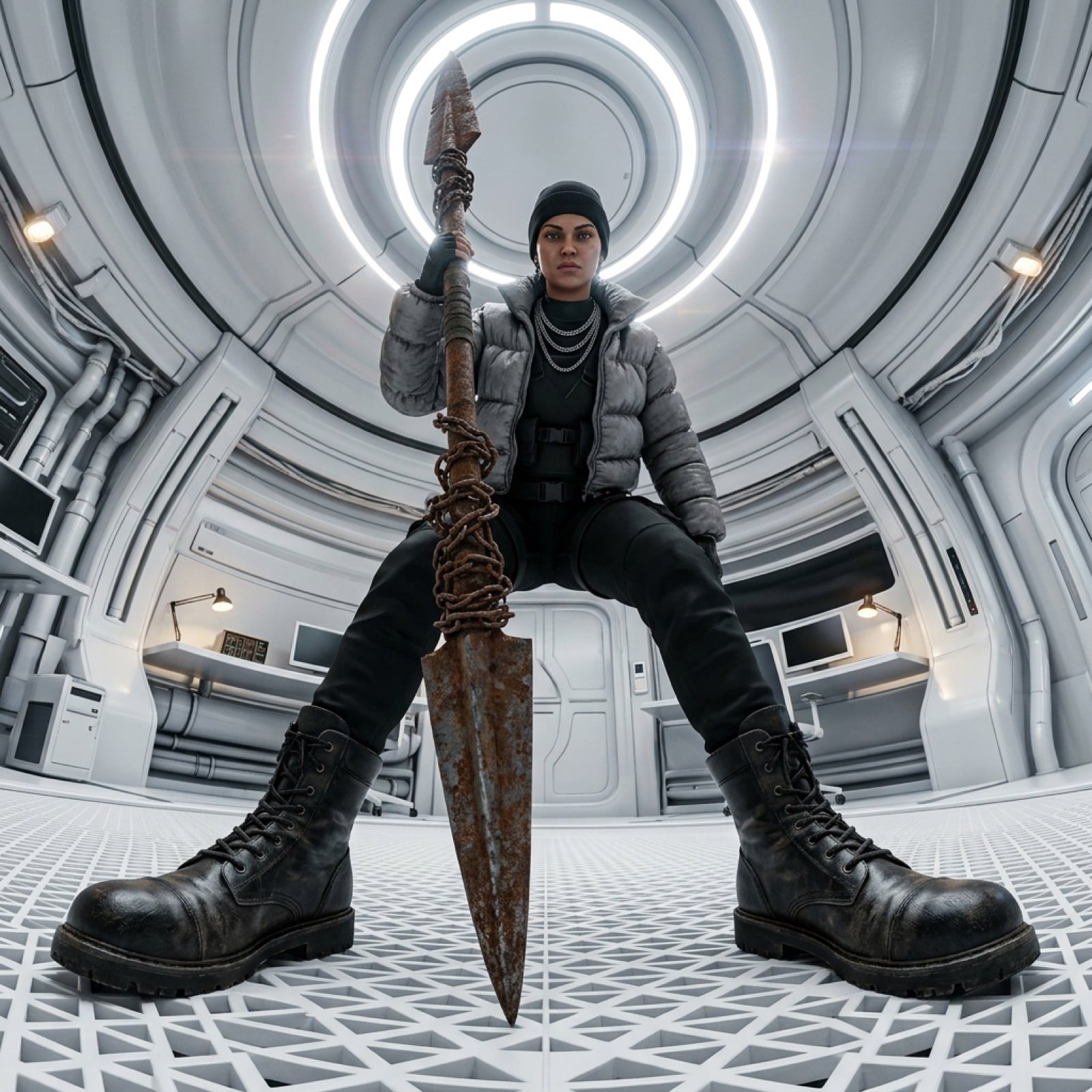
Cinematic 360-Degree Orbital Tracking Shot Video Prompt
Hyperrealistic Rainy City Portrait
Golden Hour Wildflower Meadow Portrait
Moody Night Window Reflection Selfie
Tokyo Night Travel Brand Mockup
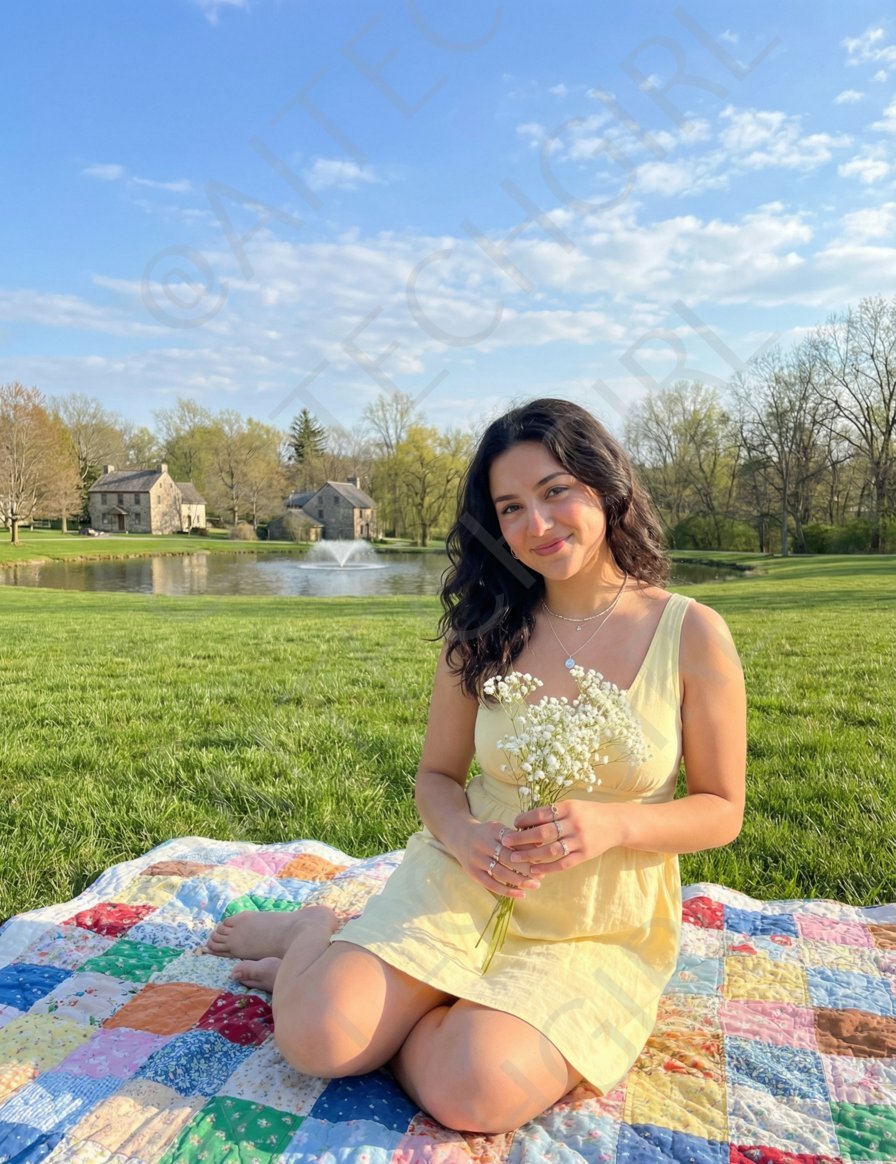
Nano Banana Pro Image Prompt for a Young Woman on a Picnic
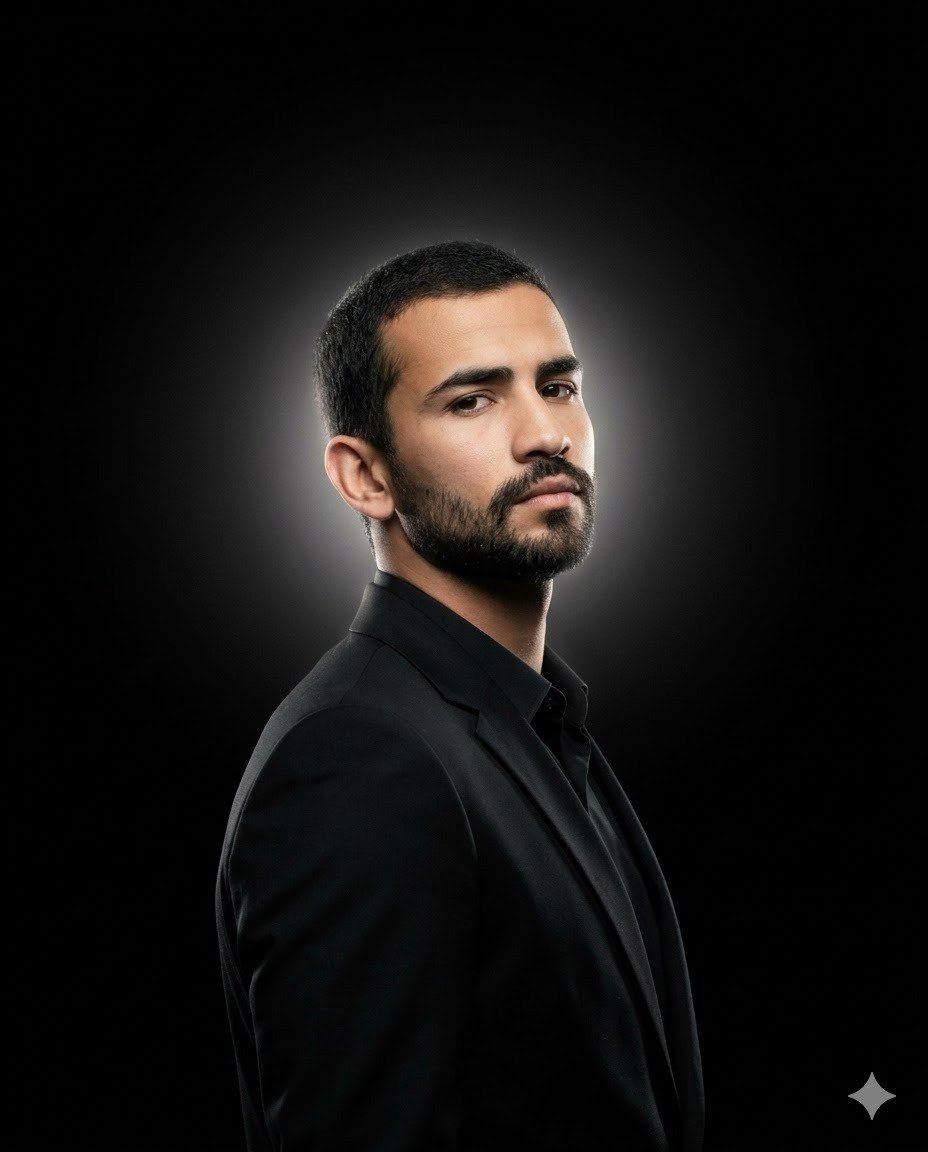
Minimalist Cinematic Fashion Editorial Studio Portrait
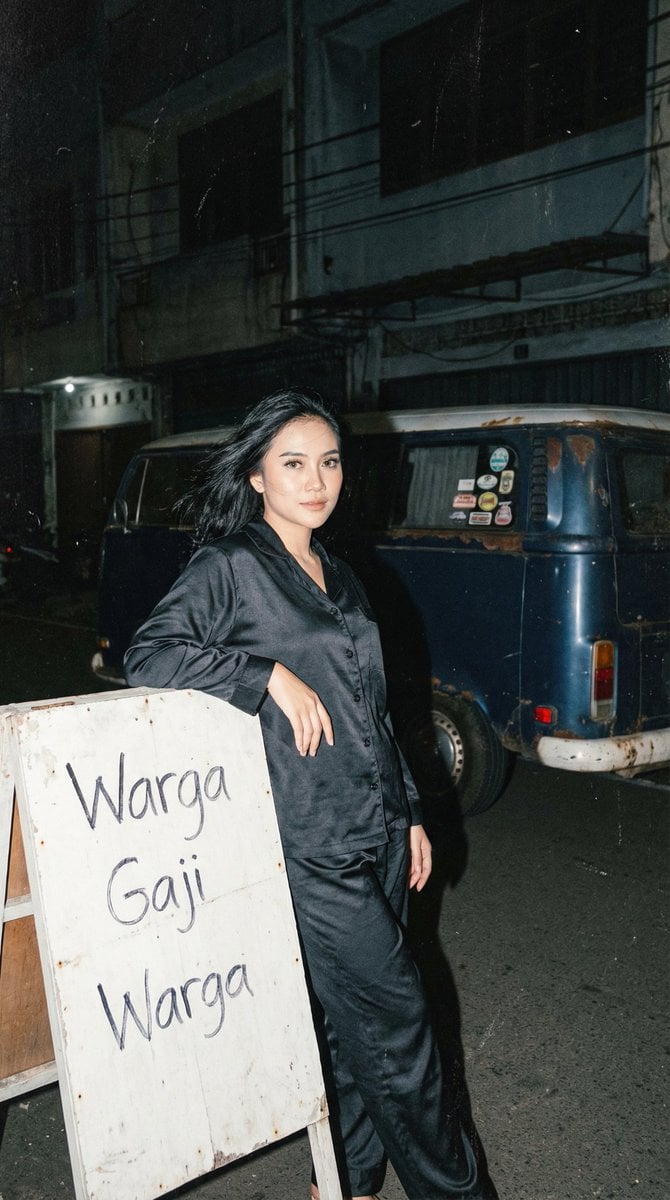
Analog 35mm Night Photography Portrait Prompt with VW Van
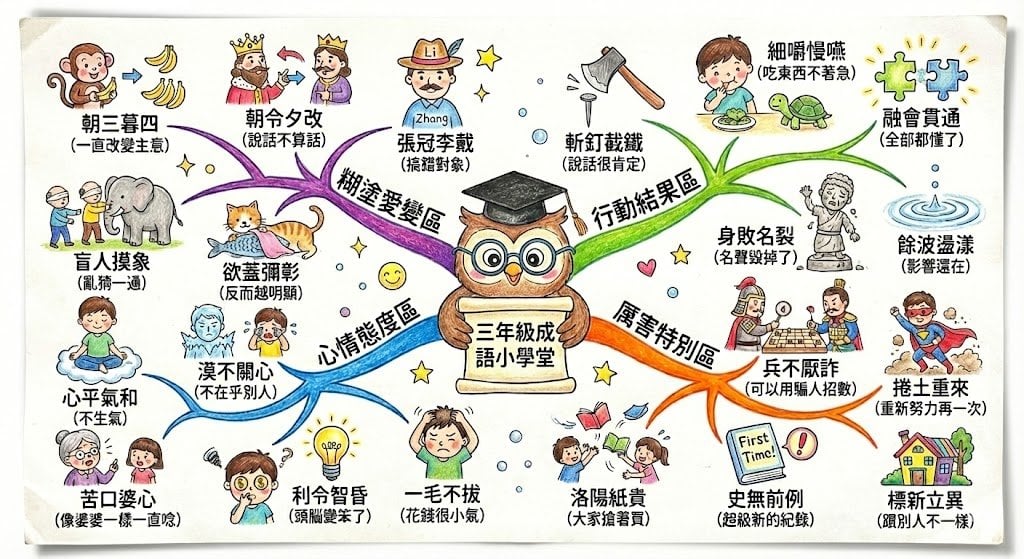
Hand-drawn mind map for explaining Chinese idioms
Browse template categories
Abyssal Dolphin Boss Transformation questions
How do I use the Abyssal Dolphin Boss Transformation template?
Add your photo if the template asks for one, edit the prompt if you like — the template's model and format are already selected — and press Generate. Your version opens in PicX Studio.
Can I customize the Abyssal Dolphin Boss Transformation template?
Yes. You can change the subject, setting, lighting, mood, format, and available model controls before creating your image.
Is the Abyssal Dolphin Boss Transformation template free?
Opening and editing this template is free. Generating uses credits, shown on the Generate button when you are signed in.
Which AI model should I use?
Start with GPT Image 2, which is the model associated with this template. You can compare another compatible model for a different finish.
Looking for something else? Browse all templates.

Your photo, any look
Thousands of ready templates for every top image and video model, from one credit balance.